Customer Ratings & Reviews









- Model:
- OJ Pro 8135e /40Q35A#B1H
- SKU:
- 6565476
Rating by feature
- Value
Rating 4.4 out of 5 stars
- Quality
Rating 4.3 out of 5 stars
- Ease of Use
Rating 4.2 out of 5 stars
Customers are saying
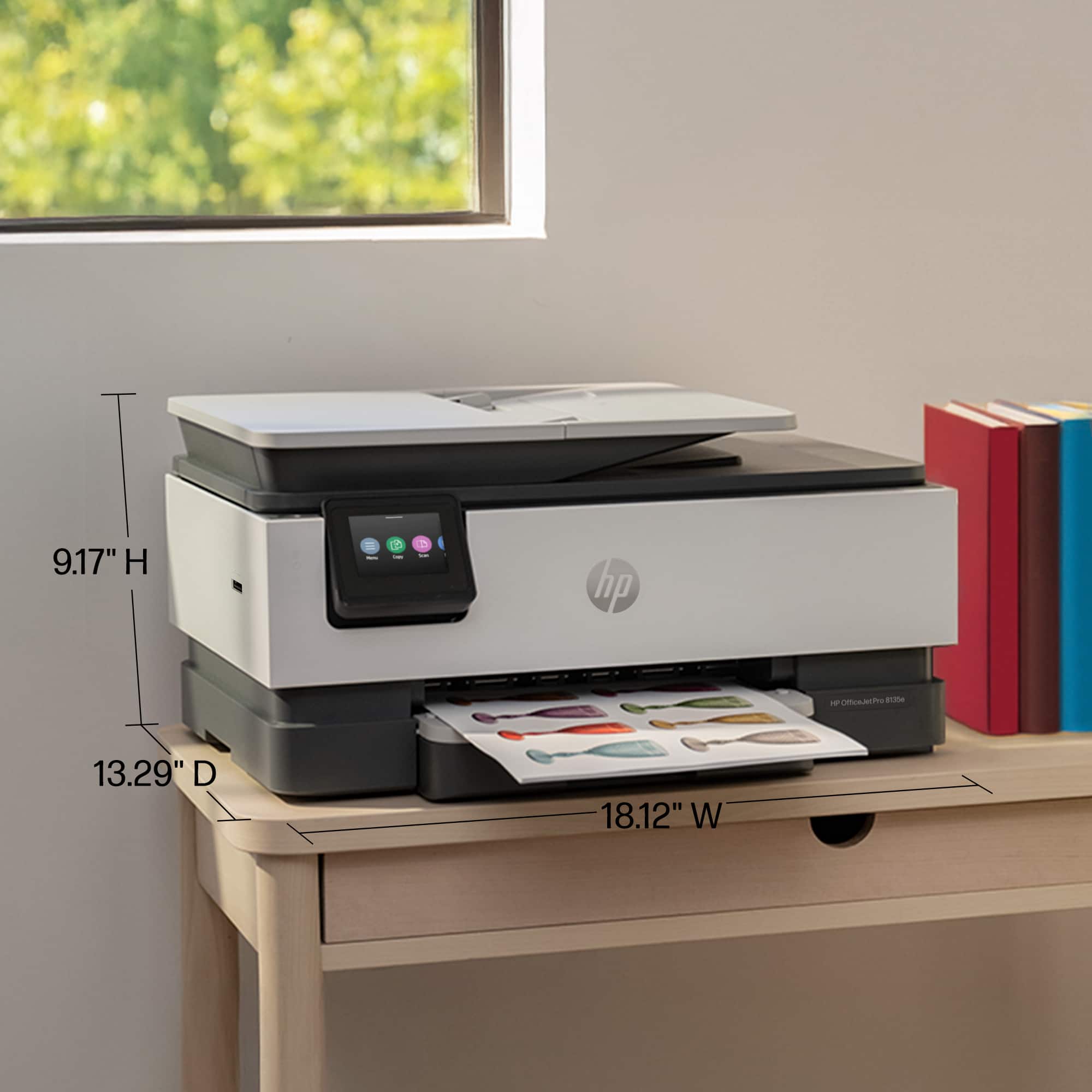
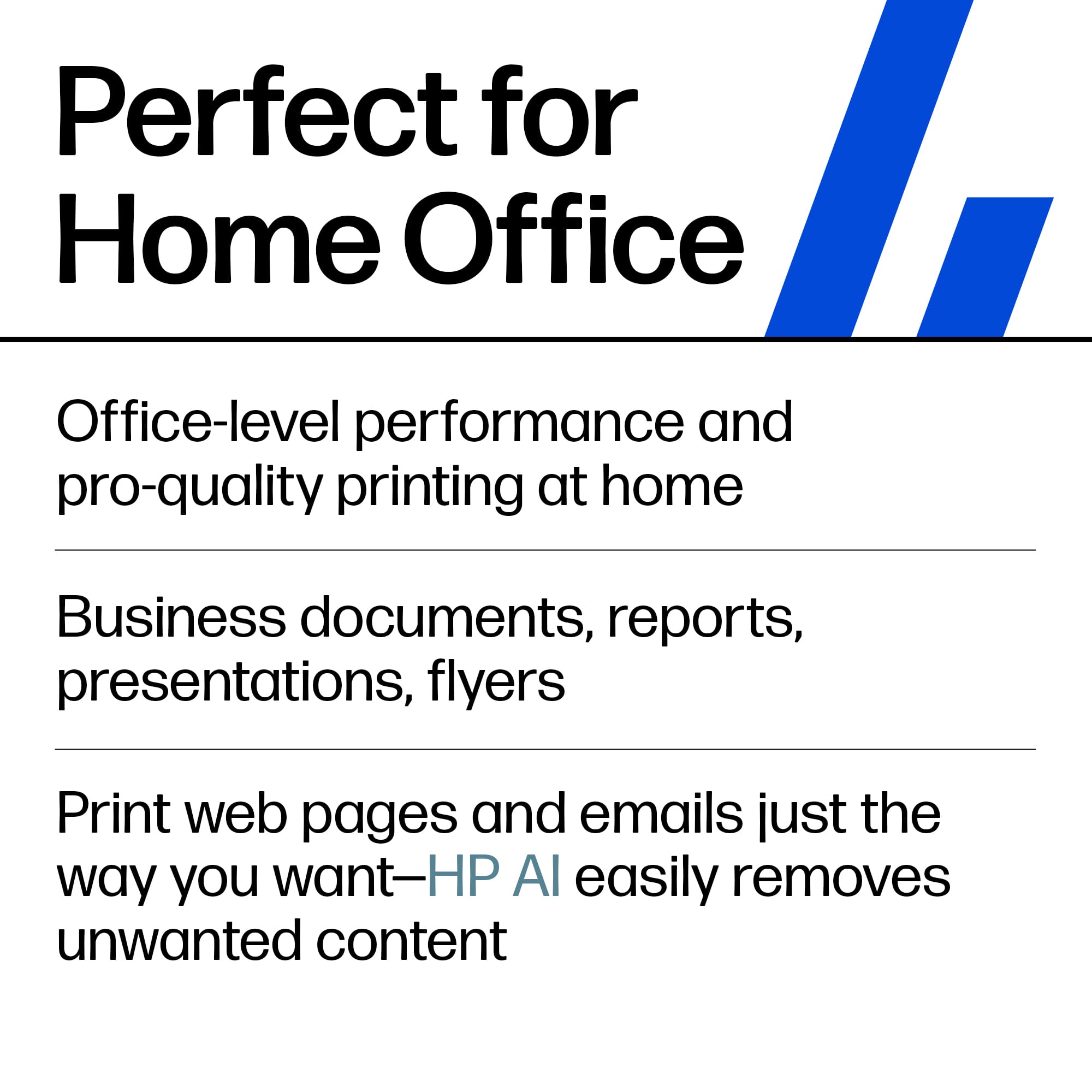
Customers enjoy the OfficeJet Pro 8135e for its excellent print quality, ease of use, and overall performance. The setup process is generally considered simple, and the printer's size and quiet operation are appreciated. However, some customers have reported issues with connectivity and the printer software.
This summary was generated by AI based on customer reviews.
No Title
||Posted . Owned for 3 weeks when reviewed.This reviewer received promo considerations or sweepstakes entry for writing a review.This printer does not do scan to e-mail, which I was very very unhappy
No, I would not recommend this to a friendBrand response from HP Team
Posted .Hi JamieG,
Apologies for the bad experience.
We'll like to help. The printer does support Scan to Email. This resource shows exactly how to setup and use Scan to Email:
https://www.youtube.com/watch?v=zSixRVsmoY8
For more help resources on this printer:
https://www.youtube.com/playlist?list=PLUV0sXfF6zPj2L8vKWfVMlHOO8lHinzd_
Hope that helps!
Sincerely,
Teo
El Pharmacisto
||Posted . Owned for 2 weeks when reviewed.This reviewer received promo considerations or sweepstakes entry for writing a review.Haven't been able to get the driver to work yet, so not sure if I like it or not.
No, I would not recommend this to a friendprinter fail
||Posted . Owned for 3 weeks when reviewed.This reviewer received promo considerations or sweepstakes entry for writing a review.Worked well for 2 weeks, then stopped connecting to my computer.
No, I would not recommend this to a friendno a good printer
||Posted . Owned for 1 month when reviewed.This reviewer received promo considerations or sweepstakes entry for writing a review.worse printer i ever bought hp could not set it up
No, I would not recommend this to a friendHP 8135e
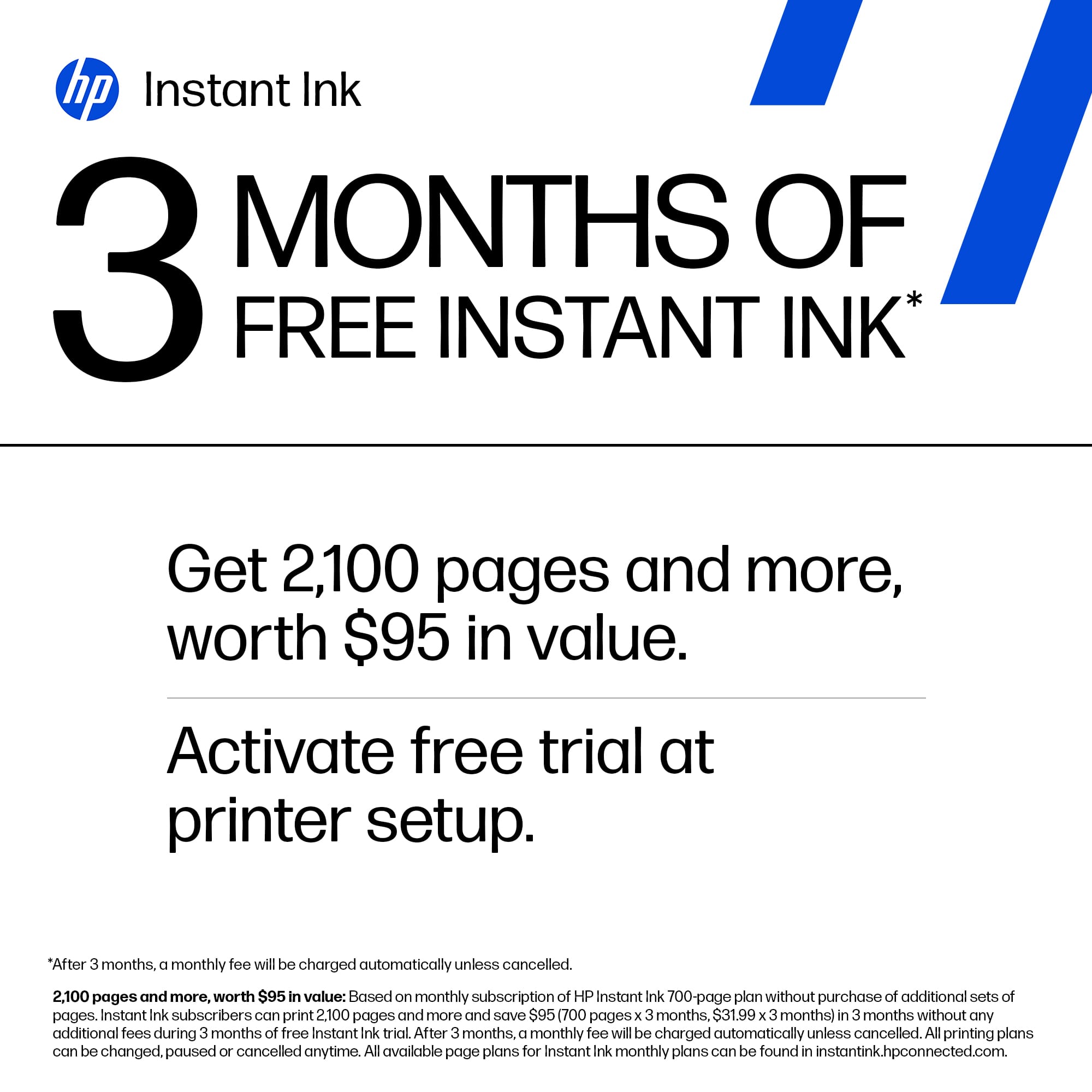
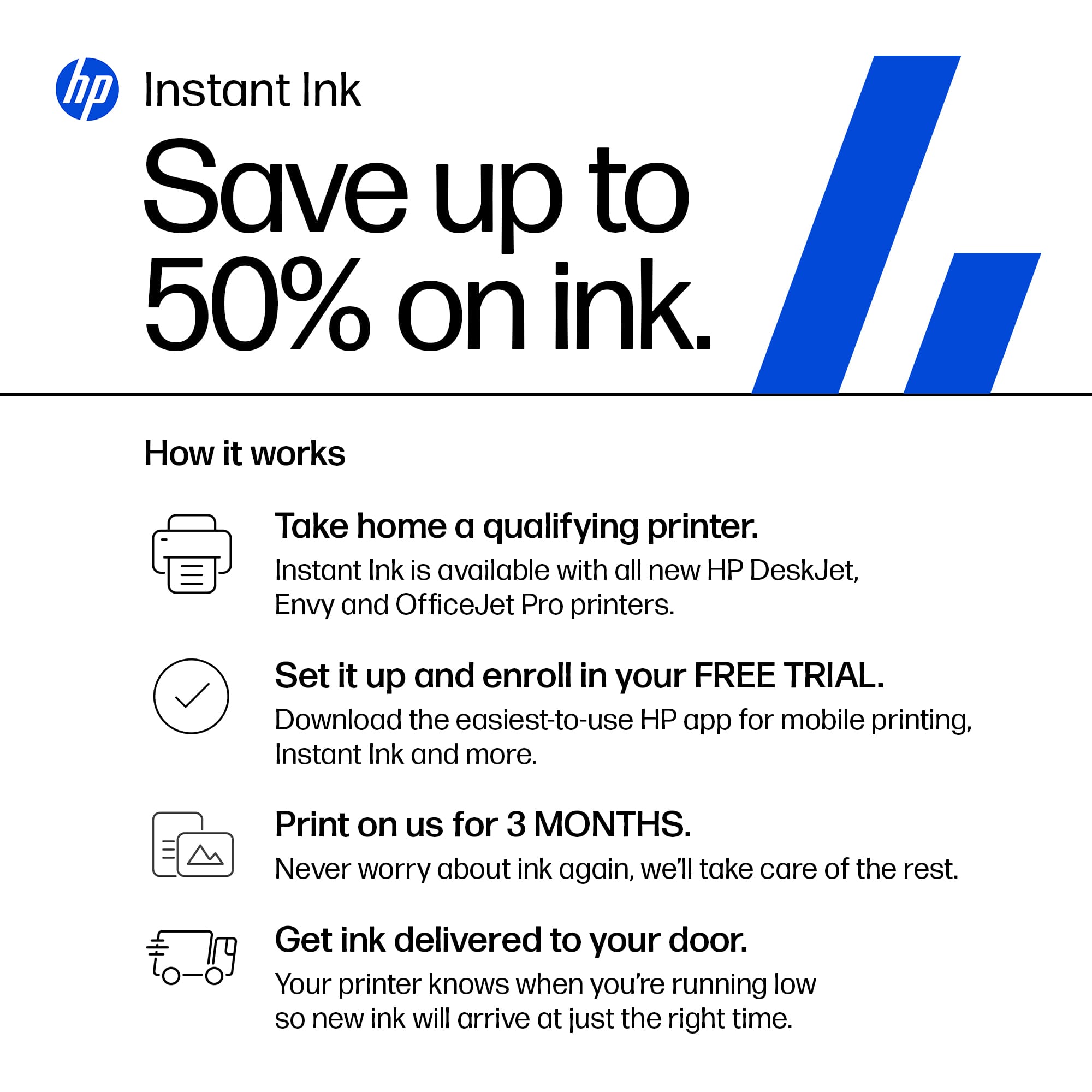
||Posted . Owned for 1 month when reviewed.This reviewer received promo considerations or sweepstakes entry for writing a review.extremely disappointed, the ADF only works sometimes, once it goes to sleep I have to unplug it for a few seconds to get it to come back on also I think it is a gimmick when they 3 months of free ink but nothing tells you how to get the free ink
No, I would not recommend this to a friendDo Not Buy!
||Posted . Owned for 5 months when reviewed.This reviewer received promo considerations or sweepstakes entry for writing a review.I've had this printer for 4 months now, biggest hunk of junk. Once I hit the print button, you can hear it moving back and forth for at least 5 minutes, sometimes it prints, sometimes it does not. Sometimes it prints in color, sometimes it does not, yes I hit the color tab but still no color. Try printing from my phone, i select the printer for the picture, then the wheel spins, then tells me no printer selected.
No, I would not recommend this to a friendLoser
||Posted . Owned for 1 month when reviewed.This reviewer received promo considerations or sweepstakes entry for writing a review.I can’t get it to work and if I can it is slow . I am very sorry I purchased this
No, I would not recommend this to a friendPathetically cheap printers
||Posted . Owned for 5 months when reviewed.This reviewer received promo considerations or sweepstakes entry for writing a review.I've owned many HP Printers and they just keep going backwards on quality. Once they where the Mercedes of printers. Now.... sub par greed driven plastic made junk! Keep it up guys...... I can see the cost accounts saying we can make it cheaper and rob are dwindling customers on Ink Cartridges! Keep it up guys!
No, I would not recommend this to a friendNever Again
||Posted . Owned for 1 week when reviewed.This reviewer received promo considerations or sweepstakes entry for writing a review.Software just stopped during install I'm stuck in a Firmware question. Been chatting with support for some time but they have no idea and take forever to respond.
No, I would not recommend this to a friendDrop the Instant Ink program
||Posted . Owned for 1 month when reviewed.This reviewer received promo considerations or sweepstakes entry for writing a review.Instant Ink program appears to a mandatory service for the printer to function
I would recommend this to a friendOut of ink quickly
||Posted . Owned for 6 months when reviewed.This reviewer received promo considerations or sweepstakes entry for writing a review.Brought this printer and didn’t use it much the first three months. When I did use it I was out of in in two weeks. I’m not happen because I didn’t get the free refills. Not I have to go purchase ink and it is expensive. Go old school when purchasing.
No, I would not recommend this to a friendWhy won't it connect?
||Posted . Owned for 1 month when reviewed.This reviewer received promo considerations or sweepstakes entry for writing a review.I still can't get it connected to my laptop. Paid for Geek Squad to come to my house. He couldn't do it. Said there was something wrong with laptop. Told me to take it to store. Took it to store. Was told nothing was wrong with laptop. To bring in the printer AND my laptop to get it connected there. Huh? Isn't that why I paid for Geek home visit?
No, I would not recommend this to a friendHate this Printer
||Posted . Owned for 5 months when reviewed.This reviewer received promo considerations or sweepstakes entry for writing a review.Hate this printer. Takes forever to start up and once you do a print it wants to make you wait again to check stuff. As well as photo side printing colors are off. Seriously a purchase I regret.
No, I would not recommend this to a friendIts Not an eprimter anymore
||Posted . Owned for 1 week when reviewed.This reviewer received promo considerations or sweepstakes entry for writing a review.At forst ot was an eprinter meaning the printer had its own email address where you can send pdf files directly to the printer’s unique email address BUT NOW hpntook that feature away so i will be returning this printer. They made the uodate disabled that nice function. So now the printer is not that special anymore so it’s useless for what I bought it for.
No, I would not recommend this to a friendSETUP issues - DOES NOT WORK.
||Posted . Owned for 1 week when reviewed.This reviewer received promo considerations or sweepstakes entry for writing a review.Setup.. Continually getting an error and will not print. Stating to install setup cartridges - which are installed.. HP support is pointless and as usual BestBuy doesn't care - just doesn't want to deal with the return. Save yourself the time. This is the first HP I have bought. Will be the last :(
No, I would not recommend this to a friendCarriage Jam with printing multiple pages.
||Posted . Owned for 1 week when reviewed.This reviewer received promo considerations or sweepstakes entry for writing a review.Not even 15 days past my purchase date and this printer has a carriage jam because I wanted to print 20 pages at once. For the price, printing 20 pages should not be causing a jam that is hard to fix. Calling Best Buy to return or see if they can help fix but so far I've tried everything on my end.
No, I would not recommend this to a friendHP not so good
||Posted . Owned for 1 month when reviewed.This reviewer received promo considerations or sweepstakes entry for writing a review.It seems like this printer doesn't like to print more than half the time. I know I read reviews that it was slow, but this is ridiculous! I wish my Canon printer hadn’t stopped working.
No, I would not recommend this to a friendHo sucks.
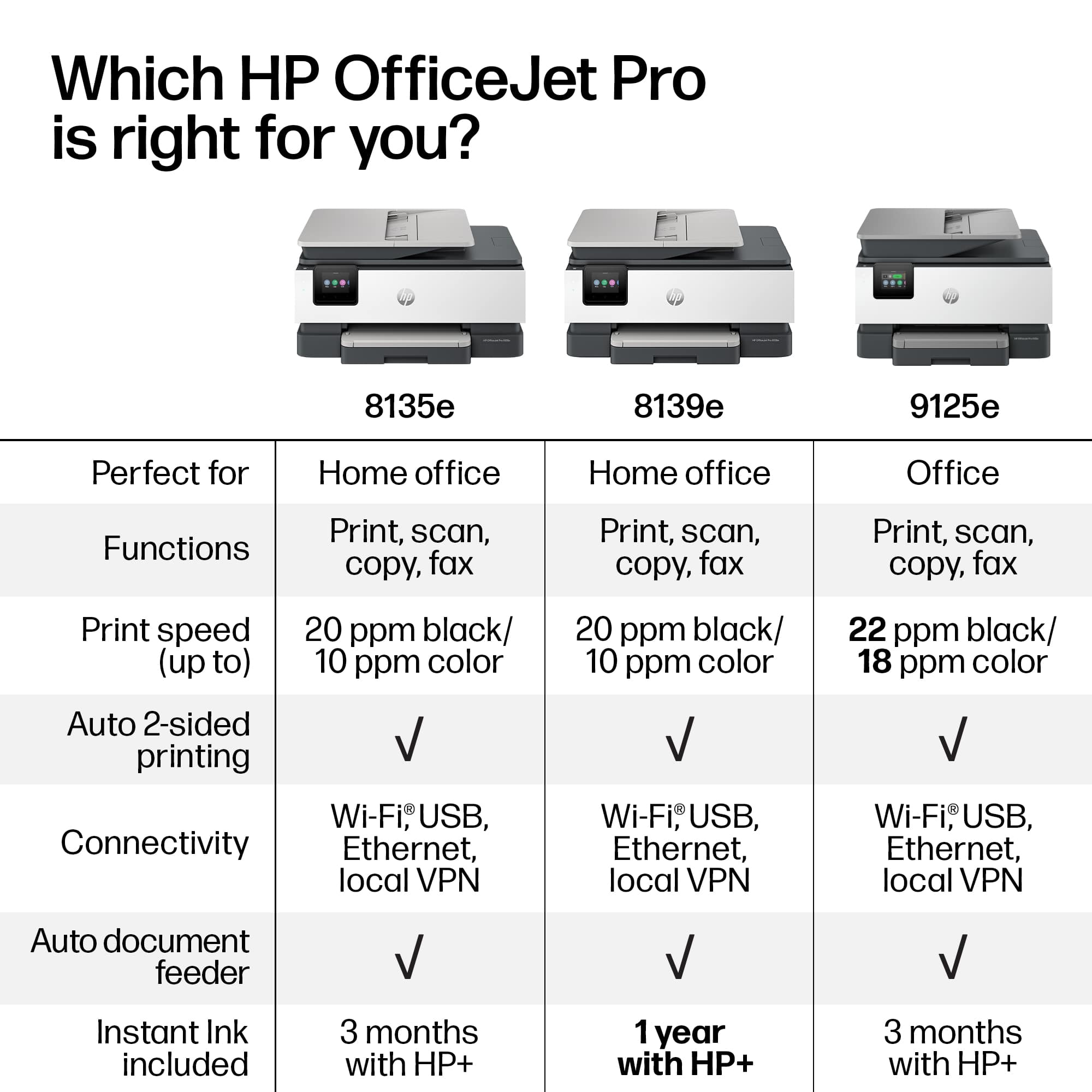
||Posted . Owned for 8 months when reviewed.This reviewer received promo considerations or sweepstakes entry for writing a review.The hp 9125 sucks. I have been on the phone with hp tech support 5 times .the printer will not print a picture or image 8x10 with out lines running through. I have had 3 printers sent to me and all seem to be No good.again today the new printer is doing the same thing .dont get this printer.
No, I would not recommend this to a friendPiece of junk
||Posted . Owned for 3 weeks when reviewed.This reviewer received promo considerations or sweepstakes entry for writing a review.each time I reset this printer I cannot get it to print. HP is unable to permanently fix it. Once I use it or turn it off, it's finished.
No, I would not recommend this to a friendHP printer a hugh let down.
||Posted .This reviewer received promo considerations or sweepstakes entry for writing a review.Purchased an Office Jet Pro 8130e, a similar product. Over a six-month period never worked properly. I spent 40 hours on it. I engaged two different support groups, but problems got worse. HP lost a customer.
No, I would not recommend this to a friend















