Customer Ratings & Reviews
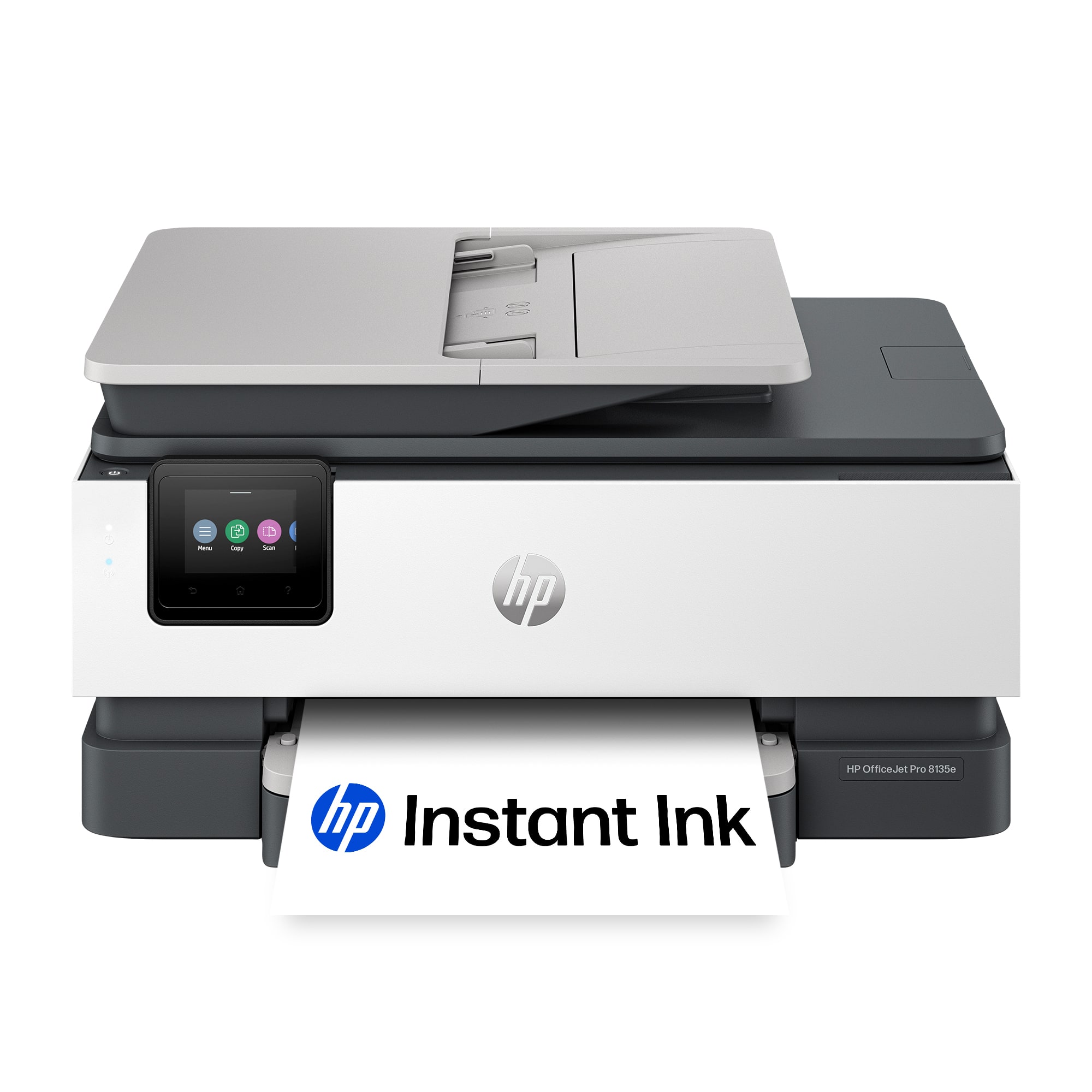
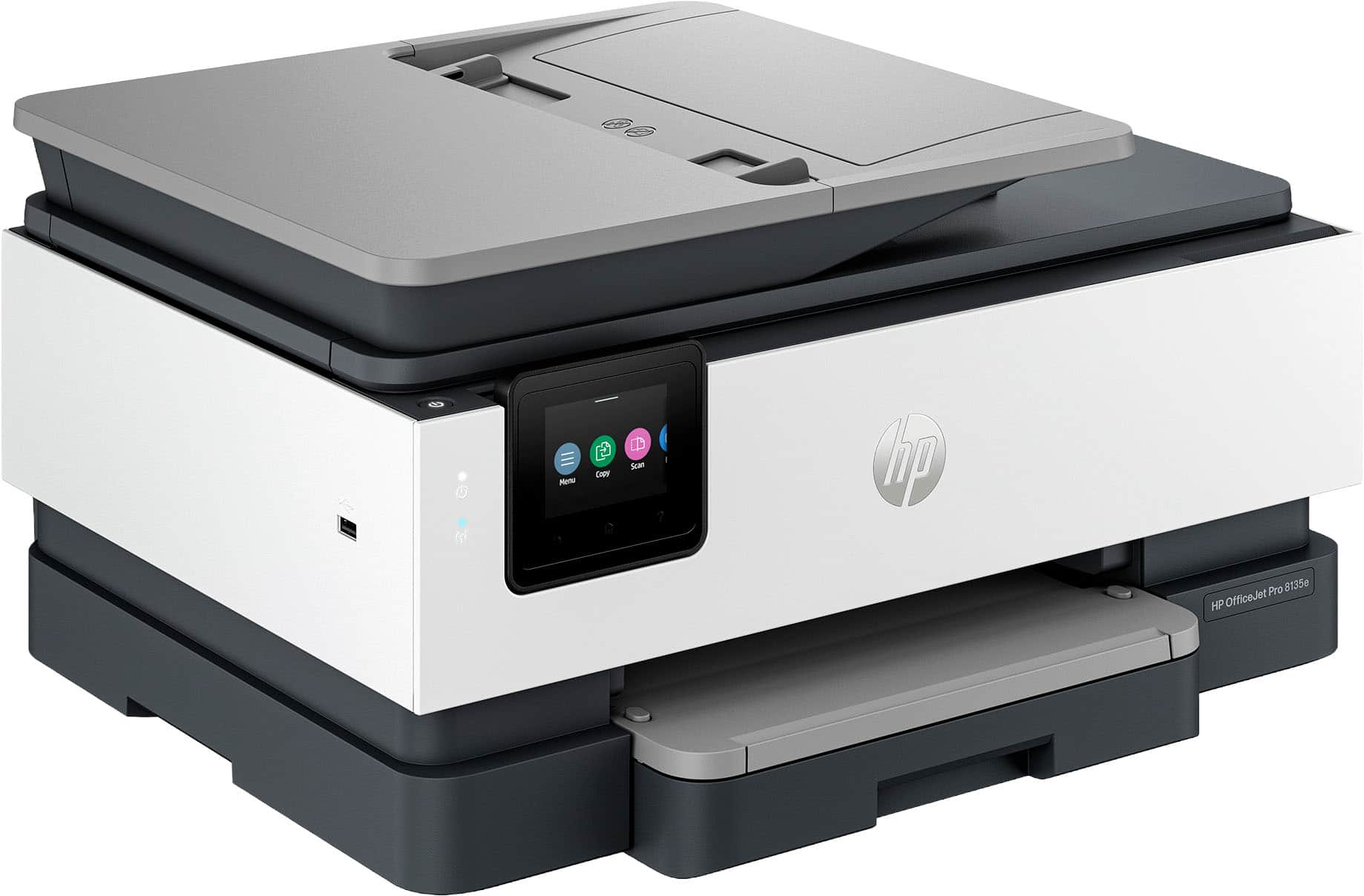






- Model:
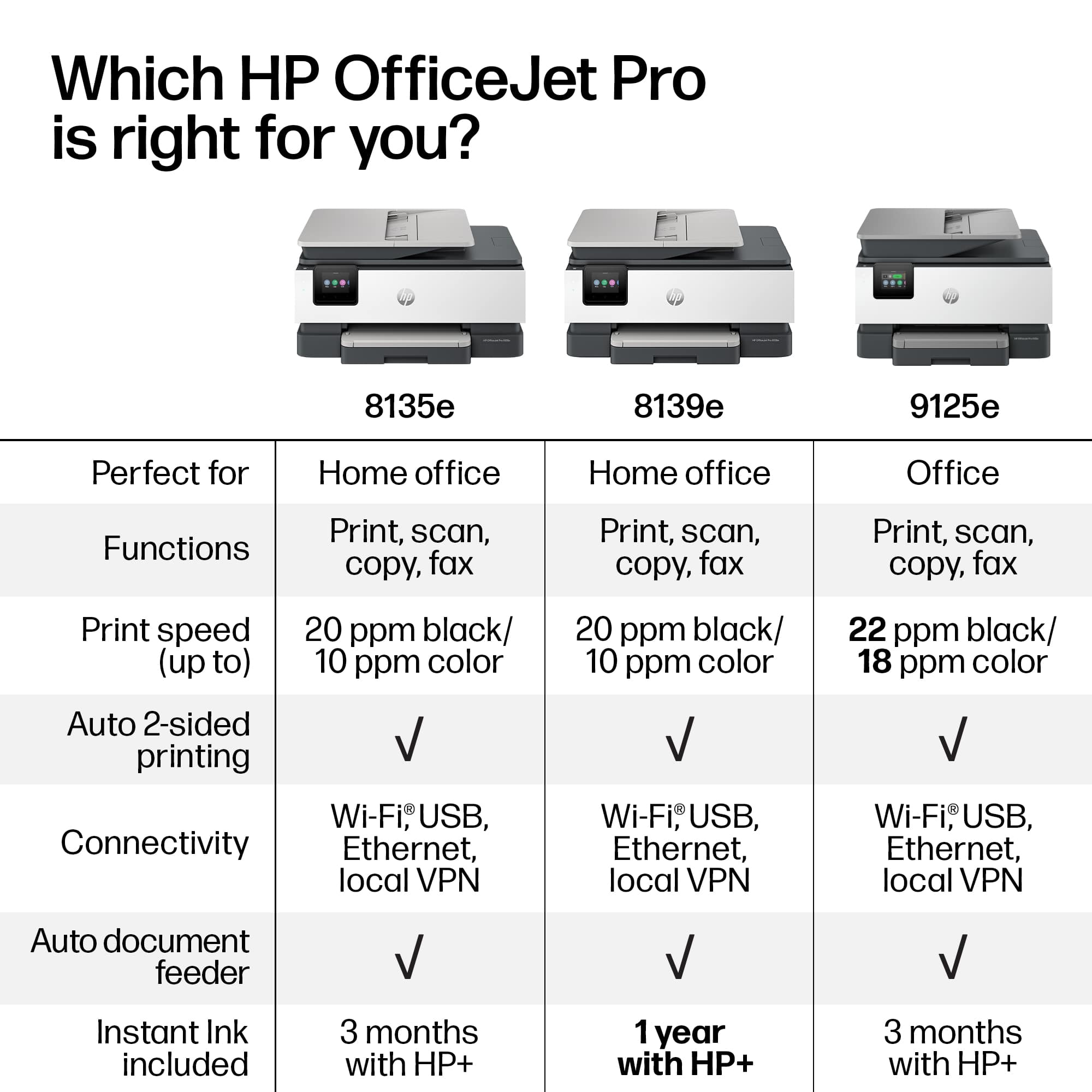
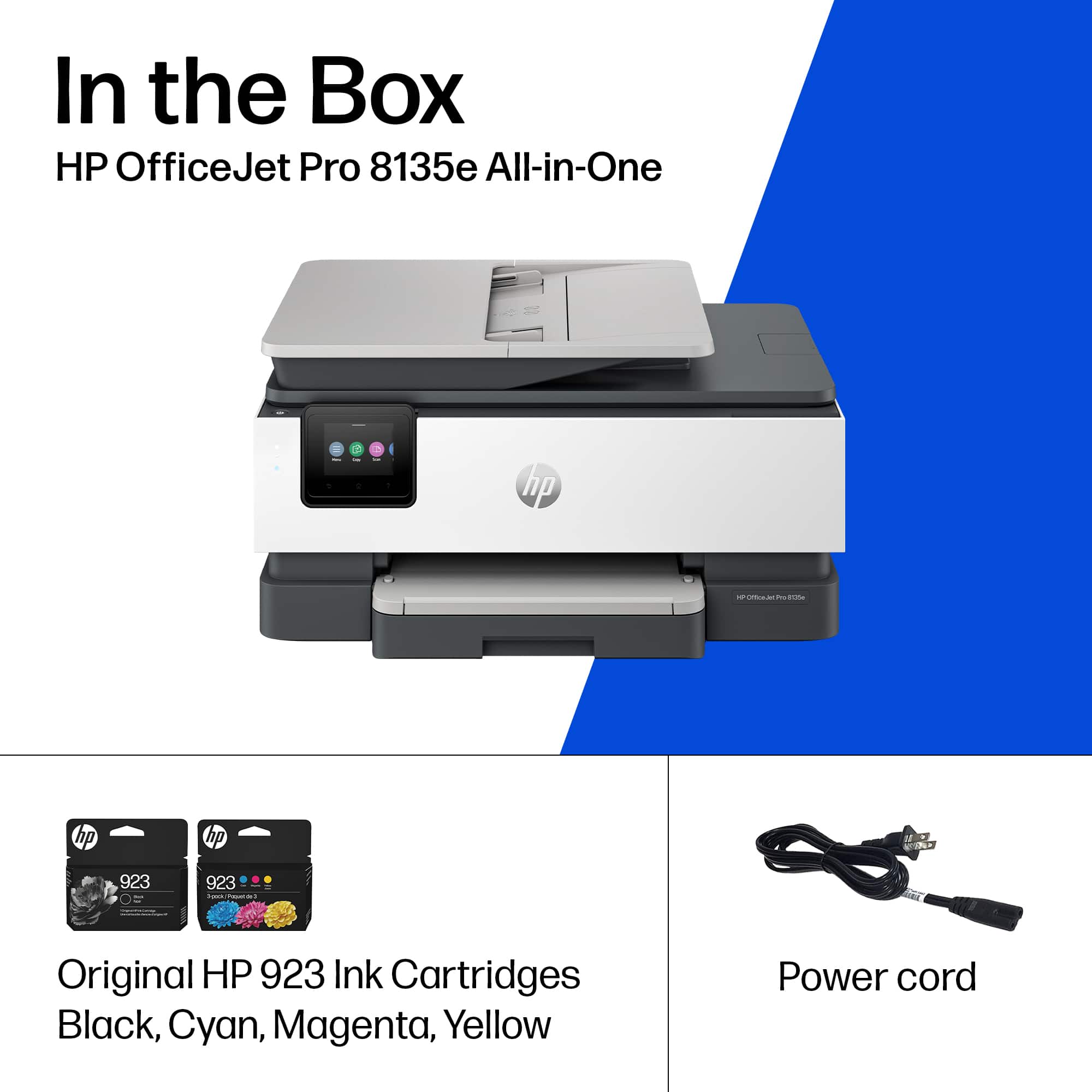
- OJ Pro 8135e /40Q35A#B1H
- SKU:
- 10735625
Rating by feature
- Value
Rating 4.3 out of 5 stars
- Quality
Rating 4.3 out of 5 stars
- Ease of Use
Rating 4.2 out of 5 stars
- Pros mentioned:Print quality, Setup
Would recommend
||Posted . Owned for 1 week when reviewed.This reviewer received promo considerations or sweepstakes entry for writing a review.Very good value for the money, easy to set up print quality very good
I would recommend this to a friend - Pros mentioned:Overall performance
mr. Don
||Posted . Owned for 3 weeks when reviewed.This reviewer received promo considerations or sweepstakes entry for writing a review.This unit works very well for all the reports we print from home.
I would recommend this to a friend - Pros mentioned:Print quality
Printer
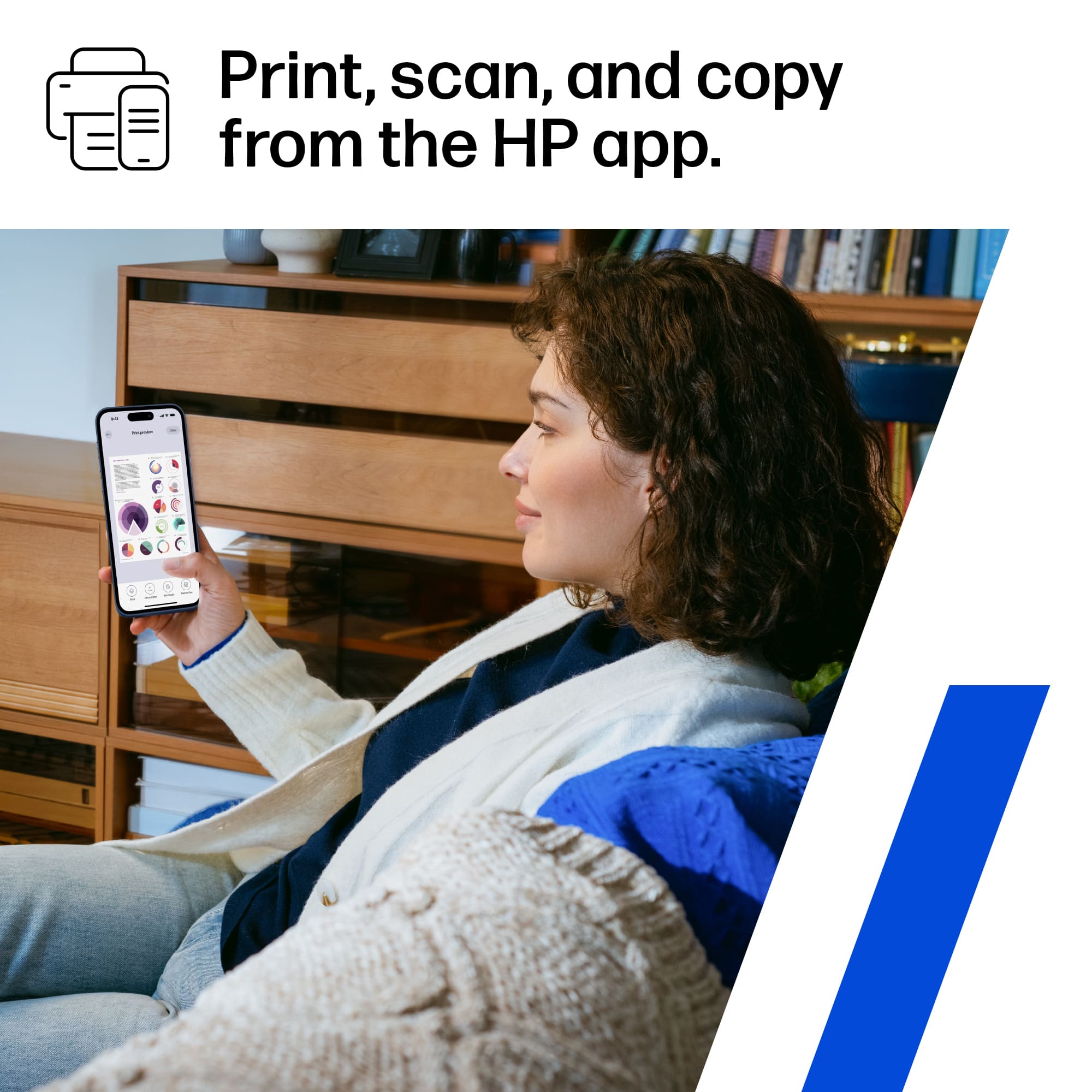
||Posted .This reviewer received promo considerations or sweepstakes entry for writing a review.Fast great printer. Easy to print frim phone or other devices. Came with plenty of ink. Way faster than my cannon printer.
I would recommend this to a friend - Pros mentioned:Overall performance
HP Pinter
||Posted . Owned for 3 weeks when reviewed.This reviewer received promo considerations or sweepstakes entry for writing a review.Great printer for my needs. Good selection in/store and in stock.
I would recommend this to a friend - Pros mentioned:Size
Amazing product
||Posted . Owned for 1 month when reviewed.This reviewer received promo considerations or sweepstakes entry for writing a review.Love it. It’s perfect and compact and it does what it’s supposed too
I would recommend this to a friend - Pros mentioned:Print quality
Fast, good print quality!
||Posted . Owned for 1 month when reviewed.This reviewer received promo considerations or sweepstakes entry for writing a review.I occasionally print literature flyer and brochures this printer produces reasonable quality print at a good speed.
I would recommend this to a friend - Pros mentioned:Ease of use, Print quality
HP printer
||Posted . Owned for 1 month when reviewed.This reviewer received promo considerations or sweepstakes entry for writing a review.Ease of setting up and great quality for the price.
I would recommend this to a friend - Pros mentioned:Ease of use
HP OfficeJet Pro Printer 8135e
||Posted . Owned for 3 weeks when reviewed.This reviewer received promo considerations or sweepstakes entry for writing a review.Easy to setup and use. I would recommend this printer
I would recommend this to a friend - Pros mentioned:Print quality, Setup
HP printer review
||Posted . Owned for 3 weeks when reviewed.This reviewer received promo considerations or sweepstakes entry for writing a review.Great printer and easy to set up. Very good quality.
I would recommend this to a friend - Pros mentioned:Print quality
Decent printer
||Posted . Owned for 1 month when reviewed.This reviewer received promo considerations or sweepstakes entry for writing a review.This HP printer is good for home use. I bought to use to print tax returns at home for a small tax practice and it does the job but my previous HP 8620 was a lot better.
No, I would not recommend this to a friend - Pros mentioned:Overall performance, Print quality
HP IS BOSS
||Posted . Owned for 1 week when reviewed.This reviewer received promo considerations or sweepstakes entry for writing a review.works great without any interruption pri ter quality is also great
I would recommend this to a friend - Pros mentioned:Print quality
OfficeJet Pro 8135e Printer
||Posted . Owned for 1 month when reviewed.This reviewer received promo considerations or sweepstakes entry for writing a review.The printer is adequate. I find it prints a little on the slow side, but the printing itself is good. If you don't do huge amounts of printing and need it for a home office, it is fine.
No, I would not recommend this to a friend - Pros mentioned:Print quality
Tough to use at times, but not a bad printer
||Posted . Owned for 5 months when reviewed.This reviewer received promo considerations or sweepstakes entry for writing a review.The HP OfficeJet Pro 8135e excels in fast printing, efficient ink management, and is well-designed for heavy use. However, the setup process is frustrating, ink refills are pricey (up to $80), and it’s slow to start printing after being selected. A good choice for high-volume users, but not without its drawbacks.
I would recommend this to a friend - Pros mentioned:Ease of use, Print quality
HP Printer
||Posted . Owned for 1 week when reviewed.This reviewer received promo considerations or sweepstakes entry for writing a review.Easy to set up. Good print quality and color. Good Wi-Fi connection.
I would recommend this to a friend - Pros mentioned:Print quality
Fantastic
||Posted . Owned for 1 week when reviewed.This reviewer received promo considerations or sweepstakes entry for writing a review.Such a fantastic printer! It’s so fast and efficient!
I would recommend this to a friend - Cons mentioned:Connectivity
Printer
||Posted . Owned for 1 year when reviewed.This reviewer received promo considerations or sweepstakes entry for writing a review.Good pictures. But always having issues connecting with my computer. Seems to have to replace in cartridge quite often.
No, I would not recommend this to a friend - Pros mentioned:Setup
Great
||Posted . Owned for 3 weeks when reviewed.This reviewer received promo considerations or sweepstakes entry for writing a review.It’s exactly what I needed and was really easy to set up
I would recommend this to a friend 
To be continued...
|Posted .This reviewer received promo considerations or sweepstakes entry for writing a review.I could not use use printer because I got a "Printer Failure" message during the initial setup. I was able to choose the language, install the ink cartidges and load the paper in the tray. When it was time to align the cartidges, I got the following message: "Printer Failure - There is a problem with the printer or print system. Turn the printer Off, then On. If you continueto get this message, contact support."(See the attached photo). I did turn the printer off and on several times, but I kept getting the same printer failure message. I did call support and spent over an hour on the phone troubleshooting. I was unable to remove the ink cartidges because they inaccessible and no matter what we did they wouldn't move. Also, the navigation buttons did not appear or work, so there was no "home" or "return" buttons available. I will be receiving a replacement and I had to pay a one dollar "collateral fee". When I get the replacement printer, I will be able to finish this review...
No, I would not recommend this to a friend- Cons mentioned:Connectivity
New HP Printer
||Posted . Owned for 3 weeks when reviewed.This reviewer received promo considerations or sweepstakes entry for writing a review.Goes offline a lot and had to get HP customer service to reinstall a couple of times.
I would recommend this to a friend - Pros mentioned:Setup
Easy set up !
||Posted . Owned for 1 week when reviewed.This reviewer received promo considerations or sweepstakes entry for writing a review.It was easy to set up!!! It’s not as fast as my old, old printer. But, it’s working great! I’m sure with time I will live it even more, as it’s only been a few weeks
I would recommend this to a friend















