Customer Ratings & Reviews






- Model:
- OJ Pro 8135e /40Q35A#B1H
- SKU:
- 10735625
Rating by feature
- Value
Rating 4.3 out of 5 stars
- Quality
Rating 4.3 out of 5 stars
- Ease of Use
Rating 4.2 out of 5 stars
- Pros mentioned:Print quality

Basic All-In-One But Not Home Office Ready
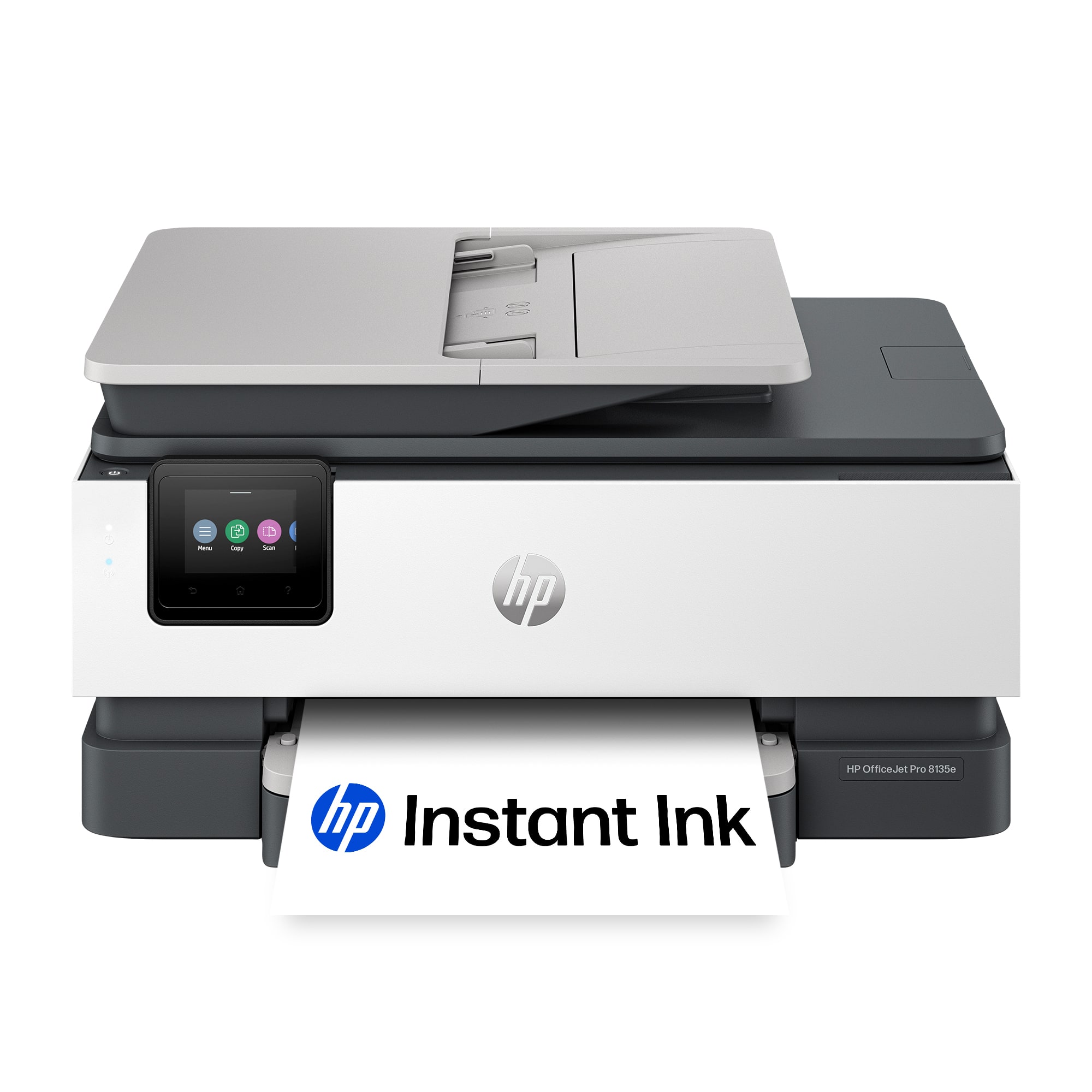
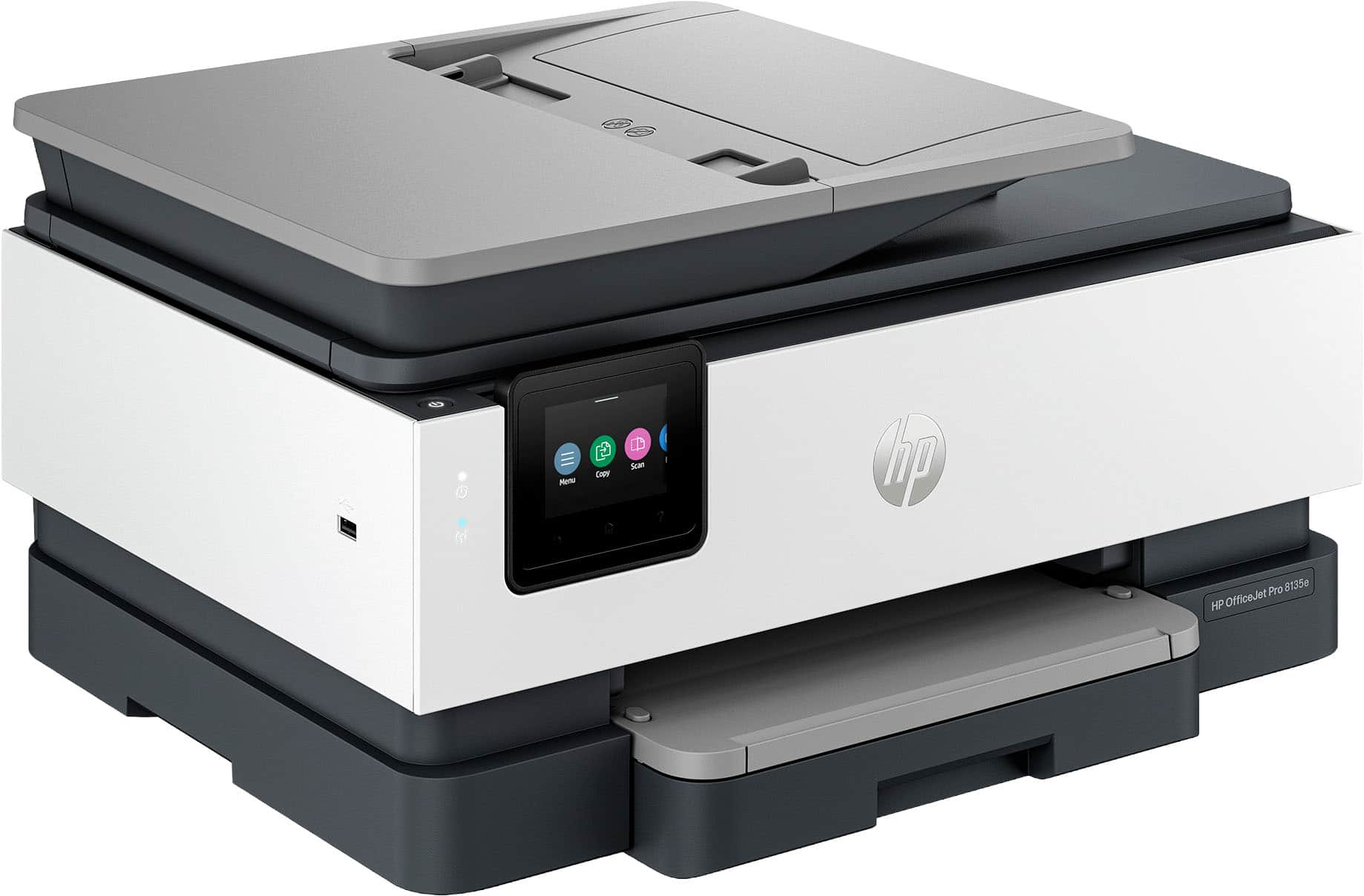
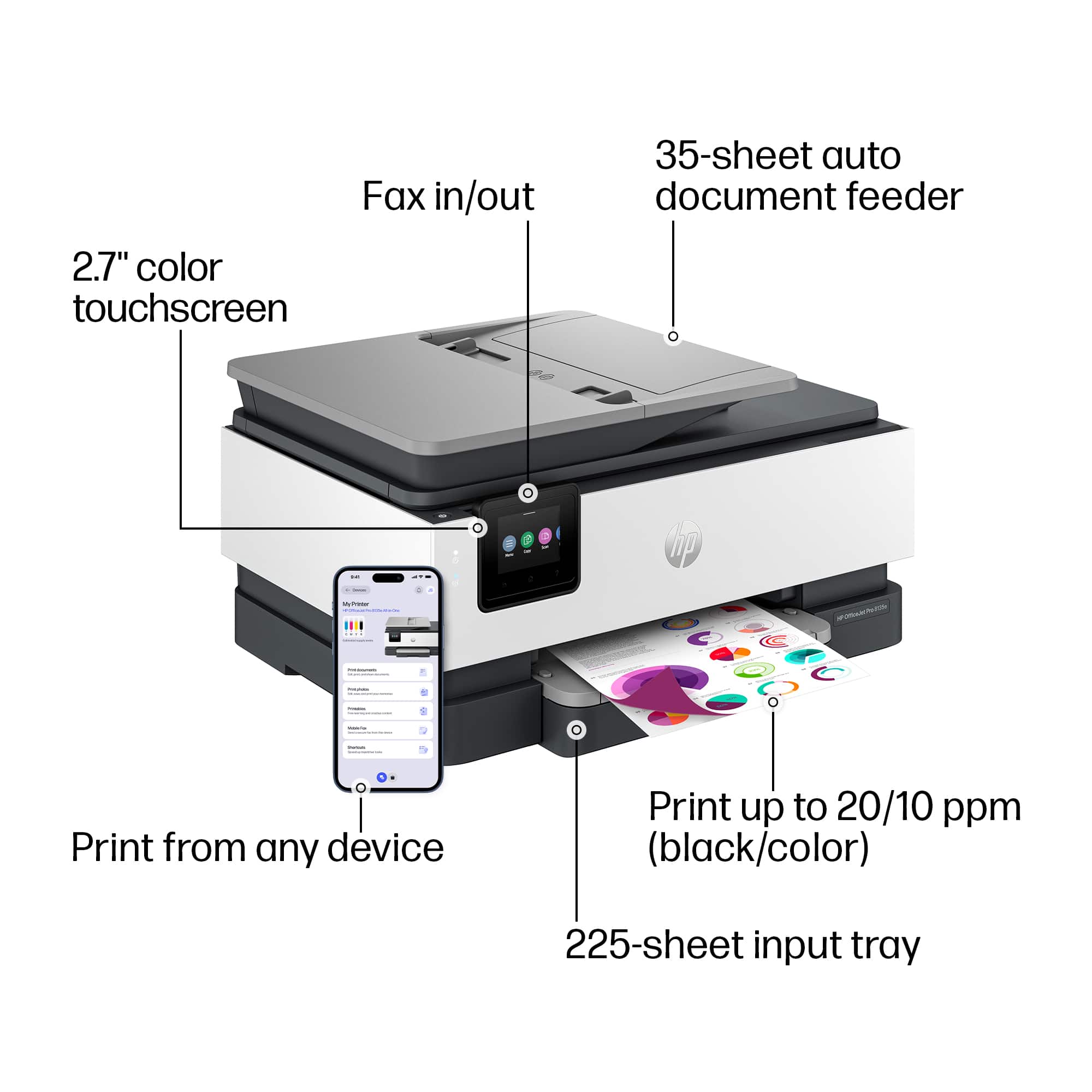
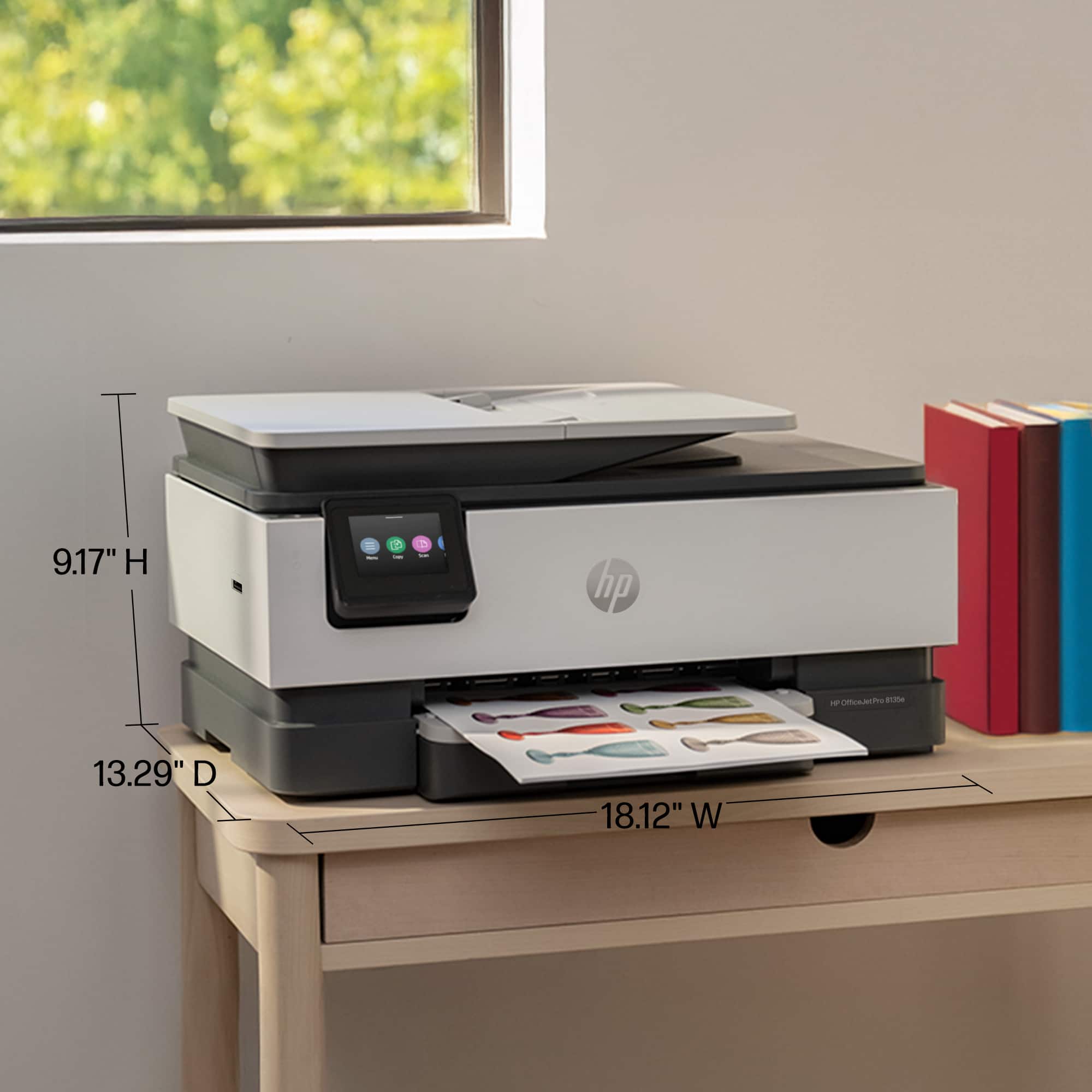
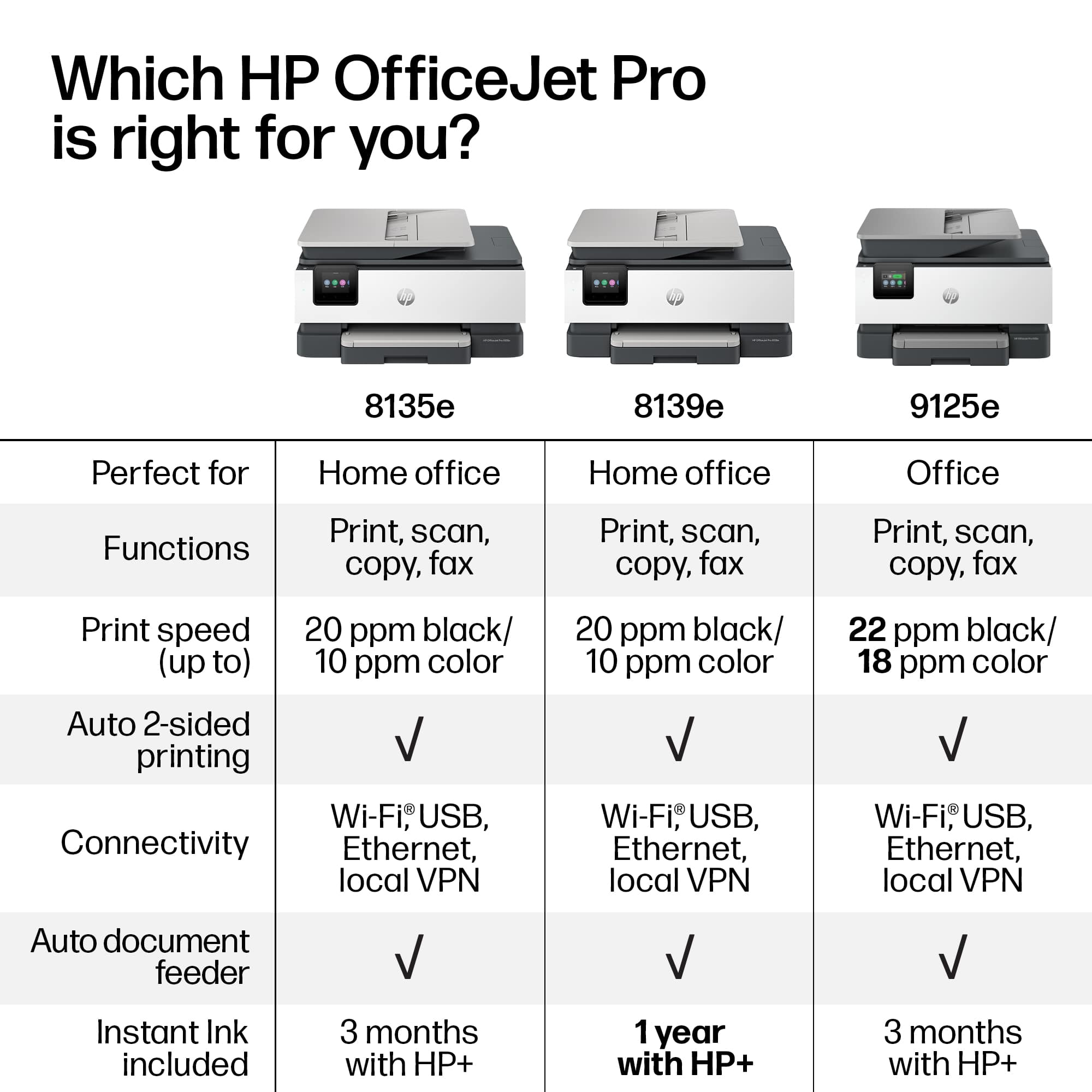
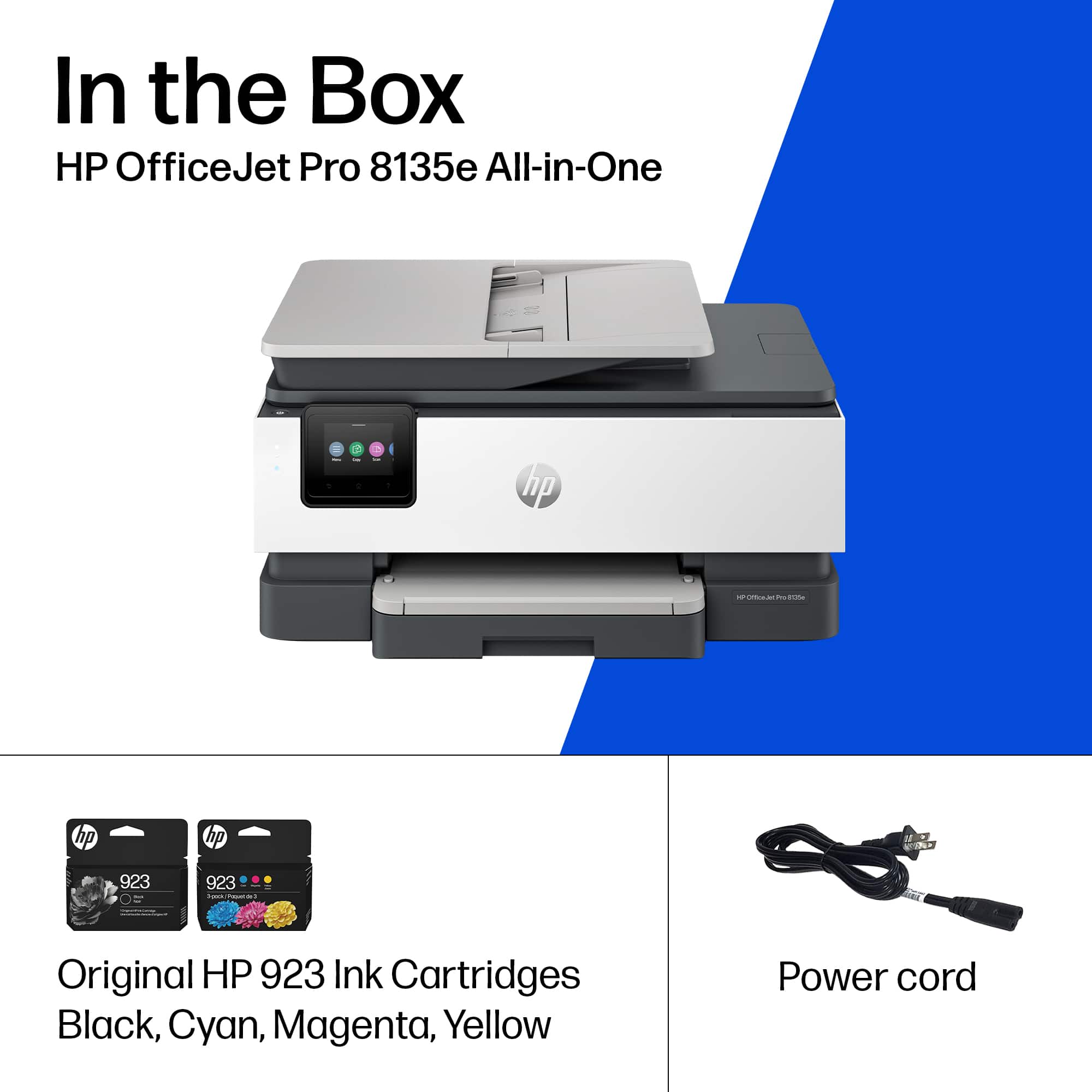
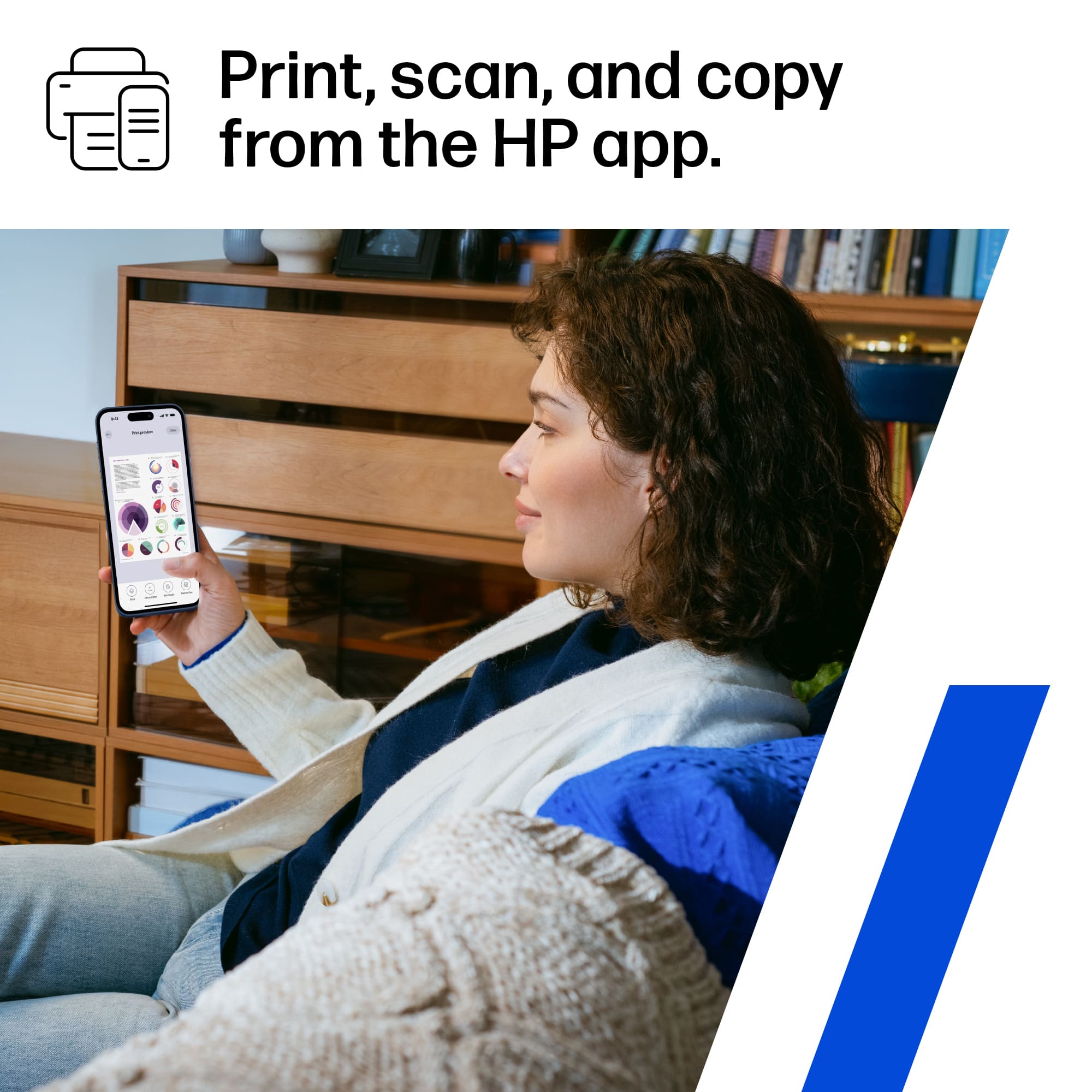
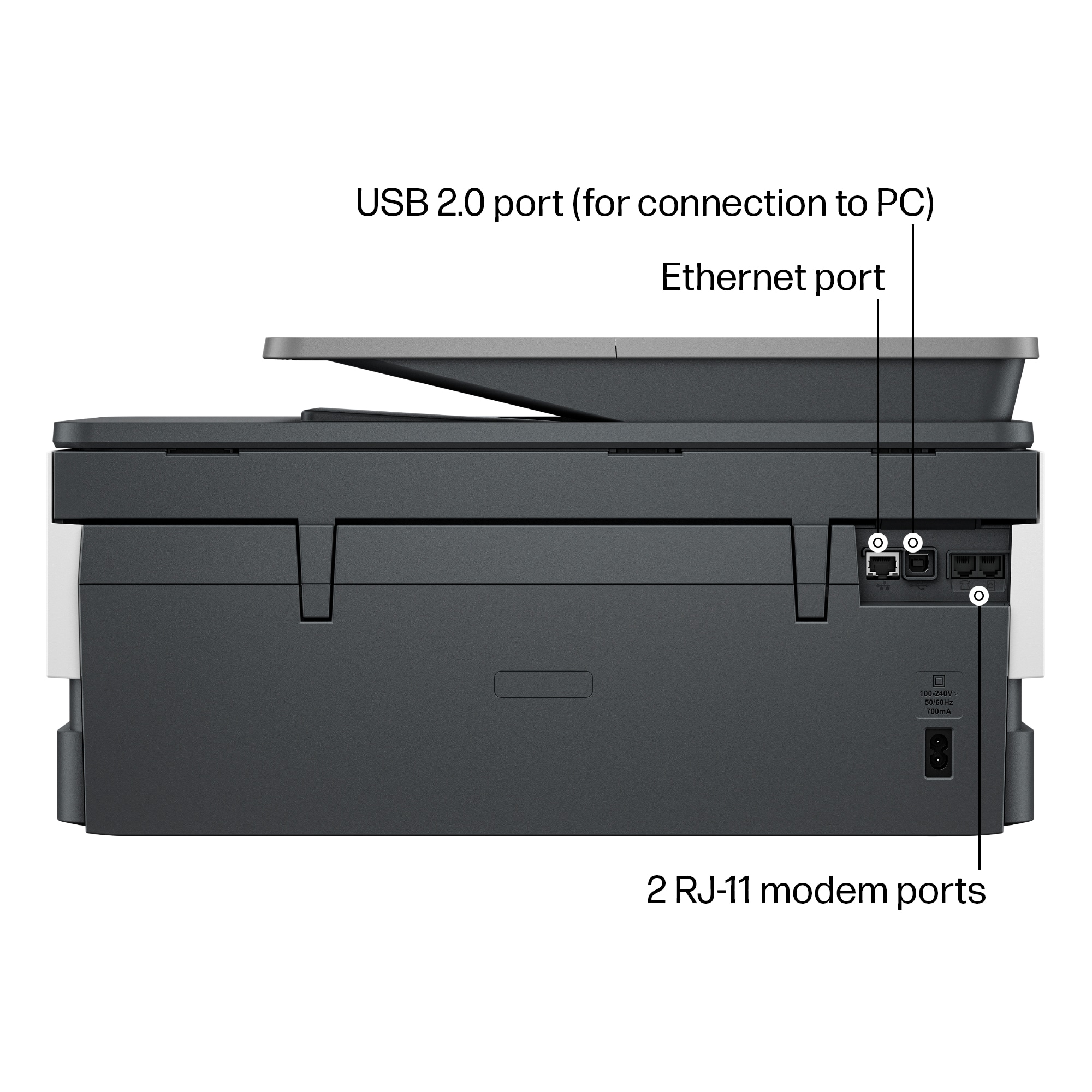
|Posted .This reviewer received promo considerations or sweepstakes entry for writing a review.The HP OfficeJet Pro 8135e is a compact all-in-one inkjet printer in the usual black and grey color scheme from HP. This does black/white and color duplex printing, scanning/copying from a document feeder or manually from the scanner glass, and can print to a variety of paper types like cards and envelopes in additional to normal letter/A4 paper. The paper tray holds just under half a ream of paper so the normal amount for a home office setup. Inputs include the typical ethernet, USB, and WiFi but this printer also has RJ11 for fax! Unfortunately, I did not test that functionality for this review. As usual, the first steps are getting everything setup and configured. You'll unpack the printer, remove the protective tape and plastic film (scanner glass and touch screen), then power on the printer and at least set language and country on the touch screen. After that paper and ink cartridges. The ink goes on the right side of the printer behind the white panel right of the touchscreen. You pull down the white panel then lift the scanner cover. There's helpful pictorial guides making it obvious where the ink goes. Setup is also guided by the touch screen BTW which I assume happens just on brand new printers when first configured. Finally, you'd be prompted to go through a printer alignment where you'd print a page that then gets scanned on the flat bed scanner glass. I guess it works well enough - the things I printed didn't seem to have any issues so I'm guessing the alignment algorithm is able to compensate for the user potentially placing the paper not perfectly aligned in the scanner. For me, the next thing was to test printing via ethernet and wifi. Both of those worked with wifi needing setup via the touch screen - ethernet was just plug and play. While the screen looks slightly small, it was pretty easy to use to enter the wifi password without errors. Print quality was okay to pretty good. For a black/white document that's mostly text, it's pretty good. If you have a lot of images, you'd start to notice some striations going across the page at regular intervals. Upping the print quality from standard made this go away at the expense of slower prints. With color, pretty much you'd want to always use high quality. Another unchanged issue was the paper needing extra time to dry if the print is particularly dense. Relatively sparse things like a normal text document are ok. A full page photo or image results in what seems like a damp print. You'd want to be especially careful if you anything else coming out as a second print or page to help ensure they don't stick together or smear. The print speed is slow for what I've seen on some other home/office printers. This drops it in my estimation to more like college dorm printer especially since it seems to need to buffer even the simplest documents over wifi. So getting good speeds would mean needing to be connected either by ethernet or USB. While the printer can scan to USB, the USB input is just the bulky USB B so you're not plugging in a flash drive to scan to. So for that purpose, I'd strongly suggest the HP app. It's pretty easy and scans to your phone. While my ideal would be something that could automatically feed free form stuff like grocery store receipts and scan that, using the flat bed is generally faster when I have more than 5-6 things to scan versus just using a standalone scanning app on my phone. Scan quality is very good. It's funny, it may struggle to copy a really detailed image even though it's scan is practically perfect. For me, this printer rates 3 stars. It does the basic job, supports multiple functions in one, but barely meets the cut for home office use, even if you're not regularly printing a lot of stuff. I can't really see someone using this in a small business setting or to regularly print documents or things that aren't just one-off submissions or arts/crafts for children to use.
No, I would not recommend this to a friend - Pros mentioned:Print quality, Size
Will not stay connected
|Posted .This reviewer received promo considerations or sweepstakes entry for writing a review.When this printer works, it works well. Print is clear and colorful and for an inkjet printer, it is pretty fast. It prints pages with just text just as fast as a laser jet. It is also nice and compact, and doesn't take up a lot of space. Other than that, though, there just isn't a lot that is good to say about this printer. Setup was not easy. It took a while to get it all connected to my wifi router (ASUS GT-AX11000). I have a Dell laptop and I ended up using the HP Smart software to get it connected. It took three tries for it to find the printer and connect it. Once it was set up, it worked well enough. I printed a couple of sample pages with text and everything went well. The next morning, I sent a small document to it and it took a full two minutes to warm up before it even would print. This involved a lot of print head moving noise, like it was self-cleaning. Eventually it did print. I mostly print from Apple devices. I have an iPhone, MBP, and an iPad. It just doesn't handle these very well. Yesterday I tried to send a document from all of my devices and the Dell laptop and none of them could connect to the printer at all. They just weren't seeing it as an available device. I went to the printer and tapped on the screen a few times and it did not wake up. So I pressed the power button and it would not shut off. It was completely locked up and my only option was to unplug it and plug it back in. This really does feel like a product that is not ready for prime time. I assume that these are issues that can be fixed with software patches, but something that can't stay on for a week without completely locking up just isn't a very good product.
No, I would not recommend this to a friend - Pros mentioned:Overall performance
OfficeJet Pro 8135e wireless
Posted .This reviewer received promo considerations or sweepstakes entry for writing a review.Once I got it totally setup, I like it. Like the fact that it prints double sided; like that feature.
I would recommend this to a friend - Pros mentioned:Ease of use, Print quality
A VERY CUTE PRINTER
Posted .This reviewer received promo considerations or sweepstakes entry for writing a review.The product is a great, works well, fast printing, Scans, Faxes, Connects and uploads to computer easily and fast, I would highly recommend this product.
I would recommend this to a friend - Pros mentioned:Print quality
Continued solid printers from a long line!
|Posted .This reviewer received promo considerations or sweepstakes entry for writing a review.This HP LaserJet printer continues HP’s long line of quality printers with this its latest iteration. And HP has continued to up the ante in the printer world by offering both a compelling ink and printer replacement service as well, giving everyone a reason to seriously consider one of these printers. The build quality and engineering is definitely there, from packaging to set up. Getting started is fairly straightforward, even though I did have to double-back and manually set the printer up on our network. Honestly, though, this wasn’t a major problem, and the wizard that HP takes you through should be sufficient for most situations. Even better, Windows and Apple setups are a breeze, with no additional software needed in either case. Both printer setups then allow you to create whatever printer setup you need. Of course, printing is fast and in color, when needed — perfectly fine for personal or home office use. Final note. While HP’s ink replacement service is fairly well-known (I’ve subscribed to it with another older HP printer), what I found really nice is their $5.99/month (I think it is) paper replacement service. I got my first box of paper, and it’s pretty good, and that’s a fair price to me. You can’t lose with HP.
I would recommend this to a friend - Pros mentioned:Overall performance
HP Inkjet 8135e
Posted .This reviewer received promo considerations or sweepstakes entry for writing a review.The printer works well and is very reasonably priced
I would recommend this to a friend - Pros mentioned:Print quality
Right idea, but fell short.
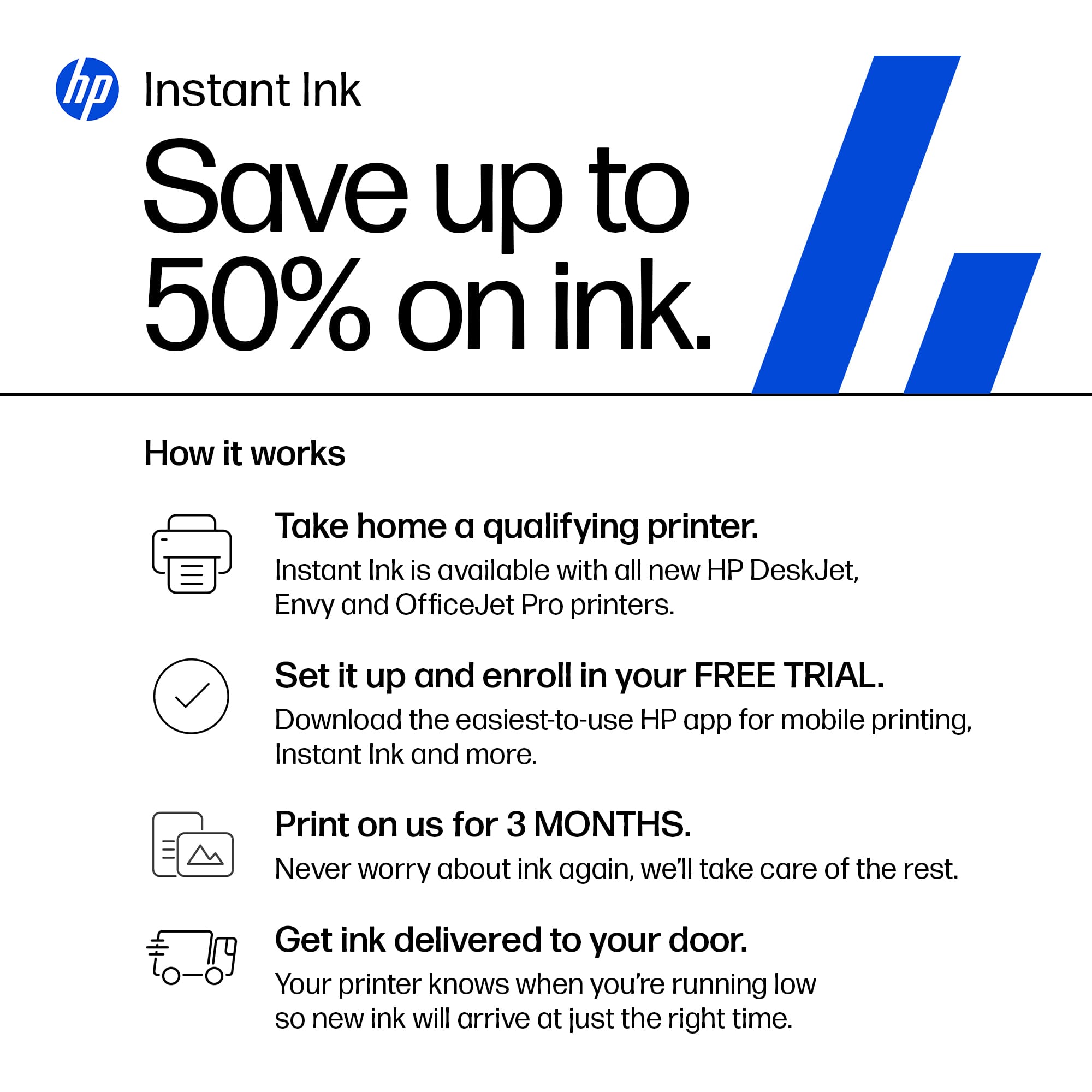
|Posted .This reviewer received promo considerations or sweepstakes entry for writing a review.The HP OfficeJet Pro 8135e was intended as an upgrade from my HP LaserJet printer, with a focus on improved color printing, faster print speeds, and easier setup for scanning. However, while it does offer color printing and scanning capabilities, the experience fell short of expectations. Pros: + All-in-one functionality covering print, copy, scan, and fax + Straightforward physical setup + Adequate print quality and speed + Impressive packaging for easy unboxing + 3 Month Ink trial Cons: - Complex software setup, requiring online account creation (if you haven't already had an account) - Ink can get expensive - Laggy touchscreen interface and software - Limited scanning functionality without using HP Smart software - Ink subscription is misleading: cartridges stop working if you stop paying, and there's a monthly page limit. But subscription is great if you're someone who prints a lot and is always running out of ink. Features: + Wireless and USB connectivity + Automatic document feeder and 2-sided printing (something my previous printers were not able to do) + Mobile printing capability + Variety of paper types supported Quality/Speed: = Normal print quality and speed. - Ink usage may be high. - Setup may encounter difficulties on various devices. Overall Rating: 3 stars The HP OfficeJet Pro 8135e offers basic functionality with average performance. While suitable for occasional home office use, its software setup and functionality limitations may hinder its appeal for more demanding tasks or business settings. As an upgrade from a HP LaserJet printer, it does provide color printing and scanning options but falls short in terms of ease of setup and speed. If I need to print out multiple papers, I would probably revert back to my Laserjet printer (even if I am unable to automatically print 2 sided).
No, I would not recommend this to a friend - Pros mentioned:Ease of use
A nice addition to the home office
Posted .This reviewer received promo considerations or sweepstakes entry for writing a review.I love the printer. It's quick and easy, something needed at this time in my life!
I would recommend this to a friend - Pros mentioned:Overall performance, Print quality
HP OfficeJet Pro
Posted .This reviewer received promo considerations or sweepstakes entry for writing a review.Good printer good quality easy to set up and use all functions work great
I would recommend this to a friend LAPTOP/PRINTER/PHOTO COPY/SCANNER INSTALLED
Posted .This reviewer received promo considerations or sweepstakes entry for writing a review.INTALLATION WAS EXCELLENT; ALL CONCERNS WERE ADDRESSED PERFECTLY.
I would recommend this to a friendAn excellent choice for a versatile home work!
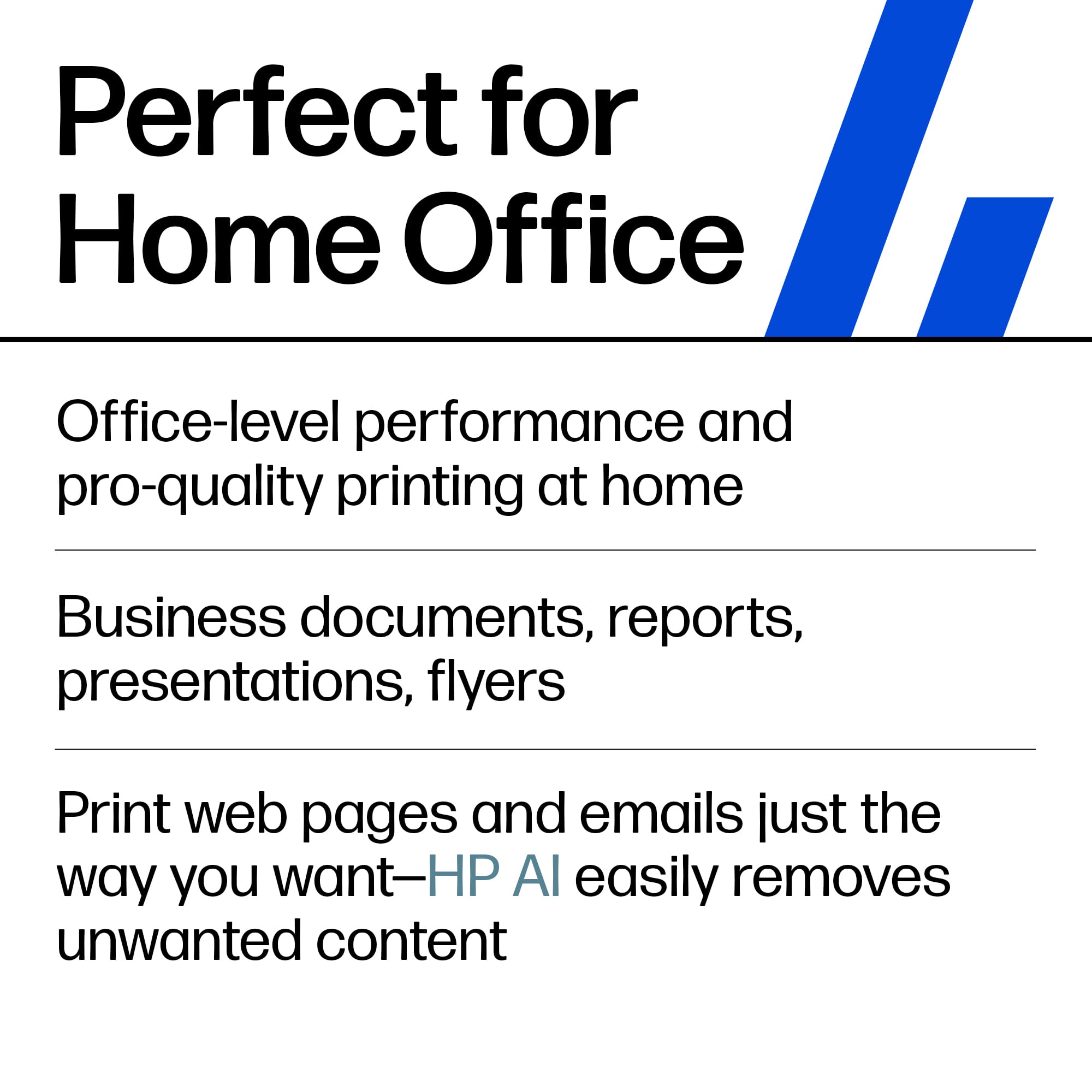
|Posted .This reviewer received promo considerations or sweepstakes entry for writing a review.I have been absolutely thrilled with this printer! This printer is exactly what anyone could ask for in 2024 for a printer that is up to the tasks of home, family, and basic office admin work like scanning documents with efficient ADF and bed scan options. I have been thrilled with this printer from setup to our first print jobs. The touchscreen display is shockingly smooth and easy to use, a far cry from some of the sloppy and hard-to-press ones I have used in the past. I was able to get the printer set up with both my Apple and Windows products in the house with ease. The only areas I am going to point out to potential buyers as something to keep in mind is the instant ink plan and general expense of the ink in general of this printer. The ink cartridges HP sells are God-awful expensive at times, and HP even advertises that they are actively working to eliminate non-HP printer ink chip cartridges from working. This is honestly fine if you only want to use the stock ink and are interested in the instant ink plan, but very high volume home offices may want to look for options that will have a lower cost per page printing wise over time. Thanks and I hope this review has been helpful!
I would recommend this to a friend- Pros mentioned:Print quality
Great multifunction printer!
Posted .This reviewer received promo considerations or sweepstakes entry for writing a review.With Fax, Scan, Copier, and Printer capabilities, this is a great printer for a home office. It has an excellent print quality. I love the Instant Ink option you can set and not worrying about running out of ink.
I would recommend this to a friend Shopping at Bestbuy,where the price is always Righ
Posted .This reviewer received promo considerations or sweepstakes entry for writing a review.Bestbuy is what i would call a place of intrest it has amost everything you need. It's a wonderful place to shop. The people that work there are people friendly they will go out of their way to make your shopping a pleasure,they pay attention to us their customers. And politeness is their strenght, each time i go there ,i always leave smiling.wonderful place to shop
I would recommend this to a friend- Pros mentioned:Print quality
Teacher Needs
Posted .This reviewer received promo considerations or sweepstakes entry for writing a review.Extremely fast printer. Great purchase. I was very impressed.
I would recommend this to a friend - Pros mentioned:Overall performance
HP Products
Posted .This reviewer received promo considerations or sweepstakes entry for writing a review.For decades I’ve been a loyal fan of HP products - printer and laptop.
I would recommend this to a friend - Pros mentioned:Print quality
Very pleased
Posted .This reviewer received promo considerations or sweepstakes entry for writing a review.Fairly easy to operate and good quality. No smudging and good color
I would recommend this to a friend good printer
Posted .This reviewer received promo considerations or sweepstakes entry for writing a review.a good printer with several extras. It should have come with an owners manlual since ot every option is intuitive.
I would recommend this to a friendNot too happy
Posted .This reviewer received promo considerations or sweepstakes entry for writing a review.I had keep restarting, so i returned the item I also ordered for curbside and i waited 20 mins and then called and had to walk in to have someone bring it to me. Poor curbside service at aiea store. To add to it, i have a disability and walk with a cane. Return went smoothly. I went in and a sales associate came to my car to carry
No, I would not recommend this to a friendNew printer
Posted .This reviewer received promo considerations or sweepstakes entry for writing a review.It seems to be a decent all in one printer. Just need to see how the ink holds out. The only thing is there was a screw laying in the box after i got the printer out. But it seams to be working fine so far.
I would recommend this to a friendGood Printer
Posted .This reviewer received promo considerations or sweepstakes entry for writing a review.Good basic printer for home. It does the job and the ink refill is easy to replace.
I would recommend this to a friend















