Customer Ratings & Reviews
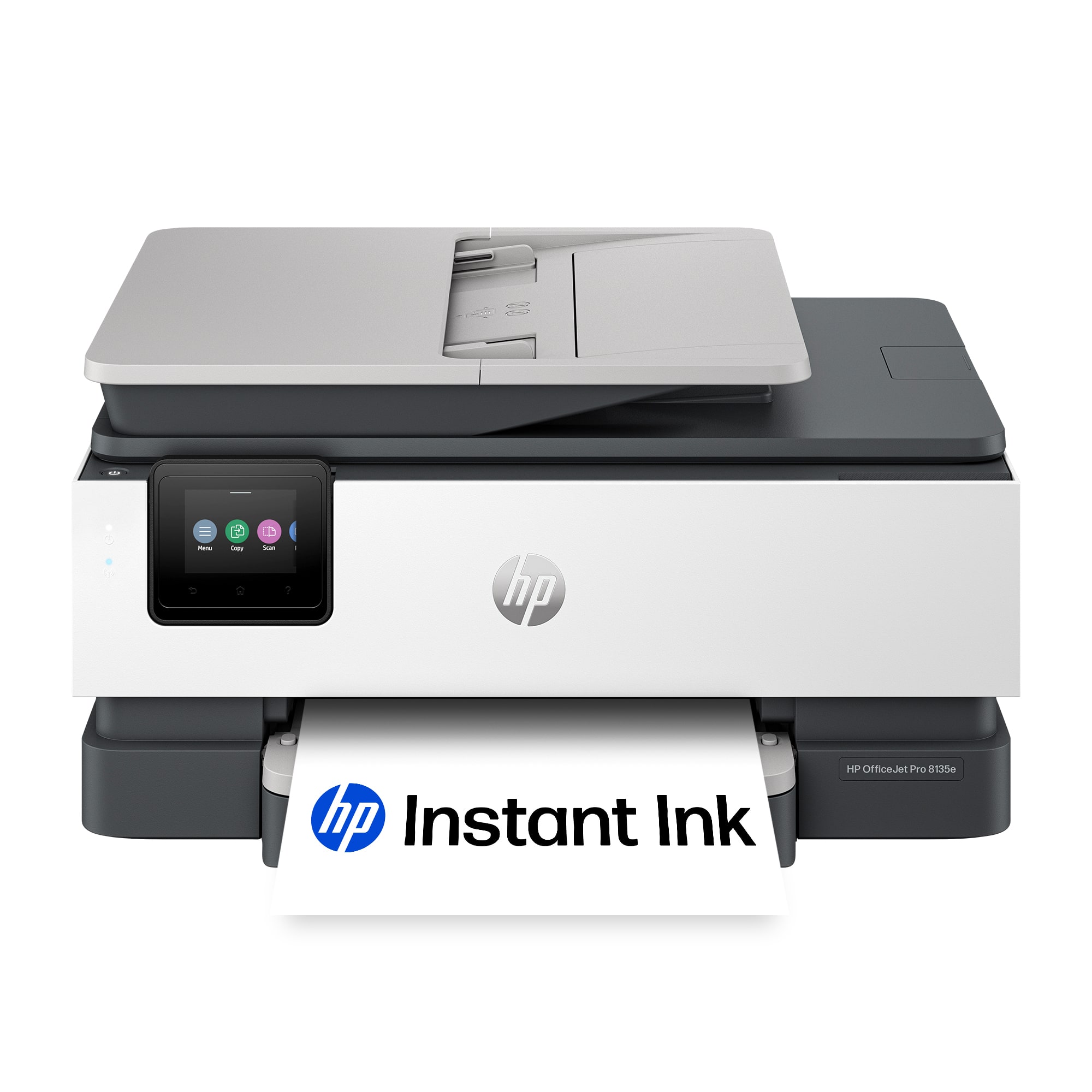

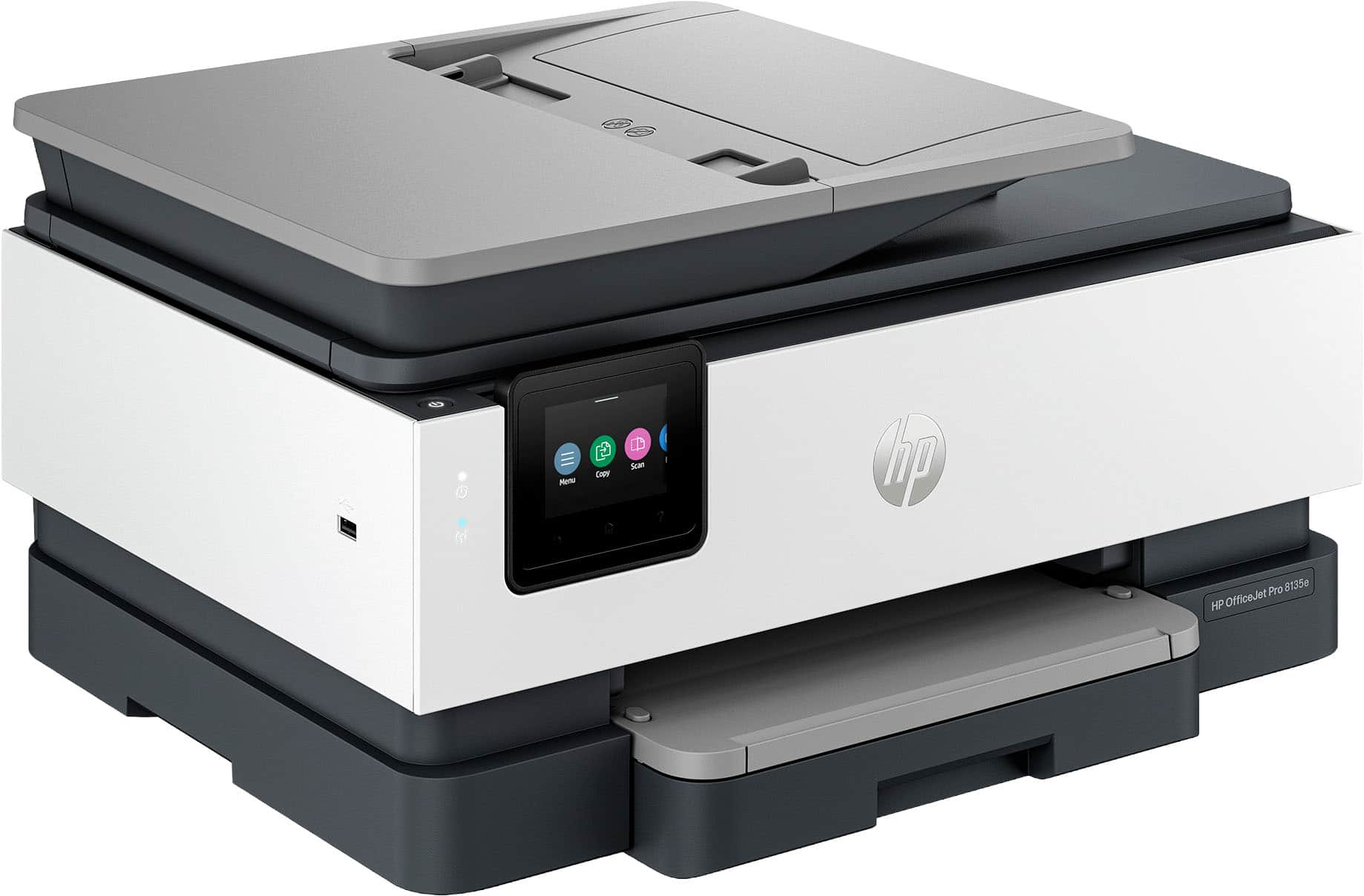






- Model:
- OJ Pro 8135e /40Q35A#B1H
- SKU:
- 6565476
Rating by feature
- Value
Rating 4.3 out of 5 stars
- Quality
Rating 4.3 out of 5 stars
- Ease of Use
Rating 4.2 out of 5 stars
Customers are saying
Customers enjoy the OfficeJet Pro 8135e for its excellent print quality, ease of use, and overall performance. The setup process is generally considered simple, and the printer's size and quiet operation are appreciated. However, some customers have reported issues with connectivity and the printer software.
This summary was generated by AI based on customer reviews.
- Pros mentioned:Ease of use, Print quality, Setup
HP Printer
||Posted .This reviewer received promo considerations or sweepstakes entry for writing a review.Fairly easy to set up. Prints clearly. Easy to use display.
I would recommend this to a friend - Pros mentioned:Ease of use, Print quality, Setup
HP OfficeJet Pro 8135e Wireless Printer
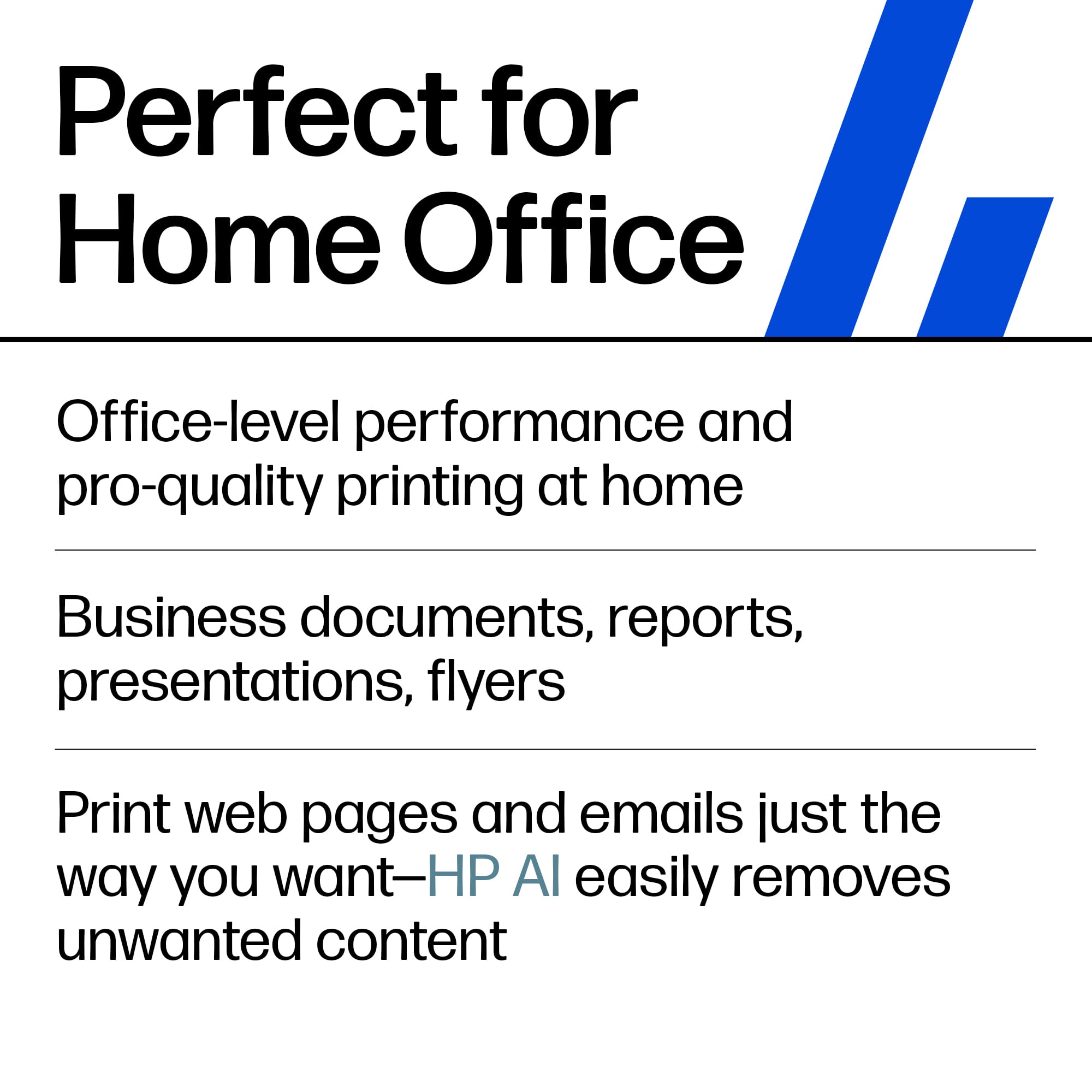
||Posted . Owned for 1 month when reviewed.This reviewer received promo considerations or sweepstakes entry for writing a review.The HP OfficeJet Pro 8135e Wireless Printer is easy to set up and prints, copies, and scans with ease and great quality.
I would recommend this to a friend - Pros mentioned:Print quality

excellent scan, print quality-great for home
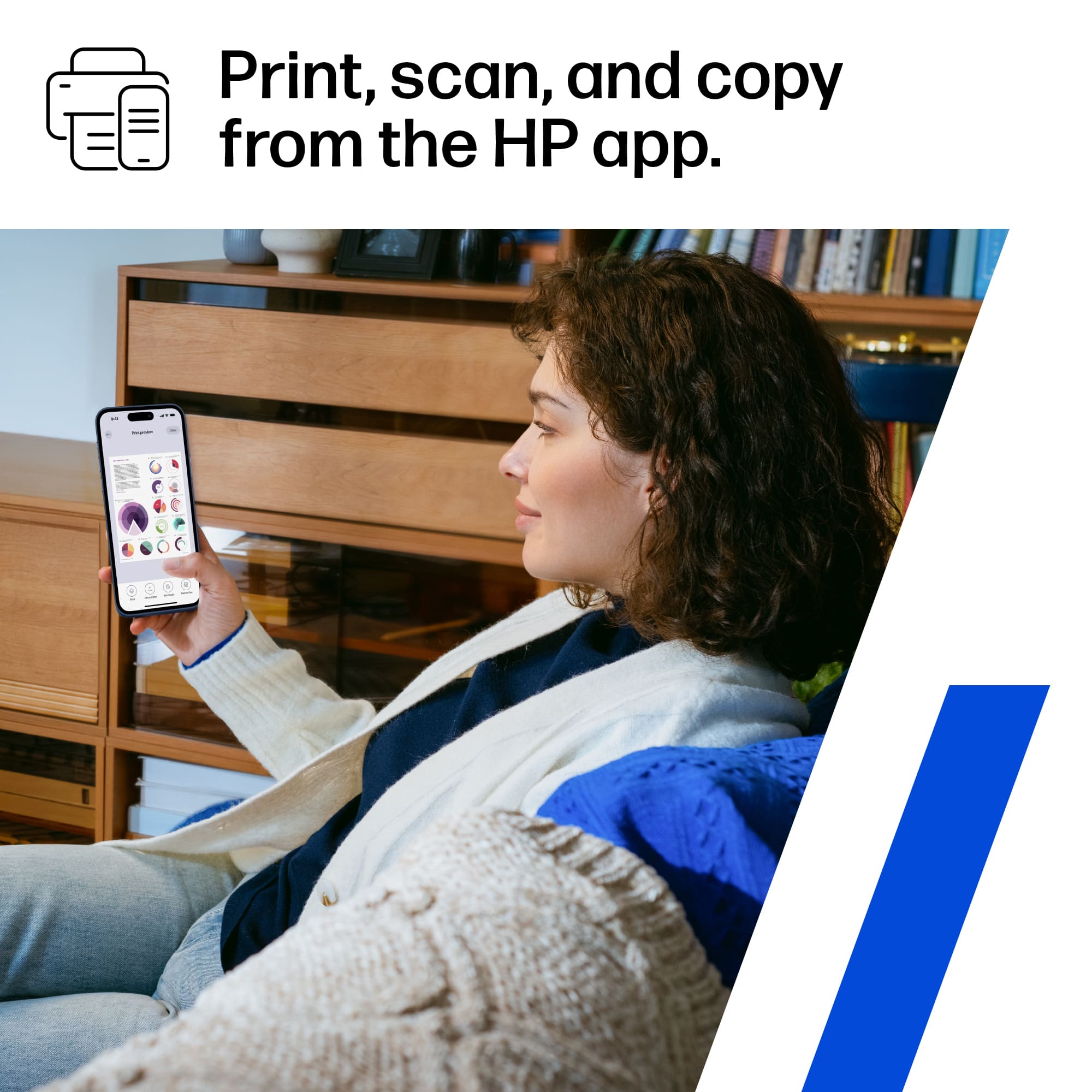
|Posted .This reviewer received promo considerations or sweepstakes entry for writing a review.Unboxing and removing tape in the various places is a breeze. Going to app or URL on computer and you get walked through the setup process. Connecting via Wi-Fi, and loading paper is straightforward, and the cartridges snap in in the usual fashion. Then the printer aligns the cartridges and prints a test page. If using a PC, install software, and you can even opt for automatic ink shipments based on print quantity; can use USB or android app, or Apple Air print. The control panel is small, but colorful and will display quite a number of functions. There is also a top feeder document feeder. I did some document printing, and it seemed the printer spooled up just a little slower than my other printer, but the print quality was exceptional. Scanning was perfect, and again quality was good. Then did a high quality picture on plain paper and just normal quality, and even that came out well. Based on this rudimentary test, I am sure on photo quality, and photo paper, printing photos would turn out great quality. I highly recommend as a cost effective home or home office printer.
I would recommend this to a friend - Pros mentioned:Ease of use, Print quality
The Perfect All-Purpose Economy Printer
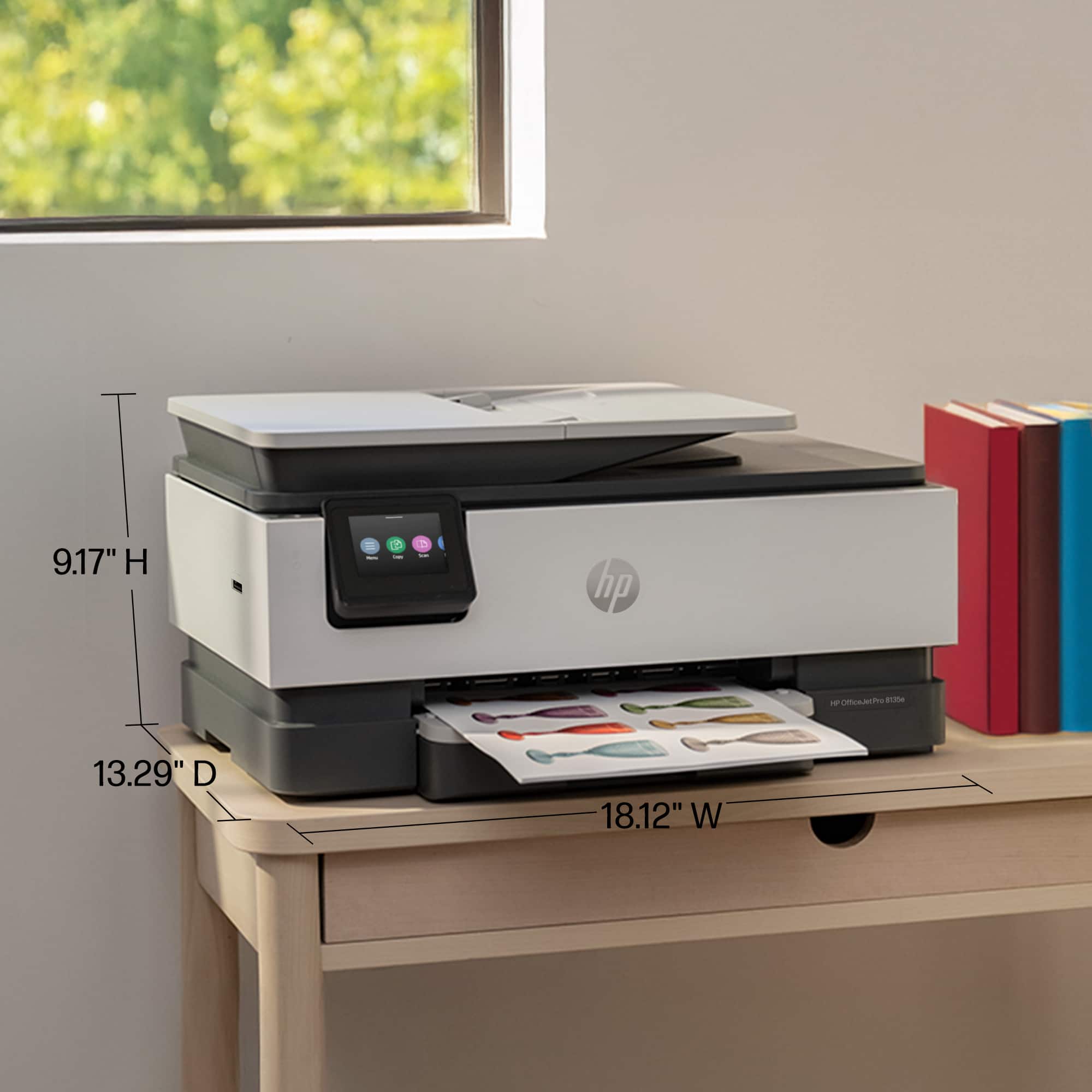
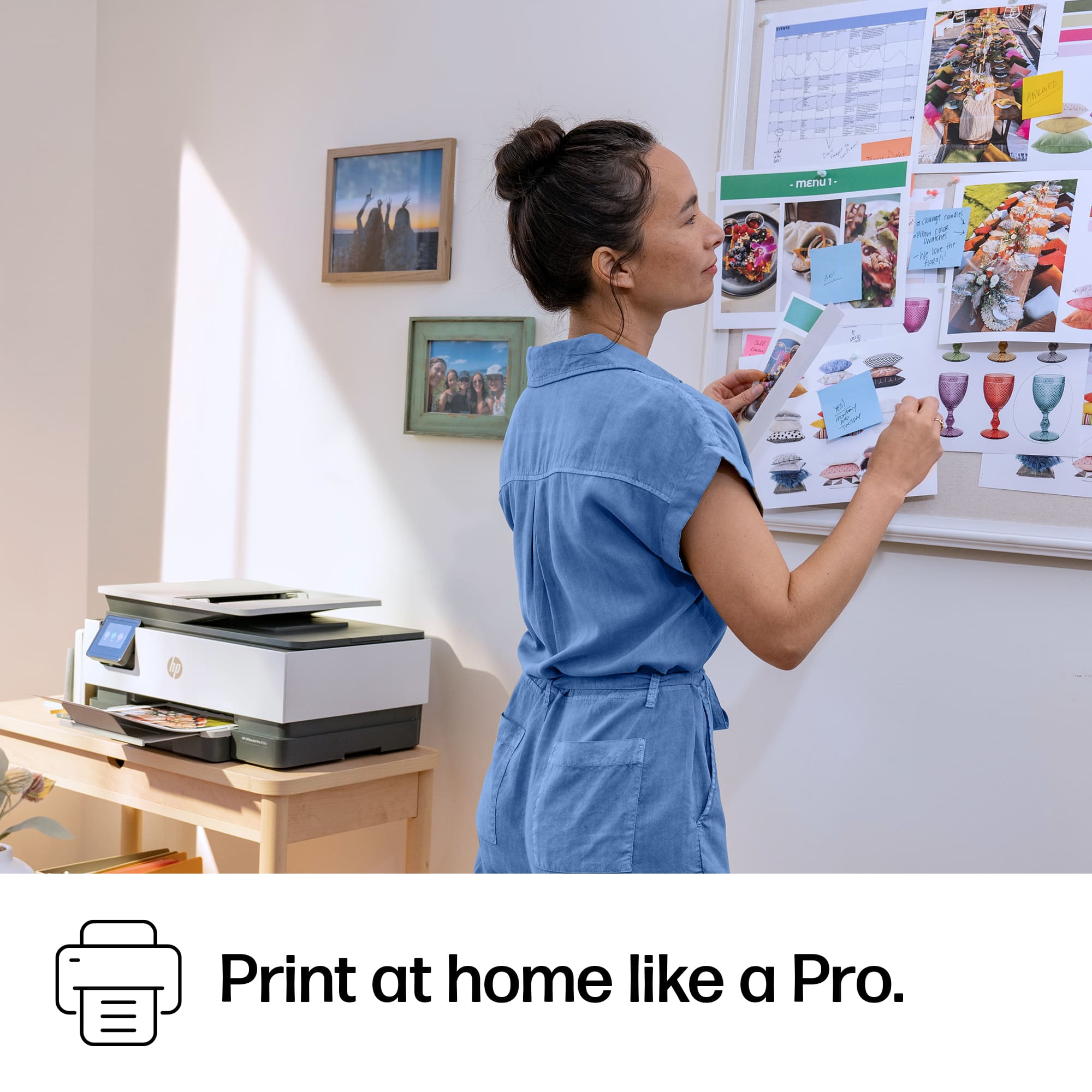
||Posted . Owned for 1 month when reviewed.This reviewer received promo considerations or sweepstakes entry for writing a review.I needed a basic color printer for my personal use, so I sat on the floor at Best Buy and studied every printer in stock. I chose this HP model and I have been very pleased. The print quality is great, and it’s quiet and user-friendly. I also like the sleek, compact design.
I would recommend this to a friend - Pros mentioned:Print quality
Frustrating Set Up and App but Good Quality Print
|Posted .This reviewer received promo considerations or sweepstakes entry for writing a review.Starting the set up of the printer was really simple. Scan a QR code provided in the Quick Start guide and you're on your way with setting up wifi, installing cartridges, and aligning the printer. The frustration came after the set up when trying to print. I attempted to print a photo and I got an error "printer blocked" so I tried to diagnose but couldn't find a block. I tried printing a document and I ran into the same issue. I cleared the cache from the app, restarted It, turned off the printer, turned it back on and tried again. This time printer could not be found and wifi had disconnected so I had to manually reconnect it from the printer itself. The touchscreen had a really bad lag when scrolling but finally connected. I tried with my smartphone again but same issue. I gave up trying to use the app on my smartphone and moved onto my PC. I was finally able to print when using the PC and the quality of my photo was good so I scanned it to see if quality remained and it did. Documents also print at a quick enough rate with great clear quality prints. The printer also auto detects a change in paper and gives you the option to switch before moving on. The feeder itself fits a large stack of paper so reloading it often isn't necessary. Overall, when it works, it's great but when it doesn't it's frustrating and I seem to always have this issue with the Office Jet Pro line of HP printers so for that reason it gets 3 stars instead of 4. If the print with the phone through the app works, it would add to productivity and efficiency in my life but for now, it's just another printer.
No, I would not recommend this to a friend - Pros mentioned:Ease of use, Print quality, Setup
Printer/scanner/ copy.
||Posted . Owned for 1 month when reviewed.This reviewer received promo considerations or sweepstakes entry for writing a review.Very nice machine. Easy set up. Good clear print. Great price.
I would recommend this to a friend - Pros mentioned:Print qualityCons mentioned:Connectivity
Good Printer
||Posted .This reviewer received promo considerations or sweepstakes entry for writing a review.Prints faster than the previous model. Only cons is that takes long to progress a document that is being received from a cell phone.
I would recommend this to a friend Frustrating Install / Typical Wireless All-in-One
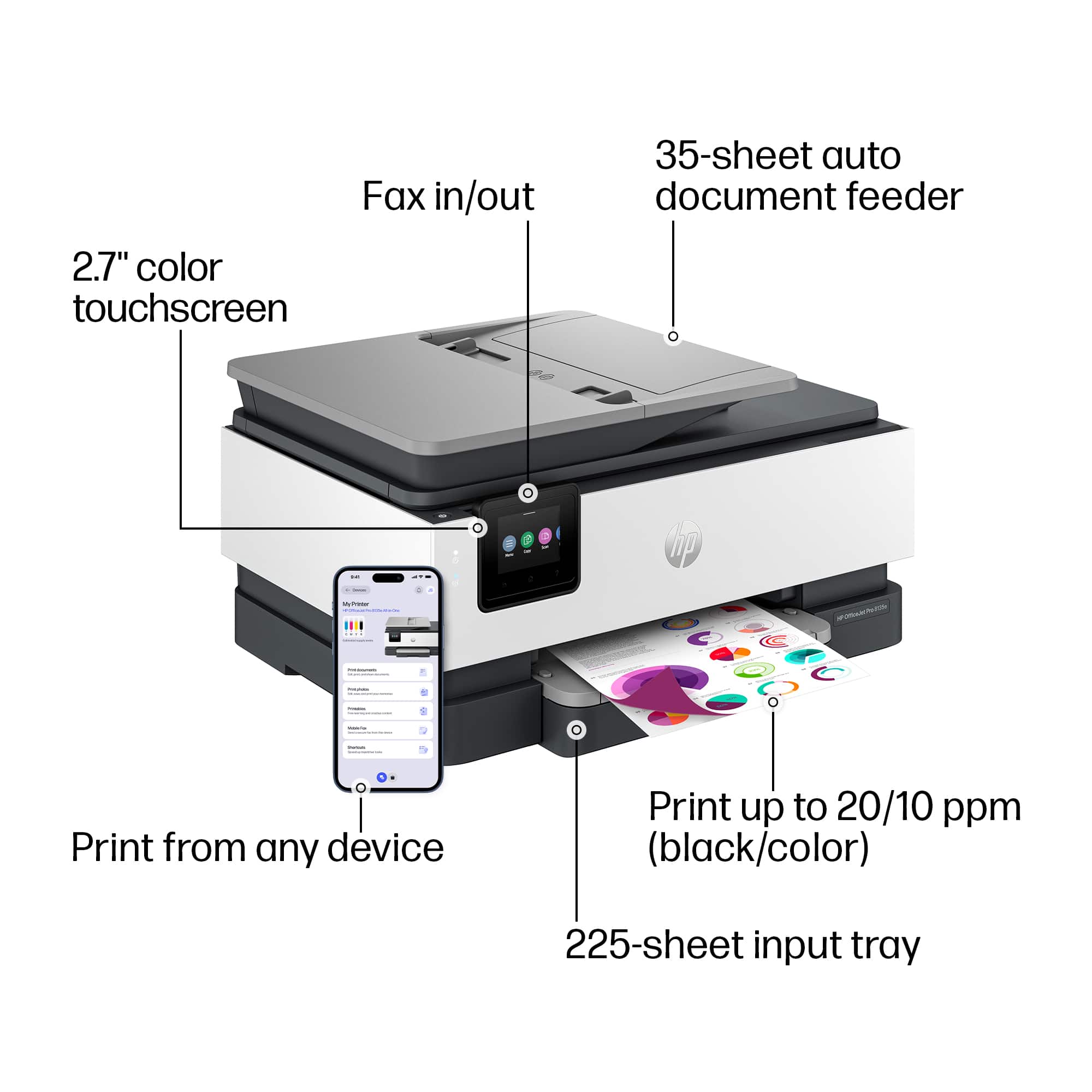
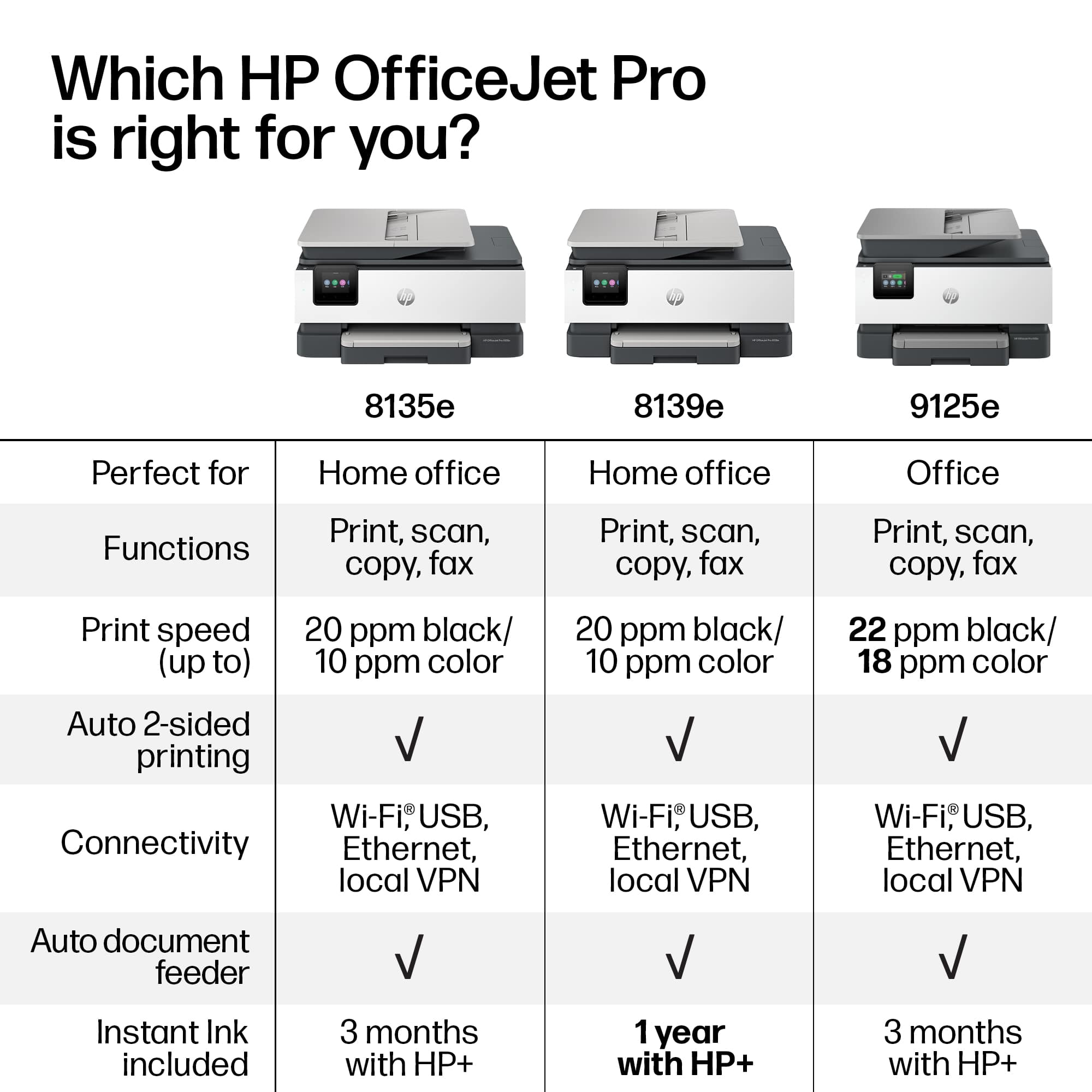
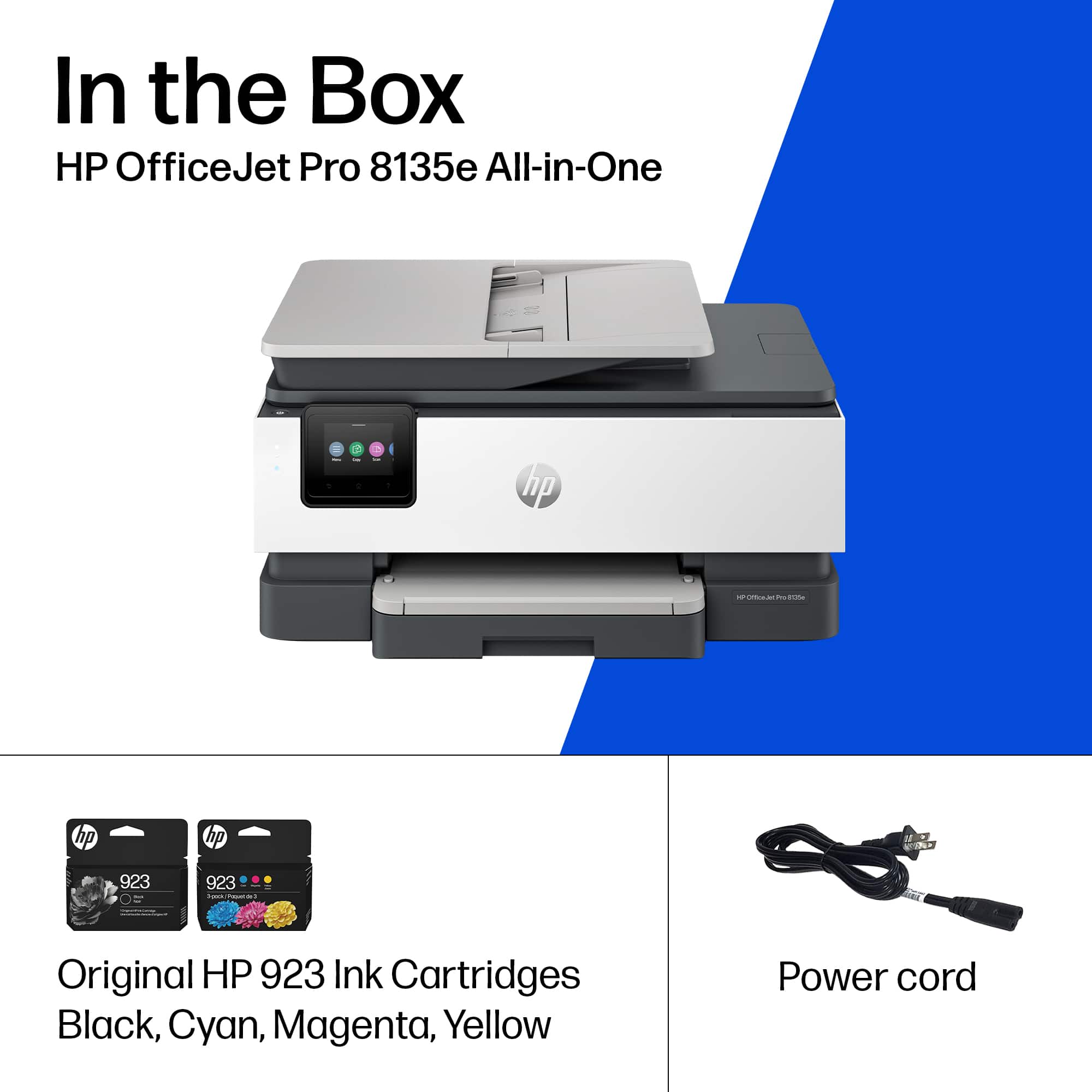
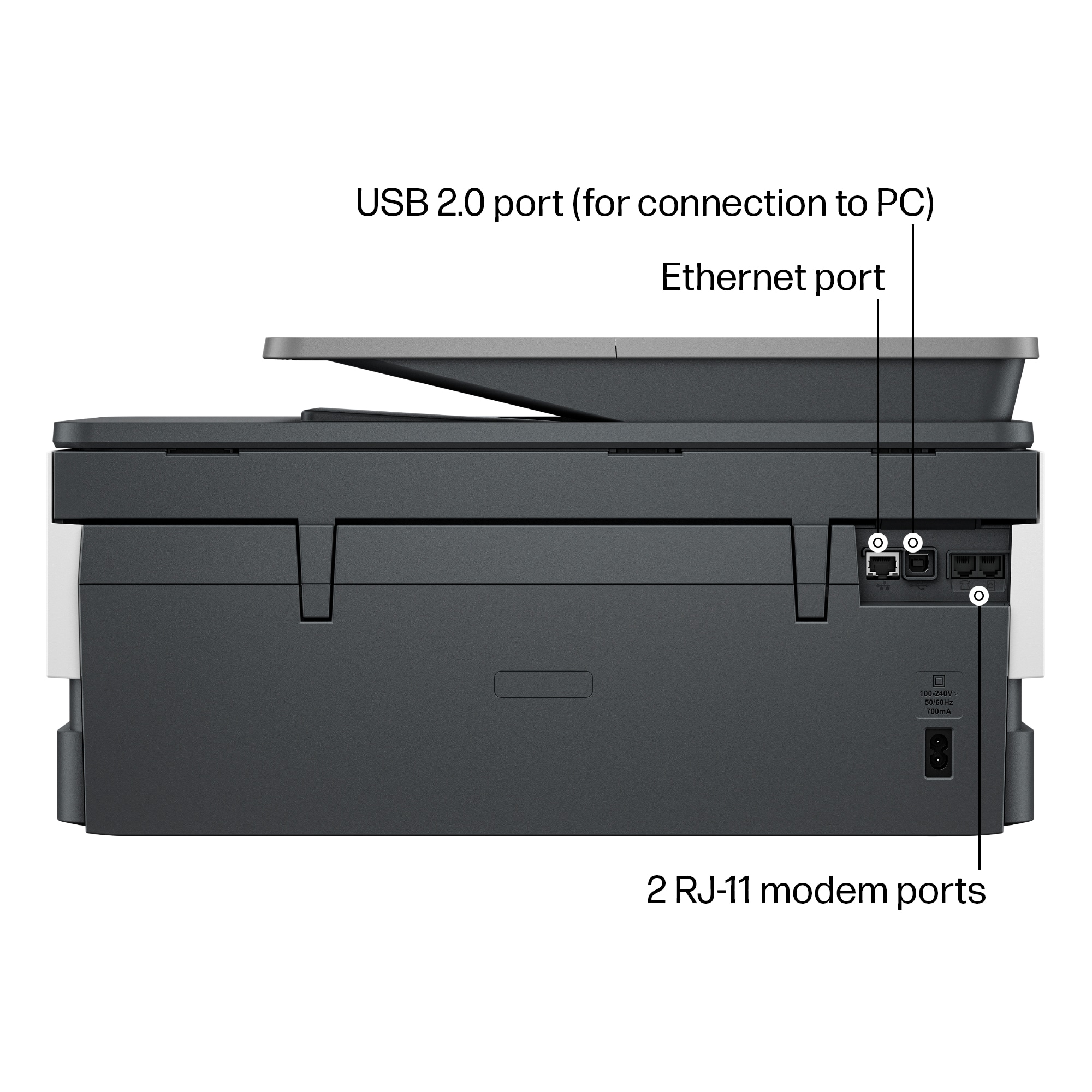
|Posted .This reviewer received promo considerations or sweepstakes entry for writing a review.The HP Office Jet Pro 8135e is a wireless all-in-one printer designed for Home Office use. It works with PC, Mac, or Smart-phone, and supports wireless and USB connection. What It Comes With Inside the box you will find the printer, 4-ink cartridges, power cord and instructions. A USB-A cord connection is supported, but does not come with the printer. Packaging I wanted to mention the packaging on this product, because I was really impressed. This has some of the best user-friendly packaging that I have seen in a while. It was adequate enough to protect the product, and I was actually able to get it out of the box without tearing the box apart. The biggest help was that HP put the printer in a “bag” with handles. You could pull it out easily. There was additional package in the ink and paper tray areas that simply made sense. Simple things that manufacturers should be doing make a noticeable difference to me. Installation The printer is a basic unit and the setup should be easy. I had trouble with the software on multiple computers, so the installation took a long time. As far as the all-in-one unit goes, it wasn’t difficult. The printer is fully assembled. Connect the power cord, turn it on, insert the ink cartridges, and load the paper tray. All of this was straight forward. Difficulty came with loading the application to my computers. I tried to install this on two laptops and a desktop. (There’s an option to install it on a mobile device, but I am not interested in printing from my phone.) The first laptop (Dell Win10) would not install the device. It already had the HP Smart app from a work computer, but it would not add the new printer. We eventually gave up on it, and moved to the next laptop. This computer still cannot print to the printer. The second was a Dell Win11 laptop. It eventually connected and printed, but it was after hours of trying. First, the printer was connected to the Wi-Fi (Eero 6e Pro router), but the laptop would say that the printer wasn’t connected. I could see that it was through my router’s app, so I know that was incorrect. Once the app showed that it was connected it was really finicky about what it printed. Word documents wouldn’t print in color, but a PDF or internet document would. The third computer that I connected to was an iBuyPower desktop running Win11. Installing the app on this didn’t instill any confidence. It just didn’t seem like it wanted to install on anything. I did finally get the computer to add the printer through print settings, but that’s what the 139 MB of HP app are supposed to do. In fact, the first time that I went to the start-up address it wouldn’t even load. HP needs to spend some time developing the app more. It doesn’t need to be inflated with more options or sales pages. There should be virtually no lag to go between print options. It just needs to work as expected. Features These are some of the all-in-one’s features: • Black and white printing • Up to 20 pages per minute B&W, 10 pages per minute in Color • Wireless and Wired connection through cord • 2-sided printing • Paper tray loading up to 225 sheets • Automatic document feeder up to 35 sheets • Front loading for paper/envelopes • Mobile device printing • Printing resolution up to 1200 x 1200 dpi for B&W, 4800 x 1200 dpi for color • Copier Resolution up to 600 dpi in B&W or Color • Scanner feeding through Sheetfed or Flatbed • Integrated Fax Line Quality/Speed of Printing The print quality was as-expected. Printing the page was normal. Specs say that the first print should take less than 14 seconds. Additional sheets in the same print job are quicker. Ink This came with 4 ink cartridges in the box; 3 colors and a black. I printed roughly 6 sheets of non-saturated documents with some color. That was enough for the ink estimator to show that ink was used. The ink does not appear to last long with this printer. I’m giving the HP Office Jet Pro 8135e All-in-one a rough 3 stars. The printer / copier / scanner / fax machine appears to do everything in a very typical manner, nothing special. The application installation was terrible, and needs to be addressed by HP. It’s too finicky, takes too long, and just doesn’t work as well as it should. The ink draw was also not impressive.
No, I would not recommend this to a friend- Pros mentioned:Overall performanceCons mentioned:Connectivity
HP printer comments
||Posted . Owned for 1 month when reviewed.This reviewer received promo considerations or sweepstakes entry for writing a review.A little trouble getting it to connect to my new HP laptop but once my son figured out how it has been great
I would recommend this to a friend - Pros mentioned:Print quality, Setup
Good value printer
||Posted . Owned for 2 weeks when reviewed.This reviewer received promo considerations or sweepstakes entry for writing a review.The setup was easy, the quality of printing is good and we like the features of double-sider printing and feeder.
I would recommend this to a friend - Pros mentioned:Overall performance, Print quality
HP printer
||Posted .This reviewer received promo considerations or sweepstakes entry for writing a review.i have been very pleased with the printer, fax, scan. Very efficient I have always used HP Printers and highly recommend
I would recommend this to a friend - Pros mentioned:Print quality, Setup
⭐️⭐️⭐️⭐️⭐️ 5/5 — Super Reliable and Easy to Use
||Posted . Owned for 6 months when reviewed.This reviewer received promo considerations or sweepstakes entry for writing a review.I’ve been using this printer for a while now and honestly, it’s been amazing. It works exactly how it should—no weird errors, no paper jams, and no random connection issues like I’ve had with other printers in the past. Setup was super straightforward, and printing is always fast and clear. Whether I’m printing documents, photos, or scanning stuff, it handles everything smoothly. It’s reliable, consistent, and has never given me a single problem. Definitely one of the best tech purchases I’ve made!
I would recommend this to a friend - Pros mentioned:Print quality, Setup
hp printer
||Posted .This reviewer received promo considerations or sweepstakes entry for writing a review.easy to setup and use. great quality for the money. decided not to use wifi for this printer.
I would recommend this to a friend - Cons mentioned:Connectivity
Great But Don't Like Having to Troubleshoot
||Posted . Owned for 3 weeks when reviewed.This reviewer received promo considerations or sweepstakes entry for writing a review.I like the quality of the printing. However, I have a problem with it that I have not been able to resolve. During using my computer to write a document, then, when I want to print, I often have to troubleshoot the printer before it will print. No reason given for this, but it is irritating. This also happens when I first boot up my computer in the morning and want to print something. The printer fails, and I have to troubleshoot before I can print.
No, I would not recommend this to a friend - Pros mentioned:Print quality, Size
Great home office printer
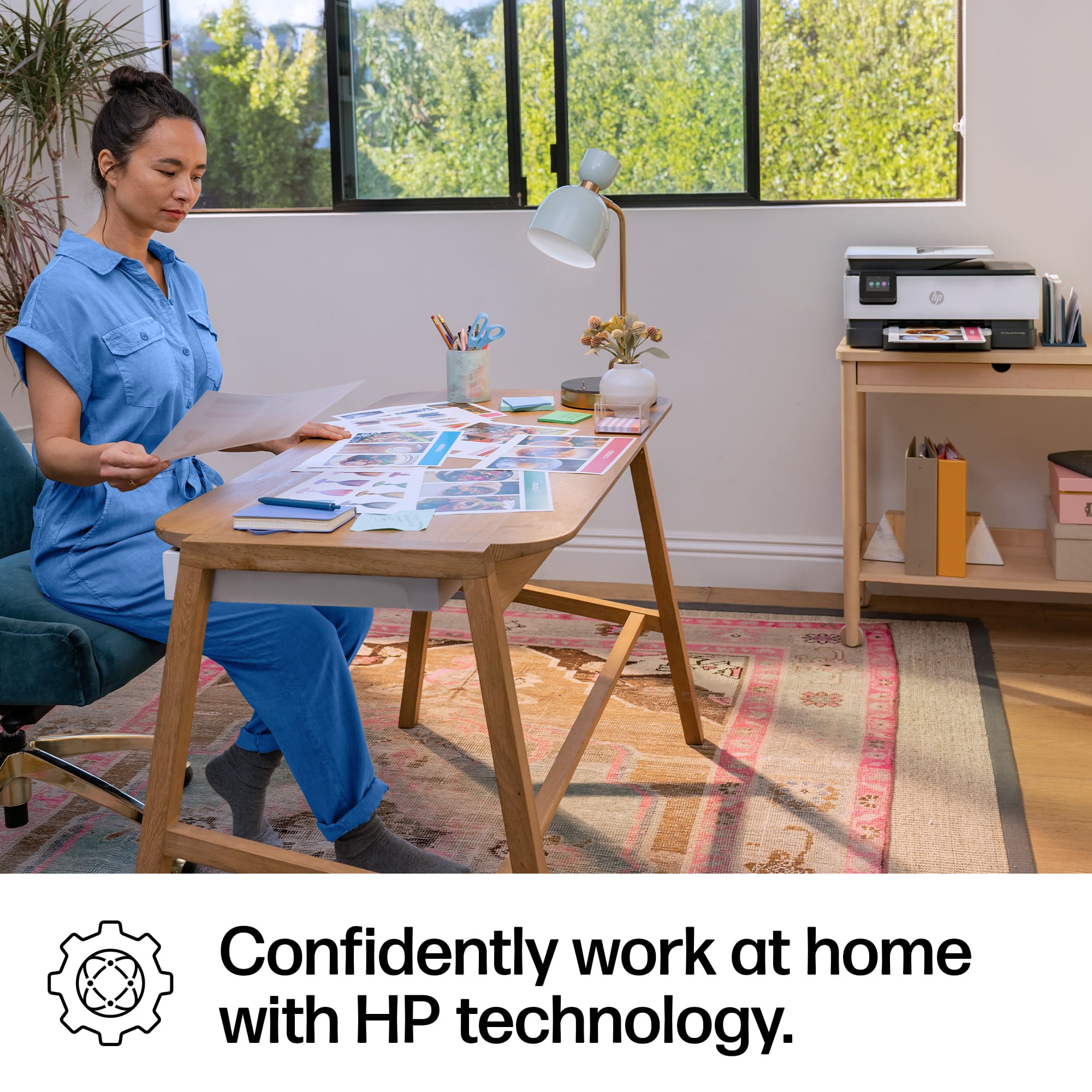
||Posted . Owned for 3 weeks when reviewed.This reviewer received promo considerations or sweepstakes entry for writing a review.I replaced my previous HP home printer with this HP OfficeJet Pro 8135e. It is compact and quiet. The print is good quality. The only problem with home printers is the costly ink. The ink from my previous computer does not work with this one and I can only us HP ink.
I would recommend this to a friend - Pros mentioned:Print quality, Setup
Good deal, Great printer
||Posted .This reviewer received promo considerations or sweepstakes entry for writing a review.Great printer! Very easy to set up, high quality printing and fast copying. Also appreciated very fast delivery.
I would recommend this to a friend - Pros mentioned:Ease of use, Overall performance
Office Printer
||Posted . Owned for 1 month when reviewed.This reviewer received promo considerations or sweepstakes entry for writing a review.Great printer. Recommend this printer to anyone. Thoroughly enjoy how convenient it is to use.
I would recommend this to a friend - Pros mentioned:Print quality
Unreliable, slow and hangs very often
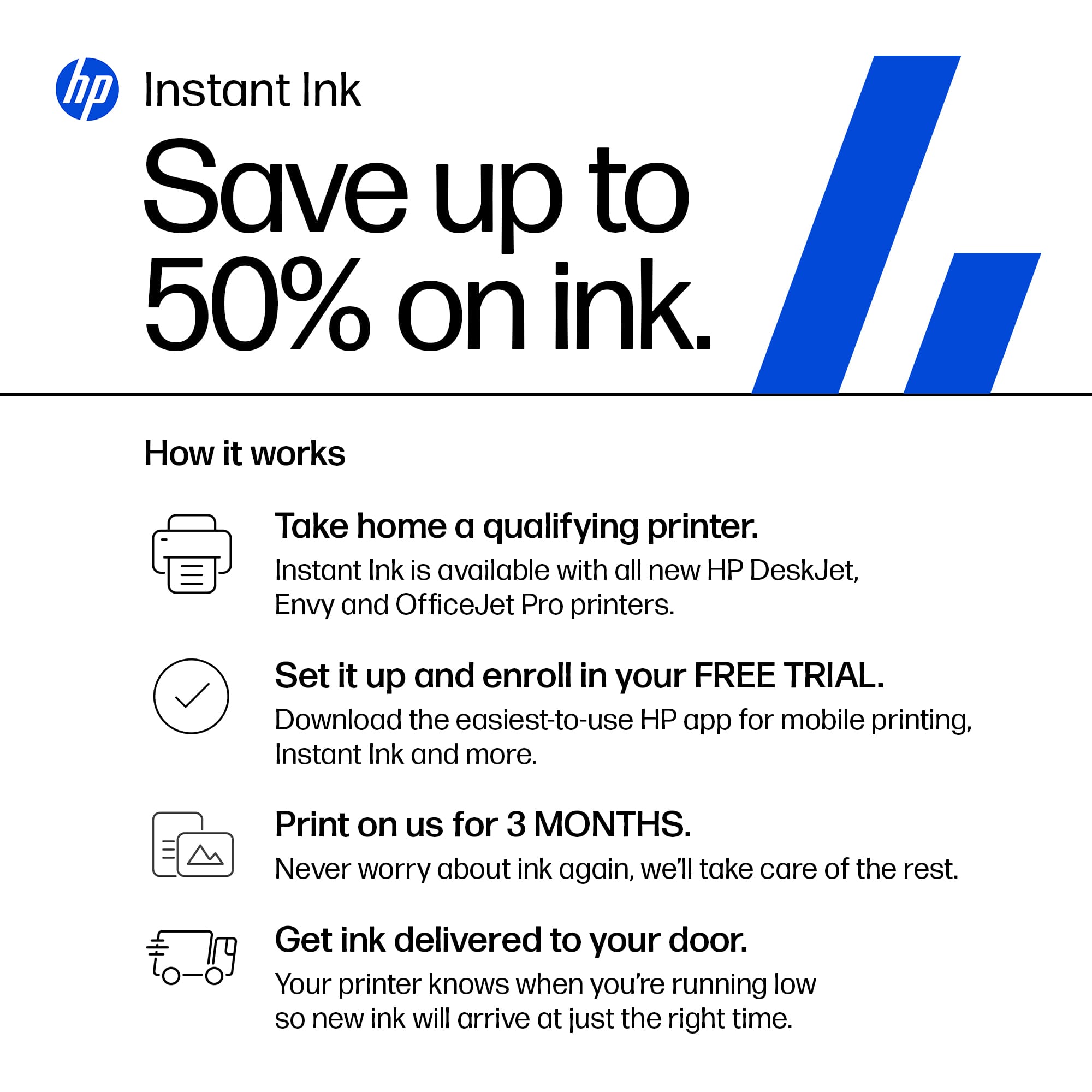
|Posted .This reviewer received promo considerations or sweepstakes entry for writing a review.This small profile printer looks nice, well-built and seems to have all the home use function. Flatbed and document feeder Scanner, copier, double sided print, and Fax. It looks like HP put everything in this small printer. Seems like it has all. But when comes to usability it is a pain to use and difficult to get the job done. The good: WiFi, and wired capability, low profile, color print, Scanner, copier, Printer, Fax. Capable of double-sided print. The Bad: Setup experience, Slow printing, printer hangs very often. Not reliable. Features I wish it should have - manual paper feed for heavyweight paper. Double side scanning, double side copy. Unboxing and set up: Came nicely packed in HP box. Unboxing was easy. Comes with power cable and 4 ink cartridges (CMYK). No USB cable. HP recommend to go online and set up. The USB port was taped and hp kind of telling you not to set up as wired printer and forcing to set up as wifi printer. Downloaded the app, create an account and need to sign up for the hp+ to get the free 3 months of ink offer. The set up was nightmare. I could not do it one go, not even in one day. It just stuck in the middle and printer screen froze. After trying several time finally I manage to set it up. (I know tech and have used other smart printer and know how to set-up), my previous printer hp smart-tank was like great and set up in one go. But this was OMG, very slow at one point I almost gave up, as it was not able to communicate although connected to strong wifi. Long story short – set was a big problematic. Printing and other feature – regular printing is okay as expected from Hp. Flatbed and document feeder Scanning is also great. One bizarre thing I noticed that if I use the hp Smart app to scan on mac- the documents text are not sharp but blurred if scanned through the document feeder. On the other hand scanning through the native mac settings (scanner) is clear and shrarp. I am not sure what is hp smart app doing here. Color printing is sharp and colors look okay. Photos come out okay but the colors are not reproduced exactly, they ware way off, aqua color become complete blue. I know this is not for photo printing but if a photo is in the document, it should produce color at least optimally. Printer is not reliable, hangs more often and stop responding. Needed to unplug and reset 2 times in the past 7 days and set up again, every time set up is a problem. I felt hp’s most focus is on the hp+ subscription service, that has different tiers for everyone’s need depending on how much one wants to print. I am not particularly fan of this kind service. Here is one important thing. Once you set-up hp+ you must use hp+ supplied ink, and there is a monthly fee even if you do not print any page. Although remaining pages can be rolled over for upto-3 months. The printer is not able to take thick pages. It gives more problem than it can solve, I do not recommend this printer.
No, I would not recommend this to a friend - Pros mentioned:Overall performance
HP-office jet pro printer
||Posted . Owned for 2 weeks when reviewed.This reviewer received promo considerations or sweepstakes entry for writing a review.seems to be working the way I need it, A little slow when printing but good for what I use it for, happy with the purchase
I would recommend this to a friend - Pros mentioned:Print quality, Setup, Size
Great printer!
||Posted . Owned for 1 month when reviewed.This reviewer received promo considerations or sweepstakes entry for writing a review.Nice printer! Styling is sharp and the size fits easily in an in home office. Print quality is sharp. Easy to follow setup and installation guide.
I would recommend this to a friend















