Customer Ratings & Reviews


- Model:
- GT16-0314
- SKU:
- 11911787
Rating by feature
- Value
Rating 4.7 out of 5 stars
- Quality
Rating 4.8 out of 5 stars
- Ease of Use
Rating 4.8 out of 5 stars
Awesome gaming pc.
||Posted .This reviewer received promo considerations or sweepstakes entry for writing a review.Is a awesome computer, runs everything, for example Rainbow six I get between 250 to 310 fps on high graphics
I would recommend this to a friendGreat Prebuilt
||Posted .This reviewer received promo considerations or sweepstakes entry for writing a review.Great Performance and can play 1440P on High settings on most games at 60+ FPS
I would recommend this to a friendPc hp omen
||Posted .This reviewer received promo considerations or sweepstakes entry for writing a review.I like item this pc gaming hp omen very good. Sản phẩm được bảo quản tốt khi giao
I would recommend this to a friendGreat
||Posted .This reviewer received promo considerations or sweepstakes entry for writing a review.It is a nice gaming pc, I barely use it but it’s a great addition whenever I need to use a pc.
I would recommend this to a friendGreat PC
||Posted .This reviewer received promo considerations or sweepstakes entry for writing a review.I love it! Best PC I’ve ever used, it can run modded sims 4 no problem.
I would recommend this to a friendComputer
||Posted .This reviewer received promo considerations or sweepstakes entry for writing a review.Works good and amazing for the price would recommend getting another stick of ram tho
I would recommend this to a friendSmooth gaming experience
||Posted . Owned for 3 weeks when reviewed.This reviewer received promo considerations or sweepstakes entry for writing a review.Good for casual gamers it runs a lot of the games I’ve always wanted to play so that’s a upside, but I also paid when it was on a deal
I would recommend this to a friendLove it
||Posted .This reviewer received promo considerations or sweepstakes entry for writing a review.Works great! It runs all the games that I play without any issues.
I would recommend this to a friendTHUMPS UP FROM THE BOY!!!
||Posted .This reviewer received promo considerations or sweepstakes entry for writing a review.Wasn't bought for me but my son says, "IT'S THE BOMB DAD!! So, if my 12 year old gave me the okay, addictive as he is to his computer (like all kids these days it seems), than it's definitely a must buy! I does look neat in the dark, the colors are fire!
I would recommend this to a friendAMAZING PC
||Posted . Owned for 3 weeks when reviewed.This reviewer received promo considerations or sweepstakes entry for writing a review.Looks and run great this is my first pc and I love it!!!
I would recommend this to a friendI Love my Omen
||Posted . Owned for 2 weeks when reviewed.This reviewer received promo considerations or sweepstakes entry for writing a review.I'm not super knowledgeable about PC'S but I'm glad I got this one! The graphics card is unbelievable and I can any game with no struggle!
I would recommend this to a friendGood pc gamer
||Posted .This reviewer received promo considerations or sweepstakes entry for writing a review.One of the bet purchased in my life, really fast starting, game play smooth!!
I would recommend this to a friendAmazing pc
||Posted . Owned for 2 weeks when reviewed.This reviewer received promo considerations or sweepstakes entry for writing a review.Everybody says prebuilt are bad but this pc is top of the line gaming and runs 270 stable fps and is an absolute beast in gaming and I recommend this pc to anyone who need heavy work loads and also plays games.
I would recommend this to a friendPerfect PC!
||Posted . Owned for 1 month when reviewed.This reviewer received promo considerations or sweepstakes entry for writing a review.Perfect PC! I upgraded to this because I bought an omen 7 years ago and it was time for an upgrade. Omen computers are the best, and they are very customizable and easy to upgrade in the future.
I would recommend this to a friendGreat pc
||Posted .This reviewer received promo considerations or sweepstakes entry for writing a review.Fantastic pc, runs great and plays pretty much every game with ease
I would recommend this to a friendSatisfied Completely
||Posted .This reviewer received promo considerations or sweepstakes entry for writing a review.This pc has absolutely proved itself worthy to game on, ive cap at 250 fps on black ops 7, the graphics are insane the settings you can play with are extremely convenient and self explanatory. overall good pc
I would recommend this to a friendHp omen review
||Posted .This reviewer received promo considerations or sweepstakes entry for writing a review.Was easy to set up and i got it on sale my first pc too was a xbox user now i just need a monitor using my tv currently
I would recommend this to a friendSmooth gameplay
||Posted . Owned for 3 months when reviewed.This reviewer received promo considerations or sweepstakes entry for writing a review.Ive been gaming and recording music on this pc, it has a good amount of rgb for aesthetics, good for streaming as well
I would recommend this to a friend100/10 would reccomend
||Posted .This reviewer received promo considerations or sweepstakes entry for writing a review.Computer works better than expected clean as could be loving the esthetics of it and graphics are insane!
I would recommend this to a friend
I love the visuals this case offer
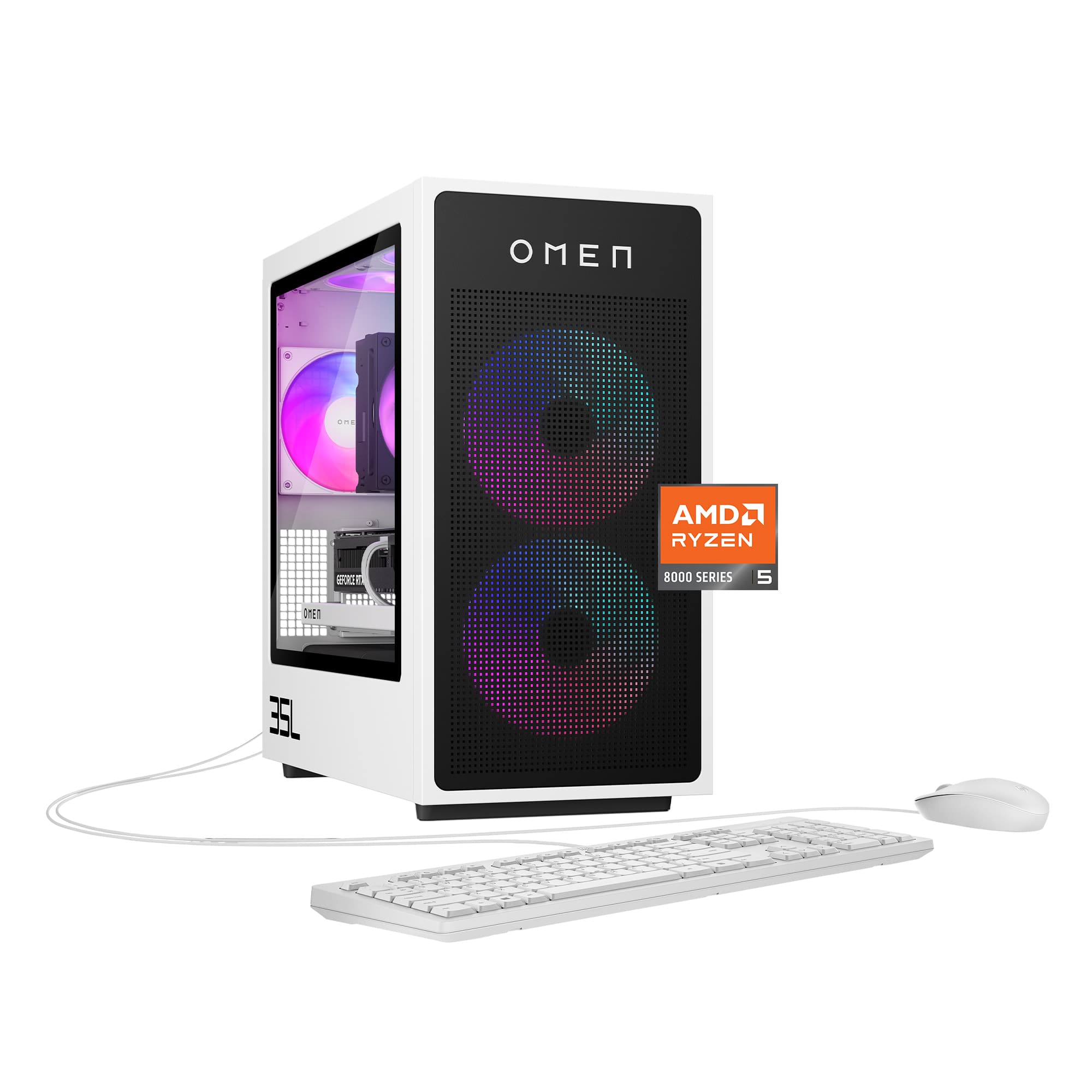
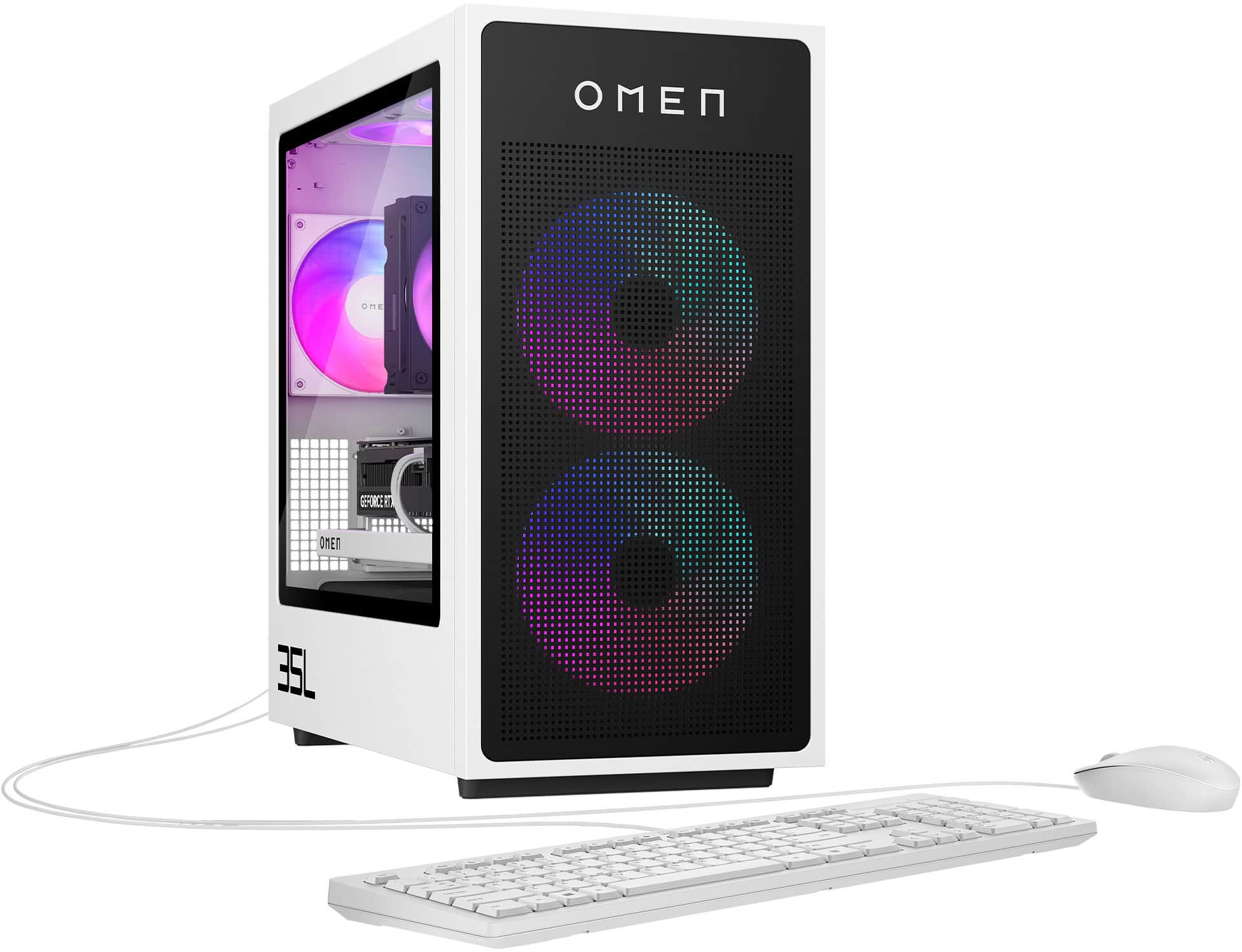
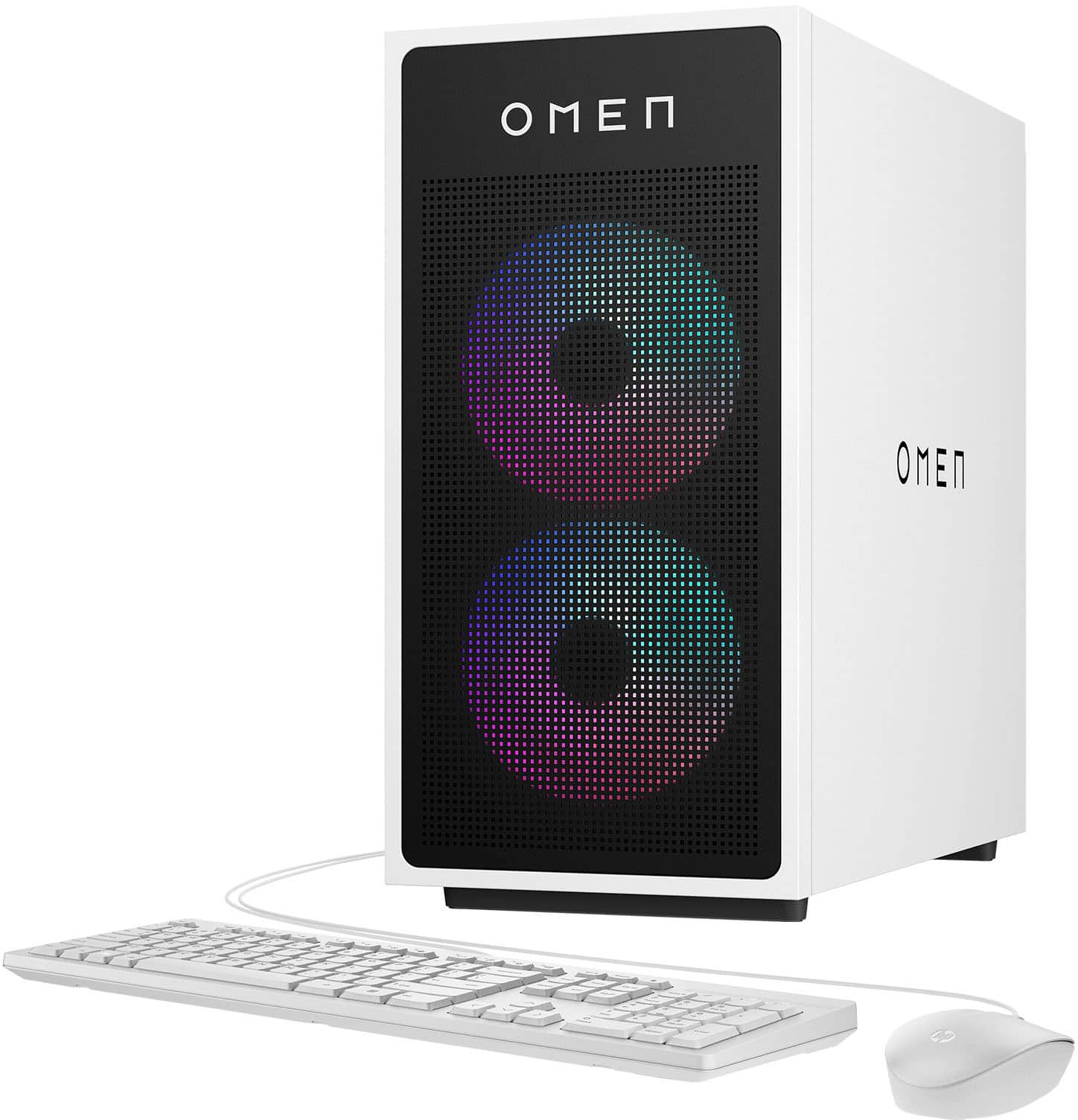
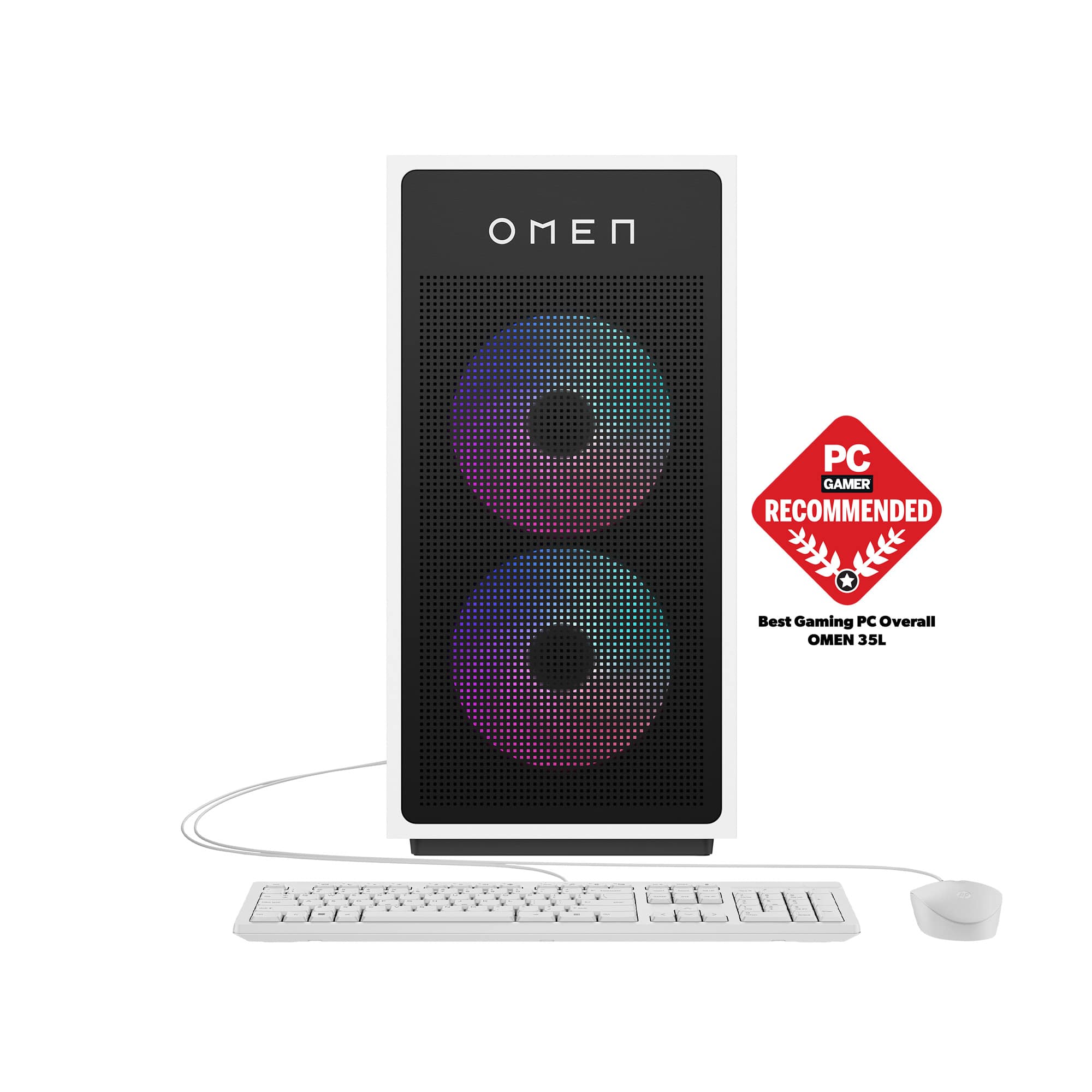
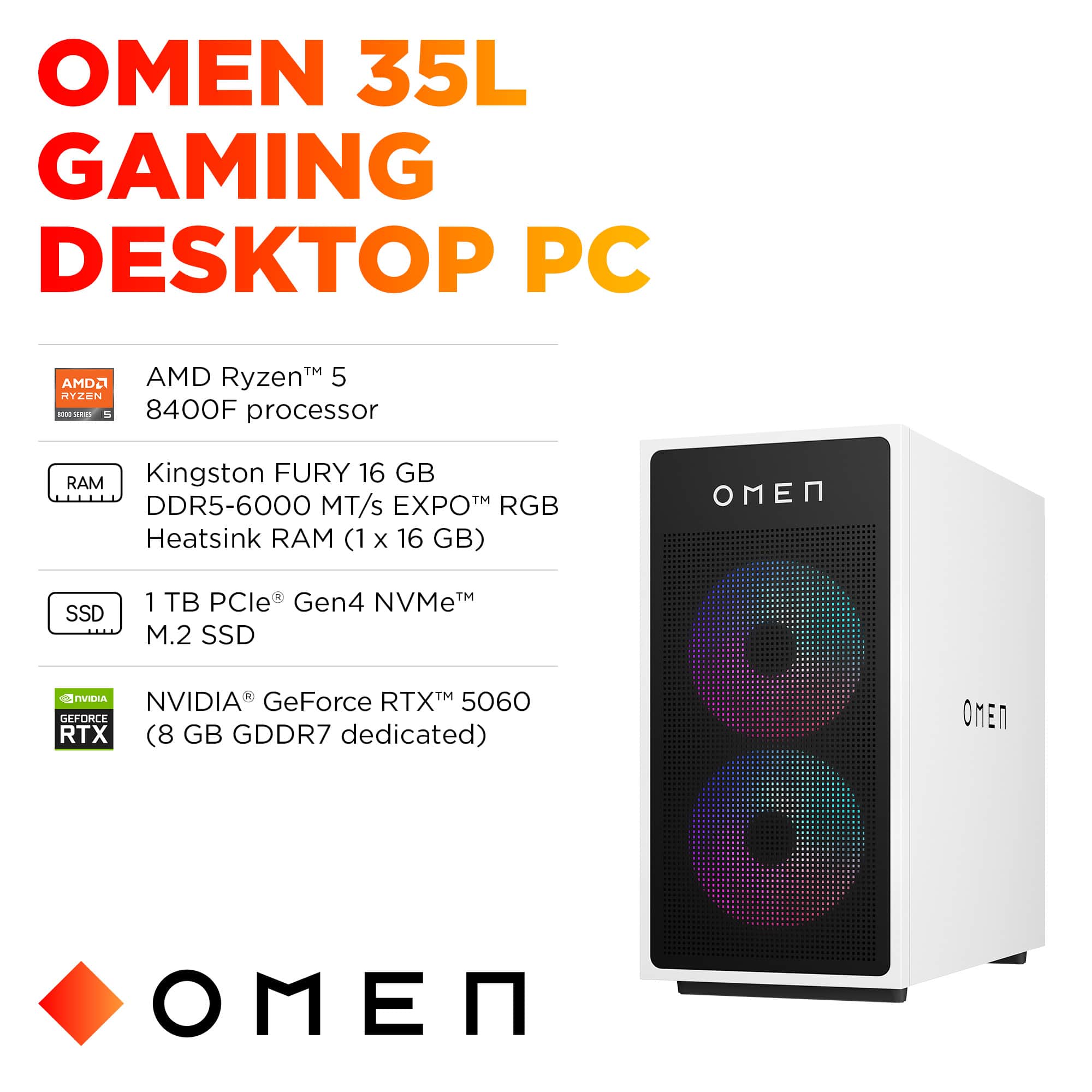
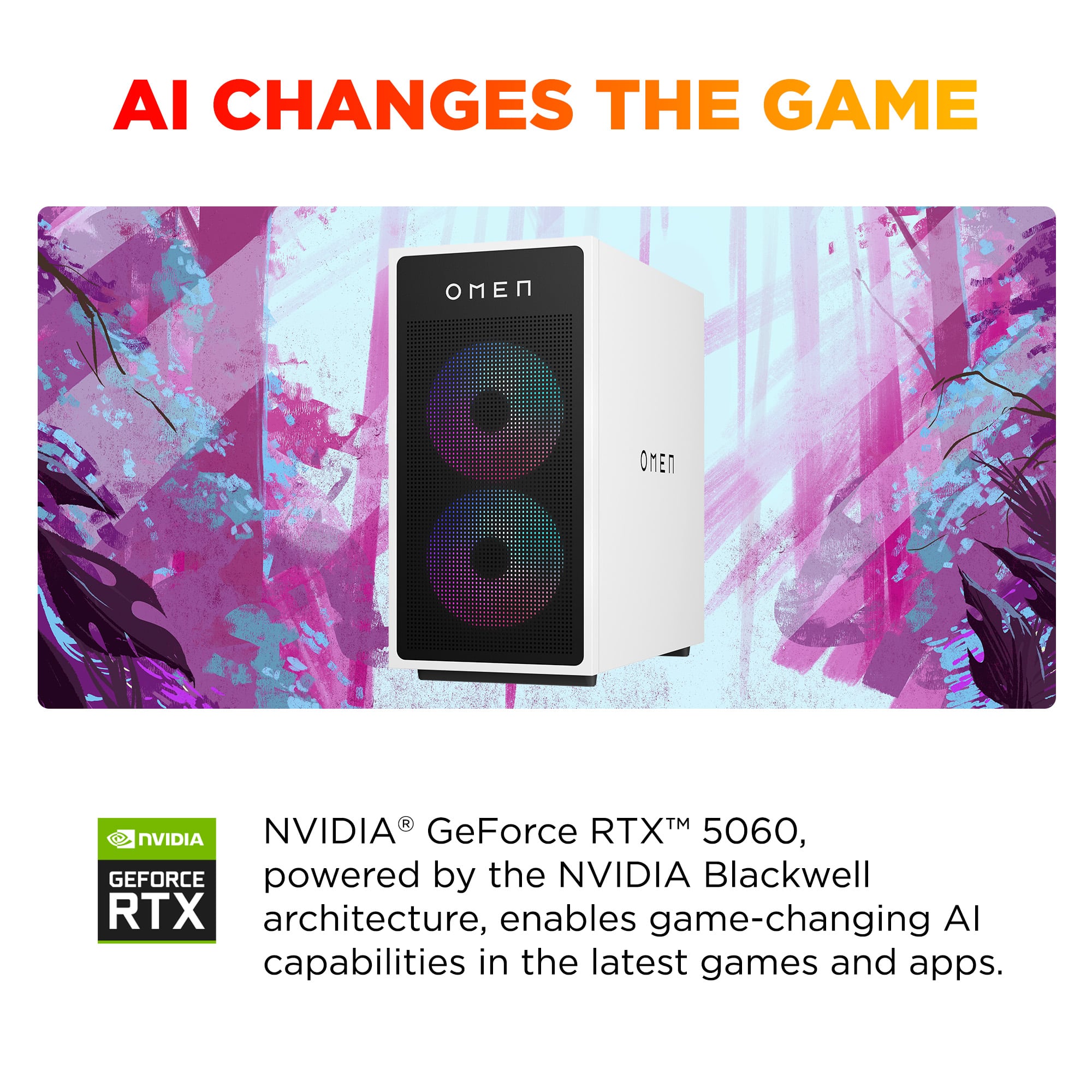
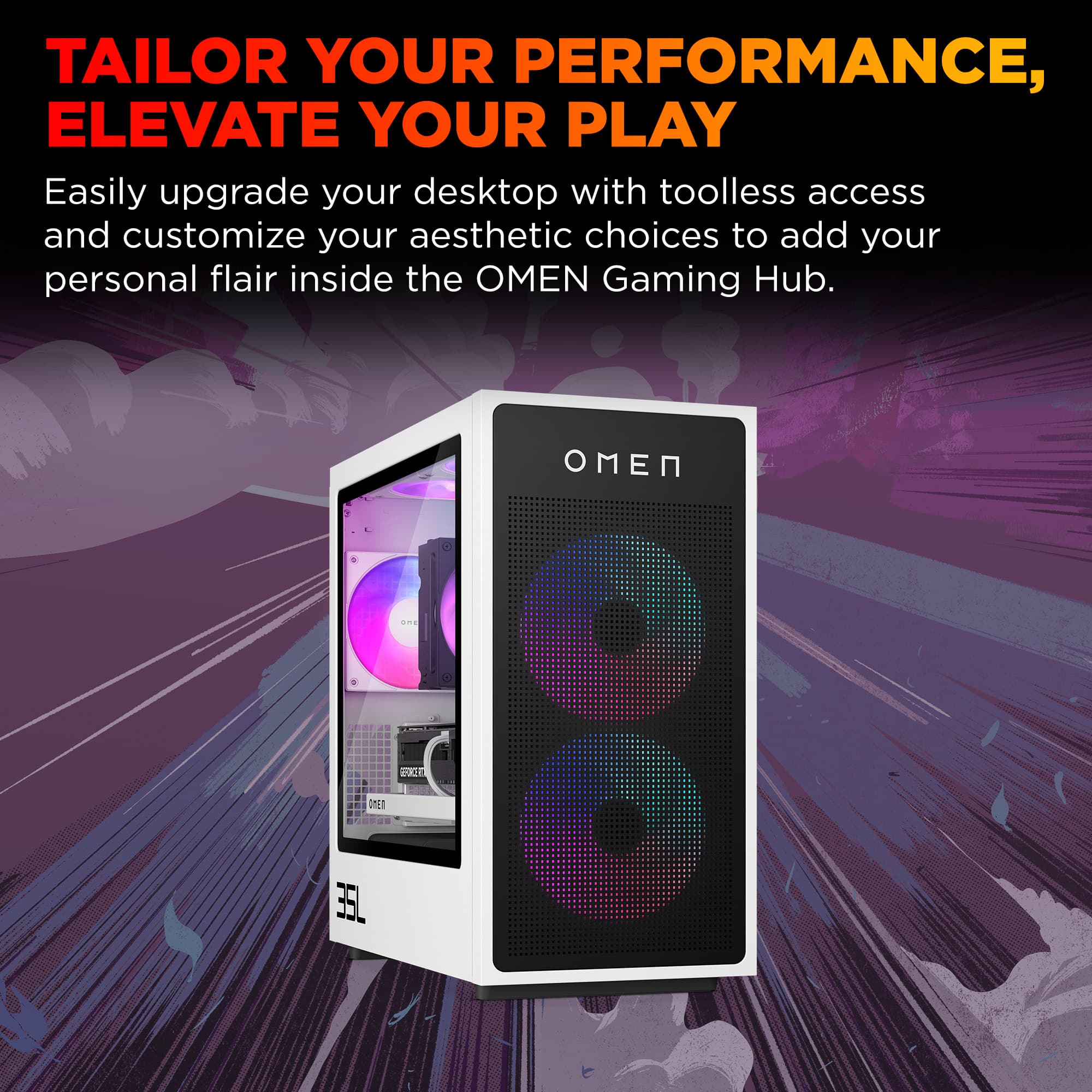
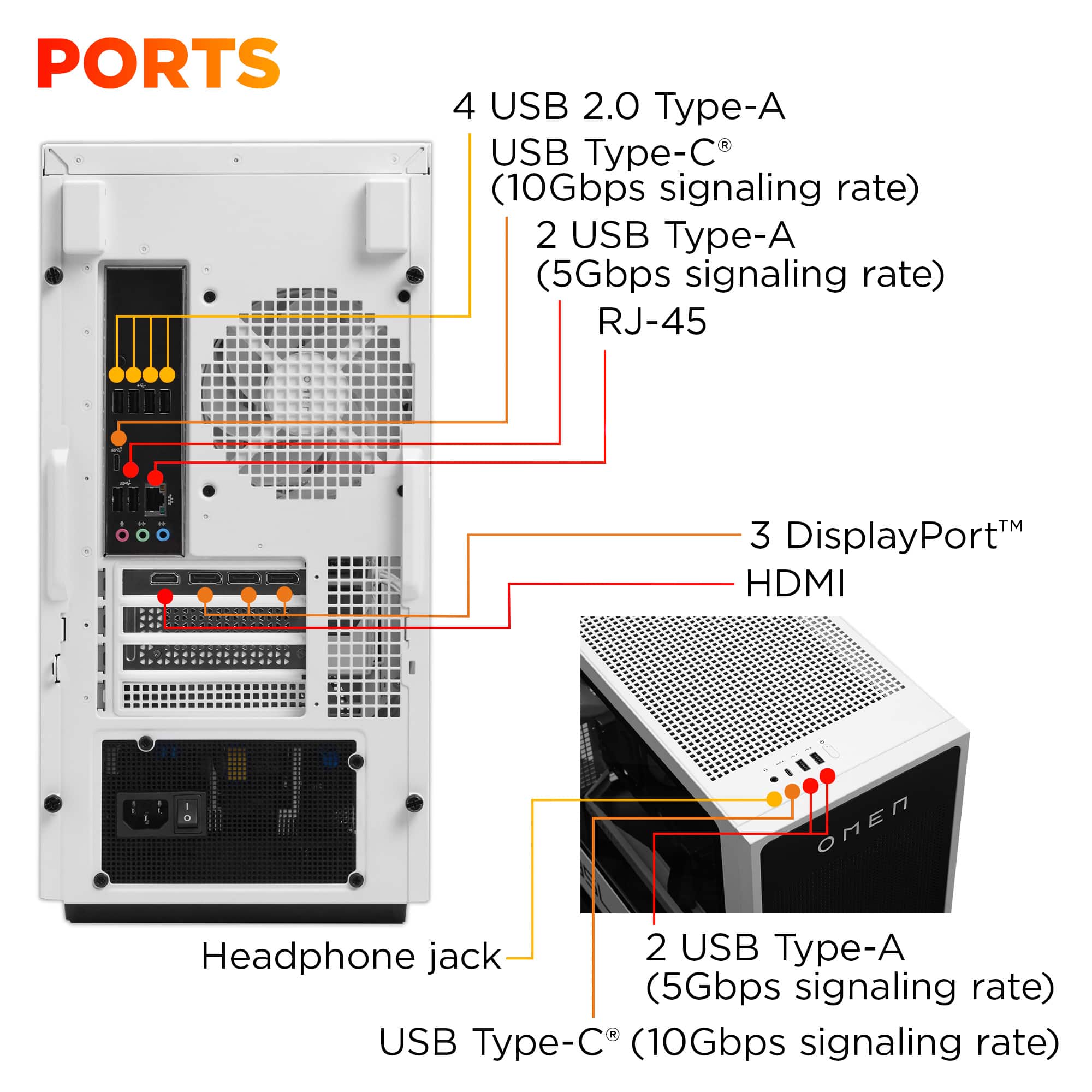
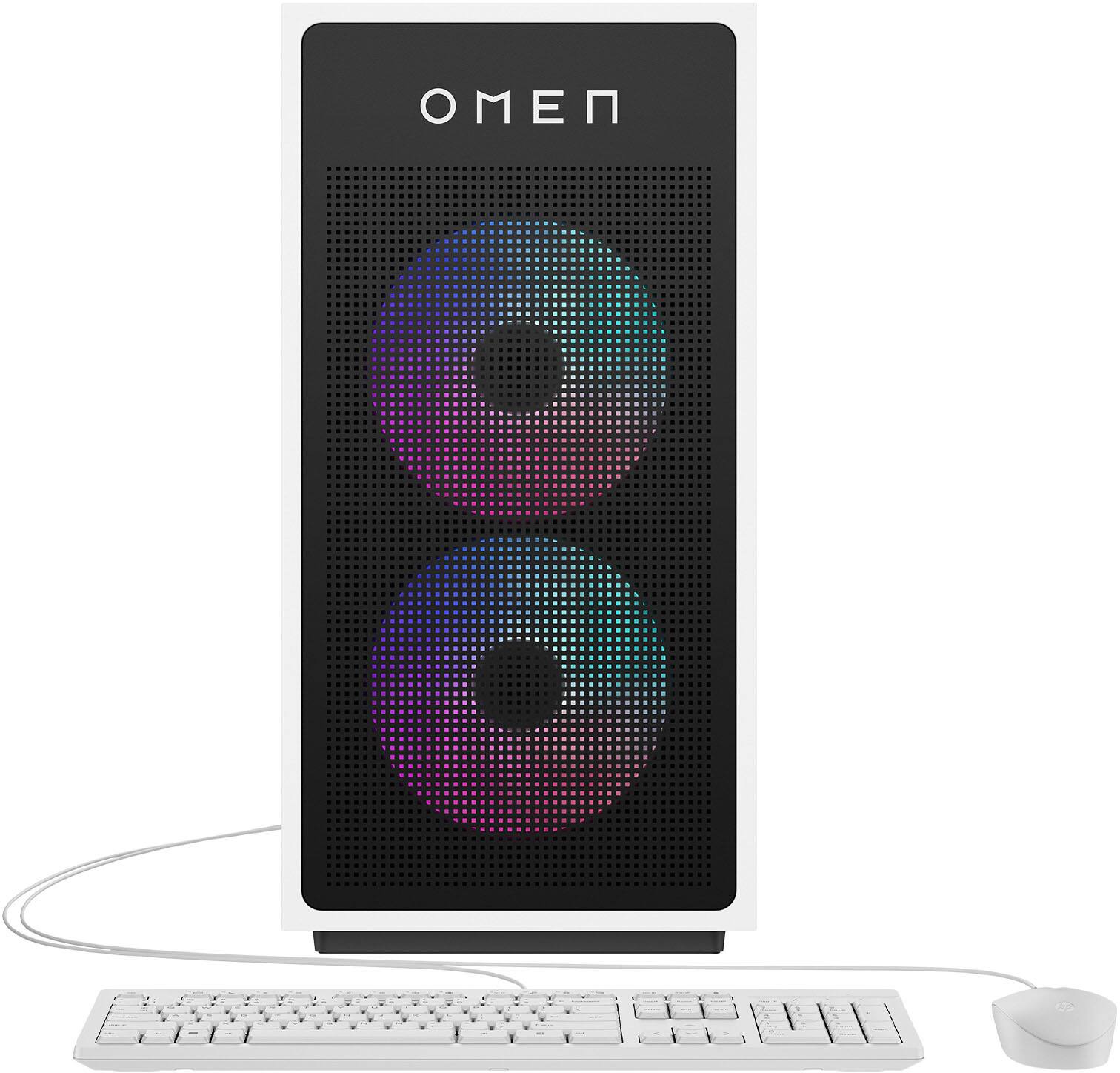
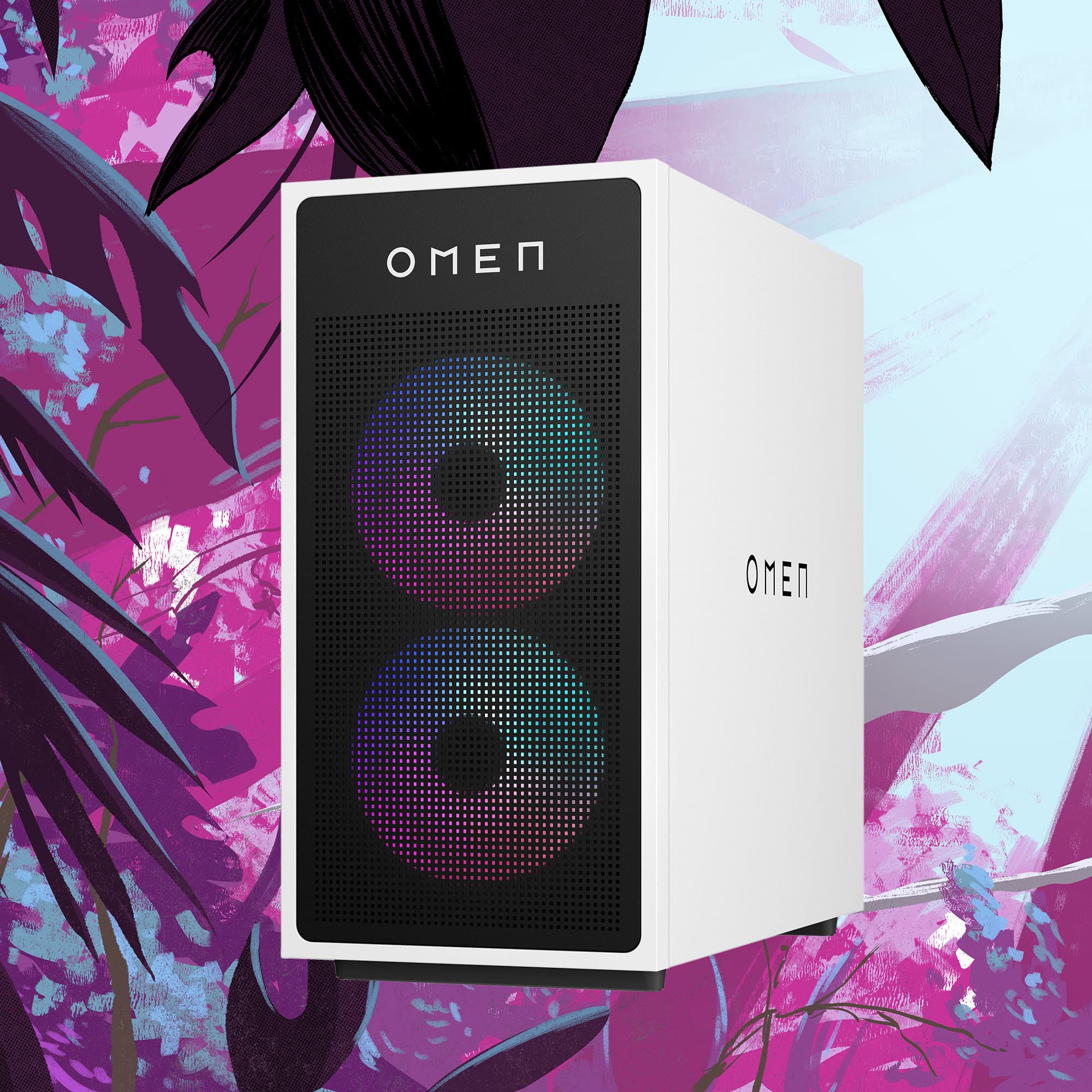
|Posted .This reviewer received promo considerations or sweepstakes entry for writing a review.Aesthetically speaking I love this form factor for a desktop. The LED lights on the fans and RAM compliment the stark white color of the case and the support brackets, which pair nicely with the black motherboard. This is the first partial glass case desktop computer I’ve owned having never cared much for showing off the inside of a computer, but my use case for this desktop means the computer will be visible to anyone walking into the room so I wanted something more attractive than a standard desktop. The fans are quiet and if the rainbow of color from the LEDs were not pulsing a visual reminder that this thing was powered on I would barely notice. It’s possible to disable the LEDs or change the pattern if you don’t want the light show. With the smaller motherboard, expansion/upgrade options are limited and the motherboard has what I would consider some compromises. First there is a single PCIe slot available for additional add-on cards. I used the slot to add a 10GB ethernet NIC. This is because the second compromise is that the built-in NIC is 1GB. A third compromise is that the Wifi adapter is Wifi 6. Is it really too much to expect that gaming computers ship standard with 2.5GB NICs and Wifi 7? The motherboard includes two SSD slots for system storage. This system shipped with one of the slots using a 1TB SSD. I immediately added a second 1TB SSD to the second slot which is inconveniently located directly beneath the graphics card. The locking mechanism used by the Nvidia graphics card is clearly meant to snap into place and never be touched again as the plastic latch was so tight I thought I was going to snap it off when trying to remove the GPU to get to the SSD slot. There is not enough spacing between the second SSD slot and the graphics card for the SSD to have a heatsink so pay attention to this detail if you plan on using the second slot. The first slot does not suffer from this same issue. HP includes cabling for adding an additional hard drive to a slot they built into the corner of the case on the opposite end of the 500W power supply. To keep things visually clean all the wiring is run on the back side of the motherboard to keep it hidden from display. The wires are accessible by removing the non-glass side panel of the case. I’ve included a photo in the review. HP ships the Velcro straps and the plastic cable ties tightly bound when it’s shipped and they have to be loosened in order to get the hard drive cable to reach to slot. I added a second hard drive to this slot bringing me up to three 1TB hard drives. The final set of compromises comes in the form of the GPU and CPU combination. HP is advertising this specific build as a mid-tier gaming rig so I did not have high expectations for performance compared to what’s possible with better graphics cards and CPUs on the market. This system lived up to my lowered expectations. It ships with AMD’s mid level CPU, the Risen 5 8400F and the Nvidia RTX 5060. Neither of these components are scoring favorably in benchmarks with some online reviews roasting Nvidia for releasing a desktop GPU that performs worse than the previous generation laptop GPUs. I have a laptop with the RTX 4080 and a second laptop with the RTX 5060 and can confirm that gaming is far smoother in every way on the RTX 4080 laptop than it is on either the laptop or desktop versions of the RTX 5060 devices. The RTX 50xx series is running Nvidia’s Blackwell architecture which might benefit newer games going forward, but the base RTX 5060 only has 8GB of GDDR7 memory. The TI edition ships with 16GB. One of the first games I tried playing on this is Microsoft’s Xbox game Forza Horizon 5 and within a few minutes of game play the game flashed a dialog box that the system was running low on video memory and the game began to stutter. Thus I find myself loving and not-really liking this system at the same time. Visually it looks great and it is working fantastic for the specific gaming use case I have for it, but this is not a system I would recommend as a primary, single purpose gaming computer. HP offers other Omen system configurations that I would pick instead, opting for an HP Omen that includes an upgraded CPU and GPU combination.
No, I would not recommend this to a friend