Deals Worth GiftingShop now

Skip to content
Gift Ideas
Main Content

Customer Ratings & Reviews
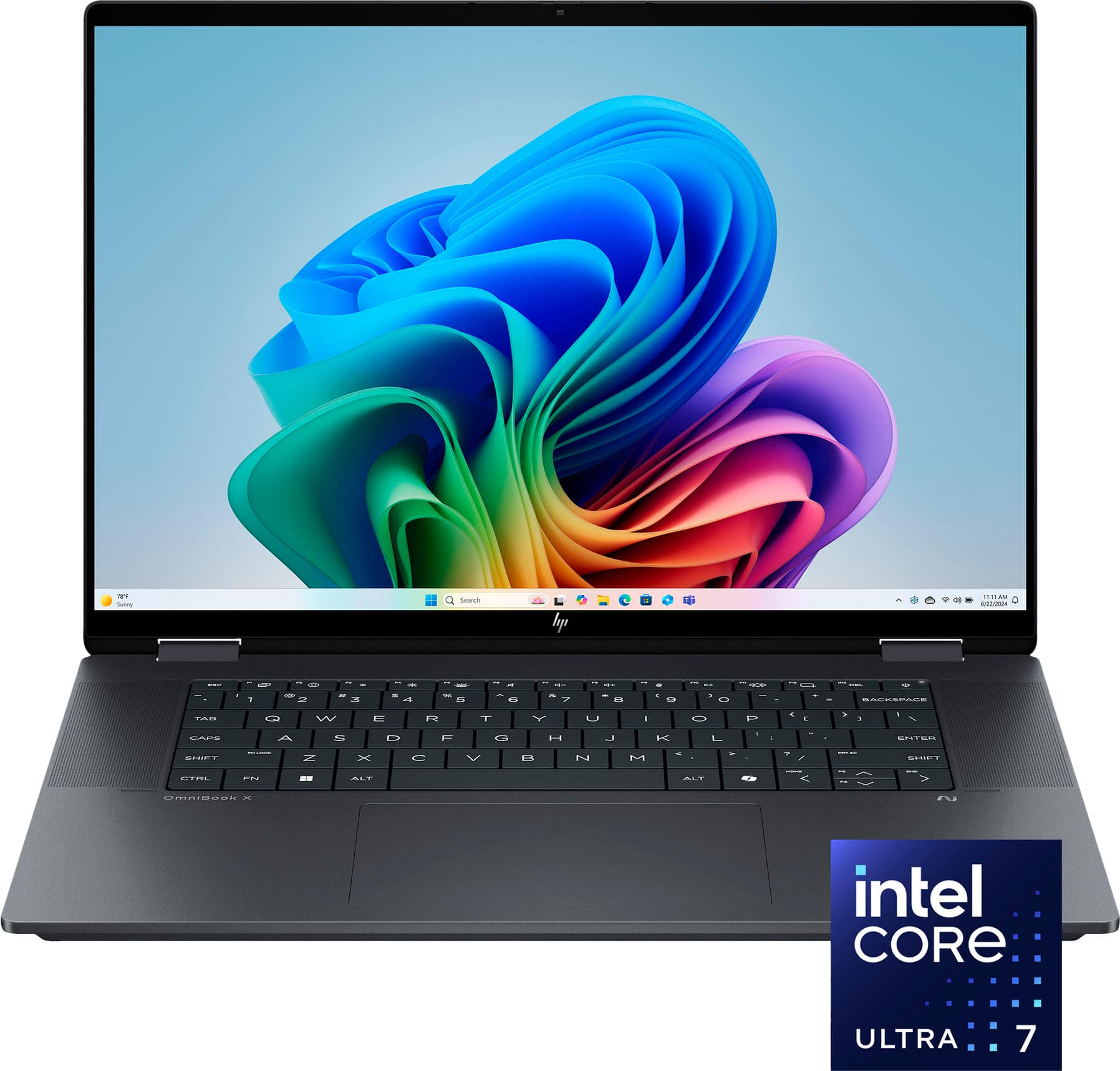
Your price for this item is $949.99
The comparable value price is $1,099.99

Customer reviews

Rating 4.8 out of 5 stars with 1000 reviews

Rating Filter

Rating by feature

  • Battery Life

    Rating 4.7 out of 5 stars

  • Speed

    Rating 4.8 out of 5 stars

  • Display

    Rating 4.8 out of 5 stars

96%
would recommend
to a friend
The vast majority of our reviews come from verified purchases. Reviews from customers may include My Best Buy members, employees, and Tech Insider Network members (as tagged). Select reviewers may receive discounted products, promotional considerations or entries into drawings for honest, helpful reviews.
Page 4 Showing 61-80 of 1,000 reviews
  • Rated 4 out of 5 stars

    Looks nice and is Good for the price.

    |
    |
    Posted . Owned for 2 weeks when reviewed.
    This reviewer received promo considerations or sweepstakes entry for writing a review.

    Very nice confirmation. 16” is not so light but is better for longer time in front of the screen. Battery is efficient. Looks very nice in this color.

    I would recommend this to a friend
  • Rated 5 out of 5 stars

    Worth the investment so far

    |
    |
    Posted .
    This reviewer received promo considerations or sweepstakes entry for writing a review.

    This computer has been a great investment so far. I have not had any issues.

    I would recommend this to a friend
  • Rated 5 out of 5 stars

    Great laptop and service

    |
    |
    Posted . Owned for 3 weeks when reviewed.
    This reviewer received promo considerations or sweepstakes entry for writing a review.

    The sales manager of the electronics section was excellent. She explained the laptops features, got me to enroll in Geek Squad premium coverage which has paid off already.

    I would recommend this to a friend
  • Rated 5 out of 5 stars

    Nice design

    |
    |
    Posted . Owned for less than 1 week when reviewed.
    This reviewer received promo considerations or sweepstakes entry for writing a review.

    First thing first,This product is really fast and nice design.

    I would recommend this to a friend
  • Rated 5 out of 5 stars

    Hp review

    |
    |
    Posted .
    This reviewer received promo considerations or sweepstakes entry for writing a review.

    I love it. I love the features it’s easy to set up. Definitely worth the money.

    I would recommend this to a friend
  • Best Buy Employee

    Rated 5 out of 5 stars

    Great value

    |
    Best Buy Employee
    Posted .
    This reviewer received promo considerations or sweepstakes entry for writing a review.

    very good laptop, a little big but the screen is beautiful and its a great value specially when on discount

    I would recommend this to a friend
  • Rated 5 out of 5 stars

    My "Best Buy" ever!

    |
    |
    Posted . Owned for 3 weeks when reviewed.
    This reviewer received promo considerations or sweepstakes entry for writing a review.

    Lots new features, fast, efficient and reliable.This was a gift from my daughter, I was worried it would be too high tech for me, but eased into it no problem!

    I would recommend this to a friend
  • Rated 5 out of 5 stars

    Nice for affordable laptop

    |
    |
    Posted .
    This reviewer received promo considerations or sweepstakes entry for writing a review.

    Excellent for budgeting laptop design nice. Well done

    I would recommend this to a friend
  • Rated 4 out of 5 stars

    Love it

    |
    |
    Posted . Owned for 3 weeks when reviewed.
    This reviewer received promo considerations or sweepstakes entry for writing a review.

    Like it does all my needs. No problems. Handles well touch screen is a plus.

    I would recommend this to a friend
  • Rated 5 out of 5 stars

    Computer

    |
    |
    Posted .
    This reviewer received promo considerations or sweepstakes entry for writing a review.

    I loved de computer,it's a wonderful tool and has a lot of technology

    I would recommend this to a friend
  • Rated 5 out of 5 stars

    Love the laptop

    |
    |
    Posted .
    This reviewer received promo considerations or sweepstakes entry for writing a review.

    Love it! Open box but no issue so far, glad to have purchased

    I would recommend this to a friend
  • Rated 3 out of 5 stars

    Slow not as expected

    |
    |
    Posted .
    This reviewer received promo considerations or sweepstakes entry for writing a review.

    Product i feel performance is slowing while using chrome and excel

    I would recommend this to a friend
  • Rated 5 out of 5 stars

    HP Omnibook 2 in 1

    |
    |
    Posted . Owned for 1 month when reviewed.
    This reviewer received promo considerations or sweepstakes entry for writing a review.

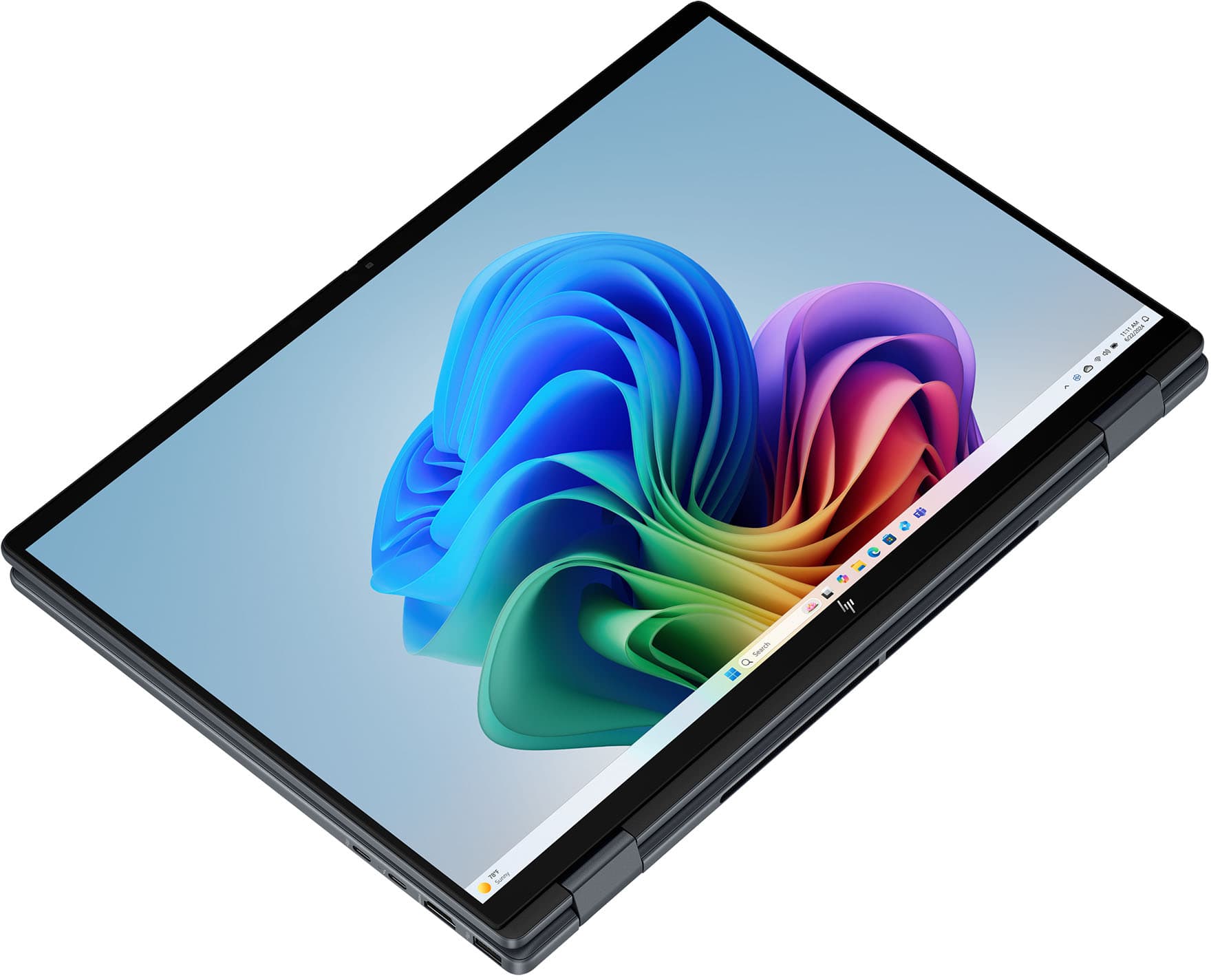
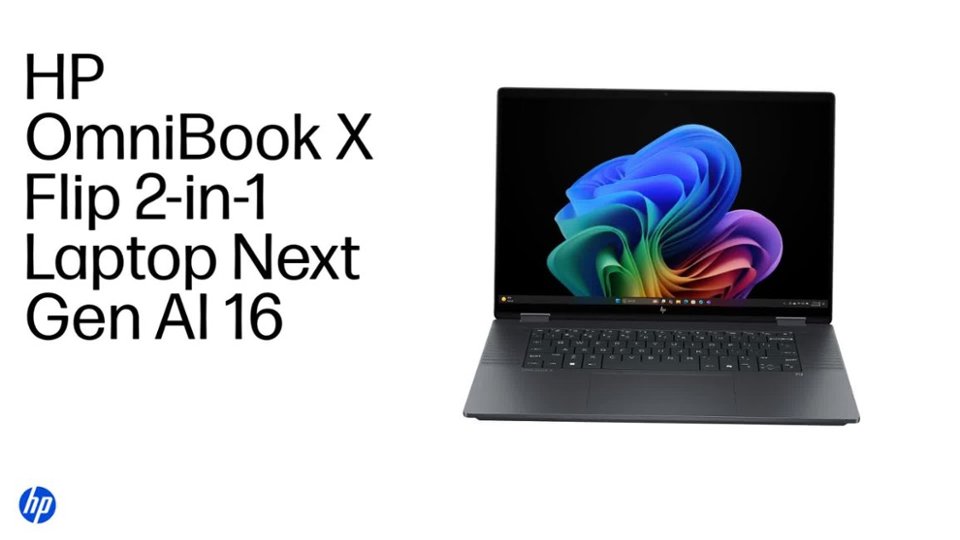
    I bought HP OmniBook X Flip 2-in-1 for a while now, and I’m genuinely impressed by its performance and versatility. The build quality feels premium, with a sturdy hinge that smoothly converts between laptop and tablet modes. The display is bright, crisp, and full of vibrant colors — perfect for both work and streaming. Multitasking is effortless thanks to the fast processor and generous memory, and the laptop stays cool and quiet even during heavy use. Battery life is solid for a convertible, and I love how lightweight and portable it is — ideal for travel and hybrid work. The keyboard feels comfortable, and the touchscreen is highly responsive with excellent pen support. Overall, this laptop strikes a great balance between power, style, and practicality. I’d definitely recommend it to anyone looking for a reliable and flexible 2-in-1 device.

    I would recommend this to a friend
  • Tech Insider Network Member

    Rated 5 out of 5 stars

    A Great All-Around Laptop!

    |
    Tech Insider Network Member
    Posted .
    This reviewer received promo considerations or sweepstakes entry for writing a review.

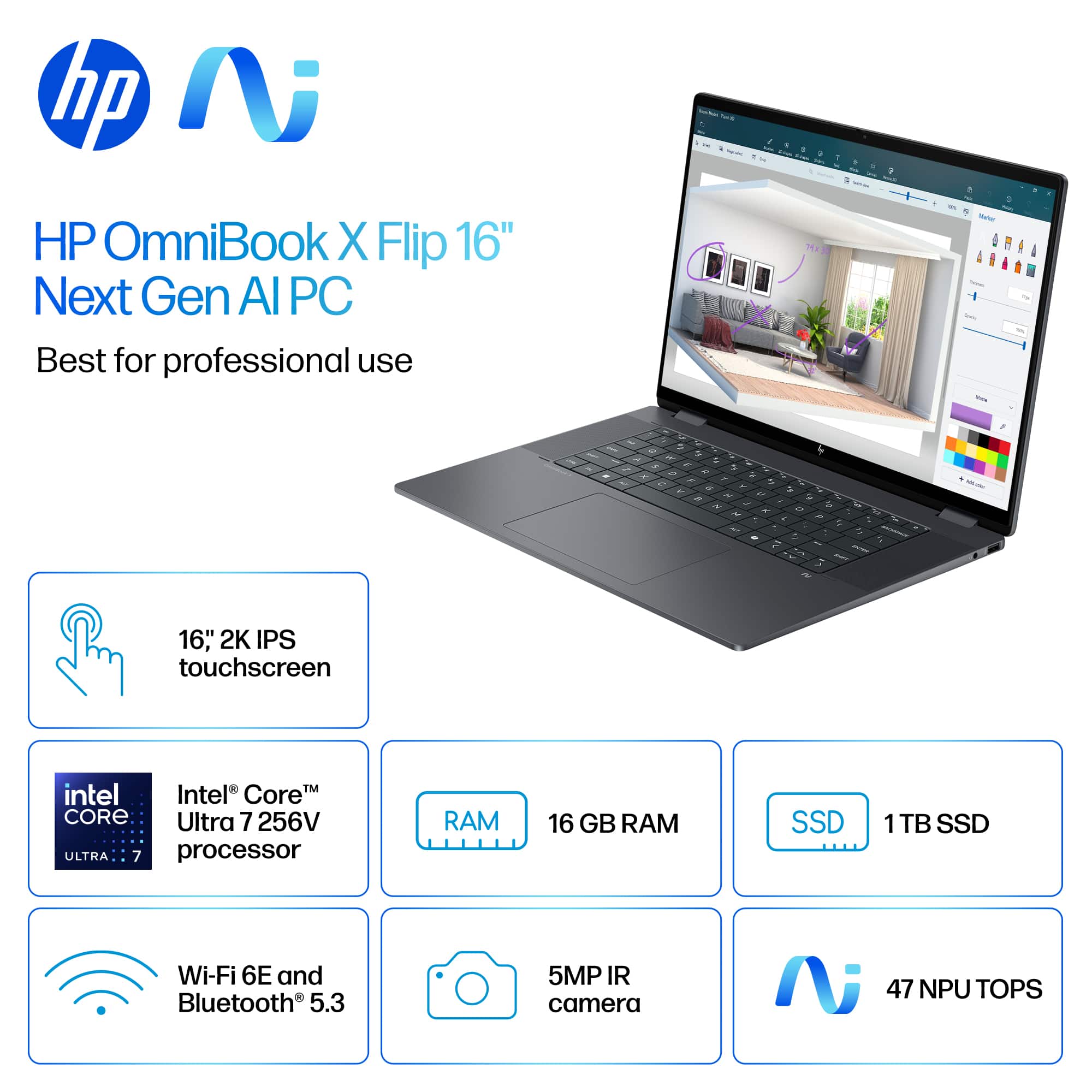
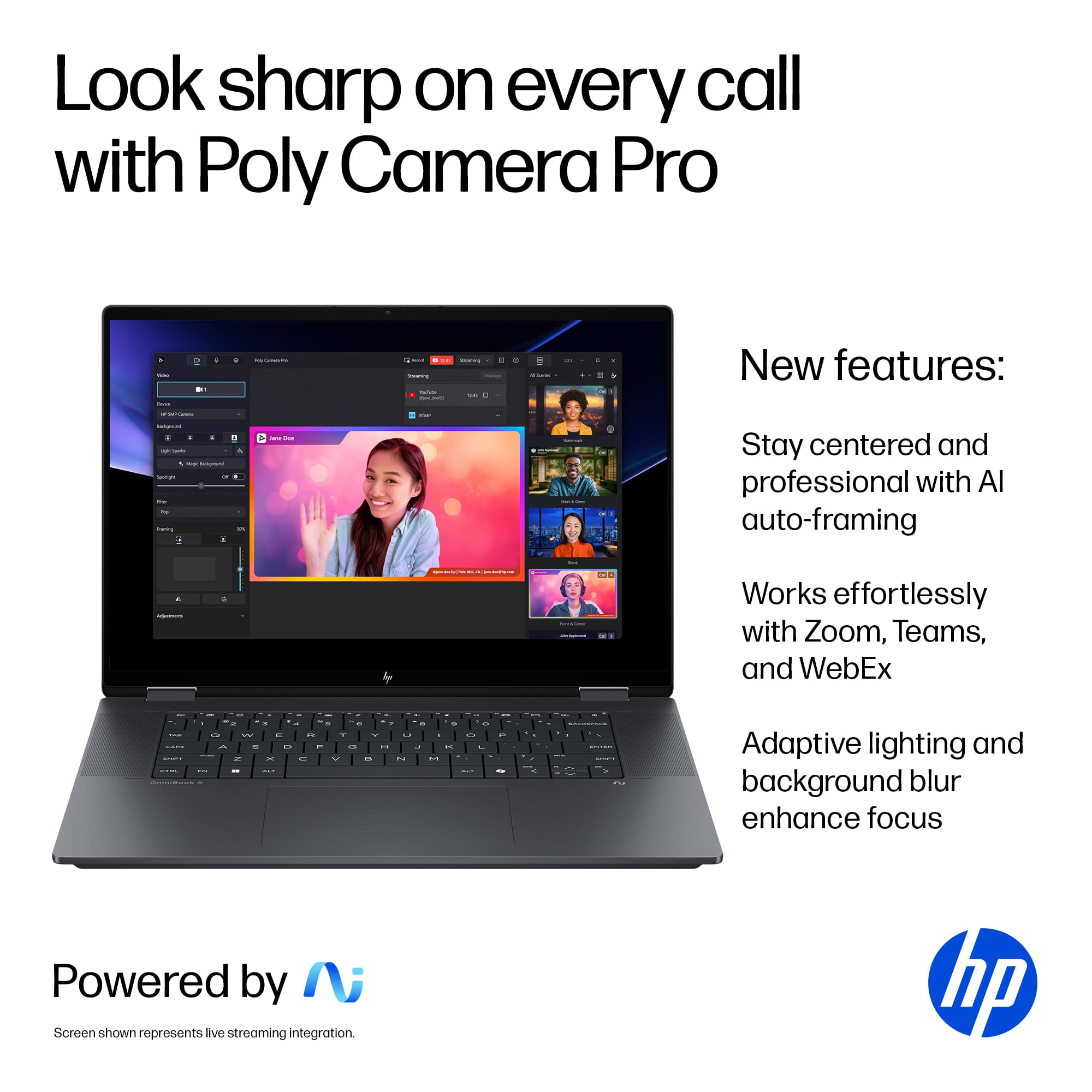
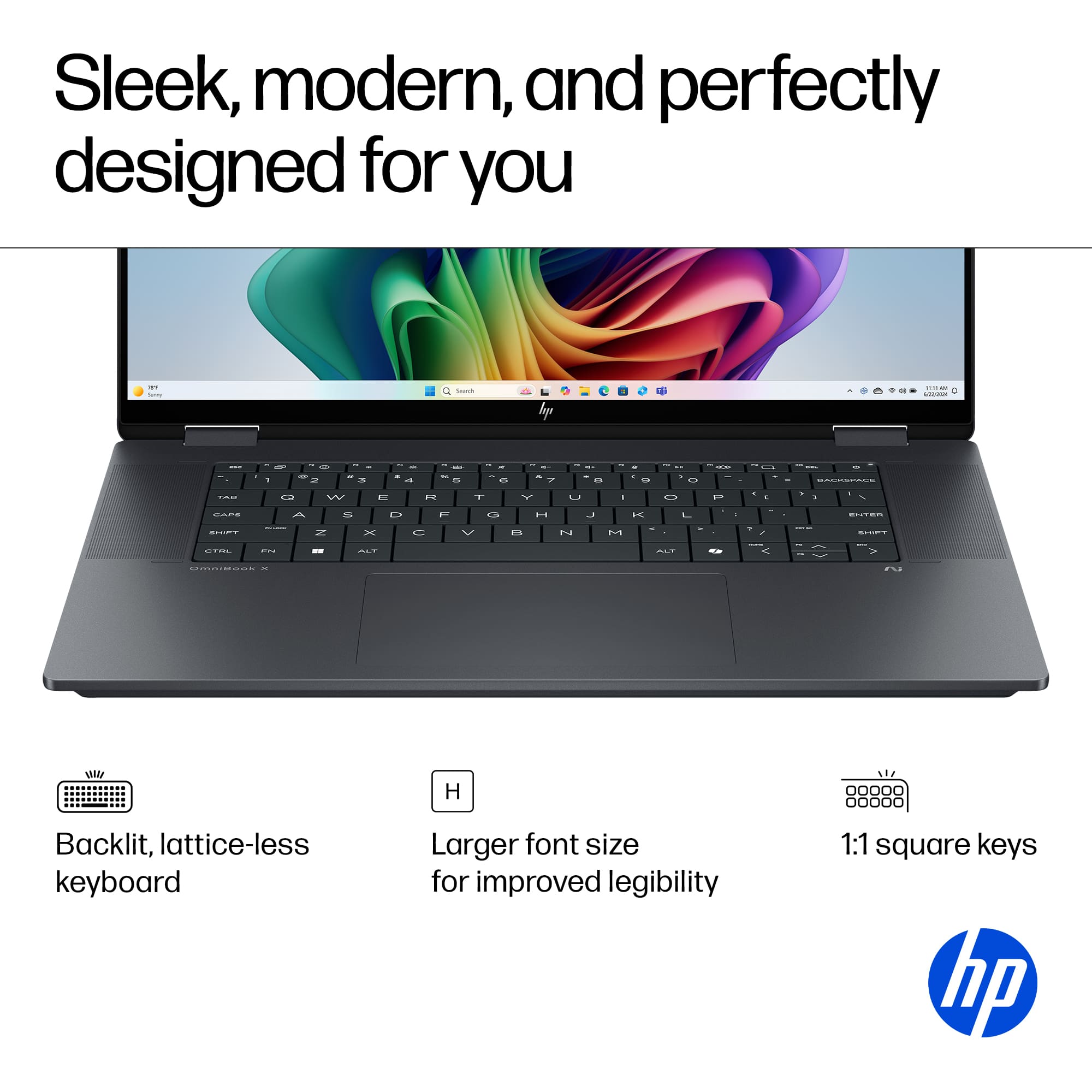
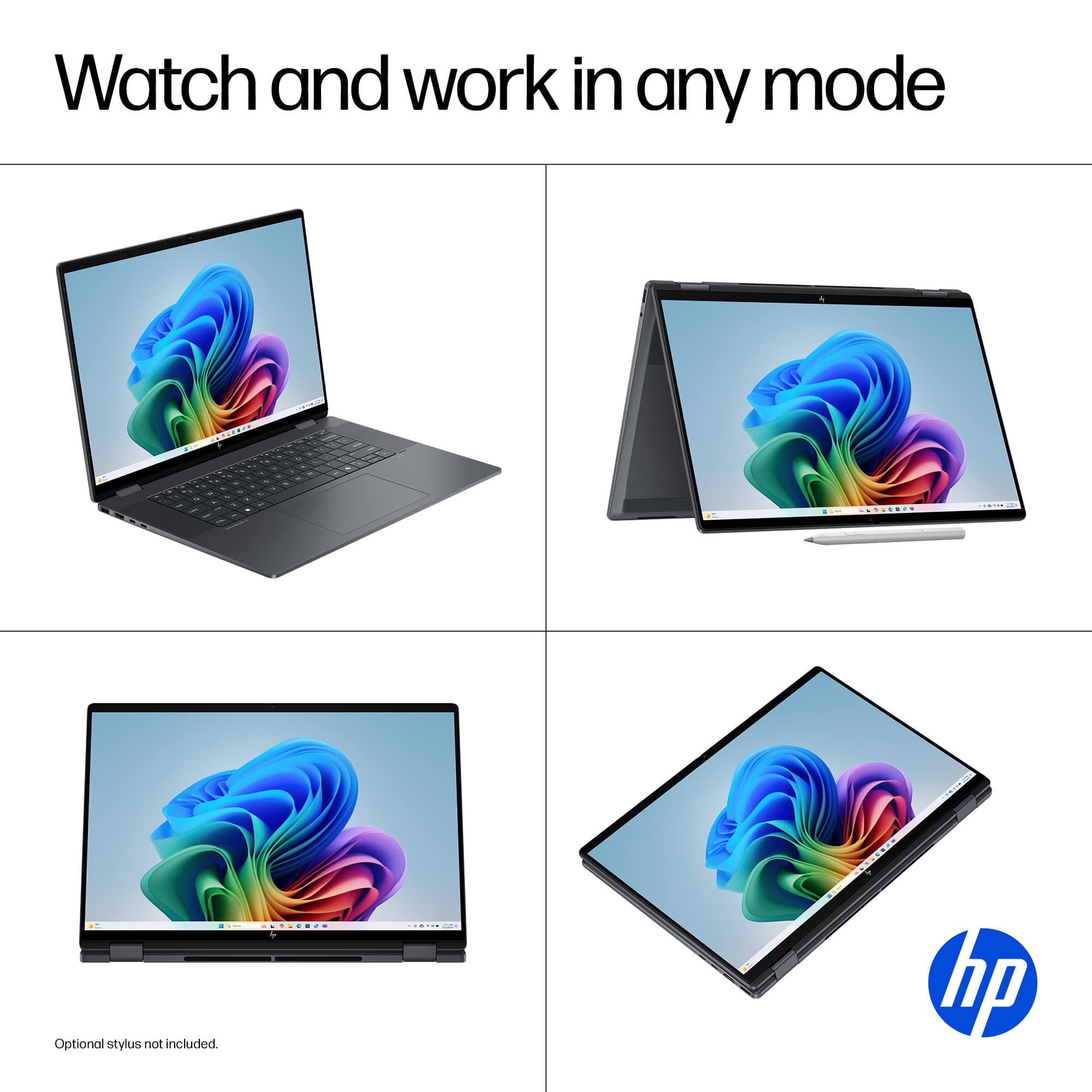
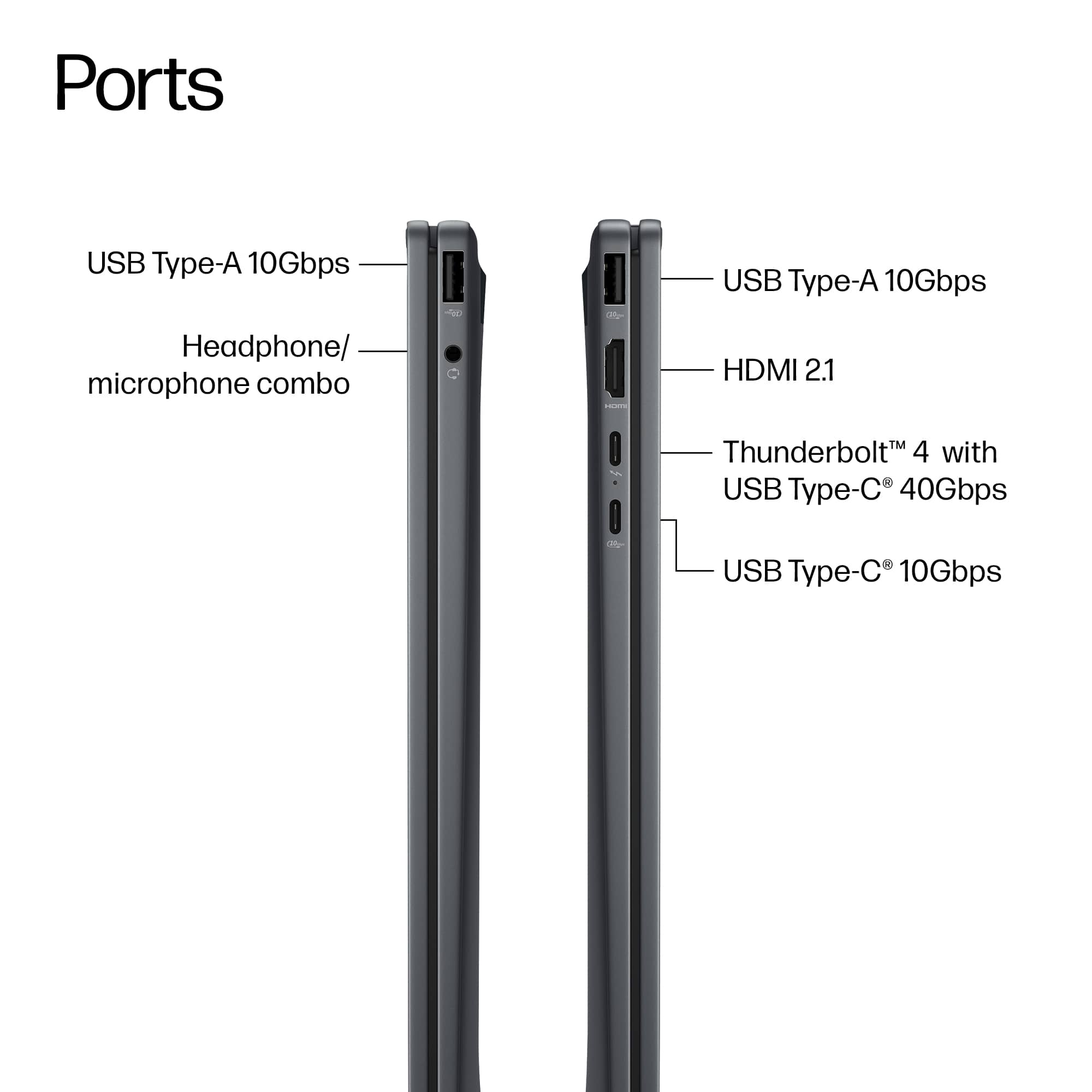
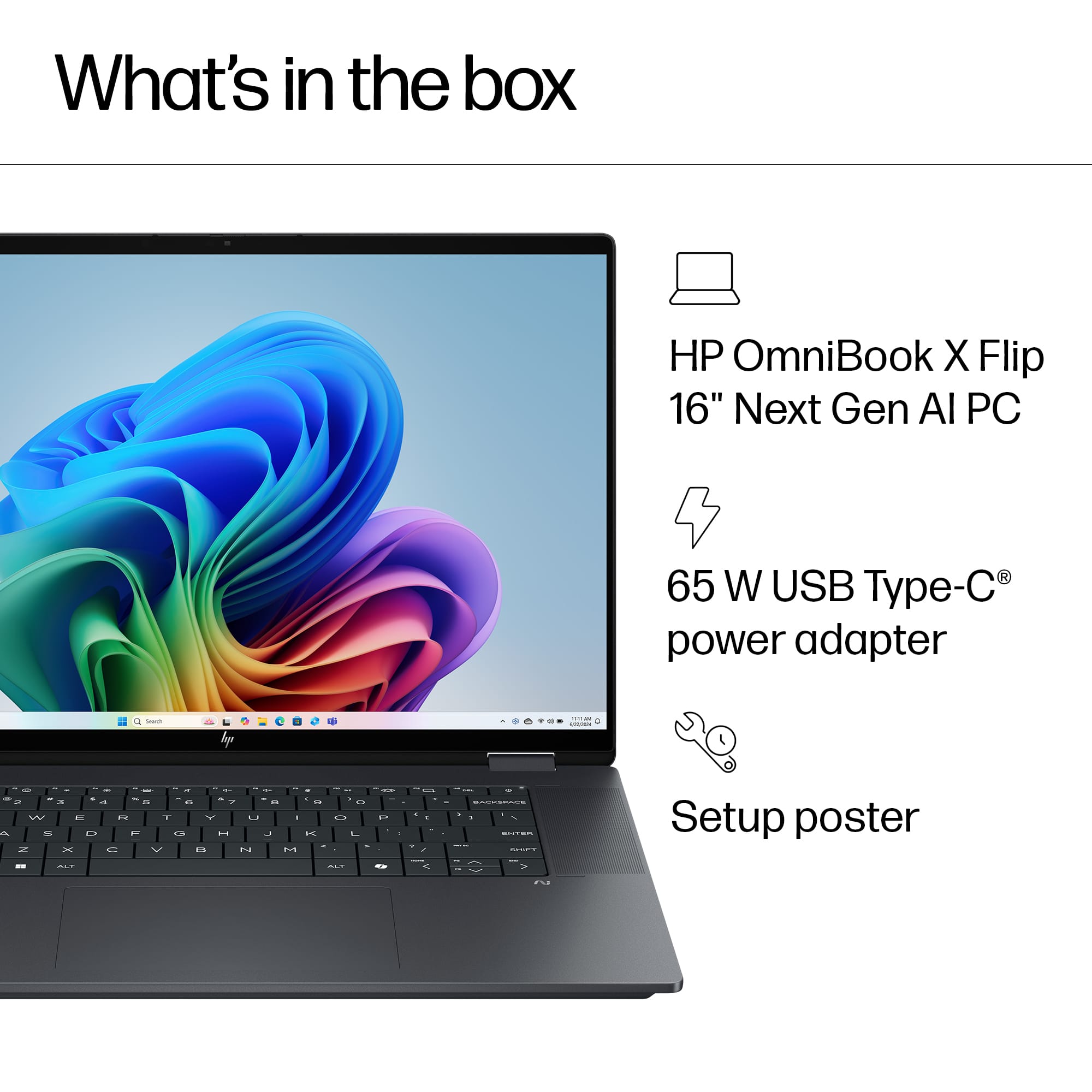
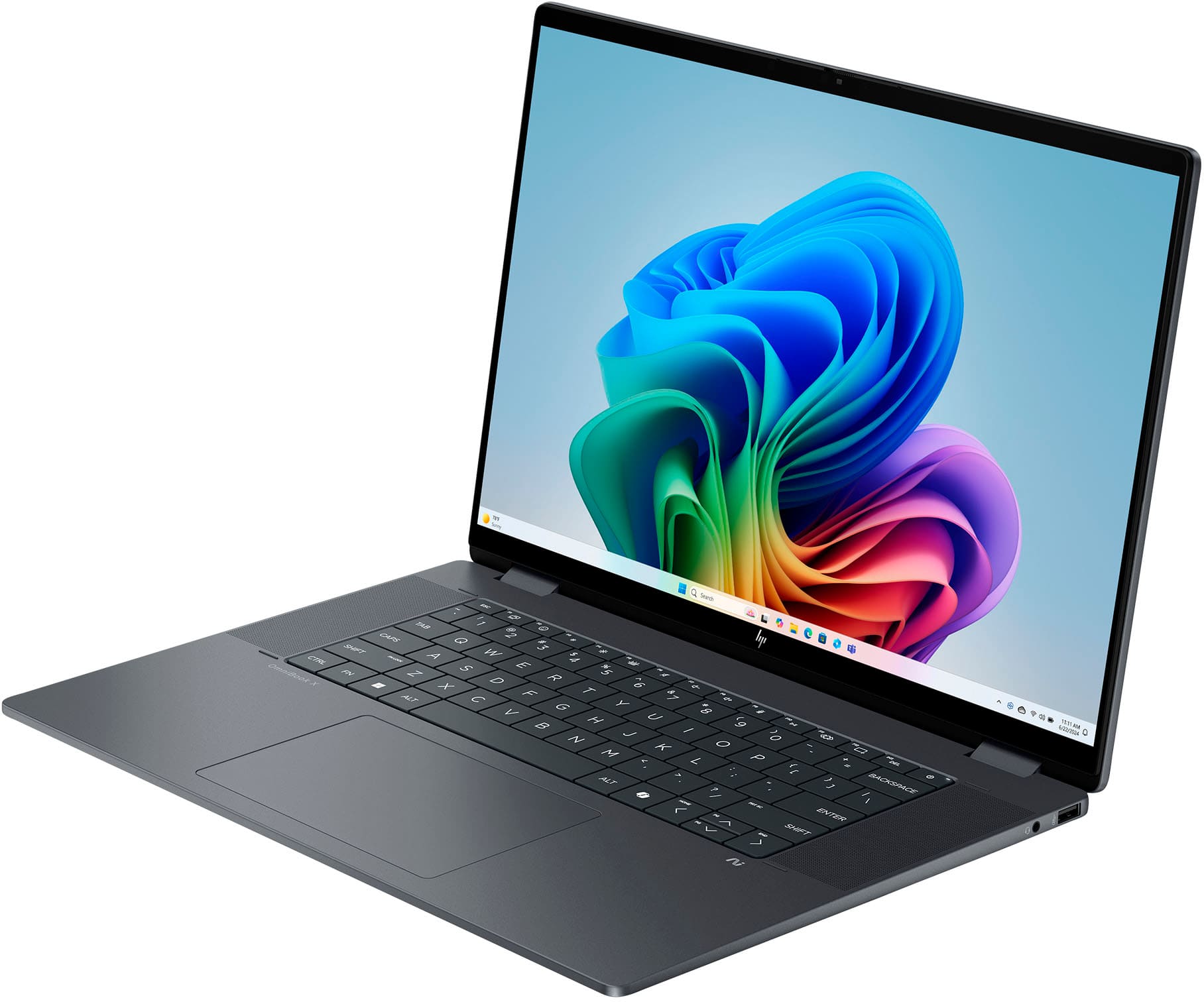
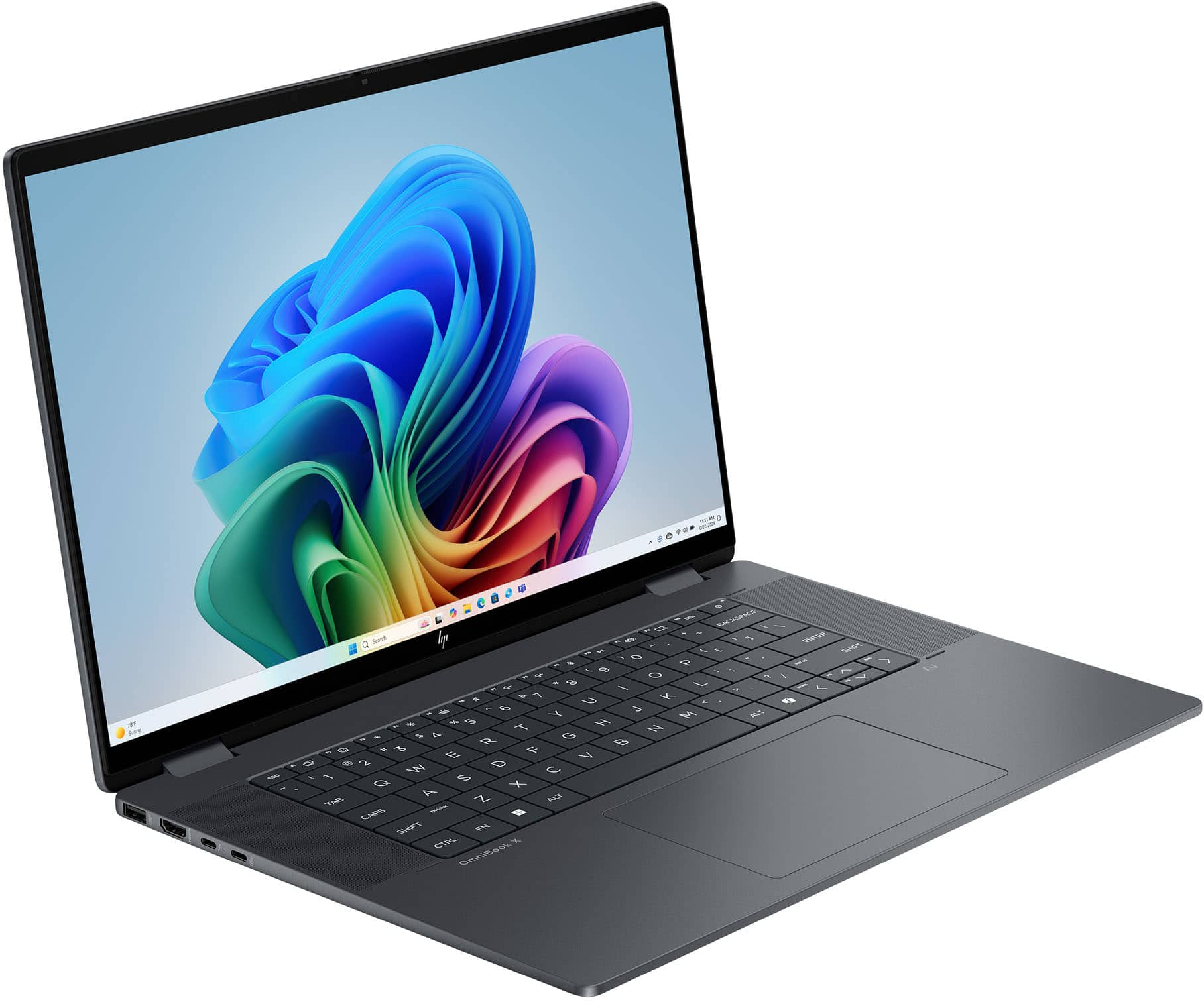
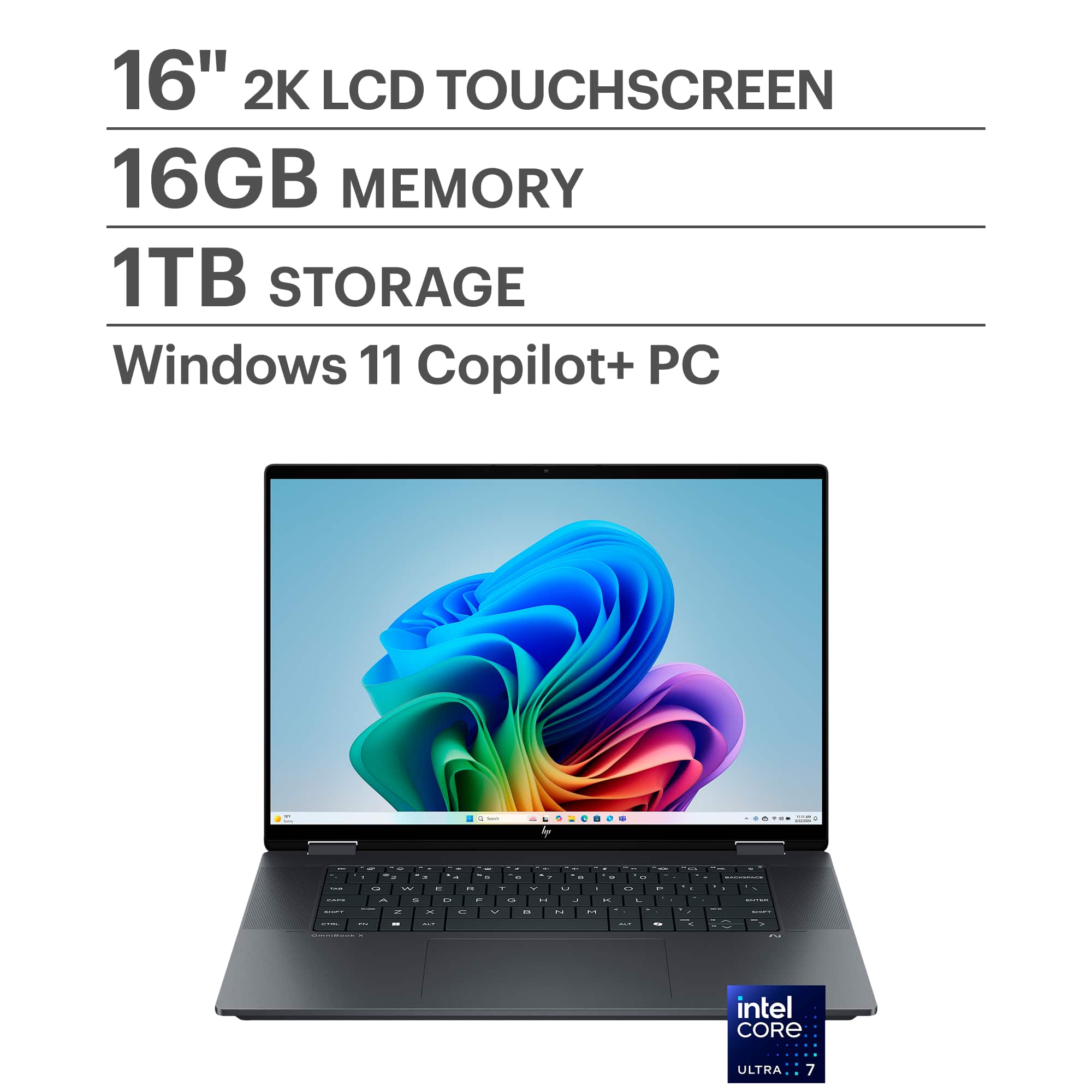
    The OmniBook X Flip is a great all-around 2-in-1 laptop. With its powerful Intel Ultra Core 7 processor and an Intel Arc 140V integrated GPU, this laptop can do it all. From simple tasks like word processing, web browsing, watching films, to some more task-heavy tasks like some light gaming. This laptop is a versatile piece of tech that is great for a student or a business professional who requires that extra processing power or tablet capabilities. This is my review of the HP OmniBook X Flip 2-in-1 laptop. Read on to learn about some Pros and Cons of the OmniBook X! *TLDR at the bottom ========= IN THE BOX/SET-UP: So, what’s in the box? A laptop that is neatly wrapped in a soft cover, a 65W USB-C charger with a nice, braided cable, and some documentation. Setup is straightforward. It is your typical Windows 11 out-of-the-box experience. I typically go through the laptop and delete any bloatware or apps I won’t ever use before setting up my stuff. There were some bloatware applications like McAfee and some intrusive HP apps, but overall, I do appreciate that the laptop did not have a lot of bloatware preinstalled. ========= DESIGN/SPECS: The OmniBook X Flip 2-in-1 laptop sports a nice matte black color (HP calls it Eclipse Gray, but the color appears black). I love the matte black color, and while the cover is a fingerprint magnet, I’ve noticed that the keyboard doesn’t leave much of an oily finger residue compared to some other laptops I have used. The keys on the keyboard are significantly larger compared to some other keys I have used in the past. It did take a little bit of getting used to the size and travel distance of these keys. There is also no number pad. I prefer a number pad, but it is not a deal breaker for me. Like the keyboard, the trackpad is very large. The large trackpad was somewhat cumbersome when I was typing, and suddenly, my wrist accidentally clicked down on the trackpad or moved the mouse pointer. Something I like about this laptop is the number of available ports for your different peripherals. The laptop has 2 USB-A 3.1, 1 USB-C 3.1, 1 Thunderbolt 4, 1 AUX, and 1 HDMI. Finally, a major selling point is the touchscreen display. The touchscreen can be used in many ways. It is responsive, but there are certain areas where your clicking will need to be more precise (e.g., closing a Chrome tab because sometimes the touch does not register). There is no stylus, but at this price point, I strongly think one should have been included. The OmniBook X contains some powerful internals. An Intel Core Ultra 7 processor, a decent internal GPU (Intel Arc 140V), 16GB of memory, and a 1TB SSD. ========= PERFORMANCE: I was able to use the OmniBook X in a variety of situations over the past couple of days. I work in IT and was able to stress test its business capabilities there. I also played some video games and watched a couple of movies/live events in tablet mode. Finally, I ran several benchmark software programs. I will first cover the benchmark software. The first one I ran was 3D Mark. This was used to test out the laptop’s gaming capabilities. While this is not marketed as a gaming computer, the OmniBook X is capable of light gaming. PC Mark was used to test out the computer’s capabilities with modern office applications like Word, video conferencing software, web browsing, data processing, etc., and Cinebench was used to test out the computer’s CPU rendering. The scores for these benchmark applications can be seen below. 3D Mark Steel Nomad Light Score: 3114 PC Mark Overall Score: 4604 *Individual scores for a specific application in the PC Mark image Cinebench CPU (Multi Core): 8813 CPU (Single Core): 1860 The benchmarks say this is an excellent office computer that can handle many process-heavy tasks, such as video processing or running virtual machines. A student who uses Premiere Pro or AutoCAD will find that this laptop is great at handling these process-heavy applications. On the other hand, the OmniBook X’s gaming capabilities aren’t ideal, but can be used for light gaming. I played a variety of games, from FPS games like Black Ops 6 to some newer games like Expedition 33. I was also able to play some lighter games like Stumble Guys, which the laptop handled extremely well. The display has a max refresh rate of 60Hz, which is okay for casual gaming. In Stumble Guys, I was able to max out the refresh rate. On B06, I got an average of 58 FPS on basic settings. Not ideal for competitive gameplay, but for casuals, it should be okay. On Expedition 33, the OmniBook X did struggle significantly. I had to set all graphic settings to low, and even on low, I was averaging 33 FPS. Overall, the OmniBook X handles office tasks exceptionally and can handle some video games okay. ========= FEATURES/OTHER NOTES: The following lists some features and other notes I have about the OmniBook X. - Built-in speakers are surprisingly good, but the lows are lacking - The minimal amount of Bezels makes the display appear larger - Built-in camera is good, the Poly Camera Pro app helps enhance your video calls and allows video effects - The 400 nits screen brightness is bright and vibrant - Great cooling system, the fans are extremely quiet - An Intel Wi-Fi 6E card is installed in the computer - 3 free months of PC Game Pass are included with the device. ========= CONCLUSION/TLDR: Overall, the OmniBook X is an excellent office laptop and an okay laptop for gaming. If you are a student or business professional who uses creative apps like Premiere Pro or technical apps like VirtualBox or AutoCAD, this laptop will suit you well. The OmniBook X handles office applications like a champ. On top of handling office apps, the 2-in-1 ability makes this laptop a versatile note-taking tool or a tablet to watch videos. While the laptop can handle games, don’t expect a top-of-the-line performance. More graphically intensive games, such as Expedition 33, I was only able to get about 35 FPS on low settings, which is not ideal. But other games like BO6, I was able to almost max out the 60Hz refresh rate. Regardless, I would still consider the OmniBook X a great all-around laptop that I wholeheartedly recommend you check out!

    I would recommend this to a friend
  • Tech Insider Network Member

    Rated 5 out of 5 stars

    Powerhouse HP Omnibook X Flip 2-in-1

    |
    Tech Insider Network Member
    Posted .
    This reviewer received promo considerations or sweepstakes entry for writing a review.

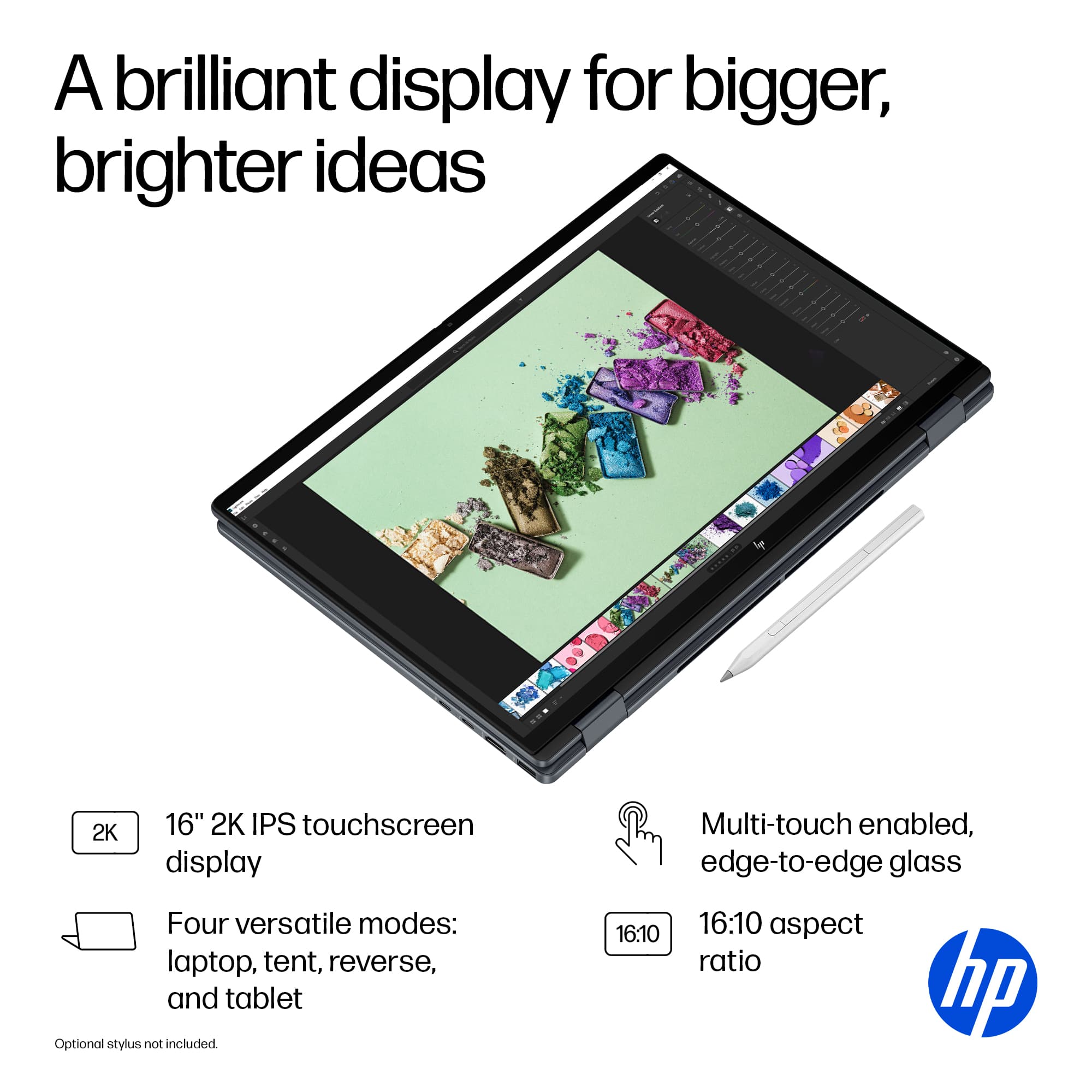
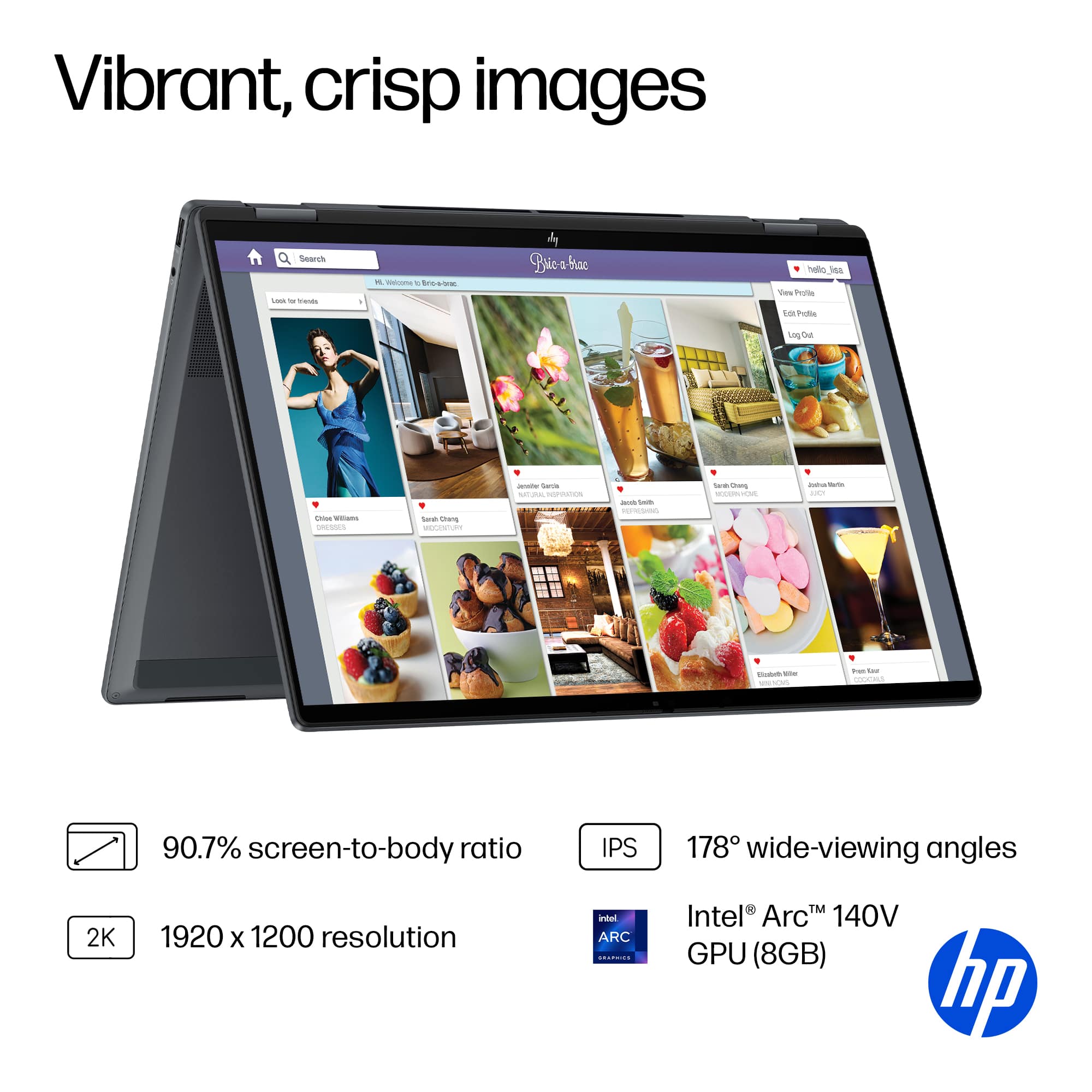
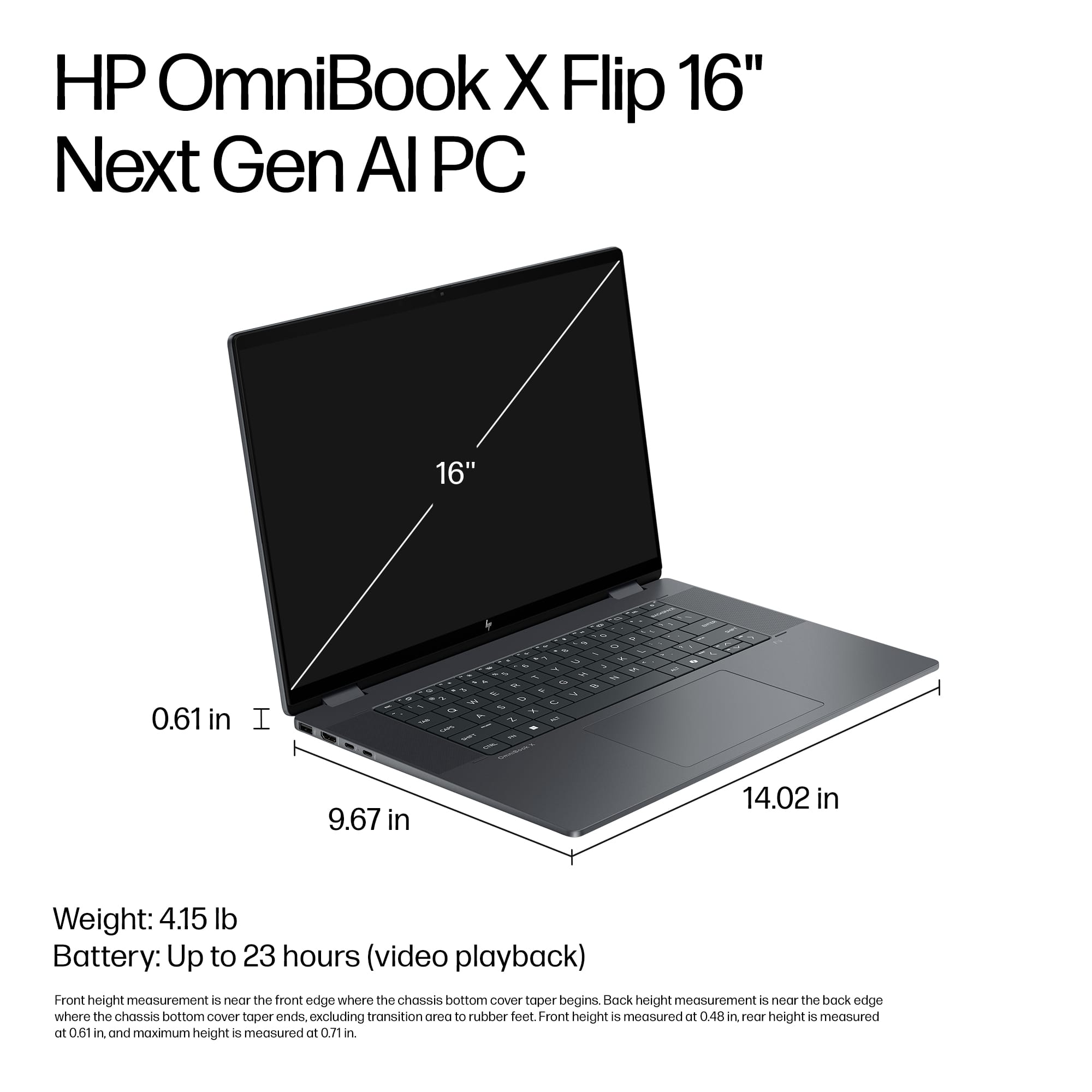
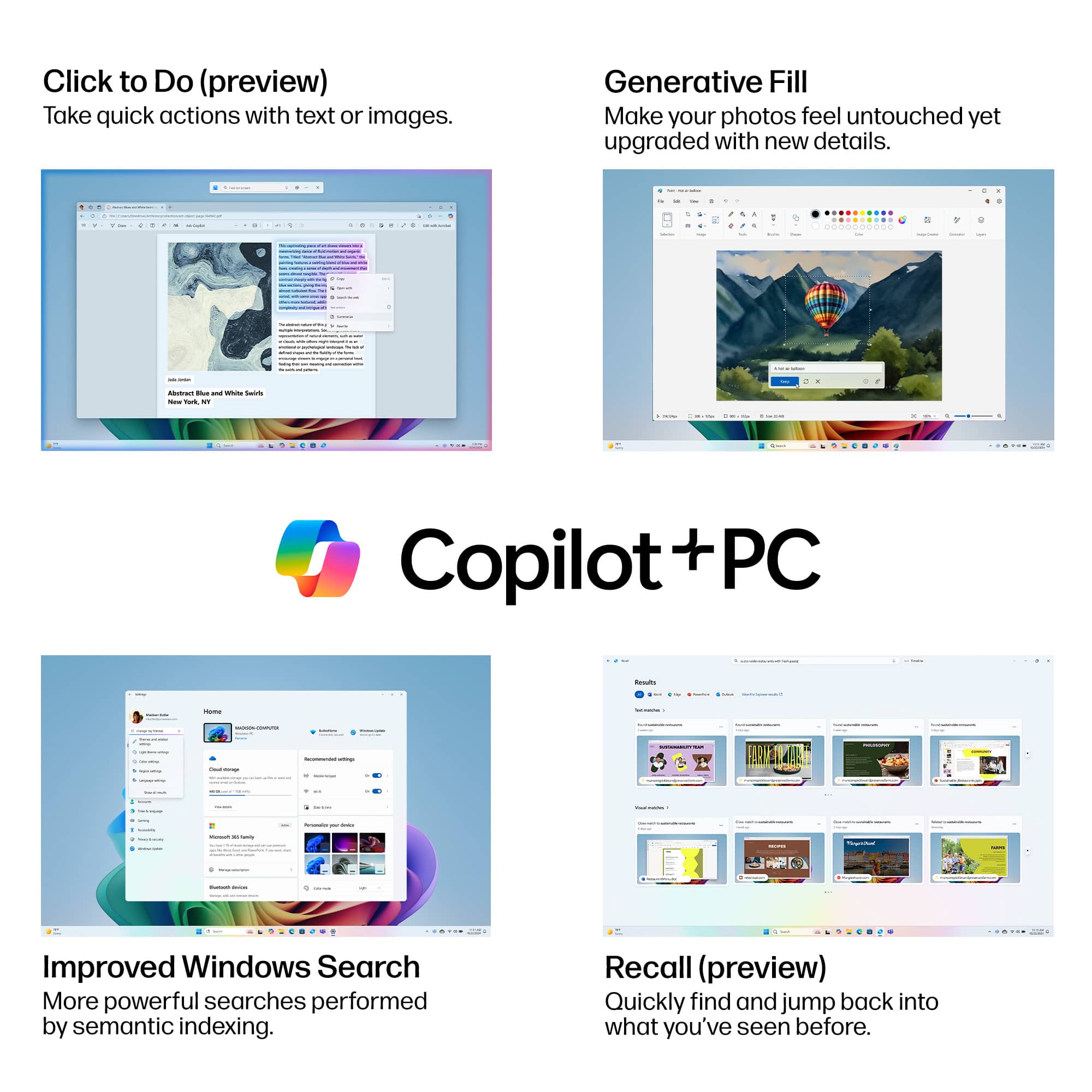
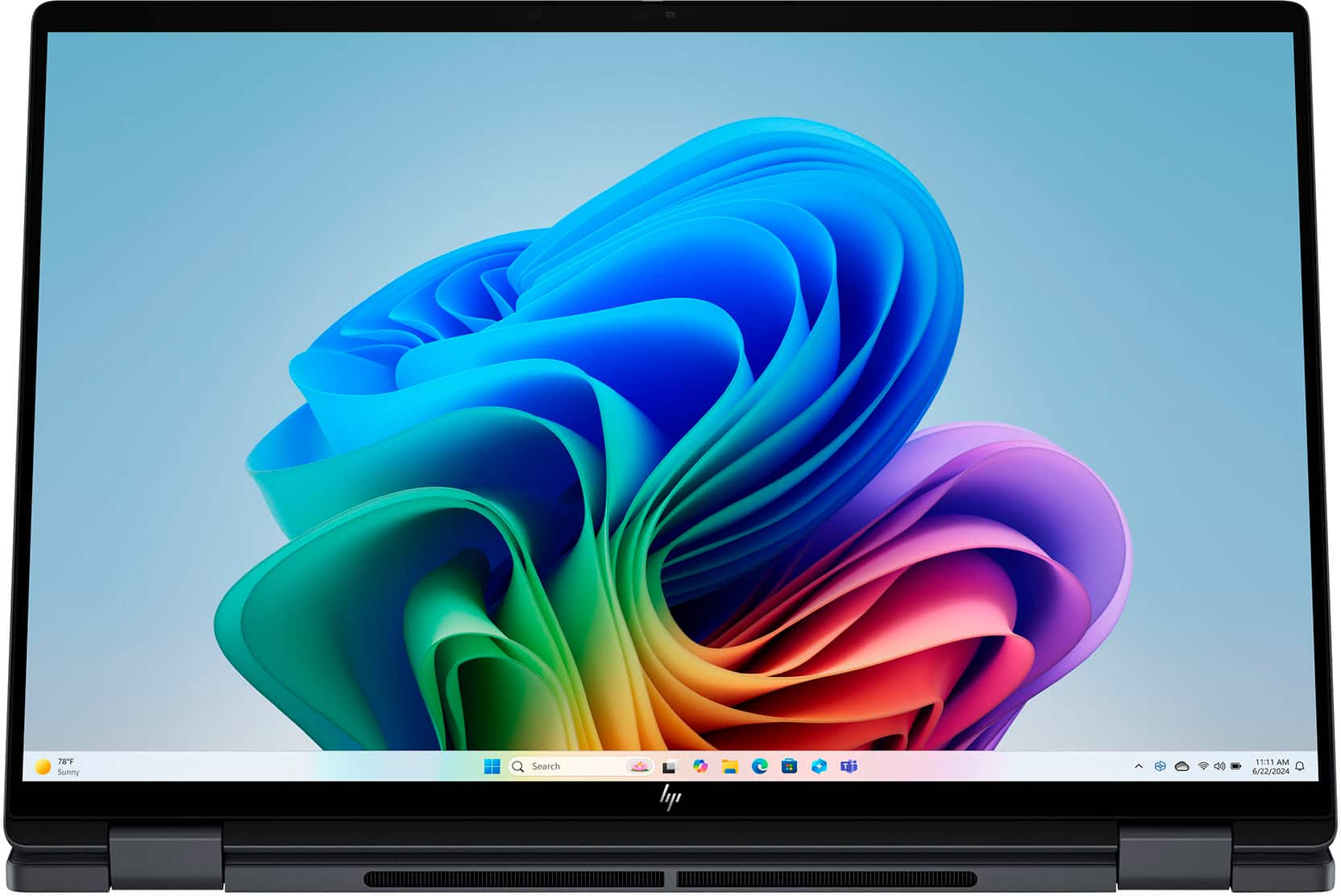
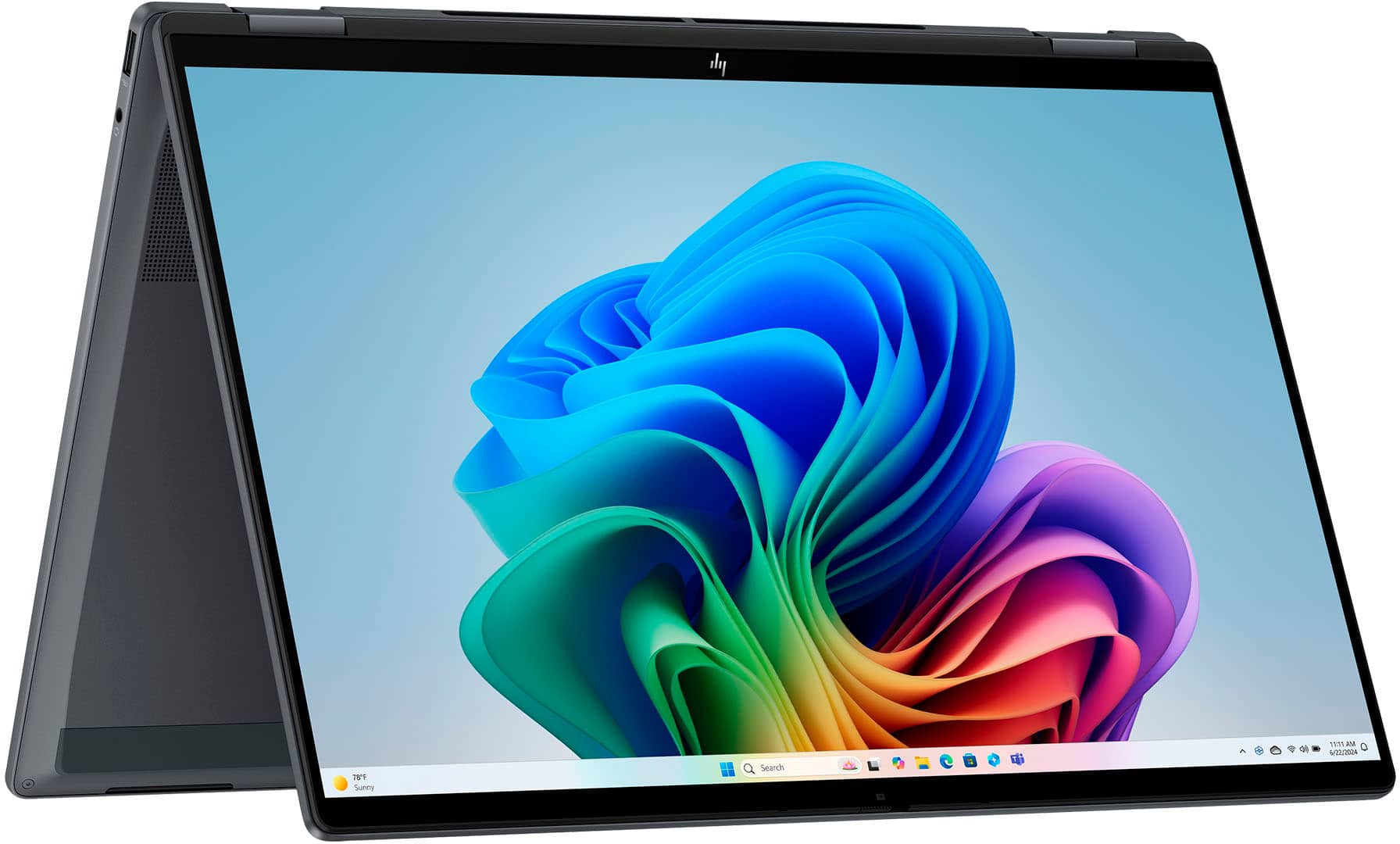
    Wow, this thing is a workhorse! I was replacing older 16in HP Omnibook that is great, but I wanted more of the new AI and Copilot features that the newer models have. Let me start by saying how well this Flip Laptop is built. Distinctly solid and aluminum feel, unlike some of the other models out there, you pick this up and you can see and feel how well built it is. Now, that said, it is not light, it is over 4lbs, but if you’re buying a 16in laptop, you’re going to be in this weight range. The display is a beautiful 2K 1920 x 1200. HDR for video streaming is supported while using HDR. Let’s be clear, if you are using anything less than 16 inches today, you are going to be blown away by the screen real estate on this machine! The fact that it’s a very accurate touch screen, and a flip as well, are just bonus features that make this laptop amazing. While this box may be a bit heavy for the frequent traveler, if you are traveling and going to be in one place for a week or so, it is amazing that you can use this to play YouTube, watch movies, watch YouTube TV, you flip this thing around, or use it in tent mode and wow, you have an absolutely beautiful screen that is significantly better than any smaller laptops. The touch is very responsive for me. There is also a built-in camera cover which I love this feature because then I don’t have to get one of those sticker based camera covers. The camera is 5megapixel front facing. It’s the little attention to details like this in the Omnibook series that are really appreciated. Interestingly, the keyboard and keys “feel” large and easy to use but when you set this down and look at it holistically, the keyboard doesn’t seem to take up much real estate. Track pad is large and easy to use and speakers take up more than an inch on each side of the keyboard. You just have to remember that it’s this way to accommodate the screen size, which is fine. The only thing missing from this awesome machine is a fingerprint reader. I have really gotten to like that feature and it’s about the only thing missing! As for power and performance, this Omnibook doesn’t disappoint. It has 16GB of RAM, 8GB of onboard video RAM from the Intel Arc 140V graphics. Performance is smooth and quick with multiple Word, Excel and PowerPoint files up simultaneously. Although this is not an official gaming laptop, its specs support moderate gaming usage. Another thing I noticed is the superior cooling that this laptop has. I never was bothered by any fan noise and could easily keep the machine on my lap for several hours without even noticing any heat. With 1TB SSD, you won’t run out of space on this box and it’s ideal for locally stored video streaming. This is a Copilot+ PC, it’s not my first one but I will say, if you haven’t used Copilot+ (Microsoft’s AI), then you are missing out. With the powerful 47 NPU, leveraging all that Copilot has to offer is fast and easy. There is no reason to use most other search engines. Asking Copilot anything you would normally search for, and research is a whole new experience. The depth of information and available is truly mind-boggling. Copilot remembers searches so you can go back later and dig back in. I strongly recommend that you look on YouTube for “prompting” learning and guidance. Learning how to “ask” or prompt Copilot is key to getting not only more of what you are looking for but also a depth of information to improve your experience. You can really improve all your Microsoft 365 applications by leveraging Copilot+ within them. This Omnibook also supports up to Wi-Fi 6 as well as Bluetooth 5.3. I was also impressed with the onboard Poly Studio and dual speakers. Sound quality was superior to other laptops I have used and tested. As for ports, it has 1-Thunderbolt 4 USB-C, 1-USB-C, 2-USB Type A, 1-HDMI and 1-headphone/microphone port. Battery life is slated at up to 23 hours of video playback time. I never ran anything that long but I will say that the battery life that I have experienced is several days of multi-hour use to where I finally hit around 15% so I plugged it in. Compared to my wife’s laptop and a couple of others I use, this HP Omnibook excels at battery life. I would recommend this to others; I am giving it 5 stars because it is such a solid performer. If I had any cons at all, it would be the weight at 4.3lbs. It is heavy but it sure is a beautiful and powerful performer!!

    I would recommend this to a friend
  • Rated 5 out of 5 stars

    Great Purchase

    |
    |
    Posted . Owned for 3 weeks when reviewed.
    This reviewer received promo considerations or sweepstakes entry for writing a review.

    The sleek design and featherlight build make this laptop exceptionally portable. Its impressive processing speed allows for seamless multitasking and quick application loading. Furthermore, the vivid display enhances the overall user experience, making it ideal for both work and entertainment. The battery life is also noteworthy, providing ample power for extended use. Ultimately, this laptop is a top-tier choice for those seeking performance and portability.

    I would recommend this to a friend
  • Tech Insider Network Member

    Rated 5 out of 5 stars

    A lot of capability in a small package

    |
    Tech Insider Network Member
    Posted .
    This reviewer received promo considerations or sweepstakes entry for writing a review.

    This is a beautiful laptop and more. Sporting an Intel Core Ultra 7 256V processor, a nice, large 16" (1920 x 1200) 500 nit IPS LED touch display, 5MP IR camera, a 1TB NVMe PCIe4 SSD, and 16GB LPDDR5X SDRAM, all weighing-in at 4.15 pounds, this machine sports blazingly fast performance along with beautiful aesthetics. On the outside, you'll find sufficiently robust I/O, which includes 2 USB Type-A ports, an HDMI 2.1 port, a headphone/microphone combo connector, 1 Thunderbolt 4 with USB Type-C (40Gbps!) that also serves as a USB charging port, and 1 USB Type-C (10Gbps) that, like the previous port, can be used for charging the laptop. To facilitate robust AI performance, this machine includes Intel® AI Boost (performing at 47 NPU TOPS). The unboxing was uneventful. The industry trend is to park the charger and any related cables under the laptop in the box, and this product was no exception. The laptop was in a nice protective cover to help ensure that the finish was perfect out of the box. Setting up Windows was quite easy, as that process has gotten much more streamlined over the years. You might guess by the product name that this can be used as a tablet, and you'd be correct. It can be used in that manner. I got this laptop for my wife, and we are both "old school" and this laptop will most likely never see this use-case. To be determined is battery life. HP advertises "up to 15 hours", but like all vendors those numbers generally do not reflect reality. If this machine gets ~10 hours between charges, I'll be happy. This is a beautifully designed machine and has a lot of horsepower. I don't believe you would be disappointed if you purchased one.

    I would recommend this to a friend
  • Tech Insider Network Member

    Rated 4 out of 5 stars

    Gorgeous and highly functional

    |
    Tech Insider Network Member
    Posted .
    This reviewer received promo considerations or sweepstakes entry for writing a review.

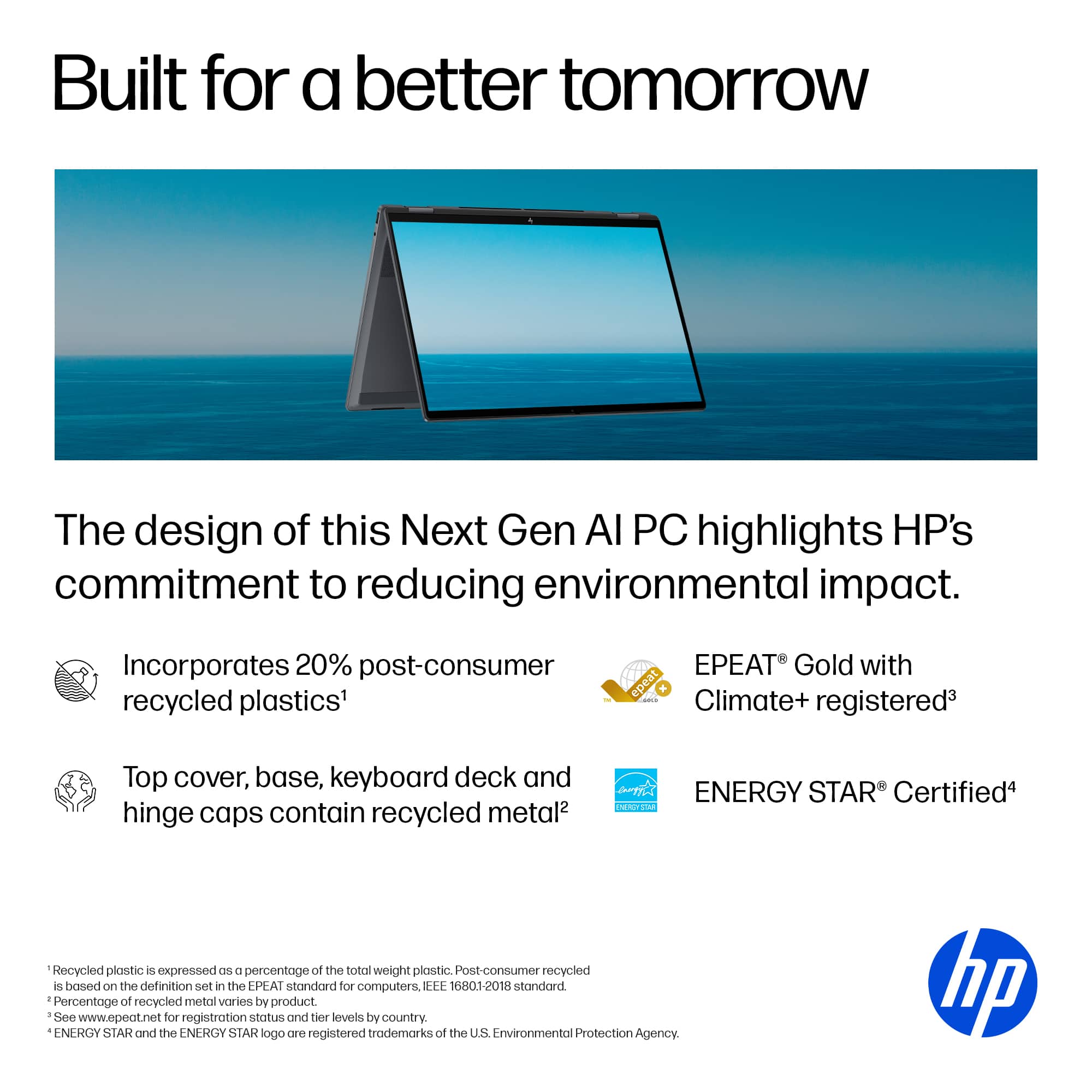
    I’ve realized I might have a problem- I am obsessed with finding the ideal laptop for the live I’m living. I’m fortunate to travel frequently and have an in-office schedule that is substantially under my control, but when I need to work (and I work on everything from design-to project management-to photo editing. What do two situations mean? I have to be able and inspired to perform efficiently and at a high level at any given moment, anywhere in the world. When the HP OmniBook X Flip arrived, I was impressed with the presentation and unboxing experience. But that fades. What sticks with me is this stunning recycled aluminum device is a pleasure at which to look and hold. The build is very high-quality. The touchscreen is gorgeous. It is glossy, but I haven’t been as frustrated with fingerprints as on other devices. The charcoal colored case itself doesn’t really show much contact at all. This is nice since the Flip means you can effectively use the HP as a tablet. Don’t get me wrong though, this 16” model is hefty and needs to be conscientiously handled. It doesn’t feel fragile, it’s simply at the max form factor for my use (your physical and working situation obviously will vary) The 14” might be optimal for most people. That said, it is nice to have a large screen for drawing and photo reviews. Images are crisp and vivid. I did find colors rendered differently from just about every device I have (reds in particular). I ran a color analysis and made adjustments to my own preferences. The touch feature is responsive and enjoyable. So far, kudos on the build and design. The reality these days is the competition is fierce. Once you get past that criteria, the selling points are performance and features. I found performance to be very good with the exception of an irritating glitch at times with Bluetooth devices such as keyboards and mice. It’s an occasional delay, and probably something that will get fixed with a device driver tweak that has not been addressed at the writing of this review. I also liked a very clear ability to cover the camera for privacy. Sound was very good, even impressive at times. Performance successes include an impressive battery life (so far 12-16 hours for my usage), the flip feature allows for multiple usage scenarios: laptop, tablet (keys are disabled) and viewing/working. Features are generous. Using Microsoft CoPilot AI, you can enjoy on-device AI research of your own documents without sharing data with HP, nor Microsoft. There are some cool and useful video features including Magic Background, Live Stream Integration, and the ability to layer multiple video sources. Physical features- all good or nice: trackpad is large and responsive, Ports: 10Gbps USB B (2) and C, HDMI, USB-C Lightning and a mini headphone. The keyboard is large and responsive. I don’t love the feel, but it’s another personal taste item. Overall, I really like this devices. I seek reasons to open and use it frequently.

    I would recommend this to a friend
  • Rated 5 out of 5 stars

    HP 16” Touchscreen Laptop – Power and Versatility

    |
    |
    Posted . Owned for 2 weeks when reviewed.
    This reviewer received promo considerations or sweepstakes entry for writing a review.

    The 16-inch HP touchscreen laptop is an excellent balance of performance, design, and functionality. Its large Full HD display delivers vibrant colors and sharp details, making it ideal for both work and entertainment. The touchscreen feature adds convenience and versatility, allowing smooth navigation and creative interaction with apps. Powered by the latest Intel (or AMD) processor and backed by ample RAM, this laptop handles multitasking with ease. Whether you’re editing photos, streaming videos, or running business applications, it performs reliably without lag. The backlit keyboard and responsive touchpad enhance the user experience, while its slim and modern design makes it portable and stylish. Battery life is solid, lasting through most of the day on moderate use, and connectivity options—such as USB-C, HDMI, and Wi-Fi 6—make it easy to stay connected anywhere. Overall, the HP 16” Touchscreen Laptop is a great choice for students, professionals, and creatives looking for a powerful, flexible, and user-friendly device.

    I would recommend this to a friend
  • Tech Insider Network Member

    Rated 4 out of 5 stars

    A Slick, Nearly Great Machine. Not The Best Screen

    |
    Tech Insider Network Member
    Posted .
    This reviewer received promo considerations or sweepstakes entry for writing a review.

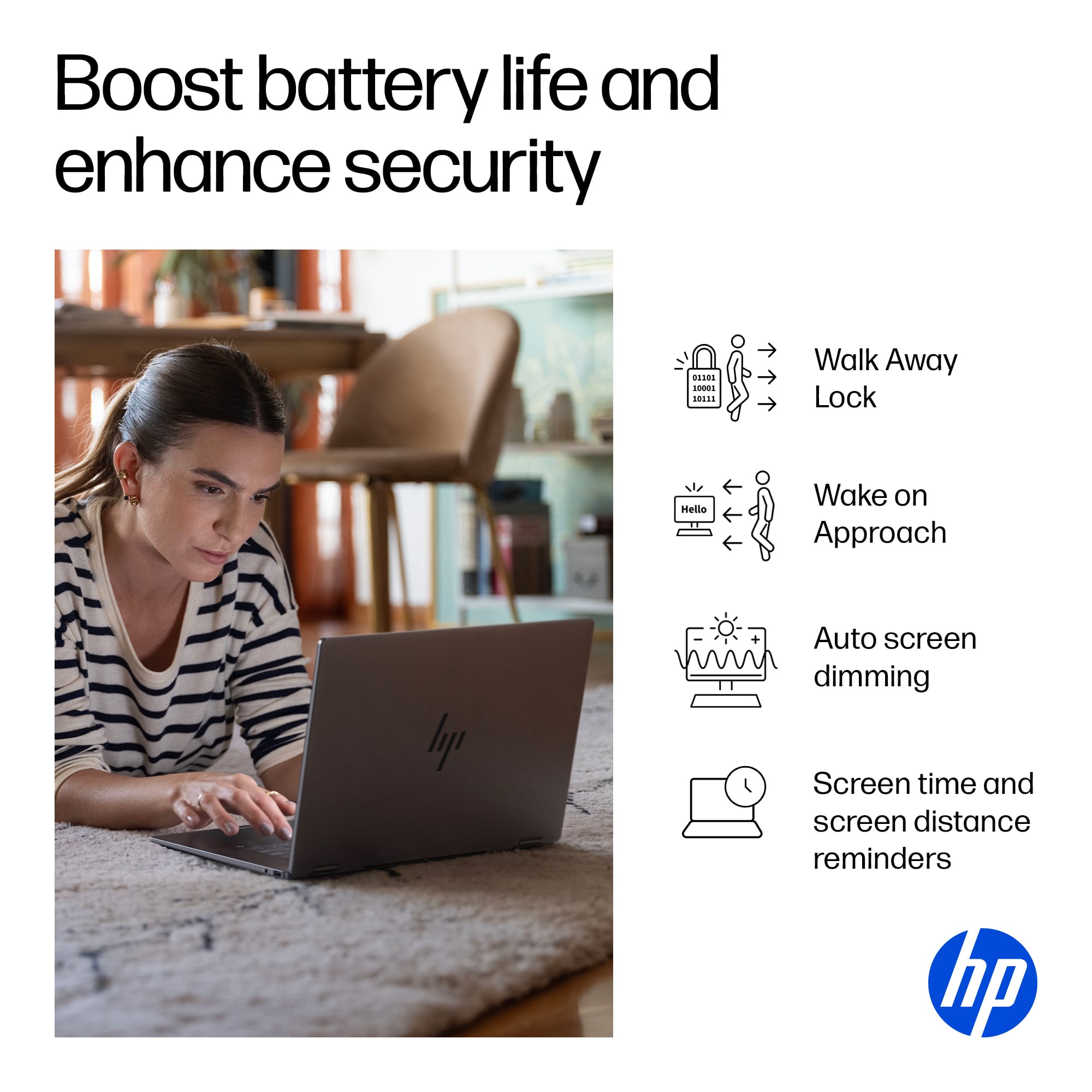
    The OmniBook X Flip is an attractive machine. It feels fairly light, has a spacious keyboard and respectable trackpad, and had an ‘edge-to-edge’ style screen with thin bezels - all of which create a nice impression for a new laptop in 2025. A quality processor and Windows’s Hello compatibility (and the conveniences that come with it) are also solid inclusions… It’s unfortunately in the screen quality and speakers that hold this machine back from achieving greatness. __ Screen and Speakers: __ Before getting into more of the positive aspects of this machine, I want to call out the main detractors that make me unlikely to recommend it, despite it otherwise being a well designed and capable machine. - At 1920 x 1200, it’s not quite the true 2K resolution that HP lists, but really a standard 1080 HD screen with a bit more height to it (i.e. 1200 instead of that 1080). That added height can let you see a bit more of a webpage before scrolling or feel more natural if holding it as a tablet in portrait, but at 16” in size, the density of those pixels start to be noticeable in a way that it wouldn’t on a smaller, say, 14” screen. I’d say it’s actually ok and passable here, but that’s not the end of my gripes with the screen. The panel quality is mid-tier in general, achieving only 400 nits, a point at which you’ll probably be fine in most circumstances, but under bright lights, it may not feel bright enough. It’s also edge-lit, and while that’s not terrible, it can leak light in from the edges slightly irregularly on a black screen. Viewing angle is also not the best (despite being an IPS panel), getting a bit blown out when viewed off-angle. I’d argue that the screen is one of the most important aspects of any new machine, and while I appreciate that much of the cost of creating this laptop went to improving other aspects, like fast Ram and a good, AI-ready CPU, the screen is equally important not to skimp on, IMO. Similarly, my next point of contention… the speakers. I didn’t experience audio at the quality that HP states in their description. Despite firing up Poly Studio and taking all of the suggested software updates, audio remained flat in a signature ‘laptop speaker’ kind of way, lacking bass, but otherwise able to get loud enough without terrible distortion. In comparison to my other machines, it’s near the bottom in terms of sound quality. Despite its large screen, these two misses makes this machine better for productivity than media or games. __ Design & Portability: __ Even with my emphasis on the above, this laptop otherwise excels in a lot of other ways. First in its design. It simply looks the part of a modern machine. While large at 16", if feels good and fairly light in the hand. The rear hinges seem solid and it has an overall, professional look - including its dark grey metallic body, large keys, and modern typeface on each key. Despite being only 5MP, its webcam is fairly respectable, capturing my lighter skin tone well and in better clarity than some of my other machines. And maybe more importantly is its inclusion of Window’s Hello compatibility, allowing you to easily sign in with this webcam by simply positioning yourself in front of the machine. This convenience went even further as Chrome made it easy to use this feature to fill in passwords online as well. These little things can really add up in a positive way. The included charging cable is also attractive, though much more bulky than it needs to be. Luckily, charging vis USB-C means that more compact third-party chargers will work just as well. And finally, an integrated webcam shutter is icing on the cake. __ Quality CPU, Ram, and Integrated Graphics: __ Much of the other internal components are quite respectable. It’s modern Intel Core Ultra 7 processor with NPU make it AI ready, while 16GB of fast DDR5 ram is plenty good enough for the vast majority of people. Intel’s integrated Arc 140V graphics can handle some mid-tier 3D games much better than earlier versions of integrated graphics could. I saw frame rates around 40-50fps, but not without some ‘tearing,’ skipped frames or stuttering at times. In other words, gameplay with a lot of motion was not a smooth as it could be, but still performing without issue on less intensive games. Wifi 6E is good for higher speeds and handling places where wifi may be saturated or where interference with other machines may be a more likely. Lastly, the included Thunderbolt 4 allows for connecting up to two 4K displays with a single cable - not bad if you want to set this up as your desktop as well. __ Summary: __ HP has created a modern, attractive machine with a lot of good components, but without a better screen… and to some extent, better speakers, I would personally aim to spend a bit more to get improvements there. If you’re looking for a machine for work, these aspects may not matter as much to you. It still excels in a lot of ways with small design features that will add up to a better experience than you might have otherwise had - from Windows Hello login, presence sensing, an integrated webcam shutter, a large screen in a taller aspect ratio, and more. *** The Good Stuff *** - Professional looking modern design, relatively lightweight. - Large keyboard with larger typeface on keys. - Higher tier CPU. - Fast DDR5 Memory. - Long battery life. - Windows Hello convenience in its decent webcam. - Integrated webcam shutter. *** The Less Than Good Stuff *** - Mediocre screen and pixel density. - Speakers lack bass, sound a bit tinny or hollow.

    No, I would not recommend this to a friend