Customer Ratings & Reviews


- Model:
- NS-PK3KCB24
- SKU:
- 6554653
Rating by feature
- Value
Rating 4.6 out of 5 stars
- Quality
Rating 4.4 out of 5 stars
- Ease of Use
Rating 4.5 out of 5 stars
Customers are saying
Customers appreciate the Full-size Bluetooth Scissor Switch Keyboard for its Bluetooth connectivity, perfect size, and overall performance. Users find it easy to use and enjoy the key feel, noting the slightly concave shape. The keyboard's battery life is also praised, with the auto-off function being a welcomed feature, and the simple and stable setup process is appreciated.
This summary was generated by AI based on customer reviews.
Nice replacement keyboard
||Posted . Owned for less than 1 week when reviewed.This reviewer received promo considerations or sweepstakes entry for writing a review.Replacement keyboard for an old wireless- it works well- keys are very sensitive.
I would recommend this to a friendKeyboard
||Posted . Owned for 1 week when reviewed.This reviewer received promo considerations or sweepstakes entry for writing a review.Gets the job done. No problems with the bluetooth set up
I would recommend this to a friendManager
||Posted . Owned for 1 week when reviewed.This reviewer received promo considerations or sweepstakes entry for writing a review.The keyboard works well with my Macbook Pro. I was surprised with the compatibility
I would recommend this to a friendKeybaord messed up after a short time.
||Posted . Owned for 2 months when reviewed.This reviewer received promo considerations or sweepstakes entry for writing a review.The keyboard worked for about a month, then out of the blue keys would randomly activate without touching the keyboard. Making web browsing and watching movies on the PC impossible.
No, I would not recommend this to a friendBrand response from InsigniaCustomerSupport
Posted .Hi Jason,
Thank you for taking the time to share your experience with us. I’m sorry to hear that your keyboard began malfunctioning after such a short period of use. I understand how frustrating it must be to deal with keys activating on their own and making it difficult to use your PC.
You can contact our Insignia Support team at 877‑467‑4289 or [email protected], and we will help guide you through the next steps.
Thank you again for your feedback.
Awesome Keyboard!
||Posted . Owned for 1 week when reviewed.This reviewer received promo considerations or sweepstakes entry for writing a review.I love the feeling of the keyboard. Very slim and great feeling. No cord is amazing!
I would recommend this to a friendGamer
||Posted . Owned for 1 week when reviewed.This reviewer received promo considerations or sweepstakes entry for writing a review.Over I think it’s a good product, only time will tell. It’s for my grandson.
I would recommend this to a friendBluetooth keyboard
||Posted . Owned for less than 1 week when reviewed.This reviewer received promo considerations or sweepstakes entry for writing a review.Great. I like the ability to connect to any type of device wirelessly.
I would recommend this to a friend
Great purchase
|Posted . Owned for 1 week when reviewed.This reviewer received promo considerations or sweepstakes entry for writing a review.Excellent keyboard, and it’s a great price! It works great
I would recommend this to a friendgreat keyboard
||Posted . Owned for less than 1 week when reviewed.This reviewer received promo considerations or sweepstakes entry for writing a review.I love this keyboard, excellent range and great feedback
I would recommend this to a friendNice
||Posted . Owned for 1 week when reviewed.This reviewer received promo considerations or sweepstakes entry for writing a review.Great keyboard ! Definitely buy high-quality and recommend
I would recommend this to a friendPerfect
||Posted . Owned for 3 weeks when reviewed.This reviewer received promo considerations or sweepstakes entry for writing a review.Perfect it was exactly what I needed and was available
I would recommend this to a friendAverage
||Posted . Owned for 2 months when reviewed.This reviewer received promo considerations or sweepstakes entry for writing a review.This was a top recommended product by the Best Buy rep. Sound quality is moderate and the volume is pretty meh.
No, I would not recommend this to a friendstiff keyboard
||Posted . Owned for 1 week when reviewed.This reviewer received promo considerations or sweepstakes entry for writing a review.keyboard is pretty stiff, besides that good size and easy to connect
I would recommend this to a friend8 instead of “g”
||Posted . Owned for 3 weeks when reviewed.This reviewer received promo considerations or sweepstakes entry for writing a review.After one month sometimes instead of letter “g” it gives number “8”.
No, I would not recommend this to a friendit worked
||Posted . Owned for 1 week when reviewed.This reviewer received promo considerations or sweepstakes entry for writing a review.it worked, easy to connect, but just felt flimsy. screams, I'm made of plastic
No, I would not recommend this to a friendKey board
||Posted . Owned for 1 month when reviewed.This reviewer received promo considerations or sweepstakes entry for writing a review.Put the keyboard in my back pack and the keys fell out and won’t go back on. May take it back and see if I can swap it out.
No, I would not recommend this to a friendBrand response from InsigniaCustomerSupport
Posted .Thank you for reaching out and sharing your feedback about the Insignia™ Full-size Bluetooth Scissor Switch Keyboard. I'm sorry to hear that you've experienced issues with the keys falling out. This is not the experience we want for our customers.
If the keys are damaged, we recommend checking if they can be reattached properly. However, if you're unable to fix it or if the damage is significant, exchanging it at the retailer is a good option. They should be able to assist you with a replacement.
If you have any further questions or need assistance, please feel free to reach out. We're here to help!
There are better ones on the market.
||Posted . Owned for 1 month when reviewed.This reviewer received promo considerations or sweepstakes entry for writing a review.Never got it connected, so I returned it. I try connecting the wifi continually and it would not recognize the keyboard.
No, I would not recommend this to a friendCheap$$ but also cheap quality.
||Posted . Owned for 2 months when reviewed.This reviewer received promo considerations or sweepstakes entry for writing a review.It was comfortable to use and compact, but i had 2 fail on me within 2-3 weeks of purchase.
No, I would not recommend this to a friend- Pros mentioned:Bluetooth, Key feel

Good for the price, but some unexpected features
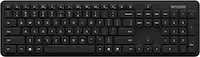
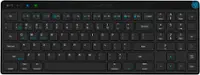
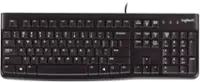
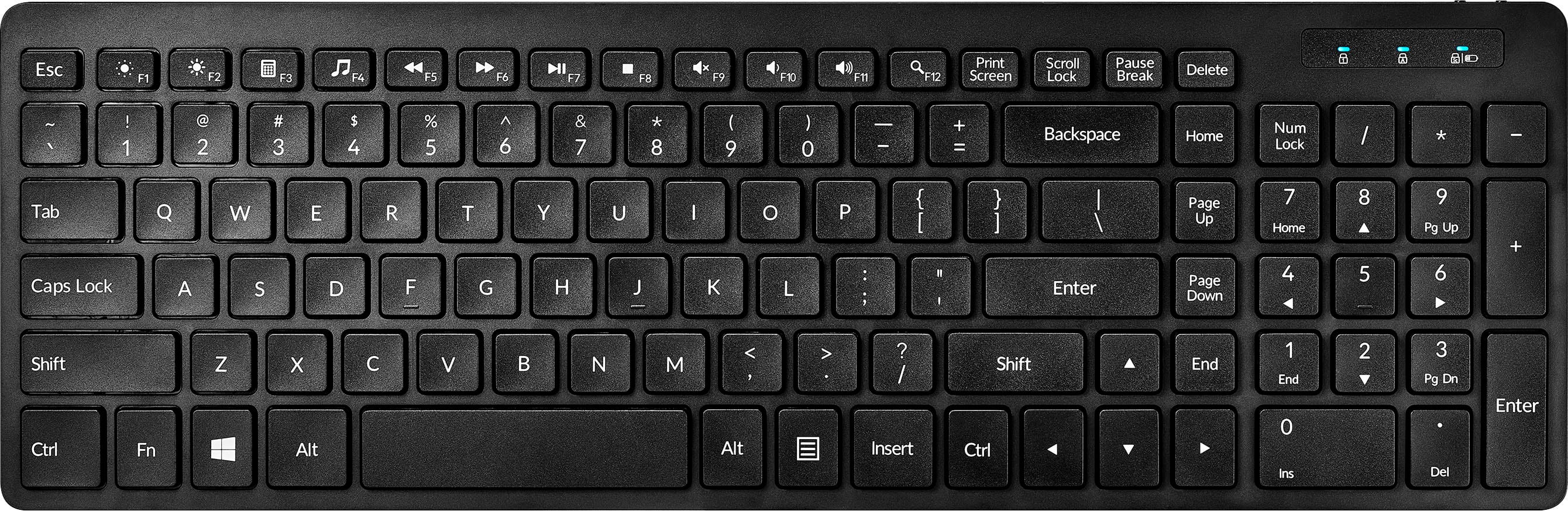
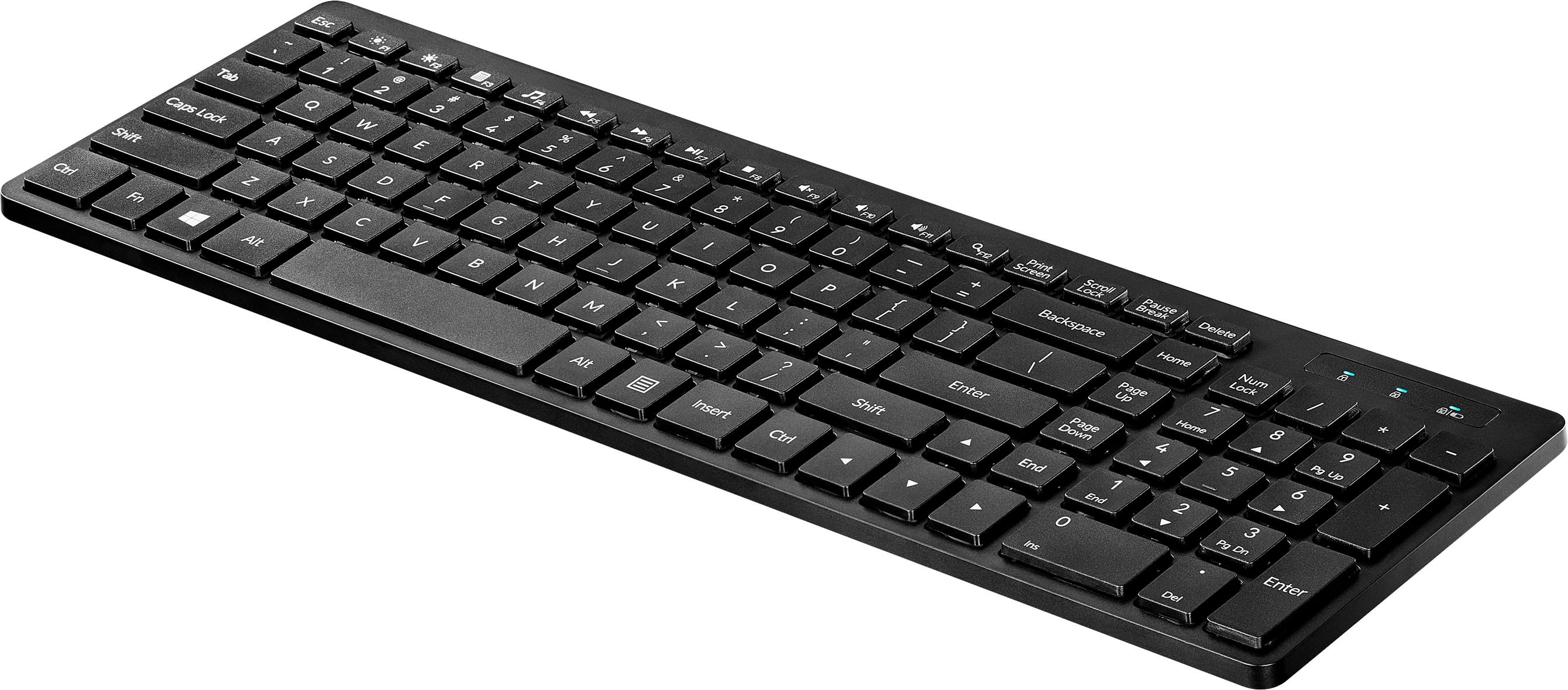
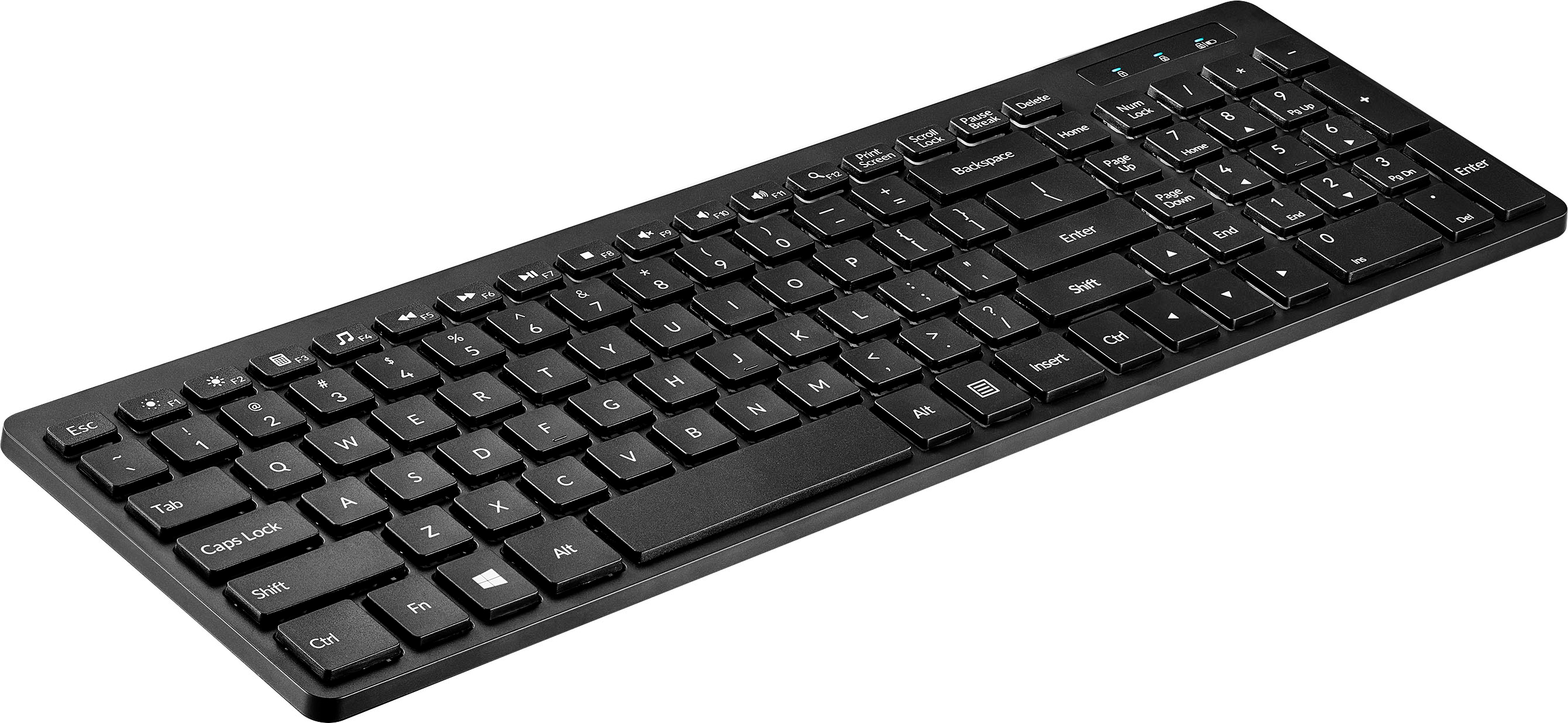
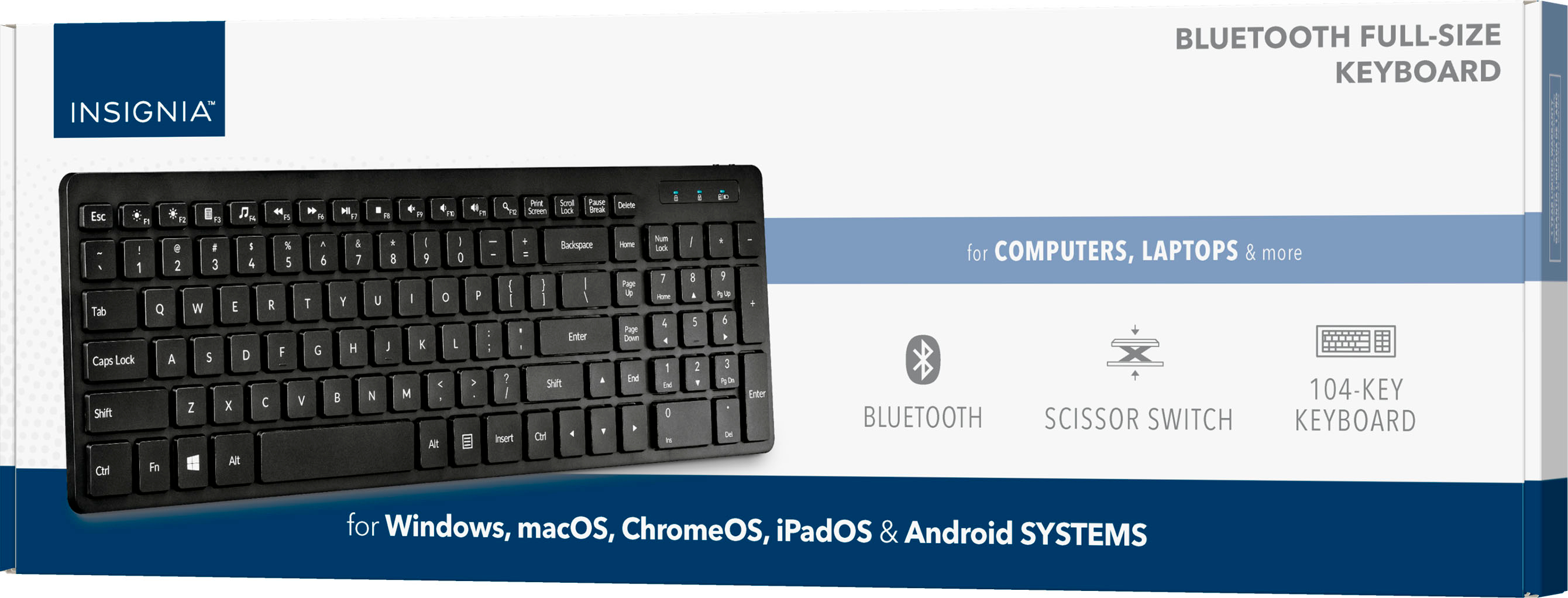
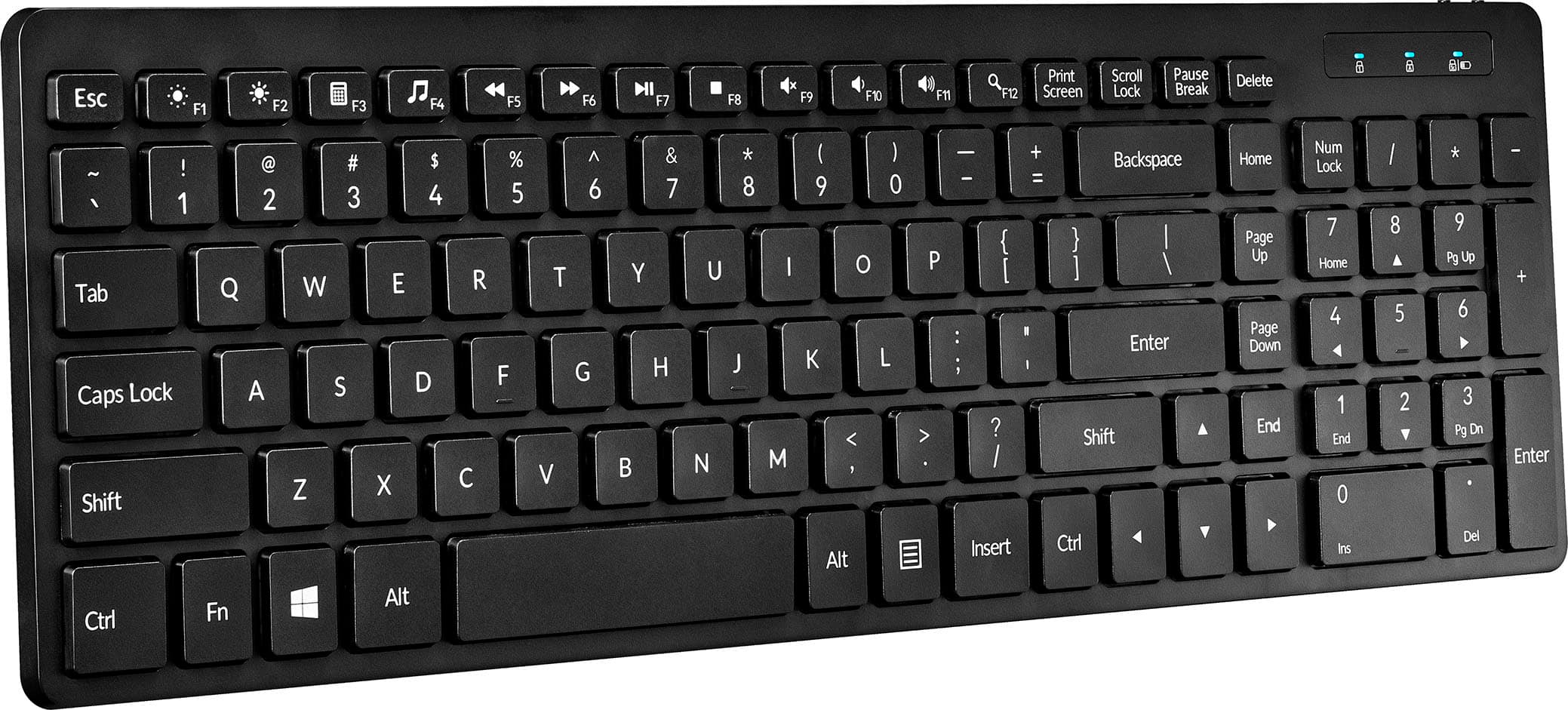
|Posted .This reviewer received promo considerations or sweepstakes entry for writing a review.Insignia is a brand generally known for good products. Some are better than others, but they are generally affordable and comparable with their counterparts. Overall I find this keyboard to be off very decent quality and a good fit for a Bluetooth option, meaning no wires and no dongles. Unlike other Bluetooth keyboards I've used, this one impressed me by how quickly it regains connection and maintains it. Most keyboards using Bluetooth I have found to require at least two button presses - one to wake up the keyboard, and another to verify that it has reconnected to the device (after the device has been in sleep mode or the keyboard has gone into a power-saving mode). No issues with this one at all in that regard. When I first inserted the batteries (2 AAA, which are included) and turned it on with the switch, almost immediately my Windows 10 computer displayed a notification indicating that it had found the Insignia BT 5.0 Keyboard (it supports Bluetooth 3.0 and 5.0), and asked me if I would like to connect it. I selected yes and I was done. That simple. No software to install (other than Windows installing a driver in the background, but that doesn't require anything from the user), no configuration, nothing. Unfortunately, that's also possibly a downside. This keyboard does not have any type of configuration software, so there is no customizing. Even more odd is the fact that the function keys operate as F1 - F12 by default, and the special functions require the use of the FN key. This may not bother some users, but it is likely unexpected and will require getting used to. Most of the special functions are what you expect (volume up and down, display brightness up and down, and media control buttons). The F4 key is for your default media app, which for me is VLC Media Player, and using this key opens the program. I am also very appreciative that the designers opted to make F3 a calculator button. As someone who uses the calculator on my computer multiple times a day, I quickly get annoyed when there is not a one-button press (or two-button in this case - FN + F3) to get to it and I have to rely on the Start Menu. Like many keyboard manufactures, Insignia has chosen to make modifications to the familiar layout to reduce the size of the keyboard. Depending on how much you rely on these buttons, there is a learning curve on this keyboard. The Delete-Home-Page Up-Page Down-End keys are in a straight vertical line between alphanumeric and number pad keys. There is also little separation between them and the two sides of the keyboard, so you will likely need to look at the keyboard to find these until you build up some strict muscle memory. Thank you to Insignia for not modifying the number pad layout as many laptop makers have started doing, as those who use 10-key want a 10-key layout. The keyboard also has full-size arrow keys in a traditional layout for the gamers out there. Finally, for those who type like a do (about 100 words per minute and an accuracy of about 20% lol), this keyboard has an oversized Backspace key (as well as the Enter key). The typing experience on a keyboard is somewhat subjective, but I will be as factual as possible without being subjective. The keys on this keyboard are a bit taller than your typical low-profile keyboard. Additionally, the scissor-switch in this keyboard has significant travel, and requires a little force to press down on the keys. This also makes typing on it a bit noisy, and I found that there was some slight reverberation in the entire keyboard as I was typing, so this is not a good option for someone who is noise-conscience with peripherals. However, if you like the old "click clack" keyboards of the IBM days, which this is not, you will get a a slight sense of the more forceful typing required for those keys. In the pictures, they keys almost look as though they are dimpled, but they are not - they are very flat. The markings on the keyboard are heavily textured, so you will feel these almost as much as the raised bumps on the F and J keys (which if you didn't know or realize, are there to help you find your finger placement through touch without having to look at the keyboard). Not sure how well these textured markings with stand up over time. Also note that there are 3 status lights - Num Lock, Caps Lock, and Scroll Lock (also the Bluetooth indicator and battery alert light). These are bit brighter than many keyboards I have used, so using it in the dark may make these lights a bit more noticeable. Overall, this is a good keyboard for the price, and it feels like a quality product that will hold up. After days of use, the battery indicator on the computer shows that it's still at 100%, so frequent battery changes should not be necessary. However, if you are a heavy keyboard user and are accustomed to modern behaviors and layouts of most keyboards, expect to take a little time learning this one.
I would recommend this to a friend Ghost type
||Posted . Owned for 5 months when reviewed.This reviewer received promo considerations or sweepstakes entry for writing a review.Keyboard started randomly ghost typing. Not sure what the deal was.
No, I would not recommend this to a friendBrand response from InsigniaCustomerSupport
Posted .Thank you for bringing this to our attention, AaronG. We’re sorry for falling short of your expectations. Please allow us to make it right. - Carl | Insignia Products