Customer Ratings & Reviews


- Model:
- RT00020
- SKU:
- 6429672
Rating by feature
- Value
Rating 4.5 out of 5 stars
- Quality
Rating 4.8 out of 5 stars
- Ease of Use
Rating 4.3 out of 5 stars
Customers are saying
Customers frequently mention how the Root rt0 Coding Robot is an educational tool that is easy to set up and use. They appreciate the multiple sensors and the ability to code at different levels. Customers also enjoy the drawing feature, which allows children to be creative and engaged.
This summary was generated by AI based on customer reviews.
- Pros mentioned:Ease of use

Coding learning made easy
|Posted .This reviewer received promo considerations or sweepstakes entry for writing a review.I think that is more than a kids' game but a full learning experience and an opportunity to introduce your kids to a programming world while still enjoying the time learning. Few elements that each technological toy must have to make sure that is a successful purchase. By Level of difficulty: 1.- A good beginning. Kids need to be attracted by the toy idea and the opportunity of the game. This is definitive to make sure that is a worthy purchase and the best test is that he was looking to start to play even after discovering that some level of effort is required due to the programming requirement and the need for a basic learning curve. This is a mission accomplished by just observing the excitement in opening the very well packaged box and the interest in installing the app that serves to program and controls the robot. I also think that the robot is quite nicely designed and humanizes an otherwise plastic piece made of electronic components. 2.- The toy should be challenging enough to keep growing the interest and maintaining it over time. This is also accomplished, in day five his excitement is still there keeping him engaged. Two major factors are responsible for this. One, the fact that the 3 programming levels have a component of added difficulty that serves him to notice his progress in programming and at the same time serves to keep challenging him and showing that is still far from the top level. I see that in only five days he is able to do the relation between level one (that is based on programming by using symbols) and level two (with more digital-computational component). This correlation is in my opinion wiring his brain to a full understanding of the future final level three with a more language coding approach. I also think that the options and its combinations could make this the never end project: starting by programming movements, he can also play with color routines or adding music project… The opportunities are endless. 3.- Hopefully should be educational. The future is made of machines around us that will be part of our life and will help us with our daily routines. People able to do programming are better positioned to be part of that future. Additionally, the rational thinking process based on logic that programming introduces is probably one of the best ways of wiring a kids' brain and with this robot is very fun. Only one single negative element in this toy. Perhaps as a parent, the idea that the learning is done with a monitor and increases the number of screen hours is probably the only single issue that I can refer. However, on those times I am not sure that this is avoidable and the choice is how to better use the number of screen hours and learning is probably one of the best. Install app to connect the robot and to program is very easy and serves as a perfect interface to the controls but also to save your projects and access to the huge library of knowledge available to support the programming. I added my 10 y-o uncensored review here: “I feel that the IRoot is a great way for kids to learn. It isn't like other coding websites where you just put in some blocks together and something moves on a screen. You have a robot in front of you doing what you want it to do. It also has a way to change levels. After a while of doing the same thing and messing around gets bored. so you can just change a level and you learn a new way to learn. So that is my review. I.”
I would recommend this to a friend - Pros mentioned:Ease of use, Sensors
My 8 Year Old Loves It
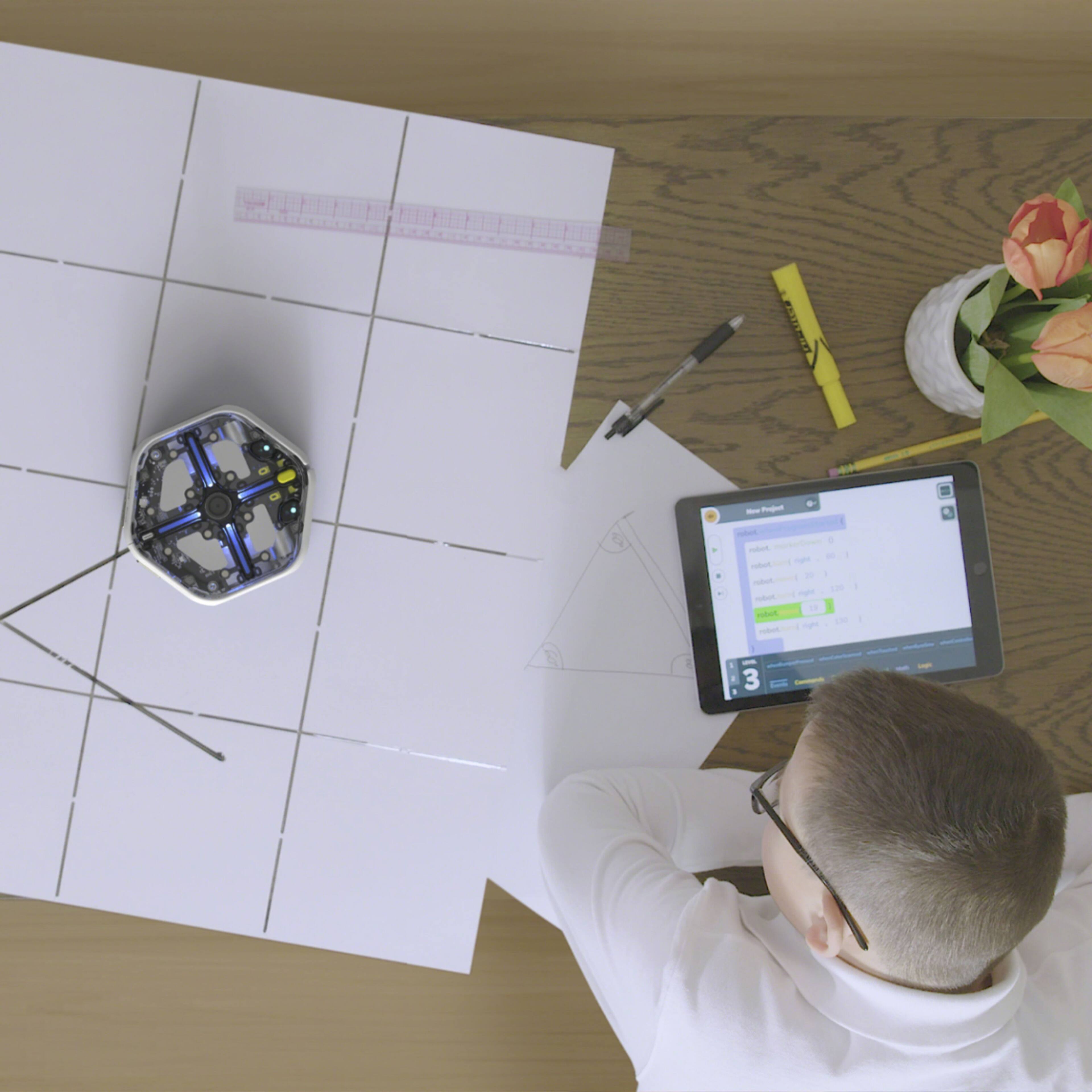
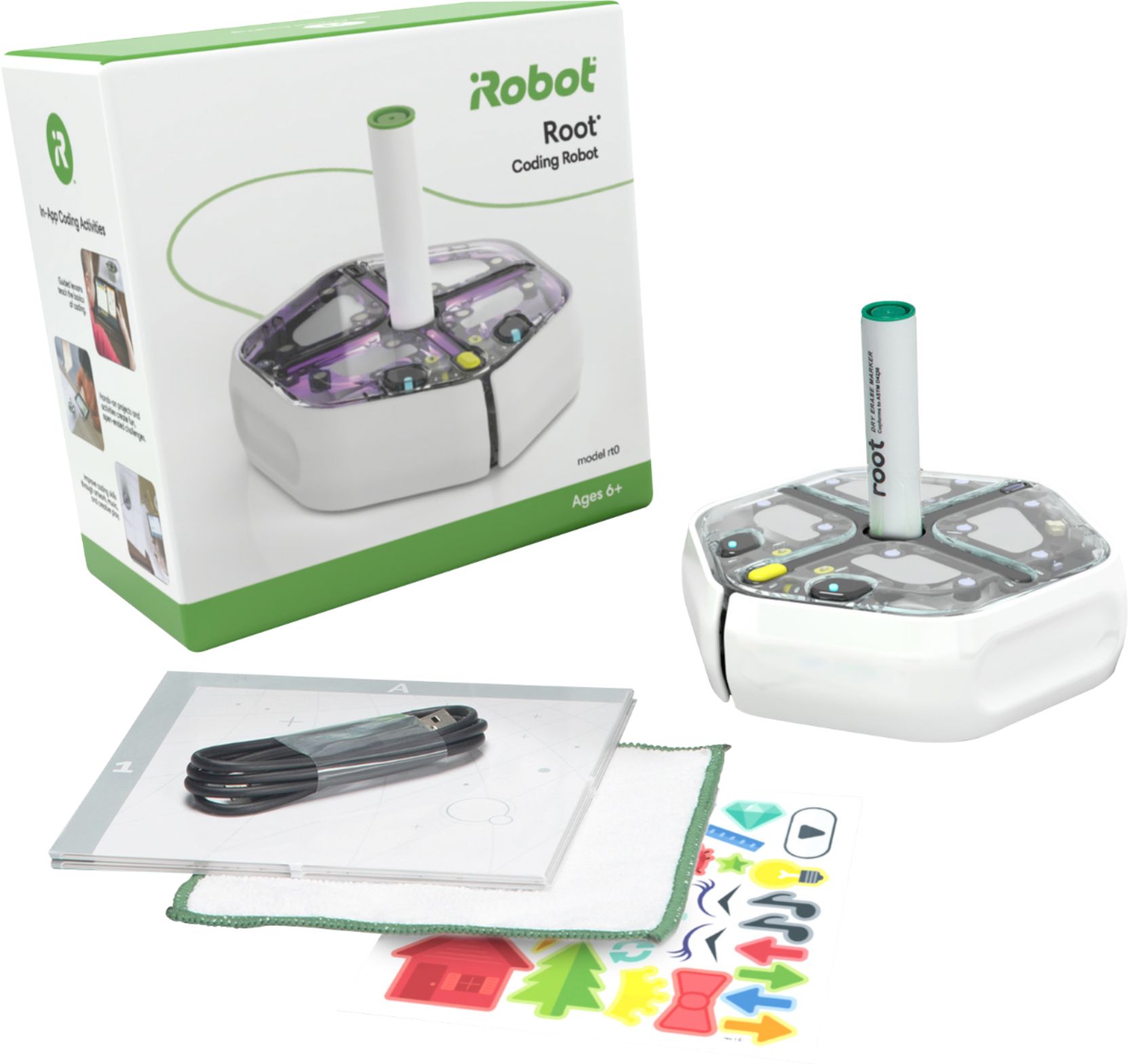
|Posted .This reviewer received promo considerations or sweepstakes entry for writing a review.My 8 year old loves the iRobot Root rt0 Coding Robot. Needless to say, she picked up how to program the device faster than I did. There are not many instructions when you first open the box. I recommend you fully charge the robot before starting and you must use Chrome as the browser as it supports the use of bluetooth which is how you program to the device. Once it is setup (it's petty easy), let your children go to town and learn. The robot has a number of sensors (lights, speaker, touch, etc.) that make programing the robot fun. The included foldable "whiteboard" and marker allow your child to draw lines for the robot to follow. This is a great, easy to use, robot that will hopefully get your children interested in STEM like it has my child.
I would recommend this to a friend - Pros mentioned:Sensors
Cool Little Guy!
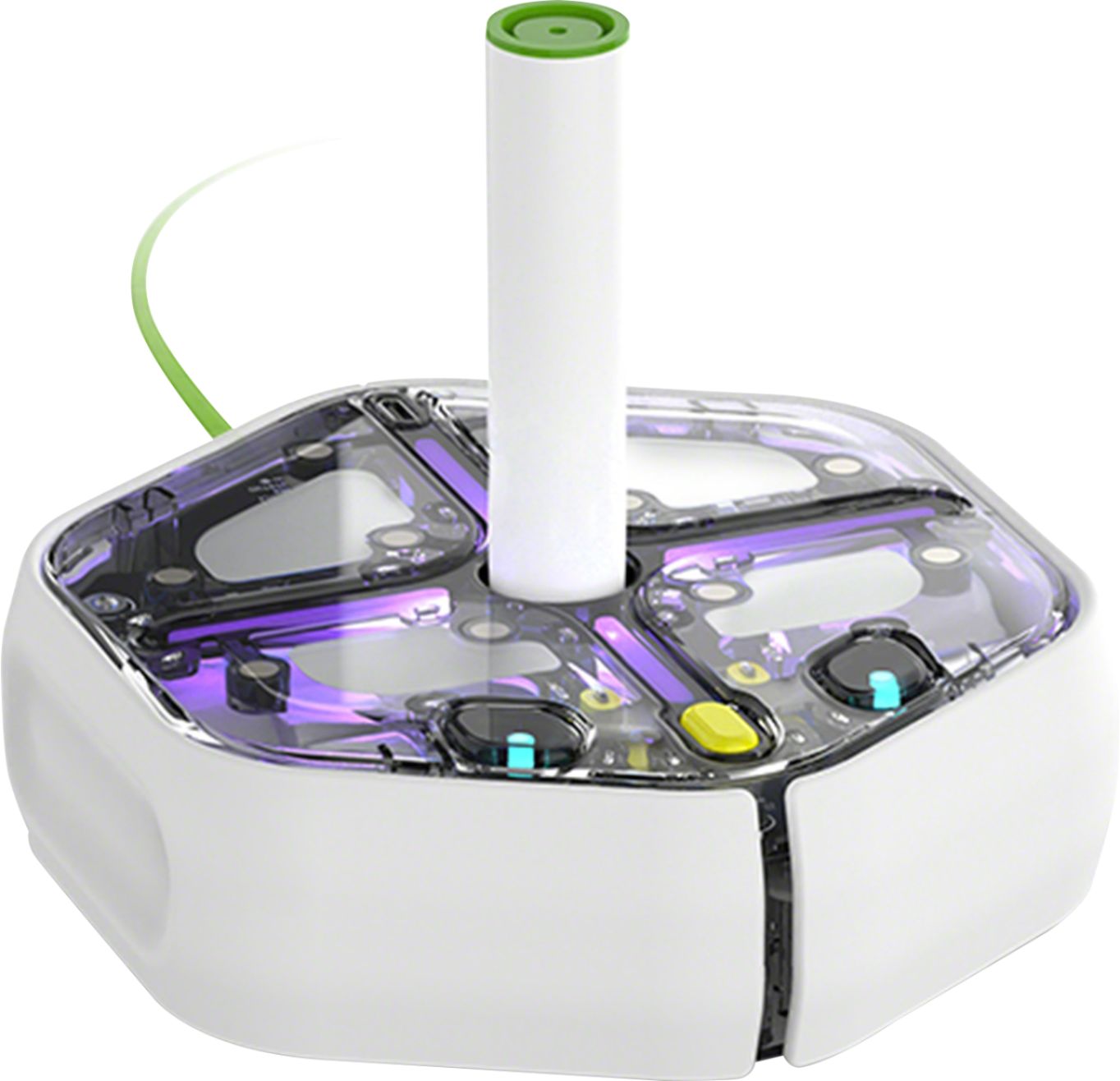
|Posted .This reviewer received promo considerations or sweepstakes entry for writing a review.First off, from the pictures I expected this to be a lot loarger, probably because it looks like a kid-friendly Roomba. It's actually lot smaller, and that's a good thing because it's easier to maneuver in a small area, even the top of a bigger table. I also expected it to be a kit that we would have to build, but again it's thankfully complete and self-contained when you get it. Just charge it up (USB-C! I'm so close to having one charger for everything!) and load the app to a smartphone or tablet and you're ready to go. On my Android phone the Root was paired from inside the app. The app is very simple but allows you to do all kinds of things with the root. Notice I'm talking about myself and not my kid. I had to try it out to make sure it worked and I kind of got hooked on playing with it. Don't worry, my 12 year old finally got to play with it too! Anyway, the app allows you to program the robot to do things by dragging and dropping tiles with directions and actions. Drop one that makes it go straight, then one that makes it turn 90 degrees and then another straight, and the robot will make a L shaped path. Once you or your kid gets the hang of the basic stuff you can level up and start playing with the sensors. There's a touch sensor on the front that triggers when it runs into something, for instance. You just drag the tile for that sensor and an action when it's triggered, like turn 180 degrees and go straight to return to where it started, It also comes with a dry-erase marker that you can stick out of the top to draw on an included fold-out whiteboard. Now you can program it to draw patterns using different movement. We've played with similar STEM toys before that allow my son to control them by chaining commands and if/then commands, but this is the first one that doesn't feel like a toy. It's well built and seems to be a serious entry-level robotics device, just made up to look fun for kids. The outer shell is clear so you can see the inner workings. If you've ever repaired a Roomba (been there!) you'll recognize that the Root is very similar with the addition of extra sensors and, of course, no vacuum system. The wheel motors, for example, are small versions of it's big brother's locomotion system. If you have a kid interested in STEM and robotics, he or she will lovve this little guy. If you're an adult interested in playing around, it's still a blast at a reasonable price point. The only issue I had was that my android phone ran incredibly hot, even after restarting, until I deleted the app. Possibly coincidental, but I suspect it continues to run in the background and constantly looks for the Root to answer back.
I would recommend this to a friend Not upto the mark what I expected
||Posted .This reviewer received promo considerations or sweepstakes entry for writing a review.Not worth it not working as expected and it was not user friendly having the issues
No, I would not recommend this to a friend- Pros mentioned:Ease of use
Great learning robot
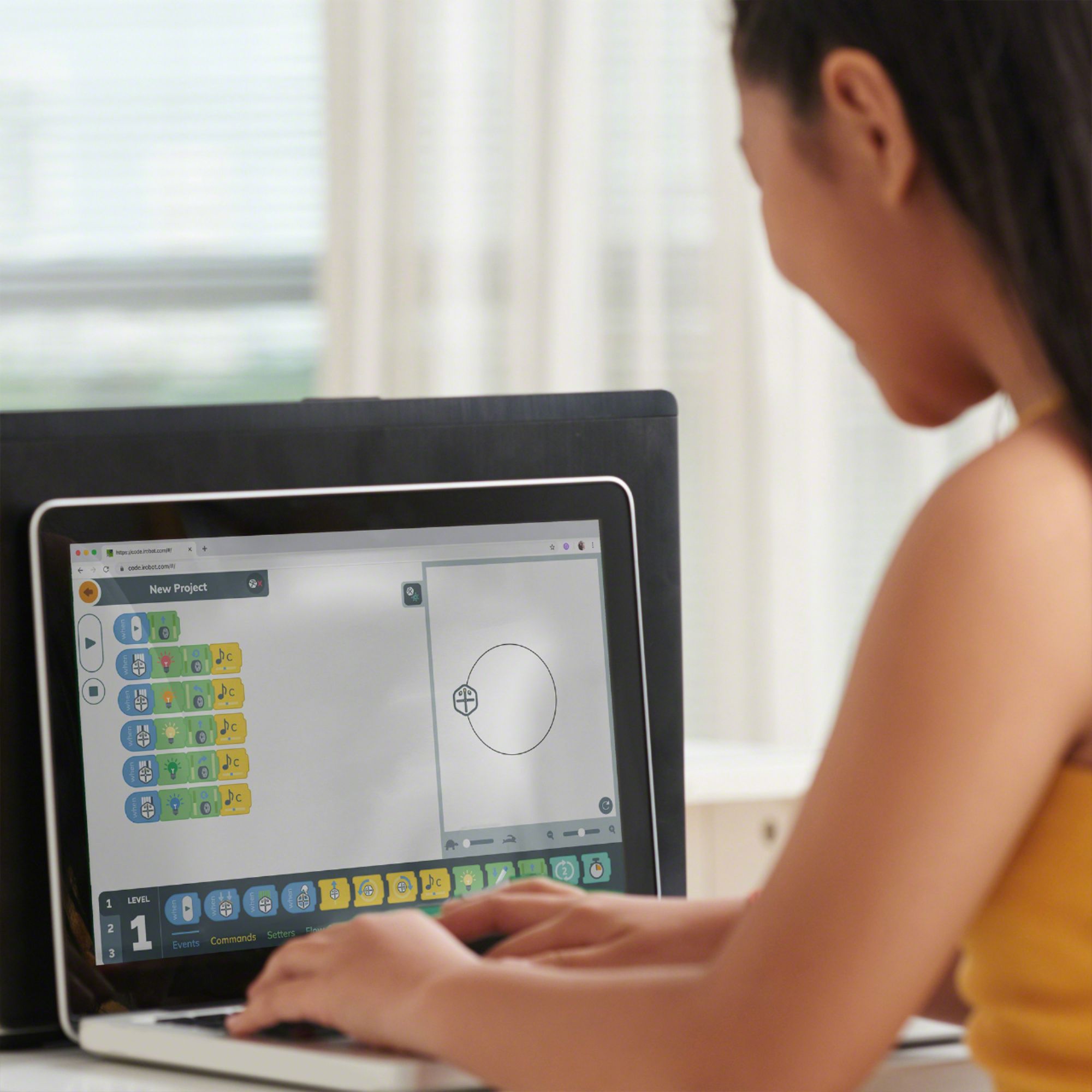
|Posted .This reviewer received promo considerations or sweepstakes entry for writing a review.The iRobot Root rt0 coding robot is a great learning tool for a child who is interested in coding. Or perhaps never knew he or she was interested. The robot is very simple and easy to use, and the coding program offers multiple levels of programming complexity, starting with simple objects and moving up towards text. Using the app, connecting and controlling the robot was quick. You will, however, likely have to charge the robot up for a while before using. (Thankfully it uses the newer and sturdier USB-C rather than the Micro-USB.) The app is across platforms, but the bigger the screen, the better--it can be a little crowded and harder to read on a phone, and it was too easy to accidentally drag a command to the wrong place. The best thing about it early on is that with the app it was simple for my kids to try out a command and immediately see results. That low bar for entry into use is probably one of the best things about it--the ability to jump right in is a major plus. They were able to easily get it going, moving through patterns, playing music, etc. I personally like that the robot is functional looking and not made to anthropomorphic or made to look like a cutesy animal. Honestly, I think this broadens the appeal. Overall, going forward, this product has good growth potential for a child. They can get into easily, and after having mastered the simple object coding, they can move on to more complex ideas. I'd recommend this to anyone who had a child interested, or potentially interested, in coding.
I would recommend this to a friend Great introduction to STEM
|Posted .This reviewer received promo considerations or sweepstakes entry for writing a review.I wanted to use this robot to introduce a younger audience to programming and robotics. There are three different levels with level 1 being simple icons for steps, and progressing to level 3 where it's a type of pseudocode. You are able to use different colored lights, make songs, dance, and do tasks when the robot is touched on top or if it bumps into something. It comes with a marker and a large erasable surface for the robot. I had no issues with any of it except for the app and the Bluetooth pairing with one of my devices and not the other. It has to be connected via Bluetooth to work. Also, there are 2 different apps in the store so it is confusing which one works. Overall, I think if the app was a little more polished it would perfect but I still think it's 5 stars.
I would recommend this to a friendFun Family Night
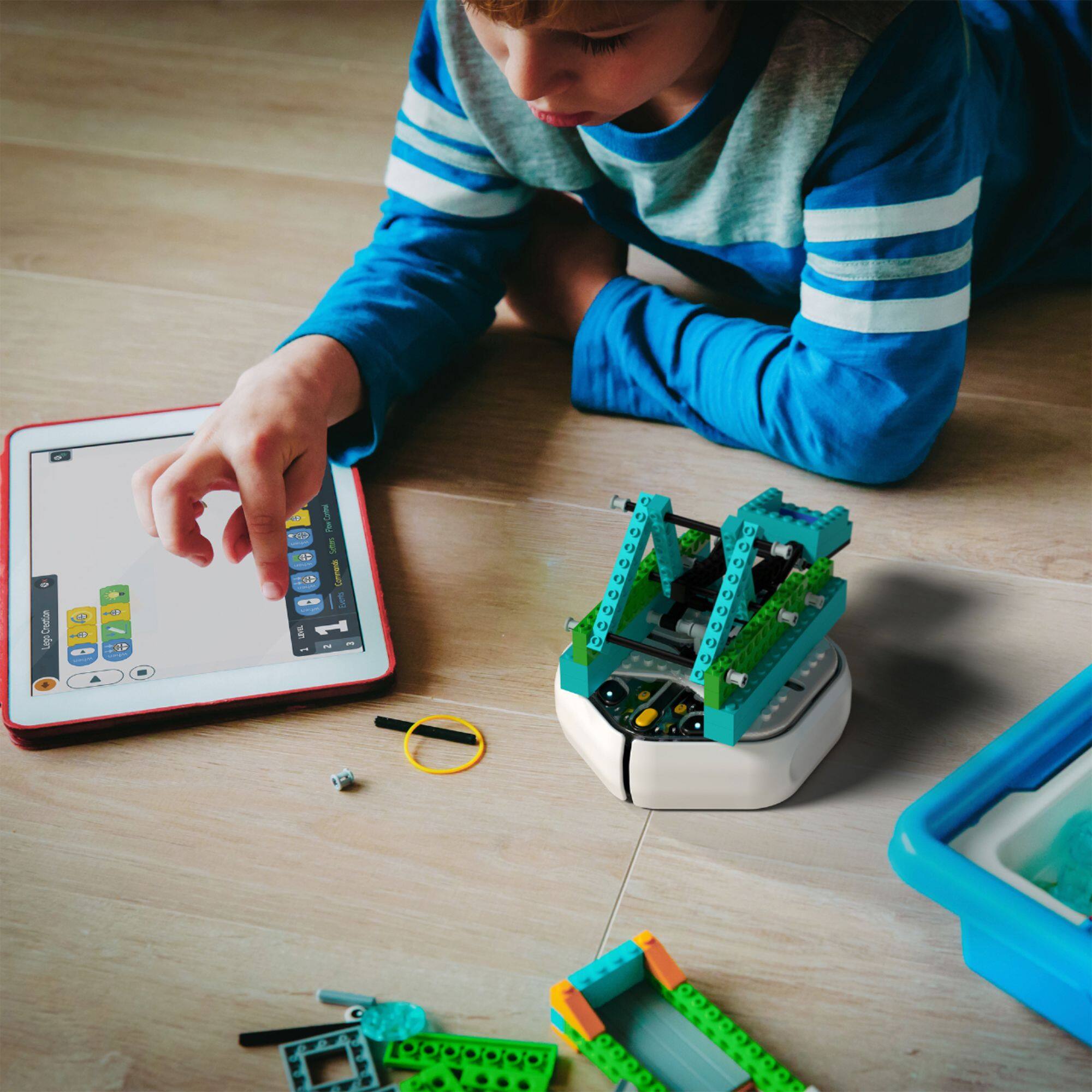
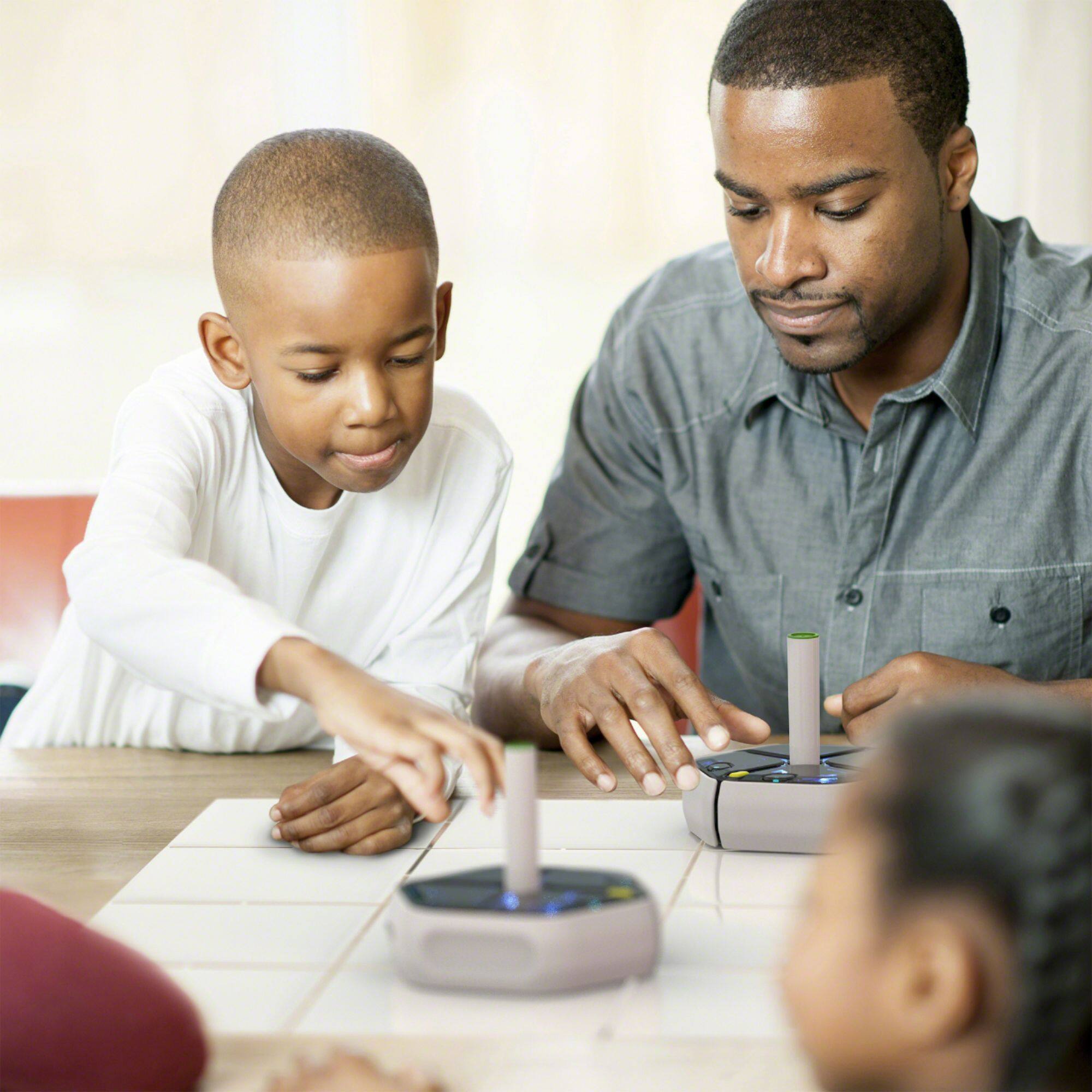
|Posted .This reviewer received promo considerations or sweepstakes entry for writing a review.This is a fun activity for the family to do together. I say that because you will also want and need to learn this with younger children. I have a 4 year old and a 6 year old who are amazed at the fact they can put something into the app and the robot does it. They are totally pumped that they have their own cool little robot. They like the ability to make sounds and turn on lights with root rt0. You can get a lego plate that allows for more creative ideas when they build something then control it with a program they don't even know they are making. We all gather around the table for a fun night trying to draw and write on the dry erase mat too. If you have a dry erase board that will hold magnets, root rt0 will stick to it for even MORE space to practice zero G spidey skills coding! We are all on the first level so we can learn at the same pace. The kids were able to figure out how to make it turn by the icons for the coding. Setup and unboxing was quick and simple after you find the right app. Download the iRobot Coding app in the Apple/Google app store, press the yellow button, link the root rt0, and start lessons that teach the foundations for greater skills in the more advanced levels of coding in Swift. There are lots of projects to do and others to unlock for a fee. This is easily capable of keeping K-12 and adults- new to coding- with fun challenges for a good bit of time. For me, this is the kind of "toy" I want for my children and I'm so glad this was created to introduce STEM to the home and school learning environment at a value price.
I would recommend this to a friendGreat for kids interested in STEM
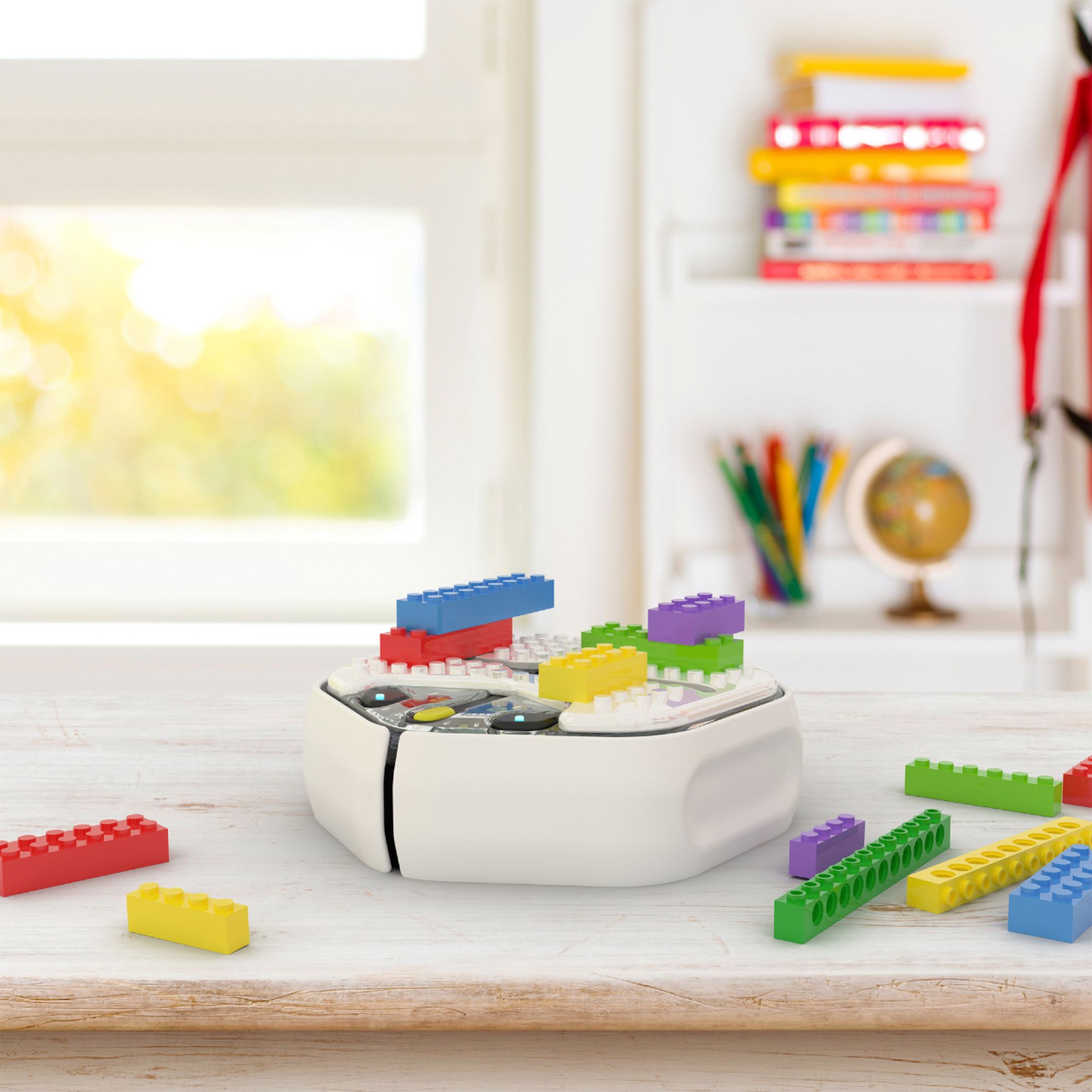
|Posted .This reviewer received promo considerations or sweepstakes entry for writing a review.I picked up this unit for my 11-year-old daughter who is a big fan of STEM-related education and activities. She's already built a number of kit-based robots including a Lego-based one that solves a Rubik's cube puzzle. So this seemed like a good buy. This robot operates based on coding commands through the iRobot Coding App. Because my daughter is more advanced than most when it comes to coding, we opted to use the highest level language which is full-text coding but the app supports a more basic graphic block-based coding approach as well (actually it supports 3 different levels of coding language). I like the options, especially if you're dealing with a first time coder. It's important to build up your comfort level and that's a nice way to do it. I also like the flexibility of being able to add the Root Brick top accessory that allows you to customize the look of the robot using building blocks. It's a fun way to customize the robot.
I would recommend this to a friend- Pros mentioned:Ease of use
Amazing!
|Posted .This reviewer received promo considerations or sweepstakes entry for writing a review.My daughter loves loves loves this robot. She is 7 and has loved making it draw fun shapes. It works great and only takes a little bit to get the hang of it. BUT, I wish the online educational tools were more organized, and instructions were downloaded on the first page.
I would recommend this to a friend Cool device and helps kids to learn to code
|Posted .This reviewer received promo considerations or sweepstakes entry for writing a review.My kids love tinkering around with the latest gadgets and they like to build things with bricks and legos and if you throw in something you can build that turns into a robot, thats even better. I love iRobot products and I own the Roomba s9 and its an awesome product. This device allows the kids to build this device in different ways and then pair it with an app to combine all sorts of features to make it fun and interactive. I dont want my kids playing on iPads all day or video games and this takes them in a different direction plus it throws code learning in which is intuitive and a cool way to get your kids to embrace technology. Really cool device and I would highly recommend!
I would recommend this to a friend