Customer Ratings & Reviews
- Model:
- JUH377
- SKU:
- 10757584
Rating by feature
- Value
Rating 4.5 out of 5 stars
- Quality
Rating 4.6 out of 5 stars
- Ease of Use
Rating 4.7 out of 5 stars
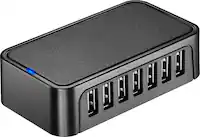
USB 7 port dock.
Posted .This reviewer received promo considerations or sweepstakes entry for writing a review.This 7 port dock is awesome. Works great!! If you need more hookups this is the perfect solution.
I would recommend this to a friendMuch Needed!
Posted .This reviewer received promo considerations or sweepstakes entry for writing a review.I bought this because my notebook has limited USB ports. I needed to connect my camera, lamp, cd player, and other items. I used all ports! So grateful for this!
I would recommend this to a friendDid not work on windows 10 PC
||Posted .This reviewer received promo considerations or sweepstakes entry for writing a review.The USB hub did not show up on my computer,which means whatever I had connected to the USB Hub did not show up on my computer and could not use
No, I would not recommend this to a friendBrand response from J5create Team
Posted .Regarding the JUH377, it will appear as a SuperSpeed hub under Universal Serial Bus Controllers which is located in Device Manager for Windows 10; in the case that it did not appear under there, it is possible the JUH377 may be defective. There is some troubleshooting that we may try if you wish. In the future, if you experience such issues with our adapters, please feel free to contact support printed on the casing to speak with an agent and they will be glad to assist in properly getting this up and working as intended, or if necessary, offer an exchange as long as it is within the manufacturer's 2 year warranty. Thank you for the input and we apologize for the poor experience you had.
Respectfully,
j5create
Works Perfectly
Posted .This reviewer received promo considerations or sweepstakes entry for writing a review.It looks nice for a hub, and it works perfectly. No matter what I add, I don't feel like I'm overloading the hub. And with 7 Ports, it should be sufficient for business or casual personal use. I would assume this is a good option for gaming as well because it has 3.0 ports but It would depend on if 7 ports is enough for you.
I would recommend this to a friendExtra powered ports
Posted .This reviewer received promo considerations or sweepstakes entry for writing a review.Needed a few more ports to power some led lights. Worked perfectly.
I would recommend this to a friendsmall & slim, comes with ac adapter
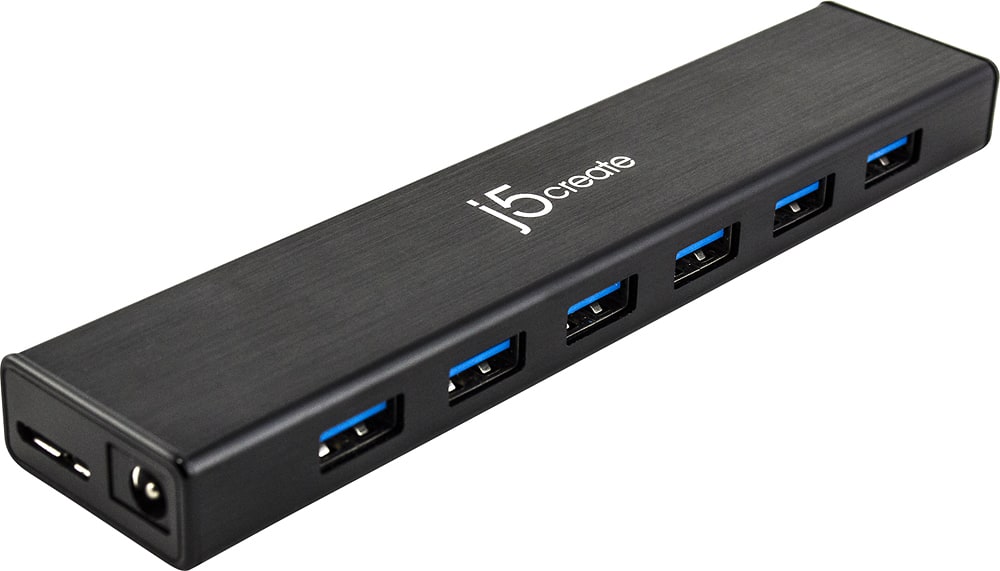
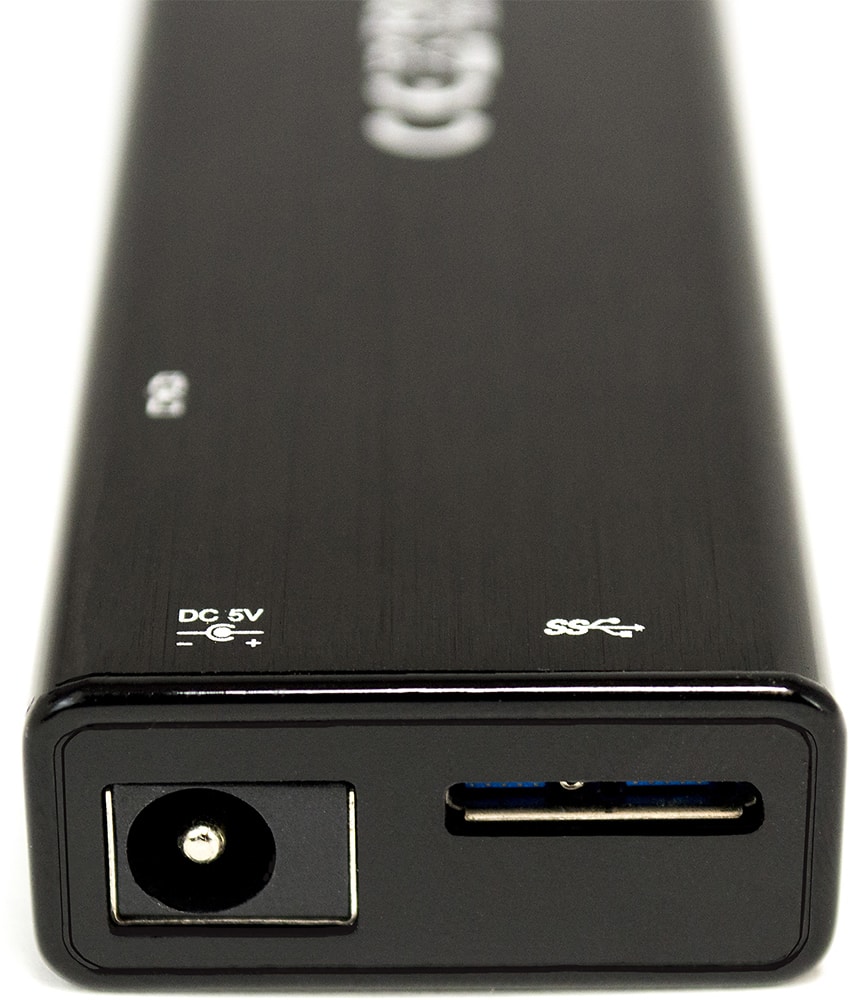
Posted .This reviewer received promo considerations or sweepstakes entry for writing a review.This thing is very tiny but the case is metal, the usb to computer cord is on one end which is a good place for it, the power plug is next to it. I have not heard of this company before, elite members get a little more time to return things if they're bad. I just set it up today, hooked my blue ray drive to it with no issues at least when reading disks that is haven't tried to burn yet. For those complaining about bus powered devices, simply don't do that folks, plug your high draw devices (like drives) into their own power. if yours didn't come with an ac adapter there are ways around that or just plug that item straight into the computer to avoid issues. I hope mine doesn't fail quickly if it does then I'll know to avoid this product. The usb to computer cable is longer than most products like this one come with. USB 3 is more demanding of quality hardware than usb 2 is/was and it's also a bit new so you may need to accept that there could be a few issues with it.
I would recommend this to a friendBrand response from J5create Team
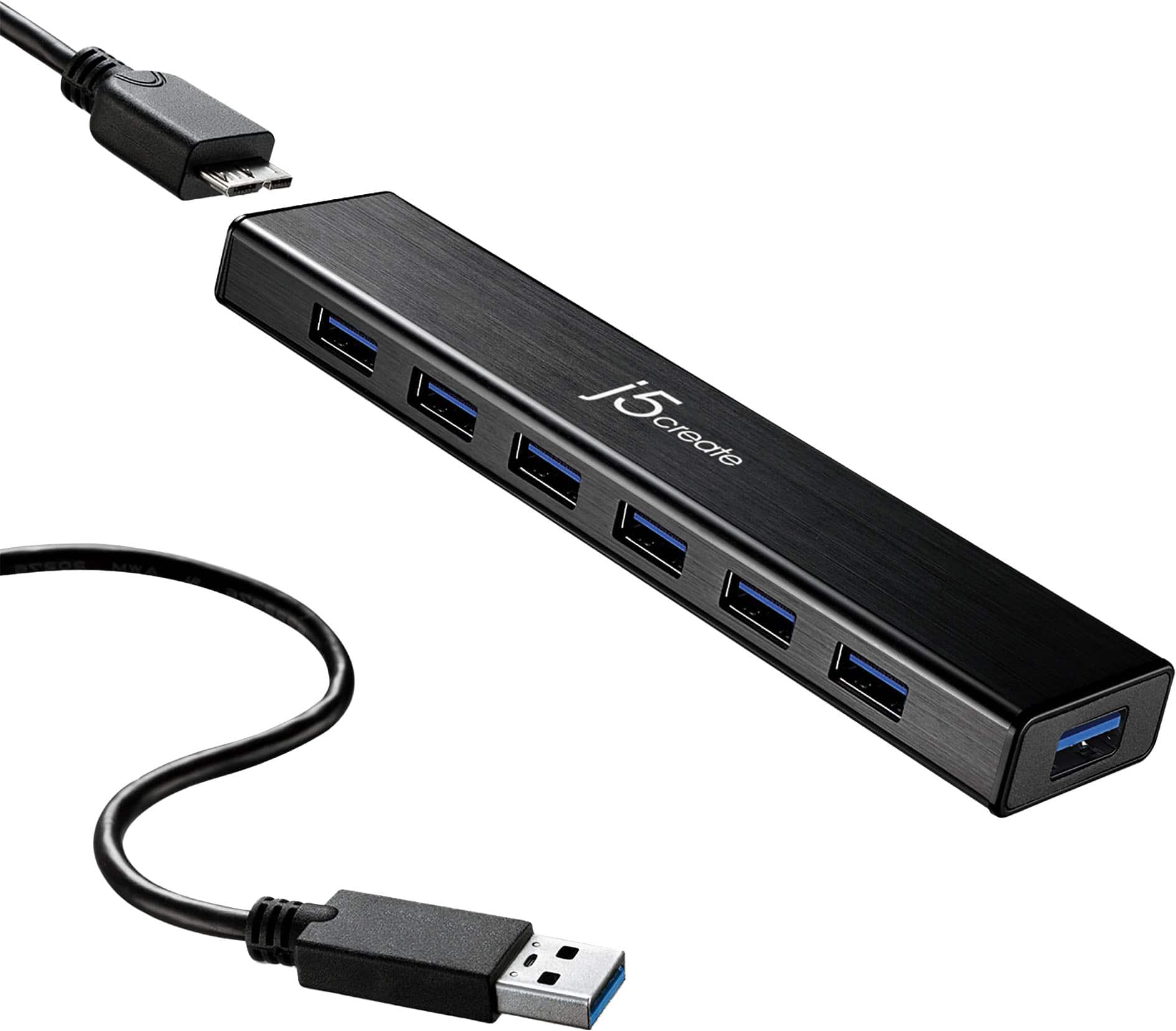
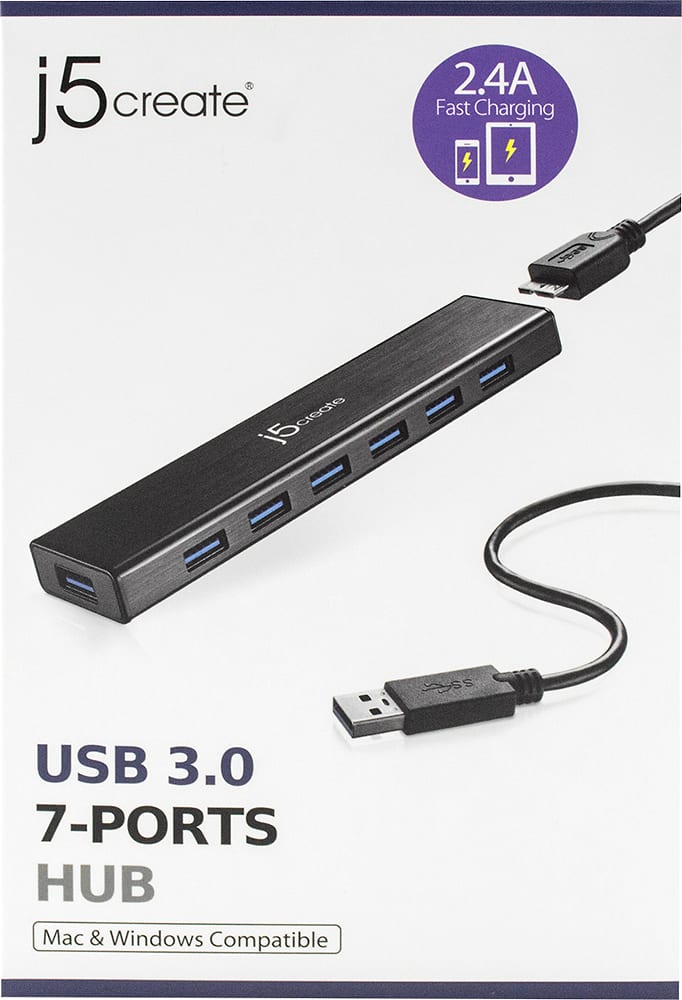
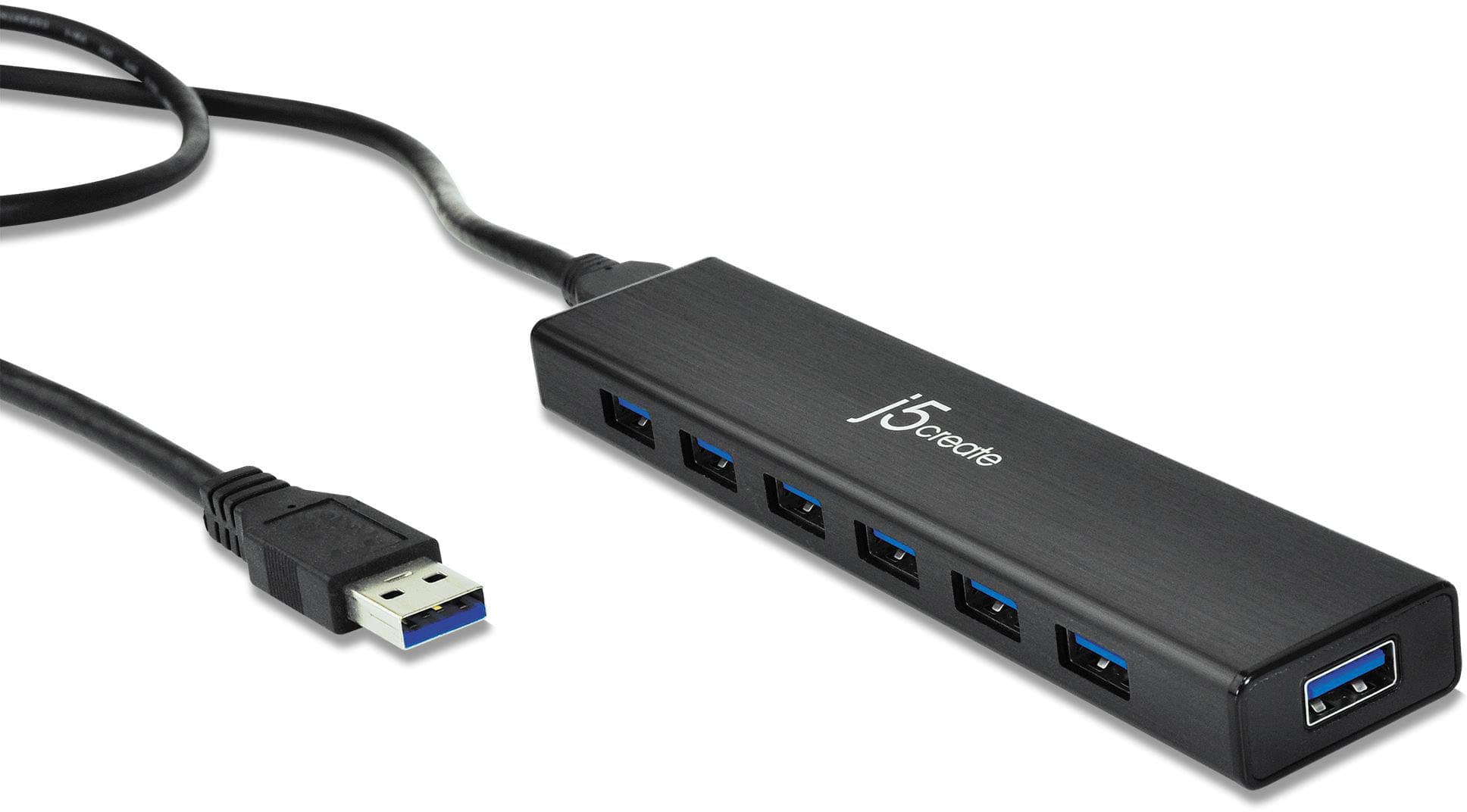
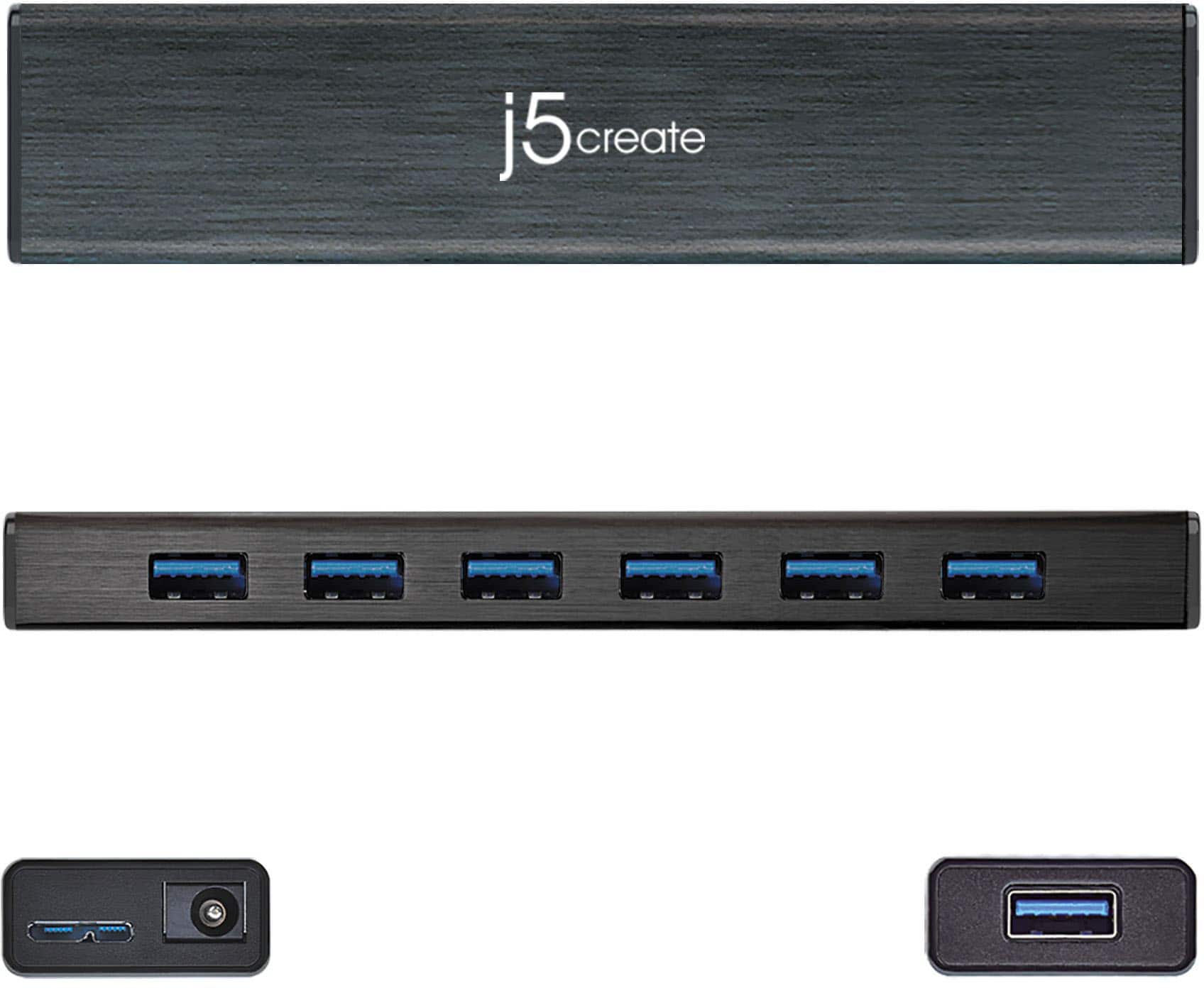
Posted .Extends your MacBook or notebook by 7 USB 3.0 ports with a single USB plug. Supports USB bus-powered or DC self-powered for power hungry USB devices
Apple configurator approved
Posted .This reviewer received promo considerations or sweepstakes entry for writing a review.I got this in a pinch to load multiple iPhones into Apple DEP with Apple configurator 2. They worked just fine. It also works simultaneously for my Mac side and my Windows side running Parallels desktop on my MacBook. I have had no issue with this device; plug and play with no driver download. It also works without the ac plug attached, but you might as well use it since it’s in the box.
I would recommend this to a friendBrand response from J5create Team
Posted .Compatibility with Windows and Mac makes the JUH377 a top seller, providing the user with 7 USB ports for added gadgets make this a handy hub to have.
Gratefully,
j5create
j5create USB Hub!
Posted .This reviewer received promo considerations or sweepstakes entry for writing a review.This is a great USB Hub. Mike, camera, printer and additional peripherals all work as they should. I would buy again if needed!
I would recommend this to a friendWorks out of the box
Posted .This reviewer received promo considerations or sweepstakes entry for writing a review.This USB hub was very easy to set up and has performed well since I bought it in early June. I'm very pleased with it.
I would recommend this to a friendIt's what you expect
Posted .This reviewer received promo considerations or sweepstakes entry for writing a review.It does the thing. All ports work correctly. I do wish the cable were a little longer, but that's a minor complaint.
I would recommend this to a friendGreat Hub
Posted .This reviewer received promo considerations or sweepstakes entry for writing a review.So initially I was looking for a non-powered hub just to accommodate all my external HDDs and peripherals. However, I decided to give the hybrid a shot and I haven't regretted it. With the ability to add an additional charge slot for your phone/tablet, this is something you shouldn't skip!
I would recommend this to a friendjh5create hub
Posted .This reviewer received promo considerations or sweepstakes entry for writing a review.Just needed a hub and this is compact, looks good, and does exactly what I need it to do.
I would recommend this to a friendusb 3.0
Posted .This reviewer received promo considerations or sweepstakes entry for writing a review.works great !!!!!!!!!!!!!!!!!!!!!!!!!!!!!!!!!!!!!!!!!!!!!!!!!!!!!!!!!!!!!!!!!!!
I would recommend this to a friendSaved a lot of money.
Posted .This reviewer received promo considerations or sweepstakes entry for writing a review.Item works great! Game changer. Did not have to upgrade to a new motherboard.
I would recommend this to a friendConnection without fuss
Posted .This reviewer received promo considerations or sweepstakes entry for writing a review.For this non-tech person, this was the perfect solution for connecting to my Macbook Pro.
I would recommend this to a friendthanks geek squad
Posted .This reviewer received promo considerations or sweepstakes entry for writing a review.geek squad member recommended jscreate port hub to me ,and over archived what i needed
I would recommend this to a friendPerfect
Posted .This reviewer received promo considerations or sweepstakes entry for writing a review.Does exactly what it's supposed to do. Can't say much more than that.
I would recommend this to a friendworks like a champ!
Posted .This reviewer received promo considerations or sweepstakes entry for writing a review.This USB hub worked right out of the box, no extra drivers required, and it lives up to USB 3.0 speeds. It's compact and sturdy, great for traveling.
I would recommend this to a friendIt Just Works!
Posted .This reviewer received promo considerations or sweepstakes entry for writing a review.Works as advertised, can't get much better than that.
I would recommend this to a friendOnly 1 Powered port of the 7 total
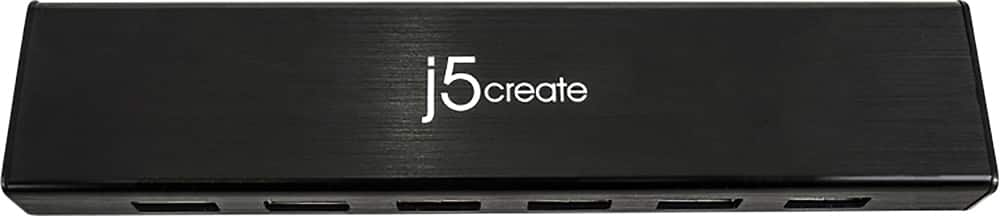
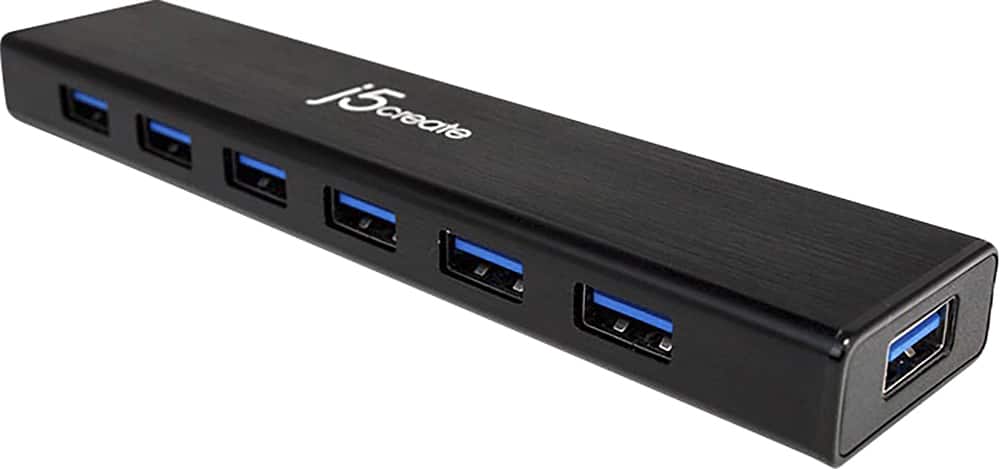
Posted .This reviewer received promo considerations or sweepstakes entry for writing a review.For a $40 USB 3.0 hub that comes with a massive power brick, I would expect each of the ports to provide power. However, if you look at the product images, the 3rd one will show a small white icon on the top left-side of the hub - that blurry icon is a USB+Power icon. That is the only port that will push power to a device. I noticed this because I purchased this for use with my PS4, and wanted to be able to have multiple controllers connected and charging, as well as my PSVR and external hard drive. However, the Insignia Micro-USB cables that I also bought have a little dot on them that lights up when you plug it into a power source (or in this case, a powered USB port). I plugged the first cable in, the light lit up, the controller started charging. "Cool." I plugged the second controller cable in, and no light lit up - the controller wasn't charging. I looked at the hub, and that's when I noticed the one lit cable was connected to the 'Charging' port. Dang! For $40, how was this feature left off the rest of the ports?
No, I would not recommend this to a friendBrand response from J5create Team
Posted .Hi Peaches!
I'm sorry to hear about the issue you had with your device. I recommend using the JUP60 for charging your controllers. It's what I use to keep my headset and controllers charged up on my PS4 and keep my external hard drive connected to the Playstation itself. Please feel free to contact us for more assistance with your device at either the back of the product box or on the contact page on our website.
Thanks!
j5create