Customer Ratings & Reviews
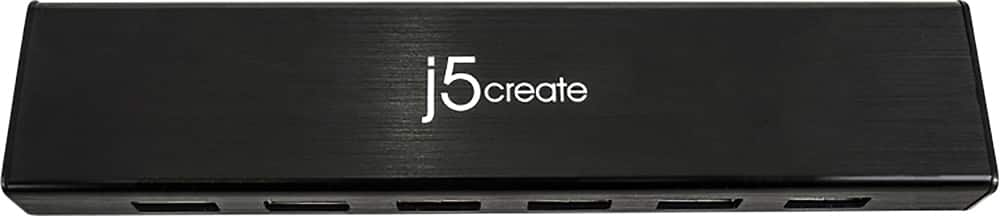
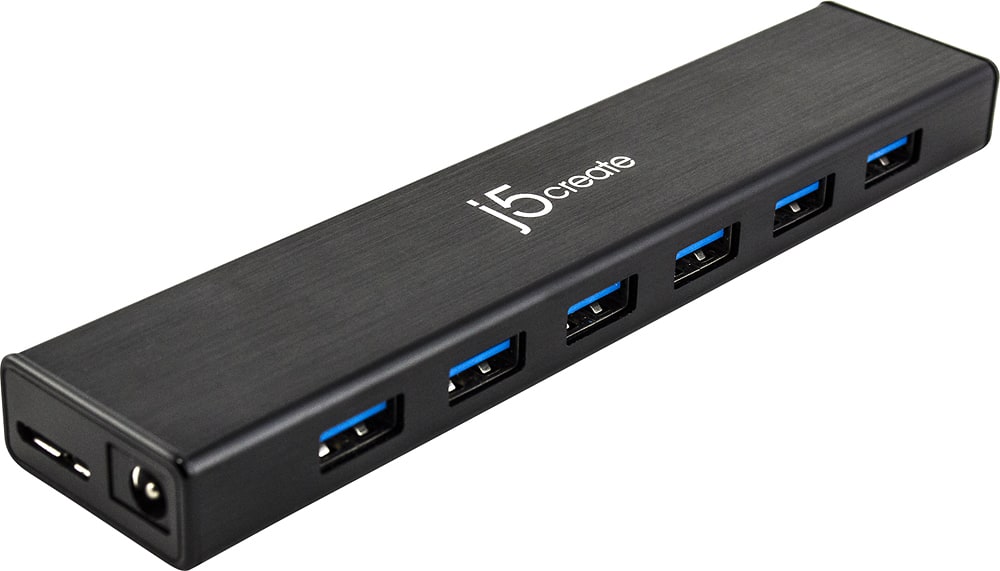
- Model:
- JUH377
- SKU:
- 10757584
Rating by feature
- Value
Rating 4.5 out of 5 stars
- Quality
Rating 4.6 out of 5 stars
- Ease of Use
Rating 4.7 out of 5 stars
Works as expected
||Posted .This reviewer received promo considerations or sweepstakes entry for writing a review.I used this to power my iPad while using a midi controller and it worked great.
I would recommend this to a friendBrand response from J5create Team
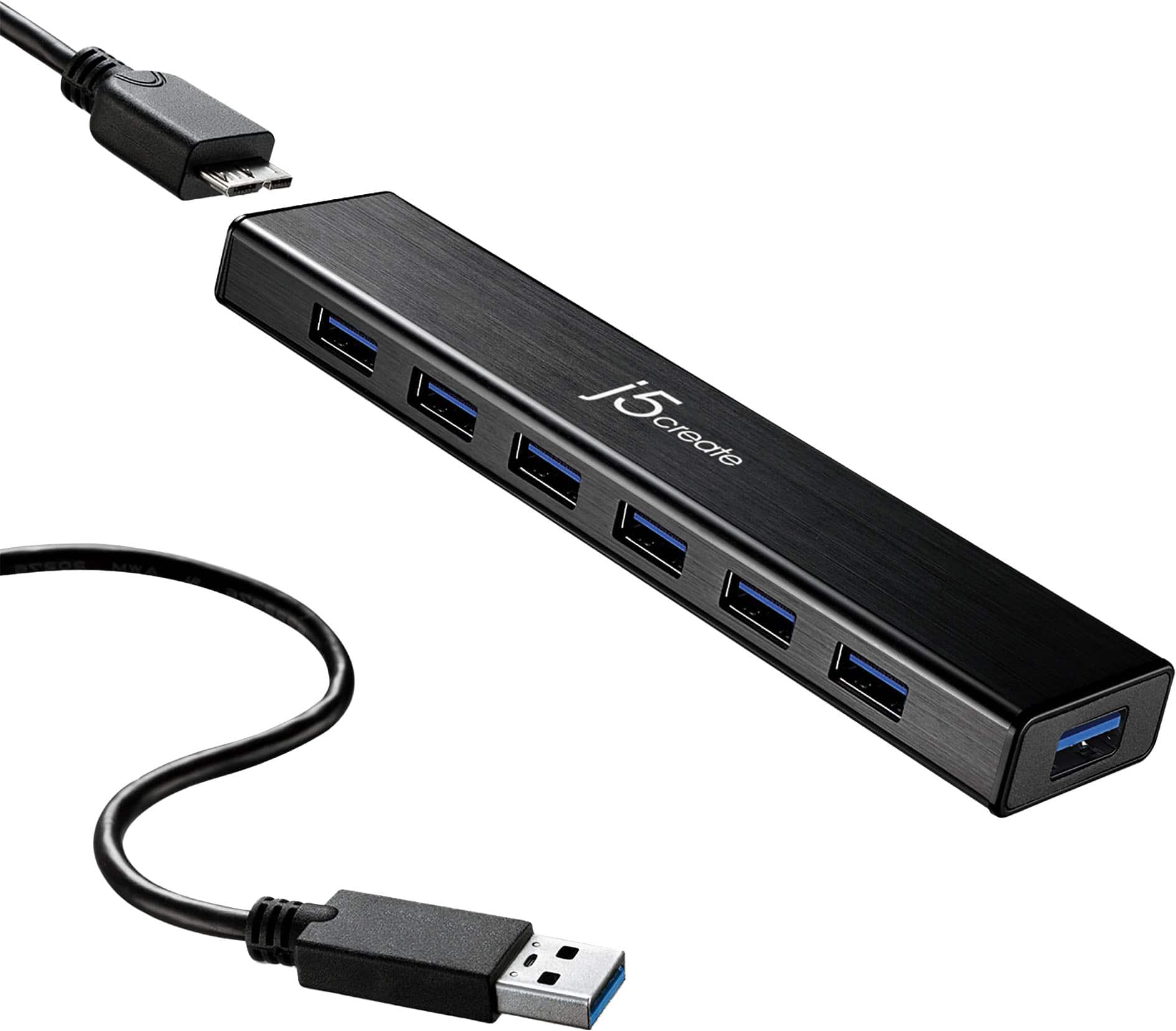
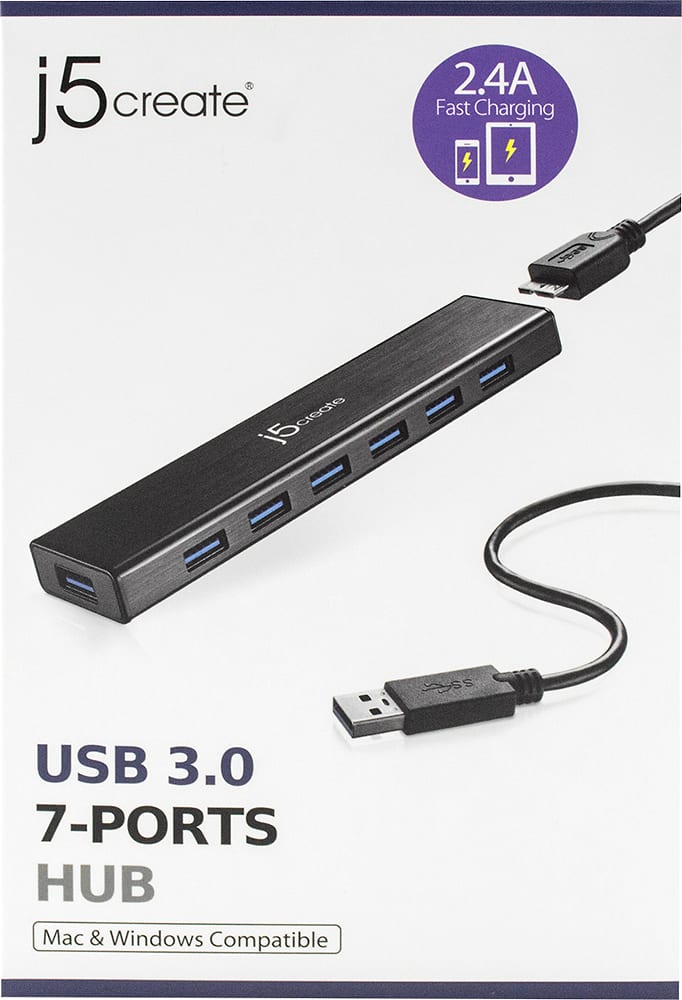
Posted .One port supports fast charging for smartphones, tablets, iPad up to 2.4A

works like a top
||Posted . Owned for 1 month when reviewed.This reviewer received promo considerations or sweepstakes entry for writing a review.served my need for additional ports, simple plug and play
I would recommend this to a friendBrand response from J5create Team
Posted .Simply plug and play is what the JUH377 represents, for those short on ports for mice, keyboards and more; the JUH377 USB hub is an excellent choice. Thanks for the feedback!
Appreciatively,
j5create
Good Product but.....
||Posted . Owned for 3 weeks when reviewed.This reviewer received promo considerations or sweepstakes entry for writing a review.USB Hub is working fine but If i connect more than 4 USB it disable my WiFi for some reason. I'm not sure if something wrong with the USB Hub or not >.< Any guesses on this issue ? There is no reason to purchase 7 extra USB port when it kills your WiFi after connecting more than 4 USB. Quality wise product is excellent and fast transfer between external Hdd and computer.
I would recommend this to a friendBrand response from J5create Team
Posted .Hello,
Thank you for your feedback. It sounds like you may be encountering radio frequency interference. Whenever a USB 3.0 device, such as an external hard disk drive, USB flash drive, USB hub, etc., is connected to a USB 3.0 port, there will be radio frequencies radiating from the USB 3.0 connection. These frequencies will potentially limit the sensitivity of wireless receivers close to the USB connection. For instance, the frequencies radiating from the USB 3.0 connection may be causing interference with other nearby radio frequencies within the 2.4 GHz band and may be preventing wireless devices from working well. Low-power wireless antenna devices, such as mice, keyboards, headphones, microphones, WIFI, etc. which are operating within the 2.4GHz range, may be affected.
We recommend that any nearby wireless devices are plugged into a USB port directly on the computer, placed across from other USB 3.0 devices, if possible. Alternatively, we recommend that you use wireless devices which operate within the 5GHz range, as they will not encounter as much radio frequency interference with USB 3.0 devices.
I hope that this helps. If you need any further assistance with your device you can contact our customer service team. The contact information can be found on the product packaging and on our website under the Support drop down.
Thank you,
-J5Create
Excellent wat to control all USB equipment.
||Posted .This reviewer received promo considerations or sweepstakes entry for writing a review.Im able to plug in all my accessories and only use 1 USB port on my Laptop Computer!
I would recommend this to a friendBrand response from J5create Team
Posted .7 ports for all your needed USB peripherals.
USB Hub
||Posted .This reviewer received promo considerations or sweepstakes entry for writing a review.This product is awesome and is backwards compatible between Mac and PC.
I would recommend this to a friendBrand response from J5create Team
Posted .Utilizing up to seven peripherals at once has never been easier and we're glad to hear your input.
Sincerely,
j5create
Works great
||Posted . Owned for 1 week when reviewed.This reviewer received promo considerations or sweepstakes entry for writing a review.works great. I needed more than 4 usb ports and this works great.
I would recommend this to a friendBrand response from J5create Team
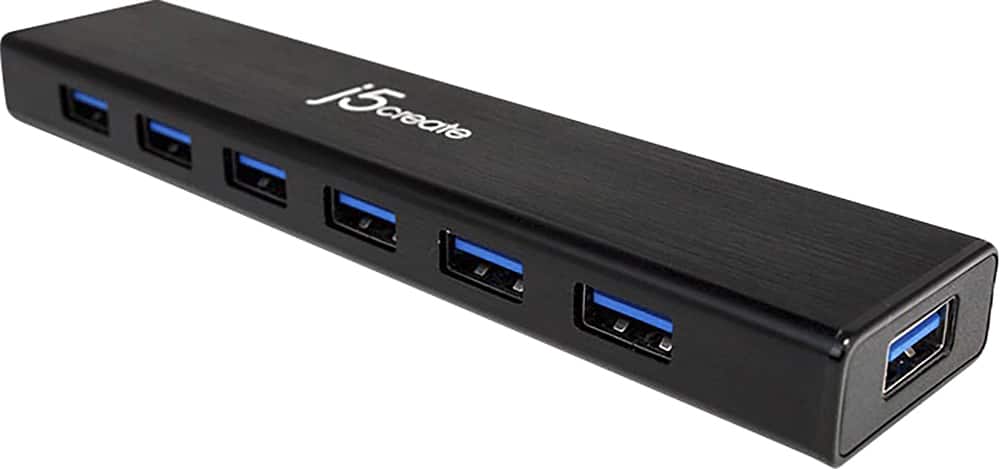
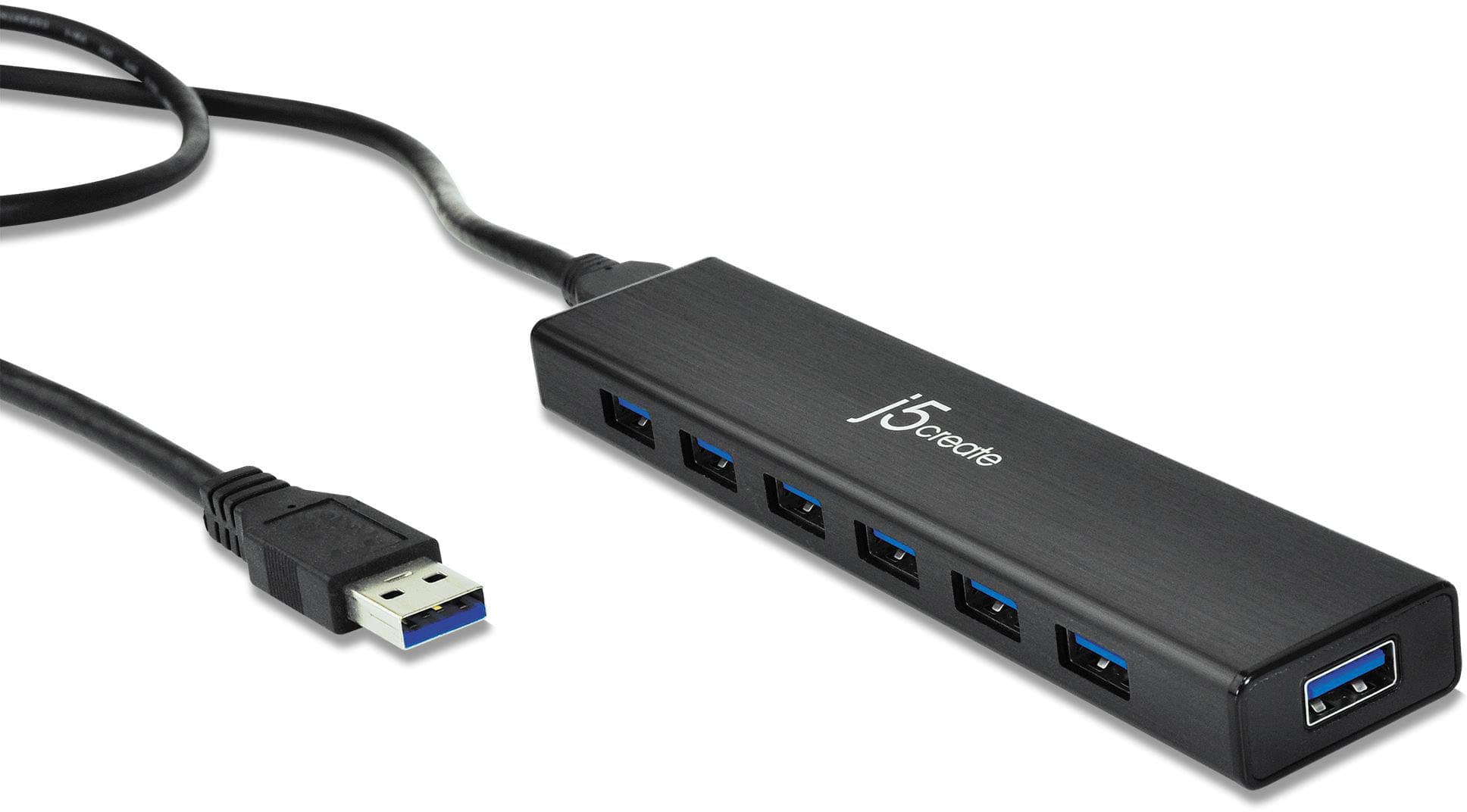
Posted .Extends your computer by 7 USB 3.0 ports with a single USB plug.
Awesome
||Posted .This reviewer received promo considerations or sweepstakes entry for writing a review.Works well! I have had no issues with this product. highly recommend!!!!
I would recommend this to a friendBrand response from J5create Team
Posted .No issues when augmenting USB ports is what we aim for and we're glad to hear the JUH377 is something you recommend!
Appreciatively,
j5create
Great product, it help a lot my home activity
||Posted . Owned for 1 month when reviewed.This reviewer received promo considerations or sweepstakes entry for writing a review.Great product and great quality for the price. We normally use it in our home office, due to the connectivity of printer and other peripherals this product was the best choice for the price.
I would recommend this to a friendGame changer
||Posted .This reviewer received promo considerations or sweepstakes entry for writing a review.My setup has lots of usb plug-ins having extra plugs and at 3.0 speeds is awesome and the price is very fair
I would recommend this to a friendBrand response from J5create Team
Posted .Extends your computer by 7 USB 3.0 ports with a single USB plug
Great addition for my laptop
||Posted .This reviewer received promo considerations or sweepstakes entry for writing a review.I just love having more USB ports for my laptop!!! It is so helpful!!!
I would recommend this to a friendBrand response from J5create Team
Posted .One port supports fast charging for smartphones, tablets, iPad up to 2.4A
does exactly what i wanted
||Posted .This reviewer received promo considerations or sweepstakes entry for writing a review.This product works just fine if I would want anything else from it it would be for it to have a longer cord.
I would recommend this to a friendBrand response from J5create Team
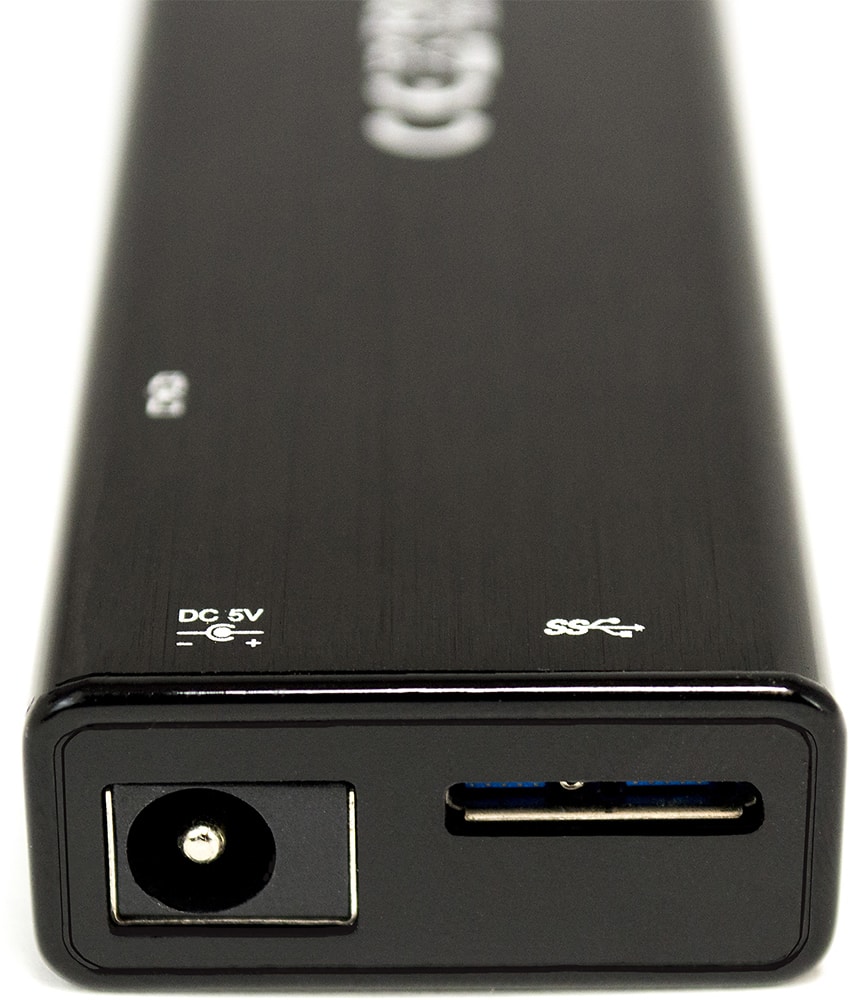
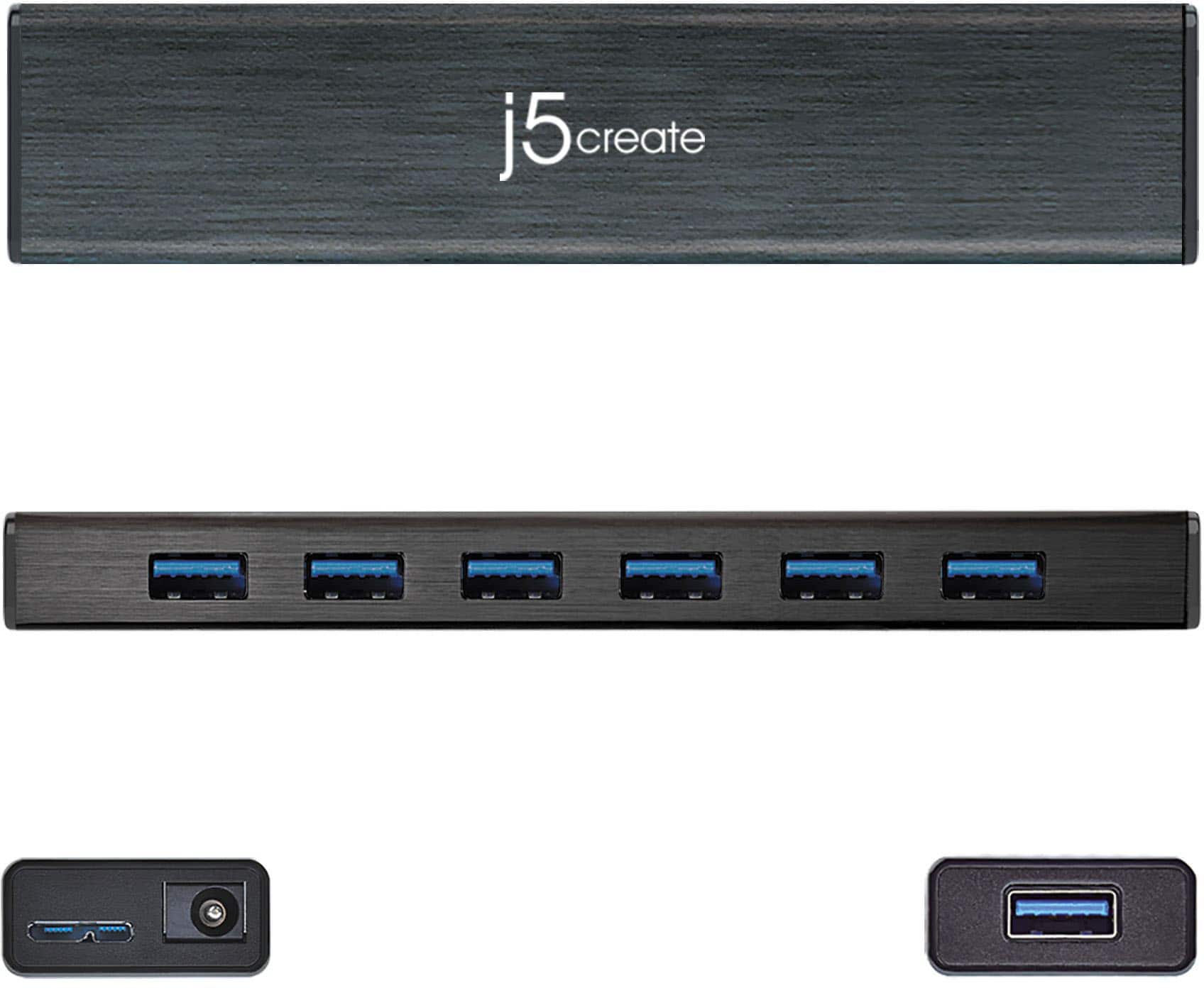
Posted .Supports USB bus-powered or DC self-powered for power hungry USB devices
Dependable
||Posted .This reviewer received promo considerations or sweepstakes entry for writing a review.Running my studio using these ports and has been excellent so far!
I would recommend this to a friendBrand response from J5create Team
Posted .Excellent for peripherals i.e. mice, keyboards, flash drives, web cameras and more is what puts the JUH377 in demand! Disconnecting one accessory to use the other are a thing of the past.
Gratefully,
j5create
works great with all ports used
||Posted .This reviewer received promo considerations or sweepstakes entry for writing a review.this product is a good alternative to more expensive options and works well under load
I would recommend this to a friendFirst Time buyer
||Posted .This reviewer received promo considerations or sweepstakes entry for writing a review.Nice and easy plugin and use for the first time user.
I would recommend this to a friendBrand response from J5create Team
Posted .Thank you for review, localq. Take care!
This USB hub solved my expansion problem.
||Posted .This reviewer received promo considerations or sweepstakes entry for writing a review.I needed several USB 3.0 ports to connect new external drives to my Surface Pro 4. This hub worked as expected.
I would recommend this to a friendGreat
||Posted . Owned for 6 months when reviewed.This reviewer received promo considerations or sweepstakes entry for writing a review.Love it. It’s is awesome and we really enjoy having it
I would recommend this to a friendBrand response from J5create Team
Posted .Being short on USB ports is never pleasing; thanks to the JUH377, you can now connect all your gadgets into one hub saving you space and money.
Gratefully,
j5create
Multi port hub
||Posted . Owned for 3 weeks when reviewed.This reviewer received promo considerations or sweepstakes entry for writing a review.Multi port hub Allows me to attach multiple USBs to my Mac
I would recommend this to a friendBrand response from J5create Team
Posted .Nice Hub for additional USB peripherals to your Mac. Thanks for the review. j5create.
Much better made product 7 port 3.0 Hub is.
||Posted . Owned for less than 1 week when reviewed.This reviewer received promo considerations or sweepstakes entry for writing a review.Have two 7 Port 3.0 Hubs, quick and easy set up and use.
I would recommend this to a friendBrand response from J5create Team
Posted .Due to the nature of the JUH377 Hub, the device makes a great addition for those needing to connect keyboards, flash drives, webcams, mice and more all in one; very convenient and cost effective.
Respectfully,
j5create
The powered 7 port 3.0 hub is perfect
||Posted .This reviewer received promo considerations or sweepstakes entry for writing a review.I was looking all over for this hub and when I found it I bought 2. It works perfect.
I would recommend this to a friendWorks great
||Posted .This reviewer received promo considerations or sweepstakes entry for writing a review.Fast speeds, easy to hook up, let's me copy data to seven drives at once.
I would recommend this to a friendBrand response from J5create Team
Posted .Simultaneously using up to seven USB accessories at once is what the JUH377 allows; simply connect and done!
Thanks for your review Tommy,
j5create