Customer Ratings & Reviews


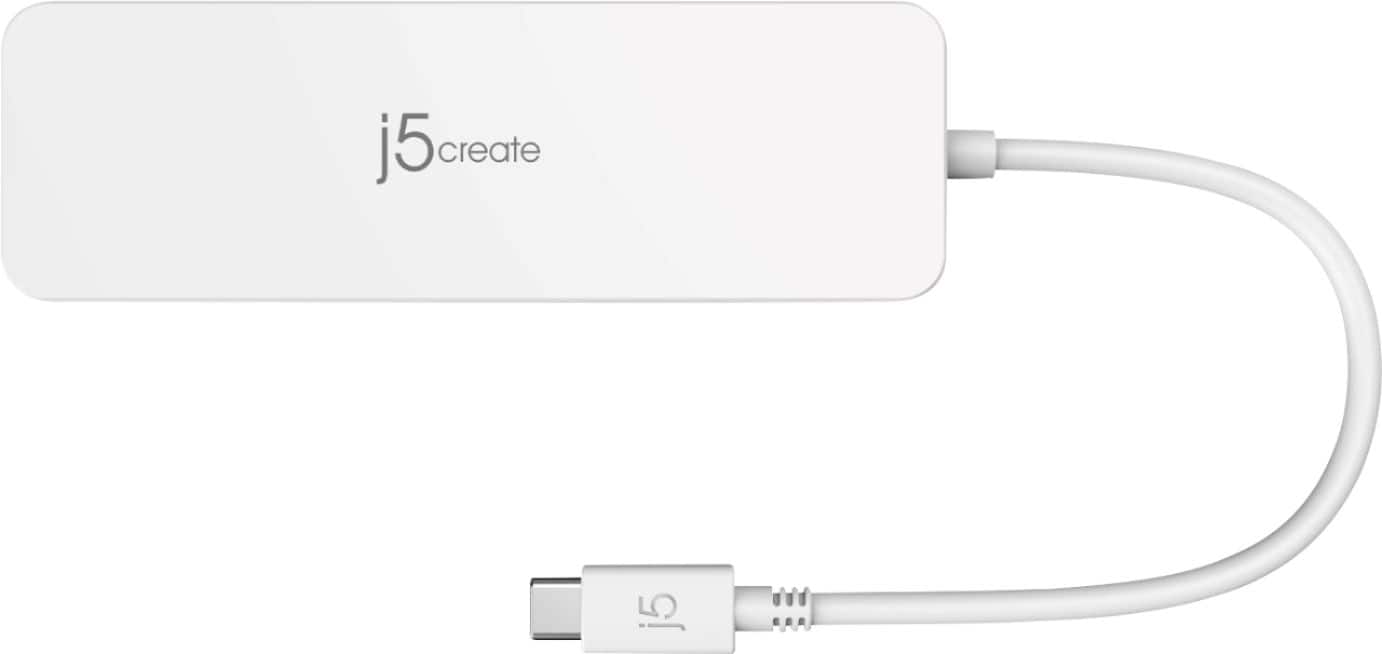
- Model:
- JCD373
- SKU:
- 6460683
Rating by feature
- Value
Rating 4.5 out of 5 stars
- Quality
Rating 4.5 out of 5 stars
- Ease of Use
Rating 4.7 out of 5 stars
Customers are saying
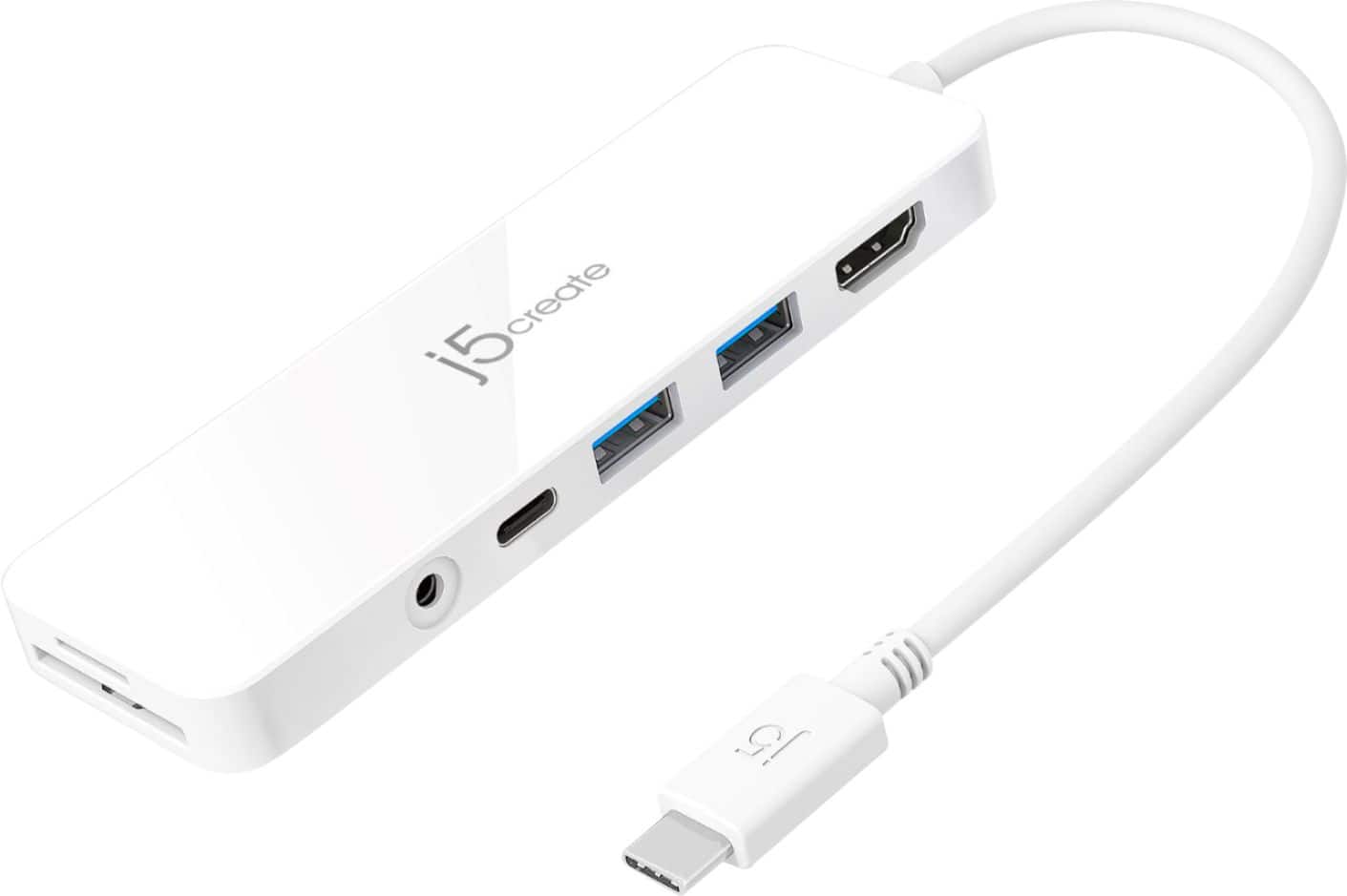
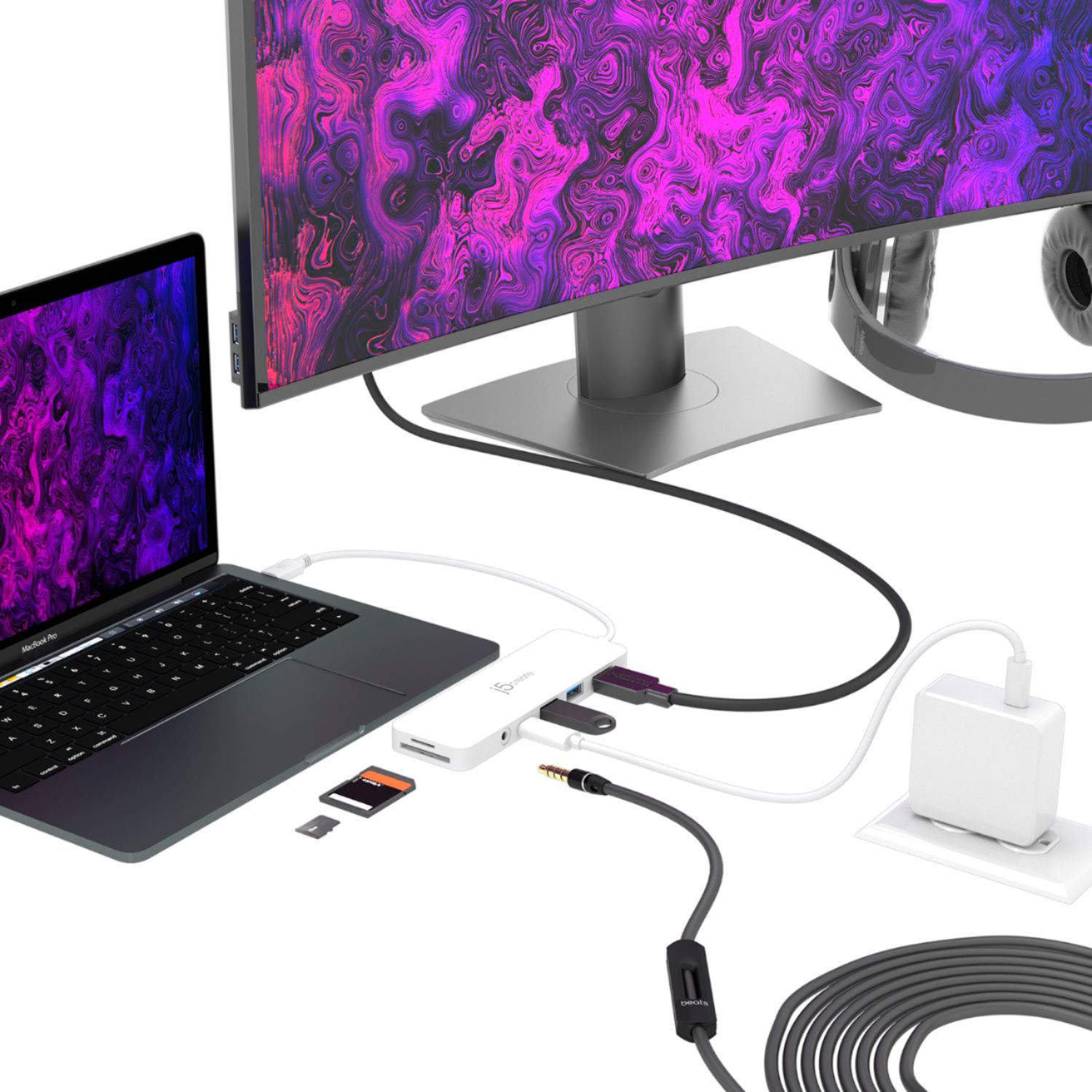
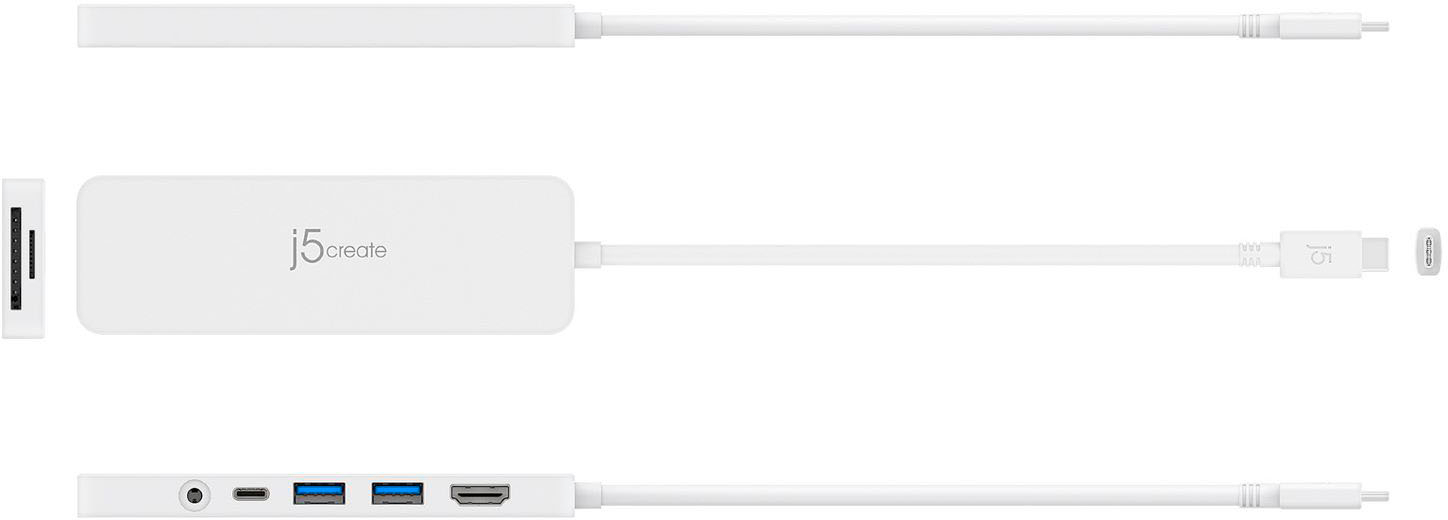
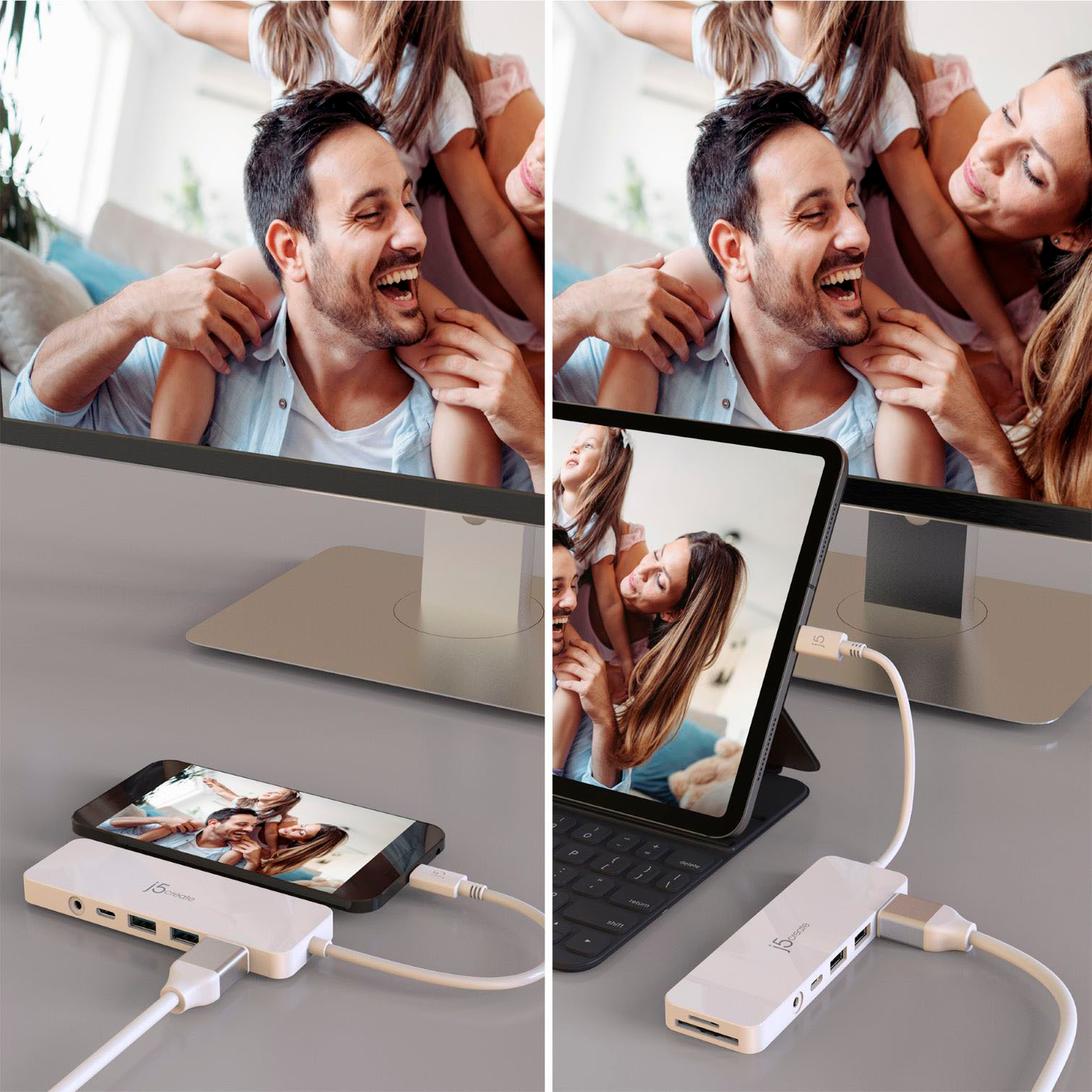
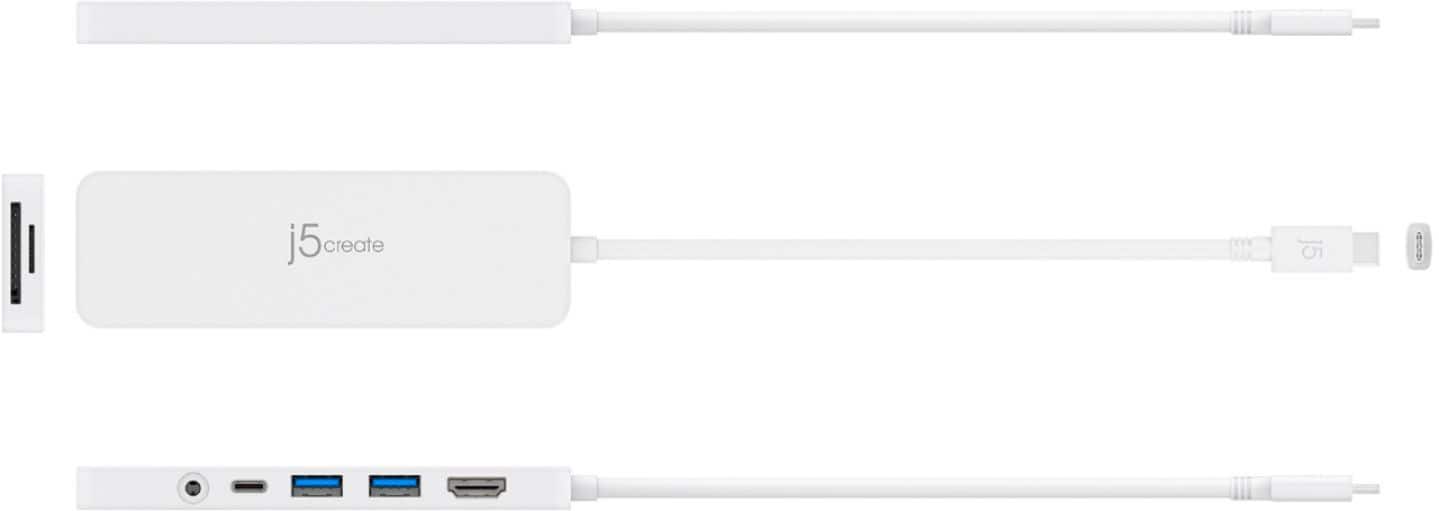
Customers appreciate the overall performance, ease of use, and connectivity of the USB-C Multi-Port Hub. Many find the variety of ports, USB-C functionality, and power delivery to be valuable additions, along with its compatibility and size. However, some customers have noted that the device can heat up quickly, and a few have experienced issues with audio quality.
This summary was generated by AI based on customer reviews.
more ports
Posted .This reviewer received promo considerations or sweepstakes entry for writing a review.Good product . strongmmmmmmmmmmmmmmmmmmmmmmmmmmmmmmmmmmmmmmmmmmmmmmmmmmmm
I would recommend this to a friendWish I bought the bigger one
Posted .This reviewer received promo considerations or sweepstakes entry for writing a review.Wish I bought the bigger one but overall I think it does what it’s supposed to do.
I would recommend this to a friendNo problems
Posted .This reviewer received promo considerations or sweepstakes entry for writing a review.Works fine, Just what was needed to make the extraneous components work together,
I would recommend this to a frienddefective USB-C hub. I do not trust
Posted .This reviewer received promo considerations or sweepstakes entry for writing a review.I bought this and used one day. I shut my computer down overnight. I booted it up in the morning and without anyone or anything touching the external drive, the computer, or the hub I got multiple error messages that my external drive was disconnected. Then I got messages that the external drive was damaged. The only solution was to move all the files over from one external drive to another and re-format the external drive that was damaged, It appears that the connection on the usb-c hub is not good and is defective.
No, I would not recommend this to a friendBrand response from J5create Team
Posted .If you are using high-powered USB devices, attach a USB-C power adapter to the power delivery port to ensure maximum performance. When using your USB-C power adapter, the multi-adapter powers both the adapter (with attached peripherals) and your laptop. For maximum performance, use a computer and USB-C power adapter equipped with PD 3.0. If you have any question about the USB-C Multi-Port Hub with Power Delivery device, please contact our Technical Support Team and a specialist will be ready to assist you. Their information can be found on our website under the "Support" tab. Cordially, j5create.

Doesn't work on Mac
Posted .This reviewer received promo considerations or sweepstakes entry for writing a review.It didn't work with a Mac. Threw away the box now it's sitting on the corner of my desk collecting dust.
No, I would not recommend this to a friendBrand response from J5create Team
Posted .The USB-C Multi-Port Hub with Power Delivery works with computers that support DisplayPort Alt Mode and USB Power Delivery 2.0 or 3.0. Please contact our Technical Support Team, so that they can get more information from you. Their information can be found on j5create website under the Support tab. Thank you.
Waste of money.
Posted .This reviewer received promo considerations or sweepstakes entry for writing a review.This J5Create multi-port hub worked for about a month. Total waste of money.
No, I would not recommend this to a friendBrand response from J5create Team
Posted .I apologize for the experience you have had with your USB-C Multi-Port Hub with Power Delivery. The product comes with a 2 year warranty. If there is a problem with the product you can reach out to our customer support team who can assist you with exchanging the product for a replacement. To contact our customer support team please visit the j5create website then click on the "SUPPORT" tab at the top right of the webpage. Thank you.