Customer Ratings & Reviews






- Model:
- 1101-02
- SKU:
- 6418696
Rating by feature
- Battery Life
Rating 4.4 out of 5 stars
- Display
Rating 4.2 out of 5 stars
- Value
Rating 4.3 out of 5 stars
Customers are saying
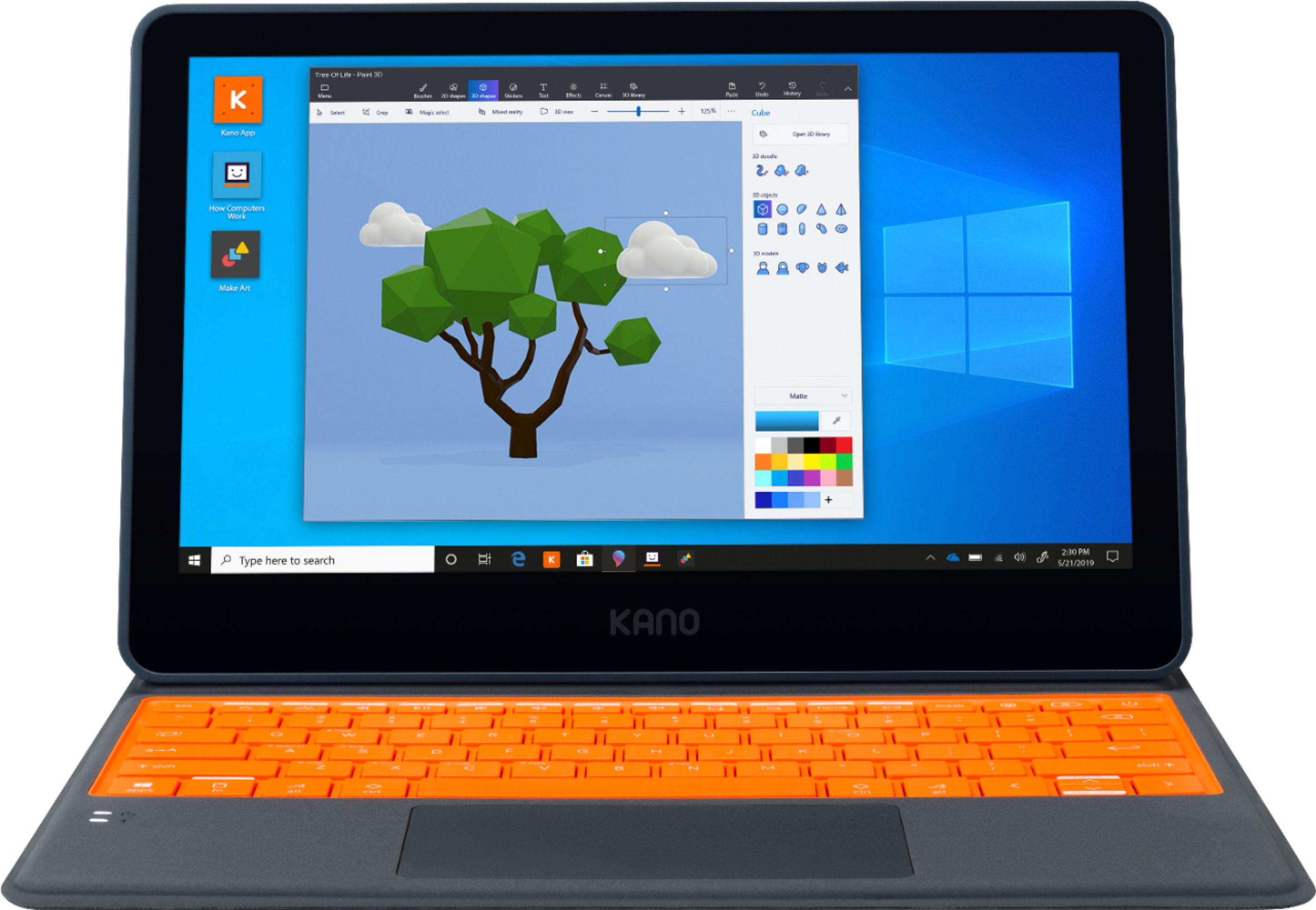
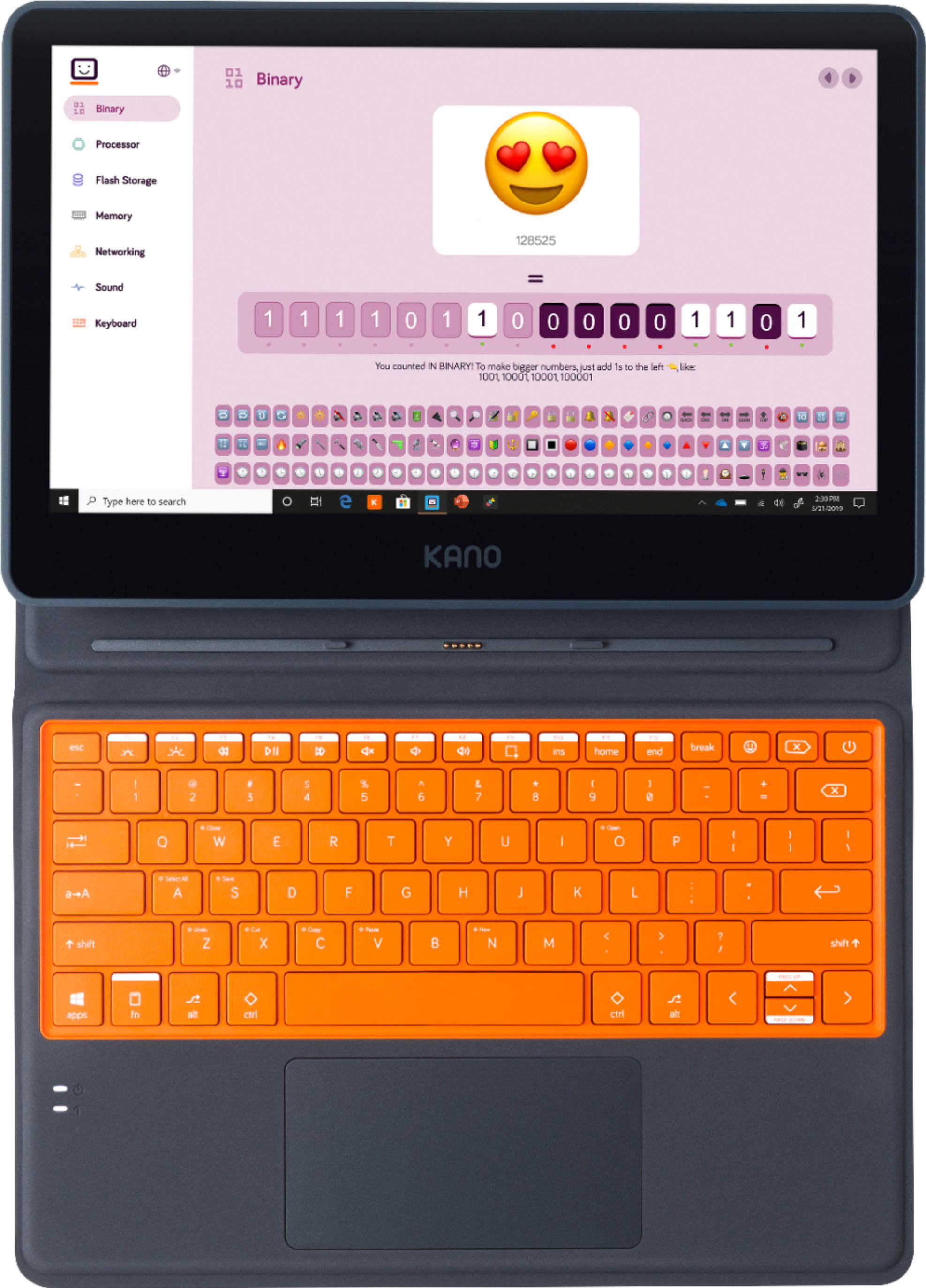
Customers consistently note the Kano PC's affordability, making it a great option for families on a budget. Parents appreciate the kid-friendly design and educational value, which helps children learn and grow. While some users mention the lack of a camera and the laptop's weight, many find the touch screen, ease of use, and portability to be significant advantages. Overall, customers are pleased with the Kano PC's performance and features, making it a popular choice for families looking for an educational and enjoyable computing experience for their children.
This summary was generated by AI based on customer reviews.
Great beginner computer!
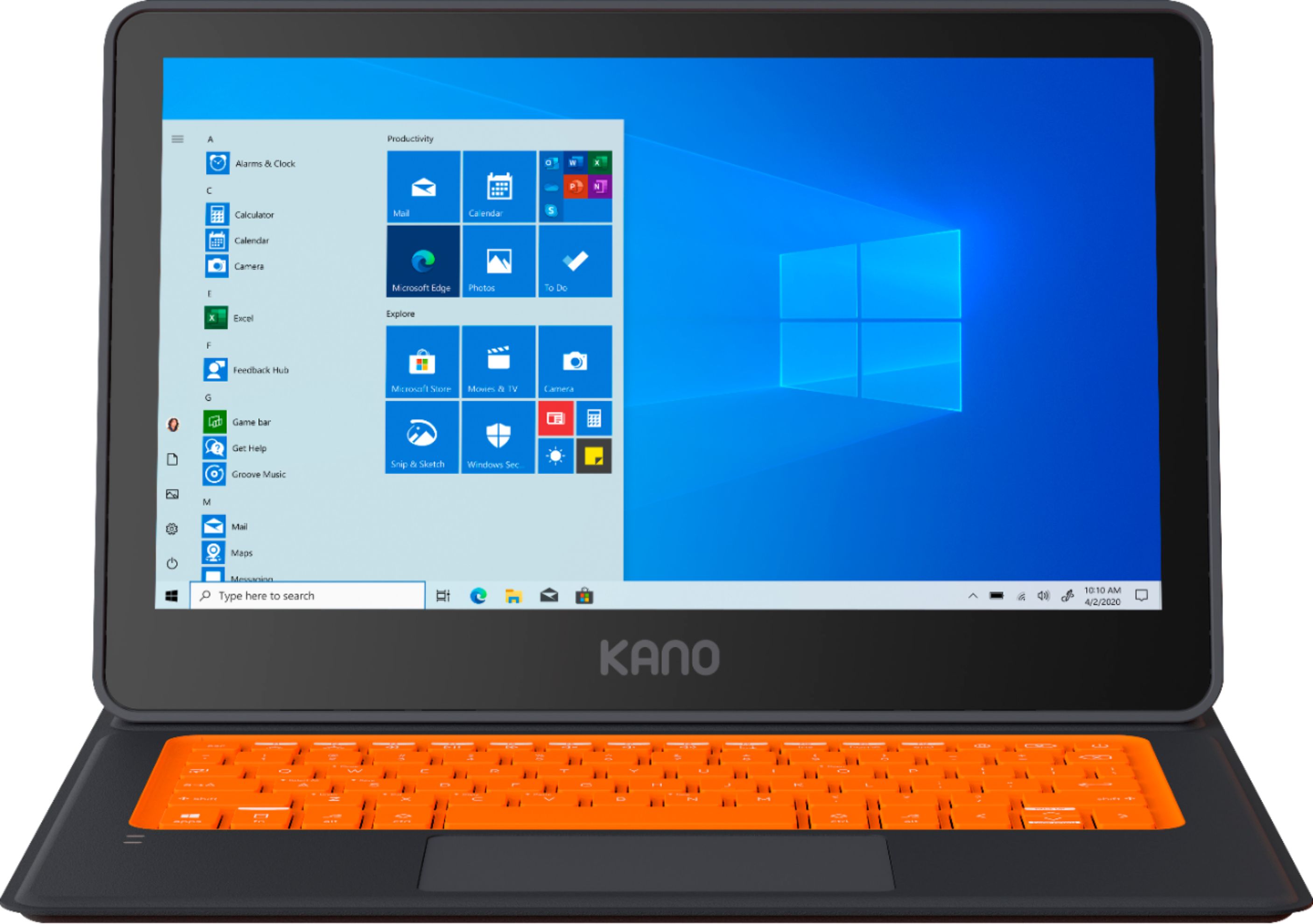
||Posted . Owned for 1 week when reviewed.This reviewer received promo considerations or sweepstakes entry for writing a review.I was a bit hesitant to purchase due to this computer being listed alongside other brands like HP, Dell, Lenovo, etc, so I did some extra looking around about this device before purchasing. The way the device is packaged is really well done and engages the kiddo right away. It runs Windows 10 which has its ups and downs, but that means it is reliable and works with just about whatever software we want. Great content built in with Kano's apps.
I would recommend this to a friendFantastic experience for kids of many ages
||Posted . Owned for 2 weeks when reviewed.This reviewer received promo considerations or sweepstakes entry for writing a review.From the moment I opened the box with kids aged 3-8, they were immediately engrossed in the packaging and instructions. Having them build the computer and learn about the parts before it even turns on is a genius idea. And they were so proud that they did it and told several other family members. Once on, the computer guides you through an easy setup. Beyond the features and functionality you'd come to expect from a Windows driven computer, there are many Kano specific features that are great for kids (and even adults) to learn from as well. Apps to learn coding through fun city building exercises and the ability to easily connect to other Kano products like the Star Wars coding kit are just two of the features that set this PC apart from other entry level computers like the Chromebook. Would highly recommend for young kids and even parents.
I would recommend this to a friend- Pros mentioned:Easy to use
Great laptop for my 7 year old son!
||Posted . Owned for 1 week when reviewed.This reviewer received promo considerations or sweepstakes entry for writing a review.I was a bit skeptical when we opened the box and saw that we had to build it. However, the instructions were simple to follow, and my son and I had it built in 15-20 mins. It’s going to be perfect for his distance learning this fall!
I would recommend this to a friend My 8 year old sons computer.
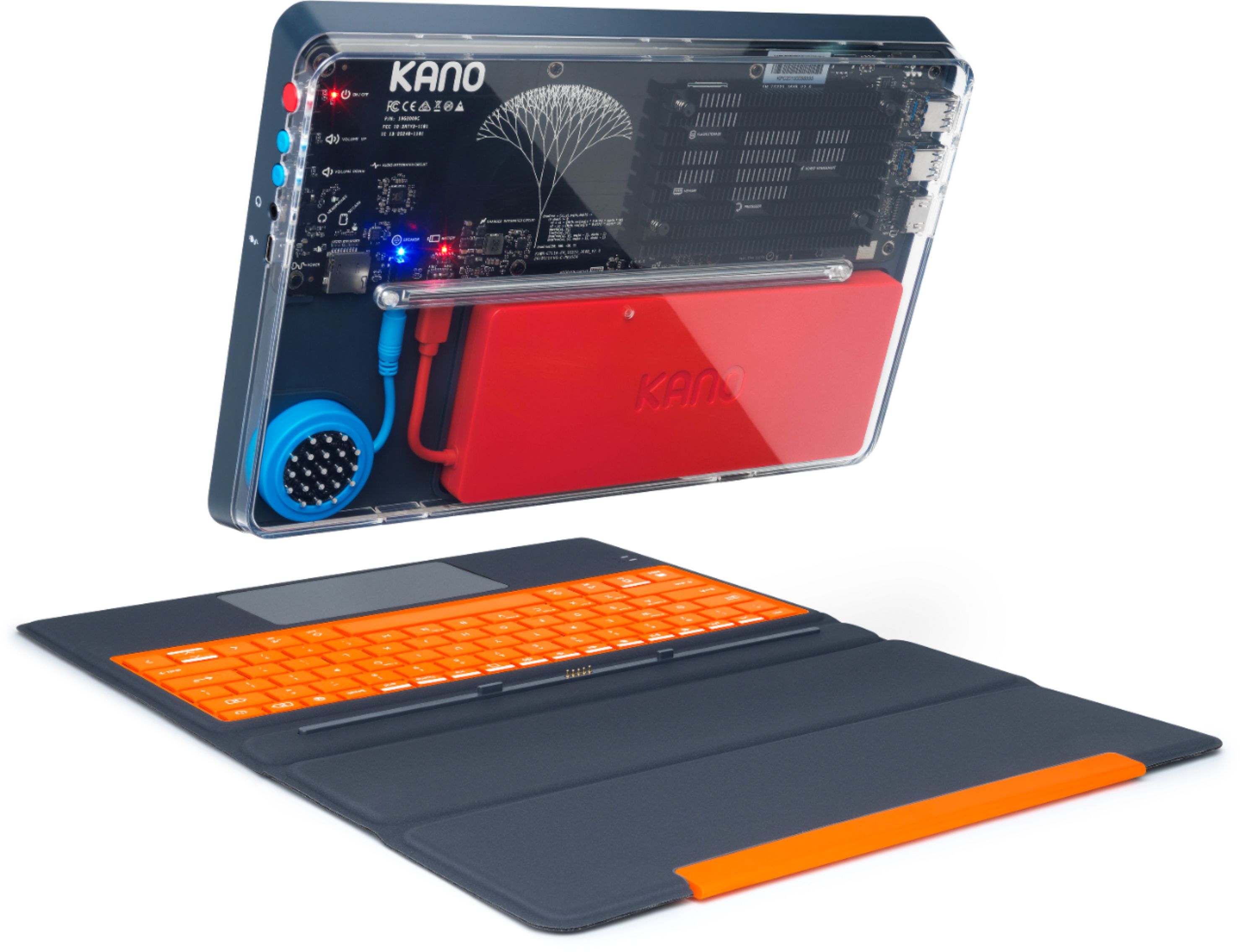
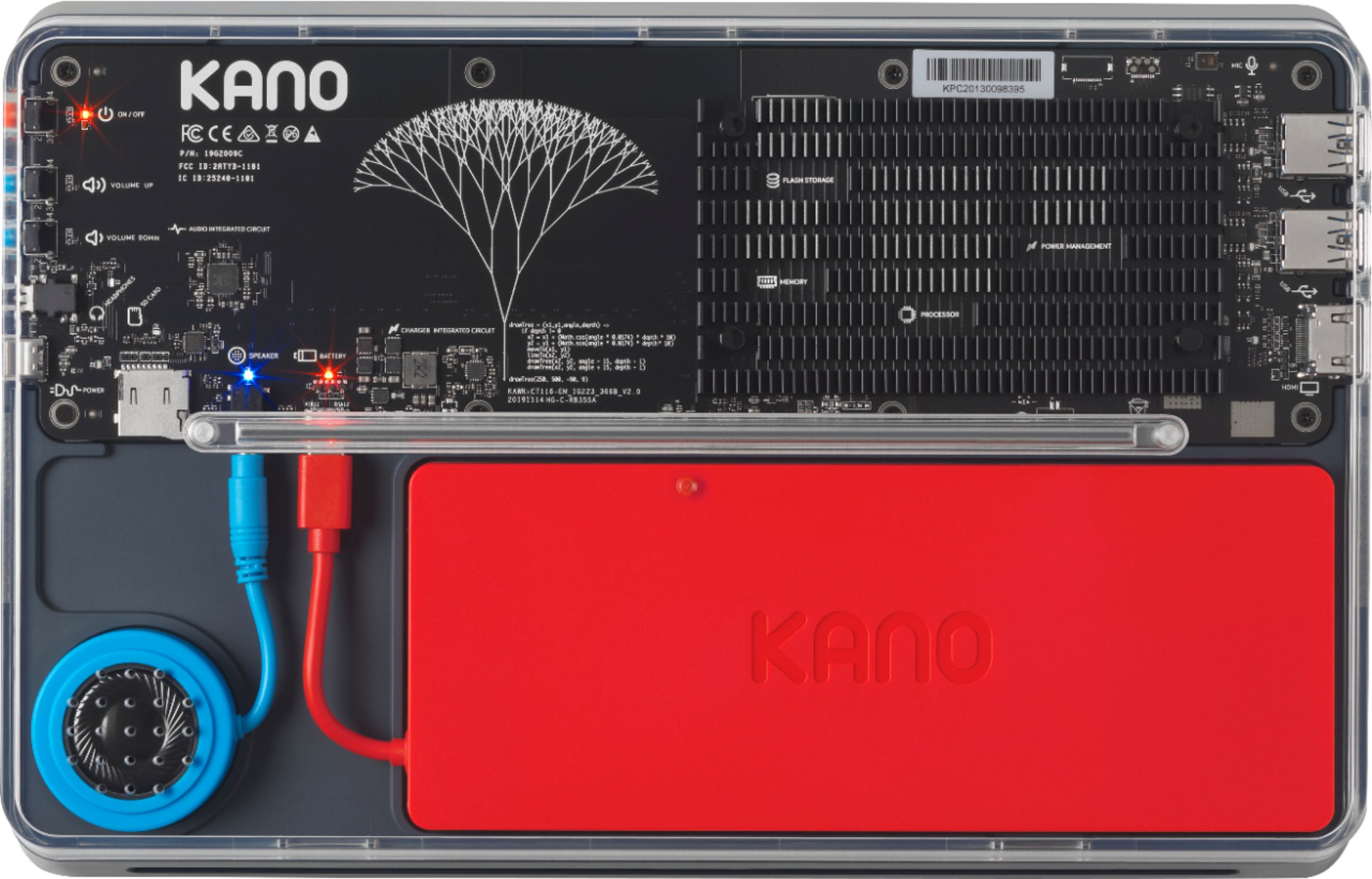
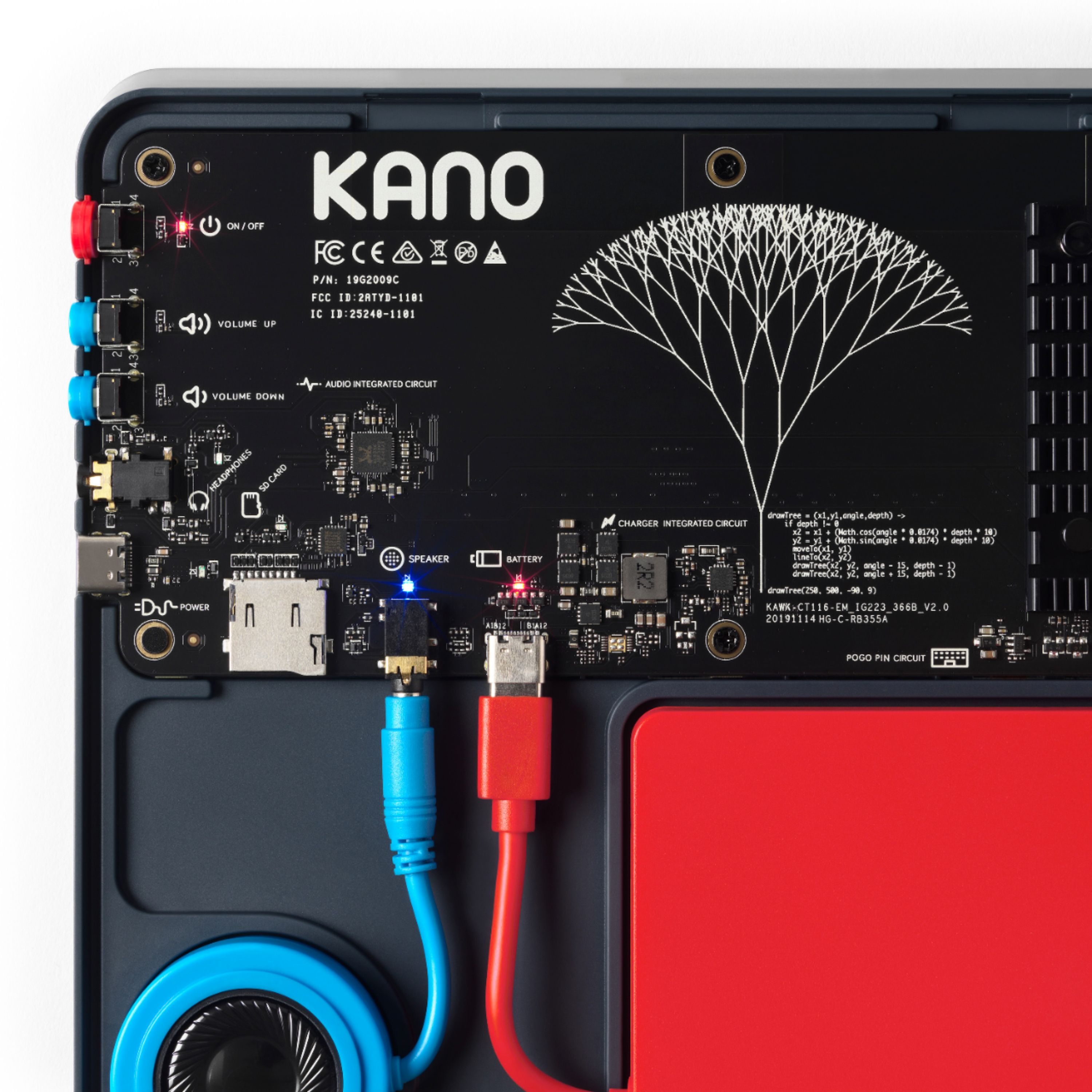
||Posted . Owned for 2 weeks when reviewed.This reviewer received promo considerations or sweepstakes entry for writing a review.My 8 year old son loves this computer, I think it is awesome because he actually got to assemble it learn. Now he understands the operation of a computer. It’s transparent shell is awesome because you see it’s internal processor working.
I would recommend this to a friendXmas Gift for 10 yr old daughter
||Posted . Owned for 1 week when reviewed.This reviewer received promo considerations or sweepstakes entry for writing a review.Daughter put it together with adult supervision. Very cool machine. Hope it encourages her to learn to code. Added a webcam & microphone so can record herself playing. Right now she’s moaning about lack of touchscreen and emojis for Roblox but she’s becoming world class at Minecraft.
I would recommend this to a friendMy kido loves it
||Posted . Owned for 1 week when reviewed.This reviewer received promo considerations or sweepstakes entry for writing a review.Got it for my 1 and a half year old so she can watch cocomelon.. has been heavily trown accross the room takes a hit like a champ good battery highly recommended.
I would recommend this to a friend- Cons mentioned:Weight
Do NOT WasTe Your $$$ !
||Posted . Owned for less than 1 week when reviewed.This reviewer received promo considerations or sweepstakes entry for writing a review.Just Buy Your Kids a LapTop or Tablet ! This KANO is Very Bulky, Very Heavy, & Cumbersome. Especially for a Child. The Specs are Misleading! It is NOT Windows 10 Home. It is Windows 10 S Mode. The Keyboard & "supposed" TouchScreen are Non-Responsive. It is a Stupid Concept. You stick a Battery & a Speaker inside. So what? Just show your kids a picture of what's inside a computer or show them the inside of a real computer. Just got it delivered today & it's going back to the store 1st thing tomorrow.
No, I would not recommend this to a friend OS is not Home, it's Win 10 S Mode
||Posted .This reviewer received promo considerations or sweepstakes entry for writing a review.The specs are misleading, mine did not come with windows 10 home, it came with windows 10 S mode. I can't install anything because of S mode. Now I have to waste my time and gas to take it back to the store to exchange it for something else.
No, I would not recommend this to a friendBrand response from Team Kano
Posted .Apologies for any confusion, Windows 10 can be switched out of S mode to be Windows 10 Home. For more information on S mode and how to switch out of S mode, please check out this Microsoft Support article: https://support.microsoft.com/en-us/windows/windows-10-in-s-mode-faq-851057d6-1ee9-b9e5-c30b-93baebeebc85

- Cons mentioned:Camera
Kano is a Game Changer!
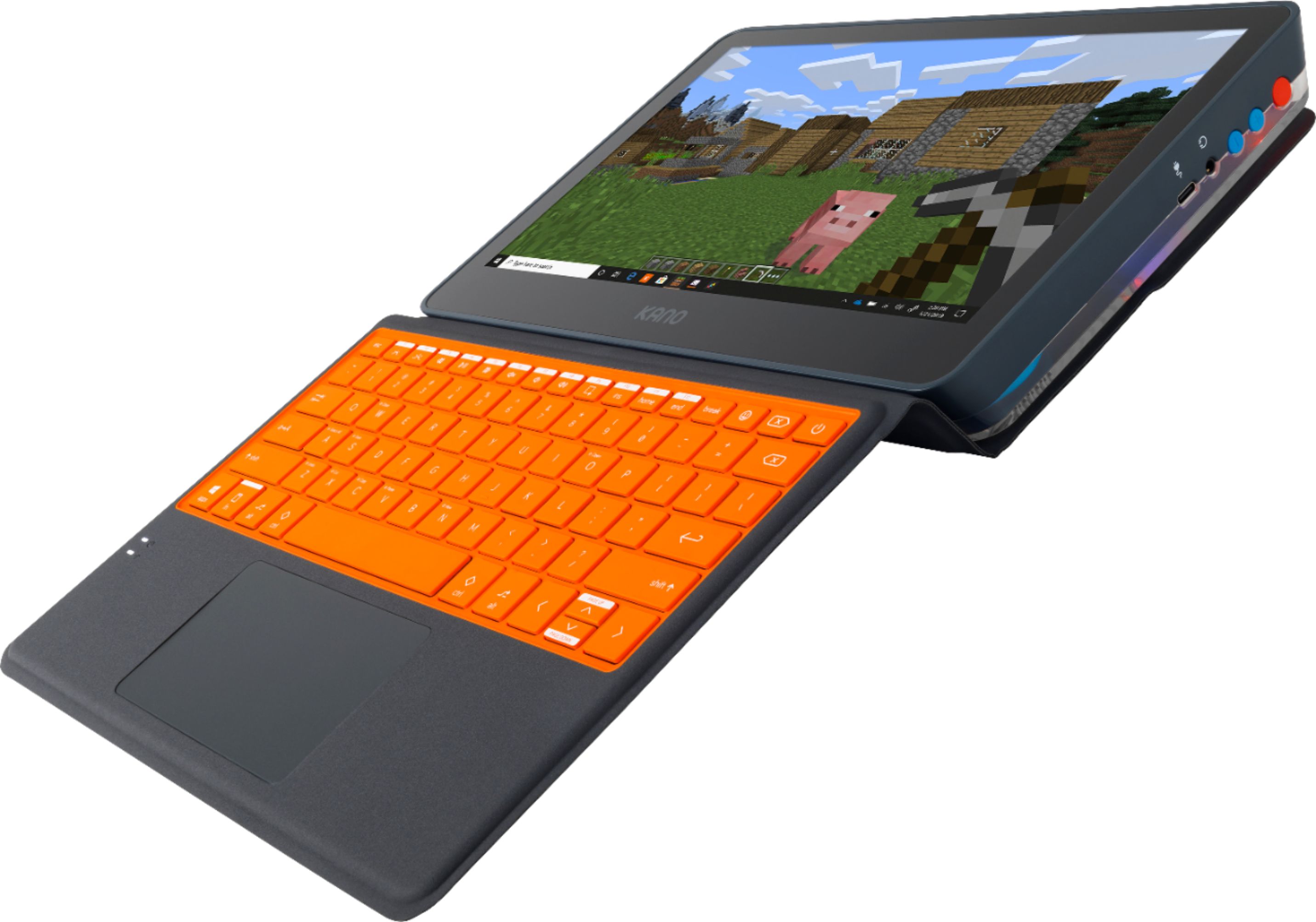
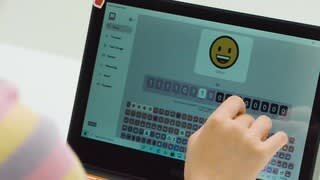
Posted .This reviewer received promo considerations or sweepstakes entry for writing a review.Getting my teenage son to emote these days is next to impossible, but when he opened that Kano box... I think he was shocked at how shocked he was. He read me everything and explained what he was doing while he was doing it. He couldn't read it and put it together fast enough, he was so excited. He loves that he can go from laptop to tablet. I think that is currently his favorite feature . He's so excited about the coding apps because he just creates an account and can start coding. He mentioned that there wasn't enough room for all of the apps he'd like and that we'd have to get an SD card to get more memory. He would very much like to use it for school but it does not have a camera, which is required for synchronous learning. I'm super excited about this product and can't wait to watch my son's continued excitement to learn.
I would recommend this to a friend - Cons mentioned:Camera, Weight
Pretty solid for a kid's PC!
||Posted . Owned for 3 weeks when reviewed.This reviewer received promo considerations or sweepstakes entry for writing a review.Overall I think this is a great PC so far. The assembly was fun for little man and the form factor us super cool and cute both. The only real complaints I have are that it should have the option of an integrated webcam, should have a "hard shell" keyboard case (since it is for a kid), and it is pretty dang heavy.
I would recommend this to a friend - Pros mentioned:PriceCons mentioned:Camera
It performs as a good entry, kids computer
||Posted . Owned for 1 week when reviewed.This reviewer received promo considerations or sweepstakes entry for writing a review.When I purchased the Kano, I really don't guess I understood what I was getting. There's some rudimentary assembly with parts that can be swapped/upgraded later, and it needed at micro SD card (not included). It's a little heavy and klunky, but functionality has been fine. I do like that there is no webcam, but for Zoom classes, you'll need to pick one up. The touch screen is responsive and as listed above, does all the essential computer stuff. The keyboard case isn't ideal, but the keys are responsive and seems perfect for my daughter smaller hands. Knowing what I know now, I likely would have purchased a Samsung Tab and solid case instead, but for an entry-level Windows tablet/computer, it's not bad for the money.
I would recommend this to a friendBrand response from Team Kano
Posted .Thank you for your review! Please note that a micro SD card is not required to use the Kano PC, it's optional for expanding the storage. Also, safety and privacy are big priorities for us and our users. This is why we decided not to include an onboard webcam on the Kano PC. You can use any Windows 10 compatible webcam with your Kano PC. Best wishes, Team Kano
- Pros mentioned:Price, Touch screen
Great value, great customer service, happy kids!
||Posted . Owned for 1 month when reviewed.This reviewer received promo considerations or sweepstakes entry for writing a review.We purchased two Kano Touch-Screen Laptops for our children to use this year for remote/virtual school. We didn't know what to expect with them, as we were new to the brand, but online reviews looked pretty good. We are VERY pleased with the computers and Kano's customer service. One of the laptops stopped connecting to the keyboard within a few weeks. The pins on the touchscreen part just would not communicate with the keyboard. After doing some trouble shooting and contacting customer support, they sent us a brand new unit and a shipping label to return the other one. No hassle, no questions asked, just amazing customer service. Our children (elementary school age) both love their computers. They enjoyed "building" them with their dad and setting them up. The touch screen is very convenient for assignments to be submitted on learning platforms. Our oldest can zoom in on the assignment, write on it with a stylus, and complete her work completely electronically. You can't beat the price for these computers, either. They should serve our kids well into middle school and (for us) are much more functional than a chrome book. I'm also a teacher and have recommended these to many of my parents and coworkers!
I would recommend this to a friend - Pros mentioned:Easy to use, Price
Excellent Kids Laptop
||Posted . Owned for 1 year when reviewed.This reviewer received promo considerations or sweepstakes entry for writing a review.For a kids laptop for $99, this does not disappoint. We used it during the pandemic virtual school and lots of Zoom meetings and no issues with it all! I should have bought 2! My child was excited to put this together which was pretty easy to do. I would recommend
I would recommend this to a friend - Pros mentioned:EducationalCons mentioned:Camera
Helps make computers more exciting for kids
||Posted . Owned for 1 week when reviewed.This reviewer received promo considerations or sweepstakes entry for writing a review.Great introduction to computer hardware and concepts for even young kids. Not to mention a decent value especially with the shortage of tech at this time. Only complaint I have is the lack of built in webcam. Kano is apparently lunching a pretty cool cam (has a magnifying glass and light) but it has not yet shipped. I had to buy a web cam with this at the time of purchase when it seems like it would have been easy to include a care bones web cam to make it a complete package. Overall excellent value and it aces it's goal as an educational PC. Kano support has also been very responsive to any questions I've asked them. Keep up the good work Kano! Just need to make replacement components readily available...
I would recommend this to a friendBrand response from Team Kano
Posted .Hi Ethan, Thank you for taking the time to write this review. I am really happy to hear you are enjoying your Kano PC and you have had a good experience with our customer care team! Best wishes, Team Kano
- Pros mentioned:Price
Excellent computer
||Posted . Owned for more than 2 years when reviewed.This reviewer received promo considerations or sweepstakes entry for writing a review.Love this computer. Was easy to assemble. Excellent product. Bought when i was on contract was planning to give to grandkids cause it was so inexpensive but i love it too much.
I would recommend this to a friend - Pros mentioned:Touch screenCons mentioned:Camera
Kano PC
||Posted . Owned for 1 month when reviewed.This reviewer received promo considerations or sweepstakes entry for writing a review.This product is bulky. I also didn't realize you have to put it together. I took it back to Bestbuy and asked them to do it. I am not tech savvy and didn't want to break anything. It was super easy when I watched him. It took the sales agent maybe 2 minutes to assemble the Laptop/Tablet and it would have been nice if there was a 5 second video letting you know how easy it is. This product also does not have a built in camera as well, but I like it better then the limits you have with a chrome book. I love the touch screen it responds quickly. So for a super young kid not needing a camera, and can just use there phone for their camera needs. This product also may be for someone who dosen't plan to use zoom or anything like that.
No, I would not recommend this to a friend - Cons mentioned:Storage
Nice general purpose PC for Windows and/or Linux
||Posted . Owned for 1 week when reviewed.This reviewer received promo considerations or sweepstakes entry for writing a review.BB Review: I just got the Kano PC last week, and promptly installed Linux Mint on it from a USB stick onto the internal eMMC "hard drive" mostly to see if I could, and it turns out to work fairly well with the hardware, i.e. wifi, touchscreen (aside from difficulty of touch input calibration after rotations), audio/video (YouTube videos look/sound decent for the hardware). Suspending works ok from task bar widget, but not so well from just closing keyboard over the screen – have to repower down/up it seems. The trick for installing is to press and hold the Alt+F7 keys at just the right moment at power-on to choose the USB stick install for booting. Or, the easier way, if your reflexes are not quick enough, is to just let Windows start up, then go to Settings - Update & Security - Recovery - Advanced startup/ Restart now - Use a device - select the USB stick as the boot device. Most modern Linux distros work with UEFI installations, such as Mint and its source, Ubuntu, and probably Fedora, SUSE, Debian, and their derivatives. Once the Mint installation finished, it had set up the GRUB boot loader to control the UEFI startup process to allow choosing between Linux and Windows. Keep in mind that you don't have a lot of space on the eMMC drive for having dual operating systems installed, which, along with the weight and bulkiness, compared to most comparable PC's (although I think that does provide a bit more ruggedness to withstand rough handling by kids who are the intended users), is why I did not give a full 5 stars rating: 64GB these days is cramped for even just windows. Here's the real kick in the teeth from this limitation: The Windows 11 PC Health Checker declares that this is the ONLY reason the Kano is not eligible for Windows 11. It "only" has 62GB available, which is 2GB short of the "minimum"! Really, Microsoft? Couldn't something like the old ReadyBoost option of using fast USB storage stash some of the less speed-dependent files?? I used gparted to reduce the main Windows "C:" 64GB tdrive to about 38 GB, then compressed all I could with the file manager leaving about 16GB free, and set up 16 GB for Mint, and 1 GB for its swap partition. I left the other Windows recovery and UEFI partitions alone in case I might ever want to fully restore the original Windows setup (i.e. to give/sell it to someone not interested in Linux). Got a high capacity internal micro SD card for offloading all the software and data can with a split between NTFS for Windows, and Ext4 for Linux partitions. Installing Portable Apps on the NTFS partition lets one add a lot of useful Windows software (Open Office, Firefox, Chrome, games, utilities, etc) without impacting the C: drive space much at all (good idea for even Windows-only setups, too!). WARNING: Do NOT try to use standard 5v USB-C power supplies for the Kano. Its included PS has 12v output, but looks just like a USB-c connector! Also, don't try that in any other device that uses USB-c PS with the standard 5v output requirement, or it probably will fry the device!
I would recommend this to a friend - Cons mentioned:Camera
Great for 9 and 10 year old
||Posted . Owned for 1 month when reviewed.This reviewer received promo considerations or sweepstakes entry for writing a review.Easy to assembly and fun. Most of the kids non learning stuff runs pretty fast. A bit on the bulky side and the orange and white keyboard is hard to read. I have fast internet and it keeps the speeds fast. The only real downside is a camera needs to be added as an external device and that's another thing for them to loose. Kids are 9 and 10 and had not trouble move from a chromebook. Screen is high quality and the touch screen is responsive enough it has not been an issue. Note: make sure the audio speaker is fully attached before putting on the cover as it is hard to get off.
I would recommend this to a friend - Cons mentioned:Weight
Kano
||Posted . Owned for 1 year when reviewed.This reviewer received promo considerations or sweepstakes entry for writing a review.Nice little machine. Good battery life. Heavy though.
I would recommend this to a friend Beautiful, functional computer
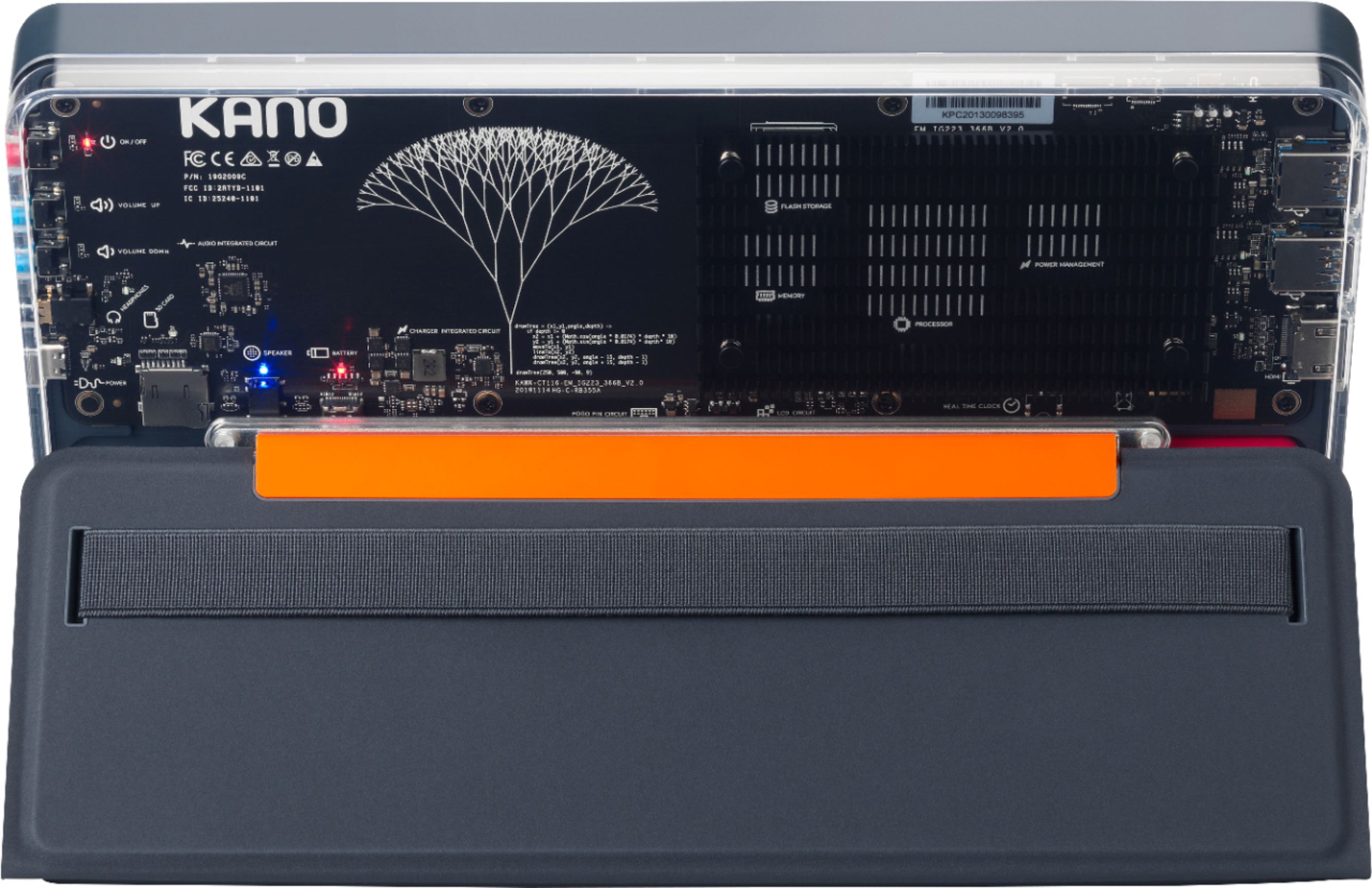
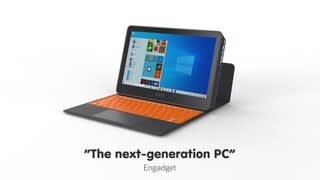
Posted .This reviewer received promo considerations or sweepstakes entry for writing a review.Great machine. The design is stunning, the back is completely transparent, and clever features like the LED status lights make it easier to charge, and to use as both a tablet and a laptop. Bought this for my son and he fell in love with it. The wrap around cover makes it feel really robust. We haven't used the included apps that much, but it runs everything Windows can, and does so faster than our other laptop, which was more expensive. Another thing that doesn't have a right to be this good at this price - the trackpad. Incredibly smooth. Overall very impressed
I would recommend this to a friend