Customer Ratings & Reviews
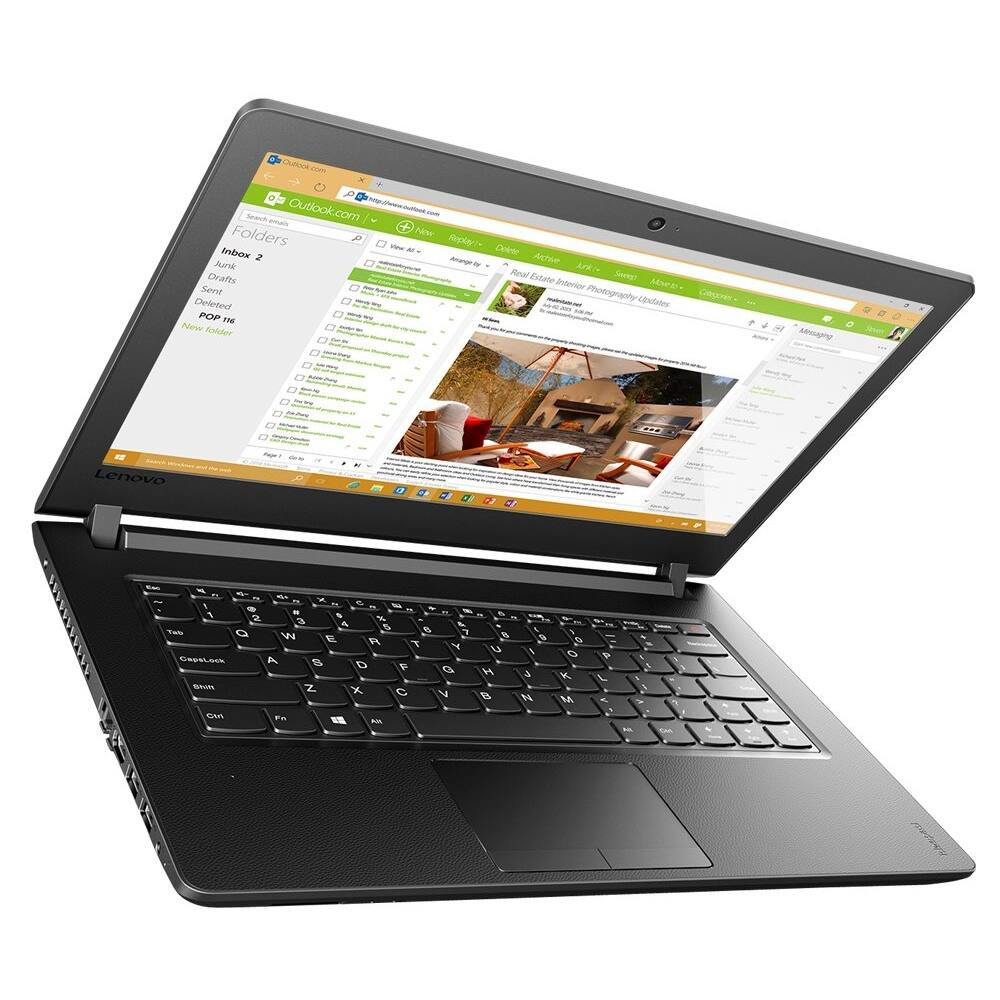
- Model:
- 80VK000DUS
- SKU:
- 5623571
to a friend
- Cons mentioned:Camera issue, Crashed
Horrible Laptop
||Posted .This reviewer received promo considerations or sweepstakes entry for writing a review.Maybe I just got a bad one, but right out of the box this Laptop would randomly show the Microphone and the Camera on the screen while I was working and would freeze up the computer, then it randomly increases and decreases screen size. Less then two weeks after set up, it permanently crashed. The battery is not removable, so I let it run out of battery hoping that it would reset some how. After completely dead battery wise, I plugged it in and it started increasing font size as I watched it from across the room to 1600% and then crashed.
No, I would not recommend this to a friendBrand response from Lenovo Product Expert
Posted .We are sorry to hear about the issues you are having with your Lenovo IdeaPad 110-17 laptop. This system is equipped with OneKey Recovery System. There is a very small pin hole on the left side of the device, right near the HDMI port on the device. You will need a pin to push this reset button. Plug the device in. Let the battery charge for about 15 minutes. Push the reset button. The system should boot to a choice screen where you can choose "Restore To Factory Default". Select this. It will delete everything from the hard drive except the original factory install of the operating system. You will need to reinstall all programs and files after the reset. If you don't have copies of the files, try to make one before you restore by selecting "Boot to desktop" and trying to back up your files. Once the device is restored to factory default, if the issues have not resolved, there may be driver updates for your specific system. Follow the link below to look for new driver updates for your specific system. You can also run diagnostics from the Lenovo site as well. As always, be sure to create a restore point on your system before you make any changes. You can do this by just typing "restore point" in the search window within Cortana and follow the link to create a restore point. Here is the link:
http://support.lenovo.com/us/en/products/Laptops-and-netbooks/100-series/110-17ikb/80VK/000DUS?tabName=Downloads&linkTrack=Mast:SubNav:Support:Drivers and Software|Drivers and Software
Great
||Posted .This reviewer received promo considerations or sweepstakes entry for writing a review.Dkdkdixjanwjxsnmsxosmsmwksmdndnsnsnsnsndndnsnsnsnen
I would recommend this to a friend
















