Customer Ratings & Reviews






- Model:
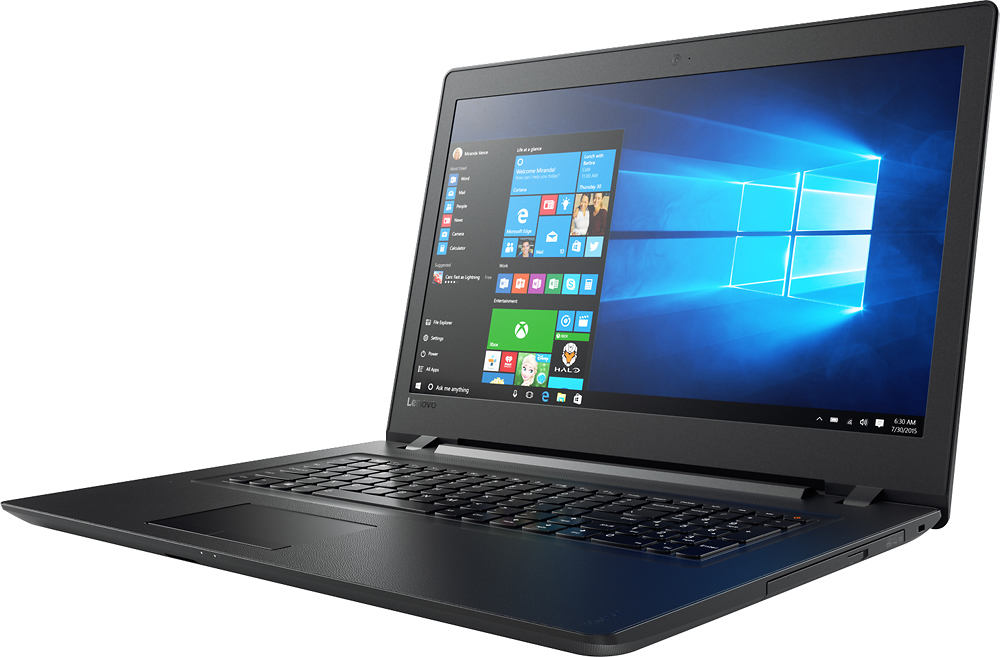
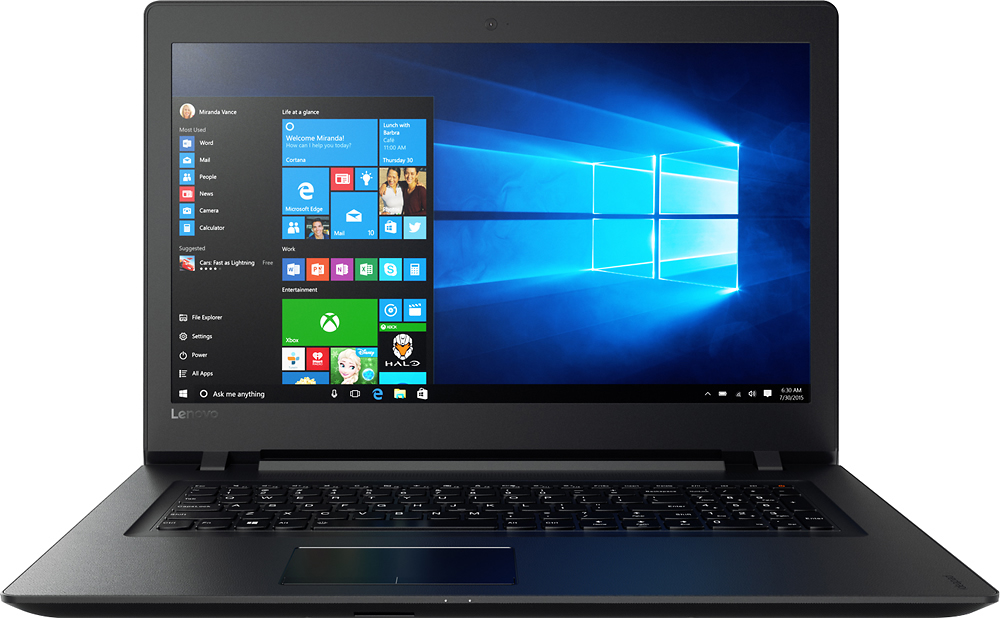
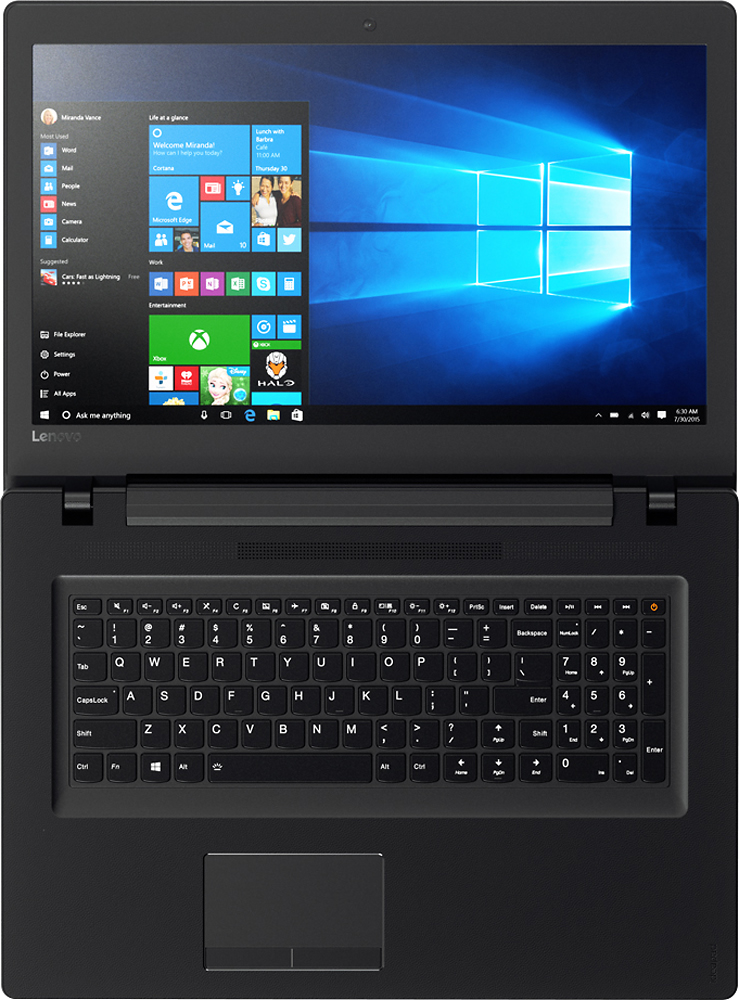
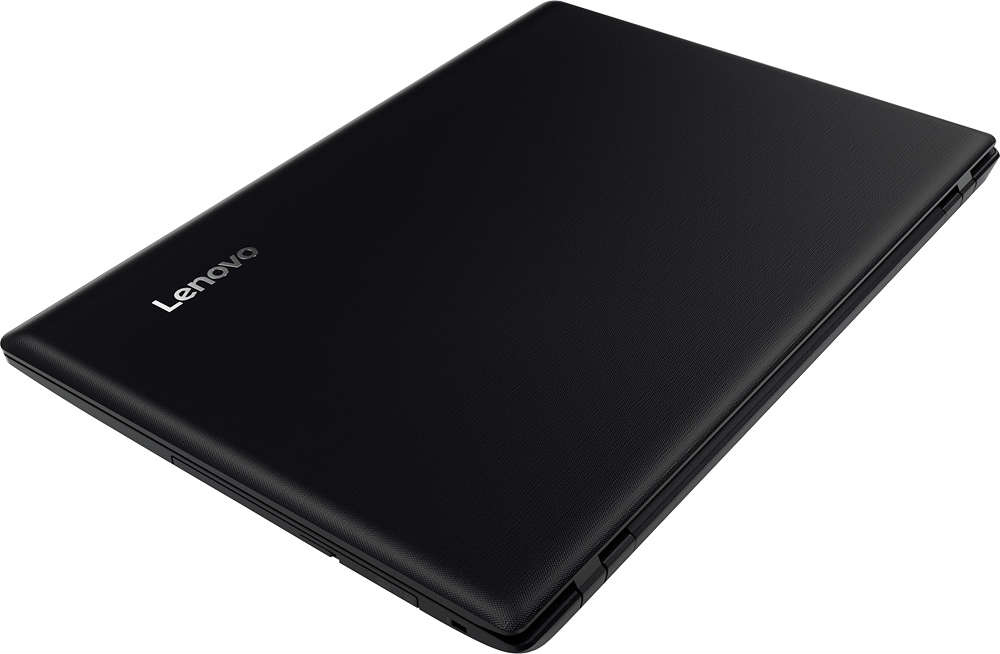
- IDEAPAD 110 17 - 80VK003KUS
- SKU:
- 5708416
to a friend
Customers are saying
Customers are delighted by the large screen size, affordable price, and ease of use of the 110-17IKB 17.3" Laptop. Many appreciate its performance and lightweight design, along with the ample storage it offers. Positive feedback also highlights the sufficient RAM and acceptable battery life.
This summary was generated by AI based on customer reviews.
smart tv 55" flat scren sansung
||Posted .This reviewer received promo considerations or sweepstakes entry for writing a review.works great and a wonderful picture love it very much
I would recommend this to a friendGreat
||Posted .This reviewer received promo considerations or sweepstakes entry for writing a review.Awesome things did we buy at Best Buy and again too
I would recommend this to a friendPriced was good
||Posted .This reviewer received promo considerations or sweepstakes entry for writing a review.The screen is big. It's heavy on my lap and not a touch screen. But other that it's easy for me to use.
I would recommend this to a friendOk laptop
||Posted .This reviewer received promo considerations or sweepstakes entry for writing a review.Had it for two years now the plug for the charger is acting up on me guess I can fix
I would recommend this to a friendSeniors Avoid
||Posted .This reviewer received promo considerations or sweepstakes entry for writing a review.Computer is heavy and too large for my carry bag, which is very large itself, but this laptop will slide in easily, but very hard to zip my case. Just over two years and it crashes often, even wiped out everything and I am left without any of my life history I had stored there. I also find it too heavy and large for portable use when traveling, so would not recommend to anyone. This laptop should not have had so many issues with loading pages, losing contact with sites I visit often, etc. Look around before purchasing this product. Lenovo is supposed to be better than this, and it may be I got a dud, but I am not taking chances and buying another ACER like the one that was stolen from my home, and tried Lenovo when I had to purchase a new laptop, so going back to a product I know was great. Good luck to those who buy Lenovo.
No, I would not recommend this to a friendAverage
||Posted .This reviewer received promo considerations or sweepstakes entry for writing a review.Cons...battery usage only last about an hour ! Disappoimting !
No, I would not recommend this to a friendBrand response from Lenovo Product Expert
Posted .Thank you for choosing the Lenovo IdeaPad 110-17 laptop. This system has a battery life of up to 4 hours, depending on the work that the device is performing. Be sure there are no unwanted programs running in the background. Also, try changing your power management setting to a more conservative one. You can do this in the control panel, in the power management category on your system. Select a more conservative power management setting to extend battery life.

Not good for writers
||Posted .This reviewer received promo considerations or sweepstakes entry for writing a review.Didn't perform as needed. Not good for writers or students
No, I would not recommend this to a friendok laptop
||Posted .This reviewer received promo considerations or sweepstakes entry for writing a review.it takes a long time to connect to internet and its slow
No, I would not recommend this to a friendBrand response from Lenovo Product Expert
Posted .This system should be a fast system with its Core I-5 processor and 8GB of RAM. Be sure any software you installed is compatible with Windows 10. There is no need to install Microsoft Office software. The software is already part of the operating system, you just need to activate the software with a purchased product key. If you have installed a copy of Microsoft Office, this is conflicting with the existing copy on the system and this will slow your system down. If you have installed a 3rd party anti-virus program, be sure that Windows Defender is turned off and that the trial version of McAfee Anti-Virus software is uninstalled. There can only be one anti-virus program on the system. You may need to restore your system to original factory default settings if any of the programing errors have occurred. You can do that by typing "restore" in the Cortana search window. Just click on the magnifying glass icon at the bottom left of your Windows 10 Desktop. Click on "Reset This PC" Then click on "Get Started" and follow the on screen directions to restore to factory defaults. If you feel there are no program conflicts, there may be driver updates for your specific system. Follow the link below to look for new driver updates for your specific system. You can also run diagnostics from the Lenovo site as well. As always, be sure to create a restore point on your system before you make any changes. You can do this by just typing "restore point" in the search window within Cortana and follow the link to create a restore point. Here is the link
http://pcsupport.lenovo.com/us/en/products/laptops-and-netbooks/100-series/110-17ikb/80vk/80vk003kus/downloads
Great specs but slow
||Posted .This reviewer received promo considerations or sweepstakes entry for writing a review.This has great specs but it was slow. Not really sure why
No, I would not recommend this to a friendBrand response from Lenovo Product Expert
Posted .This should not be a slow system. Be sure that any programs you are installing to the device are compatible with Windows 10. There is a 30-day trial of Microsoft Office installed with the Windows 10 operating system. If you installed additional Microsoft Office software, it is in conflict with what's already an this device. Additionally, there is a 30-day trial of McAfee anti-virus software. If you installed different anti-virus software, you must uninstall McAfee first. Finally, there may be driver updates for your specific system. Follow the link below to look for new driver updates for your specific system. You can also run diagnostics from the Lenovo site as well. As always, be sure to create a restore point on your system before you make any changes. You can do this by just typing "restore point" in the search window within Cortana and follow the link to create a restore point. Here is the link:
http://pcsupport.lenovo.com/us/en/products/Laptops-and-netbooks/100-series/110-17ikb/80VK/003KUS/downloads?linkTrack=Caps%3ABody_SerialNumber
Price was right, but . . .
||Posted .This reviewer received promo considerations or sweepstakes entry for writing a review.it has an occasional problem of freezing - annoying.
I would recommend this to a friendBrand response from Lenovo Product Expert
Posted .With regard to the freezing issues you mention with your device, there may be driver updates for your specific system. Follow the link below to look for new driver updates for your specific system. You can also run diagnostics from the Lenovo site as well. As always, be sure to create a restore point on your system before you make any changes. You can do this by just typing "restore point" in the search window within Cortana and follow the link to create a restore point. Here is the link:
http://pcsupport.lenovo.com/us/en/products/laptops-and-netbooks/100-series/110-17ikb/80vk/80vk003kus/downloads
Fair
||Posted .This reviewer received promo considerations or sweepstakes entry for writing a review.I am disappointed in this computer I do not like it.
No, I would not recommend this to a friendgood for movie viewing
||Posted .This reviewer received promo considerations or sweepstakes entry for writing a review.keyboard 2 large 4 my hands;shift key hard 2 reach
No, I would not recommend this to a friendVery Slow, freezing issues
||Posted .This reviewer received promo considerations or sweepstakes entry for writing a review.I was surprised to experience such a slow processing speed from an I5 processor. I literally got the spinning wheel for everything. Also, upon downloading Office, it got slower and started stalling and freezing. Very disappointed.
No, I would not recommend this to a friendBrand response from Lenovo Product Expert
Posted .This system should be a fast system with its Core I-5 processor and 8GB of RAM. Be sure any software you installed is compatible with Windows 10. There is no need to install Microsoft Office software. The software is already part of the operating system, you just need to activate the software with a purchased product key. If you have installed a copy of Microsoft Office, this is conflicting with the existing copy on the system and this will slow your system down. If you have installed a 3rd party anti-virus program, be sure that Windows Defender is turned off and that the trial version of McAfee Anti-Virus software is uninstalled. There can only be one anti-virus program on the system. You may need to restore your system to original factory default settings if any of the programing errors have occurred. You can do that by typing "restore" in the Cortana search window. Just click on the magnifying glass icon at the bottom left of your Windows 10 Desktop. Click on "Reset This PC" Then click on "Get Started" and follow the on screen directions to restore to factory defaults.
Okay for the price
||Posted .This reviewer received promo considerations or sweepstakes entry for writing a review.The mouse touch pad goes haywire all the time. I've been typing for 50 years and the right shift key is too far away from the "home position" on the keyboard. I constantly hit the "page up" button. Terrible design.
No, I would not recommend this to a friendI do not recommend, but might work for others
||Posted .This reviewer received promo considerations or sweepstakes entry for writing a review.The one star rating is because this laptop died within 5 days of use & had to returned for service (since I crossed the 15 day return/exchange period) with Geek Squad. I got this machine in a deal that costs $100 dollars less for a good configuration, but it failed miserably. Geek Squad diagnosed that the motherboard failed & need to be replaced, but after a while they informed that it cannot be repaired and provided a store credit. Thanks Best Buy & Sorry Lenovo. Lenovo failed me this time in decade long use of the brand right from the days of IBM Thinkpads..
No, I would not recommend this to a friendHad to return and receive a second computer
||Posted .This reviewer received promo considerations or sweepstakes entry for writing a review.Was disappointed in the quality of computer. Spent many hours with putting information in original computer only to have it not accept the internet. Thus requiring my receiving the replacement.
No, I would not recommend this to a friendNot happy with Lenovo
||Posted .This reviewer received promo considerations or sweepstakes entry for writing a review.I wasn't happy with this laptop, it was slow and very nondescript. I quickly returned it and with a little more money got a a Dell Inspiron 2-in-1 13.3 i5 7200 processor, now I'm happy
No, I would not recommend this to a friendSimple the Worst Laptop of all time
||Posted .This reviewer received promo considerations or sweepstakes entry for writing a review.I bought this one, thinking that I could have saved some money from the same laptop level on HP. I am wrong! The laptop, right off the bat, could not install any updates or software. Every time my son tried to get on the Internet, it took at least 5 seconds to start loading a page. With any heavily graphic websites, the laptop did not run at all. I had to return this one for an HP laptop, which turned out to work flawlessly.
No, I would not recommend this to a friendBrand response from Lenovo Product Expert
Posted .This system should be a fast system with its Core I-5 processor and 8GB of RAM. Be sure any software you installed is compatible with Windows 10. There is no need to install Microsoft Office software. The software is already part of the operating system, you just need to activate the software with a purchased product key. If you have installed a copy of Microsoft Office, this is conflicting with the existing copy on the system and this will slow your system down. If you have installed a 3rd party anti-virus program, be sure that Windows Defender is turned off and that the trial version of McAfee Anti-Virus software is uninstalled. There can only be one anti-virus program on the system. You may need to restore your system to original factory default settings if any of the programing errors have occurred. You can do that by typing "restore" in the Cortana search window. Just click on the magnifying glass icon at the bottom left of your Windows 10 Desktop. Click on "Reset This PC" Then click on "Get Started" and follow the on screen directions to restore to factory defaults.
decent
||Posted .This reviewer received promo considerations or sweepstakes entry for writing a review.great computer but the battery is terrible. barely lasts two hours. other than that its pretty nice
No, I would not recommend this to a friendBrand response from Lenovo Product Expert
Posted .The battery life on this device should average approximately 4 to 6 hours. Be sure there are no unwanted programs running in the background on your system. Additionally, try changing your power management setting to a more conservative one. You can do this in the control panel, in the power management category on your system. Select a more conservative power management setting to extend battery life.
Battery
||Posted .This reviewer received promo considerations or sweepstakes entry for writing a review.Had problems with battery not charging. Best Buy just traded it for another graciously.
No, I would not recommend this to a friend


















