Customer Ratings & Reviews






- Model:
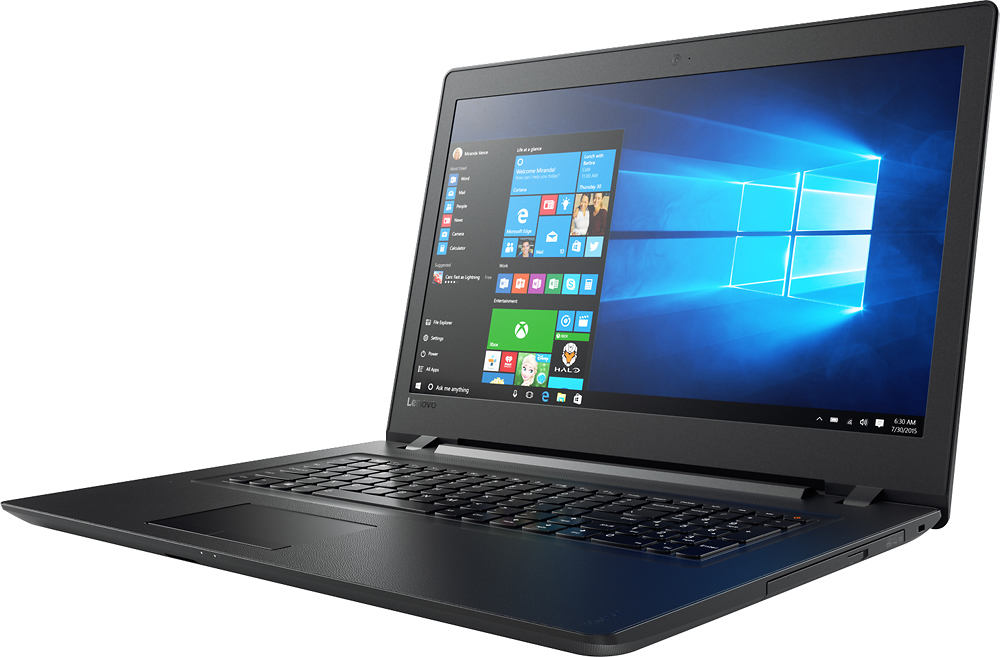
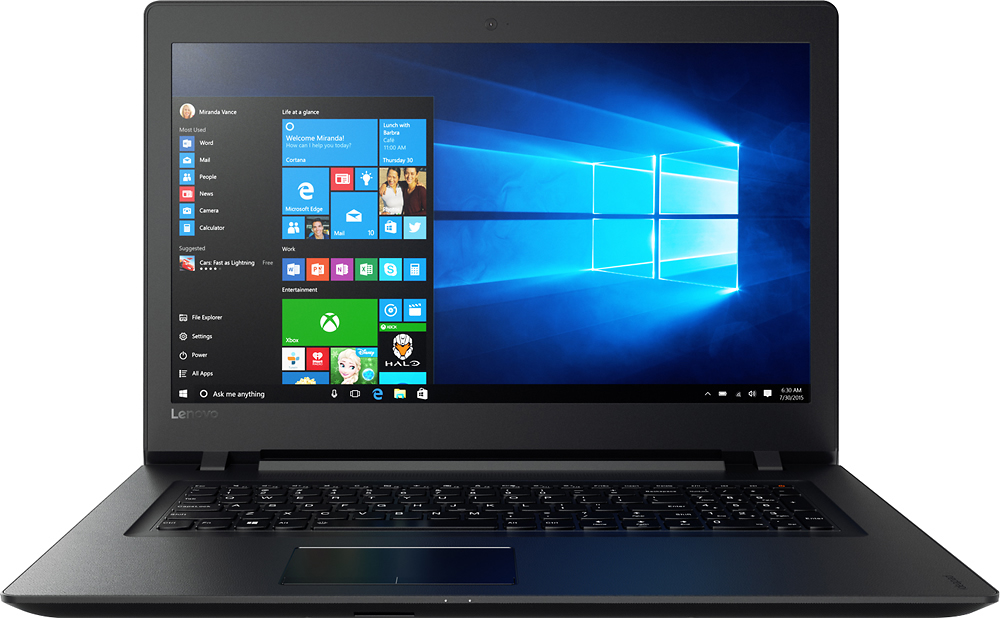
- IDEAPAD 110 17 - 80VK003KUS
- SKU:
- 5708416
to a friend
Customers are saying
Customers are delighted by the large screen size, affordable price, and ease of use of the 110-17IKB 17.3" Laptop. Many appreciate its performance and lightweight design, along with the ample storage it offers. Positive feedback also highlights the sufficient RAM and acceptable battery life.
This summary was generated by AI based on customer reviews.
returned without booting
||Posted .This reviewer received promo considerations or sweepstakes entry for writing a review.this laptop is non serviceable-- no replacement battery no memory upgrades no harddrive upgrades not even the optical drive... beware. of coarse there is always a way but ----------------------it's not like a hp where it says it's not but can be done in under 10 minutes
No, I would not recommend this to a friendComputer meets my needs
||Posted .This reviewer received promo considerations or sweepstakes entry for writing a review.I was misled in thinking the free Trend Micro included in the sale was for one year of coverage. No where or at any time did the salesman say it was for one month only. I will never buy anything from Best Buy again.
No, I would not recommend this to a friendPoor wifi connection. Has mind of its own
||Posted .This reviewer received promo considerations or sweepstakes entry for writing a review.Sometimes mouse is touchy sometimes not. Sends stuff before ready. Shuts down all programs with no notice. Then it runs fine at other times. Have mcafee.
No, I would not recommend this to a friendBrand response from Lenovo Product Expert
Posted .With regard to the touchpad, you can make adjustments to the touchpad in your system settings. You can get there by clicking on the magnifying glass at the bottom left of your Windows 10 screen. Type "touchpad" in the search window. Select "Mouse & touchpad settings" from the list of choices. You can make general adjustments to the touchpad there. You can also select "Additional mouse options" for more detailed adjustments to the touchpad sensitivity by increasing the delay of the touchpad. Concerning WiFi connectivity with this device, this device has 802.11AC WiFi capability. It is the latest and fastest version of WiFi, be sure your router is compatible. 802.11AC WiFi is backward compatible to b/g/n so this device should work with any router. There may be Wireless LAN driver updates for your specific system. Follow the link below to look for new driver updates for your specific system. You can also run diagnostics from the Lenovo site as well. As always, be sure to create a restore point on your system before you make any changes. You can do this by just typing "restore point" in the search window within Cortana and follow the link to create a restore point. Here is the link:
http://pcsupport.lenovo.com/us/en/products/laptops-and-netbooks/100-series/110-17ikb/80vk/80vk003kus/downloads?linkTrack=Caps%3ABody_SearchProduct
Did not work
||Posted .This reviewer received promo considerations or sweepstakes entry for writing a review.Item came with bad ram and wanted me to wait a month to get new ram after paying 3000 dollars.
No, I would not recommend this to a friendBrand response from Lenovo Product Expert
Posted .The retail of this system is $479.99.
Sluggish
||Posted .This reviewer received promo considerations or sweepstakes entry for writing a review.Waste of money very slow . Very big and Gordy. If you are new to computers it's okay.
No, I would not recommend this to a friend- Pros mentioned:Processor speed
good value for the memory
Posted .This reviewer received promo considerations or sweepstakes entry for writing a review.So I did a good amount of research on laptops to buy. I am looking mainly to play low res games on Steam rather than something that would be powerful enough to run something like League of Legends. What caught my eye was the asking price for the i5 intel core AND the amount of memory to run certain games I want to play (seriously, do your research on the games you seek to play for the laptop types). For a product that's under $500, it's works well. Like other reviewers mentioned on its appearance, the material does feel plasticky to the touch and the keyboard does not have backlight. But if you want something that's sturdy to run/store large memory programs and not having it look too fancy, this laptop is the one for you!
I would recommend this to a friend A good, basic 17" laptop
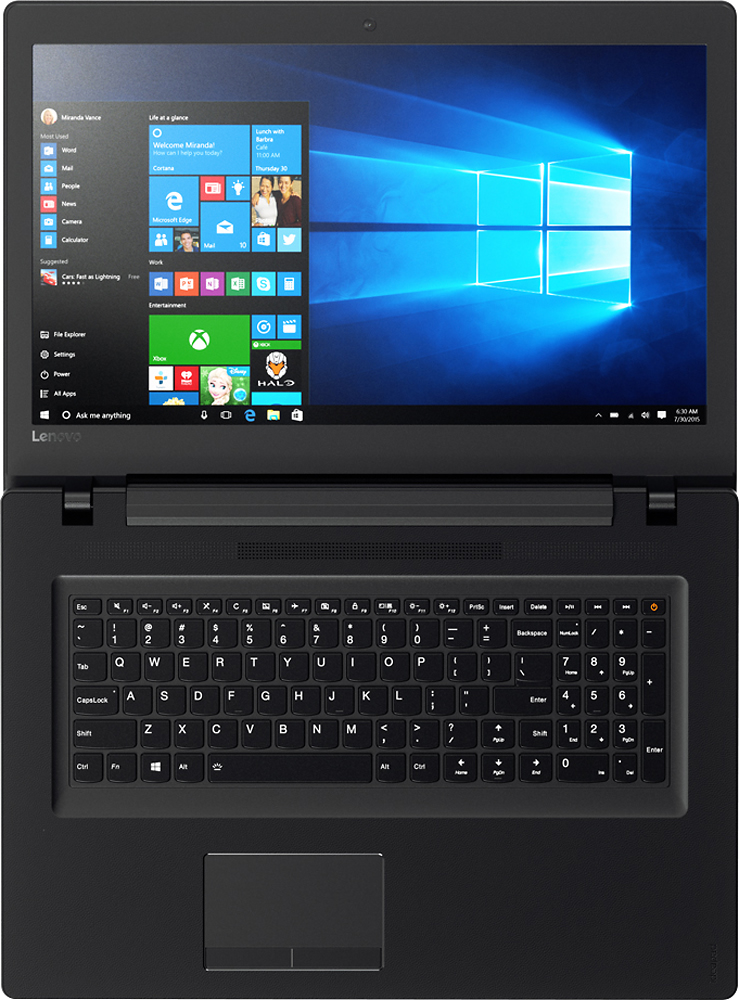
Posted .This reviewer received promo considerations or sweepstakes entry for writing a review.The gripes about the keyboard have merit. I use the right shift when I'm typing and the "up" arrow is right where my finger presses the right shift key. Don't mess with the basic keyboard layout, Lenovo! That's dumb. I have 4 other laptops and not one of them messes with the shift key. Every keyboard I've had for over 30 years (3 decades!) has a wide shift key in the same place and you moved it. That cost you a star and this long rant. I'd much rather have the arrow keys moved down into the empty space below the regular keys than push up into the shift key. Heck, move them down under the number keypad. 17" laptops have so much space. Use it. The other gripes I have are minor. The power port should be closer to the back and should be a larger, sturdier socket. The ethernet port should be gigabit. This isn't 2005. There should be one or two more USB3 ports. And the SD card should sit flush in the reader. Again, we're going back to space here. There's no reason to put a shorty-reader in such a huge laptop. I'd happily trade the optical drive for those upgrades. Oh, and the sound is pretty bad. Not the quality but the volume. I have both the system and app volume maxed and can barely hear the audio. On the neutral side, the plastic feels a bit cheap and the surface around the keyboard takes me back to the 80s but the material and finish have one big plus. No fingerprints! My last 3 laptops have been fingerprint magnets. This one doesn't look like it's been mauled by a sticky toddler when I'm done using it. So it feels cheap but it looks decent. Another neutral note is the lack up upgrade options. I'm used to having a big panel on the bottom of a laptop that provides easy access to RAM, hard drive, wireless card, and optical drive. But this is an entry level machine that's pretty well loaded out of the box. On the positive side, it's pretty responsive. I saw another review that said it's slow. It's not. At all. It plays videos fine, even off Best Buy's site. It streams video fine from Youtube and Netflix. It plays DVDs fine. It plays locally stored video fine. Web browsing is very snappy and it has plenty of power and RAM for basic productivity apps. I wouldn't recommend trying to play the latest AAA games but that's not what this laptop is for. Overall, I'm very happy with the laptop. I bought it for my dad to use for surfing, streaming video, social media, and other basic stuff and it handles those things very well. The specs are good enough that it should keep him happy for years. Heck, I'd be happy with it (aside from the shift key) and I'm pretty demanding.
I would recommend this to a friendGuess I got what I paid for?
Posted .This reviewer received promo considerations or sweepstakes entry for writing a review.Bought this laptop 6-7 months ago. I needed something simple and inexpensive for my startup. This laptop had decent reviews and it was a great price. Turns out it was just a cheap computer. Pros: -Lightweight/portable + number pad (yay!) -Nice keyboard -Great battery life -Functional (minus major issues below) Cons: -Low volume control (too quiet) -Sound distorts on occasion (I usually have to restart the computer to fix it) -Touchpad is awful-- glitches daily. -Decides to turn itself off and update on it's own (often when I'm using it with my clients). At first, I thought I just got the bad one in the bunch. I recently had a colleague disclose that he had the ideapad as well and had the exact same problems. Overall, disappointed. Definitely going to put more money into something more reliable next time.
No, I would not recommend this to a friend- Pros mentioned:Price
Was Great But...
Posted .This reviewer received promo considerations or sweepstakes entry for writing a review.I purchased this laptop exactly 2 years ago. At first I was happy with it. Booted up quick, loved the 17 inch display and the bluetooth connectivity (something my previous laptop and even desktop lacked). But ever so slowly the laptop started dying. It's slow to boot up. My hard drive has crashed countless times. I've gotten it replaced. And now, the laptop will only work when plugged into the charging cable. The volume is also not that great. It's so low even at 100% volume. I have my bluetooth speakers connected to it just to hear music, movies, etc. And at times the laptop will loose connection to my speakers. Even though the speakers are right next to me on the night stand. There isn't even a plug in for your aux cord either if that fails. Wish I never bought this thing. It should not be failing this bad at only 2 years old and very minimal use (only use it when I travel, which isn't often). Pros: - Reasonable price - Blutooth connectivity Cons: - Battery life - Audio on Speakers
No, I would not recommend this to a friend Nice Specification, inexpensive, but...
Posted .This reviewer received promo considerations or sweepstakes entry for writing a review.Any of these inexpensive notebooks have some type of issues, just minimize the issues. Most touchpads and the mouse buttons fail or start acting up soon after purchase. Buy a $11 Logitech mouse to eliminate using the weak link of the new computer and extend the life of your investment by couple of years for an small investment. Be smart, there is no such a thing as perfect inexpensive notebook. By spending that $11, I believe you can double the life of your investment, that makes this a smart purchase. Specification looks good. Take care of it, do not drop it and enjoy it for number of years to come. Ex IT Manager.
I would recommend this to a friendPoor design; buyer's remorse
Posted .This reviewer received promo considerations or sweepstakes entry for writing a review.I had to order this online without trying it out first in-store because the in-store salesman was not helpful at all and pretty much dismissed me, leaving me to go online. They had it in the store, he just wouldn't take the time to help me find the laptop I needed. The very large size is bulky and awkward. The exterior is all plastic, which gives it a cheap feeling and its flimsy. It's hard to open because there's no weight to the bottom half to hold it down while you lift the lid. The right shift key is very small and located to the right of the the "up" arrow key. My pinky cannot even reach the shift key on the right side, which slows down my typing (my job requires fast, accurate typing for long periods of time). I keep hitting the arrow key. Who thought that tiny, far away shift key was a good idea? The plastic casing has a rough edge right along the front that rubs your wrists raw. The casing is not one smooth piece like I'm used to, I have never seen a design like this. It's a little slow booting up. I liked the price and the internet seems fast enough. I just wish I could have tried it out before ordering, like a test drive. I would have, if the sales associate hadn't acted like he couldn't help me find what I needed.
No, I would not recommend this to a friendLow end laptop and slow
Posted .This reviewer received promo considerations or sweepstakes entry for writing a review.I like Lenovo and have one for work but was very disappointed with this product. It should have good processing capabilities but it can't even play the short product review videos on the Best Buy website, it just buffers continuously. The keyboard is poorly designed. The page up key is in the position where the right shift key should be with the shift key positioned to the right of it which makes it hard to reach, and if you type quickly you usually hit page up instead of shift. In addition, the embedded Microsoft products are so proprietary it's VERY difficult to get around them; even loading Google Chrome browser was a challenge as the laptop seems hardcoded for Microsoft products only. The price was under $500 and I guess you get what you pay for, but this was lower than my lowest expectations. Buyer beware.
No, I would not recommend this to a friendBrand response from Lenovo Product Expert
Posted .Thank you for choosing the Lenovo IdeaPad 110-17 laptop. With the Intel Core I-5 processor and 8GB of RAM, this should not be a slow system. Be sure any programs you have installed are compatible with Windows 10 operating system. Additionally, be sure there are no unwanted programs running in the background of your system, using up your system resources. With regard to the right shift key issue you mention, there is a free software APP called KeyTweak that may help you. You can switch the key functions of specific keys on your keyboard with this software, so you could change the right shift key with the key you hit in its place. Just Google search "KeyTweak" and you will find articles about what the software does and you will find the download location for this free APP.
Wish I could give it 0 stars
Posted .This reviewer received promo considerations or sweepstakes entry for writing a review.My Lenovo has been a lemon almost since I got it. The trackpad is almost completely dysfunctional now after a year. The keypad is poor and it seems to take me three times as long to interact with it as my last computer. We have Lenovos at work and everyone hates them. Do not buy!
No, I would not recommend this to a friend