Customer Ratings & Reviews
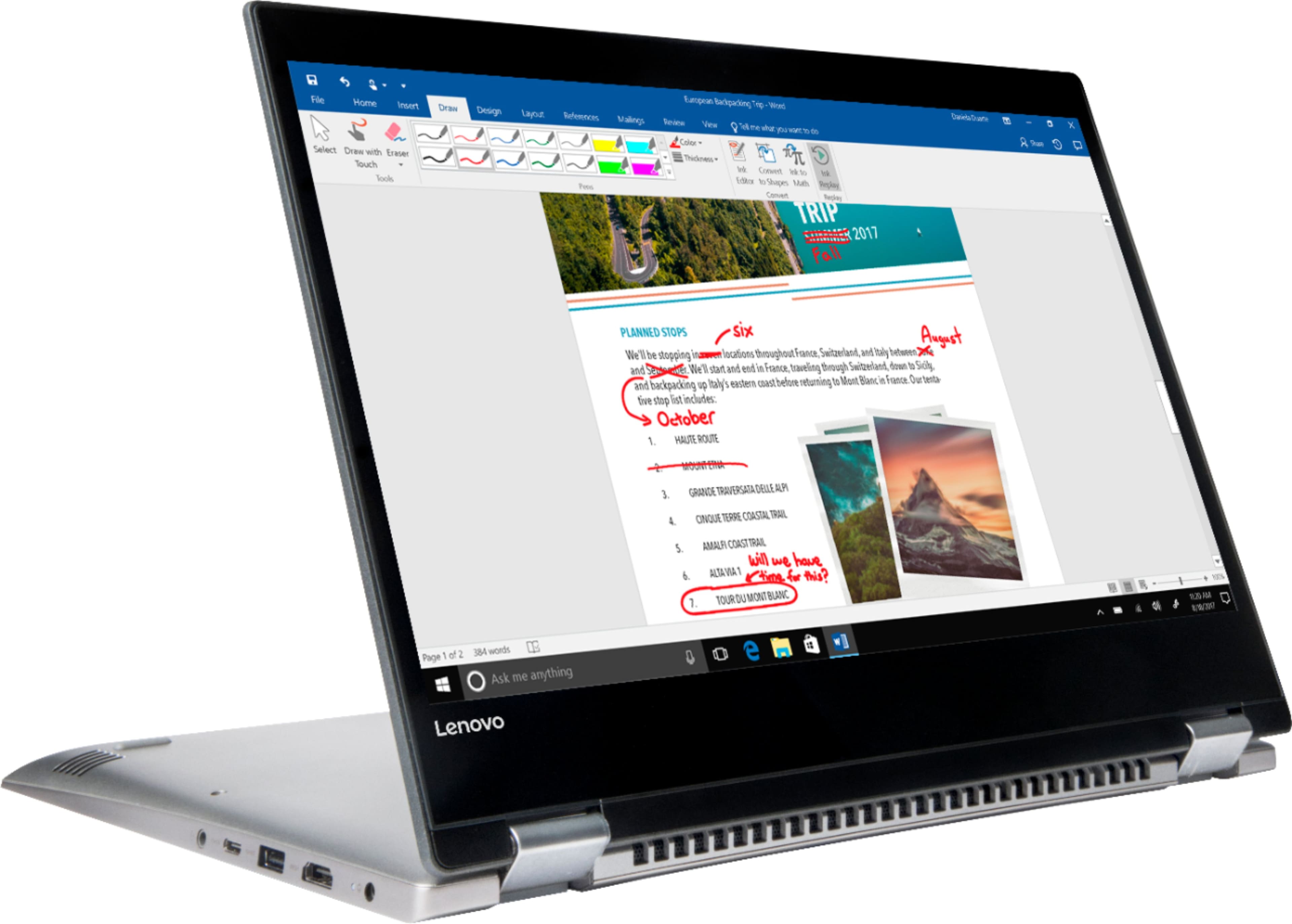
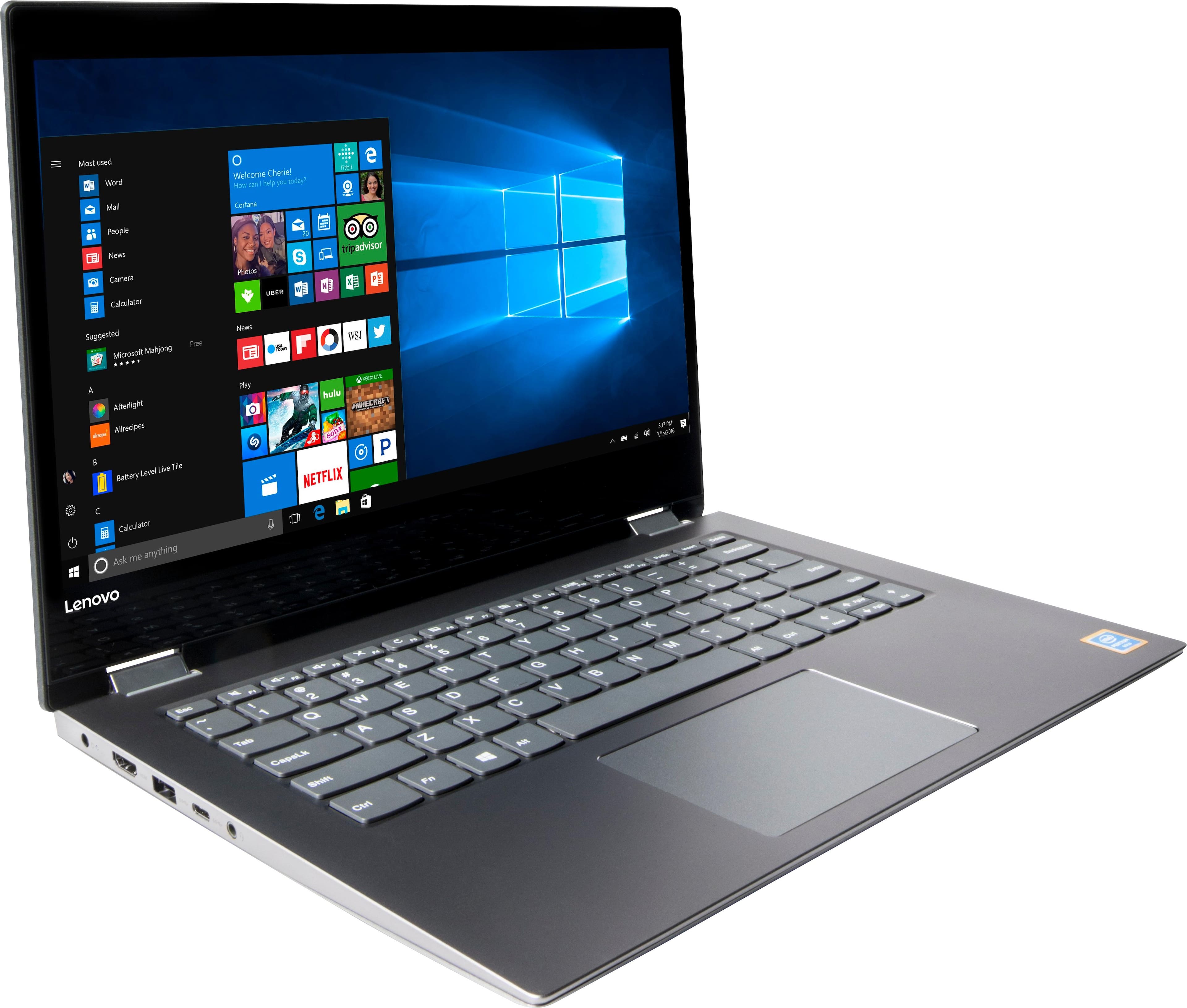
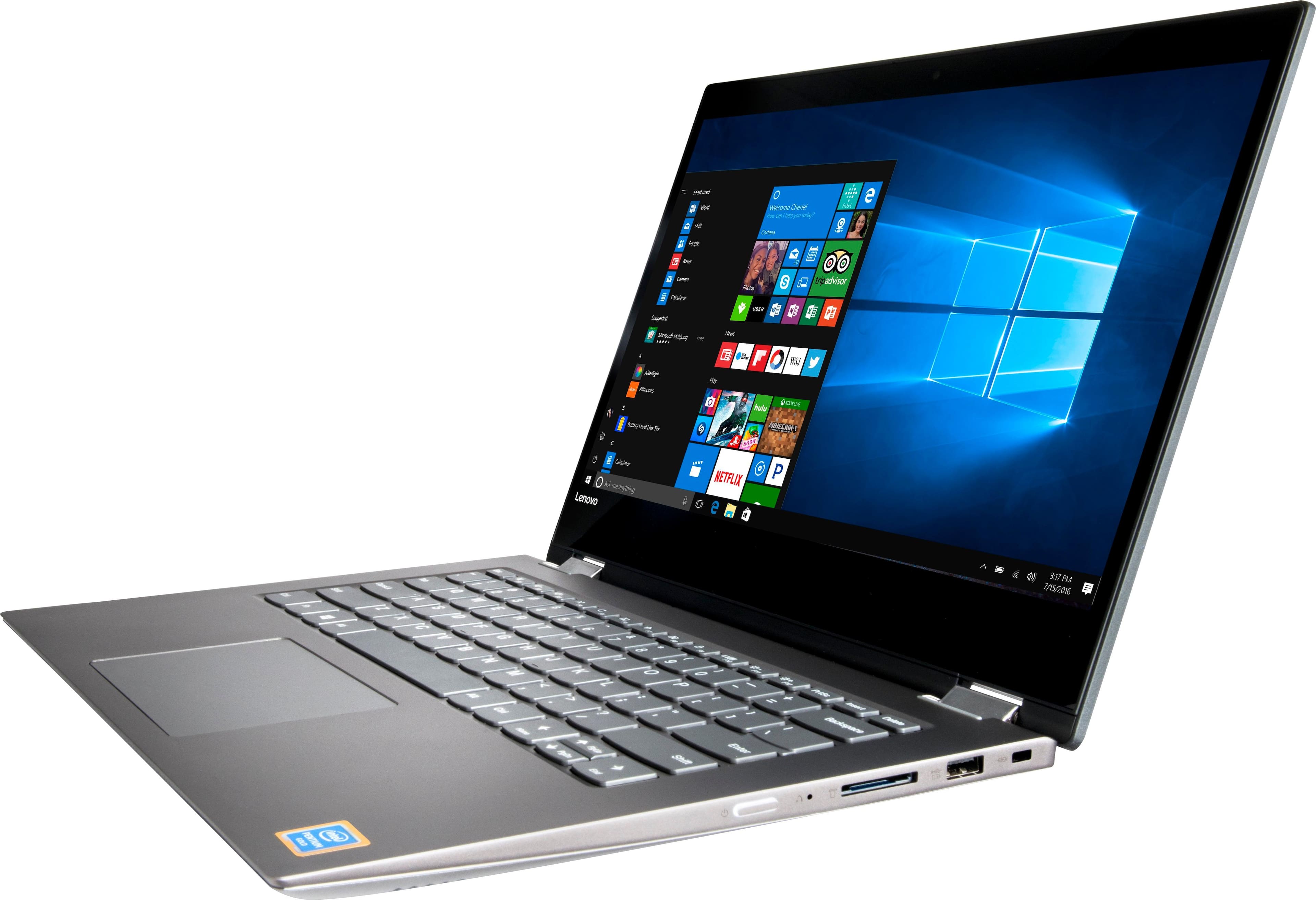
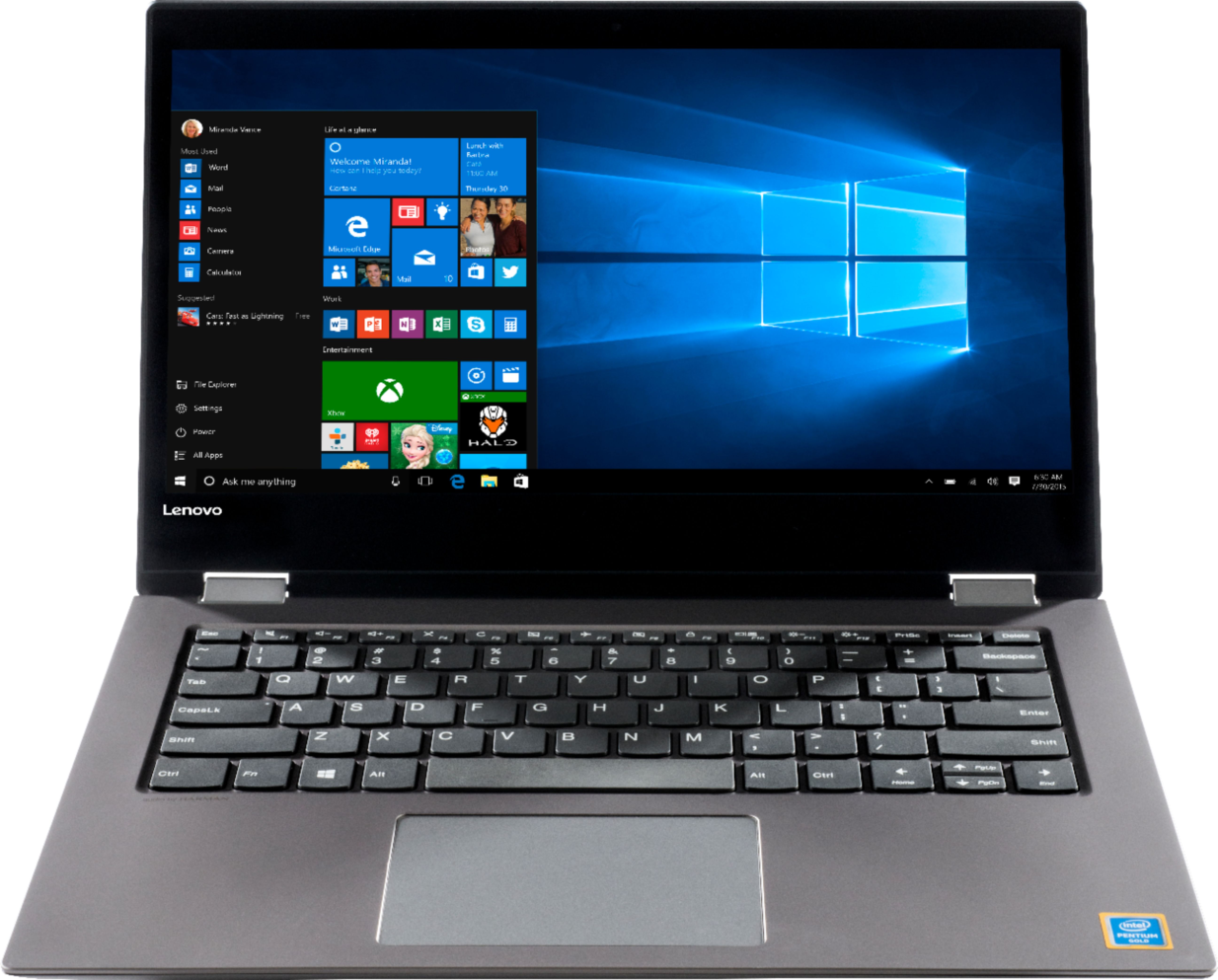


- Model:
- 81CW0000US
- SKU:
- 6062100
Rating by feature
- Value
Rating 3.9 out of 5 stars
- Quality
Rating 3.9 out of 5 stars
- Ease of Use
Rating 4.1 out of 5 stars
Customers are saying
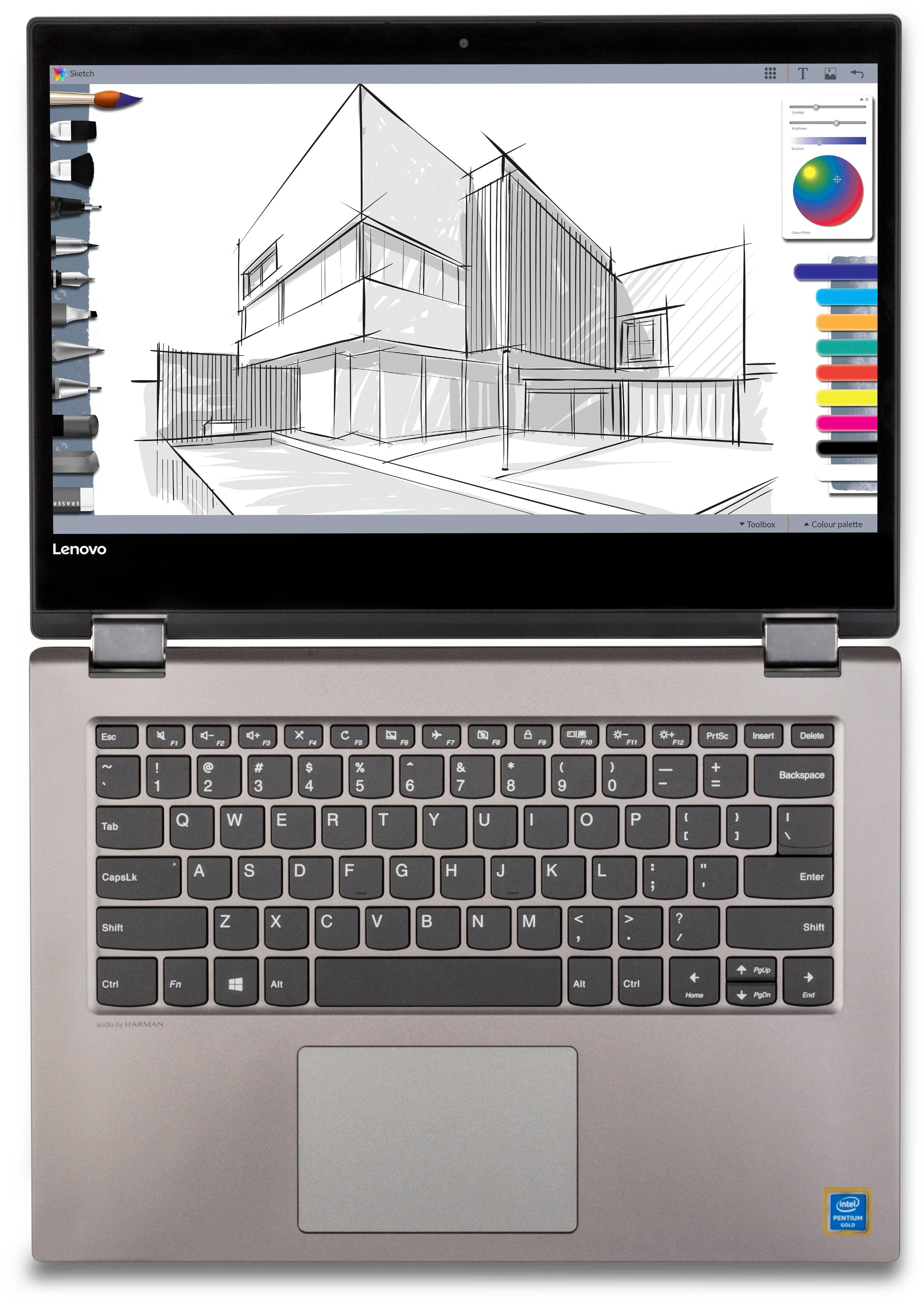
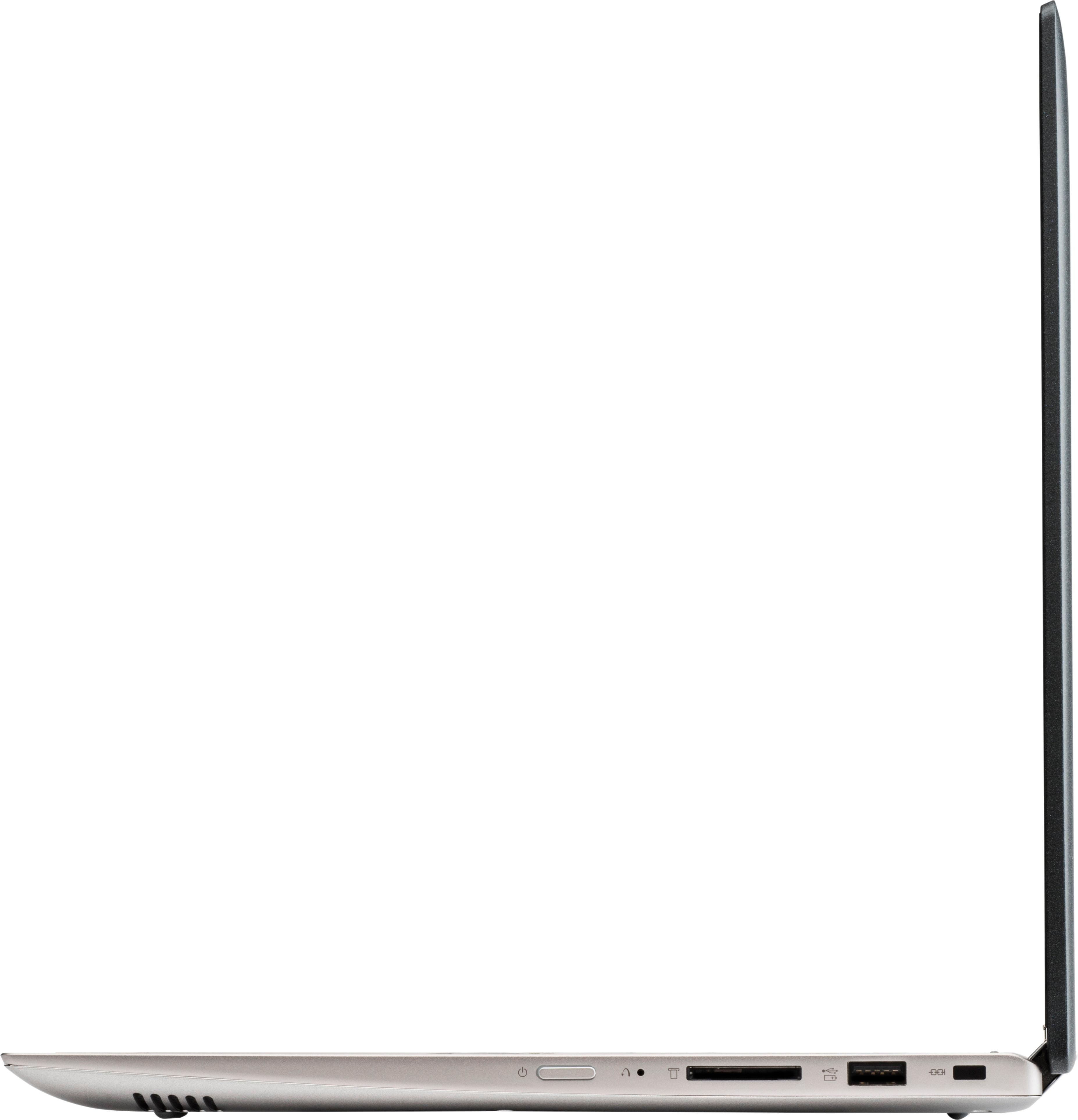
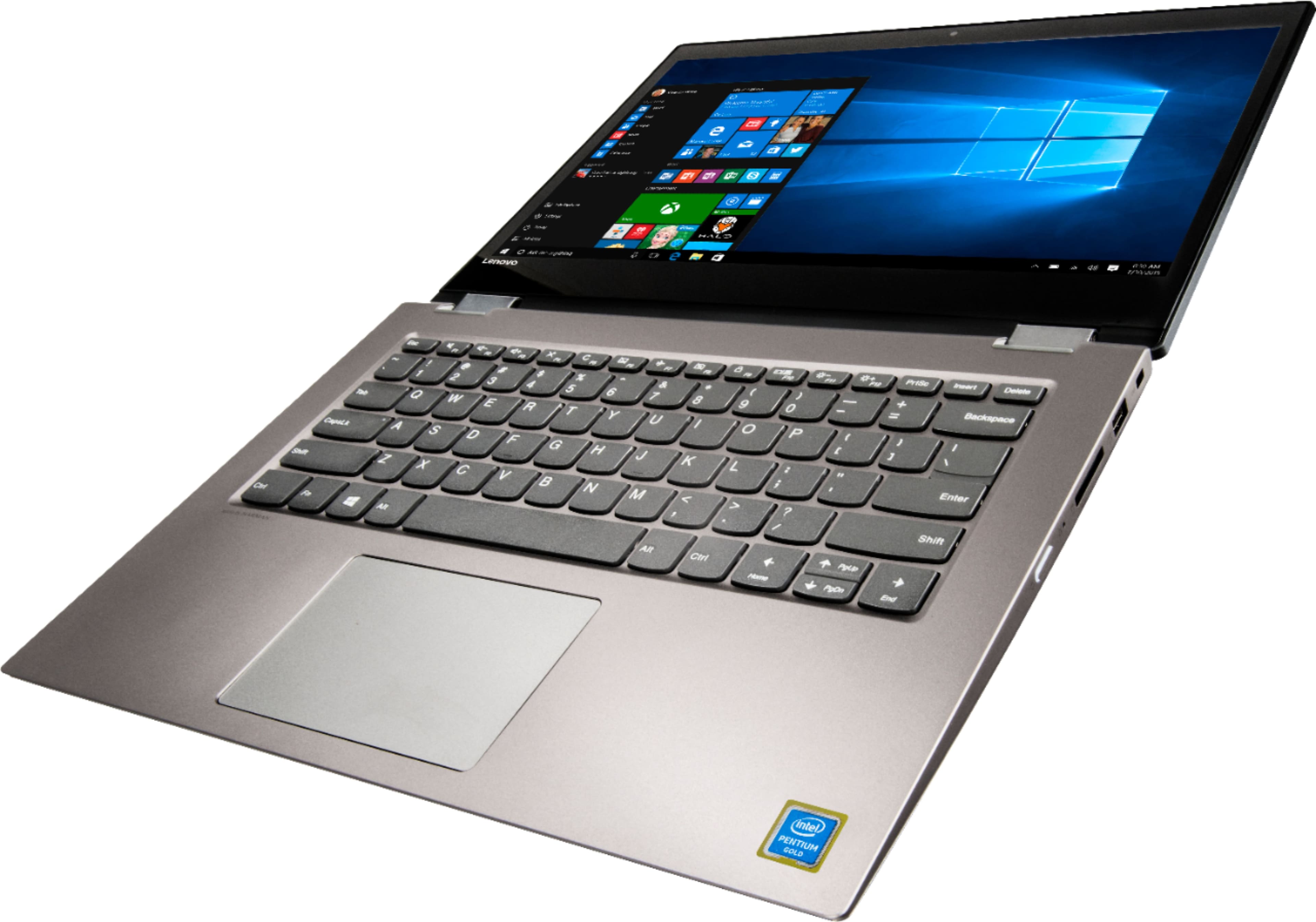
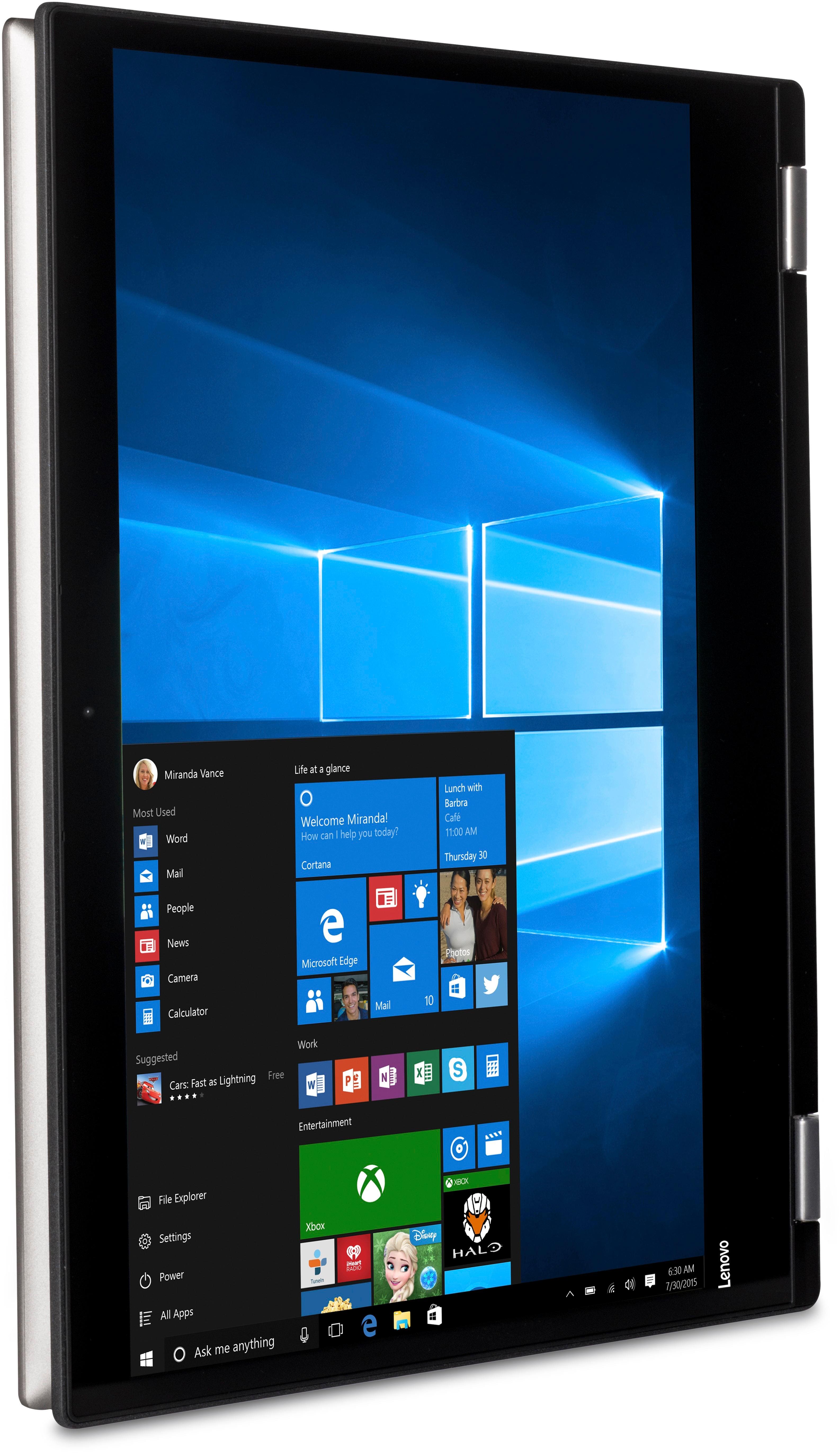
Customers are positive about the touch screen, price, portability, ease of use, storage, and performance of the laptop. They appreciate the convenience of the touch screen, affordability, sleek design, user-friendly interface, ample storage space, and satisfactory performance. However, customers are negative about its slow speed, limited RAM, short battery life, and Windows 10 operating system. They find the laptop to be sluggish, lacking in memory, having inadequate battery life, and experiencing occasional slowness with Windows 10.
This summary was generated by AI based on customer reviews.
- Pros mentioned:Price
Great Laptop, Good Price!
||Posted .This reviewer received promo considerations or sweepstakes entry for writing a review.I am happy I choose this Lenovo Laptop. It has all the features that I need and I did pay what I could afford.
I would recommend this to a friendBrand response from Lenovo Product Expert
Posted .Thank you for choosing the Lenovo IdeaPad 2-in-1 14" laptop. We are pleased to hear that the value and performance of the IdeaPad 2-in-1 meets your computing needs so well.

- Pros mentioned:Price
Great laptop
||Posted .This reviewer received promo considerations or sweepstakes entry for writing a review.I really like this laptop I like that it was so affordable and came with protection from McAfee I would definitely purchase again
I would recommend this to a friendBrand response from Lenovo Product Expert
Posted .Thank you for choosing the Lenovo IdeaPad 120s-14 laptop. We are pleased to hear that the features and performance of the IdeaPad 120s-14 meets your computing needs so well.
- Pros mentioned:Touch screen
Touch screen
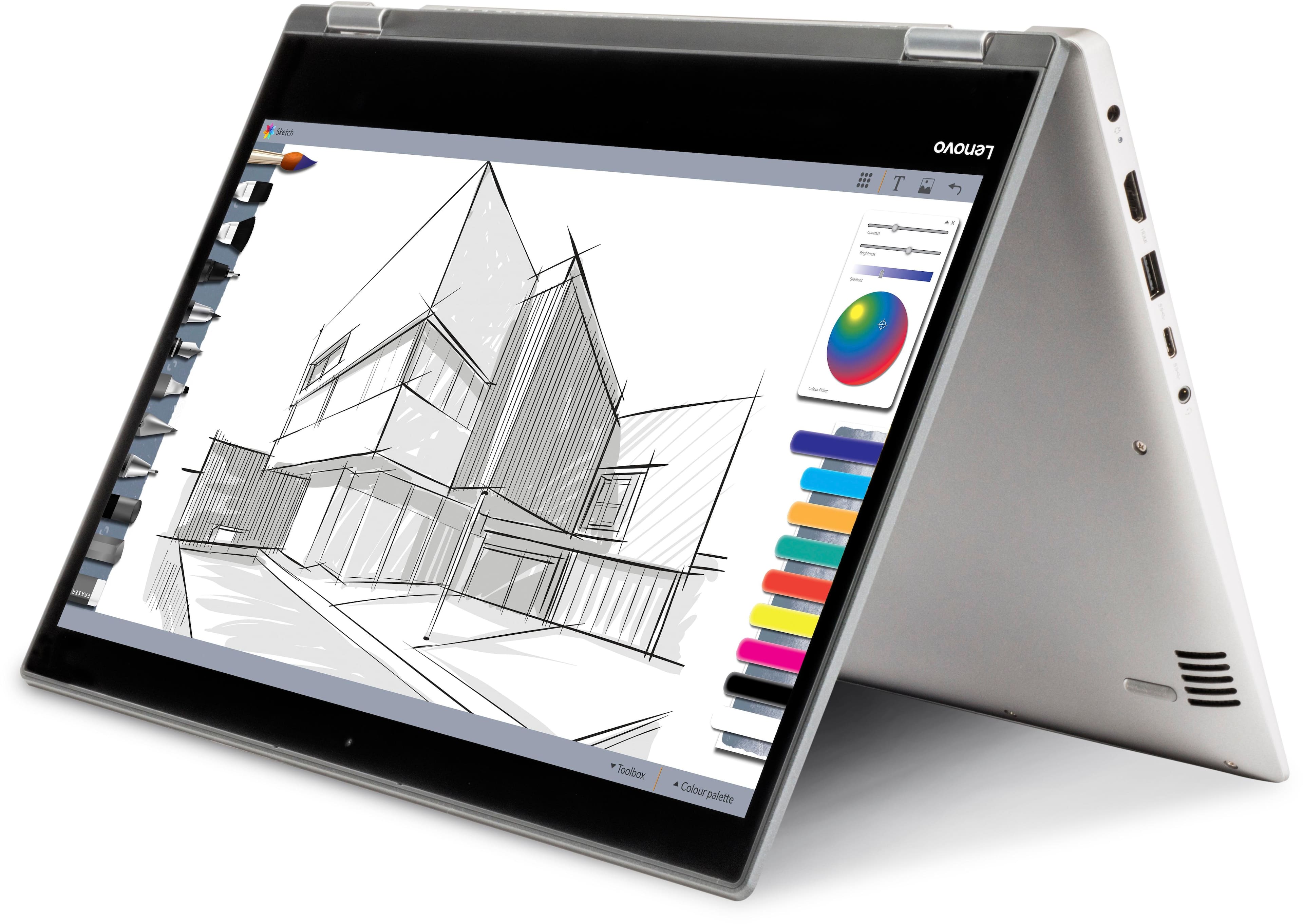
||Posted .This reviewer received promo considerations or sweepstakes entry for writing a review.Love the touchscreen aspect of this laptop. It gives all the easy aspects of a tablet witj the full size quality of a laptop.
I would recommend this to a friendBrand response from Lenovo Product Expert
Posted .Thank you for choosing the Lenovo IdeaPad 2 in 1 14" Laptop. We are pleased to hear that the features and performance of the Ideapad 2 in 1 14" Laptop meets your computing needs so well.
- Pros mentioned:Portable, Touch screen
Good entry level computer for a high school grad
||Posted .This reviewer received promo considerations or sweepstakes entry for writing a review.I bought this laptop for my daughter as a high school graduation present so she's ready when college starts. The screen gives crisp colors. Nice touch screen and lightweight.
I would recommend this to a friendBrand response from Lenovo Product Expert
Posted .Thank you for choosing the Lenovo IdeaPad 2 in 1 14" laptop for your daughter. We are pleased to hear that the features and performance of the IdeaPad 2 in 1 14" Laptop meets your daughter's computing needs so well.
- Pros mentioned:PriceCons mentioned:Slow
Good functionality
||Posted .This reviewer received promo considerations or sweepstakes entry for writing a review.Overall a nice computer for the price point. Is a bit slower than I anticipated but functions well enough to complete tasks.
I would recommend this to a friendBrand response from Lenovo Product Expert
Posted .Thank you for choosing the Lenovo IdeaPad 2 in 1 14" laptop. This is an entry level, light use system with its Intel Pentium processor. It is not meant for multi-tasking or demanding programs. It is good for Microsoft Office and light internet browsing. If this describes your computing needs, the IdeaPad 2 in 1 14" would be a good choice.
- Pros mentioned:Storage, Touch screen
Great computer for the price!
||Posted .This reviewer received promo considerations or sweepstakes entry for writing a review.It is a great computer for a great price. The touch screen is compatible with my Bamboo stylus so makes creative work very easy. Plenty of storage for pictures and music.
I would recommend this to a friendBrand response from Lenovo Product Expert
Posted .Thank you for choosing the Lenovo IdeaPad 2 in 1 14" Laptop. We are pleased to hear that the value and performance of the IdeaPad 2 in 1 14" Laptop meets your computing needs so well.
- Pros mentioned:Touch screenCons mentioned:Slow
Very Slow, Good for Internet
||Posted .This reviewer received promo considerations or sweepstakes entry for writing a review.This laptop is very slow. Starting Windows or most apps takes literally minutes and it is just generally always slow. Watching Neflix or browsing the Internet is good. And being a touch screen is convenient. So it's really closer to a tablet. But you'll be disappointed if you want to use it for work or even school as a laptop.
No, I would not recommend this to a friend - Cons mentioned:Ram, Slow
Lenovo 2 in 1
||Posted .This reviewer received promo considerations or sweepstakes entry for writing a review.For the price it could have had at least 8GB of RAM. It runs slower even with basic word docs and internet exploring. For $100 more u get 8GB.
I would recommend this to a friendBrand response from Lenovo Product Expert
Posted .This is an entry level, light use, 2 in 1, touchscreen computer system. It uses Windows 10 Home 64-Bit as its operating system, which requires less than 2GB of RAM to run. This device has the latest WiFi capability, with 802.11AC connectivity. If your requirements fit this profile, this device is a good choice.
- Cons mentioned:Slow
Great for the price
||Posted .This reviewer received promo considerations or sweepstakes entry for writing a review.I really like the laptop, I used to work from home and runs great. It gets a little slow but after I reset it, runs fast again.
I would recommend this to a friendBrand response from Lenovo Product Expert
Posted .Thank you for choosing the Lenovo IdeaPad 2 in 1 14" Laptop. You can maintain the health of this device by using the Lenovo utilities installed on this device. Type "Lenovo Vantage" in the Cortana Search window. Select Lenovo Vantage from the list. In the window that opens, click on "Health and Support". In the expanded menu, select "Hardware Scan" In the window that opens, select "Run Quick Tests". This will scan your entire system for errors. Follow any directions that may pop up. If the problem continues after this scan, now click on "System Update". First select Windows update from the menu. Scan your system to be sure you have the latest version of Windows 10. Once that scan is complete, select "Additional Updates". This will scan your device to be sure there are no new BIOS/Driver updates needed. Follow any instructions that may pop up. If the issue still continues after these updates, we recommend you call Lenovo Tech Support at: 877-453-6686 for additional help.
- Pros mentioned:Storage
Great 2 in 1 option
||Posted .This reviewer received promo considerations or sweepstakes entry for writing a review.great size for a 2 in 1 , fast , have great HD size and could not be happier
I would recommend this to a friendBrand response from Lenovo Product Expert
Posted .Thank you for choosing the Lenovo IdeaPad 2-in-1 laptop. We are pleased to hear that the IdeaPad 2-in-1 laptop is working out so well for you.
- Pros mentioned:Touch screenCons mentioned:Slow
It's okay
||Posted . Owned for more than 2 years when reviewed.This reviewer received promo considerations or sweepstakes entry for writing a review.You get what you pay for. very slow, daughter hates it. I do like the touchscreen, though.
No, I would not recommend this to a friend - Pros mentioned:Price, Touch screen
Good for the price
||Posted .This reviewer received promo considerations or sweepstakes entry for writing a review.It is not a fast laptop but decent for the money. Touch works fine. What I didnt like is that there was no office even trial.
No, I would not recommend this to a friendBrand response from Lenovo Product Expert
Posted .Thank you for choosing the Lenovo IdeaPad 2 in 1 14" laptop. There is a 30-day trial of Microsoft Office 365 included as part of the Windows 10 operating system. In order to keep the program active after the trial period, you will need to purchase a product key. You will not need to download any additional software.
- Pros mentioned:Touch screen
Very pleased for the price (so far).
||Posted .This reviewer received promo considerations or sweepstakes entry for writing a review.My "real" computer crashed, and I needed something to keep working. This had the power, low price, and good brand name (to me, so far). It's my first 2-in-1, touch screen (other than a phone); and I like those features. My only dislikes are because I didn't spend more for a bigger screen and bigger hard drive. But for portability and back up computer, it's great. Power has been plenty for creative programs (I'm not a power gamer though). Only issue: I get a message the BIOS need to update, but each time I say okay and it tries to update, it fails. Other (windows) updates have worked smoothly. I like Windows 10 better than 8, but who doesn't?
I would recommend this to a friendBrand response from Lenovo Product Expert
Posted .Thank you for choosing the Lenovo IdeaPad 2 in 1 14" Laptop. With regard to the BIOS update, try doing the update by using Lenovo utility software. This system has Lenovo utilities installed to help maintain the health of the device and keep the operating system software up to date. Type "Lenovo Vantage" in the Cortana Search window (if Lenovo Vantage is not installed on your device, you can download the APP and install it now). Select Lenovo Vantage from the list. In the window that opens, click on "Health and Support". In the expanded menu, select "Hardware Scan" In the window that opens, select "Run Quick Tests". This will scan your entire system for errors. Follow any directions that may pop up. Now click on "System Update". First select Windows update from the menu. Scan your system to be sure you have the latest version of Windows 10. Once that scan is complete, select "Additional Updates". This will scan your device to be sure there are no new BIOS/Driver updates needed. Follow any instructions that may pop up.
- Pros mentioned:Portable
Great picture and camera
||Posted .This reviewer received promo considerations or sweepstakes entry for writing a review.Video is great. Love the pictures and it is very easy to learn and carry.
I would recommend this to a friend - Pros mentioned:Touch screen
Good Laptop for a light budget
||Posted .This reviewer received promo considerations or sweepstakes entry for writing a review.I was in the market for a budget friendly laptop that runs faster than my prior laptop. I don't use my laptop very often so I don't need a lot of fancy things. I just need it for occasional web-browsing other than my phone and to work remotely when needed. It isn't a super fast computer, but it gets the job done. I also really like the ability to switch between laptop and tablet. And the touch screen is great (except for my greasy finger marks on the screen!).
I would recommend this to a friendBrand response from Lenovo Product Expert
Posted .Thank you for choosing the Lenovo IdeaPad 2 in 1 14" Laptop. We are pleased to hear that the value, features and performance of the IdeaPad 2 in 1 14" Laptop meets your computing needs so well.
- Pros mentioned:Price
Incredible Value
||Posted .This reviewer received promo considerations or sweepstakes entry for writing a review.Purchased for a friend - she LOVES it. Performance is more than adequate for typical online shopping, YouTube, Netflix, etc, touchscreen is responsive, and the hinges feel like they will stand the test of time (this was important as the hinges failed on her previous laptop). Don’t know that it’s still for sale but we do recommend this laptop to all but the most demanding power user - it does a lot for not a lot of money.
I would recommend this to a friend - Pros mentioned:Portable
Great laptop
||Posted .This reviewer received promo considerations or sweepstakes entry for writing a review.I nice starter computer. Fast startup and very portable.
I would recommend this to a friendBrand response from Lenovo Product Expert
Posted .Thank you for choosing the Lenovo IdeaPad 2-in-1 laptop. We are pleased to hear that the performance of the IdeaPad 2-in-1 laptop meets your computing needs so well.
- Cons mentioned:Windows 10
Mixed feelings
||Posted .This reviewer received promo considerations or sweepstakes entry for writing a review.I was so excited to purchase after doing research. I've always wanted a Lenova and this was a great choice! Maybe it's my lack of Windows 10 experience or the app idea because I get stuck a lot? Not sure but will update my review after more use. Still a great replacement for my nine yr. old Toshiba that runs slow. I do love the tablet feel and the fast speed! BTW BB never offered any set up/programming options so maybe that's it!?
I would recommend this to a friend - Pros mentioned:Portable
Laptop
||Posted .This reviewer received promo considerations or sweepstakes entry for writing a review.My granddaughter loves it ,slim and lite it's perfect
I would recommend this to a friendBrand response from Lenovo Product Expert
Posted .Thank you for choosing the Lenovo IdeaPad 2 in 1 14" Laptop for your grand daughter. We are pleased to hear that the features and performance of the IdeaPad 2 in 1 14" Laptop meets your grand daughter's computing needs so well.
- Pros mentioned:Touch screenCons mentioned:Slow
Works good
||Posted .This reviewer received promo considerations or sweepstakes entry for writing a review.Works well, the touch screen is nice. Can be slow a little at times but overall better than most.
I would recommend this to a friendBrand response from Lenovo Product Expert
Posted .Thank you for choosing the Lenovo IdeaPad 2 in 1 14" laptop. This is an entry level, light use computer system. It uses Windows 10 Home 64-Bit as its operating system, which requires less than 2GB of RAM to run. This device has the latest WiFi capability, with 802.11AC connectivity. If your requirements fit this profile, this device is a good choice. There are Lenovo utilities installed on this device that can help you maintain the health of the device. Type "Lenovo Vantage" in the Cortana Search window. Select Lenovo Vantage from the list. In the window that opens, click on "Health and Support". In the expanded menu, select "Hardware Scan" In the window that opens, select "Run Quick Tests". This will scan your entire system for errors. Follow any directions that may pop up. If the problem continues after this scan, now click on "System Update". First select Windows update from the menu. Scan your system to be sure you have the latest version of Windows 10. Once that scan is complete, select "Additional Updates". This will scan your device to be sure there are no new BIOS/Driver updates needed. Follow any instructions that may pop up.