Customer Ratings & Reviews


- Model:
- 81CW0000US
- SKU:
- 6062100
Rating by feature
- Value
Rating 3.9 out of 5 stars
- Quality
Rating 3.9 out of 5 stars
- Ease of Use
Rating 4.1 out of 5 stars
Customers are saying
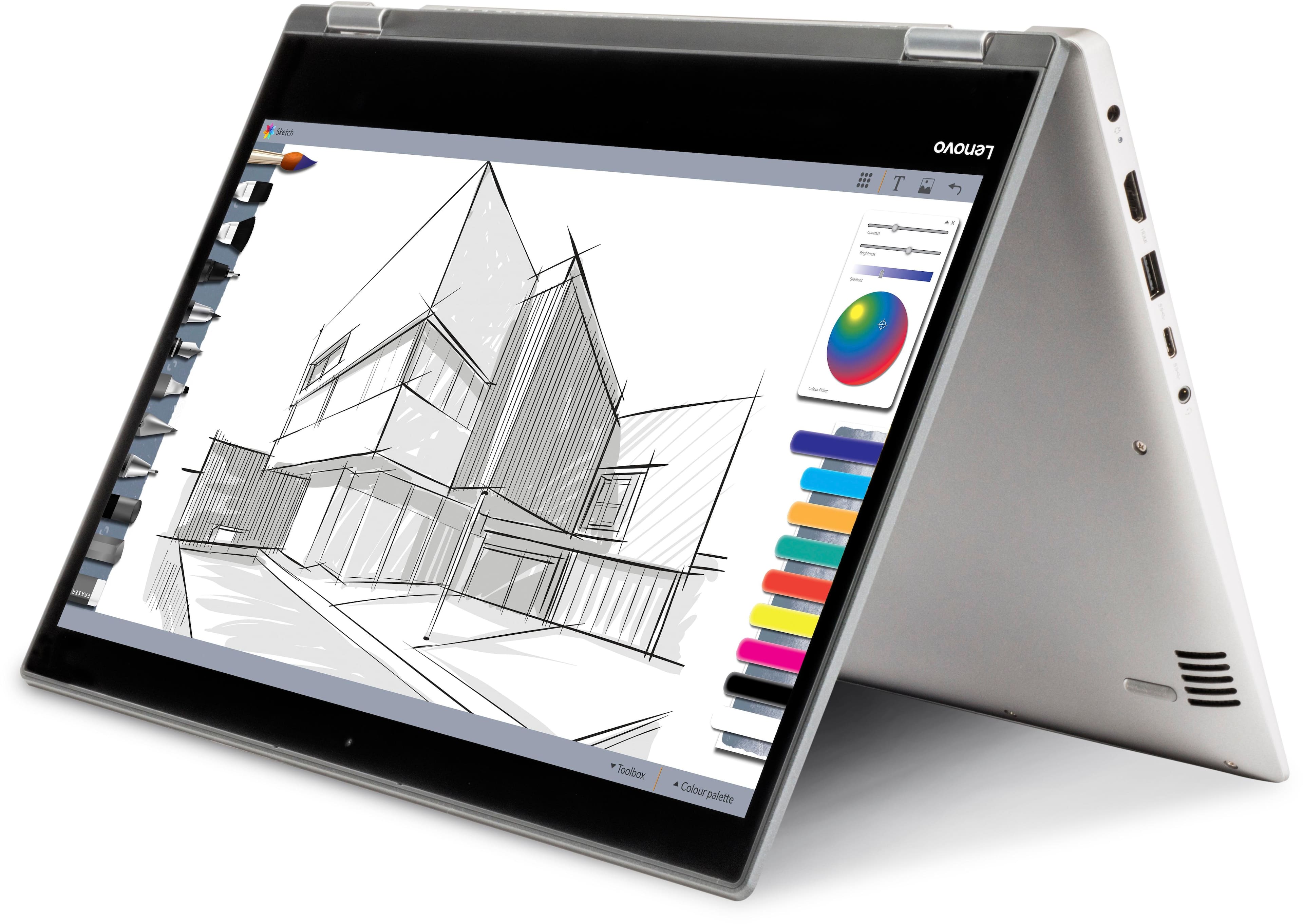
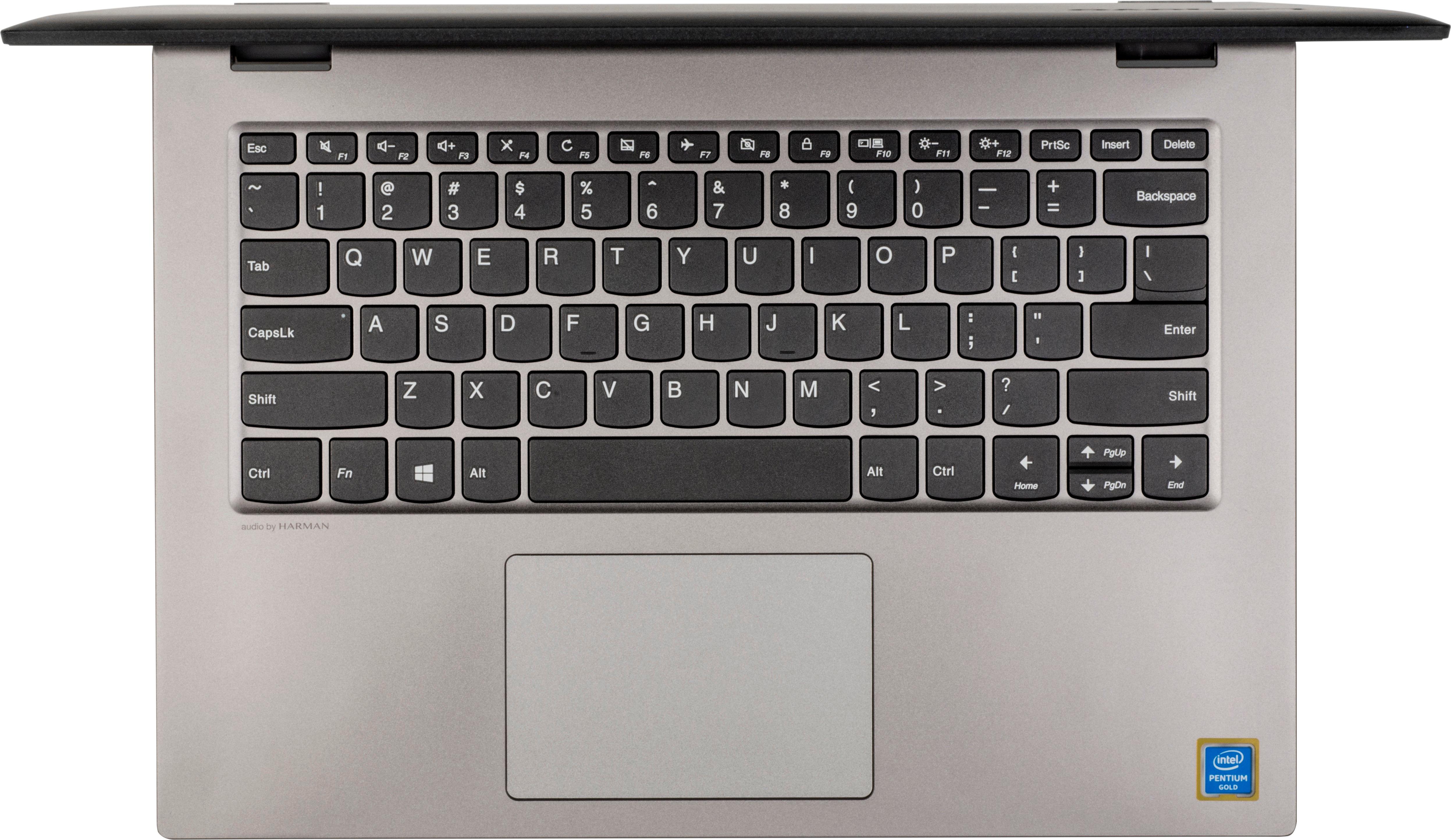
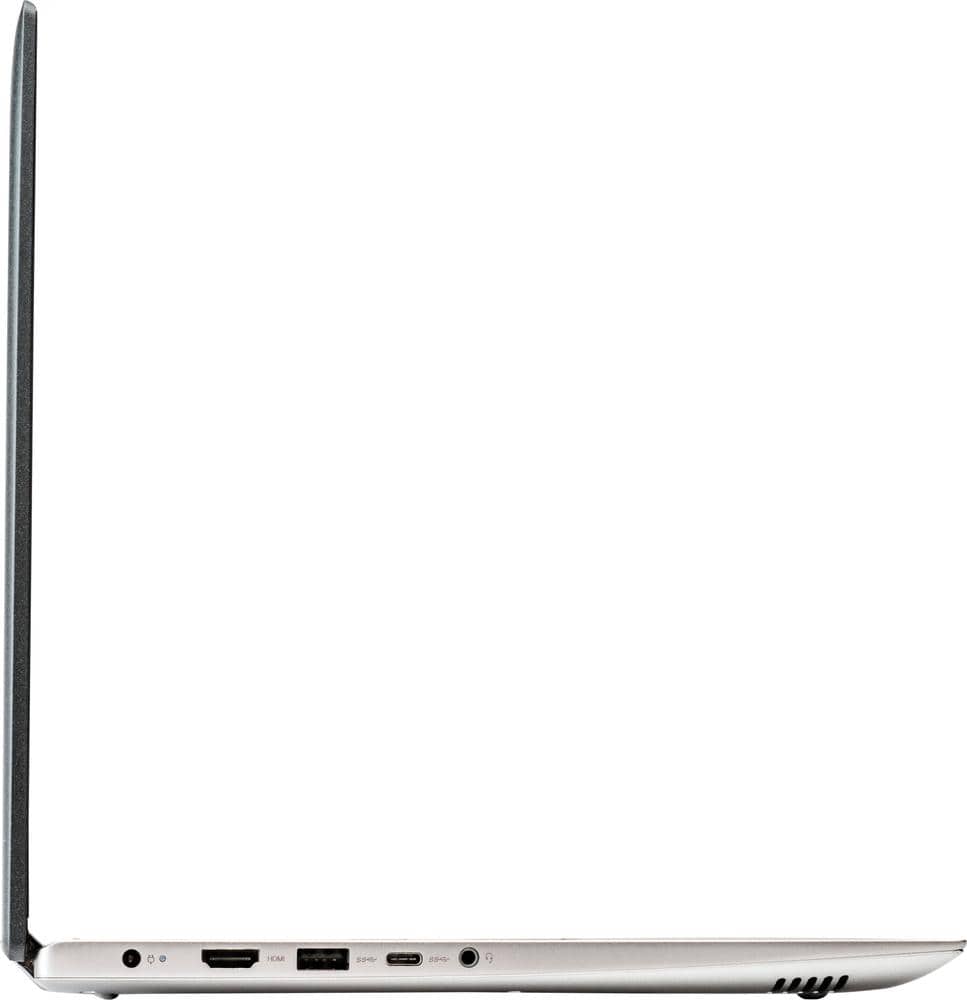
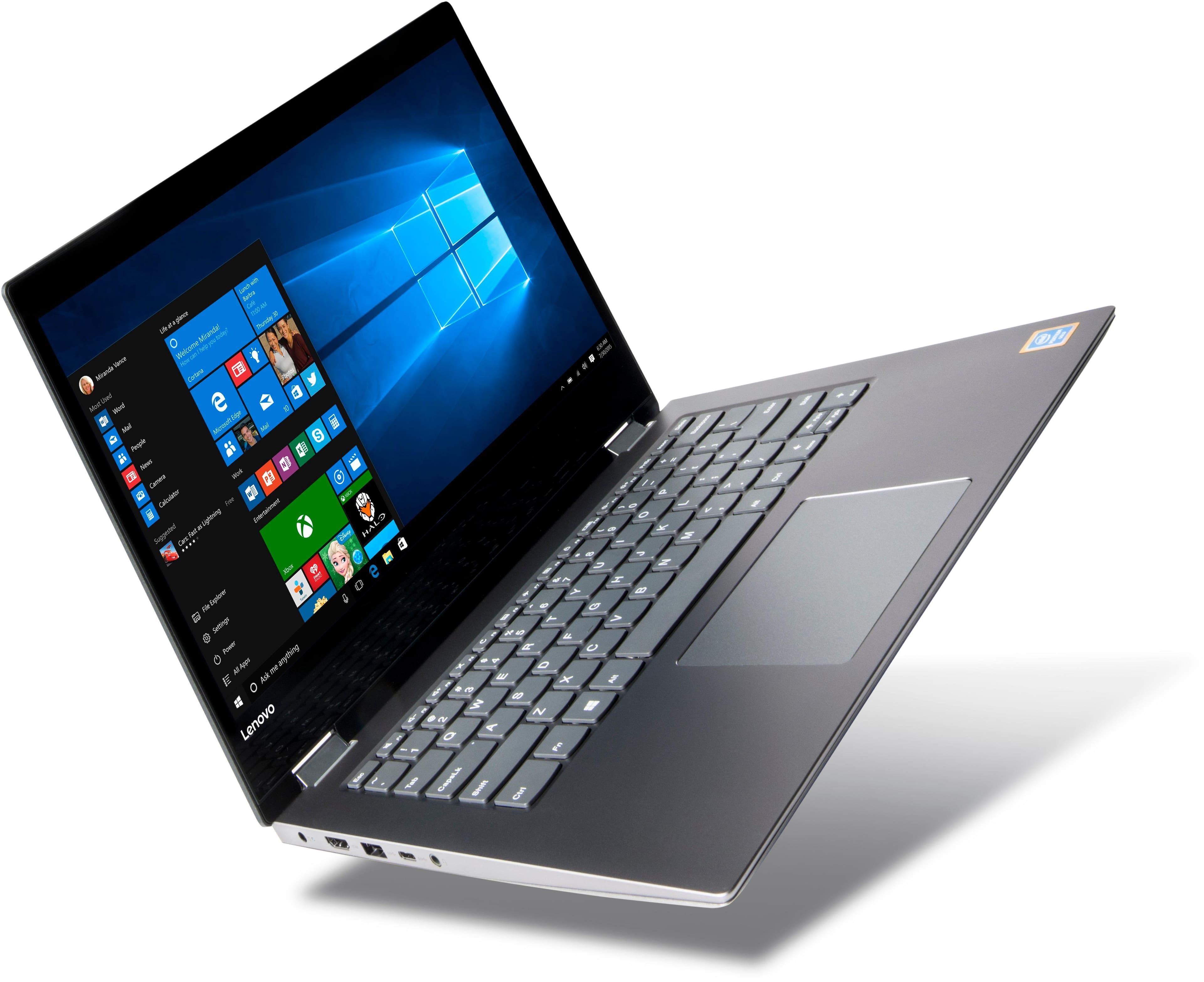
Customers are positive about the touch screen, price, portability, ease of use, storage, and performance of the laptop. They appreciate the convenience of the touch screen, affordability, sleek design, user-friendly interface, ample storage space, and satisfactory performance. However, customers are negative about its slow speed, limited RAM, short battery life, and Windows 10 operating system. They find the laptop to be sluggish, lacking in memory, having inadequate battery life, and experiencing occasional slowness with Windows 10.
This summary was generated by AI based on customer reviews.
- Pros mentioned:Portable
Portable!
||Posted .This reviewer received promo considerations or sweepstakes entry for writing a review.Great portable laptop for everyday usage! Sleek!!!
I would recommend this to a friend - Pros mentioned:Price
great deal good price
||Posted .This reviewer received promo considerations or sweepstakes entry for writing a review.Great deal for this laptop money worth for prices.
I would recommend this to a friend - Pros mentioned:Price, Touch screen
Good budget laptop with touchscreen
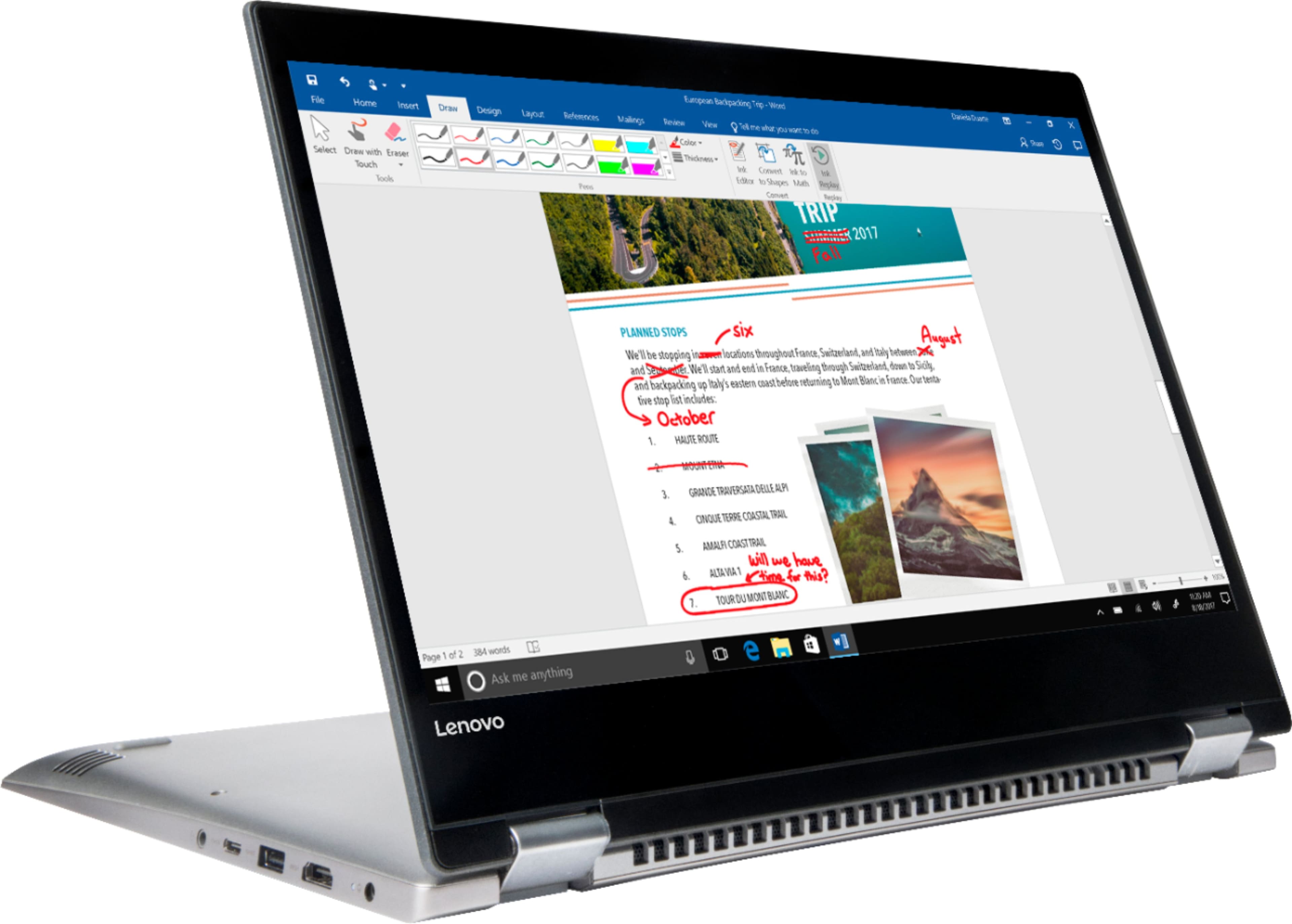
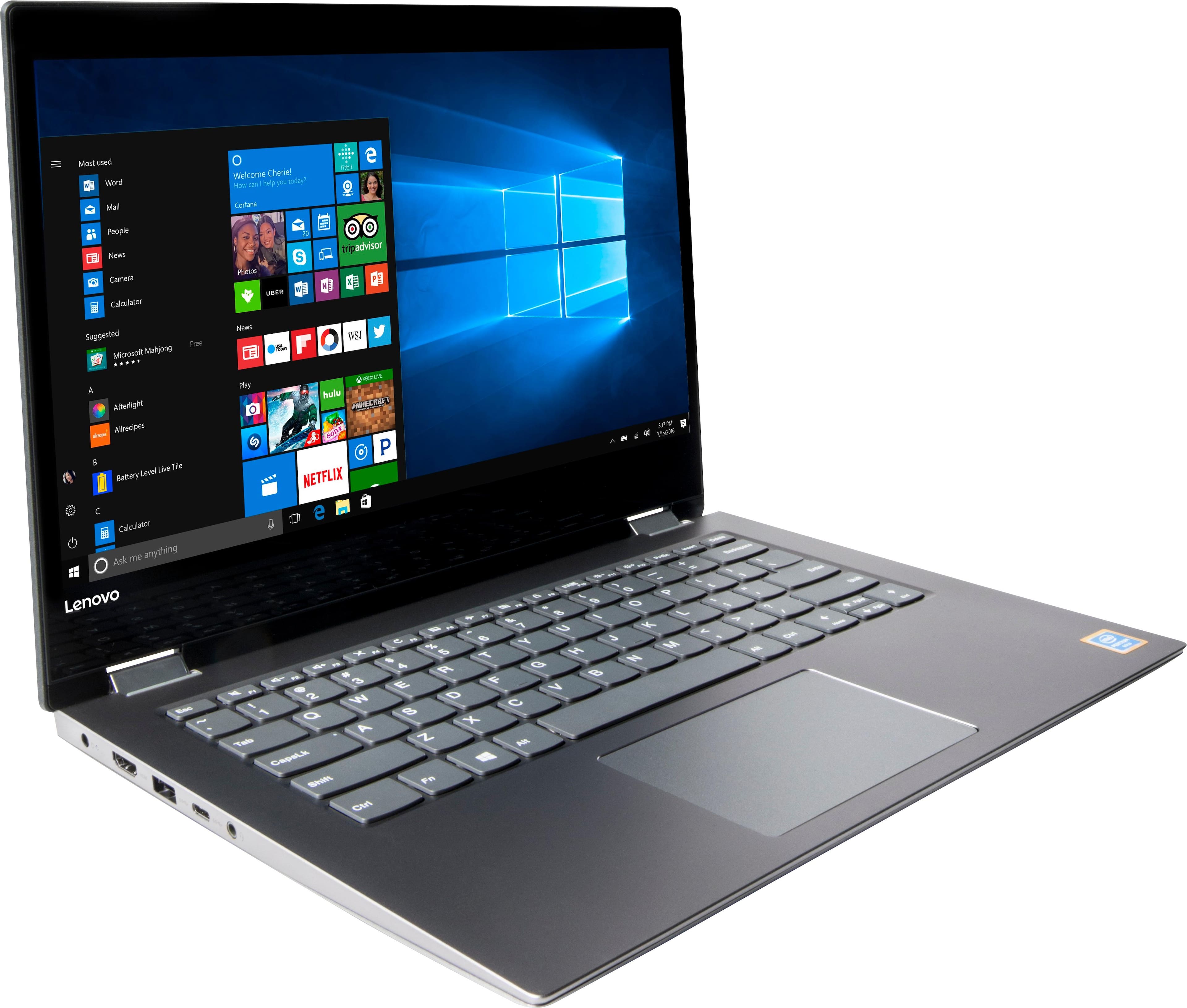
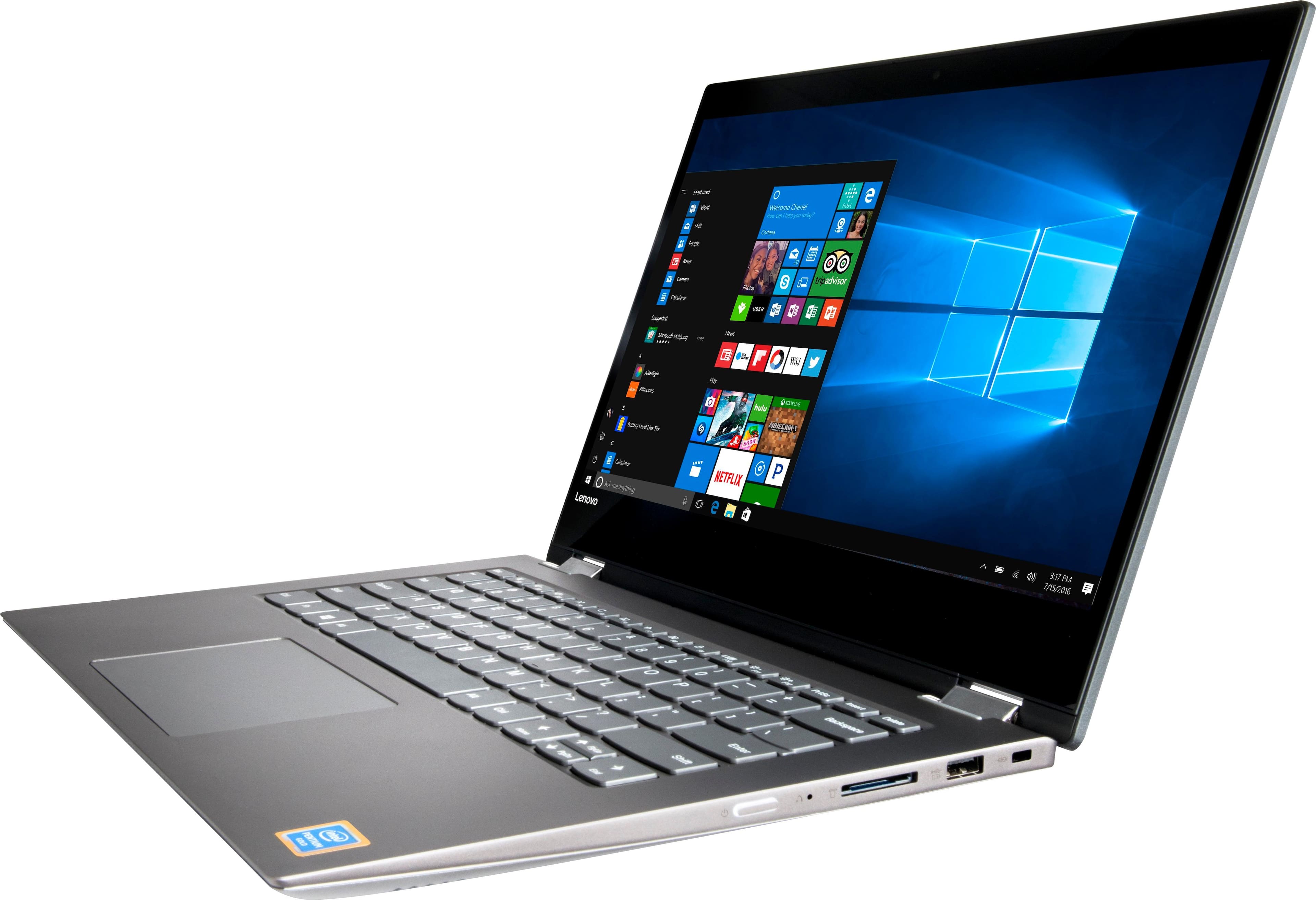
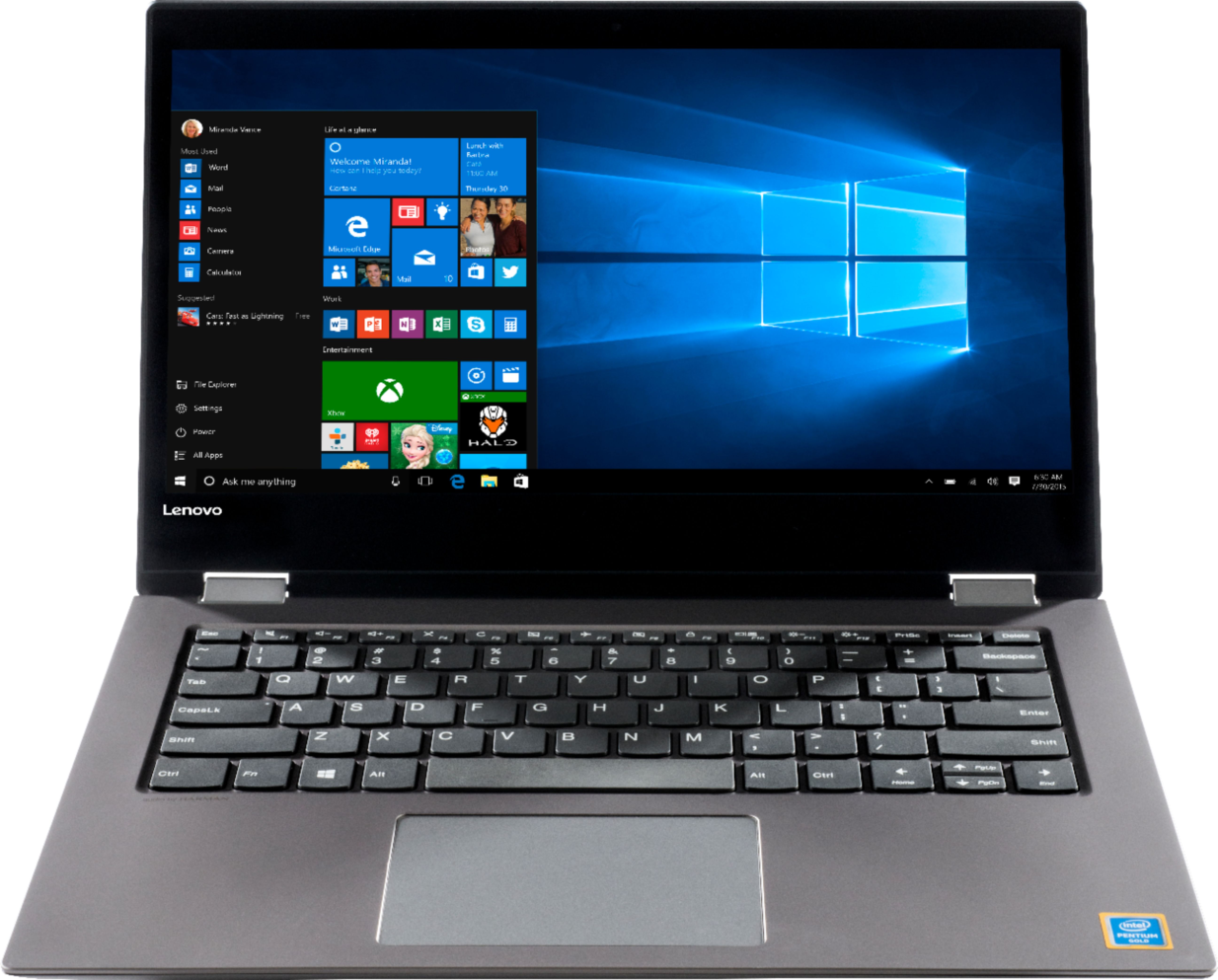
||Posted .This reviewer received promo considerations or sweepstakes entry for writing a review.I was drawn to this laptop because of the price. 14" with large hard drive and touchscreen.
I would recommend this to a friendBrand response from Lenovo Product Expert
Posted .Thank you for choosing the Lenovo IdeaPad 2 in 1 14" Laptop. We are pleased to hear that the value, features and performance of the IdeaPad 2 in 1 14" Laptop meets your computing needs so well.

- Pros mentioned:Portable, Price
Great for school
||Posted .This reviewer received promo considerations or sweepstakes entry for writing a review.Lightweight and easy to use. Price was very reasonable. I use it for school.
I would recommend this to a friend - Cons mentioned:Battery life, Slow
Slow and battery life bad
||Posted .This reviewer received promo considerations or sweepstakes entry for writing a review.Slow and battery will only last 2 to 3 hours. I would not buy this computer again.
No, I would not recommend this to a friendBrand response from Lenovo Product Expert
Posted .This system should provide good speed with its Intel Pentium processor and 4GB of RAM. Be sure any software you installed is compatible with Windows 10. There is no need to install Microsoft Office software. The software is already part of the operating system, you just need to activate the software with a purchased product key. If you have installed a copy of Microsoft Office, this is conflicting with the existing copy on the system and this will slow your system down. If you have installed a 3rd party anti-virus program, be sure that Windows Defender is turned off and that the trial version of McAfee Anti-Virus software is uninstalled. There can only be one anti-virus program on the system. You may need to restore your system to original factory default settings if any of the programing errors have occurred. You can do that by typing "restore" in the Cortana search window. Just click on the magnifying glass icon at the bottom left of your Windows 10 Desktop. Click on "Reset This PC" Then click on "Get Started" and follow the on screen directions to restore to factory defaults. This system has a battery life of up to 7 hours depending on the work that the system is performing. If you are getting substantially less battery life, there may be a software update that can help. We recommend you call Lenovo Tech Support at: 877-453-6686.
- Pros mentioned:Touch screen
Great for School
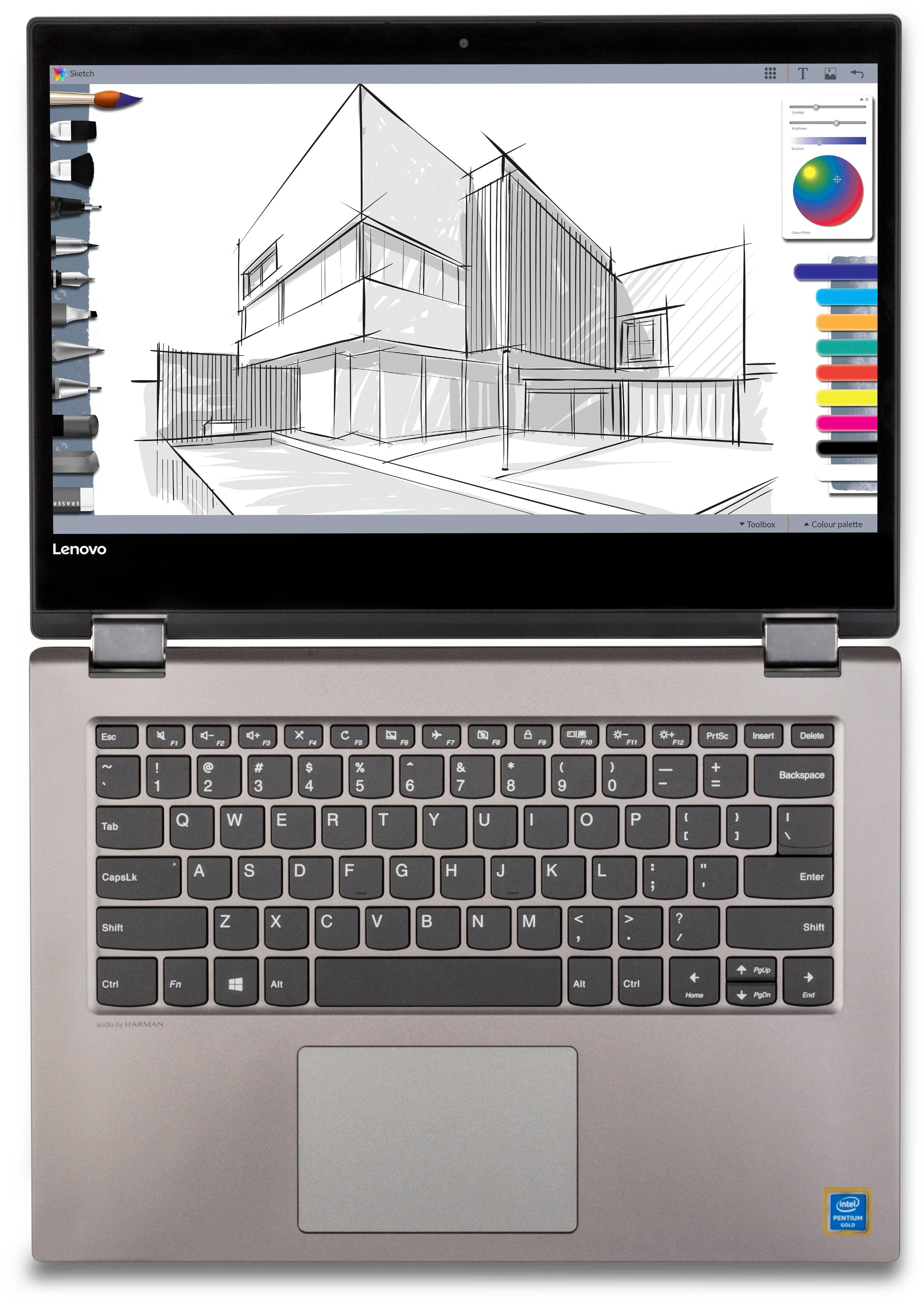
||Posted . Owned for 1.5 years when reviewed.This reviewer received promo considerations or sweepstakes entry for writing a review.If you are in college this is a great laptop. I loved the touch screen capabilities and the ability to draw on the screen. I am big in to graphic art, so most of it's purpose was for drawing on. The only drawback like most laptops now no dvd/CD drive. So, most drawing programs I'd prefer to have disc copies. Otherwise performed well.
I would recommend this to a friend - Pros mentioned:Price, Storage
Good price
||Posted .This reviewer received promo considerations or sweepstakes entry for writing a review.The computers good for the price Decent speed good storage no complaints
I would recommend this to a friendBrand response from Lenovo Product Expert
Posted .Thank you for choosing the Lenovo IdeaPad 2 in 1 14" Laptop. We are pleased to hear that the value and performance of the IdeaPad 2 in 1 14" Laptop meets your computing needs so well.
Nice computer for the price
||Posted .This reviewer received promo considerations or sweepstakes entry for writing a review.My son does like this computer for his gaming but the color is a bit flat. I think that is just the way this computer is for the cost. But it is good.
I would recommend this to a friendBrand response from Lenovo Product Expert
Posted .Thank you for choosing the Lenovo IdeaPad 2 in 1 14" Laptop for your son. You can calibrate the screen color in Display Settings. You can get there by right clicking on the Windows 10 desktop screen. Select "Display Settings" from the window that opens. In the window that opens, select "Advanced Display Settings". Scroll down to see "Color Calibration". Click on the link and adjust your screen color settings.
- Cons mentioned:Battery life
Good laptop for the price
||Posted .This reviewer received promo considerations or sweepstakes entry for writing a review.I got this laptop while on sale for my daughter. The performance is decent but the battery will not last long, which I understand is normal for this price range but was expecting more. The screen was not as bright. I ended up returning it but had to pay more in order to get a more lasting battery and brighter screen. So I guess is a good machine for that range price.
I would recommend this to a friendBrand response from Lenovo Product Expert
Posted .This system has a battery life of up to 7 hours depending on the work that the device is performing. Screen brightness can be manually adjusted in "Display Settings", be sure you have automatic brightness level turned off.
- Pros mentioned:PriceCons mentioned:Slow
Decent
||Posted .This reviewer received promo considerations or sweepstakes entry for writing a review.It works and is a decent computer for the price....it’s a tad slow.
I would recommend this to a friendBrand response from Lenovo Product Expert
Posted .Thank you for choosing the Lenovo IdeaPad 2 in 1 14" Laptop. We are pleased to hear that the value and performance of the IdeaPad 2 in 1 14" Laptop meets your computing needs so well. This is an entry level, light use, 2 in 1, touchscreen computer system with its Intel Pentium processor. It uses Windows 10 Home 64-Bit as its operating system, which requires less than 2GB of RAM to run. This device has the latest WiFi capability, with 802.11AC connectivity. If your requirements fit this profile, this device is a good choice.
- Pros mentioned:Portable
Sexy but a little slow
||Posted .This reviewer received promo considerations or sweepstakes entry for writing a review.The laptop itslef is pretty stylish. But i only.use for school so i dont focus on specs. Lightweight and interchangable mode. Tablet to desktop. But laptop has difficulty recogbizing if i want to go either mode depending on how wide i open the laptop. But pretty much id take it. Not recommended for games etc. Just basic school laptop
I would recommend this to a friendBrand response from Lenovo Product Expert
Posted .Thank you for choosing the Lenovo IdeaPad 2 in 1 14" laptop. We are pleased to hear that the IdeaPad 2 in 1 14" laptop is working out so well for you. You can check the health of the device and keep operating software up to date easily. This system has Lenovo utilities installed to help maintain the health of the device and keep the operating system software up to date. Type "Lenovo Vantage" in the Cortana Search window (if Lenovo Vantage is not installed on your device, you can download the APP and install it now). Select Lenovo Vantage from the list. In the window that opens, click on "Health and Support". In the expanded menu, select "Hardware Scan" In the window that opens, select "Run Quick Tests". This will scan your entire system for errors. Follow any directions that may pop up. If the problem continues after this scan, now click on "System Update". First select Windows update from the menu. Scan your system to be sure you have the latest version of Windows 10. Once that scan is complete, select "Additional Updates". This will scan your device to be sure there are no new BIOS/Driver updates needed. Follow any instructions that may pop up. If the issue still continues after these updates, we recommend you call Lenovo Tech Support at: 877-453-6686 for additional help.
- Pros mentioned:Price
Great for the cost
||Posted .This reviewer received promo considerations or sweepstakes entry for writing a review.For the price these are fantastic 2-in-1s. I purchased 2 for my kids so they could each watch tv and other web stuff as well as play some simple games. These things are powerhouses and dont expect lighting fast stuff. but if you're in the market for a 2-in-1 thats affordable, fullsize and with full Windows 10 this is a pretty good deal.
I would recommend this to a friendBrand response from Lenovo Product Expert
Posted .Thank you for choosing the Lenovo IdeaPad 2 in 1 14" Laptops for your children. We are pleased to hear that the IdeaPad 2 in 1 14" laptops meet the computing needs of your children so well.
- Pros mentioned:Storage, Touch screen
I LOVVVEE THIS LAPTOP
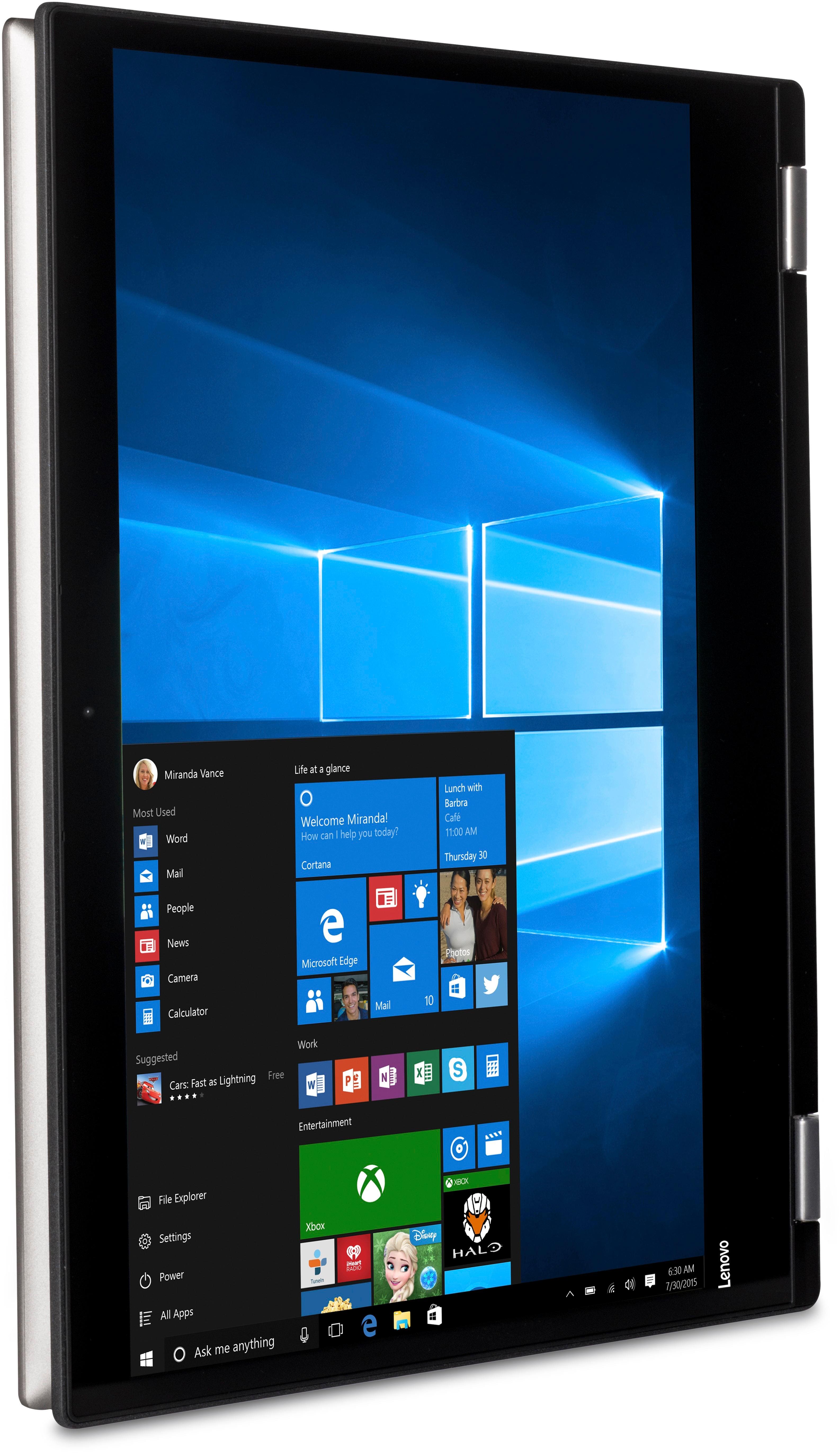
||Posted .This reviewer received promo considerations or sweepstakes entry for writing a review.the touch feature is amazing and the fact you can turn it into a tablet with no hard steps ...just flip it back! its awesome! Great on storage....
I would recommend this to a friendBrand response from Lenovo Product Expert
Posted .Thank you for choosing the Lenovo IdeaPad 2 in 1 14" laptop. We are pleased to hear that the features and performance of the IdeaPad 2 in 1 14" laptop meets your computing needs so well.
- Cons mentioned:Slow
Good Performance, But.....
||Posted .This reviewer received promo considerations or sweepstakes entry for writing a review.A little slow. After checking other reviews, I found there are things I can buy to speed it up. However, they cost as much as the computer. Therefore, I'll work with it as is until the computer is paid off. Also, it could be backlit brighter. As long as I have it plugged in to ac outlet, it's brighter, so not a big problem.
I would recommend this to a friendBrand response from Lenovo Product Expert
Posted .Thank you for choosing the Lenovo IdeaPad 2 in 1 14" laptop. You can change your power settings so your screen brightness is the same either plugged in or on battery. To do this, click on the magnifying glass icon at the bottom left of your Windows 10 screen. Type "Control Panel" in the search window. Select Control Panel from the list. Type "Power" in the Control Panel search window in the top right corner of the Control Panel window. Click on "Edit Power Plan" from the list. You will see settings for both plugged in and battery. At the bottom of the battery settings there is a slider for adjusting the screen brightness. Set this battery side to match the plugged in side. Save your changes at the bottom of the window. Now your screen will be the same brightness plugged in or on battery. This will effect your battery life when not plugged in, as a brighter screen uses more battery power.
Lots of features for the price
||Posted .This reviewer received promo considerations or sweepstakes entry for writing a review.I needed a basic laptop for school and this fits the bill. Processor seems fast enough, picture is clear and it’s a great looking machine. If the processor slows I will upgrade it with a SSD Drive which is fairly cheap at crucial.com.
I would recommend this to a friendGreat laptop for school
||Posted .This reviewer received promo considerations or sweepstakes entry for writing a review.This is a great computer for school. It has great graphics and is easy to use. Works great as a lap top or tablet.
I would recommend this to a friendBrand response from Lenovo Product Expert
Posted .Thank you for choosing the Lenovo IdeaPad 2 in 1 14" Laptop. We are pleased to hear that the features and performance of the IdeaPad 2 in 1 14" Laptop meets your computing needs so well.
- Pros mentioned:Portable, Touch screen
Works Great
||Posted .This reviewer received promo considerations or sweepstakes entry for writing a review.I have had no problems with this device. The touch screen works great and all programs run smoothly. Very handy and portable.
I would recommend this to a friendBrand response from Lenovo Product Expert
Posted .Thank you for choosing the Lenovo IdeaPad 2 in 1 14" laptop. We are pleased to hear that the features and performance of the Ideapad 2 in 1 14" laptop meets your computing needs so well.
awesome.
||Posted .This reviewer received promo considerations or sweepstakes entry for writing a review.got this to replace and upgrade from a google chromebook. so much better and love having outlook again.
I would recommend this to a friendBrand response from Lenovo Product Expert
Posted .Thank you for choosing the Lenovo IdeaPad 2-in-1 laptop. We are pleased to hear that the performance of the IdeaPad 2-in-1 laptop meets your computing needs so well.
- Pros mentioned:Price
Good & affordable laptop for a preteen grandchild
||Posted .This reviewer received promo considerations or sweepstakes entry for writing a review.Purchased a Lenovo 14 inch laptop as a Christmas gift for my Granddaughter based on suggestions of a Best Buy sales associate among other brand and the price was just right. She absolutely loves it now that she's gotten use to it... Thanks to the knowledgeable sales associates at Best Buy
I would recommend this to a friendBrand response from Lenovo Product Expert
Posted .Thank you for choosing the Lenovo IdeaPad 2 in 1 14" laptop for your grand daughter. We are pleased to hear that the value and performance of the IdeaPad 2 in 1 14" laptop meets your grand daughter's computing needs so well.
- Pros mentioned:Portable, Touch screen
GREAT LAPTOP
||Posted .This reviewer received promo considerations or sweepstakes entry for writing a review.Great laptop, my daughter loves it. Especially the touchscreen and ability to separate and hold at different angles.
I would recommend this to a friend