Customer Ratings & Reviews
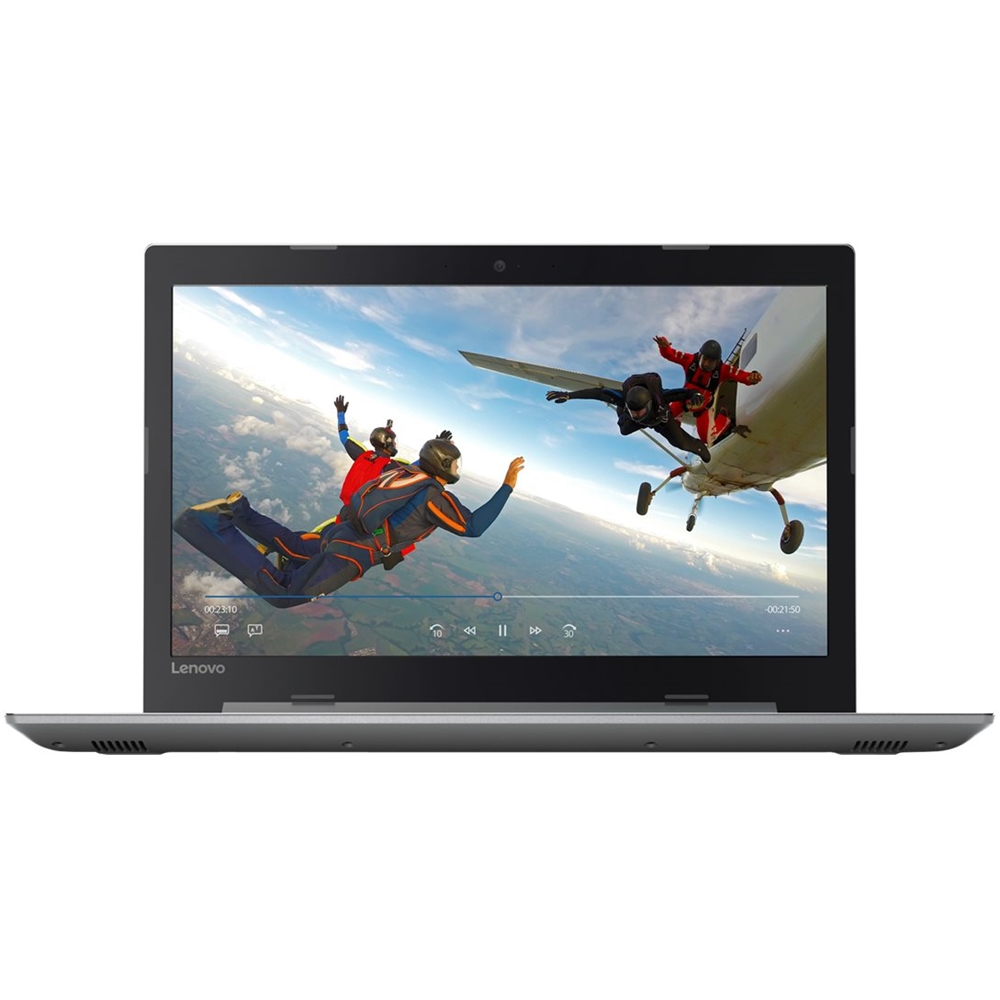
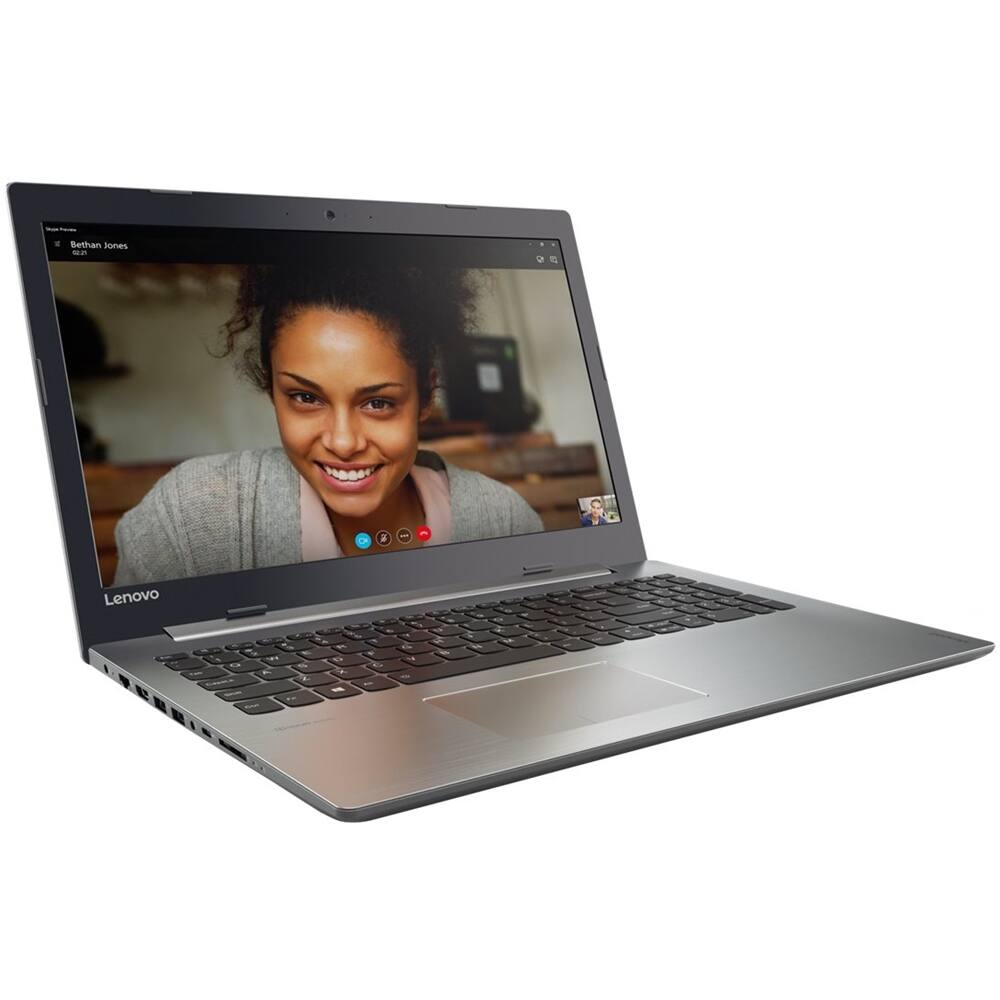
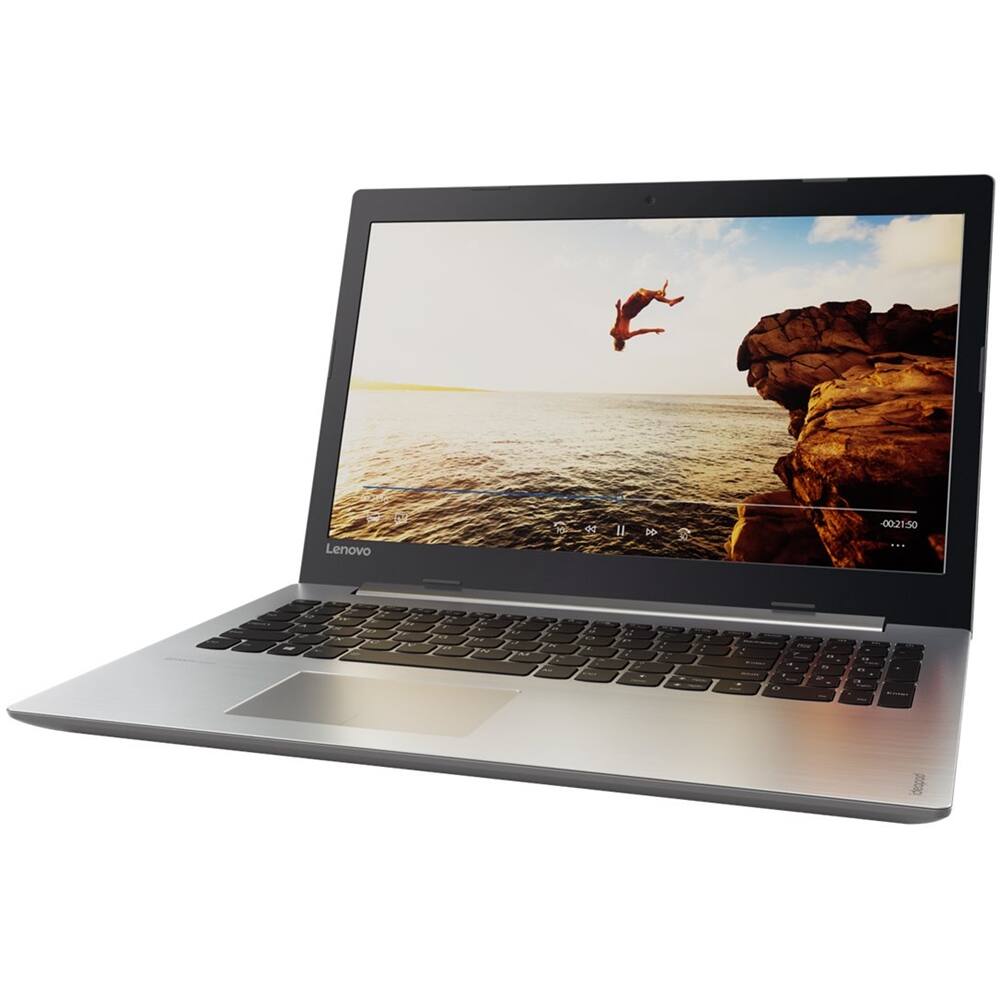
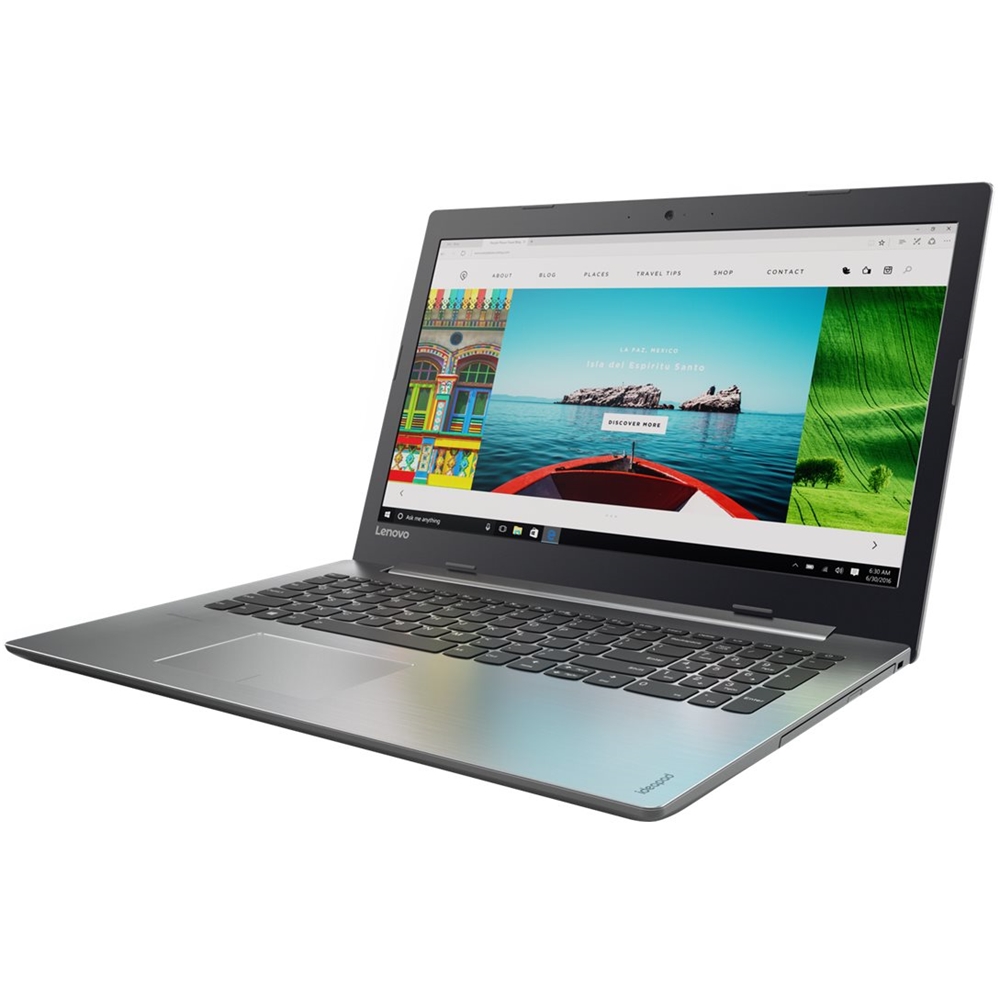
- Model:
- 80XL03CCUS
- SKU:
- 6149601
0%
would recommend
to a friend
to a friend
The vast majority of our reviews come from verified purchases. Reviews from customers may include My Best Buy members, employees, and Tech Insider Network members (as tagged). Select reviewers may receive discounted products, promotional considerations or entries into drawings for honest, helpful reviews.
Page 1 Showing 1 of 1 review
- Cons mentioned:Touchpad
Standard laptop
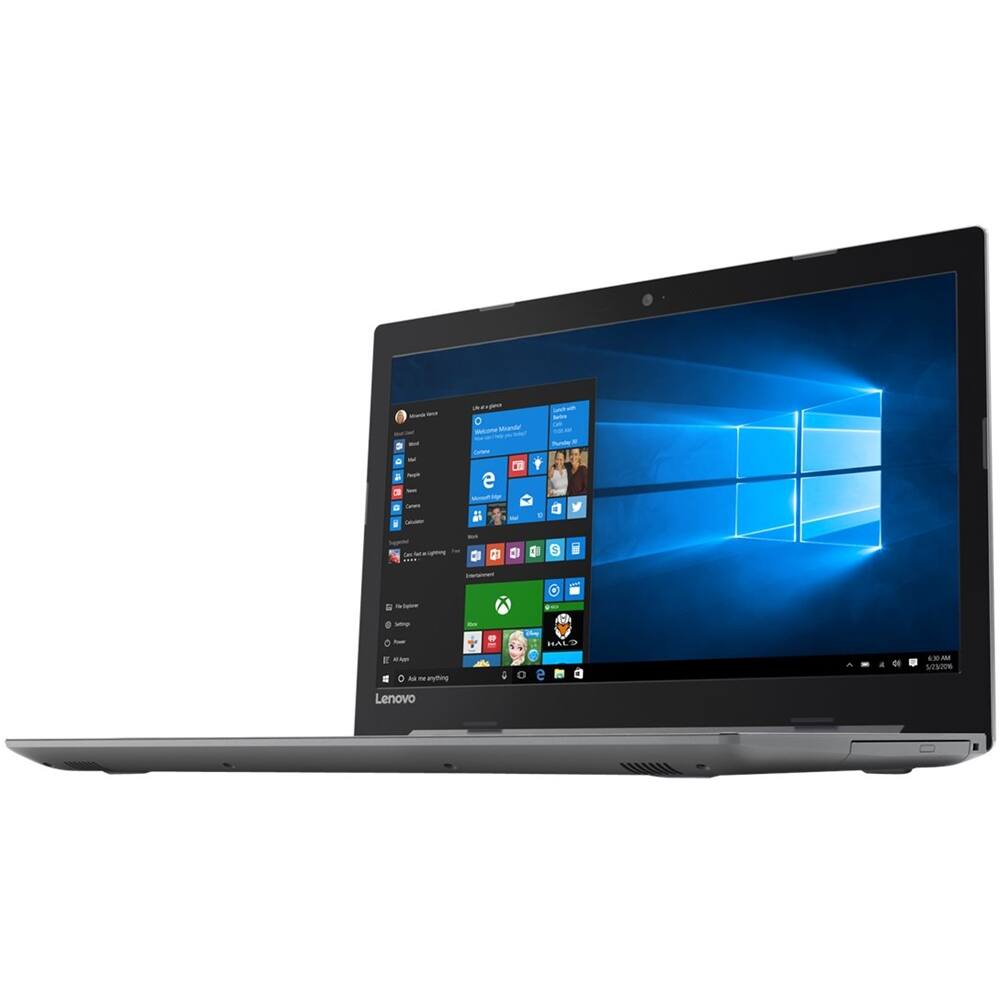
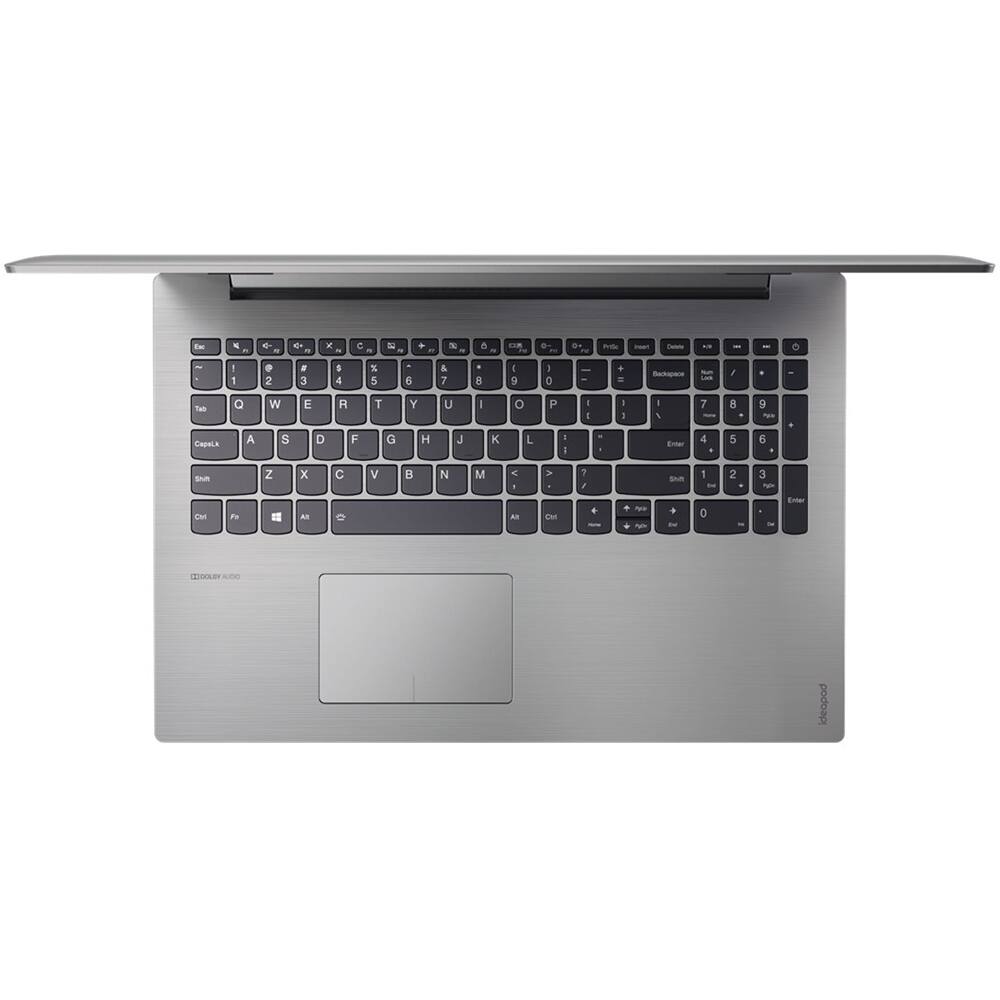
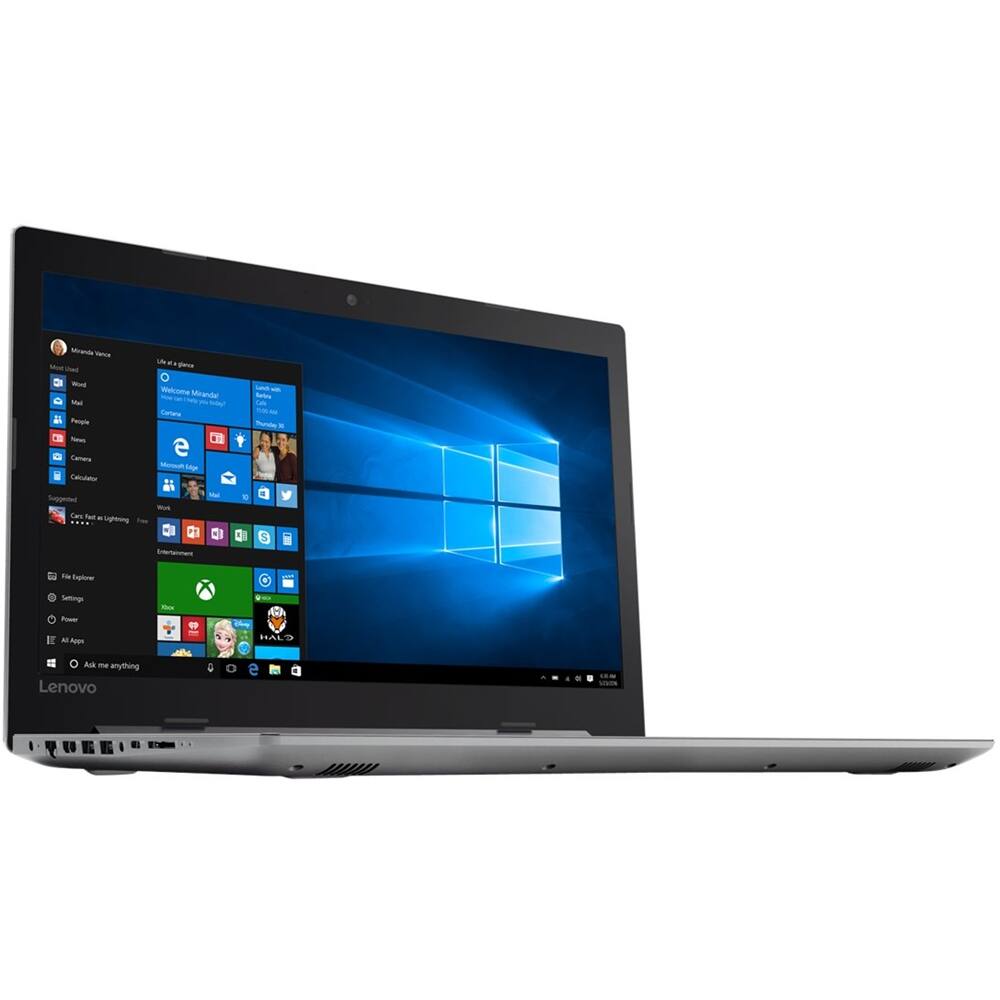
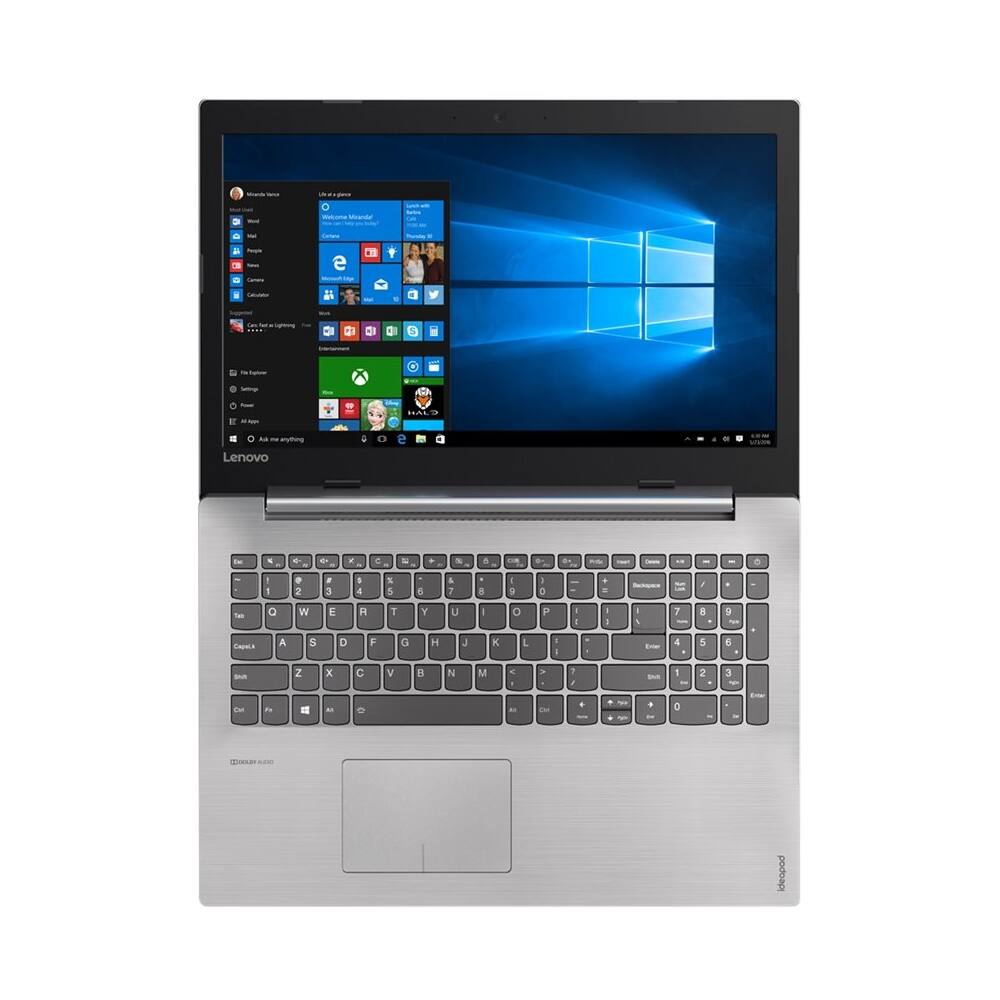
||Posted .This reviewer received promo considerations or sweepstakes entry for writing a review.It is a standard HHD laptop. All standard, except the touchpad sometimes does not respond so I need an external USB mouse to use it.
No, I would not recommend this to a friendBrand response from Lenovo Product Expert
Posted .Thank you for choosing the Lenovo IdeaPad 320-15 laptop. With regard to the touchpad, you can make adjustments to the touchpad in your system settings. You can get there by clicking on the magnifying glass at the bottom left of your Windows 10 screen. Type "touchpad" in the search window. Select "Mouse & touchpad settings" from the list of choices. You can make general adjustments to the touchpad there. You can also select "Additional mouse options" for more detailed adjustments to the touchpad sensitivity by increasing the delay of the touchpad.

Sponsored

















