Customer Ratings & Reviews

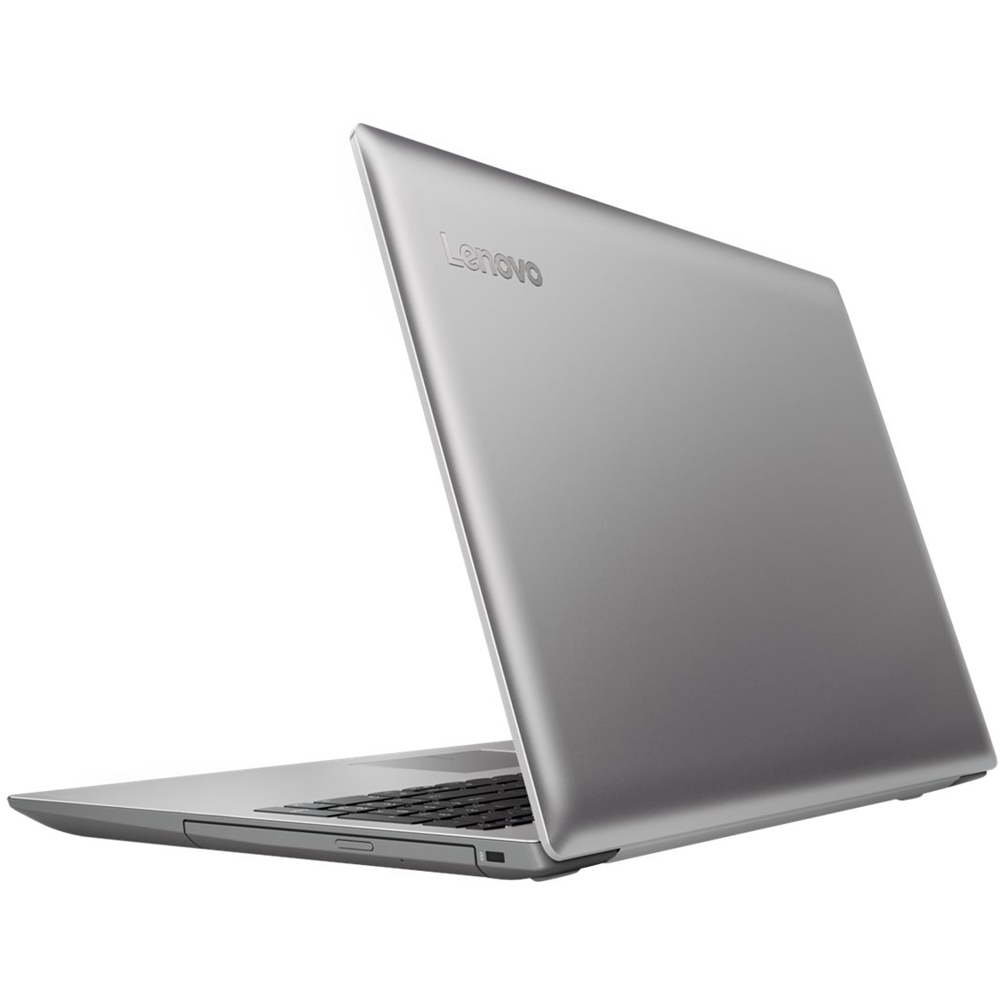

- Model:
- 80XL03CBUS
- SKU:
- 6178632
to a friend
- Cons mentioned:Display, Durability, Speed
Awful, do NOT BUY
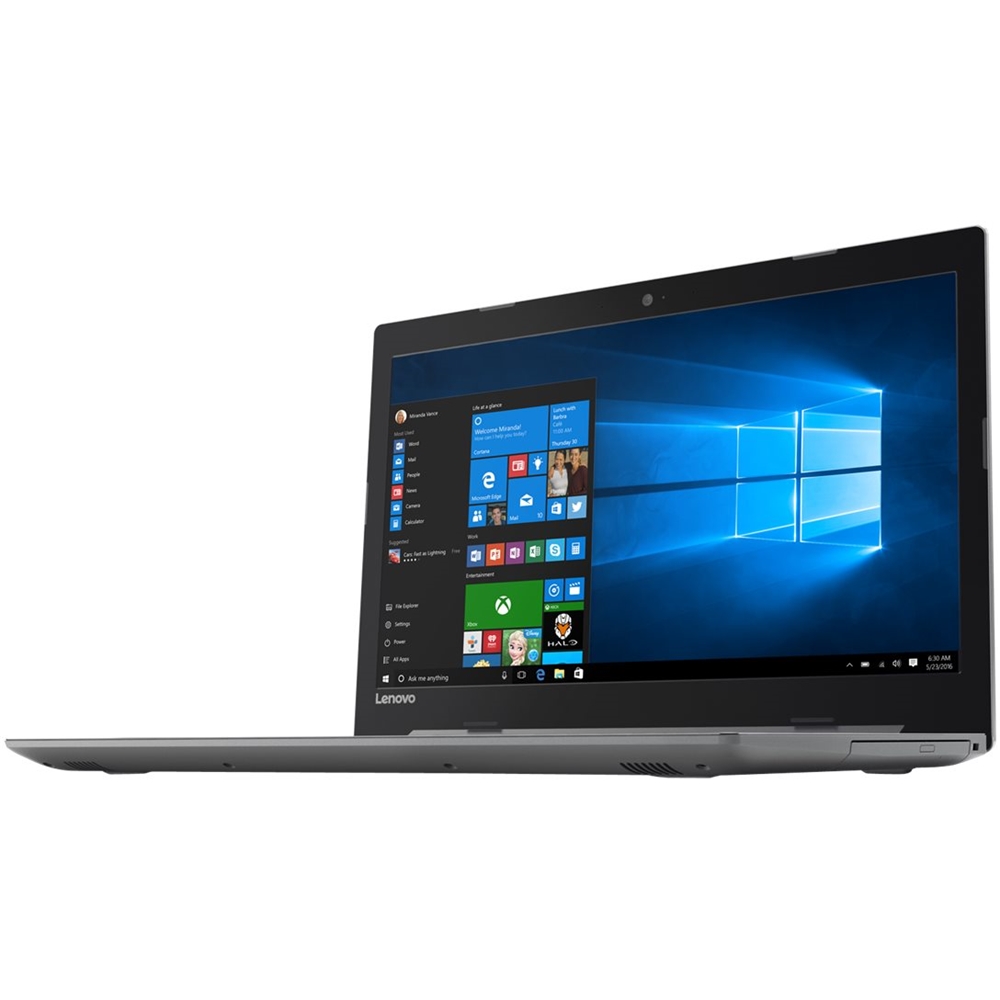
Posted .This reviewer received promo considerations or sweepstakes entry for writing a review.I bought this computer for my first year of college. I am not even in the second semester of my first year and it already broke, did not even last me a year. The display is awful and its very slow. The harddrive has corrpted. Not worth 500
No, I would not recommend this to a friendBrand response from Lenovo Product Expert
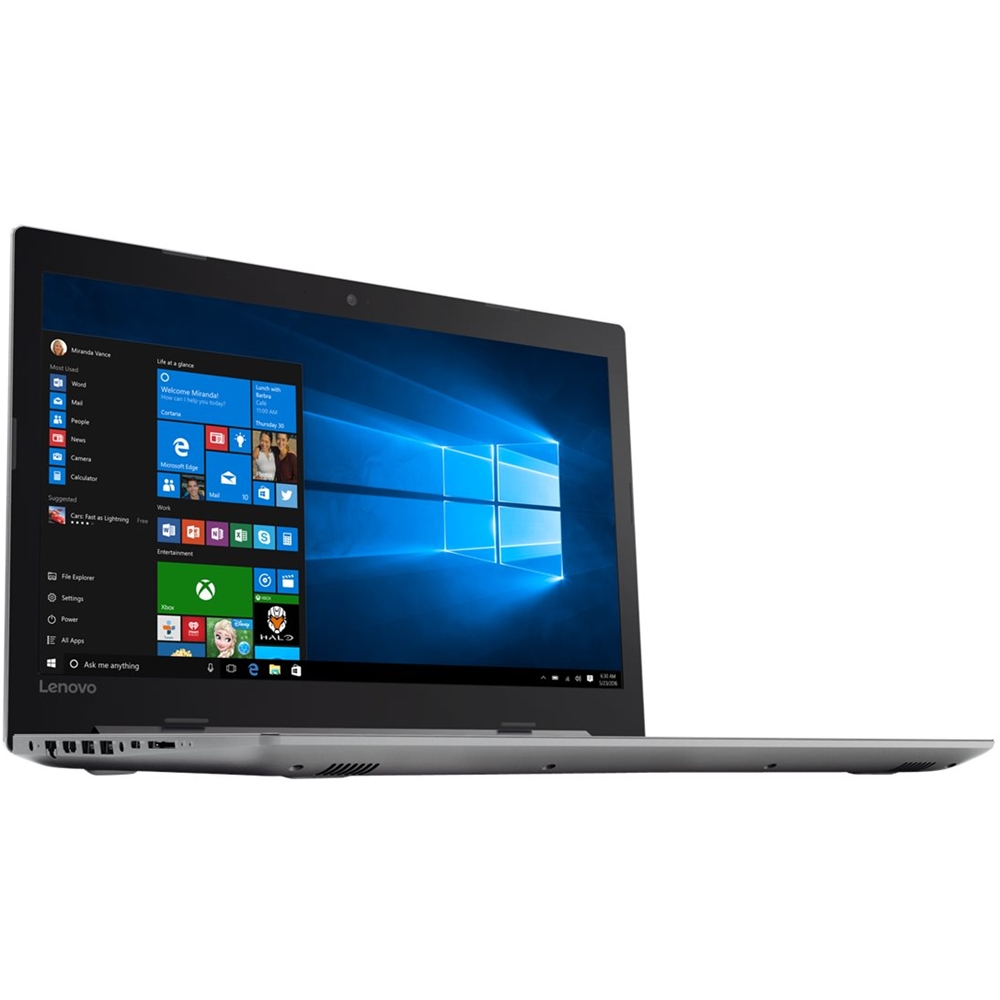
Posted .We are sorry to hear that you are having issues with your Lenovo IdeaPad 320-15 laptop. This system is equipped with OneKey Recovery System. There is a very small pin hole on the left side of the device, right near the SD card slot on the device. You will need a pin to push this reset button. Plug the device in. Let the battery charge for about 15 minutes. Push the reset button. The system should boot to a choice screen where you can choose "Restore To Factory Default". Select this. It will delete everything from the hard drive except the original factory install of the operating system. You will need to reinstall all programs and files after the reset. If you don't have copies of the files, try to make one before you restore by selecting "Boot to desktop" and trying to back up your files.


















