Customer Ratings & Reviews

- Model:
- F0D8001LUS
- SKU:
- 6196003
Rating by feature
- Value
Rating 4.2 out of 5 stars
- Quality
Rating 4.1 out of 5 stars
- Ease of Use
Rating 4.2 out of 5 stars
Customers are saying
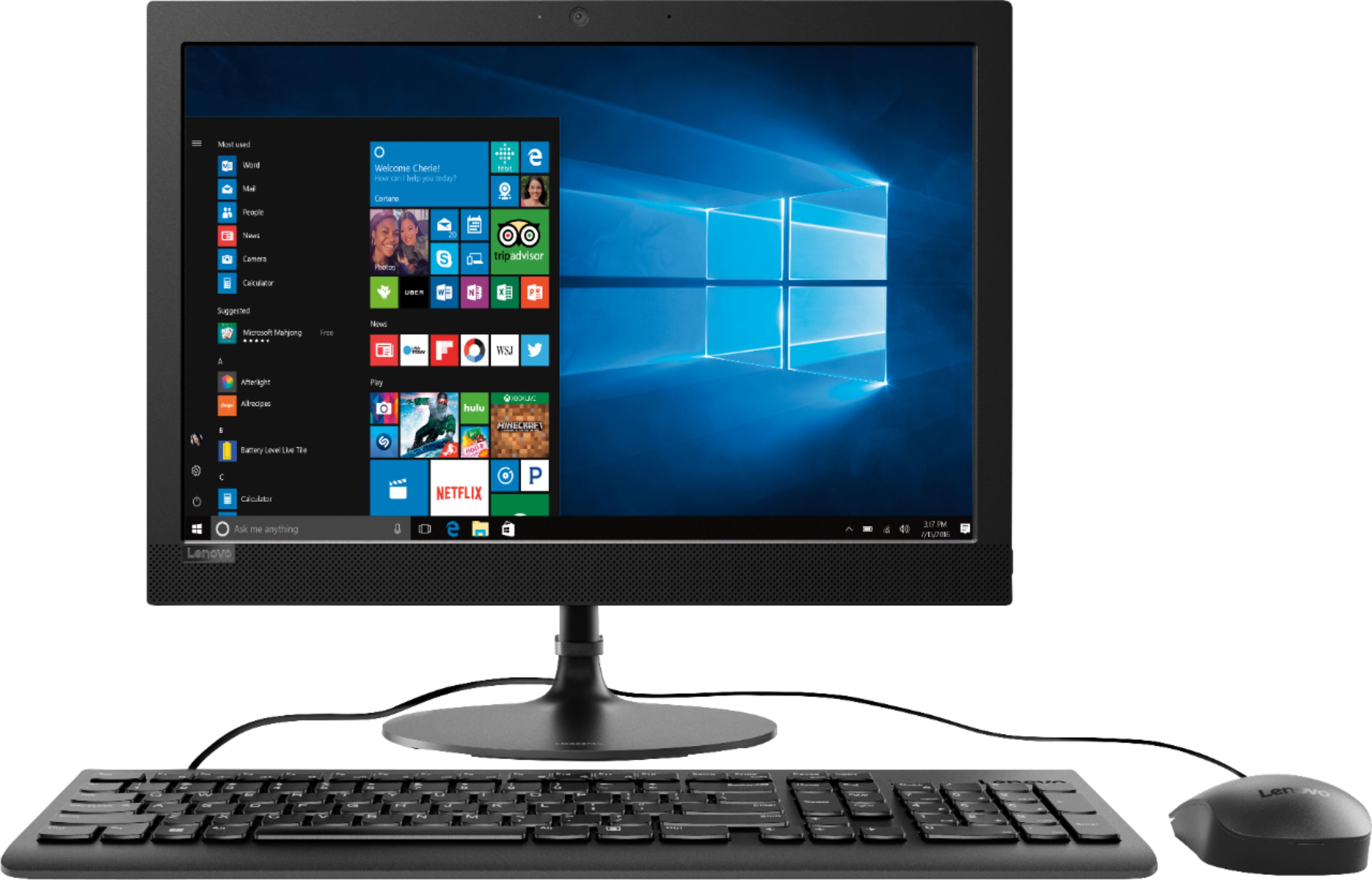
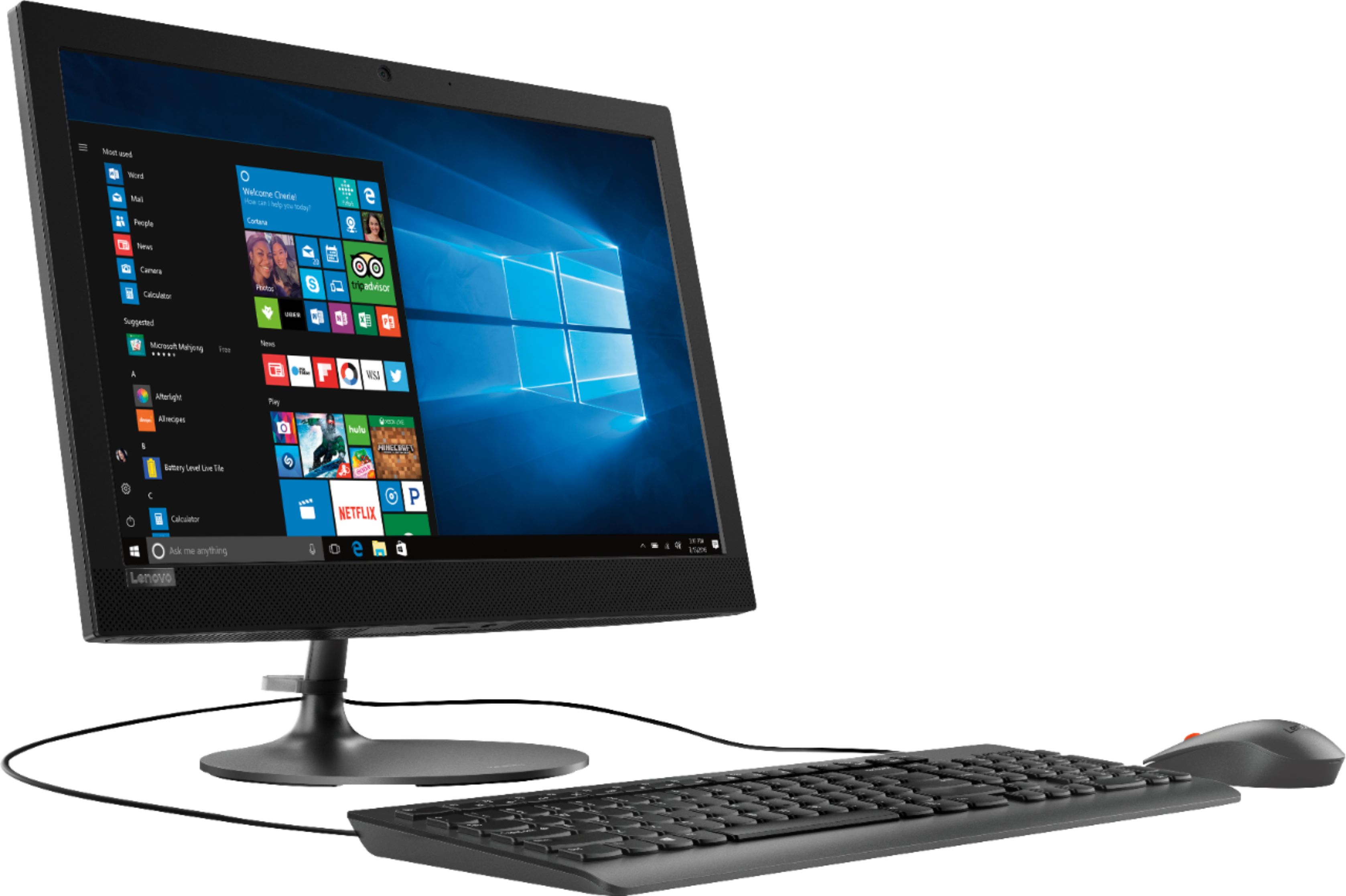
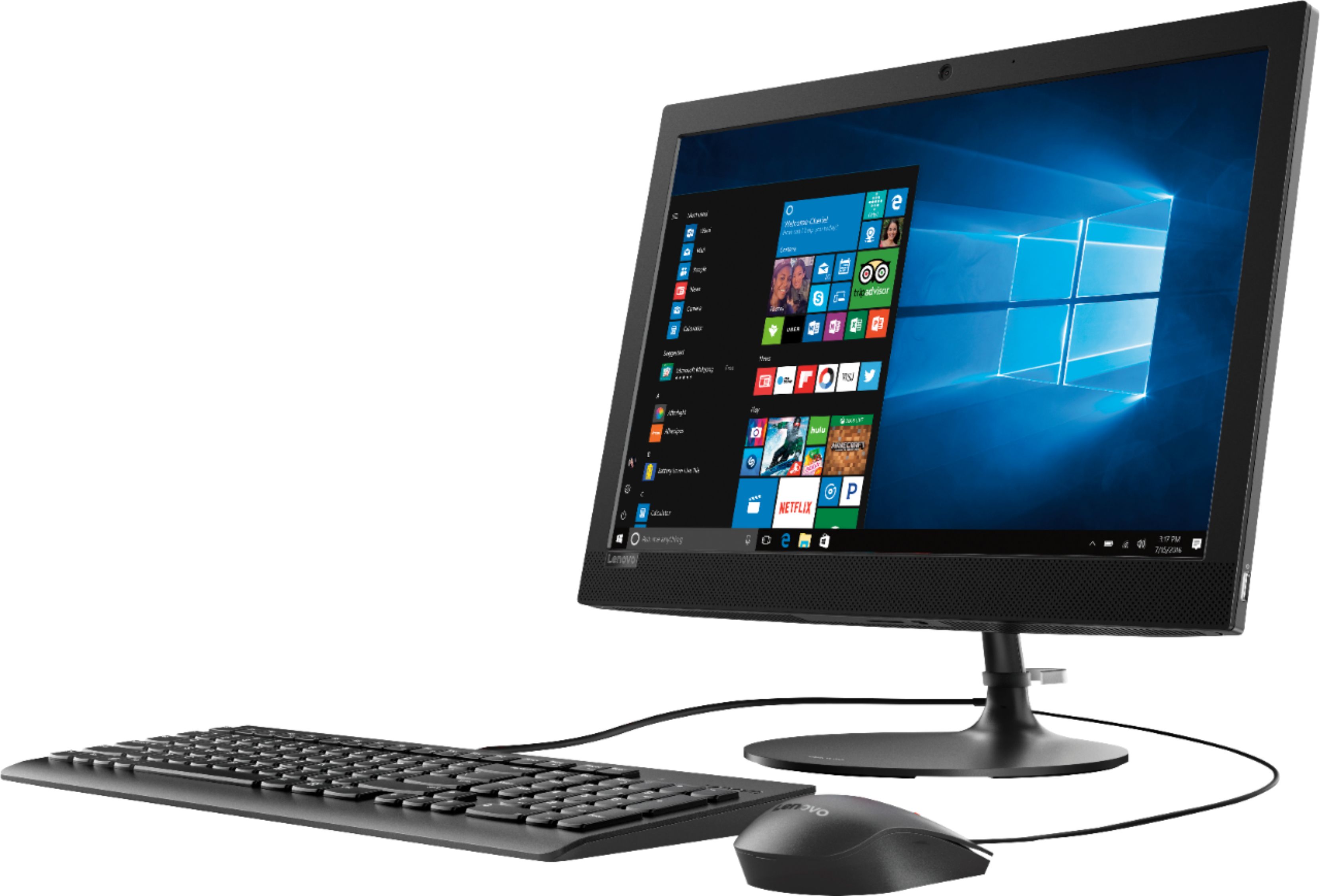
Customers have good things to say about the 330-20AST's ease of use, screen size, and price, frequently citing its simplicity, clear picture quality, and affordability. The all-in-one design and compact size are also appreciated. However, some customers report that the performance and memory could be improved.
This summary was generated by AI based on customer reviews.
- Pros mentioned:Ease of use
Excellent Computer
||Posted .This reviewer received promo considerations or sweepstakes entry for writing a review.It is compact and is easy to see. Windows 10 is user freindly
I would recommend this to a friendBrand response from Lenovo Product Expert
Posted .Thank you for choosing the Lenovo IdeaCentre 330-20 All-In-One system. We are pleased to hear that the IdeaCentre 330-20 AIO is working out so well for you.

- Pros mentioned:Ease of use
I love my computer it’s so nice and runs good!
||Posted .This reviewer received promo considerations or sweepstakes entry for writing a review.I love my all in one computer it easy to use and works well.
I would recommend this to a friendBrand response from Lenovo Product Expert
Posted .Thank you for choosing the Lenovo IdeaCentre 330-20 All-In-One system. This is an entry level, light use system with its AMD E2 processor. It is not meant for multi-tasking or demanding programs. It is good for Microsoft Office and light internet browsing. If this describes your computing needs, the IdeaCentre 330-20 AIO would be a good choice.
- Pros mentioned:Ease of use
Good product
||Posted .This reviewer received promo considerations or sweepstakes entry for writing a review.easy to use, doesn't require a lot of desk space works well
I would recommend this to a friendBrand response from Lenovo Product Expert
Posted .Thank you for choosing the Lenovo IdeaCentre 330-20 All-In-One system. We are pleased to hear that the ease of use and performance of the IdeaCentre 330-20 AIO meets your computing needs so well.
- Cons mentioned:Speed
Good price
||Posted .This reviewer received promo considerations or sweepstakes entry for writing a review.Would recommend. Good price. A little slow but does the job
I would recommend this to a friendBrand response from Lenovo Product Expert
Posted .Thank you for choosing the Lenovo IdeaCentre 330-20 All-In-One system. We are pleased to hear that the value and performance of the IdeaCentre 330-20 AIO meets your computing needs so well. This is an entry level, light use system with its AMD E2 processor. It is not meant for multi-tasking or demanding programs. It is good for Microsoft Office and light internet browsing. If this describes your computing needs, the IdeaCentre 330-20 All-In-One system would be a good choice.
- Pros mentioned:Ease of use
Easy
||Posted .This reviewer received promo considerations or sweepstakes entry for writing a review.Easy to set up it was plug and play. Had no trouble at all
I would recommend this to a friendBrand response from Lenovo Product Expert
Posted .Thank you for choosing the lenovo IdeaCentre 330-20 All-In-One system. We are pleased to hear that the ease of setup and performance of the IdeaCentre 330-20 AIO meets your computing needs so well.
- Pros mentioned:Ease of use
Nice all in one
||Posted .This reviewer received promo considerations or sweepstakes entry for writing a review.Like it. It works for the purpose it was purchased.
I would recommend this to a friend - Pros mentioned:Screen size
Love it
||Posted .This reviewer received promo considerations or sweepstakes entry for writing a review.Love my new computer. Saves space being all in one
I would recommend this to a friendBrand response from Lenovo Product Expert
Posted .Thank you for choosing the Lenovo IdeaCentre 330-20 All-In-One system. We are pleased to hear that the features and performance of the IdeaCentre 330-20 AIO meets your computing needs so well. This is an entry level, light use system with its AMD E2 processor. It is not meant for multi-tasking or demanding programs. It is good for Microsoft Office and light internet browsing. If this describes your computing needs, the IdeaPad 330-20 AIO would be a good choice.
- Pros mentioned:Ease of use
Easy to use
||Posted .This reviewer received promo considerations or sweepstakes entry for writing a review.Easy setup, less space usage. All in one is great.
I would recommend this to a friendBrand response from Lenovo Product Expert
Posted .Thank you for choosing the Lenovo IdeaCentre 330-20 All-in-One system. We are pleased to hear that the ease of setup, features and performance of the IdeaCentre 330-20 AIO meets your computing needs so well.
Does what I need it to do
||Posted .This reviewer received promo considerations or sweepstakes entry for writing a review.Works well, does what I want for home expense and spreadsheets also flyers, home work and what ever web searches i need.
I would recommend this to a friendBrand response from Lenovo Product Expert
Posted .Thank you for choosing the Lenovo IdeaCentre 330-20 All-In-One system. We are pleased to hear that the IdeaCentre 330-20 AIO meets your computing needs so well.
- Pros mentioned:Ease of use
OK
||Posted .This reviewer received promo considerations or sweepstakes entry for writing a review.This computer is OK, for my mother, it's easy to use and does the job.
No, I would not recommend this to a friend - Pros mentioned:Price
Great Value for the Cost
||Posted .This reviewer received promo considerations or sweepstakes entry for writing a review.I was able to but the unit for a very low cost that save me REAL money
I would recommend this to a friendBrand response from Lenovo Product Expert
Posted .The Lenovo IdeaCentre 330-20 All-In-One system is an entry level, light use system with its AMD E2-9000 processor. It is not meant for multi-tasking or demanding programs. It is good for Microsoft Office and light internet browsing. If this describes your computing needs, the IdeaCentre 330-20 AIO would be a good choice.

Lenova All-In-One
||Posted . Owned for 10 months when reviewed.This reviewer received promo considerations or sweepstakes entry for writing a review.Great replacement for the financial office at our church.
I would recommend this to a friendGreat clear picture
||Posted .This reviewer received promo considerations or sweepstakes entry for writing a review.I have enjoyed the large moniter. It has a great camera. It has been fun learning all it can do.
I would recommend this to a friendBrand response from Lenovo Product Expert
Posted .Thank you for choosing the Lenovo IdeaCentre 330-20 All-In-One system. We are pleased to hear that the features and performance of the IdeaCentre 330-20 AIO meets your computing needs so well.
Good
||Posted . Owned for 1 year when reviewed.This reviewer received promo considerations or sweepstakes entry for writing a review.Nothing great about this computer it does the job but overall its a good buy.
I would recommend this to a friend- Cons mentioned:Speed
Not impressed
||Posted .This reviewer received promo considerations or sweepstakes entry for writing a review.I’ve used this pc for a bit now and it’s really slow. It takes a while for any application to open. I’ve verified that its not a network issue so I know it’s the pc. I don’t know why it’s really slow but it is. I would by a better pc it’s your on a tight budget.
No, I would not recommend this to a friendBrand response from Lenovo Product Expert
Posted .The Lenovo IdeaCentre 330-20 All-In-One system is an entry level, light use system with its AMD E2 processor. It is not meant for multi-tasking or demanding programs. It is good for Microsoft Office and light internet browsing. If this describes your computing needs, the IdeaPad 330-20 AIO would be a good choice.
- Cons mentioned:Speed
Slow has Lenovo software
||Posted .This reviewer received promo considerations or sweepstakes entry for writing a review.The computer is slow and lenovo has thing on the computer that you cannot disable. My 5 year old laptop is faster than this new computer. It prints slow via wireless had to run cables to help speed it up. I would not advise this computer it will make you mad.
No, I would not recommend this to a friendBrand response from Lenovo Product Expert
Posted .This is an entry level, light use system with its AMD E2 processor. It is not meant for multi-tasking or demanding programs. Be sure any software you installed is compatible with Windows 10. There is no need to install Microsoft Office software. The software is already part of the operating system, you just need to activate the software with a purchased product key. If you have installed a copy of Microsoft Office, this is conflicting with the existing copy on the system and this will slow your system down. If you have installed a 3rd party anti-virus program, be sure that Windows Defender is turned off and that the trial version of McAfee Anti-Virus software is uninstalled. There can only be one anti-virus program on the system. You may need to restore your system to original factory default settings if any of the programing errors have occurred. You can do that by typing "restore" in the Cortana search window. Just click on the magnifying glass icon at the bottom left of your Windows 10 Desktop. Click on "Reset This PC" Then click on "Get Started" and follow the on screen directions to restore to factory defaults. If the problem persists, we recommend you contact Lenovo Tech Support at: 877-453-6686.
Great for me.
||Posted .This reviewer received promo considerations or sweepstakes entry for writing a review.I have not used a computer in several years, learning all over again. Doing well.
I would recommend this to a friendBrand response from Lenovo Product Expert
Posted .Thank you for choosing the Lenovo IdeaCentre 330-20 All-In-One system. Windows 10 is the heart of the IdeaCentre 330-20 AIO. With regard to learning your way around Windows 10, you may want to try YouTube.com (just type that address in your browser address window). There are hundreds for free instructional videos there about Windows 10. Just type Windows 10 Introduction in to the YouTube search window. You can watch free videos there that will show you the basics all the way up to tips and tricks videos and they're all free.
Really fast and easy to set up
||Posted .This reviewer received promo considerations or sweepstakes entry for writing a review.Really a fun computer and so easy to use..I would 100 percent recommend this pc
I would recommend this to a friendBrand response from Lenovo Product Expert
Posted .Thank you for choosing the lenovo IdeaCentre 330-20 All-In-One system. We are pleased to hear that the ease of setup and use, as well as the performance of the IdeaCentre 330-20 AIO meets your computing needs so well.
Perfect for apartments
||Posted .This reviewer received promo considerations or sweepstakes entry for writing a review.Compact all in one pc works perfectly for my small apartment. No big tower to try and hide. PC works beyond expectations. This is 2nd Lenovo purchase I had made because of quality workmanship. Can’t go wrong with Lenovo.
I would recommend this to a friendBrand response from Lenovo Product Expert
Posted .Thank you for choosing the Lenovo IdeaCentre 330-20 All-In-One system. We appreciate your loyalty to the Lenovo Brand.
Not bad for the price.
||Posted . Owned for 8 months when reviewed.This reviewer received promo considerations or sweepstakes entry for writing a review.Still running fine. Use for word processing and internet.
I would recommend this to a friend