Customer Ratings & Reviews
- Model:
- F0C30012US
- SKU:
- 5196102
to a friend
Customers are saying
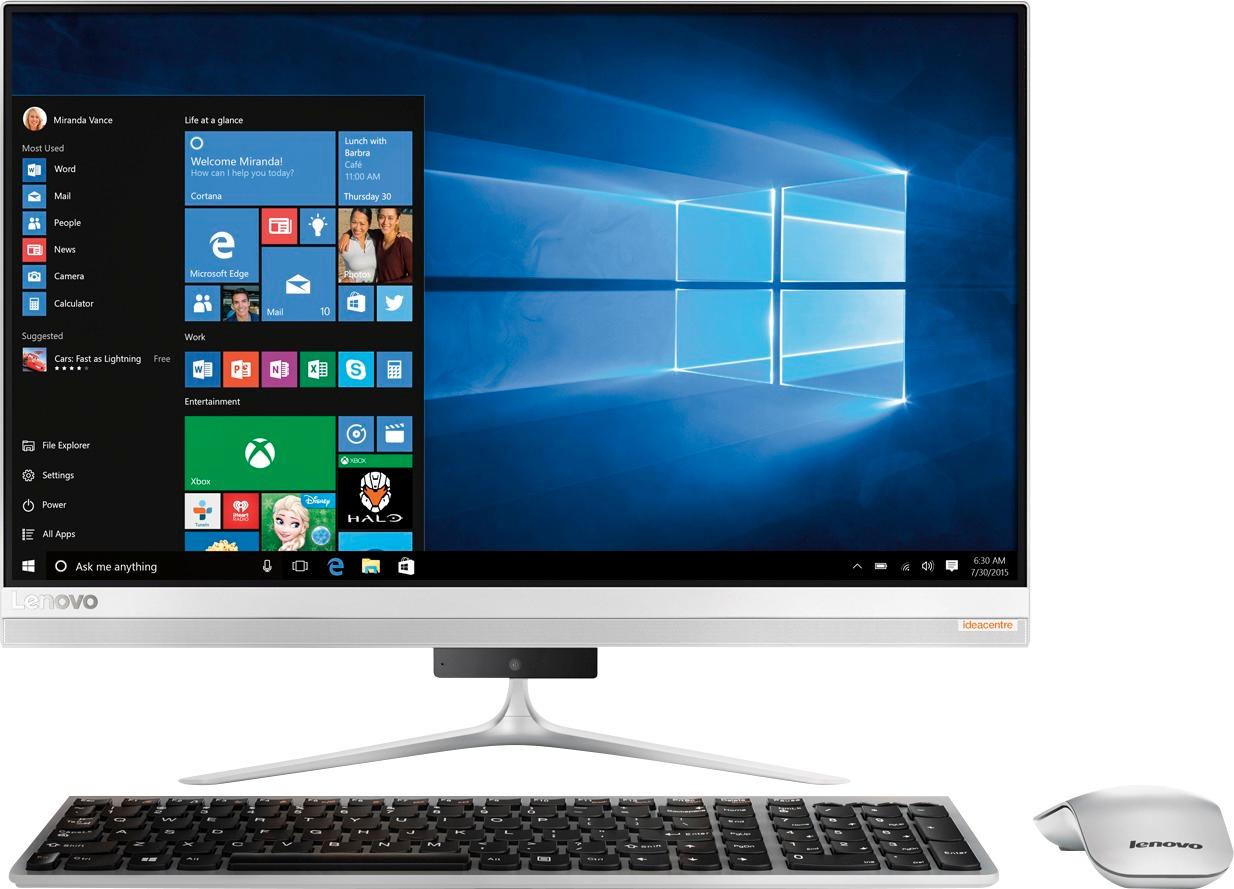
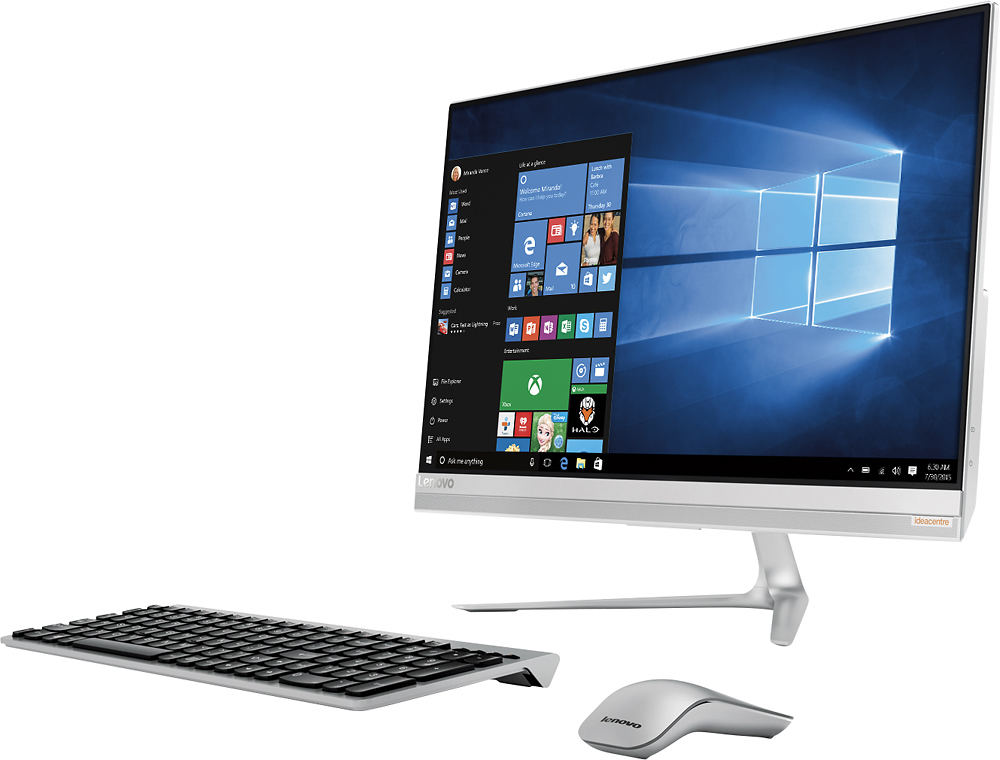
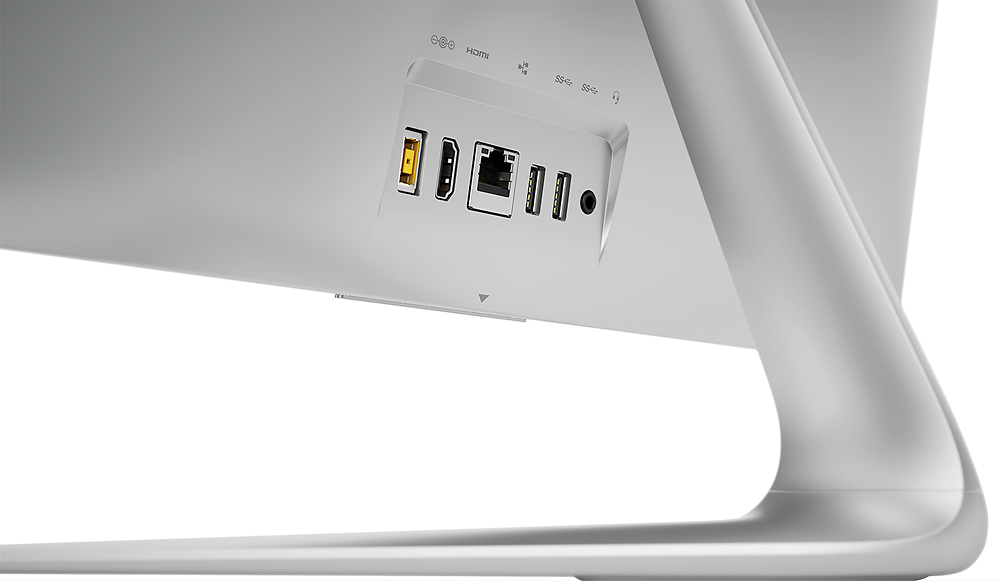
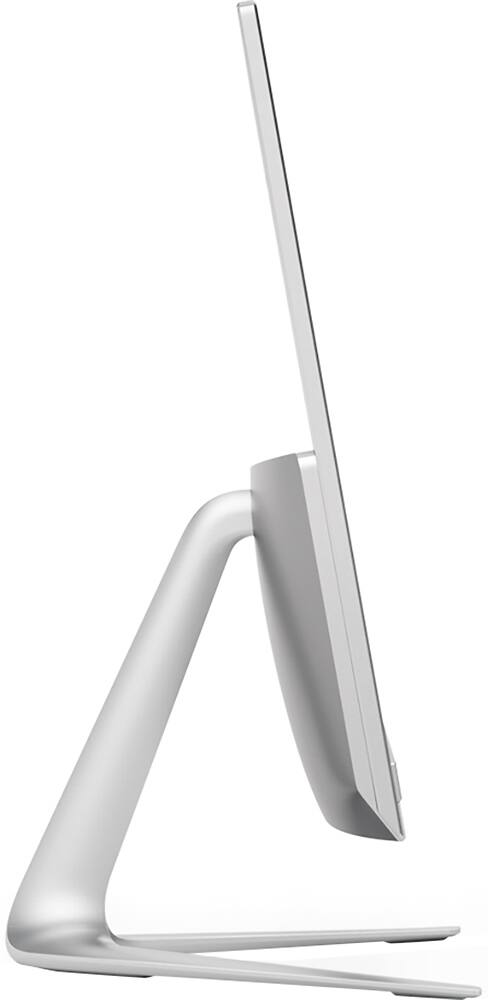
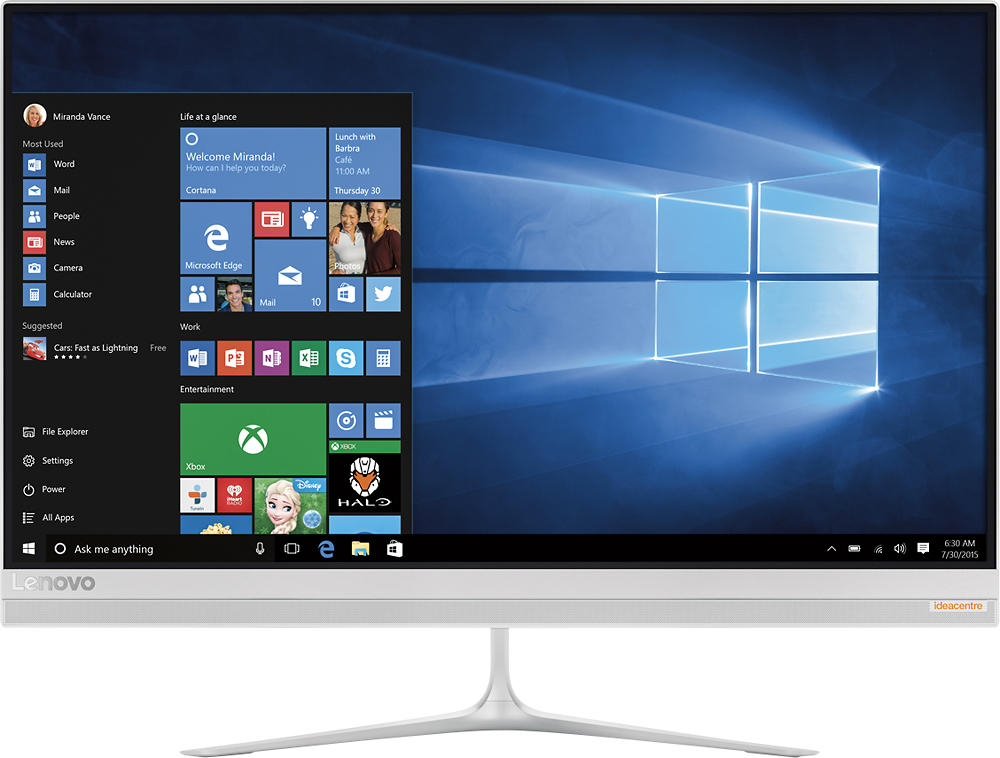
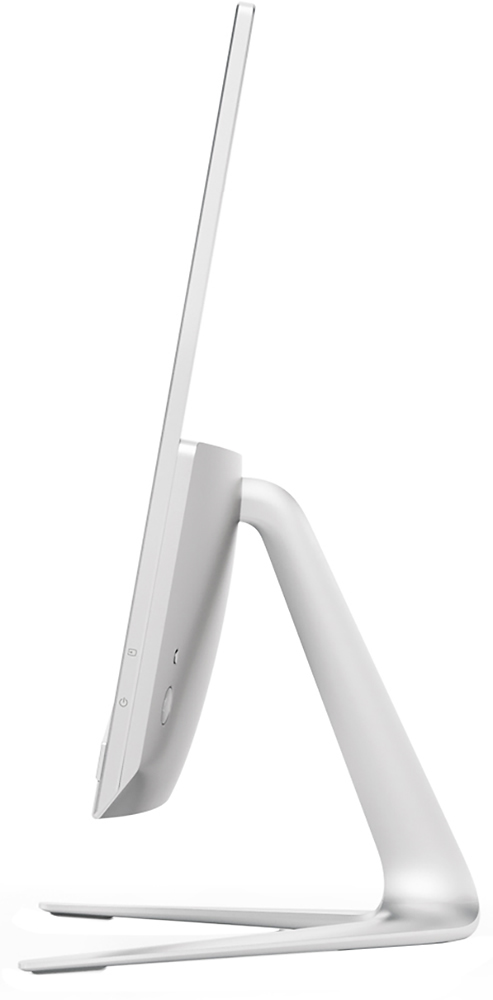
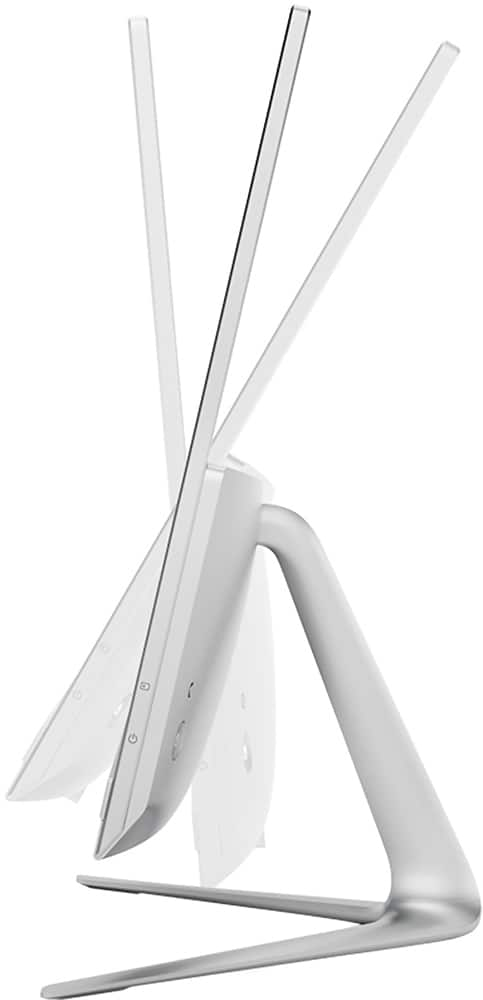
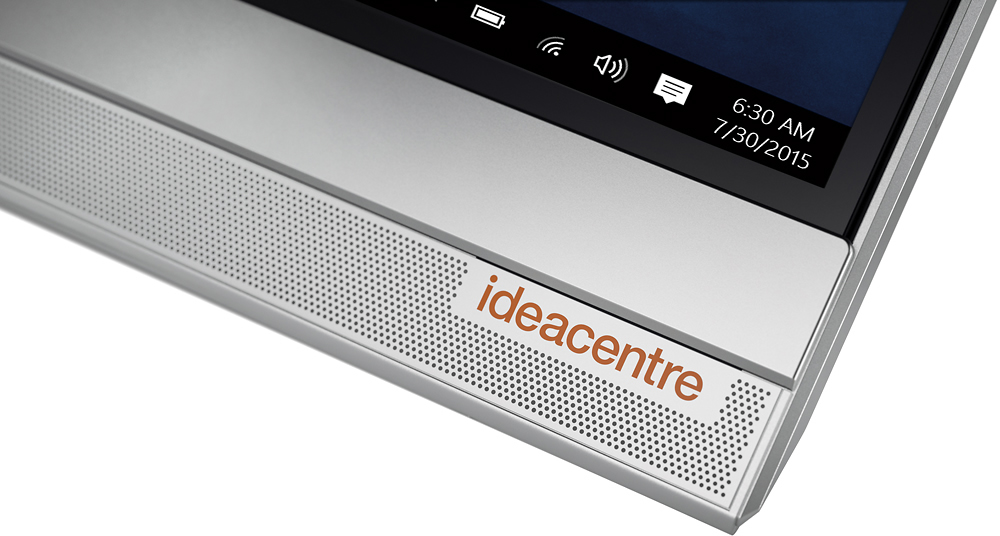
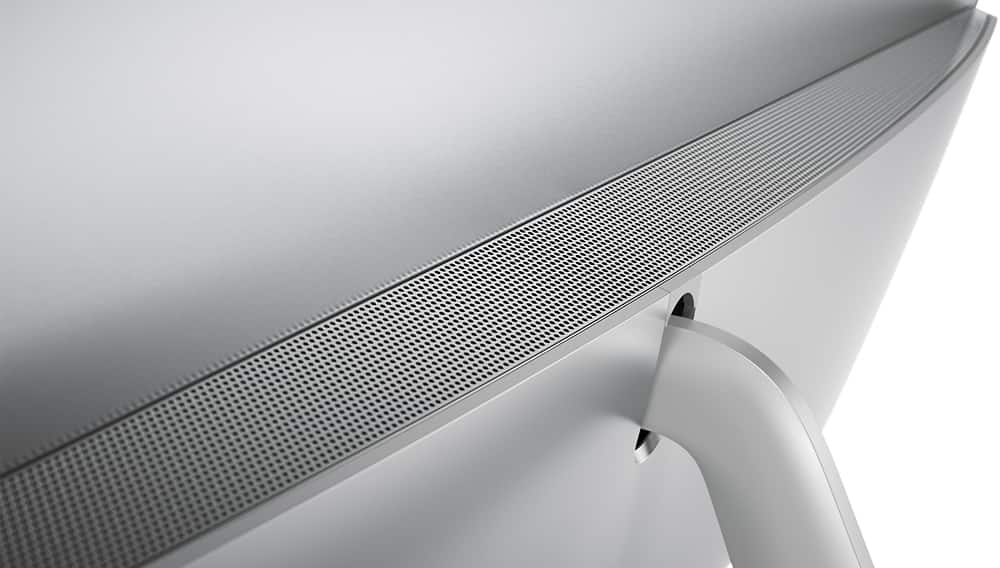
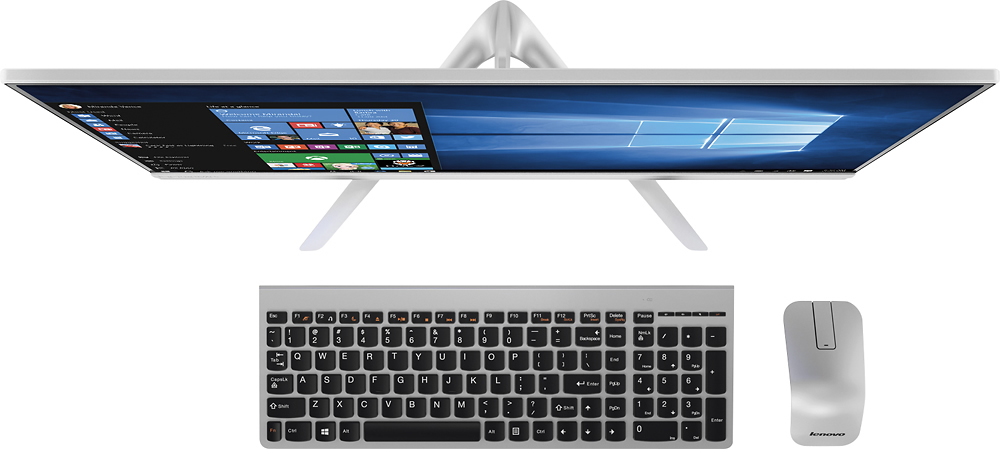
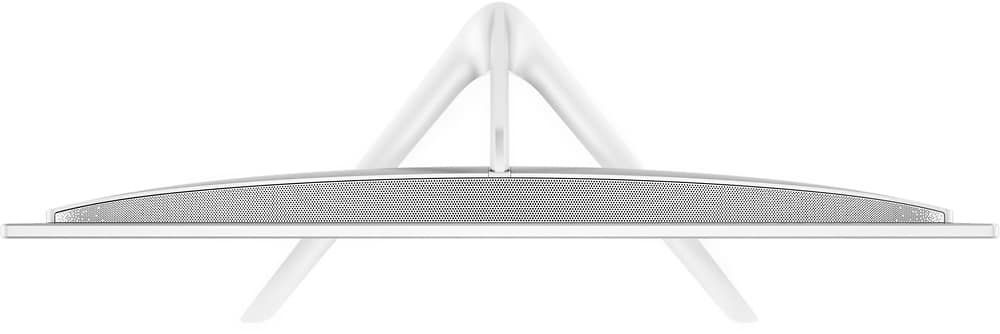
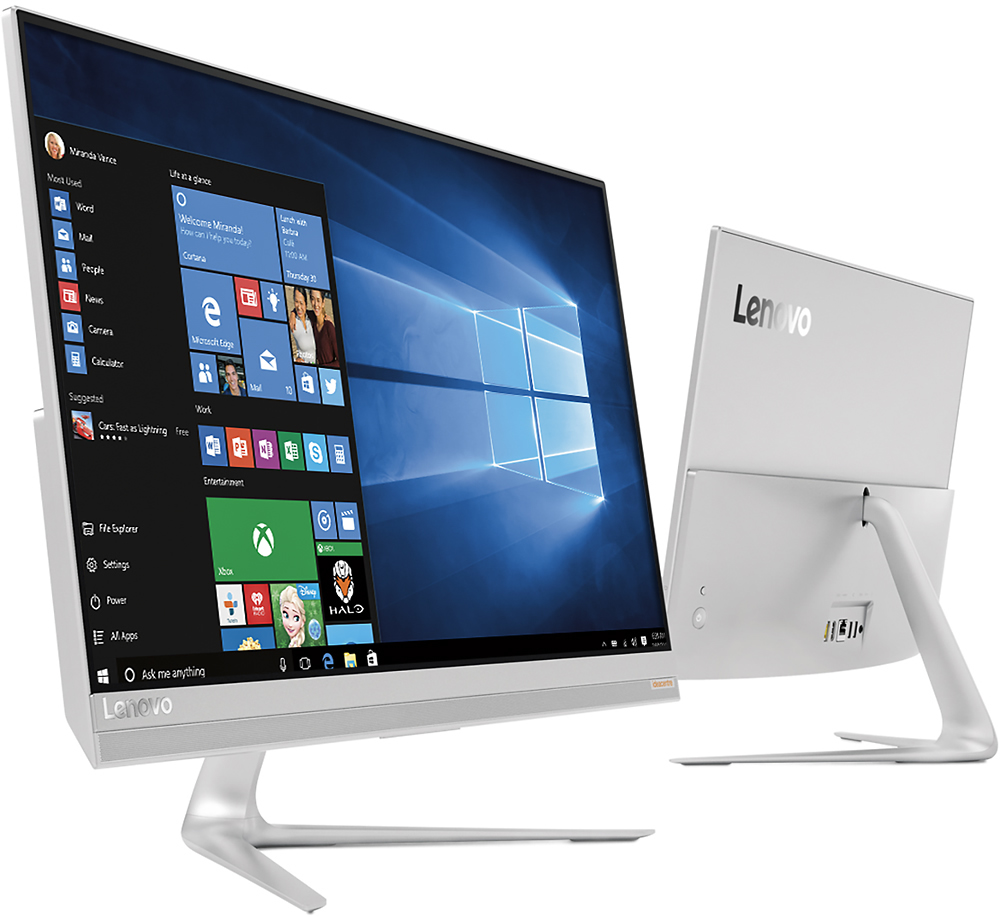
Customers love the responsive touch screen and the ease of use of the 510S-23ISU 23" All-in-One. Many appreciate its sleek design, performance capabilities, and compact size, which is easy to move. However, some customers found the number of USB ports insufficient and the sound quality of the built-in speakers lacking. The overall experience is largely positive, though improvements could be made to the I/O and audio.
This summary was generated by AI based on customer reviews.
- Pros mentioned:Touch screenCons mentioned:Speakers
Love this product!
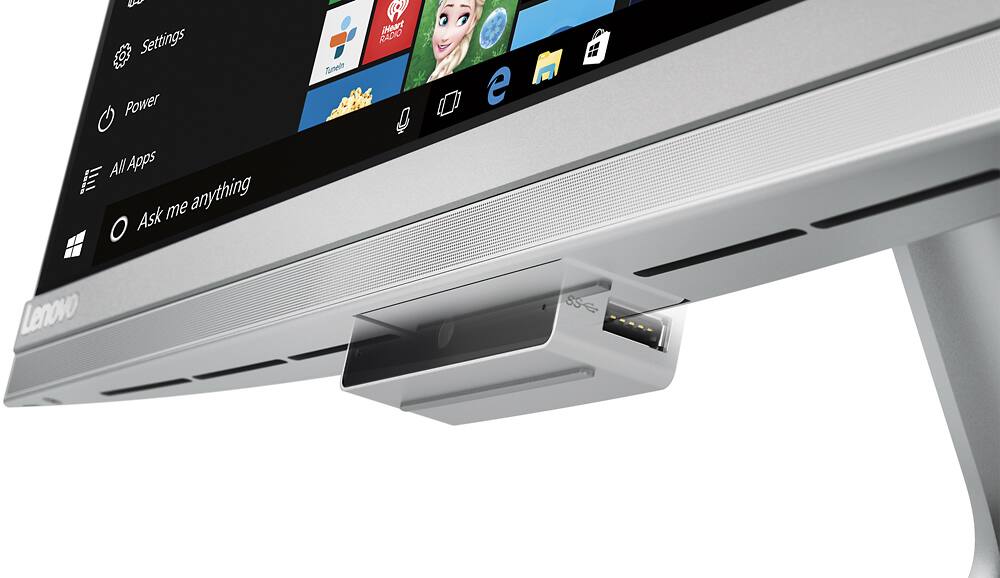
||Posted .This reviewer received promo considerations or sweepstakes entry for writing a review.Large screen, clear picture. I love that everything is right in the monitor. Has a detachable CD/DVD player. Also has a hidden skype that you just push on, and it lowers for use. Everything can be used with a wireless mouse and wireless keyboard, or you can use touch screen. I like that you can enlarge pictures this way too. It also has a touch screen keyboard. The only thing that I could complain about are the speakers. No bass. Other than that, I love it!
I would recommend this to a friend - Pros mentioned:Performance
Looks great in office
||Posted .This reviewer received promo considerations or sweepstakes entry for writing a review.Using this good looking computer for a front desk at work. Office manager loves it and customers notice how good it looks. Performs work tasks easily.
I would recommend this to a friend - Pros mentioned:Speed, Touch screen
Excellent All-in-One
||Posted .This reviewer received promo considerations or sweepstakes entry for writing a review.Extremely fast, yet small, compact PC. The touch screen is nice, but it's a matte display, so it feels odd to touch. Still, the touch screen is very responsive. The included keyboard and mouse are decent, but I replaced the mouse for a more preferred option that was more ergonomic. Overall, I love this PC. Would definitely recommend it above all others in the same price category.
I would recommend this to a friend - Pros mentioned:Touch screen
Great Computer
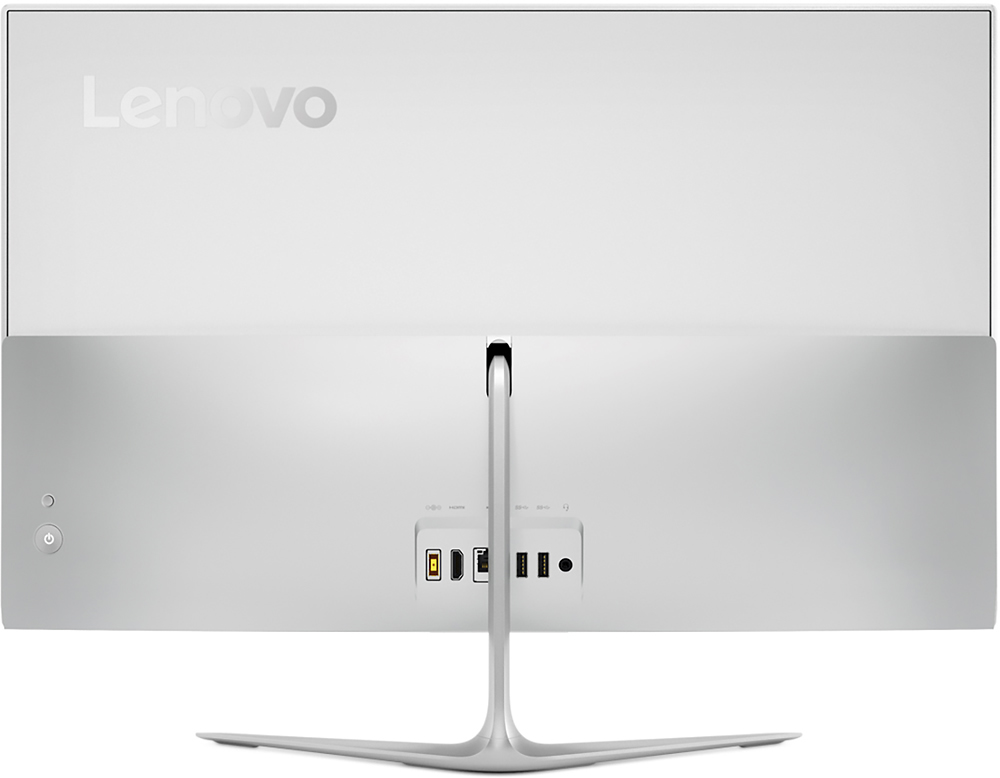
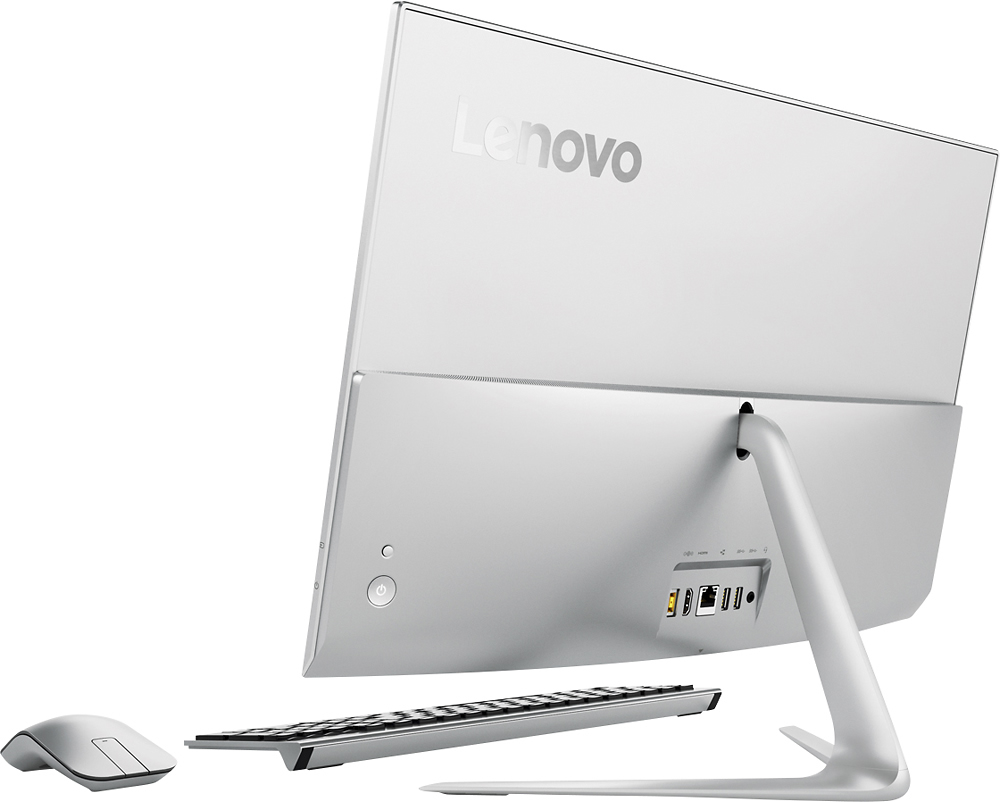
||Posted .This reviewer received promo considerations or sweepstakes entry for writing a review.We have enjoyed this computer. The screen has a great picture, lots of usb ports. The computer is compact. The dvd player is separate from the monitor. This makes it nice of something happens to the dvd player. You can have it fixed without having to take the entire computer in. The only thing that it does not have is the card slot. I did have to purchase a cord to connect my camera to the computer. Other than that it has been great.
I would recommend this to a friend - Pros mentioned:Ease of use
Great device for a great price
||Posted .This reviewer received promo considerations or sweepstakes entry for writing a review.W epurchased this machine for my spouse, and we needed something that was easy to use and efficient. This device exceeded our expectations.
I would recommend this to a friend - Pros mentioned:Ease of use, Speed, Touch screen
Very easy to set up and use
||Posted .This reviewer received promo considerations or sweepstakes entry for writing a review.t I am enjoying this computer. Turns on fast and great screen easy to use.
I would recommend this to a friendBrand response from Lenovo Product Expert
Posted .Thank you for choosing the Lenovo IdeaCentre 510s All-In-One system. We are pleased to hear that the performance of the IdeaCentre 510s AIO meets your computing needs so well.

- Pros mentioned:Ease of use, Speed, Touch screen
Excellent overall
||Posted .This reviewer received promo considerations or sweepstakes entry for writing a review.Large, clear screen, easy to use. Quick response. Good optics.
I would recommend this to a friendBrand response from Lenovo Product Expert
Posted .Thank you for choosing the Lenovo IdeaCentre 510s-23 All-In-One system. We are pleased to hear that the features and performance of the IdeaCentre 510s-23 AIO meets your computing needs so well.
- Pros mentioned:Touch screen
Great basic computer!
||Posted .This reviewer received promo considerations or sweepstakes entry for writing a review.Fantastic school computer. The touchscreen is great for the kids/programming etc. The resolution is nice. Meets all of our needs!
I would recommend this to a friend - Pros mentioned:Touch screen
Great computer
||Posted .This reviewer received promo considerations or sweepstakes entry for writing a review.I love my Lenovo desktop computer. It has touch screen or you can use the mouse. The keyboard an the mouse are wirelessl.
I would recommend this to a friend - Pros mentioned:Design, Ease of use
Nice looking and fast performing!
||Posted .This reviewer received promo considerations or sweepstakes entry for writing a review.I am highly pleased with this sleek desktop. Setting it up was surprisingly easy for a non-techie. The quality and performance is consistent with my expectations of Lenovo. Of note, I have been happily (and heavily) using a Lenovo laptop for the past three years.
I would recommend this to a friendBrand response from Lenovo Product Expert
Posted .Thank you for choosing the Lenovo IdeaCentre 510s-23 All-In-One system. We are pleased to hear that the features and performance of the IdeaCentre 510s-23 AIO meet your computing needs so well. We appreciate your loyalty to the Lenovo Brand.
- Pros mentioned:Touch screen
Great All in One
||Posted .This reviewer received promo considerations or sweepstakes entry for writing a review.Great all in one PC, with all the needs. Was gonna go for Apple, I don't regret to choose this one, fast boot up, good for video stream and everyday use. Best of all touch screen and light weight. ONLY one thing I am not happy about is the Camera location which is on the bottom of the screen, so it makes your face looking a little oddly.
I would recommend this to a friendBrand response from Lenovo Product Expert
Posted .Thank you for choosing the Lenovo IdeaCentre 510s All-In-One system. With regard to the camera placement, we will look in to this for future improvements.
- Pros mentioned:Touch screenCons mentioned:Usb ports
Love it
||Posted .This reviewer received promo considerations or sweepstakes entry for writing a review.I love this computer, the no glare screen is amazing for picture editing and long nights of working. So much easier on the eyes. It works great my one complaint would be the webcam feels a little flimsy when you habe it down to use the USB on the sides of it. I wish the extra usb slots were on the back and that there was a built in disc drive instead of the portable one.
I would recommend this to a friend - Pros mentioned:Ease of use, Speed
It is the nicest computer that I have ever had.
||Posted .This reviewer received promo considerations or sweepstakes entry for writing a review.I had trouble initially with Windows 10. I love the fact that it is a all in one. I used to hate that big tower at my feet that always was in the way. I love the speed of this computer and the ease of using it. That said, I need to tell you that I needed a couple sessions with the Geek Squad to help me. They were great.
I would recommend this to a friendBrand response from Lenovo Product Expert
Posted .Thank you for choosing the Lenovo IdeaCentre 510s-23 All-In-One system. With regard to learning your way around Windows 10, you may want to try YouTube.com (just type that address in your browser address window). There are hundreds for free instructional videos there about Windows 10. Just type Windows 10 Introduction in to the YouTube search window. You can watch free videos there that will show you the basics all the way up to tips and tricks videos and they're all free.
- Pros mentioned:Touch screen
good computer for the house but not a buisness
||Posted .This reviewer received promo considerations or sweepstakes entry for writing a review.it's a little slower than I thought it would be but it does the job the screen is nice and big and the computer is very compact and saves a lot of room but some times it freeses and I have to close the program I am in and restart the program again I didn't think this would hapen to a new computer but it still does maybe it needs to be checked out by the geek scuad
No, I would not recommend this to a friendBrand response from Lenovo Product Expert
Posted .This system should be a fast system with its Core I-5 processor and 8GB of RAM. Be sure any software you installed is compatible with Windows 10. There is no need to install Microsoft Office software. The software is already part of the operating system, you just need to activate the software with a purchased product key. If you have installed a copy of Microsoft Office, this is conflicting with the existing copy on the system and this will slow your system down. If you have installed a 3rd party anti-virus program, be sure that Windows Defender is turned off and that the trial version of McAfee Anti-Virus software is uninstalled. There can only be one anti-virus program on the system. You may need to restore your system to original factory default settings if any of the programing errors have occurred. You can do that by typing "restore" in the Cortana search window. Just click on the magnifying glass icon at the bottom left of your Windows 10 Desktop. Click on "Reset This PC" Then click on "Get Started" and follow the on screen directions to restore to factory defaults.
- Pros mentioned:Ease of use, Touch screen
Outstanding touch screen
||Posted .This reviewer received promo considerations or sweepstakes entry for writing a review.This all-in-one is amazing. It is great to be able to switch back and forth from the keyboard to touch screen. The anti-glare feature is also awesome, especially in the touch screen's current location. This is a very user friendly and reliable machine.
I would recommend this to a friendBrand response from Lenovo Product Expert
Posted .Thank you for choosing the Lenovo IdeaCentre 510s All-In-One system. We are pleased to hear that the features and performance of the IdeaCentre 510s AIO meets your computing needs so well.
- Pros mentioned:Touch screen
Good product all wireless
||Posted .This reviewer received promo considerations or sweepstakes entry for writing a review.Love the touchscreen and wireless mouse and keyboard standard. Plus there is no tower it's built in
I would recommend this to a friend - Pros mentioned:Speed, Touch screen
Great all in one desktop
||Posted .This reviewer received promo considerations or sweepstakes entry for writing a review.Great computer. It boots up quickly, speed is good. Monitor is nice size and display is beautiful. I don't care for the mouse though; when right or left clicking it is stiff, and I find it difficult to scroll accurately. Other than that I'm very pleased with this computer.
I would recommend this to a friendBrand response from Lenovo Product Expert
Posted .Thank you for choosing the Lenovo IdeaCentre 510s-23 All-In-One system. With regard to the mouse, we will make note of this and look in to it for future improvements.
- Pros mentioned:Touch screen
Perfect Computer for Grad Student/Home Office
||Posted .This reviewer received promo considerations or sweepstakes entry for writing a review.I had shopped around for a while looking for an All-in-one that would meet my needs as a doctoral student, and for home office use. I chose this brand and model as a colleague had an older version and really liked it. I completely agree! I love having an all-in-one! The screen is the perfect size so I don't have to strain to see anything and I love being able to go between the keyboard and touchscreen. The screen has a matted effect to help with eliminating glare....LOVE THE FEATURE!!!! Wireless keyboard and mouse work great! I have nothing but positive things to say about the system. I guess the one draw back is the placement of the camera. It is at the bottom of the system so the view isn't flattering, but I have a standing desk that I use to raise the system when I do online video conferencing, which takes care of the issue. I would like to see it go back on top in future models, but other than that I love it!
I would recommend this to a friendBrand response from Lenovo Product Expert
Posted .Thank you for choosing the Lenovo IdeaCentre 510s-23 All-In-One system. We are pleased to hear that the features and performance of the IdeaCentre 510s-23 AIO meets your computing needs so well.
- Pros mentioned:Performance, Touch screen
touch screen is nice
||Posted .This reviewer received promo considerations or sweepstakes entry for writing a review.We've had several laptops before, but since we now have two iPads, we didn't need the portability. This Lenovo so far has performed well. I wasn't sure of the touch screen feature, but I actually like it. I use Quicken a lot , and it's a little slow when I enter my monthly numbers, but overall, I'm satisfied.
I would recommend this to a friendBrand response from Lenovo Product Expert
Posted .Thank you for choosing the Lenovo IdeaCentre 510s-23 All-In-One system. This should be a fast system with its Intel Core I-5 processor and 8GB of RAM. Be sure the programs you are using are compatible with Windows 10 and there are no unwanted programs running in the background.
- Pros mentioned:Speed, Touch screen
Love the thin touch screen
||Posted .This reviewer received promo considerations or sweepstakes entry for writing a review.The icore5 is very fast responding and I love have only one plug for the whole computer. Also the wireless mouse and key board are user friendly. So glad i purched the Lenovo all in one over any other brands which I did a lot of research on before my purchase
I would recommend this to a friendBrand response from Lenovo Product Expert
Posted .Thank you for choosing the Lenovo IdeaCentre 510s All-In-One system. We are pleased to hear that the features and the performance of the IdeaCentre 510s AIO meets your computing needs so well.