Customer Ratings & Reviews


Rating by feature
- Value
Rating 4.3 out of 5 stars
- Quality
Rating 4.1 out of 5 stars
- Ease of Use
Rating 4.4 out of 5 stars
Customers are saying
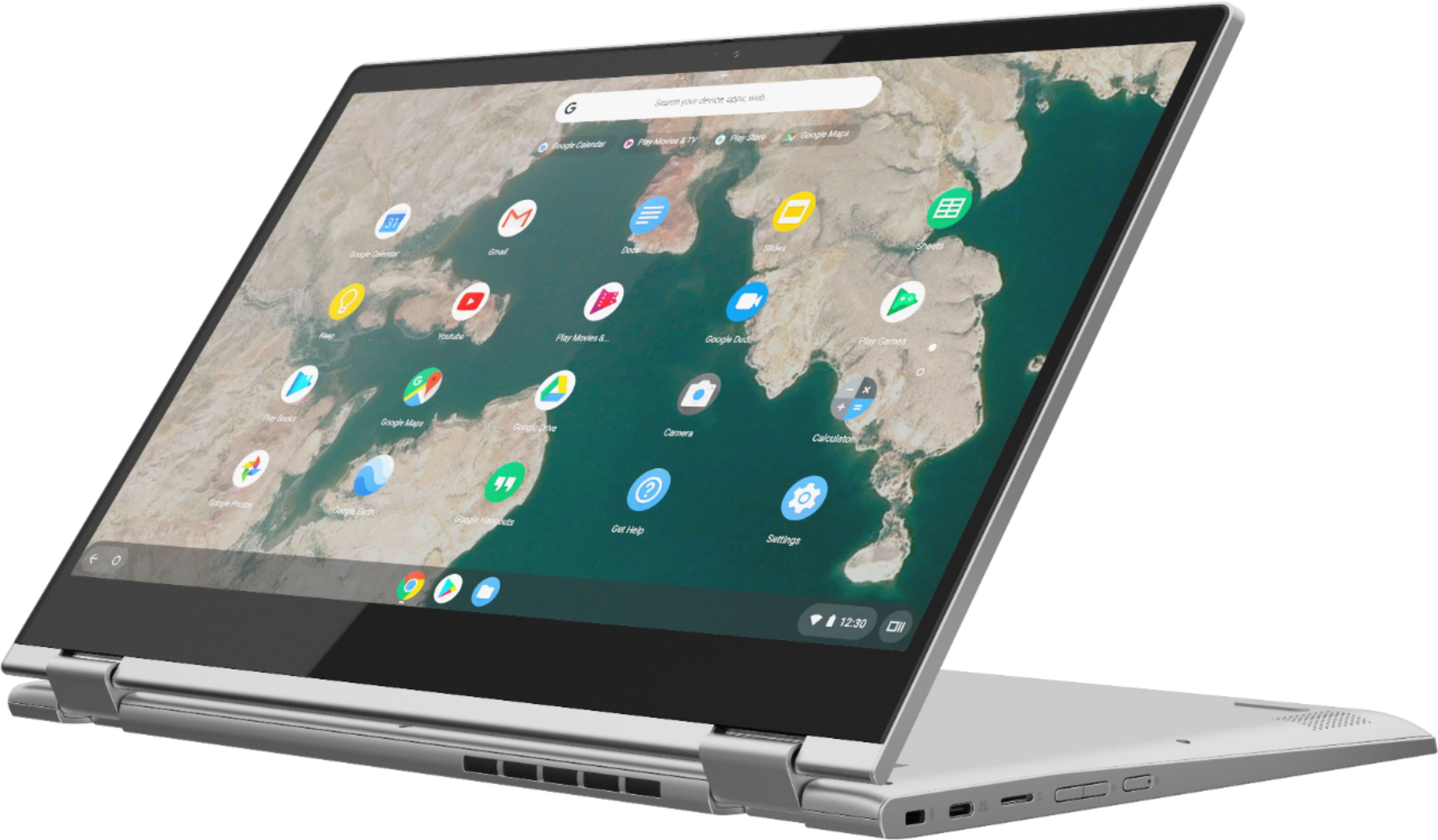
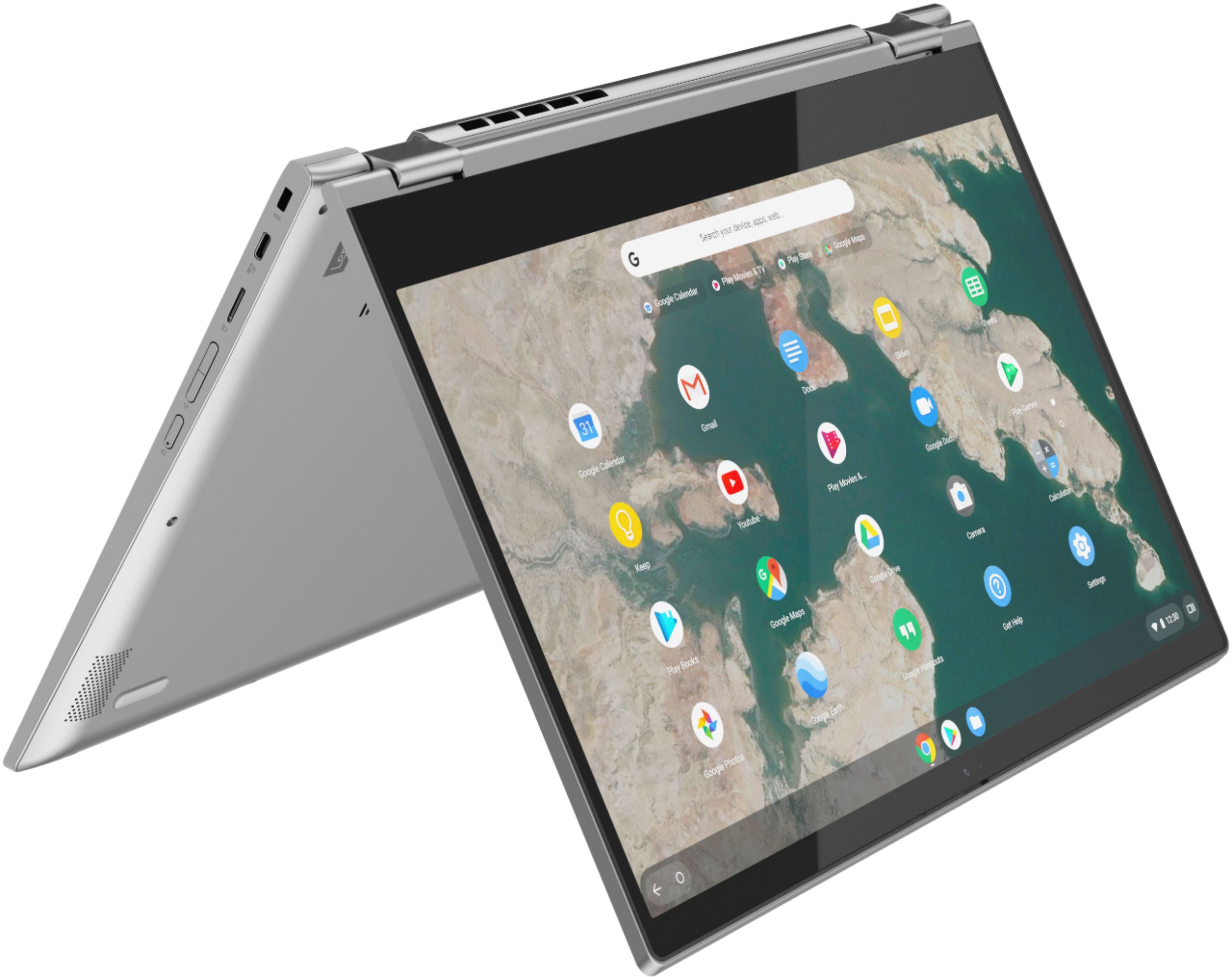
Customers admire the C340-15 Chromebook's large, responsive touchscreen, praising its ease of use and excellent battery life. Many appreciate the device's lightweight and sleek design, finding it comfortable and convenient to use. Positive feedback also highlights the high-quality construction and good sound. Overall, the Chromebook receives overwhelmingly positive reviews for its user-friendly features.
This summary was generated by AI based on customer reviews.
Camera Stopped Working 2 Weeks After Buying
||Posted . Owned for 1 month when reviewed.This reviewer received promo considerations or sweepstakes entry for writing a review.I purchased this computer for my son for remote learning, it seemed like it worked fine but a week later the camera stopped working. I restarted the machine and it worked fine. That happened several times until a week later the camera just stopped working altogether. The machine recognized it, it could even pick up a hint of light, but that's not sufficient for a school environment. I returned the machine and purchased a different brand.
No, I would not recommend this to a friendBrand response from Lenovo Product Expert
Posted .We are sorry to hear that you are having issues with the webcam on your Lenovo C340-15 Chromebook. It is possible that resetting your chromebook back to original factory settings will correct the issue you describe with the webcam. Here is a link to instructions for resetting a chromebook: https://support.google.com/chromebook/answer/183084?hl=en. If the issue continues, we recommend you call Lenovo Tech Support for Chromebooks at: 800-426-7378.

You get what you pay for
||Posted . Owned for 3 months when reviewed.This reviewer received promo considerations or sweepstakes entry for writing a review.I needed a quick laptop to use while transitioning to WAS (work at home) and this seemed to be a good buy with mixed reviews... I returned it the very next day. Its so flimsy and slow. I wouldn't even recommended this to someone buying it for a first time kids lap top. When I think Lenovo I always think quality and efficiency but this was not it.
No, I would not recommend this to a friendBrand response from Lenovo Product Expert
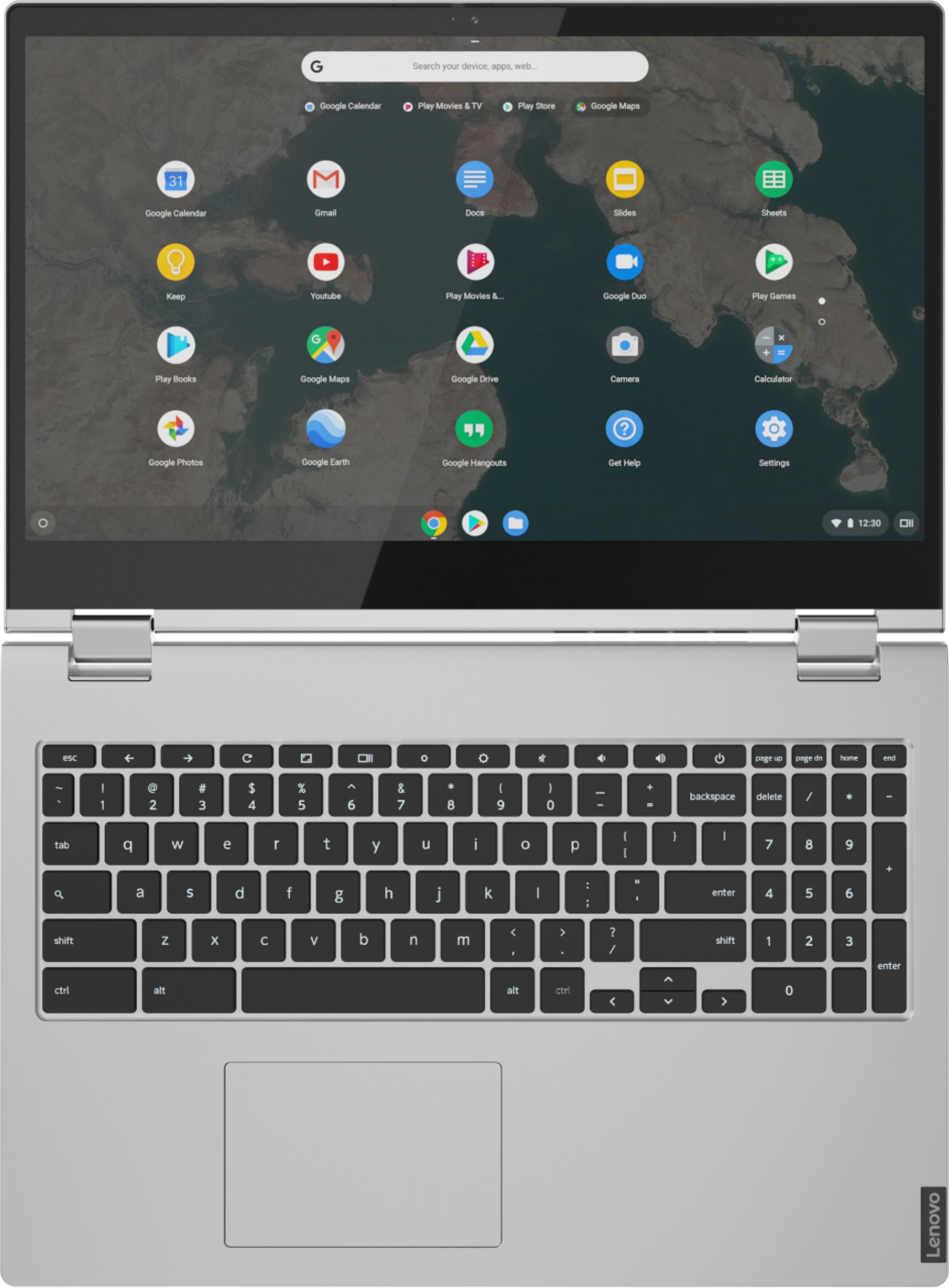
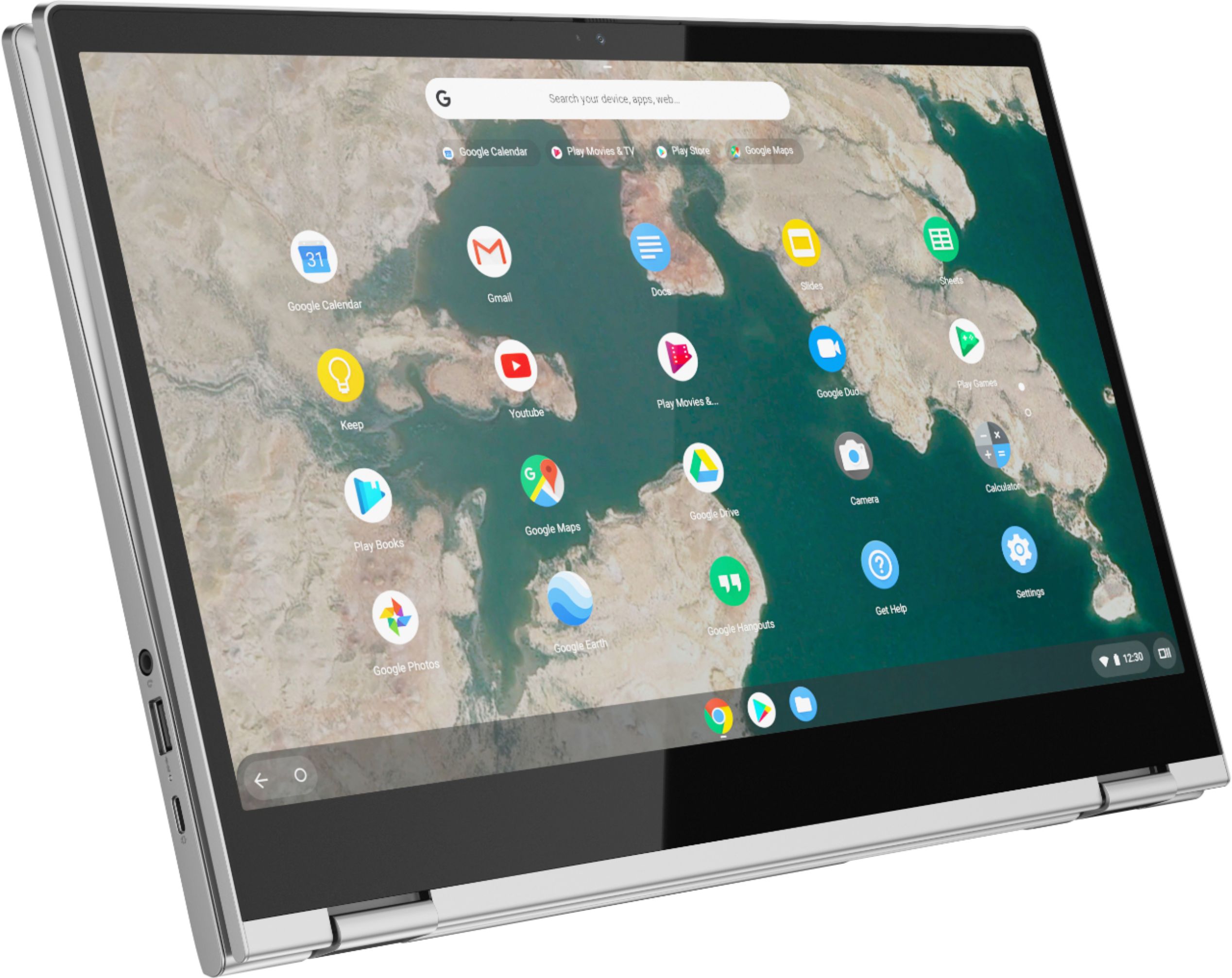
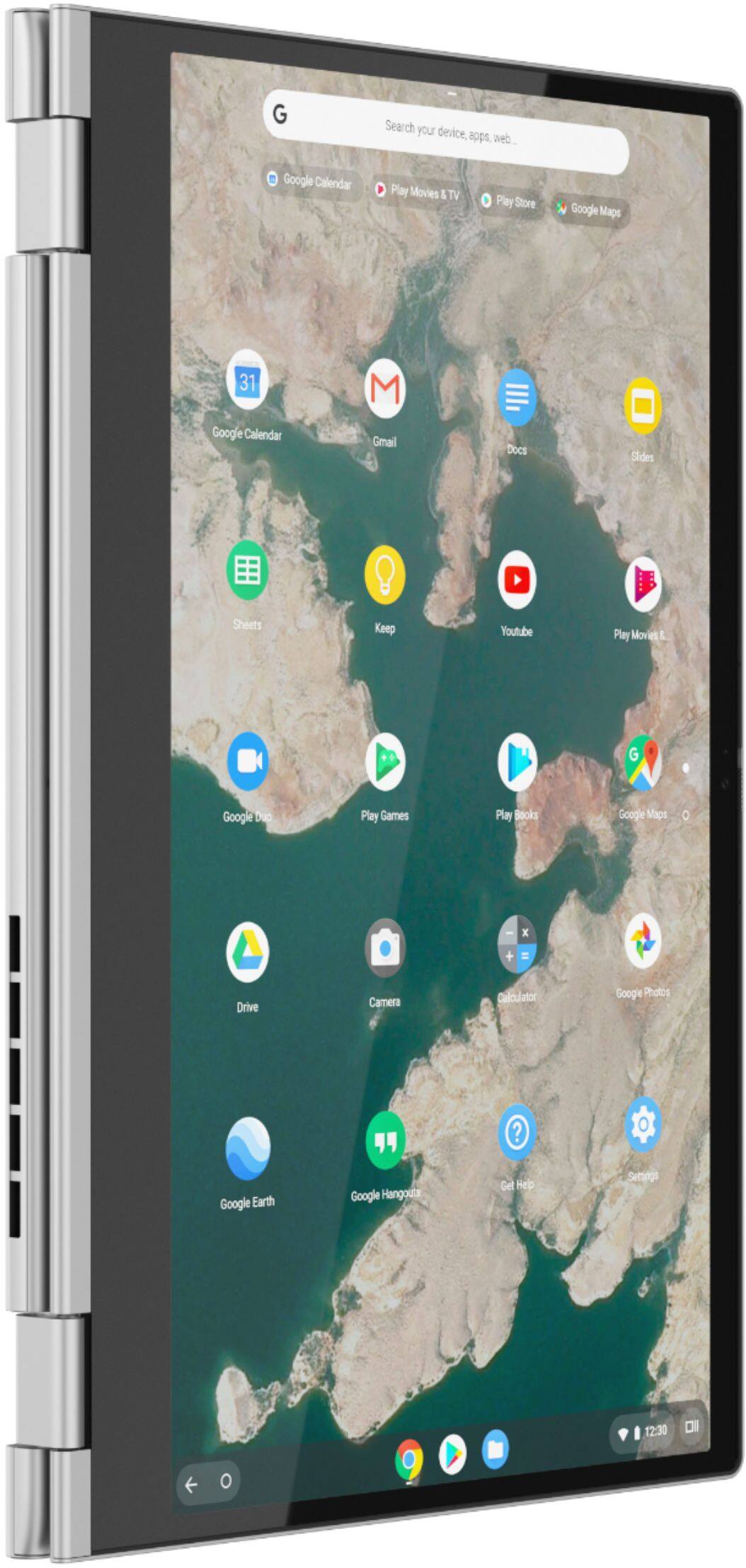
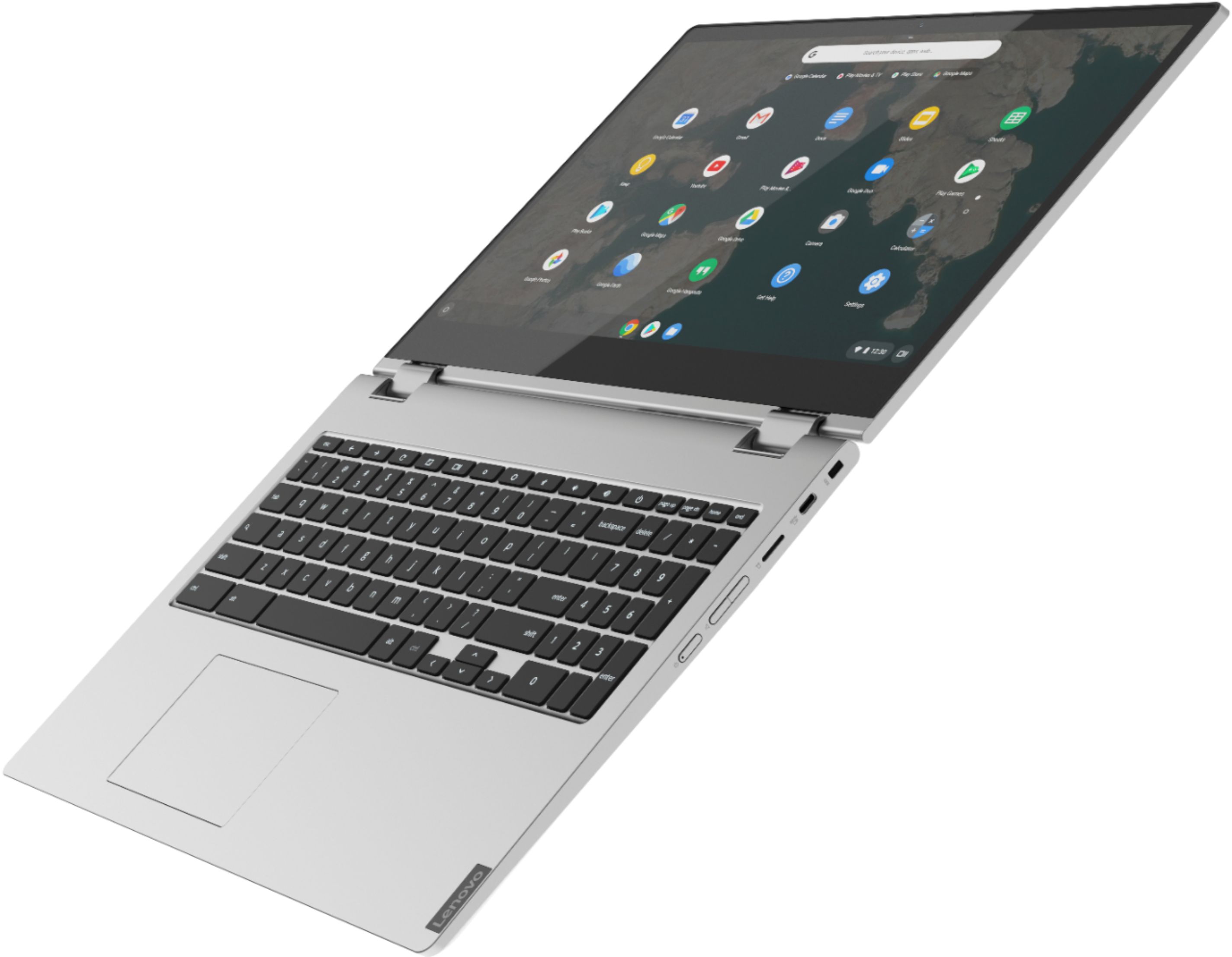
Posted .The impressive Chromebook C340-15 boasts an ultraportable 360-degree convertible design, all day battery life and premium Intel processing. Offering laptop power, along with the speedy and easy-to-use Chrome OS, it also has a full keyboard with a numeric pad and spacious trackpad. Google Play Store is your gateway to productivity and entertainment on the Chromebook C340-15. With millions of apps at your fingertips from the moment you log in, you’ll enjoy a rich library of games, music, movies, TV, books, and more. Whether you’re into photography, picking stocks, or just keeping up with your friends, there’s an app for you.
Chrome is way to hard and time consuming to learn
||Posted . Owned for 3 weeks when reviewed.This reviewer received promo considerations or sweepstakes entry for writing a review.If you have been a windows user, switching to Chrome is very difficult without being with someone there to walk you through it.
No, I would not recommend this to a friendBrand response from Lenovo Product Expert
Posted .We are sorry to hear that you are having issues learning the Chrome Operating System. Here is a link to a YouTube video introducing new users to their Chromebooks, there are many other videos available at YouTube explaining the use of a Chromebook and the videos are all free: https://www.youtube.com/watch?v=44Ds2uTFISg
Lenovo C340
||Posted .This reviewer received promo considerations or sweepstakes entry for writing a review.The laptop is nice, but the only downside is that it is not compatible with active styluses.
I would recommend this to a friendIt’s ok.
||Posted . Owned for 1 year when reviewed.This reviewer received promo considerations or sweepstakes entry for writing a review.Sound cuts in and out on the browser after about a year of use.
No, I would not recommend this to a friendjust ok, nothing special
||Posted . Owned for 1 month when reviewed.This reviewer received promo considerations or sweepstakes entry for writing a review.Have an issue with the screen staying upright. When using the previous screen option, goes back and screen not centered. Off the left side. Just an average touchscreen. Think this is overpriced for the quality.
No, I would not recommend this to a friendBrand response from Lenovo Product Expert
Posted .The Lenovo C340-14 Chromebook has 360-degree hinges on the screen that are positionable anywhere along the 360-degree arc. If you are having issues with the screen image transitioning from laptop mode to tablet mode, it is possible that resetting your Chromebook back to original factory settings may fix the issue. https://support.google.com/chromebook/answer/183084?hl=en. If the issue continues, we recommend you call Lenovo Tech Support at: 877-453-6686.
not for someone that knows anything about computer
||Posted . Owned for 4 months when reviewed.This reviewer received promo considerations or sweepstakes entry for writing a review.i have had this computer for 4 months and the only been able to do some kids games for my 3 year old . it maybe has been open 12 times only to get upset that it is to confusing for a 65 year old man that know very little about computers. a total waste of 500 dollars . if your not a computer expert i would not buy this.
No, I would not recommend this to a friendBrand response from Lenovo Product Expert
Posted .We are sorry to hear that you are having issues with your Lenovo C340-15 Chromebook. Here is a link to a basic, step by step guide to getting started with your new Chromebook: https://www.google.com/chromebook/howto/get-started/
Keys come loose after 2 uses
||Posted . Owned for 3 weeks when reviewed.This reviewer received promo considerations or sweepstakes entry for writing a review.Bestbuy won’t do anything because I’m over the 15 days from the purchase (even when their stores closes at 6 now, And I’m on day 17..) and to send it back to manufacture they can’t tell me how long will take (they say months) due to the pandemic.. so is ok for them be affected but not us.. don’t waste your money
No, I would not recommend this to a friendNot bright enough.
||Posted . Owned for less than 1 week when reviewed.This reviewer received promo considerations or sweepstakes entry for writing a review.Just got it to replace this Acer which is only a few years old because the screen lost its brightness. This new computer, unlike my old one, has a warm display unlike the one I am typing on which is a cool display. The display is just as dark as my old one and is very reflective. I can only use it with nothing light behind me.
No, I would not recommend this to a friendBrand response from Lenovo Product Expert
Posted .The Lenovo C340-15 Chromebook ships with a IPS LCD w/LED Backlight (Anti-glare) screen, with a resolution of 1920 x 1080 (FHD) and a brightness level of 250 nits. You can manually adjust the screen brightness on your Chromebook by using the the screen brightness keys on the top row of the keyboard, above above the 6 & 7 or by clicking on the clock and adjusting the display slider.
Camera does not work!!!!!
||Posted .This reviewer received promo considerations or sweepstakes entry for writing a review.very disappointed in my ",new computer ". Camera does not work.
No, I would not recommend this to a friendBrand response from Lenovo Product Expert
Posted .We are sorry to hear that you are having issues with the webcam on your Lenovo C340-15 Chromebook. There is a manual Privacy Shutter on the webcam, be sure this Privacy Shutter is open before you use the webcam. The webcam does not operate with the Privacy Shutter closed. There is a manual slider right above the webcam lens. Slide the tab to the right to open the Privacy Shutter. Once the Privacy Shutter is open, the webcam will function normally.
Worst experience
||Posted . Owned for 4 months when reviewed.This reviewer received promo considerations or sweepstakes entry for writing a review.It started to have problems with a blank screen and network disconnection within a couple of weeks and I shipped it to Lenovo's repair center but it's been more than two months sitting somewhere there with the 'repair in progress' status from the website.
No, I would not recommend this to a friendBrand response from Lenovo Product Expert
Posted .Hello we are sorry to hear you are having this experience your Lenovo C340 15" laptop, We understand how frustrating it can be without a laptop waiting for repairs. We truly appreciate your patience in this matter while the Lenovo team works diligently to get your laptop back in top condition. Should you need anything in the meantime please don't hesitate to reach out to Lenovo Tech Support at 877-453-6686
Not recommended. Very bad and cheap quality
||Posted . Owned for 1 year when reviewed.This reviewer received promo considerations or sweepstakes entry for writing a review.Very bad and cheap quality, the hinges and screen broke after few months, not recommended for students or kids in school, will not stay long. For the price there are better options.
No, I would not recommend this to a friendThe price was OK but it computer just keep Freezin
||Posted . Owned for 1 month when reviewed.This reviewer received promo considerations or sweepstakes entry for writing a review.I don’t like it because it keeps freezing and you have to turn the whole thing off and back on again before it Start again I don’t like it .
No, I would not recommend this to a friendBrand response from Lenovo Product Expert
Posted .The Lenovo C340-15 Chromebook ships with the Chrome Operating System and is compatible with Google Play Store APPs. This Chromebook should not freeze. Be sure any APPs you have installed are compatible with the Chrome Operating System. It is possible that resetting your Chromebook back to original factory settings may correct the issues. Here is a link to instructions for resetting a Chromebook back to original factory settings: https://support.google.com/chromebook/answer/183084?hl=en. If the issue continues, we recommend you call Lenovo Tech Support for Chromebooks at: 800-426-7378.
Need another one
||Posted .This reviewer received promo considerations or sweepstakes entry for writing a review.Bad chromebook I used it 1 week and it’s doesn’t work no more
No, I would not recommend this to a friendDisappointed
Posted .This reviewer received promo considerations or sweepstakes entry for writing a review.I’ve only had this for about two months it doesn’t stay connected to the Internet and now it won’t power up
No, I would not recommend this to a friendBrand response from Lenovo Product Expert
Posted .We are sorry to hear that you are having issues with your Lenovo C340-15 Chromebook. Resetting the Chromebook may correct the issues you describe. Here is a link to instructions for resetting your Chromebook: https://support.google.com/chromebook/answer/183084?hl=en. If the issue continues we recommend you contact Lenovo Tech Support for Chromebooks at: 800-426-7378.