Customer Ratings & Reviews
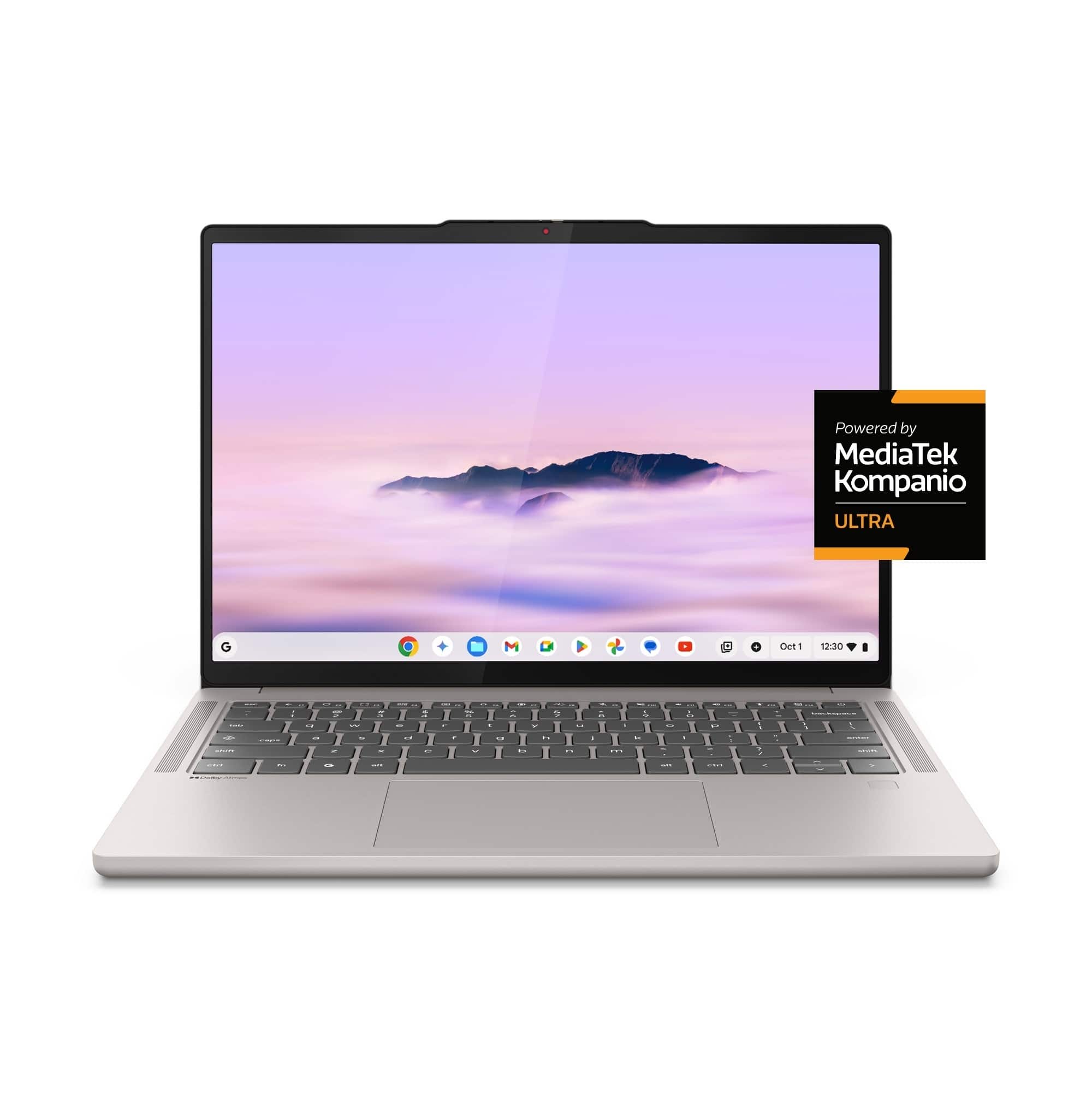
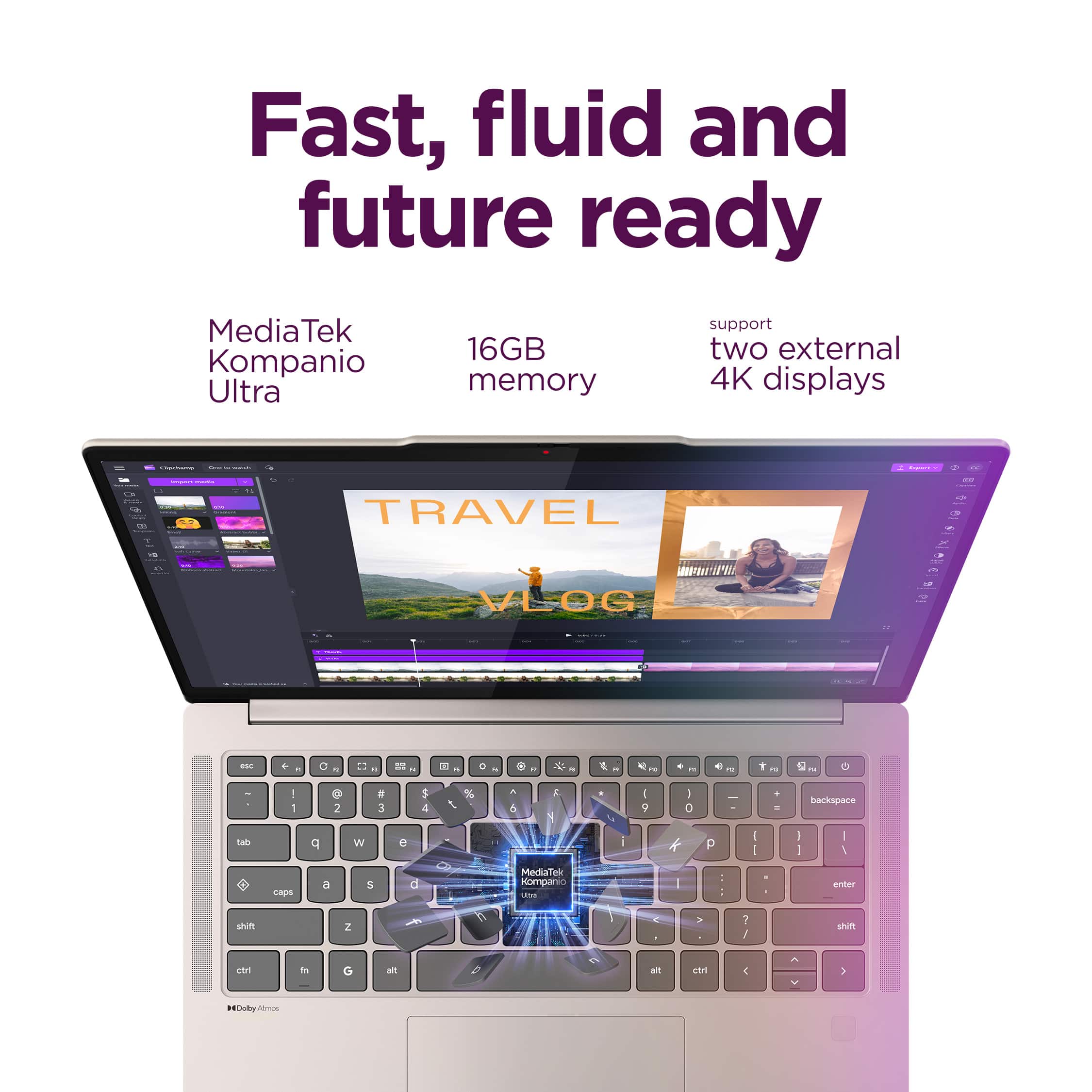

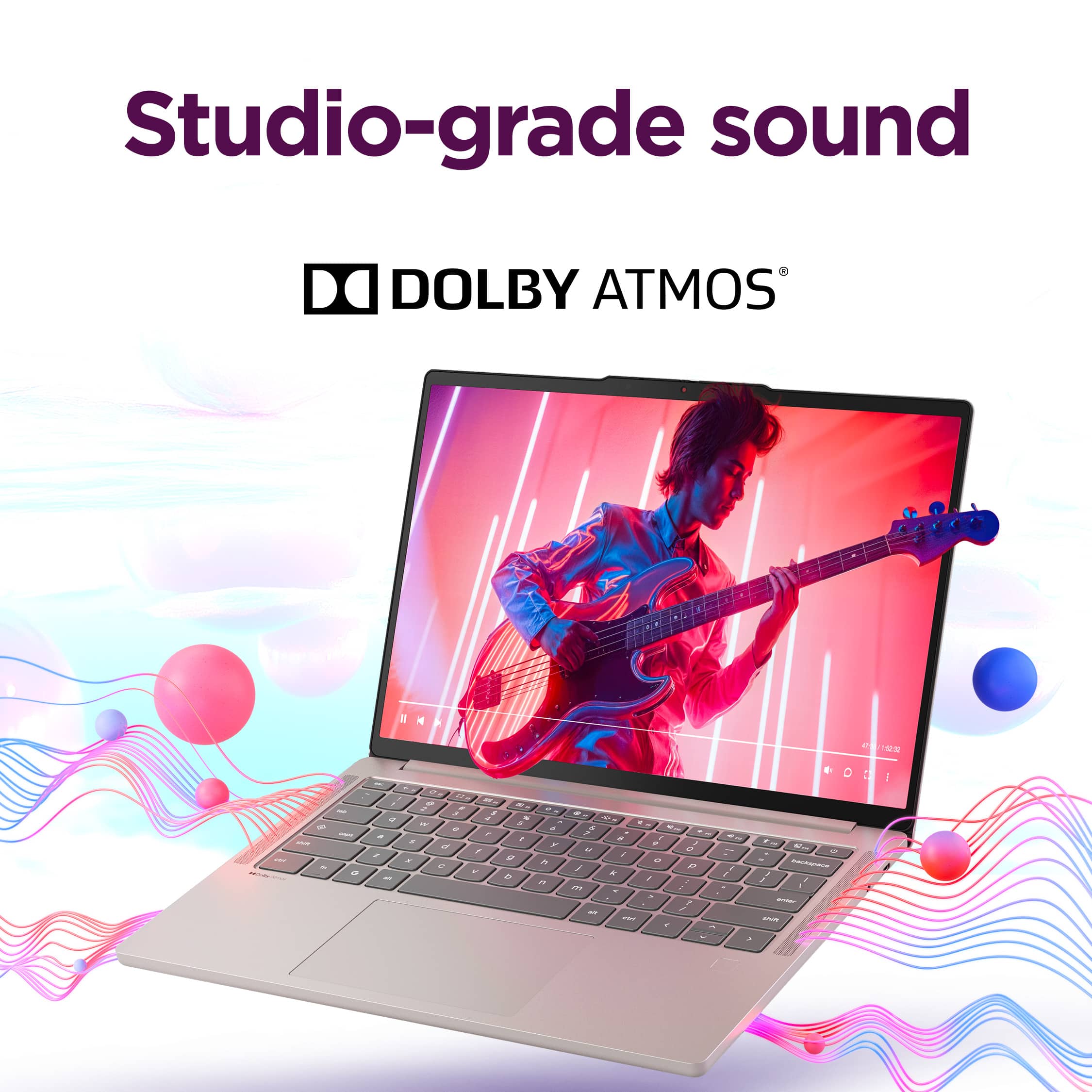


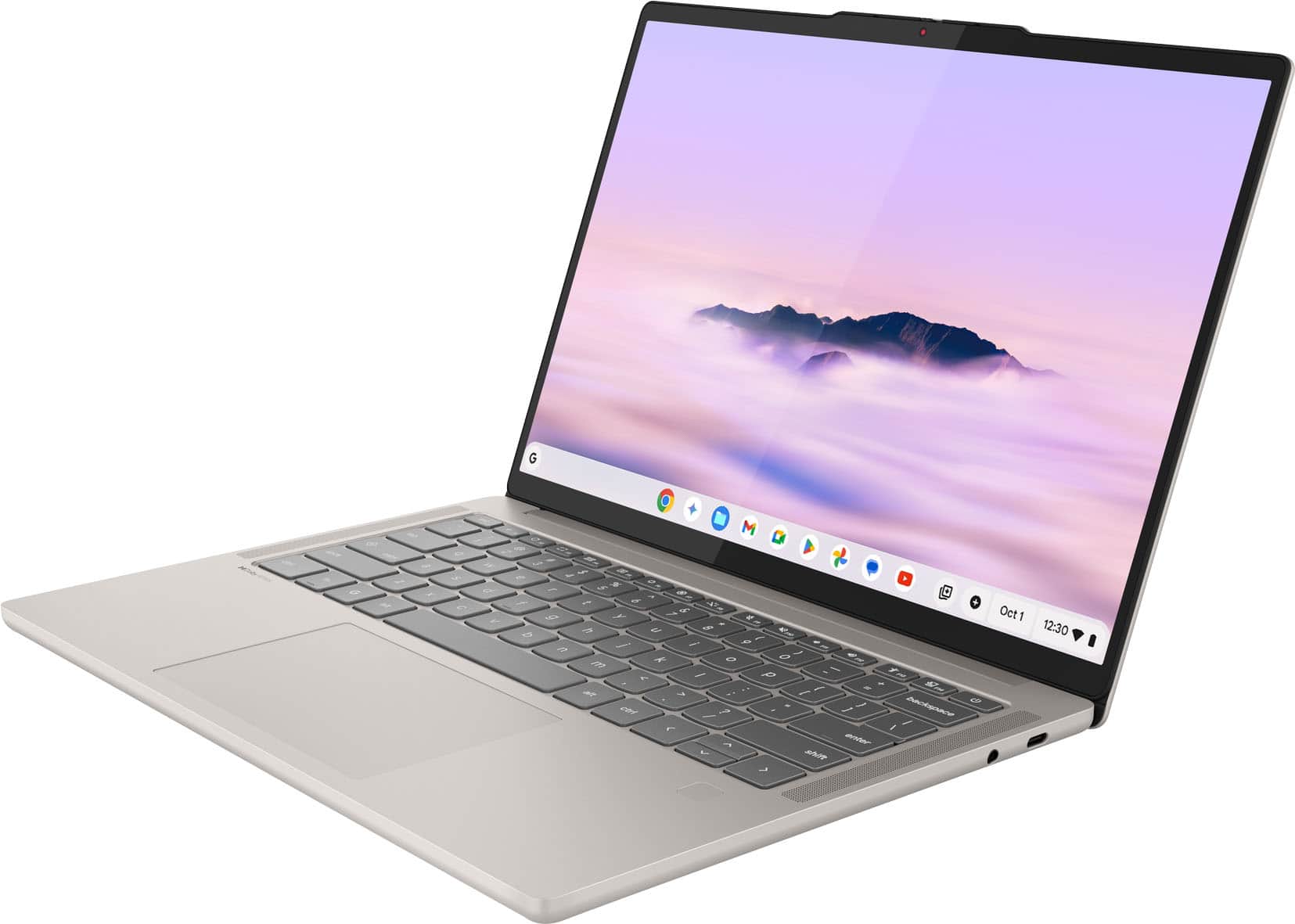
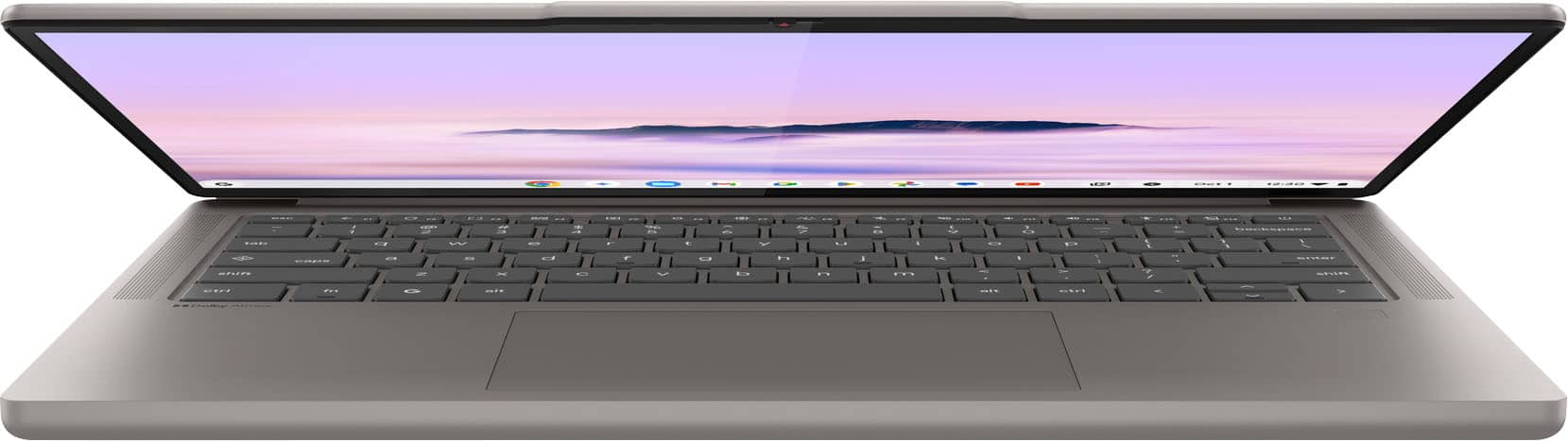
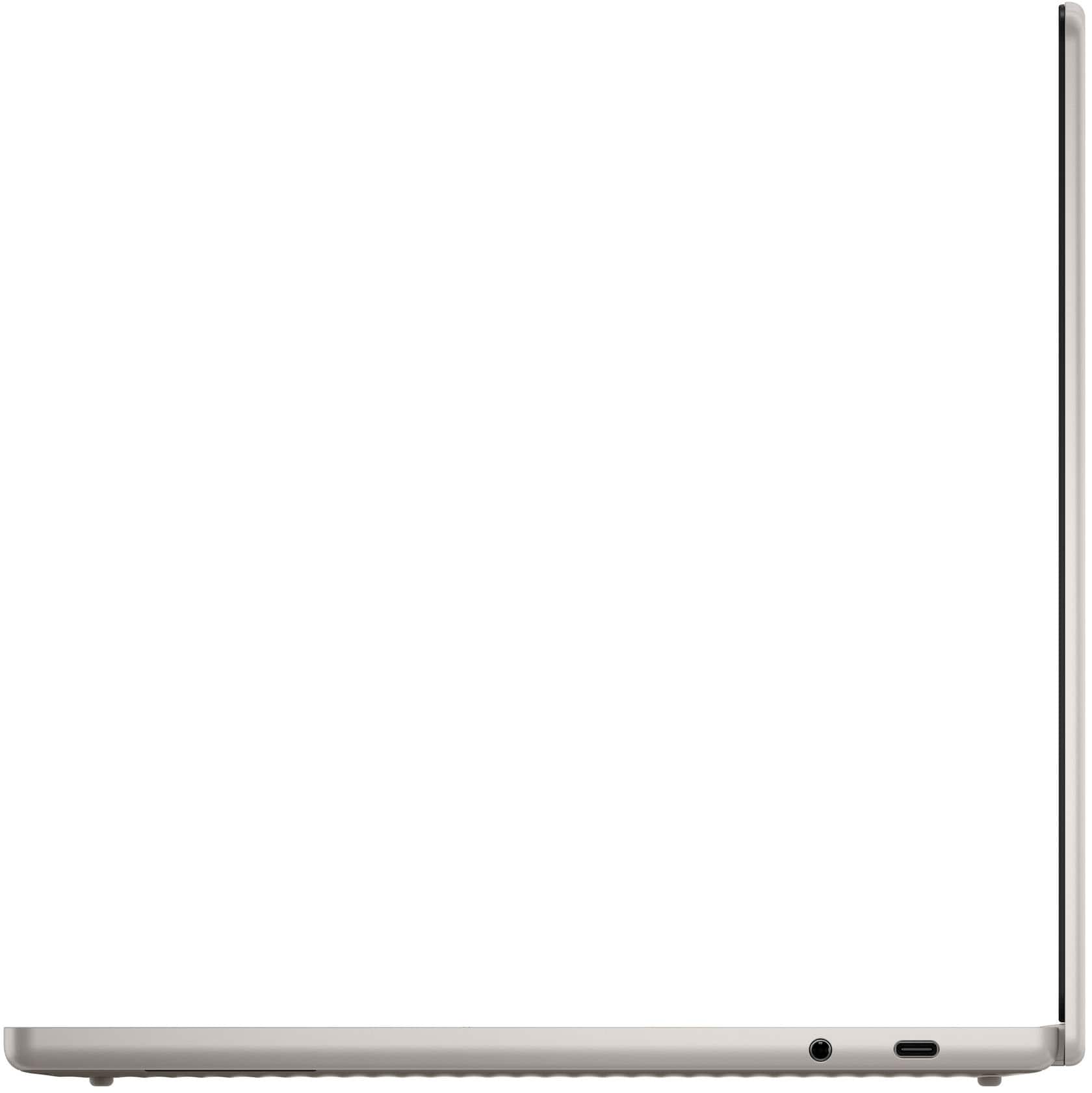
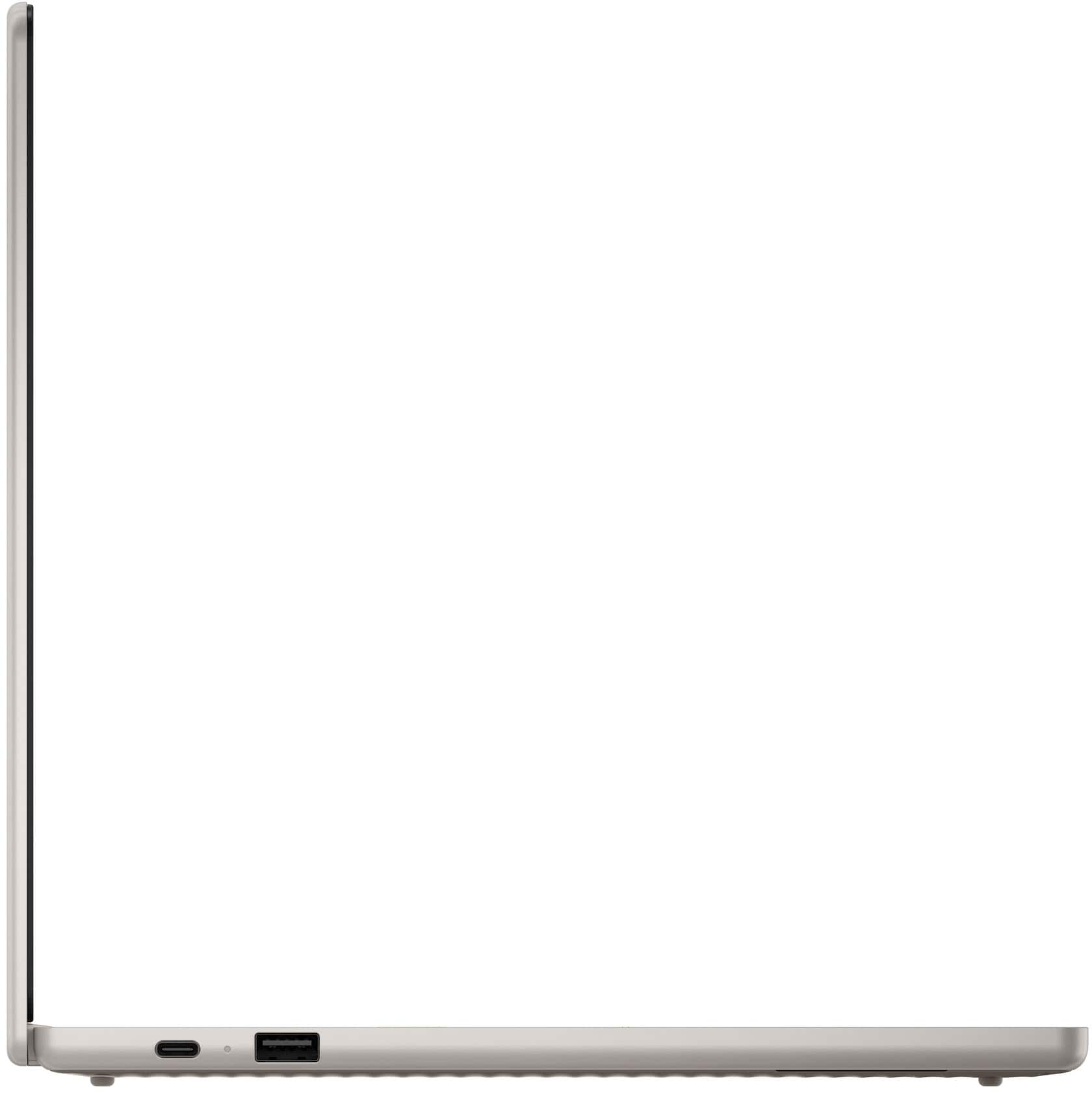
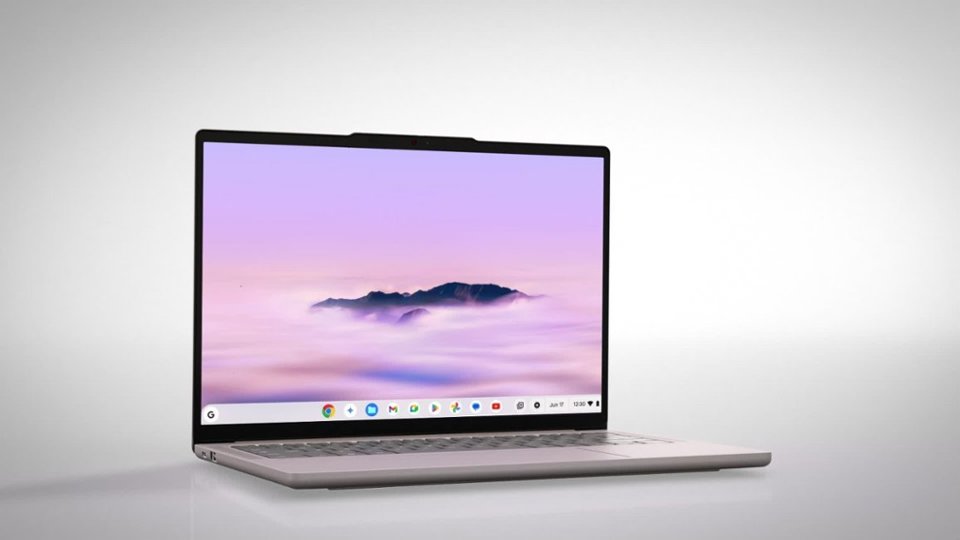
![ESC ← Crtl Fn Alt Alt Ctrl Del
~ ! @ # $ % ^ & * ( ) - + backspace
tab q w e r t y u i o p [ ] \
caps a s d f g h j k l ; '
shift z x c v b n m , . / shift
ctrl fn G alt
Dolby Atmos](https://pisces.bbystatic.com/image2/BestBuy_US/images/products/d4d8bb15-6939-41ed-9b60-5b21e33bcfc6.jpg)


- Model:
- 83MY0000US
- SKU:
- 10986377
Rating by feature
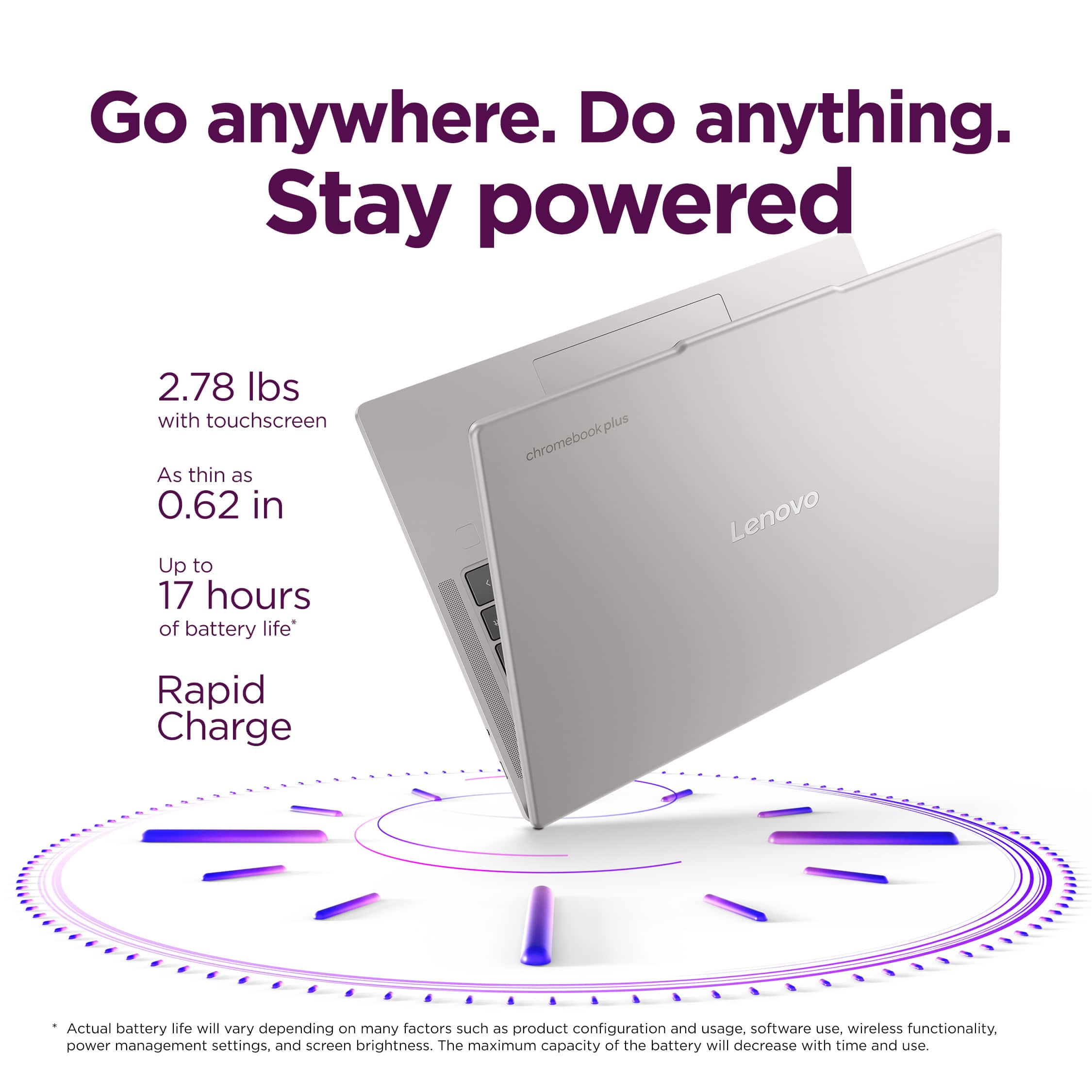
- Battery Life
Rating 4.9 out of 5 stars
- Speed
Rating 4.9 out of 5 stars
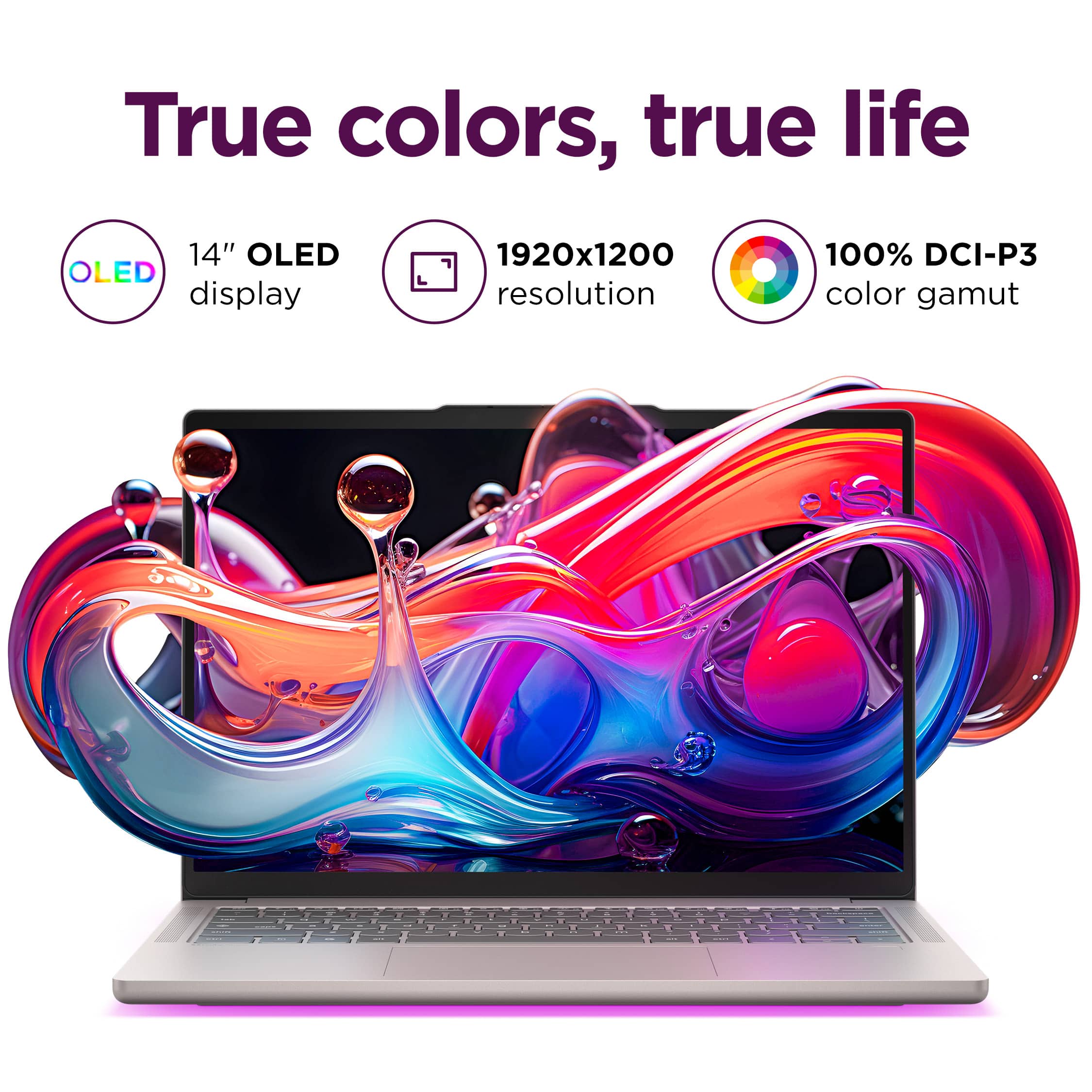
- Display
Rating 4.9 out of 5 stars
Great little Chromebook with one exception
||Posted . Owned for 1 month when reviewed.This reviewer received promo considerations or sweepstakes entry for writing a review.I find this Chromebook to be almost the best one I have ever owned. It's fast, lightweight, good battery life, nice quiet keyboard, and lots of space. My only real complaint is the backlit keyboard. It is so dim that even in a dark room it is barely noticeable. The backlit keyboard was a big feature for me and I am disappointed that it isn't brighter or a way to adjust it to make it brighter.
I would recommend this to a friendTHE BEST PURCHASE!!
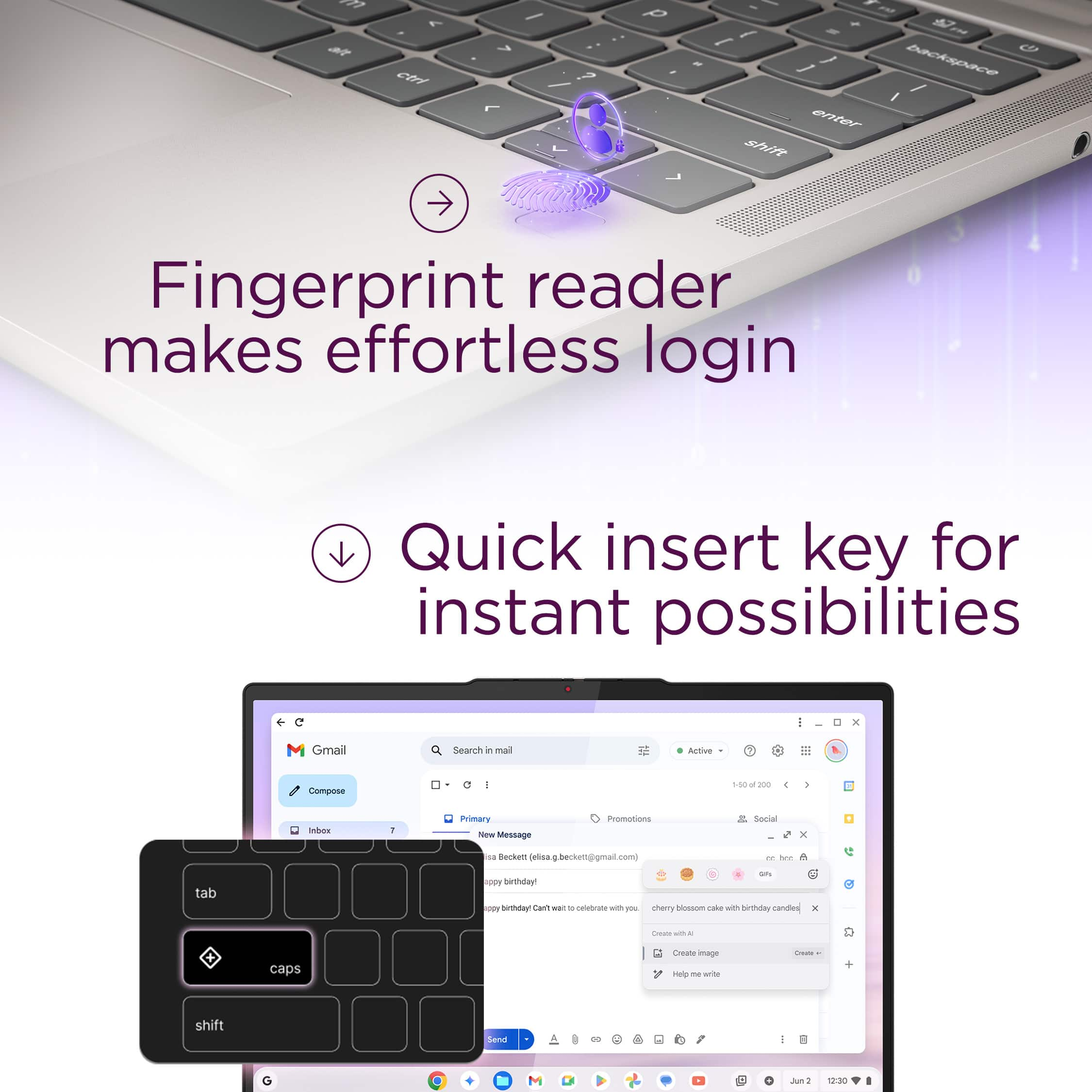
||Posted . Owned for 5 months when reviewed.This reviewer received promo considerations or sweepstakes entry for writing a review.I had no issues with this Lenovo computer, I have tried other brands and none would actually compare. I had tried the MacBook which would always be glitching and overheating, but this Lenovo computer is easy to access any website , does not over heat and the best features in my opinion would be that its touchscreen apart that it had Face ID and has lighting for your keyboard for the night time
I would recommend this to a friendReay good buy
||Posted . Owned for 1 week when reviewed.This reviewer received promo considerations or sweepstakes entry for writing a review.Love it, I cant find anything to complain about. I've not touched my mac Air in days, and since i can output to a display while keeping chromebook on, while running Geforce now Doom. Money well spent.
I would recommend this to a friendBrand response from Lenovo Product Expert
Posted .Hi Justin,
Thanks for choosing Lenovo and for sharing your feedback with us!
We are happy to read that you love the Chromebook Plus and that your experience with the laptop has been seamless so far.
Please feel free to reach out to us via the Q&A section of the product page should you have any questions or need assistance.
Best,
Lenovo
Chromebook plus review
||Posted . Owned for 2 weeks when reviewed.This reviewer received promo considerations or sweepstakes entry for writing a review.Easy to use. Very light. Worth the money. I would definitely recommend the purchase.
I would recommend this to a friendPremium Chromebook
||Posted . Owned for 1 week when reviewed.This reviewer received promo considerations or sweepstakes entry for writing a review.Very fast and good! Since it does not fold over like a tablet, I don't see myself using the touchscreen. Wish it was lighter and less expensive
I would recommend this to a friendQuality Chromebook
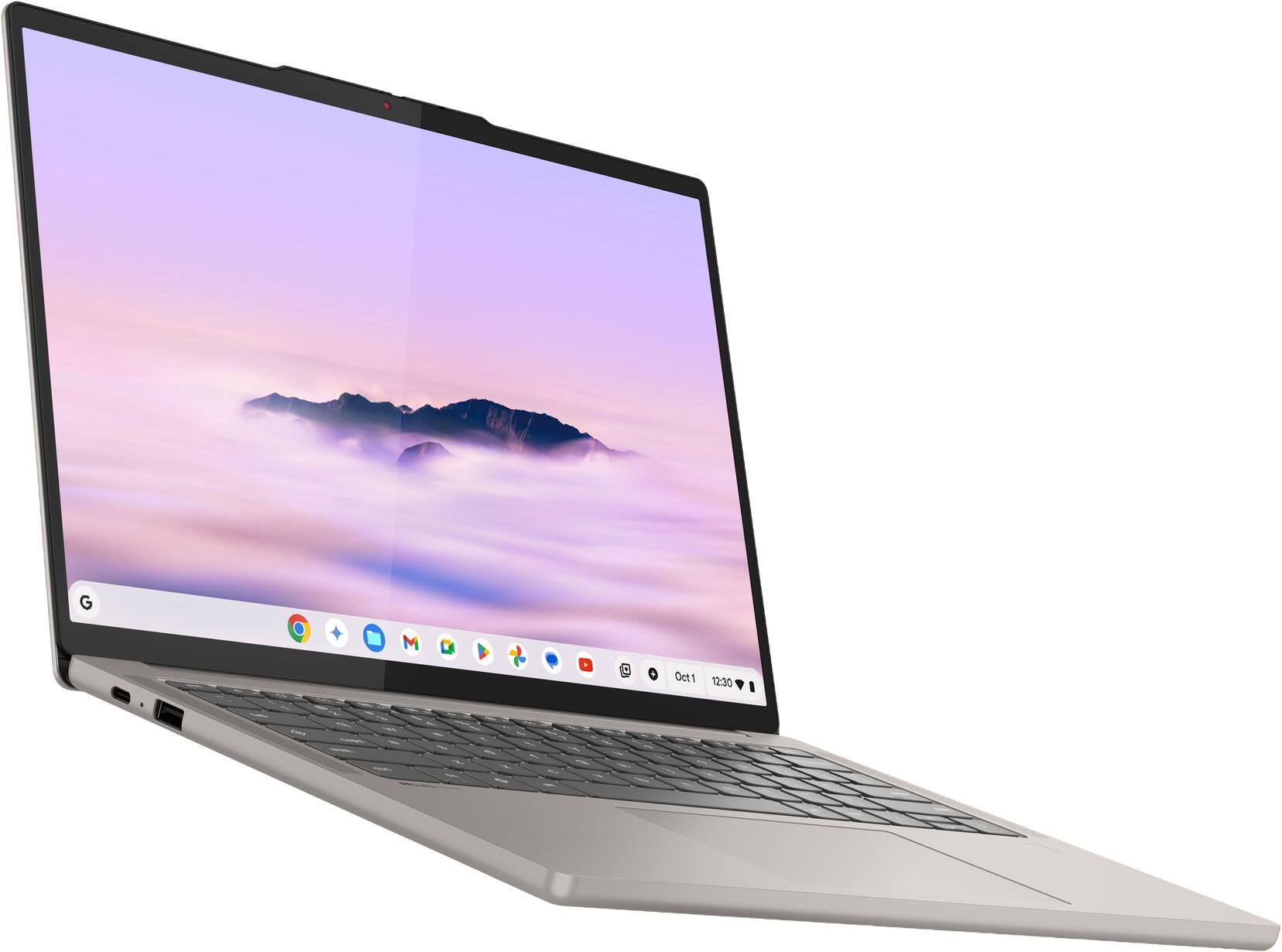
||Posted . Owned for 3 weeks when reviewed.This reviewer received promo considerations or sweepstakes entry for writing a review.This is a very good device with led touch screen, responsive trackpad, long battery life, and cool tuning.Gemini integration shines!
I would recommend this to a friendBrand response from Lenovo Product Expert
Posted .Hi,
Thanks for choosing Lenovo and for sharing your feedback with us!
We are glad to read that you are satisfied with your purchase overall.
Please don't hesitate to reach out to us via the Q& A section of this product page or contact Lenovo Support should you have any questions or need assistance.
Regards,
Lenovo
Best Chromebook out there
||Posted .This reviewer received promo considerations or sweepstakes entry for writing a review.I've tried all the Chromebook plus is this hands down the best one out at the moment. My favorite part is the beautiful screen and how quiet it is. I don't ever hear a fan running.
I would recommend this to a friendBrand response from Lenovo Product Expert
Posted .Hey haiwins,
Thank you for choosing Lenovo and for sharing your feedback with us!
We are pleased to read that you are satisfied with your purchase.
Please don't hesitate to reach out to us via the Q& A section of this product page or contact Lenovo Support should you have any questions or need assistance.
Regards,
Lenovo
Best Chromebook Ever - Would Recommend!
||Posted .This reviewer received promo considerations or sweepstakes entry for writing a review.A Great Chromebook! This replaced my Lenovo Duet 5 Chromebook and it is a huge upgrade. There were certain apps I couldn't use on the old Chromebook that work great on the Chromebook Plus! I am very happy I upgraded!
I would recommend this to a friendBrand response from Lenovo Product Expert
Posted .Hey billroz,
Thanks for choosing Lenovo and for sharing your feedback with us!
We are glad to read that this Chromebook Plus has been great for you and that you are quite happy with your purchasing decision.
Please feel free to reach out to us via the Q&A section of the product page should you have any questions or need assistance.
Best,
Lenovo
Next step in Chromebooks
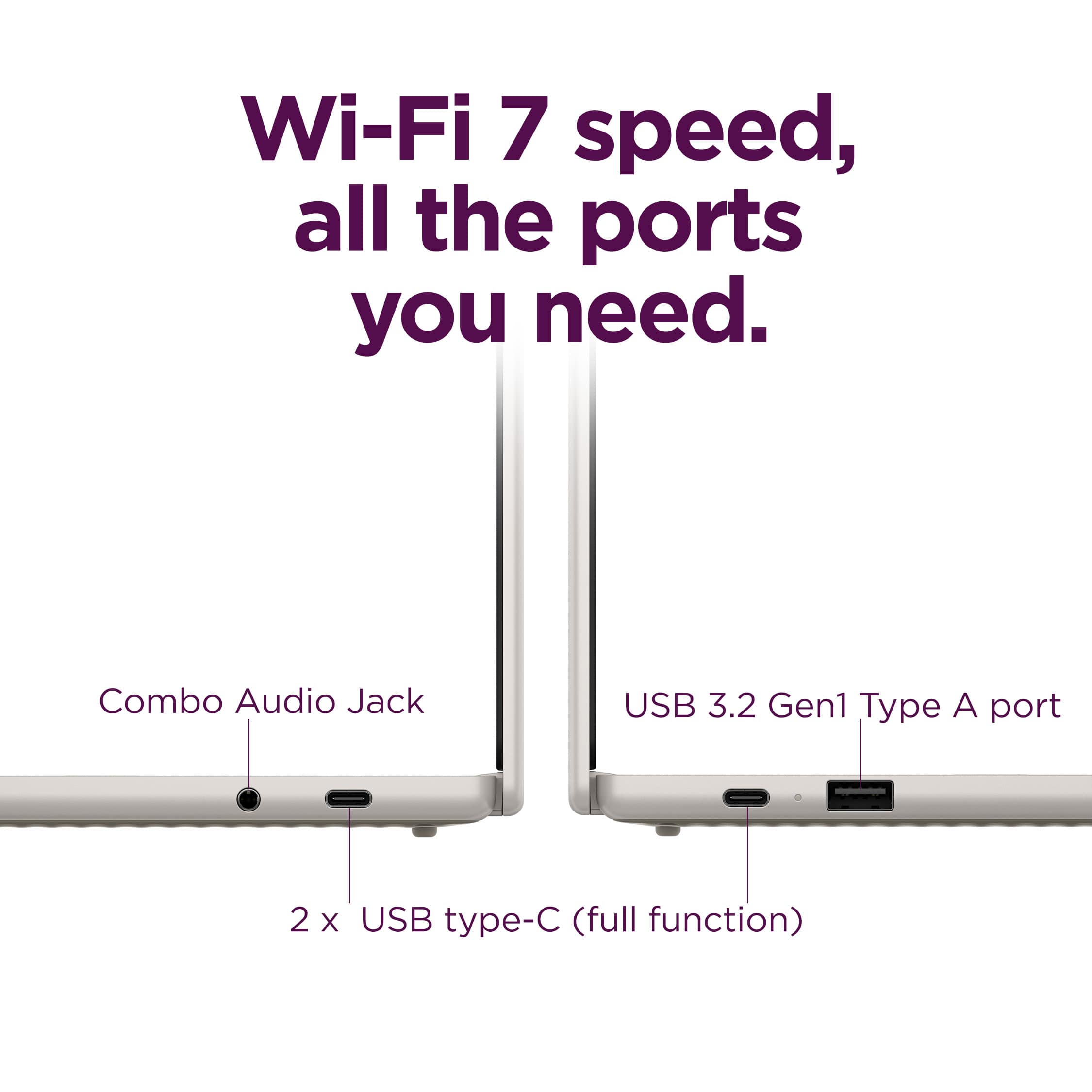
||Posted . Owned for 1 week when reviewed.This reviewer received promo considerations or sweepstakes entry for writing a review.Everything on this Chromebook works great! 4 stars because of limited ports. Easy fix though with an accessory to add more ports. Once that is done it's a 5 star*****
I would recommend this to a friendTouchpad Stops Working!
||Posted . Owned for 6 months when reviewed.This reviewer received promo considerations or sweepstakes entry for writing a review.Overall its a beautiful Chromebook with only one problem, the mouse either disappears or freezes.
No, I would not recommend this to a friendI recommend this laptop
||Posted . Owned for 1 month when reviewed.This reviewer received promo considerations or sweepstakes entry for writing a review.I'm happy with the purchase of this Chromebook. It's easy to use, connects to all of my Google accounts, and is good for my project of editing and making music videos.
I would recommend this to a friendLong-time customer
||Posted . Owned for 1 month when reviewed.This reviewer received promo considerations or sweepstakes entry for writing a review.Good and prompt service, favorable pricing and a solid computer!
I would recommend this to a friendBest Chromebook I have ever had!
||Posted .This reviewer received promo considerations or sweepstakes entry for writing a review.Wonderful laptop. Boots up quickly, screen is great, and system is very responsive. Loving it so far!
I would recommend this to a friendBrand response from Lenovo Product Expert
Posted .Hi,
Thanks for choosing Lenovo and for sharing your feedback with us!
We are glad to read that you are satisfied with your purchase.
Please don't hesitate to reach out to us via the Q& A section of this product page or contact Lenovo Support should you have any questions or need assistance.
Regards,
Lenovo
GOOD ONE…
||Posted . Owned for 1 week when reviewed.This reviewer received promo considerations or sweepstakes entry for writing a review.Nice speakers and screen the price was a bit high for a Chromebook but I say it was worth it.
I would recommend this to a friendBrand response from Lenovo Product Expert
Posted .Hey Rotsen,
Thank you for choosing Lenovo and for sharing your feedback with us!
We are pleased to read that you are satisfied with your purchase.
Please don't hesitate to reach out to us via the Q& A section of this product page or contact Lenovo Support should you have any questions or need assistance.
Regards,
Lenovo
Research beast
||Posted . Owned for 2 months when reviewed.This reviewer received promo considerations or sweepstakes entry for writing a review.If you need a machine fot research, this is definitely the machine to get!
I would recommend this to a friendBrand response from Lenovo Product Expert
Posted .Hello,
Thank you for choosing Lenovo and for sharing your feedback with us!
We are happy to know that this Chromebook Plus 14" is just the right fit for your needs.
Please feel free to reach out to us via the Q& A section of this product page should you have any questions or need assistance.
Regards,
Lenovo
Dead spots on touchscreen
||Posted .This reviewer received promo considerations or sweepstakes entry for writing a review.I love this Chromebook. It would totally get 5 stars except for the fact that there are dead spots in the touchscreen. My Samsung touchscreen was never like that. It seems very sturdy.
I would recommend this to a friendBrand response from Lenovo Product Expert
Posted .Hey bren,
Thank you for sharing your feedback with us. We are sorry to hear that you ran into an issue with your Chromebook Plus 14". We appreciate your comment regarding touchscreen troubles, as we will investigate the matter to make the necessary changes.
If you could, please share more details on what you are referring to with "dead spots". Is this a matter of the touch function not working in certain points of the display?
In the meantime, and to increase visibility, please follow the steps below to share this issue with other teams:
- Press "alt+shift+i" on the device keyboard while logged in.
- A feedback window will open.
- In the description box, type in "issue with touch screen function".
- Then, submit the feedback.
You can submit your follow up comments via the Q& A section of this product page, and feel free to share any questions you may have.
Best regards,
Lenovo
Lenovo
||Posted .This reviewer received promo considerations or sweepstakes entry for writing a review.Love this computer. I like how lightweight it is. The touch screen was a great bonus!
I would recommend this to a friendBrand response from Lenovo Product Expert
Posted .Hey EloneW,
Thanks for choosing Lenovo and for sharing your feedback with us!
We are glad to read that you love your Chromebook Plus 14" including its portable design and convenient features.
Please feel free to reach out to us via the Q&A section of the product page should you have any questions or need assistance.
Best,
Lenovo
Everything a great chromebook should be
||Posted .This reviewer received promo considerations or sweepstakes entry for writing a review.Amazing Chromebook, finally a decent replacement to the Pixelbook Go!
I would recommend this to a friendBrand response from Lenovo Product Expert
Posted .Hi JonathanE,
Thanks for choosing Lenovo and for sharing your feedback with us!
We are pleased to read that your experience with the Chromebook Plus 14" has been amazing.
Please feel free to reach out to us via the Q& A section of this product page should you have any questions or need assistance.
Best,
Lenovo
Chromebook
||Posted . Owned for 2 weeks when reviewed.This reviewer received promo considerations or sweepstakes entry for writing a review.Good quality and sound. Liking it so far! Good price
I would recommend this to a friendBrand response from Lenovo Product Expert
Posted .Hey GloriaB,
Thank you for choosing Lenovo and for sharing your feedback with us!
We are happy to read that you are liking your Chromebook Plus 14" thus far.
Please feel free to reach out to us via the Q& A section of this product page should you have any questions or need assistance.
Regards,
Lenovo
Would definitely recommend
||Posted .This reviewer received promo considerations or sweepstakes entry for writing a review.Amazing display quality, build quality, and high RAM capacity
I would recommend this to a friendBrand response from Lenovo Product Expert
Posted .Hi SudoB,
Thanks for choosing Lenovo and for sharing your feedback with us!
We are pleased to read that you would recommend the Chromebook Plus 14" thanks to its immersive display, design, and performance.
Please feel free to reach out to us via the Q& A section of this product page should you have any questions or need assistance.
Best,
Lenovo