Customer Ratings & Reviews
- Model:
- 81HA0009US
- SKU:
- 6299617
to a friend
- Pros mentioned:Amd processor, Tablet modeCons mentioned:Battery life
This laptop is fast and looks good.
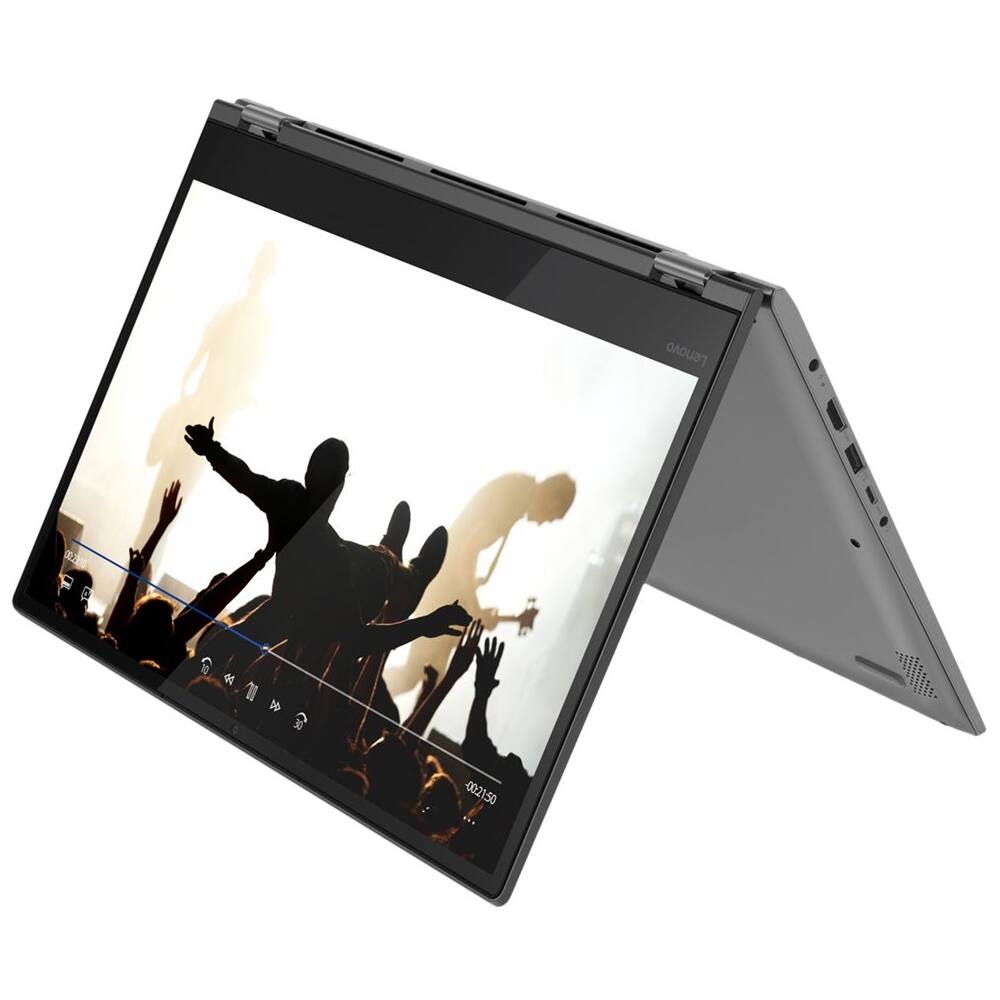
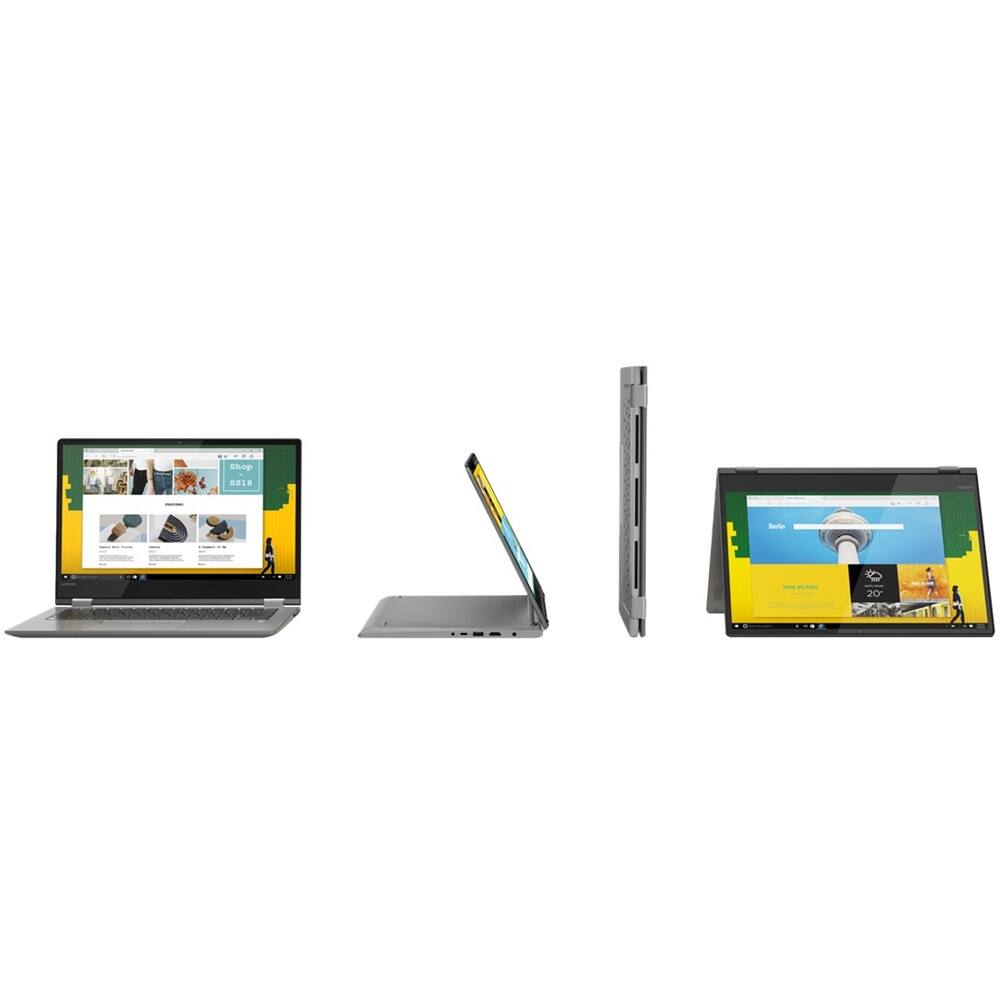
||Posted . Owned for 1 year when reviewed.This reviewer received promo considerations or sweepstakes entry for writing a review.I purchased this laptop for my young daughter, she likes to use the tablet feature and draws pictures. The performance is great, even with an AMD chip. The only issue is with the battery, it seems to drain pretty quickly. We put it to sleep and it still eats up the power.
I would recommend this to a friend - Pros mentioned:Graphics card
Good Laptop
||Posted .This reviewer received promo considerations or sweepstakes entry for writing a review.I bought this laptop to replace one that got stolen. It did freeze on me one time, but I restarted the computer and it hasn't happened since. So far, it does everything I need it to do and it's almost the same laptop I had before, but with a better graphics card.
I would recommend this to a friendBrand response from Lenovo Product Expert
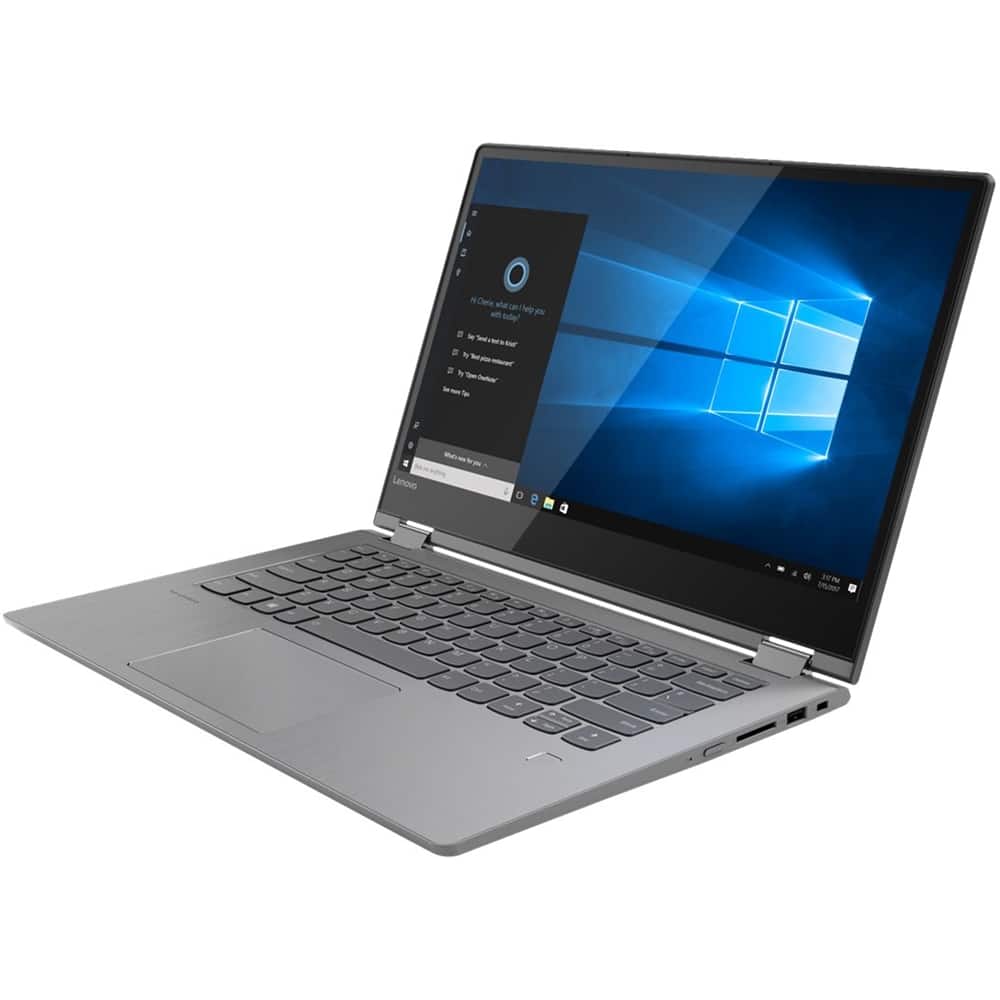
Posted .Thank you for choosing the Lenovo Flex 6-14. Regarding freezing of the Operating System, be sure you have the latest version of Windows 10 and all supporting BIOS files and drivers are up to date. You can do this by scanning the computer with the Lenovo Utility software installed on the device. This system has Lenovo utilities installed to help maintain the health of the device and keep the operating system software up to date. Type "Lenovo Vantage" in the Cortana Search window (if Lenovo Vantage is not installed on your device, you can download the APP and install it now). Select Lenovo Vantage from the list. In the window that opens, click on "Health and Support". In the expanded menu, select "Hardware Scan" In the window that opens, select "Run Quick Tests". This will scan your entire system for errors. Follow any directions that may pop up. If the problem continues after this scan, now click on "System Update". First select Windows update from the menu. Scan your system to be sure you have the latest version of Windows 10. Once that scan is complete, select "Additional Updates". This will scan your device to be sure there are no new BIOS/Driver updates needed. Follow any instructions that may pop up. If the issue still continues after these updates, we recommend you call Lenovo Tech Support at: 877-453-6686 for additional help. This model number 81HA0009US, does not ship with a discrete graphics card. Graphics processing is integrated within the Dual-Core/Four-Thread AMD Ryzen 3 2200U processor. It is the Radeon Vega 3 Graphics version. For 2018, Lenovo retained its place for a second year as the best laptop vendor:
https://www.laptopmag.com/articles/laptop-brand-ratings
- Cons mentioned:Unreliable
2 days in and wheel of death already.
Posted .This reviewer received promo considerations or sweepstakes entry for writing a review.I knew I should have bought a Mac book for a new employee. Bought this and it seemed nice at first but now nothing will open and the little wheel keeps spinning after only 2 days. So now I’m going to have to spend hours dealing with this. FML
No, I would not recommend this to a friendBrand response from Lenovo Product Expert
Posted .We are sorry to hear you are having issues with your lenovo Flex 6-14. Be sure any software you installed is compatible with Windows 10. There is no need to install Microsoft Office software. The software is already part of the operating system, you just need to activate the software with a purchased product key. If you have installed a copy of Microsoft Office, this is conflicting with the existing copy on the system and this will slow your system down. If you have installed a 3rd party anti-virus program, be sure that Windows Defender is turned off and that the trial version of McAfee Anti-Virus software is uninstalled. There can only be one anti-virus program on the system. You may need to restore your system to original factory default settings if any of the programing errors have occurred. If you can no longer turn the device on, this system is equipped with OneKey Recovery System. There is a very small pin hole on the left side of the device, right near the headphone jack on the device. You will need a pin to push this reset button. Plug the device in. Let the battery charge for about 15 minutes. Push the reset button. The system should boot to a choice screen where you can choose "Restore To Factory Default". Select this. It will delete everything from the hard drive except the original factory install of the operating system. You will need to reinstall all programs and files after the reset. If you don't have copies of the files, try to make one before you restore by selecting "Boot to desktop" and trying to back up your files. If the problem persists after the factory reset, we recommend you contact Lenovo Tech Support at: 877-453-6686.

















