Customer Ratings & Reviews
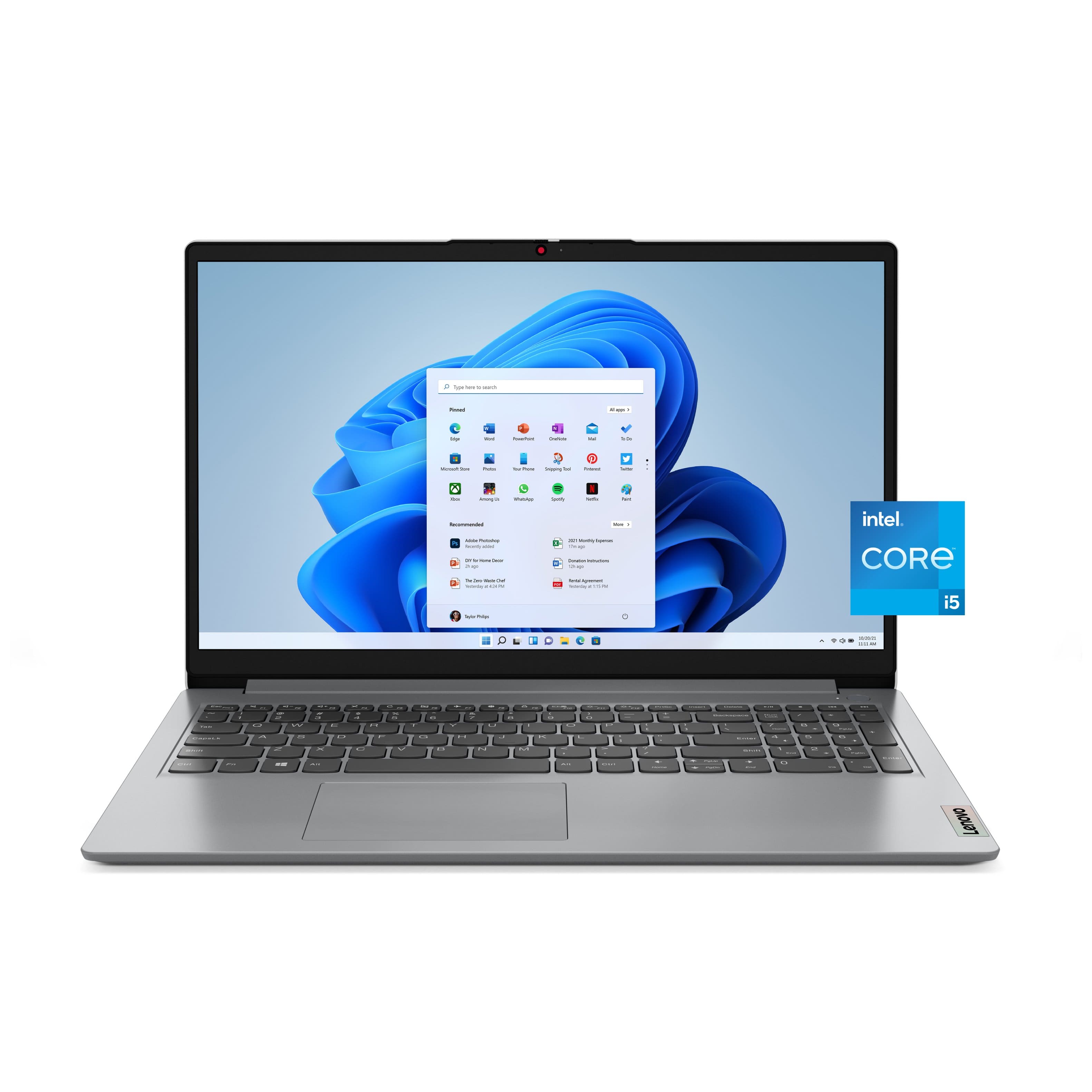

![Unmatched efficiency and mobility. Intel Core" i5-1335U Processor 16GB DDR4-3200 Memory & 256GB SSD Storage Integrated Intel Iris Xe Graphics | [Proseware, Inc.] 10% Slim Zip Backpack $50](https://pisces.bbystatic.com/image2/BestBuy_US/images/products/9a368b24-d82b-4f29-9992-b5a5b76f7669.jpg)
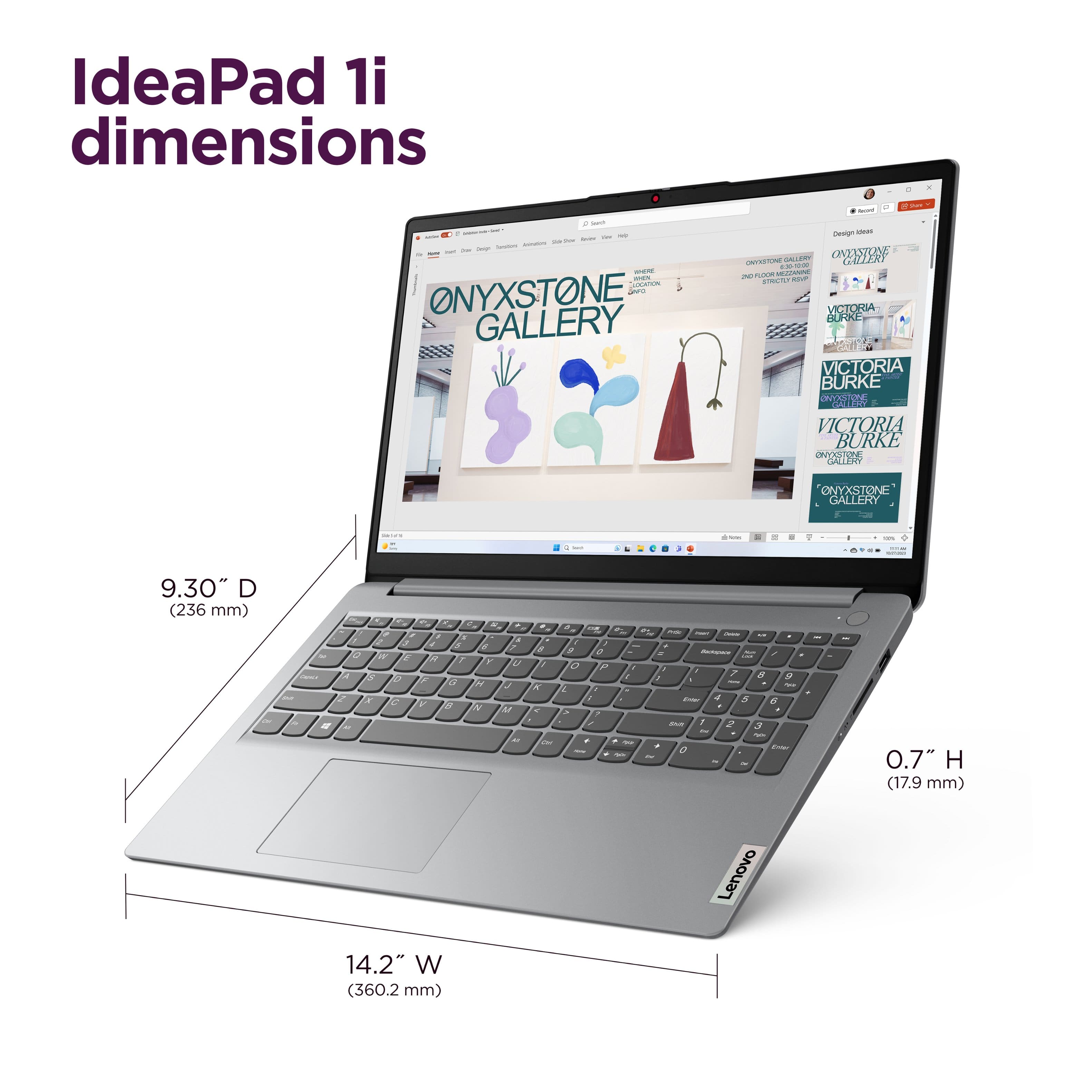
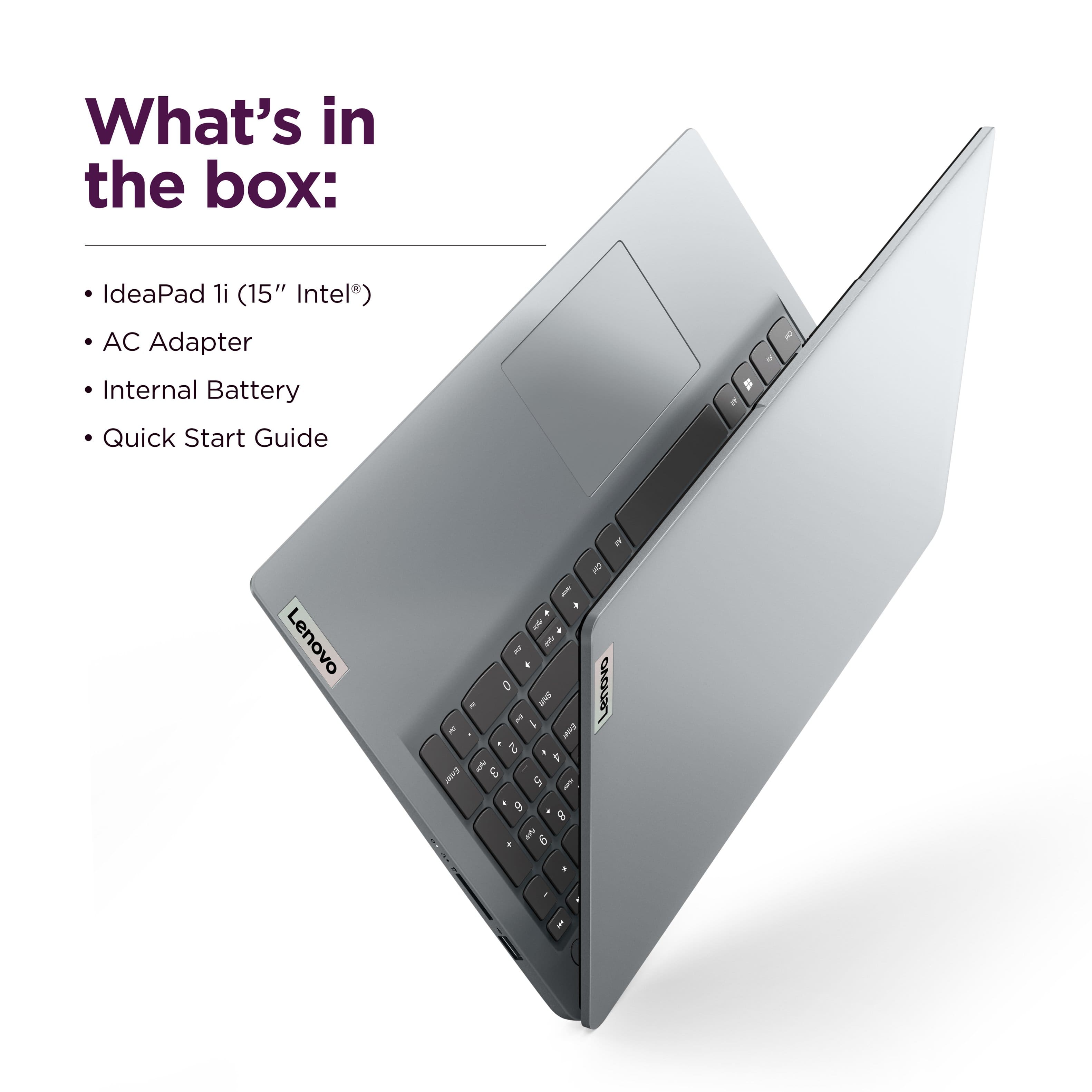

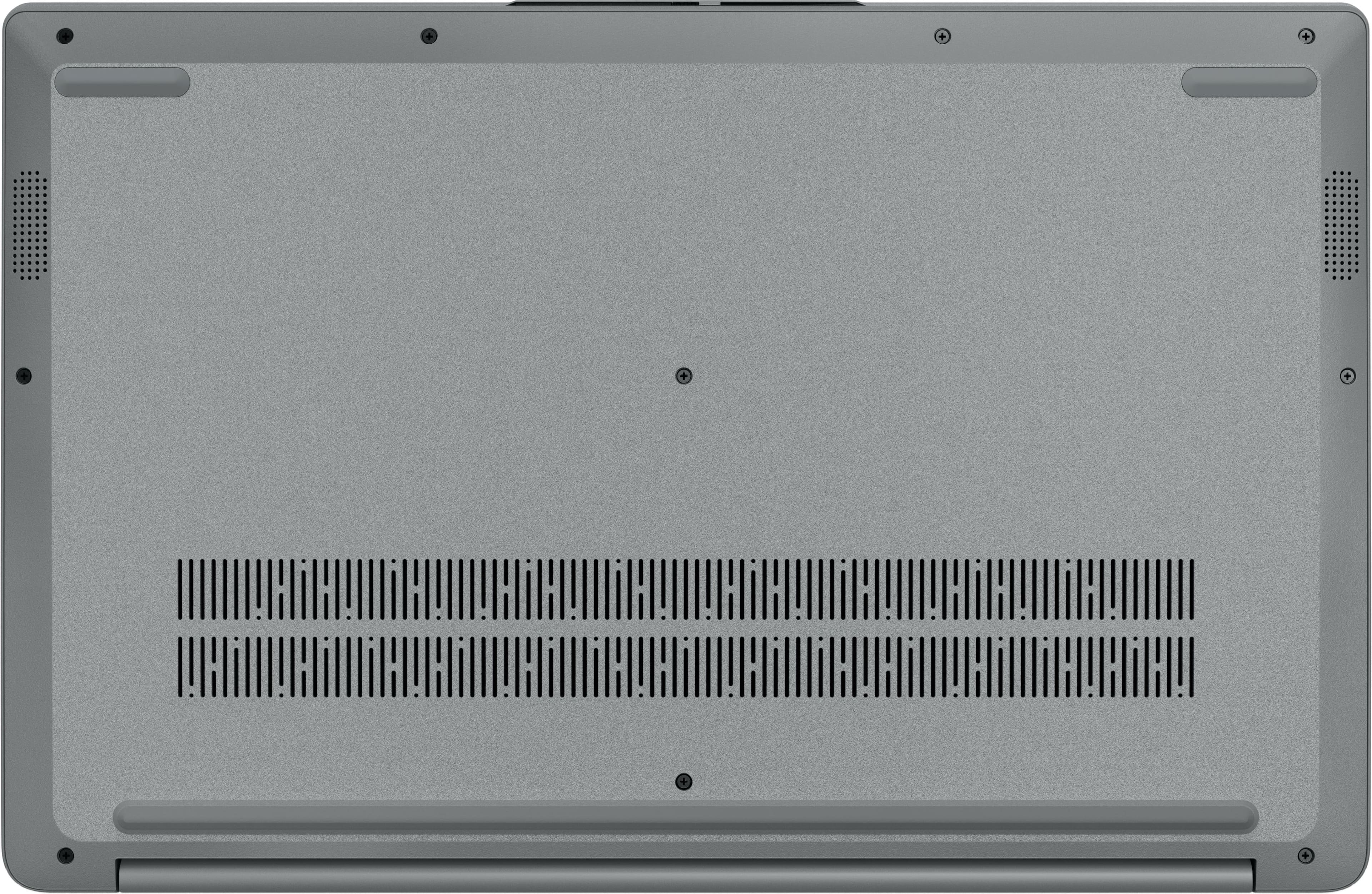
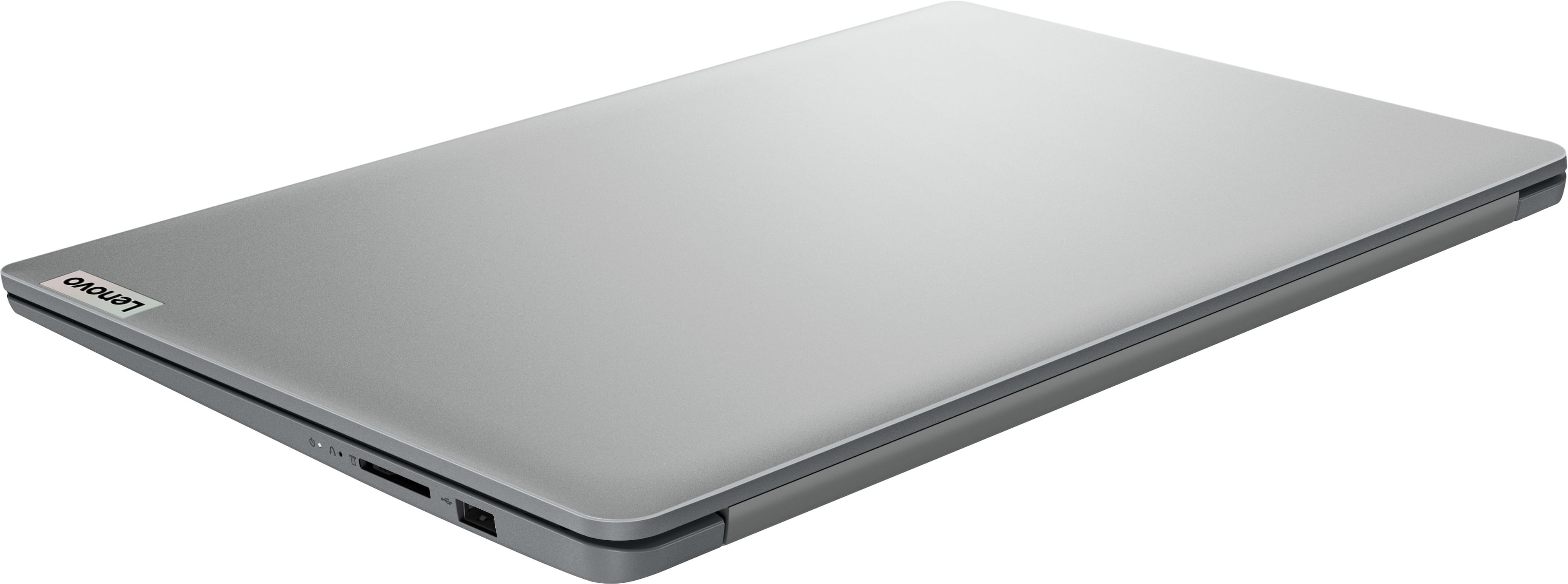
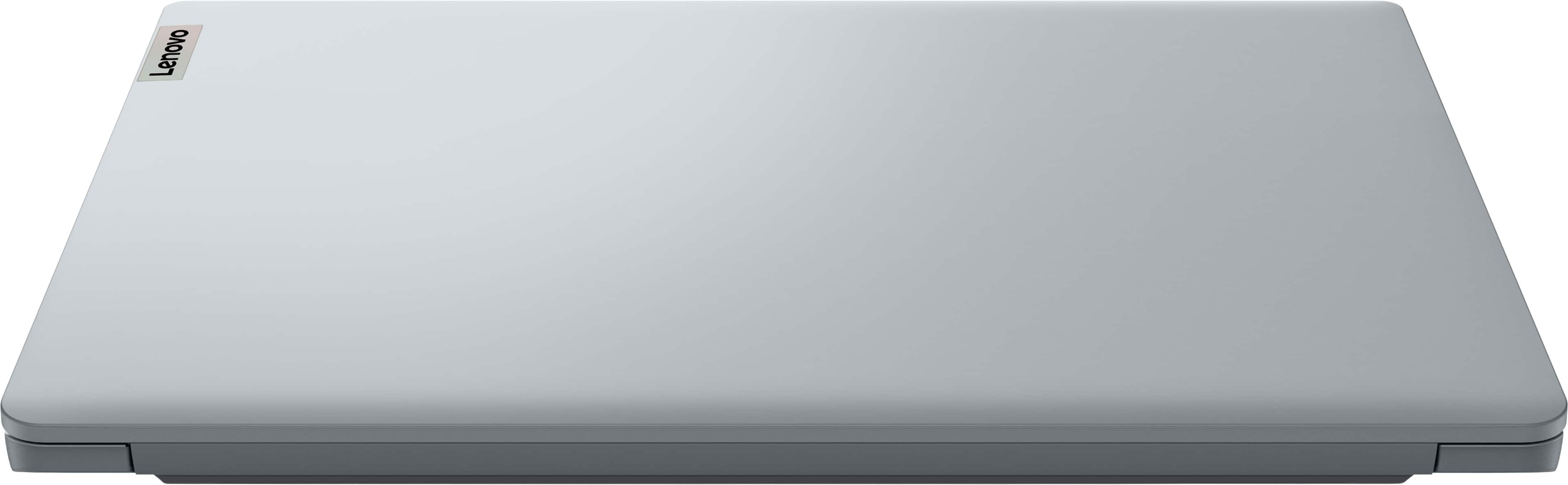


- Model:
- 83B40008US
- SKU:
- 11994883
Rating by feature
- Battery Life
Rating 4.5 out of 5 stars
- Speed
Rating 4.6 out of 5 stars
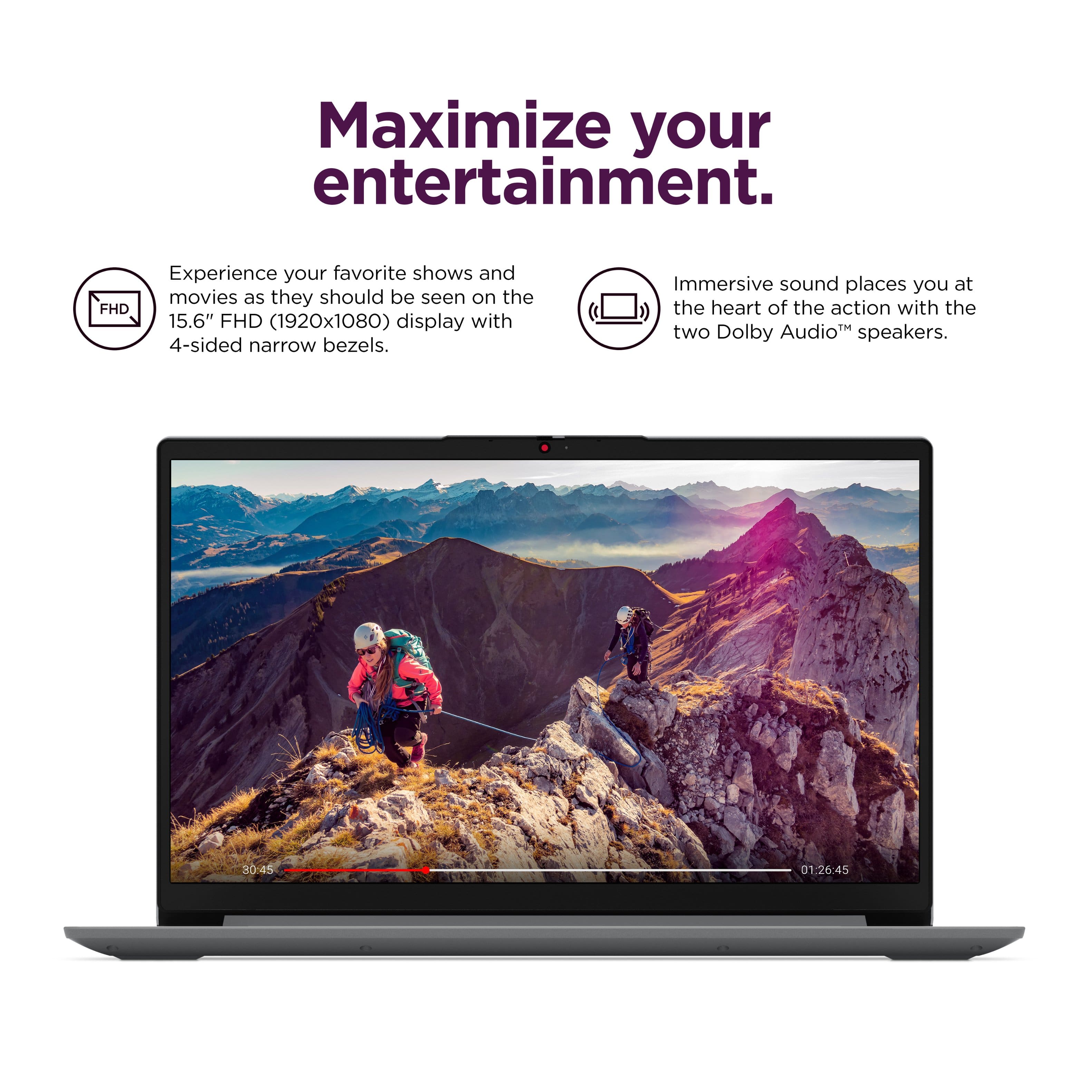
- Display
Rating 4.5 out of 5 stars
GO LENOVO
||Posted .This reviewer received promo considerations or sweepstakes entry for writing a review.GREAT CLARITY! THE PRODUCT IS EASY TO ASSEMBLE AND LOOKS NICE!
I would recommend this to a friendPurchase of Computer and TVs
||Posted . Owned for 1 week when reviewed.This reviewer received promo considerations or sweepstakes entry for writing a review.Excellent items and great customer service from the best buy staff
I would recommend this to a friendExcellent
||Posted .This reviewer received promo considerations or sweepstakes entry for writing a review.Very good laptop i dont have nothing else to say thanks
I would recommend this to a friendBest buy black Friday
||Posted .This reviewer received promo considerations or sweepstakes entry for writing a review.Good deal with great configuration. Would recommend to students.
I would recommend this to a friendnicks comp
||Posted .This reviewer received promo considerations or sweepstakes entry for writing a review.great price,beat out amazon!!! people are very friendly
I would recommend this to a friendGood specs for the price
||Posted . Owned for 1 week when reviewed.This reviewer received promo considerations or sweepstakes entry for writing a review.Got this for my sons first PC. We are excited for him to open it
I would recommend this to a friendBrand response from Lenovo Product Expert
Posted .Hi,
Thanks for choosing Lenovo and for sharing your feedback with us!
We are glad to read that you are satisfied with your purchase.
Please don't hesitate to reach out to us via the Q& A section of this product page or contact Lenovo Support should you have any questions or need assistance.
Regards,
Lenovo
Great laptop
||Posted .This reviewer received promo considerations or sweepstakes entry for writing a review.Very easy to set up and use. Would highly recommend.
I would recommend this to a friendGood item
||Posted .This reviewer received promo considerations or sweepstakes entry for writing a review.It’s a good low price computer I would say though that the battery life is kinda short
I would recommend this to a friend$5 gift
||Posted . Owned for 3 weeks when reviewed.This reviewer received promo considerations or sweepstakes entry for writing a review.Fast performance and display is very clear - good battery life and love the pc
I would recommend this to a friendBrand response from Lenovo Product Expert
Posted .Hi Baddryer-
Thank you for choosing Lenovo and sharing your feedback with us. We are excited to hear that you are enjoying the performance, display quality, and battery life of the IdeaPad 1i. We aim to provide excellent user experience for our products, and we are overjoyed to hear that we met our goal.
Please reach out to us through the Q & A section of this product page if you have any questions or need assistance.
Best wishes,
Lenovo
Average
||Posted .This reviewer received promo considerations or sweepstakes entry for writing a review.It's a 2023 basic model. Can be used just for browsing.. it is a SSD model so good enough
No, I would not recommend this to a friendBrand response from Lenovo Product Expert
Posted .Hi GovardhanaR-
Thank you for choosing Lenovo and sharing your experience with us. We are disappointed to hear that you were not impressed with the performance of the IdeaPad 1i and would like to recommend a few options to help improve your experience.
Firstly, we recommend running and installing all available drivers updates through Lenovo Vantage and Windows Update Settings, these updates are crucial to the device’s health and will affect power allocation leading to improved performance. To check for updates within Lenovo Vantage begin by launching the application, then select the “Check for updates” button on the top of the right-hand of the display. To check for Windows Updates, start by launching the Settings app, then selecting the Windows Update tab on the left-hand side of the page, finally select the “Check for updates’ button located in the top right of the page.
econdly, the IdeaPad Slim 3 allows you to change the computer’s thermal mode. This will allow your device to cycle between higher performance, quiet, or automatically adjust based on your needs. To start, launch the Lenovo Vantage app, select the "Device Settings" tab from the left-hand side of the display, scroll down to "Power modes" and select the best mode based on your needs. We suggest using Performance mode which prioritize speed. You can also toggle thermal modes simply with the Fn+Q hotkey.
Please reach out to us through the Q & A section of this product webpage if you have any questions or need any assistance.
Best wishes,
Lenovo
Would buy again.
||Posted .This reviewer received promo considerations or sweepstakes entry for writing a review.Easy setup and boots up quickly. Lenovo makes good products.
I would recommend this to a friendWorth your money!
||Posted .This reviewer received promo considerations or sweepstakes entry for writing a review.A tablet worth the price. Mid trim but excellent performance.
I would recommend this to a friendVery easy to use
||Posted .This reviewer received promo considerations or sweepstakes entry for writing a review.Love this laptop. It's extremely easy to use and setup.
I would recommend this to a friendLaptop for school
||Posted .This reviewer received promo considerations or sweepstakes entry for writing a review.Setup was easy, screen brightness excellent, will report back after heavy usage
I would recommend this to a friendBrand response from Lenovo Product Expert
Posted .Hi pyro-
Thank you for choosing Lenovo and sharing your feedback with us. We are excited to hear that you are enjoying the user-friendly design and display quality of the IdeaPad 1i. We aim to provide excellent user experience for our products, and we are overjoyed to hear that we met our goal.
Please reach out to us through the Q & A section of this product page if you have any questions or need assistance.
Best wishes,
Lenovo
laptop
||Posted . Owned for 2 weeks when reviewed.This reviewer received promo considerations or sweepstakes entry for writing a review.Good value. Perfect for my home use. Easy to setup.
I would recommend this to a friendTeen Christmas
||Posted .This reviewer received promo considerations or sweepstakes entry for writing a review.Great product for great price. Giving as a gift to a teen.
I would recommend this to a friendBrand response from Lenovo Product Expert
Posted .Hi,
Thanks for choosing Lenovo and for sharing your feedback with us!
We are glad to read that you are satisfied with your purchase.
Please don't hesitate to reach out to us via the Q& A section of this product page or contact Lenovo Support should you have any questions or need assistance.
Regards,
Lenovo
Fast laptop
||Posted .This reviewer received promo considerations or sweepstakes entry for writing a review.Great price Fast laptop for students I will buy again
I would recommend this to a friendGood sale price
||Posted .This reviewer received promo considerations or sweepstakes entry for writing a review.Good price, will know over time if its worth it!!!
I would recommend this to a friendbest buy
||Posted .This reviewer received promo considerations or sweepstakes entry for writing a review.good product for the money. overall a very capable but economic solution.
I would recommend this to a friendLenovo Ideapad
||Posted .This reviewer received promo considerations or sweepstakes entry for writing a review.Nice configuration at great price, light weight and easy to carry
I would recommend this to a friendBrand response from Lenovo Product Expert
Posted .Hi,
Thanks for choosing Lenovo and for sharing your feedback with us!
We are glad to read that you are satisfied with your purchase.
Please don't hesitate to reach out to us via the Q& A section of this product page or contact Lenovo Support should you have any questions or need assistance.
Regards,
Lenovo