Customer Ratings & Reviews




- Model:
- 81WE011UUS
- SKU:
- 6426707
Rating by feature
- Battery Life
Rating 4.2 out of 5 stars
- Speed
Rating 4.4 out of 5 stars
- Display
Rating 4.5 out of 5 stars
Customers are saying
Customers often highlight the IdeaPad 3 15" Laptop's affordability, user-friendly interface, and lightweight design as its main advantages. Many users appreciate its clear screen and satisfactory performance. However, some users have concerns about its battery life, build quality, and the initial difficulty in disabling S mode.
This summary was generated by AI based on customer reviews.
- Pros mentioned:Price, Weight
Fast Laptop for School related work
||Posted .This reviewer received promo considerations or sweepstakes entry for writing a review.I have been eyeing a laptop to replace my Dell which was bought in 2016 (with a 4gb RAM). When I saw this deal, I know I have to get it. This Lenovo laptop is lightweight, slick design, and run fast (which is expected with a 8gb RAM). The graphic quality and sound quality are great. I am not a gamer and this laptop is mainly used for school related work which brings me to the next point. I have to switch out of the S mode because I have to install other programs/software such as Google Chrome and WebEx. Overall, I am happy with the purchase and I think this is the best deal for $300.
I would recommend this to a friendBrand response from Lenovo Product Expert
Posted .Thank you for choosing the Lenovo IdeaPad 3 laptop. We are pleased to hear that the value and performance of the IdeaPad 3 meets your computing needs so well!

Fantastic Value for the Money...
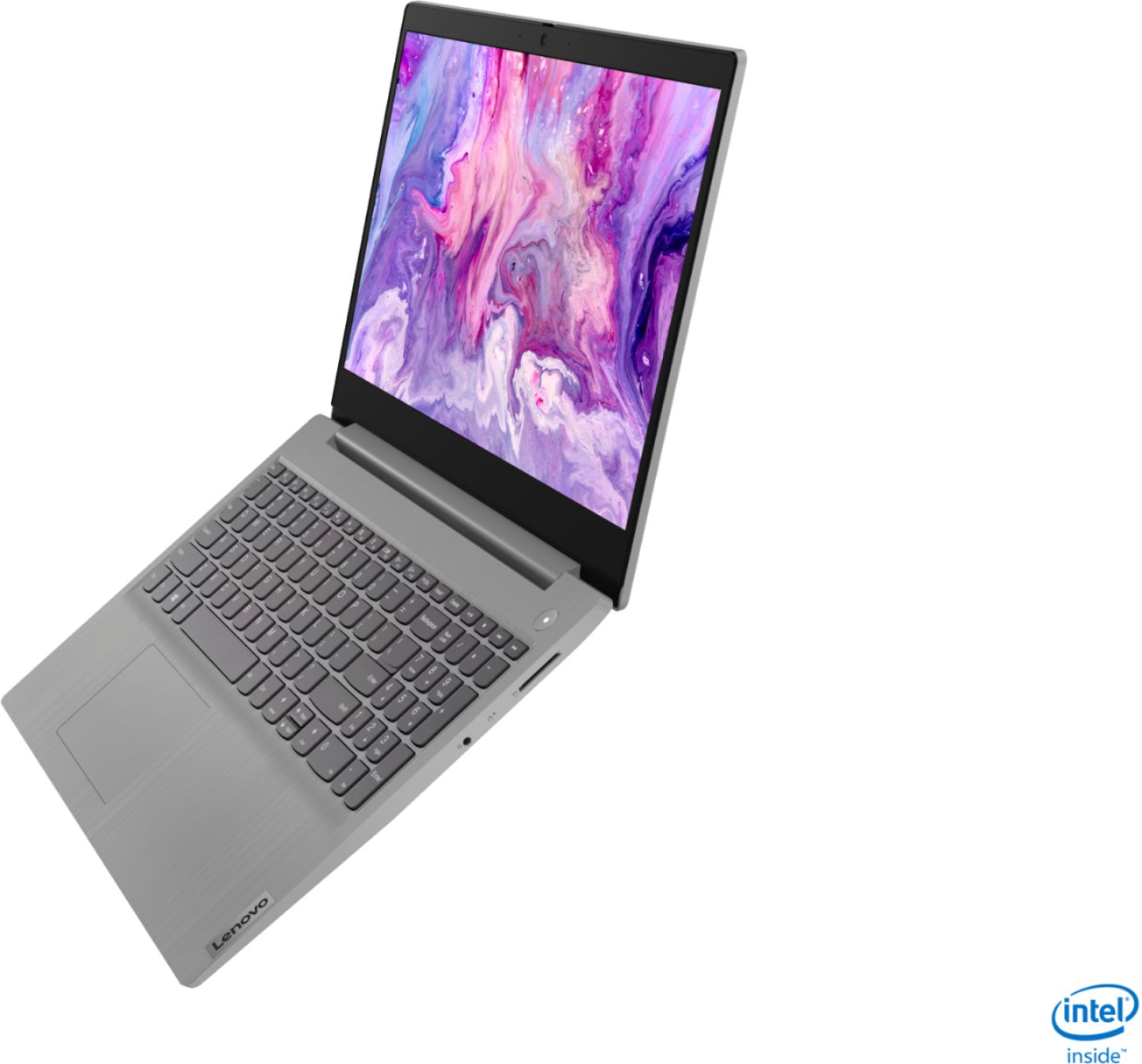
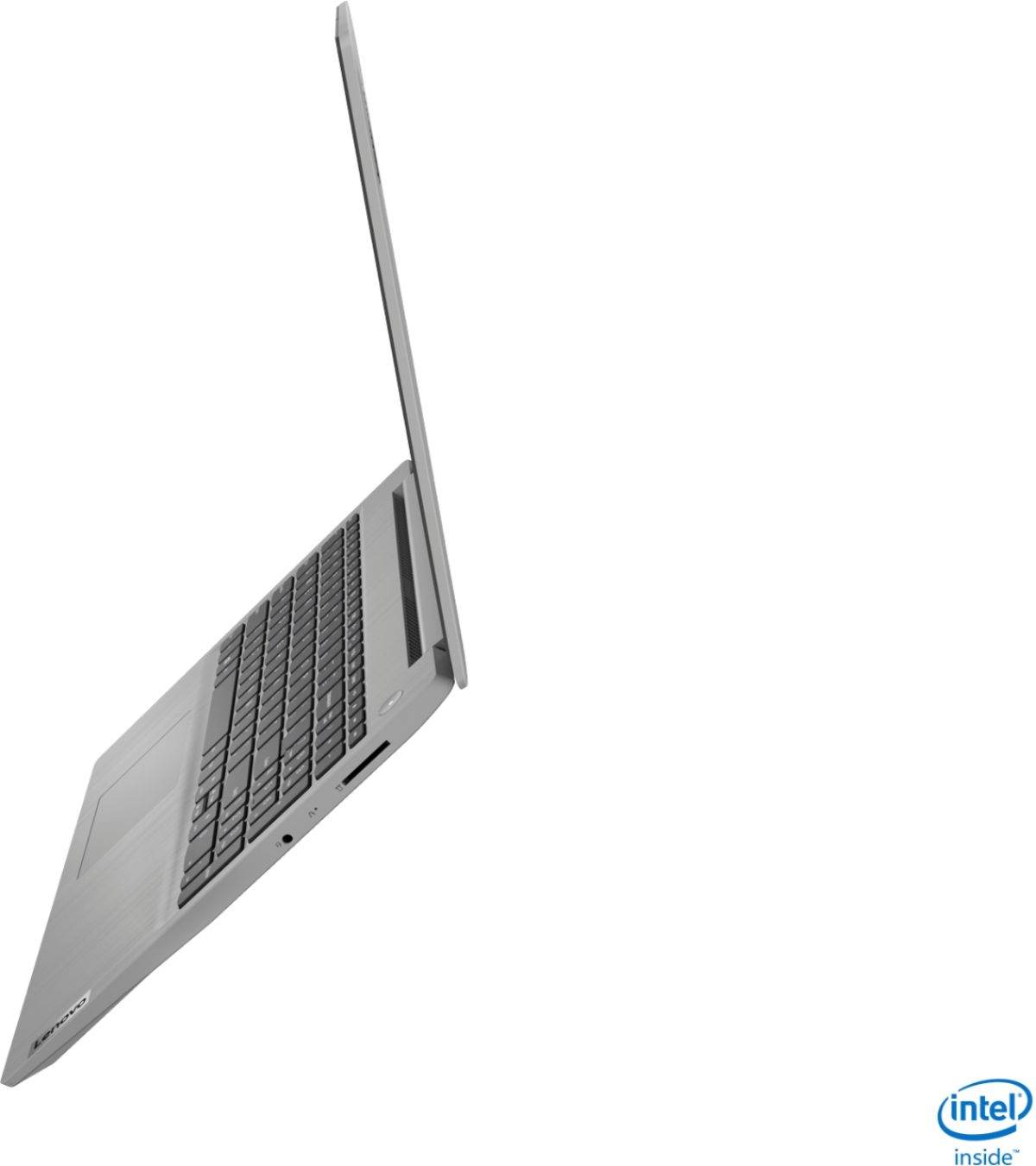
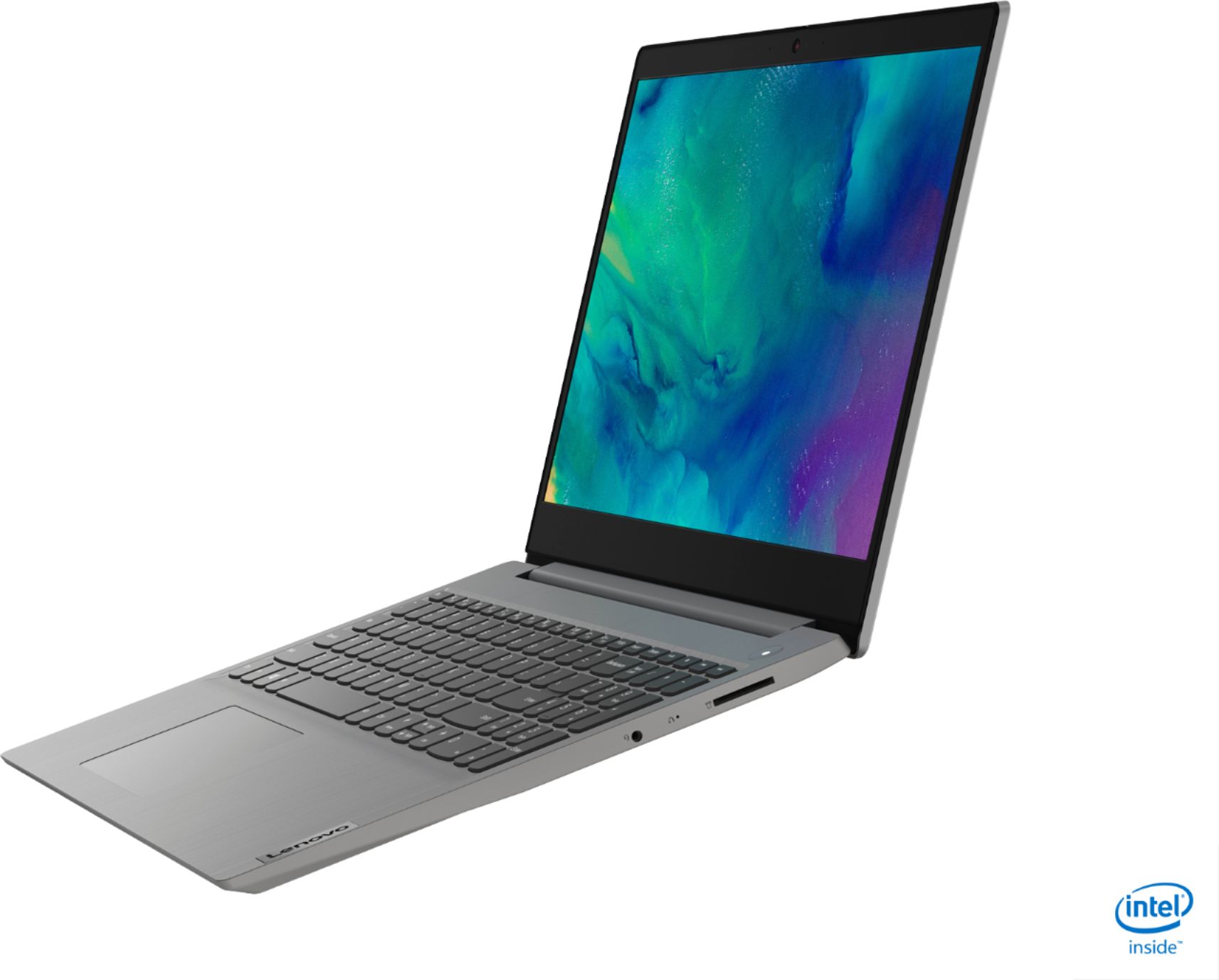
||Posted . Owned for less than 1 week when reviewed.This reviewer received promo considerations or sweepstakes entry for writing a review.This laptop is fairly priced normally, but if you can get it on sale it's simply the best value available right now in a new laptop. I picked mine up a couple days ago for $299.99 and at that price, there is nothing that can compare with it (new). You can read about the specs elsewhere so I won't bother to address here. Instead I'll try to add some observations as I think of them that I hope will still be useful. First, Lenovo reps will always jump into these comments and question sections to tell us that "this model is not user upgradable. A certified technician must do all of the work, so as to not void the warranty." While it may void the warranty, it is not true that the model is not user upgradable. In fact, this laptop is particularly easy to open up, and the RAM, SSD, WIFI card and battery are all upgradable/replaceable. RAM comes dual channel, with 4GB soldered and 4GB replaceable (see photo). Lenovo states that the replaceable slot can take up to 8GB, but many people are reporting they've stuck 16GB in there and they're getting all 20GB total. I happened to have an extra 8GB stick of DDR4 2667MHz available, so I pulled out the 4GB and threw that in there for a total of 12Gb, and that's working perfectly. Also, as I read through some of the Lenovo reps' answers to questions, I see there is quite a bit of incorrect information. For example, the laptop DOES have a media reader (SD card) and the display is 1920x1080 (FHD) IPS, *NOT* a TN 1366 X 768 (HD) screen, as stated by a Lenovo rep in answer to a question on this site. Anyway, at this price, there is really little for me to complain about. Yes, I wish it had a backlit keyboard, and yes I really wish it had a USB-C port (which is a ridiculous omission here towards the end of 2020), and perhaps some of the plastic (eg, the bottom panel could look less cheap...but for $299.99 I'm willing to overlook such things. The laptop works perfectly well (even with the stock 8GB RAM) for all of the tasks you are likely to do with a sub-$500 computer (office apps, media consumption/streaming, even light gaming as the integrated G1 graphics on the Ice Lake i3 are also good enough to handle some decent games at over 60fps also [e.g., CS:GO, Dirt Rally] if you play with settings/resolutions.) It also has a decent keyboard, with nice spacing between keys, and a numpad (which is not a given these days, even on 15" laptops). The keystrokes are a little shallow, but all in all it's a good typing experience. The audio on this laptop is surprisingly good. It gets pretty loud compared to many laptops (especially ones this inexpensive), and distortion-free, though it's by no means any kind of audiophile experience. Play with the Dolby settings and EQ and and you can settle in to sound that you like. One downside for me is the SD reader; I like to keep a 400GB Micro SD card loaded with music in my laptops, since I am constantly listening to tunes on the go and want to be able to do that anywhere without worrying about streaming and internet connectivity. And while I can certainly still do that with this laptop, the SD cards do not sit even close to flush with the side of the laptop, they protrude quite a bit. WIFI is an Intel AC 9560 card, and I'm getting great speeds with no complaints. For anyone upgrading the SSD or starting off with a clean install of Win 10, do go to Lenovo's site and download "Lenovo Utility." Among other things, this is the application that will then allow you to easily switch the BIOS system performance modes (thermal profiles - Intelligent Cooling [15W TDP], Battery Saving [12.5W TDP] or Extreme Performance [25W TDP]) via Fn +Q. I would recommend this laptop even at full price, but if you can get it on sale, it's a fantastic deal.
I would recommend this to a friendBrand response from Lenovo Product Expert
Posted .Hi There! Thanks for choosing the Lenovo IdeaPad 3 15" laptop. We are so happy to hear the performance, features, and value of the IdeaPad 3 is meeting your computing needs so well. We appreciate your detailed review, feedback, and recommendation of the IdeaPad 3 laptop.
- Cons mentioned:Battery life
Great laptop. Very quick.
||Posted . Owned for less than 1 week when reviewed.This reviewer received promo considerations or sweepstakes entry for writing a review.The over all performance of the laptop is great for the $300.00 Black Friday cost. I don't regret buying. Mostly used for web surfing and some remote desktop connections to other PCs. There was almost no bloat at all! Couple Lenovo utilities, some ID Theft protection offer, and McAfee anti-virus and that was about it. If I had paid full price I would have been happy as well. I did take it out of S Mode and upgraded to Pro in case I need to play around with Hyper-V or Sandbox. It does have an interesting feature; when the laptop is turned off and you press any key a battery graphic shows up showing the remaining charge. Not sure how useful that is but I think its an interesting feature. Keyboard and track pad are decent. No complaints. They seem solid, keyboard has decent travel, The NVMe SSD is as "SKHynix HFM256GDHTNI-87A0B." Certainly not fastest SSD but OK performance, The LED panel is a "AUO B156HAN02.1." It is not IPS as noted the Lenovo rep in a few replies to questions here. Its an "a-Si TN" panel. Granted, I would say a good TN panel for sure but you need to use Intel Display app to tweak the colors and contrast. Its better than the typical TN panels used in the Dell's and HP's I have recently owned. Max brightness is what I would I would consider a bit low. Battery, when in a more conservative mode seems to be about 3 to 4 hours. This was not the extreme battery saver mode and the brightness on the screen was at max. I rated this laptop 5 stars because the value is really good!
I would recommend this to a friendBrand response from Lenovo Product Expert
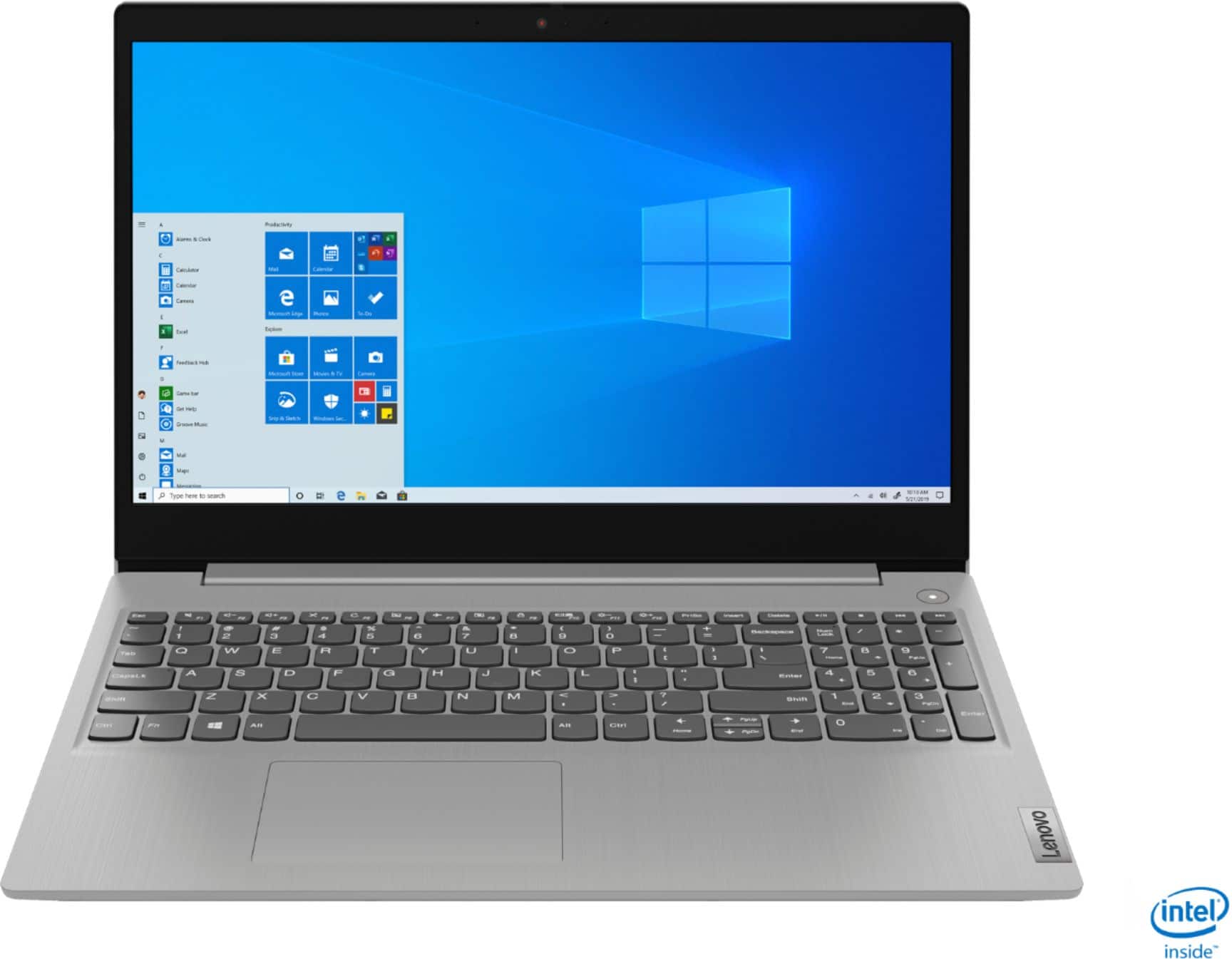
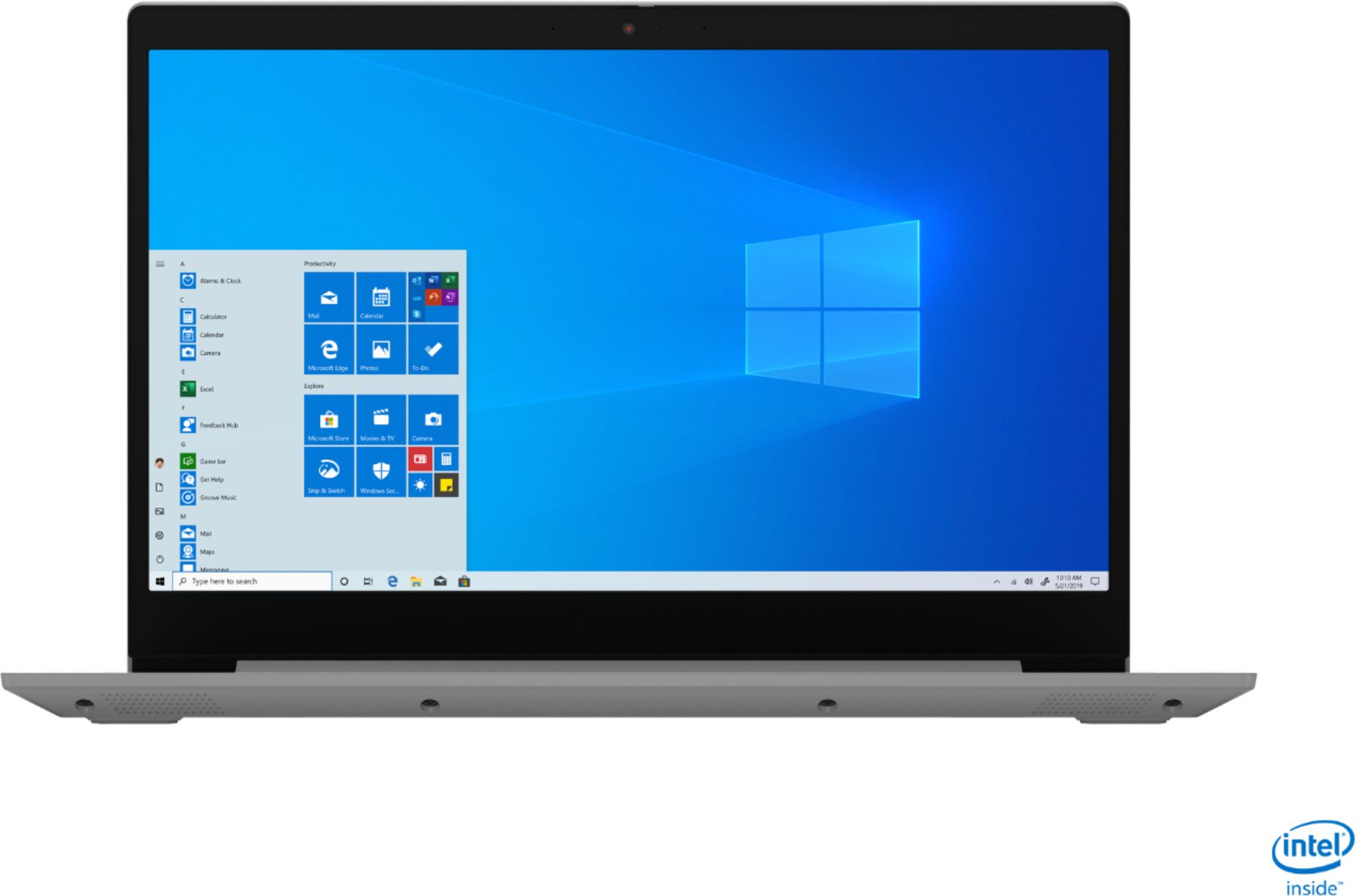
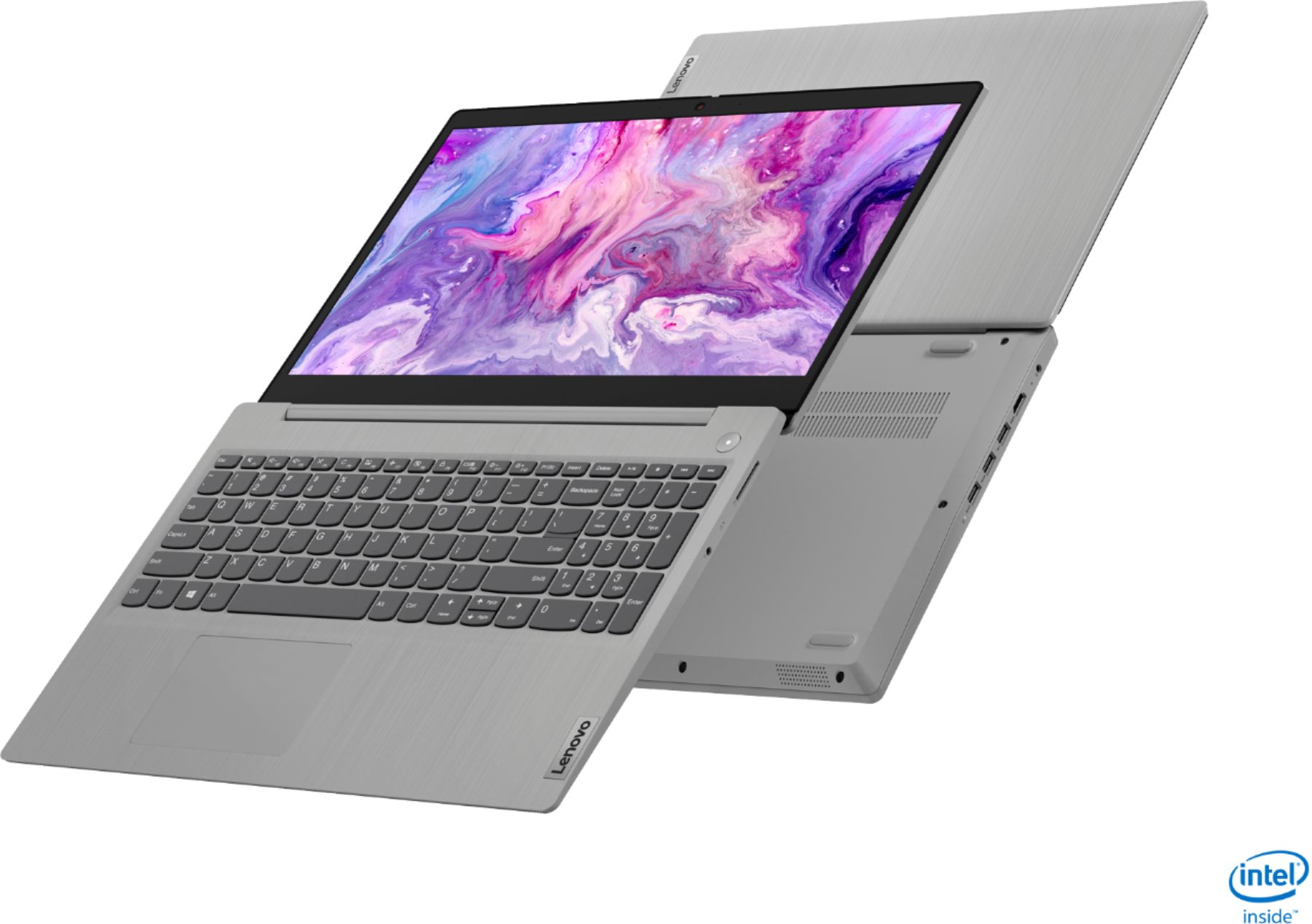
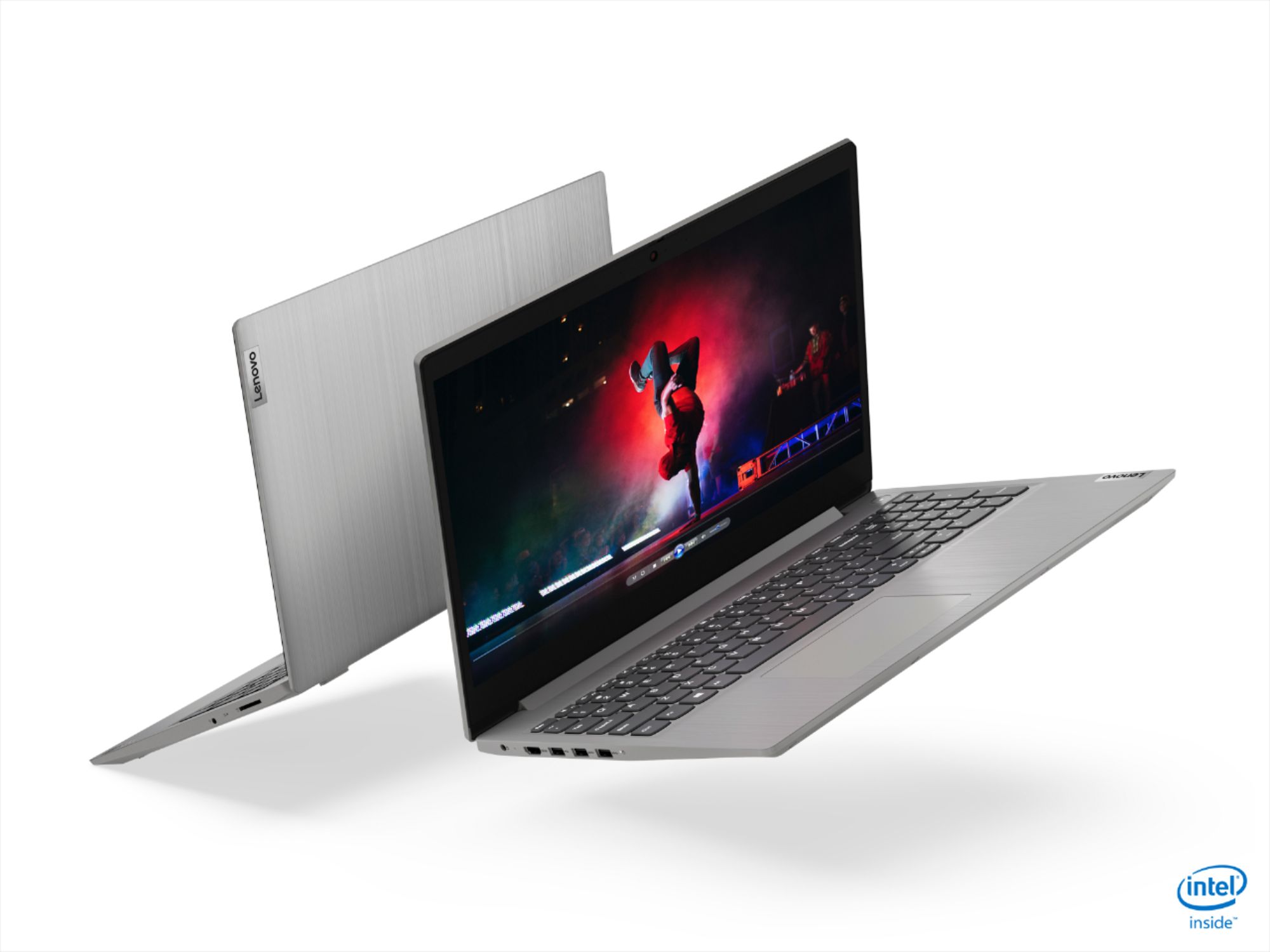
Posted .The Lenovo IdeaPad 3 15 Laptop, model number 81WE011UUS, ships with a 15.6-Inch (screen size measured diagonally) IPS LCD w/LED Backlight (Anti-glare) screen, with a refresh rate of 60Hz, a resolution of FHD (1920x1080) and a brightness level of 250 nits. Here is a link to more information about IdeaPad 3 15 model number 81WE011UUS: https://psref.lenovo.com/Detail/IdeaPad/IdeaPad_3_15IIL05?M=81WE011UUS&clickid=zpuy3n0CUxyJTru0EHQlB1XYUkEzW81JpyrZW40&irgwc=1&PID=10451&acid=ww%3Aaffiliate%3Abv0as6
- Pros mentioned:Price
The Best laptop deal I found ANYWHERE!!
||Posted . Owned for 1 week when reviewed.This reviewer received promo considerations or sweepstakes entry for writing a review.Probably the BEST DEAL I have ever found on a laptop. I bought the same model and not a week let found it even less expensive, so I bought this one and returned the other. Not one problem. A couple freebies and more points. This is a great laptop for almost anything! I highly recommend this make and model!!
I would recommend this to a friendBrand response from Lenovo Product Expert
Posted .Hello. Thank you for choosing the Lenovo IdeaPad 3 laptop. We are SO pleased to hear that the value and performance of the IdeaPad 3 meets your computing needs so well! We appreciate your recommendation =)
- Pros mentioned:Weight
Lap top
||Posted . Owned for 1 month when reviewed.This reviewer received promo considerations or sweepstakes entry for writing a review.The keyboard has comfortable big keys for me to use. I love that the best. I have in complaints this item is easy to use and light weight and portable
I would recommend this to a friend Great Value for Black Friday
||Posted . Owned for 1 week when reviewed.This reviewer received promo considerations or sweepstakes entry for writing a review.This is a great laptop if you can get for 299.99. Once you get it, make sure you upgrade the RAM by getting a 16 GB 2666 Mhz (PC4 21300) SODIMM stick. Even though Lenovo's website show that max RAM is 12GB, you can upgrade up to 20 GB (4GB is already built in). I mainly use this computer for light gaming (emulation), internet surfing, and office suite application. So far, I did not have any issues with the computer.
I would recommend this to a friendBrand response from Lenovo Product Expert
Posted .Hello. Thank you for choosing the Lenovo IdeaPad 3 laptop. We are pleased to hear that the value and performance of the IdeaPad 3 meets your computing needs so well!
Interal processing was awesome, however..
||Posted . Owned for 1.5 years when reviewed.This reviewer received promo considerations or sweepstakes entry for writing a review.The actual computer was not the slightest bit durable. Would not recommend for anyone that planned on flying with it, transporting it to and from work; the plastic pieces broke (shell case, display frame) during a security check for carryon luggage. Also the non backlit keyboard was a bummer that had no solution. Splirge anothed $50 for a better model
No, I would not recommend this to a friendGreat laptop, especially for the price
||Posted .This reviewer received promo considerations or sweepstakes entry for writing a review.It’s cool to see a fairly new laptop with these specs be this cheap, for everyday tasks this thing is amazing, I’m pretty sure you could run some light gaming on it as well, (Minecraft csgo etc) overall I’m pretty satisfied
I would recommend this to a friendBrand response from Lenovo Product Expert
Posted .Thank you for choosing the Lenovo IdeaPad 3 laptop. We are pleased to hear that the value and performance of the IdeaPad 3 meets your computing needs so well!
- Pros mentioned:Easy to use
Great Laptop for work and email!
||Posted . Owned for 3 weeks when reviewed.This reviewer received promo considerations or sweepstakes entry for writing a review.I love my new laptop, it replaces an HP I had for about 4 years. It’s great for email, Facebook, and Citrix to log in for work. I was worried set up would be difficult, it took less than 10 minutes, a great deal!
I would recommend this to a friend - Pros mentioned:Speed
Great Purchase
||Posted . Owned for 3 weeks when reviewed.This reviewer received promo considerations or sweepstakes entry for writing a review.I definitely recommend purchasing this laptop. It works greats. Everything loads quickly. The camera quality isn’t bad. Storage is good. So far, so great.
I would recommend this to a friend - Pros mentioned:Speed
Fast but feels cheap
||Posted . Owned for 1 month when reviewed.This reviewer received promo considerations or sweepstakes entry for writing a review.Good i3 and SSD. Fast. BUT the plastic is cheap. Typing feels cheap.
No, I would not recommend this to a friend Great computer
||Posted . Owned for 3 weeks when reviewed.This reviewer received promo considerations or sweepstakes entry for writing a review.This is a really good computer. Just the right size. Not too expensive. It has a lot of storage space for the many pictures that I take and store on my computer.
I would recommend this to a friendGreat price, good simple machine
||Posted . Owned for more than 2 years when reviewed.This reviewer received promo considerations or sweepstakes entry for writing a review.Really solid budget machine. Bought for a family member who needed basic PC and it’s going strong for the price.
I would recommend this to a friendA must Buy!
||Posted . Owned for 2 weeks when reviewed.This reviewer received promo considerations or sweepstakes entry for writing a review.I really love my Laptop it’s exactly what I need for what need it for. It’s fast it’s modern .
I would recommend this to a friendBrand response from Lenovo Product Expert
Posted .Thank you for choosing the lenovo IdeaPad 3 15 laptop. We are pleased to hear that the IdeaPad 3 15 is working out so well for you.
High tech low price
||Posted . Owned for 3 weeks when reviewed.This reviewer received promo considerations or sweepstakes entry for writing a review.Got my first new laptop and saved so much money I got a 1tb external hard drive to back everything up plus sim DVD writer
I would recommend this to a friendNever again
||Posted . Owned for 6 months when reviewed.This reviewer received promo considerations or sweepstakes entry for writing a review.I’d love to say all positive things and recommend this laptop, but I simply can’t. This device is my first Lenovo product and I heard only great things so I stepped away from Dell and I am totally regretting my decision! I’ve used it 4 months and my camera is no longer available to use. I’ve updated it, I’ve run troubleshooting software through Lenovo and it literally does not recognize that my device has one! Unfortunately, I got this laptop to use for my job which requires me to be on video meetings. What good is a laptop without a WebCam when you need to be a part of video meetings?!? I Purchased this on a Black Friday deal so it’s way past the return date and now I’m going to have to pay out-of-pocket to have this crappy device serviced so that I can actually use it for what I intended. Bummer!
No, I would not recommend this to a friendBrand response from Lenovo Product Expert
Posted .We are sorry to hear that you are having issues with the webcam on your Lenovo IdeaPad 3 15 Laptop, model number 81WE011UUS. This model ships with a 720p (HD) webcam with manual Privacy Shutter built in. Be sure the Privacy Shutter is completely open before trying to use the webcam or the webcam will not operate. There is a small slider, directly above the webcam lens. Move the tab to the right to open the Privacy Shutter. There is a red dot over the webcam lens that will disappear when the Privacy Shutter is fully open. This will indicate that the webcam is really to use. You can close the Privacy Shutter when you are done with the webcam for your security, by sliding the tab to the left to close the Privacy Shutter. The Red Dot will appear over the webcam lens when the Privacy Shutter is closed. If the issue continues, we recommend you call Lenovo Tech Support at: 877-453-6686.
Fast PC!
||Posted . Owned for 2 months when reviewed.This reviewer received promo considerations or sweepstakes entry for writing a review.The best budget pc on the planet hands down. I went back and bought another.
I would recommend this to a friendBrand response from Lenovo Product Expert
Posted .Hello. Thank you for choosing the Lenovo IdeaPad 3 laptop. We are pleased to hear that the value and performance of the IdeaPad 3 meets your computing needs so well!
Great Laptop!
||Posted . Owned for 3 weeks when reviewed.This reviewer received promo considerations or sweepstakes entry for writing a review.Great product for what it's designed for. I can work from it and produce music!
I would recommend this to a friendLenovo Laptop
||Posted . Owned for 1 week when reviewed.This reviewer received promo considerations or sweepstakes entry for writing a review.Great Laptop , I love it ! It Does everything for me .
I would recommend this to a friendBrand response from Lenovo Product Expert
Posted .Thank you for choosing the Lenovo IdeaPad 3 15 laptop. We are pleased to hear that the IdeaPad 3 15 meets your computing needs so well.
- Cons mentioned:Battery life
Terrible
||Posted .This reviewer received promo considerations or sweepstakes entry for writing a review.The battery runs low quickly and last about 2.5 hours total although in save battery mode. The Camera stopped working just after two weeks with no changes or updates being applied.
No, I would not recommend this to a friendBrand response from Lenovo Product Expert
Posted .Hello, we are sorry to hear you are experiencing an issue with the battery and web cam. We understand this must be frustrating. The Lenovo IdeaPad 3 15 Laptop, model number 81WE011UUS is rated for a battery life of up to 7.5 hours. Please make sure Battery conservation Mode is turned off. This power management setting should only be used when the laptop is plugged in all the time. It will prolong overall battery life by only charging the battery to 60-percent of capacity. Here is a link to instructions for turning off Battery Conservation Mode: https://support.lenovo.com/us/en/solutions/ht103159. Also please try adjusting the screen brightness to a setting less than 100% brightness that is still comfortable for you. Running the laptop with the screen brightness at 100% will drain the batter much faster than a lower setting. For the web cam please ensure you have the latest system updates/BIOS/ and drivers installed. You can easily accomplish this by scanning the computer with the Lenovo Utility software available on this computer. This system has Lenovo utilities installed to help maintain the health of the device and keep the operating system software up to date. Type "Lenovo Vantage" in the Cortana Search window (if Lenovo Vantage is not installed on your device, you can download the APP and install it now). Select Lenovo Vantage from the list. In the window that opens, click on "Health and Support". In the expanded menu, select "Hardware Scan” In the window that opens, select "Run Quick Tests". This will scan your entire system for errors. Follow any directions that may pop up. If the problem continues after this scan, now click on "System Update". First select Windows update from the menu. Scan your system to be sure you have the latest version of Windows 10. Once that scan is complete, select "Additional Updates". This will scan your device to be sure there are no new BIOS/Driver updates needed. Follow any instructions that may pop up. If the issue continues after these updates, we recommend you call Lenovo Tech Support at: 877-453-6686 for additional help.