Customer Ratings & Reviews
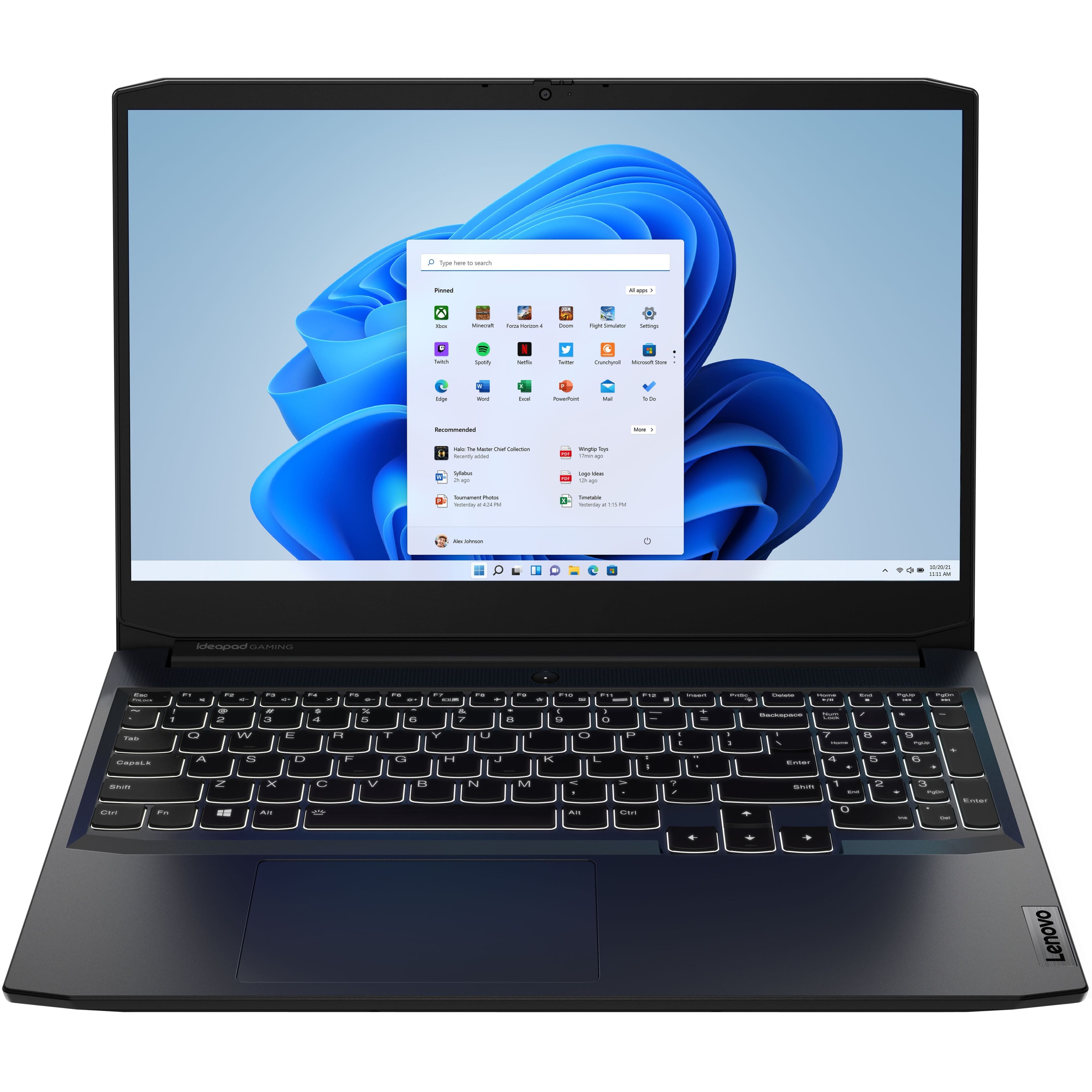
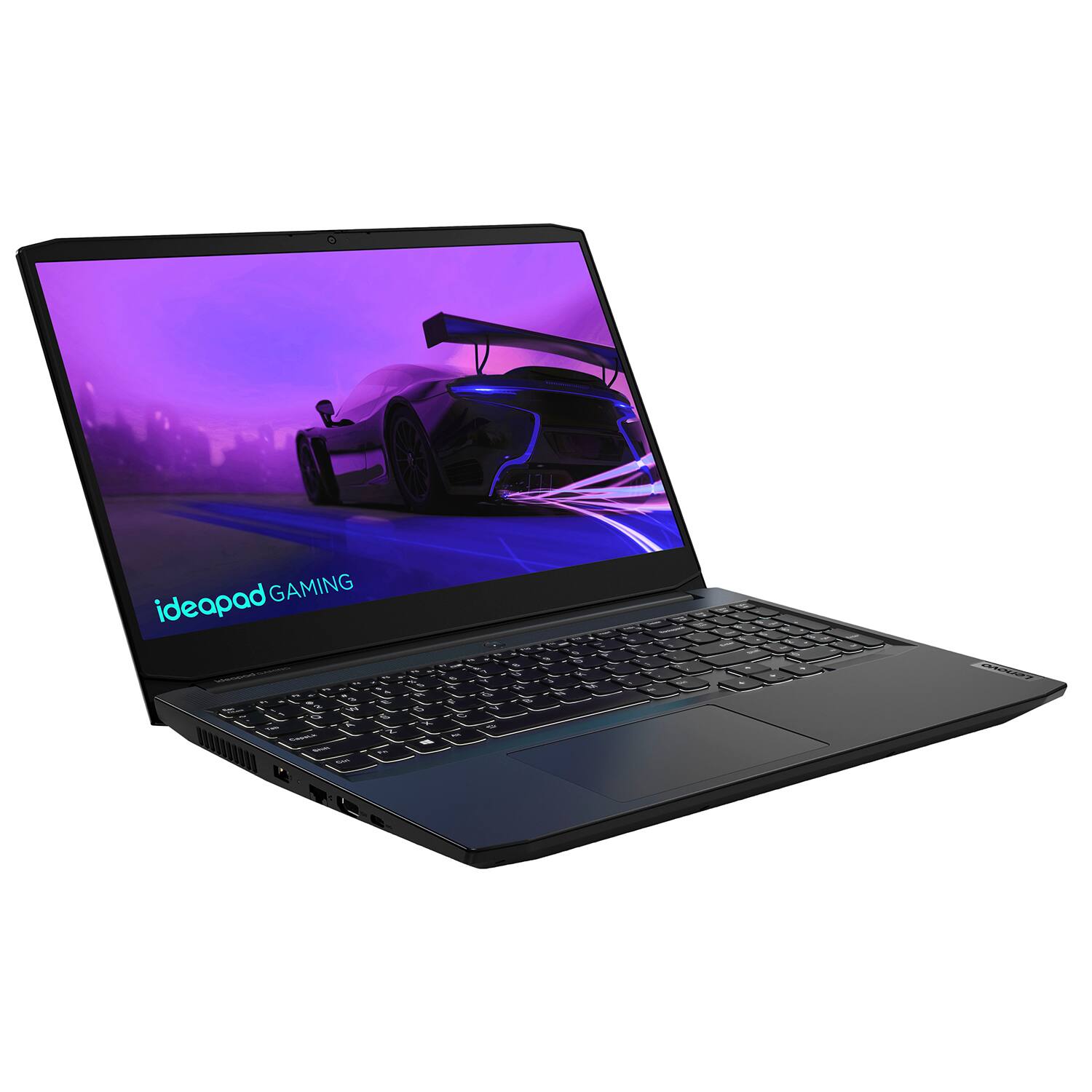
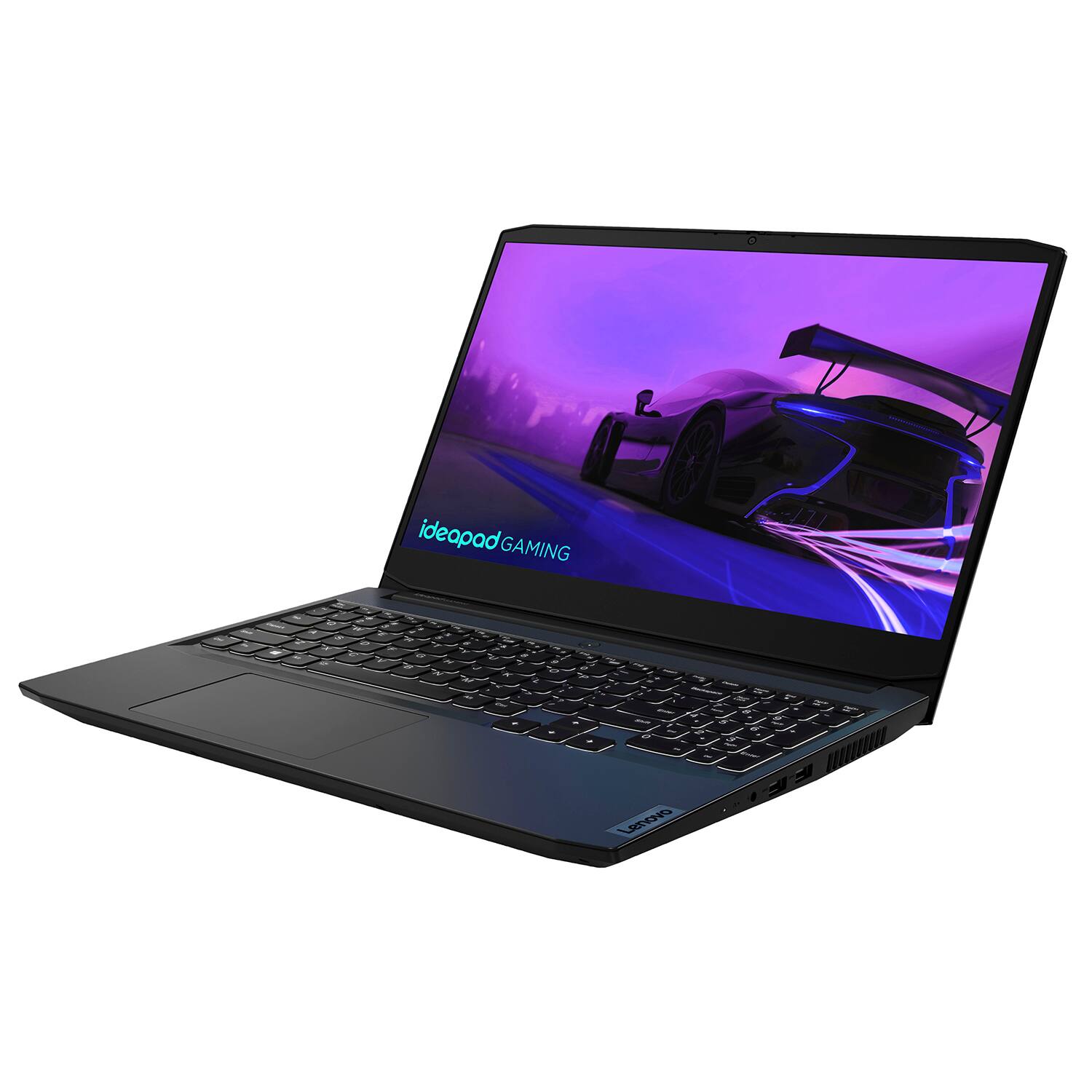
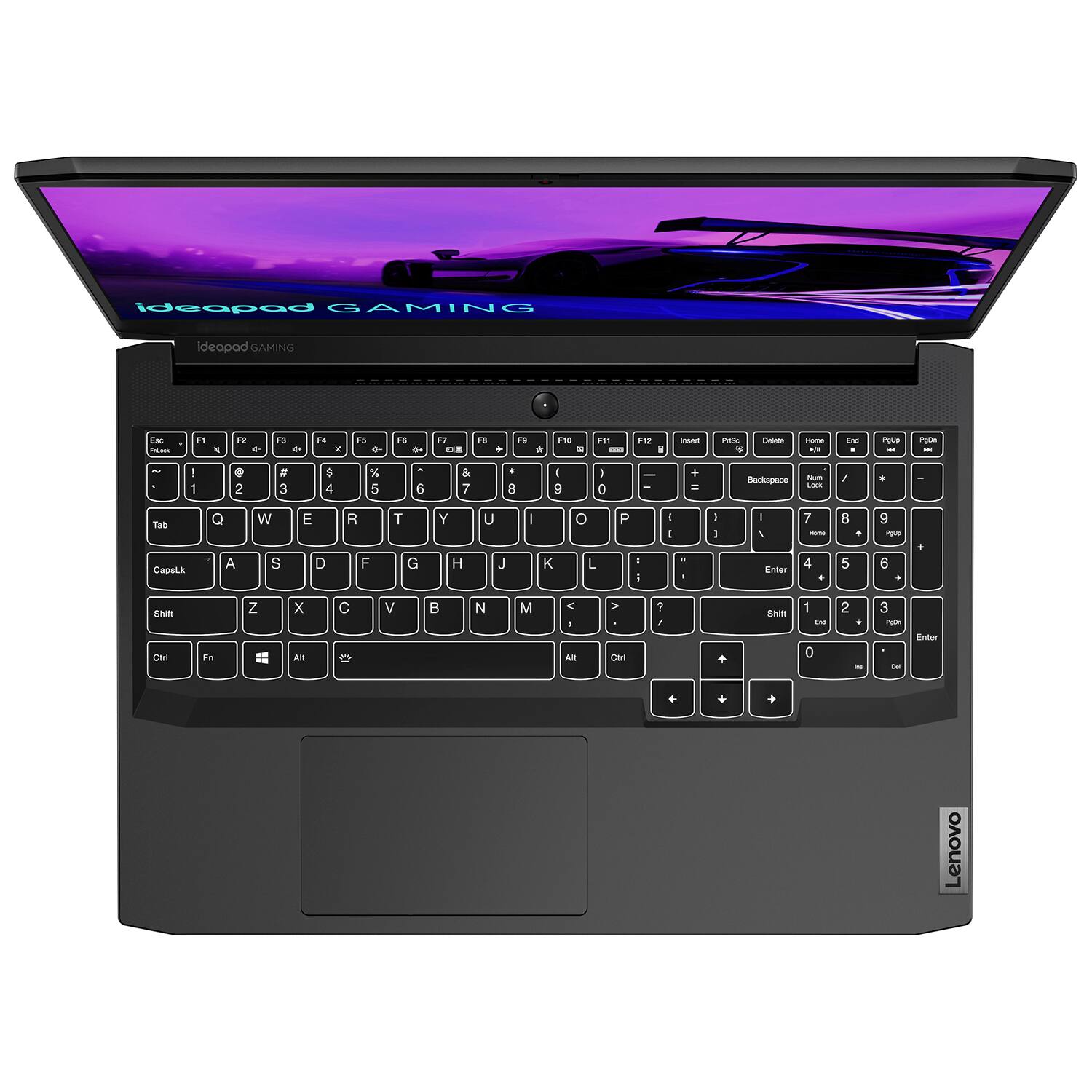
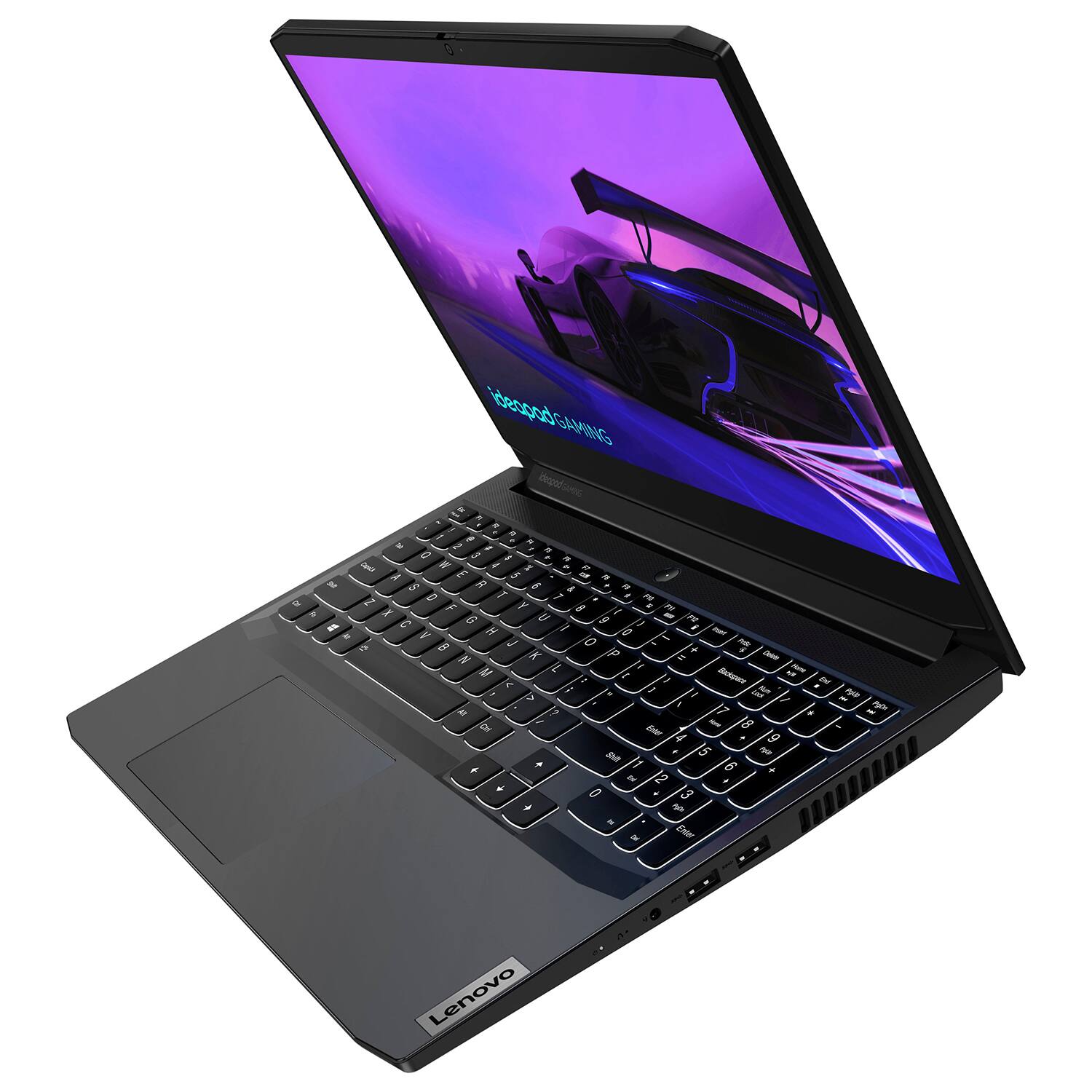
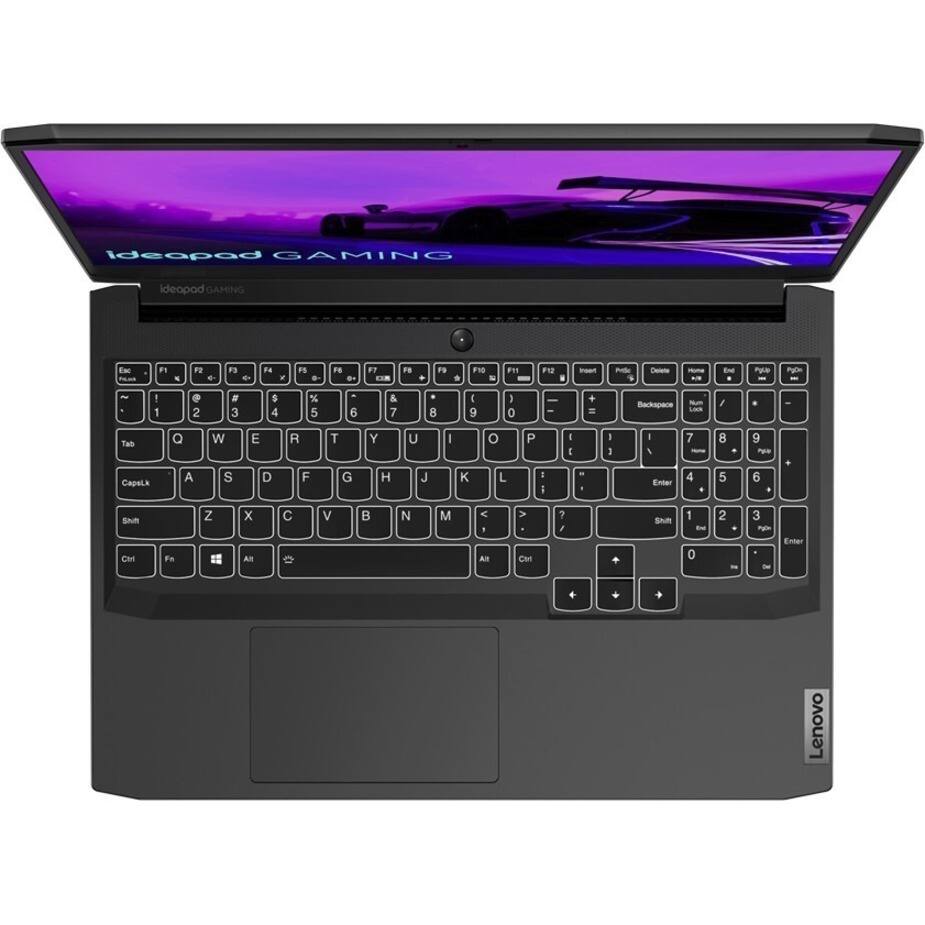
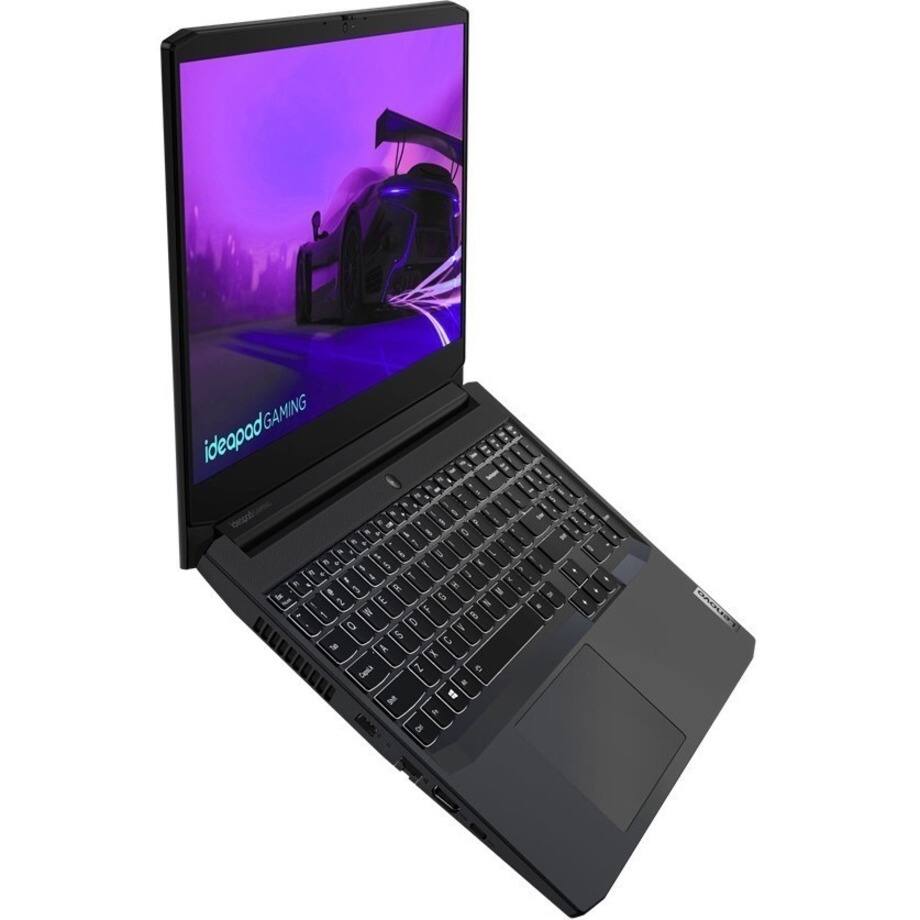
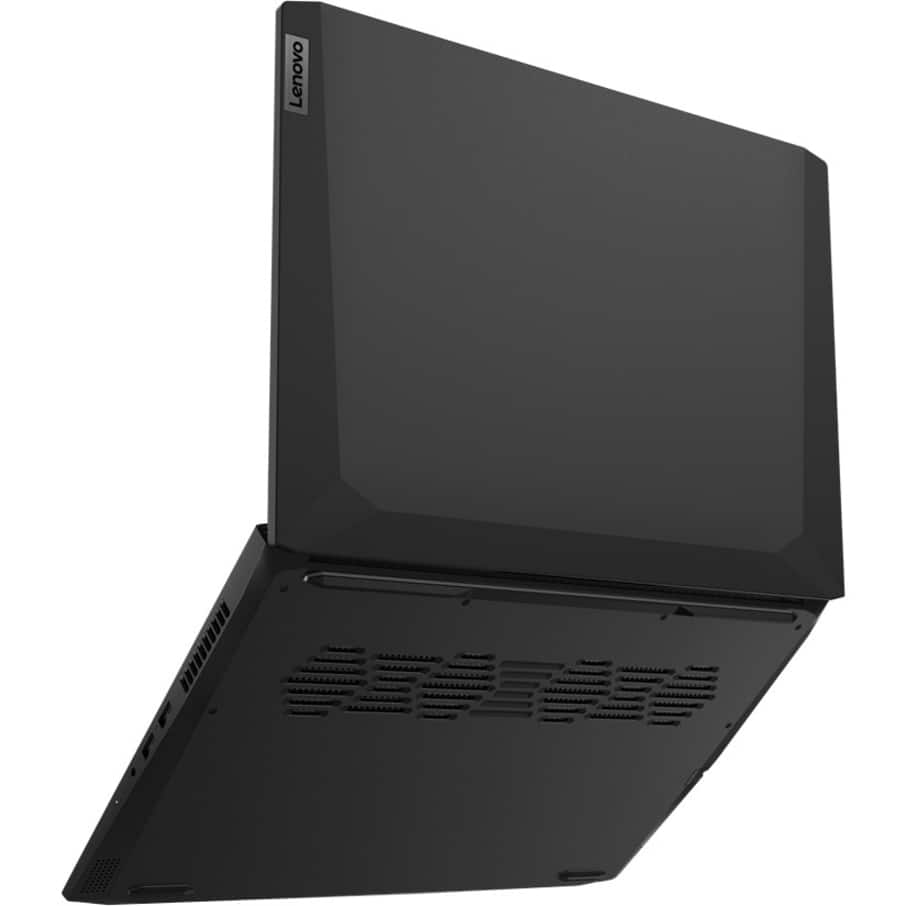
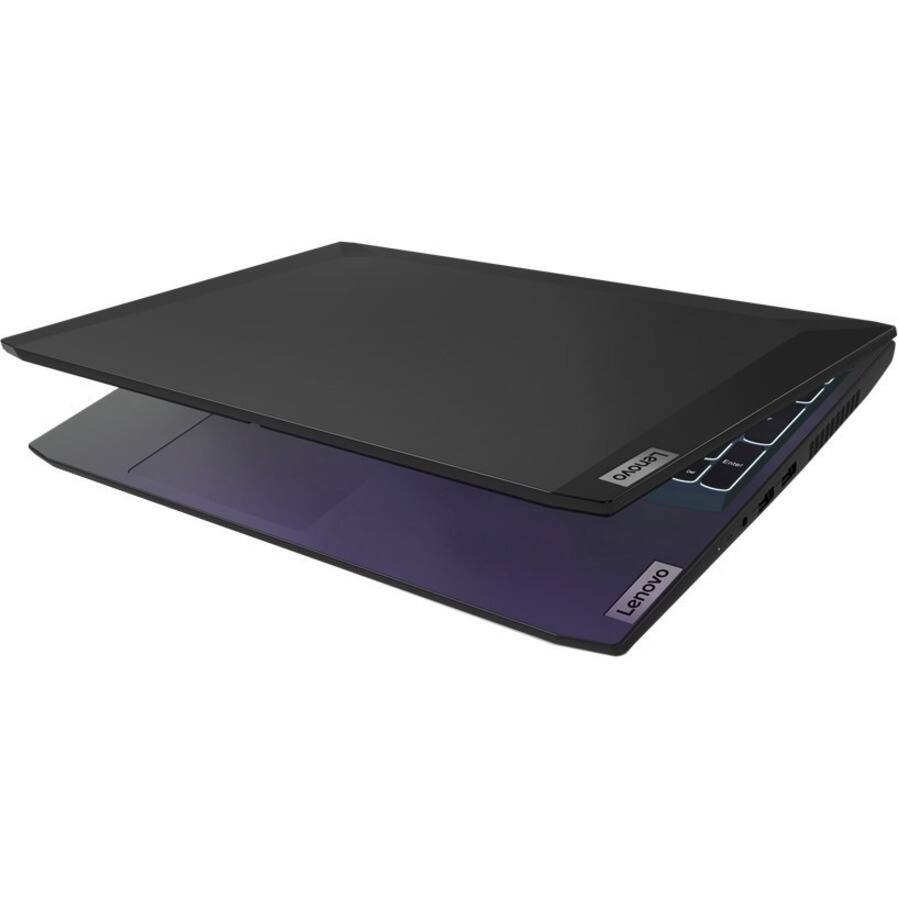
- Model:
- 82K1015EUS
- SKU:
- 6510066
Rating by feature
- Battery Life
Rating 3.4 out of 5 stars
- Speed
Rating 4.5 out of 5 stars
- Display
Rating 4.3 out of 5 stars
Customers are saying
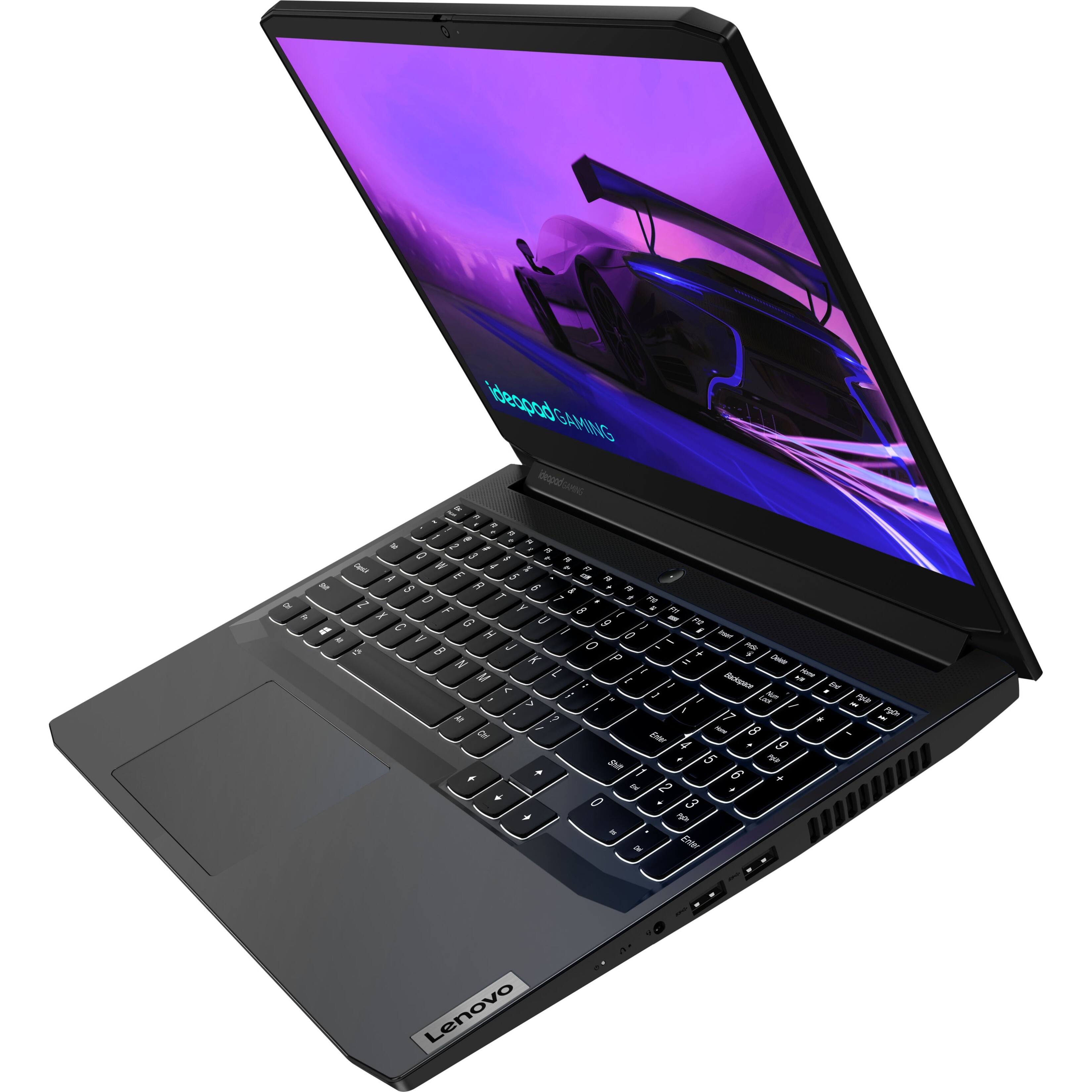
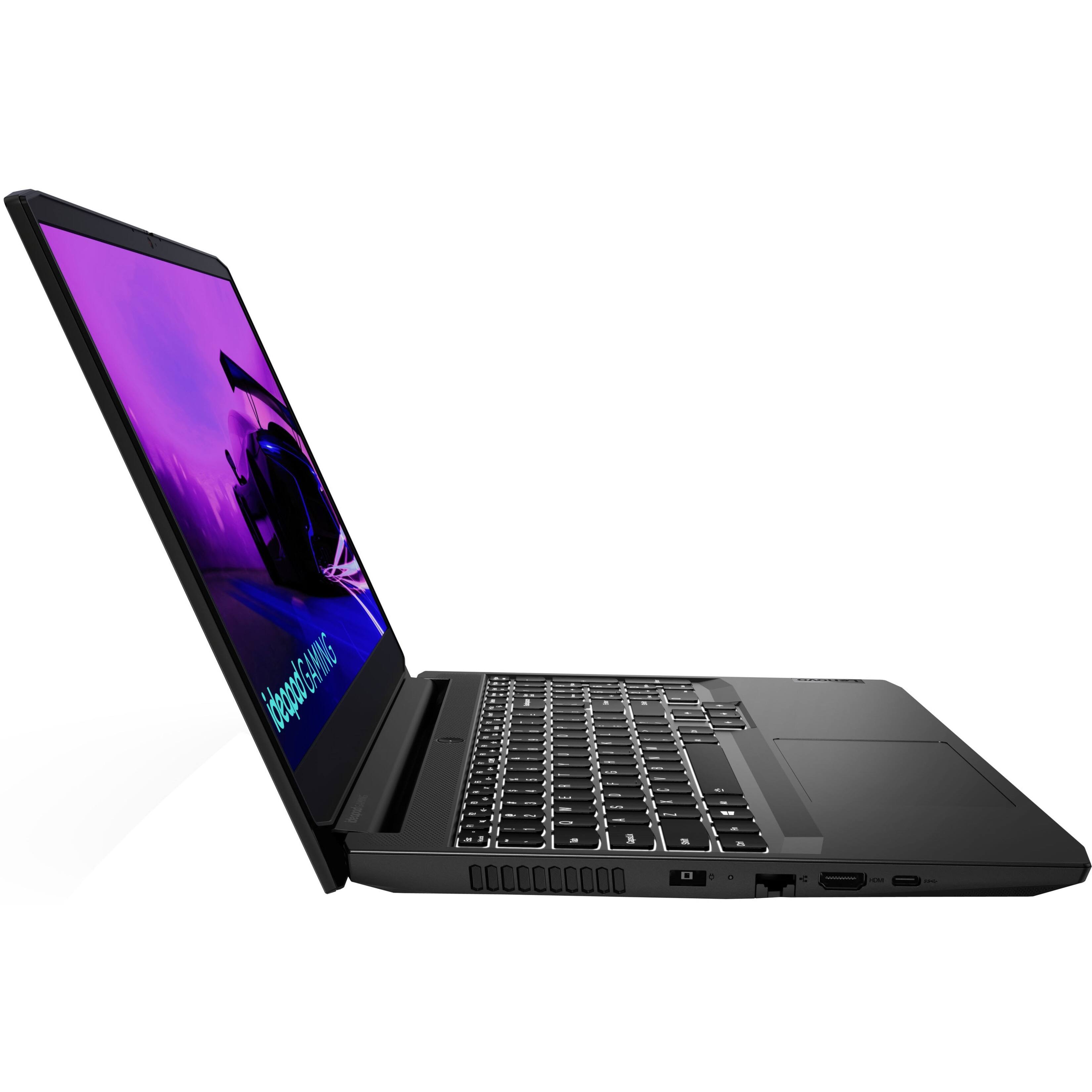
Customers are impressed with the IdeaPad Gaming 3's performance and graphics capabilities, particularly considering its price point. Many appreciate the RTX 3050 graphics card and find the system delivers smooth gameplay, although some users recommend RAM upgrades for optimal performance. However, a common complaint centers around the battery life, which is described as average. Concerns were also raised regarding screen quality issues reported by some users.
This summary was generated by AI based on customer reviews.
Very good
||Posted . Owned for more than 2 years when reviewed.This reviewer received promo considerations or sweepstakes entry for writing a review.The battery will only last about 2 hours but the laptop speed is solid. It can do pretty much anything that does not require multitasking.
I would recommend this to a friend- Pros mentioned:Processor speed
great laptop if you can get it at a good price
||Posted . Owned for 1 year when reviewed.This reviewer received promo considerations or sweepstakes entry for writing a review.got it for a great deal and at the price it was a very sleek very fast laptop
I would recommend this to a friend - Pros mentioned:RamCons mentioned:Battery life
Nice affordable laptop to Rtx on!
||Posted . Owned for 2 weeks when reviewed.This reviewer received promo considerations or sweepstakes entry for writing a review.Great overall entry level laptop for price. Was running a I5 quad core with a Rtx 3050 with 8gb ram. Great offer at sale, but the let down was battery life and even discharged while charging.
I would recommend this to a friend - Pros mentioned:Processor speedCons mentioned:Battery life
Great for mid gaming and school
||Posted . Owned for 1 month when reviewed.This reviewer received promo considerations or sweepstakes entry for writing a review.Brought this laptop for gaming and school stuff. Works great, super fast, keyboard typing feels good,love how you can get backlit in a budget laptop. You get 120hz, 3 month Xbox game pass, McAfee virus and VPN protection,the 8gb ram is good wish it had 16gb ram and the battery lasted a bit more.
I would recommend this to a friend - Cons mentioned:Screen
Laptop's Great but Screen Often Flickers
||Posted . Owned for 1 month when reviewed.This reviewer received promo considerations or sweepstakes entry for writing a review.I have had this laptop for a month now its a very great laptop for the price but there's only 1 thing I don't like, which is why I didn't give it a 5 star, that is the screen often flickers I made sure everything is up to date drives, bios, etc but It doesn't seem to fix it at first I don't worry bout it but now it starts getting a black screen, just browsing around it goes to a black screen for like 5 seconds and comes back its probably some kind of hardware bug or something is wrong with the laptop. And the Laptop easily catches fingerprints but it doesn't bother me since I can easily clean it.
I would recommend this to a friendBrand response from Lenovo Product Expert
Posted .Thank you for choosing the Lenovo IdeaPad 3 15 Gaming laptop, model number 82K1015EUS. This model ships with Windows 11 Home, 64-bit Operating System installed. Screen flickering in Windows 11 is usually caused by a display driver issue or incompatible app. To determine whether a display driver or app is causing the problem, check to see if Task Manager flickers. Here is a link to more information: https://support.microsoft.com/en-us/windows/troubleshoot-screen-flickering-in-windows-47d5b0a7-89ea-1321-ec47-dc262675fc7b#:~:text=Screen%20flickering%20in%20Windows%2011,see%20if%20Task%20Manager%20flickers. If the issue continues, we recommend you contact Microsoft Software Support directly here: https://support.microsoft.com/.

- Cons mentioned:Battery life
Great so far for Steam games
||Posted . Owned for 3 weeks when reviewed.This reviewer received promo considerations or sweepstakes entry for writing a review.I got this machine for playing Steam games. The remastered Spyro, the remastered Need For Speed, and Art of Rally play really nicely and smoothly on this machine (as well as other retro games which aren't graphics intensive). A playstation controller works well through bluetooth. I do plan to increase the RAM since it's using most of the 8GB, but I consider that more future proofing... nothing has failed to run yet. Battery life is ~1-2 hours playing games which is not long, but I've gathered that's maybe pretty typical. The only thing that feels inexpensive is the built-in mouse. It's usable, but feels way less nice than a MacBook Pro (which makes sense!).
I would recommend this to a friendBrand response from Lenovo Product Expert
Posted .Thank you for choosing the Lenovo IdeaPad 3 15 Gaming laptop, model number 82K1015EUS. This model ships with a Integrated 45Wh, Lithium-Polymer Battery, which within this model configuration, has a battery life of up to 8 hours, depending on the work the device is performing. To maximize battery life, switch your Power Management Settings to a Hybrid Mode. Some other tips for extending battery life: Set your screen brightness at less than 100-percent - try 80-percent to start with. Then, be sure Battery Charge Threshold is turned off. This power management setting should only be used when the laptop is plugged in all the time. It will prolong overall battery life by only charging the battery to 60-percent of capacity. You can turn off Battery Charge Threshold within the Lenovo Vantage APP installed on this computer. In Vantage select Battery Settings and turn off Battery Charge Threshold, if turned on. Also check what programs are running in the background on the computer. Be sure only the programs you want running in the background are. These programs will drain the battery. Here is a link to information about how to find out what programs are running in the background on your Windows 11 computer and how to manage them for better system performance: https://websiteforstudents.com/how-to-find-what-is-running-in-windows-11/. Then, finally, be sure any software you installed is compatible with Windows 11. Incompatible software will drain the battery at a faster rate. There is no need to install Microsoft Office software. The software is already part of the operating system, you just need to activate the software with a purchased product key. If you have installed a copy of Microsoft Office, this is conflicting with the existing copy on the system and this will slow your system down. If you have installed a 3rd party anti-virus program, be sure that Windows Defender is turned off and that the trial version of McAfee Anti-Virus software is uninstalled. There can only be one anti-virus program on the system. You may need to restore your system to original factory default settings if any of the programming errors have occurred. You can do that by typing "restore" in the Cortana search window. Just click on the magnifying glass icon at the bottom of your Windows 11 Desktop. Click on "Reset This PC" Then click on "Get Started" and follow the on screen directions to restore to factory defaults. If you have questions about your Lenovo IdeaPad 3 15 gaming laptop, we recommend you contact Lenovo Tech Support for additional information at: 877-453-6686.
- Pros mentioned:Performance, Ram
Quick affordable little machine
||Posted . Owned for 3 weeks when reviewed.This reviewer received promo considerations or sweepstakes entry for writing a review.This laptop is a bargain. It has the most minimum specs for a modern gaming laptop. I only play Fortnite on it, medium settings (epic) distance at 1080p and has no problem getting 120fps (locked). I did add another 8 gig or memory; which I recommend to get the best possible performance.
I would recommend this to a friend - Pros mentioned:Graphics, Ram
Great productivity computer
||Posted . Owned for 1 week when reviewed.This reviewer received promo considerations or sweepstakes entry for writing a review.Powerful CPU runs all productivity software very fast. Lenovo has the best Thermal management that can use the full capability of the CPU and GPU. GPU can both do rendering and play games, especially with DLSS you can play 3A game at pretty good resolution.
I would recommend this to a friendBrand response from Lenovo Product Expert
Posted .Thank you for choosing the Lenovo IdeaPad 3 15 Gaming Laptop. We are pleased to hear that the performance of the IdeaPad 3 15 Gaming laptop meets your computing needs so well.
Great workhorse laptop for gaming
||Posted . Owned for 1.5 years when reviewed.This reviewer received promo considerations or sweepstakes entry for writing a review.Full size keyboard is amazing. Have used this to stream while away from home. Also used it to play several AAA games. Everything runs smooth on medium settings @ 60.
I would recommend this to a friendNice laptop for the money and tech.
||Posted . Owned for 4 months when reviewed.This reviewer received promo considerations or sweepstakes entry for writing a review.Really great laptop with modern features and tech. Excellent gaming card and decent size storage. May need to bump the memory soon but works good so far.
I would recommend this to a friendHidden little gem with some work
||Posted . Owned for less than 1 week when reviewed.This reviewer received promo considerations or sweepstakes entry for writing a review.This laptop at the time of writing is hands down the lowest price you can get an RTX 3050 laptop, at $550 most laptops peddle the aged GTX 1650 or worse. But do not let the price fool you, this laptop while with some rough edges, can really shine with a little polishing. The absolute first thing to do if nothing else, is adding more ram, the single stick of 8GB of ram is criminal in how it kneecaps performance in single channel. The second is more storage. The beautiful thing Lenovo did was give you the option, either to use the 2nd M.2 slot or install a SATA SSD/HDD, the bracket kit was in the box and it is what I used, added a cheap SATA 500GB SSD along with an extra 8GB stick and now this was ready to roll. The screen while not very bright, is bright enough, the 120hz display is a treat. I personally like the "style" of keyboard, hard to describe it but the lettering is engraved VS simply "printed", it feels better to the touch and of higher quality. The CPU is "weak" in how it is "only" 4 cores, but with Hyperthreading netting 8 threads, it is enough especially for the GPU it is paired with, speaking of, this one is rated at 85 watts, there are more expensive ones with RTX 3050 rated at 60 watts or less! Though from my monitoring, it needs to be in "performance" mode to let the GPU go full blast, this is by cycling the three modes, silent, auto and performance, FN+Q cycles it with a little icon indicating what is activated. The performance for the class is good, heat is well managed, I did not see the CPU pass 74C, GPU 75C, which is decent for a gaming laptop, fan noise is acceptable, lower pitch rush of air, not a high whiney one. Battery life is a bit below average, did not extensively try but I noticed it drained quicker than others that I had (browsing, no sane person will game on the battery...will they?) Build is all plastic but well done, I have zero complaints of my purchase, thank you Lenovo!
I would recommend this to a friendBrand response from Lenovo Product Expert
Posted .Thank you for choosing the Lenovo IdeaPad 3 15 Gaming Laptop, model number 82K1015EUS. This configuration ships with the 11th Gen, 4-Core/8Thread Intel Core i5-11300H Processor paired with the discrete, NVIDIA GeForce RTX 3050 GPU with 4GB GDDR6 VRAM on the card, has a Boost Clock of 1500 / 1740MHz and a TGP of 90W. This model ships with a Integrated 45Wh, Lithium-Polymer Battery, which within this model configuration has a battery life of up to 8 hours, depending on the work the device is performing. To maximize battery life, switch your Power Management Settings to a Hybrid mode. Some additional tips for maximizing battery life: If you are getting substantially less battery life, first, set your screen brightness at less than 100-percent - try 80-percent to start with. Then, be sure Battery Charge Threshold is turned off. This power management setting should only be used when the laptop is plugged in all the time. It will prolong overall battery life by only charging the battery to 60-percent of capacity. You can turn off Battery Charge Threshold within the Lenovo Vantage APP installed on this computer. In Vantage select Battery Settings and turn off Battery Charge Threshold, if turned on. Also check what programs are running in the background on the computer. Be sure only the programs you want running in the background are. These programs will drain the battery. Here is a link to information about how to find out what programs are running in the background on your Windows 11 computer and how to manage them for better system performance: https://websiteforstudents.com/how-to-find-what-is-running-in-windows-11/. Then, finally, be sure any software you installed is compatible with Windows 11. Incompatible software will drain the battery at a faster rate. There is no need to install Microsoft Office software. The software is already part of the operating system, you just need to activate the software with a purchased product key. If you have installed a copy of Microsoft Office, this is conflicting with the existing copy on the system and this will slow your system down. If you have installed a 3rd party anti-virus program, be sure that Windows Defender is turned off and that the trial version of McAfee Anti-Virus software is uninstalled. There can only be one anti-virus program on the system. You may need to restore your system to original factory default settings if any of the programming errors have occurred. You can do that by typing "restore" in the Cortana search window. Just click on the magnifying glass icon at the bottom of your Windows 11 Desktop. Click on "Reset This PC" Then click on "Get Started" and follow the on screen directions to restore to factory defaults. If you have questions about your Lenovo IdeaPad 3 15 Gaming laptop, we recommend you contact Lenovo Tech Support for additional information at: 877-453-6686.
Best deal for the price
||Posted . Owned for 1 year when reviewed.This reviewer received promo considerations or sweepstakes entry for writing a review.Smooth gameplay for most AAA titles, best in class for the price. All the games run on 60 fps or above on medium to high settings. The design is also very subtle and clean. No fancy RGB lighting but packs enough power for casual gaming.
I would recommend this to a friend- Pros mentioned:Graphics, Ram
Smooth graphics!
||Posted . Owned for less than 1 week when reviewed.This reviewer received promo considerations or sweepstakes entry for writing a review.My kids are using this for casual gaming. I’m impressed with how smooth the graphics card is performing. Don’t forget to add another stick of 8gb ram and you’ll be more than golden.
I would recommend this to a friendBrand response from Lenovo Product Expert
Posted .Thank you for choosing the Lenovo IdeaPad 3 15 Gaming Laptop for your children. We are pleased to hear that the IdeaPad 3 15 Gaming Laptop is working out so well for your children.
Do not regret
||Posted . Owned for 1 year when reviewed.This reviewer received promo considerations or sweepstakes entry for writing a review.Great laptop for the price and is easily upgradable. It can be maxed out for less than buying it with maxed specs. Plays games smoothly stock but when upgraded it is a powerhouse
I would recommend this to a friendComputer Laptop
||Posted . Owned for 1.5 years when reviewed.This reviewer received promo considerations or sweepstakes entry for writing a review.Love this buy so much. This computer helps with so much. Easier to pay bills with and what i use to play my sims games on. What a buy.
I would recommend this to a friendExcellent computer
||Posted . Owned for 3 weeks when reviewed.This reviewer received promo considerations or sweepstakes entry for writing a review.So far it's been great! I don't game, but it was an open box for half price. When I got to the store, turns out it was brand new, but they honored the open box price. Great staff at the Chula Vista store!!
I would recommend this to a friendGreat value for the money
||Posted . Owned for 9 months when reviewed.This reviewer received promo considerations or sweepstakes entry for writing a review.Great value for the money. Have upgraded the memory to 2x16 and a bigger ssd
I would recommend this to a friendGreat lil cheap gamer
||Posted . Owned for 1 year when reviewed.This reviewer received promo considerations or sweepstakes entry for writing a review.It’s a lower end gaming computer BUT it does what it needs to do and does it well. My kid is 10 and runs all kinds of games on it.
I would recommend this to a friendLove the design and performance.
||Posted . Owned for 10 months when reviewed.This reviewer received promo considerations or sweepstakes entry for writing a review.Been nothing but amazing for me. I like that its a sleek design whereas other gaming laptop designs are a little over the top for me.
I would recommend this to a friend- Pros mentioned:Performance
Great
||Posted . Owned for 2 months when reviewed.This reviewer received promo considerations or sweepstakes entry for writing a review.This is a great budget laptop for the price. Able to play every game that I currently play.
I would recommend this to a friendBrand response from Lenovo Product Expert
Posted .Thank you for choosing the Lenovo IdeaPad 3 15 Gaming Laptop. We are pleased to hear that the value and performance of the IdeaPad 3 15 Gaming Laptop meets your computing needs so well. We always recommend you check the requirements and compatibility of any software/games you will be installing on your new computer, before you invest in any computer. Be sure your new computer can support the software/games you will need to use and your workload.