Customer Ratings & Reviews


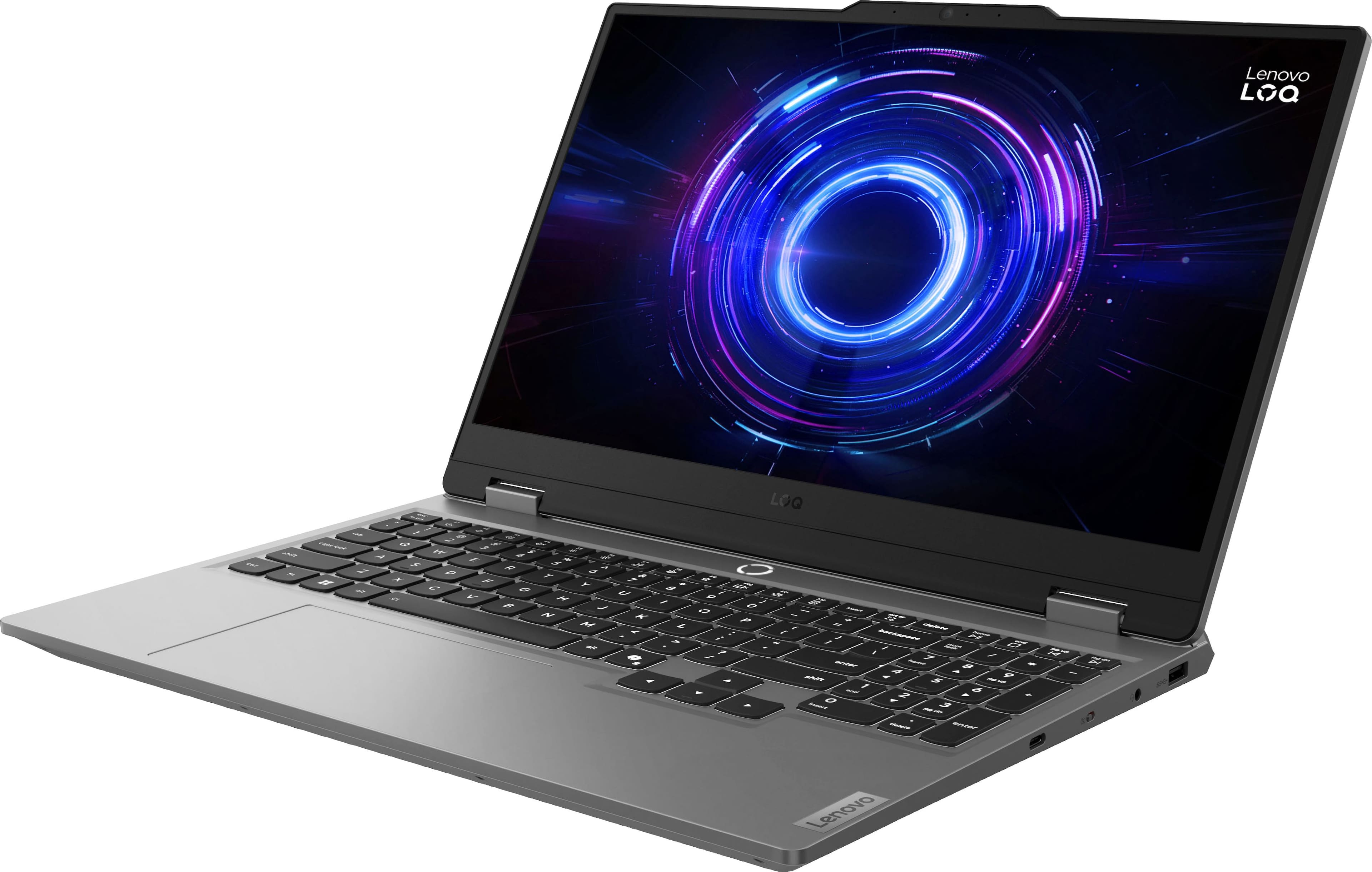
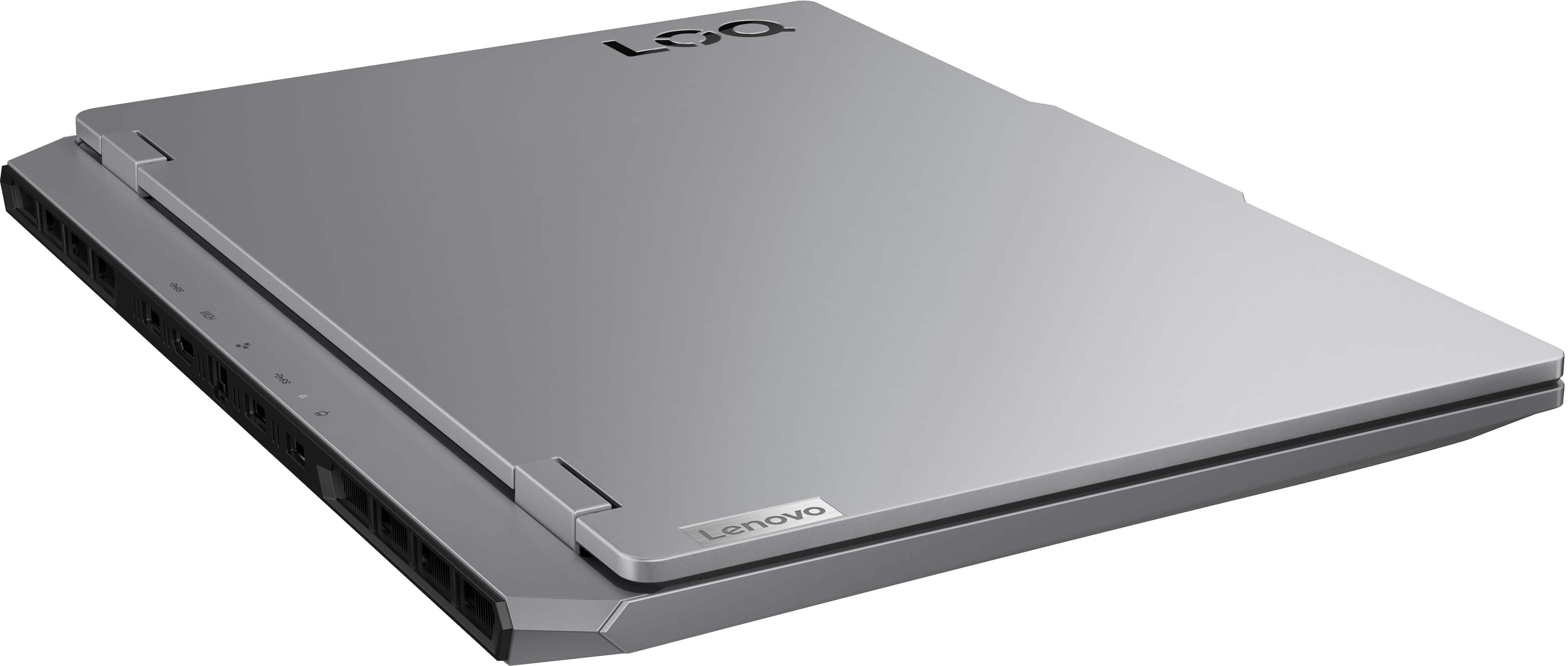
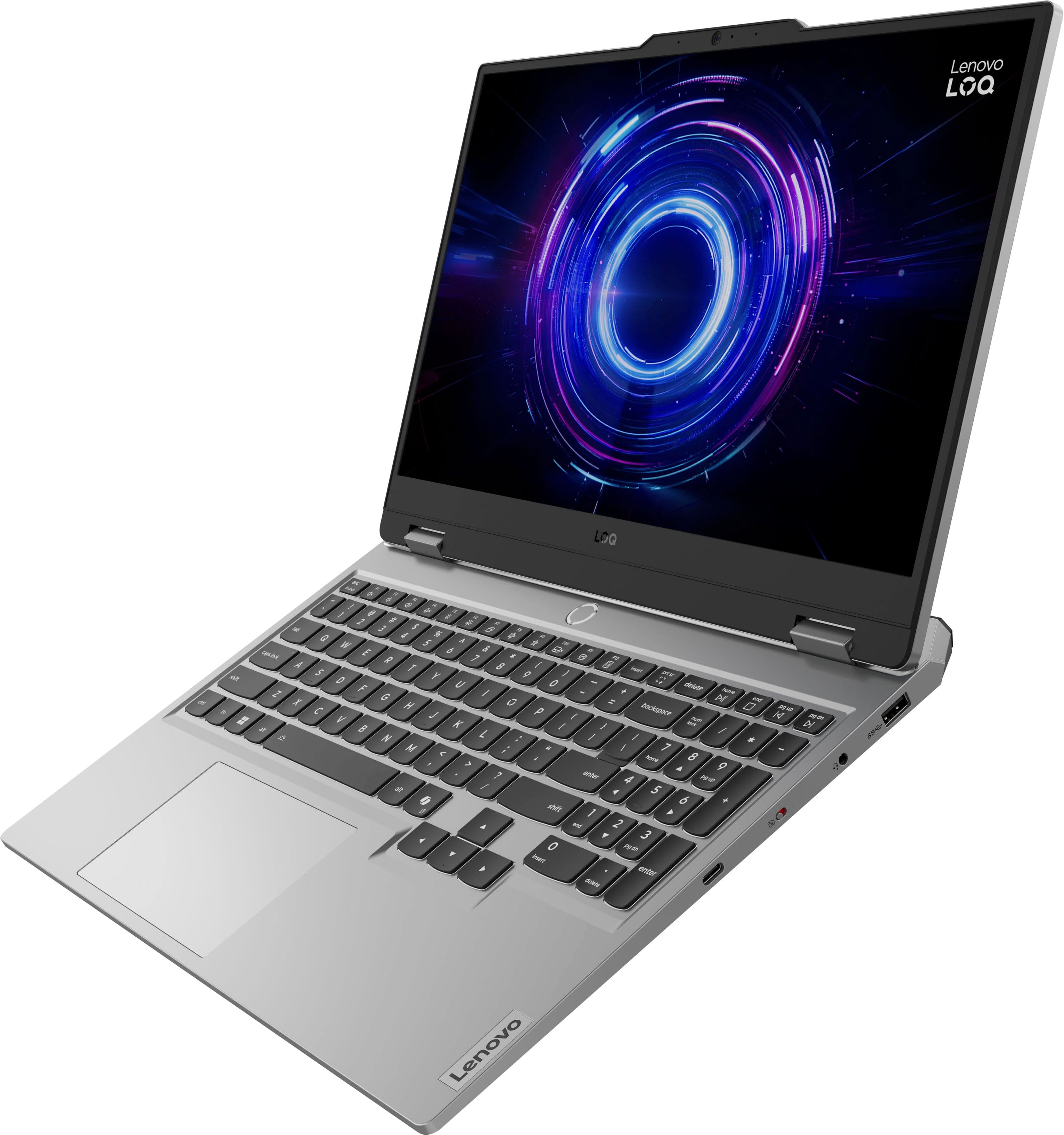
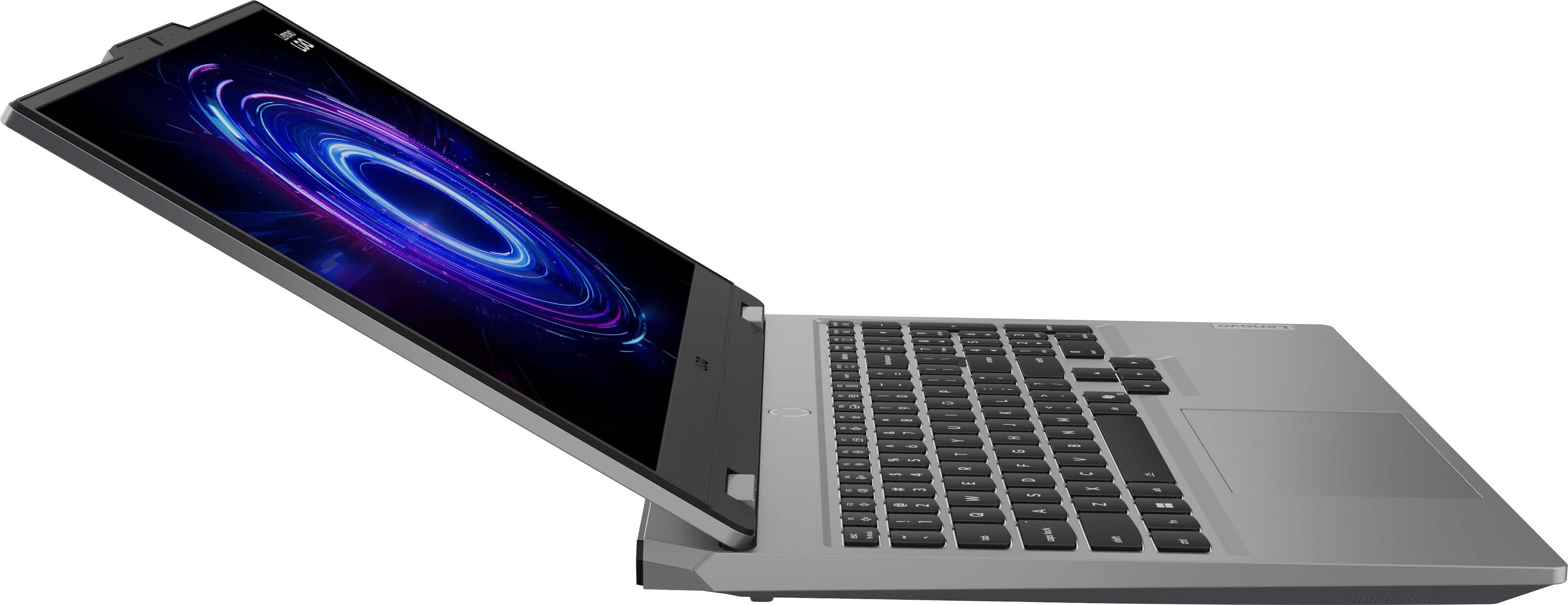
![Sure, here is the corrected and grouped text from the image:
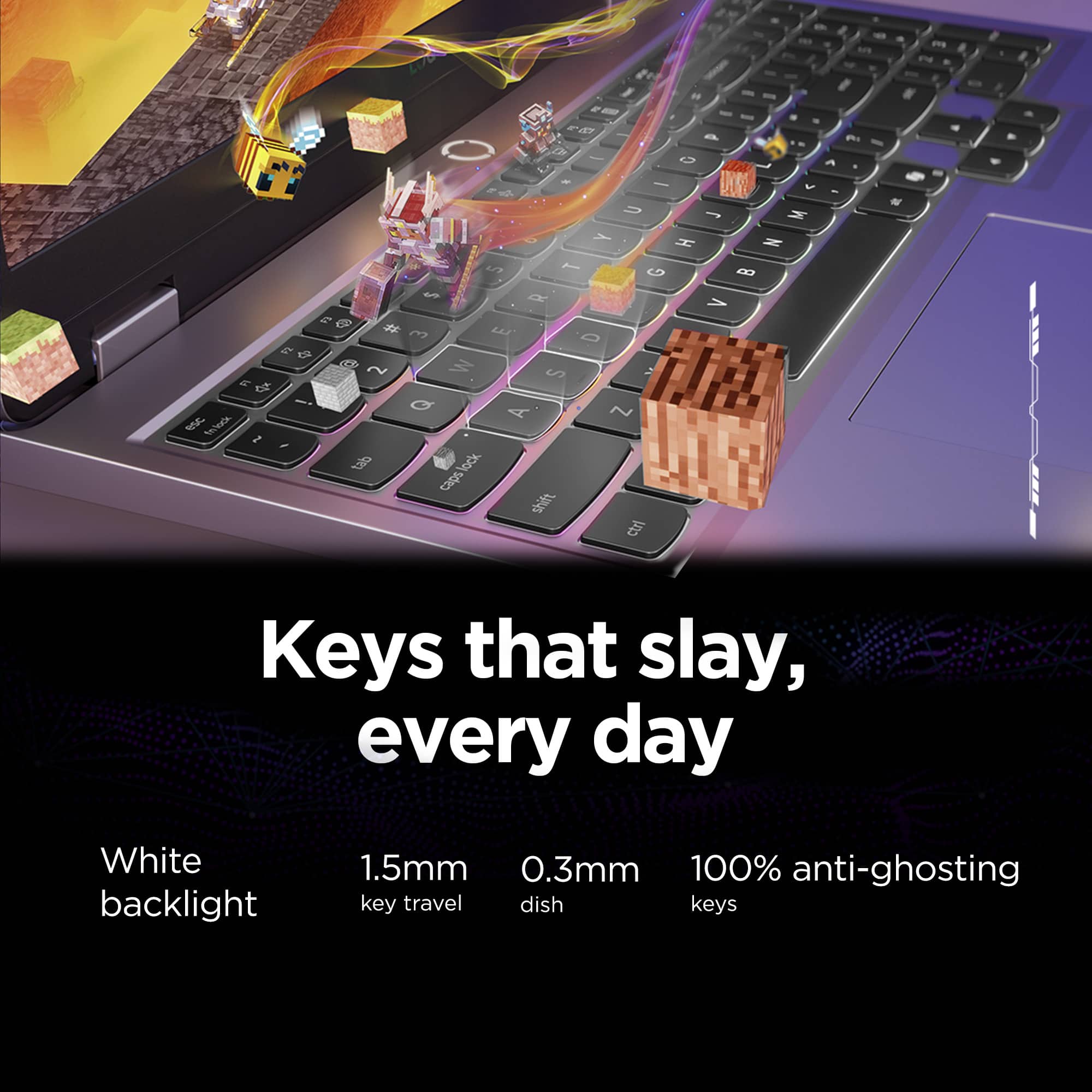
- **Top Row:**
- `esc` `F1` `F2` `F3` `F4` `F5` `F6` `F7` `F8` `F9` `F10` `F11` `F12` `insert`
- **Second Row:**
- `~` `!` `@` `#` `$` `%` `^` `&` `*` `(` `)` `_` `+` `backspace` `num lock` `/` `*` `-` `tab`
- **Third Row:**
- `Q` `W` `E` `R` `T` `Y` `U` `I` `O` `P` `[` `]` `\` `delete` `home` `end` `pg up` `pg dn`
- **Fourth Row:**
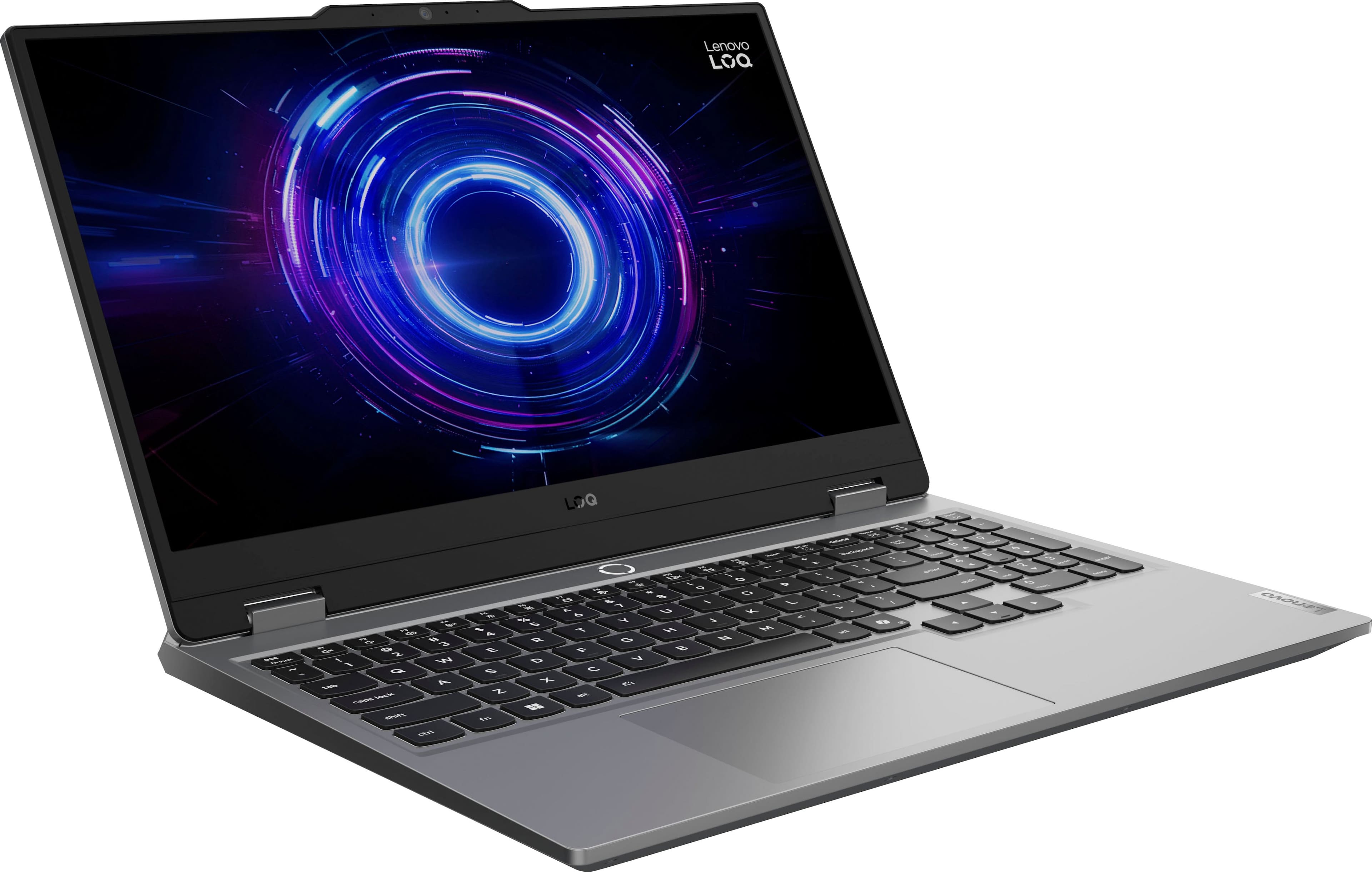
- `caps lock` `A` `S` `D` `F` `G` `H` `J` `K` `L` `;` `'` `enter` `4` `5` `6`](https://pisces.bbystatic.com/image2/BestBuy_US/images/products/55335010-9a5f-4237-b437-bfbd6a9f6ff2.jpg)
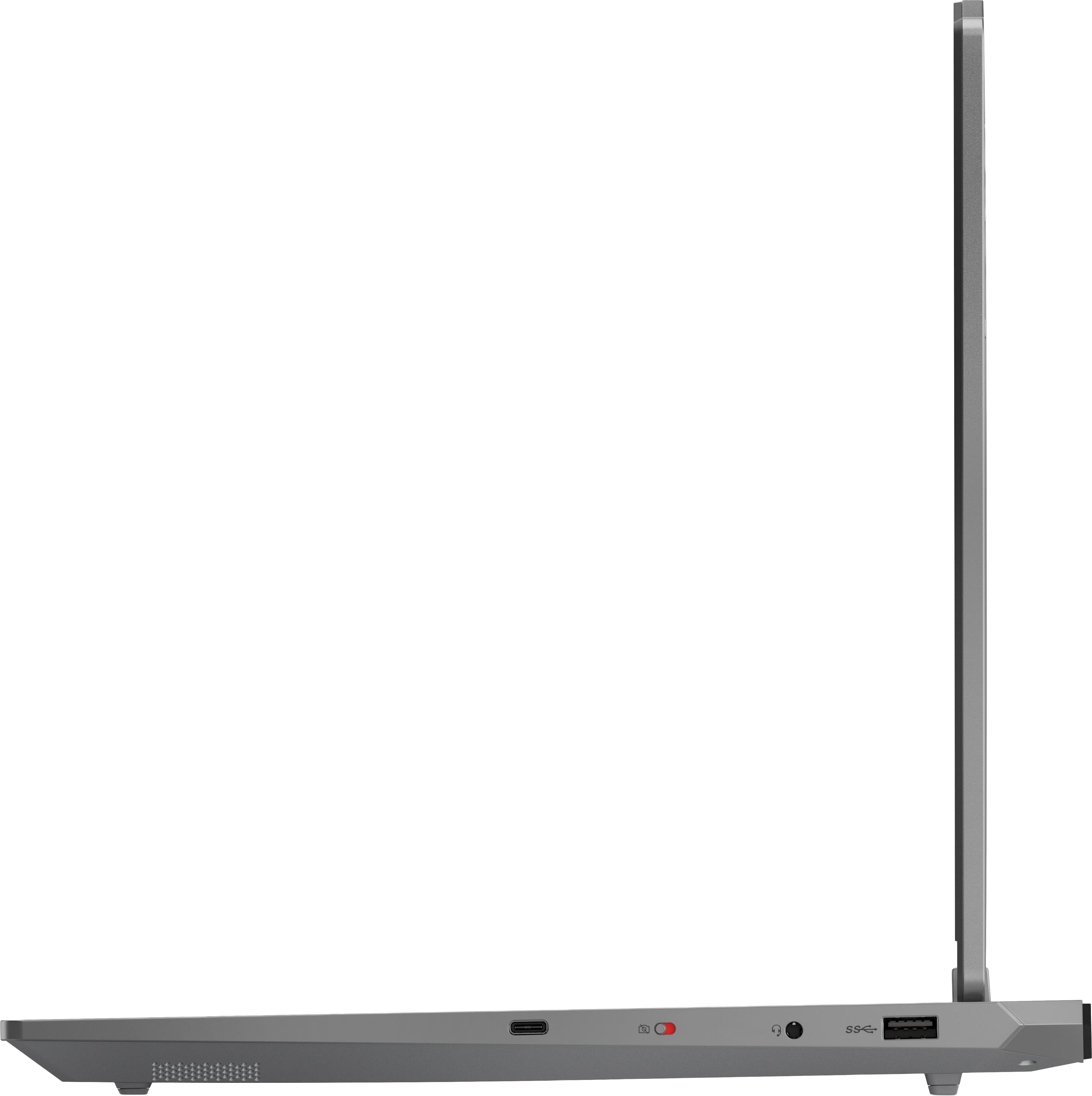







- Model:
- 83JE002LUS
- SKU:
- 11812578
Rating by feature
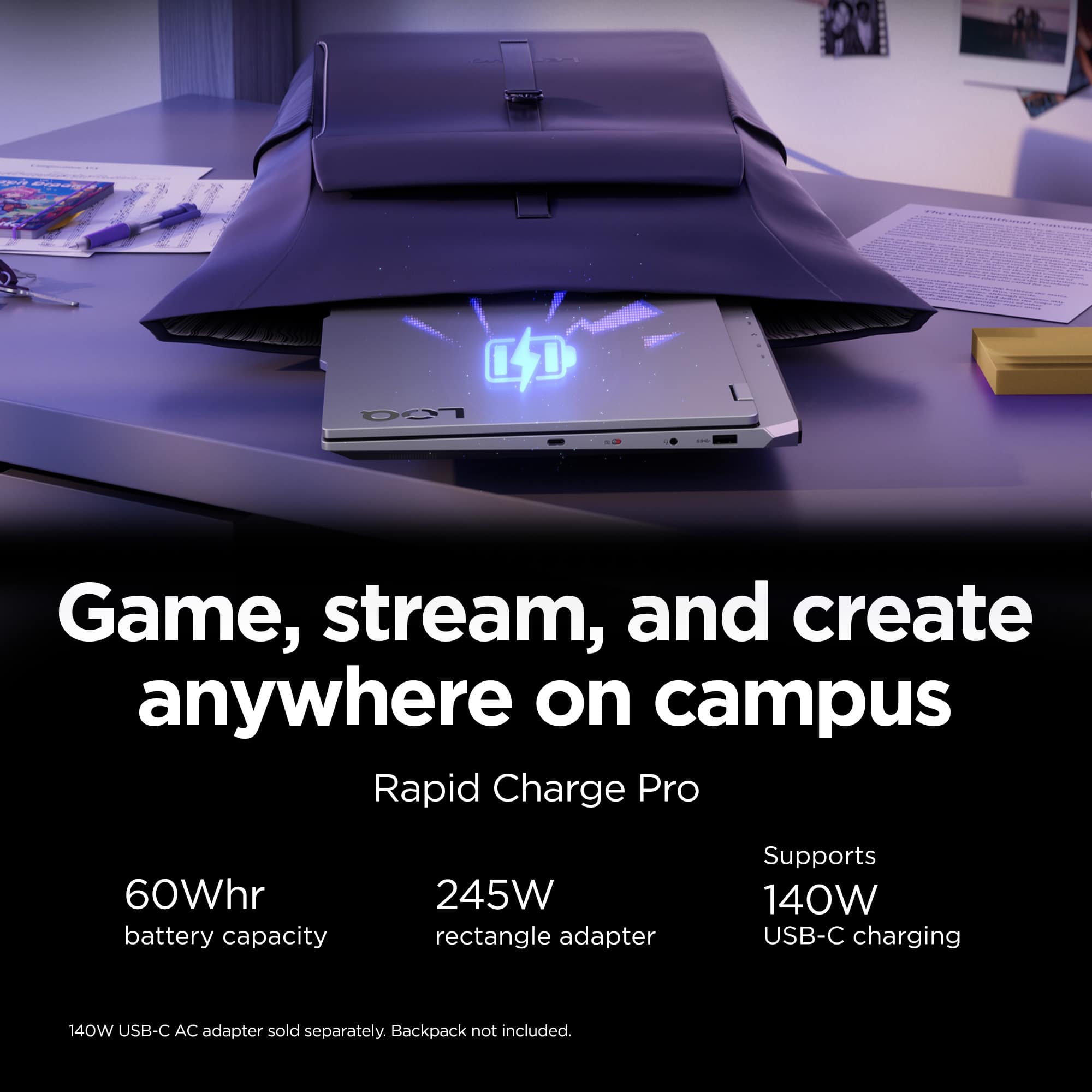
- Battery Life
Rating 4.0 out of 5 stars
- Speed
Rating 4.8 out of 5 stars
- Display
Rating 4.6 out of 5 stars
Nice little laptop
||Posted . Owned for 1 week when reviewed.This reviewer received promo considerations or sweepstakes entry for writing a review.Already bought on a few months ago and decided to get a second at this price.
I would recommend this to a friendBrand response from Lenovo Product Expert
Posted .Hi JayH-
Thank you for choosing Lenovo and sharing your experience with us. We are happy to hear that you are enjoying the LOQ Gaming Laptop so much that you purchased a second. We aim to offer great user experience and are overjoyed to see that we met our goal.
Please reach out to us through the Q & A section of this product webpage if you have any questions or need any assistance.
Best wishes,
Lenovo
Lenova Gaming Laptop
||Posted . Owned for 1 week when reviewed.This reviewer received promo considerations or sweepstakes entry for writing a review.Good deal , great graphics, Definitely recommend..
I would recommend this to a friendBrand response from Lenovo Product Expert
Posted .Hi,
Thanks for choosing Lenovo and for sharing your feedback with us!
We are glad to read that you are satisfied with your purchase overall.
Please don't hesitate to reach out to us via the Q& A section of this product page or contact Lenovo Support should you have any questions or need assistance.
Regards,
Lenovo
Lenovo
||Posted .This reviewer received promo considerations or sweepstakes entry for writing a review.It was may nephew choice of laptop for his college. As per him specs are good for his course
I would recommend this to a friendGreat Buy
||Posted .This reviewer received promo considerations or sweepstakes entry for writing a review.this is a great purchase! my gaming bf approves for playing!
I would recommend this to a friendBrand response from Lenovo Product Expert
Posted .Hi RachelL-
Thank you for choosing Lenovo and sharing your experience with us. We are happy to hear that your boyfriend is enjoying the LOQ Gaming Laptop for his gaming needs. We aim to offer great user experience and are overjoyed to see that we met our goal.
Please reach out to us through the Q & A section of this product webpage if you have any questions or need any assistance.
Best wishes,
Lenovo
Look no further
||Posted .This reviewer received promo considerations or sweepstakes entry for writing a review.great budget option anyone looking for solid gaming startup.
I would recommend this to a friendAmazing experience
||Posted . Owned for 1 month when reviewed.This reviewer received promo considerations or sweepstakes entry for writing a review.Customer service and the in store help was really amazing
I would recommend this to a friendGood gaming laptop
||Posted .This reviewer received promo considerations or sweepstakes entry for writing a review.Worked well for gaming specifically. Bought it for my teenager as a first “gaming” laptop
I would recommend this to a friendBrand response from Lenovo Product Expert
Posted .Hi,
Thanks for choosing Lenovo and for sharing your feedback with us!
We are glad to read that you are satisfied with your purchase.
Please don't hesitate to reach out to us via the Q& A section of this product page or contact Lenovo Support should you have any questions or need assistance.
Regards,
Lenovo
Lenovo loq great product
||Posted . Owned for 1 month when reviewed.This reviewer received promo considerations or sweepstakes entry for writing a review.Great product agent help me finding it, it was the last pc
I would recommend this to a friendBrand response from Lenovo Product Expert
Posted .Hi,
Thanks for choosing Lenovo and for sharing your feedback with us!
We are glad to read that you are satisfied with your purchase.
Please don't hesitate to reach out to us via the Q& A section of this product page or contact Lenovo Support should you have any questions or need assistance.
Regards,
Lenovo
Good laptop
||Posted .This reviewer received promo considerations or sweepstakes entry for writing a review.Product is really good but battery is draining a lot. Other than that its very nice
I would recommend this to a friendBrand response from Lenovo Product Expert
Posted .Hi SujithgoudM-
Thank you for choosing Lenovo and sharing your experience with us. We are happy to hear that you are enjoying the LOQ Gaming Laptop. We aim to offer great user experience, and we would like to share actions you can take to improve your battery life.
Firstly, we recommend running and installing all available drivers updates through Lenovo Vantage and Windows Update Settings, these updates are crucial to the device’s health and will affect power allocation leading to improved battery life. To check for updates within Lenovo Vantage begin by launching the application, then select the “Check for updates” button on the top of the right-hand of the display. To check for Windows Updates, start by launching the Settings app, then selecting the Windows Update tab on the left-hand side of the page, finally select the “Check for updates’ button located in the top right of the page.
Secondly, the LOQ Gaming Laptop allows you to change the computer’s thermal mode. This will allow your device to cycle between higher performance, quiet, or automatically adjust based on your needs. To start, launch the Lenovo Vantage app, select the "Device Settings" tab from the left-hand side of the display, scroll down to "Power modes" and select the best mode based on your needs. We suggest using Quiet mode which will reduce the power consumption of the LOQ Gaming Laptop to enhance battery life. You can also toggle thermal modes simply with the Fn+Q hotkey.
Please reach out to us through the Q & A section of this product webpage if you have any questions or need any assistance.
Best wishes,
Lenovo
Laptop
||Posted . Owned for 2 months when reviewed.This reviewer received promo considerations or sweepstakes entry for writing a review.Really nice laptop an really fast at startup an download
I would recommend this to a friendBrand response from Lenovo Product Expert
Posted .Hi,
Thanks for choosing Lenovo and for sharing your feedback with us!
We are glad to read that you are satisfied with your purchase.
Please don't hesitate to reach out to us via the Q& A section of this product page or contact Lenovo Support should you have any questions or need assistance.
Regards,
Lenovo
Little overpriced
||Posted . Owned for 2 months when reviewed.This reviewer received promo considerations or sweepstakes entry for writing a review.I think its worth about 800 but if u get the 2tb f storage and get 32gb ram its worth the 1500
I would recommend this to a friendGood Gaming Rig
||Posted .This reviewer received promo considerations or sweepstakes entry for writing a review.Fine laptop for work and games. I wish it had a slightly better GPU
I would recommend this to a friendBrand response from Lenovo Product Expert
Posted .Hi,
Thanks for choosing Lenovo and for sharing your feedback with us!
We are glad to read that you are satisfied with your purchase overall. If you'd like an extra bump in your CPU, when plugged in, you can use max performance mode to push the CPU wattage output a bit further.
Please don't hesitate to reach out to us via the Q& A section of this product page or contact Lenovo Support should you have any questions or need assistance.
Regards,
Lenovo
- Cons mentioned:Storage capacity
Dead pixel in less than 2 weeks
||Posted . Owned for 2 weeks when reviewed.This reviewer received promo considerations or sweepstakes entry for writing a review.Dead pixel overall good computer, gets really loud but cools well and the storage is a bit of a deal breaker as well.
No, I would not recommend this to a friendBrand response from Lenovo Product Expert
Posted .Hello,
Thank you for sharing your feedback with us. We're sorry to hear that you ran into an issue. We strive to provide the best experience possible, so we're disappointed and apologize that this wasn't the case for you.
We recommend contacting Lenovo Support at this number: 877-453-6686, to work with the Customer Care team for swift action as we look to resolve this matter for you and make things right.
Please don't hesitate to let us know what else we can do to improve your experience, as your satisfaction is important to us.
Best regards,
Lenovo
Stupid labtap
||Posted . Owned for 2 weeks when reviewed.This reviewer received promo considerations or sweepstakes entry for writing a review.It’s just slow I have super fast internet but it seems to run slow and my battery dies yo fast
No, I would not recommend this to a friendBrand response from Lenovo Product Expert
Posted .Hello,
Thank you for sharing your feedback with us. We're sorry to hear that you ran into an issue. We strive to provide the best experience possible, so if you'd like to, we want to work with you to try to resolve this.
To start, we recommend ensuring you have the latest software by checking for updates, as this could correct the issue. To do so, first, open the Settings app > Select the Windows update tab > Select the Check for updates button, apply all available updates. Next, open the Lenovo Vantage app > on the homepage, select the Check for updates button, following on-screen prompts to apply all available updates here as well.
If after the available updates are applied and the system restarts, yet the issue persists, in-depth troubleshooting will be necessary to fix the problem. We recommend contacting Lenovo Support here: 877-453-6686, for further assistance.
Please don't hesitate to let us know what else we can do to improve your experience, as your satisfaction is important to us.
Best regards,
Lenovo