Customer Ratings & Reviews









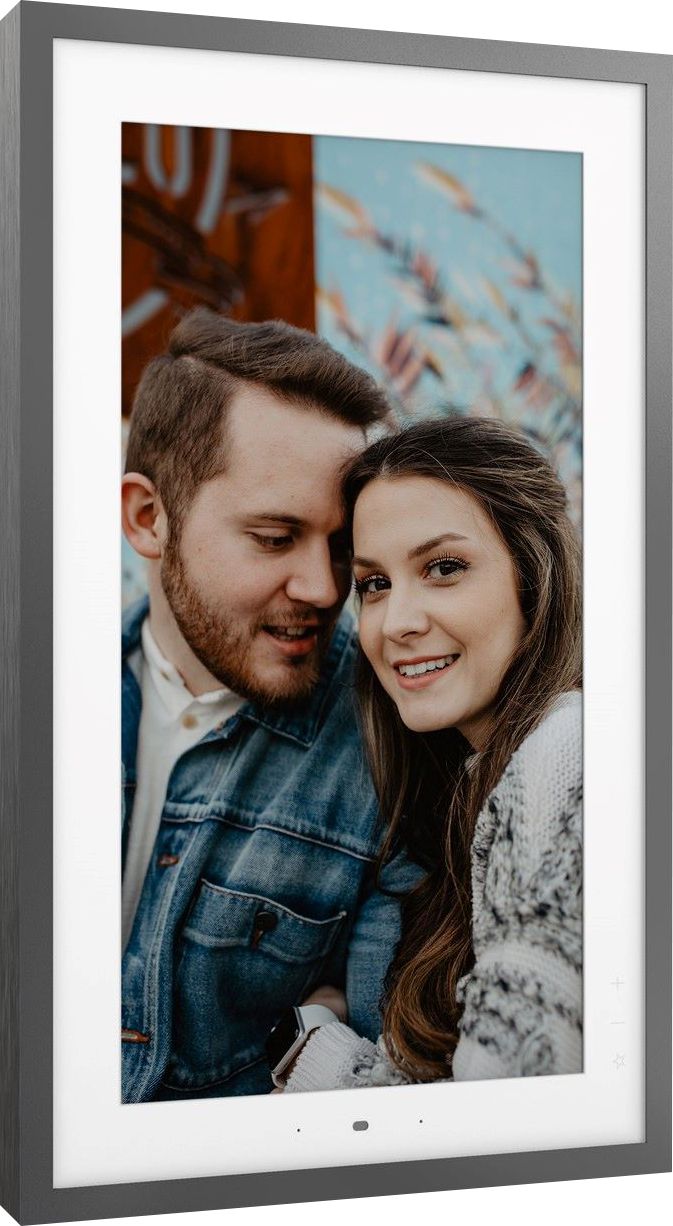
- Model:
- ZA6G0006US
- SKU:
- 6455115
Rating by feature
- Value
Rating 4.0 out of 5 stars
- Quality
Rating 4.4 out of 5 stars
- Ease of Use
Rating 4.1 out of 5 stars
Customers are saying
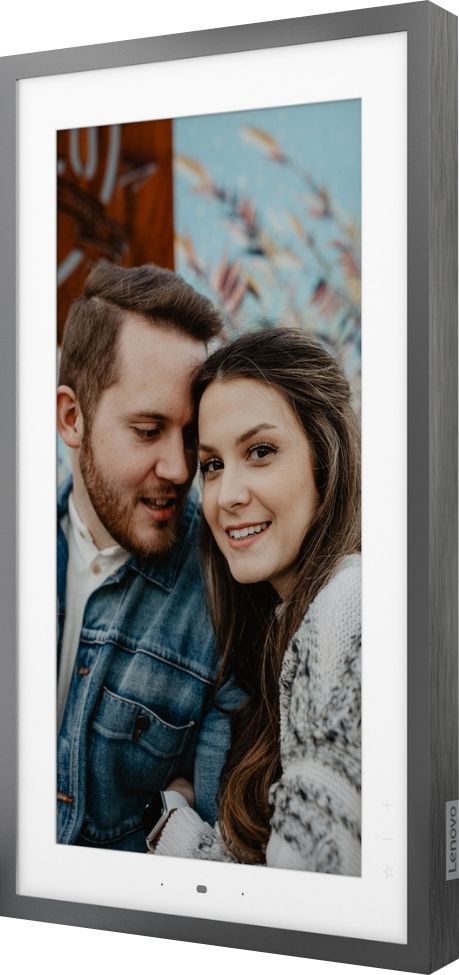
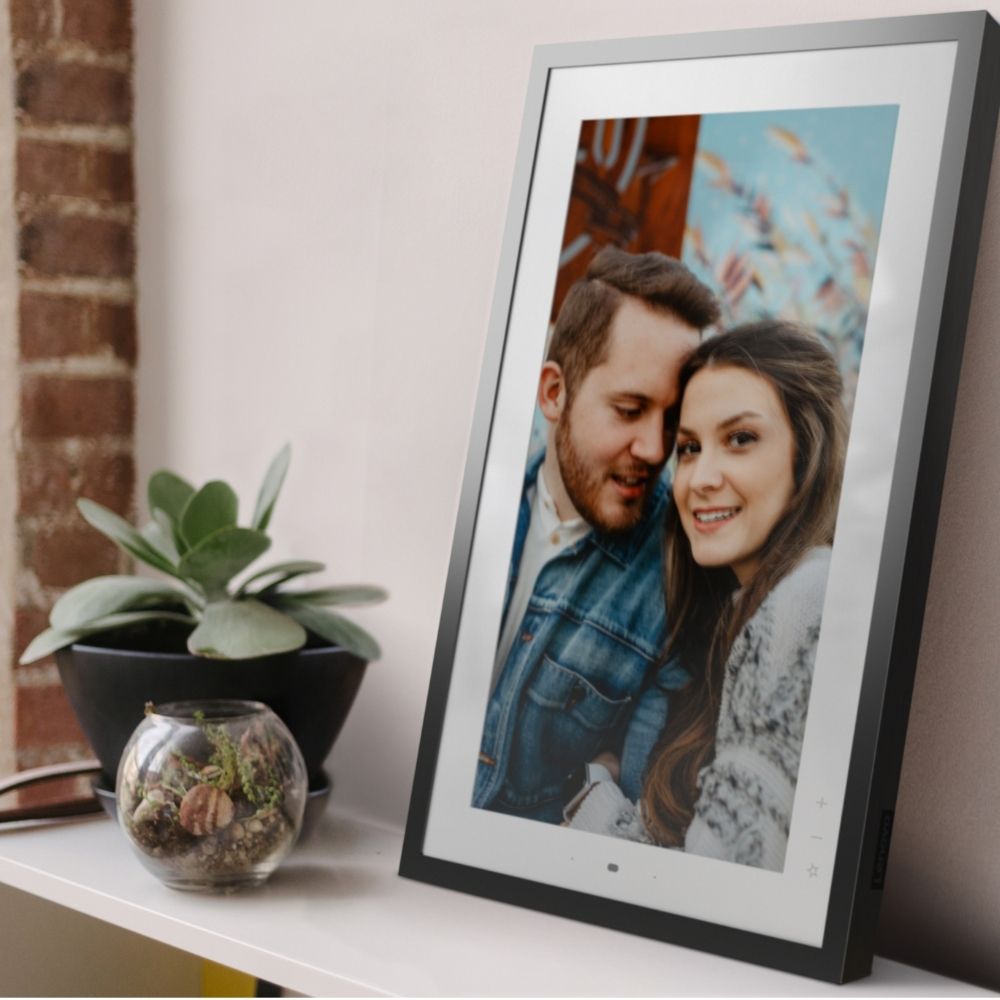
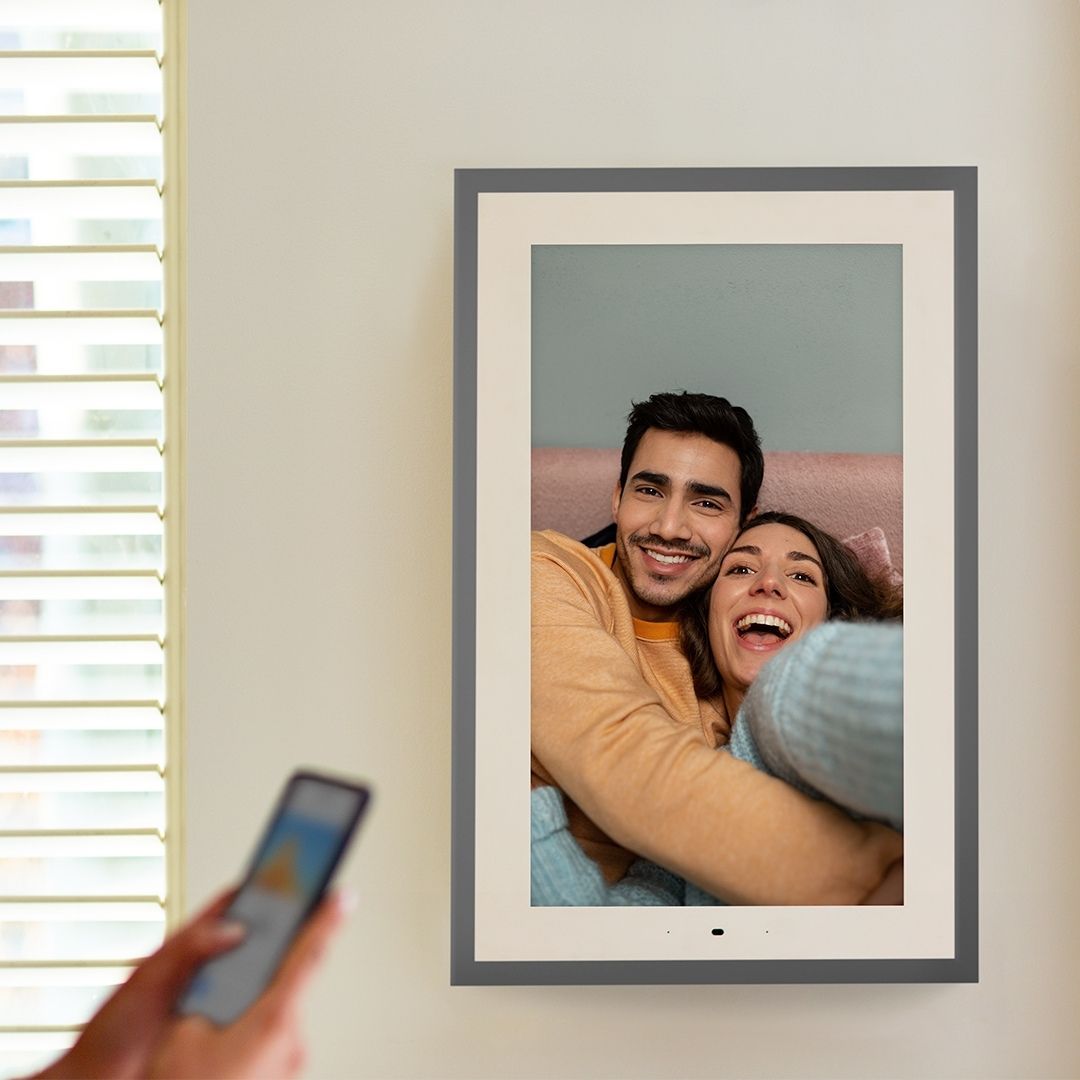
Customers commend the Smart Frame 21.5" for its high-quality pictures and ease of use, with many praising the simple setup and convenient wall mounting options. However, some users experienced issues with the accompanying app and reported concerns about the display's performance in low-light conditions and the power cord length. The frame's design, while aesthetically pleasing to many, presented challenges for some users.
This summary was generated by AI based on customer reviews.
Fantastic and beautiful
||Posted . Owned for less than 1 week when reviewed.This reviewer received promo considerations or sweepstakes entry for writing a review.Bought as a gift for my wife and she absolutely loves it. Makes the previous digital frames we've used look like garbage. Integration with Google Photos makes adding pix easy.
I would recommend this to a friend- Pros mentioned:Picture quality, Wall mount

Beautiful vibrant display but seriously lacking in
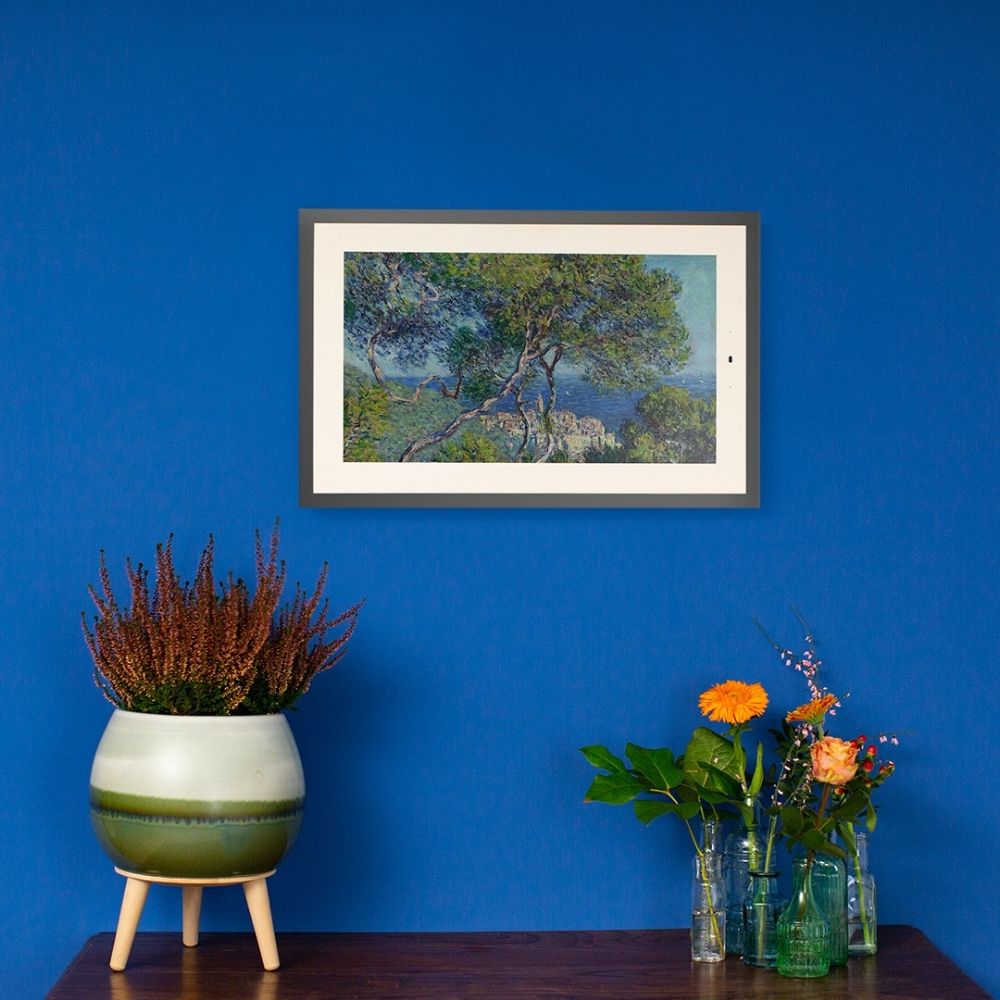
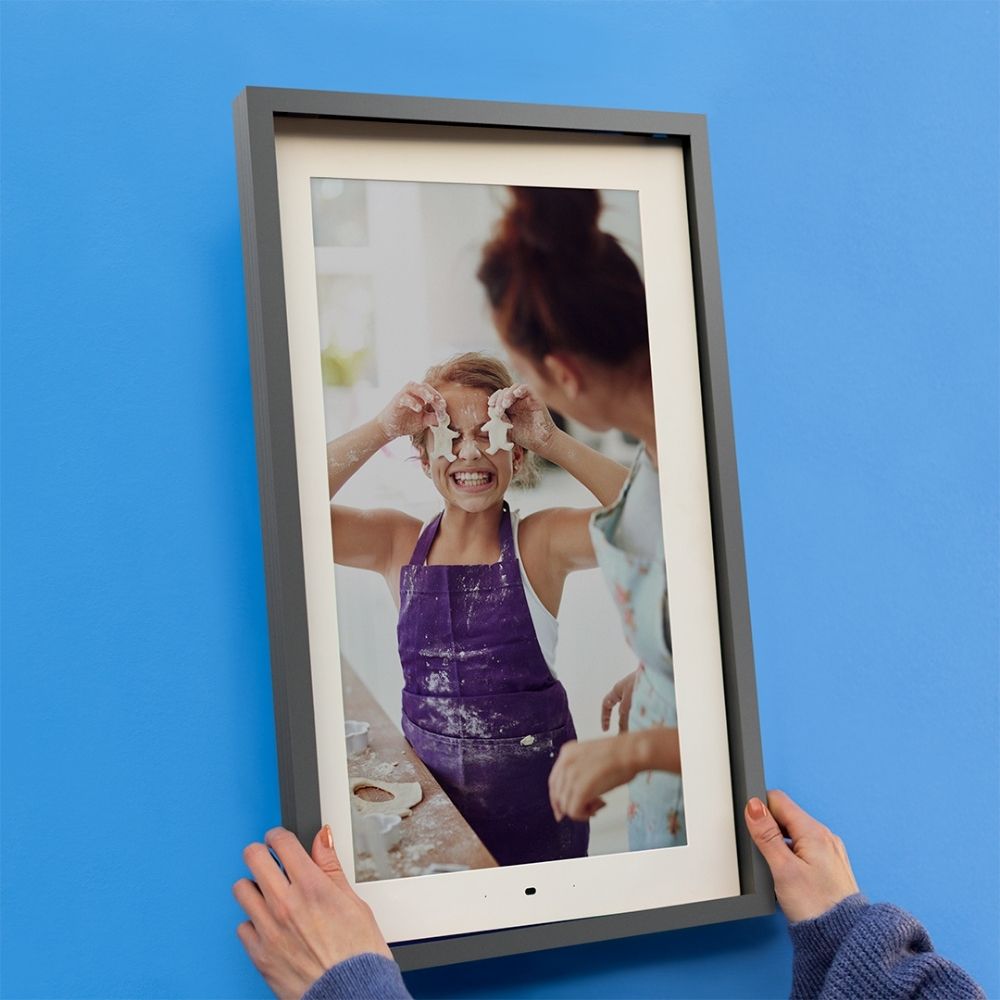
|Posted .This reviewer received promo considerations or sweepstakes entry for writing a review.I’m going to get right to the point. The display panel looks Fantastic! Higher resolution would be even better for its size. However it’s limited to Google Photos as a source of user content which seriously limits this device’s usefulness and ease of use. Lenovo has another digital photo frame for the Same Price that includes what this one is missing, USB port and memory card slot. Plus has Amazon Echo / Alexa compatibility! https://www.bestbuy.com/site/meural-canvas-ii-21-5-widescreen-lcd-wi-fi-digital-photo-frame-black/6412926.p?skuId=6412926 Before writing my review I double checked specs and read other reviews to see what they thought about it and any problems they had. Some reviewers loved it and others not so much. I guess it depends on if you take all your photos with a smartphone versus a “real” camera. (I don’t mean that in a derogatory way.) Mostly what I mean is the Google Photos app is included with Android phones and used to back up your photos if enabled. Also the product is 16:9 HDTV aspect ratio and the same as common smartphone screens. I find Google photos a pain to use. You are limited to 100 photos per folder but you can select more than one folder to use with the frame’s app. However, when I added photos to a folder with the Google photos app that was currently in use with the frame’s app, I had to go to the frame’s app and unselect that fold, let it display another folder and then go back and add the folder I unselected back to be displayed before it would show the added photos. Confused yet??? And…. Google photos will limit free storage to (15GB) starting June 1, 2021. No more unlimited for photos if you use Google’s option to recompress them. Data compression for those that may not know what I’m talking about. Yet the older pix to be grandfathered in. Not sure exactly how that’s gonna work but OK…. Just open another gmail account for photos only is what I would do. User Manual link: https://download.lenovo.com/consumer/mobiles_pub/lenovo_smart_frame_ug_en_202009.pdf?linkTrack=PSP:ProductInfo:UserGuide Setup: Install the Lenovo Smart Frame App first and follow the directions. If you don't have a Lenovo account you will need to open one. Otherwise use your current Lenovo account. The frame only worked for me with 2.4 GHZ WiFi. The product specs say: “The Lenovo Smart Frame has WiFi 802.11 ac/a/b/g/n; 2.4/5GHz capability as well as Bluetooth: Bluetooth 5.0 capability for connection with your phone, while using the Smart Frame APP.” In my case I had to reconnect my Note 10+ to 2.4 Ghz to get setup to work. After that it went pretty easy. I just continued following directions. You will have to tell the frame app your router login info as well as login info for any gmail account(s) you wish to use. As for Bluetooth, No mention of it in the Android app (version 1.0.9211) nor could my Note 10+, nor any other BT device I tried, find the photo frame with BT. What I do like: Build quality looks to be excellent. Packing was the best I think I have ever seen!! The outer frame option is nice to have and looks good. Looks great on the wall!! Wall mount hardware looks sturdy and the ability to switch between Landscape and Portrait is very nice. Some reviewers didn’t like how the mount makes it protrude from the wall a bit and some said it sat crooked. Mine looks fine on the wall to me. But something to keep in mind. It has a few lighted buttons on the frame to advance photos or art and Fave button. App has lots of options for content, brightness, and many other settings. Superb LCD panel. Colors looked vibrant and accurate. I’m a part time photographer and I judged it alongside my color calibrated Dell monitor. I was impressed! Note: Lenovo claims: “The color gamut is 70%. This is higher than most PC displays which are usually around 50%” Is that sRGB or Adobe RGB or P3? They don’t say. Keep in mind that how good the photos it displays look, will depend on camera or smartphone settings such as resolution and jpg compression. Also post processing settings. In most cases it will be resizing them for the panel’s 1920X1080 resolution. But high quality in will still mean high quality out. What I don’t like about it: No way to get “your” photos in the frame but WiFi with exclusive use of Google photos. Deal Breaker for me. But they claim to be considering other cloud services on their site. Never got a video to play on it. The Swipe sensor can be tricky. Works correctly most of the time but can get confused. Conclusion: I think this device would be a great option for a photographer or real estate company to use to show photos to clients in a studio or office. And, of course, home use too. It would be an outstanding one if it had a memory card slot and could be a portable option! Way better than a laptop or tablet to show photos!! I would buy the other Lenovo photo frame that has all of that! See link at top of review. If Google photos is your go to cloud photo backup then this will work perfect for you. Display quality is 5 stars! Limiting access to Google photos via WiFi only gets 1 star. Missing but stated Bluetooth and 5GHZ gets 1 star. No Zero or it would get that. Won’t play videos but says it will and has components to do it such as built in speakers, see previous sentence. Has mic(s) for, and mentions, voice commands. Future option? Cost too much in light of its limitations.
No, I would not recommend this to a friendBrand response from Lenovo Product Expert
Posted .Thank you for trying the Lenovo Smart Frame. We are sorry to hear that the Smart Frame did not meet your needs.

Difficult to set up to work
||Posted . Owned for 4 months when reviewed.This reviewer received promo considerations or sweepstakes entry for writing a review.It is difficult to get this frame to work. In fact it took several months of attempts (almost gave up) before it miraculously started working. But it has since been working well.
No, I would not recommend this to a friendDefective item
||Posted . Owned for less than 1 week when reviewed.This reviewer received promo considerations or sweepstakes entry for writing a review.This item was defective. I will order again. Unfortunately, I was transferred 7 times with Geek Squad tech support, to no avail.
I would recommend this to a friendBrand response from Lenovo Product Expert
Posted .We are sorry to hear that you are having issues with your Lenovo Smart Frame. Here is a link to a YouTube video that demonstrates the normal setup and functioning of the Smart Frame: https://www.youtube.com/watch?v=jKn9aHccCHs&t=601s. If the issues with the Smart Frame continue, we recommend you contact Lenovo Tech Support for Smart Devices at: 866-426-0911.
- Pros mentioned:Ease of use, Wall mountCons mentioned:Display
Limited functionality at a high-price
|Posted .This reviewer received promo considerations or sweepstakes entry for writing a review.The Lenovo - Smart Frame 21.5" Wi-Fi product makes a good first impression — it’s packaged nicely and is very quick and easy to get up and running. That said, there are several limitations that quickly arise. You need to have a Google photo collection to link to. You can’t synch it with your phone or device. So I had to actually create an album in order to use the frame. Because it links to your Google album, it needs internet connection in order to function. It does not have any storage function in the frame itself, nor any USB slots to add a drive. It also need to be plugged into an electric outlet in order to function. And it’s intended to be mounted on the wall so you need to be prepared to see a wire hanging below and it needs to be hung near an outlet. If you don’t want to hang it on the wall, your other option is to place it on a mantle or shelf and lean it against the wall. And it still needs to be plugged in. I wish they had installed a built-in easel but your options are limited. It does come with an optional silver metal frame that is very easy to snap on and it has rubber on the corners to give it some grip for leaning. If you don’t add the snap-on frame, be very careful when leaning it on a wall as it could easily slip. Once you have it synched and running, the app is fairly easy to use and gives you plenty of options. You can choose a single album or multiple albums and then use a slide show mode with various timing choices for displaying each image (I.e., 10 seconds, 30 seconds, 1 min, 3 min, or 5 min). I wish it had a Random mode but it doesn’t. Instead it offers a ‘Recommendation’ mode that seems to choose what it deems are the best photos and shows them. So if there’s a photo you absolutely love but it doesn’t meet the frame’s parameters, it might not be shown in Recommendation mode. The frame is designed for portrait view (tall instead of wide) so any photos in landscape view are smaller and the space above and below is filled with blurred color. You can opt for ‘Pairs’ and it will stack two landscape photos to fill the space. The resolution is quite nice but best if viewed directly from in front of it. Be prepared for the frame to cut off some of the edges of your photos too. I was disappointed in a few group shots where some people were mostly out of the display. Because of all the limitations noted above, I will not use this frame on my wall. Actually, the only application I expect to use it for is for some type of special occasion, I.e., a party or memorial where I want to have a temporary slide show of photos. From my review as stated above, I'm giving this product a 2 out of 5 star review. I hope you enjoyed reading my review and it provides insight in your potential purchase of this product.
No, I would not recommend this to a friendBrand response from Lenovo Product Expert
Posted .The Lenovo Smart Frame, model number ZA6G0006US, is an extremely versatile digital smart frame. You can control and customize your Lenovo Smart Frame through its companion APP that installs easily to a Smart Phone. You can orient the Smart Frame to display either in portrait mode or landscape mode, depending of the images you want to display. Whether it was your last holiday or family get-together, life's full of wonderful moments. The Lenovo Smart Frame enables you to relive every one of them—in an easy, stylish way. For the initial set up of your Smart frame, first, search for and download the Lenovo Smart Frame App from the Google Play Store or Apple App Store to begin the setup process. Then, follow these set up steps: Connecting to device
You’ll need to connect your Lenovo Smart Frame to the Internet before using it.
1. Open the Lenovo Smart Frame app.
2. Log in to the app with your Lenovo ID. You can also sign up using email, or use your google or
Facebook accounts to login in.
Note: You will need a Lenovo ID to log in to the app if using an IOS system.
3. Turn on Bluetooth. In the app's Home screen, tap Add New Device to find a device. Once a device
is found, you can follow the instructions to confirm that it is the right device by matching the numbers
displayed on both screens, and select Connect to continue.
4. Connect to a WLAN network for your Smart Frame device.
5. Follow the on-screen instructions to set up your Lenovo Smart Frame and connect your Google
account. If you have additional questions about your Lenovo Smart Frame we recommend you contact Lenovo Tech Support for Smart Devices at: 866-426-0911.
Lenovo frame
||Posted . Owned for 1 month when reviewed.This reviewer received promo considerations or sweepstakes entry for writing a review.It’s a great item we love it. Would recommend to everyone. Easy set up . Looks beautiful we are happy with it
I would recommend this to a friendnice image
||Posted . Owned for 1 month when reviewed.This reviewer received promo considerations or sweepstakes entry for writing a review.good product,nicedisplay image welldesigned it马克啊nice pictur饿on my wall
I would recommend this to a friendDigital pic frame
||Posted . Owned for 1 month when reviewed.This reviewer received promo considerations or sweepstakes entry for writing a review.Mom has the little picture frame do this big one was a easy go to!
I would recommend this to a friendBrand response from Lenovo Product Expert
Posted .Thank you for choosing the Lenovo Smart Frame for your mother. We are leased to hear that the features and performance of the Smart Frame are working out so well for your mother.
All photo frames should aspire to this.
||Posted . Owned for 3 weeks when reviewed.This reviewer received promo considerations or sweepstakes entry for writing a review.My only complaint is including more than one frame.
I would recommend this to a friendBrand response from Lenovo Product Expert
Posted .Thank you for choosing the Lenovo Smart Frame 21.5 inch model. We are pleased to hear that the Smart Frame is working out so well.
- Pros mentioned:Ease of use, Picture quality
Conversational Piece!
|Posted .This reviewer received promo considerations or sweepstakes entry for writing a review.I've owned other Lenovo smart electronics before, but never this smart frame. (I've always had great experiences with their products). Out of the box this frame was sharp looking with it's solid white frame and large screen. Setting up the frame was super easy. Connected to Wi-Fi and Google photos with zero issues. I immediately had it set up to show 5 different albums we created from our trip to South Africa a few years back. Although the mount seemed super simple to set up offering the option to have it sit horizontally or vertically (nice feature) we chose to display it in our living room corner shelf. The other reason we chose the corner shelf instead of mounting, was because we felt it stuck out to much from the wall to our liking. One thing I also wish this product had is a wireless feature. Having a plug hang down from the picture is not very appealing. I must say though the picture quality is stunning showing every detail of our South African trip. The wave feature by swiping left or right is a cool feature, but don't feel it's something I will use on a regular basis. I gave this product 4 stars only because I believe their could be some improvements on this product. Wireless (eliminating the chord), mounted more flush to the wall like standard picture frames. I would have given it 4.5 if the review would allow it. Although it's missing a few things I prefer as a customer, the important thing is that my wife Love's it! The quality of picture and build is high end and looks beautiful. It's definitely stands out and is a great conversational piece. This is a quality product and worth the investment.
I would recommend this to a friendBrand response from Lenovo Product Expert
Posted .Thank you for choosing the Lenovo Smart Frame. We are pleased to hear that the Smart Frame is working out so well for you.
- Pros mentioned:Ease of use, Picture quality
Really great photo frame
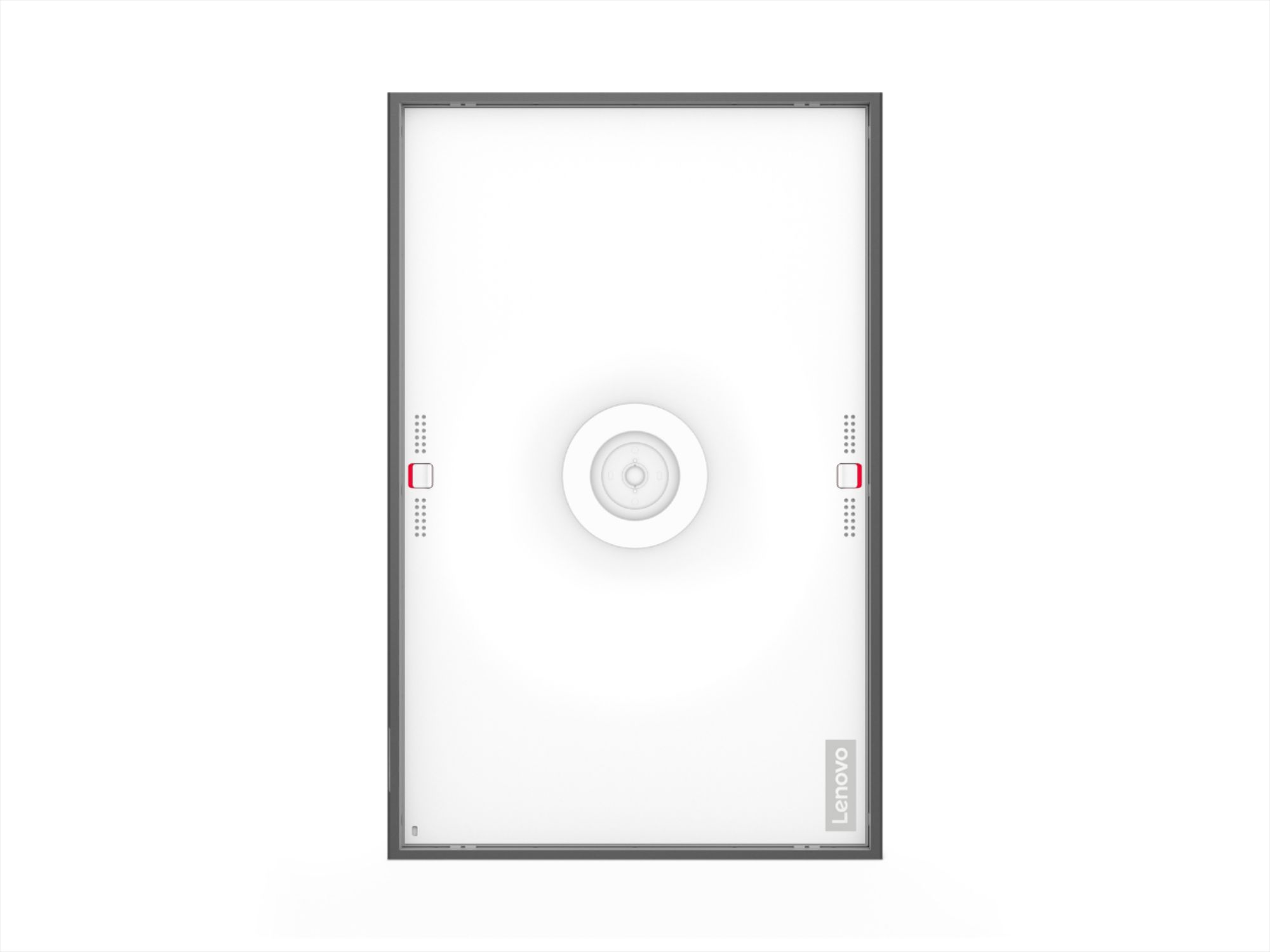
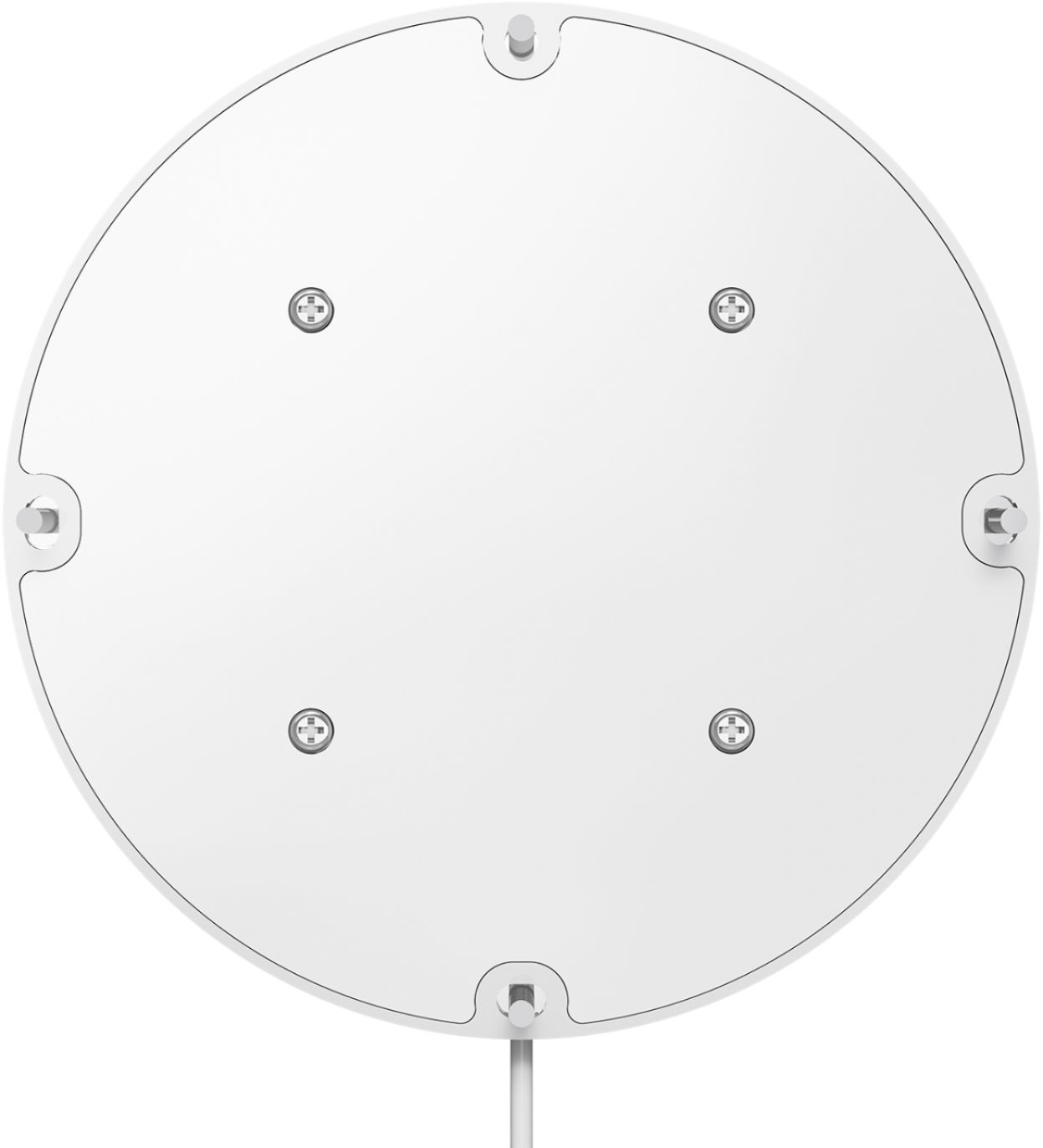
|Posted .This reviewer received promo considerations or sweepstakes entry for writing a review.We really like this photo frame. The pictures are super clear and the brightness is such that it appears photo-like. It's really easy to setup Google Photos and create a specific album for displaying on the photo frame. It also intelligently put side by side portrait oriented photos when in landscape orientation. But, you can easily rotate it on its wall mount 90 degrees and use it in portrait mode if you desire. The only reason I'm not giving it 5 stars is because, even though the wall mount is perfectly level (it has a built in level), the photo frame will not stay level. There's some play in the connection between the mount and the frame and it just doesn't want to stay level. Maybe it's just mine. And there is just enough room in the screw holes of the mount (the side ones are oval rather than round so you can adjust) to get it fairly close to level, so I'd recommend checking the level of the frame with it mounted on the wall mount before fully securing the mount because you may have to adjust.
I would recommend this to a friendBrand response from Lenovo Product Expert
Posted .Thank you for choosing the Lenovo Smart Frame. The mounting bracket is designed with a round shape screw hole at the top of the bracket and three oval shape screw holes with adjustable space. The oval shape holes are used to readjust the frame. This allows you to adjust the frame to a desired position during installation or assure that the frame will be level. Here is a link to more installation information about the Lenovo Smart Frame: https://support.lenovo.com/us/en/solutions/ht510705-frequently-asked-questions-faq-guide-for-lenovo-smart-frame#40a. If you continue to have questions about your Lenovo Smart Frame, we recommend you contact Lenovo Tech Support for Smart Devices at: 866-426-0911.
Product is great
||Posted . Owned for 7 months when reviewed.This reviewer received promo considerations or sweepstakes entry for writing a review.Product is great.. I purchased 2 of them but the Lenovo customer service was very bad and poor of service.
No, I would not recommend this to a friend- Pros mentioned:Ease of use, Picture quality
Wonderful digital photo frame
|Posted .This reviewer received promo considerations or sweepstakes entry for writing a review.Excellent digital frame! Set up was very easy and straight forward. I set this up portrait style since using landscape wouldn't work as well for portrait photos. Being able to link this with Google photos is awesome and very easy to use. This frame is very heavy. I was surprised upon taking this thing out of the box. You're essentially hanging a fat iPad to your wall. I wish this could've been battery powered but totally understand why it isn't. Lenovo did a good job making the power cable not stick out. Overall great value and excellent picture as well. Very happy overall.
I would recommend this to a friend - Pros mentioned:Picture quality
Beautiful panel, somewhat quirky software
|Posted .This reviewer received promo considerations or sweepstakes entry for writing a review.The display is nothing short of spectacular. Deep blacks, good highlights even in sunlight, reasonable off-axis viewing. And it's large! The software has some nice features (e.g. when displaying a vertical shot when the panel is horizontal, the picture is displayed uncropped and the sides are filled with a gaussian blur of the edge of the picture which makes for a nice matte). However, the limitation of only allowing 5 google albums and the occasional unexplained appearance of the clock caused me to take off one star. I didn't know I needed this, but now I wouldn't be without it. It's caused me to add a lot more albums to my Google photos account.
I would recommend this to a friendBrand response from Lenovo Product Expert
Posted .Thank you for choosing the Lenovo Smart Frame. By adjusting your available channels to not include the Clock Channel (or any other channel you do not want to display), you will no longer display that channel until you reselect it a channel to be viewed again. If you have questions about your Smart Frame, we recommend you contact Lenovo Tech Support for Smart Devices at: 866-426-0911.
Looks Better than It Is
|Posted .This reviewer received promo considerations or sweepstakes entry for writing a review.The truth is that I only want to give this 2.5 stars. I don't know if it deserves 3. I truly don't know. First, this thing is huge and heavy. This is not a turn off, I was just surprised and wasn't ready for it. So make sure you are ready for the size and weight. Second, it looks really good aesthetically. The size allows you to see the pictures well. You put the silver frame around it and then either put it on the wall or lean it on a desk or mantle or something. Third, it connects to Google Photos, so you have to go into Google Photos and make photo albums so that you can go into the frame's app and set those albums. Just follow all the directions, it tells you what to do. It was simple I guess (but that doesn't mean it will make sense for everybody). Fourth, aside from the pictures looking nice on it, we'll call that the cool factor, that's about where the buck ends. Yes, the picture looks nice, as much of the picture that shows up. It doesn't matter what setting you choose, it cuts off some of your picture. I turned the frame landscape and that helped. I ended up letting it put two pics side by side if it wanted to. But I specifically remember one of the pros stating that it will show your whole picture. Well, that wasn't so. It likes a specific ratio, and I don't know what that ratio is. Also, it will run through all the albums you add to the app, including the one you don't add - meaning the general paintings. I can honestly do without those, it interrupts the flow, but it does it automatically. The worst of all are the hand gestures. This should be a cool feature but instead it is sensitive and defiant all at the same time. Just picture this: you get up close to the frame. You raise your hand to air swipe left. You want to air swipe two pictures forward. BUT, after you air swipe left, instead of putting your had down first and then raising back up, you just kind of swoosh it over to the right so that you can air swipe left one more time (imagine swooshing a fly out from in front of you). BUT, wait, because you moved your hand to the right (to gear up to swipe left again), it read that as a right air swipe gesture. You are now in a never ending loop of swipe forward, then backwards, then forward, then backward, then... You get it. Oh but wait, all of that frustration is just the second frustration, because the first frustration is getting it to even respond to your air swipe in the first place. Yes, that is also a problem. Swiping up or down is supposed to change albums. This works better than the left/right swipes. *sigh* Aside from swiping you can manually touch those lit buttons or you can use the app to change pics or albums. All this is a shame because it REALLY DOES look good aesthetically. But it reminds me of a 2021 VHS, technologically speaking. We are too far ahead to be this technologically clunky. For this price, I would not recommend. Sorry, that price is not for hoping it works and then fix it as it goes along. Nope. Get it together, and then once the functionality matches the looks, then maybe I'll be for it. Peace.
No, I would not recommend this to a friendBrand response from Lenovo Product Expert
Posted .The Lenovo Smart Frame weighs: With frame: 10.25lb, Without frame: 8.26lb. To setup your Lenovo Smart Frame for the first time: First, search for and download the Lenovo Smart Frame App from the Google Play Store or Apple App Store to begin the setup process. Then, you’ll need to connect your Lenovo Smart Frame to the Internet before using it.
1. Open the Lenovo Smart Frame app.
2. Log in to the app with your Lenovo ID. You can also sign up using email, or use your google or
facebook accounts to login in.
Note: You will need a Lenovo ID to log in to the app if using an IOS system.
3. Turn on Bluetooth. In the app's Home screen, tap Add New Device to find a device. Once a device
is found, you can follow the instructions to confirm that it is the right device by matching the numbers
displayed on both screens, and select Connect to continue.
4. Connect to a WLAN network for your Smart Frame device.
5. Follow the on-screen instructions to set up your Lenovo Smart Frame and connect your Google Account. With regard to using the the motion control on your Smart Frame, keep these tips in mind: The motion sensor cannot work properly if - The light in the room is too bright, such as direct sunlight shining on the frame. The frame is put on a table and the gesture sensor is close to the table surface. Hand movement is not horizontally level with the motion sensor position. We suggest you stand closer to the frame and wait until the keys on the frame light up
before starting a motion command. If you continue to have issues with your Lenovo Smart Frame, we recommend you contact Lenovo Tech Support for Smart Devices at: 866-426-0911.
It's ok.
|Posted .This reviewer received promo considerations or sweepstakes entry for writing a review.I love all my devices that shows photos. i.e. amazon show, google hub etc. I love looking at photos of years past. So I was really looking forward to this device. The installation and set-up was very straight-forward and easy. The app was easy to navigate and doesn't take a lot of tech knowledge. The big draw-back was even though the mount has a leveler on it, which i thought was cool, and I mounted it with it being level, the frame itself rotates and moves so there is play in it. This makes the frame not sit square. It now hangs on my wall at a slight tilt. Really annoying. Also, you can only use google photos. No Amazon. That is kinda dumb if you ask me. Leaves out a whole segment of the population. The frame looks great and rotates. The photos looks fantastic and love that it has auto-brightness. The hand gestures to change photos works flawlessly. The app is easy and alexa works great on the frame. But, I still can't justify this frame at this price. If you really want something to hang onto the wall and don't mind the price, then this is a winner.
I would recommend this to a friendBrand response from Lenovo Product Expert
Posted .Thank you for choosing the Lenovo Smart Frame. We appreciate your input and will look for ways to continuously improve the Lenovo Smart Frame.
Great Way to View Your Photos
|Posted .This reviewer received promo considerations or sweepstakes entry for writing a review.The Lenovo Smart Frame is absolutely the best way to view your photos. With this device there is no need to crowd your friends around your smartphone in order to impress them. The Lenovo Smart Frame to the rescue! This device was easy to install: (1) Mount the hardware to the wall with the included pieces, (2) Install the Lenovo Smart Frame to your phone with Apple Apps or the Google Play Store, and (3) Select your photos (with Google Photos only). The first two steps were simple. However, organizing your photos could be more time consuming. The 21.5" screen uses a 1920 x 1080 resolution providing very sharp images. Hand motion gestures make it easy to switch photos or you can set the time for an image change (much like billboards!). The only negative is that the cord hangs down from the frame to an outlet on the wall. An electrician could provide a way to hide this distraction. If you want to display your photos with the best presentation, the Lenovo Smart Frame is your answer!
I would recommend this to a friendBrand response from Lenovo Product Expert
Posted .Thank you for choosing the Lenovo Smart Frame. We are pleased to hear that the features and performance of the Smart Frame meets your needs so well.
- Pros mentioned:Picture quality
Hopw they come back in stock
Posted .This reviewer received promo considerations or sweepstakes entry for writing a review.We bought two and love them. Great image quality and integration with Google Photos and your own phone is easy.
I would recommend this to a friend - Pros mentioned:Picture quality
The best smart frame
Posted .This reviewer received promo considerations or sweepstakes entry for writing a review.I have lots of compliments from friends and relatives with this beautiful smart frame. Pictures are of high quality and size is just perfect from where we hang it.
I would recommend this to a friend Mr.
Posted .This reviewer received promo considerations or sweepstakes entry for writing a review.This is a piece of c..p. It worked for two years and then stopped. I can no longer connect my iPhone to it . Spent four hours trying to restore the Google photos .Frustrating.
No, I would not recommend this to a friend