Customer Ratings & Reviews




- Model:
- 20FY0002US
- SKU:
- 4456400
Rating by feature
- Value
Rating 4.1 out of 5 stars
- Quality
Rating 4.1 out of 5 stars
- Ease of Use
Rating 4.4 out of 5 stars
Customers are saying
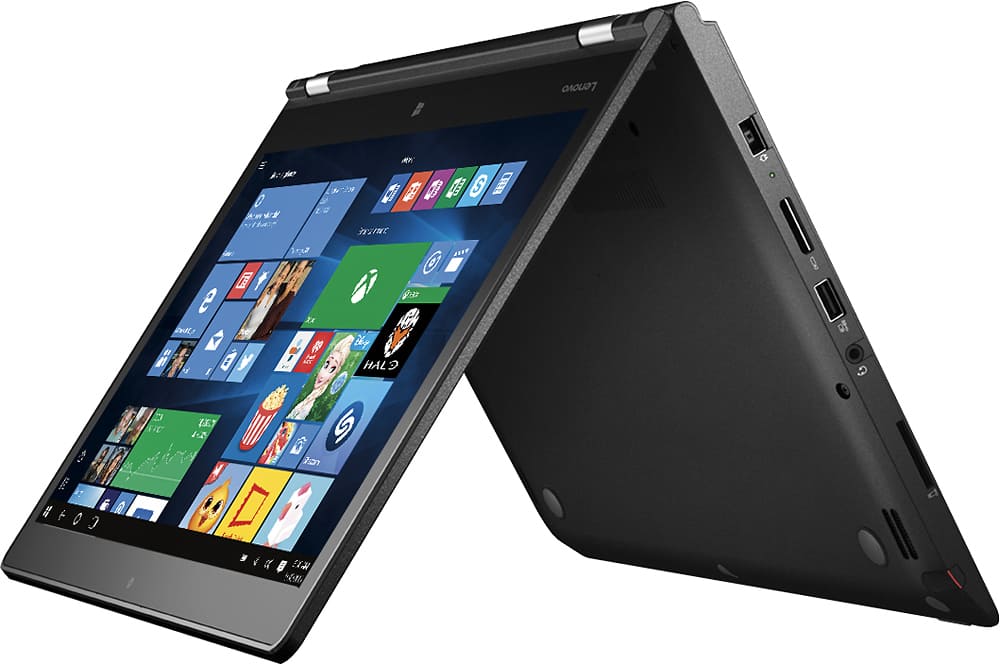
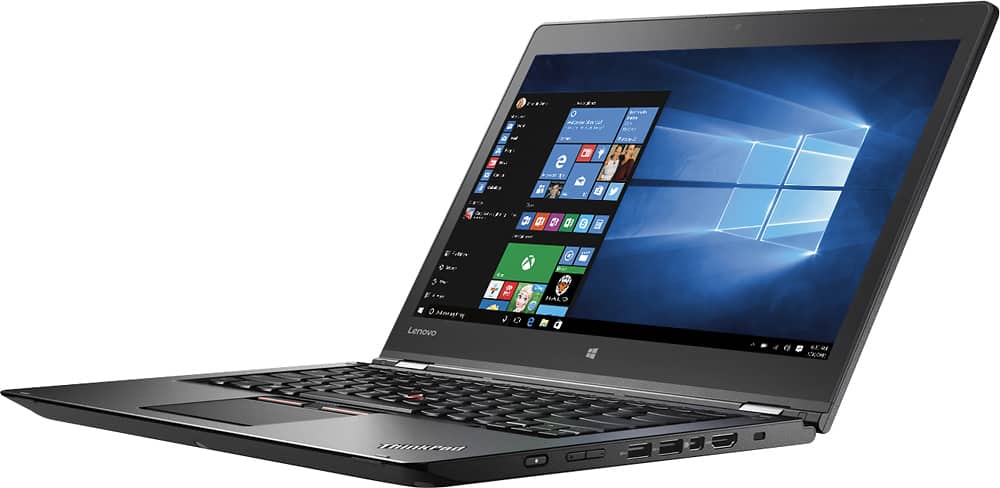
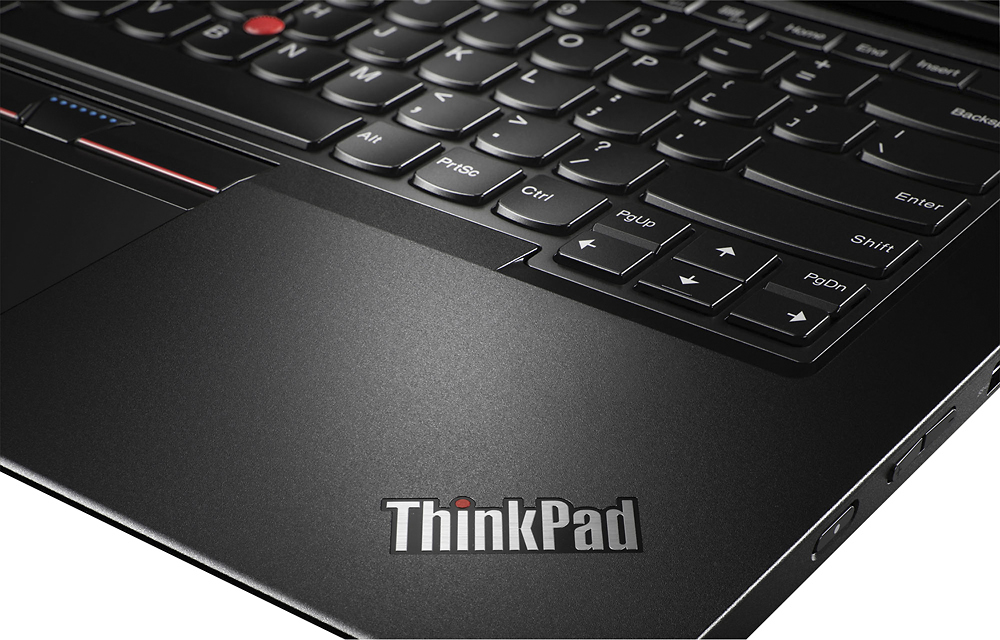
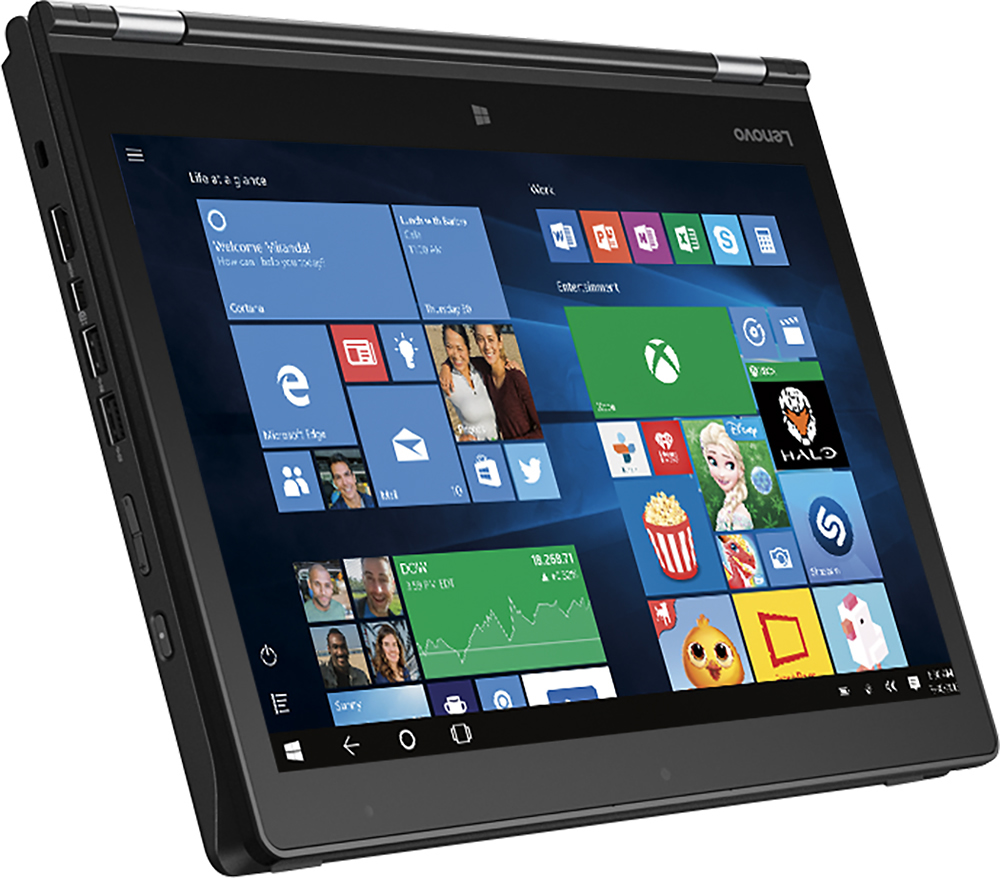
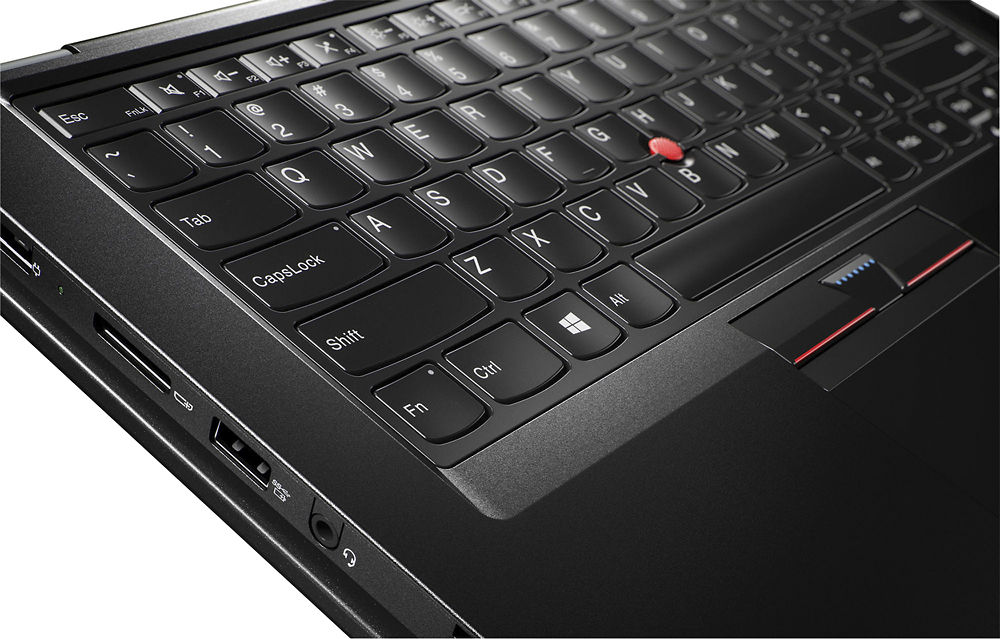
Customers commend the Thinkpad 2-in-1 laptop for its exceptional keyboard, great value, smooth performance, and impressive battery life. While some users find the laptop to be a bit heavy, others wish for more RAM and a dedicated Ethernet port. Overall, customers are pleased with the build quality and performance of this laptop.
This summary was generated by AI based on customer reviews.
Shipping used, damaged machines as open box
||Posted .This reviewer received promo considerations or sweepstakes entry for writing a review.First one shipped had only 2 mos of warranty left, scuffed areas, and missing tablet pen. Speedy replacement, but 2nd item had 8 mos warranty left, then died after about 2 weeks of use. Best Buy offered small refund for first experience, then another to keep the 2nd machine, but never issued 2nd credit. After several 1 hour phone conversation/holds with customer service, I gave up & sent to Lenovo.
No, I would not recommend this to a friendGreat laptop terrible pen
||Posted .This reviewer received promo considerations or sweepstakes entry for writing a review.I really like the feel and features of the laptop but I had to return everything because the pen would not charge from the get go. The geek squad tried to help by swapping out the pen with one from their demo. It worked for a few days then died. I ended up purchasing a Surface device because there were no Lenovos to be had locally. I would consider Lenovo in the future.
No, I would not recommend this to a friendBrand response from Lenovo Product Expert
Posted .Thank you for choosing the Lenovo ThinkPad Yoga 2-14. We are sorry to hear of the problem you experienced with the pen on this device. It sounds as though it was a problem within the charging port of the device, since the replacement pen did not work either. We will make note of this issue and look in to this for future improvements. We appreciate your loyalty to Lenovo and hope to have you as a customer in the future.

The Screen of Death
||Posted .This reviewer received promo considerations or sweepstakes entry for writing a review.This PC had mixed reviews but most of them were positive (4.3 or 4.6 if my memory recalls correctly) and I did read the lower scores as well. The screen freezing issue was quite common in most of the lower ratings, so I guess I purchased one of the bad ones. So, I returned the PC and purchased another brand that I am happy with.
No, I would not recommend this to a friendBrand response from Lenovo Product Expert
Posted .We are sorry to hear that your experience with the Lenovo ThinkPad Yoga 2-14 is a poor one. For those consumers who may be considering the ThinkPad Yoga 2-14, the issues you mention might be corrected with driver updates. Users can follow the link below to look for new driver updates for their specific system. As always, be sure to create a restore point on your system before you make any changes. Here is the link:
http://support.lenovo.com/us/en/products/Laptops-and-netbooks/ThinkPad-Yoga-Series-laptops/ThinkPad-Yoga-14-20FY/20FY/0002US?query=&Shallow=1&Type=&OperatingSystems=&Component=&Symptom=&linkTrack=Caps%253ABody_SearchProduct&tabName=downloads&beta=false
Great laptop for any college student
||Posted .This reviewer received promo considerations or sweepstakes entry for writing a review.It has been working great so far except couple of crash while I am using excel.
I would recommend this to a friendDon't purchase
||Posted .This reviewer received promo considerations or sweepstakes entry for writing a review.This is my 2nd yoga 14 after returning the first one a week after buying. Both computers had tech issues that were unable to be solved by their support staff. The most recent problems after 10 days was it wouldn't update, bluetooth didn't work, and when computer went into sleep mode it would not wake up without closing the top and reopening. After spending 4 hours with 3 different Tech advisors and getting 3 different suggestions for fixing the problems they sent a Recovery USB. The computer wouldn't let me reset windows and the tech person said I would have to call software support and pay to find out if it was software related problem. I am taking the computer back and lucky I am Elite member with 30 days or I would be stuck. Don't buy this computer as I find the tech support to be horrible (folks are nice). I will look at another brand vs purchasing Lenovo again
No, I would not recommend this to a friendBrand response from Lenovo Product Expert
Posted .With regard to the issues you mention with your device, there may be driver updates for your specific system. Follow the link below to look for new driver updates for your specific system. As always, be sure to create a restore point on your system before you make any changes. Here is the link:
http://support.lenovo.com/us/en/products/Laptops-and-netbooks/ThinkPad-Yoga-Series-laptops/ThinkPad-Yoga-14?query=&Shallow=1&Type=&OperatingSystems=&Component=&Symptom=&linkTrack=Caps%253ABody_SearchProduct&tabName=downloads&beta=false
Good laptop
||Posted .This reviewer received promo considerations or sweepstakes entry for writing a review.I bought this to use at school. It works well but the price was expensive.
I would recommend this to a friendBrand response from Lenovo Product Expert
Posted .Thank you for choosing the Lenovo ThinkPad Yoga 2-144. We are pleased to hear that the ThinkPad Yoga 2-14 is working out well for you.
After 1 week had a problem with a screen hinge
||Posted .This reviewer received promo considerations or sweepstakes entry for writing a review.After 1 week had a problem with a screen hinge. Now the screen doesn't open properly and the laptop has to be turned in for repair that will take at least weeks. Other than that the unit is good.
No, I would not recommend this to a friendGood if you have the budget
||Posted .This reviewer received promo considerations or sweepstakes entry for writing a review.Solid buy if you have the discretionary budget for it.
I would recommend this to a friendReturn It
||Posted .This reviewer received promo considerations or sweepstakes entry for writing a review.I am a photographer so I thought it will be good to use this laptop first since it has a 2 G graph, but it turns out it could not even play the 4k video on youtube smoothly. also, it goes overheat when i doing photo with photoshop. I returned it
No, I would not recommend this to a friend- Cons mentioned:Weight
Great 2 in 1!
Posted .This reviewer received promo considerations or sweepstakes entry for writing a review.I had the Yoga 900 but had to return it due to too many issues with the display driver constantly crashing. I bought this one instead and glad I did. It's very fast and the Nvidia graphics display is a definite step up from the built-in Intel HD graphics video on most all other PCs out there (including the Yoga 900). It runs super quiet. I rarely hear the fan run at all even when the processor is being stressed. The bottom does not get very hot like other laptops. I find it easy to carry around. It does collect fingerprints and smudges well. The touch pad was a bit quirky in some applications when scrolling, especially in other web browsers like Firefox and Chrome. It would scroll super-fast and was uncontrollable. And I thought I was going to have to return this computer due to the glitchy touch pad. However, I just received a driver update to the Elan touchpad. Now scrolling is super smooth and silky. Touchpad size could be bigger but not that big of a concern in the end. I like the additional buttons and they have a very soft but deliberate feel when pressing them.. About the only downside so far is the weight. A lot of difference in weight between this and the Yoga 900 but I like the larger screen size this laptop offers. The Yoga 900 is a beautiful machine but I'm liking this one a lot better! Battery life seems about average. I don't think you ever get what manufacturers advertise. Overall, I've been completely satisfied. If you have not run the settings update lately, I highly recommend to get the latest drivers for the touchpad and Nividia graphics.
I would recommend this to a friend hard to set up
||Posted .This reviewer received promo considerations or sweepstakes entry for writing a review.Wish i hadn't bought Geek Squad services - too hard to reach - as a result my computer is not yet set up. Unless you can do everything yourself, stick to your own computer consultant, don't rely on Geek Squad.
No, I would not recommend this to a friend- Pros mentioned:Keyboard
Happy with my coice
Posted .This reviewer received promo considerations or sweepstakes entry for writing a review.This ThinkPad Yoga replaced a series of 2 newly purchased and defective 15.6” Toshiba 4k and laptops that suffered from stability video issues (apart from 4k scaling problems that make some applications difficult, if not impossible to use). It also replaced a high-end, well-performing, 6th-gen i7 15.6” 4k Dell that at just under 6 pounds and sporting a gargantuan power supply, was simply too bulky. While I have just a few days of operation of this newly configured machine under my belt, it is flawless. It’s slightly larger and heavier than the HP Spectre I considered, but the build quality, keyboard, touch pad and larger display moved me off the otherwise impressive Spectre. Lastly, a tiny amount of tweaking made this ThinkPad’s display excellent for portable image editing. Early on, I am quite pleased with this 14”, i5, SSD choice.
I would recommend this to a friend - Pros mentioned:Price
Amazing Student Computer
Posted .This reviewer received promo considerations or sweepstakes entry for writing a review.I actually picked this device up while in the market for a replacement to my Surface Pro 3 - and I'm glad I did. Compared to the Surface Pro 3/4, this is superior for those looking for a laptop that can be used to take notes, and a tablet as a secondary focus. (By comparison, Surface Pro 3/4 was more akin to a tablet that can serve as your laptop in a pinch) Pros of the Lenovo over Surface Pro 3/4: Price, sturdy hinge vs. kickstand, dedicated video card, stylus silo, larger screen. Pros of the Surface Pro 3/4 over the Lenovo: Lighter, support direct from Microsoft, more comfortable stylus, higher resolution, Windows 10 Professional, i5 in Surface Pro 4 is slightly faster. So, if you're looking for a workhorse laptop that can take notes and/or drawings when you need them, this Lenovo is great for the price. If weight/size is dictating your purchase, and you can pay extra, then go for the Surface Pro 3/4.
I would recommend this to a friend - Cons mentioned:Weight
doesn't work
||Posted .This reviewer received promo considerations or sweepstakes entry for writing a review.I got a open box version so it could be that, but the screen flickers a lot and it freezes randomly. It's also heavier than it was advertised.
No, I would not recommend this to a friendBrand response from Lenovo Product Expert
Posted .With regard to the issues you mention with your device, there may be driver updates for your specific system. Follow the link below to look for new driver updates for your specific system. You can also run diagnostics from the Lenovo site as well. As always, be sure to create a restore point on your system before you make any changes. You can do this by just typing "restore point" in the search window within Cortana and follow the link to create a restore point. Here is the link:
http://pcsupport.lenovo.com/us/en/products/laptops-and-netbooks/thinkpad-yoga-series-laptops/thinkpad-yoga-14-20fy/20fy/20fy0002us/downloads?linkTrack=Caps%3ABody_SerialNumber. If you find that all your drivers are updated, you may need to restore your system to original factory default settings if any of the programing errors have occurred. You can do that by typing "restore" in the Cortana search window. Just click on the magnifying glass icon at the bottom left of your Windows 10 Desktop. Click on "Reset This PC" Then click on "Get Started" and follow the on screen directions to restore to factory defaults.
- Pros mentioned:KeyboardCons mentioned:Ram, Weight
Great balance for 2017 Windows 10 laptop
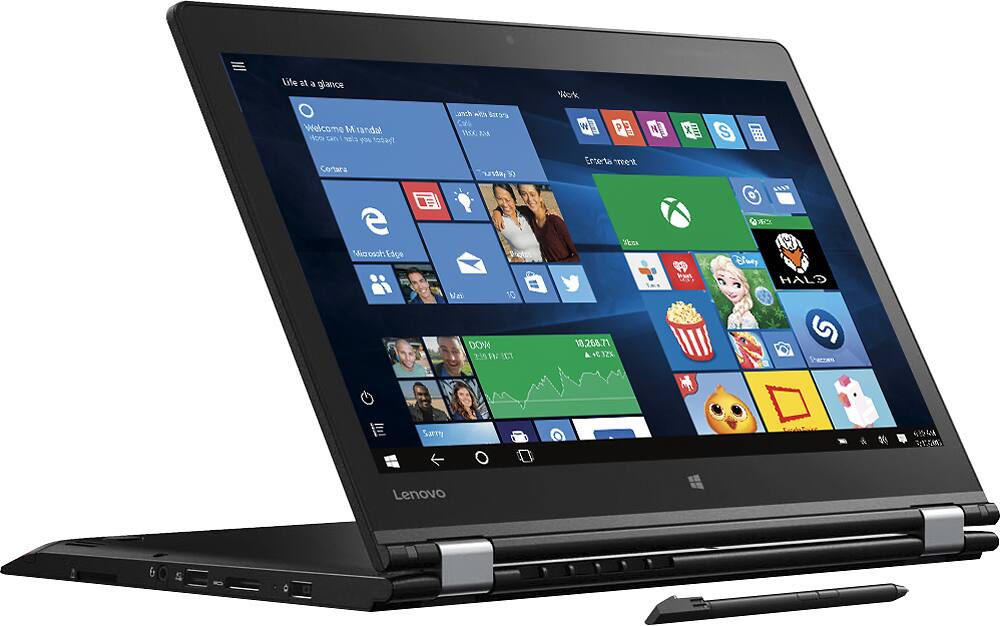
Posted .This reviewer received promo considerations or sweepstakes entry for writing a review.Pros: - Great keyboard - Love display and stylus - Native HDMI (not mini HDMI) out - SSD hard drive - Solid mid-range performance and comes with dedicated graphics card Cons: - Only ships with 8Gb RAM. Upgradeable to 16Gb but only 1 slot - Only 256Gb hard drive space (but it's SSD, so very speedy) - Not the lightest laptop at 3.9 lbs (but still very light compared to older models) While I'm still under a month into my new laptop, I would say that this laptop has a great balance for mid-to-high end users. I'm very picky with keyboards, and the ThinkPad is one of the best out there. The display is great and I think the stylus with in-laptop storage is fantastic (I can really see it changing how I annotate presentations). The versatility of Yoga tablet mode is great and if you use for business or academic presentations, the stand mode (270°) is perfect for 2-3 people. Having a native HDMI out also saves one more adapter to carry (which inevitably goes missing at key meetings). If you haven't been using an SSD hard drive, the change over from conventional HDD is the single biggest thing you can do to improve Windows boot speed and responsiveness. I only buy computers with SSDs now. This is latest generation chip (i.e. Skylake) so it's good even though not highest-end (i.e. i7). If you're looking for a real lightweight "ultrabook" this one still weighs close to 4lbs, so far from the lightest out there. However, it's still a marked improvement over most laptops 3-5 years old. The RAM being only 8Gb with a single slot is probably the biggest downside I saw, so I upgraded to 16Gb of RAM. Note for those who do it yourself, there are captive screws in the laptop case (i.e. loosen but don't remove). While 256Gb hard drive might dissuade some, I carry a 256Gb USB stick with me (external memory is just darn cheap in 2017). You can obviously upgrade this too if interested. So in summary, I highly recommend this laptop to anyone that doesn't need the highest machine out there. I run application development, virtual machines and databases in addition to large spreadsheets and office apps. This is going to be strong enough for 98% business and academics users, although I totally understand it's not a high-end gaming rig (which could be 2x cost). I highly recommend for balance of price to functionality.
I would recommend this to a friend Not Happy
||Posted .This reviewer received promo considerations or sweepstakes entry for writing a review.Can't install Photo Explosion because I can't find the activation code #. On the disc it has several numbers for Face Filter Studio, Movavi Video Editor and Photo Stitcher, but I can't find the one number that will let me install it. I don't know which number it could be. I purchased it from Best Buy in Sanford, Fl. on 3-19-2017. sent a message to your company and got no response. I need help and don't feel I should have to pay for it. I already paid for the program.
No, I would not recommend this to a friendBrand response from Lenovo Product Expert
Posted .Thank you for choosing the Lenovo ThinkPad Yoga 2 14. With regard to the issues you are experiencing with your software activation code, we recommend you contact the software publisher directly. They should be able to help you find the correct code to enter to activate their software on your ThinkPad Yoga 2 14.
- Pros mentioned:Battery life, Keyboard
Durable, high-quality laptop for a decent price
Posted .This reviewer received promo considerations or sweepstakes entry for writing a review.First off, if you are thinking about buying the Yoga 700...don't. Buy this instead. This computer is a thinkpad, while the Yoga 700 is not. This has many features that (seemingly similar) computer doesn't: + Keyboard - this has the classic lenovo thinkpad keyboard with very good tactile response + The keyboard retracts when you switch to tablet mode to protect it and avoid accidental clicking + This comes with a built-in pen for use in tablet mode. The pen itself is great albeit a bit small. + The overall build quality of this computer is fantastic. It has a very solid feel but understated and simple look. The yoga 700 felt much cheaper As I said, this is a great computer so far (I've only had it for a few days). The battery lasts around 7 hours or more with light use, and it idles very efficiently with little battery drain. The computer itself comes with 8gb of RAM, with only a single slot for RAM, but apparently it can be upgraded to 16gb despite lenovo's claims that 8gb is the max supported. I would definitely recommend this computer, and if you are feeling cheap and lucky you can try an open-box model like I did for $765 to save $135.
I would recommend this to a friend Screen Failure - defective - poor service
||Posted .This reviewer received promo considerations or sweepstakes entry for writing a review.My son and I each purchased one of theses. His screen failed during the few weeks. He sent it in for repairs and Lenovo has had it for several weeks. The service people say they are waiting for parts, the internal components that connects the screen to the board. Avoid this computer - waste of time and money
No, I would not recommend this to a friendNot reliable
||Posted .This reviewer received promo considerations or sweepstakes entry for writing a review.I had this laptop/tablet for 13 days when it did the blue screen of death ( term used by Best Buy customer service). I returned it to Best Buy as I was within my 14 day return policy. I decided I did not want another Lenovo. I was informed that they had problems with these particular laptops. It was listed as 4 out of 5 stars per Best Buy. I would give it zero stars if I could. Save your money and time choose a different laptop.
No, I would not recommend this to a friendRegrets
||Posted . Owned for more than 2 years when reviewed.This reviewer received promo considerations or sweepstakes entry for writing a review.I thought I would like this better than a Microsoft Surface. What a disappointment. The keys started sticking and the pen didn't work at all. Lenovo has terrible customer service and I could never get support staff to assist me with the problems I had with this computer. Didn't even last a year. Couldn't sell it used. Total waste of money.
No, I would not recommend this to a friend