Customer Ratings & Reviews


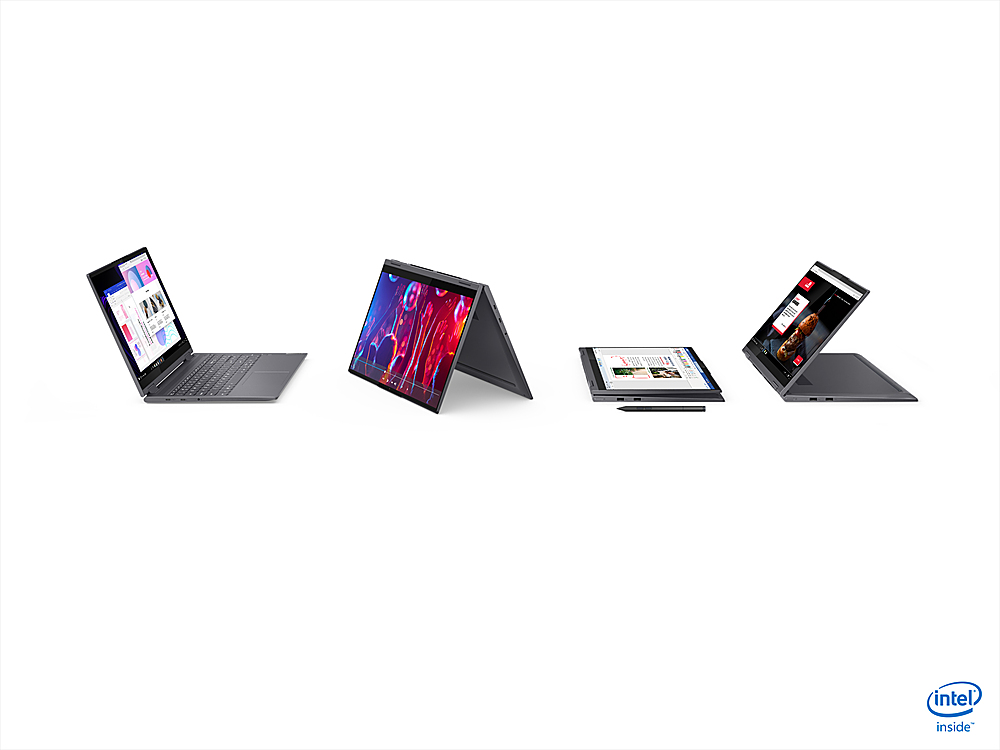
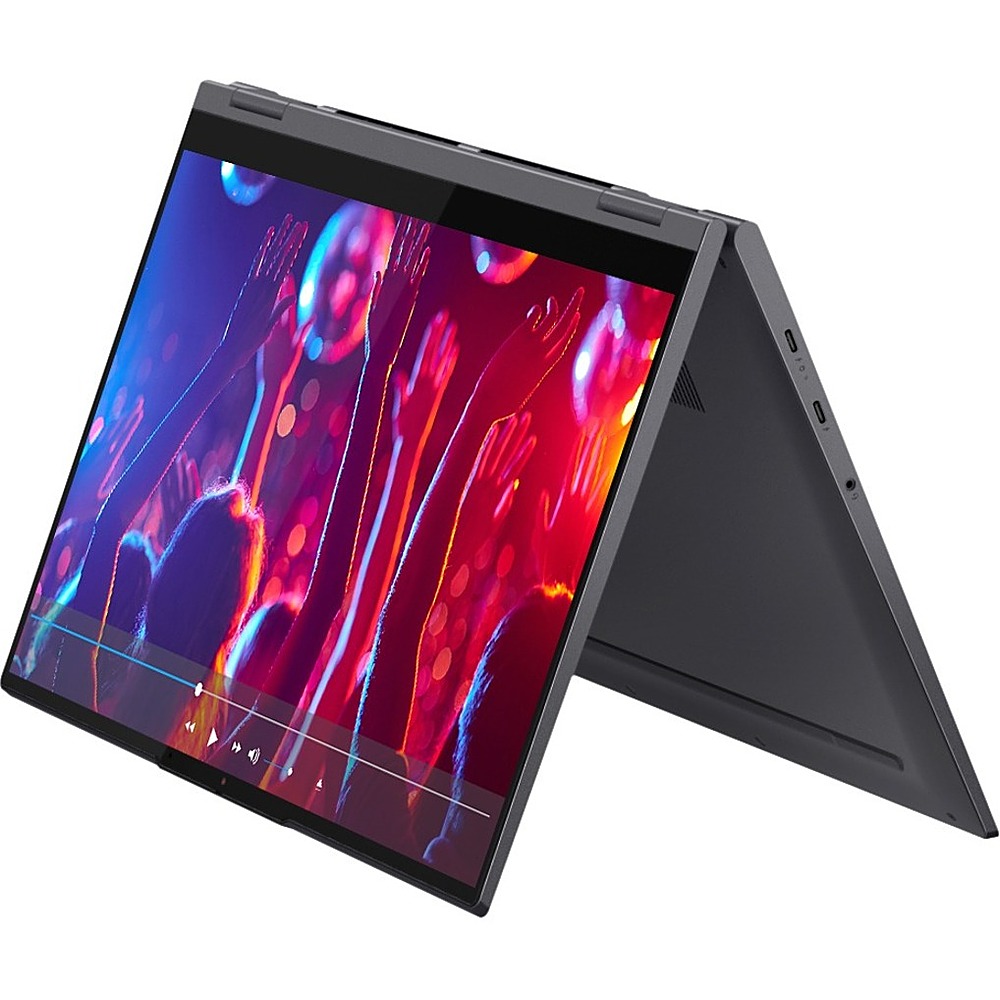
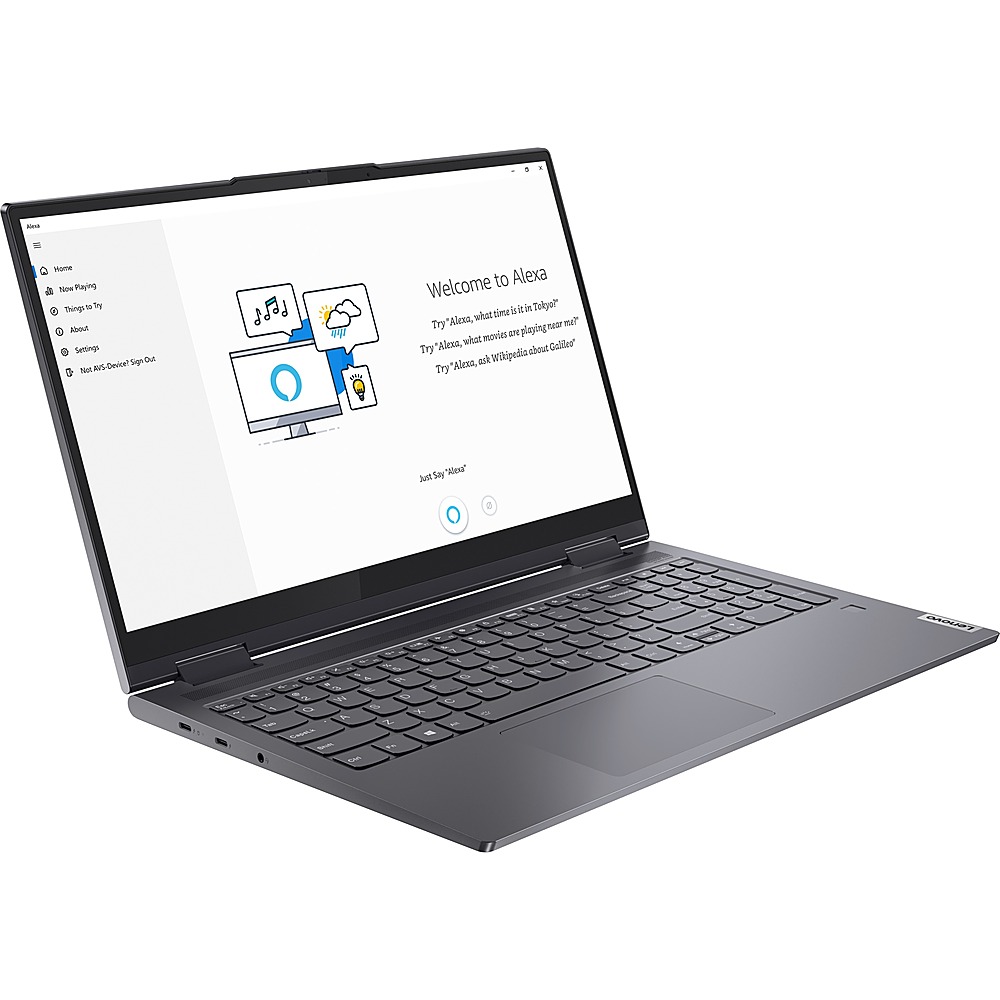
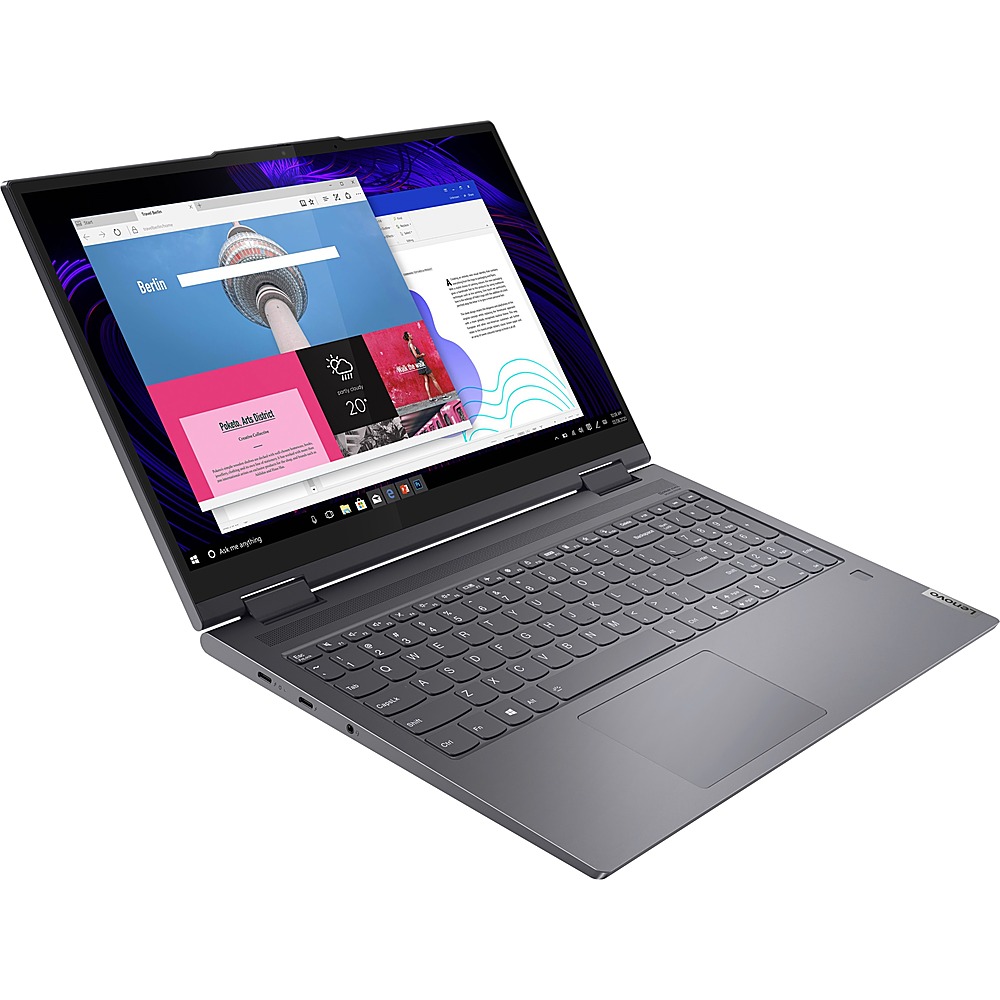

- Model:
- 82BJ0008US
- SKU:
- 6434680
to a friend
Customers are saying
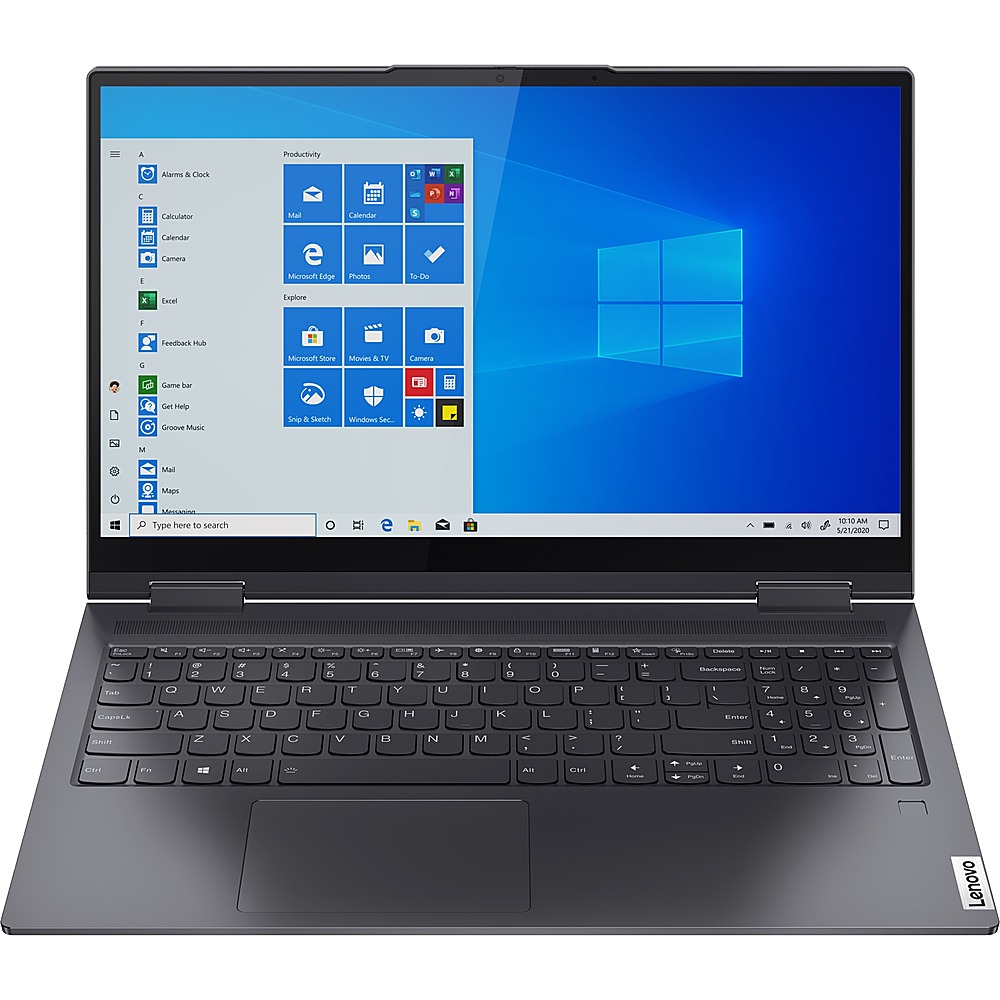
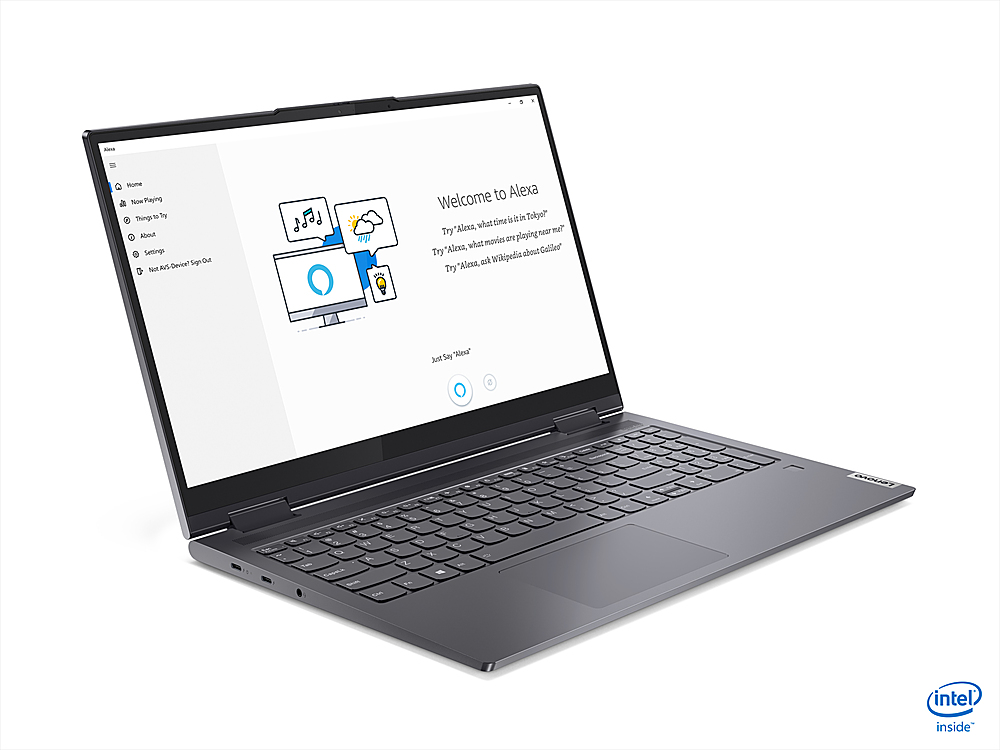
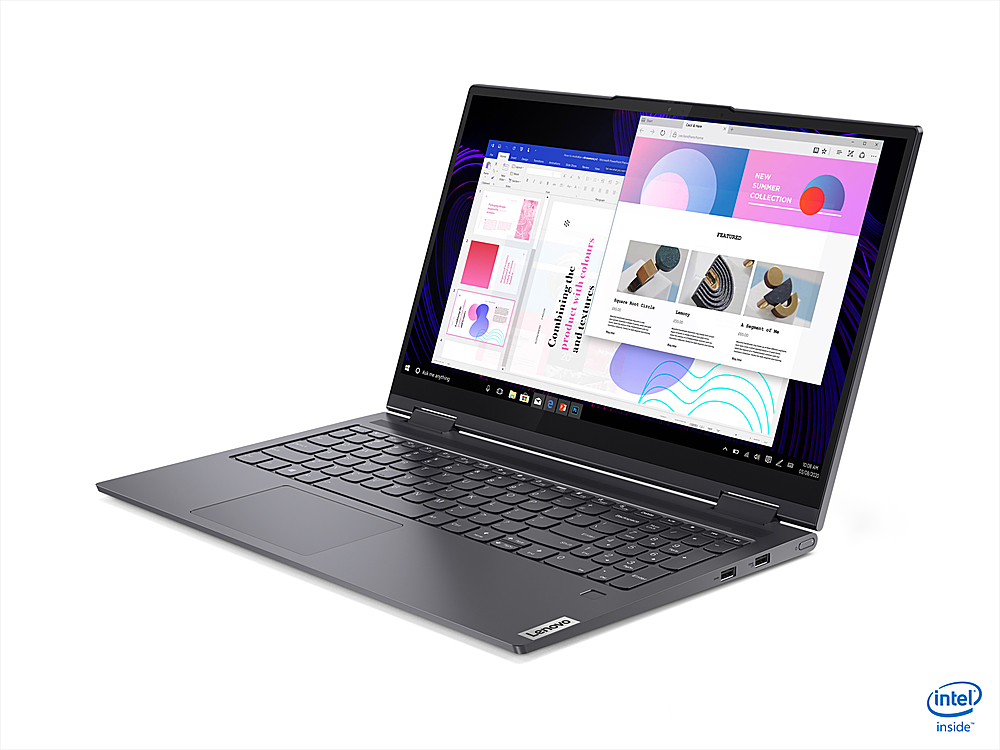
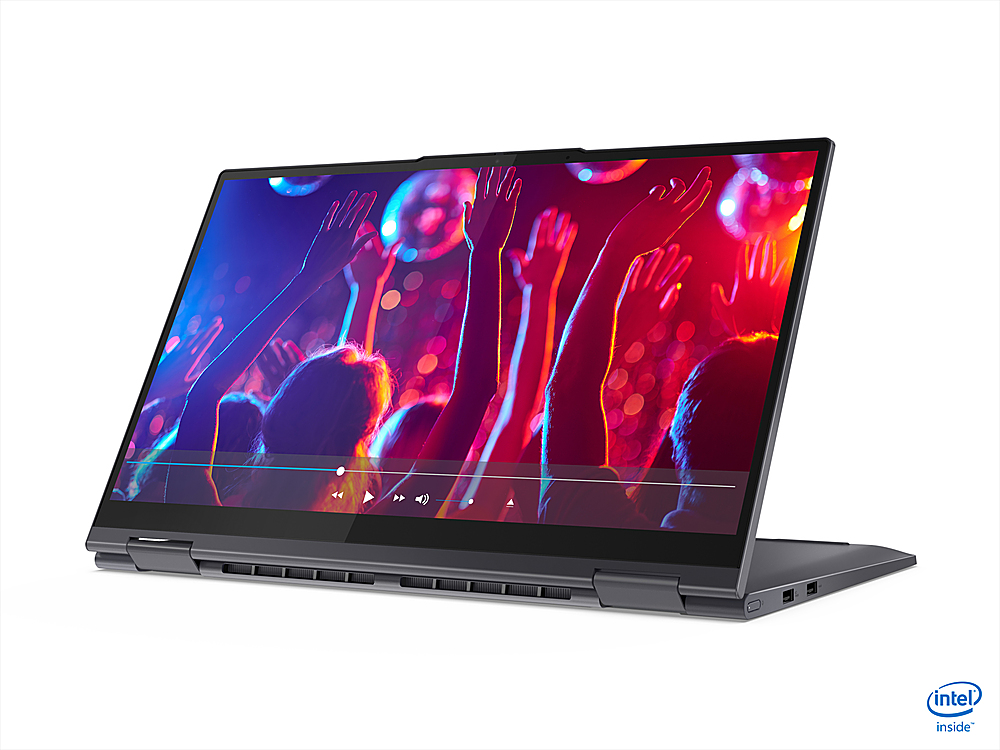
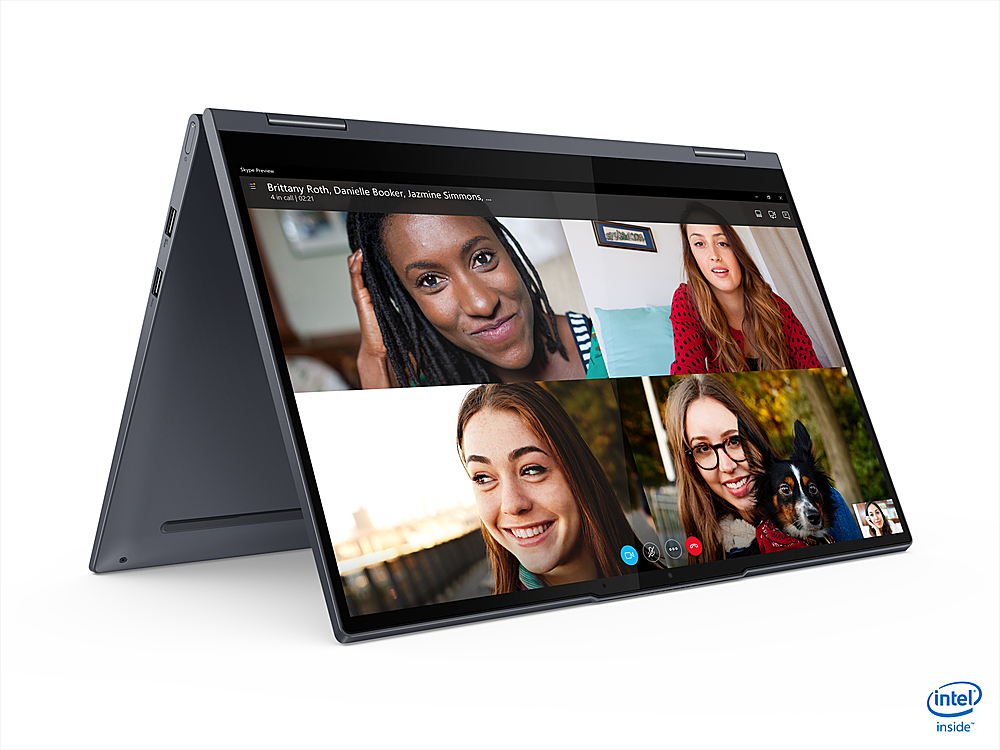
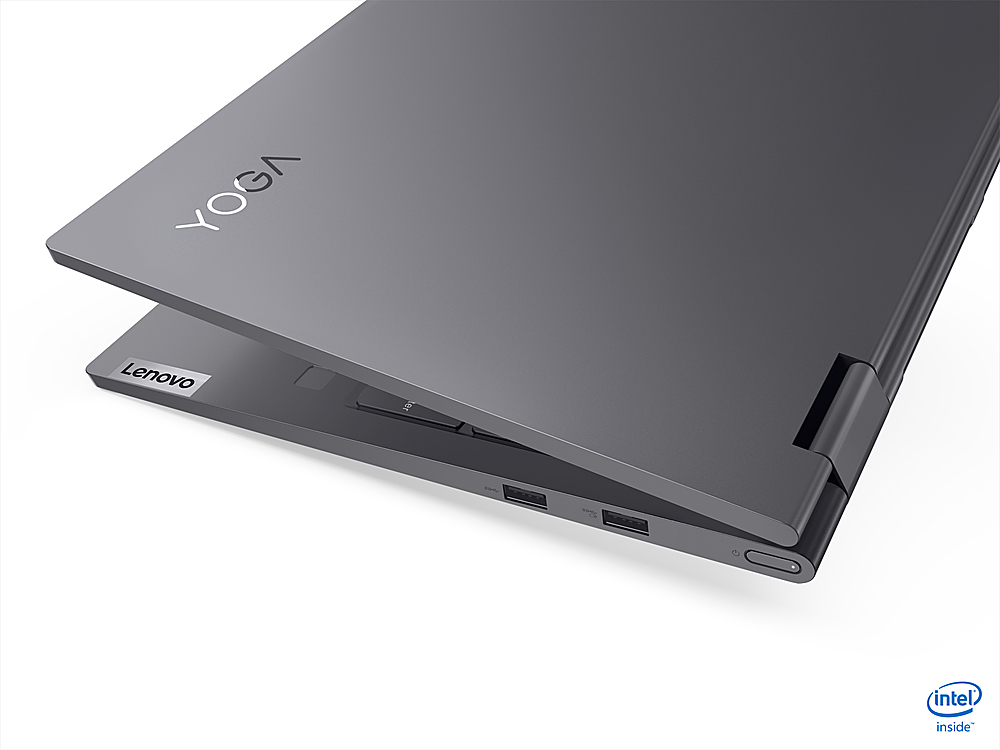
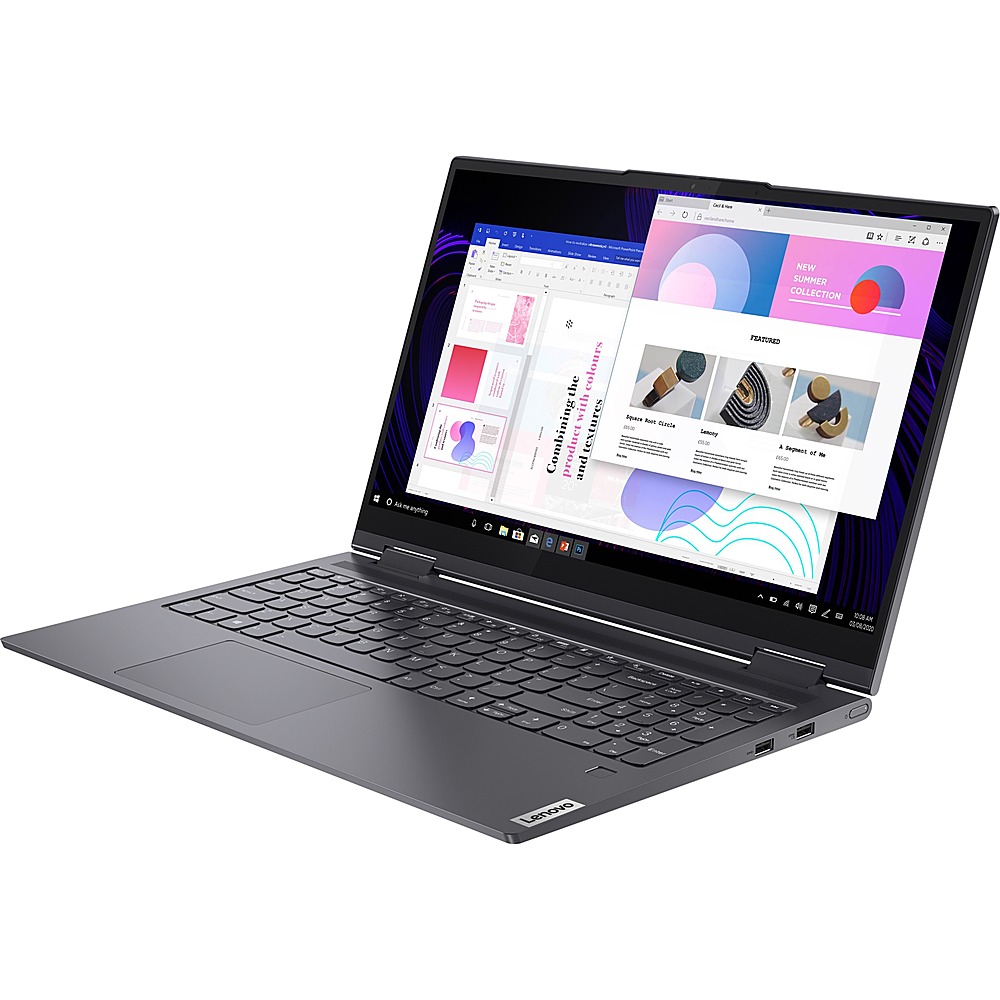
Customers are impressed with the Yoga 7 15ITL5 15.6" Laptop's overall performance and sleek design. However, some customers have experienced hardware issues with the laptop they received.
This summary was generated by AI based on customer reviews.
Happy Camper
||Posted . Owned for 3 weeks when reviewed.This reviewer received promo considerations or sweepstakes entry for writing a review.Love my Lenovo 15.6 inch slate gray laptop! No complaints!...Easy to read keyboard but also has backlit feature. Quick, quiet, and clean, crisp clear picture. Great computer at what I think was a great price. Only wish you couldnt identify contents in box when delivered, but I knew that ahead of time.
I would recommend this to a friendBrand response from Lenovo Product Expert
Posted .Thank you for choosing the Lenovo Yoga 7i-15. We are pleased to hear that the features and performance of the Yoga 7i-15 meets your computing needs so well.

- Pros mentioned:Future proofCons mentioned:Hardware issue
Great price for a touch screen work machine
||Posted . Owned for 1 month when reviewed.This reviewer received promo considerations or sweepstakes entry for writing a review.Wanted to wait a bit before reviewing but so far it’s met every expectation as an office laptop. Handles everything I’ve thrown at them with little effort and already somewhat future proof. I’ve purchased many of these models and haven’t had any issues hardware wise. The only thing I’ve ran into is an easily solvable problem with the Lenovo installed software.
I would recommend this to a friendBrand response from Lenovo Product Expert
Posted .Thank you for choosing the Lenovo Yoga 7 15. We are pleased to hear that the Yoga 7 15 is working out so well. The Lenovo Yoga 7 15 ships with just two adware programs, a 30-day trial of Microsoft Office 365 (as part of Windows 10 operating system) and a 30-day trial of McAfee virus protection. Lenovo computers ship with one of the cleanest factory software installs within the consumer computer industry.
- Pros mentioned:Business needs, Functionality
Good functionality to fit my needs
||Posted . Owned for 1 month when reviewed.This reviewer received promo considerations or sweepstakes entry for writing a review.Good knowledge based assistance to assist me to make the best choice for my business needs. This laptop is just what I needed and have great functionality that fit my needs.
I would recommend this to a friend - Cons mentioned:Hardware issue
Great except it won’t charge
||Posted . Owned for 1 week when reviewed.This reviewer received promo considerations or sweepstakes entry for writing a review.Great price; had the intangibles I wanted. However, it gets 3 stars because: it won’t charge. I’ve tried different outlets and for whatever reason the computer won’t charge. I am going to have to take it back unfortunately. I have a Lenovo chrome book I’ve used since last year with no issues. So a bit disappointed with Lenovo this time.
No, I would not recommend this to a friendBrand response from Lenovo Product Expert
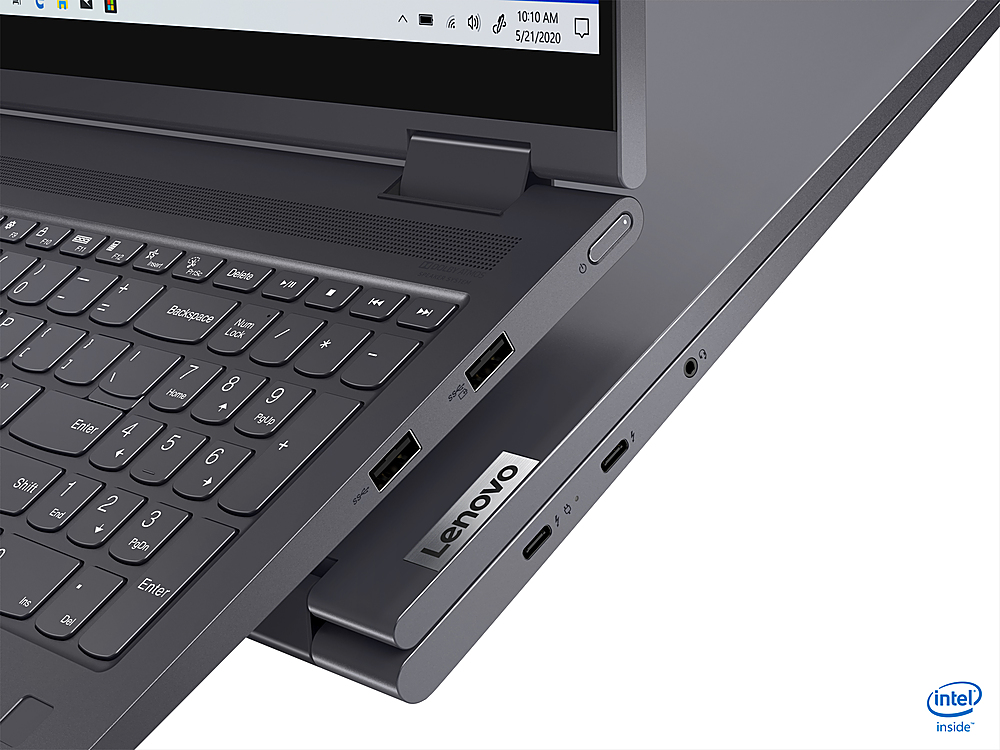
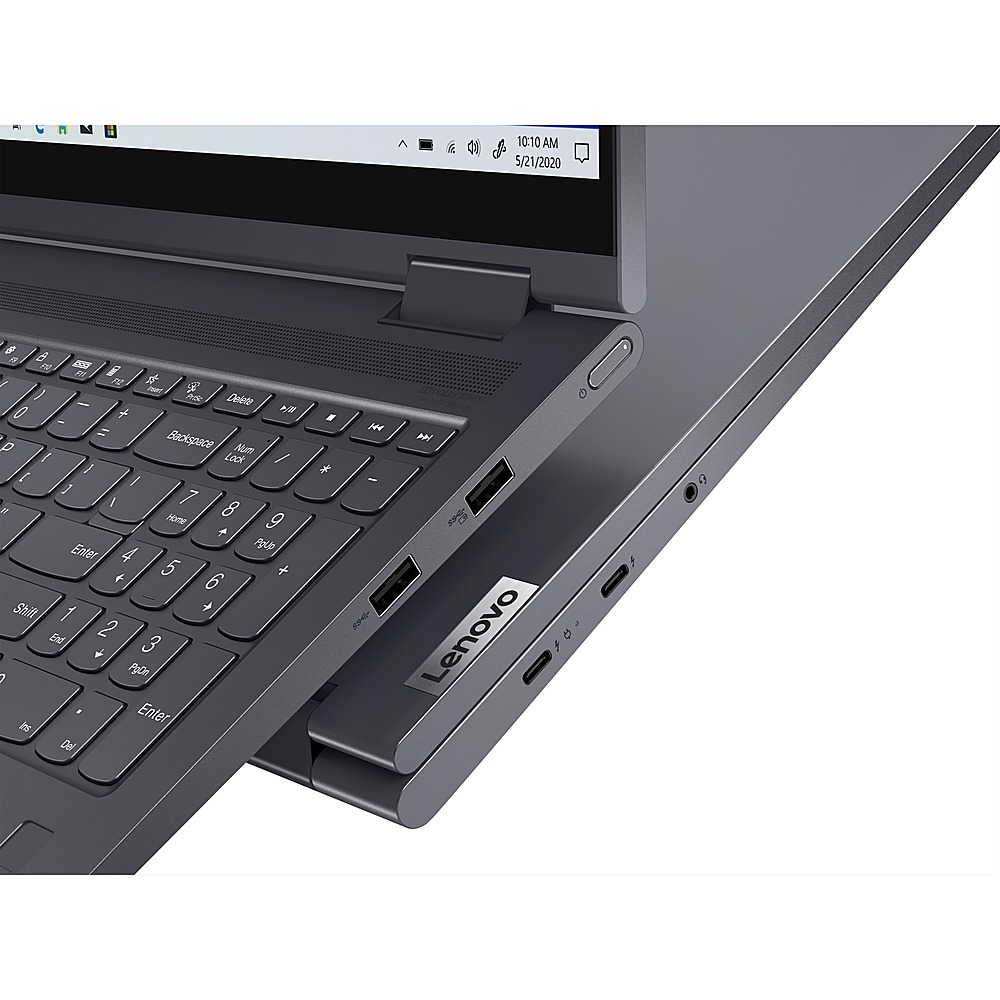
Posted .We are sorry to hear that you are having issues charging your Lenovo Yoga 7i-15. First, be sure you are plugging the AC adapter/charger that was included with the Yoga 7i-15 into the correct charging port on the left side of the computer. It will be the Thunderbolt 4.0 port that has the electric plug icon next to it, along with the Thunderbolt port. This is the only port that can charge the computer. Once you have the computer plugged in, there will be an LED Power light showing right next to the charging port you are plugged into. If there is no light, the problem is with your AC adapter/charger. Contact Best Buy for a proper replacement Adapter. If the LED power light is on, now run your cursor over the battery icon on the lower right side of your Windows 10 Desktop Screen. The battery icon should now display a message: Plugged In, Charging and display the current battery charge level. If you see the message: Plugged In, Not Charging, unplug the computer and let the battery level drop to below 50 percent. Now plug the computer back in and check the battery icon, the message will now read: Plugged In, Charging. If the issue continues and you can not charge the computer, we recommend you contact Lenovo Tech Support for additional help at: 877-453-6686.
- Pros mentioned:Fast
excellent
||Posted . Owned for 3 months when reviewed.This reviewer received promo considerations or sweepstakes entry for writing a review.works good excellent..fast..memory 512gb ssd so good just buy 1 you will thank me
I would recommend this to a friendBrand response from Intel team
Posted .Hi Joep, we are glad you are very happy with the performance of your Intel® EVO™ Platform 11th Generation Intel® Core™ i7-1165G7 Processor. Continue to enjoy the blazing speeds and overall quality performance of your Intel® Core™ i7 Processor.
Thank you for choosing Intel!
- Pros mentioned:Functionality
Lenova YOGA Highly Recommended
||Posted . Owned for 1 month when reviewed.This reviewer received promo considerations or sweepstakes entry for writing a review.Great form and fantastic functionality with the YOGA by Lenova. Great value as well
I would recommend this to a friendBrand response from Lenovo Product Expert
Posted .Thank you for choosing the Lenovo Yoga 7i-15. We are pleased to hear that the Yoga 7i-15 meets your computing needs so well.
- Pros mentioned:Weight
Great laptop
||Posted . Owned for 1 month when reviewed.This reviewer received promo considerations or sweepstakes entry for writing a review.Great screen size and resolution! Still very lightweight considering the size.
I would recommend this to a friend - Pros mentioned:Fast
Love this!
||Posted . Owned for less than 1 week when reviewed.This reviewer received promo considerations or sweepstakes entry for writing a review.So far I LOVE it! Fast and dependable and great for my masters program.
I would recommend this to a friend Love it
||Posted . Owned for 3 months when reviewed.This reviewer received promo considerations or sweepstakes entry for writing a review.Nice laptop. Was just what i wanted. Best buy set it up.
I would recommend this to a friend- Cons mentioned:Hardware issue
Two New Lenovo Yoga Laptops Were Defective
||Posted . Owned for 2 months when reviewed.This reviewer received promo considerations or sweepstakes entry for writing a review.I love the look of this Lenovo laptop but unfortunately after having it for only 2 months, the screen would not turn on and so I had to get it repaired from the Geek Squad who sent it out. This is the 2nd Lenovo laptop that I had within a 4 month period in which the screen would not turn on after I put it in sleep mode. My son has an older model Lenovo ( I bought his in 2017 ) it's the ideapad model and it works perfectly fine. The problem with this newer model was the battery, it was defective. The battery is sealed inside the laptop. I bought the laptop in 2021.
No, I would not recommend this to a friendBrand response from Lenovo Product Expert
Posted .We are sorry to hear that you are having issues with your Intel Evo-Certified, Lenovo Yoga 7i-15 model number 82BJ0008US. First, be sure you are using the correct charging port to charge the computer. There is only one dedicated charging port on this computer that can charge the computer. It has an electric plug icon next to the charging port. Plug your AC adapter/charger into a wall socket, then plug the other end into the proper charging port on the computer. Let the computer charge for 15-minutes with it completed powered off. Now press the power button to boot the computer normally. You can let the computer continue to charge while you are working on it. If the issue continues, we recommend you contact Lenovo Tech Support for additional help at: 877-453-6686.
- Cons mentioned:Hardware issue
Friday, 5 o'clock unit
||Posted . Owned for 3 weeks when reviewed.This reviewer received promo considerations or sweepstakes entry for writing a review.There was a hardware issue with the laptop I received. I updated all software and drivers to no avail. Returned the unit for another Lenovo laptop. Hopefully I have better luck.
No, I would not recommend this to a friend Laptop for college
||Posted . Owned for 1 month when reviewed.This reviewer received promo considerations or sweepstakes entry for writing a review.Great laptop. Ordering and pick-up process was fast and easy
I would recommend this to a friendBrand response from Lenovo Product Expert
Posted .Thank you for choosing the Lenovo Yoga 7 15 2 in 1 Laptop. We are pleased to hear that the Yoga 7 15 meets your computing needs so well.
- Cons mentioned:Freezing, Screen flickering
Decent but doesn't live up to expectations/hype
Posted .This reviewer received promo considerations or sweepstakes entry for writing a review.I've heard great things about Lenovo and have used the ThinkPad for work previously, but this is my first personally owned lenovo laptop and it's been somewhat disappointing. It's had tons of issues with screen flickering and glitching; when I reached out to lenovo support they emailed me saying to completely wipe and reset it and didn't seem to interested in why a brand new laptop was melting down like this. For a machine I need to be able to rely on for work, that is such an inconvenience. The screen still has occasional issues and sometimes it freezes or won't open programs (I don't have tons of things running either). It should just work. Also the constant McAfee popups are more annoying than having my identity stolen or getting a virus at this point.
No, I would not recommend this to a friend - Pros mentioned:Weight
So far so good
Posted .This reviewer received promo considerations or sweepstakes entry for writing a review.This laptop is much lighter than my old 17" HP. The SSD drive is quiet and doesn't generate much heat. I've only had it for a month and so far so good. No complaints yet.
I would recommend this to a friend Reliable Workhorse
Posted .This reviewer received promo considerations or sweepstakes entry for writing a review.I bought laptop just over a year ago to start a new remote position. I did so the day before I started as my previous laptop was not cutting it. I went in to purchase a different laptop, but they were out of stock. I was not going to be doing anything heavy (gaming, streaming, etc) so the Best Buy agent introduced me to this one and I am very glad he did. A year in, and have not experience a single issue. I scan my finger every morning, and within seconds I am logging in to my company system to start my day. I put 8-10 hours, 5 days a week and have not experienced any hardware or software problems. I eventually did download bluestacks to play one of my mobile games from my laptop and the performance was unchanged. Just a solid and reliable workhorse that does it's job and does it well.
I would recommend this to a friend- Cons mentioned:Video slows
Does not work well with Zoom
Posted .This reviewer received promo considerations or sweepstakes entry for writing a review.The computer has failed me when I need to use Zoom meetings to attend my office meetings. The video slows down and the microphone is choppy. I have high speed internet and I've closed all other apps. I'm consistently disappointed with this function especially while we continue to work remotely. I've also reached out to Zoom and followed steps and recommendations to reduce resources being used at the same time. I wish I knew this was an issue in advanced and I would've tried to find another product.
No, I would not recommend this to a friend