Customer Ratings & Reviews
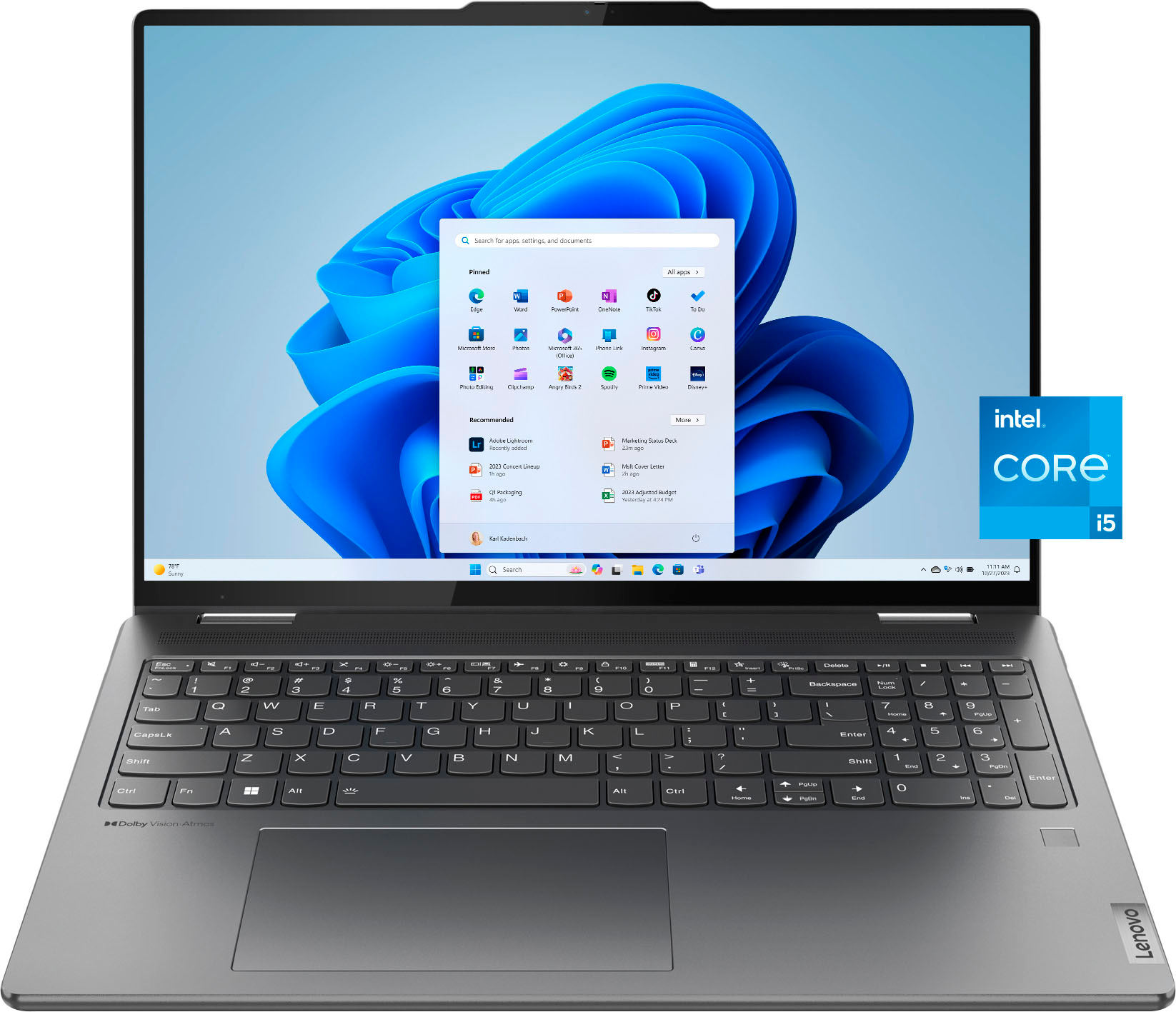
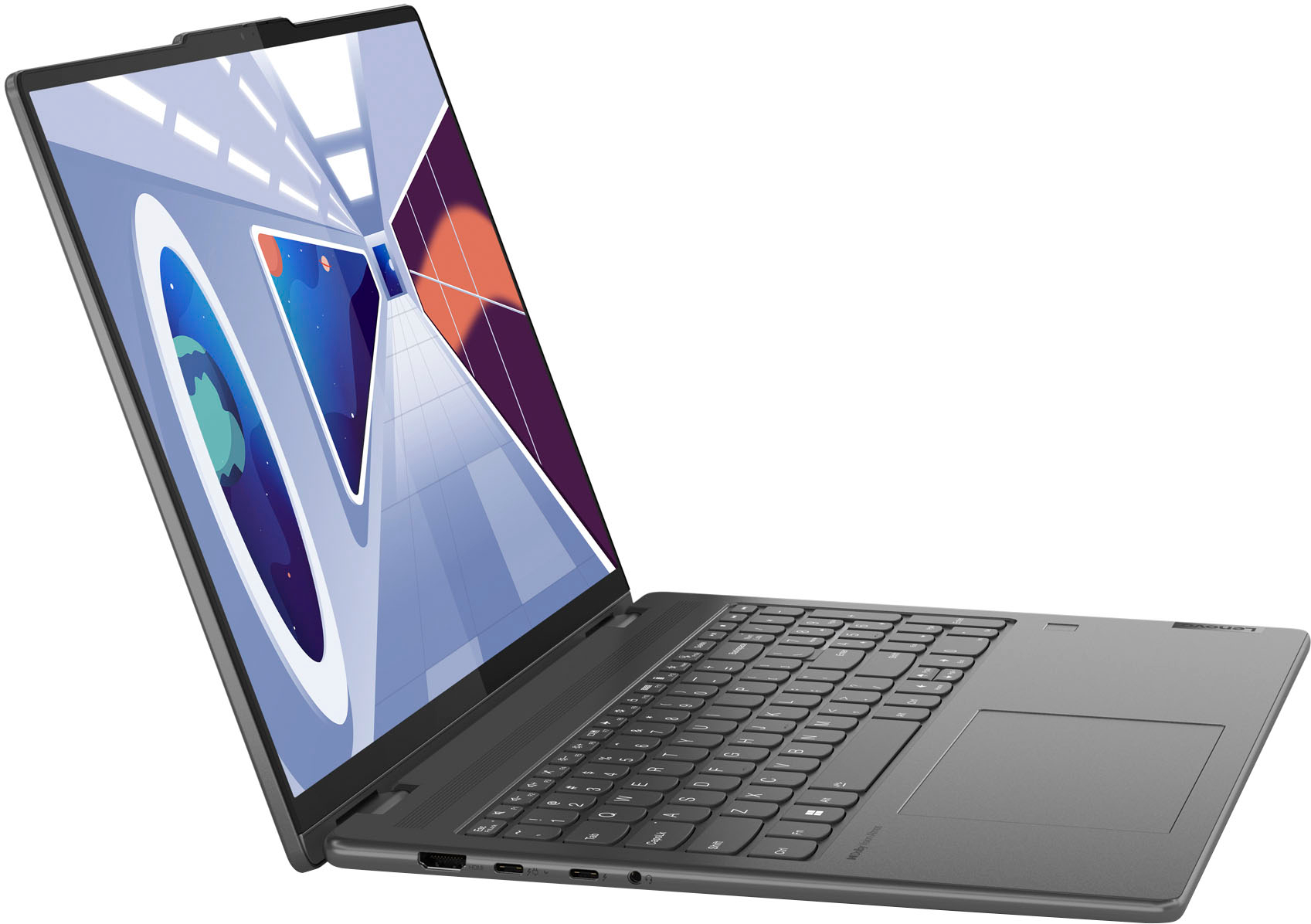
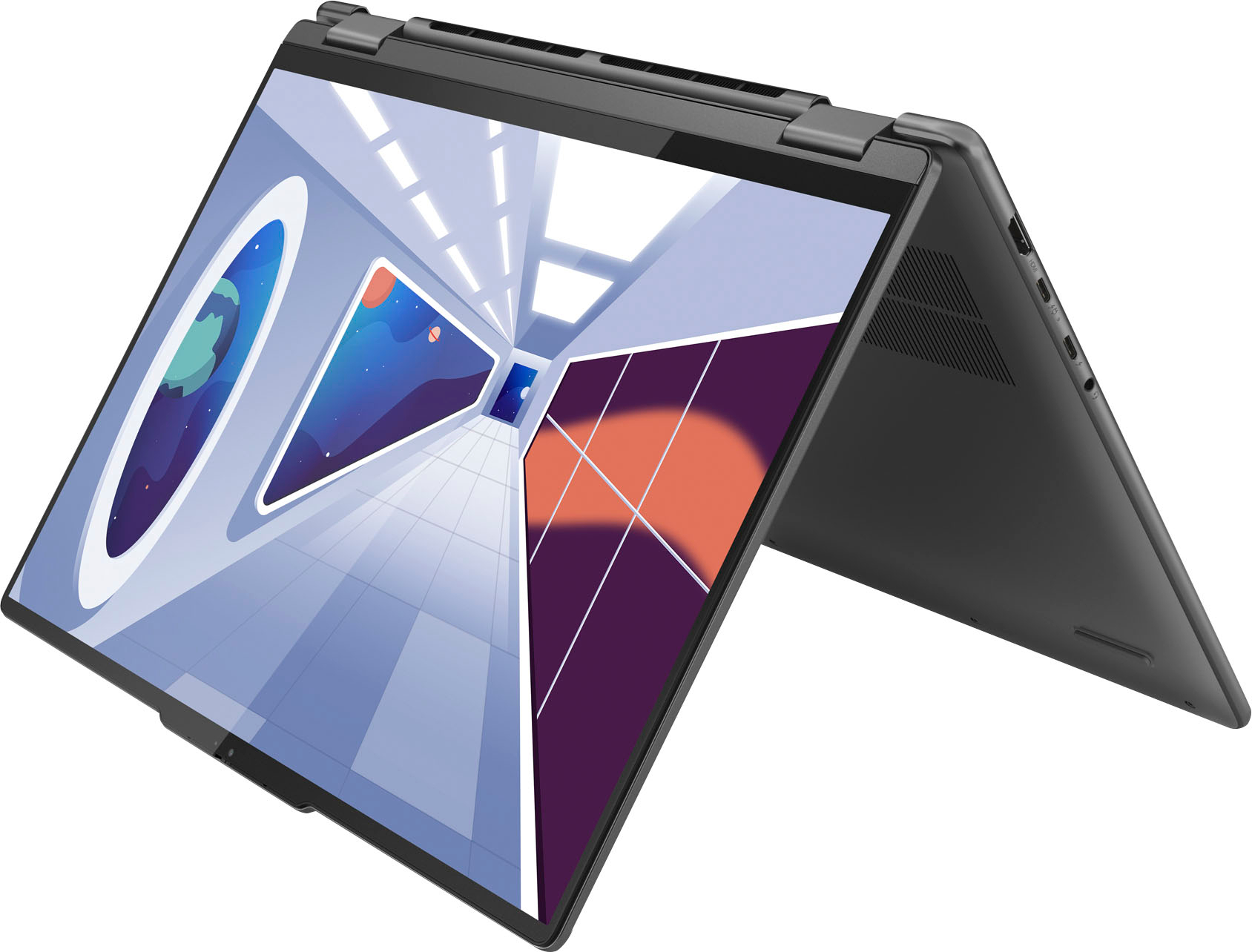
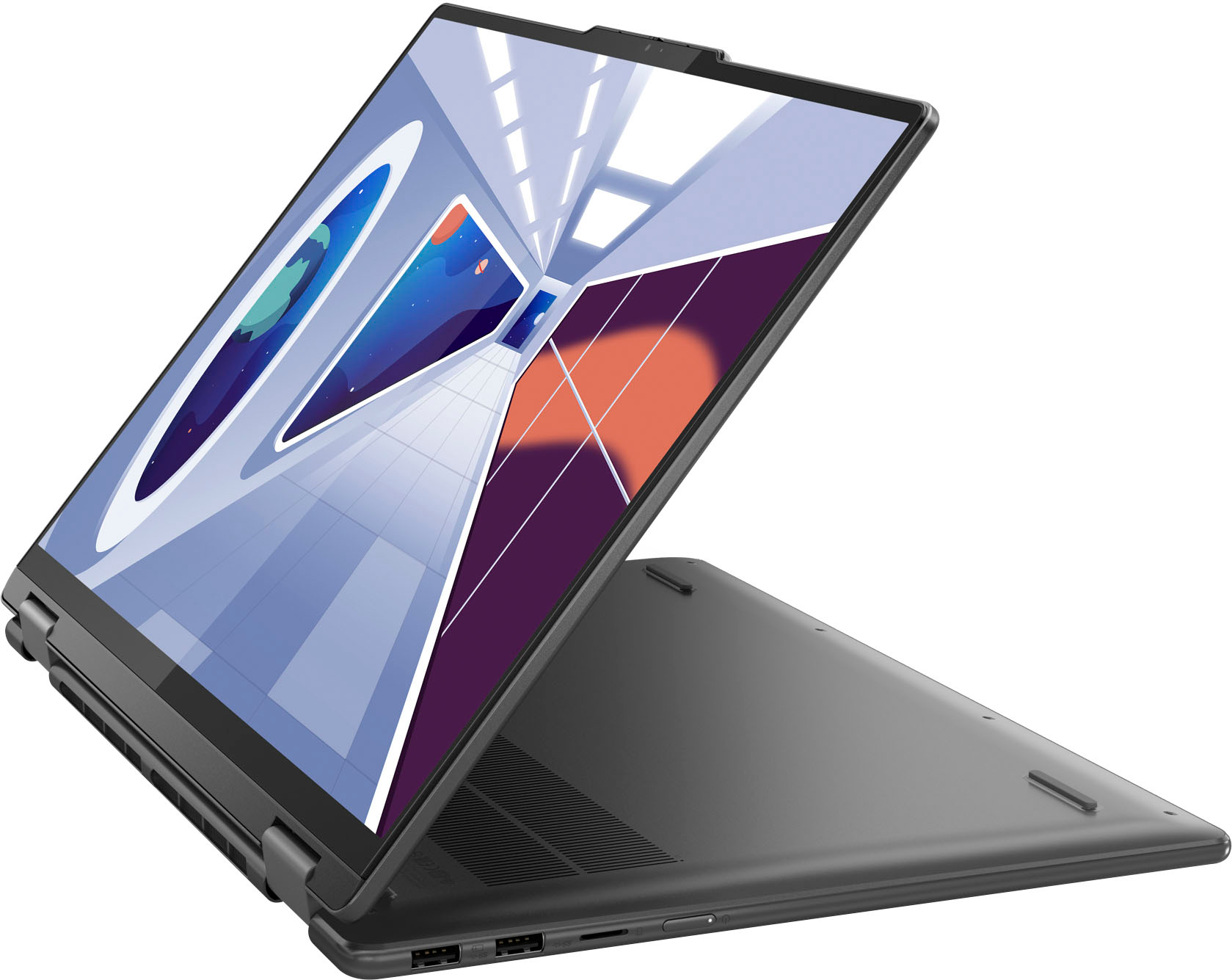








- Model:
- 82YN0001US
- |
- SKU:
- 6533948
Customer reviews
Rating 4.7 out of 5 stars with 748 reviews
(748 customer reviews)Rating by feature
- Battery Life4.7
Rating 4.7 out of 5 stars
- Speed4.7
Rating 4.7 out of 5 stars
- Display4.8
Rating 4.8 out of 5 stars
Customers are saying
Customers praise the Yoga 7i 16" laptop's touchscreen, ease of use, performance, and battery life. Many appreciate its lightweight design and consider it a great value for the price. While some users noted heat generation, the overall feedback highlights the positive aspects of this 2-in-1 laptop. The limited RAM was also mentioned as a potential drawback by a few customers.
This summary was generated by AI based on customer reviews.
- Pros mentioned:Battery life, Speed, Touch screen
Rated 5 out of 5 stars
Awesome Computer…
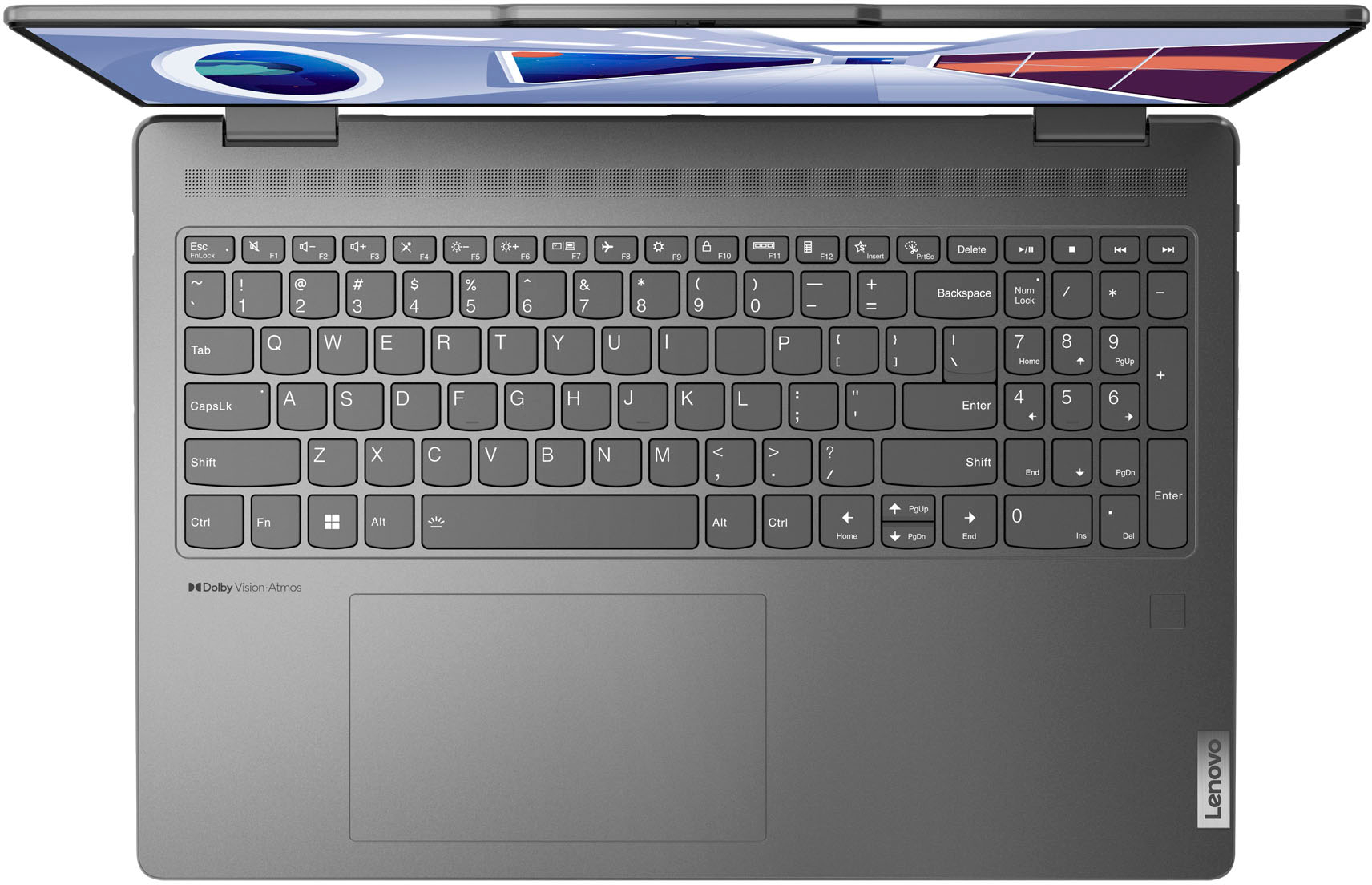
||Posted . Owned for 1 week when reviewed.This reviewer received promo considerations or sweepstakes entry for writing a review.Overall this is an amazing computer! I have nothing bad to say about it. It’s touchscreen, it has a 2-1 design, it has a numeric pad, it has USB ports, it has Face ID, and it has Touch ID. The battery life is good. I use it to run the Sims 4 and unplugged it does last for a good bit. And for those of you wondering yes, it does run The Sims 4 smoothly through the EA app using the Windows 11 OS.
I would recommend this to a friend - Pros mentioned:Battery life, Speed
Rated 5 out of 5 stars
A MUST FOR COLLEGE.
||Posted .This reviewer received promo considerations or sweepstakes entry for writing a review.I bought this for school after my HP crashed after having it for a year and a half, and let me tell you. This thing is A CHAMP. I have had absolutely no issues with it and I bought it over two years ago. Super easy to run, super easy to use. The battery life hasn’t budged, it’s still just as fast as the day I bought it & with as clumsy as I am, this laptop is BUILT. I only have one little ding on the corner. My little sister has the same one but a 14’ for a year longer than I and she also has had no problems. We both use it in our clinical practices now daily and they are still running like the day we got them. If you want durability, longevity, great battery life, ease of use and great features, this is your laptop.
I would recommend this to a friend - Pros mentioned:Battery life, Touch screen
Rated 5 out of 5 stars
Probably the best laptop you can get for $600
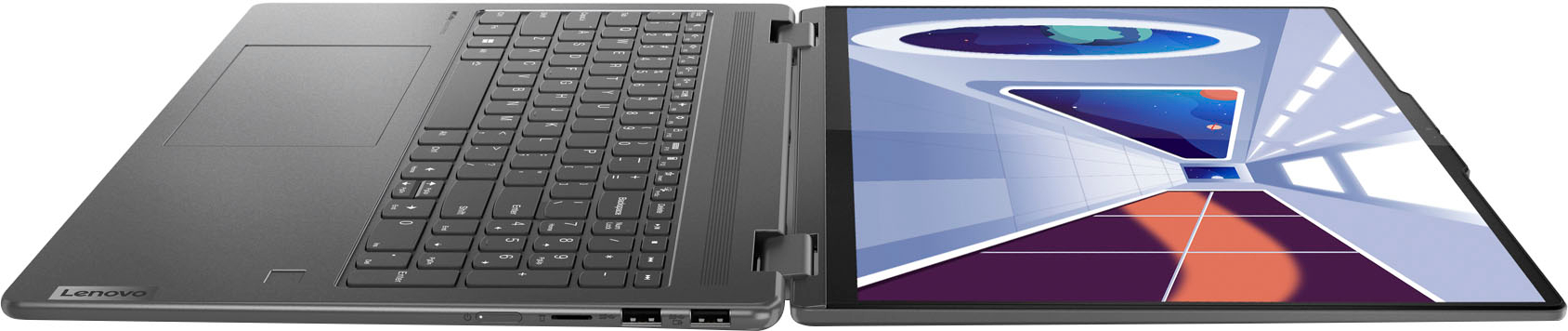
||Posted . Owned for 1 week when reviewed.This reviewer received promo considerations or sweepstakes entry for writing a review.I am giving this laptop 5 stars, here is the breakdown Pros: - Tablet form is versatile and amazing, it's great to stand up on a desk when watching videos. As a tablet the presentation is stunning, functionality, not so much. The tablet is very heavy, so it's really for videos and not emailing or writing documents. - Screen looks amazing and the touch screen feature works perfectly, eliminating tedious scrolling with the mouse and arrow pad - Machine stays perfectly cool, has a large vent in the back. - Exterior feels expensive - Sound and speed are great, no hiccups so far - Looks great folded closed and is extremely portable -Charges fast, battery life is decent Cons: - Mousepad feels very cheap, I really don't like it all coming from Apple - Camera quality is mediocre. Says 1080p, looks a little grainy for 2023. For the price I paid I am quite happy with this product. I highly recommend this laptop to anyone who is trying to stay in the $600 range and is not going to use it for gaming.
I would recommend this to a friend - Pros mentioned:Battery life, Performance, Touch screen
Rated 4 out of 5 stars
Great first laptop
||Posted . Owned for 1 week when reviewed.This reviewer received promo considerations or sweepstakes entry for writing a review.The Lenovo Yoga 7i 16-inch 2-in-1 laptop has truly redefined my computing experience. Its expansive touch screen display brings everything to life, seamlessly transitioning between laptop and tablet modes. Battery life is a standout feature - it's remarkably long-lasting, allowing me to stay productive throughout the day without worries. Performance-wise, this laptop is a powerhouse. Multitasking is a breeze, and resource-intensive tasks are handled effortlessly. The Yoga 7i's capabilities shine, making it perfect for work and creative endeavors. The touch screen is incredibly responsive and intuitive. In summary, the Lenovo Yoga 7i delivers on all fronts - versatility, battery life, and exceptional performance. It's become an indispensable tool in my daily routine. Highly recommended
I would recommend this to a friend - Pros mentioned:Battery life, Touch screen
Rated 5 out of 5 stars
Definitely worth getting!
||Posted . Owned for 1 month when reviewed.This reviewer received promo considerations or sweepstakes entry for writing a review.I got this laptop for online school. The battery life is long lasting and light weight to bring around. Which I was struggling with my old laptop. Love that I can fold it into a tablet and more! Love that it's also touch screen!
I would recommend this to a friend - Pros mentioned:Touch screen
Rated 5 out of 5 stars
Lenovo Yoga - EXCELLENT CHOICE
||Posted . Owned for 1 month when reviewed.This reviewer received promo considerations or sweepstakes entry for writing a review.This Lenova Yoga is EXCELLENT! It is exactly what I need to run a small remote business and still keep me up to date on everything else in the world. The lighted keyboard and the fact that the keyboard flips back and it can stand up is a HUGE plus, No bulky monitor stands for your desktop. the screen is crystal clear, so it is excellent for reading and working (especially for us folks with "older eyes") - no more tired eyes from bad light filtering. In short - I LOVE THIS - and the price was right as well. AND, I bought it while I was on vacation, how great is that. (One stop shopping) THANK YOU LENOVO!!!
I would recommend this to a friend - Pros mentioned:Battery life, Touch screen
Rated 5 out of 5 stars
BEST LAPTOP OUT THERE !!! Won’t regret buying !
||Posted . Owned for 1 week when reviewed.This reviewer received promo considerations or sweepstakes entry for writing a review.I am so glad I got this computer instead of the other one I was fixing to get!!!! Best computer out there 10000% recommend getting this computer it’s fast it has amazing graphics the sounds it’s clear the battery is long lasting the screen is huge I think it was the best computer I ever bought !
I would recommend this to a friend - Pros mentioned:Battery life
Rated 5 out of 5 stars
Lenovo YOGA 7i Laptop
||Posted . Owned for 4 months when reviewed.This reviewer received promo considerations or sweepstakes entry for writing a review.Loving this laptop. Super sleek, quiet, and lightweight. Perfect for remote work and travel. Excellent long battery life. Loving the touchpad and fingerprint lock features. Purchase this laptop now. You won't be disappointed.
I would recommend this to a friend - Pros mentioned:Battery life, Speed
Rated 5 out of 5 stars
Good purchase
||Posted . Owned for 1 month when reviewed.This reviewer received promo considerations or sweepstakes entry for writing a review.I’m so impressed with the speed of this laptop. I’m also very happy that it doesn’t require constant battery charging. I’m very satisfied with this purchase.
I would recommend this to a friend - Pros mentioned:Ease of use
Rated 5 out of 5 stars
Lenova Yoga Laptop 17"
||Posted . Owned for 1 year when reviewed.This reviewer received promo considerations or sweepstakes entry for writing a review.This laptop is perfect! Set up was easy peasy! I've had it for about 18 months and have absolutely zero complaints! I love the fact that it's a laptop and it converts to a tablet, it's a total bonus!! I just wish it was a little lighter.
I would recommend this to a friend - Pros mentioned:Ease of use, Speed
Rated 5 out of 5 stars
My new laptop
||Posted . Owned for 3 weeks when reviewed.This reviewer received promo considerations or sweepstakes entry for writing a review.Sleek, easy to use. Crisp images, fast processor, a breeze to use!
I would recommend this to a friend - Pros mentioned:Speed
Rated 5 out of 5 stars
Worthy upgrade.
||Posted . Owned for 1 month when reviewed.This reviewer received promo considerations or sweepstakes entry for writing a review.Fast, relatively light, and not a ton of bloat. It's fairly snappy and able to do heavy browsing/streaming, and some light gaming. The webcam looks good, the keyboard keys are a slightly different shape and the typing feel is average, but the trackpad is large. Smart log in with face is a nice feature. When it's on sale it's a great value, and a good choice if you are looking to upgrade.
I would recommend this to a friend - Pros mentioned:Ease of use, Touch screen
Rated 5 out of 5 stars
SW
||Posted . Owned for 3 weeks when reviewed.This reviewer received promo considerations or sweepstakes entry for writing a review.Nice laptop. Works great. I like the screen size and ease of use
I would recommend this to a friend Rated 5 out of 5 stars
Great system, awesome price.
||Posted . Owned for 1 month when reviewed.This reviewer received promo considerations or sweepstakes entry for writing a review.Love it. 16" Yoga 7i, crisp, clear resolution, no bloat war to speak of, super fast start up time, loud audio, love the 2 in 1, fast 65w compact charger, thin laptop with rounded corners, bought on sale, was cheaper at Best Buy vs Lenovo. Ordered online, quick ez pick up.
I would recommend this to a friend- Pros mentioned:Ease of use
Rated 5 out of 5 stars
Love this Laptop
||Posted . Owned for 9 months when reviewed.This reviewer received promo considerations or sweepstakes entry for writing a review.I cannot say enough about this laptop. I absolutely love it. It's easy to use and has so many features. I especially love that you can use it as a laptop or a tablet!
I would recommend this to a friend - Pros mentioned:Touch screen
Rated 5 out of 5 stars
Lenovo Yoga is very good laptop
||Posted . Owned for 11 months when reviewed.This reviewer received promo considerations or sweepstakes entry for writing a review.Excellent laptop, display is awesome, keyboard and very user friendly interface.
I would recommend this to a friend Rated 5 out of 5 stars
Great
||Posted . Owned for 1 year when reviewed.This reviewer received promo considerations or sweepstakes entry for writing a review.Prefect for school and coding. Is very light and very excellent to daily uses.
I would recommend this to a friend- Pros mentioned:Touch screen
Rated 5 out of 5 stars
Excellent day to day home laptop
||Posted . Owned for 3 weeks when reviewed.This reviewer received promo considerations or sweepstakes entry for writing a review.Very happy with my Yoga 7i, 16in brilliant screen is well adequate for your home. The touch screen and finger print scanner are great additions. You will never disappointed.
I would recommend this to a friend - Pros mentioned:Ease of use
Rated 5 out of 5 stars
It’s freaking AWESOME
||Posted . Owned for 1 month when reviewed.This reviewer received promo considerations or sweepstakes entry for writing a review.I absolutely LOVE this laptop. It’s very easy to use and soooo many different options to customize it. Haven’t had an issue.
I would recommend this to a friend - Pros mentioned:Speed
Rated 5 out of 5 stars
Laptop
||Posted . Owned for 1 week when reviewed.This reviewer received promo considerations or sweepstakes entry for writing a review.Happy with purchase. I like the viewing, the speed of logging in and the options! I am still learning more about my new laptop!
I would recommend this to a friend

















