Customer Ratings & Reviews
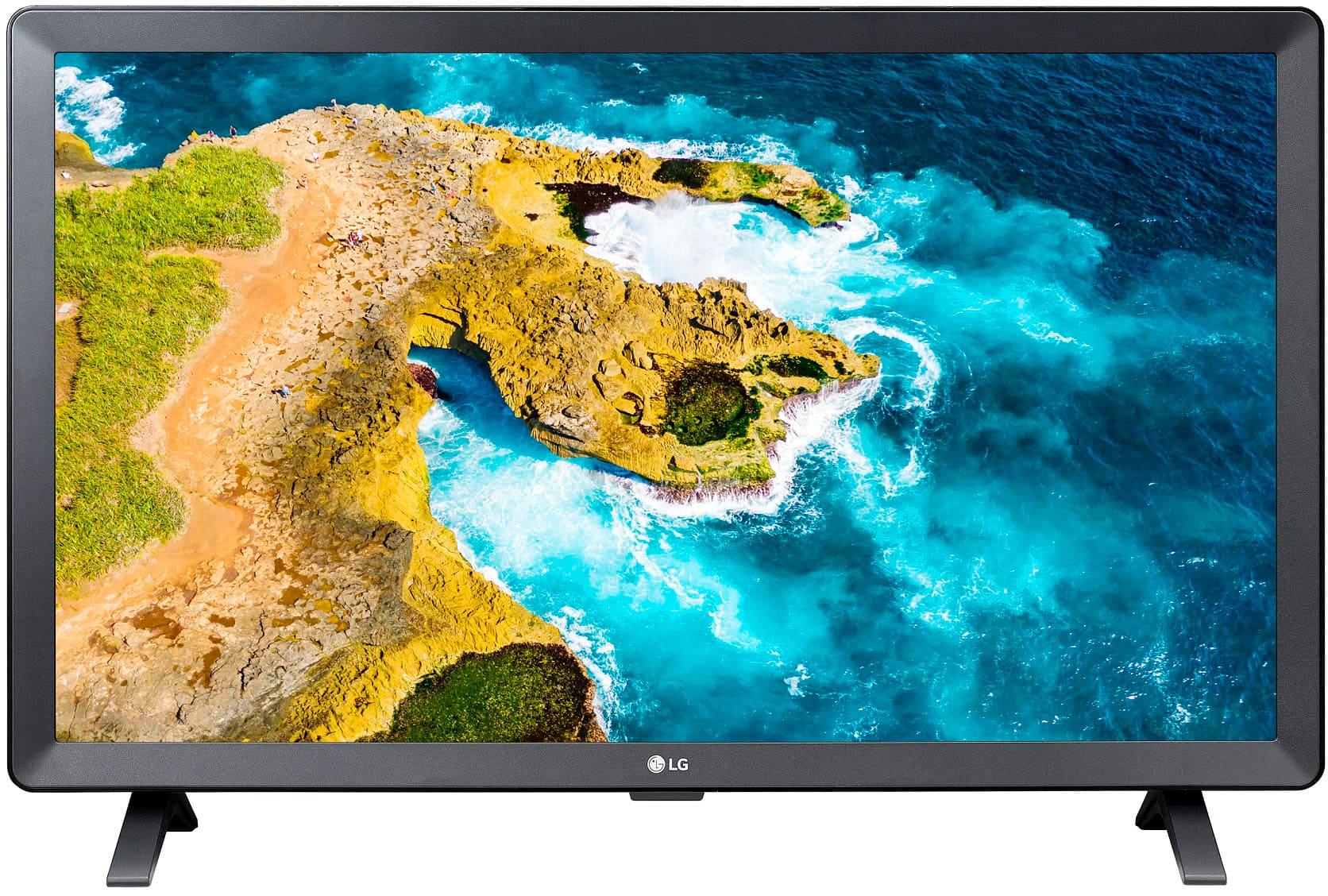

- Model:
- 24LQ520S-PU
- SKU:
- 10187455
Rating by feature
- Picture Quality
Rating 4.8 out of 5 stars
- Sound Quality
Rating 4.6 out of 5 stars
- Brightness
Rating 4.7 out of 5 stars
TV LG
||Posted . Owned for 2 months when reviewed.This reviewer received promo considerations or sweepstakes entry for writing a review.Thsi LG TV travels well in my camper. Excellent tv.
I would recommend this to a friendPerfect for small bedroom
||Posted . Owned for 1 month when reviewed.This reviewer received promo considerations or sweepstakes entry for writing a review.Great for the bedroom. The perfect size for this room.
I would recommend this to a friend24" tv
||Posted . Owned for 3 weeks when reviewed.This reviewer received promo considerations or sweepstakes entry for writing a review.works well........................................
I would recommend this to a friendLove my LG
||Posted . Owned for 3 weeks when reviewed.This reviewer received promo considerations or sweepstakes entry for writing a review.I Love my LG tv’s. I won’t buy any other brand!!!
I would recommend this to a friendTV
||Posted . Owned for 11 months when reviewed.This reviewer received promo considerations or sweepstakes entry for writing a review.Working good. No problem so far. It is nice price and product
I would recommend this to a friendlg channels
||Posted . Owned for 3 weeks when reviewed.This reviewer received promo considerations or sweepstakes entry for writing a review.I cannot review until some one advises how to receive the lg channels
No, I would not recommend this to a friendBought for elderly I laws.
||Posted . Owned for 2 weeks when reviewed.This reviewer received promo considerations or sweepstakes entry for writing a review.Nice little tv. Speakers are nice and loud. Perfect for what we needed.
I would recommend this to a friendPurchase of new LG-24"Class LED HD unit
||Posted . Owned for 1 week when reviewed.This reviewer received promo considerations or sweepstakes entry for writing a review.First LG-24" Class LED HD unit lasted 13 months! This is our second and have our fingers crossed. We bought a 5 year warranty plan...we are both in our mid 80's so you can appreciate the irony.
I would recommend this to a friendopen box was a bad decision to buy at Best Buy
||Posted . Owned for 2 weeks when reviewed.This reviewer received promo considerations or sweepstakes entry for writing a review.I purchased an open box TV which I needed for a presentation.At the store I looked it over and did not notice any damage . The sales person told me it is working order. It was not and will not turn on. I believe the amount if time return it has expired the store I purchased it is not close to my house . what should I do
No, I would not recommend this to a friendBrand response from LG Digital Customer Care
Posted .Hi, Bobby. Thank you for sharing your experience with the LG TV (24LQ520S-PU) model. We understand how important it is for your TV to be ready when you need it, especially for something as important as a presentation.
If the unit won’t power on, here are a few steps you can try: Unplug the TV from the wall outlet for at least 60 seconds. Then plug it back in and press the power button on the TV itself (not the remote). Try a different outlet or test the current one with another device to confirm it’s working. Make sure the cord is securely connected to both the TV and the outlet, and that there are no visible signs of damage. You can also visit https://www.lg.com/us/support/help-library/lg-tv-power-my-tv-wont-turn-on--20154763472499 for additional troubleshooting tips. If the return window has passed and the TV still won’t power on, we’d be happy to help explore service options. Feel free to email us at [email protected]. We’re here to help. ^Juvy
No luck with LG
||Posted . Owned for 3 weeks when reviewed.This reviewer received promo considerations or sweepstakes entry for writing a review.Had to order this tv online as the store open box model didn't come with a remote or a power cord! But was only $80.00 ! Well i should have bought that one as the one i ordered showed up and didn't work! Bought a fire tv instead.
No, I would not recommend this to a friendBrand response from LG Digital Customer Care
Posted .Hi, James. Thanks for sharing your experience with the LG TV (24LQ520S-PU) model. We understand your concern about receiving a unit that didn’t function as expected. While we’re glad you were able to find a solution that worked for you, we’d still like to help.
If you’re still open to troubleshooting, we recommend checking that the power connection is secure and trying a different power outlet. If the unit still doesn’t turn on, the power supply or internal circuitry may need attention. For more help, you may visit https://www.lg.com/us/support/help-library/lg-tv-why-does-my-tv-have-no-power--1441914332865.
Please send us a private message on social media @LGUSSupport so we can investigate further and assist you directly. Your feedback is important to us, and we’d love the opportunity to make this right. ^Juvy
LG 24" Class Led HD Smart TV with webOS
||Posted . Owned for 1 month when reviewed.This reviewer received promo considerations or sweepstakes entry for writing a review.TV Screen and Picture okay but I do not like the Remote. It seems cheap and not user friendly. Would not have purchased this TV had I known about the Remote.
No, I would not recommend this to a friendGreat TV, bad PC monitor
||Posted . Owned for 1 week when reviewed.This reviewer received promo considerations or sweepstakes entry for writing a review.Excellent TV but do not use it to display a computer screen image. If used for a computer screen, it will be very fuzzy. Has a lot of software built in and many options for settings. I brought it back.
I would recommend this to a friendOk for the price
||Posted . Owned for 1 month when reviewed.This reviewer received promo considerations or sweepstakes entry for writing a review.Just needed a small tv for the kitchen. Works well and is a smart tv. Not the greatest picture but the price was right.
I would recommend this to a friendInaccurate information on Website
||Posted . Owned for 2 weeks when reviewed.This reviewer received promo considerations or sweepstakes entry for writing a review.Inaccurate information on the Best Buy website for this older model LED.
No, I would not recommend this to a friendBrand response from LG Digital Customer Care
Posted .Hello there, Bill. Thank you for taking a moment to share your feedback on the LG 24" LED HD Smart TV with webOS (2022). We understand how important accurate product information is when you’re making a purchase decision, and we appreciate you bringing this to our attention.
You can revisit the Best Buy product page here for the most current details:
https://www.bestbuy.com/product/lg-24-class-led-hd-smart-tv-with-webos-2022/JJ8VPZ6YTT
If you ever need assistance with your LG TV or have questions about its features, feel free to email [email protected] and our team will be glad to help.
^Rich
DonClydo
||Posted . Owned for 3 weeks when reviewed.This reviewer received promo considerations or sweepstakes entry for writing a review.POOR initial set up, even following onscreen instructions. EXTRELEY frustrating, STILL can't get proper set up, tried and wasted SO much time! May return it for ANOTHER brand.
No, I would not recommend this to a friendBrand response from LGAnswers
Posted .We are sorry to hear that your unit did not meet your needs/expectations. This is not the quality we expect from our products. We are continuously working to improve the quality of our products and anticipate market demands that drive customer satisfaction. If you ever have any questions please reach out to our support team on Facebook at @LGUSSupport and use #VOC in your first message to our social media support team.. To speak with an agent via phone, you can call 800.243.0000 We apologize for any inconvenience this caused. ^Venette
Sporadic
||Posted . Owned for 1 month when reviewed.This reviewer received promo considerations or sweepstakes entry for writing a review.Often when we turn the set on, a message ‘No Signal’ appears. Geek Squad installed the unit and it seemed fine.
I would recommend this to a friendBrand response from LG Digital Customer Care
Posted .Hi there, Ronald. Thank you for sharing your experience with the LG 24LQ520S-PU. We understand that you’re encountering a “No Signal” message when turning on the TV. This issue can be concerning, especially after a professional installation. You may access this link related to your concern:https://www.lg.com/us/support/help-library/lg-tv-why-does-my-tv-show-no-signal--1426689345884.
The “No Signal” message usually indicates that the TV is not detecting input from the selected source. We recommend double-checking that the correct input is selected by pressing the “Input” or “Source” button on your remote and ensuring it’s set to the HDMI port or AV input where your device is connected. Also, make sure your connected device (like a cable box or streaming stick) is powered on before turning on the TV. If the issue persists intermittently, you might also try unplugging the TV and devices for 30 seconds, then reconnecting to refresh the signal.
Please send us a private message on social media @LGUSSupport if the issue continues—we’d be happy to take a closer look and guide you further. We appreciate your patience and thank you for choosing LG.
—Avril
Like my Sony’s better
||Posted . Owned for 1 month when reviewed.This reviewer received promo considerations or sweepstakes entry for writing a review.All of my other televisions are Sony. I don’t think the color of the LG matches the Sony. Also having trouble with using Hulu on this tv. I need to turn it on with the LG remote then turn it off and back on with the Hulu remote. Didn’t have to do this with the Samsung that it replaced.
No, I would not recommend this to a friendBrand response from LGAnswers
Posted .Hello there. Thank you so much for your feedback! It helps us continue to improve and provide the best possible service to customers like you. We look forward to serving you always. We're sorry to hear you're having these issues with your LG 24" Class LED UHD HD Smart TV! We would like to make things right. Please send us a private message on @LGUSSupport on Twitter or Facebook or call 800-243-0000. `Jai.
Poor technology
||Posted .This reviewer received promo considerations or sweepstakes entry for writing a review.Very poor picture quality. Unable to adjust brightness
No, I would not recommend this to a friendBrand response from LG Digital Customer Care
Posted .Hi, Mary. Thank you for reaching out to us. We understand how important clear picture quality is for your viewing experience, and we appreciate you letting us know about your LG TV (24LQ520S-PU) model.
For this unit, please try pressing the Settings button on your remote, then navigate to Picture → Picture Mode Settings. From there, select Picture Options where you can adjust brightness, contrast, and other settings. If the brightness option is grayed out, switch the TV to a different Picture Mode (such as Standard or Cinema), as some preset modes limit manual adjustments. For more help, visit https://www.lg.com/us/support/help-library/lg-tv-the-best-picture-settings-for-your-lg-tv--20150577528034. If the issue continues after trying these steps, please send us an email at [email protected] so we can assist you further. ^Juvy
Hope it doesn't happen to you!!
||Posted . Owned for 3 weeks when reviewed.This reviewer received promo considerations or sweepstakes entry for writing a review.This new Smart LG TV is lovely on my shelving. I am not electronically educated being quite old I cannot install it. Was on old for Geek Squad 25 minutes then cut off. Wanted to hire some- one to help me.
I would recommend this to a friendBrand response from LG Digital Customer Care
Posted .Hi, Martha. Thank you for sharing your experience with the LG TV (24LQ520S-PU) model. We're glad to hear that you love the TV's appearance. However, we understand that setting it up can be a bit tricky, and we want to make sure you get it up and running smoothly. We strive to provide excellent services and ensure a smooth experience. If you need assistance with installation, we recommend reaching out to an LG-certified installer or a local professional who can help with the setup. You can also contact Best Buy customer service at 888-237-8289 to address your concerns, offer assistance, and discuss potential solutions. Additionally, feel free to send us a private message on social media @LGUSSupport, and we’ll guide you further. We’re here to help. ^Juvy
give me my tv
||Posted . Owned for 1 month when reviewed.This reviewer received promo considerations or sweepstakes entry for writing a review.store had problem handing tv to me in customer service
I would recommend this to a friendBrand response from LG Digital Customer Care
Posted .Hi there, MikeM. Thank you for sharing your experience with us. We understand your situation, and we can see how important it is to receive your TV without any delays.
To resolve the issue with receiving your TV, we recommend contacting Best Buy directly. They handle all in-store customer service inquiries. You can reach them through their Best Buy Support & Customer Service page.
Best Buy Support & Customer Service - https://www.bestbuy.com/support
If you need any further assistance, feel free to send us a private message on Social Media @LGUSSupport, and we’ll be happy to guide you through any additional steps. We appreciate your patience!
—Renzo