Customer Ratings & Reviews
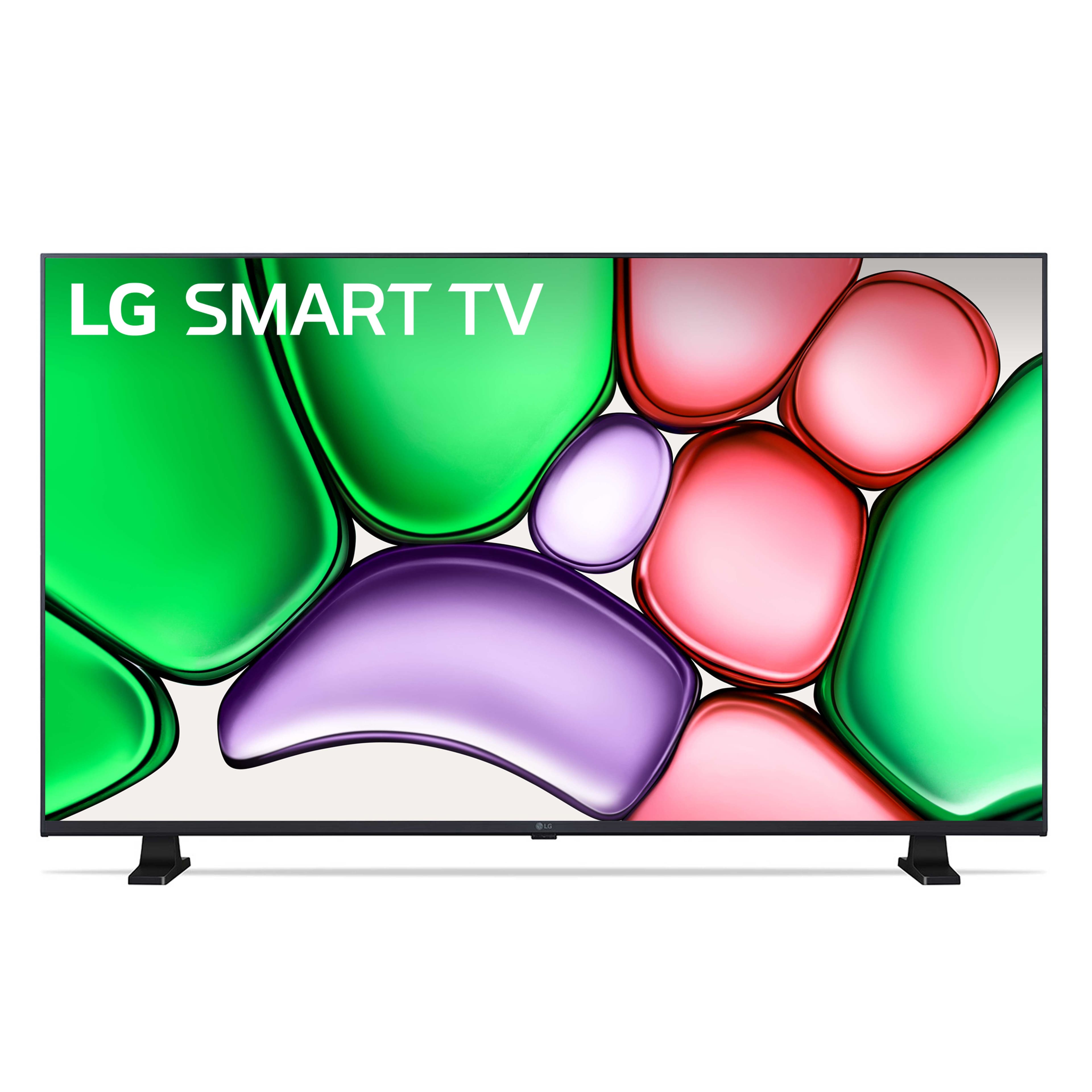

- Model:
- 32LR655BPUA
- SKU:
- 11248532
Rating by feature
- Picture Quality
Rating 4.7 out of 5 stars
- Sound Quality
Rating 4.5 out of 5 stars
- Brightness
Rating 4.7 out of 5 stars
Also Frustrated
||Posted .This reviewer received promo considerations or sweepstakes entry for writing a review.Big mistake in not buying Set Up. The remote is way to busy as is the menu when you start to set up this TV. I ended up calling in the Geek Squad. They are coming later in this week so to be fair, they will need to really do some work to satisfy us. The picture and sound need the Geek Squad. I didn't get to the other closed caption issue but we definitely want that to work. I would strongly recommend that you purchase set up with the delivery. My Comcast service tech wasn't much better and no instruction manual only added to my frustration. After I pay as much as the TV cost for Geek Squad to leave us with all the great things other reviews had. Maybe using a cable box and two remotes was my problem. l will review again after the costly Squad does their magic.
No, I would not recommend this to a friendBrand response from LG Digital Customer Care
Posted .Hi, there. We appreciate you taking the time to share your experience with the LG Monitor (32LR655BPUA) model. We understand that setting up a new TV—especially with multiple remotes and a cable box—can feel overwhelming, and we’re here to help simplify that process. For easier navigation, we recommend enabling “Universal Control Settings” under Settings > General > Devices > HDMI Settings to streamline control through a single remote.
If you're struggling with closed captions, you can turn them on by going to Settings > Accessibility > Closed Caption and setting it to “On.” For a better picture and sound, select ‘Cinema’ or ‘Standard’ mode and enable AI Sound Pro under Sound Settings for an immersive experience. For more help, visit https://www.lg.com/us/support/help-library/lg-tv-how-to-enable-closed-captioning--20153163621897.
We’re here to assist you in maximizing your LG TV experience. Message us on social media @LGUSSupport for support. ^Juvy
Good buy
||Posted . Owned for 1 month when reviewed.This reviewer received promo considerations or sweepstakes entry for writing a review.Great sleek tv for guest bedroom. I replaced and old LG that still worked fine but wanted lighter and sleeker
I would recommend this to a friendDisappointed
||Posted . Owned for 1 month when reviewed.This reviewer received promo considerations or sweepstakes entry for writing a review.The tv is ok nothing special really. I made the purchase for my Granny because it was supposed to be older adult user friendly but she still has to use two remotes and the color is not very good. I normally am pleased with LG products but this time not so much.
No, I would not recommend this to a friendBrand response from LG Digital Customer Care
Posted .Hi there, JoyS. Thank you for sharing your experience with us. We understand your inquiry regarding the remote usage and color settings for your LG 32" Class LR65 Series LED HD webOS TV.
https://www.bestbuy.com/product/lg-32-class-lr65-series-led-hd-webos-tv-2024/JJ8VPZHXTJ
For further assistance and any specific concerns you may have, please contact us on [email protected]. We appreciate your patience. —Renzo
Too Smart for Me
||Posted . Owned for 1 month when reviewed.This reviewer received promo considerations or sweepstakes entry for writing a review.Giving it a star rating because it is a little 'smarter' than me...a bit confusing setting up....but all is ok now...
No, I would not recommend this to a friendJane Click
||Posted . Owned for 1 month when reviewed.This reviewer received promo considerations or sweepstakes entry for writing a review.I like it butt have trouble connrcting to cable. great otheri
I would recommend this to a friendGood Review
||Posted . Owned for 3 weeks when reviewed.This reviewer received promo considerations or sweepstakes entry for writing a review.Good treat bu the employes and they know the right info
I would recommend this to a friendWILL BUY IT AGAIN
||Posted . Owned for 4 months when reviewed.This reviewer received promo considerations or sweepstakes entry for writing a review.A++ Great for Gaming and other stuff. The resolution are amazing
I would recommend this to a friendSimple and easy
||Posted . Owned for 3 weeks when reviewed.This reviewer received promo considerations or sweepstakes entry for writing a review.Open box in excellent condition. We are using as a monitor for a camera system and a great value compared to purchasing a computer monitor.
I would recommend this to a friendTv
||Posted . Owned for 3 weeks when reviewed.This reviewer received promo considerations or sweepstakes entry for writing a review.Good TV I always stick with lg brand just a personal preference, this TV is a tad bit slow when clicking on things
I would recommend this to a friendHard to get started
||Posted . Owned for 1 month when reviewed.This reviewer received promo considerations or sweepstakes entry for writing a review.LG requires too much information to get the tv working. This is an inexpensive TV, why do they need my Birthdate!!
No, I would not recommend this to a friendApple Air Play Connectivity Issues
||Posted . Owned for 3 weeks when reviewed.This reviewer received promo considerations or sweepstakes entry for writing a review.So what should I expect for $149? Probably not a lot!! The color is meh, but the super annoying issue, it has an extremely difficult time trying to connect to Apple Air Play or even the screen mirroring. It sometimes can take up to 20 minutes to get it to work. LG customer service was a waste of time too. They couldn’t get it to work and kept asking if I was no the right network. Dude I have ONE network connection for my home….I had to tell him this at least 5 times. I contemplated returning it and getting Samsung (we have one in another bedroom with NO connectivity issues). I just don’t think it’s worth my time.
No, I would not recommend this to a friendBrand response from LG Digital Customer Care
Posted .Hello there, TeresaN. Thank you for sharing your experience with us. We understand your inquiry regarding the Apple AirPlay connectivity issues and color on your 32LR655BPUA TV. For AirPlay, please ensure both your TV and Apple device are connected to the same Wi-Fi network and that your TV's software is updated to the latest version. Your feedback is important, and we'd like to assist you further. Please send us a private message on Social Media @LGUSSupport and our team will be more than happy to explore possible solutions.
https://www.bestbuy.com/site/lg-32-class-lr65-series-led-hd-webos-tv-2024/6578177.p?skuId=6578177
We appreciate your patience. —Renzo
Good for Disney, not Prime!
||Posted . Owned for 3 weeks when reviewed.This reviewer received promo considerations or sweepstakes entry for writing a review.I didn't care for this model. Unfortunately, it did not let me put Netflix and Prime on. It already came with Hulu and Disney. Not crazy for those two, so I ended up exchanging it.
I would recommend this to a friendBrand response from LG Digital Customer Care
Posted .Hi, Leonard. Thanks for sharing your experience with us. We understand the importance of having your LG TV (32LR655BPUA) model support the streaming apps you prefer, especially when you expect Netflix and Prime Video to be available.
For models that don’t show certain apps in the LG Content Store, one helpful step is to check for the latest firmware update in Settings > Support > Software Update. Updating the TV can sometimes enable additional app compatibility. For more guidance, visit https://www.lg.com/us/support/help-library/lg-tv-how-to-update-an-lg-smart-tv--1430510575535. If you’d like us to take a closer look at your previous unit’s app availability, feel free to send us an email at [email protected] so we can assist you directly. ^Juvy
Purchase
||Posted . Owned for 3 weeks when reviewed.This reviewer received promo considerations or sweepstakes entry for writing a review.Always purchase from Best Buy is a great experience. I been deal with a super good store and extra great people.
I would recommend this to a friendNot recommend
||Posted .This reviewer received promo considerations or sweepstakes entry for writing a review.Response time is slow. We have had the tv for 5 weeks and already had to change the batteries in the remote and one of the buttons fell off.
No, I would not recommend this to a friendBrand response from LG Digital Customer Care
Posted .Hi, Marissa. Thank you for taking a moment to share your experience with the LG TV (32LR655BP) model. We understand the importance of having a responsive and high-quality viewing experience, especially when you have recently welcomed a new unit into your home.
To improve response time and remote connectivity, please try these steps: Disable Quick Start. The "Quick Start+" feature may slow the interface. Go to Settings > All Settings > General > Devices > TV Management and turn Quick Start+ Off. Power Cycle the TV. To resolve battery and connectivity issues, press and hold the Home and Back buttons on your remote for 5 seconds until the power button flashes, then re-pair it by pressing the Wheel (OK) button while pointing at the TV. For more guidance, visit https://www.lg.com/us/support/product/lg-32LR655BPUA.AUS. We’re here to support you. Please email us at [email protected] for further assistance. ^Juvy
Never again
||Posted . Owned for 1 month when reviewed.This reviewer received promo considerations or sweepstakes entry for writing a review.Still waiting for the geek's to fix the setup which was done wrong as we were told by a geek on the phone because we couldn't get into a menu item she was telling us to access
No, I would not recommend this to a friendNothing fancy
||Posted . Owned for 3 weeks when reviewed.This reviewer received promo considerations or sweepstakes entry for writing a review.Nothing fancy, but it serves the purpose. I bought it to put in a guest room, so its not my main TV. My guest said it ok, no complaints.
No, I would not recommend this to a friendNot a fan of smart tvs.
||Posted .This reviewer received promo considerations or sweepstakes entry for writing a review.Just seems weak compared to the non smart tvs. Not satisfied with smart tvs. Had tried another brand as well.
I would recommend this to a frienddisapointed
||Posted . Owned for 3 weeks when reviewed.This reviewer received promo considerations or sweepstakes entry for writing a review.good picture but not as good as my larger one. Terrible remote. Took it back because of the remote.
No, I would not recommend this to a friendBrand response from LG Digital Customer Care
Posted .Hi, Rick. Thank you for sharing your experience with us. We’re glad to hear that you were satisfied with the picture quality of your LG TV (32LR655BPUA) model, though we understand the remote control didn’t meet your expectations. We strive to provide reliable, high-quality products that exceed our customer's needs and expectations. For future reference, ensure the remote’s batteries are fresh and correctly inserted. Sometimes, a simple battery change can improve performance. Also, ensure there are no obstructions between the remote and the TV that might interfere with the signal. If you still have concerns or need further assistance, please send us a private message on social media @LGUSSupport. Our team is here to help and provide additional support or solutions if needed. ^Juvy
LG TV
||Posted . Owned for 2 months when reviewed.This reviewer received promo considerations or sweepstakes entry for writing a review.It is good value for money, but not a TV I would buy again…
No, I would not recommend this to a friendBrand response from LG Digital Customer Care
Posted .Hi there, SimonE. Thank you for sharing your experience with us. We understand your inquiry regarding your LG - 32" Class LR65 Series LED HD webOS TV. Your feedback is important, and we understand that the unit didn't meet your expectations for a future purchase.
https://www.bestbuy.com/product/lg-32-class-lr65-series-led-hd-webos-tv-2024/JJ8VPZHXTJ
For further assistance and any specific concerns you may have, please contact us on [email protected]. We appreciate your patience. —Renzo
Solid buy
||Posted . Owned for 3 weeks when reviewed.This reviewer received promo considerations or sweepstakes entry for writing a review.Solid replacement to a previous gen Lg however a little disappointed that the tv mount location was changed from previous gen forcing me to buy a new tv mount.
I would recommend this to a friend