Customer Ratings & Reviews
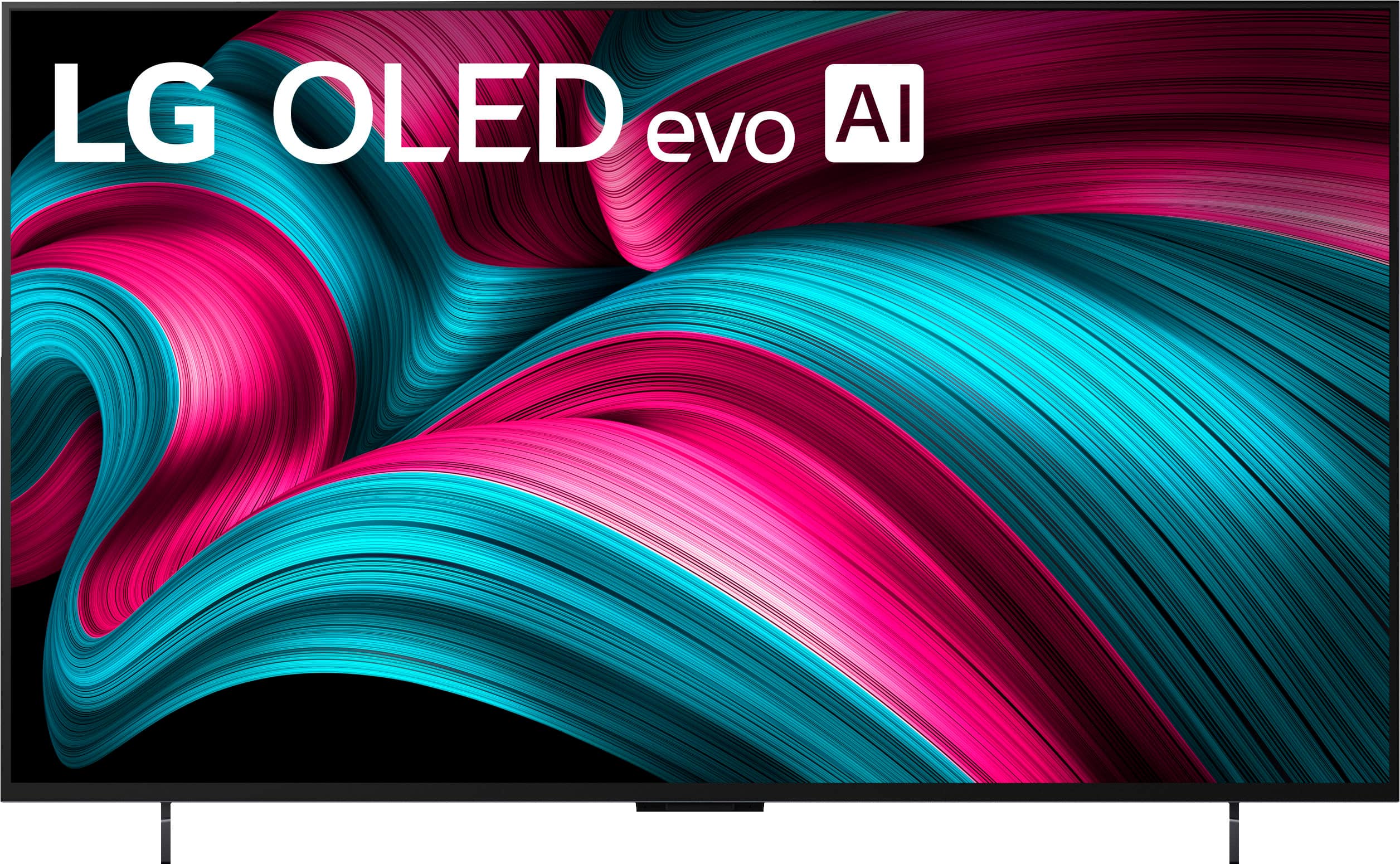


. Independently Tested for Quality and Workmanship CheckPlus: 100 % Color Volume to DCI-P3 oi PSSEANE Intertek [www.IntertekCheck.com](http://www.IntertekCheck.com). 100% Color Fidelity and '100% Color Volume to DCI-P3' applies to 2025 OLED TVs. *LG OLED Display is verified by UL for Perfect Color measured to IDMS 11.5 Ring-light Reflection standards. *100% Color Volume is defined as the performance of display which is equal or greater than the size of DCI-P3 standard color volume as verified independently by Intertek. *The LG OLED Panel is certified by Intertek for 100% Color Fidelity, measured to IDMS 11.5 Ring-light Reflection standards.](https://pisces.bbystatic.com/image2/BestBuy_US/images/products/3661ed5e-8d92-47a9-baef-65aa6eb5dcb9.jpg)







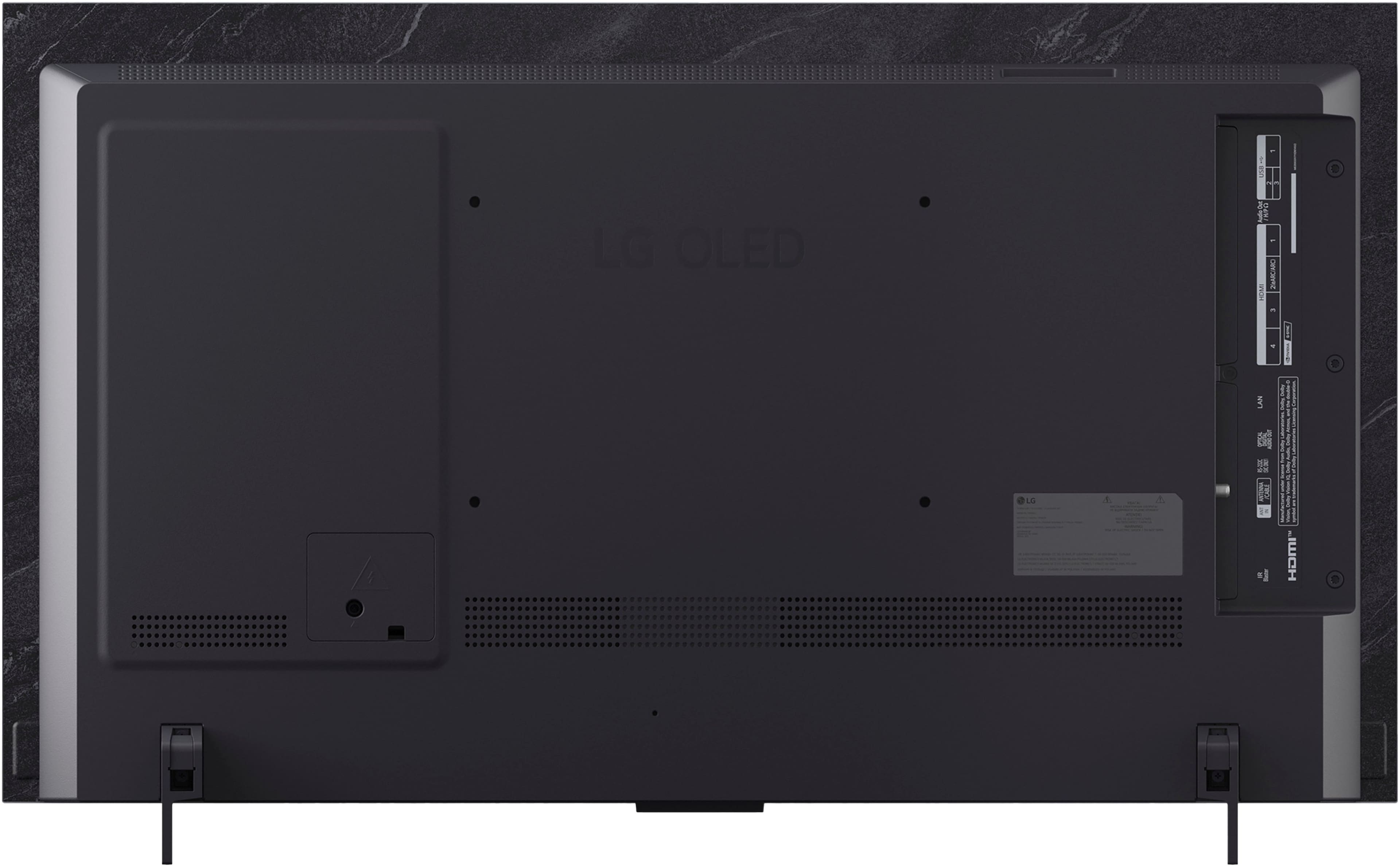

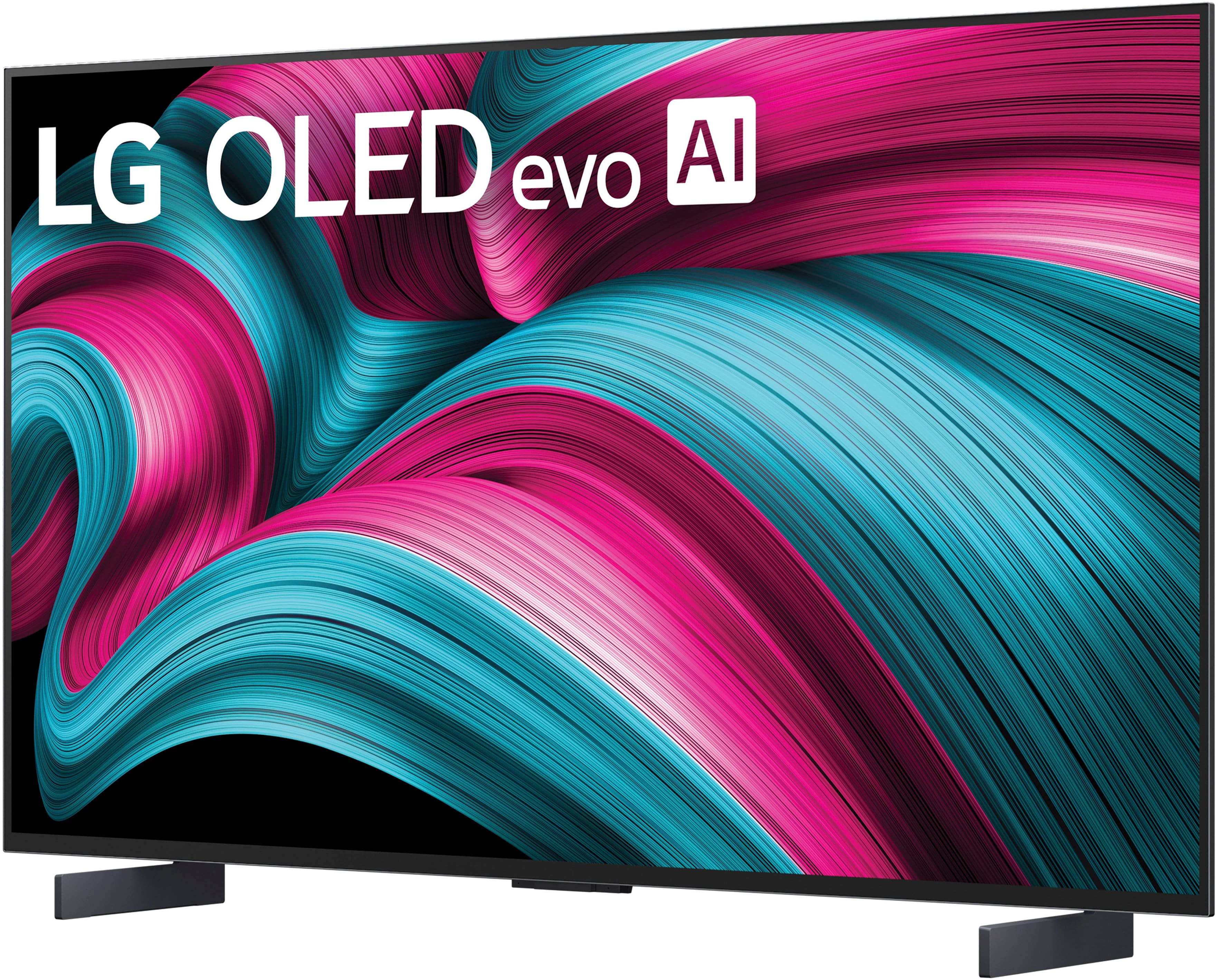
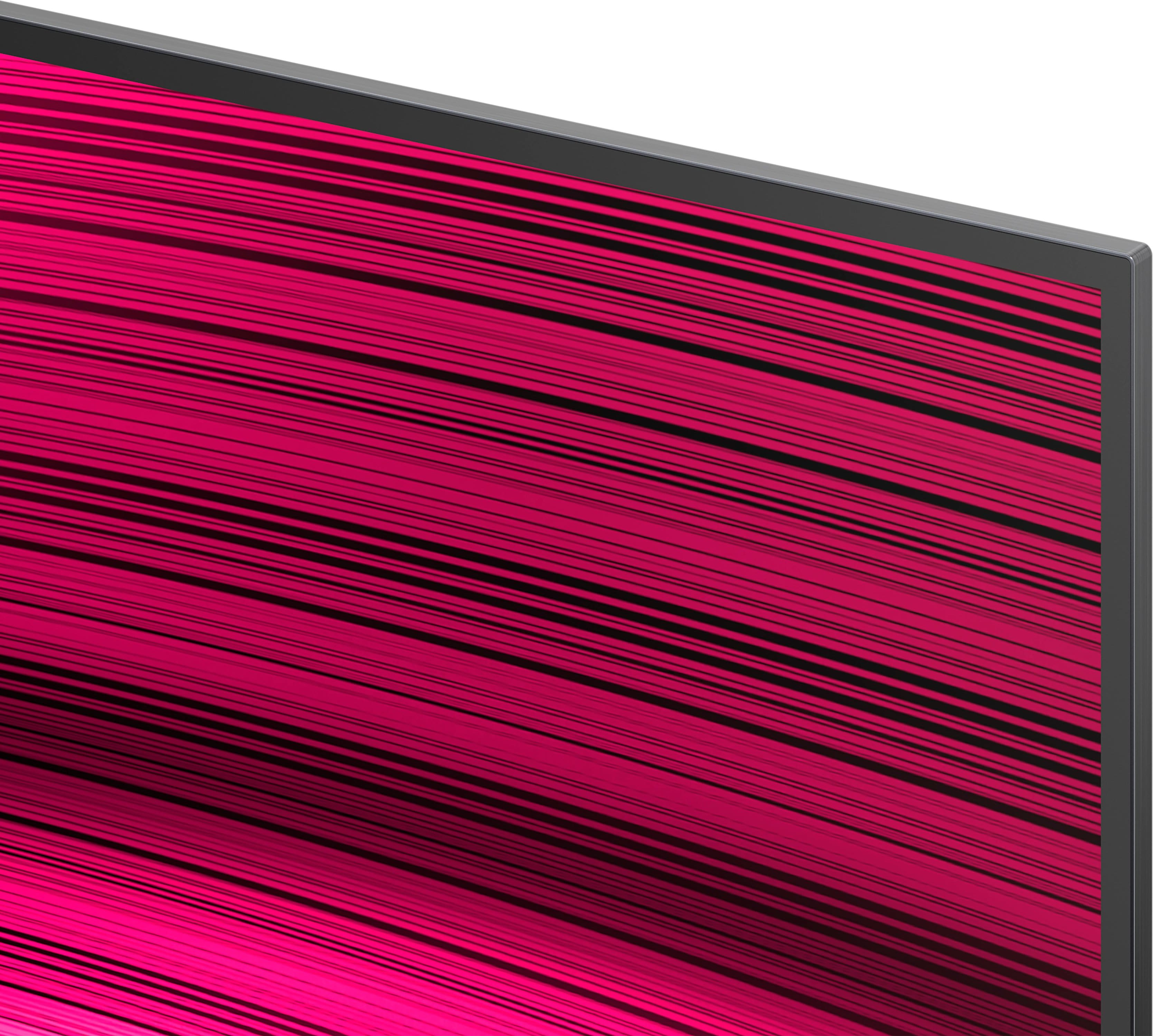
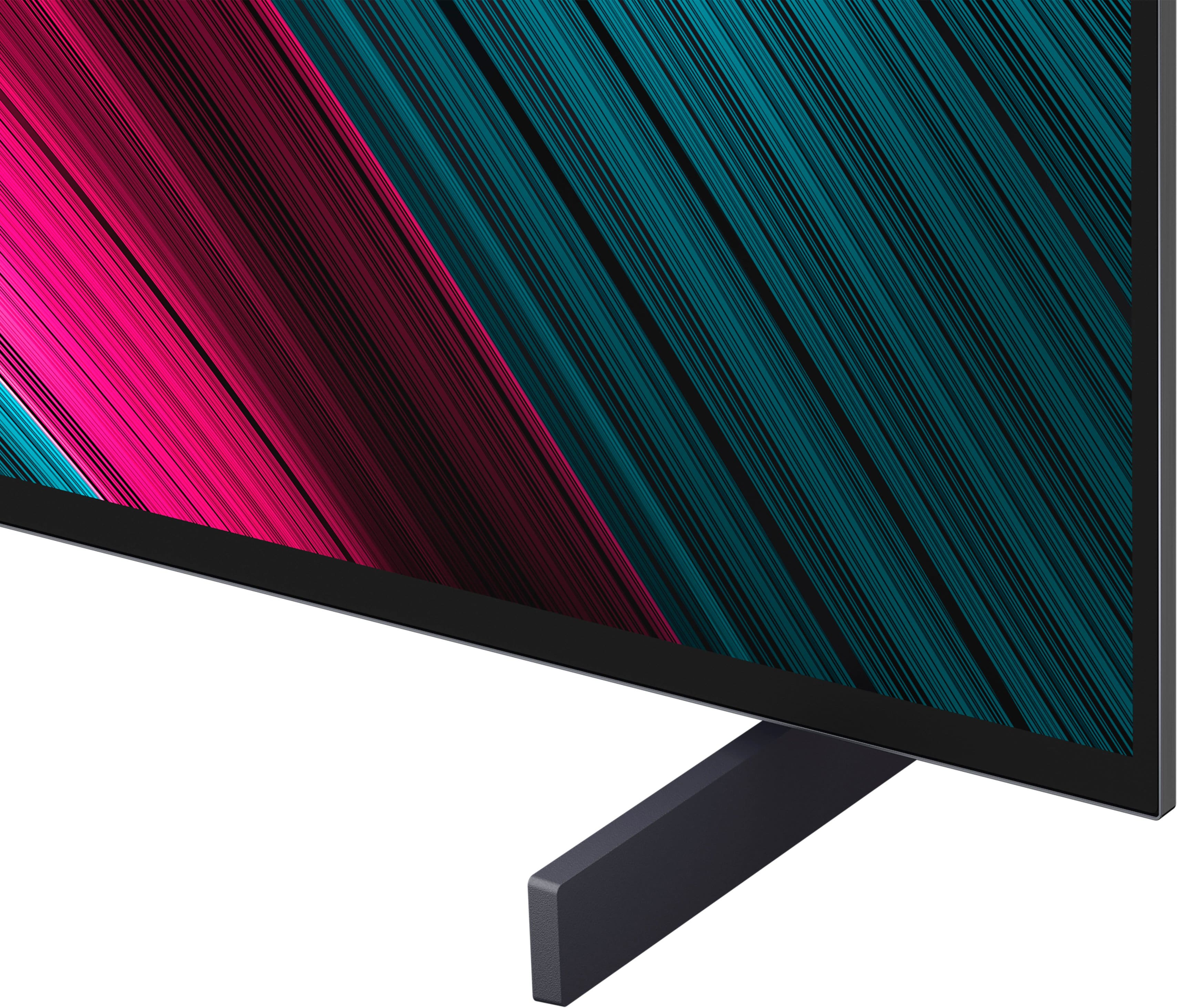





- Model:
- OLED42C5PUA
- SKU:
- 10772223
Rating by feature
- Picture Quality
Rating 4.9 out of 5 stars
- Sound Quality
Rating 4.5 out of 5 stars
- Brightness
Rating 4.9 out of 5 stars
Amazing tv
||Posted .This reviewer received promo considerations or sweepstakes entry for writing a review.Excellent high quality screen. Works wonderfully with the ps5
I would recommend this to a friendEndless problems and annoyances
||Posted .This reviewer received promo considerations or sweepstakes entry for writing a review.The remote is absolutely awful. If you have ever had tendinitis simply don't get this TV. Getting an app is a forever project if it's not already on the screen. Absolutely terrible compared to using a Roku. The online user guide is useless and mostly about putting the TV on your wall. Despite claiming otherwise, the only sort of complete guide is on the TV. In small writing. Every day I think about returning this TV.
No, I would not recommend this to a friendBrand response from LG Digital Customer Care
Posted .Hello there, CarolW. Thank you for sharing your experience with us. We understand your inquiry regarding the remote and navigation of your LG - 42" Class C5 Series OLED evo AI 4K UHD Smart webOS TV (2025). We understand that the unit didn't meet your expectations, and your feedback is important to us.
https://www.bestbuy.com/product/lg-42-class-c5-series-oled-evo-ai-4k-uhd-smart-webos-tv-2025/JJ8VPZTHLJ
To make accessing your favorite apps faster, we recommend using the "Quick Access" feature by long-pressing the "0" key on your remote to customize shortcuts for your most-used applications. For further assistance and any specific concerns you may have, please contact us on [email protected]. We appreciate your patience. —Renzo
Great for gaming
||Posted .This reviewer received promo considerations or sweepstakes entry for writing a review.Looks great! Loving the picture quality. No complaints.
I would recommend this to a friend42” C5
||Posted . Owned for 1 week when reviewed.This reviewer received promo considerations or sweepstakes entry for writing a review.Beautiful display and the OS is fast. The remote is cool as it has a pointer function
I would recommend this to a friendNo issues so far
||Posted . Owned for 2 weeks when reviewed.This reviewer received promo considerations or sweepstakes entry for writing a review.I had this for 2 weeks now and I havent has the green tint issues or hdr countour issues in game mode mentioned by reviews.
I would recommend this to a friend42 inch LG OLED
||Posted .This reviewer received promo considerations or sweepstakes entry for writing a review.This LG TV is the exact one that ive been looking for. The visual quality is outstanding.
I would recommend this to a friendPoor remote control
||Posted . Owned for 2 weeks when reviewed.This reviewer received promo considerations or sweepstakes entry for writing a review.Worst remote control I have ever used. You have to roll a thumb dial and most the the time it doesn't work well
No, I would not recommend this to a friendBrand response from LG Digital Customer Care
Posted .Hi, William. Thank you for reaching out about your LG TV (OLED42C5PUA) model. We understand the importance of having a remote that feels intuitive and responsive.
One helpful step you can try is resetting the remote’s Bluetooth connection by holding the Home and Back buttons together for a few seconds, then pairing it again when prompted on the TV. This can improve responsiveness if the scroll or pointer feels inconsistent. You can also adjust or disable the pointer settings under Settings > General > AI Service > Pointer Options, which may give you a smoother experience depending on how you prefer to navigate. For more guidance, visit https://www.lg.com/us/support/help-library/lg-tv-how-to-troubleshoot-your-lg-magic-remote--1427121727809OLT. We’d be glad to take a closer look into this with you. Please send us an email at [email protected] so we can continue assisting you. ^Juvy
Great
||Posted . Owned for 2 weeks when reviewed.This reviewer received promo considerations or sweepstakes entry for writing a review.Good but not the best for this price. Samsung is better
No, I would not recommend this to a friendDisappointment
||Posted . Owned for 1 month when reviewed.This reviewer received promo considerations or sweepstakes entry for writing a review.Tv is fine. Trying to get a price match has been trying to say the least. I was told to call and check for a price drop but they did not du tell me you can only take one price match and the price dropped again!!
I would recommend this to a friend- Pros mentioned:Oled quality
Stick with Samsung
||Posted .This reviewer received promo considerations or sweepstakes entry for writing a review.Tv worked a day then the screen kept shorting out and resetting ! Had previous issues with another g5 ! I wanted to give it one more try but had to switch back to Samsung! Maybe it’s just my luck but while it and the 77in G5 worked they were clear !
No, I would not recommend this to a friendBrand response from LG Digital Customer Care
Posted .Hi, Sam. Thank you for sharing what happened with your LG TV (OLED42C5PUA) model. We understand the importance of having a TV that performs consistently. For symptoms like screen resets or power cycling, one helpful step is to run a power reset by unplugging the TV for 60 seconds and reconnecting it directly to a wall outlet, bypassing any surge protectors or power strips. This helps rule out power‑delivery interruptions that can cause repeated restarts. For more guidance, visit https://www.lg.com/us/support/help-library/lg-tv-screen-cuts-out-and-freezes--20154859965707. We’d be glad to take a closer look from our end. Please send us an email at [email protected] with your model number and a brief description of the behavior so our team can assist you further. ^Juvy
Had to exchange
||Posted .This reviewer received promo considerations or sweepstakes entry for writing a review.Nice tv. Problem with blinking screen/Dolby Vision couldn't get resolved.
No, I would not recommend this to a friendBrand response from LG Digital Customer Care
Posted .Hi there. Thank you for sharing your experience with us regarding your LG Class C5 Series OLED evo AI TV. We understand your inquiry regarding the screen blinking and Dolby Vision performance you encountered. Your feedback is vital to us.
https://www.bestbuy.com/product/lg-42-class-c5-series-oled-evo-ai-4k-uhd-smart-webos-tv-2025/JJ8VPZTHLJ
For further assistance and any specific concerns you may have, please contact us on [email protected]. We appreciate your patience. —Renzo
Awsome tv
||Posted . Owned for 2 weeks when reviewed.This reviewer received promo considerations or sweepstakes entry for writing a review.The people in that store was being very funny, telling me someone took my package. Lying, until I said I was going to get police involved then my TV turned up. They even stated the person who picked up the package still it am switch the labels… now I have the correct tv! But the tv is great, but crooks working on nearby
I would recommend this to a friendBrand response from LG Digital Customer Care
Posted .Hi, Phillip. Thank you for sharing your experience with your LG TV (OLED42C5PUA) model, and we understand the importance of having a smooth and secure pickup process. We’re glad to hear you were ultimately able to receive the correct unit, and it’s great to know you’re enjoying the TV itself. For ongoing care, one helpful step is to use a soft microfiber cloth when cleaning the screen to help maintain the OLED panel’s clarity and prevent surface marks. You can also review product details and support information here: https://www.lg.com/us/support/product/lg-OLED42C5PUA. If you’d like us to take a closer look at anything regarding your unit, feel free to send us an email at [email protected] so our team can assist you directly. ^Juvy
Best Buy Problems
||Posted .This reviewer received promo considerations or sweepstakes entry for writing a review.Well I can't beleive I spent that much money on a TV with no remote. The least Best Buy could have done is provided a universal remote. The TV arrived with unsecured hardware so who knows where all the screws went. Upon arrival I had to spend an additional $50 for a TV stand and remote. And to top it off, the TV came with the previous owners HULU & DISNEY PLUS account.
No, I would not recommend this to a friendBrand response from LG Digital Customer Care
Posted .Hi Dillon, thank you for sharing your experience with the OLED42C5PUA. We understand how important it is for your new TV to arrive complete and ready to enjoy, and we appreciate you taking the time to let us know what happened. Receiving a unit with missing hardware and preloaded accounts is certainly not the experience anyone expects when purchasing a premium product.
Since your order was placed through Best Buy, we recommend reaching out to their customer service team directly to address the missing remote and hardware concerns, as well as to confirm whether the unit was new or previously returned. You may contact Best Buy's Customer service 1 (888) 237-8289.
And if you’d like to connect with us directly for further assistance, please email [email protected]. We’re here to help ensure your LG experience is a great one. -Avril
Looking for better television
||Posted . Owned for 1 month when reviewed.This reviewer received promo considerations or sweepstakes entry for writing a review.I was not impressed with the visual and sound qualities.produced from the ste.
No, I would not recommend this to a friendBrand response from LG Digital Customer Care
Posted .Hi, Victor. Thank you for sharing your feedback about the LG TV (OLED42C5PUA) model. We appreciate you taking the time to let us know about your viewing and audio experience.
For picture quality, you might want to check out the Picture Mode Settings by heading to: Settings > All Settings > Picture > Picture Mode Settings. Switching to Cinema or Filmmaker Mode can give you those more natural visuals, and if you’re into brighter colors, Vivid is the way to go. If you need more help, feel free to visit https://www.lg.com/us/support/help-library/lg-tv-the-best-picture-settings-for-your-lg-tv--20150577528034.
As for sound quality, take a look at the Sound Mode Settings under: Settings > All Settings > Sound > Sound Mode Settings. Choosing AI Sound Pro can really enhance clarity and balance, and Cinema mode is just perfect for movie nights. For more tips, check this out: https://www.youtube.com/watch?v=2aF0XLguYBs. If you want us to dig deeper into this, just send us an email at [email protected], and we’ll be happy to help. ^Juvy
False protection plan
||Posted . Owned for 3 weeks when reviewed.This reviewer received promo considerations or sweepstakes entry for writing a review.Was told the exrta protection plan covered everything. NOT TRUE !!! So now i have a $1,400 paper weight
No, I would not recommend this to a friendBrand response from LG Digital Customer Care
Posted .Hi, there. Thank you for sharing your experience with your LG TV (OLED42C5PUA) model. We understand the importance of having reliable protection coverage for such a valuable purchase, and we appreciate the details you’ve provided about the protection plan.
As a troubleshooting step, please try performing a power reset by unplugging the TV for 5 minutes and then reconnecting it, as this can sometimes restore functionality if the unit is unresponsive. You can find more helpful guidance here: https://www.lg.com/us/support/product/lg-OLED42C5PUA.AUS. If the issue continues after these steps, kindly send us an email at [email protected] so we can assist you further with service options. ^Juvy
- Pros mentioned:Picture quality
Go LG tv it’s the best
Posted .This reviewer received promo considerations or sweepstakes entry for writing a review.I purchased a 42 inch LG television. I love it! The picture is sharp, and clear and the colors are great. I previously owned a Sony. The LG blows the Sony out of the water so to speak. Plus the Sony is much more expensive. The LG was cheaper in price but the quality of the technology is much much better.
I would recommend this to a friend - Pros mentioned:Picture quality
Great buy
Posted .This reviewer received promo considerations or sweepstakes entry for writing a review.Easy to setup, excellent image quality. Lots of extra features. AI upscaling makes old DVD watchable.
I would recommend this to a friend - Pros mentioned:Picture quality
Olay, OLED!
Posted .This reviewer received promo considerations or sweepstakes entry for writing a review.Great display! Beautiful picture. Installation was quick and painless.
I would recommend this to a friend - Pros mentioned:Picture quality
LG OLED evo 42" Smart TV
Posted .This reviewer received promo considerations or sweepstakes entry for writing a review.Very pleased with picture and sound quality. Just the right size for the bedroom
I would recommend this to a friend - Pros mentioned:Picture quality
Lg C5 42 inch
Posted .This reviewer received promo considerations or sweepstakes entry for writing a review.Incredible tv for desktop monitor. Plenty bright and vibrant and beats monitors for gaming.
I would recommend this to a friend