Customer Ratings & Reviews
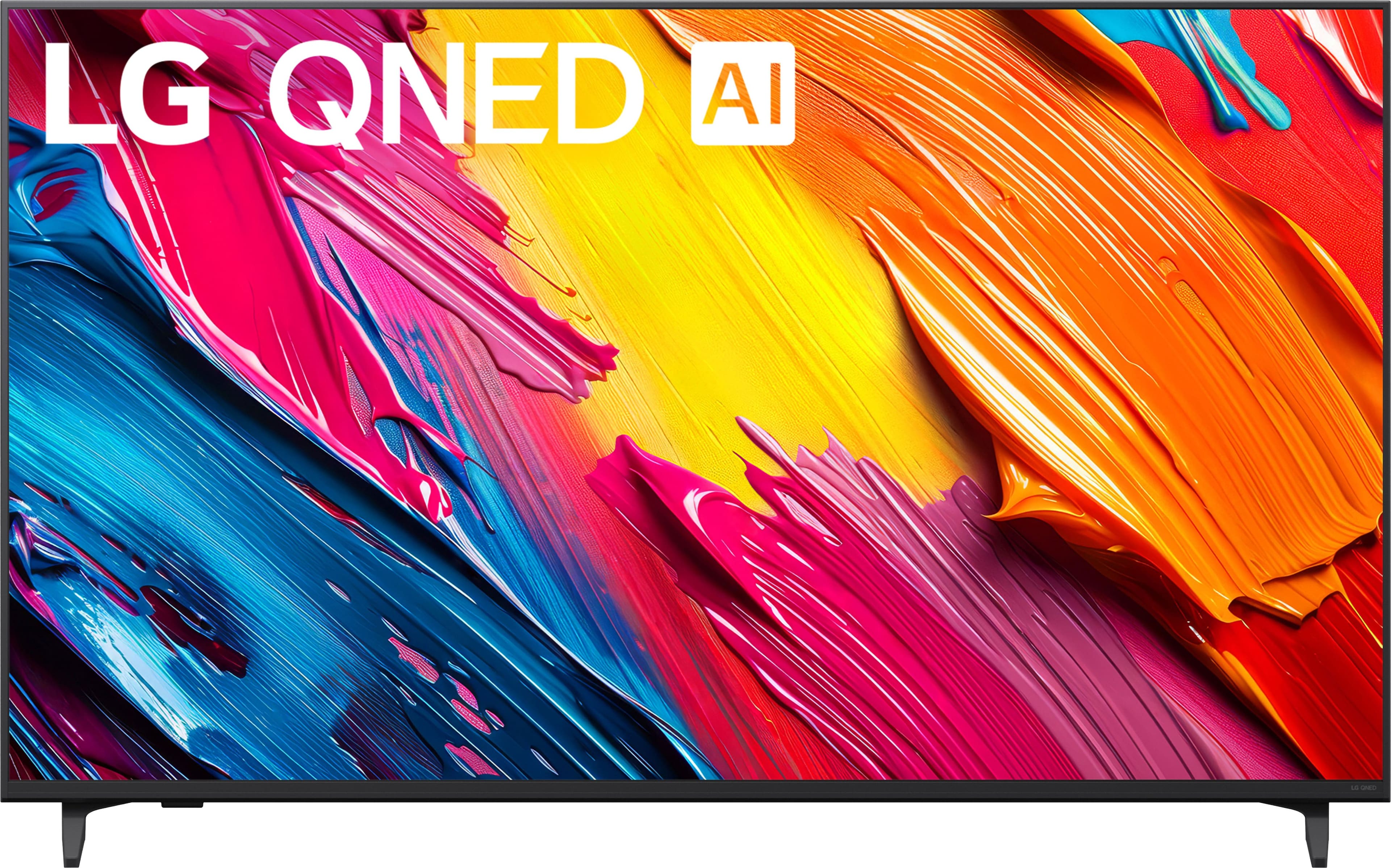
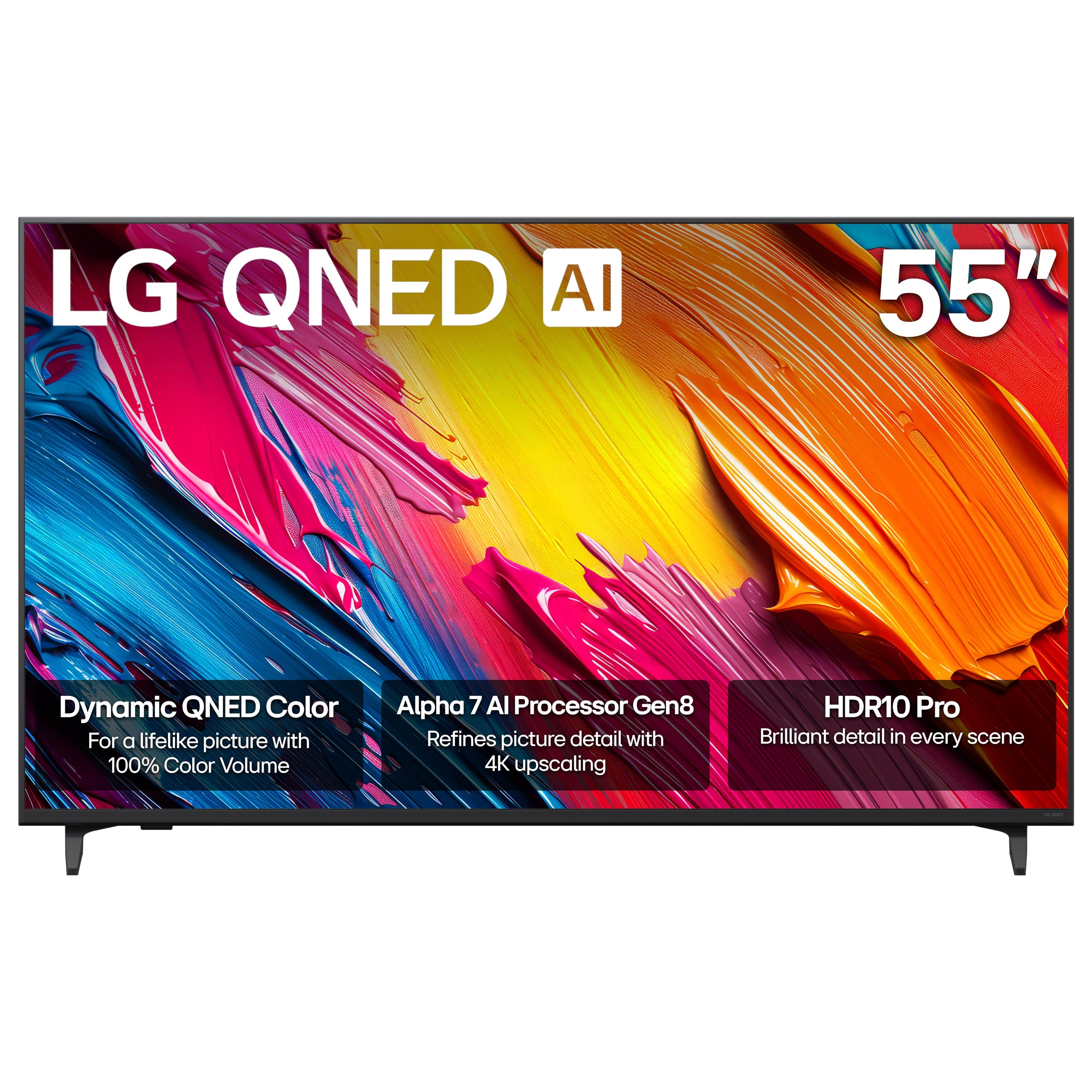
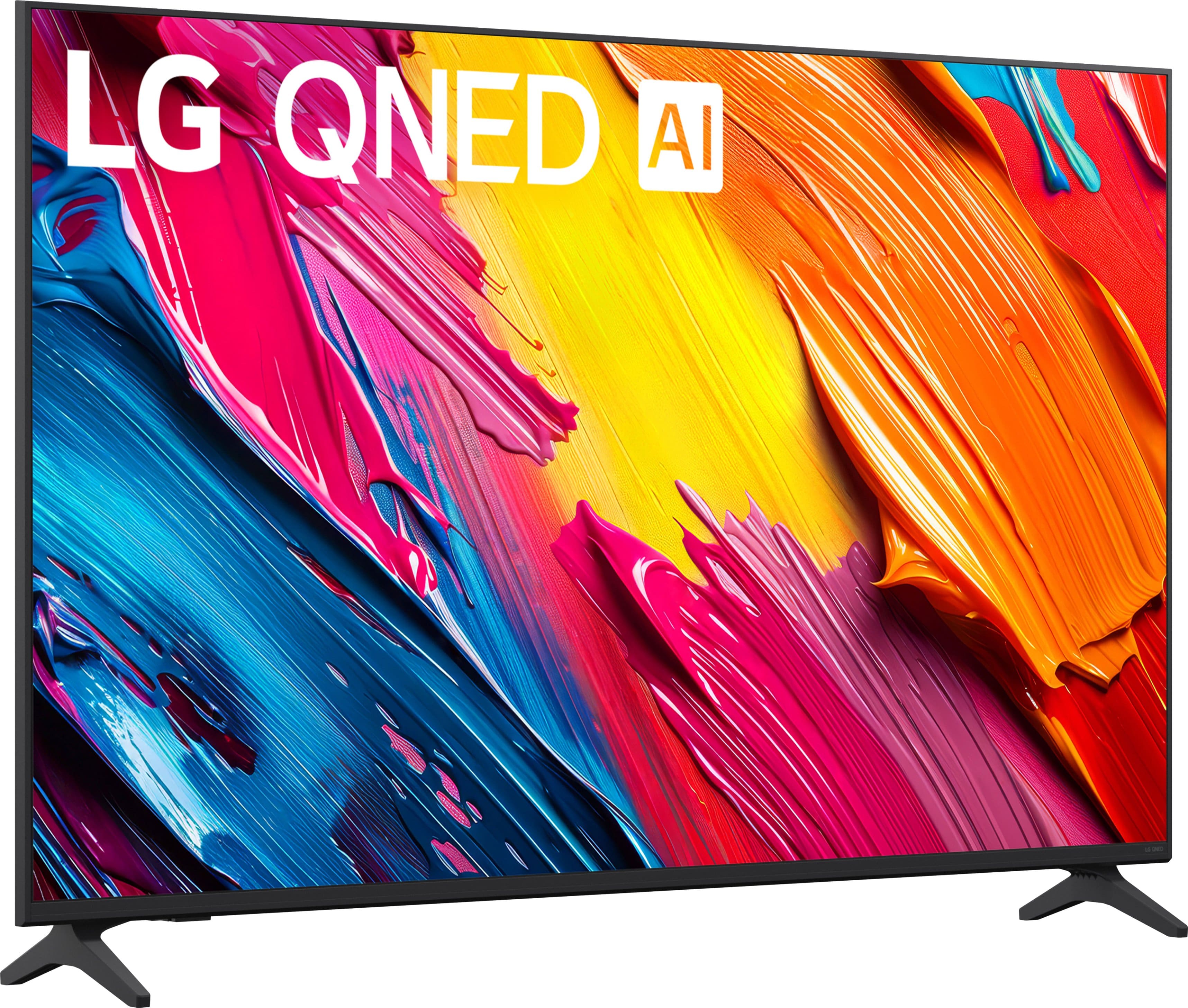
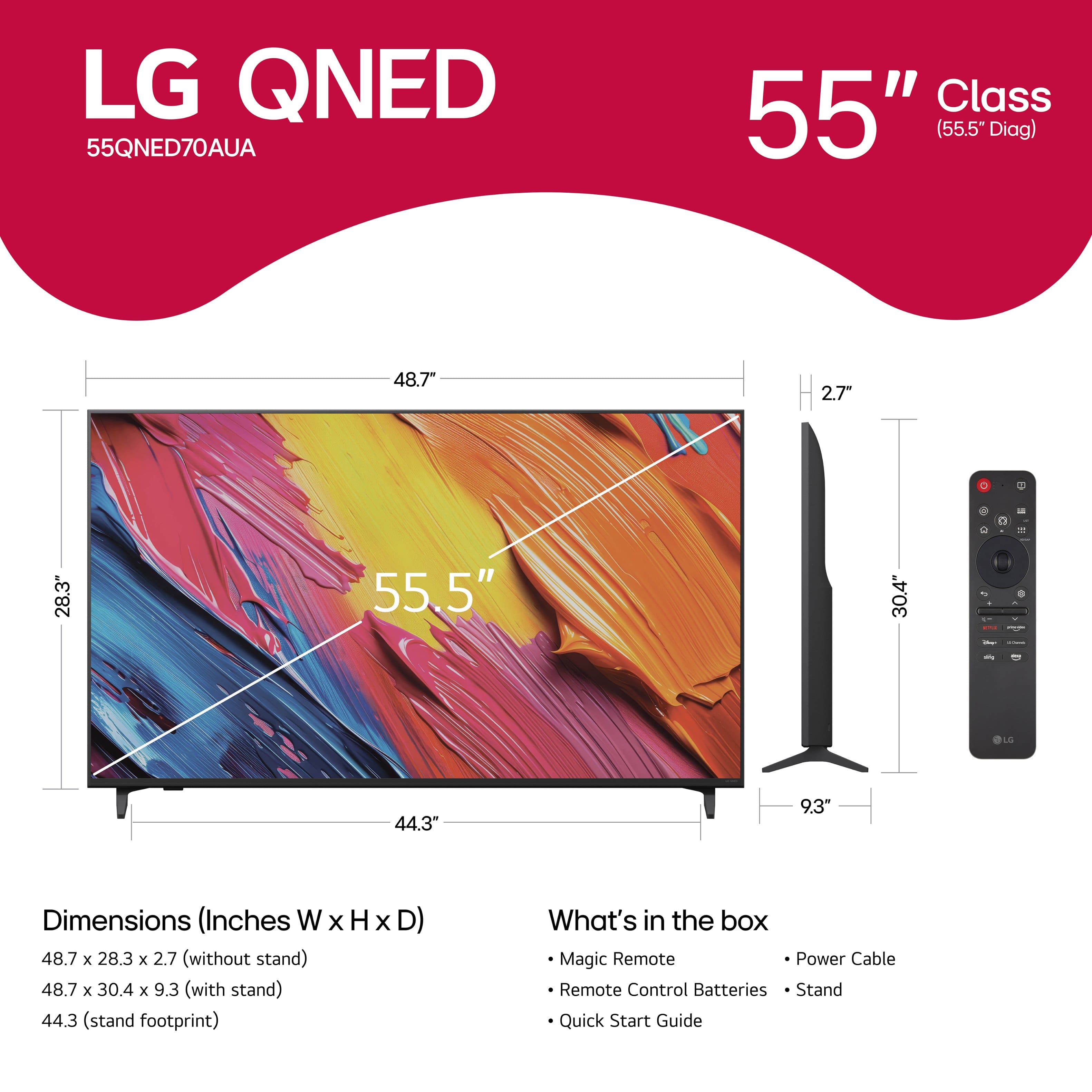


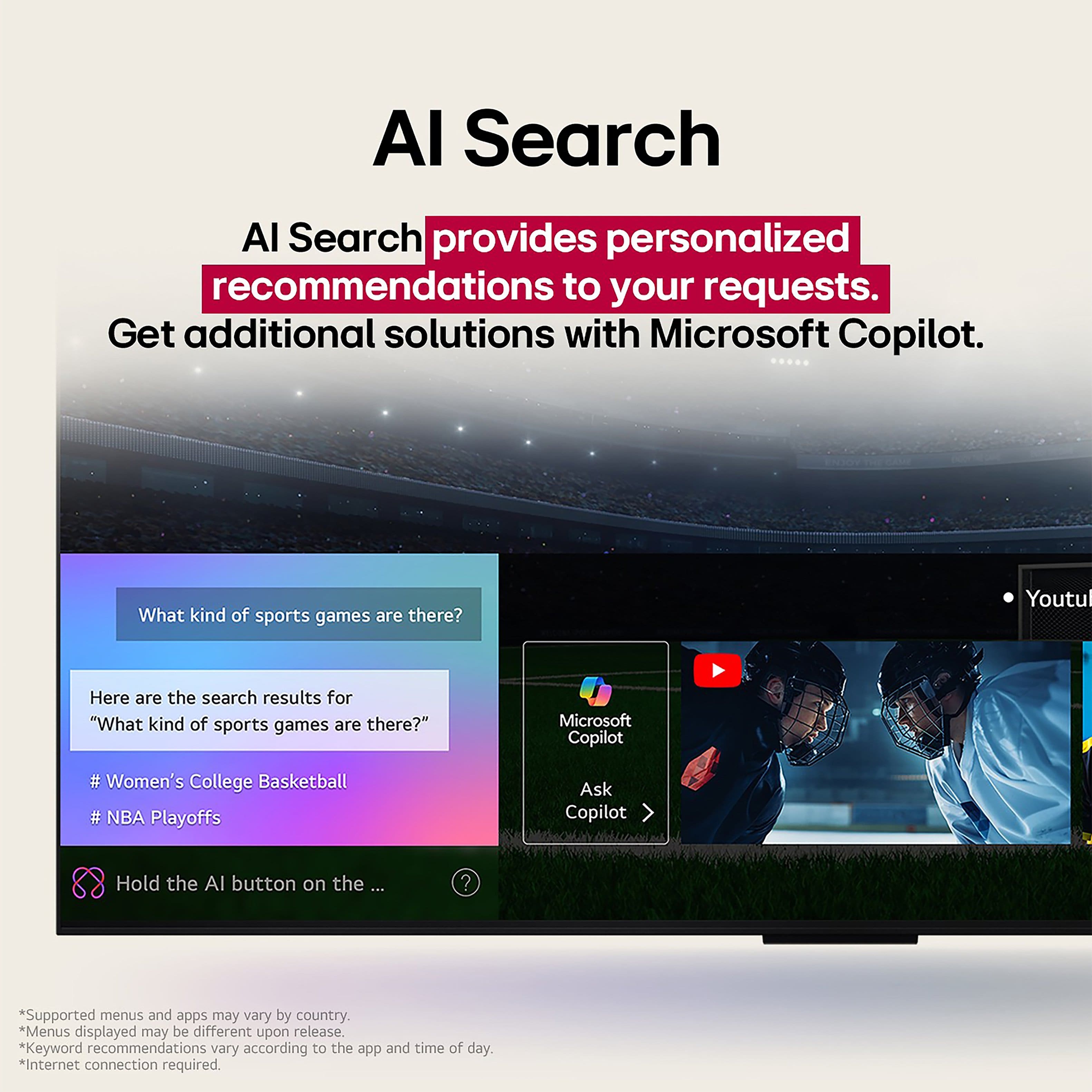
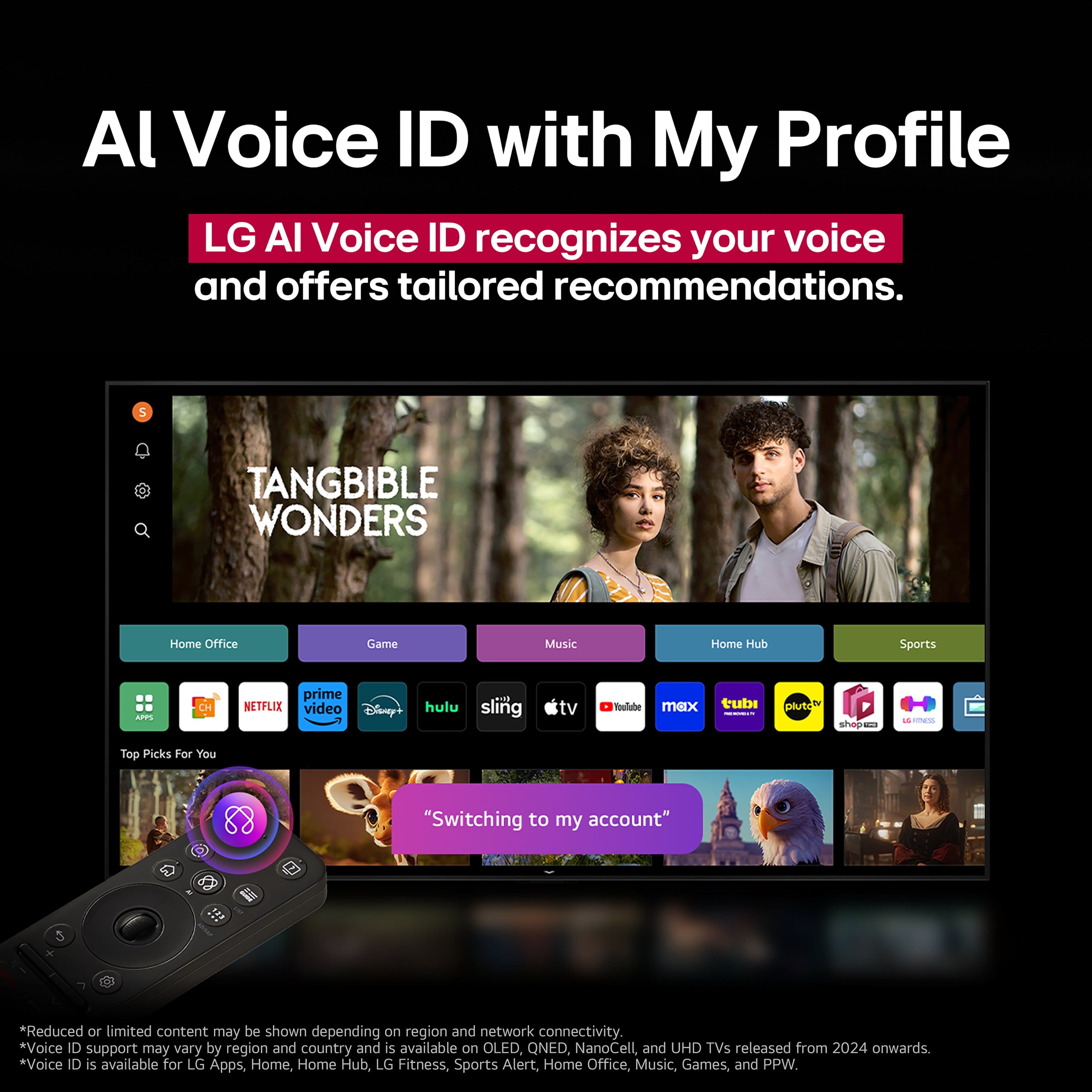
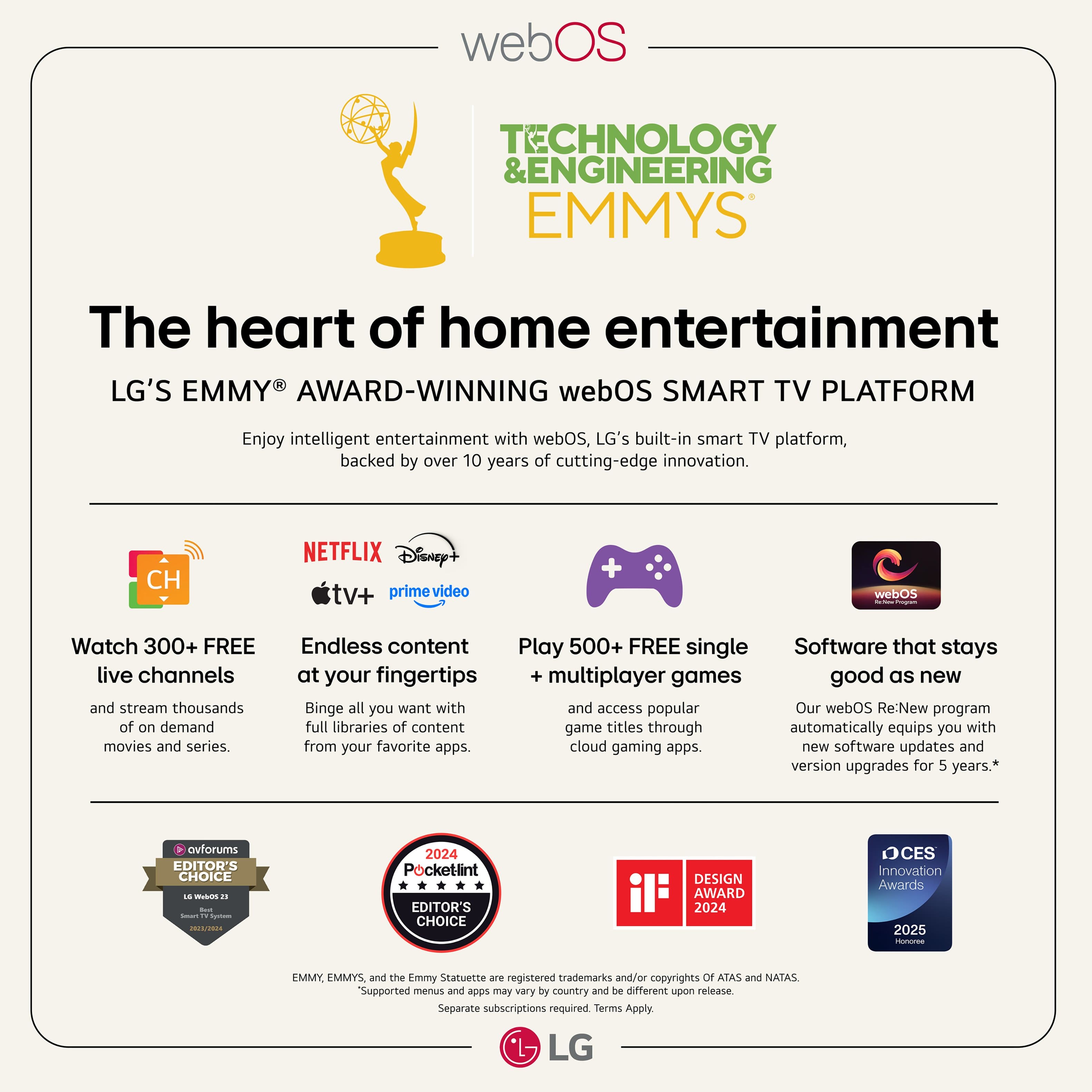

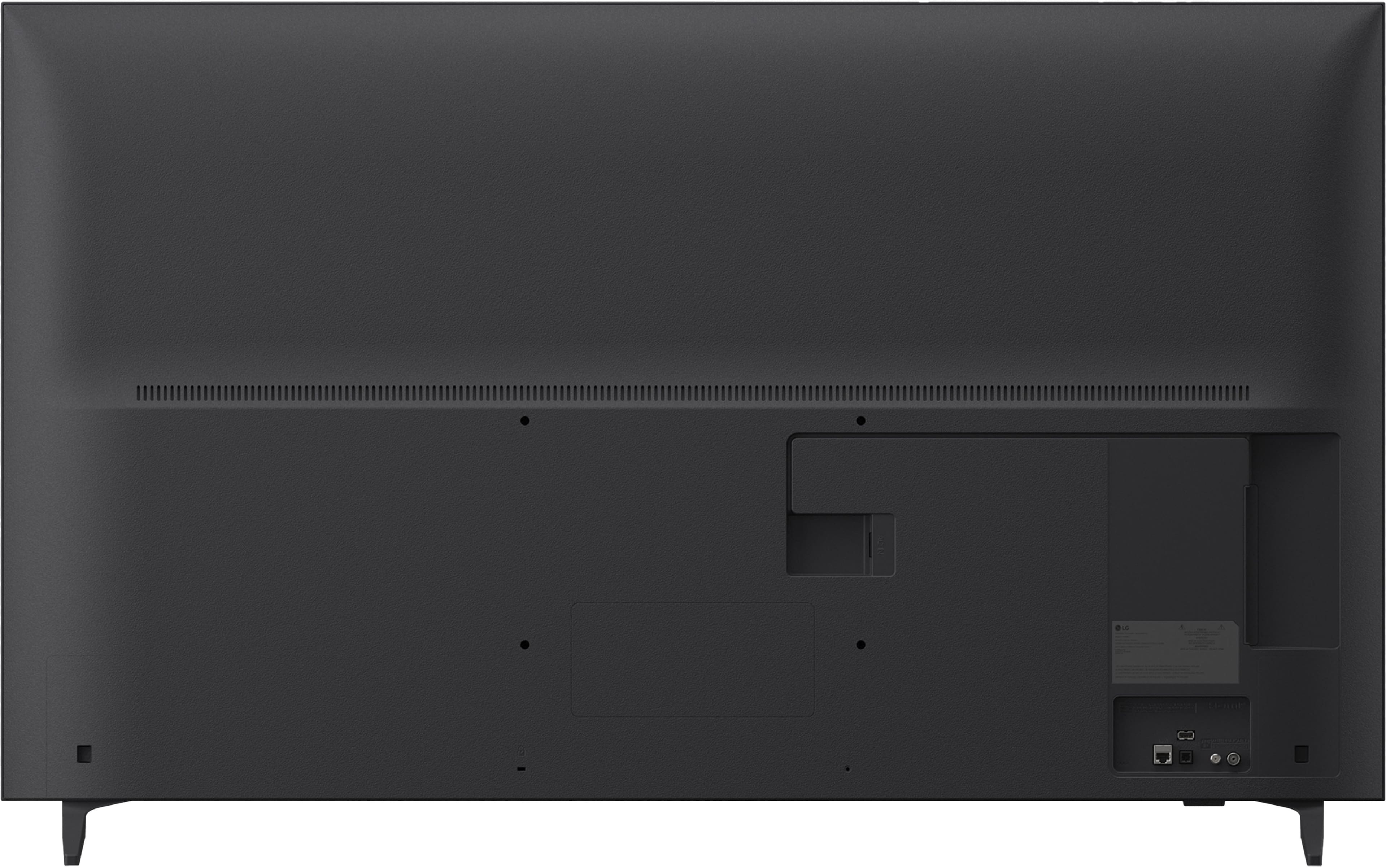
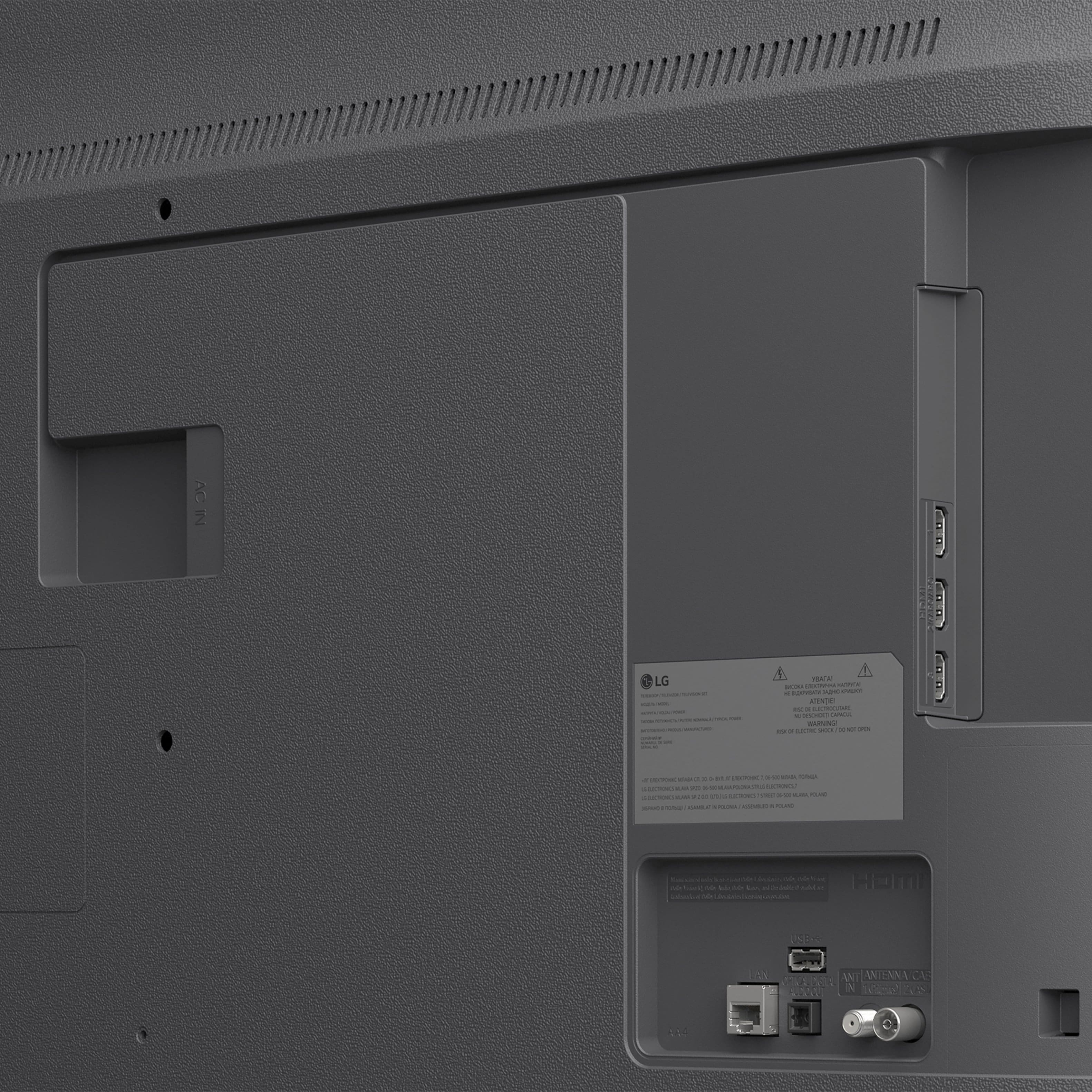
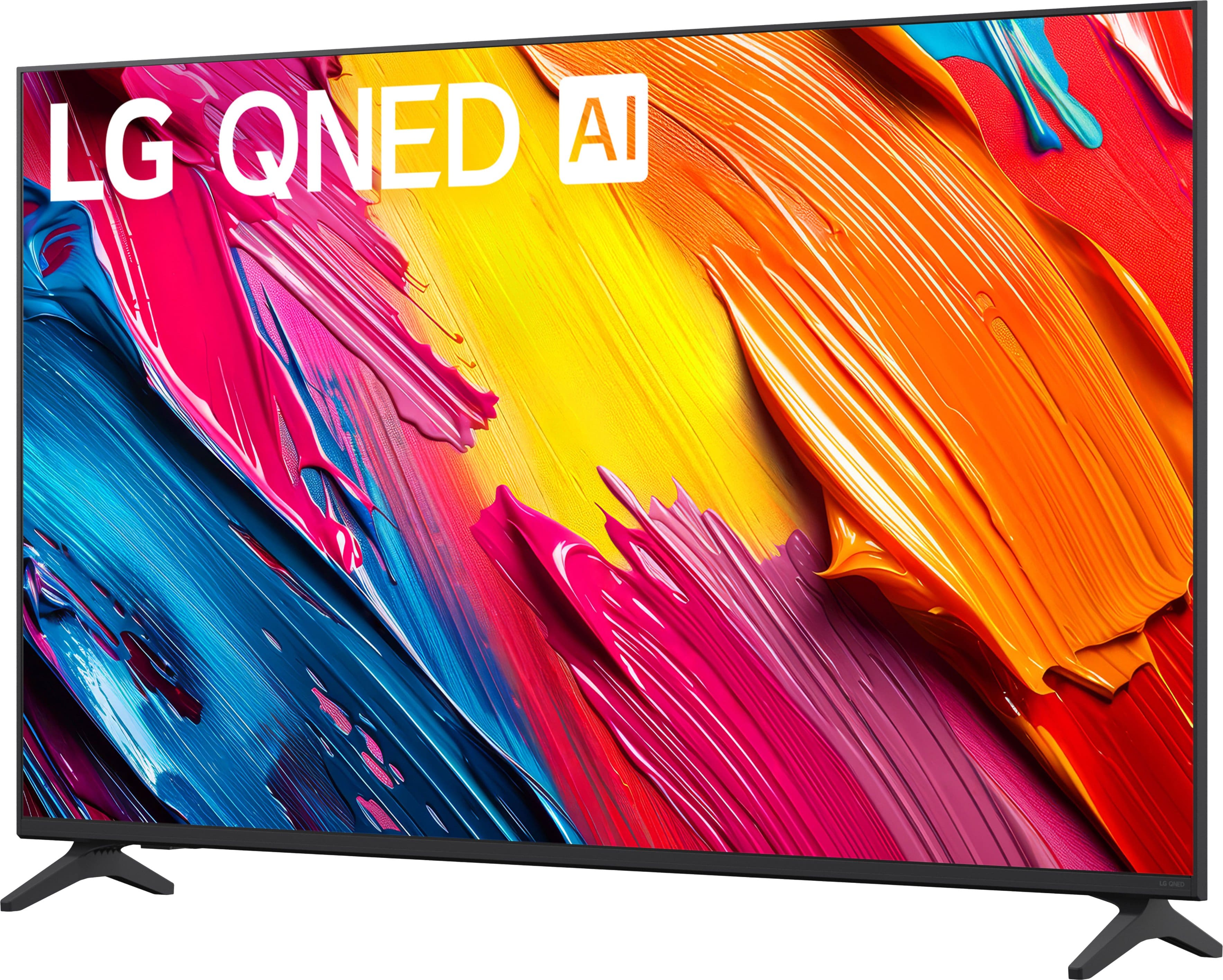

- Model:
- 55QNED70AUA
- |
- SKU:
- 10756571
Customer reviews
Rating 4.7 out of 5 stars with 184 reviews
(184 customer reviews)Rating by feature
- Picture Quality4.8
Rating 4.8 out of 5 stars
- Sound Quality4.6
Rating 4.6 out of 5 stars
- Brightness4.8
Rating 4.8 out of 5 stars
Rated 5 out of 5 stars
55 inch LG Qned 70
||Posted . Owned for 2 weeks when reviewed.This reviewer received promo considerations or sweepstakes entry for writing a review.Nice TV for the money. The only downside is it doesn't always stretch the picture to the whole frame. Seamless purchase. Great sales person. Thanks!
This review is from LG - 55" Class 70A Series QNED AI 4K UHD Smart webOS TV (2025)
I would recommend this to a friend- Pros mentioned:Picture quality
Rated 5 out of 5 stars
Lg 55”
||Posted . Owned for 2 weeks when reviewed.This reviewer received promo considerations or sweepstakes entry for writing a review.So far everything is good and we always love LG products
This review is from LG - 55" Class 70A Series QNED AI 4K UHD Smart webOS TV (2025)
I would recommend this to a friend - Pros mentioned:Picture quality
Rated 5 out of 5 stars
Great product!
||Posted . Owned for 1 week when reviewed.This reviewer received promo considerations or sweepstakes entry for writing a review.The pictures is superb! Sound is incredible as well.
This review is from LG - 55" Class 70A Series QNED AI 4K UHD Smart webOS TV (2025)
I would recommend this to a friend - Pros mentioned:Picture quality
Rated 5 out of 5 stars
Good value
||Posted .This reviewer received promo considerations or sweepstakes entry for writing a review.Best tv we own and for a great price Can’t beat it
This review is from LG - 55" Class 70A Series QNED AI 4K UHD Smart webOS TV (2025)
I would recommend this to a friend - Pros mentioned:Picture quality
Rated 5 out of 5 stars
LG QNED 55" TV
||Posted . Owned for 3 weeks when reviewed.This reviewer received promo considerations or sweepstakes entry for writing a review.It was easy to set up, and it has a great picture.
This review is from LG - 55" Class 70A Series QNED AI 4K UHD Smart webOS TV (2025)
I would recommend this to a friend - Pros mentioned:Picture quality
Rated 4 out of 5 stars
LG 55 Inch TV
||Posted .This reviewer received promo considerations or sweepstakes entry for writing a review.Excellent TV - working as expected & loving the sharp quality
This review is from LG - 55" Class 70A Series QNED AI 4K UHD Smart webOS TV (2025)
I would recommend this to a friend - Pros mentioned:Picture quality
Rated 5 out of 5 stars
LG - 55" Class 70A Series QNED AI 4K UHD Smart web
||Posted . Owned for 1 week when reviewed.This reviewer received promo considerations or sweepstakes entry for writing a review.The TV is great, the picture is awesome I would buy this again
This review is from LG - 55" Class 70A Series QNED AI 4K UHD Smart webOS TV (2025)
I would recommend this to a friend - Pros mentioned:Picture quality
Rated 5 out of 5 stars
Lg fan
||Posted . Owned for 1 week when reviewed.This reviewer received promo considerations or sweepstakes entry for writing a review.Excellent picture,perfect for family entertainment
This review is from LG - 55" Class 70A Series QNED AI 4K UHD Smart webOS TV (2025)
I would recommend this to a friend - Pros mentioned:Picture quality
Rated 4 out of 5 stars
Good value
||Posted .This reviewer received promo considerations or sweepstakes entry for writing a review.Good value for an LG. Good alternative vs. Pricey OLED
This review is from LG - 55" Class 70A Series QNED AI 4K UHD Smart webOS TV (2025)
I would recommend this to a friend Rated 5 out of 5 stars
LG is a winner
||Posted . Owned for 2 weeks when reviewed.This reviewer received promo considerations or sweepstakes entry for writing a review.Love it. Would have never bought this if it wasn’t for the rep that helped me decide. Great choice great rep.
This review is from LG - 55" Class 70A Series QNED AI 4K UHD Smart webOS TV (2025)
I would recommend this to a friend- Pros mentioned:Picture quality
Rated 5 out of 5 stars
Sports perfect
||Posted . Owned for 3 weeks when reviewed.This reviewer received promo considerations or sweepstakes entry for writing a review.Picture is wonderful. Great tv for watching sports.
This review is from LG - 55" Class 70A Series QNED AI 4K UHD Smart webOS TV (2025)
I would recommend this to a friend - Pros mentioned:Ease of use
Rated 5 out of 5 stars
Owner
||Posted . Owned for 1 week when reviewed.This reviewer received promo considerations or sweepstakes entry for writing a review.Great TV, easy to mount on wall, set up was easy. LG Rocks
This review is from LG - 55" Class 70A Series QNED AI 4K UHD Smart webOS TV (2025)
I would recommend this to a friend - Pros mentioned:Picture quality
Rated 5 out of 5 stars
Good tv
||Posted .This reviewer received promo considerations or sweepstakes entry for writing a review.Great TV in a good price range. Nice size for my de too
This review is from LG - 55" Class 70A Series QNED AI 4K UHD Smart webOS TV (2025)
I would recommend this to a friend - Pros mentioned:Picture quality
Rated 4 out of 5 stars
Good buy
||Posted . Owned for 1 week when reviewed.This reviewer received promo considerations or sweepstakes entry for writing a review.Nice tv for the price definitely a upgrade from my old 1080p tv I could not see the dark colors on anymore
This review is from LG - 55" Class 70A Series QNED AI 4K UHD Smart webOS TV (2025)
I would recommend this to a friend - Pros mentioned:Picture quality
Rated 5 out of 5 stars
LG TV
||Posted . Owned for 1 week when reviewed.This reviewer received promo considerations or sweepstakes entry for writing a review.I like the colors very bright and and free channels
This review is from LG - 55" Class 70A Series QNED AI 4K UHD Smart webOS TV (2025)
I would recommend this to a friend - Pros mentioned:Picture quality
Rated 4 out of 5 stars
Great picture for pride
||Posted . Owned for 1 week when reviewed.This reviewer received promo considerations or sweepstakes entry for writing a review.i would need a larger size but LG is a quality product
This review is from LG - 55" Class 70A Series QNED AI 4K UHD Smart webOS TV (2025)
I would recommend this to a friend Rated 4 out of 5 stars
Amazing
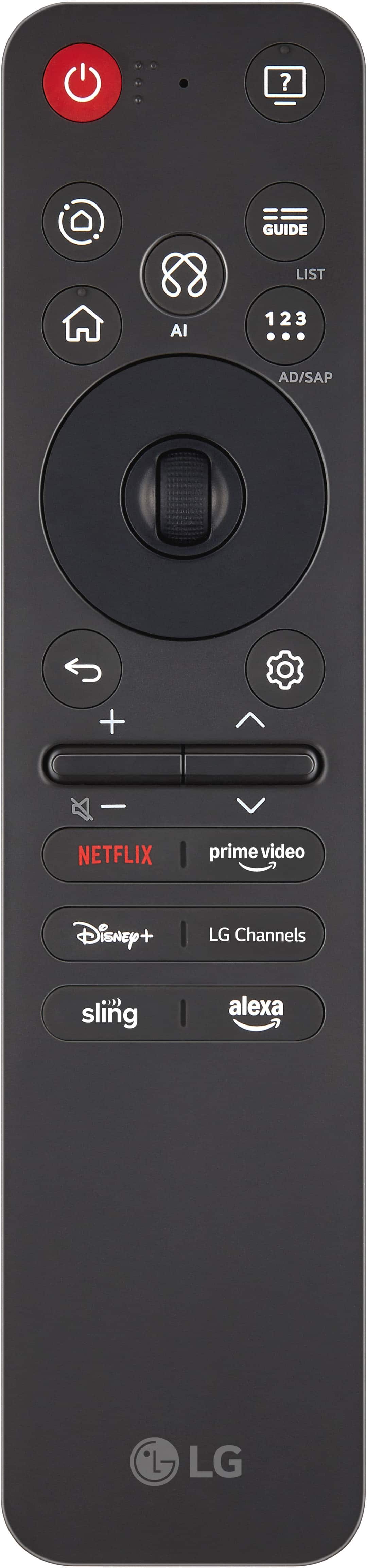
||Posted . Owned for 1 month when reviewed.This reviewer received promo considerations or sweepstakes entry for writing a review.Display looks great The remote was kind of difficult to use but then we figured it out
This review is from LG - 55" Class 70A Series QNED AI 4K UHD Smart webOS TV (2025)
I would recommend this to a friend- Cons mentioned:Remote control
Rated 4 out of 5 stars
title
||Posted . Owned for 1 week when reviewed.This reviewer received promo considerations or sweepstakes entry for writing a review.I like the TV, but the remote is hard to understand.
This review is from LG - 55" Class 70A Series QNED AI 4K UHD Smart webOS TV (2025)
No, I would not recommend this to a friend Rated 5 out of 5 stars
LG QNED television.
||Posted . Owned for 1 month when reviewed.This reviewer received promo considerations or sweepstakes entry for writing a review.Beautiful, bright colors and great sound. Would definitely recommend it.
This review is from LG - 55" Class 70A Series QNED AI 4K UHD Smart webOS TV (2025)
I would recommend this to a friendRated 5 out of 5 stars
great
||Posted . Owned for 1 week when reviewed.This reviewer received promo considerations or sweepstakes entry for writing a review.great tv good sound easy to set up the over six hundred and fifty lg tv channels is great thinking of getting one more for the other room.
This review is from LG - 55" Class 70A Series QNED AI 4K UHD Smart webOS TV (2025)
I would recommend this to a friend
People also viewed
- $249.99$249.99The price was $389.99
- $449.99$449.99The price was $479.99
- $329.99$329.99The price was $429.99
- $649.99$649.99The price was $1,299.99
- $329.99$329.99The price was $489.99
- $289.99$289.99The price was $349.99
- $299.99$299.99The price was $459.99
- $449.99$449.99The price was $579.99
- $449.99$449.99The price was $799.99
- $379.99$379.99The price was $699.99
- $569.99$569.99The price was $599.99
- $899.99$899.99The price was $1,499.99
- $279.99$279.99The price was $299.99
- $249.99$249.99The price was $379.99
- $399.99$399.99The price was $799.99
- $549.99$549.99The price was $699.99
- $1,199.99$1,199.99The price was $1,299.99
- $199.99$199.99The price was $349.99