Customer Ratings & Reviews




- Model:
- 65QNED82AUA
- SKU:
- 10313541
Rating by feature
- Picture Quality
Rating 4.7 out of 5 stars
- Sound Quality
Rating 4.5 out of 5 stars
- Brightness
Rating 4.7 out of 5 stars
Good quality picture
||Posted . Owned for 1 week when reviewed.This reviewer received promo considerations or sweepstakes entry for writing a review.It has great sound and good quality picture , easy to use and maneuver
I would recommend this to a friendWhat a view!
||Posted . Owned for 3 weeks when reviewed.This reviewer received promo considerations or sweepstakes entry for writing a review.Just a great replacement for our old LG. Watching sports is better than being at the game! Plus better parking.
I would recommend this to a friendHappy
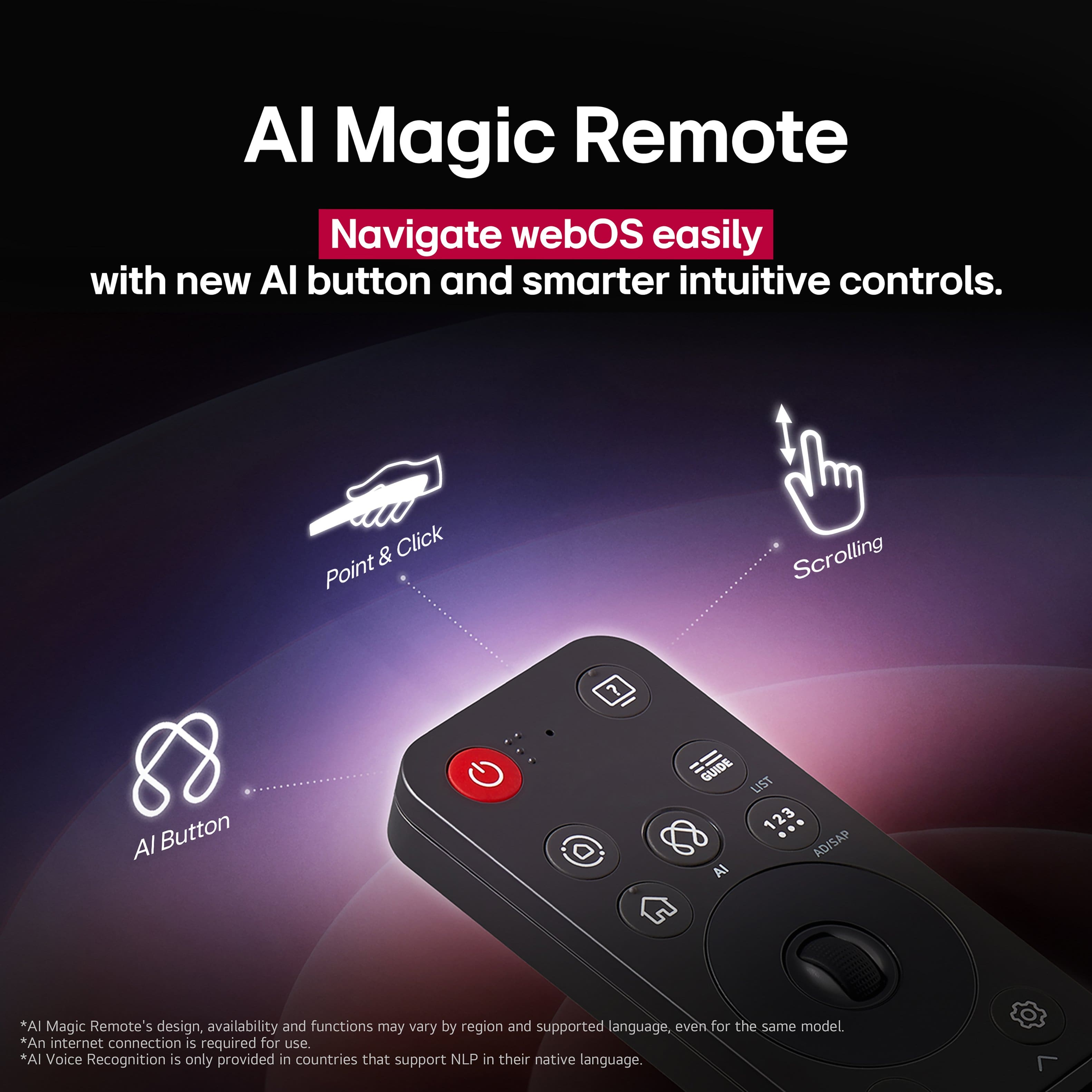
||Posted . Owned for 1 week when reviewed.This reviewer received promo considerations or sweepstakes entry for writing a review.The TV is great! I had to have the Geek Squad come back to show me how to use the LG Remote.
I would recommend this to a friendOverall, great TV
||Posted . Owned for 2 weeks when reviewed.This reviewer received promo considerations or sweepstakes entry for writing a review.I’ve had the TV for about two weeks now, and I have nothing but positive things to say. Really great overall middle ground TV, I am beyond impressed
I would recommend this to a friendLG QNED TV
||Posted .This reviewer received promo considerations or sweepstakes entry for writing a review.We are loving it has best display, sound and screen size
I would recommend this to a friendGreat tv!
||Posted .This reviewer received promo considerations or sweepstakes entry for writing a review.Great tv for the price! Picture is great with some settings adjustments. Sound isn’t the greatest but I’ve heard worse.
I would recommend this to a friendGreat TV
||Posted . Owned for 1 month when reviewed.This reviewer received promo considerations or sweepstakes entry for writing a review.Better picture quality than my old Sony Bravia (used for 1.5 years before it corrupted) and it came at a great price too. Thinner than the sony bravia. I give it 9 on 10
I would recommend this to a friendLG T.V
||Posted . Owned for 2 months when reviewed.This reviewer received promo considerations or sweepstakes entry for writing a review.The T.V looks great no issues we love it the picture is perfect!
I would recommend this to a friendHouse warming tv for daughter
||Posted . Owned for 3 weeks when reviewed.This reviewer received promo considerations or sweepstakes entry for writing a review.Excellent quality, clear screen excellent sound, very happy with the purchase and my daughter loves it since it went in her room has already bought the back lights
I would recommend this to a friendGood for the price!
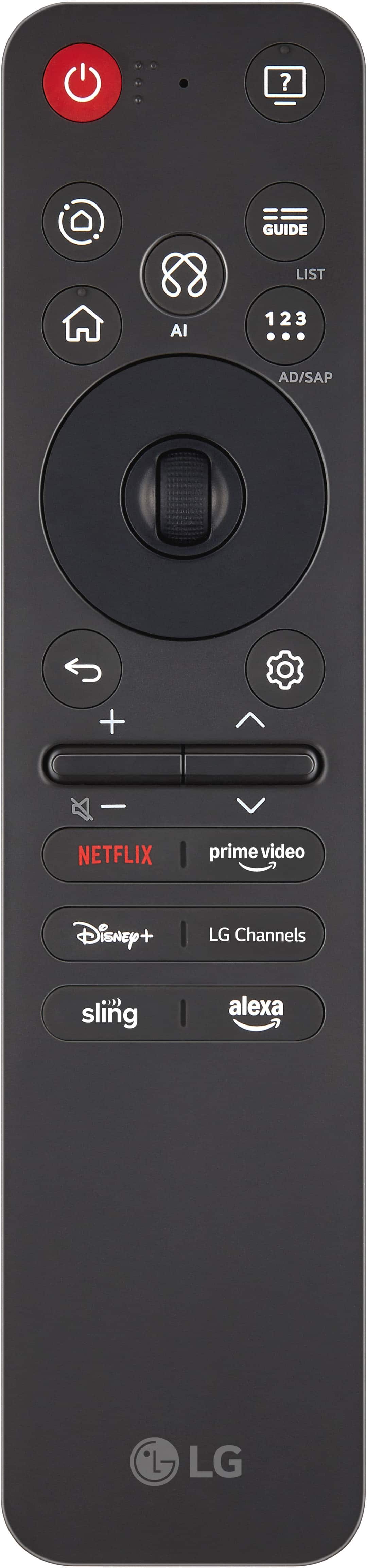
||Posted .This reviewer received promo considerations or sweepstakes entry for writing a review.This TV gets the job done! I don't love the design of the remote, but so far we've been satisfied with the TV quality itself.
I would recommend this to a friendNice tv
||Posted . Owned for 1 month when reviewed.This reviewer received promo considerations or sweepstakes entry for writing a review.Very clear and crisp picture and the sound can go up really loud but sounds really good at low levels
I would recommend this to a friendDon’t. Buy.
||Posted .This reviewer received promo considerations or sweepstakes entry for writing a review.Slow, glitchy, cumbersome, adware, bloatware, shareware, trialware, NAGWARE, complicated, non-intuitive, error messages, poor navigation/menus, difficult remote. Picture unimpressive. Runs like a beta version that needs a ton of polishing. The worst electronic device with a screen I’ve ever used (I’m 41). Returned it after 1 day, and bought a different brand. Disappointing to say the least. You’d think it would be free with all the endless ads. Reminds me of an early 2000’s PC that were overloaded w/ junk. Might be a long time, if ever, that I consider another LG device.
No, I would not recommend this to a friendBrand response from LG Digital Customer Care
Posted .Hi, Seth. Thank you for sharing your experience with the LG TV (65QNED82AUA) model. We value your feedback and understand the need for smooth performance and easy navigation. A helpful step to improve responsiveness is clearing the cache and resetting the Home Dashboard by going to Settings > All Settings > General > System > Additional Settings > Clear Cache. This removes temporary files that may slow down the system. Also, ensure the TV’s firmware is updated to the latest version for better performance. More guidance is available here: https://www.lg.com/us/support/help-library/lg-tv-how-to-update-an-lg-smart-tv--1430510575535. If you need further assistance, please email us at [email protected]. We're here to help. ^Juvy

Must Buy
||Posted . Owned for 1 week when reviewed.This reviewer received promo considerations or sweepstakes entry for writing a review.Love the TV, my in laws are older and was scared of a smart tv but it works well.
I would recommend this to a friendBeautiful picture, complicated setup!
||Posted . Owned for 2 weeks when reviewed.This reviewer received promo considerations or sweepstakes entry for writing a review.Picture is really nice. It was very confusing trying to set up. Im sure i'll be able to enjoy it once I find a tech person to guide me through the set up interrogation nightmare so i can navigate the controller. I'm no sure my husband will ever be able to watch the TV by himself with out someone "running" the controller!
I would recommend this to a friendperfect tv
||Posted . Owned for 3 weeks when reviewed.This reviewer received promo considerations or sweepstakes entry for writing a review.beautiful clear color, reception excellent. love it
I would recommend this to a friendSimple and easy but loaded with features
||Posted . Owned for 1 week when reviewed.This reviewer received promo considerations or sweepstakes entry for writing a review.Easy set up! The picture is clear. I am new to webos but it is simple to learn. Overall, it's a great tv!
I would recommend this to a friend65” LG TV
||Posted . Owned for 3 weeks when reviewed.This reviewer received promo considerations or sweepstakes entry for writing a review.Works good. Looks good. No problems. Knowledgeable people helping me.
I would recommend this to a friendLg. The way to go
||Posted . Owned for 1 month when reviewed.This reviewer received promo considerations or sweepstakes entry for writing a review.Great color no matter if it's even at an angle. Clear colorful picture.
I would recommend this to a friendLG TV
||Posted . Owned for 1 week when reviewed.This reviewer received promo considerations or sweepstakes entry for writing a review.Awesome TV for the price. Added LG soundbar which is even better.
I would recommend this to a friendPerfect TV
||Posted .This reviewer received promo considerations or sweepstakes entry for writing a review.Upgraded my old tv for the LG 65” Class 82A Series QNED TV after moving and it is the perfect size for my living room. Impressive sound quality and color contrast. Great quality tv for its price. Very satisfied with this purchase!
I would recommend this to a friend