Customer Ratings & Reviews
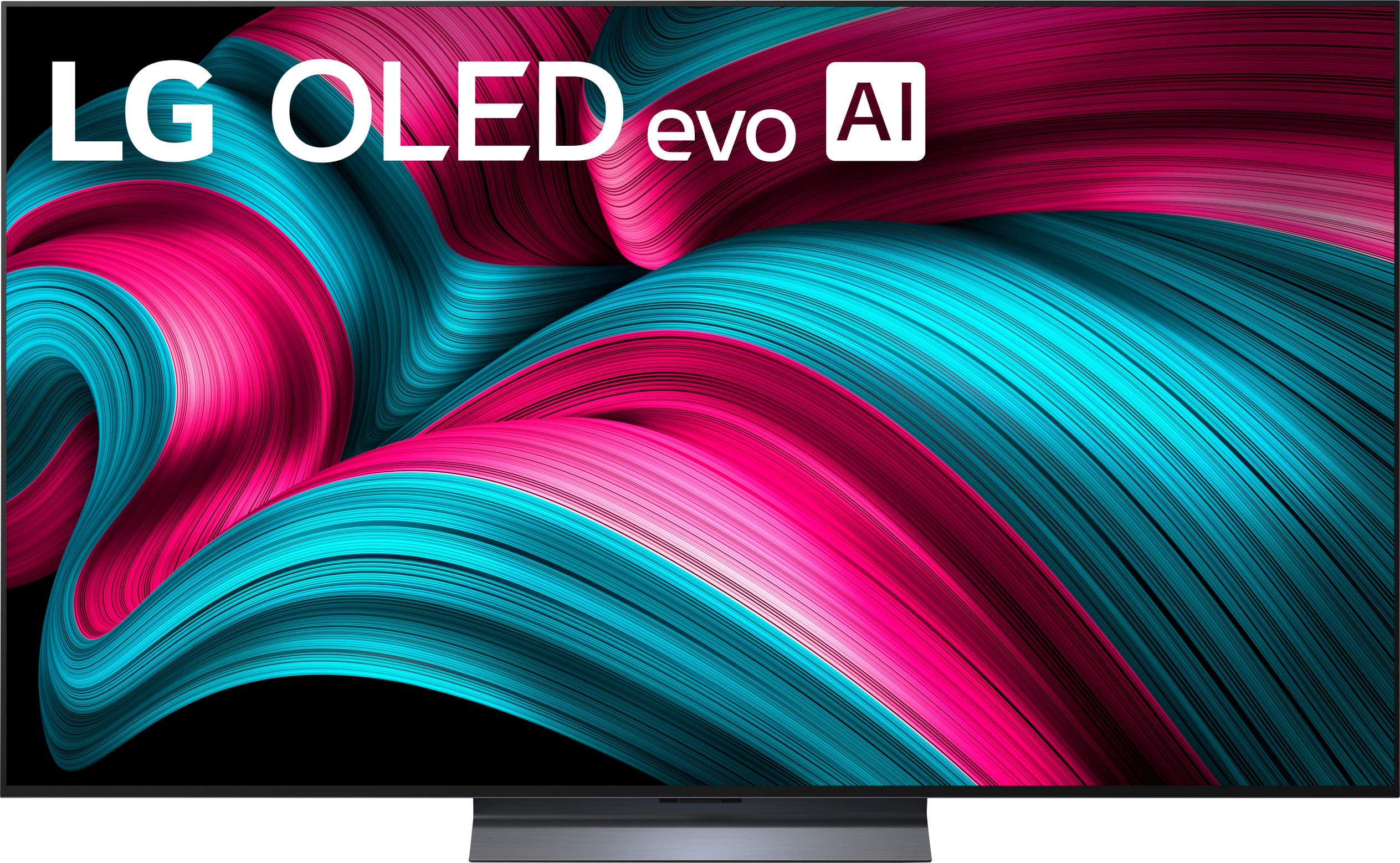
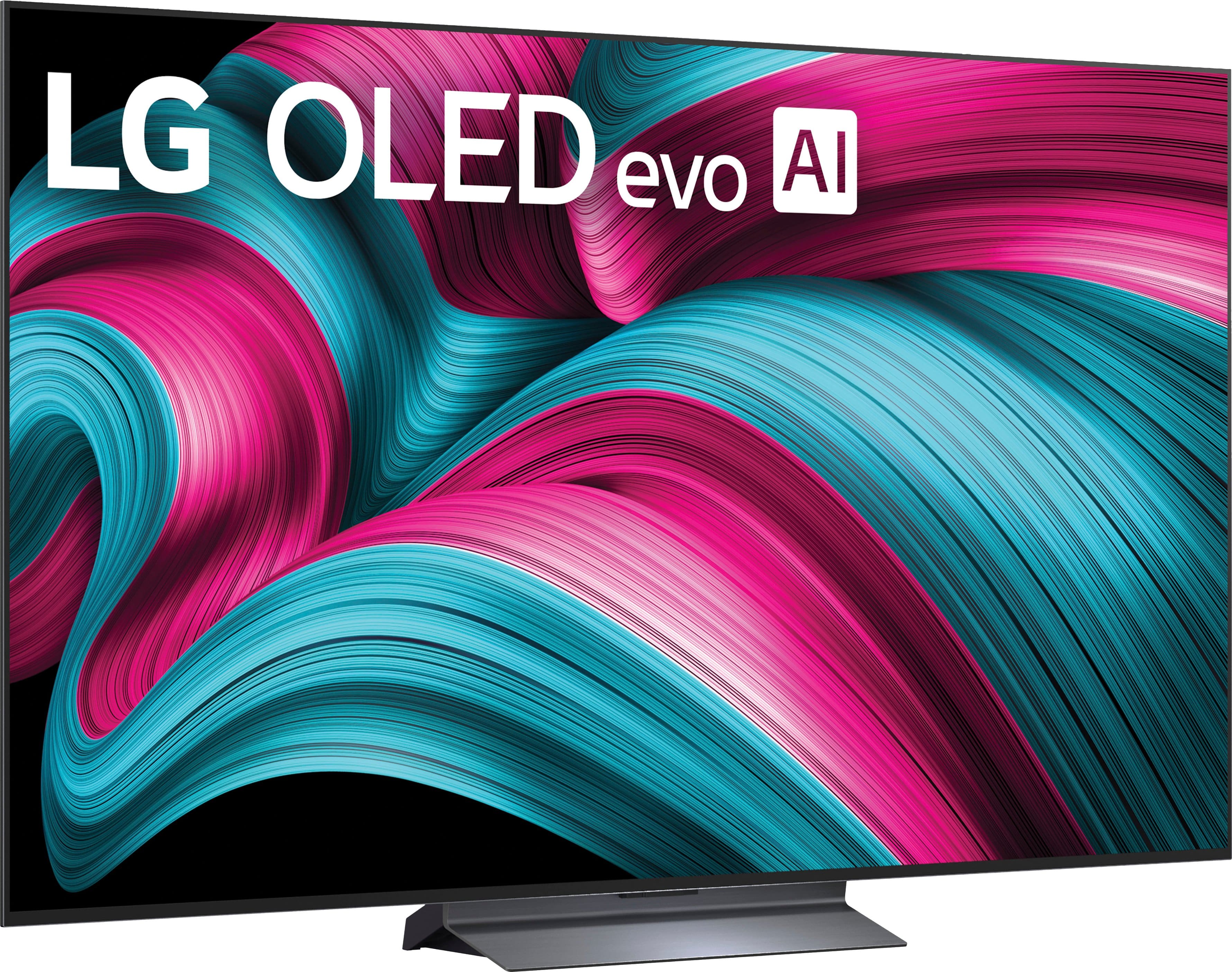
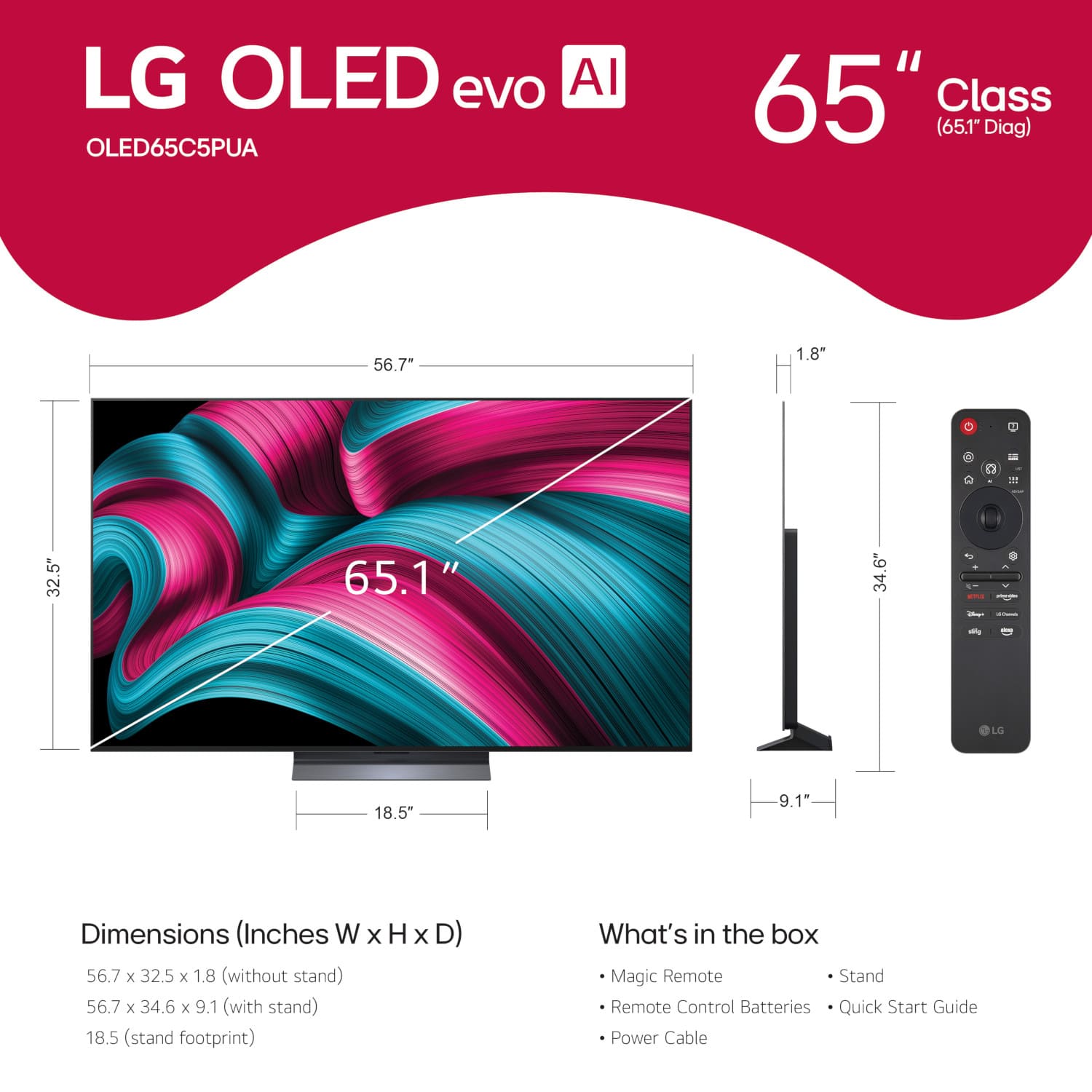




. Independently Tested for Quality and Workmanship CheckPlus: 100 % Color Volume to DCI-P3 oi PSSEANE Intertek [www.IntertekCheck.com](http://www.IntertekCheck.com). 100% Color Fidelity and '100% Color Volume to DCI-P3' applies to 2025 OLED TVs. *LG OLED Display is verified by UL for Perfect Color measured to IDMS 11.5 Ring-light Reflection standards. *100% Color Volume is defined as the performance of display which is equal or greater than the size of DCI-P3 standard color volume as verified independently by Intertek. *The LG OLED Panel is certified by Intertek for 100% Color Fidelity, measured to IDMS 11.5 Ring-light Reflection standards.](https://pisces.bbystatic.com/image2/BestBuy_US/images/products/3661ed5e-8d92-47a9-baef-65aa6eb5dcb9.jpg)













- Model:
- OLED65C5PUA
- SKU:
- 10818539
Rating by feature
- Picture Quality
Rating 4.9 out of 5 stars
- Sound Quality
Rating 4.5 out of 5 stars
- Brightness
Rating 4.9 out of 5 stars
Lg oled
||Posted . Owned for 2 weeks when reviewed.This reviewer received promo considerations or sweepstakes entry for writing a review.My husband and I really love this tv it’s our first tv that we have brought together and we love it so far.
I would recommend this to a friendTelevision installation
||Posted . Owned for 1 month when reviewed.This reviewer received promo considerations or sweepstakes entry for writing a review.Our installation team members were fabulous!! They came in and installed four tv mounts and televisions for us! Would definitely recommend their producta and Geek Squad!
I would recommend this to a friendBest TV in Best Bay.
||Posted . Owned for 3 weeks when reviewed.This reviewer received promo considerations or sweepstakes entry for writing a review.This product is excellent....like Best Bay. It's pleaser to bay in this market.
I would recommend this to a friendAudio and Video Installation
||Posted . Owned for 1 week when reviewed.This reviewer received promo considerations or sweepstakes entry for writing a review.The technicians were courteous and professional, and they communicated the task very clearly. They demonstrated a high level of expertise and knowledge in audio, video, and installation technology.
I would recommend this to a friendGreat TV!
||Posted .This reviewer received promo considerations or sweepstakes entry for writing a review.Absolutely a great tv for the money! Best tv I ever purchased.
I would recommend this to a friendFredaB
||Posted .This reviewer received promo considerations or sweepstakes entry for writing a review.Excellent TV best there is on the market. Always wanted the OLED very happy with my purchase
I would recommend this to a friend- Pros mentioned:Picture quality
Good replacement tv
||Posted . Owned for 2 weeks when reviewed.This reviewer received promo considerations or sweepstakes entry for writing a review.Picture is great. UI and remote are a little odd and not use intuitive.
I would recommend this to a friend LG C5
||Posted . Owned for 3 weeks when reviewed.This reviewer received promo considerations or sweepstakes entry for writing a review.Upgraded from my LG C3 to this C5 and it was definitely worth it. I was hesitant to upgrade to another LG only a few years newer but the dark scenes are much better. Also I like the remote even though it saw a lot of people did not
I would recommend this to a friendGreat Picture
||Posted .This reviewer received promo considerations or sweepstakes entry for writing a review.Long time Samsung customer. But the LG caught my eye. The picture Quality and sound are amazing!
I would recommend this to a friendLG OLED
||Posted . Owned for 3 weeks when reviewed.This reviewer received promo considerations or sweepstakes entry for writing a review.It's a good choice, the screen is so clear and looks real, I feel like I always watch a movie.
I would recommend this to a friend- Pros mentioned:Picture quality
Amazing! I love it
||Posted . Owned for less than 1 week when reviewed.This reviewer received promo considerations or sweepstakes entry for writing a review.This Tv is amazing and is great for gaming! I love it
I would recommend this to a friend Television
||Posted .This reviewer received promo considerations or sweepstakes entry for writing a review.Nicely installed, they were professionals & answered all my questions & concerns!
I would recommend this to a friendFirst OLED and I love it!
||Posted .This reviewer received promo considerations or sweepstakes entry for writing a review.No complaints, great TV got it on sale just before Black Friday, really enjoy it!
I would recommend this to a friendGreat TV
||Posted . Owned for 1 month when reviewed.This reviewer received promo considerations or sweepstakes entry for writing a review.This tv delivers an amazing viewing experience. Well worth the price.
I would recommend this to a friend
Bright oled but lacks color accuracy
|Posted .This reviewer received promo considerations or sweepstakes entry for writing a review.LG boasts about their brightness booster on their oleds. And while yes it’s brighter than Sonys Bravia 8, but the pictures quality just isn’t there for LG. Certain scenes in movies looked washed. What they make up for in brightness they lack in color accuracy.
I would recommend this to a friendAmazing TV
||Posted .This reviewer received promo considerations or sweepstakes entry for writing a review.The only thing I could knock it for is the sound. The sound is not bad at all but everything else is near perfect
I would recommend this to a friend- Pros mentioned:Picture quality
Great TV
||Posted . Owned for 2 weeks when reviewed.This reviewer received promo considerations or sweepstakes entry for writing a review.Great tv for a great price … might grab another for my room
I would recommend this to a friend - Pros mentioned:Picture quality
Great tv but has some minor problems
||Posted . Owned for 2 weeks when reviewed.This reviewer received promo considerations or sweepstakes entry for writing a review.Love the picture quality and the brightness in well lit rooms
I would recommend this to a friend Excellent TV and reps but price match
||Posted . Owned for 2 weeks when reviewed.This reviewer received promo considerations or sweepstakes entry for writing a review.From the start this was an exceptional experience. The reps were not pushy to upsell and offered honest reviews of their experiences with different models. The reps went above and beyond. My only complaint would be that the TV went on sell for a lesser price just over Bestbuy’s 15 day price match window and Bestbuy will not honor the lower sales price.
I would recommend this to a friend- Pros mentioned:Picture quality
LG OLED evoAI
||Posted .This reviewer received promo considerations or sweepstakes entry for writing a review.Solid tv. The picture comes out well. Pricing fair for what you get.
I would recommend this to a friend