Customer Ratings & Reviews
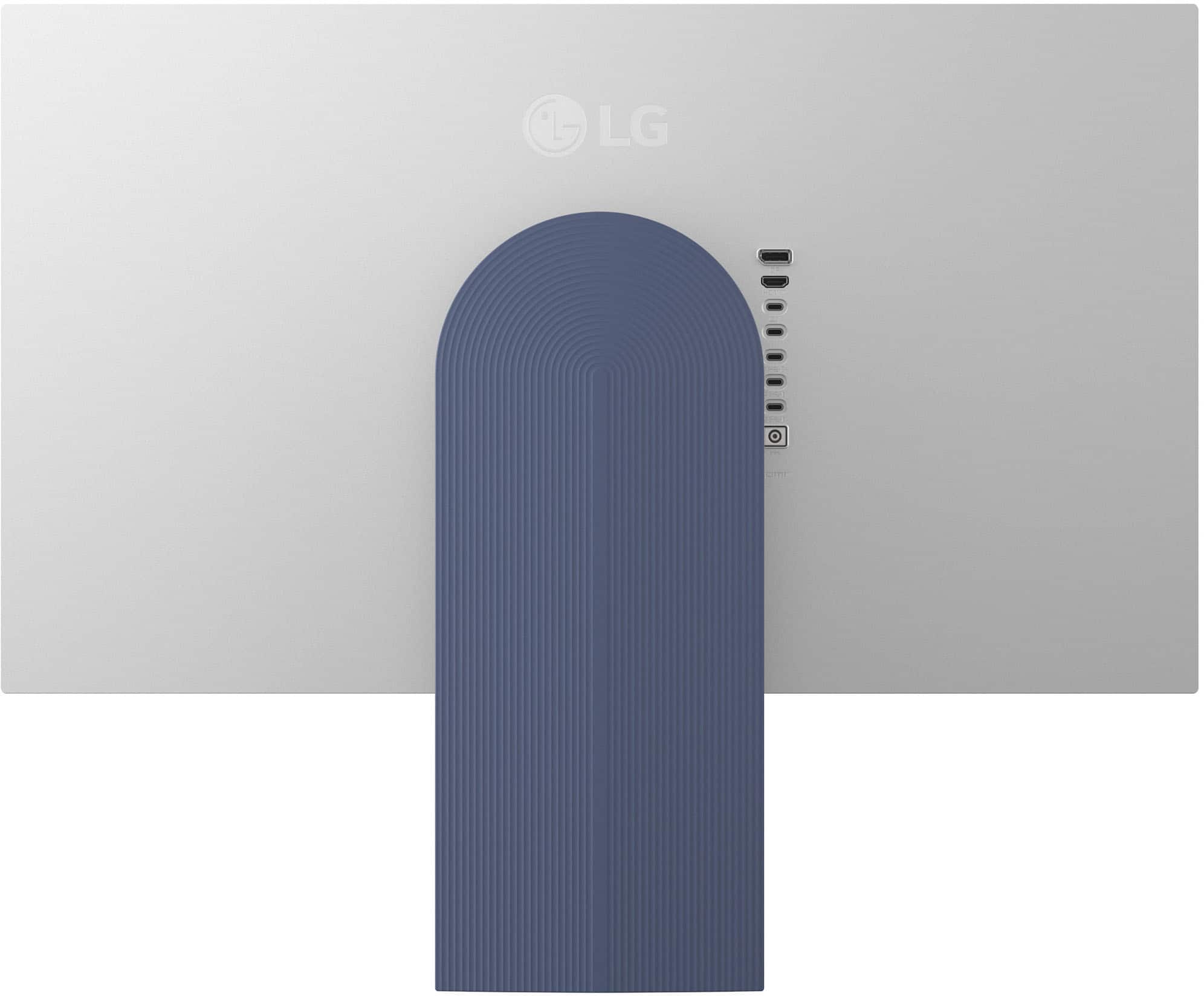
![Sure, here is the corrected and grouped text from the image:
---
**LG**
**Twin Towers 20, Yoido-Cong, Youngdungpo-Gu, Seoul 150-721, Korea**
**MADE IN KOREA**
**PRODUCT CODE:** E204130002EV01
**POWER:** 24 A
**SERIAL NO:** [Serial Number]
**MADE IN KOREA**
**ME264130002/REV01**
---
**Ports:**
- DP
- HDMI™
- USB
- USB
- USB
- HDMI™
---
**Note:** This device complies with the FCC rules. This device must be operated in accordance with the following conditions: [Additional conditions and information not fully visible in the image]](https://pisces.bbystatic.com/image2/BestBuy_US/images/products/750eadbd-754c-46ee-9a96-e9001c88a19e.jpg)
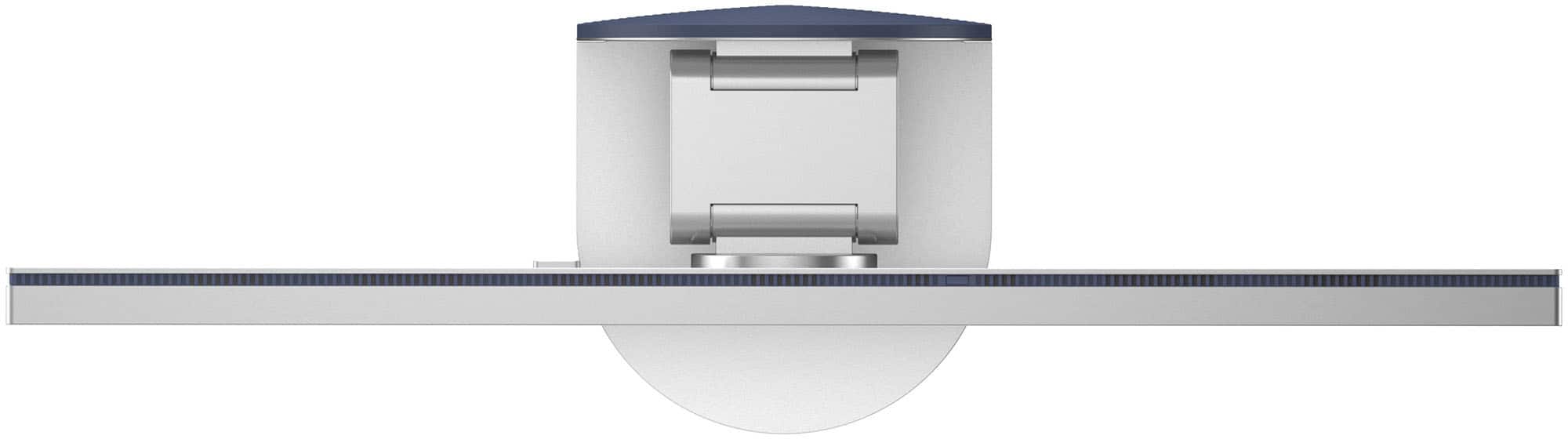
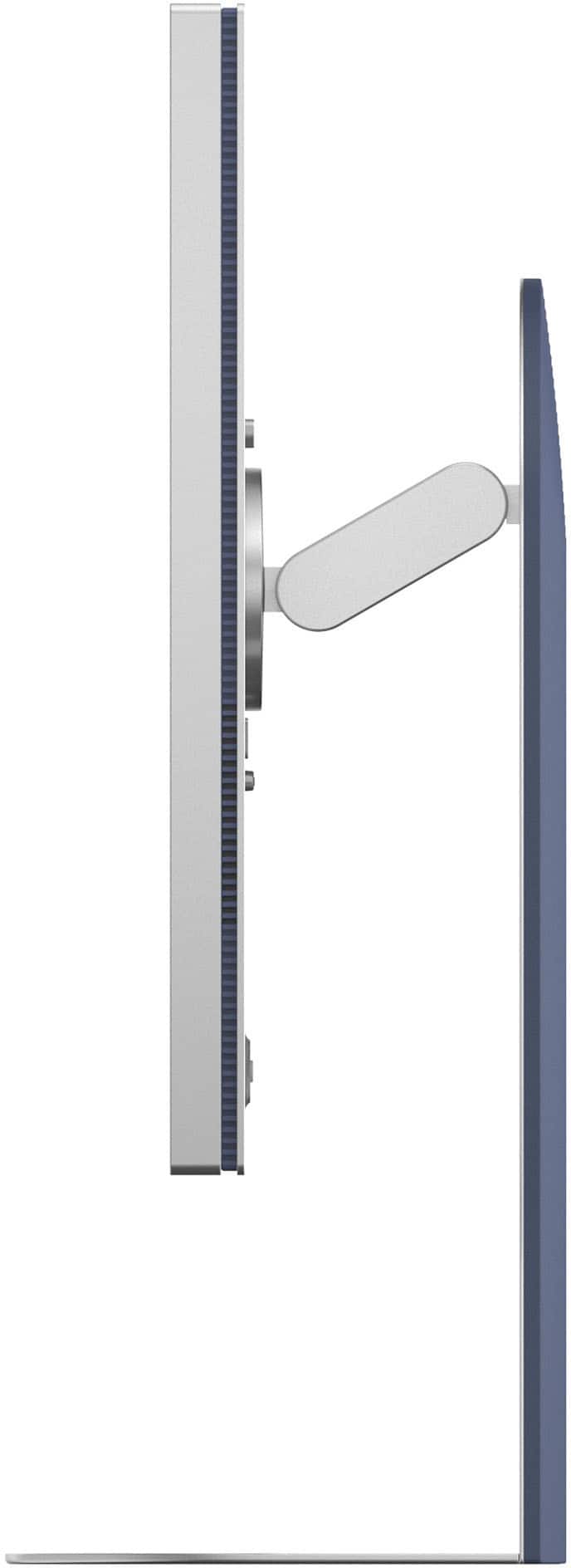
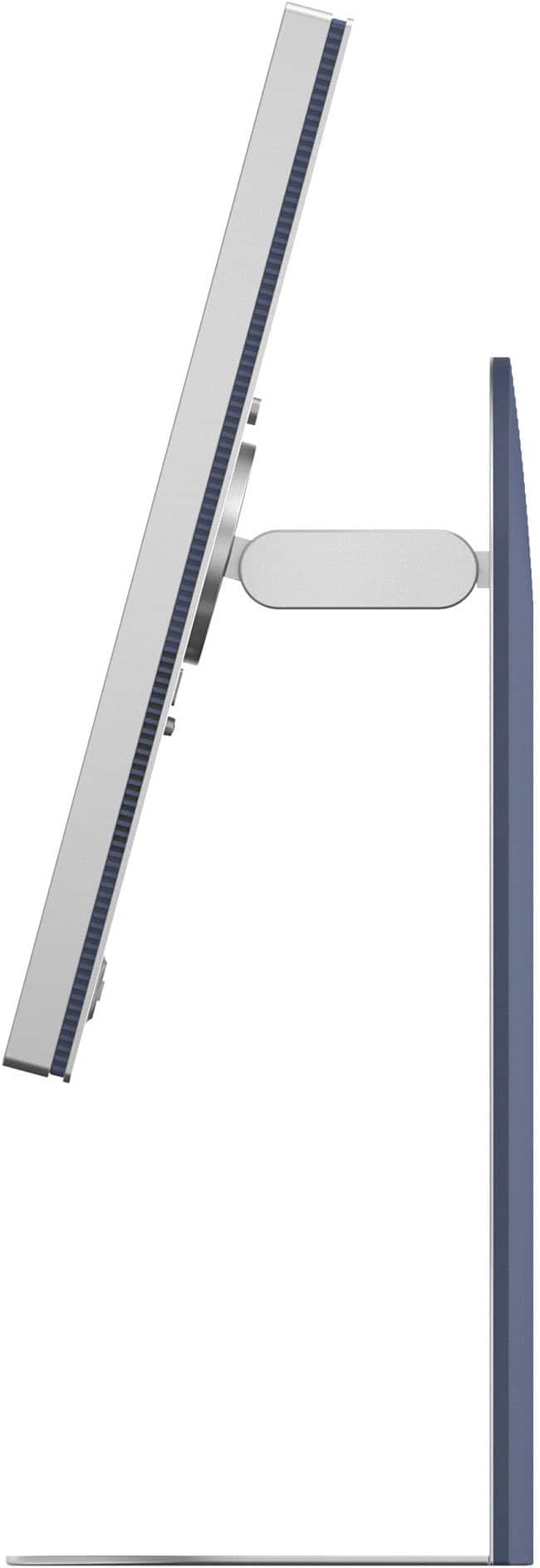
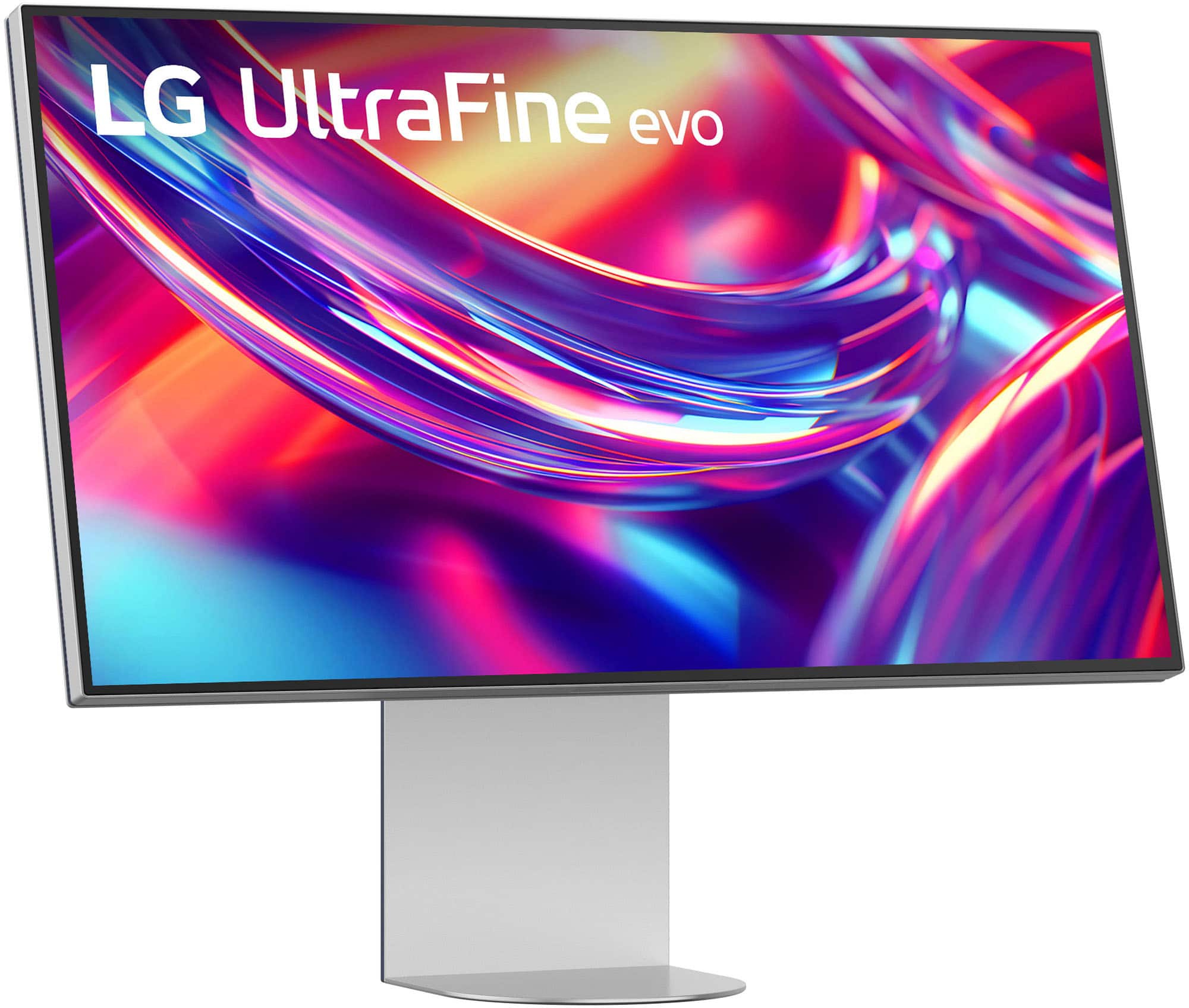
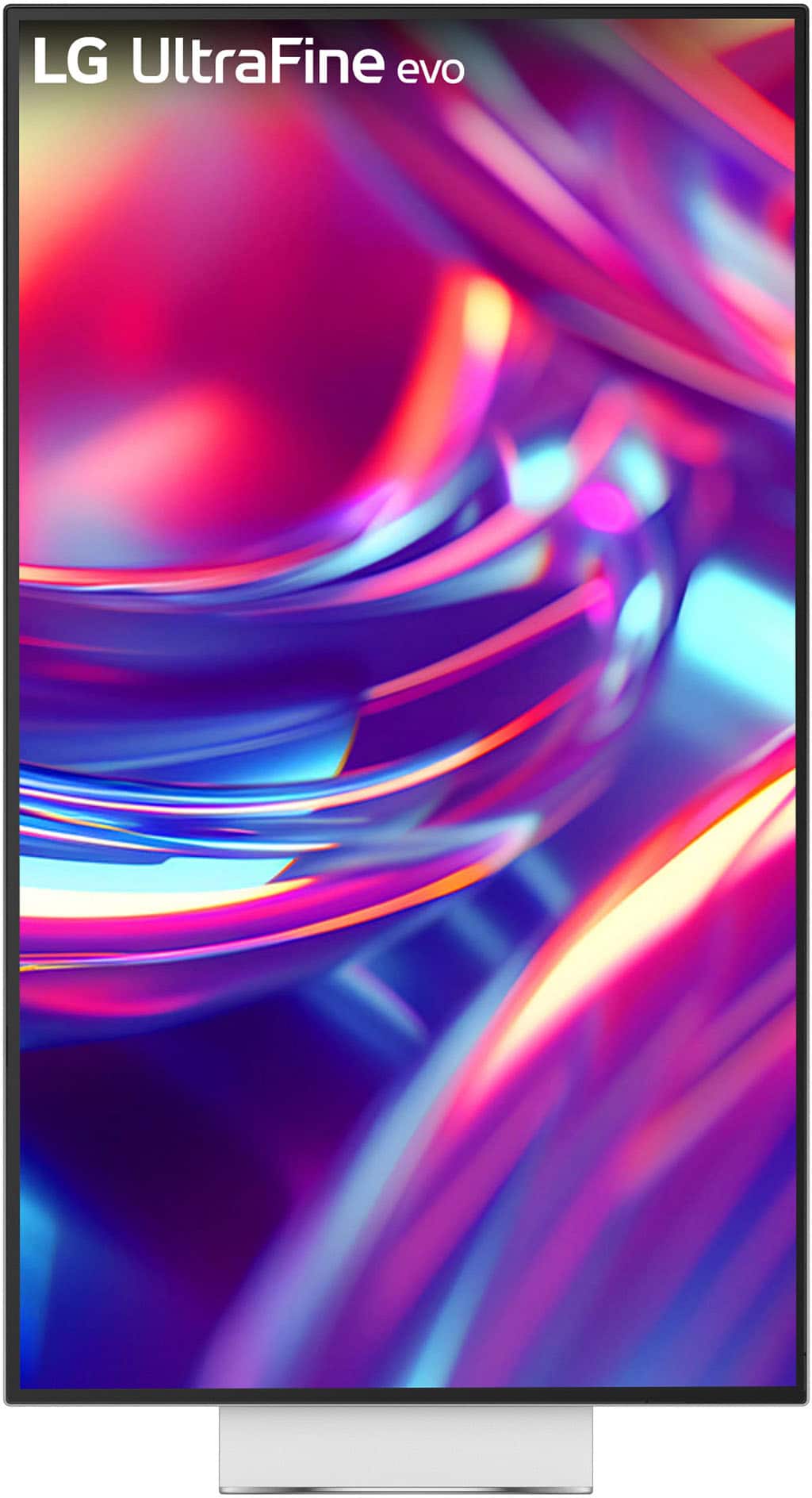
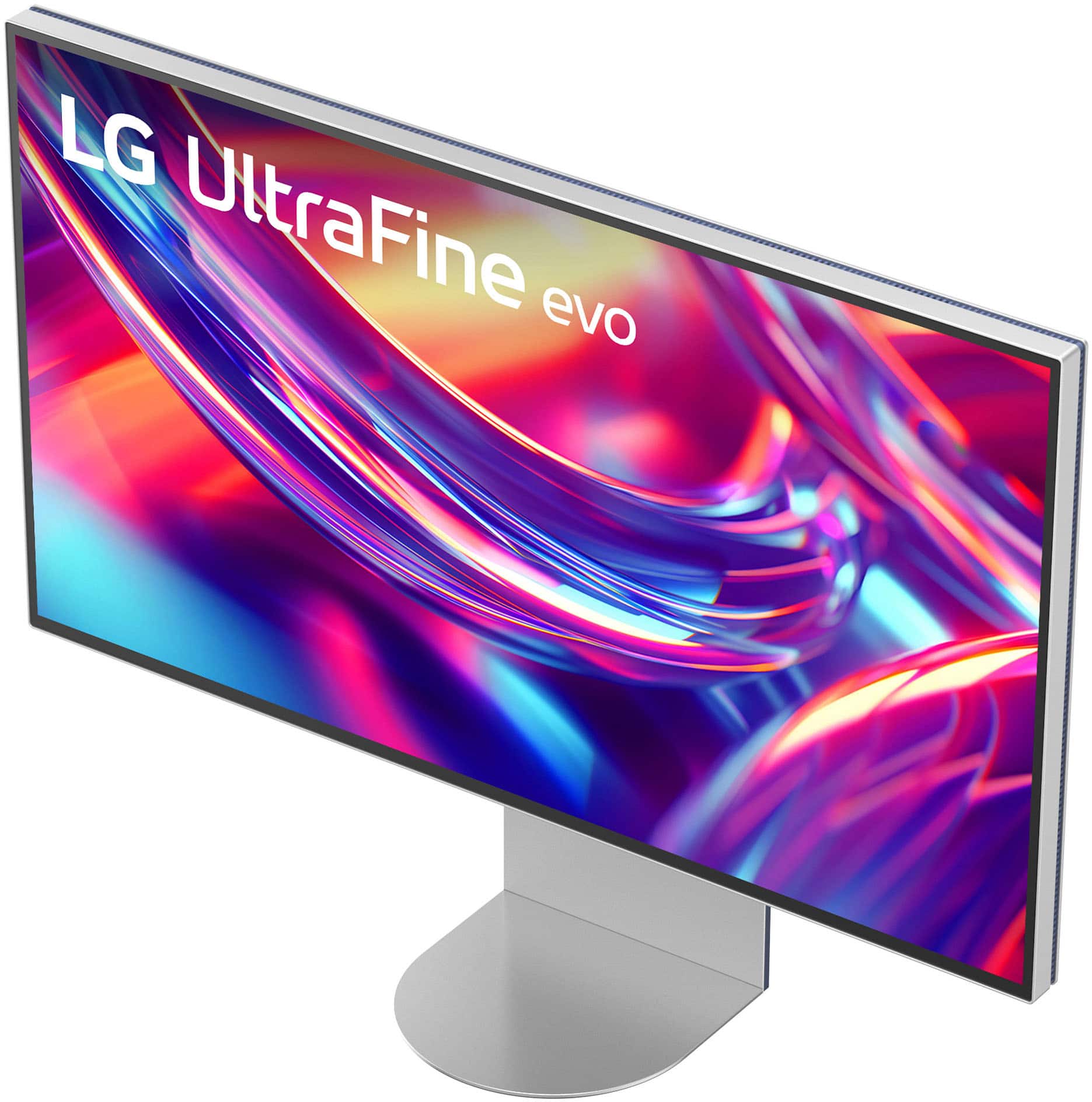
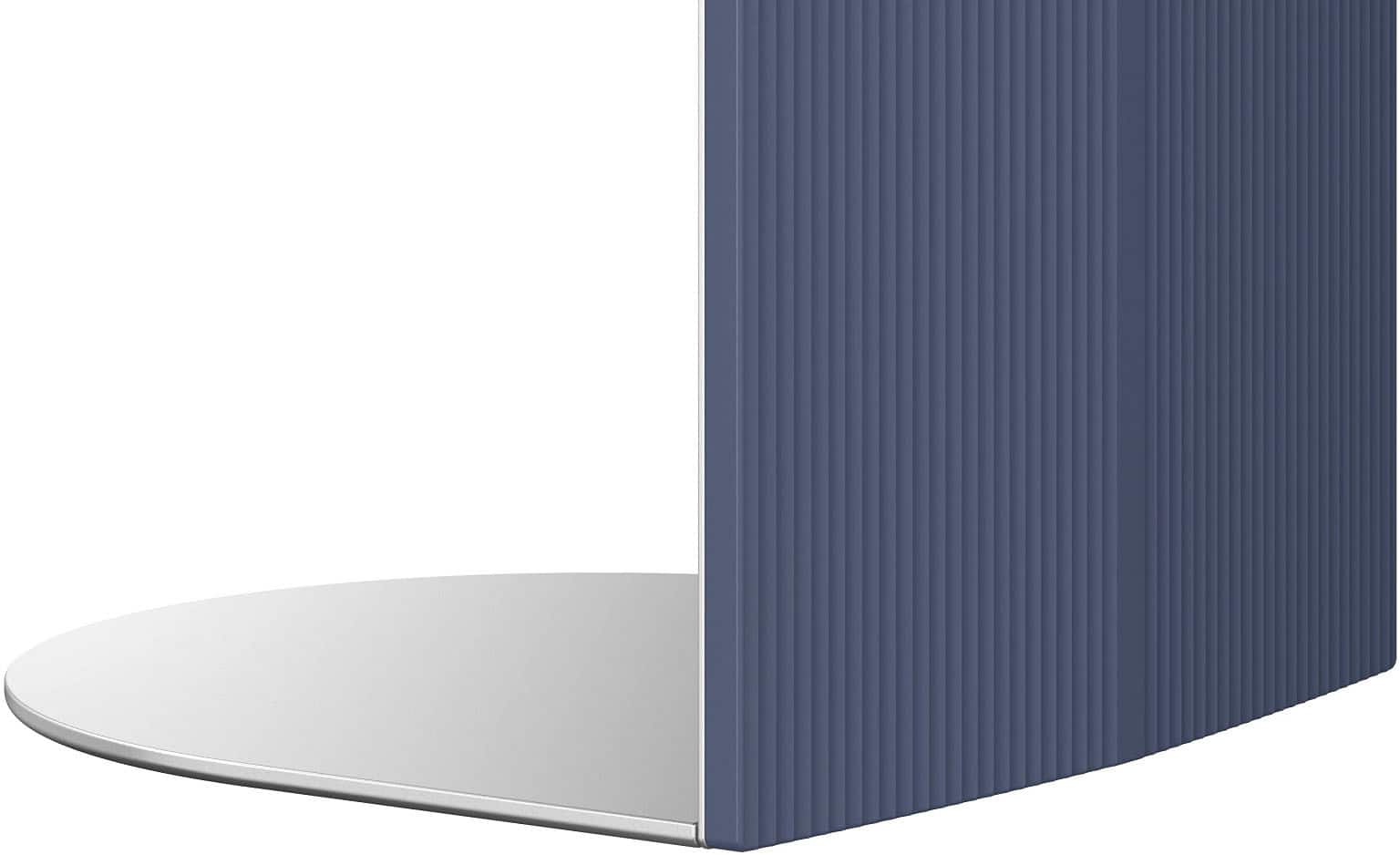

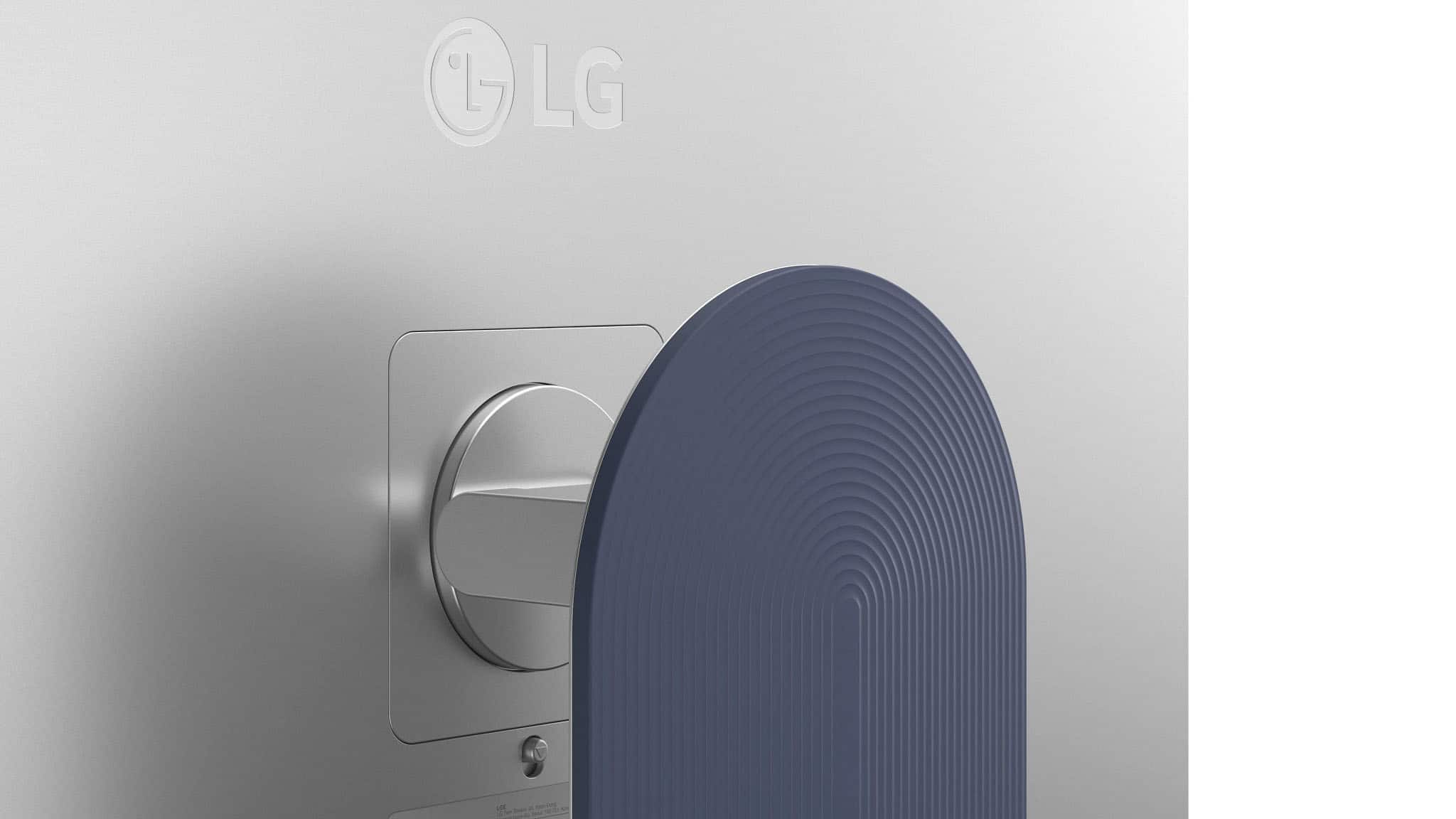

- Model:
- 32U990A-S
- SKU:
- 6641768
to a friend
- Pros mentioned:Build quality, Color accuracy, Connectivity

Content Creators' Dream Display
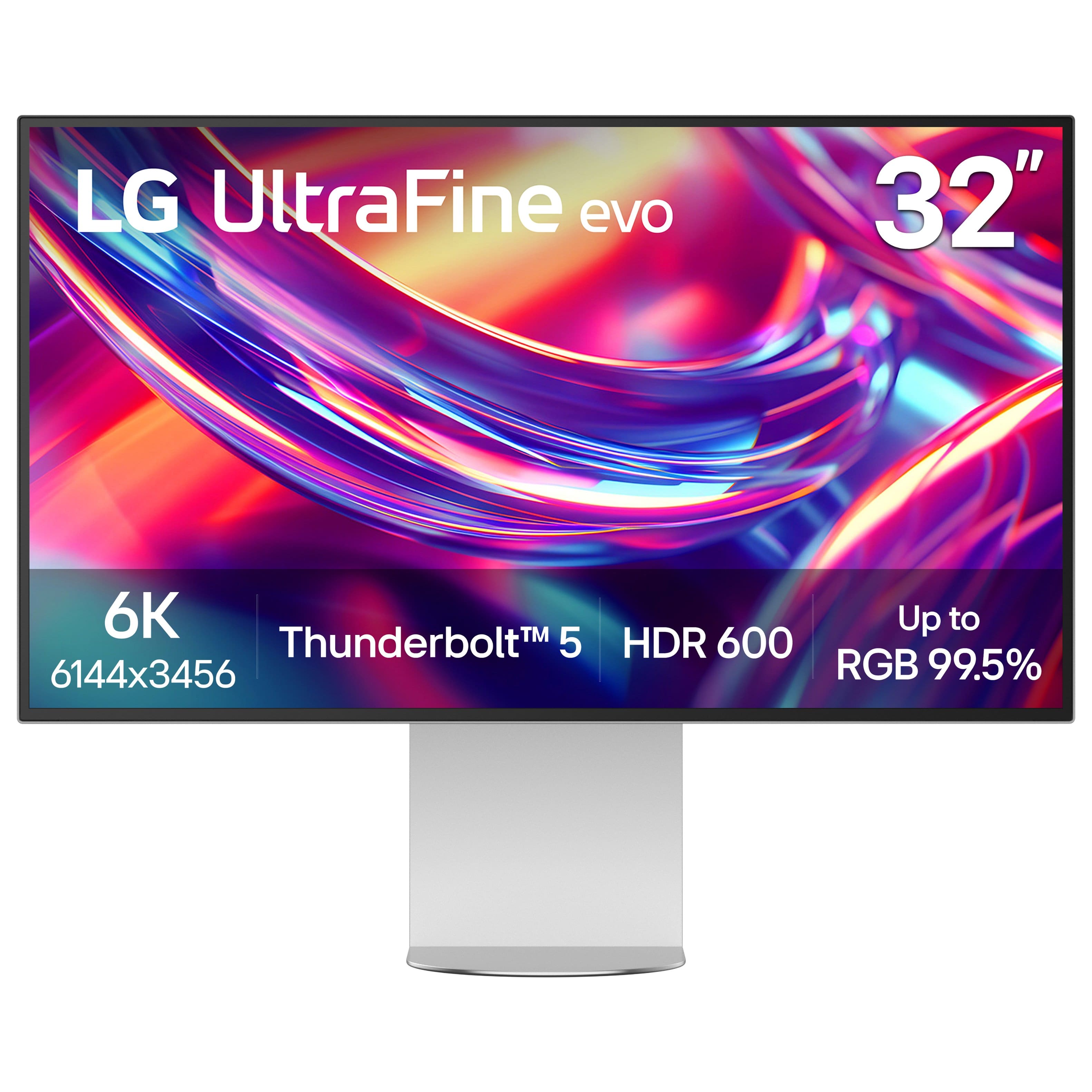
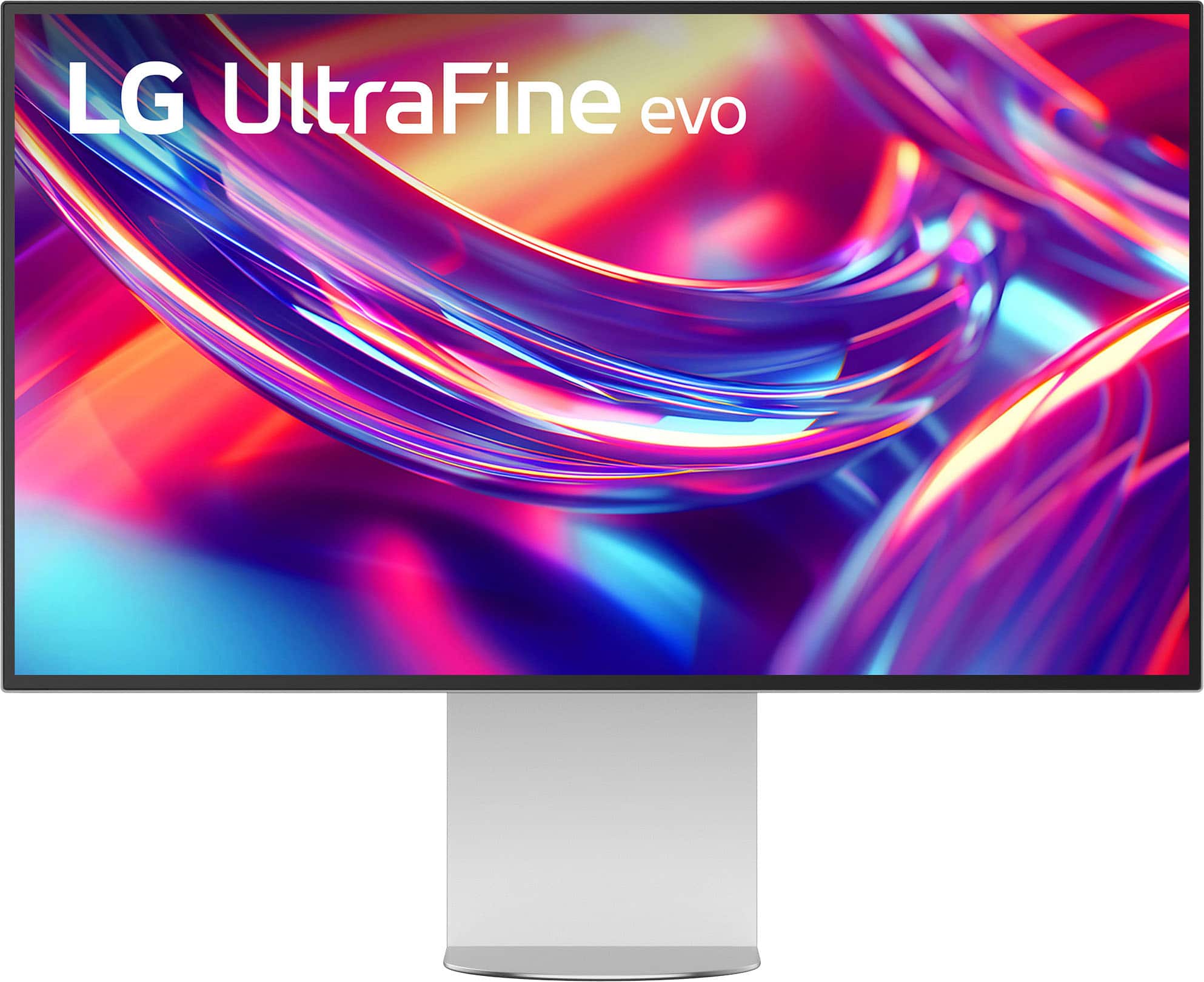
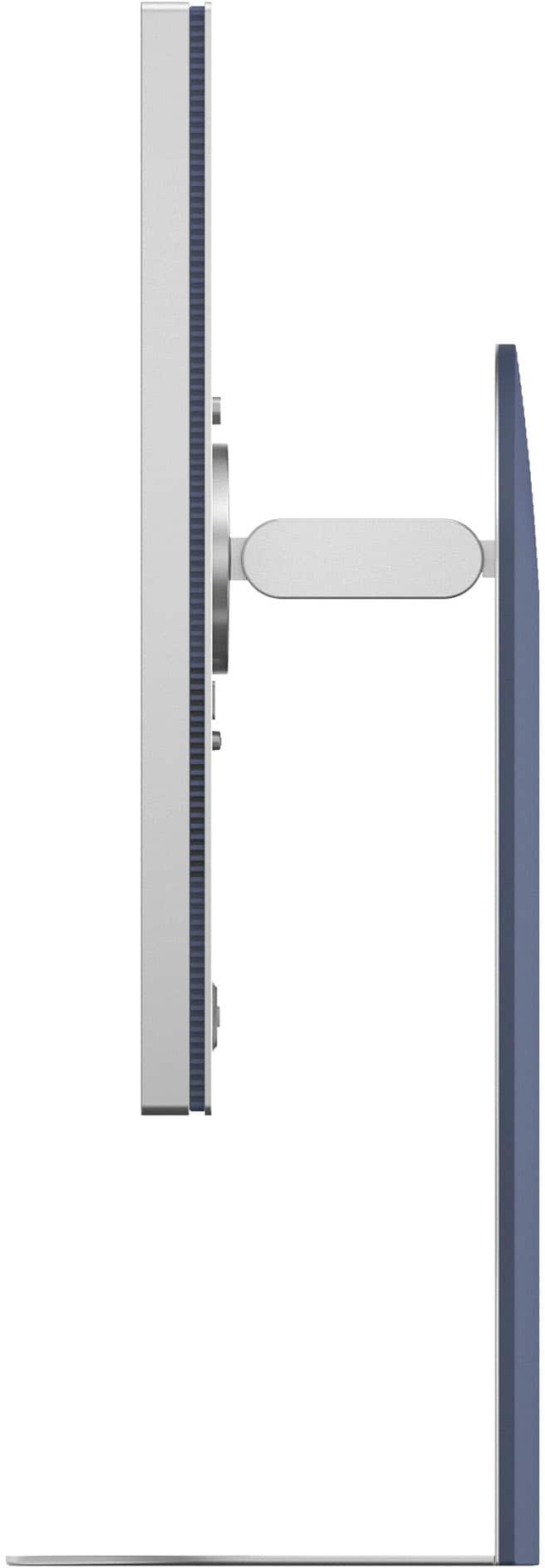
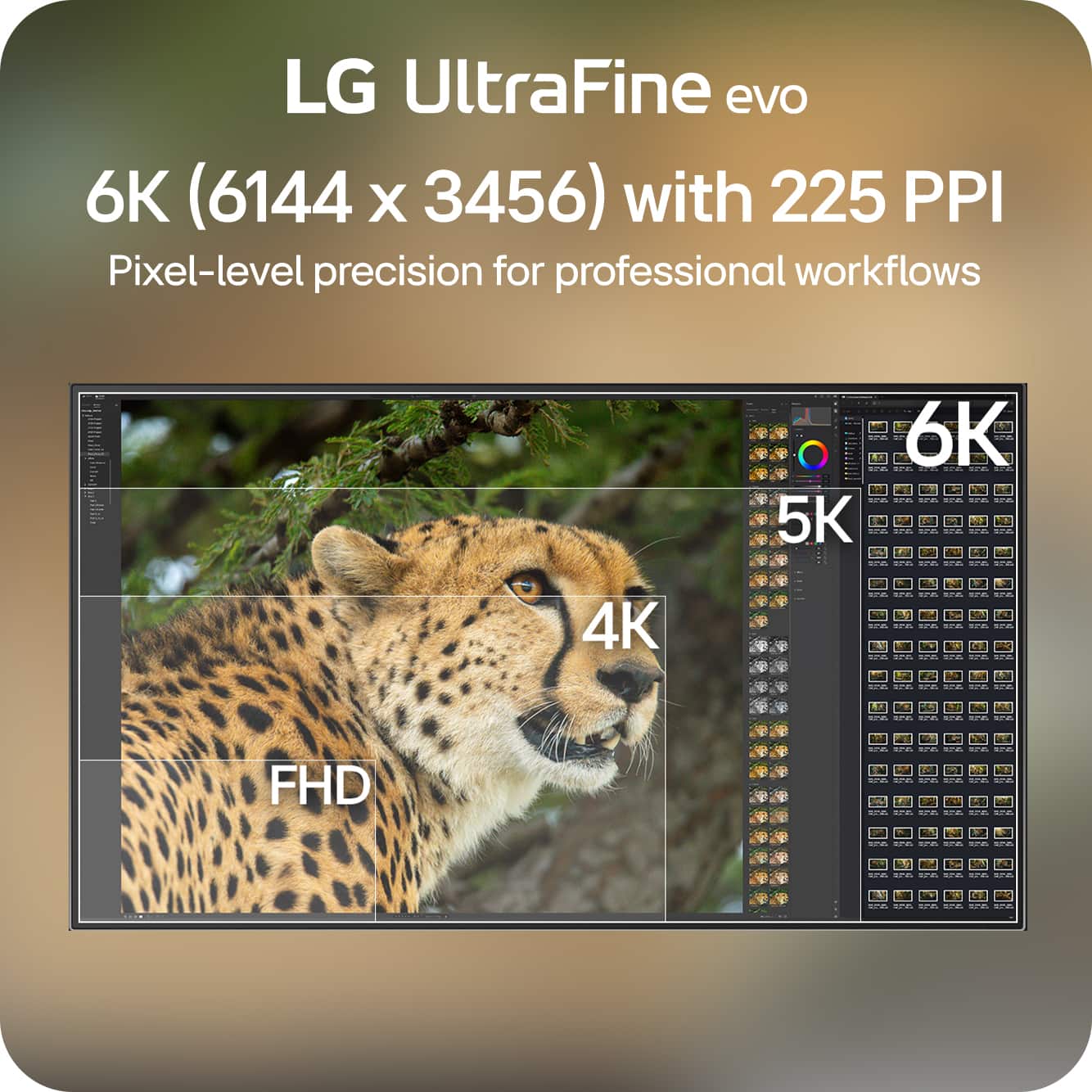
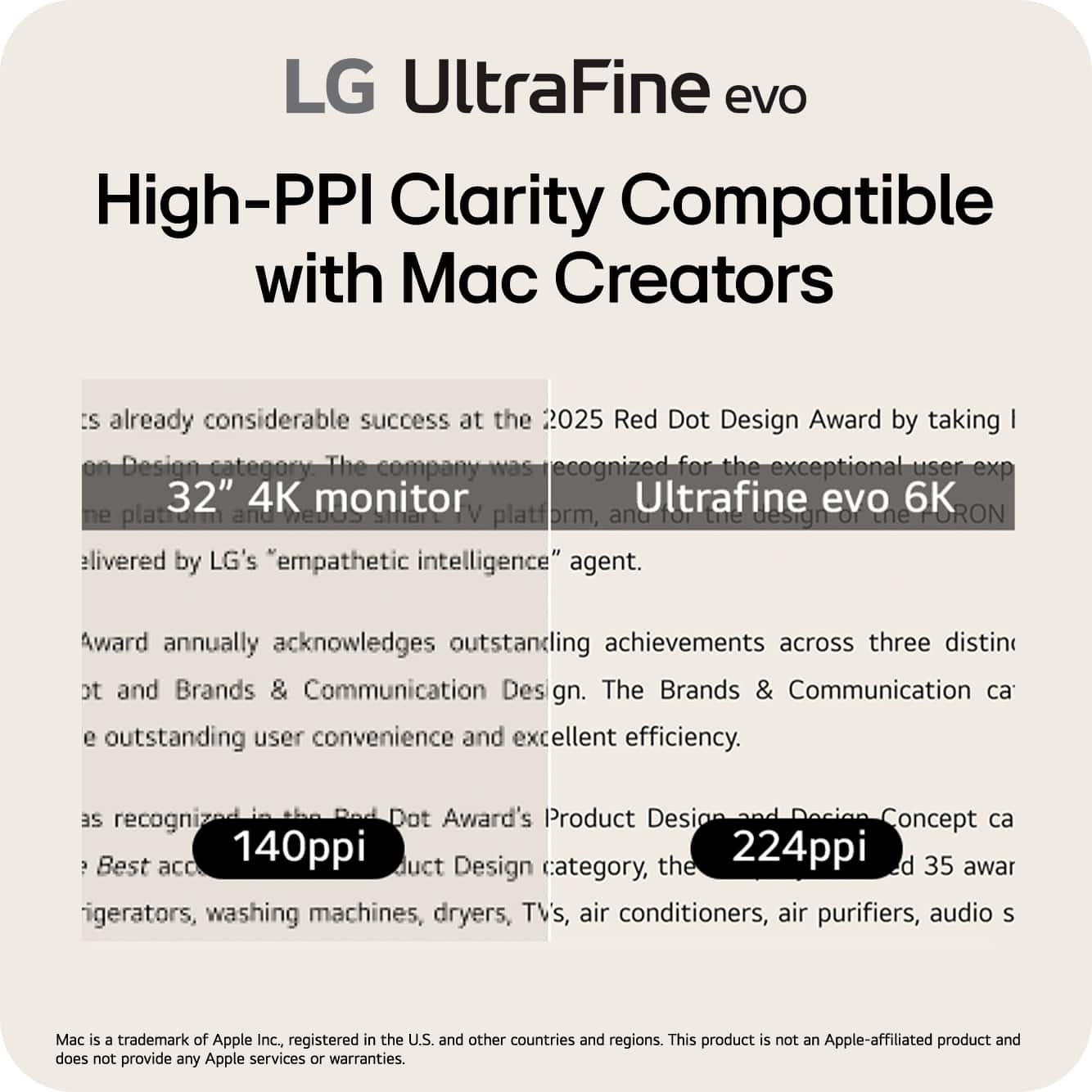
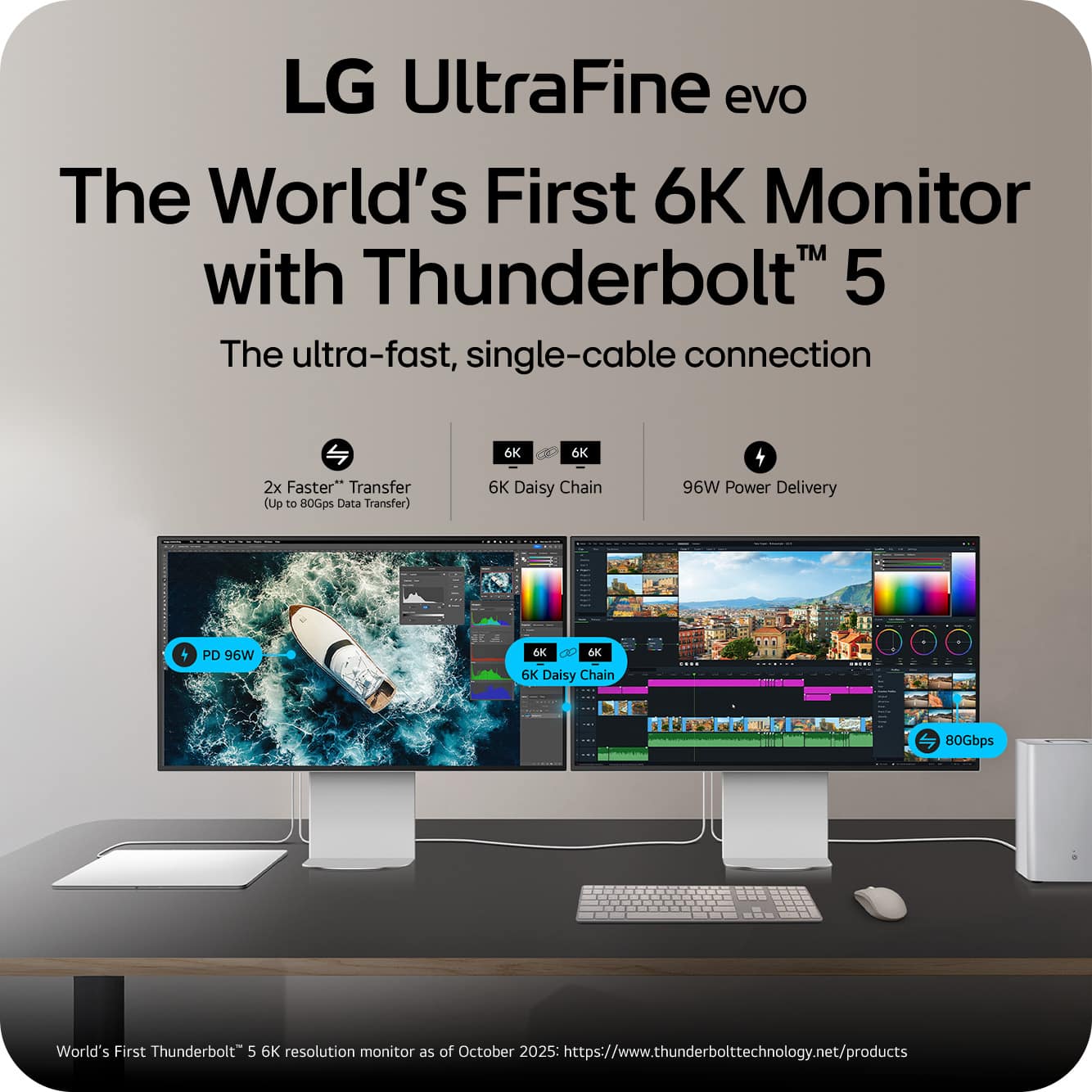
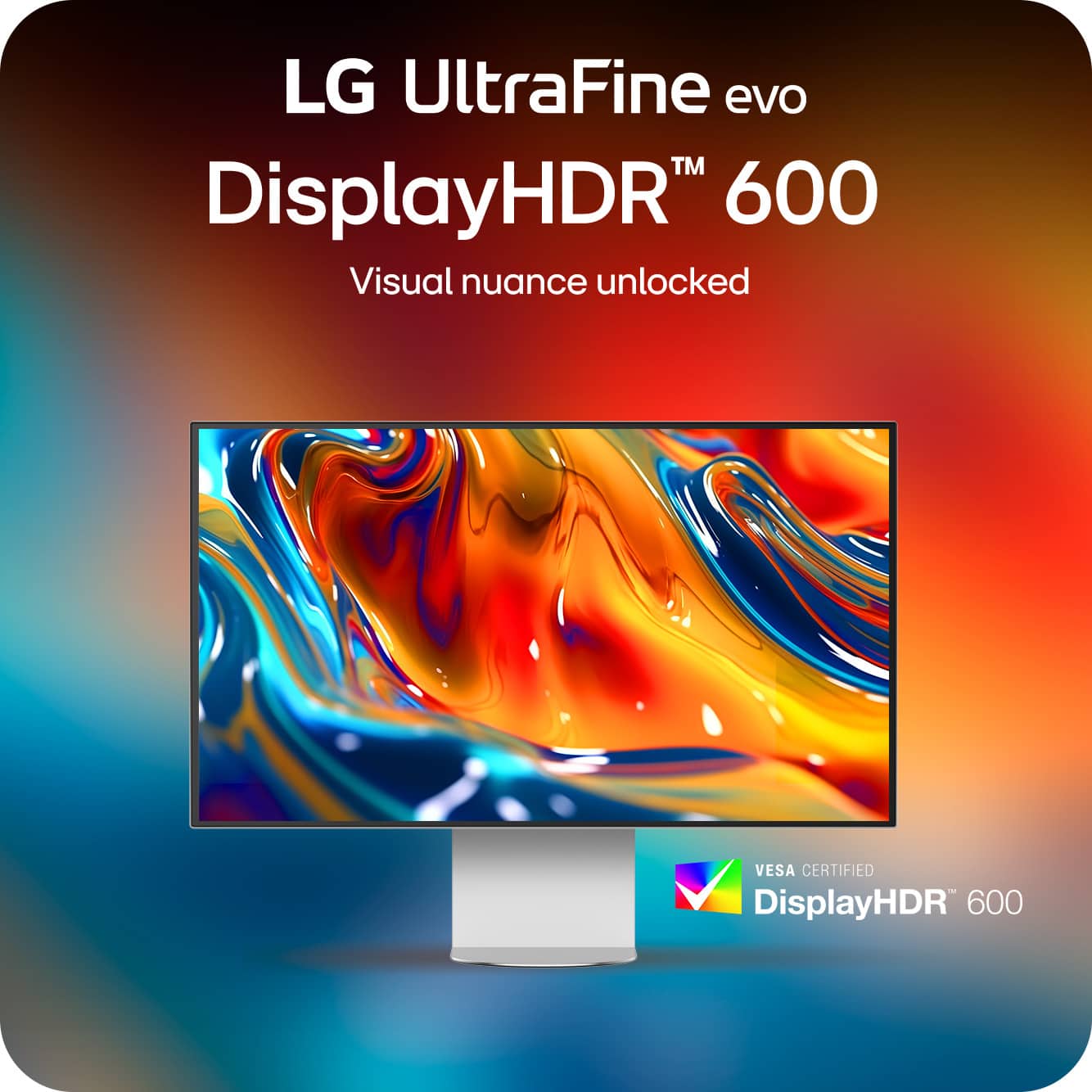
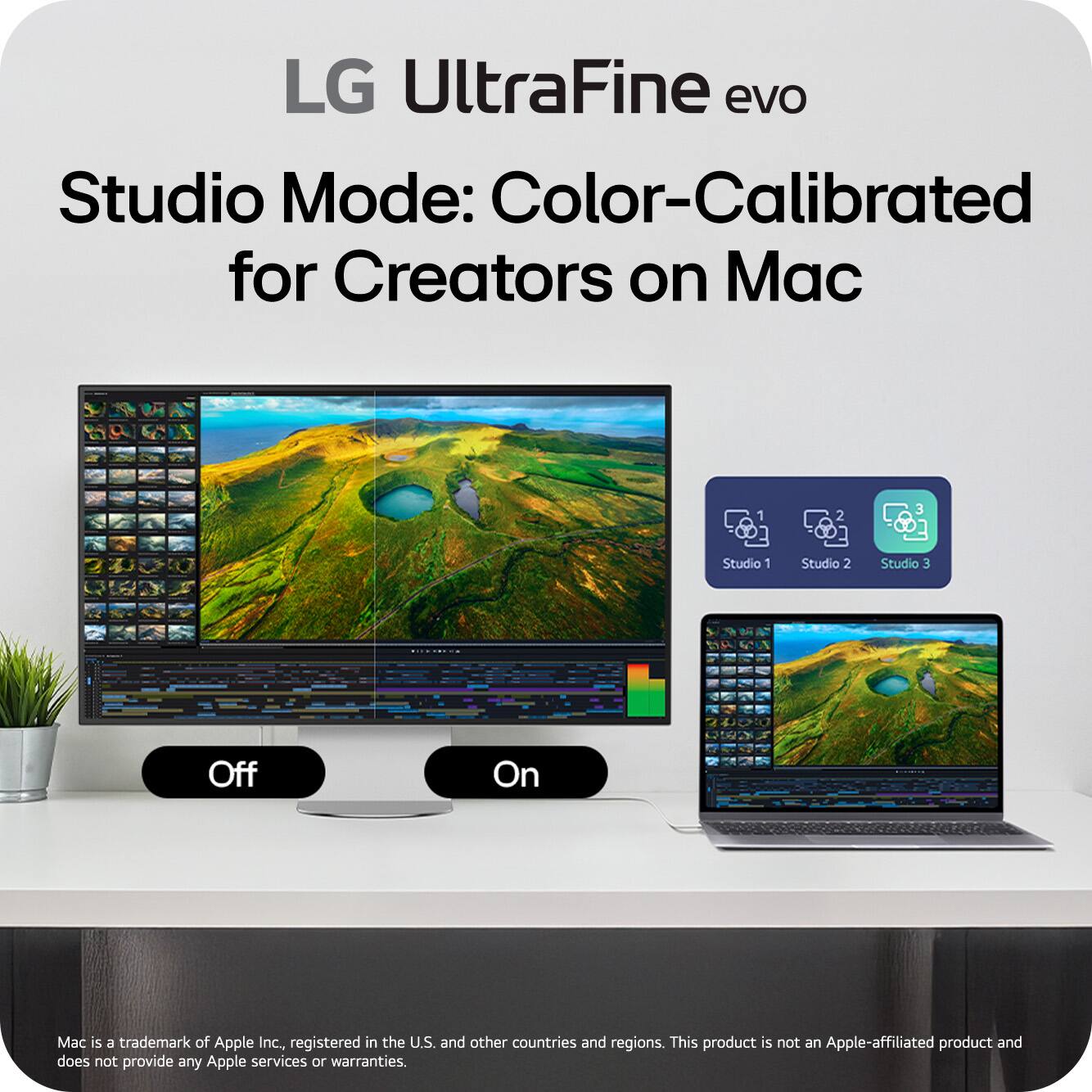
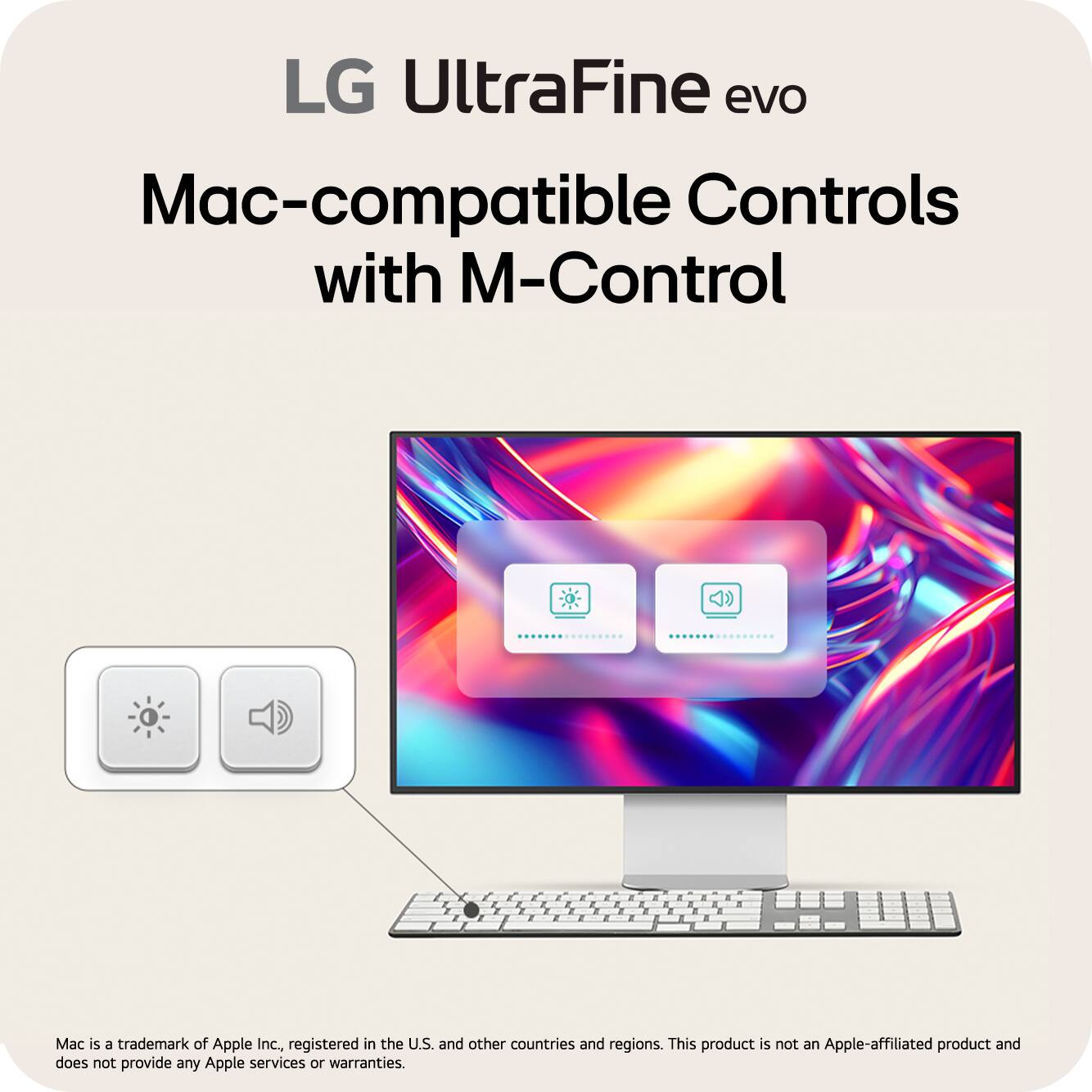
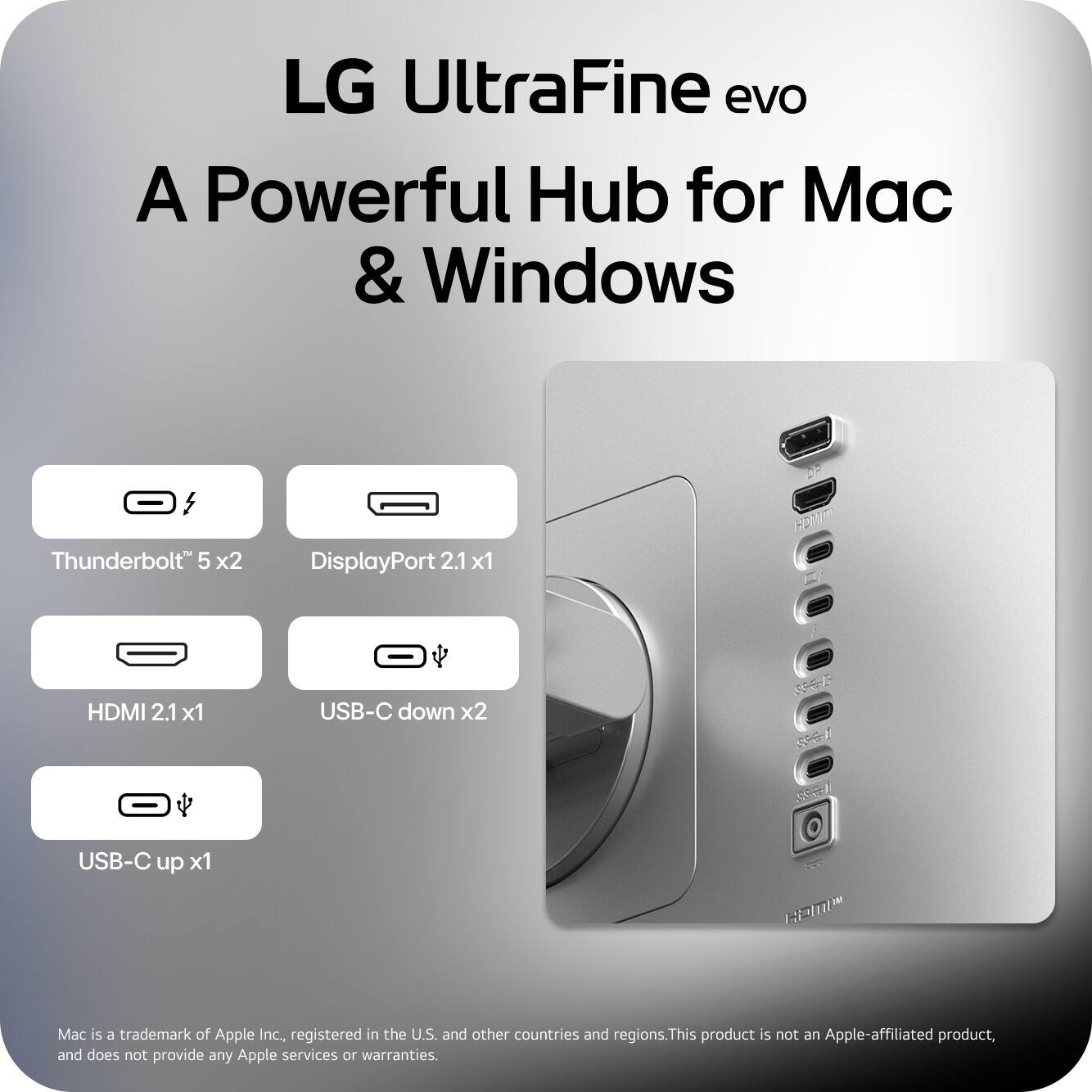
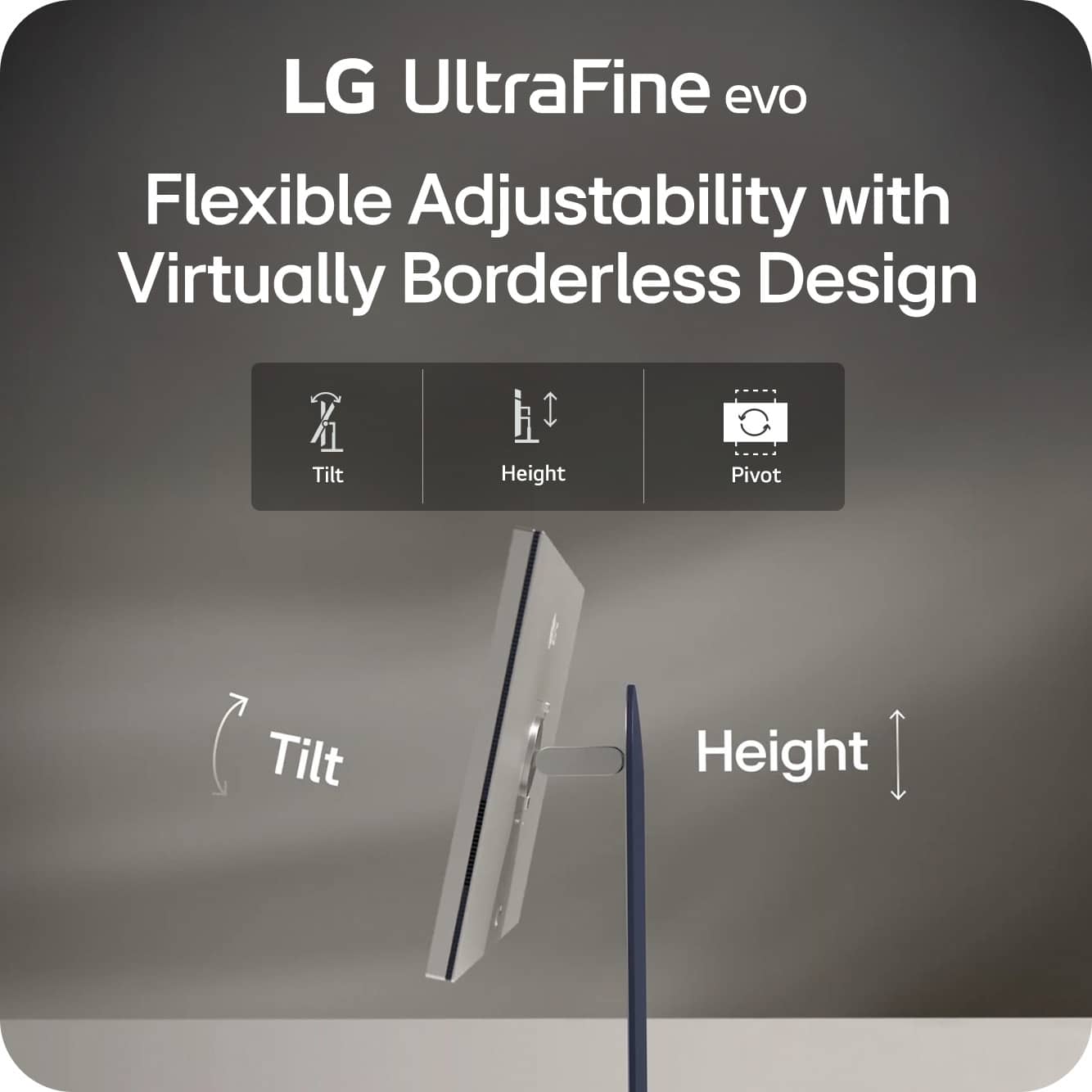
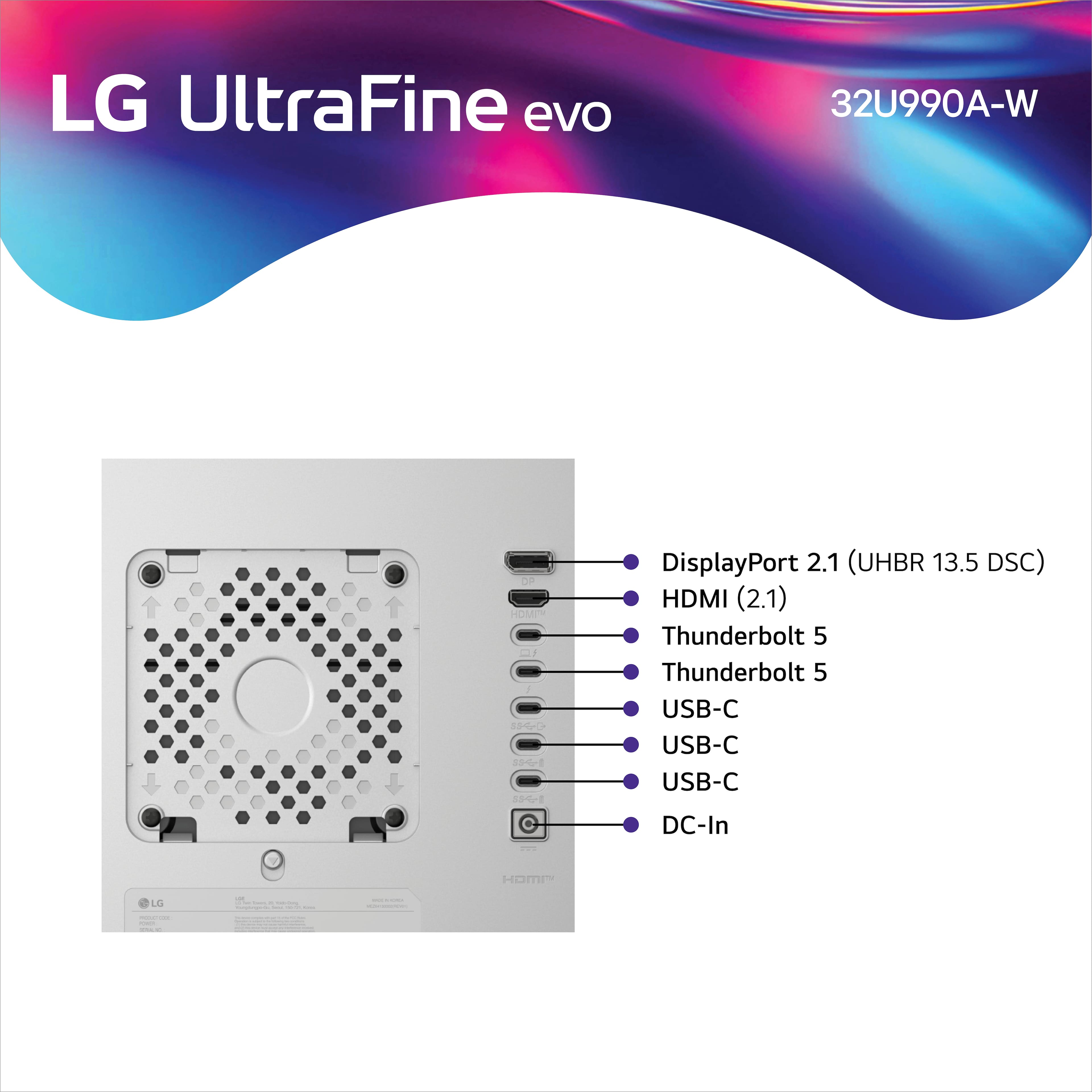
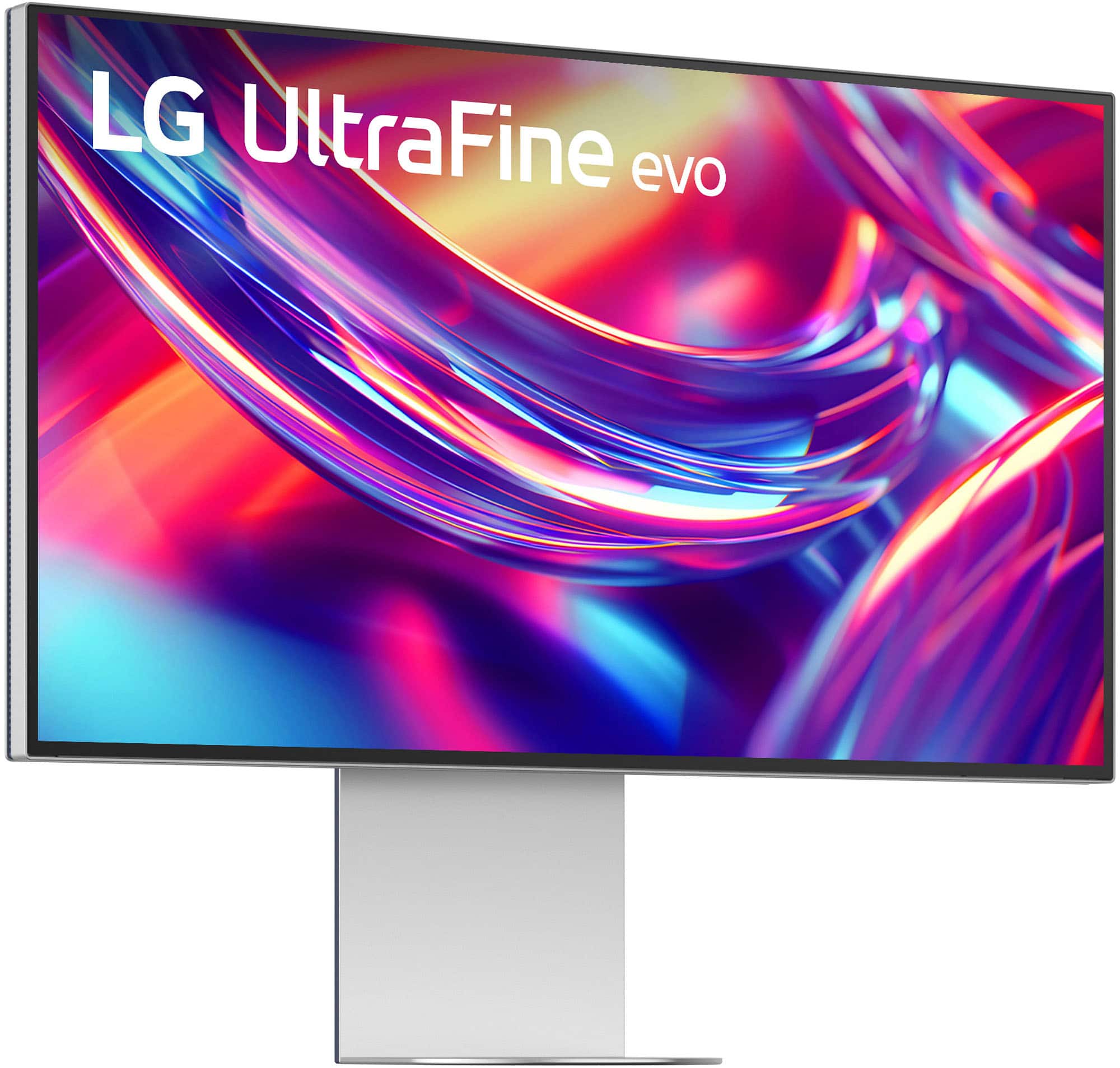
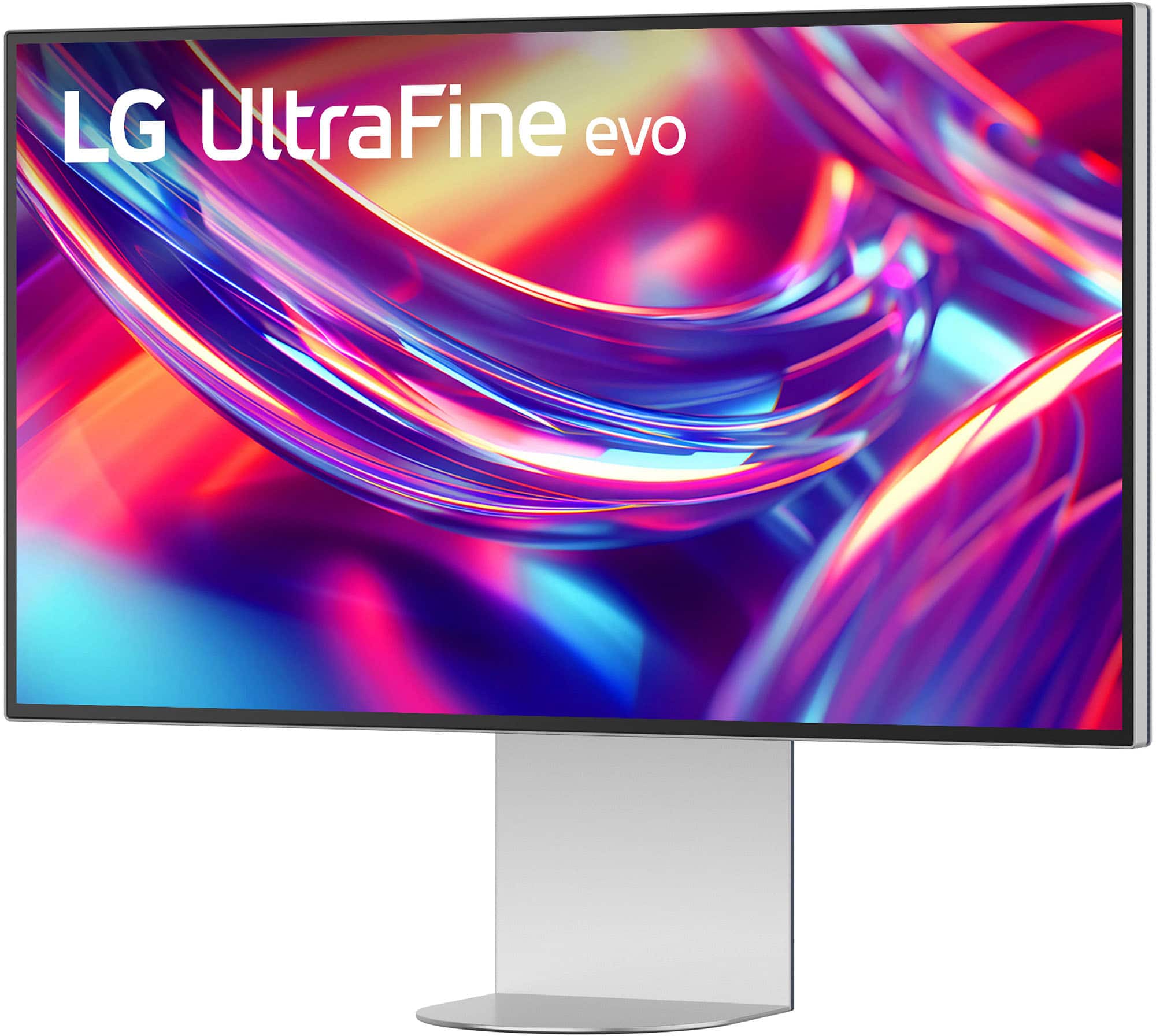
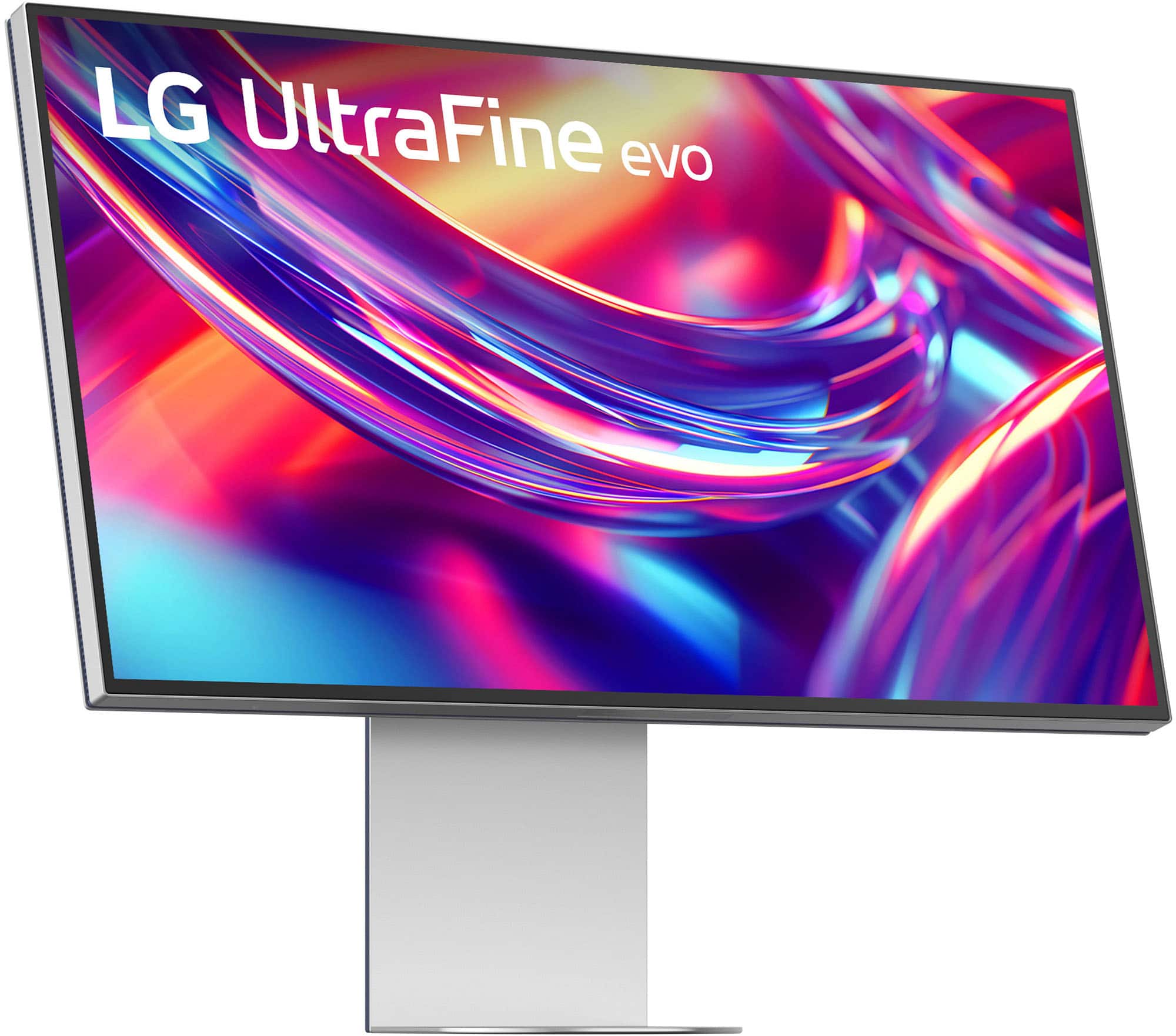
|Posted .This reviewer received promo considerations or sweepstakes entry for writing a review.As a budding content creator, I’m always looking for hardware and software options that will allow me to continue to enhance my skillset and provide high-quality content. The LG 32” Ultrafine evo 6K monitor with Thunderbolt 5 is turning out to be an absolute game changer for me. I’m a Mac user and have been searching for a display that will support the next step in my developmental curve, and this monitor has checked all the boxes. Initial Unboxing and Setup The 32” Ultrafine evo 6K was packaged well by LG and there is minimal setup required. Once removed from the box, the base of the stand needs to be connected to the stand with 2 provided screws. Once that is completed, simply snap the monitor into place on the stand, that’s it. It is solidly built and although I have a midnight MacBook, the color matches with the other Apple equipment in my studio. The bezel is very small, so the monitor is essentially borderless and there is plenty of adjustability for height, angle and rotation. The matte finish efficiently reduces glare and give the monitor a professional look and feel. Connectivity The 32” Ultrafine evo 6K has several connection options that support both Macs and Window PCs, with the star of the show being the Thunderbolt 5 port. My MacBook only has Thunderbolt 3/4 support, but the 5 port is backwards compatible and is plug-and-play ready. I can also use it to connect my external Thunderbolt 5 SSD storage for fast access and storage with the full TB5 throughput. In addition to the two Thunderbolt 5 ports, there are 2 x USB-C down ports, 1 x USB-C up port, 1 x HDMI 2.1 port and 1 x DisplayPort 2.1. Essentially this monitor can be used to connect a wide variety of devices for your content creation needs. The Panel This is what it’s all about, and LG has always been known for their superior panels be it in the TV or Monitor markets. The 32” Ultrafine evo is exactly what I needed to be able to take my work to the next level. The 6K resolution, 224 PPI and VESA DisplayHDR™ 600 certification provide all the features needed for proper color grading, retouching images and producing output with the desired color and tones. For the Mac users out there, the 32” Ultrafine evo provides Studio Mode with 3 preset color settings to make it easier to produce the correct output as seen on the monitor. As mentioned previously, the screen is matted to cut glare and performs its role admirably. Additional Features The 32” Ultrafine evo includes eye comfort technology by TÜV Rheinland that helps reduce eye strain and discomfort during those long hour power sessions. The monitor also includes M-Control to allow support for brightness and volume directly from the Mac keyboard. The monitor also includes built-in speakers to assist in reducing clutter on your workspace by replacing external speakers. Pros: - Industry leading 6K resolution panel with VESA DisplayHDR™ 600 certification - Thunderbolt 5 connectivity, along with HDMI, USB-C and DisplayPort ports - High quality build on the panel and stand - Adjustability of the viewing angles provided by the heavy-duty stand - Direct support for Macs with M-Control and Studio Mode - The incredible output quality, crispness, rich colors and 224 PPI Cons: - The Power Brick is big, really BIG! Overall, the LG 32” Ultrafine evo 6K monitor has been a joy to work with for the incredible image quality, the array of Mac focused features and the overall design and build quality. I would certainly recommend this monitor for anyone looking to take their content creation to the next level or for the folks that are already at the next level! This monitor will change the way you approach video and photo editing or just streaming high def content.
I would recommend this to a friend - Pros mentioned:Build quality, Color accuracy, Connectivity
Amazing picture with crazy good details
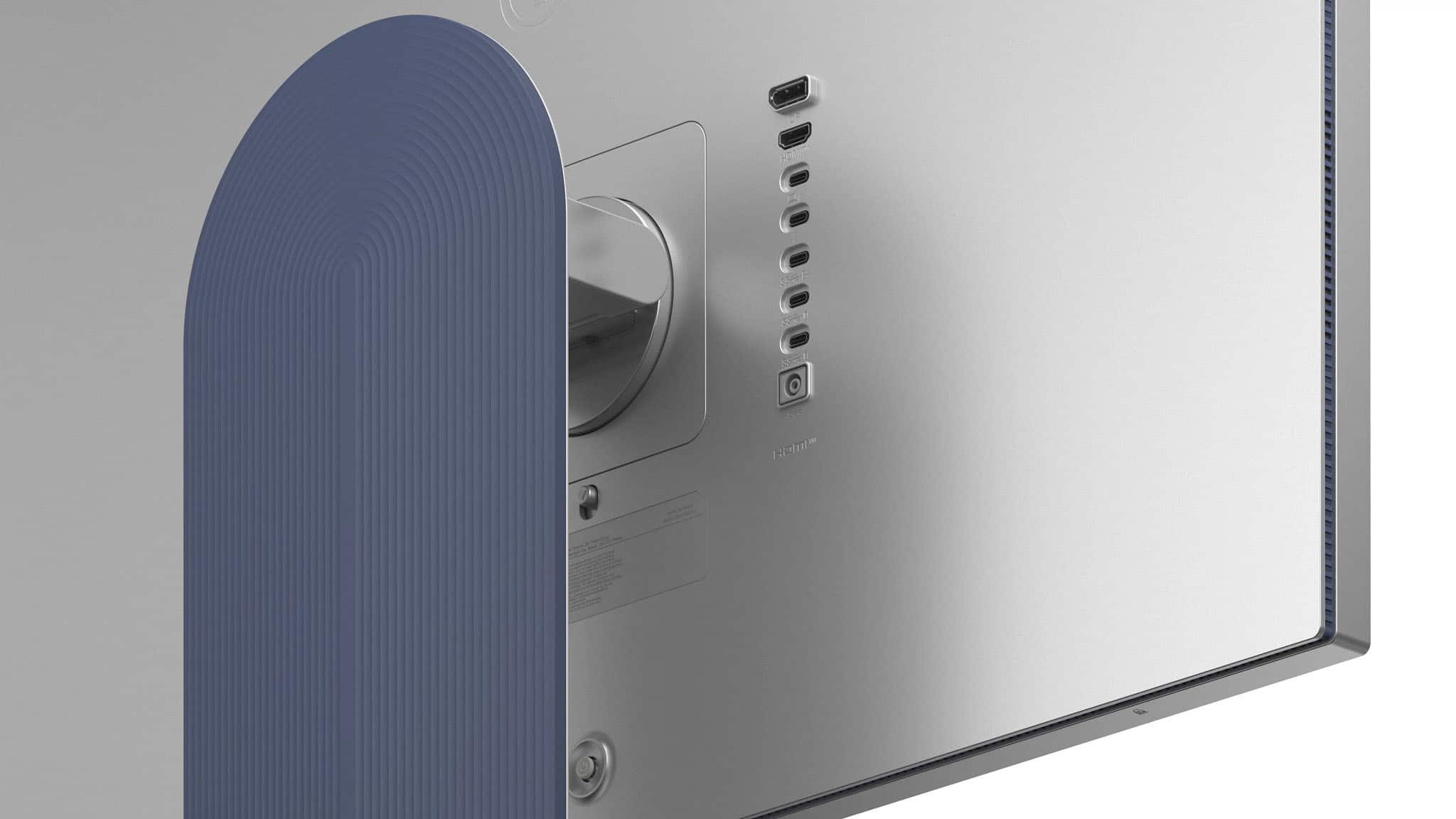
|Posted .This reviewer received promo considerations or sweepstakes entry for writing a review.This review is for the LG - UltraFine 32" 6K Nano IPS Black 60Hz, 5ms Monitor with DisplayHDR 600 (HDMI, DP, Thunderbolt, USB-C) - Silver. Unboxing you will find that the monitor is packaged very well. And comes with ALL the cable you need to connect to virtually any device. But the one that makes this monitor stand out is the thunderbolt connection. Making this a great choice for Apple users like the Macbook Air or Pro. And also great for content creators with professional windows. On the back of the monitor you will find multiple ways to connect to it. Including one display port , one HDMI port, two thunderbolt ports, two USB-C ups and one USB-C down port. And a joystick type button to power on and off and navigate through the menus. The supplied stand is very sturdy and adjustable. It has about two and a half inches of travel up and down with the ability to tilt also. It is a very nice stand and the base has a small footprint on it. My first time powering this unit up I can see the difference in colors right away. I can see more details in the videos when editing. It is a night and day difference from my last monitor. Has a resolution of 6k 6144 x 3456. And it has a built-in speaker that I was very impressed with. Freeing up some space on my workstation without the need for an extra set of speakers. If you are in the market for a high-end monitor with a thunderbolt connection this should be one of your top contenders.
I would recommend this to a friend - Pros mentioned:Build quality, Color accuracy, Connectivity
Studio Grade Screen, Best Connection Flexibility
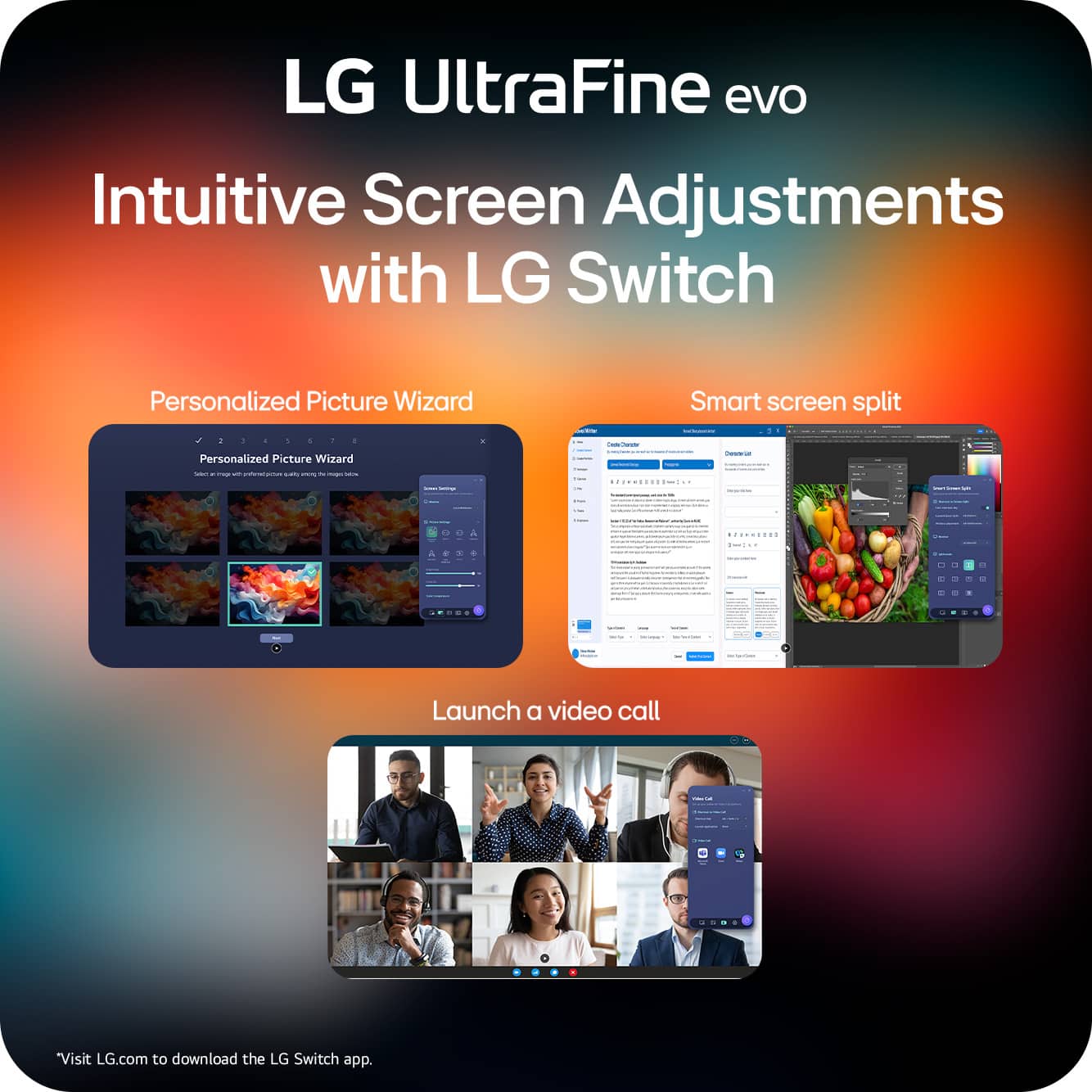
|Posted .This reviewer received promo considerations or sweepstakes entry for writing a review.I am picky with my screens. I spend hours editing, reviewing, and creating content, so every pixel matters to me. That’s my gauge for approaching this LG UltraFine Monitor. Is it capable of delivering jaw-dropping detail? Yes. Does it make me forget about nitpicking brightness and color accuracy? Absolutely. DESIGN & BUILD First impression: sleek. The design is clean, modern, and feels premium right out of the box. The bezels are nice and thin. The build quality is solid—no creaks, no flimsy stand wobble. And the levels of tilting are serviceable. It’s the kind of monitor that looks like it belongs in a professional studio, but also doesn’t feel out of place in a home setup. The angular stand looks good from behind (although my set up is puts the monitor by the wall, but the stand gives me the ability to use that foot space for peripherals and accessories. Now, about that power brick. It’s huge. Like, I can use it to elevate my keyboard huge. But here’s the thing—it does power my device. My content creator PC, though, is a bit hungrier than what the brick can fully feed. It registers as a slow charger (my PC powerbrick is 230W). Still, the monitor’s powerbrick is functional especially if I am just using Canva or web graphic applications. If I am video editing, I still plug-in, with the TB5 connected. SCREEN PERFORMANCE This is where LG flexes. The detail on this 6K panel is stunning. Brightness is more than enough, even in a well-lit room, and the colors are consistent—matching my Asus ProArt OLED screen almost perfectly. For a content creator, that’s gold. No weird shifts, no guessing if the final export will look different on another device. What I see is what I get. The detail is crisp, even at font 8, I can see details at 20% zoom, with ease. Screen presets can be accessed using the behind-screen joystick and the settings are very useful. Studio 1, matches my OLED default for my ProArt screen. And it has a lot of presets that come in depending on what I am doing. If I am making a shirt, for example, I can easily switch the sRGB because that is what seems to follow my actual print hues—so I am not confused to what color the person will actually see when they receive my printed apparel. Then I switch to a custom mode, set to how the screen would usually look like to a normal shopper. Or I would switch to cinema, if I am making a clip, to see how cool my 8-seconders will look on a cinema grade setting. It is very responsive and easy to use depending on what media I am creating. CONNECTIVITY Straight up Thunderbolt 5. That’s future-proofing right there. My machine only runs Thunderbolt 4, but the monitor still connects seamlessly and powers my other devices. Tablet? Phone? No problem. I even fired up Samsung DeX, and it worked like a charm for my tablet. It’s not just a monitor—it’s a hub. It projects my smaller devices and it recognizes peripherals attached to it. If my devices are mirroring though and not at 6K resolution, it has this pop up notification. I love how I can use any device on my desktop without needing a separate hub, which I sometimes doubt if the hub actually translate the correct shade through my HDMI cables. The TB5 is direct and I trust it to lessen any degeneration that could be happening, if there is any. EXPERIENCE Using this monitor feels less like a chore and more like an upgrade to my workflow. The presets and connectivity options make it easy to adapt, whether I’m editing video, grading photos, or just streaming content. It’s the kind of tool that doesn’t get in the way—it just works. SUMMARY I like it. It’s a great monitor perfect for any content creator. Do I wish there is a touch screen version? Maybe—especially when I pixel peep and clean-up photos, because a stylus may be helpful. But maybe that is already a huge ask for a monitor that is already good on its own. If you want less hassle and more precision in your creative work, LG’s got you covered. Crisp detail, consistent colors, and connectivity that makes multitasking easy. Thanks LG for making screen time feel like an experience vs. a compromise.
I would recommend this to a friend Great Monitor!
||Posted . Owned for 1 month when reviewed.This reviewer received promo considerations or sweepstakes entry for writing a review.I'm not a full time video or photo content creator. I use it for emails, spreadsheets, you tube and photos. One would argue this monitor is overkill for me. Coming from the 27" Apple Studio, I am very happy with this as a replacement. The colors and clarity are the same or better than it. This comes with a matte screen as opposed to a glossy one with the studio display from Apple. Granted I have been use to it for a couple of years and took a little bit for me to get use to this new one. The only thing I have noticed that it does not do very good i the Auto Brightness settings. It seems like it is always adjusting. I finally turned it off and it has been owkring great.
I would recommend this to a friend- Pros mentioned:Build quality
Not as good as ASUS 6k
||Posted . Owned for 1 month when reviewed.This reviewer received promo considerations or sweepstakes entry for writing a review.The hardware (the casing and the stand) is prettier then ASUS’s 6k, but the screen itself isn’t as good as the ASUS. It’s hazy somehow where the ASUS is sharper
I would recommend this to a friendBrand response from LG Digital Customer Care
Posted .Hi there, MarcoA. Thank you for sharing your experience with us. We understand your inquiry regarding the screen clarity on your LG 32 UltraFine evo 6K Nano IPS Black Professional Monitor compared to other models. Your feedback is important, and we want to ensure your display is performing at its best. Based on official LG resources, please ensure that you are using the provided Thunderbolt 5 or DisplayPort cable to support the full 6K resolution and check that the "Sharpness" setting is adjusted to your preference within the On-Screen Display menu.
https://www.bestbuy.com/product/lg-32-ultrafine-evo-6k-nano-ips-black-professional-monitor-with-displayhdr-600-thunderbolt-5-hdmi-displayport-usb-c-silver/JJ8VPZKRFK
For further assistance and any specific concerns you may have, please contact us on [email protected], and our team will be more than happy to assist you. —Renzo
Excellent image clarity
||Posted . Owned for 1 month when reviewed.This reviewer received promo considerations or sweepstakes entry for writing a review.Excellent text clarity but colors seemed feel a bit flat sometimes
I would recommend this to a friendLG Ultrafine experiance
||Posted .This reviewer received promo considerations or sweepstakes entry for writing a review.Great monitor, picture excellent, sound ok, but my Mac has acted up. I have to restart all the time to make it usable
No, I would not recommend this to a friendBrand response from LG Digital Customer Care
Posted .Hi there. Thank you for sharing your experience with us. We understand your inquiry regarding the connectivity performance of your LG - UltraFineevo 32 6K Nano IPS Black Professional Monitor with Thunderbolt 5, USB-C, DisplayHDR 600 - Silver with your Mac.
https://www.bestbuy.com/product/lg-ultrafineevo-32-6k-nano-ips-black-professional-monitor-with-thunderbolt-5-usb-c-displayhdr-600-silver/JJ8VPZKRFK
For further assistance and any specific concerns you may have, please contact us on [email protected]. We appreciate your patience. —Renzo
- Pros mentioned:Build quality, Color accuracy
6k goodness!!! Amazing screen
|Posted .This reviewer received promo considerations or sweepstakes entry for writing a review.So first let me start by calling out the obvious, the price. It's 2k for the most part unless you catch it on sale, and it has been on sale. People will compare this to what apple is doing with the price of their monitor, and I understand. You want to save move, if you are looking at something like this. It's PACKED with value to consumers if you are in this price bracket. BUT, there are lots of other monitors that can get you by if you just want a type c monitor. For those that will actually USE this monitor, you are looking at a WINNER! I do video editing, and this is perfect. The colors on this screen are amazing, and are produced with accuracy at its finest. You have so much canvas, it's incredible. All viewing angles are spot on, and look great no matter which way you come at it. I love that you don't have to pay for the matte film, like some others are charging. Which is just plain silly. It really helps with glare, and lights. I LOVE this. The stand is strong, and the you don't have to pay for a simple option like TILT! One stand, one price, all functionality. The base is very nice, and it's not too big. This may be a big screen, but it's very slim. I have speakers connected to my Mac Mini M4, but if you do not...the speakers on this monitor will blow you away. This is a major upgrade for those looking at video editing, photo editing, or just the best looking screen this money can buy. You get all the cables you need in the box, so no need to search. The thunderbolt 5 cable is a WIN too. The only issue some might have IS the price, it's still high for some..but most will ignore it if they are comparing the specs to others in this category. This one wins hands down!
I would recommend this to a friend - Pros mentioned:Connectivity
Ultra-premium monitor at a reasonable price
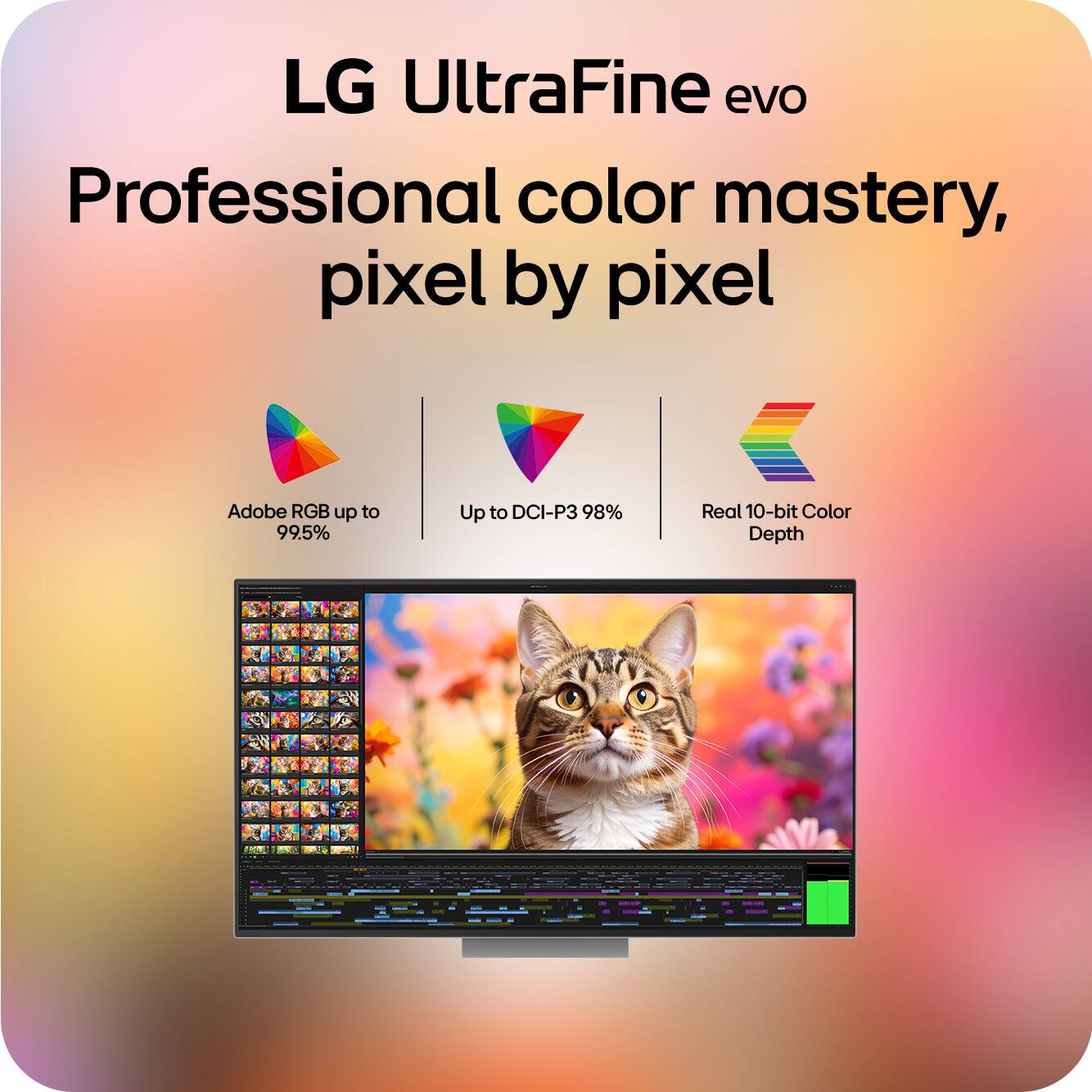
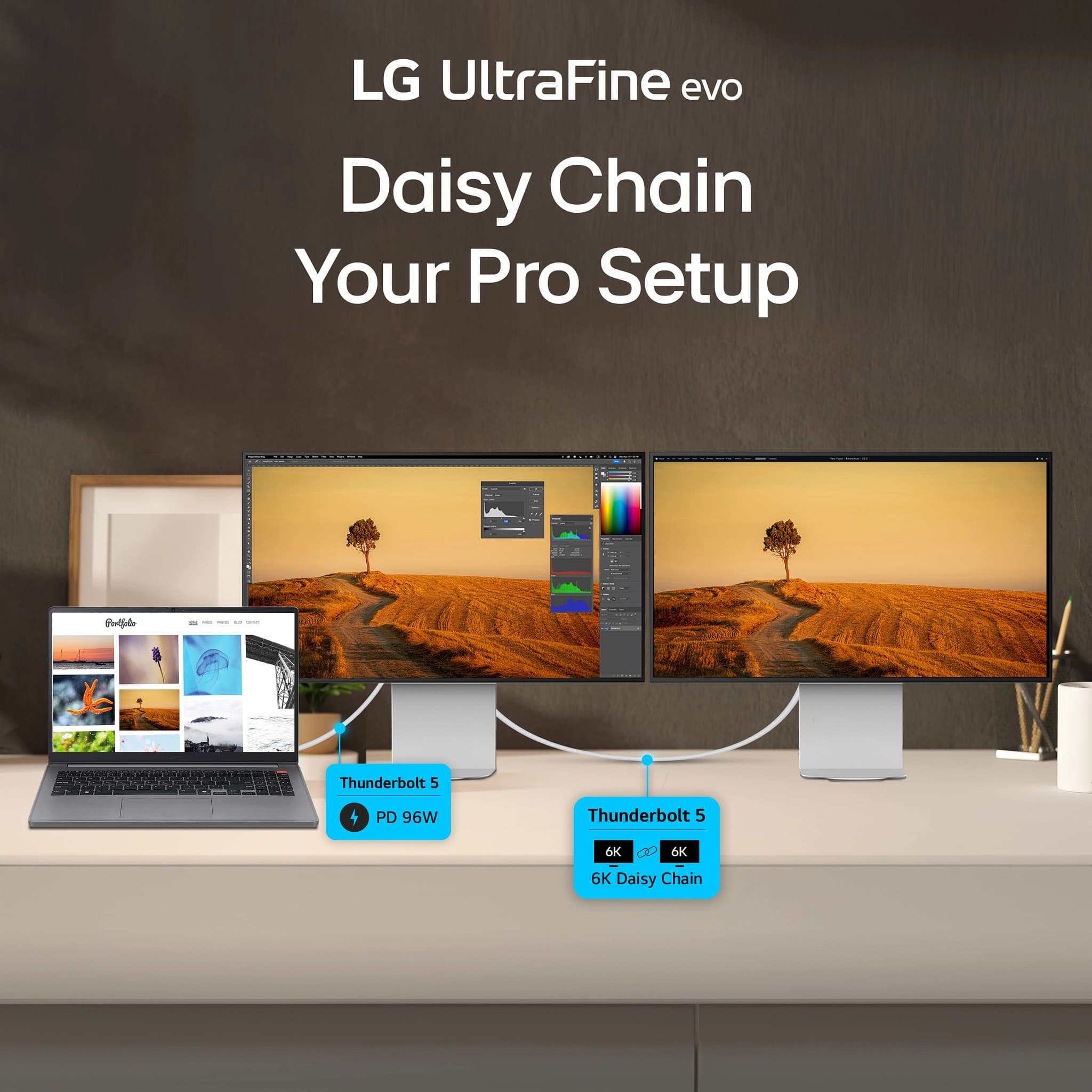
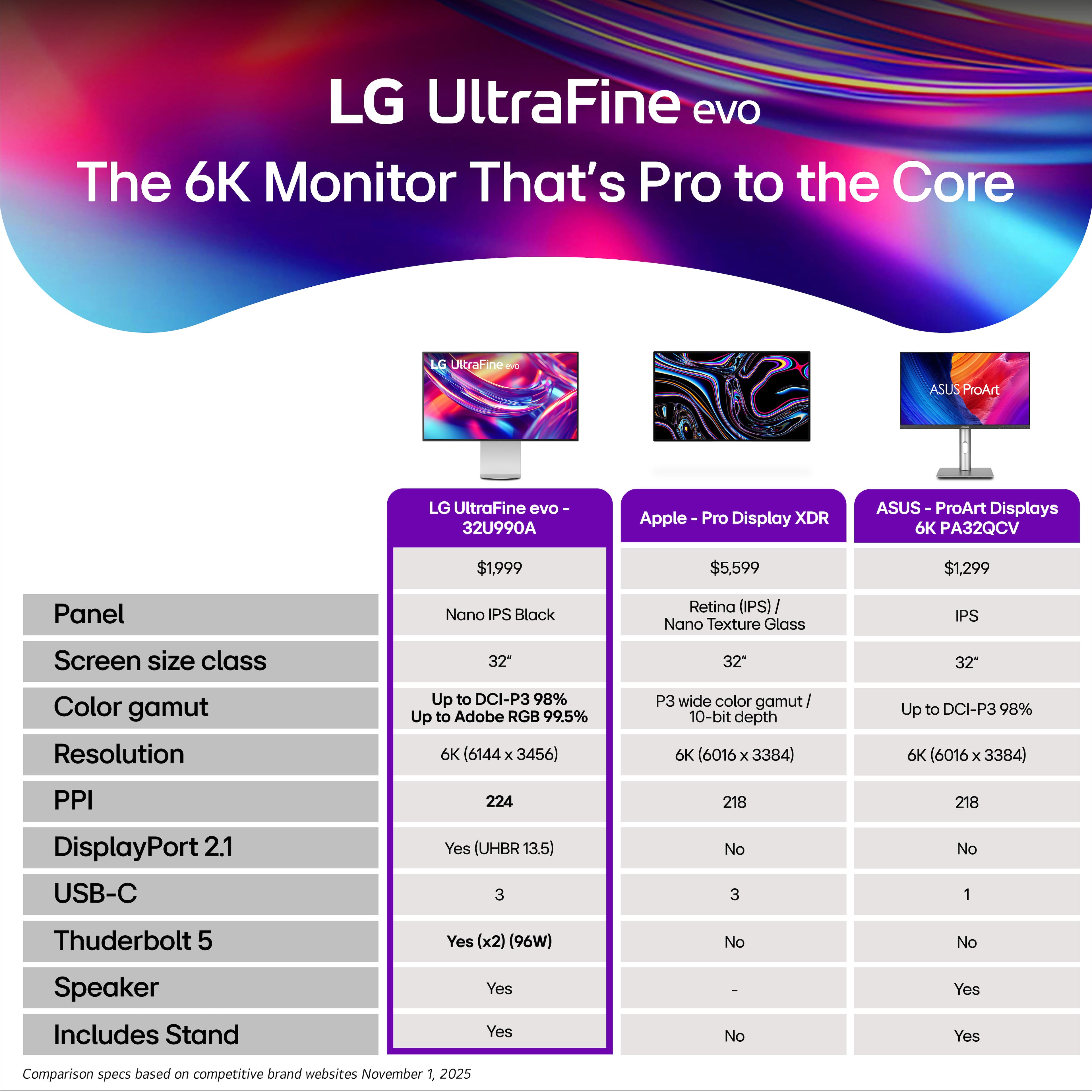
|Posted .This reviewer received promo considerations or sweepstakes entry for writing a review.Used with my Mac Studio, the LG UltraFine Evo 32" 6K has quickly become a primary reference display for color-critical work. The 6K Nano IPS Black panel at 224 PPI delivers impressively crisp UI scaling in macOS, with deep blacks and a 2000:1 contrast ratio that feels noticeably better than standard IPS when grading darker scenes or working on UI design with dark mode. Port selection is a major strength: Thunderbolt 5 upstream connects cleanly to the Mac Studio, while the downstream Thunderbolt port enables daisy-chaining a second 6K or fast storage. You also get DisplayPort 2.1, HDMI, and multiple USB‑C ports for peripherals, so the monitor effectively acts as a hub without needing a separate dock. Compared to Apple’s Pro Display XDR, the LG feels like far better value. You still get 6K resolution, wide gamut coverage around 98% DCI‑P3 and 99.5% Adobe RGB, 10‑bit color, and DisplayHDR 600, but at a significantly lower price point while keeping excellent macOS integration and factory calibration. The XDR is brighter and more HDR-focused, but for a Mac Studio‑based photo, video, and design workflow, this LG delivers most of the real‑world benefits at a fraction of the cost. For casual downtime watching movies on Netflix or Youtube this monitor was flawless. In summary, I highly recommend this monitor if you are looking for a 6K monitor that is made for macOS and has many premium features at a reasonable price.
I would recommend this to a friend