Customer Ratings & Reviews




- Model:
- 27G850A-B
- SKU:
- 11614604
Rating by feature
- Display Quality
Rating 4.5 out of 5 stars
- Ease of Use
Rating 4.6 out of 5 stars
- Features
Rating 4.6 out of 5 stars
- Pros mentioned:Color quality
Great image performance and versatility.
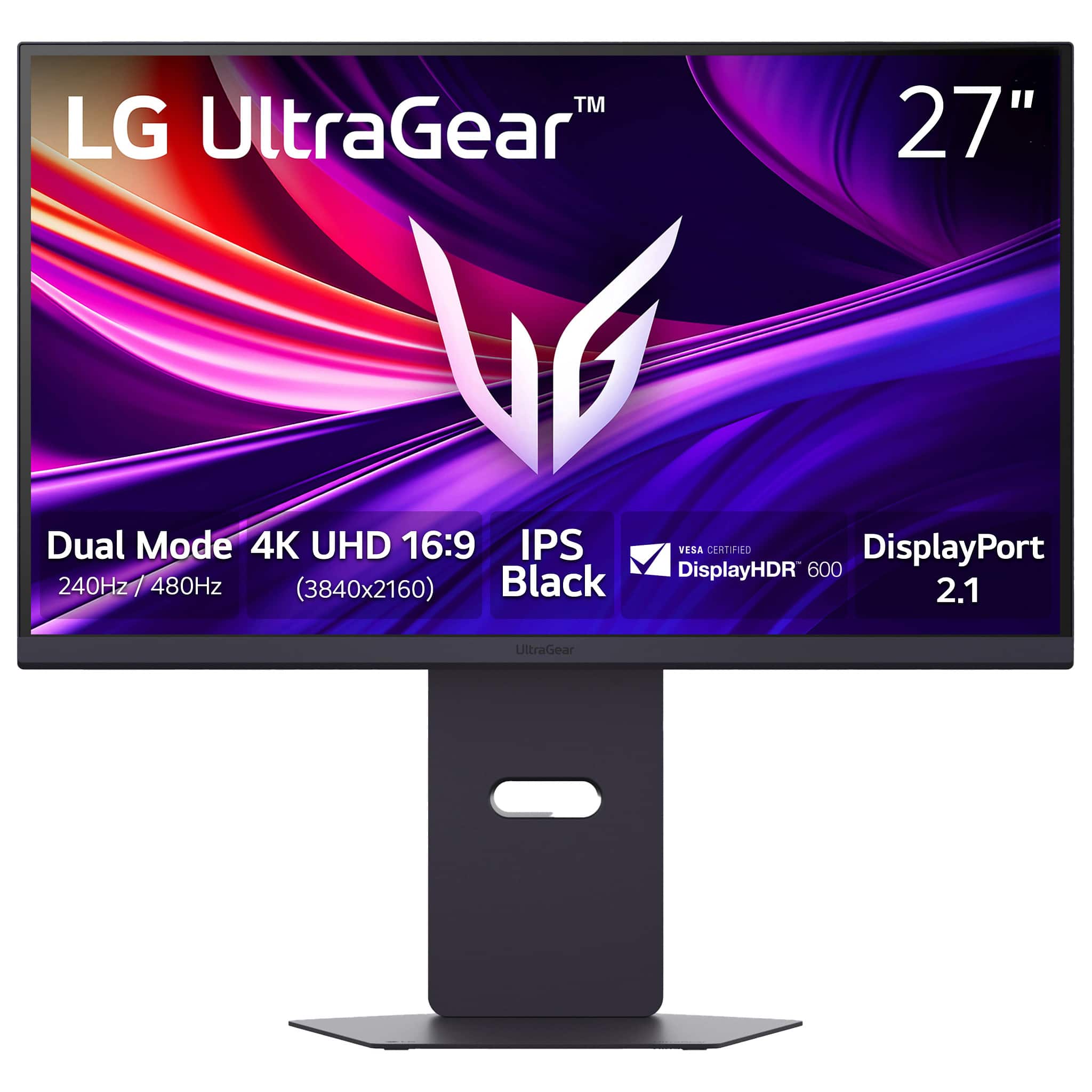
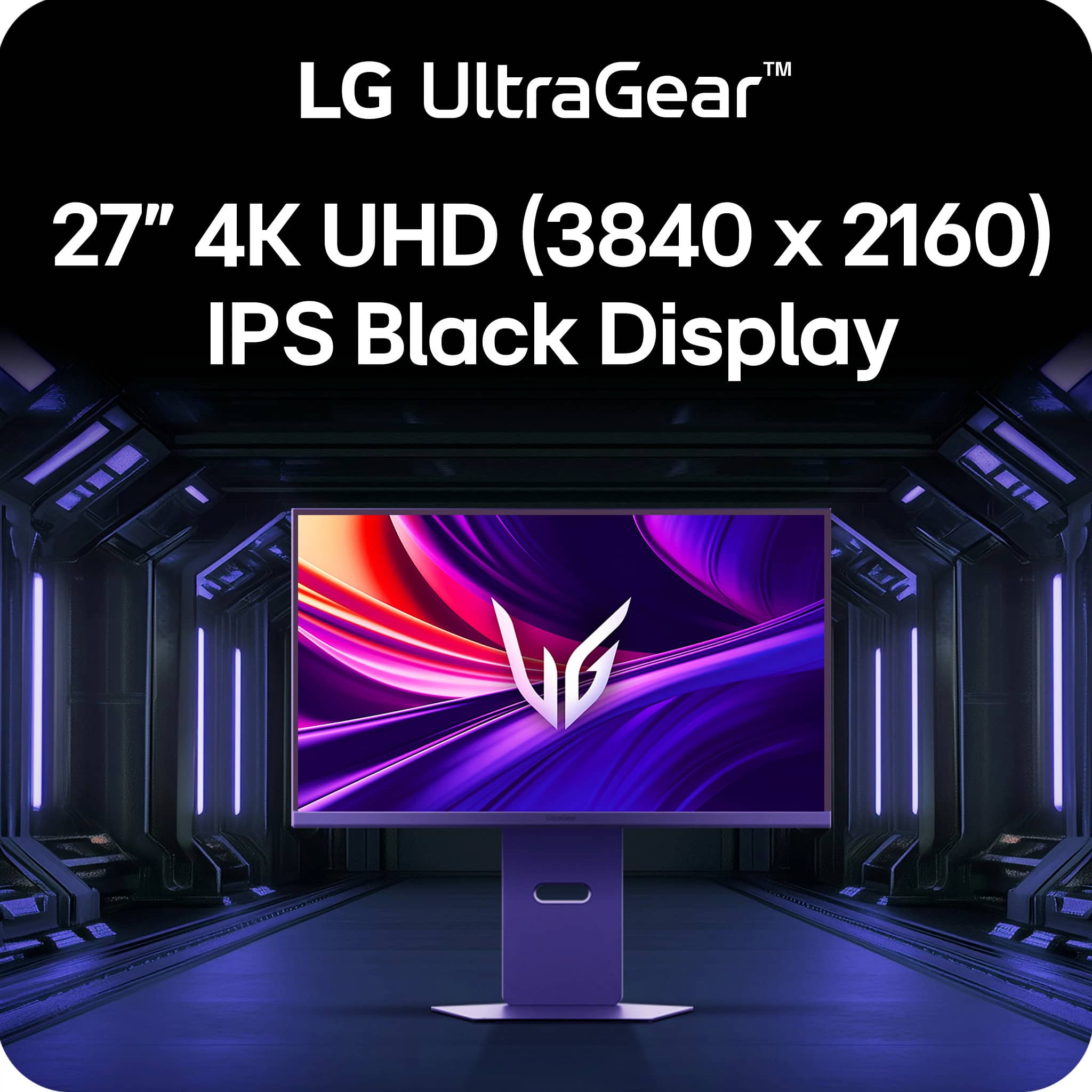
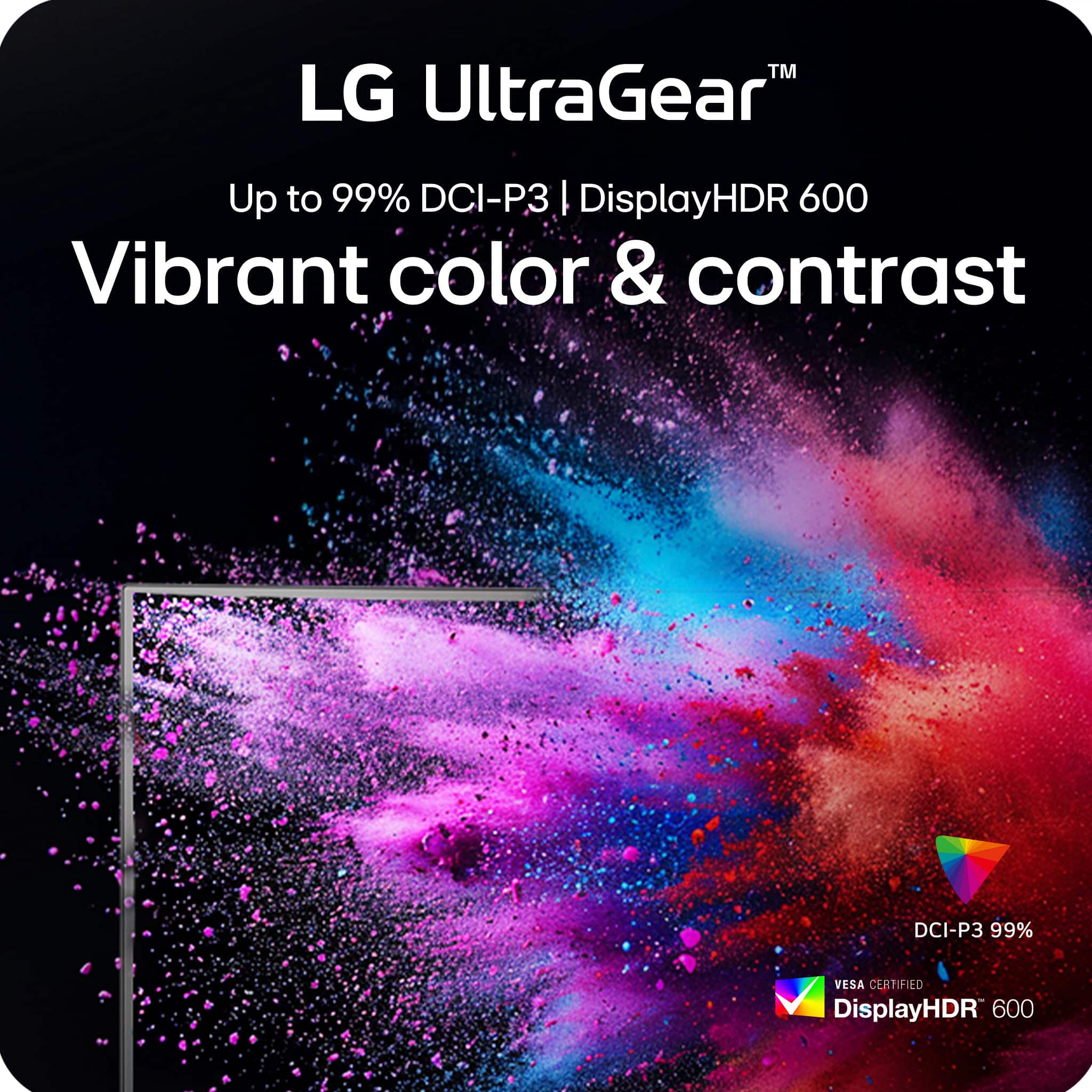
||Posted .This reviewer received promo considerations or sweepstakes entry for writing a review.I bought 2 of these monitors as a budget conscious model to walk the line between productivity with school and work, creativity with photoshop, and gaming with our rtx4080. We had 1 Samsung g7 28inch that was great and when we bought a second it kept flickering between the two monitors and caused havoc. This was in 3 separate PCs so we opted to ditch Samsung and try LG. Glad we switched. The IPS Black gets deep darks with way less crush and banding. The higher HDR brightness doesn’t seem to make the screen brighter but somehow we have more natural colors and brightness in brighter images and game scenes comments just made the effect of HDR function more smoothly without overbearingly beating your eyes with a bright saturated display. These monitors take a while to power on from a turned off setting and even when allowing them to enter a deep sleep mode they still take a moment to wake up. My partner finds they were getting faster, maybe a break in period or them adjusting to them. In any case they work flawlessly as 2 displays side by side with only 2 issues to note, though they are not deal breakers for us and I doubt for anyone except the most discerning. 1 already stated above, the time to power on. It’s like 20 seconds to 30 seconds from deep sleep and around 45 seconds from power off. When we put the Nov to sleep or turn it off and let the monitors deep sleep we see a delay in turning them on when we want to wake or power on the PC. This could make you kiss the splash screen from your motherboard to enter setup requiring a restart. Annoying but likely a design related to cost vs function. 2 the Display Port 2.1 only supports DP54 which is hardware based and not software locked, meaning it can’t be updated later. This will force users wanting HDR at 4k at over 144 hz refresh rates to us display compression as the bandwidth of the 2.1 cannot support native transfer. This could lead to the dreaded screen flicker though at over 200hz gaming in 4k with HDR we see no flicker at all. If the 900 dollar price tags make you balk get them for the current sale at 600 and you will have a great monitor that can be productive, my partner says text is easier to read than on their old odyssey G7 and colors are Rich and not over saturated, as well as edit photo or video and game. My partner needs to turn one into portrait mode for coding and excel work and we haven’t tried that yet but fully expect no issues. We looked into OLED and found that they aren’t as burn in proof as we’d like for gaming HUDs and excel cells yet and they are reportedly not great for text. This may be the sweet spot for video watching on one display while working on another in email or coding on one while resource hunting and sending emails in the other. Time will tell if our compromise and avoidance of OLED will pay off but at a significant wallet savings for wonderful results and most likely more usability I think the IPS black and future proof DP54 through DP 2.1 makes these a very sensible and good looking purchase that will last
I would recommend this to a friend - Pros mentioned:Color quality

Top tier feel & look let down by odd issues
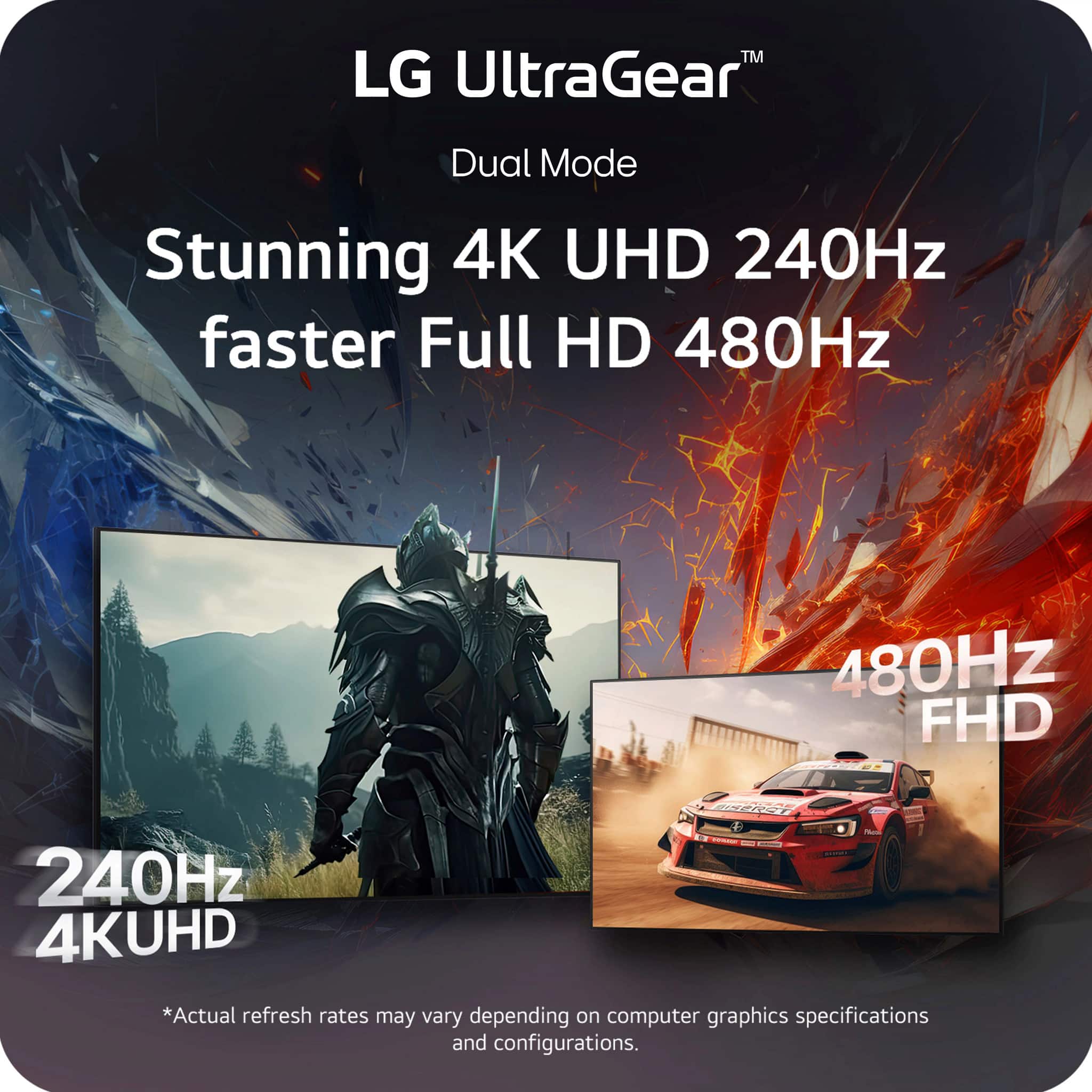
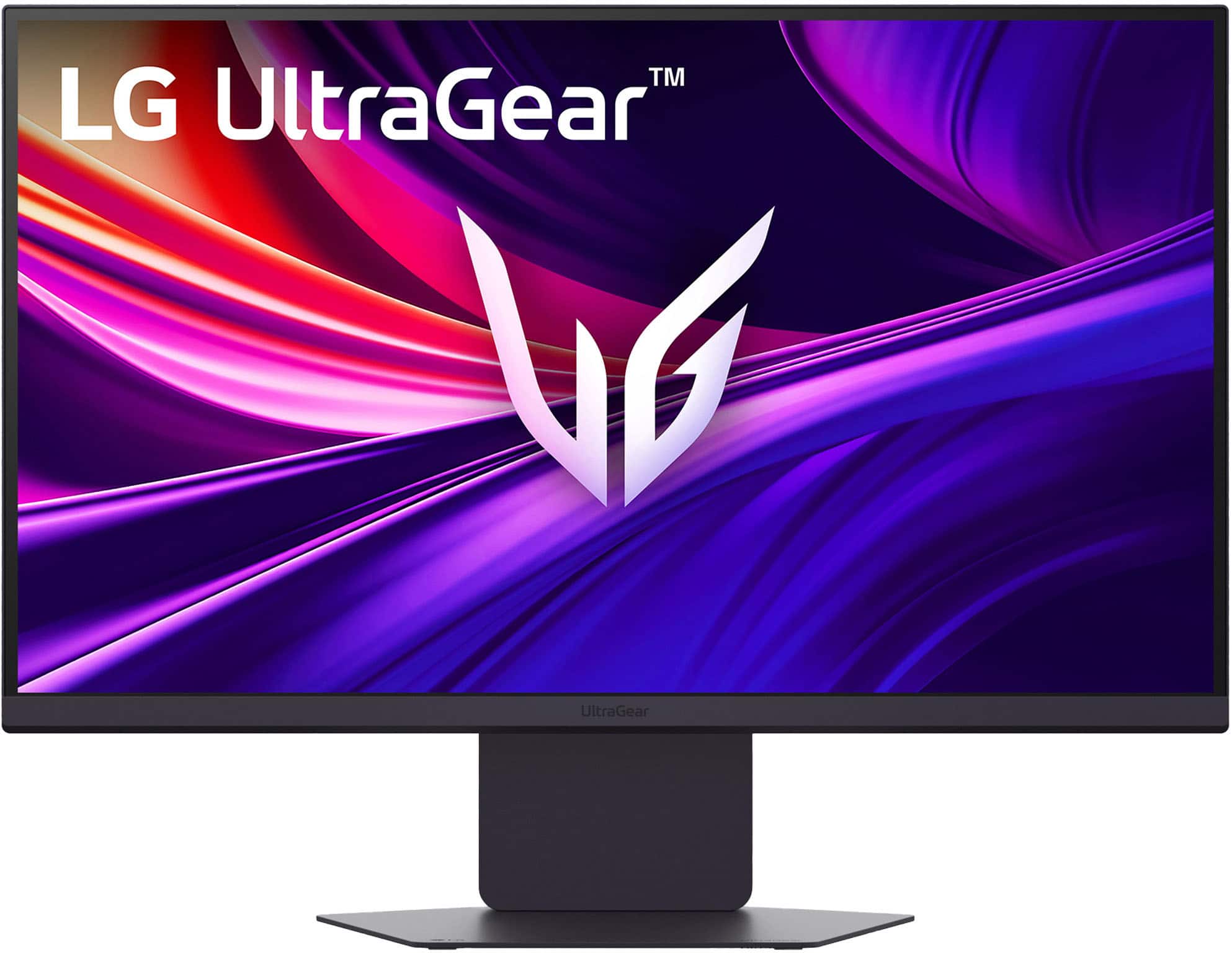
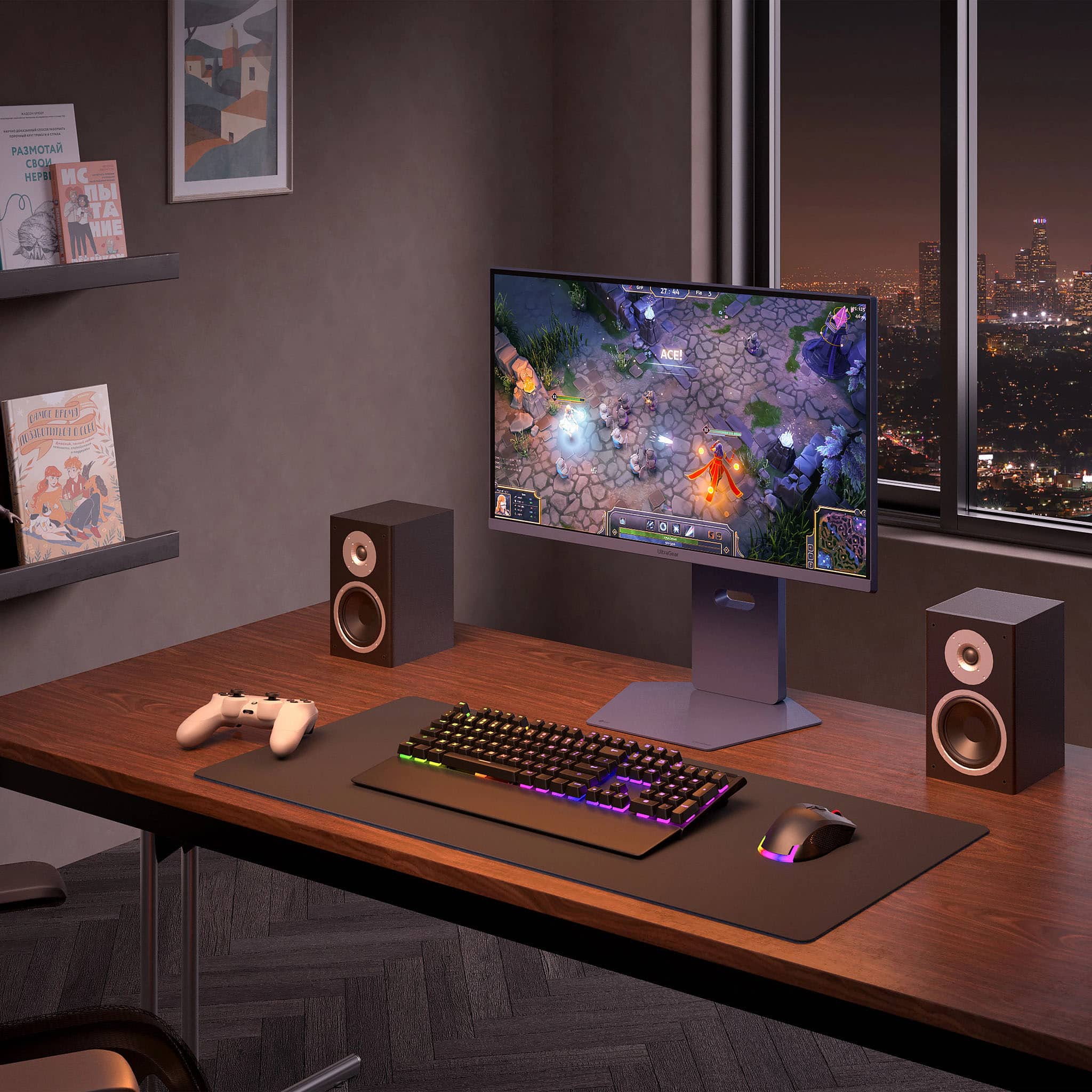
|Posted .This reviewer received promo considerations or sweepstakes entry for writing a review.The LG Ultragear 27G850A-B should be a homerun of a monitor, but it ends up kinda meh. Both 4K 240hz and 1080p 480hz modes work well with my 7900XTX, but without fiddling with settings every time you change modes, you can end up with a smearing mess…(real 1ms response time should never have this issue??) At unboxing, this display feels solid and the build quality is superb. It includes a certified HDMI cable which was great since you’ll need it to maintain 4K 240hz. The overall look isn’t too “gamer” but it has some fancy LED lighting to enhance your desk. After setting it up with my desktop, I was impressed by the brightness and all the adjustments from the stand to get it just right. After playing a few games I was seeing some smearing, surprisingly the most was in slower RTS games panning around. I increased the response time option to “fastest”, which somehow made it worse! You also have to mess with the settings every time you toggle from 4K 240hz to 1080p 480hz, because what works for one mode might not work for the other… I would cut it some slack if it wasn’t supposed to be a top tier new dual mode monitor, setting up IPS closer to OLED, but it falls flat. If you’re aiming to run it at 4K 240hz or 1080p 480hz for long stretches, but still want to be able to switch, I could see how this monitor could fit the bill. Otherwise, I would pass on this one!
No, I would not recommend this to a friendBrand response from LG Digital Customer Care
Posted .Hi there, GlennT. Thank you for sharing your experience with us. We understand your inquiry regarding the motion performance and setting adjustments on your LG - UltraGear 27" IPS Dual Mode (4K UHD 240Hz or FHD 480Hz) 1ms G-Sync Gaming Monitor with DisplayHDR 600 (DisplayPort 2.1) - Black. We understand that the smearing issues and the need to manualy toggle settings between modes didn't meet your expectations for a top-tier display. To assist with the smearing, we suggest setting the "Response Time" to "Fast" rather than "Fastest," as the "Fastest" setting is optimized for specific high-frame-rate conditions and may cause overshoot in other scenarios.
https://www.bestbuy.com/product/lg-ultragear-27-ips-dual-mode-4k-uhd-240hz-or-fhd-480hz-1ms-g-sync-gaming-monitor-with-displayhdr-600-displayport-2-1-black/JJ8VPZWJ3J
For further assistance and any specific concerns you may have, please contact us on [email protected]. We appreciate your patience. —Renzo
Amazing Picture Quality and Versatile
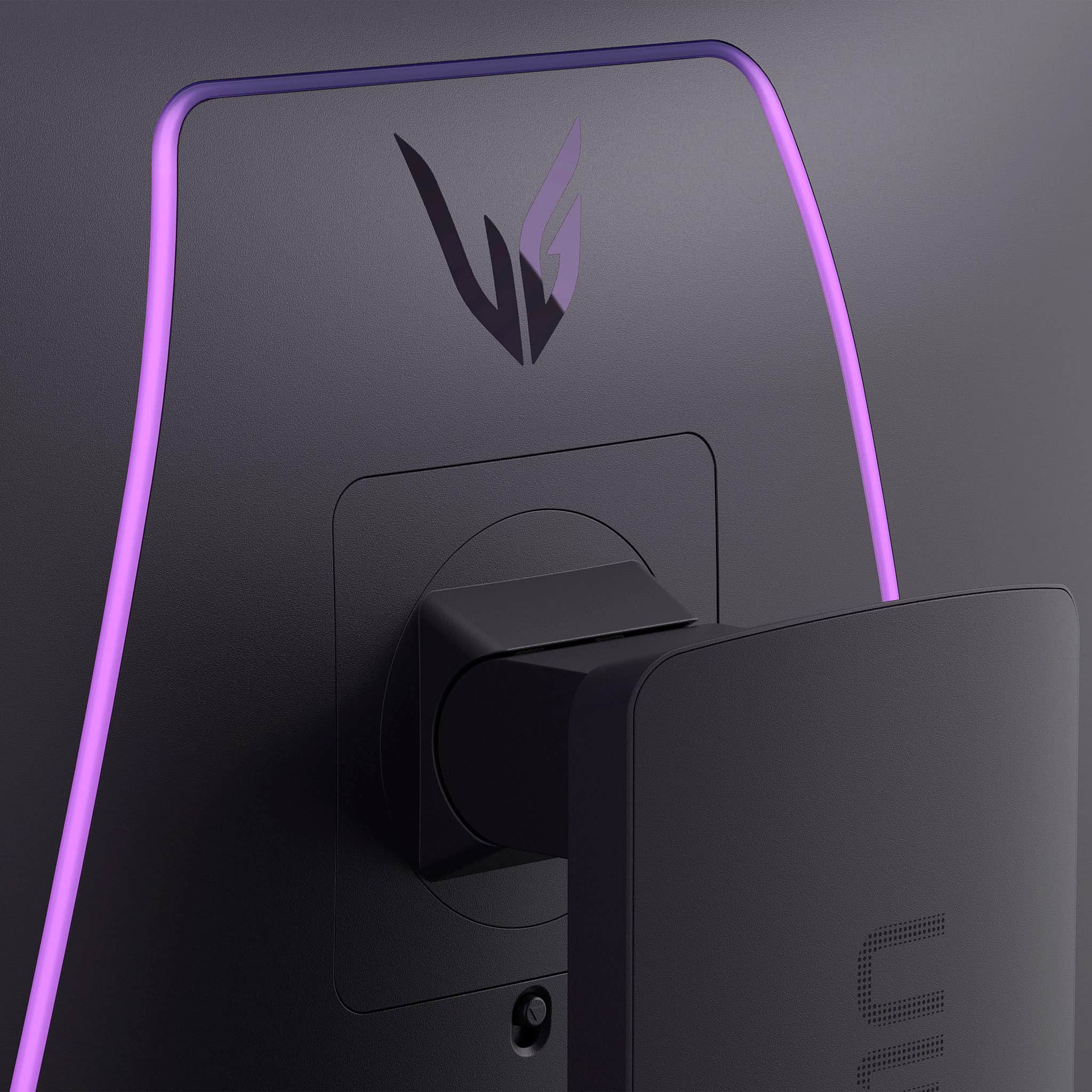
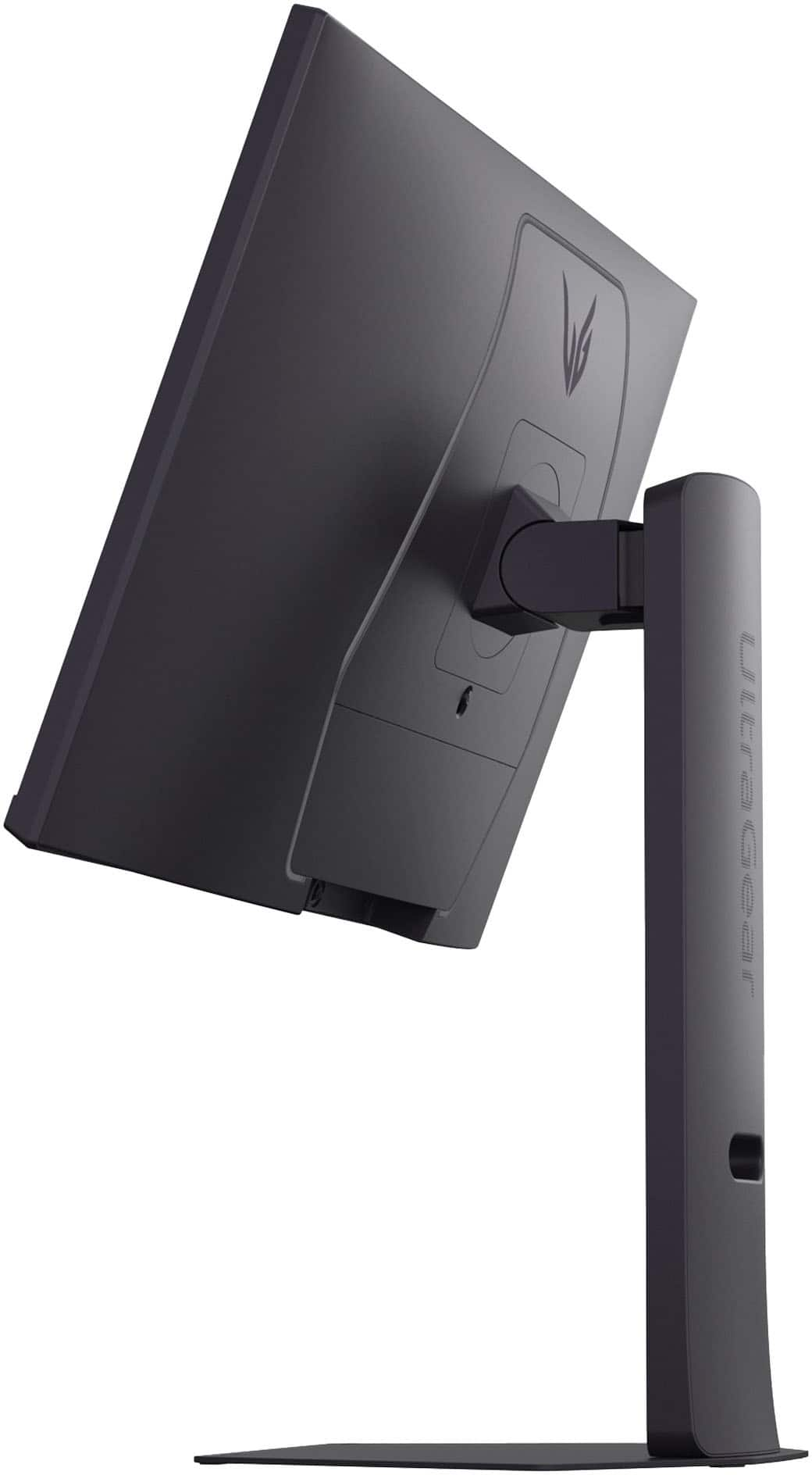
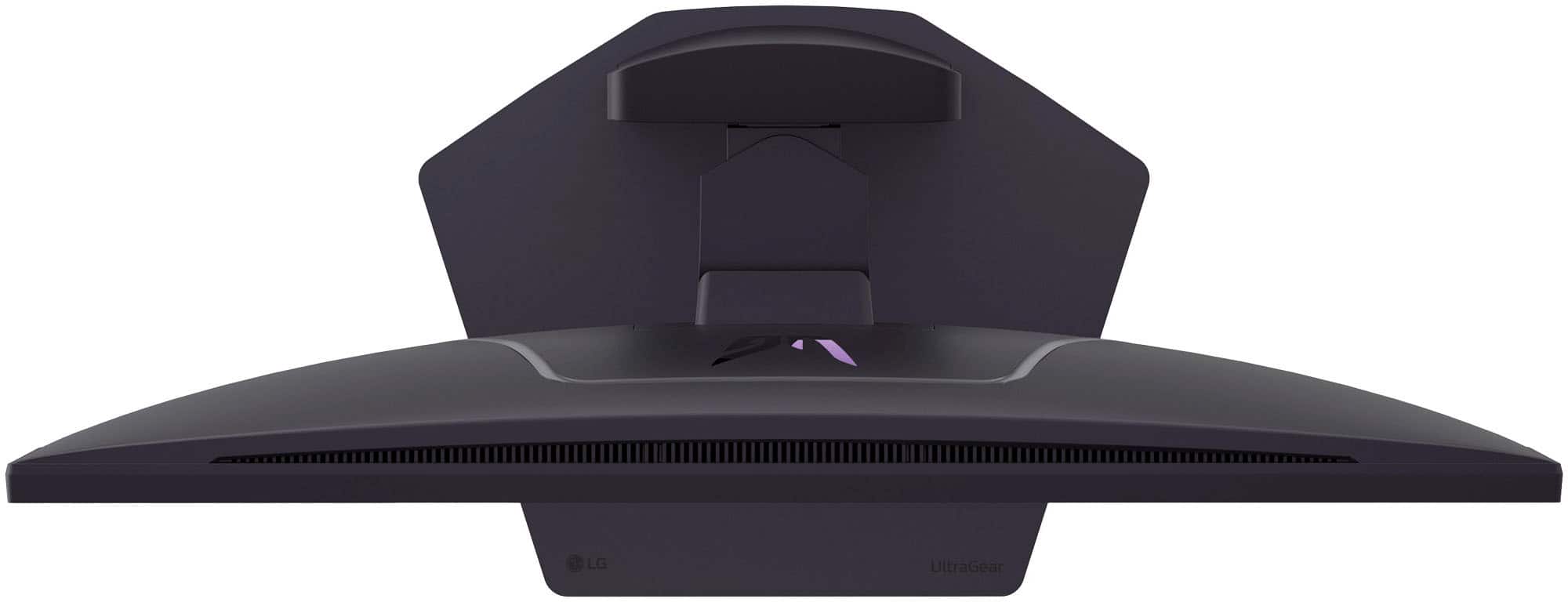
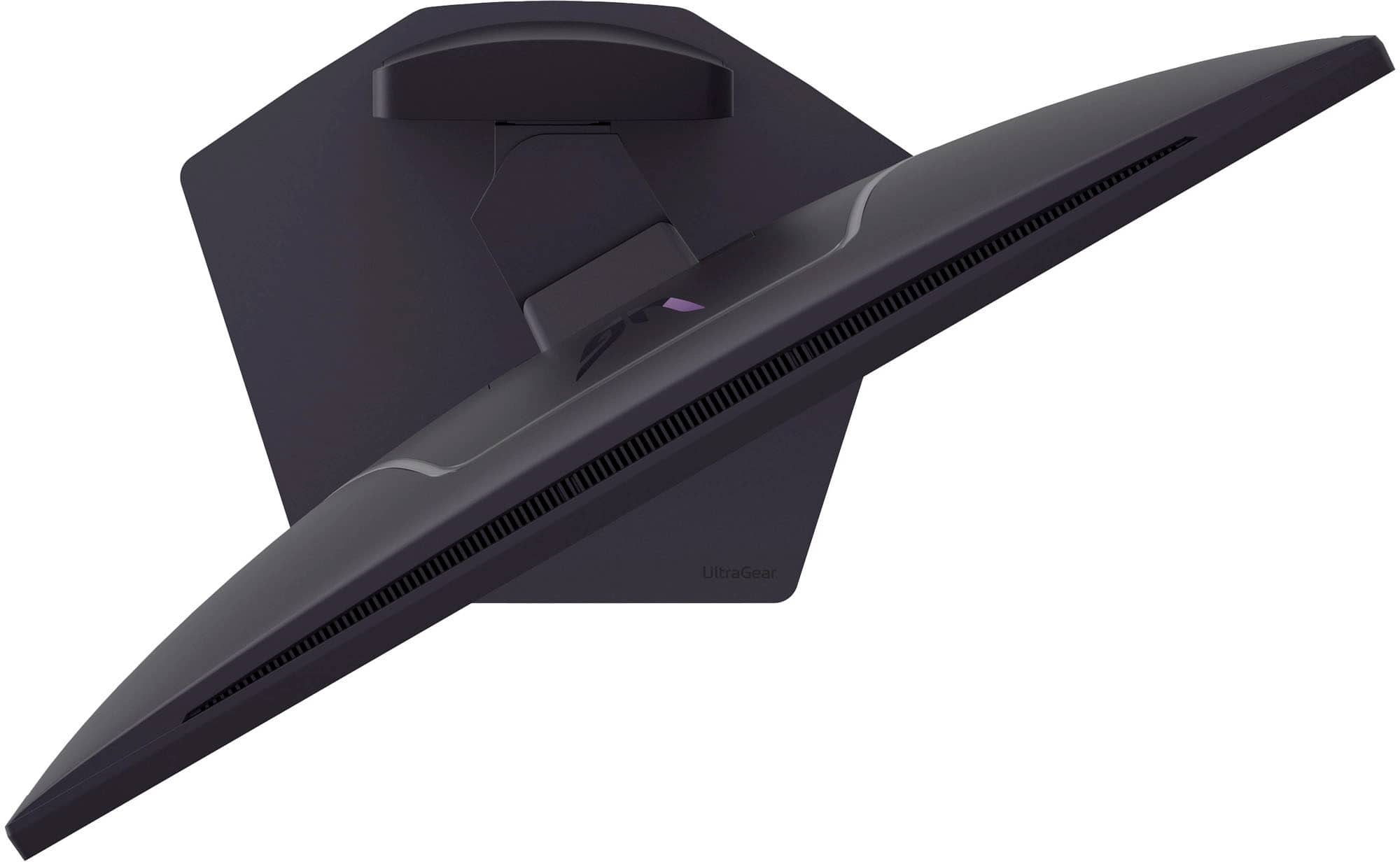
|Posted .This reviewer received promo considerations or sweepstakes entry for writing a review.If a monitor could make someone feel more hip and like one of the cool kids, this monitor might just be the one. From the overall build quality, the included cables, the design, the lighting on the back, the clear and crisp display, the features, to even the built-in menu display, this monitor really is an ultra piece of gear. Straight out of the box, you know it's a legit piece of hardware. The stand especially is solid and heavy so you won't have any worries about stability on your desk, but if you have an arm mount like I do, the standard Vesa mounts fit perfectly. I was a little worried at first though as the mounting area is a bit sunken into the back of the case, but the mounting bracket still had enough clearance to slide onto my arm mount. It also comes with all the cables you'll need, and these are high quality cables. One thing I've learned in the tech world over the years is that not all cables are created equal. They can't always handle the speeds needed to use equipment to their full potential, so it's nice knowing that you'll get the right cables out of the box. Once it's all plugged in, the monitor works and looks amazing without having to do anything. Of course you'll want to play around with the settings to get the most out of it, but I was using it for several days and absolutely loving it without making any adjustments at all. As for the picture, it's about as clear and crisp as you can get without being OLED. All the monitors I have are multi-purpose. I use them for gaming, video editing, software development, and just about anything else you can do with a monitor. This UltraGear has easily become my favorite of my entire setup. No matter what use I put it to, it performs better than any of my other screens. I first started out using the monitor oriented like any other monitor, but being in software, I've been wanting to have at least one vertically mounted monitor, but have never found one that I felt good with or liked how it looked. I decided to try this UltraGear vertically though and it has absolutely changed everything for me. Not only does it help with productivity when I'm developing software, but it's been a game changer for me in my video editing as a content creator. I make both long-form traditional video content as well as short-form vertical video, and seeing that type of video on this screen is just amazing. At one point I found some 4K vertical video and just left it playing in the background all day it was so mesmerizing. The on-screen menu's are really easy to navigate too and intuitive. I was able to toggle through everything easily without ever having to look up how to do something. And the multi-color lighting on the back side of the monitor is just plain cool honestly. I know this isn't exactly a cheap monitor, but it's absolutely worth it and I would definitely recommend it.
I would recommend this to a friendUnfortunately, I got one with a bad panel.
||Posted .This reviewer received promo considerations or sweepstakes entry for writing a review.My monitor started to randomly flicker white like a strobe light involving the bottom half or 3rd of the screen so I returned it. Prior to that, the monitor was fine. This is one of the reasons that I only purchase monitors from a local store. The picture is not gorgeous like some of the OLED monitors I have seen, but it was adequate. I did have some issues with the monitor switching to FHD occasionally which I found irritating as I would have to manually switch it back; I might have figured out it was something I was doing had I kept the monitor longer. Also, the stand... it is a very nice looking and minimal stand but it does not go very low. My monitor sits on a riser so that was unfortunate. Luckily, I had a spare stand laying around that I used while I briefly owned this monitor. Aside from unfortunately getting one with what I assume to be a bad panel, the monitor was fine.
I would recommend this to a friend- Pros mentioned:Color quality
Amazing LG!
||Posted .This reviewer received promo considerations or sweepstakes entry for writing a review.I've always been very picky about the type of TV I watch movies or do gaming on so when it was time to get a new PC monitor I thought it was time for a similar high quality experience. I've mainly stuck with Sony TVs as I find their pictures quality to be the best, but always had LG in mind. I would have to say that this this monitor arguably has a better picture than my TV. Very colorful, deep blacks, and looks great for gaming and movies! The stand this monitor comes with is also very high quality and feels super durable! The only real issue I had was that I had the turn the dual mode off because it didn't seem to agree with my gaming pc / 5080 Graphics card as it was constantly flickering off and on. After turning off dual mode I haven't had a problem since!
I would recommend this to a friend 
Monitor
|Posted . Owned for 1 month when reviewed.This reviewer received promo considerations or sweepstakes entry for writing a review.Good monitor does what a monitor is supposed to do
I would recommend this to a friend- Pros mentioned:Color quality
Fantastic
|Posted . Owned for 2 weeks when reviewed.This reviewer received promo considerations or sweepstakes entry for writing a review.Very colorful and nice darks. Not an OLED but still a nice 4K.
I would recommend this to a friend Super sharp monitor
|Posted . Owned for 2 weeks when reviewed.This reviewer received promo considerations or sweepstakes entry for writing a review.Great monitor huge upgrade from 90hz refresh rate.
I would recommend this to a friend- Pros mentioned:Color quality
Great colors, resolution, and options
||Posted .This reviewer received promo considerations or sweepstakes entry for writing a review.Great colors and resolution. No issues with the monitors yet. I like it more than the WOLED 2K monitor.
I would recommend this to a friend Wonderful HDR and 4K quality on this monitor
||Posted . Owned for 3 weeks when reviewed.This reviewer received promo considerations or sweepstakes entry for writing a review.Wonderful HDR and 4K quality on this monitor. Have tested several PC games with native HDR support, and the difference (HDR vs non) is worth it. Only reason for 4 stars is the high price
I would recommend this to a friendGreat quality tv
||Posted .This reviewer received promo considerations or sweepstakes entry for writing a review.Good Tv works well with my Xbox series x, ps5 pro and my MacBooks.
I would recommend this to a friendFree money review
||Posted .This reviewer received promo considerations or sweepstakes entry for writing a review.So far so good, will update after extended use……..
I would recommend this to a friendGood monitor, but I received a unit with a defect
||Posted . Owned for 2 weeks when reviewed.This reviewer received promo considerations or sweepstakes entry for writing a review.I really liked this monitor overall, but the unit I received had a screen defect that ultimately convinced me to return it. In the end I went with a different 32" LG OLED monitor :)
I would recommend this to a friendGood monitor
||Posted . Owned for 1 month when reviewed.This reviewer received promo considerations or sweepstakes entry for writing a review.Amazing monitors something I would tell person to get. LG are amazing
I would recommend this to a friendApproved
||Posted .This reviewer received promo considerations or sweepstakes entry for writing a review.My son approved it!! Amazing monitor !! One of the best one
I would recommend this to a friendBest IPS
||Posted . Owned for 3 weeks when reviewed.This reviewer received promo considerations or sweepstakes entry for writing a review.Best IPS monitor you can buy. 4k 240hz looks amazing.
I would recommend this to a friendNice Monitor
||Posted .This reviewer received promo considerations or sweepstakes entry for writing a review.The display is very good in contrast ratio and being black.
I would recommend this to a friendMonitor LG
||Posted . Owned for 1 month when reviewed.This reviewer received promo considerations or sweepstakes entry for writing a review.This is an ok product, had image and quality issues, would recommend something a little more higher end as this is not what most people think it is
No, I would not recommend this to a friendBrand response from LG Digital Customer Care
Posted .Hi, Sebastian. Thank you for reaching out about your LG Monitor (27G850A‑B) model. We understand the importance of having a monitor that delivers the image quality and performance you expect. Since you mentioned image issues, one helpful step you can try is running the Picture Test and ensuring the monitor is set to its native resolution (2560×1440) at 144Hz. You can also check that Adaptive Sync/G‑SYNC Compatible mode is enabled if your graphics card supports it, as this can improve motion clarity and reduce visual artifacts. For more guidance, visit https://www.lg.com/us/support/product/lg-27G850A-B.AUS. We’d be glad to take a closer look at your experience. Please feel free to send us an email at [email protected] so we can continue assisting you. ^Juvy
Broken settings dongle
||Posted . Owned for 1 week when reviewed.This reviewer received promo considerations or sweepstakes entry for writing a review.The monitor is good, but the little dongle on the back to change the monitor settings always comes in broken. I've replaced a monitor, ordered another one, and this one is broken too. I'm going to replace this one as well and I just hope it's fine this time around.
No, I would not recommend this to a friendBrand response from LG Digital Customer Care
Posted .Hi, Bojank. Thank you for sharing your experience with your LG Monitor (27G850A‑B) model. We understand how important it is for the joystick control on the back of the monitor to work properly, especially after multiple replacements.
A helpful step you can try is to check that the joystick module is fully seated and not shifted during setup, as gently pressing it inward can sometimes restore proper function if it’s been nudged during unboxing or mounting. You can also review support information for your model here: https://www.lg.com/us/support/product/lg-27G850A-B.AUS. If you’d like us to take a closer look or explore additional options with you, please send us an email at [email protected]. We're here to help. ^Juvy
- Pros mentioned:Color quality
A Great Monitor for the Hardcore Gamer
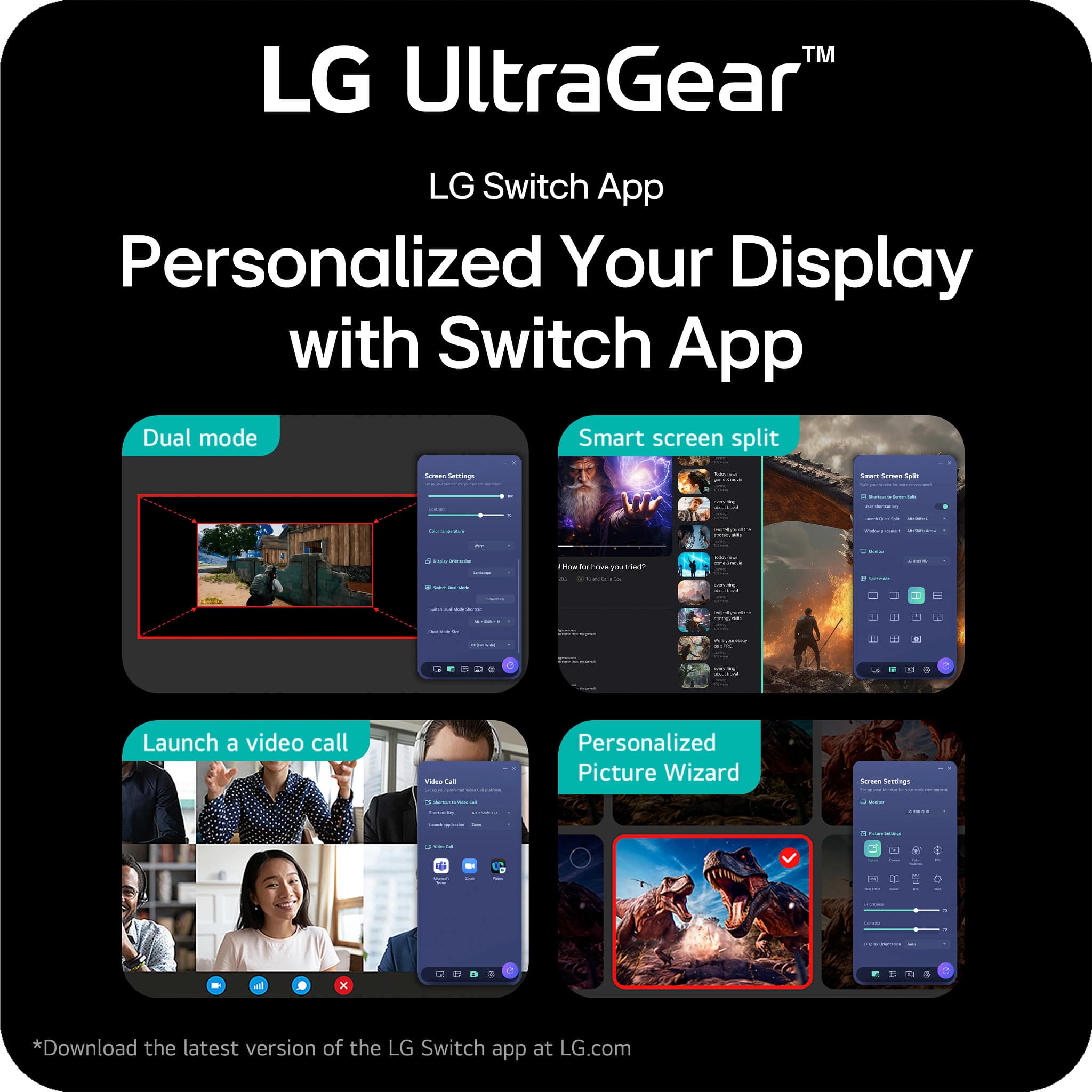
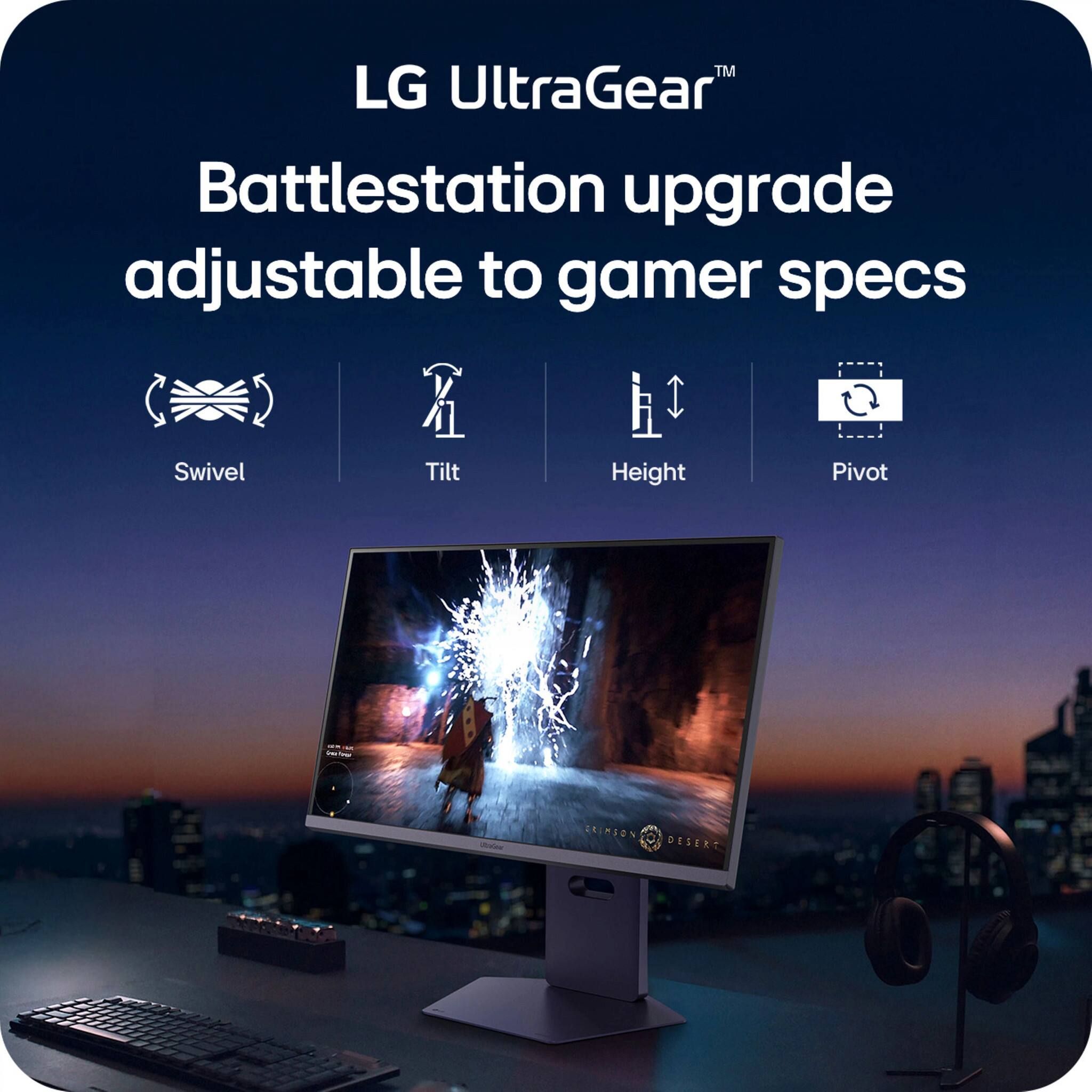
|Posted .This reviewer received promo considerations or sweepstakes entry for writing a review.I’ve been pretty interested in dual native resolution monitors for quite some time, so when I got a chance to review one, well, I just had to. I’ll make this review nice and quick, since most people shopping for a gaming monitor already know what they’re looking for. Let’s get into this review of the LG UltraGear 27in Dual Mode G-Sync monitor. This LG Monitor will run natively at 4K at 240hz or FHD (1080P) at 480hz. That’s a huge deal for gamers because most video cards aren’t capable of running content at 4K at high frame rate. This means most users will have to use resolution scaling or change the resolution, which then involves scaling that affects image quality. Hence, being able to use this monitor at 4K while doing productivity work and then being able to quickly change it to FHD for gaming is a big deal, maybe even a huge deal. I went ahead and tested this on my PC, which is a little dated, but still workable with an RTX 3070 and Ryzen 7. Testing it with several games yielded great results, as did using it for productivity work. The monitor uses Nano IPS technology to provide really nice color reproduction and response time. What that means is you won’t really experience the ghosting that some monitor have when trying to display fast moving motion. I experienced no ghosting, bright and vivid color reproduction and pretty good contrast for an IPS monitor. Please don’t go into this believing you are going to get true blacks, though, as it’s not an OLED and the best this monitor will do is very deep gray instead of black. HDR and G-Sync are also included in this already great monitor, but the HDR performance is a bit weak since the monitor doesn’t achieve dark enough blacks, but the peak brightness is very good at 600 nits. I would recommend trying HDR and calibrating it within Windows before trying to use it in game, but be aware that some games just don’t implement HDR very well. I end up leaving HDR off for the most part when gaming for that reason. If all of that isn’t enough, the monitor has the native ability to display crosshairs as an overlay on your screen. It also has several features like Dynamic Action Sync, which claims to reduce input lag, and Black Stabilizer, which seems to lighten up the already light dark scenes. I didn’t feel much of a difference using DAS, and absolutely did not like what the display looked like with Black Stabilizer turned on. Again, some people may like these features, but I’m a purist when it comes to monitors, so I left them off after trying them for testing purposes. The monitor also has a great stand, allowing you to customize the height, tilt, and rotation, which is missed at times with less expensive monitors. I also tried LG’s “Switch App”, but ended up not finding a good reason to use it. I suppose someone might find the app useful, but it’s not something I used for very long. Connectivity wise, you’ll get a DisplayPort, 2 HDMI 2.1 ports, and 3 USB 3.0 ports. HDMI is a fantastic feature if you’re going to use this with a PC and maybe some video game consoles, and again a huge value-add for this monitor. Overall, this is an incredible monitor for the hardcore gamer that likes very high FPS, but also wants the ability to flip over to a crisp, high resolution 4K monitor with the press of a button. This means no scaling and no additional lag in pixel response time. The only potential downside to this monitor is the size, as 27 inches seems a bit small to me in a world full of huge displays that are 32 inches and bigger.
I would recommend this to a friend