Customer Ratings & Reviews
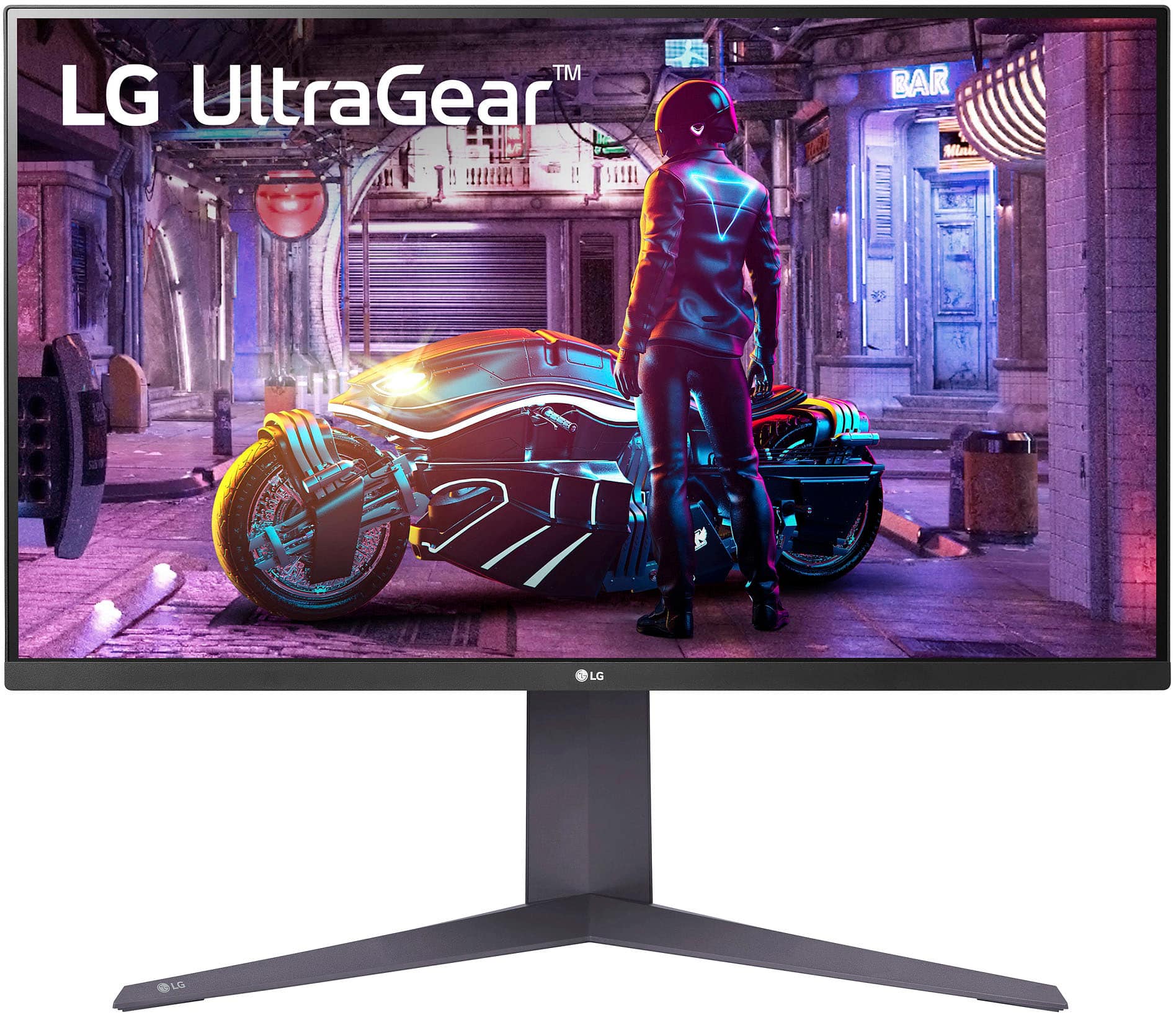
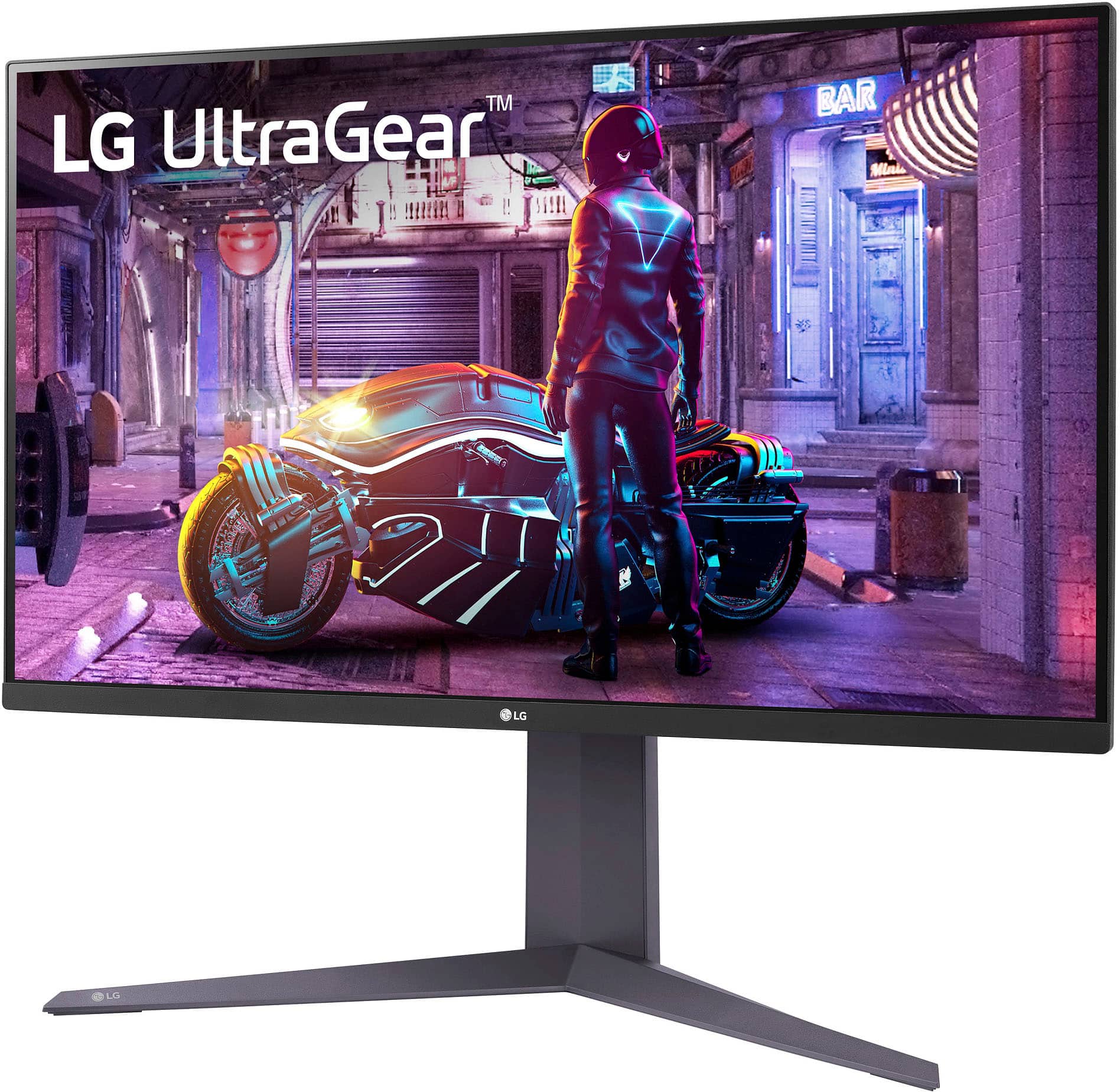
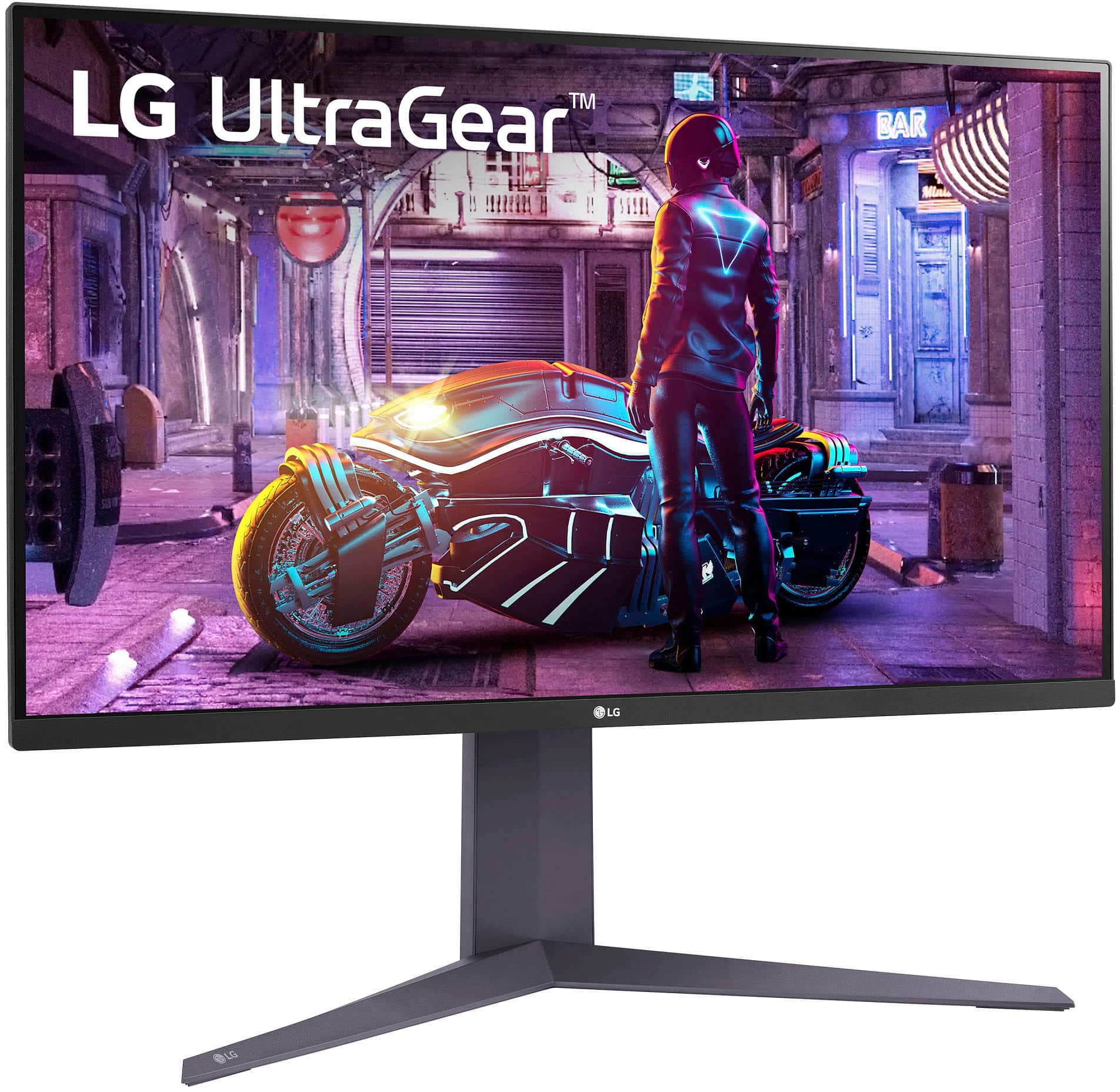
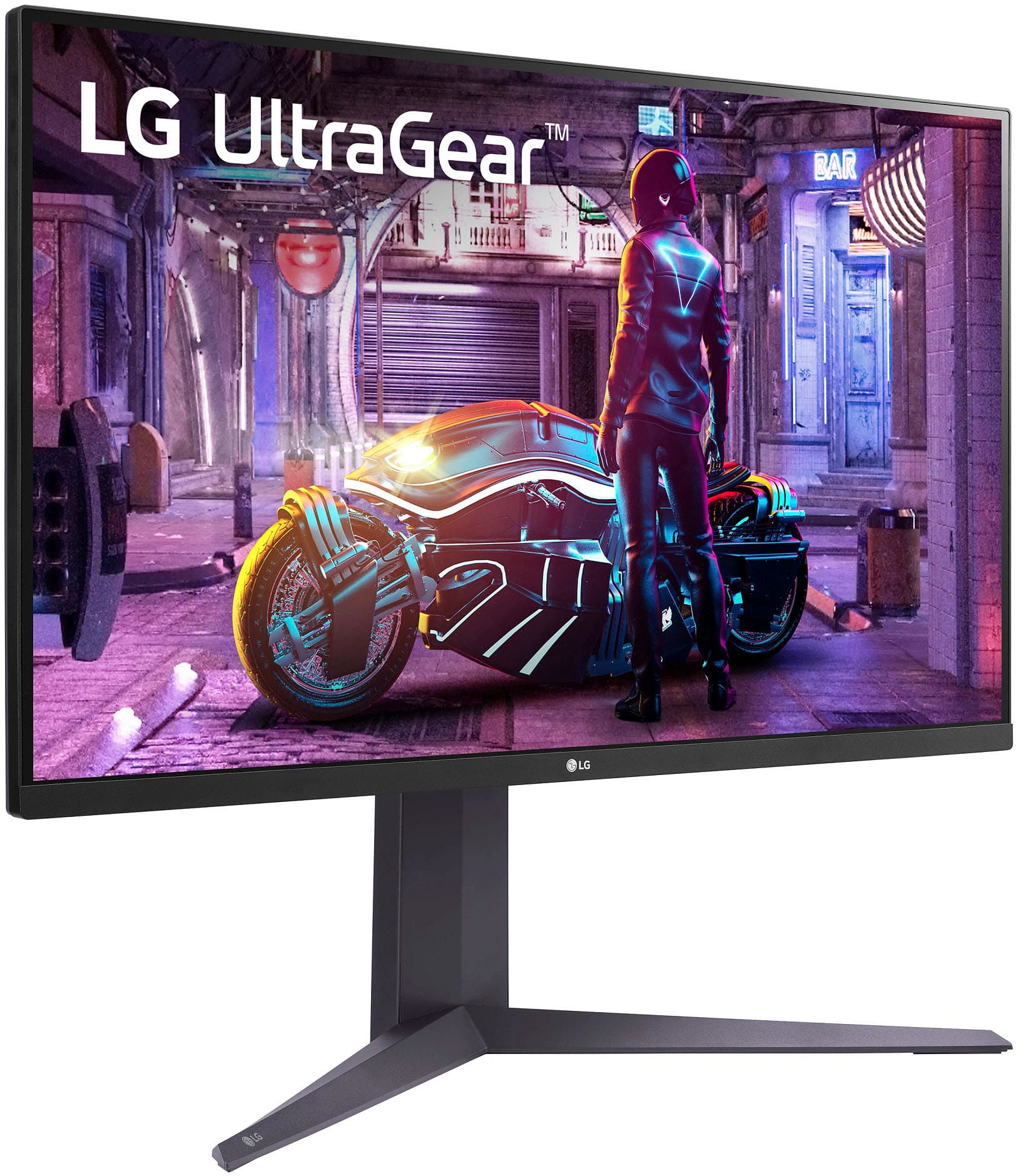
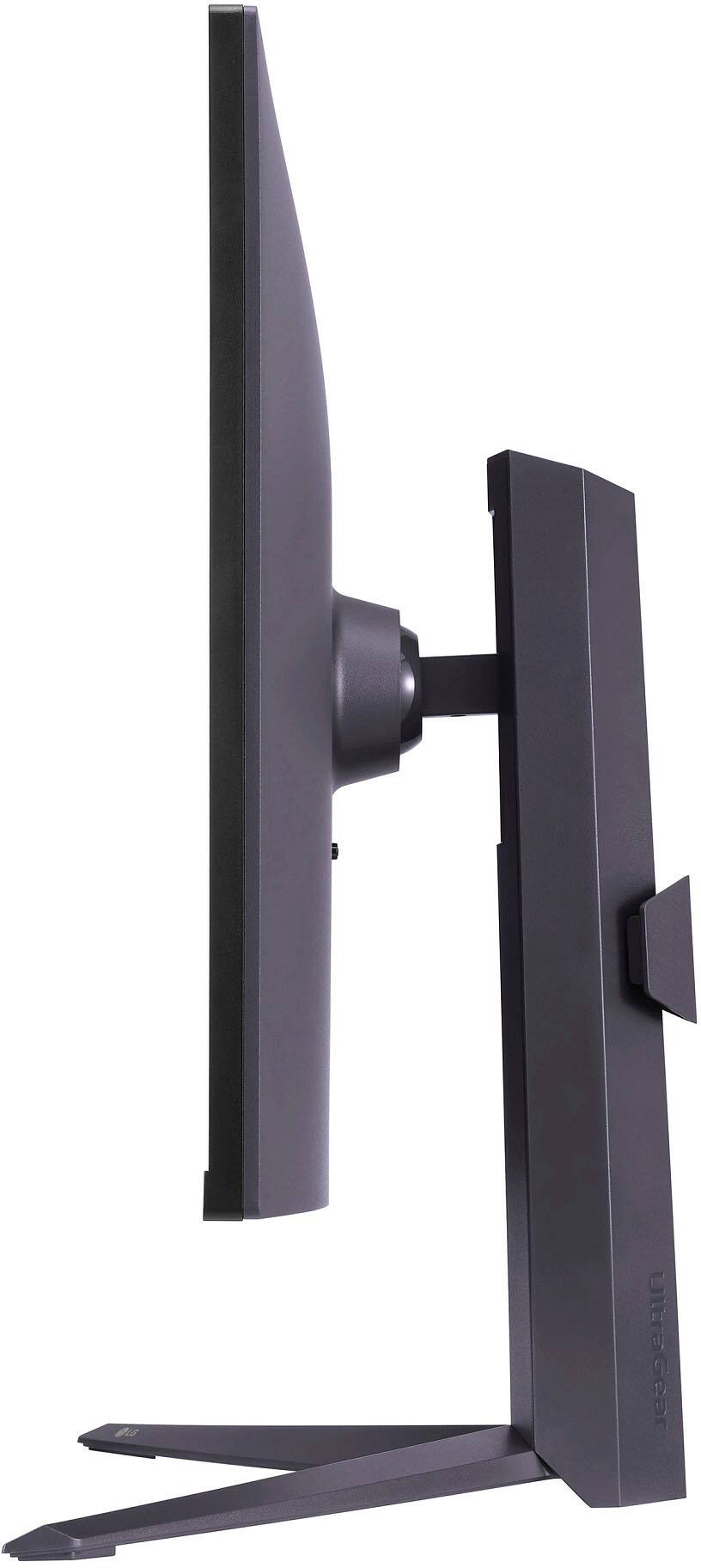
- Model:
- 32GQ750-B
- SKU:
- 6539509
Rating by feature
- Display Quality
Rating 4.5 out of 5 stars
- Ease of Use
Rating 4.0 out of 5 stars
- Features
Rating 4.6 out of 5 stars
Customers are saying
Customers often highlight the excellent picture quality, with many praising the crisp 4K resolution and beautiful images. The monitor's fast response time is also frequently noted as a positive aspect, particularly beneficial for gaming. No significant drawbacks were reported by customers. Overall, the UltraGear monitor receives positive feedback for its visual performance and responsiveness.
This summary was generated by AI based on customer reviews.
- Pros mentioned:Picture quality
Great monitor.
Posted .This reviewer received promo considerations or sweepstakes entry for writing a review.Works great. No compliants. Best purchase ive made in a while.
I would recommend this to a friend Is Monitor 4k ?
Posted .This reviewer received promo considerations or sweepstakes entry for writing a review.I wanna know if this monitor is 4k ? And are you able to watch 4k movies ?
I would recommend this to a friendStopped working
Posted .This reviewer received promo considerations or sweepstakes entry for writing a review.Got this in December of 2023 and stopped working in August. Didnt even last a year. Wont power on or do anything and cant wven reach the manufacturer support.
No, I would not recommend this to a friendBrand response from LG Digital Customer Care
Posted .Hi, Aaron. Thank you for sharing your experience with the LG Monitor (32GQ750-B) model. We understand your concern about encountering issues with a product that hasn’t been in use for long. We strive to provide reliable, top-notch products that exceed our customer's needs and expectations. For your monitor not powering on, a troubleshooting step you can try is to check the power connection. Ensure that the power cable is securely connected to both the monitor and the power outlet. If possible, test the cable with another device or use a different power cable to rule out any cable issues. For more help, visit https://www.lg.com/us/support/help-library/lg-monitor-troubleshooting-no-power--20150893043202. Please send us a private message on social media @LGUSSupport so that our team can provide further assistance and ensure we address the issue effectively. ^Juvy