Customer Ratings & Reviews
- Model:
- MX55EC3
- SKU:
- 6474691
Rating by feature
- Setup
Rating 4.5 out of 5 stars
- Range
Rating 4.4 out of 5 stars
- Signal Strength
Rating 4.3 out of 5 stars
Customers are saying
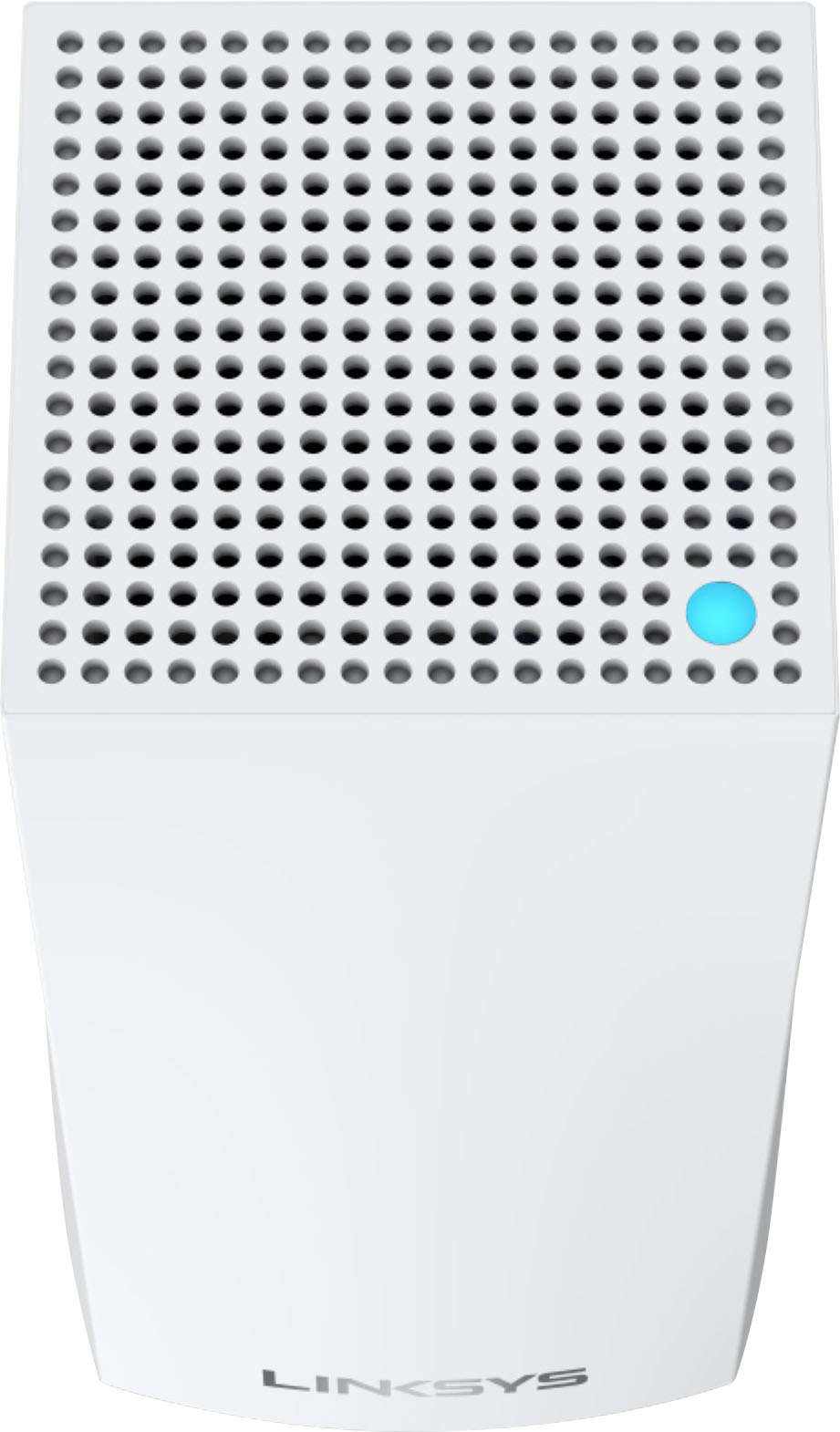
Customers love the Atlas Pro AX5300 Wi-Fi 6 System's ease of use, extensive coverage, and strong signal strength, resulting in improved Wi-Fi range and performance. Many appreciate the straightforward setup and the increased number of Ethernet ports. However, some users experienced occasional connection drops and found the app could be improved.
This summary was generated by AI based on customer reviews.
- Pros mentioned:Speed
Solution for an old house
||Posted . Owned for 2 weeks when reviewed.This reviewer received promo considerations or sweepstakes entry for writing a review.I have an old house that doesn't leave many options for getting good speed or ethernet on an upper floor. The mesh system was easy to connect, and paired with wifi 6 gives excellent speed. It's not ethernet, but when plugged into a node I get around 350-400Mbps vs the 500+ when truly hardwired. A decent compromise without breaking the bank.
I would recommend this to a friend - Pros mentioned:Ease of use
So far so good
||Posted . Owned for 3 weeks when reviewed.This reviewer received promo considerations or sweepstakes entry for writing a review.Working well so far. I upgraded to streaming for my 'cable' TV and the router(s) are handling it well. Installing was easy (need the app). The 'reserve IP' function doesn't seem to work right. I reserved a couple of IPs and my devices wouldn't connect the next day. I removed the reserve and it worked OK.
I would recommend this to a friend Works Great
||Posted . Owned for 1 month when reviewed.This reviewer received promo considerations or sweepstakes entry for writing a review.My house isn't that big but the layout, sort of L shaped, caused dead spots with my previous Linksys router. Set up with this mess system was easy, the app is a bit difficult to find advanced settings but once found worked as it should. Only used 2 of the satellites so far and signal throughout seems good so far.
I would recommend this to a friend- Cons mentioned:App
Fast Connection
||Posted . Owned for 1 month when reviewed.This reviewer received promo considerations or sweepstakes entry for writing a review.System is awesome, but the app needs work. Still lists disconnected devices, shows wirelessly connected devices as wired, even after testing the connection.
I would recommend this to a friend - Pros mentioned:Speed
Good investment
||Posted . Owned for 3 weeks when reviewed.This reviewer received promo considerations or sweepstakes entry for writing a review.Fairly easy set up. I took an online tip to give it the same network name and password, I did need to reprogram a few devices but it was pretty easy overall. It's got very good range, at least 300 feet outside the house. Speed is good, much better than the repeater I had before. It was a value at $350.
I would recommend this to a friend Strong Performance from this system!
||Posted . Owned for 1 month when reviewed.This reviewer received promo considerations or sweepstakes entry for writing a review.This mesh system is great once you set it up. I consider myself fairly capable with home networking. I have always set up and wired from scratch all of my home devices and networking equipment. This system however took me a few (4-5) hours on the phone with customer support to get it hooked up properly. Their support was great thought. They stuck with me and even followed up on several occasions to make sure that it continues to work to my satisfaction after it was all set up. I have blazing fast and strong signals throughout my home. Great product, Great company
I would recommend this to a friend- Pros mentioned:Wi-fi range
upgrade in so many ways
||Posted . Owned for 1 month when reviewed.This reviewer received promo considerations or sweepstakes entry for writing a review.very nice. more reliable than older AC generations. what's cool is I used my old system to enhance this strong core AX5300 3 node pack. I attached older generations as peripheral extenders to the strong core of the Atlas Pro and they mesh fairly seamlessly. Very impressed.
I would recommend this to a friend - Pros mentioned:Speed
Best 6E router
||Posted . Owned for 1 month when reviewed.This reviewer received promo considerations or sweepstakes entry for writing a review.Easy installation and at the time, the best wifi 6e router. Super fast, extended range and is a workhorse. There is a big difference from wifi 6 and 6e, if you're buying a new router, I recommend to future proof and spend a little more now. This is perfect if you have a large home and lots of devices.
I would recommend this to a friend - Cons mentioned:Connection
Save yourself the pain.....get orbi instead
||Posted . Owned for more than 2 years when reviewed.This reviewer received promo considerations or sweepstakes entry for writing a review.App is terrible, customer support is terrible, the child nodes routinely drop off/lose connectivity, no ability to tell WHY they dropped off either. I wouldn't recommend this to a person that I hated. Replaced them a month ago and will not ever go back.
No, I would not recommend this to a friend Exceptional & Powerful Whole-Home WiFi Solution
||Posted . Owned for 2 weeks when reviewed.This reviewer received promo considerations or sweepstakes entry for writing a review.Since I have never had very good luck with networking products, I was a little bit skeptical about this one. I was replacing what I thought was an exceptionally good wireless router (Linksys EA9500) that just wouldn't maintain a stable connection throughout my home. I had tried extenders before, with pretty terrible results, so I wasn't sure the Velop/Atlas system wasn't just a glorified version of that. Okay, I was wrong. This thing is FANTASTIC. I get speeds generally six times faster than with my old router (even though it had some of the same high-end specs). The signal evenly covers my entire home and it never, ever drops. I couldn't be happier. The only issue I experienced was with setup of the first node. Despite being connected directly to my cable router, it kept reporting, "No internet connection detected" and making me do a hard reboot. I had to do that about six times, and almost gave up when it finally completed the setup process. Once that was done, adding the other two nodes was a snap.
I would recommend this to a friend- Pros mentioned:Speed
Works but not excellent
||Posted . Owned for 3 weeks when reviewed.This reviewer received promo considerations or sweepstakes entry for writing a review.Goods: Works well if you are close to the router. The maximum speed is high on the main router. The app has parent control setting for free. Not so good: Much slower for the devices connected to the mesh satellites. The devices connected to satellites will drop occasionally even the wifi signal showed strong. Suggestions: buy a tri-band mesh if you care about the wifi stability.
No, I would not recommend this to a friend - Pros mentioned:Speed
Recommend this system
||Posted . Owned for 1 month when reviewed.This reviewer received promo considerations or sweepstakes entry for writing a review.Work pretty well - we have consistent wifi signal throughout our home now. Speeds up to 800 mbs.
I would recommend this to a friend Solid WiFi
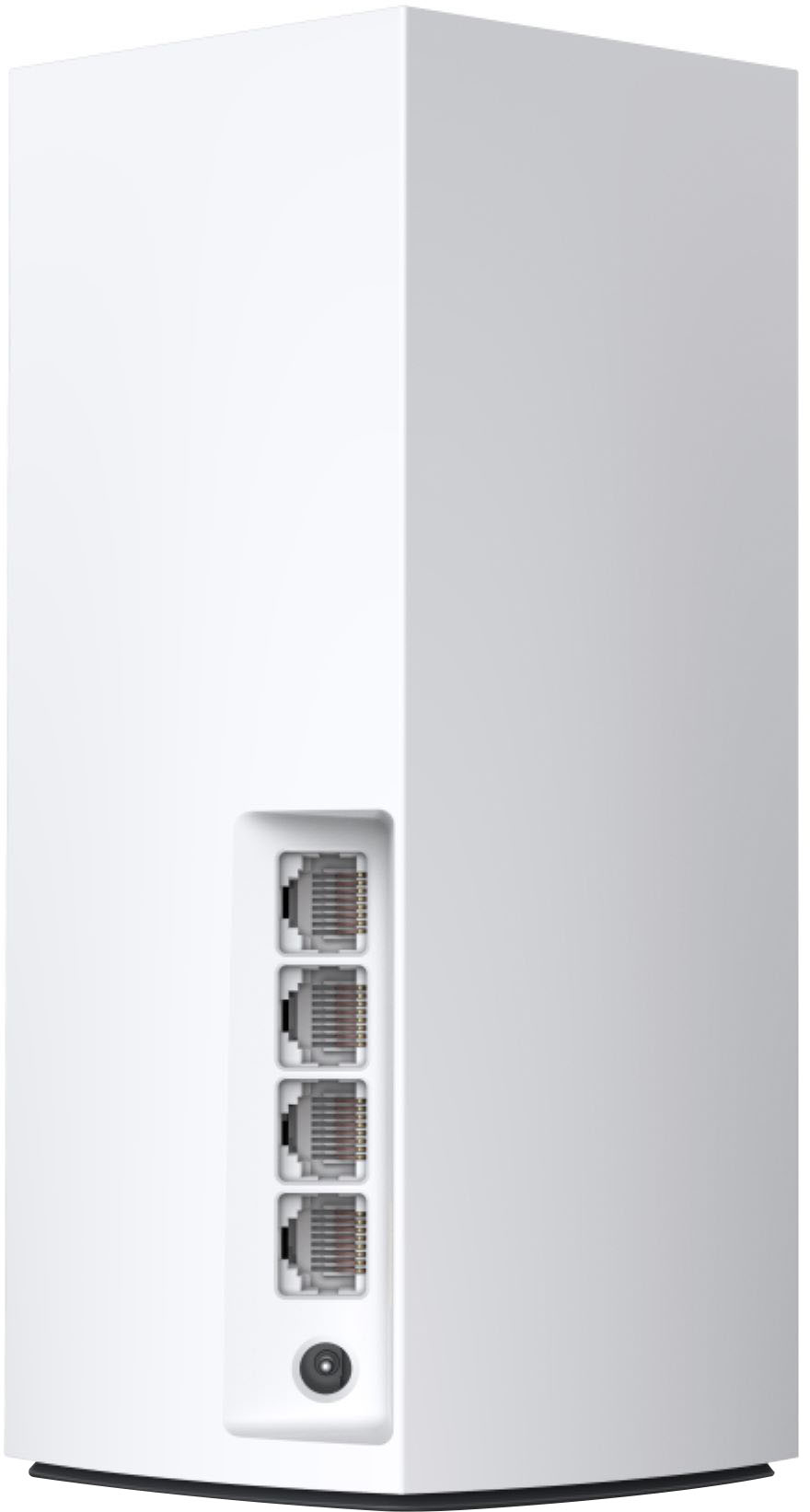
||Posted .This reviewer received promo considerations or sweepstakes entry for writing a review.Pros: 500-600 mbps download speed easily achieved on a phone. PC with a wifi 6 wireless card not tested yet. I'd assume it will be higher. All three units come with 1 WAN and 3 LAN ports! Either one of the three units can be setup as main unit, where your ISP connects to the WAN, and the other two can be nodes added later. Each node adds about 1ms of latency, which isn't bad. I have set up on mix wpa2/wpa3 and so far all my devices with both encryption types have connected. Note: WPA2 is limited to AES only on the mixed mode. The Linksys mobile app is easy to use, although you can setup by Ethernet connection, 192.168.1.1, password is admin. Cons: The mobile app is a bit limited, for power users, you'd have to get on the Ethernet connection and logon to the unit. Heat emits from top of the unit. Don't lock it up in a confined space.
I would recommend this to a friendGreat coverage for our large home
||Posted . Owned for 1 month when reviewed.This reviewer received promo considerations or sweepstakes entry for writing a review.We bought this to replace a much more expensive wireless access point system that had been professionally installed a few years ago. When we wanted to make changes, we couldn't find the professional. I installed this myself. Works better than the WAP.
I would recommend this to a friend- Pros mentioned:Coverage, SpeedCons mentioned:Size

Reliable and fast - setup could be easier though
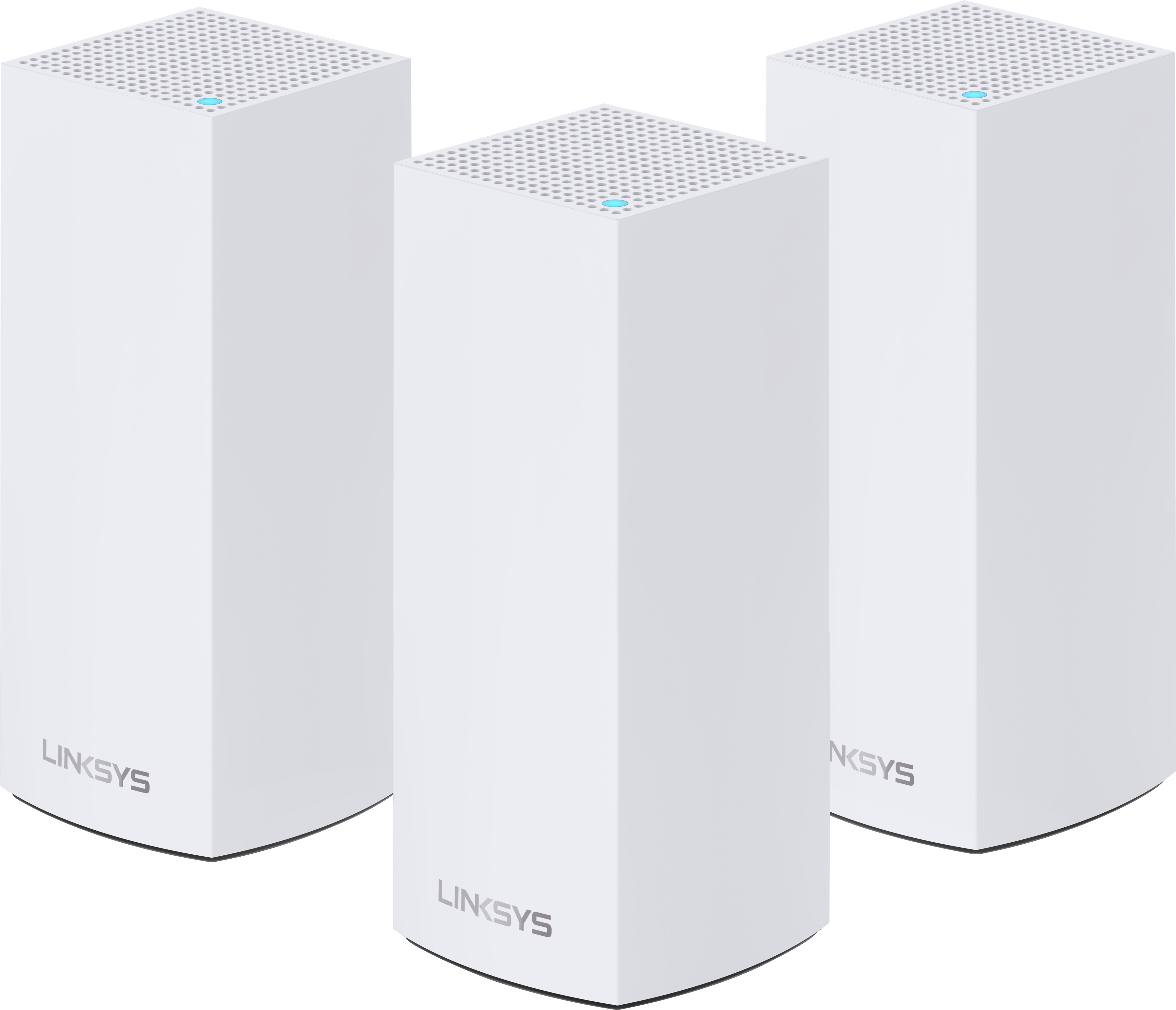
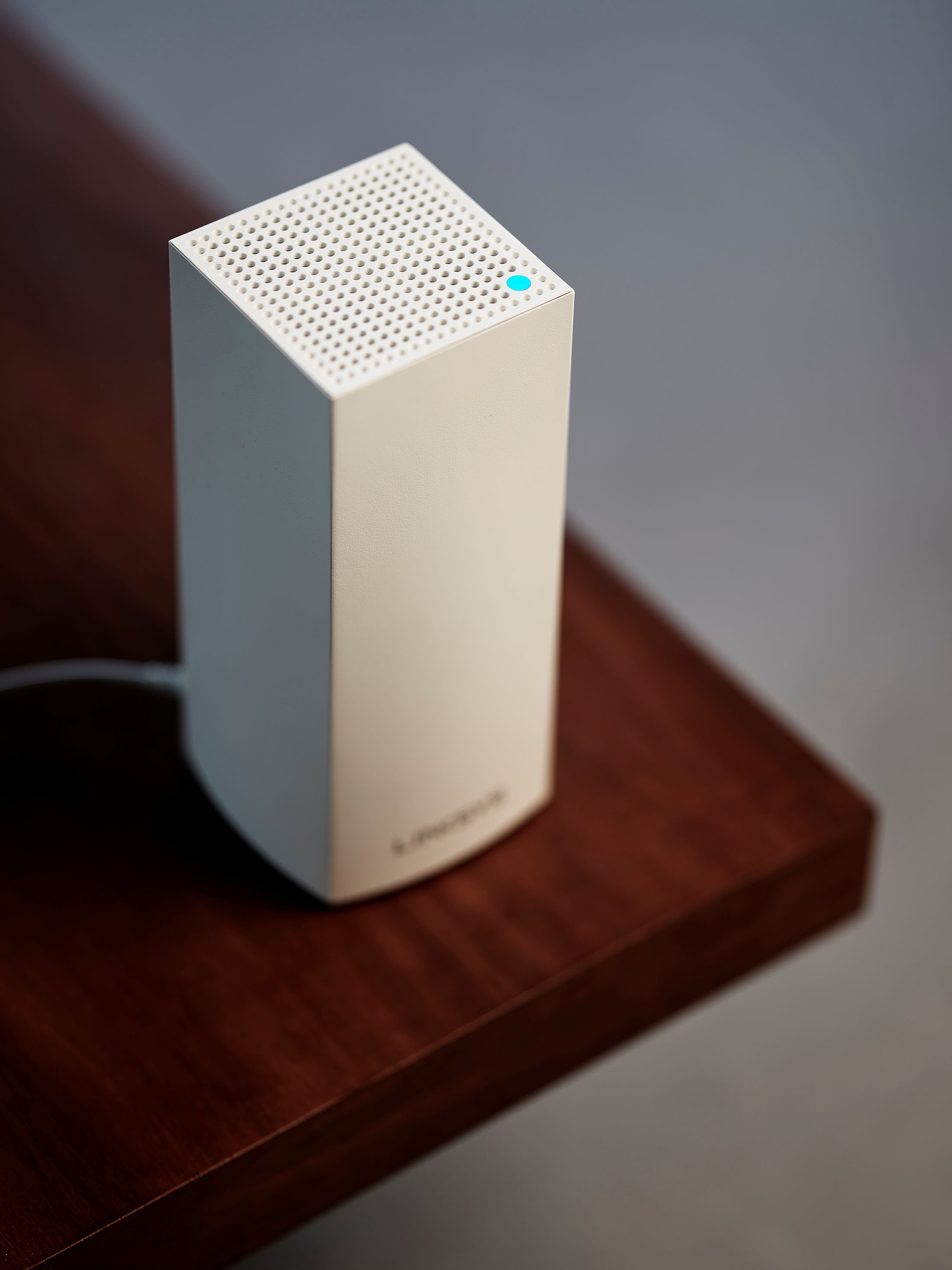
|Posted .This reviewer received promo considerations or sweepstakes entry for writing a review.The Atlas Pro Wifi 6 system from Linksys acts as a mesh, with multiple wireless access points. Many people will use a single access point but then notice dead spots around their homes. The mesh system aims to eliminate this by providing multiple access points you can arrange around your home for maximum coverage and connection speed. This pack from Linksys comes with 3 units, one of which will be configured as the parent and the other two (nodes) are configured as children. It is possible to run the parent node in bridged mode if you already have a router handing out IP addresses but I just connect my parent directly to the cable modem and then the parent handles DHCP and IP allocation. Each node has a power supply built into a wall-wart plug which is fortunately not so big to cover two power outlets. The nodes also offer 1 WAN Ethernet port and 3 LAN Ethernet ports. The WAN port is only required on the parent (the cable modem connects through this port) but on the child nodes, you can use the WAN port as an extra LAN port. LAN ports are useful for wired equipment you want to connect with Ethernet cables, rather than relying on wireless. I tend to run as much equipment on my Local Area Network as possible and then reserve the wireless channels for things that will only run that way. It may sound counter productive to have a mesh installed but then try to not use it but wired connections are generally faster and more reliable, so if you can use it, it generally has better results throughout a large home. The nodes are setup and controlled through the Linksys app. I was running it on my Apple iPhone but you can also use the Android app to do the same tasks. Once your network is setup and running through the app, it is possible to access the Linksys router directly through a web portal on a laptop and this offers a different view and a few more options for advanced troubleshooting. Setup should be painless but this is my second set of Linksys mesh equipment and I’ve always encountered the infamous “Red Dot of Sadness” in trying to get setup. The basic instructions are to install the app and follow the step-by-step instructions to set up a parent. Once that is up and running, you should be able to add child nodes until by the end, you have 3 happy nodes with the “Blue Dot of Happiness”. The colored LED on top of the nodes is sometimes all you really have to monitor progress and success. I found I could set up the parent node ok but child nodes were difficult. The instructions seem adequate if it all worked but when it doesn’t and you encounter a red dot and are told to reset and start again, it is quite frustrating. Various reasons exist as to why it might not work – child node was too far from parent, child node was too close to parent and even trying every permutation, I found myself watching a progress bar for 7-8 minutes at a time until it eventually errored out with no real explanation as to why. I did try to call the supplied tech support but after 20 minutes on hold, figured my time would be better spent trying to fix it myself. I was able to eventually see a child node appear in the app and although it was showing red in the LED and telling me to restart, I ignored it and carried on and eventually the child nodes were up and running, renamed to match the rooms I placed them in. You can also add child nodes from the web portal so if you can find the IP address of the parent, log in to that address and there is a hidden option in there to add child nodes, specifying if they are wired or wireless. I have had success with that method as well – basically the only time I had a first-time successful install of a node. You can set up a guest network from within the app, keeping guest devices and data separate from the rest of the household network. It is possible to configure the app to work with Alexa so you could turn on the guest network on command and turn it off by voice when guests leave. Password changes and access are handled in the app as well – you can opt to email or text a password to a visitor, reducing the chance of them mistyping it. Parental controls are also built into the app. I don't have any children so did not test it but it looks comprehensive, including some Alexa functionality to restrict access after bedtime, for instance. My network is a little different to some but basically, I already had some Linksys Wifi 6 mesh nodes and I added these three to an existing 2-node setup. Additionally, all but one of my nodes uses Ethernet back haul where the parent is joined to 3 of the nodes via an Ethernet cable. This is not always possible, I just happened to repurpose the telephone landline ports around our house, to make a Gig speed local area network but if you can run the cables, it should provide a reliable back haul between the nodes. The AX5300 set is dual band while my existing nodes are tri band. As I was using the Ethernet back haul for the nodes to communicate between each other, it did not matter to add the dual band – the third band would only be used for the same thing the back haul is handling. The new units are physically smaller than their predecessors – shorter and with one less Ethernet port. A part of me was annoyed to give up a port but on most of my nodes, I don’t use them all anyway and you can always hang a network switch off a port and then connect up more devices. Despite the smaller size, they still do not meet the Wife Acceptance Factor (WAF) and so locating them in optimum spots (clear line of sight, no obvious obstacles etc.) may not go down well with the in-house interior designer. Placing them in hidden corners on the floor will restrict their range and speed. The wired back haul devices all reported in that they connected at 1 Gig to each other, which is expected. The device that connects to one of the other child nodes wirelessly reported reasonable signal to noise ratio and a connection speed of about half the wired nodes. Again, this is reasonable as that node sits in the garage which has insulated walls and floors separating it from the other nodes. The connection speeds are mostly good – my laptop was reporting a full speed connection in Windows although a real-world SpeedTest would report about 300-400 mbps, on a Gigabit connection from the Internet Service Provider. Cell phones and tablets were similar – the worst spot in the house would report a minimum of 200 mbps in SpeedTest but this is also when competing with 47 other wireless devices including streaming TV etc. In the app, it is possible to see which node a specific device is connecting to. This is useful but also frustrating as often, you will disagree on which node is closest and has the strongest signal. Apple devices can often stay connected to nodes you have long since left and that is based on Apple’s proprietary roaming algorithms which the user has no control over. On my laptop, I was able to set the roaming aggressively and then could watch it jump to a new access point as I moved around the house, always seeking out the closest and fastest. The Linksys web portal will let you set roaming – I have never found that function in the app. There was also a hidden setting in the portal to have the nodes jump to another node, if one goes offline, so the line of communication between nodes self-heals. Originally, I had issues with this and deactivated both roaming and self-healing but the firmware has been stable for some time and I happily re-enabled it. All in all, this is a nice kit, hitting the sweet spot of included nodes and if the installation gods are smiling, it should be easy to get them up and running quickly, without needing much interaction after that. I would have liked something better to help with placing the nodes, so in my case, I ended up using a fairly expensive professional application to identify coverage areas and locate the nodes accurately. The included Linksys method isn’t very informative and doesn’t really let you experiment much beyond “that worked” and “that didn’t work”, with the time-penalty of having to watch the progress bar again for 5-6 minutes, with fingers crossed to not have to keep repeating the process! The box the units came in claims 3 Pro 6 nodes will cover up to 8100 square feet. That is probably not possible in an actual house, with walls, floors and other obstacles but I find the coverage and speed to be very good in a 2600 square foot house with attached garage. We have no buffering when streaming and our cameras and other wireless devices all seem happy enough on the network, usually picking the nearest node to attach to (although not always and I wish there was a way to force them to specific nodes!) Although this is quite an investment, it should provide much better coverage than a single access point and easily manage the wireless devices most households possess today.
I would recommend this to a friend No complaints
||Posted . Owned for 1 month when reviewed.This reviewer received promo considerations or sweepstakes entry for writing a review.My whole house has great signal now. I can also get a good signal all over my large yard and into my metal pole shed. Has extra ports to plug in a remote devices on each satellite. I have no complaints. Might buy another one of these for the cabin.
I would recommend this to a friend- Pros mentioned:SpeedCons mentioned:Connection
Fast, but faulty.
||Posted . Owned for 2 weeks when reviewed.This reviewer received promo considerations or sweepstakes entry for writing a review.System was fast, but units that I was using as the satellite units constantly kept disconnecting from the main unit, and it would take a reboot to reconnect them. It said I had placed them to far apart, but they were less than 2 rooms apart with a couple walls in between them. Not impressed, had to return.
No, I would not recommend this to a friendBrand response from Linksys Staff
Posted .Hi JstewsMole,
We're sad to hear that you were unsatisfied with your purchase, but we fully respect your decision. If you still have the Linksys MX55EC3 or need help with any Linksys device, just email us at [email protected] along with your contact details. Our Escalation Engineers would love to assist from there.
Regards,
Chu
Linksys Support
Using bridge mode - Works great
||Posted . Owned for 1 month when reviewed.This reviewer received promo considerations or sweepstakes entry for writing a review.Works great, customer care was really good in helping setup as I had issues setting this up. Happy with the performance but I connected them through backhaul and running in bridge mode as they are powered by different ports on my att modem.
I would recommend this to a friend- Cons mentioned:Connection
Works great
||Posted . Owned for 1 month when reviewed.This reviewer received promo considerations or sweepstakes entry for writing a review.Works like a charm just hope it will last longer than the gen 1 I got worked for 6 years then lost reach / connection with each other. When it works it works great. Like these ad the ports are easier to access and they are about the same size
I would recommend this to a friend - Cons mentioned:Firmware update
Nice try but not ready for Prime Time!!
||Posted . Owned for less than 1 week when reviewed.This reviewer received promo considerations or sweepstakes entry for writing a review.Tech support for this thing is a joke. No detailed manual??? Get different answers each time I call or interact with them. First it was DDNS, Said no support then another response... yes it supports it but limited. Next it was hardwired backhaul. Said to use one of the LAN ports on the child then second response was no use the Internet port of the child. Then I asked the simple question of how do I back up the configuration....answer was there is NO WAY TO BACK IT UP? Then I asked what happens to all of the configuration when I do a FIRMware update. They do not know if it saves my config or not. Last the Keep the firmware up to date feature does not work....there is a later version of firmware but the app still shows I am up to date. When I asked about this...the response was SOMETIMES that happens?? You can do a manual update if you want. If you are looking for something that you can reliably count on I would not choose this thing. Not ready for prime time if you need to rely on your network!!! Level 2 support is a 24 to 48 hrs call back.....which has not even happended yet.....really ....call me back anytime over a 2 day period to work through issues????? Run from this thing.
No, I would not recommend this to a friend