Customer Ratings & Reviews







- Model:
- 920-013369
- SKU:
- 6629029
Rating by feature
- Value
Rating 4.6 out of 5 stars
- Quality
Rating 4.8 out of 5 stars
- Ease of Use
Rating 4.8 out of 5 stars
Customers are saying
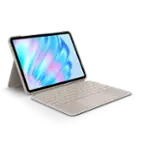
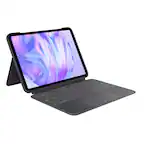
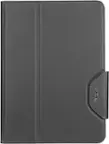
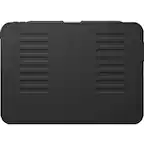
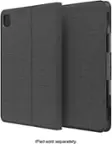
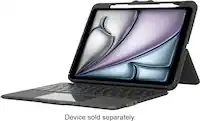
Customers enjoy the Flip Folio Keyboard Case for its comfortable typing experience, portability, and build quality. Users also appreciate the simple connectivity and the strong magnetic attachment for their iPad Air. However, some customers have expressed concerns regarding the level of protection offered and the added weight to the iPad.
This summary was generated by AI based on customer reviews.
- Pros mentioned:Attachment strength, Portability

Convenient, But A Few Missed Opportunities
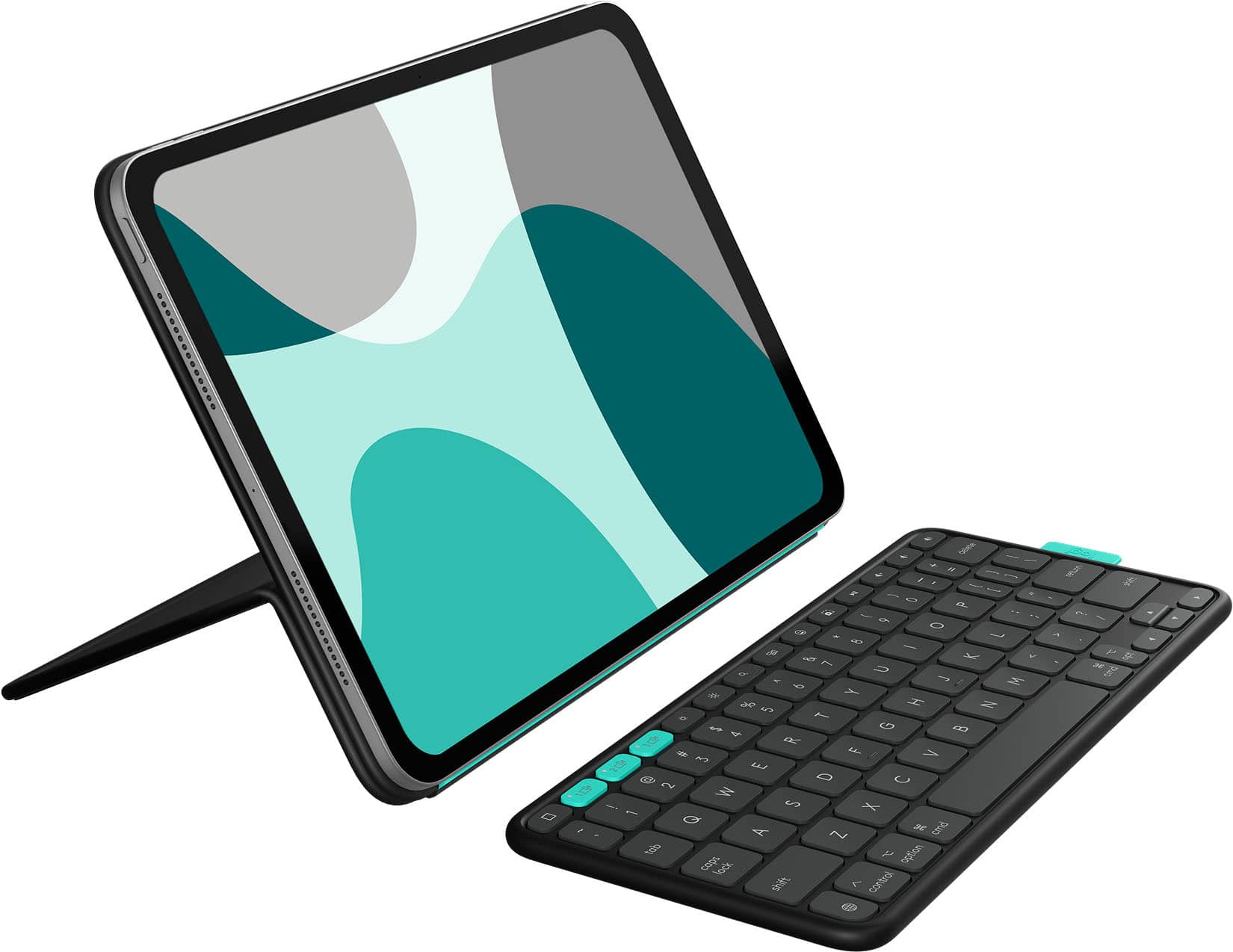
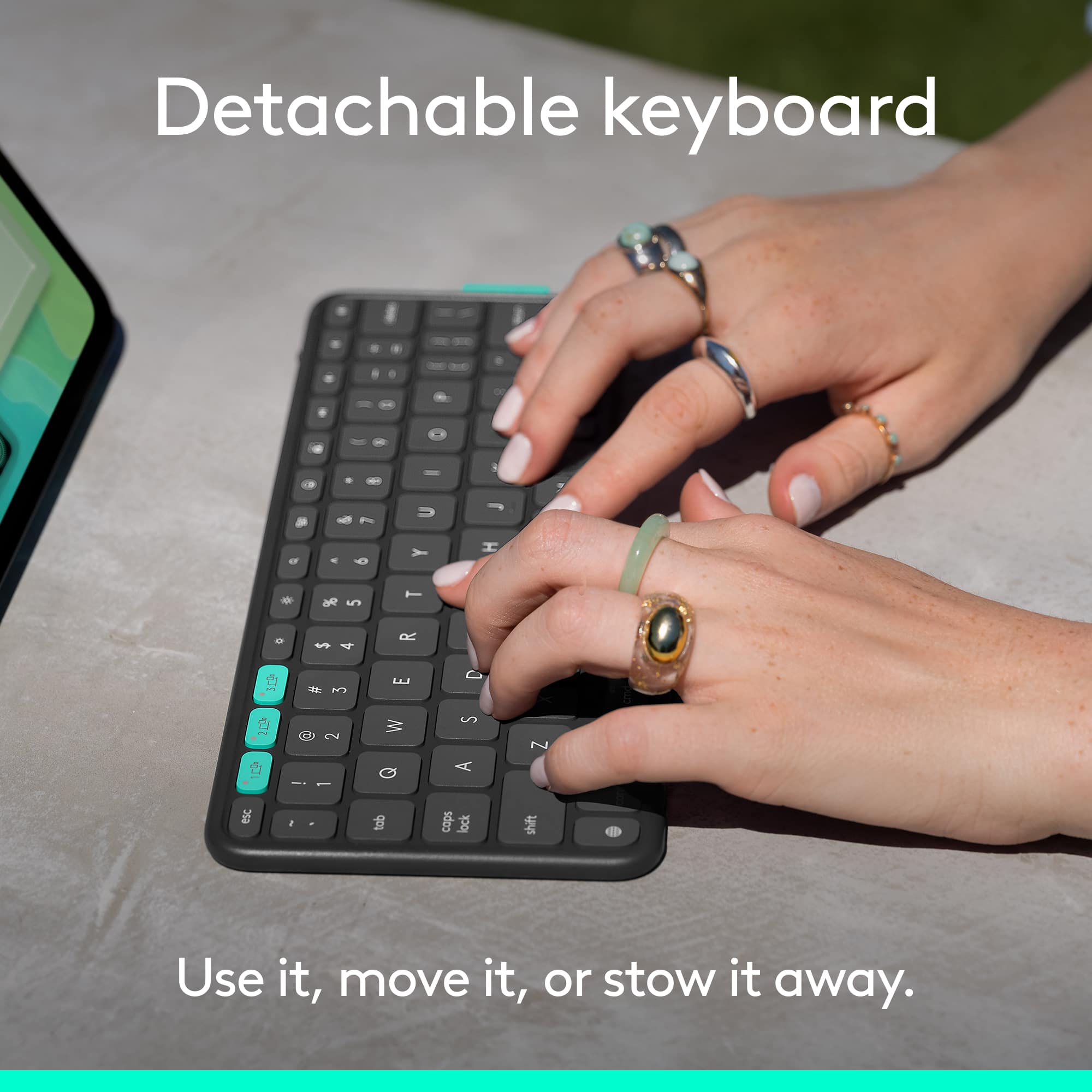
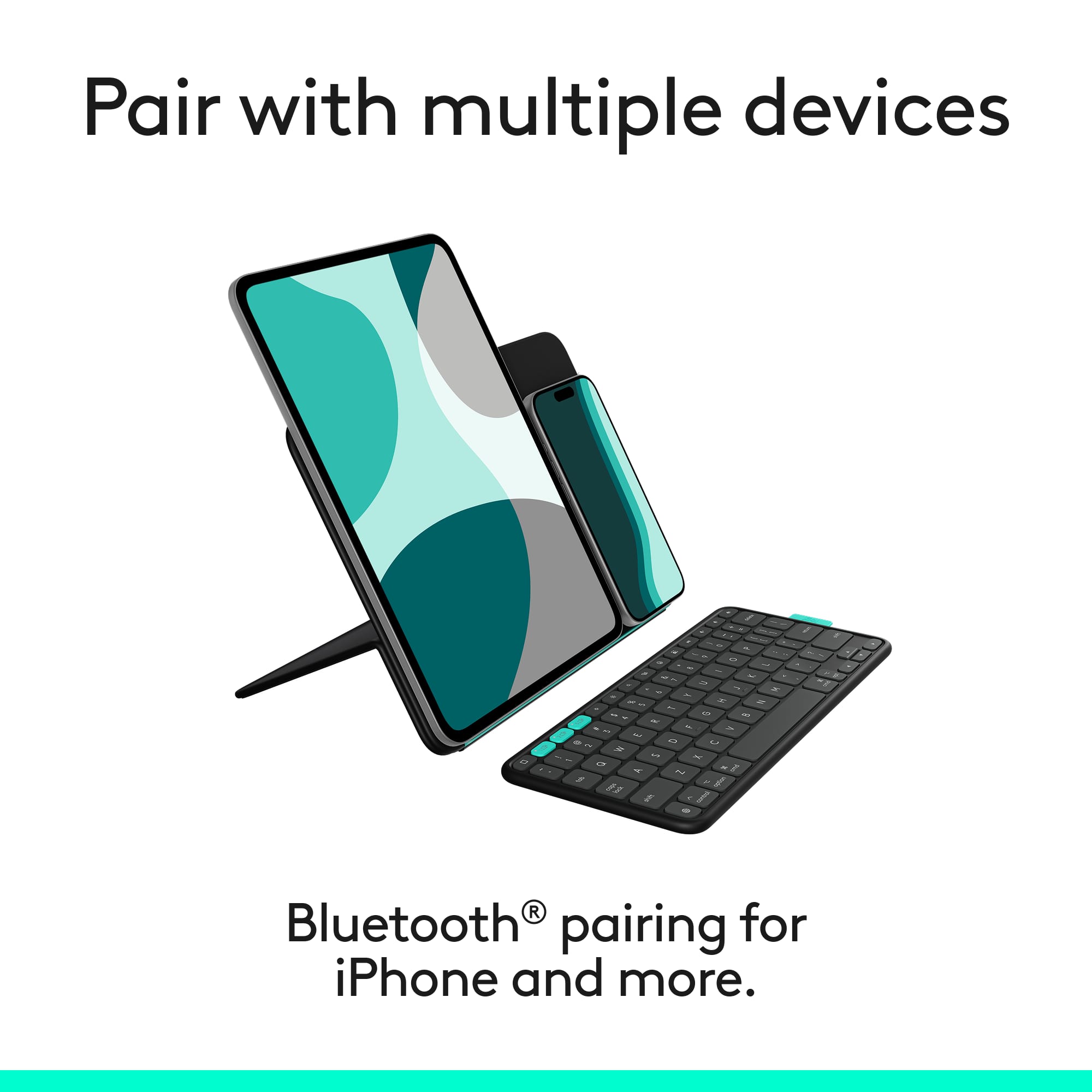
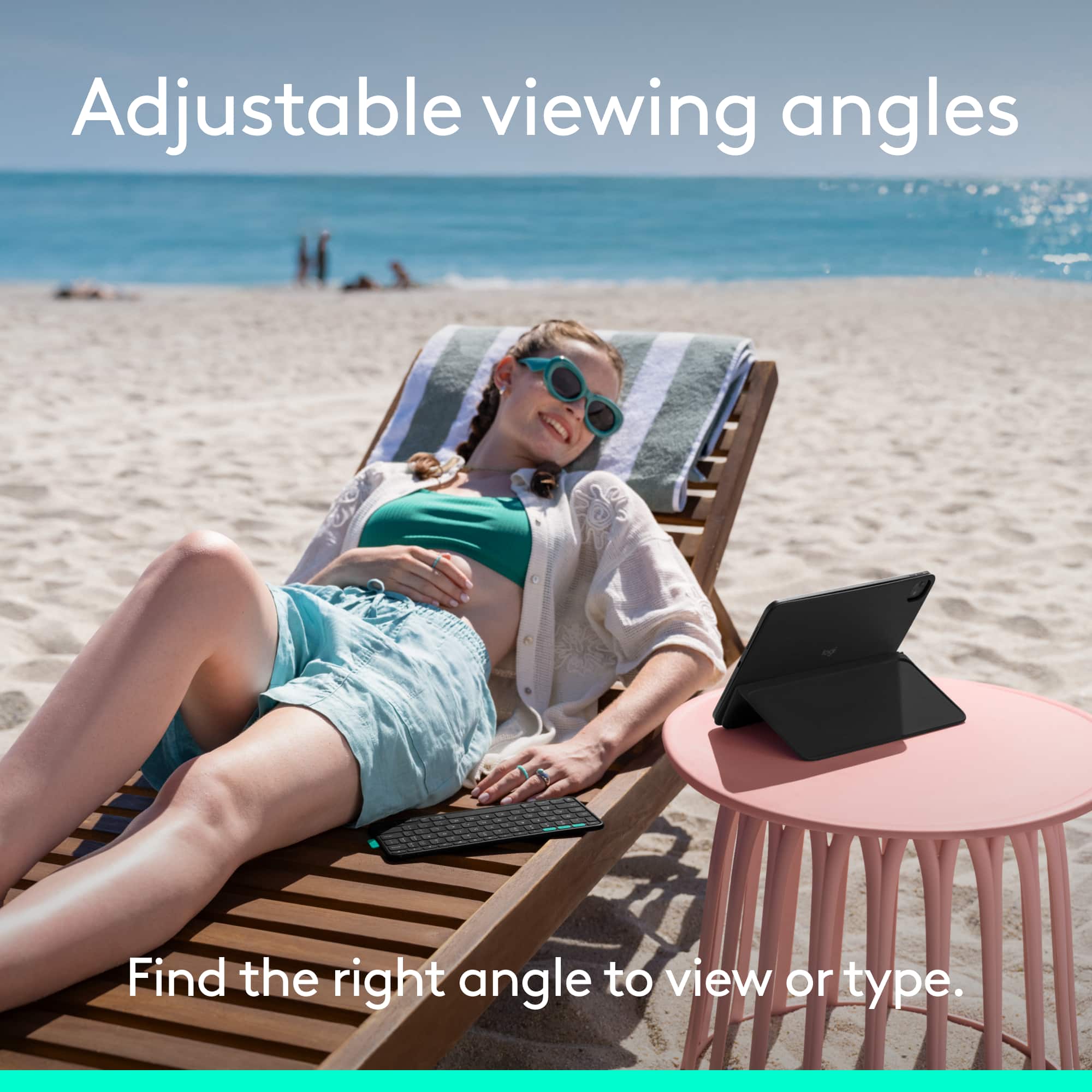
|Posted .This reviewer received promo considerations or sweepstakes entry for writing a review.The Logitech FlipFolio is extremely convenient, with the Bluetooth keyboard. It provides more options for places to use my iPad, where an attached, conventional keyboard doesn't quite fit. When you aren't using the BT keyboard, it attaches via magnet to the rear cover; the magnet is strong enough to hold the keyboard in place so it doesn't fall off. The addition of the acqua function buttons allow me to pair my iPhone and Mac as well, and type between the three devices with the push of a button. The power button on the keyboard is a bit hard to find at first. I don't like the idea of a battery-operated keyboard; the times that I'm using my iPad for something critical will be a time when the battery needs to be replaced. This is a definite Con for me; I know the iPad has a keyboard, but if I'm doing something important and I have to use that one, it's enough to break my concentration. The one thing I can't give up is an adjustable brightness, backlit keyboard. The Logitech FlipFolio does not have a backlit keyboard. I use my iPad in all sorts of situations with varying degrees of room lighting, so not having this feature in not efficient because it leads to constant mis-typing. Also, if room lighting is in the back of you, or on the sides, your hands can cast a shadow on the keys. The stand on the rear of the Logitech FlipFolio is continuously adjustable, and is perfect for a variety of activities, from working, gaming, and streaming. Despite the convenience of a BT keyboard, there are quite a few smaller things that cummulatively, represents a missed opportunity (a Con): ---The keyboard is thin, but still should have some thin rubber feet, or a rubber / silicone coating. It's nice to have it seperate from the folio itself, but if you type at an angle, the keyboard slides over the surface since it's lightweight. ---I'd like to see the material on the folio surface that contacts the iPad to be a bit 'softer'; feels like fairly hard plastic. ---The instructions are attached directly to the inside of the packaging and is easy to throw away (white sheets on a white box). Similarly, the warranty information is in a small, plain white envelope attached to the inside of the box, and is hard to notice. As previously mentioned, I'm concerned about replacing a battery on the keyboard at an inconvenient time, and the lack of a backlit keyboard. Those were the two factors for my rating.
No, I would not recommend this to a friendBrand response from Logitech
Posted .We appreciate your detailed feedback on the FlipFolio, especially your insights regarding the keyboard's battery and the absence of backlighting. Your comments about the keyboard's stability and the folio's interior material are also valuable to us, and we're always looking for ways to enhance our products for a better user experience.

- Pros mentioned:Typing comfort
Decent at best, but hard to recommend
|Posted .This reviewer received promo considerations or sweepstakes entry for writing a review.I don’t think it’s as simple as saying, ‘well, this thing is nearly half the cost of Apple’s overpriced solution…’ and calling it a day. Sure, it’s *significantly* cheaper, and I would argue in some ways it provides more flexibility than what the Magic Keyboard can. It’s probably most fair to point out that these aren’t really competing products, since the Logitech option doesn’t have a touch pad. Sorry…I’m getting ahead of myself. Here’s what I like about it: it’s super flexible and can be used with the iPad in both landscape AND portrait modes, which is something that I think a lot of standard iPad cases/folios miss out on. Also, I actually like that the keyboard is a separate physical piece from the rest of the case, which again points to flexibility. The hinge allows for many different viewing angles, even ones nearly flat— but is not a good solution for ‘drafting’ when you rest your palm on the display. And, while $160 is still a bit steep, even in 2025, it is way cheaper than what you can get from Apple. Logitech is a reputable brand. The keyboard types well, is lightweight, and I like that it attaches magnetically to the case (although I’d prefer the magnets be a little stronger). Also, there is a little rubber tab at one end of the keyboard that makes detaching from the case super simple. It is far from perfect, though. I do not like the material… this isn’t that different from competing products, but this rubbery material gets fingerprinty and greasy and over time looks kind of gross. Maybe if you clean your case daily it could last longer, but many people don’t clean their screens weekly, and that’s where the cost is. The hinge may offer a wide variety of viewing angles, but I don’t think it is that stable of a hinge. Fresh out of the box, it is almost inflexible, so much so that I wasn’t sure I was bending it the right way. I tried checking the instructions, but all that was provided in the box were unhelpful graphics that didn’t provide much insight on how to use it. (I know, it’s a case, how hard can it be?) But I did struggle a bit. Also, when bending the hinge, the crease that forms on what is the ‘inside’ of the cover doesn’t look like it belongs. It’s almost as if there is too much material in that crease, and it doesn’t wrinkle consistently across the length of the fold. It’s minor, but it looks weird to me. And finally, I find the hinge to be loosening relatively quickly over a short period of time, where it seems to be ‘slouching’ over the course of watching a movie, for instance. I don’t have high hopes that this is going to last as long as your iPad will, and as soon as you buy a replacement, you’re already over the cost of Apple’s premium product. I can’t ding this for not having a touchpad from a design perspective, but I can from a price perspective. Obviously a touch pad would change the design of the whole thing, I get that, but without a touch pad it’s hard to justify the price. There’s also an issue when it comes to product integration. Yes, it pairs quickly and easily to your iPad, but Apple has not yet perfected their user interface for third-party keyboard products, so the floating keyboard shortcut window across the bottom of the display, despite not needing to access the keyboard, is annoying. If I have an external keyboard, I’d like to free the screen entirely of any keyboard-related graphics and have the space for displaying whatever I’m typing. I know this isn’t strictly a “Logitech” problem, but functionally, I can buy a cheap rubbery iPad case and mobile bluetooth keyboard on Amazon for a lot less than $160. This is at best ‘decent,’ but with questionable durability on the hinge, and not enough differentiation from a much less expensive solution, I don’t know that it’s worth the price.
No, I would not recommend this to a friendBrand response from Logitech
Posted .We appreciate your detailed feedback on the Flip Folio Keyboard Case. It's valuable to hear your thoughts on its flexibility, design, and areas for improvement like the material, hinge stability, and the overall user experience. This helps us continue to refine our products.
A great keyboard but the case misses opportunities
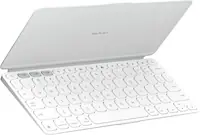
|Posted .This reviewer received promo considerations or sweepstakes entry for writing a review.This is a case that's not entirely clear what it wants to be, and in the process, loses a key opportunity. As a folio iPad case, it has a strong magnetic hold with your tablet; however it's lacking any real side protection. That's not a deal breaker and it's expected. What's nice is that the case maintains a slim profile when closed....for the most part. The problem is that the keyboard has a partitioned space on the outside of the case. When the keyboard isn't there, that space feels...empty, and ruins the "flat profile." But if you keep the keyboard attached to the case, the keyboard sticks out far enough to make the case bulky and unbalanced. Folding the case is also limited. It's an odd feeling, but the cover of the case bends inward, which you then flip around to create a stand - and that's the only way it can be used. The keyboard is essentially meant to be used independently of the case. The thing is, the keyboard still has a magnetic hold on the inside of the cover, but the only way to prop up the iPad is by using the cover folded to the back. This was a totally missed opportunity. About the keyboard: It's actually pretty fantastic. Key travel is short, but typing on it is quite comfortable. The keys are well spaced for an 11" tablet and I appreciate the inclusion of task keys - although I miss having clearly laid-out function keys. The keyboard also supports 3 connections and, frankly, is quite a great bit of travel kit all on its own. One weird thing about the keyboard: it doesn't have a way to power externally, relying on an internal battery that is supposed to last many years. I guess time will tell, but that makes me a bit nervous.
No, I would not recommend this to a friendBrand response from Logitech
Posted .We appreciate your detailed feedback on the Flip Folio Keyboard Case. We understand your points regarding the case's design and the keyboard's integration, and this input is valuable for our continuous product development. It's great to hear the keyboard itself provides a comfortable typing experience.
Keyboard
Posted .This reviewer received promo considerations or sweepstakes entry for writing a review.Great product and they had a really great sale at the time. I would say the same had it been full asking price
I would recommend this to a friendBrand response from Logitech
Posted .Thanks for taking the time to share your experience. We’re delighted the product is working well for you. Your feedback means a lot.