Customer Ratings & Reviews

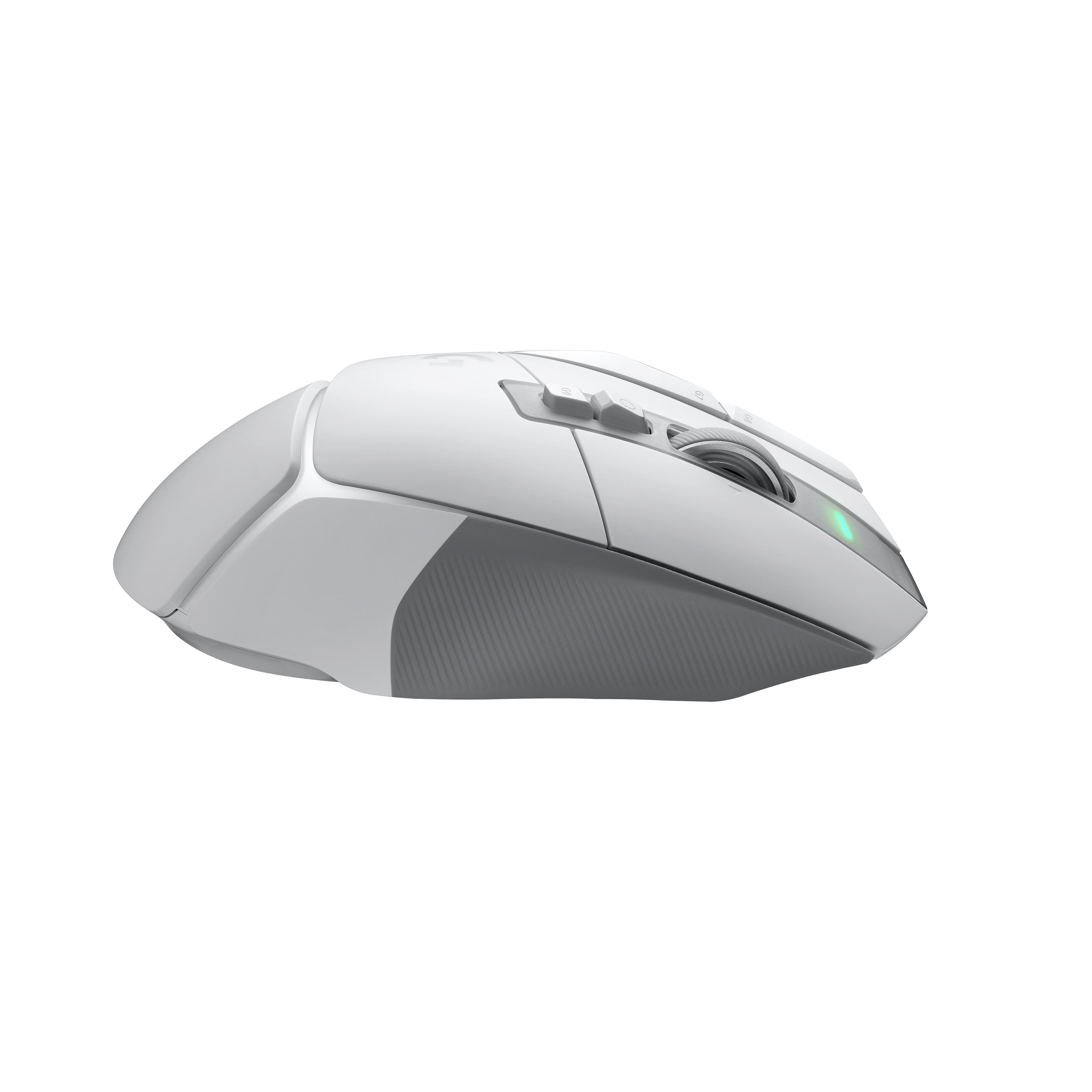
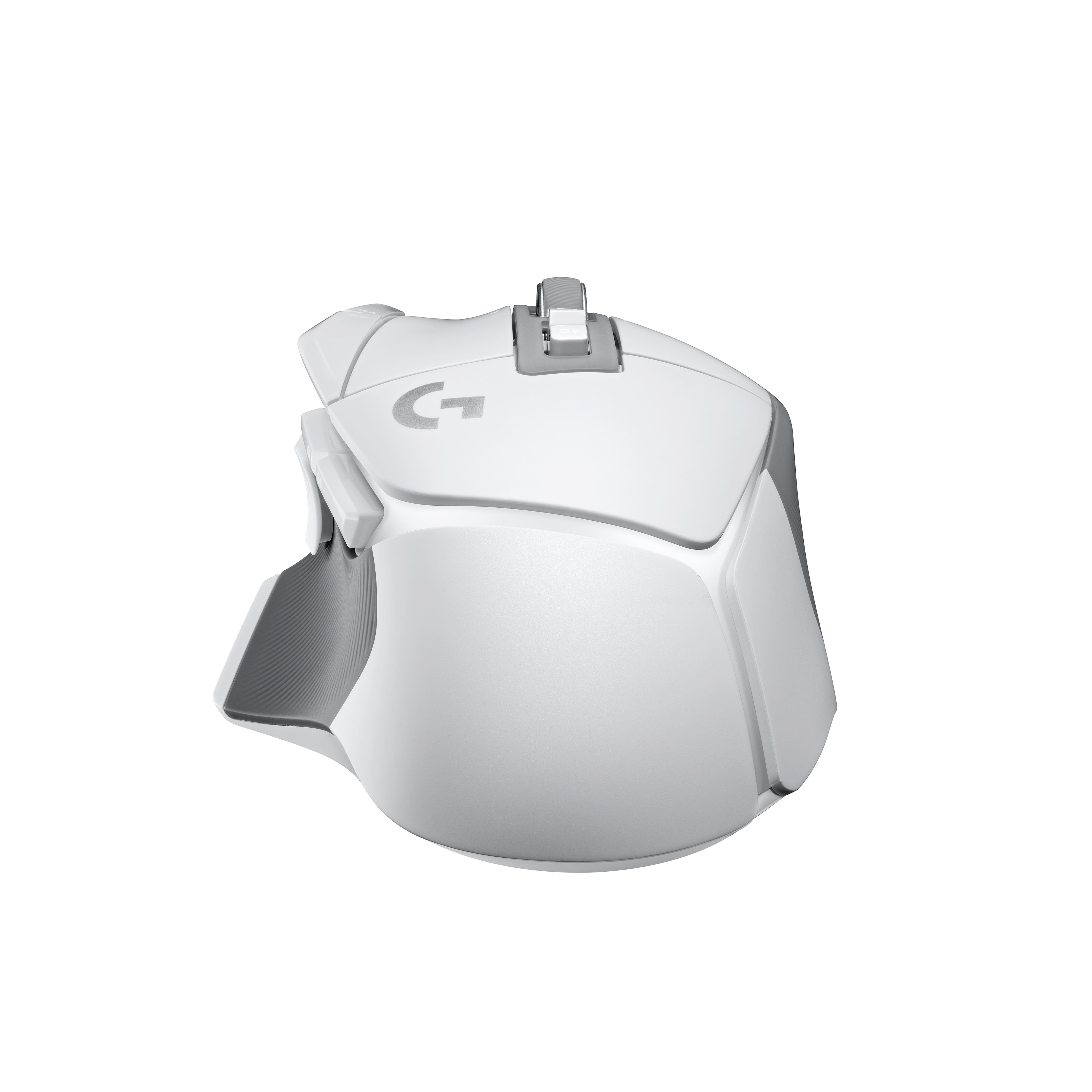


- Model:
- 910-006187
- SKU:
- 10224426
Rating by feature
- Value
Rating 4.4 out of 5 stars
- Quality
Rating 4.7 out of 5 stars
- Ease of Use
Rating 4.7 out of 5 stars
It’s a mouse
||Posted . Owned for 3 weeks when reviewed.This reviewer received promo considerations or sweepstakes entry for writing a review.The mouse fits well with my hand size and the button placements for the fingers are well designed. The only issue is some detection issues on higher reflective surfaces which can cause some lag or non-response. Overall, it is a good mouse that gets detected by windows and has additional macro options with the Logitech software.
I would recommend this to a friendPERFECT MOUSE FOR GAMINF AND EVERYDAY USE
||Posted .This reviewer received promo considerations or sweepstakes entry for writing a review.Fantastic mouse. I use it almost every day for both gaming or for basic computer work. It works just fine as a regular mouse. Its not bulky or uncomfortable. But when you need it for gaming it shines. The on board pointer speed adjustment is perfect for my wife so she can use it easily as well.
I would recommend this to a friendBrand response from Logitech
Posted .Hey! We’re pleased to know our product is meeting your expectations. Your feedback is essential to our growth. Thanks for being part of the Logitech family.

Great mouse hardware, annoying required software
||Posted . Owned for 4 months when reviewed.This reviewer received promo considerations or sweepstakes entry for writing a review.Logitech has a theme: they make great hardware that on its own is an excellent value and could be best in the industry, but gaming hardware requires software as part of its intended use, and Logitech G HUB is not the same quality as their hardware. This mouse on its own is an excellent piece of hardware. Logitech managed to make a high performance wireless gaming mouse that is actually noticeably lighter than their previous generation wired mouse. I can't say if that affects the battery life because I've used it with a charging mat and never charged it. They got the balance perfect. The scroll wheel is an improvement over the old metal scroll wheel, and I prefer the physical release button to switch between click and free scroll over Razer's electronic release. Using this mouse feels like the old G502 Hero, but a little better. Everything fall apart when you start using the software, though. G Hub is just a pain to use, unless you only ever play one game. But if you're like me and you like to play new games somewhat regularly, you will have to set up a new game profile EVERY. SINGLE. TIME. As much flack as Razer gets for Synapse, they did this right. You can set up a few profiles and add as many games as you want to those few profiles, and they sync across computers, so if you have a desktop and a laptop, they both work the same way. G HUB requires you to create an individual profile for each game. Technically, you can copy a profile from one game to another, but it isn't a straightforward process, and there is nothing in G HUB to indicate that it is even possible. I had to find someone on the internet to describe the process. PLEASE Logitech, invest some more of your resources in making G HUB the gaming software worthy of your hardware, and you'll have a loyal customer for life.
I would recommend this to a friendReview for G502 X White
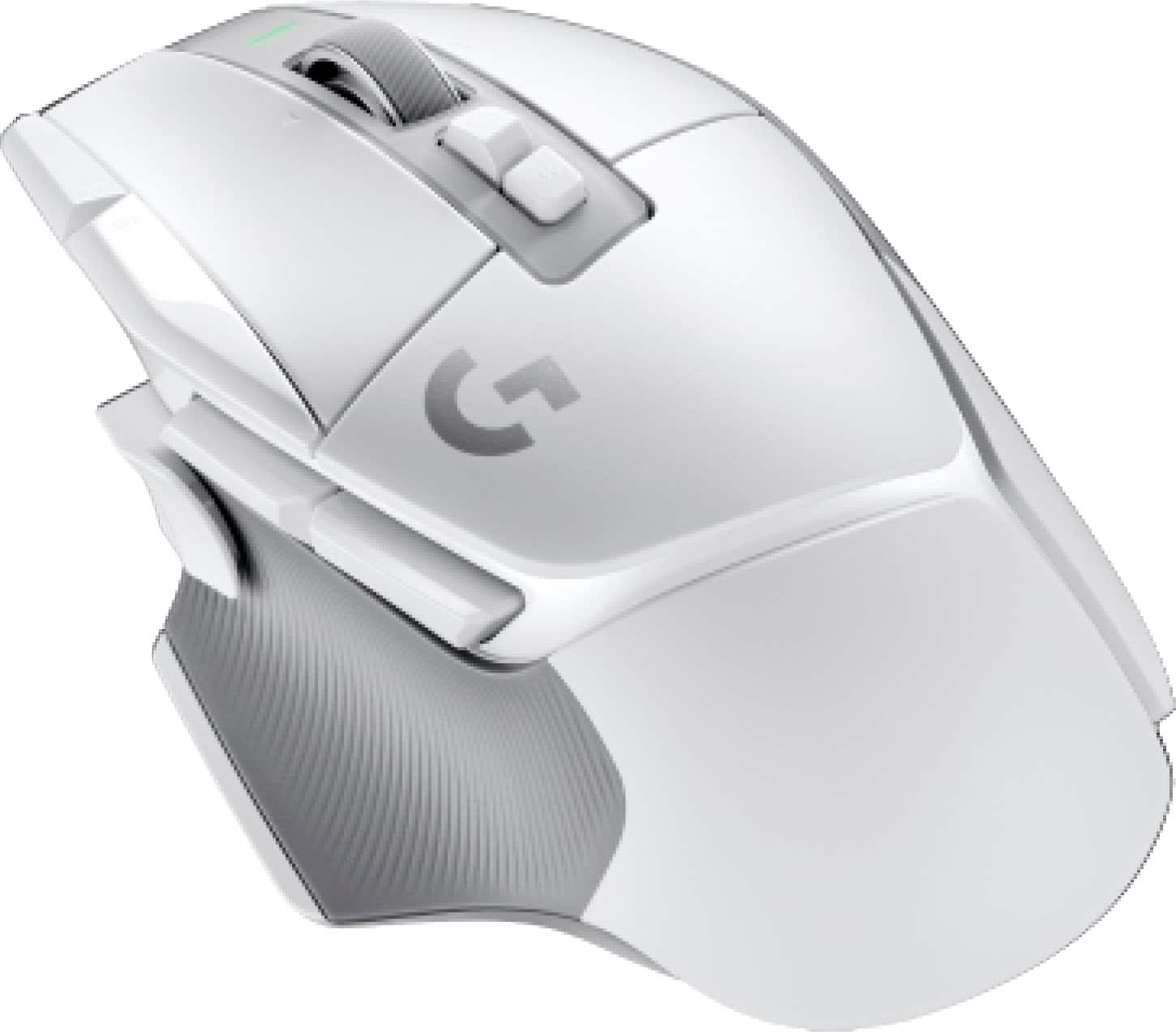
||Posted .This reviewer received promo considerations or sweepstakes entry for writing a review.Good mouse for gaming. The clicks and scrolls are loud however. Particularly the latter. Otherwise, smooth, accurate, and good ergonomics for my hand. Although, the 2 extra buttons for DPI changes are a bit annoying sometimes since I don't change it often. The white color is nice.
I would recommend this to a friendBrand response from Logitech
Posted .We truly appreciate you sharing your thoughts. It’s fantastic to hear the product is delivering as expected. Your feedback helps us grow and refine what we do. Thanks for choosing Logitech!
Great mouse, love it!
||Posted . Owned for 9 months when reviewed.This reviewer received promo considerations or sweepstakes entry for writing a review.Great mouse. Ergonomic, quick to connect, and perfect for gaming. Logitech does it again!
I would recommend this to a friendBrand response from Logitech
Posted .We're glad to hear you're enjoying the G502 X LIGHTSPEED! The ergonomic design and fast response time are key features of the G502 series. Thanks for choosing Logitech G!
Perfect
||Posted . Owned for 1 month when reviewed.This reviewer received promo considerations or sweepstakes entry for writing a review.Perfect mouse. Light, lots of buttons, wireless. What more could you ask for?
I would recommend this to a friendW mouse
||Posted . Owned for 3 weeks when reviewed.This reviewer received promo considerations or sweepstakes entry for writing a review.Went from a g pro x superlight to this. I much prefer this shape, and the weight is very similar to the superlight
I would recommend this to a friendBrand response from Logitech
Posted .Thank you for sharing your feedback on the G502 X LIGHTSPEED Gaming Mouse. We’re glad to hear you enjoy its shape and appreciate the familiar lightweight feel compared to the Superlight—your input is valuable to us!
Great reliable mouse
||Posted . Owned for 7 months when reviewed.This reviewer received promo considerations or sweepstakes entry for writing a review.Incredible mouse. Keybinds work great the app is okay to navigate in order to program the mouse. If a simpleton like me could set it up, you should be fine. However, I did not realize I would have to dedicate a USB port to the receiver. I use this for many mmos : wow, GW2, BDO, LOL
I would recommend this to a friendBrand response from Logitech
Posted .Thanks for your feedback! We're glad you're enjoying the G502 X LIGHTSPEED Wireless Gaming Mouse. We appreciate you sharing your experience with keybinds and software navigation. We'll take your comment about the dedicated USB port into consideration for future improvements.
Best mouse
||Posted . Owned for 1 week when reviewed.This reviewer received promo considerations or sweepstakes entry for writing a review.Great mouse works perfect fast and wireless, also perfect size for my hands
I would recommend this to a friendMy favorite mouse - gaming and work
||Posted . Owned for 1.5 years when reviewed.This reviewer received promo considerations or sweepstakes entry for writing a review.My favorite mouse I've ever used. I bought this originally for gaming, but I've found the extra buttons are just as useful for every-day tasks and computer use. I have multiple button profiles for different work-related applications and I constantly use the macro programming functionality for doing things from simple copy/paste to running custom programmed macros. I've had 3 of these - one I gave to a friend, the first one I bought had one of the side buttons break after 1.75 years of use, and the one I current have is a replacement that Best Buy supplied as part of the warranty for the first one breaking. I would buy this again and recommend it to my friends all the time.
I would recommend this to a friendBrand response from Logitech
Posted .Wow, that's a fantastic endorsement of the Logitech G502 X! Your experience highlights its versatility and durability. We're thrilled to hear it's become your go-to mouse for both gaming and everyday tasks. Your recommendation is a testament to the product's quality.
Such a good buy
||Posted .This reviewer received promo considerations or sweepstakes entry for writing a review.ONE IF NOT THE BEST STARTER MOUSE OUT THERE IVE FOUGHT LEGEIONS OF BAD GUYS IN VIDEO GAMES WITH THIS THING
I would recommend this to a friendBrand response from Logitech
Posted .Thanks for letting us know how things are going. We’re happy the Logitech G502 X LIGHTSPEED Wireless Gaming Mouse is performing as expected. Your support means everything.
Great mouse
||Posted . Owned for 3 weeks when reviewed.This reviewer received promo considerations or sweepstakes entry for writing a review.Really appreciate all the different buttons, the default dpi adjustment buttons take some getting used to.
I would recommend this to a friendBrand response from Logitech
Posted .Hey! Your satisfaction means a lot to us. Reviews like yours help us refine our products and better serve our users. Thanks for being part of the Logitech experience.
Well worth the upgrade
||Posted . Owned for 3 weeks when reviewed.This reviewer received promo considerations or sweepstakes entry for writing a review.I had the original wired 502 hero and loved the button layout. This is the same so I love it too obviously. Not having to worry about the cable is obviously a plus. The feet slide noticeably better than my last mouse. And the scroll wheel change is also a W.
I would recommend this to a friendexceeded expectations
||Posted . Owned for 1 year when reviewed.This reviewer received promo considerations or sweepstakes entry for writing a review.connects seamlessly, excellent battery life, lightweight and very easy to carry around would definitely purchase again, good job Logitech!
I would recommend this to a friendBrand response from Logitech
Posted .We're thrilled to hear that the Logitech G502 X LIGHTSPEED exceeded your expectations! Its seamless connectivity, long battery life, and lightweight design make it a fantastic choice for gamers on the go. Thank you for your positive feedback and for choosing Logitech.
Real world use
||Posted . Owned for 5 months when reviewed.This reviewer received promo considerations or sweepstakes entry for writing a review.Great product, excellent connectivity and control features. I haven't noticed any lag or drop in connection via blue tooth.
I would recommend this to a friendBrand response from Logitech
Posted .Hey there! Thanks so much for the positive feedback on the G502 X LIGHTSPEED Wireless Gaming Mouse! We're glad to hear you're enjoying the excellent connectivity, control features, and lag-free experience.
Multifunctional
||Posted .This reviewer received promo considerations or sweepstakes entry for writing a review.So many options of what the mouse can do. Great for gaming.
I would recommend this to a friendBrand response from Logitech
Posted .Thanks for your review! We’re thrilled to hear everything’s working smoothly. Your feedback helps us stay focused on what matters.
G502x Mouse
||Posted .This reviewer received promo considerations or sweepstakes entry for writing a review.Amazing mouse so far. Very comfortable and its the perfect weight for longterm use.
I would recommend this to a friendBrand response from Logitech
Posted .That’s wonderful to hear! We’re glad the comfort and weight make it a great choice for extended use.
The best mouse.
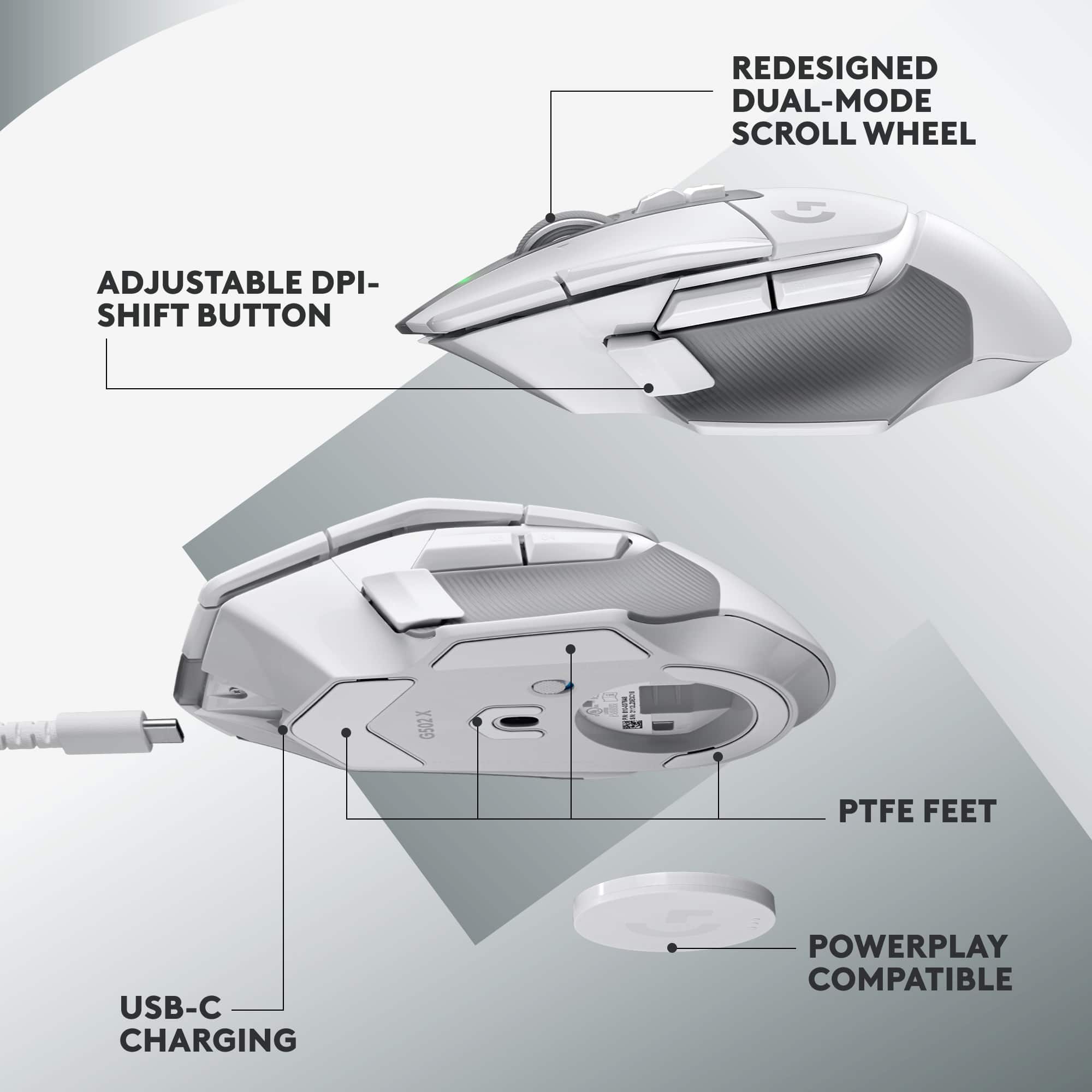
||Posted . Owned for 3 weeks when reviewed.This reviewer received promo considerations or sweepstakes entry for writing a review.This form factor for this mouse has been my favorite over the years. This G502 is my favorite so far I always rebind the DPI Shift button (thumb) to CTRL. The DPI Shift button is more comfortable to use than the previous mice. You can use the OMM (Onboard Memory Manager portable software) to setup the mouse and never need to install any mouse software and have it running all the time. This mouse has a better battery life than the previous Lightspeed version. I hope they never stop making this form factor.
I would recommend this to a friendBest mouse ever
||Posted .This reviewer received promo considerations or sweepstakes entry for writing a review.Nicest mouse I’ve ever gee used or owned. Very happy with it
I would recommend this to a friendGreat mouse
||Posted . Owned for 2 weeks when reviewed.This reviewer received promo considerations or sweepstakes entry for writing a review.This is very ergonomic and it feels a lot lighter than I expected. Didn't care about the light so this was perfect.
I would recommend this to a friend