Customer Ratings & Reviews




- Model:
- 920-012423
- SKU:
- 12243228
Rating by feature
- Value
Rating 4.5 out of 5 stars
- Quality
Rating 4.7 out of 5 stars
- Ease of Use
Rating 4.7 out of 5 stars
Rgb settings won’t keep, and ghub is trash.
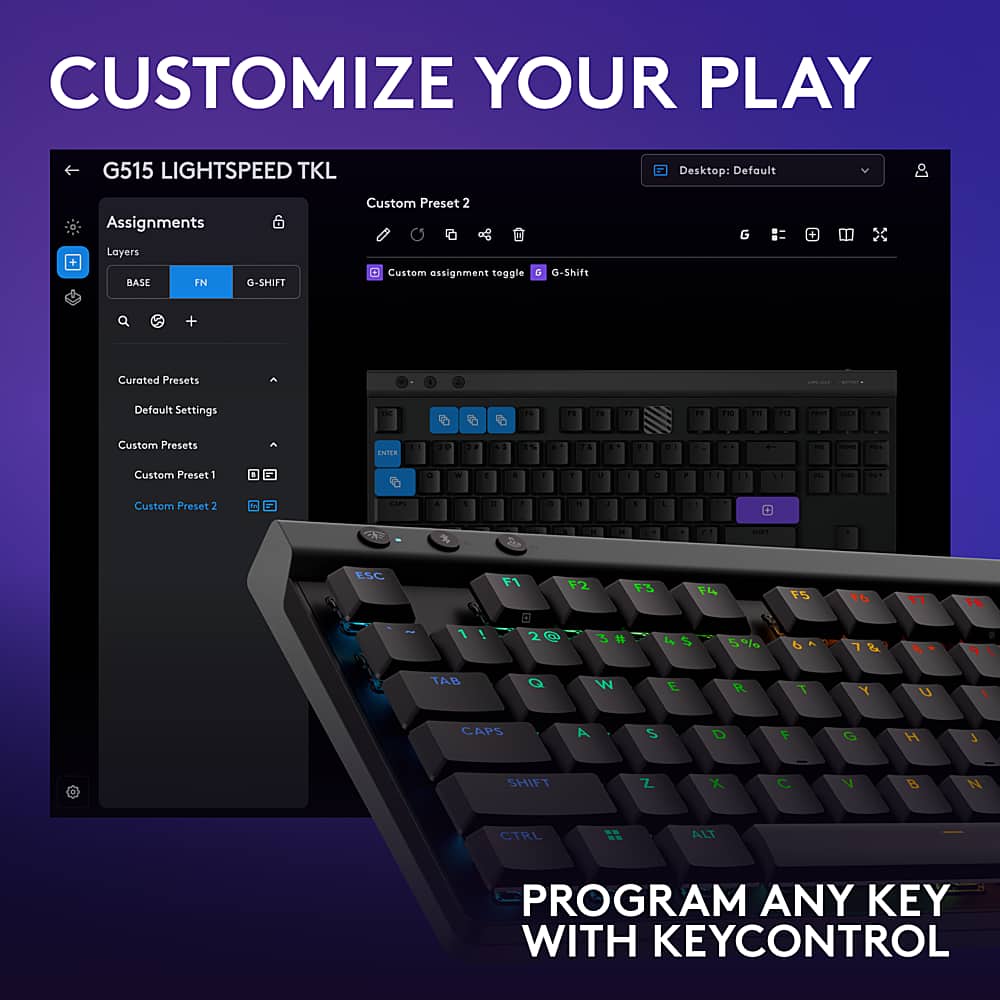
||Posted .This reviewer received promo considerations or sweepstakes entry for writing a review.The most annoying and aggravating rgb settings I’ve ever had to experience. The keyboard has onboard memory for the rgb and macros. I’m using 1% of the memory, simple rgb for mmos. But for some freaking reason, it won’t keep the rgb settings I’ve saved. I’ve looked up the user manual, YouTube, I know way too much about GHub than I’d like to know at this point. Keyboard is useless for the price I paid for. Logitech, kick rocks.
No, I would not recommend this to a friendBrand response from Logitech
Posted .We sincerely apologize for the frustration caused by the G Hub software and the onboard memory issues. We understand how important reliable RGB settings are and regret that the software hindered your experience. To address this issue, we recommend reaching out to our social care team via email at [email protected] with your
- Name:
- Email Address:
- Country:
- Product Name:
- Brief description of issue:
Long-term Productivity Tool
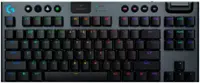
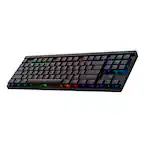
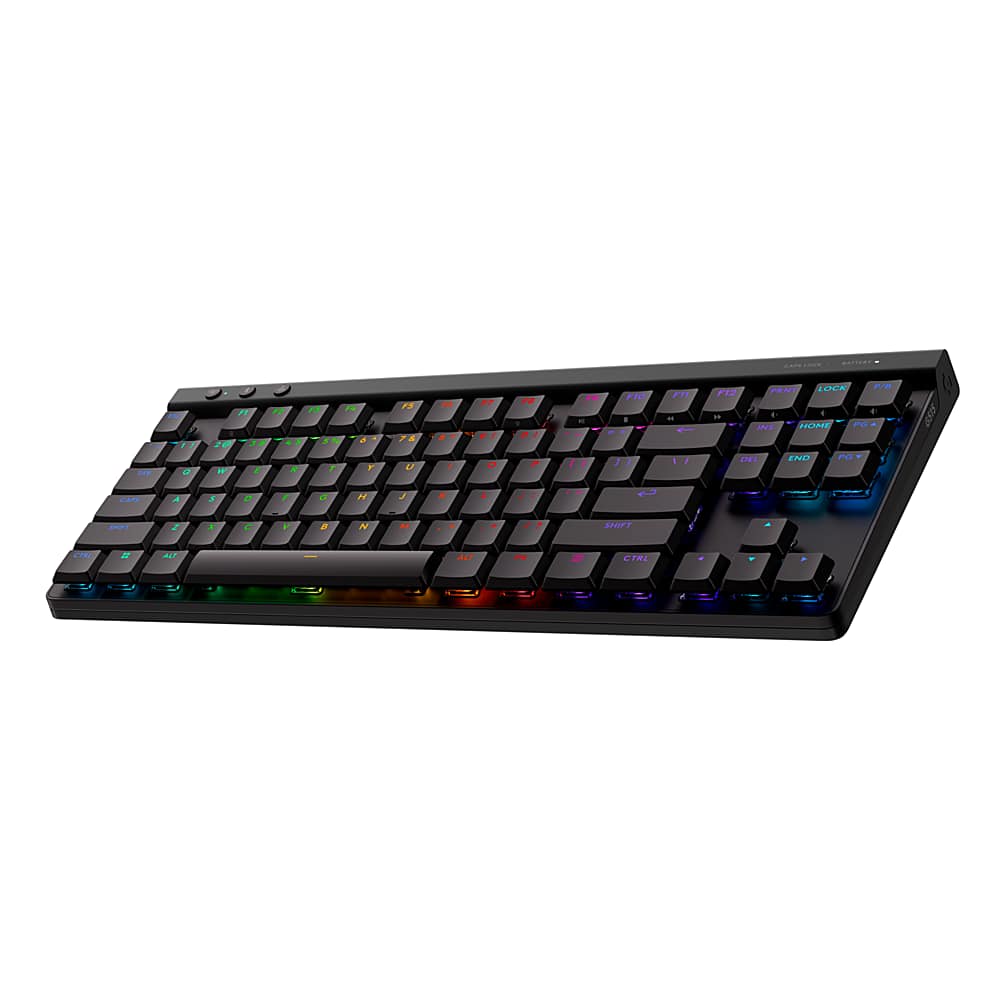
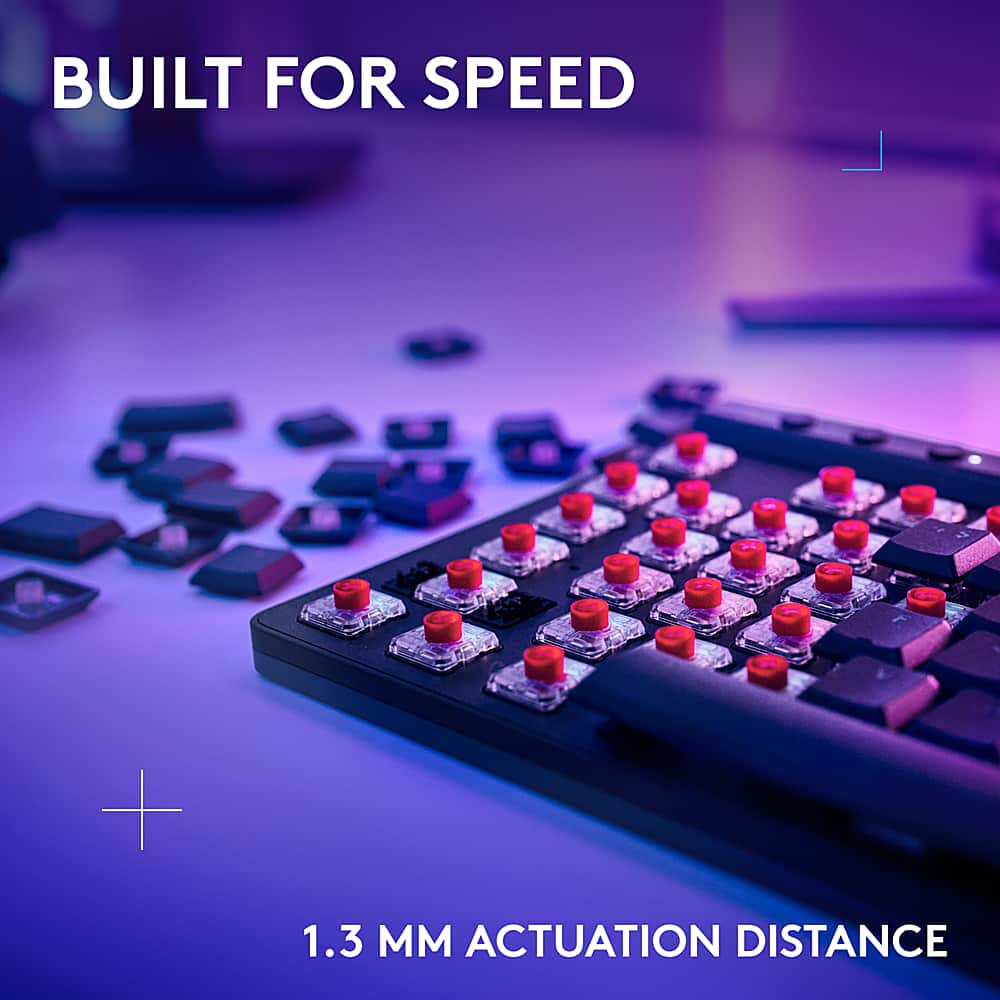
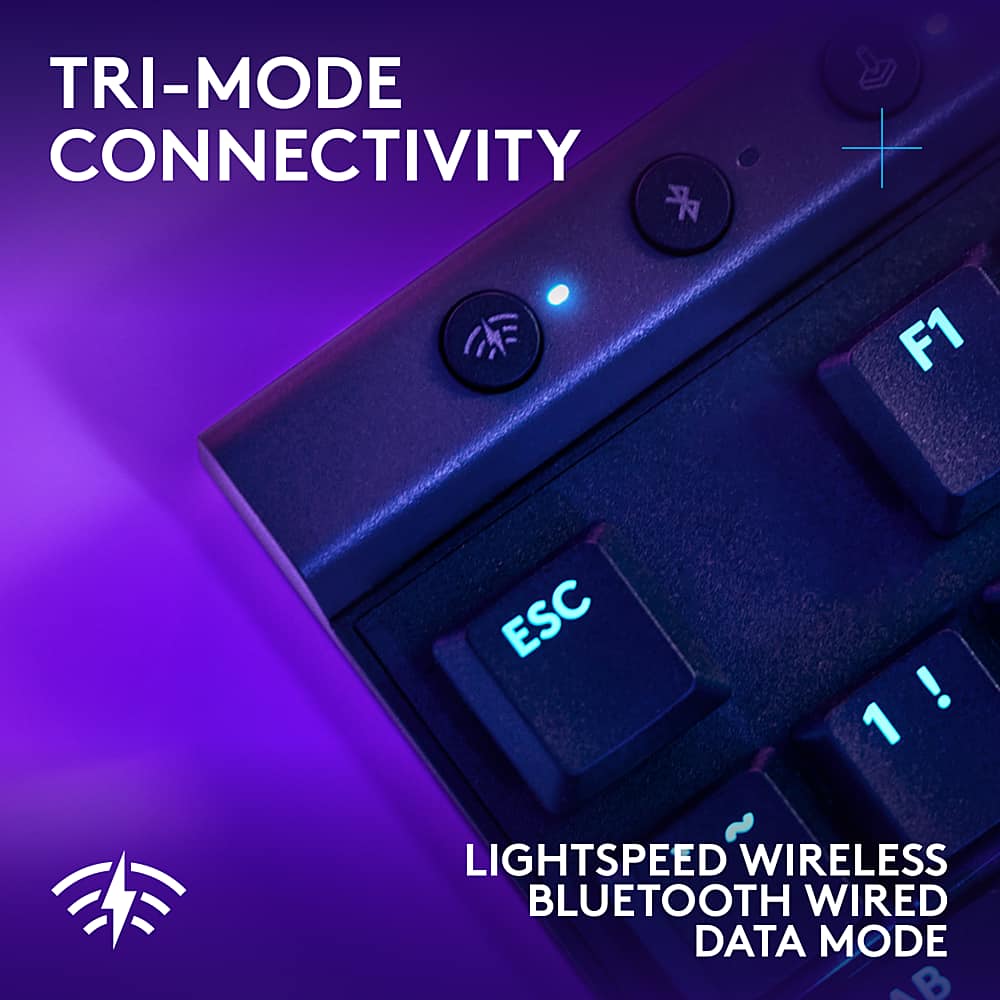
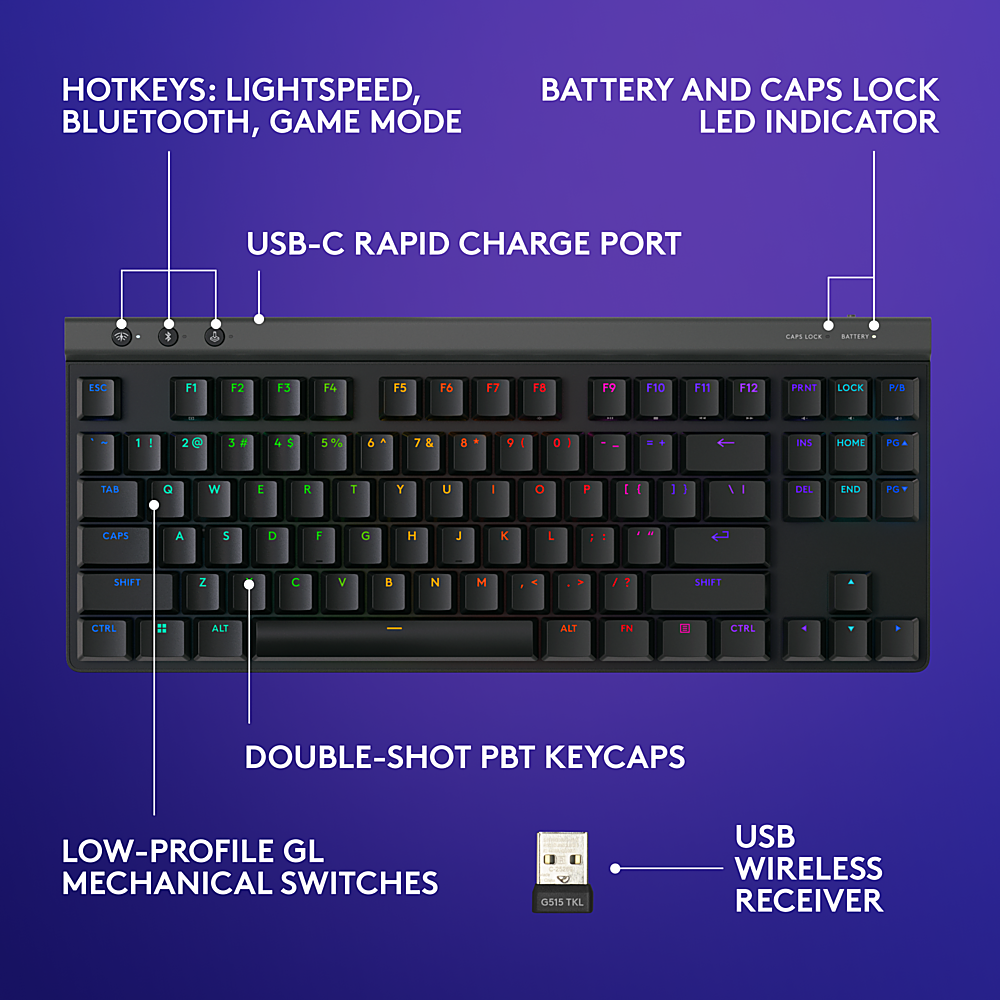
Posted .This reviewer received promo considerations or sweepstakes entry for writing a review.G515 TKL is quieter in person than video reviews portray. Although not atrociously in video reviews, the sound of the keys in person is comparatively muted. It may be differences in desks or due to reviewers' professional studio mic setups. Appearance: minimalistic design with clean lines; on desk, it is aesthetically noticeably more appealing than on images/photographs. Media Keys: three keys at top-right of keyboard = volume, mute keys (labeled PRNT, LOCK, P/B). F9 to F12 = Play, Stop, Rewind, & Fast-forward. Wired or Wireless: functions while USB-C wired (w/ both bluetooth & USB-dongle disconnected); that is, useable while charging. Remmapable Keys: very useful to coders, programmers, other productivity tasks. G515 LightSpeed TKL vs. DeathStalker V2 Pro TKL: Both are game-ready, but DSV2 might have faster actuations (shorter actuation point & optical switches). DSV2 also has smoother keys, comparing its linear vs. the tactile version of the G515, which is scratchier. The G515, however, is appreciably more practical in productivity, typing, coding chores; a significant aspect where the G515 is definitely preferable. Great as DSV2 may be at gaming, those quick actuation points do get in the way in productivity (typing related) chores. As for angle, with feet (risers) tucked in, the G515 sits lower, the DSV2 is very slightly taller & also has just slightly more angle. With feet extended to intermediate level, the same is true. Fair to assume the same holds true at full extension. The only obvious aspect that the G515 can better is the innocuous scratchiness of its keys; even so, some might not notice the relatively less fluidity. But, again, for all practical usage apart from gaming, slightly scratchy is far more preferable to more frequent unintentional key registers (mishits). Custom Keyboard comparison: It may be a tall ask to make low-profile keyboards sound/feel like customized tall keyboards. For what it is, the G515, even if slightly scratchy, is pleasant (& not distracting) to type on. One can be satisfied w/ this keyboard for a very long time (which is uncommon). As for custom-y type keyboard, Corsair had been the most plastic-y of all the mainstream brands sold in local stores (e.g., Best Buy), but the K65 Plus Wireless (tall keys: not low profile) has leapt over most (if not all) the brands/models found in such stores in fit-&-feel. The K65 Plus Wireless sounds & feels like a custom keyboard out of the box. Added value: Logitech & Best Buy have Recycling program whereby the buyer is offered a discount on purchases of new Logitech products when the buyer's own accessory/peripheral is turned-in for recycling.
I would recommend this to a friendBrand response from Logitech
Posted .We appreciate your comprehensive and insightful review of the Logitech G515 LIGHTSPEED TKL! Your detailed comparison to other keyboards and your focus on practical usage scenarios is incredibly helpful for potential buyers. We're glad you've found a keyboard that meets your needs for productivity and appreciate your support of Logitech's recycling program. Thank you for sharing your experience!
Logitech wireless keyboard
Posted .This reviewer received promo considerations or sweepstakes entry for writing a review.Very good keyboard it’s lightweight. It charges fast and it’s Logitech so it’s very nice.
I would recommend this to a friendBrand response from Logitech
Posted .We appreciate you taking a moment to share your experience. It’s great to know that our product is living up to your expectations and making your tasks easier. Your support means the world to us—thanks for being a Logitech customer.
Tactical is not enough
Posted .This reviewer received promo considerations or sweepstakes entry for writing a review.Brown switches are very soft and lack the satisfying click that blue switches offer. But Logitech doesn't offer blue switches. With many main stream keyboard manufacturers adding Apple keys to their layout, Logitech misses this opportunity here.
No, I would not recommend this to a friendBrand response from Logitech
Posted .We appreciate your feedback on the Logitech G515 TKL keyboard. We understand the preference for a more tactile typing experience and the desire for additional key layouts, including Apple key options. Your input is valuable as we continue to develop future products.