Customer Ratings & Reviews

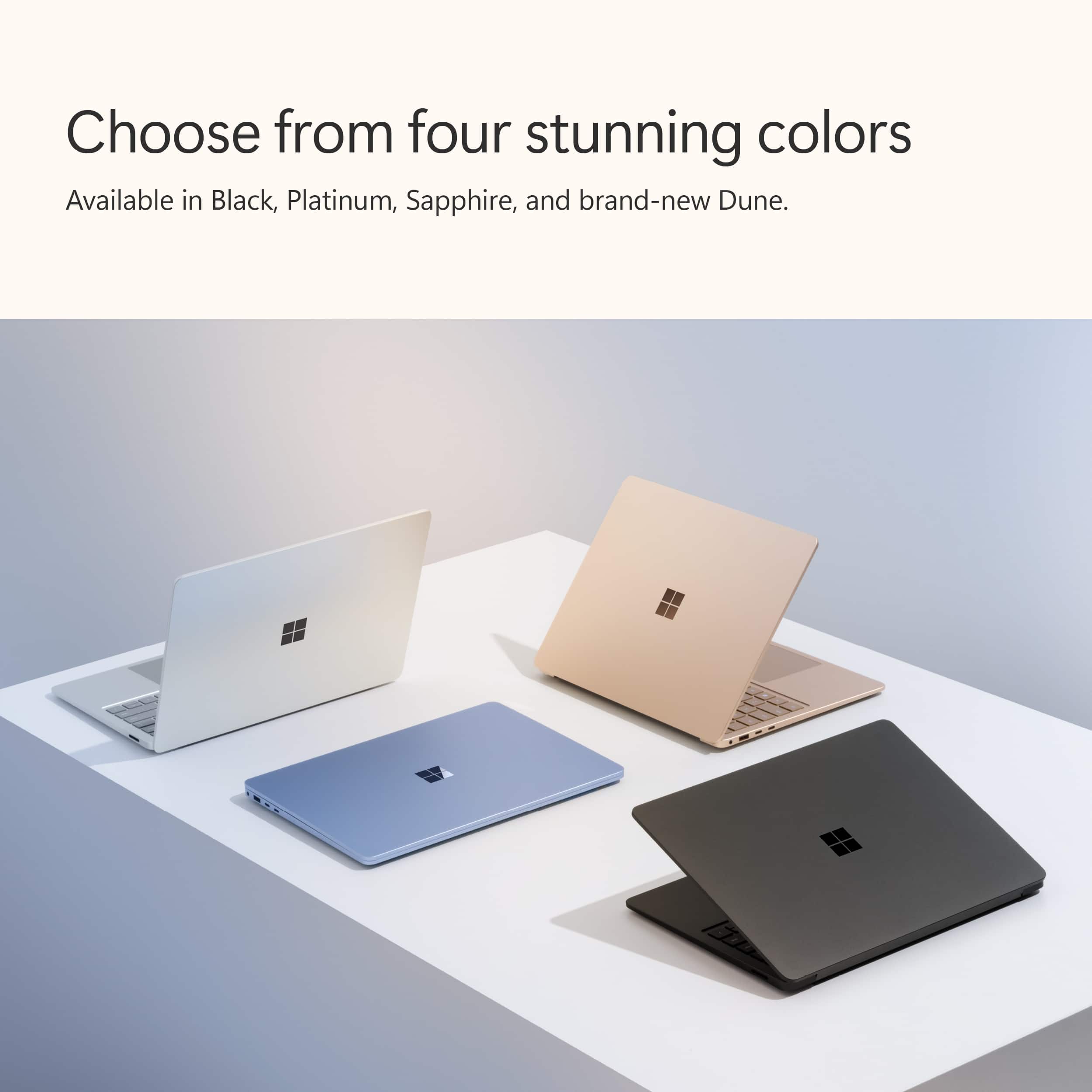
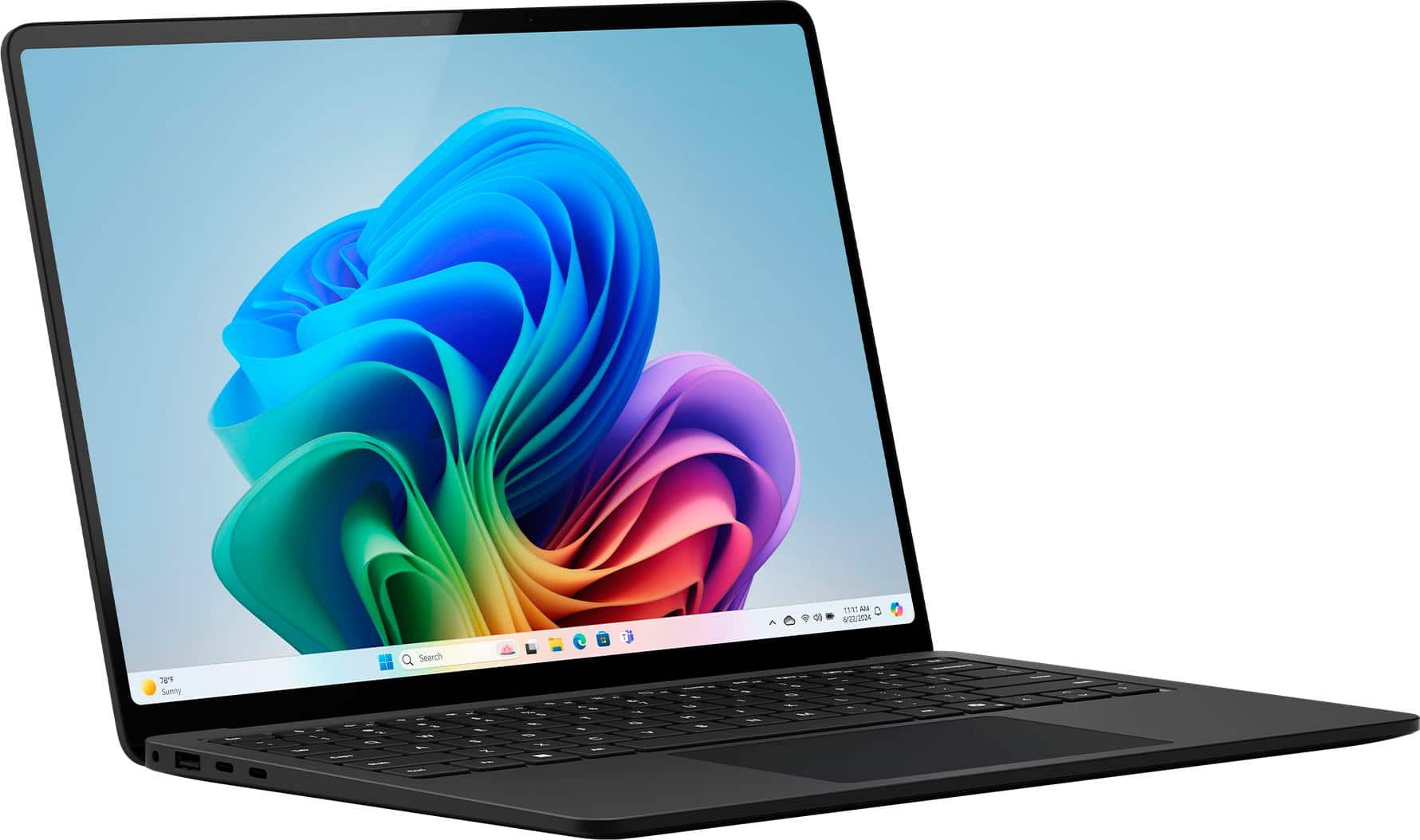
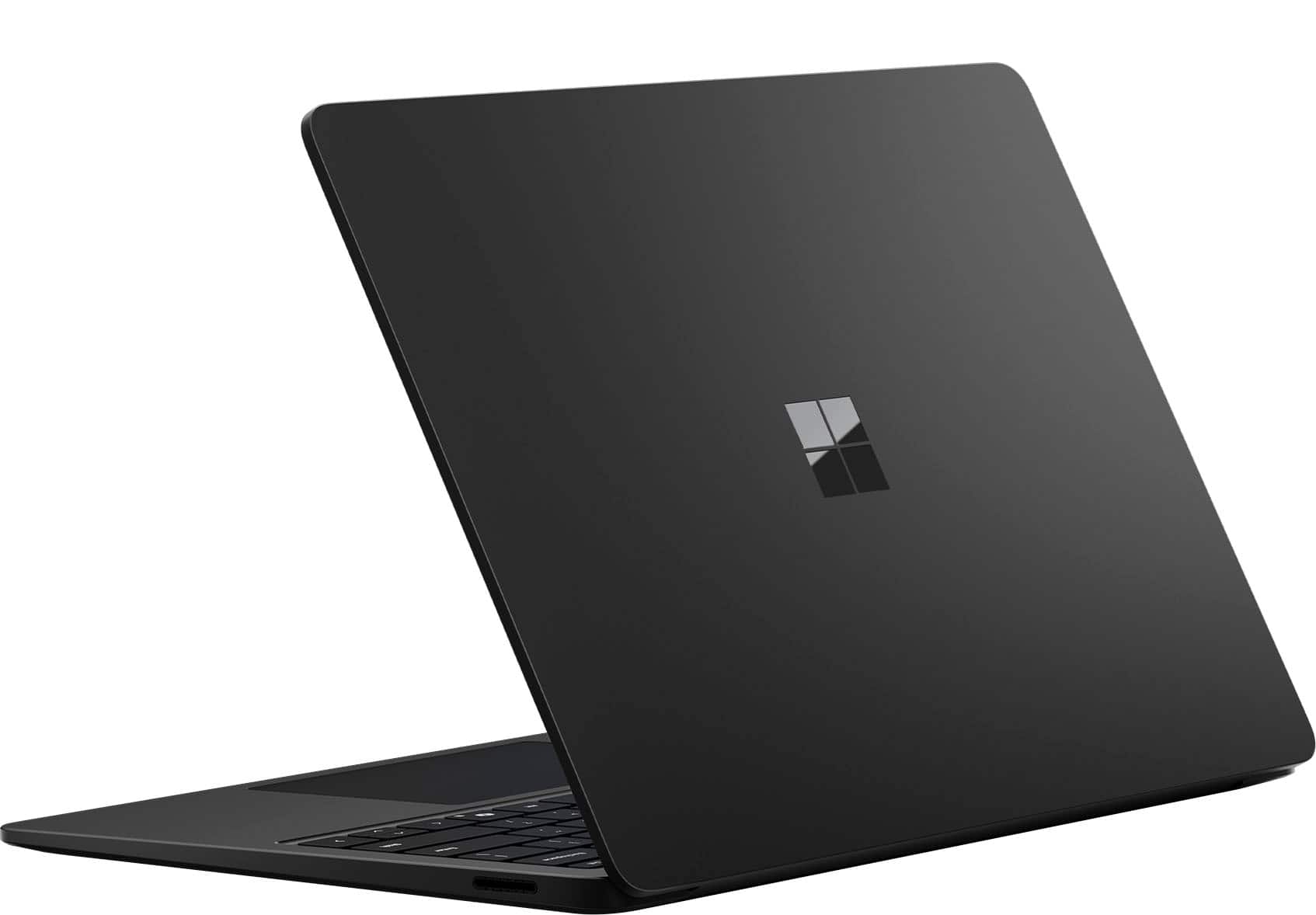
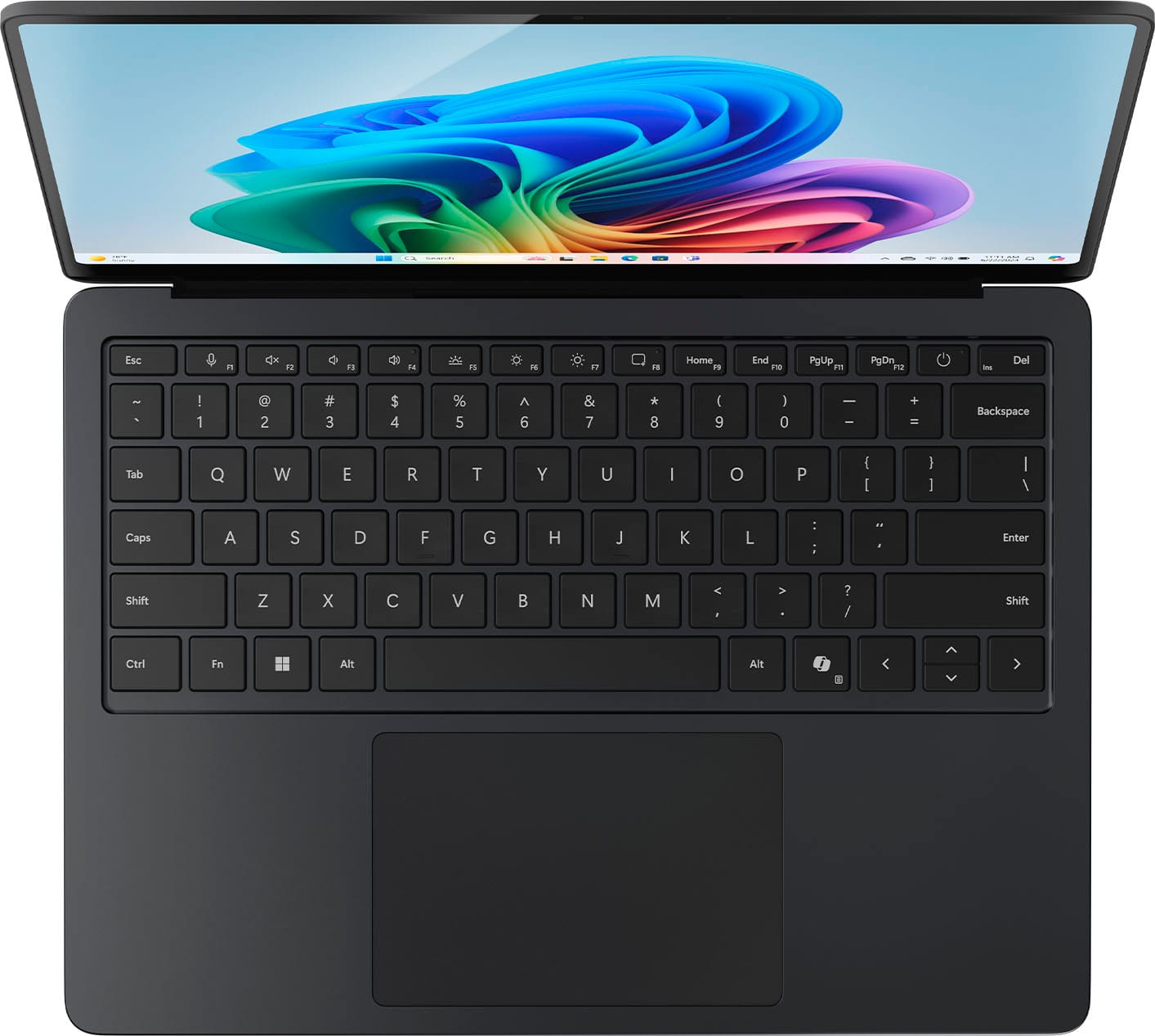
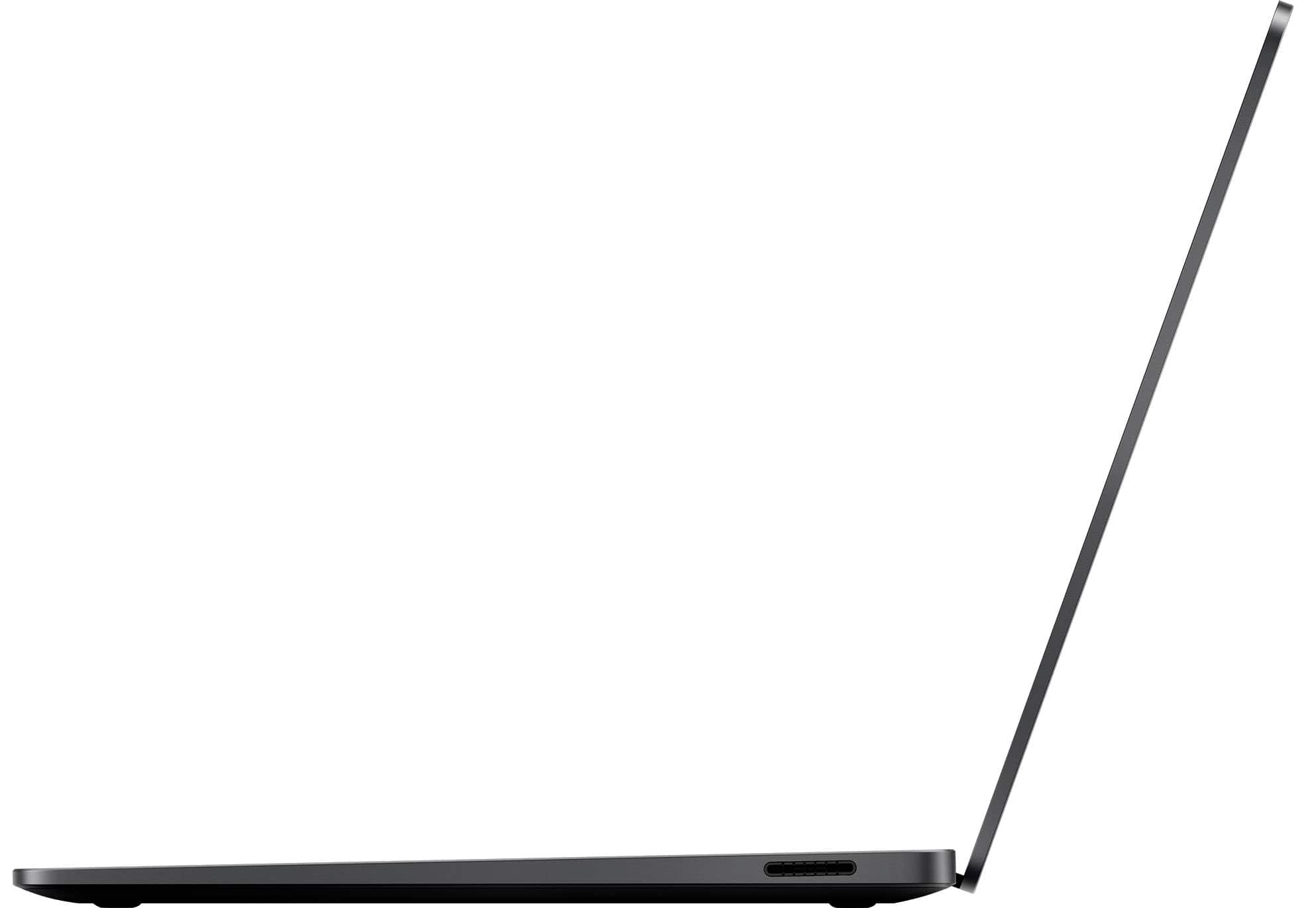












- Model:
- ZGP-00037
- |
- SKU:
- 6582819
Customer reviews
Rating 4.6 out of 5 stars with 182 reviews
(182 customer reviews)Rating by feature
- Battery Life4.8
Rating 4.8 out of 5 stars
- Speed4.8
Rating 4.8 out of 5 stars
- Display4.7
Rating 4.7 out of 5 stars
Customers are saying
Customers are satisfied with the Surface Laptop's battery life, build quality, and portability, making it a convenient device for on-the-go use. The processor speed and AI performance also receive positive feedback. Some customers find the screen brightness to be less than ideal, and the gaming performance is only adequate.
This summary was generated by AI based on customer reviews.
- Pros mentioned:Battery life
Rated 4 out of 5 stars
Phenomenal Battery Life
||Posted . Owned for 3 weeks when reviewed.This reviewer received promo considerations or sweepstakes entry for writing a review.This surface laptop generation blows away the others in terms of battery life. Work and Productivity apps work well and the unit keeps cool unless heavy demanding emulated apps are running. Great overall laptop. Only gripe is that surface pen does not current work as intended as compared to my Surface Laptop 5.
I would recommend this to a friend - Pros mentioned:Portability
Rated 5 out of 5 stars
Surface
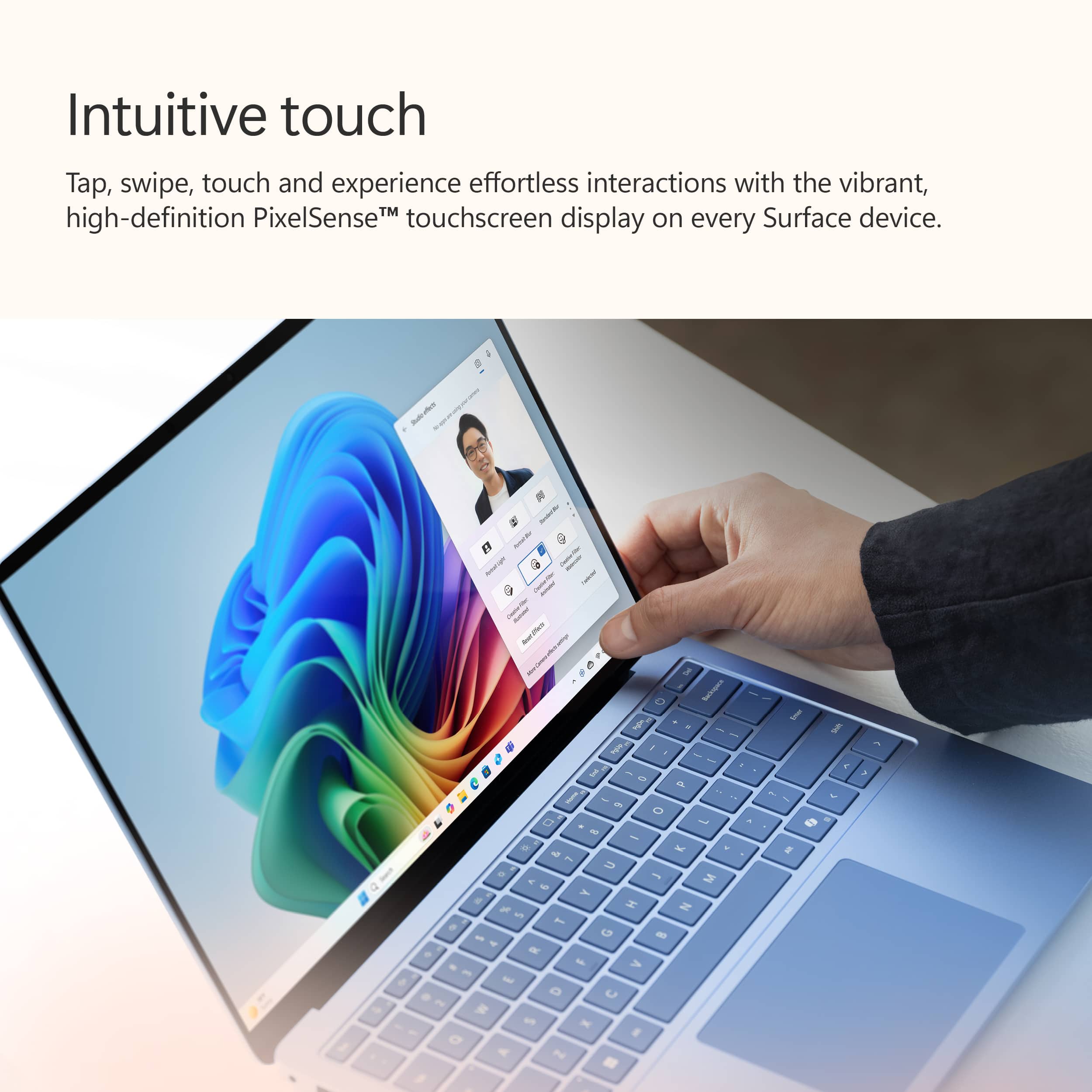
||Posted . Owned for 1 year when reviewed.This reviewer received promo considerations or sweepstakes entry for writing a review.I have really enjoyed this laptop. It is lightweight and easy to use. I love the touch screen feature. I feel like I learn something new about my laptop every day!
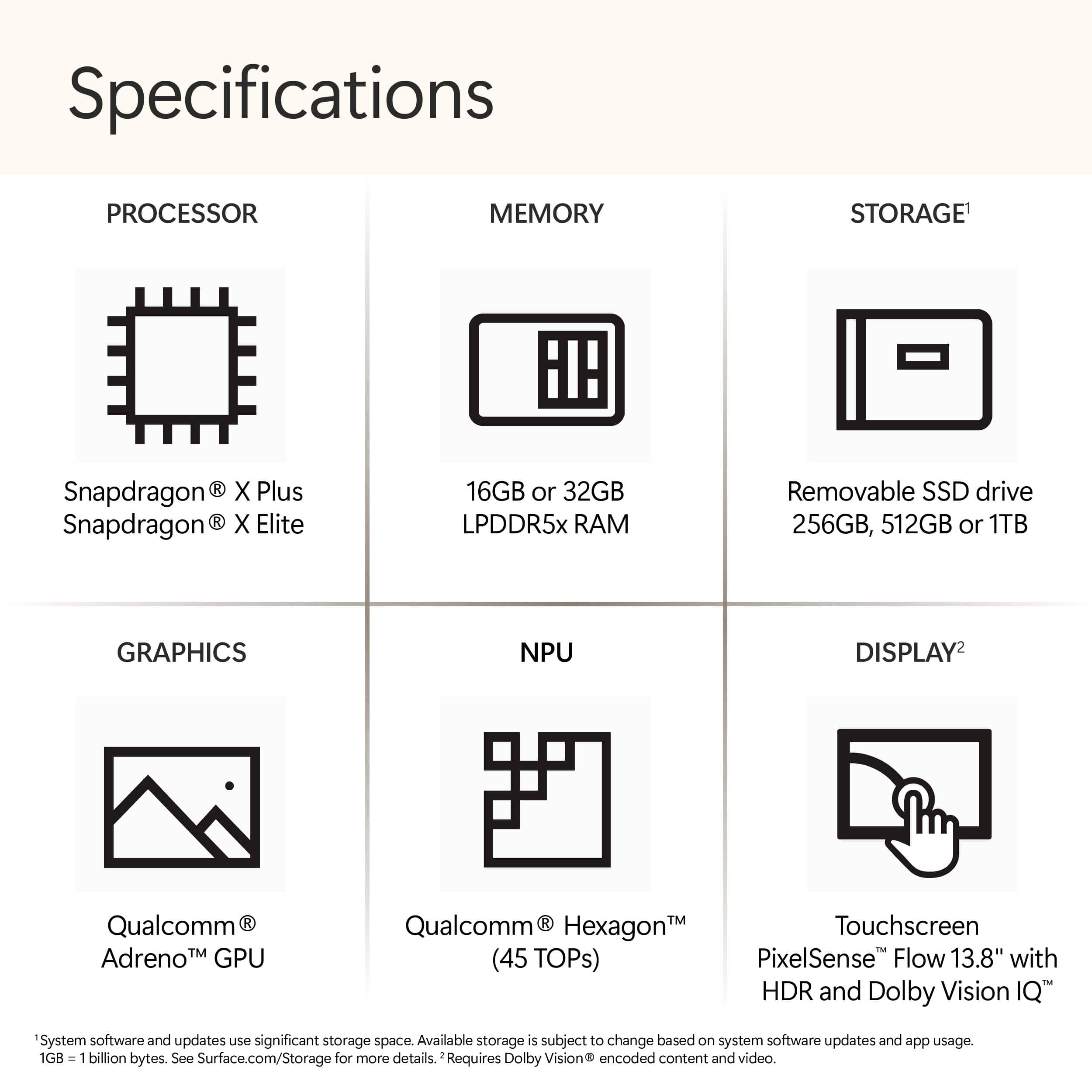
This review is from Microsoft - Surface Laptop - Copilot+ PC - 13.8" Touchscreen - Snapdragon X Elite 2024 - 16GB Memory - 512GB Storage (7th Ed) - Dune
I would recommend this to a friend - Pros mentioned:Battery life, Portability, Processor speed
Rated 5 out of 5 stars
Great laptop
||Posted . Owned for less than 1 week when reviewed.This reviewer received promo considerations or sweepstakes entry for writing a review.Purchased this all new surface for my college student. The most attractive features for my selection were long battery life and light weight in addition to powerfull processor and copilot that I hope will be useful .
I would recommend this to a friend - Pros mentioned:Battery life, Build quality
Rated 5 out of 5 stars
This thing is good!
||Posted . Owned for 1 week when reviewed.This reviewer received promo considerations or sweepstakes entry for writing a review.I have had this for a few weeks now and I love it. Build quality is as close to a MacBook Air/Pro as I have seen in a windows laptop. I bought this for the battery life and I have not been disappointed there. These snapdragon X-Elite machines are going to change the game for computer buyers from here on out. The Microsoft Surface feels like the best in terms of build quality and has the best chance at avoiding excessive bugginess that comes with the growing pains of new chipsets. Microsoft is invested in the success of this device both in terms of hardware and software. I would highly recommend this to anyone who loves their Mac feel and battery life but would enjoy the freedoms of Windows software. This thing is good!
I would recommend this to a friend - Pros mentioned:Battery life
Rated 4 out of 5 stars
Beautiful laptop but research new processor first
||Posted . Owned for less than 1 week when reviewed.This reviewer received promo considerations or sweepstakes entry for writing a review.Beautifully designed laptop with a good screen and speedy functions. The battery life is improved from standard PC laptops. However, I ended up returning it because it just couldn't do what I need. Currently there are limited apps compatible with the Snapdragon Elite processor because its so new. So you may find that programs you use regularly may not work on this laptop yet. Do some research first to see if this new style processor will work with what you need to use. The AI functions are interesting but I think they aren't fully developed yet. It will take time. This is all new technology.
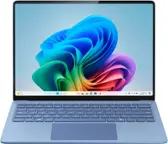
This review is from Microsoft - Surface Laptop - Copilot+ PC - 13.8" Touchscreen - Snapdragon X Elite 2024 - 16GB Memory - 512GB Storage (7th Ed) - Sapphire
I would recommend this to a friend - Pros mentioned:Battery life, Build quality
Rated 5 out of 5 stars
Microsoft Surface Laptop 13.8" Screen
||Posted . Owned for 1 month when reviewed.This reviewer received promo considerations or sweepstakes entry for writing a review.The laptop is well built and durable; great screen size and keys evenly spread out. Easy laptop to set up! Battery life awesome!!
This review is from Microsoft - Surface Laptop - Copilot+ PC - 13.8" Touchscreen - Snapdragon X Elite 2024 - 16GB Memory - 512GB Storage (7th Ed) - Dune
I would recommend this to a friend - Pros mentioned:Battery life, Processor speed
Rated 5 out of 5 stars
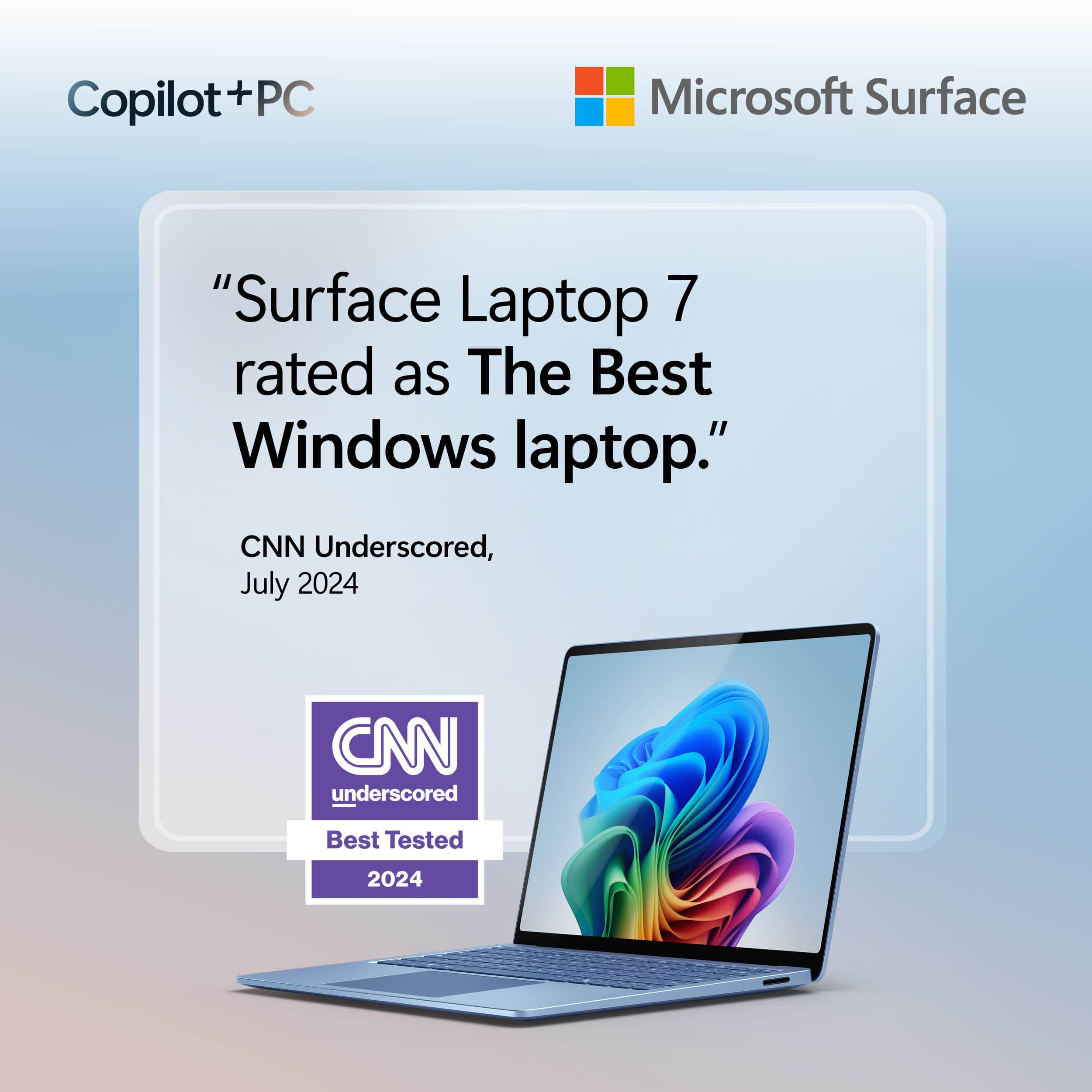
The best Windows laptop, period.
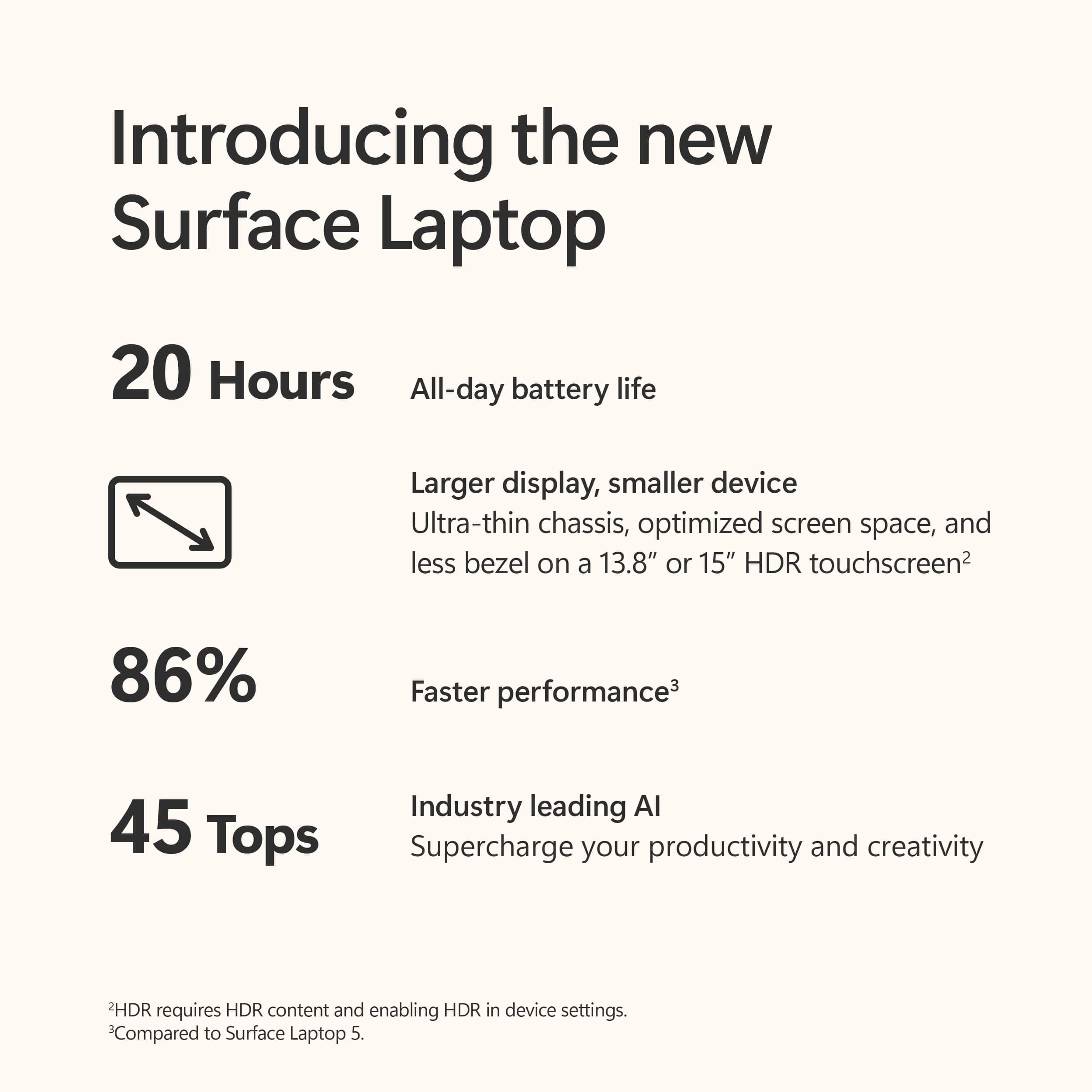
||Posted . Owned for 3 weeks when reviewed.This reviewer received promo considerations or sweepstakes entry for writing a review.This the best Windows laptop - the longest battery life I've ever experienced, performance is outstanding, and awesome new AI features for productivity and creativity which seem to grow by the day. The Snapdragon X Elite processor is a super fast CPU, really power efficient, and has an NPU for Ai tasks. The best part? The laptop stays cool, doesnt throttle performance even when I'm unplugged / on the go, and the battery lasts for days. It is simply amazing!
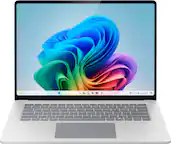
This review is from Microsoft - Surface Laptop - Copilot+ PC - 13.8" Touchscreen - Snapdragon X Elite 2024 - 16GB Memory - 512GB Storage (7th Ed) - Platinum
I would recommend this to a friend - Pros mentioned:Portability
Rated 5 out of 5 stars
Love it
||Posted . Owned for 1 year when reviewed.This reviewer received promo considerations or sweepstakes entry for writing a review.Excellent fit for my needs! Super fast and nimble. Very well built and lightweight. Love it!
This review is from Microsoft - Surface Laptop - Copilot+ PC - 13.8" Touchscreen - Snapdragon X Elite 2024 - 16GB Memory - 512GB Storage (7th Ed) - Sapphire
I would recommend this to a friend - Pros mentioned:Portability
Rated 5 out of 5 stars
school computer
||Posted . Owned for 3 weeks when reviewed.This reviewer received promo considerations or sweepstakes entry for writing a review.love the color, works great and nice and light. Works great for my school work
This review is from Microsoft - Surface Laptop - Copilot+ PC - 13.8" Touchscreen - Snapdragon X Elite 2024 - 16GB Memory - 512GB Storage (7th Ed) - Sapphire
I would recommend this to a friend - Pros mentioned:Processor speed
Rated 5 out of 5 stars
Microsoft surface
||Posted . Owned for 1 month when reviewed.This reviewer received promo considerations or sweepstakes entry for writing a review.I m really so happy to have this laptop amazing speed smart look great functions
This review is from Microsoft - Surface Laptop - Copilot+ PC - 13.8" Touchscreen - Snapdragon X Elite 2024 - 16GB Memory - 512GB Storage (7th Ed) - Platinum
I would recommend this to a friend - Pros mentioned:Build quality
Rated 5 out of 5 stars
Great Laptop!
||Posted .This reviewer received promo considerations or sweepstakes entry for writing a review.Great computer, fast, great build and the facial recognition works much better than my last laptop. The only con would be the weight but that's an expected trade off considering the quality build.
I would recommend this to a friend Rated 5 out of 5 stars
nice computer
||Posted .This reviewer received promo considerations or sweepstakes entry for writing a review.My husband uses it for work and he likes it. Looks and feels nice.
This review is from Microsoft - Surface Laptop - Copilot+ PC - 13.8" Touchscreen - Snapdragon X Elite 2024 - 16GB Memory - 512GB Storage (7th Ed) - Platinum
I would recommend this to a friend- Pros mentioned:Battery life, Processor speed
Rated 5 out of 5 stars
Love it!
||Posted . Owned for 1 month when reviewed.This reviewer received promo considerations or sweepstakes entry for writing a review.My twins love it. Bought two. Blazing fast browsers both Chrome and Edge. Processing speed better than my work issued surface x86. Netflix, Hulu, Spotify all excellent. A productivity and entertainment monster. Dolby Atmos HDR and Qualcomm aptx provide for emersive sight and sound. Battrry life is absolutely incredible and feels like magic relative to Intel/ AMD machines. Microsoft and Qualcomm knocked it out off the park.
I would recommend this to a friend - Pros mentioned:Battery life
Rated 5 out of 5 stars
Highly recommend!
||Posted . Owned for 1 week when reviewed.This reviewer received promo considerations or sweepstakes entry for writing a review.This is an excellent laptop for 90% of people! It has amazing battery life, solid performance, a great screen, and fantastic build quality. This is not a gaming laptop or a desktop replacement, but it can do some light gaming. I have successfully played Civ VI, Crusader Kings 3, and some other less intense games without issue. Overall, I would highly recommend this laptop!
This review is from Microsoft - Surface Laptop - Copilot+ PC - 13.8" Touchscreen - Snapdragon X Elite 2024 - 16GB Memory - 512GB Storage (7th Ed) - Sapphire
I would recommend this to a friend - Pros mentioned:Battery life, Build quality
Rated 5 out of 5 stars
Best mixed use windows laptop
||Posted . Owned for 3 weeks when reviewed.This reviewer received promo considerations or sweepstakes entry for writing a review.My daily driver for past month top notch performance had 0 issues so far except I wish I got more ram chrome multi tabs eats up the whole 16gb Battery life is next level also build quality is top notch
I would recommend this to a friend - Pros mentioned:Portability
Rated 5 out of 5 stars
Good for the price
||Posted .This reviewer received promo considerations or sweepstakes entry for writing a review.Amazing laptop, sturdy, flexible, lightweight and very fast
This review is from Microsoft - Surface Laptop - Copilot+ PC - 13.8" Touchscreen - Snapdragon X Elite 2024 - 16GB Memory - 512GB Storage (7th Ed) - Sapphire
I would recommend this to a friend - Pros mentioned:Portability
Rated 5 out of 5 stars
Amazing
||Posted .This reviewer received promo considerations or sweepstakes entry for writing a review.Awesome laptop very good to use and reliable. Love how small and easy to carry anywhere on my purse.
I would recommend this to a friend - Pros mentioned:Processor speed
Rated 5 out of 5 stars
One of the best laptops out there
||Posted .This reviewer received promo considerations or sweepstakes entry for writing a review.Surface Laptop never ceases to amaze me with its incredible speed and durability. The sleek design — especially in this stunning Dune color — is the cherry on top. Performance and looks going hand in hand is a big plus in my book!
This review is from Microsoft - Surface Laptop - Copilot+ PC - 13.8" Touchscreen - Snapdragon X Elite 2024 - 16GB Memory - 512GB Storage (7th Ed) - Dune
I would recommend this to a friend - Pros mentioned:Battery life, Portability
Rated 5 out of 5 stars
Just What I Was Looking For.
||Posted . Owned for 1 week when reviewed.This reviewer received promo considerations or sweepstakes entry for writing a review.Everything seems great. I haven’t used much of the capability of the machine, but I was looking for a laptop that would be capable of lasting 6 or 7 years without problems. It feels well made and very portable. One bonus is that it is reparable.And the new processor offers great battery life.
This review is from Microsoft - Surface Laptop - Copilot+ PC - 13.8" Touchscreen - Snapdragon X Elite 2024 - 16GB Memory - 512GB Storage (7th Ed) - Sapphire
I would recommend this to a friend - Pros mentioned:Battery life
Rated 5 out of 5 stars
Surface Laptop
||Posted . Owned for 2 months when reviewed.This reviewer received promo considerations or sweepstakes entry for writing a review.THis product I have been using now for about two months. It has been one of the best purchases I have made in a while. The computer battery is long, it doesn't overheat like my previous computer had done before.
I would recommend this to a friend
People also viewed
- $949.00Your price for this item is $949.00$1,099.99The comparable value for this item is $1,099.99
- $1,649.00Your price for this item is $1,649.00$1,999.99The comparable value for this item is $1,999.99
- $1,199.99Your price for this item is $1,199.99
- $1,049.99Your price for this item is $1,049.99$1,199.99The comparable value for this item is $1,199.99
- $899.99Your price for this item is $899.99
- $999.99Your price for this item is $999.99
- $1,299.99Your price for this item is $1,299.99$1,799.99The comparable value for this item is $1,799.99
- $1,649.00Your price for this item is $1,649.00$2,099.99The comparable value for this item is $2,099.99
- $1,099.99Your price for this item is $1,099.99$1,299.99The comparable value for this item is $1,299.99
- Presidents' Day Deal$899.00Your price for this item is $899.00
- $1,599.99Your price for this item is $1,599.99
- $1,499.99Your price for this item is $1,499.99
- $739.00Your price for this item is $739.00$999.99The comparable value for this item is $999.99
- $1,519.99Your price for this item is $1,519.99$1,599.99The comparable value for this item is $1,599.99
- $1,699.99Your price for this item is $1,699.99
- Presidents' Day Deal$649.99Your price for this item is $649.99
- $1,349.99Your price for this item is $1,349.99$1,449.99The comparable value for this item is $1,449.99
- $1,289.00Your price for this item is $1,289.00$1,499.99The comparable value for this item is $1,499.99