Customer Ratings & Reviews













- Model:
- EP2-36981
- SKU:
- 6623675
Rating by feature
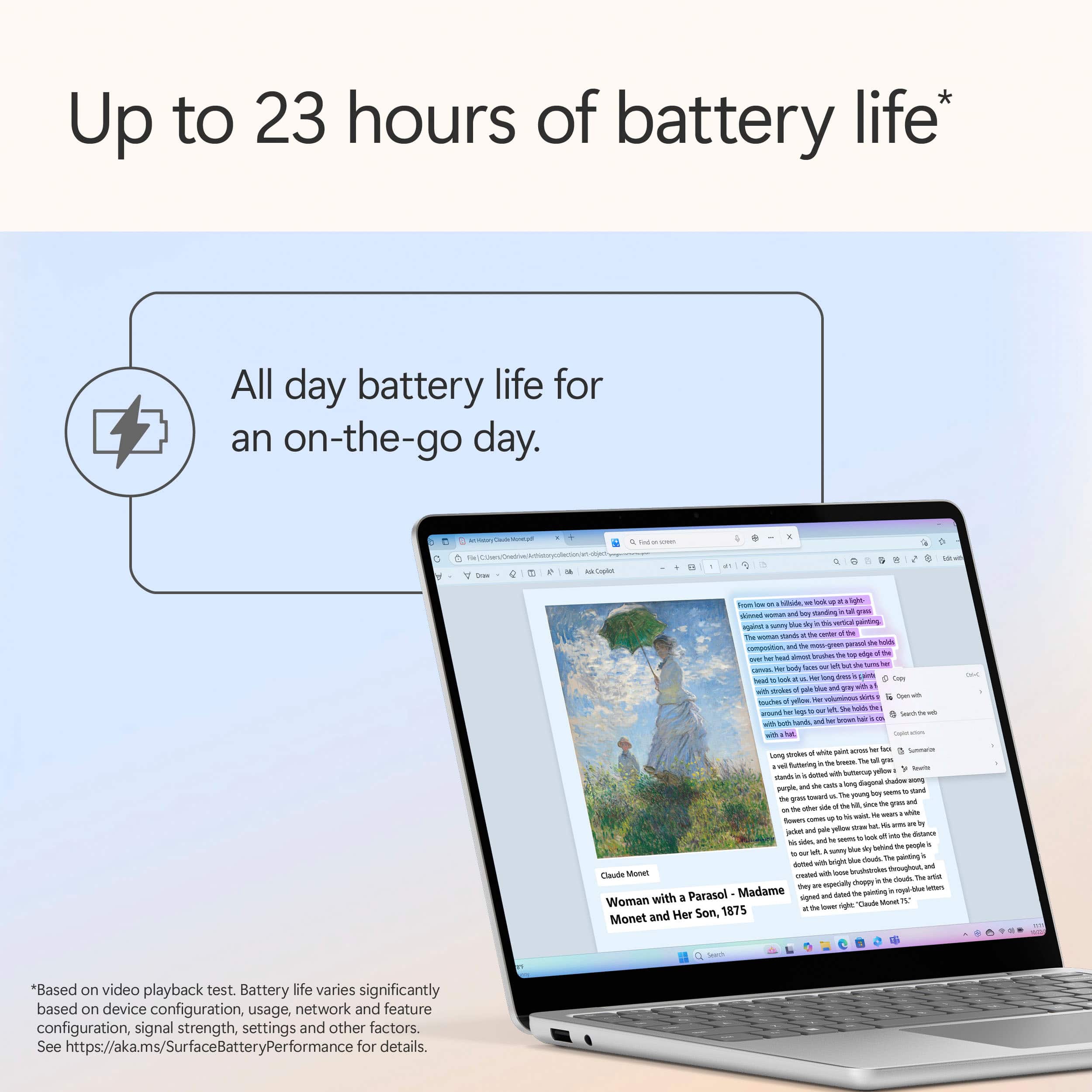
- Battery Life
Rating 4.8 out of 5 stars
- Speed
Rating 4.8 out of 5 stars
- Display
Rating 4.8 out of 5 stars
Customers are saying
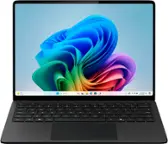
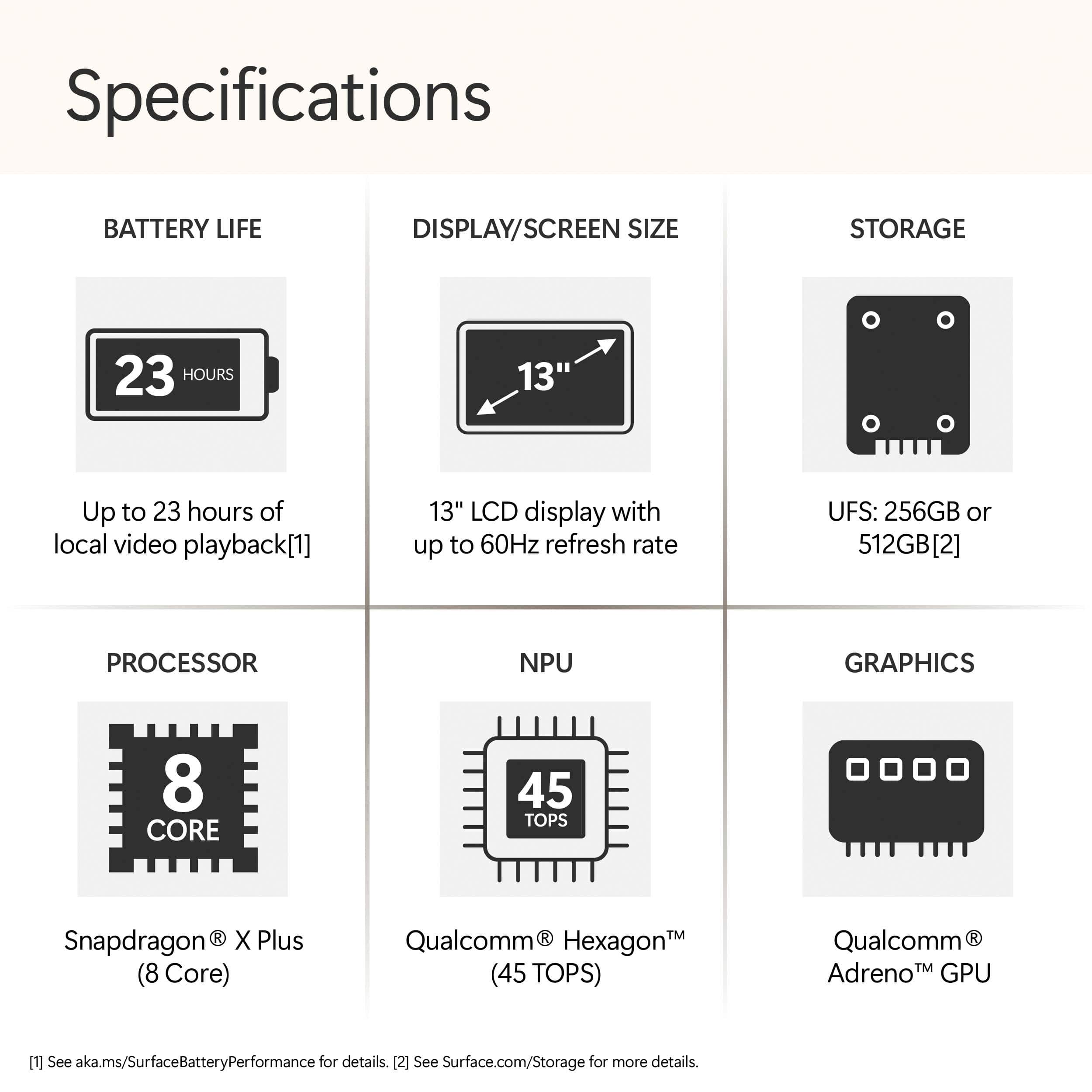
Customers admire the Surface Laptop for its portability, excellent battery life, and great build quality. The device also receives positive feedback for its processor speed and responsive touchscreen. The only concern mentioned by customers is the limited storage capacity.
This summary was generated by AI based on customer reviews.
- Pros mentioned:Overall performance, Portability
Love it
||Posted .This reviewer received promo considerations or sweepstakes entry for writing a review.Love it so far. It runs very smoothly, feels fast and responsive, and the portable design makes it easy to use on the go.
I would recommend this to a friend - Pros mentioned:Battery life, Overall performance
10/10 Recommend!
||Posted .This reviewer received promo considerations or sweepstakes entry for writing a review.I had been using my MacBook for about 5 years and I kept struggling with battery life and overheating. I am so glad I switched over to this computer. It has exceeded my expectations and it runs smooth, doesn’t overheat and battery lasts a very long time with moderate usage throughout the week. (About 1 hour a day). Great for college!
I would recommend this to a friend - Pros mentioned:Battery life
Microsoft hardware the best.
||Posted . Owned for 2 weeks when reviewed.This reviewer received promo considerations or sweepstakes entry for writing a review.This is my third Micrsoft product, two laptops and one 2in1 really great hardware, the form factor is different but great. Really love the lighted keyboard, great battery life, the ARM processor is great.
I would recommend this to a friend Perfect for college students!
||Posted . Owned for 2 weeks when reviewed.This reviewer received promo considerations or sweepstakes entry for writing a review.I love this laptop, compact with a lot of great features. Easy to navigate, it’s fast and the camera quality is amazing! Great for college students.
I would recommend this to a friend- Pros mentioned:Battery life, Portability
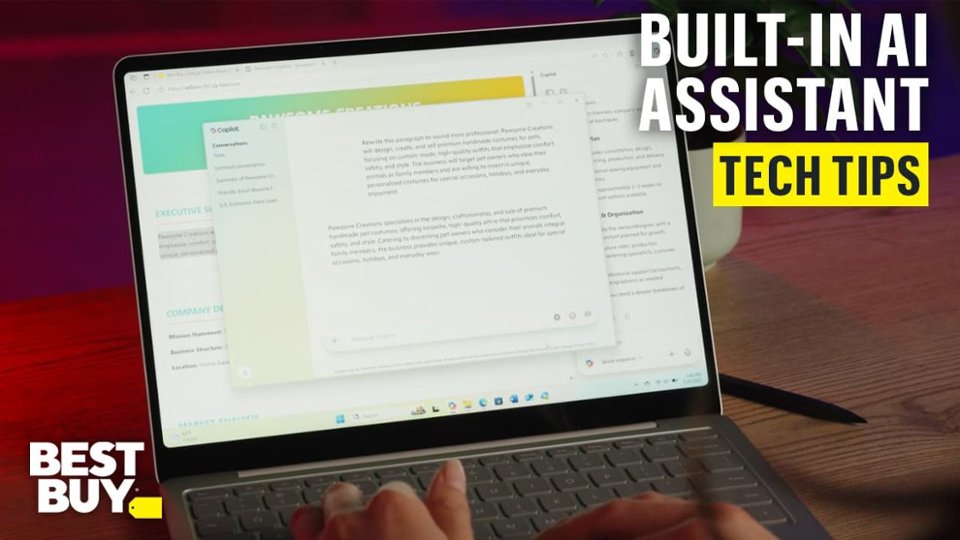
Surface co-pilot
||Posted . Owned for 1 week when reviewed.This reviewer received promo considerations or sweepstakes entry for writing a review.So light & ready to use . Long battery life as well!!
I would recommend this to a friend - Pros mentioned:Overall performance
Meh it’s ok
||Posted . Owned for 3 weeks when reviewed.This reviewer received promo considerations or sweepstakes entry for writing a review.The fit and finish of this is really nice and solid feeling compared to the other brands with the same specs. The aluminum feels awesome This thing though has hardly anything saved on it been using it to start a new business and it has a hard time booting sometimes, just gets stuck and won’t boot. I’ve had to push and hold the power button for 15 seconds to get it to shut off, wait a minute then reboot. It’s happened 3-4 times already in the short time I’ve had it. Once up and running it works great and loads pages quickly
I would recommend this to a friend - Pros mentioned:Battery life, Overall performance, Portability

Built for Productivity!!!
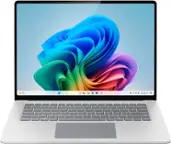
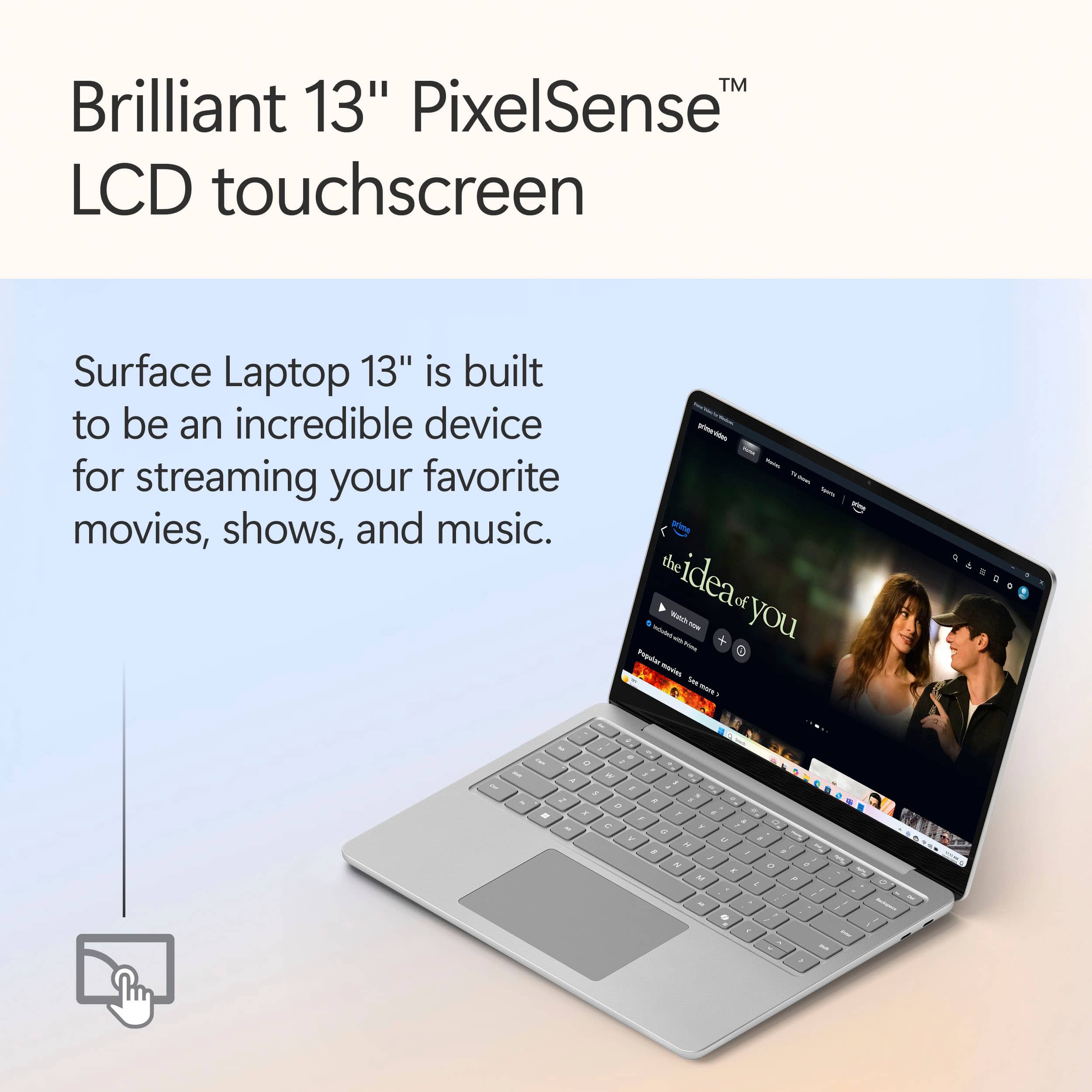
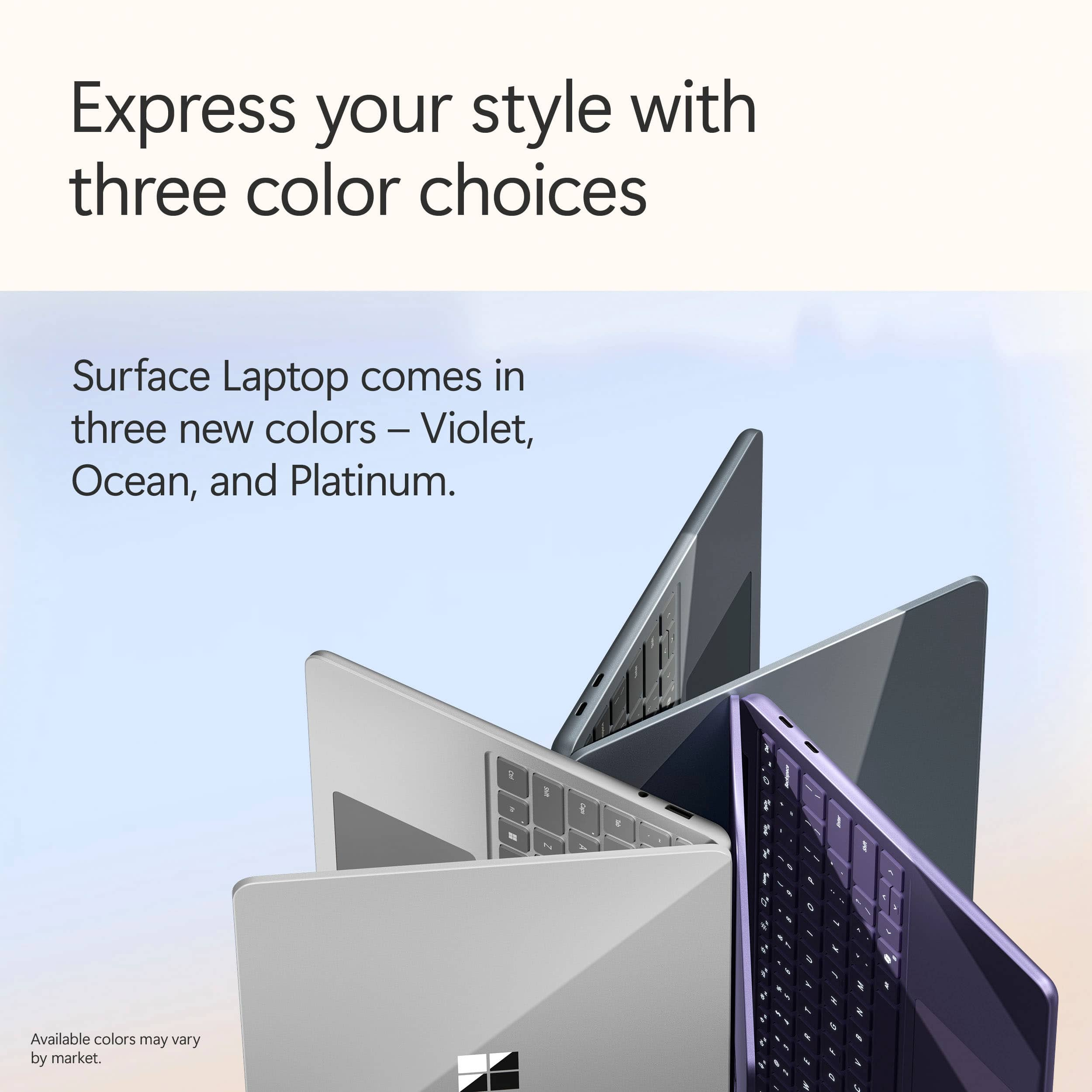
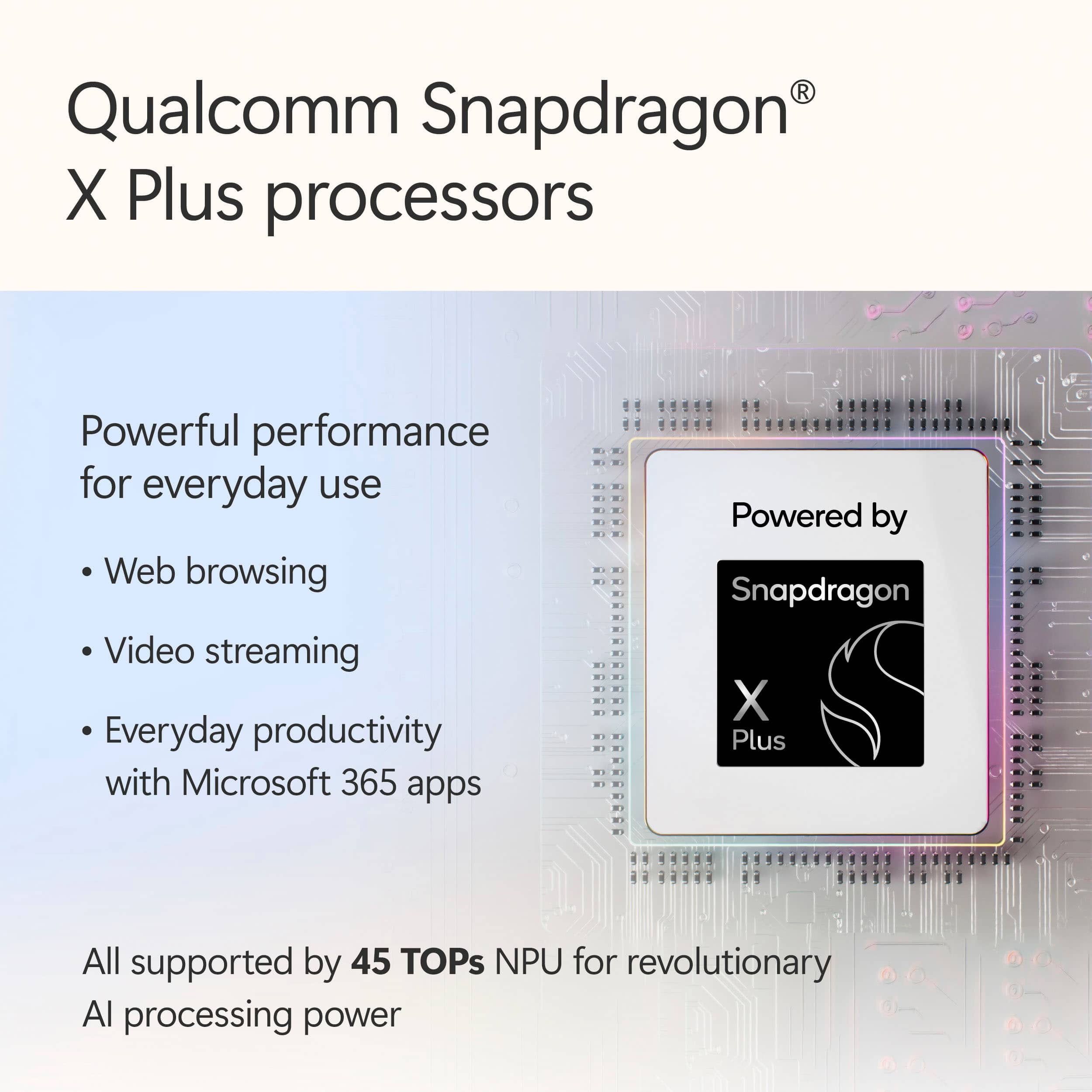
|Posted .This reviewer received promo considerations or sweepstakes entry for writing a review.Over the years I have tested quite a few of the Surface series of laptops from Microsoft and over those years the surface laptop continues to impress. From its familiar design to its compact size, this has it all to help you accomplish your daily taskings. So, lets go over what the new Microsoft Surface 13” laptop has to offer. Design: Even though the Surface design has not changed over the years, I must admit, I like it. The platinum finish is clean and modern but also incorporating the signature surface design. The laptop looks and feels premium but at the same time being compact, lightweight and travel friendly. For someone that travels a lot for work, the 13” and weighing only about 2.5 pounds making it ideal for on the go. Performance: I have tested out quite a few laptops with Snapdragon X chips and they are no joke. The Snapdragon X Plus processor in this laptop is no exception. The Snapdragon X combined with the 16GB of ram give this little laptop a big boost. It boots up fast, able to multi-task with no issues, from work stuff to streaming and even some light creative projects took everything I threw at it and presented it back to me on a platinum platter. These processors are great for running fast, quiet and managing heat. So, no issues there. Also, while it’s not a gaming rig, the integrated Qualcomm Adreno GPU handles some casual gaming nothing too crazy or graphics heavy. I ran COD on this laptop and even though it ran fine on the lowest settings, I did run into some issues on high settings. Display: The 13” PixelSense touchscreen on this laptop is absolutely gorgeous. The colors are vibrant, the text is clear and sharp, making everything from being productive to watching your favorite video a delight. Being a touchscreen laptop is just a plus. It’s super responsive and makes interacting with Windows even more intuitive, like scrolling through photos, surfing the web, using touch controls on videos, and even just simply using the icons on the screen. The only downside to the display is that it is only 60Hz refresh rate, but again this isn’t made for gaming, so your everyday needs are met. Battery Life: This is where this laptop shines. The battery life on this thing is phenomenal. I took this laptop on a flight from Chicago to California which is about a 4.5-hour flight. I was able to be productive, watch a movie and even do some casual browsing on a single charge with battery to spare. Overall, don’t let its size fool you, this is a small yet a mighty laptop. If your primary need is productivity and travel friendly, this is the way to go. Its compact size and snapdragon processor will make sure your work is done and have some fun.
I would recommend this to a friend - Pros mentioned:Battery life, Overall performance, PortabilityCons mentioned:Port selection, Storage capacity
Solid Everyday Laptop, Recall is Meh
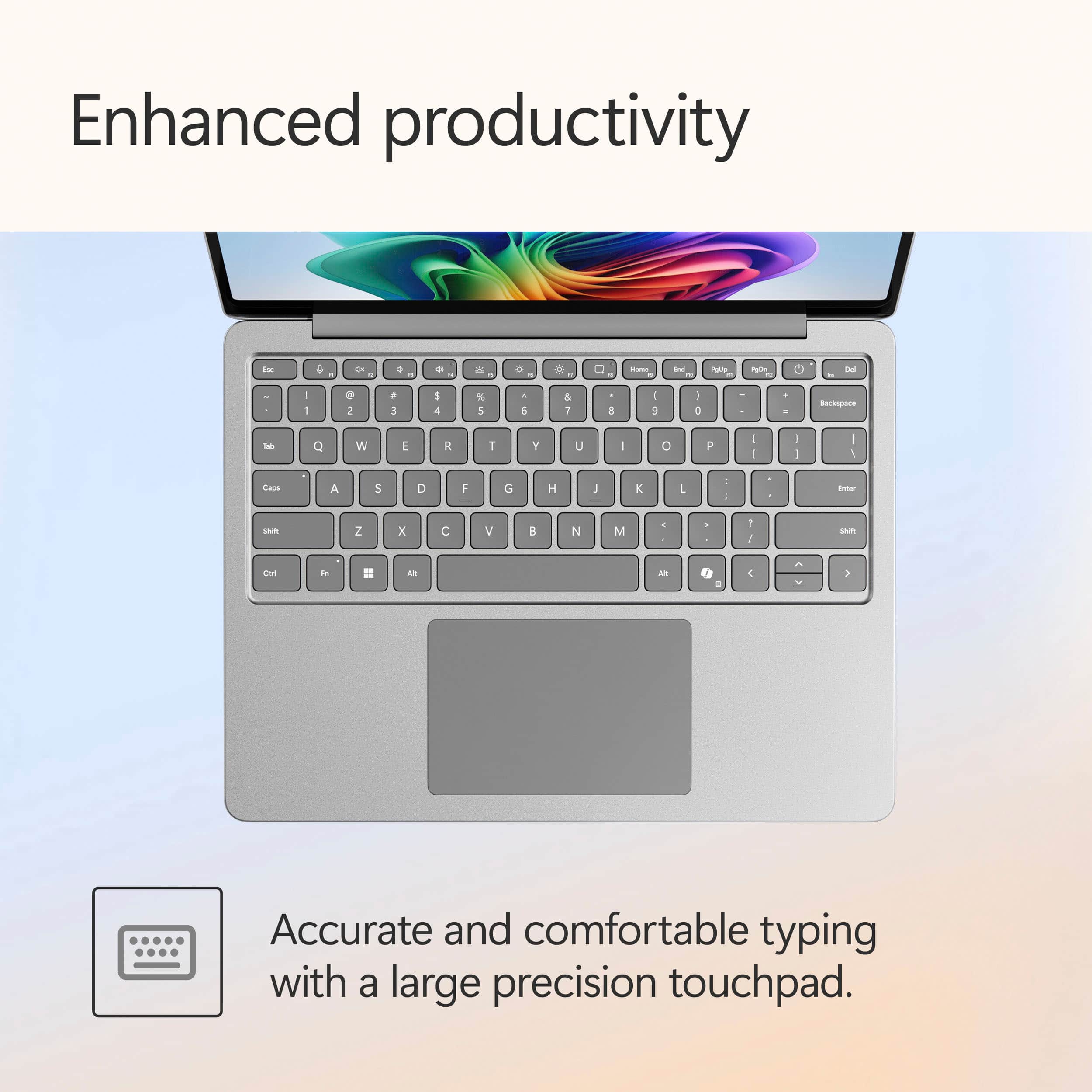
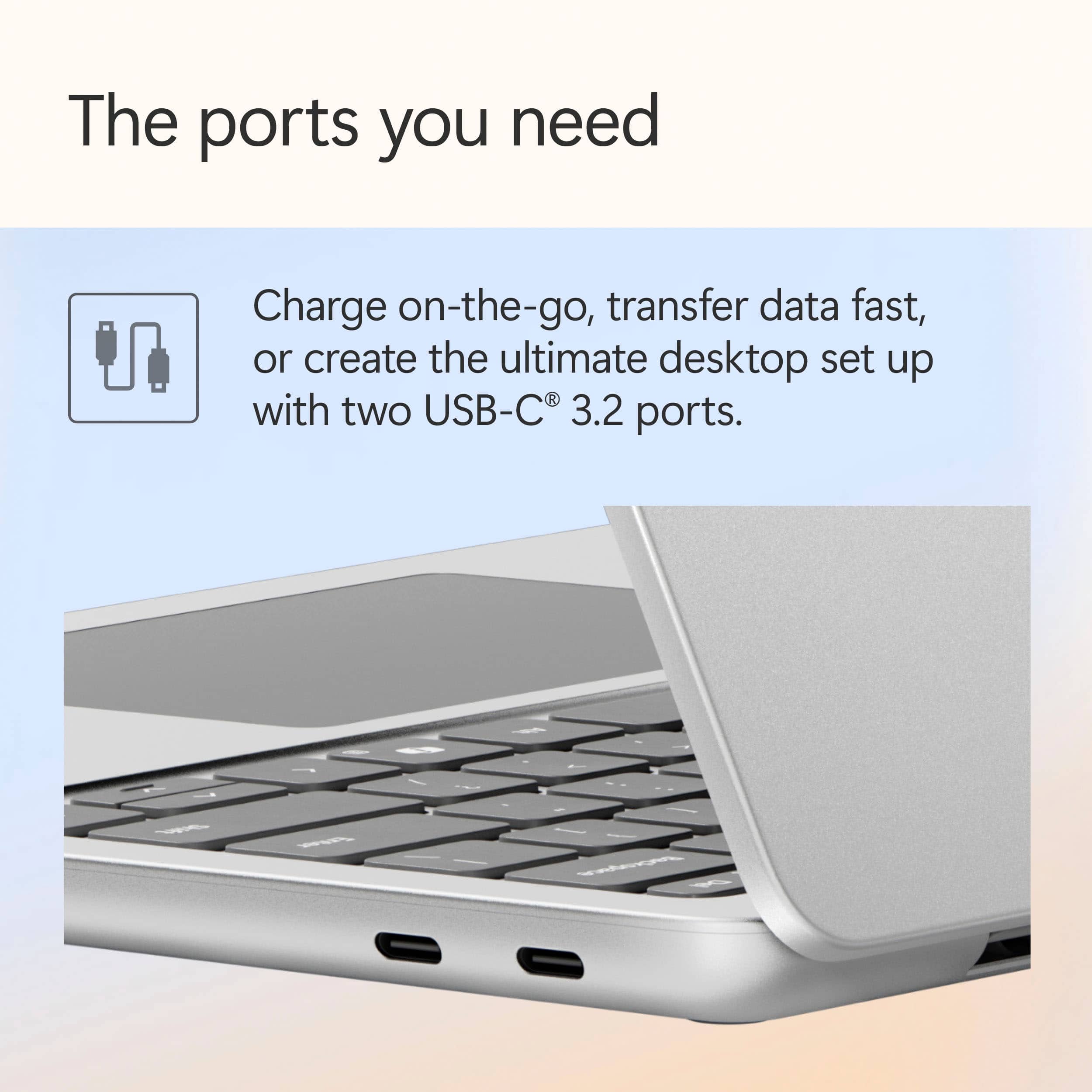
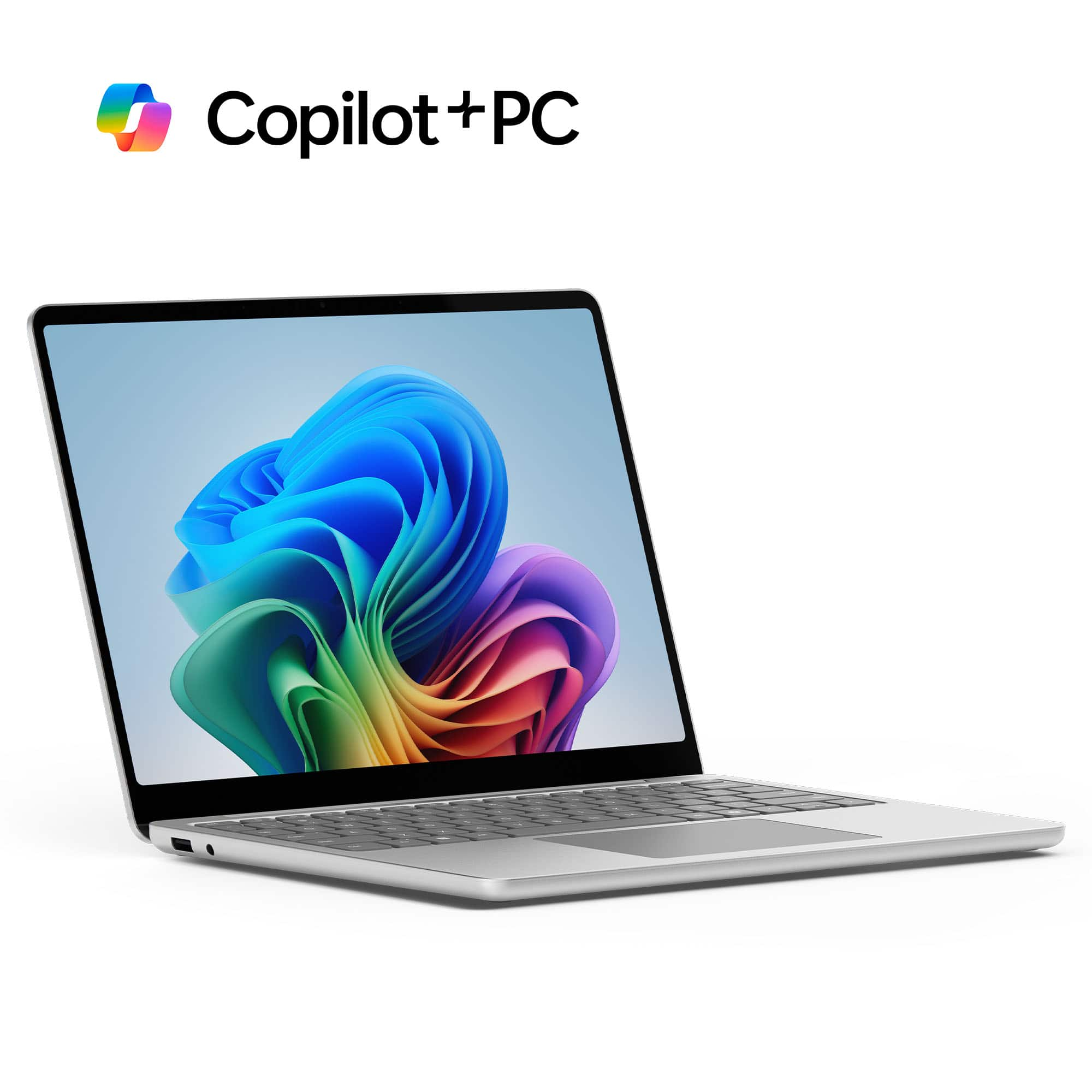
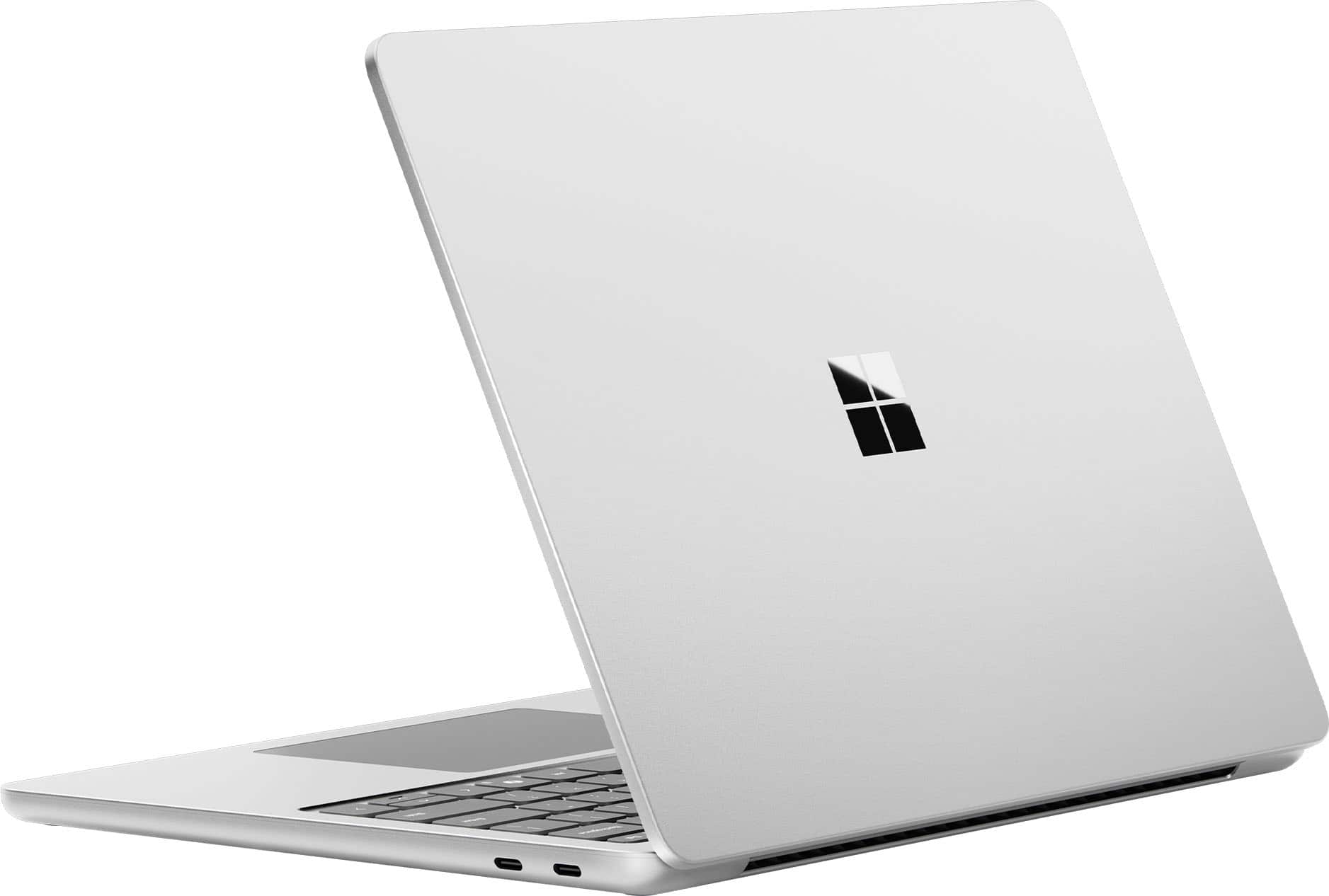
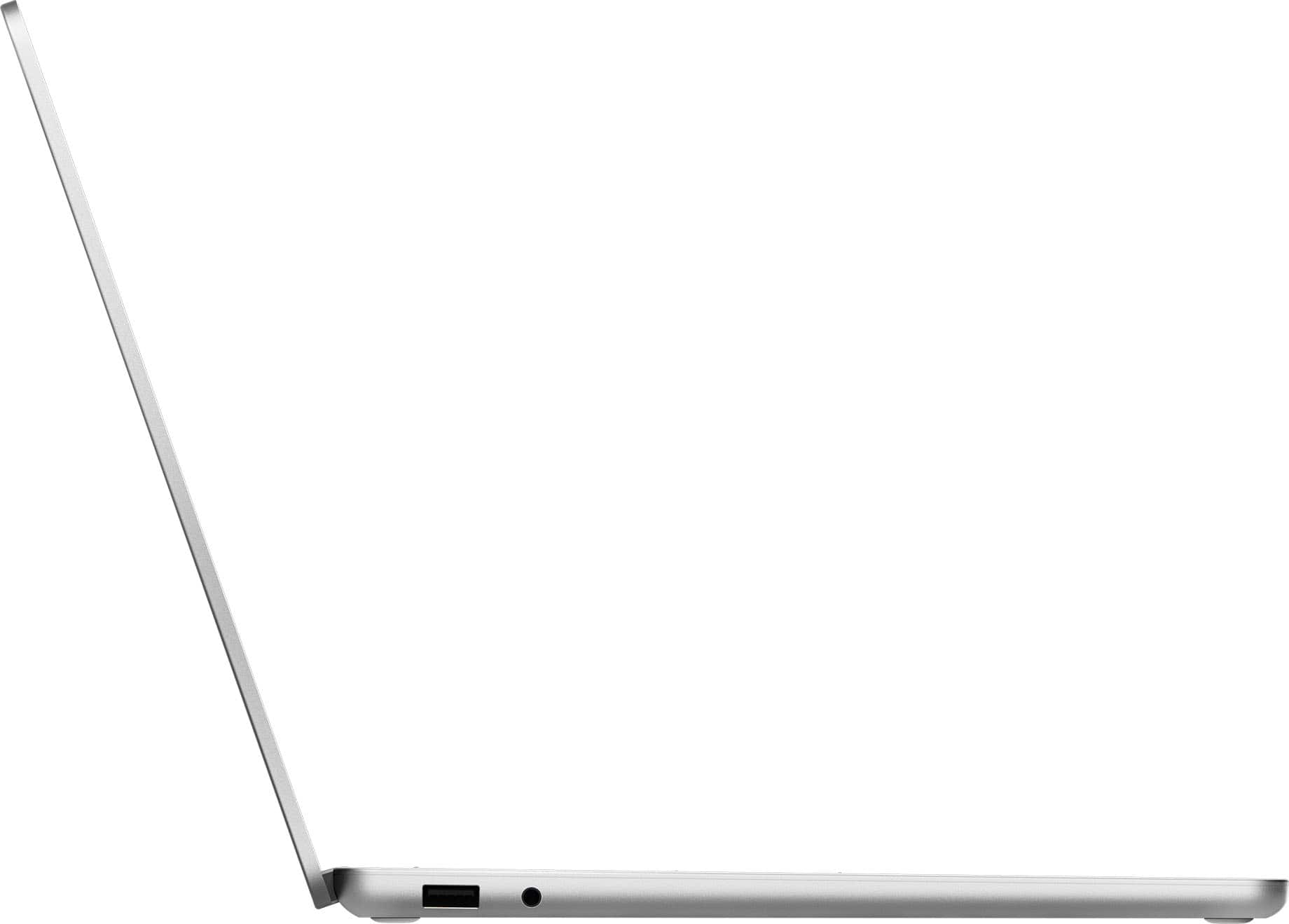
|Posted .This reviewer received promo considerations or sweepstakes entry for writing a review.I’ve been wanting to try the new Surface Laptops, as Microsoft was building one as a CoPilot+ PC on the newer Arm based chips, the Snapdragon X Plus. If done right, this could be a solid contender for the ultraportable everyday laptop. So, I picked up one to try it out. Pros: - Modern & Sleek Design. - Great Looking touch screen. - Solid performance for everyday office or general computing. Cons: - Limited number of ports: 2xUSB-C, USB-A, & Combo Jack. - Recall requires Windows Recall, which only works with Fingerprint currently. - Benefits of Recall are questionable, negatives are plain to see. Design: The Microsoft Surface Laptop 13” looks modern and sleek with the solid aluminum case with the Windows’s logo etched into the top cover. The hinge is a large portion of the back of the laptop which provides ample support for the screen and a solid feel when opening, there is a little wobble when the screen is open but very minimal. As a 13in laptop, the Microsoft Surface 13” is a perfect size for traveling or remote work, technically ultraportable laptop with a screen size of 13in and a weight of about 2.7lbs. The laptop easily fits into a backpack or large bag for travel. With the USB-C charging, it can also be charged up almost anywhere when it runs out of power with the more than 16hrs of active use on a single charge. Included with the laptop is a compact 65watt USB-C charger, which is always appreciated as these chargers are rather expensive on their own. The biggest concern I have is with the number of ports: 2x USB-C 3.2, 1xUSB-A 3.1, and a combo headphone/microphone jack. With 2 USB-C ports both supporting Thunderbolt 4, you can take advantage of charging and data transfer from a single port which makes up for less ports by allowing these 2 ports to do so much. The included USB-A port is a huge advantage over other laptops, reducing the need for an adapter to connect to most devices. There is a fingerprint reader built into the power button, which does have me concerned I will accidentally turn off the laptop when trying to login but so far that hasn’t happened. Feel: Windows setup was uneventful to say the least, which is a good thing. I didn’t notice any delays or issues during setup. My only issue encountered during setup was with Windows Hello, for whatever reason the camera was not being identified as compatible with Windows Hello. I assume this was just a driver issue, doing some searching I found similar issues with confirmed compatible cameras and Windows Hello. I couldn’t fully resolve the camera compatibility with Windows Hello, but since the Microsoft Surface Laptop also has a fingerprint reader, I used that instead of the camera. The 13in LCD touch screen is pleasant to work on and very responsive to touch. At 400nits of brightness it is plenty bright enough to use even in bright or outdoor environments. I was able to see the screen content even in direct sunlight, though it wasn’t my preferred working experience. With a resolution of 1920x1280 and refresh rate of 60Hz, images and video on the screen is clear and sharp. I was most surprised with the typing feel of the keyboard, it is solid with a tactile feel, almost like a mechanical keyboard but without the sound or larger format. For a laptop keyboard, I really enjoyed typing on it. The backlight on the keyboard is a great addition. Performance & System Specs: The Windows on Arm Emulation has come a long way in the short time Arm based systems have been around. For general use, I couldn’t find anything that wouldn’t work or didn’t provide an Arm system option. I was able to open documents, print, connect to other devices and do normal Windows PC things without any care in the world that the Surface Laptop 13” wasn’t a normal windows laptop. With the Snapdragon X Plus 8 core CPU and 16GB running at 8448MT/s, the Microsoft Surface Laptop 13” tackled tasks with ease. I did find the 16GB of Ram to be a bottleneck when testing out common office use scenarios like running Teams + Outlook + Office 365 (word/excel/powerpoint) with multiple Edge browser tabs open, you could push the limits of what you can do with only 16GB of Ram. But this was more the case of any PC with only 16GB of Ram would have the same issue. Overall, the Microsoft Surface Laptop handled general office tasks like a champ, no crashes or freezing, only some noticeable slow down due to multiple apps open at the same time. My biggest concern with the overall system specifications is with only 256GB of storage. Which is even less when you enable Recall (more below on Recall). I would prefer seeing 1TB as the default minimum storage capacity than 256GB if we are going to have to reserve 10% of that space by default for a feature. For Gaming, I still encountered issues launching games, but that should hopefully start being resolved later this year with publishers like Epic Games building out the anti-cheat software to work with ARM based systems. That means most of their inhouse games like Fortnite and Rocket League should work on Arm based systems without issue. But overall, if you want to Game as one of your main activities, I wouldn’t recommend the Microsoft Surface Laptops. Battery Life: By far my favorite benefit of using the Arm based systems is the extended battery life! This isn’t like extending your battery life in the past, where you had to turn down the brightness and limit the performance to get anything resembling a workday amount unplugged from the wall. No, you can easily get about 16hrs of usage from a single charge doing normal web browsing and basic office tasks like email or word document creation. For more demanding tasks, the battery life is shorter but even in those instances I found that the Surface Laptop 13” could last at least through my workday of ~8-10 hours. Recall: Recall. I’ve got to say that I’ve got more than just a few issues with Recall but will focus two main issues: Benefits of Recall & Reserved Storage Space What Problem is Recall Trying to Solve? Seriously, I tried to use it through out my day but found that I could just as easily search or check my notes faster and simpler. Funny enough, my notes are usually generated by CoPilot for live meetings with clients and then stored in OneNote for review later. I feel like Recall is targeted for the forgetful worker who cannot remember to take notes or is too busy/lazy to take the needed steps to take down notes for the future. It’s just not something I really found beneficial at all, maybe I’m missing something. My bigger issue with Recall as a functionality is that by default, Recall reserves 25GB of storage space on the internal drive. That is ~11% of the 256GB (237GB actual storage space) storage drive. This wouldn’t be as big of a concern if the storage space was 1TB. You can reduce the reserved space down to 10GB, but that’s still ~4% of the total drive space for something I don’t find any immediate benefit to using. Overall, I don’t see myself using Recall mainly due to the lack of benefit I see in using it. I currently only see more negatives than any immediate benefit. Conclusion: If you want a great travel laptop, that is solidly built with many advanced features like Thunderbolt 4 or all-day battery life, the Microsoft Surface Laptop 13” is a great option to consider. My only take away from using it is that it could use a larger drive, gaming is still a way off, and Recall still needs to prove its benefits. But as a modern everyday laptop, this is a solid choice.
I would recommend this to a friend - Pros mentioned:Battery life, Overall performance, Portability
Great laptop, with a few small things to consider
|Posted .This reviewer received promo considerations or sweepstakes entry for writing a review.I picked up the Microsoft 13" Surface Laptop a few days ago and have enjoyed almost every minute of using it. This review is based on initial impressions after three days of use. TL:DR - The 16GB RAM, Qualcomm Snapdragon X Plus (ARM) processor, and integrated Qualcomm Adreno GPU pack a lot of power into the 13" touch screen. Fast boot times, quick processing for day to day tasks, and the responsive, no lag, touchscreen make this laptop a strong all around machine. The CoPilot+ integrated AI platform has enough features to be useful, especially the Recall feature, which is helpful for picking up where you left off or trying to find something you've seen during prior actions. The downside is that this machine runs x86 applications through an emulator (Prism) which may require some research, additional driver installation, and settings adjustments. Pros: Battery life! Typically 50% or less usage during an average 9 hour work day Qualcomm build is optimized for AI efficiency Cons: I wish it had tablet mode to accompany the touchscreen and stylus compatibility. Trade offs between ARM and x86. You can use an emulator to run x86 applications, but may frustrate you to find the drivers, know the settings, and potentially deal with associated lag. In the box is the laptop, power cable, and paperwork. Setup is quick and easy with the guided Windows 11 home edition workflow. The first thing I noticed was the vibrant images and how quickly the touch screen responded. The sound is good for the 13" footprint, but still relatively flat, as the majority of laptops are. That being said, audio is absolutely fine for streaming content and movies, the sound has enough range that you get nuances without needing external speakers, it just falls victim to laptop geometry and real estate. As for the screen, the hinge is beefy, and will likely hold up very well, but the limitation is that the screen only tilts ~30 degrees past 90, which is fine for watching movies, but not as helpful if you want it to lay flat so you can use the touch screen as more of a tablet. As far as the rest of the build, it is solid and compact. Weighs in at just under 3 lbs, around the perimeter are USB-A 3.1, headphone jack, then 2 x USB-C 3.2. There is also the functionality to use DisplayPort via USB-C via adapter (can pick up for less than $20 online). To round out the build, included is a wifi 7 network adaptor, Bluetooth connectivity, as well as Windows Ink, which is compatible with an active style stylus for on screen annotations. Performance wise AI integration is nice, battery life is fantastic, and the laptop feels like it was meant for every day work, play, streaming and creating. It can handle photo editing software, even the large software packages, but does get a little laggy when multitasking or performing large rendering work. In comparison to current mid level laptops on the market, this is expected and is even slightly above average performance. Note that not all software will work seamlessly with this laptop. You'll want to research ARM vs x86 to understand, and honestly it won't impact most, unless you're running some type of specialty software that isn't a native ARM build. I didn't get too far in the x86 emulation functionality, but found that with enough internet searches I could figure out the right emulation and ARM driver combinations to make the laptop work for my needs. Side note, I'm primarily using this laptop to capture data while troubleshooting a vehicle, so I had to dig in to make the OBD software (x86) and OBDII adaptor play nice with this build, but was able to get past this without too much additional work. Bottom line, this is a great 'do everything' laptop. The Microsoft Surface Laptop will stream, create, and run productivity software all day long, while not draining the battery, and providing a responsive and vibrant touch screen. The small caveat is if you want to use x86 applications, you'll need to do some digging into compatibility settings, but it's not a hard barrier. Based on my experiences, this laptop is 4.5 out of 5 stars, but since that's not an option, I'll round up to 5 stars and just warn about potential x86 application challenges.
I would recommend this to a friend 
Perfect for College students!
|Posted . Owned for 1 month when reviewed.This reviewer received promo considerations or sweepstakes entry for writing a review.This laptop is perfect for college students! It has a specific copilot button, so if you need help studying a topic or answering a question it’s super convenient. I would definitely recommend this to other college students!
I would recommend this to a friend- Pros mentioned:Battery life, Overall performance, Portability
Great Battery Life and Solid Everyday Performance
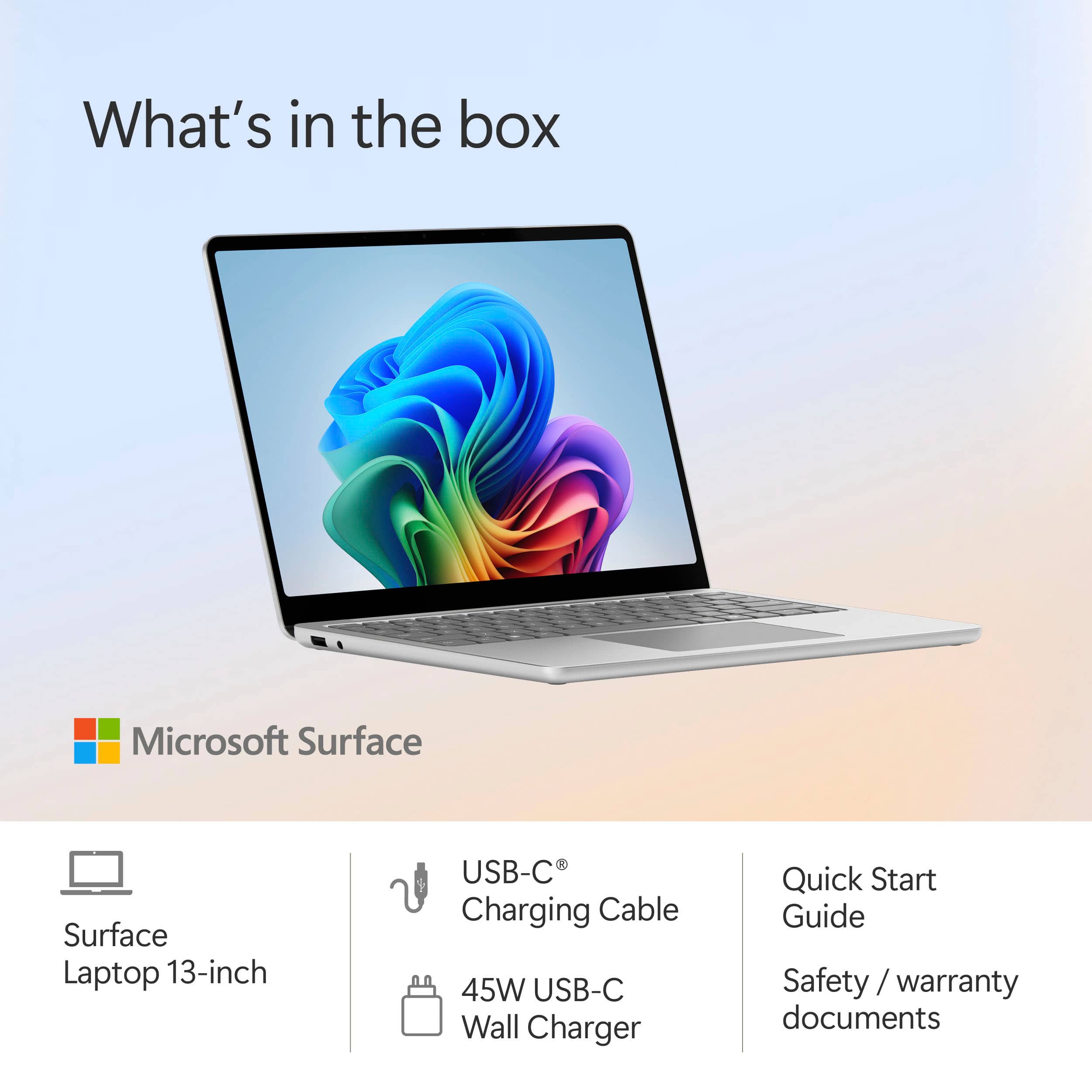
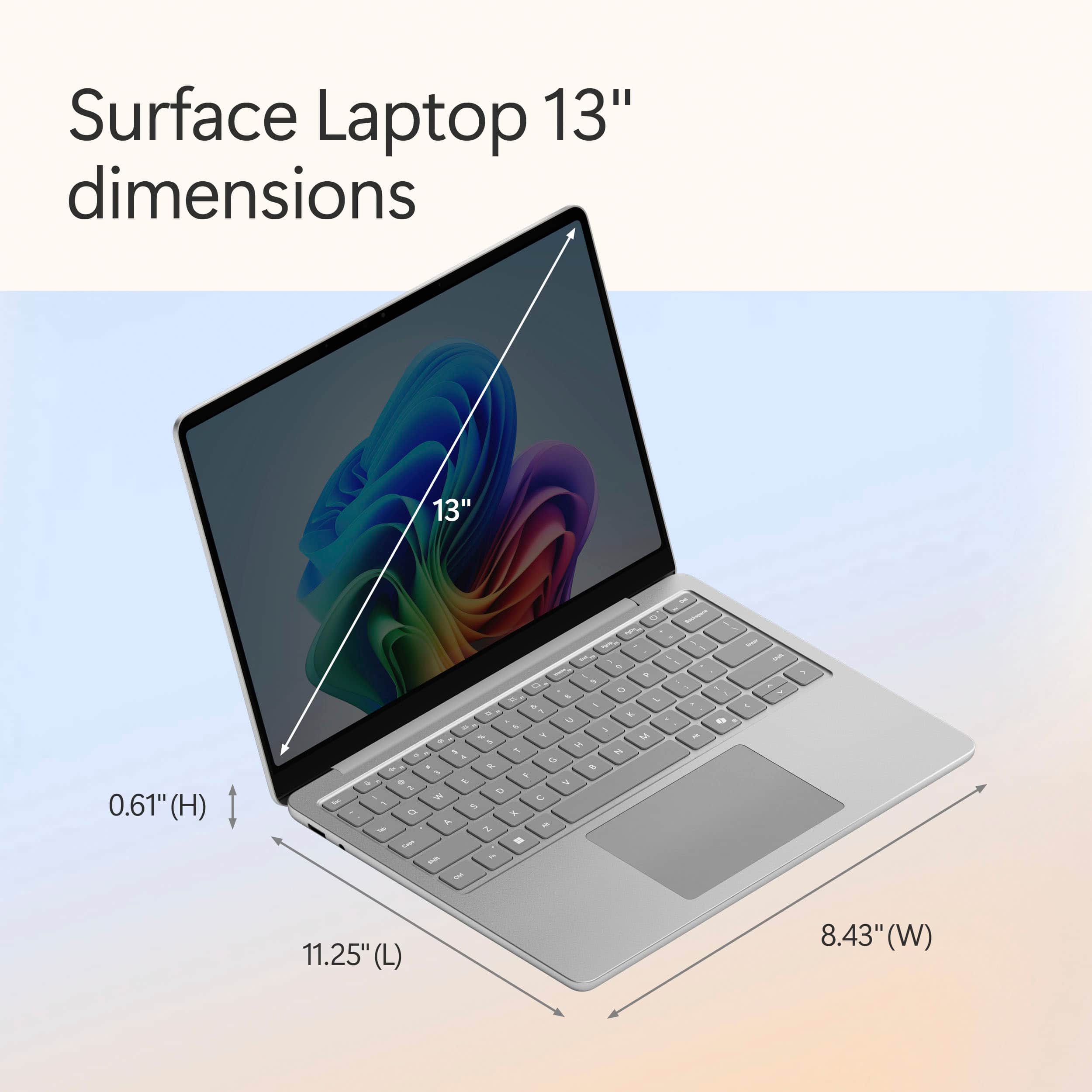
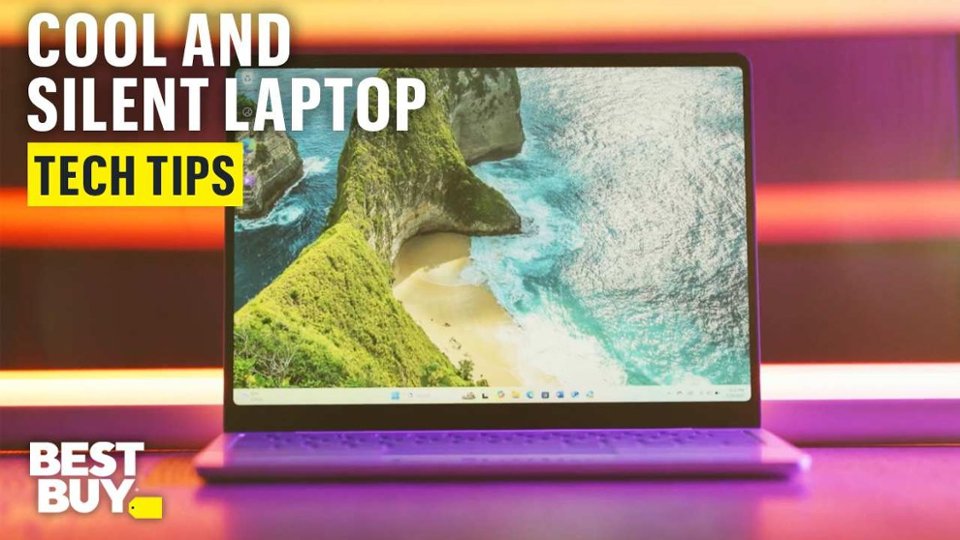
|Posted .This reviewer received promo considerations or sweepstakes entry for writing a review.I've been testing the Surface Laptop Copilot+ PC with the Snapdragon X Plus processor for the past week. Overall, I think it's a capable laptop that can definitely handle most, if not all, basic user needs. Its standout features are the premium build quality and fantastic battery life. The signature Surface platinum color and anodized aluminum body give the laptop a premium and lightweight look and feel. Also, the 8 1/2 inch by 11 1/4-inch dimensions of the laptop make it ultra-portable. The hinge is sturdy and effectively prevents the monitor from wobbling. It also hides a vent for cooling between the hinge and keyboard deck. Which does a great job of dissipating heat and after a few hours of use, the laptop barely got warm. I also never heard a fan turn on during my week of testing. So, I don't think it has one. The keyboard is well-spaced with a nice springiness to the keys, making it comfortable to type on. It's also backlit with three levels of brightness that perfectly illuminate the keyboard deck. The trackpad provides smooth, responsive movement, and the left and right clicks feel reassuringly solid. The display however is a tough sell for me. It's by no means a basic display. The brightness, color reproduction, touchscreen functionality, and crisp text are more than adequate for most users. However, it's not as vivid or fluid as I would like to see, likely due to the 60Hz refresh rate. I'm also not a fan of the aspect ratio. It's slightly taller which is great for documents and spreadsheets but less ideal for movies and videos. I appreciate that Microsoft replaced the proprietary Surface Connector. This welcome change has allowed for a better port selection than on earlier Surface products, now featuring two USB-C ports (both capable of charging), one USB-A port, and a headphone jack. The speakers sound good and get quite loud for a 13-inch laptop. I found that 75% volume is the sweet spot, as the speakers start to clip at 100%. The Wi-Fi 7 connection is consistently strong, maintaining speeds of 5764/5764 Mbps (send and receive). Also, Bluetooth connectivity is equally solid and reliable. Performance is good. I've tested the Snapdragon X Elite processor in the past, and in my opinion, this Snapdragon Plus is just as capable—I honestly couldn't tell the difference. I have no complaints with boot-up, App loading times, or compatibility with ARM. The processor is pretty snappy and maintains a perfect level of performance for everyday computing. The battery lasts a long time and recharges rapidly. In real-world use with the screen at high brightness, I easily achieved 11 hours of use before the laptop went into energy-saver mode. When it was time to recharge, the included 45-watt charger completed the task in roughly 90 minutes. With all that said, I would recommend this laptop to anyone looking for a high-quality, lightweight laptop with great battery life and solid everyday performance.
I would recommend this to a friend - Pros mentioned:Battery life, Overall performance, PortabilityCons mentioned:Port selection, Storage capacity
Unbelievable Long-Lasting Battery
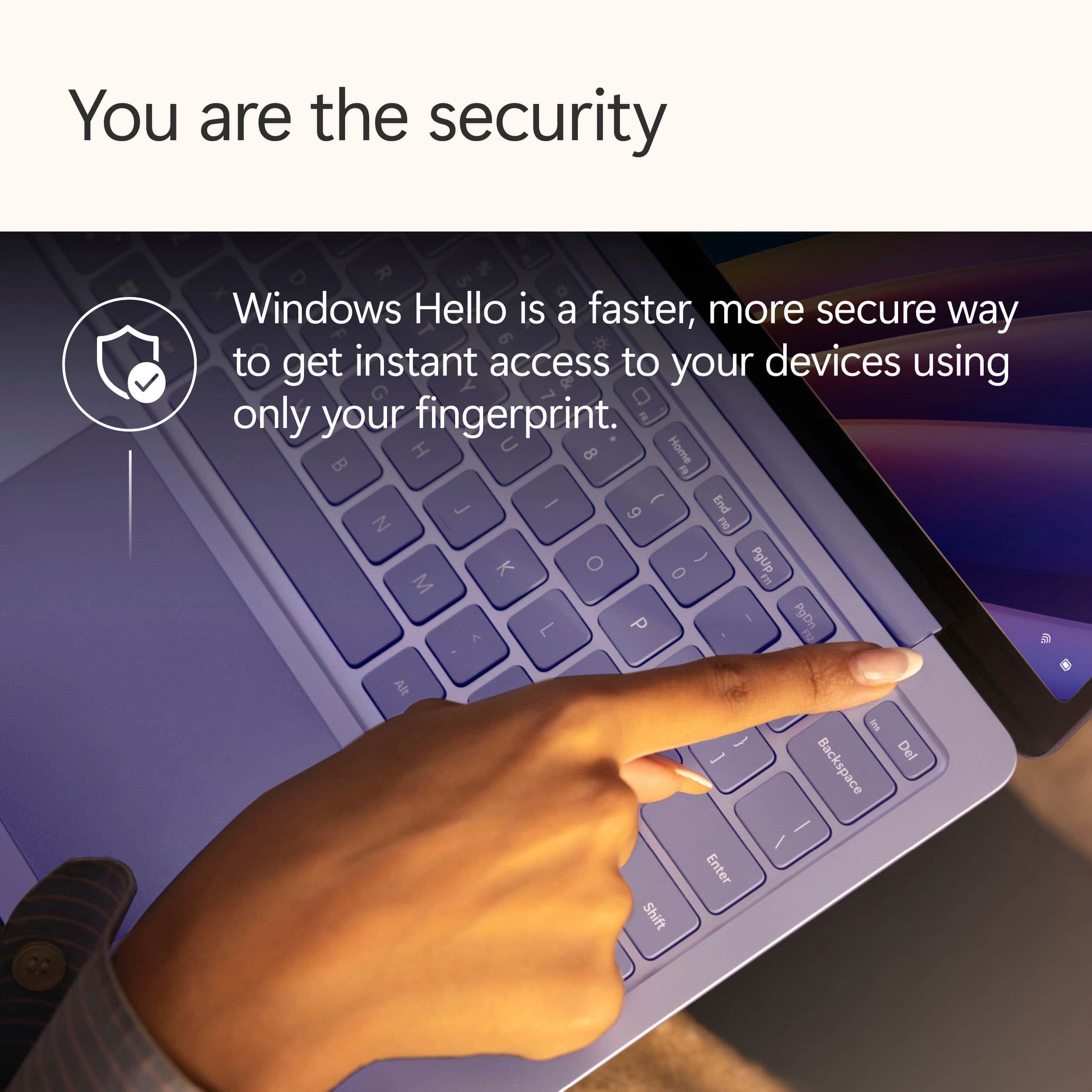
|Posted .This reviewer received promo considerations or sweepstakes entry for writing a review.When it comes to laptops, I care not only about power but also about overall design and look. And although looks can be deceptive, it is something that most of us care about a lot even if we just keep that to ourselves as we don’t want to be looked at as superficial. But this laptop does look premium, stylish, and sleek. I love that. I have become a heavy user of Copilot, and the promise of AI-powered performance is what drew me to this laptop. Because I tend to use a powerful desktop PC for a lot of my work, I didn’t notice much improvement on Copilot, but I didn’t notice any slowness which is great considering that I’m comparing it to a powerful desktop PC. I spent 3 days working on it from 9 to 4 unplugged, and only by noon of the third day did I have to plug it to power because the battery was below 10%. I couldn’t believe it. Now, I can travel overseas, which sometimes takes 20 hours or so, without worrying about having a place to charge or even time to look for one. This one really impressed me. Also, it is very light, which is something I long for when traveling for those many hours. As for the display, it is bright and vivid, and the touchscreen is very responsive, which is something that I don’t often see on most laptops with a touchscreen. I never had to touch anything twice. It always worked the first time. Another thing that I really liked was the fingerprint sensor. So far, it is the most responsive fingerprint sensor I have ever tried. It recognizes my finger immediately and always. What I didn’t like was the 256GB of local storage for my particular model. I probably won’t have any issues with that because I have a 1TB Onedrive, but if you don’t and have a lot of apps or big files, you may run out of space pretty quickly. The other issue is that it comes with only two USB-C ports. No HDMI, DP or USB-A. I’ll have to connect a hub to it to connect everything I have. Fortunately, it is USB-C 3.2 which provides excellent speed and if you buy the right hub, you will be fine. Lastly, I had issues in the past with Snapdragon as some apps were not compatible. However, everything I tried worked fine with this one. Maybe that’s not an issue anymore. Overall, it’s a great laptop, especially for productivity. It’s part of the Surface series which I love. I just wish the keyboard was removable so I could use it as a tablet like its cousin the Surface Pro, but I really like it. And the battery!!! Three days without having to charge! Who can beat this?
I would recommend this to a friend - Pros mentioned:Battery life, Portability, Touchscreen
An Incredible Device With A Justifiable Price
|Posted .This reviewer received promo considerations or sweepstakes entry for writing a review.To put it simply, this is the nicest laptop I’ve ever used. Now, keep in mind, I’m no power user. I’m not generally the kind of person to have 40 different programs open at the same time while a browser has 20 tabs open. I don’t do any sort of video editing or music production or programming - nothing intensive that isn’t gaming. I’ve simply replaced my usual laptop with this one for my standard tasks that involve a laptop: Writing, reading some articles, watching some videos, checking my email, and so on and so forth. I haven’t tested gaming for a couple of reasons, which I’ll go into further detail about later in the review, but suffice it to say that I don’t think it’s worth testing on a device that has no openings for airflow, and no apparent fans. Design/Build Quality: This is an absolutely gorgeous device. It’s not the lightest laptop I’ve ever used, but as far as laptops this size go, it’s quite light. Even so, this thing feels solid as a brick. Every edge, every corner, feels deliberate, intentional, purposeful. The way the sides round off to the bottom, the way the glass fits in the lid, the perfect amount of resistance on the hinge so it can open with one finger; it makes using it feel very organic. All of this being built in an aluminum body make the laptop feel on par with the premium build quality of Apple laptops: When you look at it, hold it, use it, you feel like you’re using a high quality product. It’s fantastic. Screen: The visual quality screen on this is incredible. If I didn’t know better, I would think it was an OLED - it’s got incredibly vibrant and vivid colors, with pitch-black blacks that make it difficult to tell the screen’s backlight is on in that spot at all. The one weakest aspect of the screen is the refresh rate. Since it’s only 60hz, it’s not as buttery smooth as some other panels, but for this laptop’s expected purposes, the higher refresh rate wouldn’t provide much utility, anyways. It would make it look prettier, but I can’t ding it for that. It’s also got a touchscreen. I don’t have much experience using a touchscreen on a Windows device, to be honest, but I tried it here and there. It’s responsive, the gestures with multiple fingers and everything are intuitive. The REALLY nice thing about this touchscreen, however, is that fingerprints just... don't show up. Part of the reason I don't like touchscreens on laptops is because it's just a bigger screen to get covered in fingerprints, but even though it's super glossy, it stays clear and free of fingerprints. Reading through articles and scrolling through documents is much easier using the touchscreen, although when I’m editing documents with FocusWriter, my usual software choice for writing, it will highlight the text instead of scrolling unless you use two fingers. I didn’t check how this works with other word processing software, but that may be worth keeping in mind if you’re going to be doing much writing. I’ll also mention that if you’re trying to go back a tab, and use the gesture you’d use on a touchpad (swiping with two fingers to the right), it will show the arrow indicating you initiated the gesture, but nothing will happen. It works just fine on the touchpad. I don’t know why this happens, and I couldn’t find a solution, but it didn’t bug me enough to think of it as much of a negative. Keyboard/Touchpad: The touchpad is unremarkable. It’s a touchpad. It works. The click isn’t satisfying or unsatisfying, the texture doesn’t stand out in any way. It’s a good size for the device, but outside of that, I don’t have much to say about it. The keyboard, however, warrants more attention. I can’t tell if I’m being subconsciously influenced by the premium quality of the laptop, but this keyboard is the nicest I’ve ever used on a laptop. Again, it could just be a standard keyboard that’s fooled me somehow, but as I see it, this is fantastic. The keys are standard chiclet keys, but they feel amazing. The texture of them is so soft and smooth. The actuation point on them is perfect, too - just enough force that you have to decidedly press the key, without requiring so much that it would tire your fingers out after too long. They’ve got tactile responsiveness that I haven’t found in many laptops. The placement of the keys and everything makes it feel so efficient to type on. I absolutely adore this keyboard, and I wish I could use it for other devices, honestly. I’ve found myself writing empty sentences that I can do without thinking just so I can enjoy the keyboard, and I don’t think I can say I’ve done that for any other keyboards that weren’t full-size mechanical ones. The keys are backlit. The backlight has three different brightness settings, excluding the off setting, so you can choose one that works best for you. It turns off after a few seconds of not typing, so you don’t have to worry about it draining battery when you stop to think about what you’re going to type next. Battery Life: I have charged this laptop twice. The first time was just during the initial setup, where it tells you to keep the computer plugged in so you don't lose power. I didn't get to see the battery life before I plugged it in, but it was at 100% when I was done. After that, I used the laptop for, at minimum, 3-4 hours a day for six days. After that, the battery was at around 23%. Now, to be fair, I primarily used it for writing, web browsing, and listening to music, but even so, most laptops I've used in the past wouldn't last a full day just doing those things. It's most likely due to the Snapdragon chip inside being incredibly power efficient. The other thing worth mentioning is the charging time. When I charged it from 23%, it took about an hour and a half to get all the way to full while I was still using it. This was using a fast charger, sure, but even so, it's pretty amazing to me that less than 2 hours of charging from such a low level will give you another 5-6 days of battery. Performance: It’s snappy and responsive. When loading up websites or applications, the wait time is thanks either to my internet speed or because of the application itself having a splash screen. I haven’t tested extensively, of course, but I’ve never noticed the loading times, and I think that says a lot by itself. Now, as I mentioned earlier, I didn’t test this laptop for any gaming. I’m sure it could be done, but I didn’t think it would be worth it for two main reasons. Number one: The processor. Since it’s a Snapdragon chip, it’s using ARM architecture, rather than the standard X86 you’ll find in the vast majority of devices that aren’t smartphones or tablets. It’s certainly powerful enough to run games, don’t get me wrong, but most games aren’t built with ARM architecture in mind. I’ve tested gaming on a previous Snapdragon laptop I owned - just played a little bit of Dark Souls Remastered - and it struggled. There was a number of issues with how the game appeared on the screen, especially when adjusting the resolution, and it didn’t run very consistently, either. The second reason is that I don’t think this laptop was built for it. As I mentioned earlier, there are no openings for air intake or exhaust. That means that the cooling is likely being handled passively, dispersing the heat through the aluminum body to let the air in the room cool it. This laptop isn’t designed for anything that would push it too hard: It’s a productivity machine, first and foremost. I didn’t think it’d be fair to test it on a metric it wasn’t built to meet. Now, to be fair, this is speculation. There may be some hidden cooling I’m not seeing, but the machine is silent. I don’t hear any fan spinning, I don’t see any opening, I don’t feel it vibrate or anything, ever. I wanted to open it up to take a look inside, but there’s no visible screws. They’re likely hidden under the feet of the device, and I don’t know whether they’re glued on or friction fitted. Since I’d like this computer to be in the best condition possible, I didn’t think it was worth pulling them off to see. Audio: The speakers on this thing are also among the nicest I’ve heard on a laptop. They’re crisp, clear, and loud. While they definitely favor mids and treble over bass, they output much higher quality sound than one might be accustomed to on other laptops. They’re hidden under the keyboard, as far as I can tell, so they’re facing towards the user, which is probably part of the reason why. Included Software/Bloatware: There... pretty much isn’t any. It’s such a clean install of Windows that I almost forgot to bring this up at all. You don’t have to deal with McAfee or Norton or garbage software that takes up space. It’s about as clean as you can get from a prebuilt computer. Final Thoughts: It’s the Microsoft equivalent of a MacBook - a premium device that has performance for days, but isn’t necessarily meant to be pushed hard, at least not for long periods of time. Given the sheer quality, I think the price is justifiable; it makes complete sense that hardware like this costs what it does, even if it's not necessarily a cost efficient investment, compared to other laptops you could buy. I wouldn't recommend this to everyone, or even most people, but for those who think this would be a good fit for their needs, you'd have a hard time finding something better than this.
I would recommend this to a friend - Pros mentioned:Battery life, Overall performance, Portability
Love my new laptop
||Posted .This reviewer received promo considerations or sweepstakes entry for writing a review.I’m really impressed with this laptop. The size being just right— big enough for productivity but still light and portable for everyday carry. The touchscreen is sharp and responsive, and the overall build feels premium and solid. Performance is smooth for all my daily tasks — browsing, streaming, and multitasking — and the battery easily lasts through a full day. I also appreciate how easy it is to use right out of the box. The set up was easy, just follow the prompts
I would recommend this to a friend - Pros mentioned:Battery life, Portability, SpeedCons mentioned:Storage capacity
10/10 recommend
||Posted .This reviewer received promo considerations or sweepstakes entry for writing a review.I bought this for my husband to use for his schoolwork, and it’s been a great choice. It’s lightweight, easy to carry, and fast enough for everyday tasks like writing papers, research, and online classes. The battery lasts all day, which is a huge plus. The touchscreen is clear and responsive, and the laptop runs quietly. Storage is a bit limited, and you may need a USB-C adapter, but overall it’s a reliable and convenient laptop for school use. I’m very happy with this purchase.
I would recommend this to a friend - Pros mentioned:Battery life, TouchscreenCons mentioned:Storage capacity
Efficient notebook, demanding users may want more
|Posted .This reviewer received promo considerations or sweepstakes entry for writing a review.So, let's talk about the Microsoft - Surface Laptop - Copilot+ PC - 13" Touch-Screen - Snapdragon X Plus notebook. This laptop features a 13-inch touchscreen, an ARM based Snapdragon power sipping processor, 16GB of RAM and a less than optimum 256gb SSD storage drive. The shell of this surface laptop is finely crafted and instills quality, nicely rounded corners, a supple backlit keyboard and a responsive touchpad. What is very appealing is the compact form factor, which is not much bigger than a large tablet. The plus here is you are not dealing with a mobile or tablet operating system, instead you are running an efficient ARM64 Windows operating system. The device features a USB-A port, headphone jack, two 3.2 USB-C Thunderbolt ports which an external displays to mirror or extend your desktop. There are not any HDMI or DisplayPort hardware ports. Battery life is incredible, with almost 24 hours usage before needing a charge. And charging happens fast with the supplied 45-watt USB-C Wall Charger. There is a balanced approach to power consumption, which yields decent performance for apps that are less demanding, or media consumption from lower end of the spectrum bit rates. Playing 4k resolution 150mbps video at times can struggle and can only be attempted if it exists locally on the device. The laptop also includes Snapdragon Neural Processing Unit (NPU) which is used for AI processing specifically Microsoft's Copilot AI. For example, real time live captions from any sound output played from the machine works well. I had YouTube up in the browser and decided test live captioning on my channel. Live captioning worked well, playing one of my videos did not stress either the NPU or CPU. Set your expectations with this laptop, it is decent performing with a boost provided by the NPU for AI functions via CoPilot. In general, this laptop has some limitations, and you have to be comfortable with those, but for travelling this laptop will do the trick being just under 3lb and compact. Pros: - Phenomenal battery life - Efficient CPU, GPU and NPU (for onboard AI) - Great form factor - Lightweight and sturdy - Nice touchscreen - Windows OS Cons: - Had issues playing back high bitrate video (even stored locally) - Small storage (SSD) drive - Display does not rotate fully, would have been nice to use as a tablet
I would recommend this to a friend - Pros mentioned:Overall performance, PortabilityCons mentioned:Storage capacity
Quality device for both home and business!
|Posted .This reviewer received promo considerations or sweepstakes entry for writing a review.Microsoft Surface Laptop 13" (256GB) – A Compact Powerhouse with a Few Quirks The Microsoft Surface Laptop 13" with a 256GB internal SSD continues the Microsoft's tradition of delivering sleek, highly portable hardware paired with solid performance. While the onboard storage may seem modest in today's world of hefty file sizes and media libraries, this machine still holds its own as a daily driver—thanks in large part to its integration with cloud storage and an upgrade-friendly design. Performance & Storage Despite the relatively small 256GB SSD, the laptop handles productivity tasks, multitasking, and media consumption with ease. For users who are comfortable leveraging OneDrive or other cloud platforms, the smaller internal drive won’t pose much of a limitation. That said, for those who need more space locally, it’s reassuring to know that the M.2 2230 SSD can be swapped out for a higher-capacity option—a rare and welcome feature in a market increasingly geared toward non-upgradable hardware or the unit can be purchased with a larger drive as well. The touchpad, fingerprint reader and camera are all responsive and have posed no issues. The backlit keyboard is a nice convenience - and really a must have in my opinion on all modern laptops. Note that you have 1 USB-A and 2 USB-C ports only. Although limited, most people will opt for a USB-C dock/adapter that will allow more connections like HDMI, more USB ports, etc. Plan to purchase such a device at the same time if you plan to display on remote screen or you have lots of peripherals. Display & Design The screen itself is vibrant and responsive, ideal for both work and casual use. However, the design still features relatively thick bezels, which detracts slightly from its otherwise modern aesthetic. A more frameless display would have elevated the overall look and helped the Surface Laptop feel more in line with current design trends. Final Thoughts Overall, this is a highly capable and well-engineered machine for users who value portability, premium build quality, and the flexibility of cloud integration. With a few design updates—particularly in the display department—it could easily be a near-perfect compact laptop.
I would recommend this to a friend - Pros mentioned:Battery life, Overall performance, Portability
Premium, fast, and truly portable- love this Surf!
||Posted .This reviewer received promo considerations or sweepstakes entry for writing a review.I’m genuinely impressed with this Surface Laptop. It’s light, looks premium, and feels super well-built. The screen is sharp and vibrant, the touchscreen is responsive, and the keyboard/trackpad combo is excellent for long work sessions. Performance has been smooth for everyday productivity (browsing, Office, streaming, multitasking), and it wakes instantly, which makes it feel “always ready.” Battery life has also been very strong for my routine, so I’m not constantly hunting for a charger. Overall, it’s a sleek, dependable laptop that’s easy to carry and a pleasure to use.
I would recommend this to a friend - Pros mentioned:Battery life, Overall performance
Perfect college laptop! Battery lasted me 24h15m!
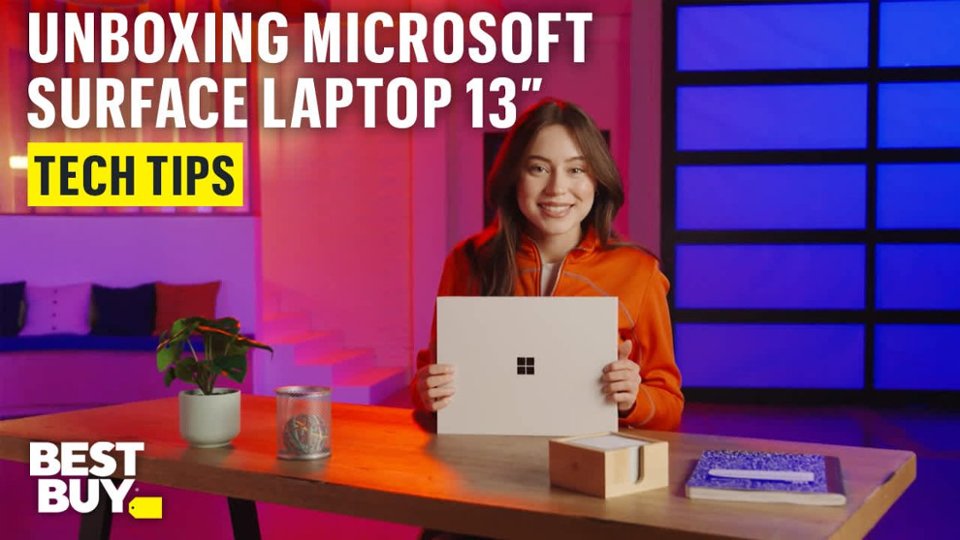
|Posted .This reviewer received promo considerations or sweepstakes entry for writing a review.After a short shipping period, my second Surface laptop and seventh Surface device (including both personal/school and work devices) arrived. This model uses the new Snapdragon X Plus chipset, marking the first time experiencing a Windows laptop with this processor. Unboxing the laptop was very easy, something that Microsoft has been great at for a while. The packaging is designed to be compact and protective, ensuring safe delivery of the Surface Laptop. Opening the box reveals the Surface laptop wrapped in a protective sheath made from recycled materials, with a 45-watt USB-C charging brick and cable positioned below. Additional paper film protects the screen during transit. The unboxing process can be completed quickly or at a leisurely pace, depending on user preference. My first Impressions – This Surface Laptop Model 2095 continues the design tradition of previous models, featuring an aluminum chassis, a large glass screen, chicklet keys, and a sizeable trackpad. The platinum color is like other silver or grey laptops on the market. One notable design aspect is that opening the screen requires either inserting a fingernail between the lid and the body or lifting from the sides, as no designated notch or cutout is provided. Previous Surface Laptop models included such a feature for easier access. This differs from some laptops that have a dedicated area to open the device more conveniently and may affect usability. The screen resolution is 1920x1200 with a 16:10 aspect ratio. While not OLED, the display offers accurate colors and responsiveness. It is compatible with the Surface Slim Pen 2 and other WACOM digitizer pens. I was able to consistently get back-to-back 8-hour days of what would’ve been power-user level computing for me in my freshman and sophomore years of college: a dozen Chrome tabs, OneNote, Word, and a large Excel workbook with Apple Music running in the background. Now, I used an i5 Surface Pro 3 and Pro 6 for undergrad, and i7 Surface Pro 8 for grad school; I was very used to being able to get a full day of battery life on campus without worry whether or not I had a Surface charger with me (Pro 8 luckily charged via USB-C). I ran a battery rundown test with the screen brightness set to 75%, auto brightness on (yes, ON. Oops.), streaming YouTube at 1080p60 off WiFi 6, Windows Power Management set to Best Power Efficiency (so I thought) and it ran to 7% battery life after 14 hours. It didn’t seem right, that was about on par with my ProArt PX13 pushing it’s limits on the same kind of battery rundown test, though I’ve changed it in the last year to be 50% brightness instead of trying to eyeball similar brightness levels. I ran a second battery rundown test with the screen brightness actually set to 50%, auto brightness on (yes, still on), streaming YouTube at 1080p60 off WiFi 6, correctly set to Best Power Efficiency and it ran comfortably to 10% battery life after 24 hours and 15 minutes. One. Entire. Day! Turns out I still had the power management set to Best PERFORMANCE and it still managed to blast past a full day’s worth of battery life and to do so at 75% brightness instead of the intended 50%. That sealed it for me that this is absolutely getting a massive recommendation for incoming college students, kids in high school, my friends looking for a new premium laptop that can last literally an entire day! As far as games, Snapdragon X Plus was able to run most everything I threw at it, even if it meant toning the settings down a bit, nothing looked “bad,” actually the opposite, everything looked good but some of the action scenes in GTA V got a little choppy when too much traffic was involved and chases got too crazy, or in COD the framerate might drop a bit, but I always had more than enough room to adjust lower to free up more performance! I ran most at medium settings, high if it could must, aiming for at least 60 FPS, 120 FPS in first person shooters, and the Snapdragon chip did not let me down! The Microsoft Surface Laptop (Model 2095) compares with laptops such as the MacBook Air and other premium laptops for young adults off to college but still looking to stick to more of a budget than a MacBook Pro, ASUS Zenbook S, Alienware, or other higher-end laptops can command. For those seeking a suitable device for college, or for general use, this Surface laptop offers great processing power, storage capacity, RAM speed, a beautiful 13” 16:10 HD LED screen, and competitive pricing. All these features are integrated with Windows on ARM, which has been refined over several years to make it an easy recommendation! The only, and I mean only reason I am rating this 4/5 is because of the difficulty opening the lid (until you really get the hang of it)! If there was a slightly more pronounced lip or a small cutout like many other laptops to help with this, it'd be 5/5. This battery life with this amount of power is absolutely amazing and truly makes it difficult for me to not just overlook that fault as I type this on it's also excellent keyboard, but I just reopened the lid after a short break and was reminded!
I would recommend this to a friend - Pros mentioned:Battery life, Overall performance, Speed
Basically a Windows Macbook Air
||Posted .This reviewer received promo considerations or sweepstakes entry for writing a review.The new Surface Laptop Copilot+ PC exceeded my expectations. It’s incredibly fast thanks to the Snapdragon X Plus, and the battery life lasts all day without needing a charge. The 13" touchscreen is sharp and responsive, and the build quality feels premium. It boots quickly, handles multitasking with ease, and stays cool and quiet. Perfect for productivity, streaming, and on-the-go work. Highly recommend.
I would recommend this to a friend