Customer Ratings & Reviews
- Model:
- ZIA-00035
- |
- SKU:
- 6582829
Customer reviews
Rating 4.6 out of 5 stars with 1183 reviews
(1,183 customer reviews)Rating by feature
- Battery Life4.7
Rating 4.7 out of 5 stars
- Durability4.7
Rating 4.7 out of 5 stars
- Display4.8
Rating 4.8 out of 5 stars
Customers are saying
Customers value the Surface Pro for its overall performance, portability, and fast processor speed. Many appreciate the battery life and screen quality, as well as its lightweight design. However, some customers have expressed concerns regarding software compatibility and the product's price.
This summary was generated by AI based on customer reviews.
- Pros mentioned:Portability, Processor speed
Rated 5 out of 5 stars
Excellent Device
Posted .This reviewer received promo considerations or sweepstakes entry for writing a review.This is an excellent devices with its portability, speed and screen resolution. However, once in a while the keyboard fails to connect on bootup until it is removed and re-inserted.
This review is from Microsoft - Surface Pro - Copilot+ PC - 13” OLED Touchscreen - Snapdragon X Elite - 16GB Memory - 512GB SSD - Device Only (11th Ed) - Dune
I would recommend this to a friend - Pros mentioned:Battery life
Rated 5 out of 5 stars
Great New Surface Pro!
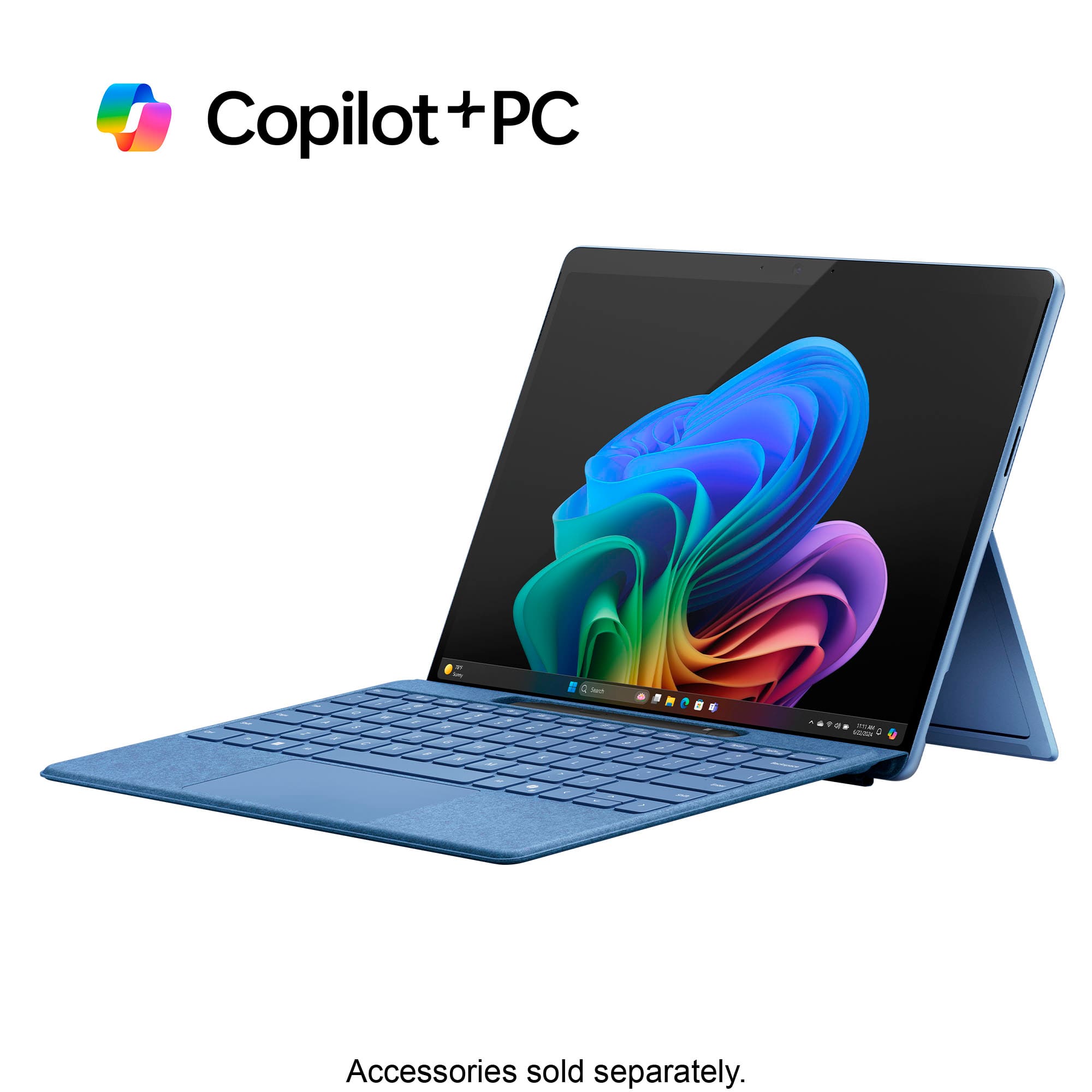
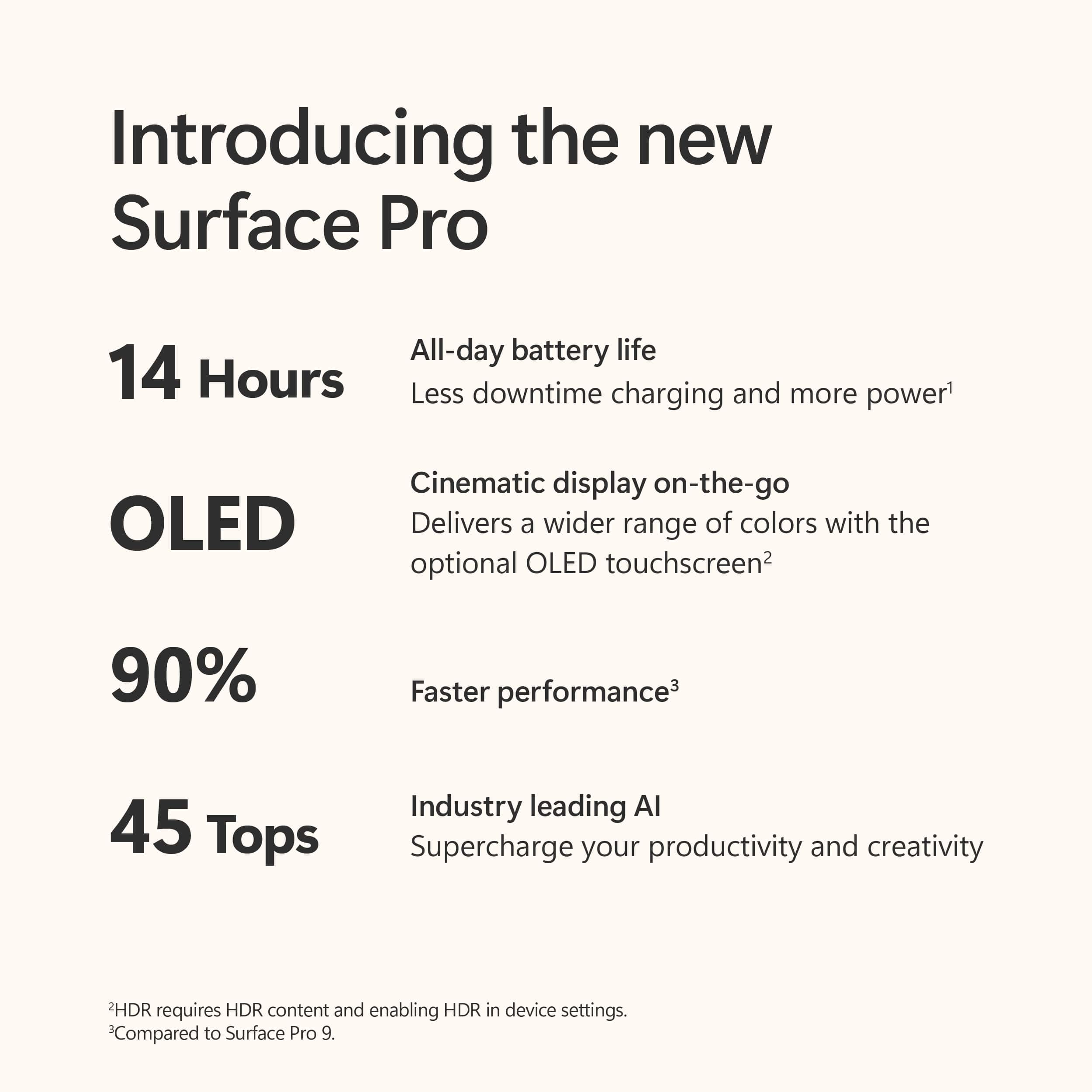
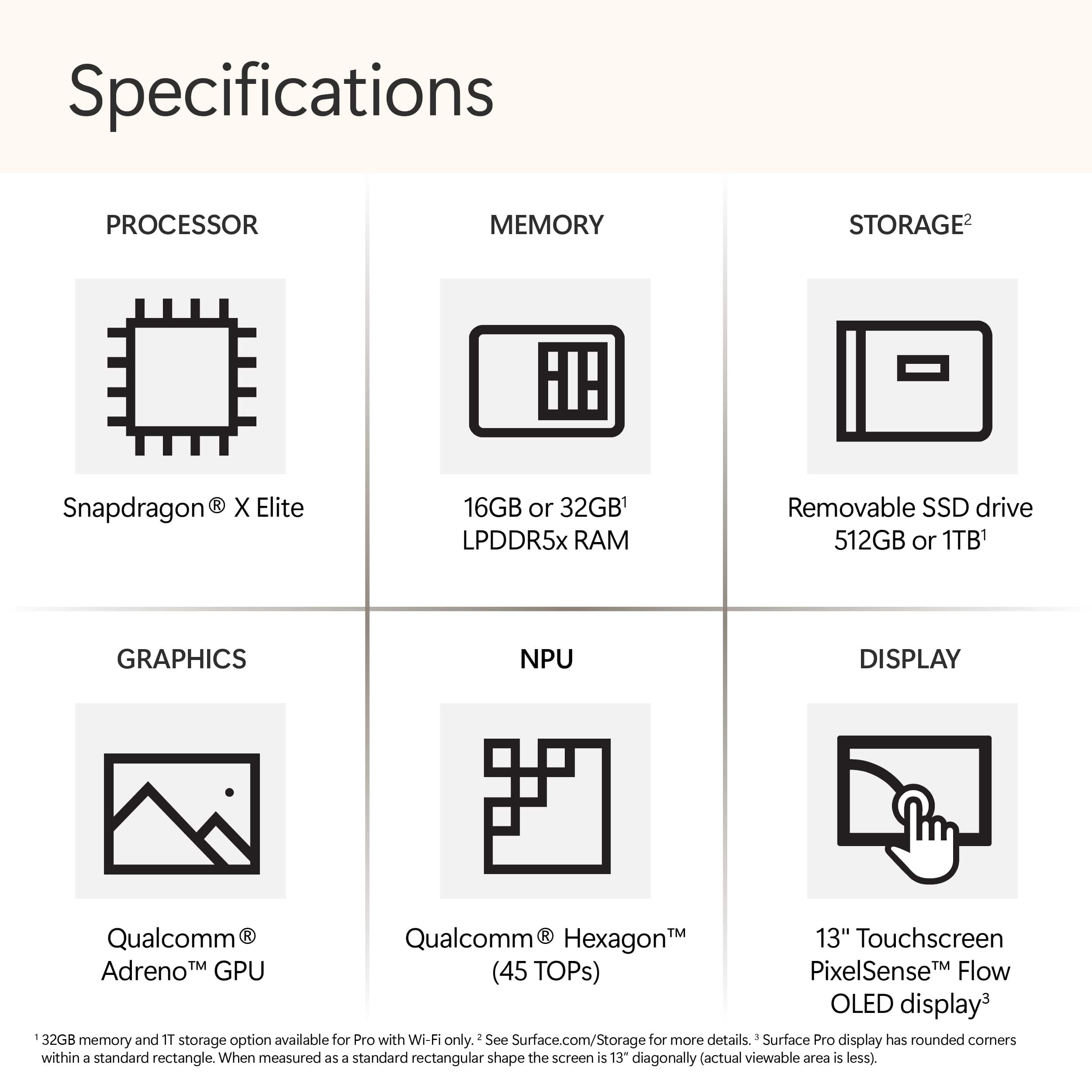
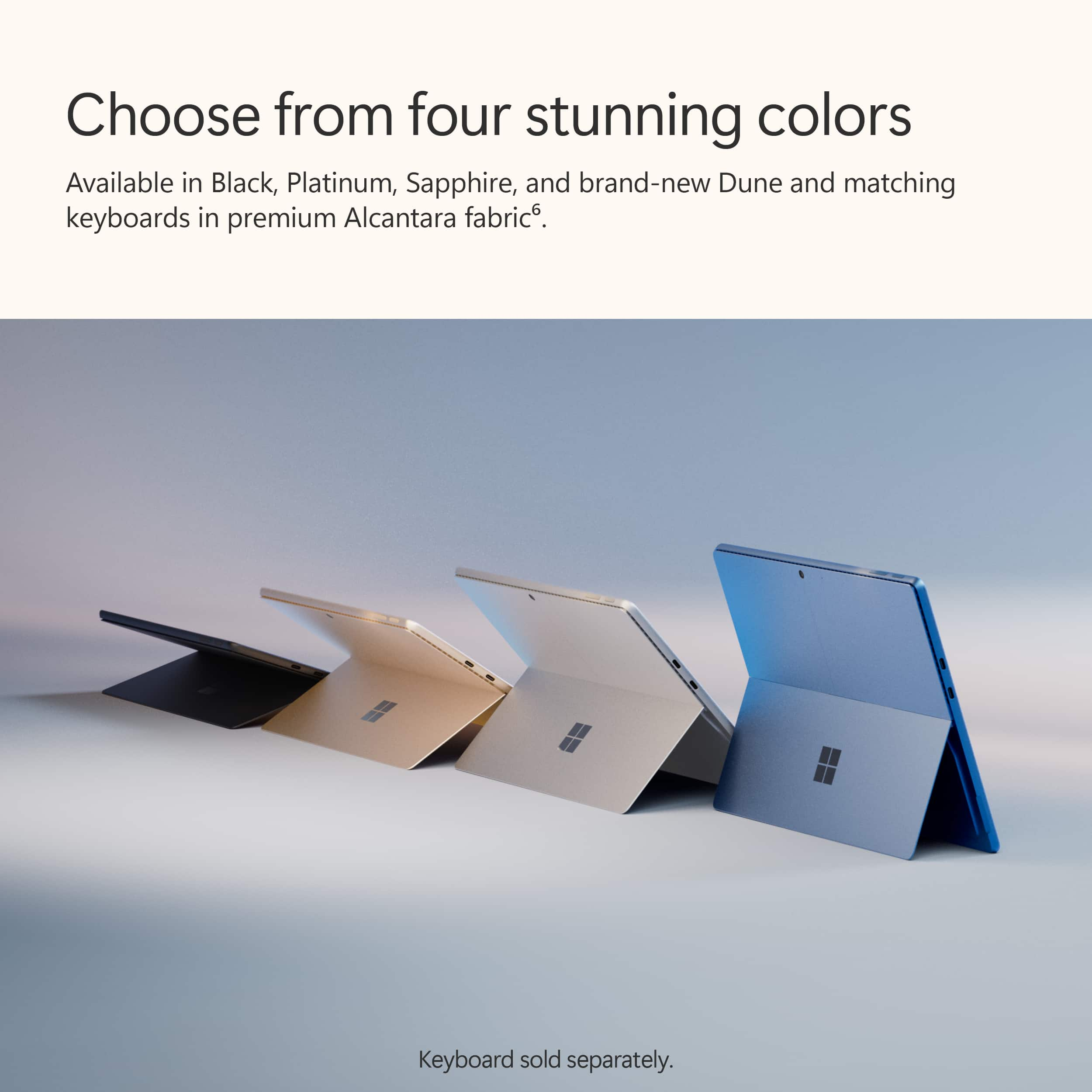
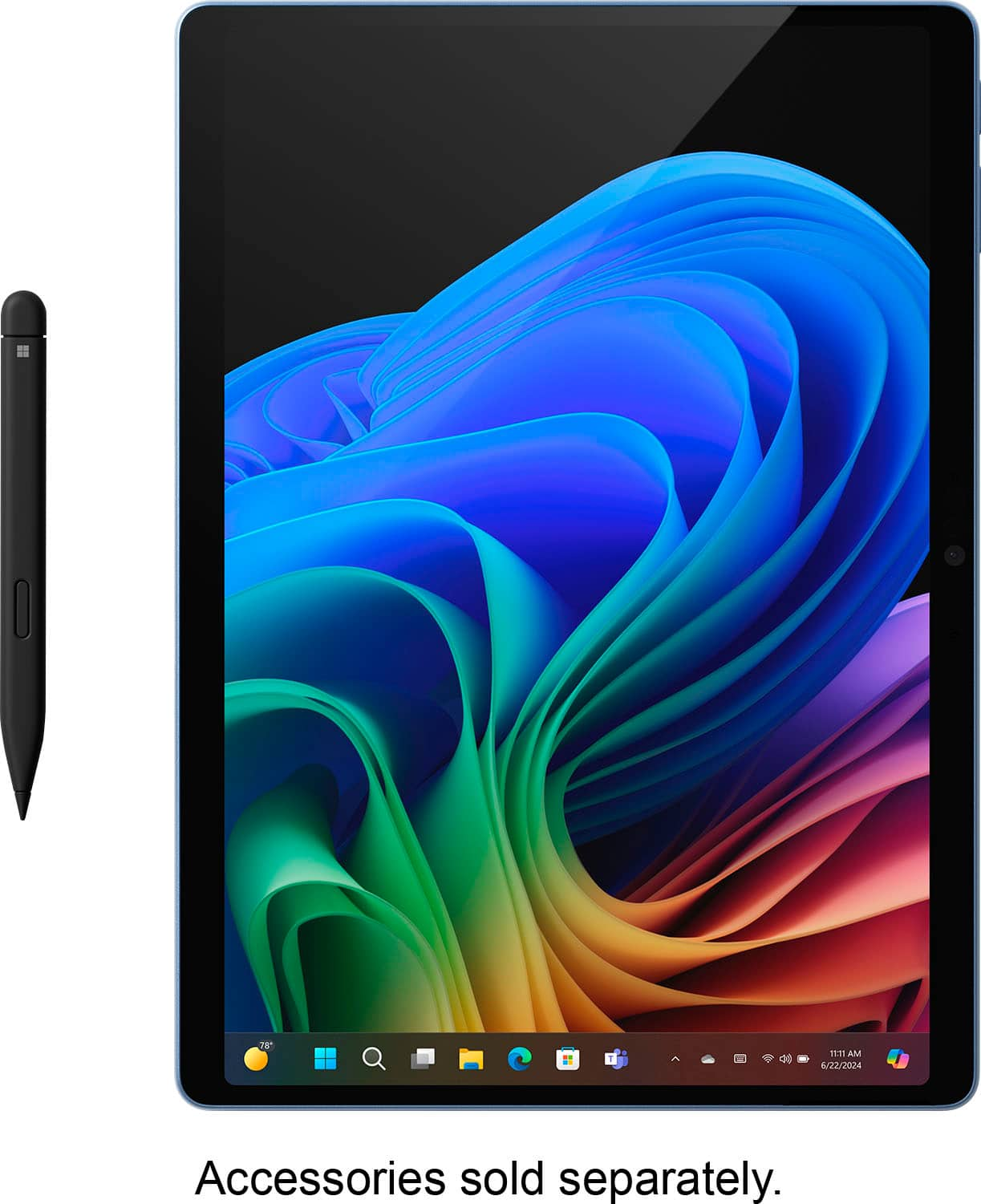
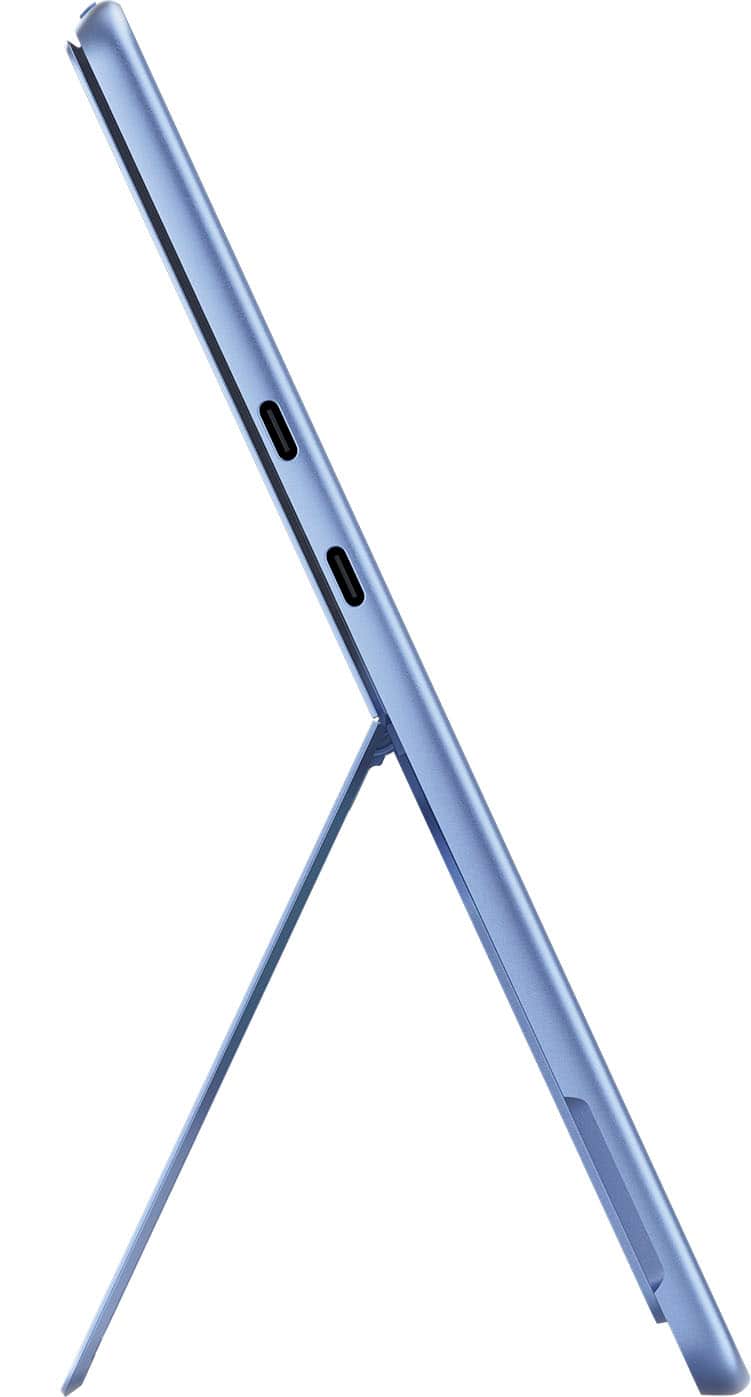
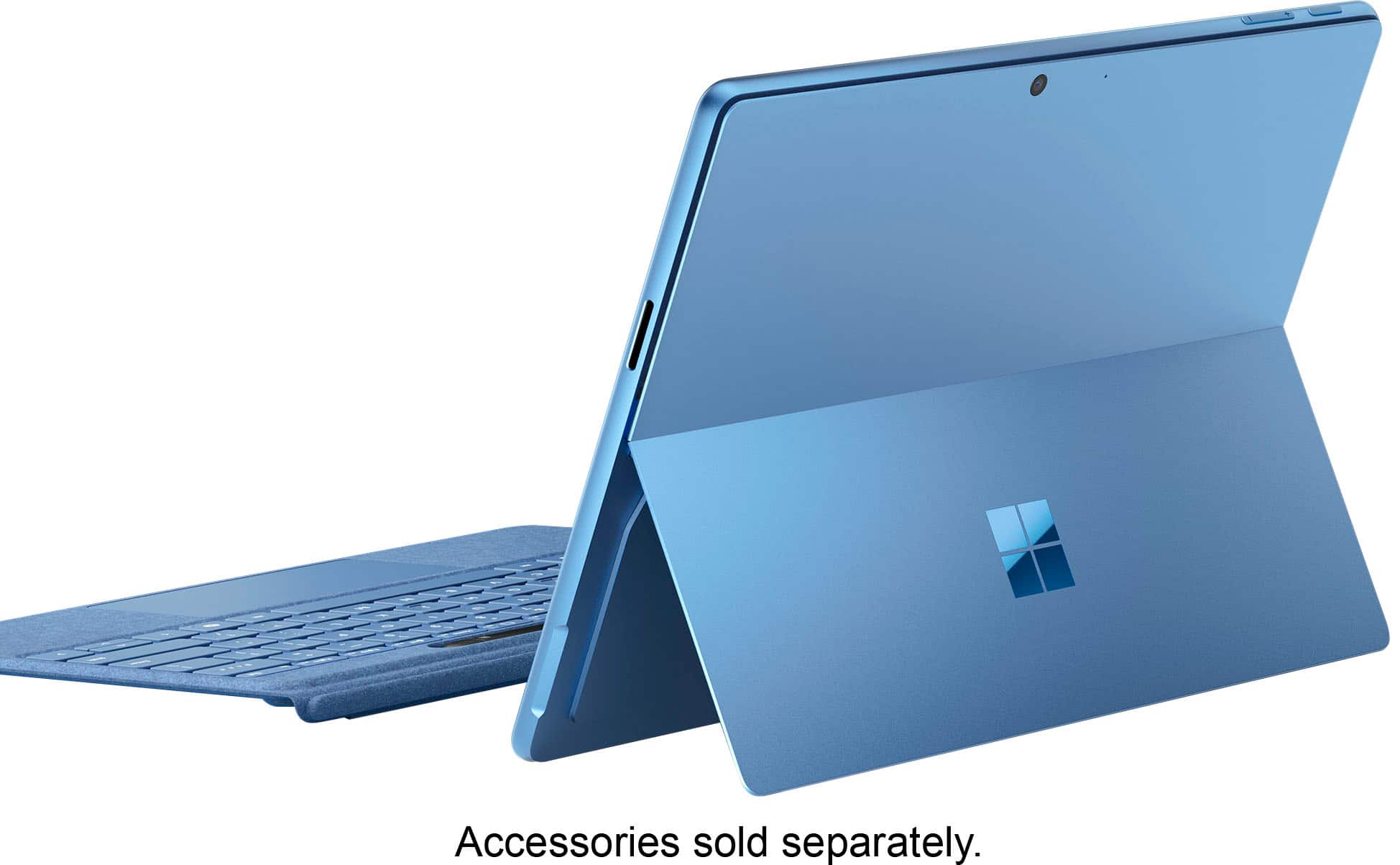
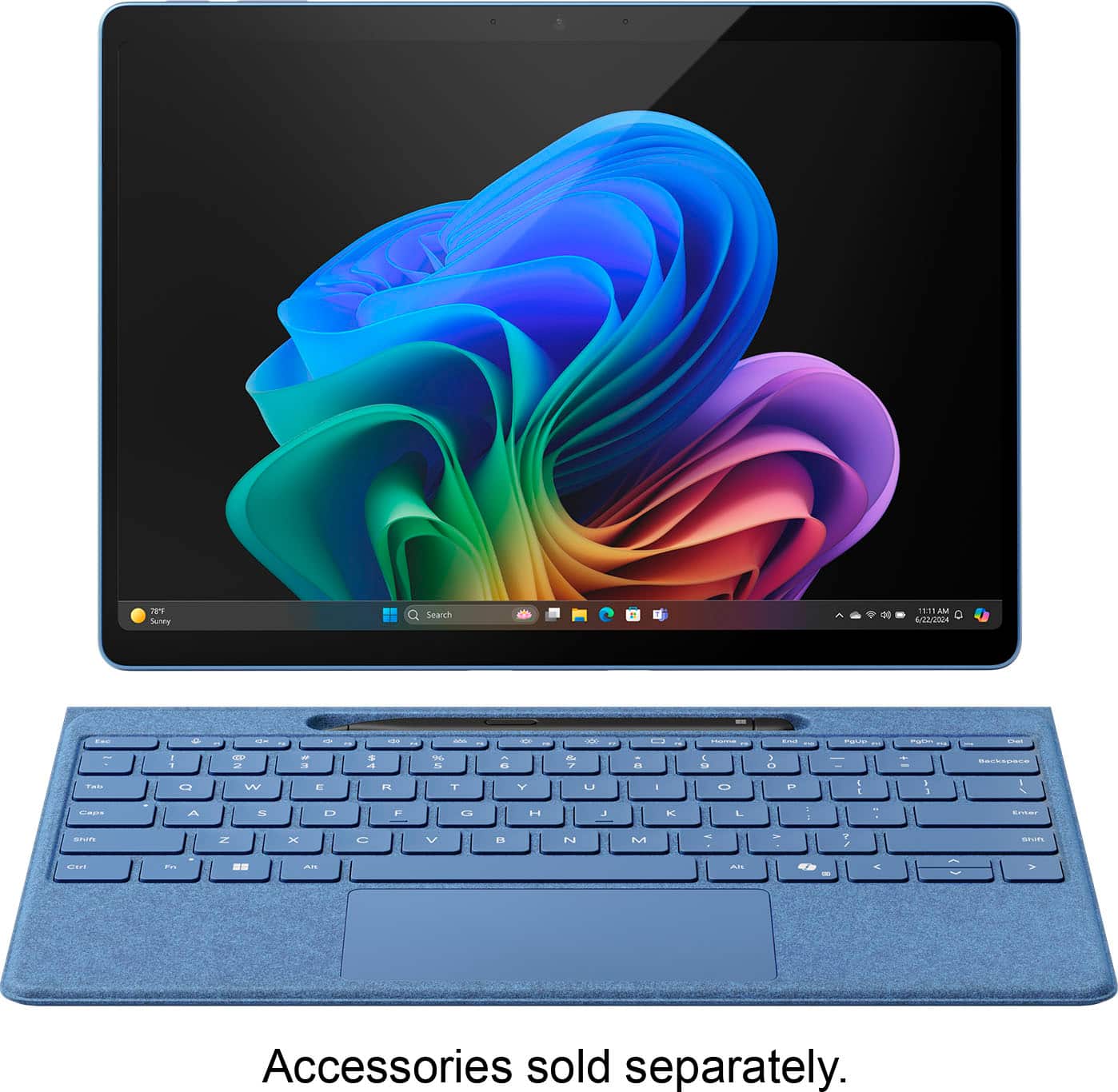
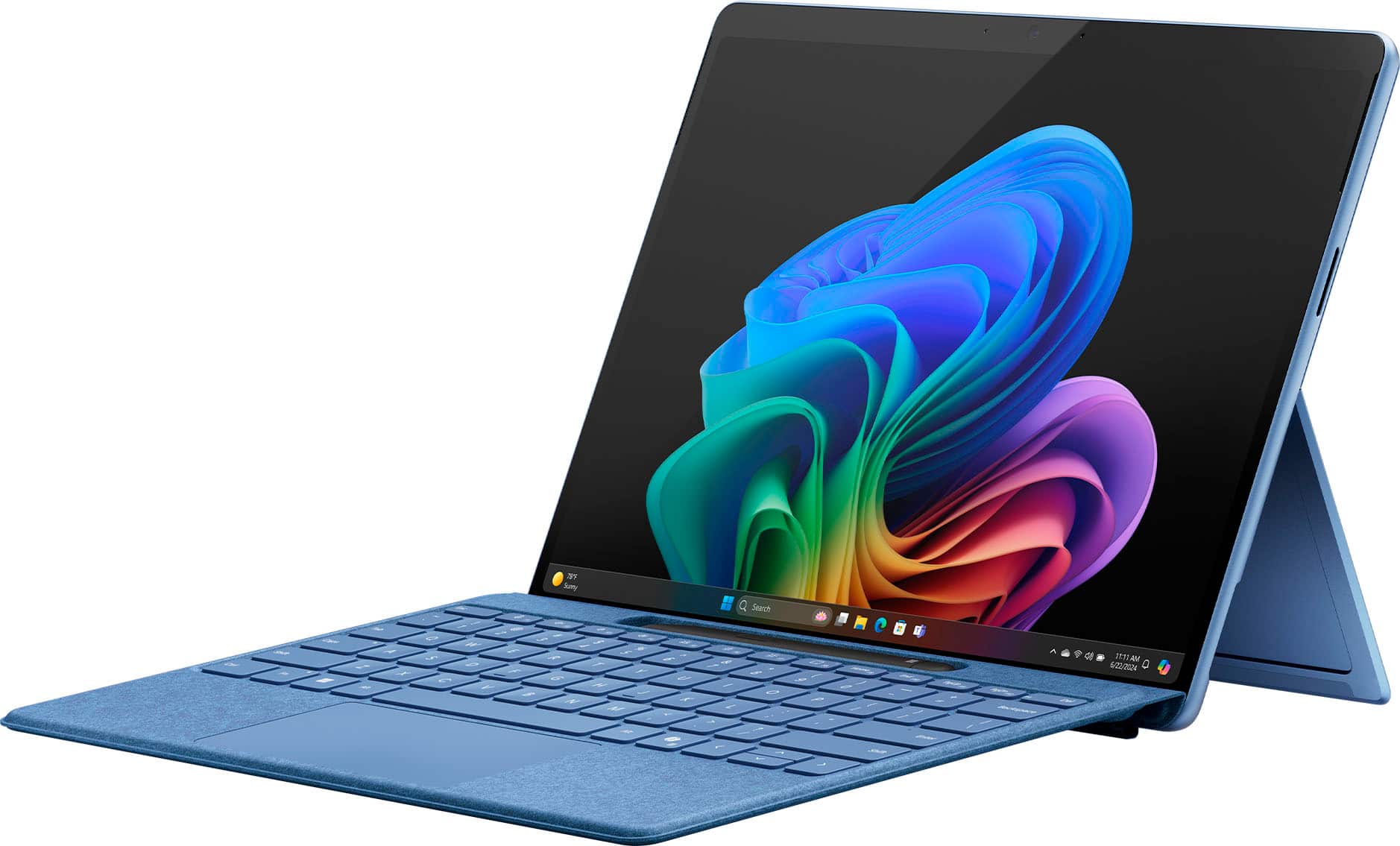
|Posted .This reviewer received promo considerations or sweepstakes entry for writing a review.The latest version of the Microsoft Surface Pro (11th Edition) is one of the first devices to use the new Qualcomm Snapdragon Elite X and Elite Plus chips. It utilizes an Arm architecture instead of the older Intel X86 version of Windows. In the case of my model, the chip is the X1E-80-100. This device also uses the first OLED type screen for Surface. The Snapdragon X series brings new AI features and improvements to battery life and speed over the previous versions of the Surface Pro. By now the structure and construction of the Surface should be familiar. It has a solid, high quality build. The ports are two USB 4 and a Microsoft Surface magnetic charger port. I like the color options of this model, including my Dune model and the Sapphire as well. The rear of the device under the useful kickstand has a small, magnetic door to access the upgradeable SSD. The new OLED screen is a great new addition to the Surface. It is very bright and HDR video content looks especially good. The speakers are quite loud and actually have a bit of bass response. They are among the best speakers on a tablet. The Surface has no headphone jack. The Pro 11 has an improved battery life compared to previous models. Of course battery life greatly depends on factors such as screen brightness, speaker volume and app usage. I have noticed approximately a 20-25% improvement over the previous model. It is a good improvement but not game changing. Your experience will of course be different, but I would classify the battery life as very good to excellent especially for a Windows device. I saw no unusual battery loss in either a standby or power off state. Fan noise and warming of the chassis can happen when multitasking in high performance mode, but the device is quiet and stays slightly warm in general use. As for the new AI features in the Copilot + PC Surface Pro 11, they are kind of fun to play around with, but not especially compelling for me, but for digital artists I'm sure they would be more useful. The Image Creator in the Paint app takes my very poor drawing skill, and produces a digital image of high quality. In the Photos app it takes existing photos and turns them into various styles of art such as impressionism, pencil drawings, etc. The Copilot app itself is basically a chat bot that is capable of creating images and even songs from your descriptions. It answers your questions, or directs you to Bing Search if it can't come up with a response. I'm fairly certain that future updates to other apps will bring new AI enhanced features. Overall, I see this Surface as a first step in a new direction from Microsoft and the competition from Intel and AMD in their forthcoming chips can only be a good thing. I see this as a successful attempt at innovation and a worthy purchase for anyone looking to upgrade from an older model Surface or Windows laptop. Unfortunately, I have never been a PC gamer, so I can't comment on that aspect of the Surface, and if that is a concern of yours, please do your own research. I have yet to see a downside to this product and I highly recommend it.
This review is from Microsoft - Surface Pro - Copilot+ PC - 13” OLED Touchscreen - Snapdragon X Elite - 16GB Memory - 512GB SSD - Device Only (11th Ed) - Dune
I would recommend this to a friend - Pros mentioned:Overall performance, Portability
Rated 5 out of 5 stars
A Great Compact Computer
Posted .This reviewer received promo considerations or sweepstakes entry for writing a review.The surface is a great computer. It does everything I need it to do. It’s compact and light to carry around. I am so glad I purchased a surface.
This review is from Microsoft - Surface Pro - Copilot+ PC - 13” OLED Touchscreen - Snapdragon X Elite - 16GB Memory - 512GB SSD - Device Only (11th Ed) - Black
I would recommend this to a friend - Pros mentioned:Battery life
Rated 4 out of 5 stars
Copilot takes the back seat
|Posted .This reviewer received promo considerations or sweepstakes entry for writing a review.Gotta start this off by stating AI in its current state is mostly a gimmick unless you have a very specific case usage. I have no clue what that scenario might be because I haven't come across a task that benefitted from AI. Cocreator...well I'm an artist. I draw on my own so I don't need an assistant for that. Add that you're required to sign in with a MS account makes it even more of a hassel. I always sign in with a local account because of the 10 device limit. Using an MS account was fine back in the Windows 8.1 days when they allowed 81 devices, now it's a useless limit that punishes people who enjoy MS devices and OS. Copilot is another big miss. It's tied to Bing and Edge. Without using a third party work around you're using Bing and Edge. I hate Chromium browsers but use Brave as my secondary choice. My main browser is Firefox. Since I can't officially have Copilot open links in either browser it's unhelpful to me and leaves it wide open to other assistants that don't limit you on browser preference. It's the same reason I've always uninstalled Cortana. If I was offered a choice of browser, maybe I'd use it more. They're just web links so that lock on the browser is ridiculous. MS is about to get into some hot water claiming it's legal for them to pirate copyrighted content from providers on the web and even ignore robot.txt. Makes me wonder how long before my personal files get snatched ...oh wait, One Drive is backing up data without my consent. Uninstall! Now with the AI trashing out of the way on to the hardware. This is the absolute best Surface product I've owned and my third so far. There are some improvements I wish they can make but it's still a great device. My first wish is to include screen adjustment software. Without being able to really calibrate the display doing any professional photo/video editing it pretty much crippled. You can adjust the gamama with Windows calibration, but that's it. You can't adjust brightness (not backlight), contrast, RGB values, etc. You're stuck with the settings they deemed best. Plus without using HDR and auto adjust the screen's blacks come out gray, further reducing the use as profession photo editing tool. Drawing on the table is wonderful experience. It's been a good while since I've drawn on a Windows device and the Surface Pro 11 doesn't disappoint. My old pen used AAAA batteries while the new pen is rechargable. Set up and personalizing the buttons is pretty straight forward. So far, some apps I tested use the top of the pen as an erasor. Battery life seems pretty good so far. According to Windows it's anywhere between 7-12hrs on my mixed usage. I haven't done a full rundown but the battery lasts a fair bit longer than my old Surfaces and some of my laptops. You'll definately get a full day's use out of it as long as you're not blasting the screen at 100% and running high performance processes. I keep my screen around 25-40%, pretty much where I keep all my screens to where they're as bright as a sheet of paper under my lighting conditions. The few x86 programs I've tested worked fine. I haven't seen KeePass mentioned in any reviews, but it works perfectly on my unit. So that's a huge plus for me. I haven't tried any games since I have multiple gaming laptos, but I do need to see what old games I can put it through for those emergency gaming sessions I might need, lol. Upgrading the harddrive is a simple. The Surface has a 2230 NVME SSD wiht a magnetic cover that pops off to reveal the drive. Whoever came up with this deserves a raise! Laptops used to be like this where they had removeable panels over the upgradeable components. I'm glad MS has taken this route with the Surface. Memory isn't as easy. You need some skills to tackle that one. VRR is a hit or miss. Some apps, like Edge, work fine with it. Firefox becomes a stuttering mess with VRR. Turing it off makes it smoother, but it's still not as smooth as Edge. But it's still not enough of an annoyance for me to switch to a Chromium browser. MS needs to have a blacklist for apps to not use VRR. So, the Surface Pro 11, even being an ARM64 device, is the best Windows tablet and best Surface product I've owned. Hoping next round will have more tweaks and optimizations to beat the 11. Looking forward to 12!
This review is from Microsoft - Surface Pro - Copilot+ PC - 13” Touchscreen - Snapdragon X Plus - 16GB Memory - 512GB SSD - Device Only (11th Ed) - Black
I would recommend this to a friend Rated 5 out of 5 stars
Excellent upgrade. Powerful, fast, great screen.
Posted .This reviewer received promo considerations or sweepstakes entry for writing a review.Excellent two-in-one. Coming from a Surface 9, which is still very capable. Still this top-of-the-line Pro is much snappier and the OLED monitor is excellent. Very sharp with deep colors and nice blacks. The Recall feature ia not yet enabled, but look forward to using that too. Writing on the Pro 11 is great. The Slim Pens works well, so I can take notes in OneNote, write in fields, and draw for brainstorming. I normally use with a Surface Pro keyboard (not the Flex yet), and disconnect it when I go to meetings so I can take notes. CoPilot is very helpful, but I have yet to feel the benefits of the NPU and integration in the experience. Would be good for Microsoft to provide more detail on the benefits and how to use. Have run into only minimal compatibility issues with the ARM architecture, mainly with very specialized programs that rely on SQL behind the scenes. Otherwise, no troubles and handles even very large, complicated spreadsheets easily. Solid build. Battery life much better than the Surface 9 Pro. I am getting 9 hours with a lot of spreadsheet work, web work, document editing, and Teams/WebEx meetings. Camera, speakers, and mic all work great for these meetings. A fantastic hybrid computer that I can highly recommend.
This review is from Microsoft - Surface Pro - Copilot+ PC - 13” OLED Touchscreen - Snapdragon X Elite - 32GB Memory - 1TB SSD - Device Only (11th Ed) - Platinum
I would recommend this to a friendRated 5 out of 5 stars
Tablet
Posted .This reviewer received promo considerations or sweepstakes entry for writing a review.Amazing product couldn’t get anything better for the price quality and weights on point i recommend for first tablet for school
This review is from Microsoft - Surface Pro - Copilot+ PC - 13” Touchscreen - Snapdragon X Plus - 16GB Memory - 512GB SSD - Device Only (11th Ed) - Black
I would recommend this to a friend- Pros mentioned:Overall performance
Rated 5 out of 5 stars
Oh yeaa
Posted .This reviewer received promo considerations or sweepstakes entry for writing a review.You don't need nothing else, if you want a sit back and relax in your bed this is it
This review is from Microsoft - Surface Pro - Copilot+ PC - 13” OLED Touchscreen - Snapdragon X Elite - 16GB Memory - 512GB SSD - Device Only (11th Ed) - Black
I would recommend this to a friend Rated 5 out of 5 stars
SImply Excellent!
Posted .This reviewer received promo considerations or sweepstakes entry for writing a review.Absolutely excellent! This device replaced an older Surface Pro 8 which I gifted to a friend. This device however meets and even surpassed my hopes. The Snapdragon X Elite gives me well over a full day of battery life and the screen is beautiful. It is extremely responsive and have experienced zero issues at all with the device. After my experience with this device, I'm very tempted to click buy on the new Surface Laptop. This device is my daily driver and handles everything extremely well from web to video editing, photoshop to lightroom with a HUGE catalog. WiFi is blazing fast and I couldn't be happier. I can't imagine anyone not being extremely pleased with this device.
This review is from Microsoft - Surface Pro - Copilot+ PC - 13” OLED Touchscreen - Snapdragon X Elite - 32GB Memory - 1TB SSD - Device Only (11th Ed) - Platinum
I would recommend this to a friend- Pros mentioned:Battery life, Screen quality
Rated 1 out of 5 stars
Bad Experience
Posted .This reviewer received promo considerations or sweepstakes entry for writing a review.I bought a Surface Pro 11 from Best Buy the day it was released. For me it was a bad experience and I had to return it four days later. I have had all the Surface Pros each year they are released, so I was able to compare it to my Surface Pro 9 (Intel), and my Surface Pro 10 for business with a Core Ultra 7. Microsoft did a horrible job with the translation software. My OBD program would lock up the computer and I would have to use bitkey blocker key each time and reset the computer and start over. A have three wide-screen monitors and the LG monitor would not work correctly, even with updated drivers. For some reason Microsoft's Office 365 for Arm does not have Outlook Classic, just Outlook the email client which is a no go for me, I need the full PDA version. A lot of my other software would work for a while and then reboot, or start working real slow. The battery life is definatly better than the Surface Pro 9, but the Surface Pro 10 for business could defiantly give it a run for it's money depending on what I was doing with the computer. The screen on the Surface 11 was awesome in dark environments, but in bright lights I had a hard time telling the difference between the 11 and 10, and the 10 has an anti-glare coating which makes a big difference in bright light, I do not know why Microsoft didn't add the anti-glare coating to the 11. As far as speed I pushed them hard to see if I could tell the difference, the 9 was the slowest with its 12 gen processor. But it was hit and miss between the 10 and the 11. It was hard to tell th difference between them, the were both very fast. Because of the software limitations of the 11 I had to return it. Maybe in the future things will be different.
This review is from Microsoft - Surface Pro - Copilot+ PC - 13” OLED Touchscreen - Snapdragon X Elite - 16GB Memory - 512GB SSD - Device Only (11th Ed) - Black
No, I would not recommend this to a friend - Pros mentioned:Processor speed
Rated 5 out of 5 stars
Flexable
Posted .This reviewer received promo considerations or sweepstakes entry for writing a review.Very powerful and flexible for work and play, great for travel!
This review is from Microsoft - Surface Pro - Copilot+ PC - 13” Touchscreen - Snapdragon X Plus - 16GB Memory - 256GB SSD - Device Only (11th Ed) - Platinum
I would recommend this to a friend - Pros mentioned:Overall performance
Rated 5 out of 5 stars
Mr.
Posted .This reviewer received promo considerations or sweepstakes entry for writing a review.It is an excellent computer That I can use Everywhere
This review is from Microsoft - Surface Pro - Copilot+ PC - 13” OLED Touchscreen - Snapdragon X Elite - 16GB Memory - 512GB SSD - Device Only (11th Ed) - Black
I would recommend this to a friend Rated 4 out of 5 stars
Frank H
Posted .This reviewer received promo considerations or sweepstakes entry for writing a review.Computer is excellent however the salesperson said it came with the keyboard and pen but it didn’t. I had to go back to purchase them. If I knew that when I ordered for delivery I may have chose something different
I would recommend this to a friend- Pros mentioned:Overall performance
Rated 5 out of 5 stars
good thx hjsdjhsdhjdsjhdshjdsjhsd<mark>xssxss</
Posted .This reviewer received promo considerations or sweepstakes entry for writing a review.good thx hjsdjhsdhjdsjhdshjdsjhsd<mark>xssxss
This review is from Microsoft - Surface Pro - Copilot+ PC - 13” OLED Touchscreen - Snapdragon X Elite - 16GB Memory - 512GB SSD - Device Only (11th Ed) - Black
No, I would not recommend this to a friend Rated 5 out of 5 stars
Great upgrade
Posted .This reviewer received promo considerations or sweepstakes entry for writing a review.I had an older model and needed to upgrade since i use it mostly for Photoshop and i am impressed. Its a machine that cn handle easily that software. My only critique would be the responsiveness of the pen. It has a tiny bit of lag.
This review is from Microsoft - Surface Pro - Copilot+ PC - 13” Touchscreen - Snapdragon X Plus - 16GB Memory - 512GB SSD - Device Only (11th Ed) - Black
I would recommend this to a friendRated 4 out of 5 stars
Okay but expensive
Posted .This reviewer received promo considerations or sweepstakes entry for writing a review.asdlkcna;wjvn;awejn;awkmfawefma.wejnWEJWEJFNWJENDLWef
This review is from Microsoft - Surface Pro - Copilot+ PC - 13” OLED Touchscreen - Snapdragon X Elite - 16GB Memory - 512GB SSD - Device Only (11th Ed) - Black
I would recommend this to a friendRated 2 out of 5 stars
ARM processor compatibility problems
Posted .This reviewer received promo considerations or sweepstakes entry for writing a review.The trouble immediately started when I connected my Canon multi-function printer. While there's a Windows 11 driver the will send print jobs, none of the scanning software is compatible. So I can't use the Canon scanning features that let me adjust settings. I want to create multipage PDFs and edit them, like I've done on my old AMD x86 laptop. Very disappointing that something should be so standard is such a problem. Otherwise, great machine to work on!
This review is from Microsoft - Surface Pro - Copilot+ PC - 13” OLED Touchscreen - Snapdragon X Elite - 32GB Memory - 1TB SSD - Device Only (11th Ed) - Platinum
No, I would not recommend this to a friendRated 3 out of 5 stars
Careful with wireless only.
Posted .This reviewer received promo considerations or sweepstakes entry for writing a review.I think you to be careful about a computer that only has wireless connectivity. My son once had a computer in which the wireless card failed. We replaced the card but we needed o install a driver. Obviously we couldn't download the driver vía the wifi. We download it on another computer and tried to transfer the driver using a pendrive but that didn't work. Finally I found an ethernet cable that I had kept just in case, and we plugged it into the modem. You never know when circumstances might force you to use what seems to be obsolete.
This review is from Microsoft - Surface Pro - Copilot+ PC - 13” Touchscreen - Snapdragon X Plus - 16GB Memory - 512GB SSD - Device Only (11th Ed) - Black
No, I would not recommend this to a friendRated 3 out of 5 stars
Review
Posted .This reviewer received promo considerations or sweepstakes entry for writing a review.Challenging transition from Window 10 to 11. Very different and less satifying experience.
This review is from Microsoft - Surface Pro - Copilot+ PC - 13” OLED Touchscreen - Snapdragon X Elite - 32GB Memory - 1TB SSD - Device Only (11th Ed) - Platinum
I would recommend this to a friend- Cons mentioned:Software compatibility
Rated 1 out of 5 stars
Poor compatibility with most Apps
Posted .This reviewer received promo considerations or sweepstakes entry for writing a review.Many apps are not compatible wiht the hardware config of the Surface Pro 11. Can't use virtual background in zoom, can't use apple tv app, can't use apple music app. Don't get this if you use apps. Wait until the apps either catch up, or microsoft comes out with a simialr model with intel processor , not snap dragon. As an aside, I purchased this in the Mircosoft retail store on 5th ave in Manhattan and this issue was not metnioend. I wil be returning, what a waste of time
This review is from Microsoft - Surface Pro - Copilot+ PC - 13” OLED Touchscreen - Snapdragon X Elite - 16GB Memory - 512GB SSD - Device Only (11th Ed) - Black
No, I would not recommend this to a friendBrand response from Snapdragon team
Posted .Thanks for letting us know, everyday more and more applications are being supported either via emulation or natively. Please check https://www.qualcomm.com/products/features/windowsapps to see the most popular apps that are supported.
- Cons mentioned:Software compatibility
Rated 1 out of 5 stars
Don't Buy
Posted .This reviewer received promo considerations or sweepstakes entry for writing a review.No stars. Avoid purchasing due to major issues with arm64 processor. Had to buy a new arm64 compatible printer which unable to connect due to software issues to the point of exchanging surface pro for a Dell or Levono as suggested by an outside computer technician.
This review is from Microsoft - Surface Pro - Copilot+ PC - 13” Touchscreen - Snapdragon X Plus - 16GB Memory - 256GB SSD - Device Only (11th Ed) - Platinum
No, I would not recommend this to a friend