Customer Ratings & Reviews
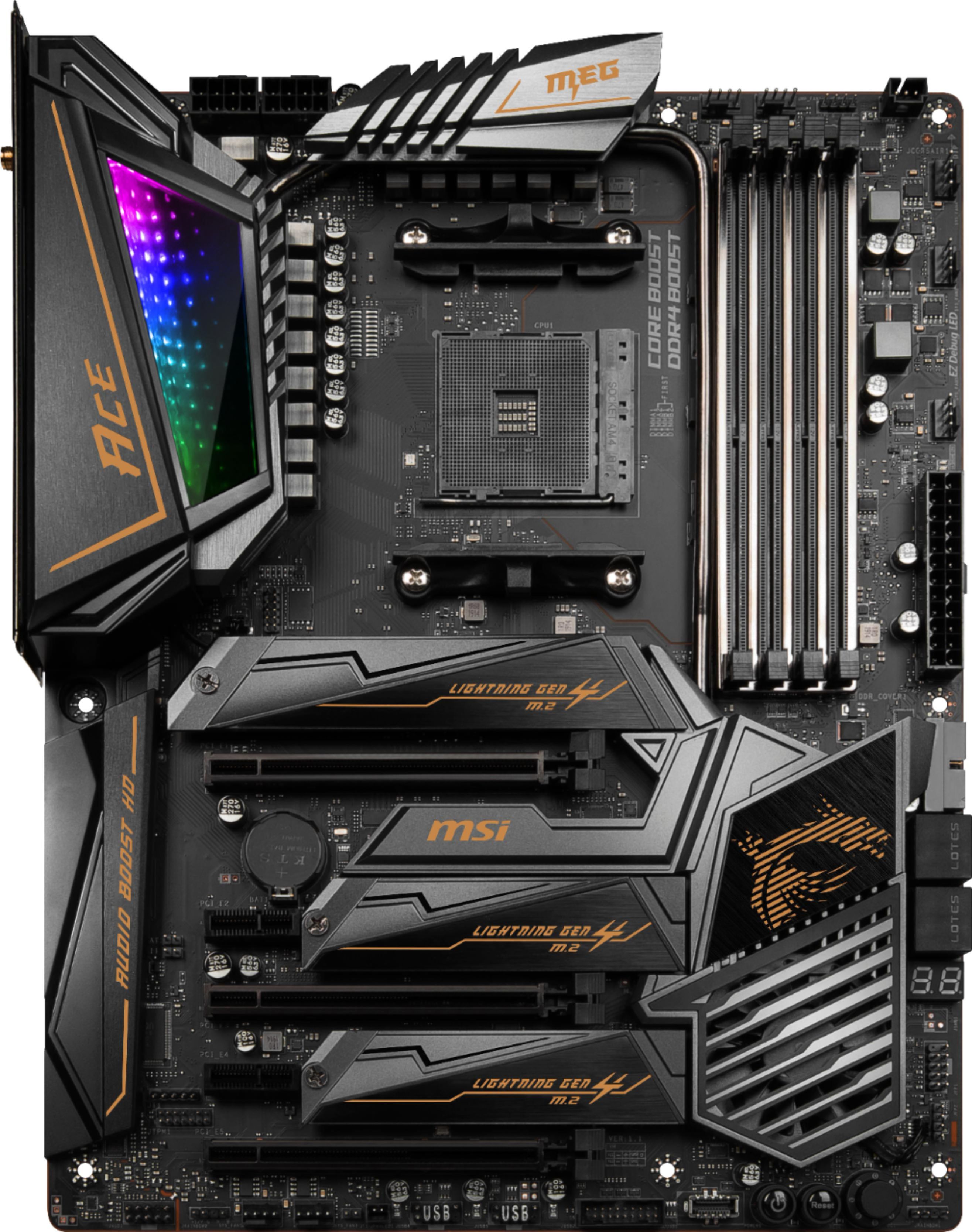
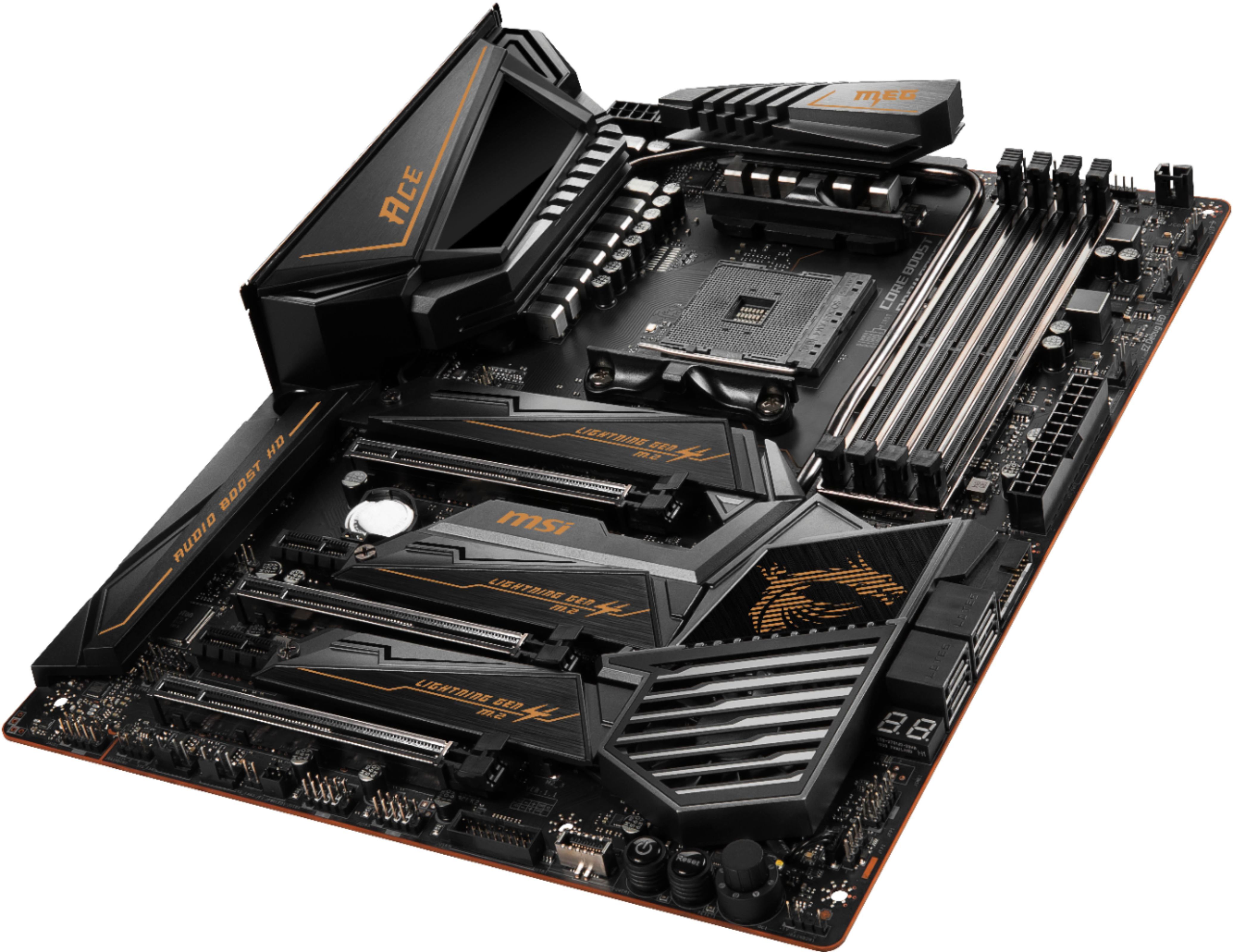
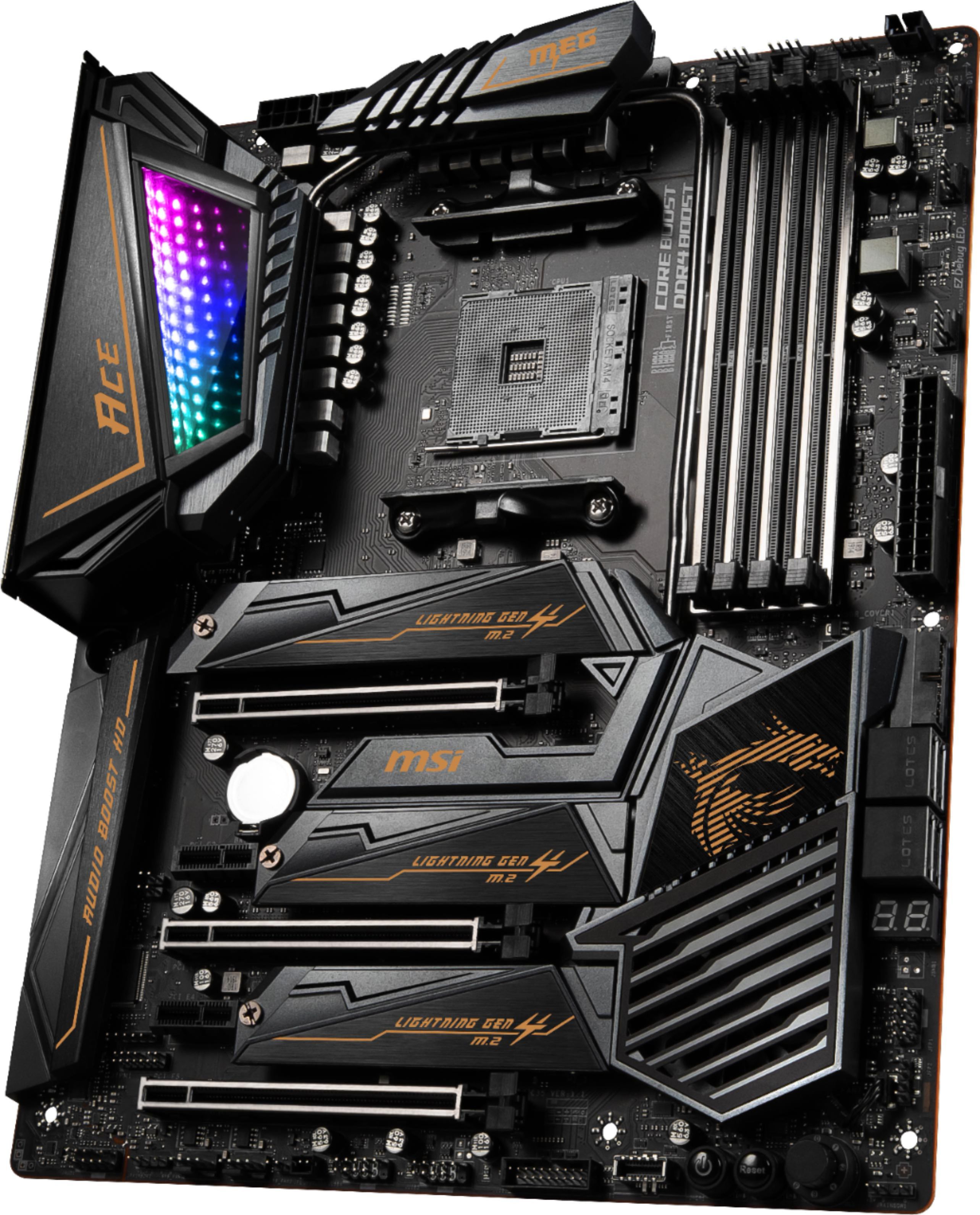
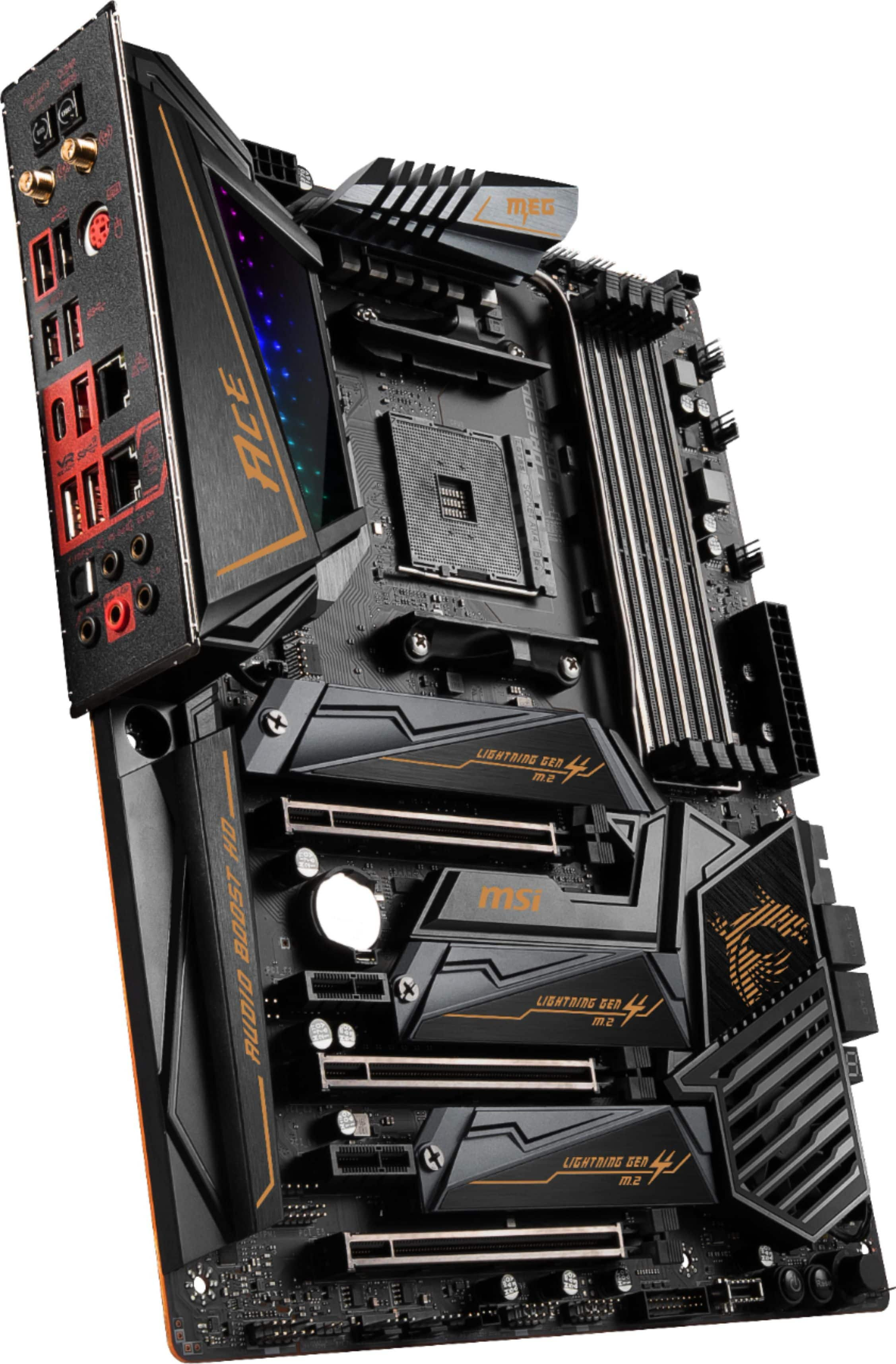
- Model:
- MEG X570 ACE
- |
- SKU:
- 6357252
Customer reviews
Rating 4.7 out of 5 stars with 27 reviews
(27 customer reviews)Rating by feature
- Value4.1
Rating 4.1 out of 5 stars
- Quality4.4
Rating 4.4 out of 5 stars
- Ease of Use4.5
Rating 4.5 out of 5 stars
Customers are saying
Customers praise the MEG X570 ACE motherboard's performance and robust VRM, highlighting its excellent overclocking capabilities and appealing aesthetics. However, a common complaint centers around the limited number of SATA ports available. The ease of BIOS navigation and effective cooling solutions were also frequently mentioned positive aspects.
This summary was generated by AI based on customer reviews.
- Pros mentioned:Appearance, VrmCons mentioned:Sata ports
Rated 5 out of 5 stars
Very satisfied, no regrets.
||Posted . Owned for 2 weeks when reviewed.This reviewer received promo considerations or sweepstakes entry for writing a review.Pros - Lots of high end features Looks nice Easy setup Easy bios Good overclocking potential Lots of upgrade potential SLI & Crossfire support Intel and Gigabit Lan ports Excellent on board wi-fi PCI express 4.0 is very fast 3x M.2 slots - 5400 and 7200 RPM hard drives are slow. SATA solid state drives are fast. NVMe drives are blazing fast. Pairs well with the 3900X Cons - Only four SATA connections. Review - When the Ryzen 3rd generation processors released, this was the most expensive of the four X570 options available from Best Buy, but also the one with the most features. It is probably overkill for what most users. I was looking for including on-board WIFI, gigabit LAN, 3x M.2 slots, SLI/Crossfire support, USB 3.xx and USB-C. There competitor boards that had these same options were the Gigabyte X570 Aorus Master and the ASRock X570 Phantom Gaming X, but these were not options from Best Buy. If they were, I would not have ruled them out because they are all good boards but they were both less expensive and had more SATA connectors. I opted to purchase from Best Buy because I am hours away from a Microcenter and in the event of a problem with the board, I could resolve it in one day locally instead of going through online store exchanges or RMAs. The build process was very easy. I unpacked the contents, installed the CPU, cooler, RAM, NVMe and mounting the board into the case. There are nice features like an on board power, reset and error code display. I could have used them to post check the board prior to assembling it in the case but I went on faith MSI provided a solid board and I was not let down. I fully installed everything prior to powering the board and it booted up without any problems. The board has a subtle but nice looking RGB accent that goes well with its black and gold color scheme. I installed G.Skillz TridentZ RGB 3600 GHz ram and am currently using the Ryzen 3900's provided RGB cooler. Together they look good. The Bios was easy to navigate and has lots of overclocking potential and supports a wide variety of DDR4 RAM (consult the MSI website for a full list). I played around with the CPU overclocking, but reverted those settings stock because nothing is taxing my CPU enough to need an overclock. I am using the OC setting to modify the RAM. When the board initially posted it had default my 3600 RAM to a much lower 2133 GHz speed. The OC menu recognized the RAMs XMP profiles an could easily apply the hardware presets with a couple mouse clicks. The OC menu intuitive enough (to me anyway) where it is easy to manually apply the set the RAM speeds and lower the timings for additional speed. There are a lot of preset ram preset options and one click overclock dials. They are easy to use, but I found I could manually apply similar setting, but use half the amount of increased power and maintain stable overclocks. The bios version that was installed on the board worked fine but there are updated versions on the MSI website since the launch. Updating was pretty easy Updating is easy. I put the new version on a flash drive, selected the file through the bios and updated. The network connectivity is excellent. I LAN connections are fast, as would be expected. I'm more impressed by the on board WIFI. This board supports the latest AX WIFI 6. It will probably be some time before AX mesh networks and routers are more affordable and common place, but I'm seeing speed gains even with older tech. Connections to an older N and AC routers with 2.4 and 5 GHz bands still double what I'm used seeing on with my older computers. The external antenna does an excellent job to maintains a strong connection with impressive range. Windows 10 was not able to provide a driver, but the latest version from the MSI website were flawlessly. There are three M.2 slots for incredibly fast (but expensive) NVMe solid state drives. Having three slots offers lots of upgrade potential for the future. I wish there were more than four SATA connection but this wasn't a deal breaker because I'm relying on the faster M.2's for storage interfaces. Before you build pc, determine how many SATA slots you may need for connecting other SSD, HD, DVD drives, media card readers or other SATA hardware. Additional Thoughts - If you are getting a R9 3900X the MEG X570 Ace is a nice fit. If had bought a less powerful 3rd Gen Ryzen like the 3600 or 3700, I would probably have paired it with the less expensive board such as the MSI Gaming Edge or Asus TUF. Money saved could be put toward the budget of other components like a better graphics card. If you buy a previous 2nd Gen Ryzen, the X570 boards are probably not worth it and I would advise buying a previous generation X470 or B450 board instead. This board might be right for you, or it might also be overkill. Buy what you need, buy what you want, or buy what you can afford.
I would recommend this to a friend - Pros mentioned:AppearanceCons mentioned:Sata ports
Rated 5 out of 5 stars
Board Looks Awesome!
||Posted . Owned for less than 1 week when reviewed.This reviewer received promo considerations or sweepstakes entry for writing a review.First thing I noticed when removing the plastic is how sweet this board looks. Does everything I need it to do. Have 3 NMVE spots. Only Con is 4 Sata Ports but people are forgetting they can get an add on card really cheap for expand Sata ports if needed. This board flys!
I would recommend this to a friend - Pros mentioned:Appearance, Vrm
Rated 5 out of 5 stars
Exceptional motherboard
||Posted . Owned for 1 month when reviewed.This reviewer received promo considerations or sweepstakes entry for writing a review.This review is for the msi review rebate program.A review is required to recieve on the product(s) listed above. The motherboard itself is amazing its vrm is more than enough for anything the am4 will bring out, and it looks beautiful. Due to back order the product did take almost a whole month to arrive, it was well worth the wait, i cant be any happier
I would recommend this to a friend Rated 4 out of 5 stars
Why even have the RGB?
||Posted .This reviewer received promo considerations or sweepstakes entry for writing a review.I'm writing this in case you are looking at this from an RGB stand point. It's incredibly disappointing and feels like they just added some effects for the heck of it without a testing it. If it wasn't for the boards black/gold color scheme matching the 2080Ti Gaming X Trio so well, I would have considered returning it just because of how sad those lights looks. And Mystic light doesn't make it better. To be fair, I should have taken a closer look at some user pics of it. To touch on some other things I didn't see mentioned, My nvme heat-sinks wiggle if there is nothing installed under them. Once a nvme is installed it stops but I was surprised when I pulled it out of the box that it sliding back and forth. I don't know if its normal as no one has brought it up but my last two Asus boards didn't have this issue. Also That little chipset fan that some people on the internet have complained about, I forgot it exists. It has NEVER turned on. I don't know if it even works tbh. But my case has pretty good air flow being a CoolerMaster H500P Mesh so it just not ever need too. Everything seems good. Temps are great, Installed a Noctua NH-D15 No issues and haven't had any weird happen. Didn't have any issues with XMP either, just dropped in 3600 ram and set it and it works as it should. Check out the top review of a more detail explanation of things. I'd only recommend it if you have a matching MSI GPU or if youre going for a Anti-RGB build as the mirror effect can be disabled pretty easy and still looks nice without lights. I mean, you can shave in that thing.
I would recommend this to a friend- Pros mentioned:Performance
Rated 4 out of 5 stars
Great piece of Art
||Posted . Owned for less than 1 week when reviewed.This reviewer received promo considerations or sweepstakes entry for writing a review.So far so good, i have none issues at all with the performance of the MOBO. Regarding how the motherboard was packed its my only issue. Poor protection and manual book was upsidedown and bended in some parts. Looks someone took a look inside before shipment. Also sticker of brand its missing.
I would recommend this to a friend Rated 5 out of 5 stars
Amazing motherboard
||Posted . Owned for 1 year when reviewed.This reviewer received promo considerations or sweepstakes entry for writing a review.Im writing this review a year after I bought it, This mobo has amazing OC capabilities and has alot of features to help you tweak your components, the 3 M.2 slots really helped get my storage in place and to eliminate the need of a physical hard drive to then help save space inside my case. Their is 2 USB 3.0 headers that is useful, I will say the VRM heatsinks are kinda big and makes it hard to install a top mount radiator.
I would recommend this to a friend- Cons mentioned:Sata ports
Rated 4 out of 5 stars
Minor issues from great, but five stars is none.
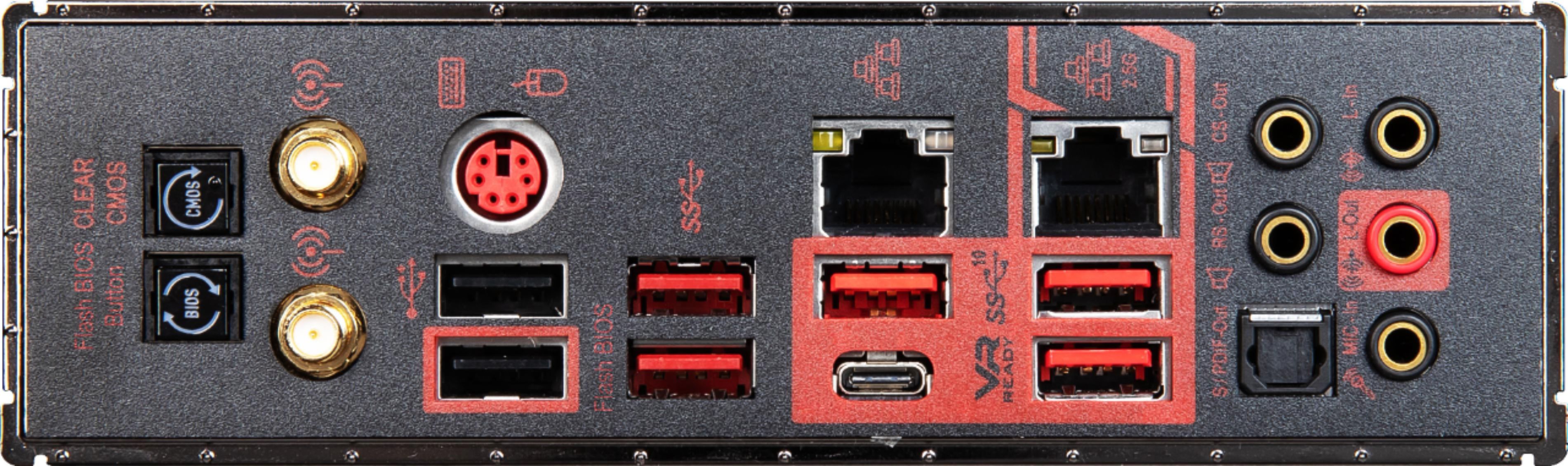
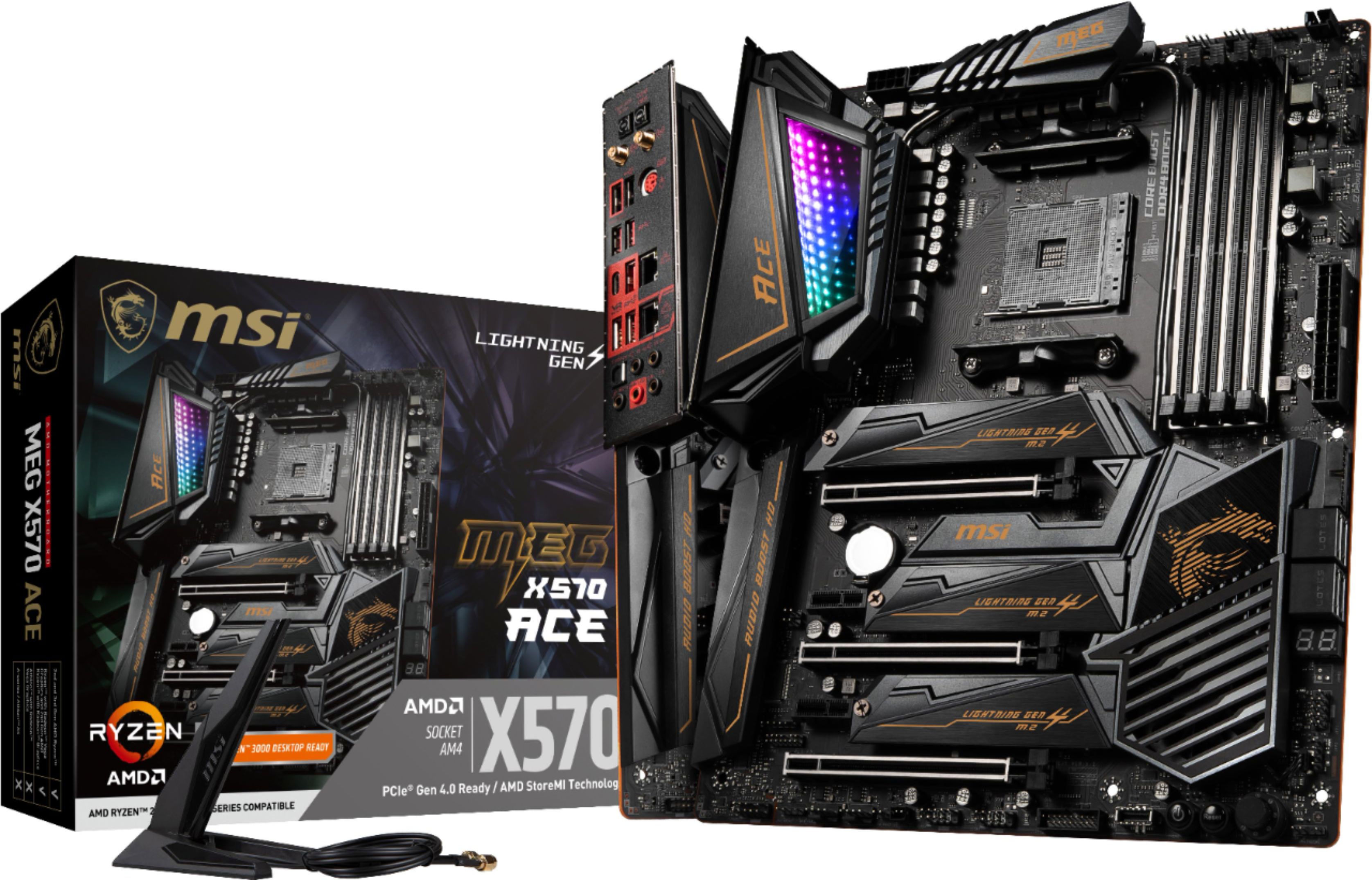
||Posted . Owned for 1 week when reviewed.This reviewer received promo considerations or sweepstakes entry for writing a review.MSI X570 ACE Motherboard (MB) Compared to my older MSI P55 chip set GD80, the “ACE” is a model of performance efficiency at the expense of durability. Wow, the materials are at the barest of minimum to get the job done. Much like an F1 car. Hit anything outside of the design envelope and parts start to fly! Don’t expect a robust feeling MB if you are an older generation user, I go back to the 386 days. Get it safely in the case and what do we experience, though? -) Port and connector Labels are MICROSCOPIC and hard to read. -) Pins on connectors are so thin as to be more a “wire” than a pin. -) Audio ports are at the back of the MB, so front connections may be an issue. This is a compromise as to where the audio circuit is placed on the MB. They all seem to have this compromise to meet back of board I/O specs over the front I/O. -) The BIOS reset and FLASH buttons are ABOVE the two antenna screw post and should not be a accident waiting to happen. The buttons need to be pushed well into their FLUSH sockets to be activated. If they are pushed in that far, you had to be doing it on purpose. -) The USB 3.0 has TWO MB ports, one above the four SATA ports @ ninety degrees to the MB, and one along the bottom edge of the MB at straight out of the board’s surface. The USB 3.0 cables are stiff so the bottom edge MB port my be a challenge based on what’s around it. -) Sadly, for such an expensive MB, the power, reset, HDD ETC port doesn’t have a separate header you can use OUTSIDE the case, and plug that onto the port. To me this is inexcusable for this price class MB. I keep reusing a header I collected along the way years ago when more thought was used in accessories. Long cards will interfere with the power/reset/HDD activity header extension where it is placed. -) This uses two eight pin 12V sockets for CPU power. I had to use a PCIe to EPS 12V adapter to plug in the second 12V eight pin socket. Likely, the board needs ONE to run any normal CPU, however. I can’t check that as my dual tower cooler blocks the upper left corner of the board to make it easy to get it unplugged. DO NOT plug the six pin part of a PCIe 6+2 plug into the MB!! The ground and power are REVERSED and you will blow-up the MB. I know, it isn’t supposed to fit if it isn’t right, but it DOES because the polarization is a SQUARE hole to a six sided (square with two corners cut off) plug geometry. It will ‘fit” into the square hole! Get the ADAPTER, please! -) The NVMe heat sinks don’t seem to properly lay against the surface of the SDD drives from end to end. The ends nearest the “hinge” seem to not touch the SSD. It is hard to see if this is the case, but they do go higher at the right to lower to the left where they affix to the screw header. Temps seem fine though; 30C on the 3.0 SSDs and 45C on the 4.0 SSD. -) The upper MB M.2 port is routed to the CPU lanes, it’s the fastest so use your boot drive here. The lower two M.2 are the chipset, use storage here. -) There are “just” four SATA ports, but all the X570 MB’s will DISABLE two SATA port if you use a third M.2 port. Besides, a six or eight port X4 speed SATA accessory board is like twenty-five bucks if you have a harem of SSD’s. Plug that into the unused X16 slot and away you go. -) The overclock knob, what was called Overclock Genie by MSI, is silly. The knob can be turned counterclockwise (no counter clockwise STOP at “zero”. Well, go ahead and turn it one click counter clockwise from zero to eleven. Ya, be glad the rest and boot buttons are right next to it! Forget about this “feature” and use the BIOS overclock. Worse, the knob needs to be labeled on the TOP, not the side, so you have any idea where it is. Still silly, the 1-11 board OC setting markings are too SMALL. -) OK, we like RED, MSI? WHY oh WHY are the back I/O red print on BLACK? You can’t see the print! This is stupid gone to far for the vanity of the dragon. No one cares about the dragon on the back I/O. Make the print WHITE please. -) LED on the upper I/O shroud are tasteful and can be turned off in the BIOS. Why just off? Rudimentary LED default colors and light cycle patterns should at least be in the BIOS and NOT only in the desktop bloatware app. In my build the GPU radiator and CPU tower cooler block them so I turned them off, Sigh. -) The MSI uses a large 256 meg ROM so it covers two CPU series. 2000 and 3000. The upgrade to 5000 may drop the 2000 but, you can use the legacy CPU if necessary, nice. Many MBs use two smaller 128 meg ROM and can’t be as backwards compatible. Just a difference in opinion here. -) My AS Rock X470 Taichi was killed when my MB RAM went AWOL and corrupted the BIOS somehow near as I can tell. The board would not boot (error 36, memory initialization error). OK, how do you re-flash the BIOS on this board if the CPU/Memory aren’t initialized? You can’t. I changed the RAM, still dead. MB is out of service for no good reason. The MSI ACE, and better MB’s, have flash back BIOS that does not need a CPU or memory on the board to re-flash the BIOS. Get this feature! -) BIOS interface seems fine. I don’t see the demerits on the BIOS. -) X570 ACE VRM design is solid now so no worry about that. Earlier MSI MB’s were deficient, however. Watch the model parameters on the VRM. -) Chip-set fan complaints are overblown. I run ZERO PCIe 4.0 speed devices off the chip-set right now. The NVME 4.0 speed boot drive is off the CPU lanes. The X570 chip-set is loafing at PCIe 3.0 or even just SATA speeds. The fan never runs as the chip set only gets hot shuffling PCIe 4.0 data speeds around. I seldom move that much based on the chip set fan’s responses to my use cases. Sure, a new smaller node X670 chip-set will remove the fan. Unless you are a power user, this fan is “OFF”. -) I used the AMD’s site downloaded drivers for the X570 chip set, not the MSI. I use the W10 default audio drivers, too. I have a 2.0 stereo set-up so no fancy stuff is needed. If W10 runs the hardware with the W10 driver and the update driver tab in HW manager says I’m good I left it alone. I did NOT load the DRAGON center stuff. -) Dual DeBug system (two digit alphanumeric LED plus four LED indicators) is nice. The alphanumeric LED turns into a COPU temp monitor after POST is completed, that's nice. I wanted the MSI Tomahawk but COVID-9 has killed the supply chain. I used some Best Buy credit to get the better ACE for an OK price. Is this board worth the MSRP price? To me, no it isn’t, not now. It’s a good board relative to current standers of construction (they are all CHEAP as can be material design). But… -) WI-FI 6 is useless unless I upgrade all my endpoint to that standard. I’m not. I’m WI-FI 5 and get full Network throughput with that. I’m not paying for faster Internet so I have to upgrade my router to get what I paid for on data rates. -) 2.5G or 10G Ethernet are again useless unless ALL the endpoints meet the standard. I’m not upgrading that. -) PCIe 4.0 is near useless compared to PCIe 3.0 speeds on the NVMe SSD’s. The speed difference isn’t felt except looking at a number on a “test”. I use a Sabrent Rocket 1TB NVMe 4.0 boot drive and an ADATA 1TB NVMe 3.0 storage drive. File copy tests back and fourth on even a large file are bottle necked by the slower drive. -) Boot off the 4.0 drive isn’t any different than my X470 chip set with the ADATA 3.0 drive. I have a PCIe 4.0 drive, but not really anything past bragging rights compared to a 3.0 SSD. In real world use it’s the same “feel” or snappiness. If you think PCIe 4.0 will be a revelation on smaller file copies, no, it won’t be. -) The speedy back panel USB ports again isn’t too useful as the end point needs to match-up, and few are more than USB 2.0 that I use. So if nothing is “better” why did I get this MB? BECAUSE the AS Rock X470 Taichi didn’t have BIOS flash back! It was perfectly fine for the next GPU and CPU upgrades. I needed the Tomahawk but had to get the ACE as nothing was in stock at best Buy except the X570 ACE (the Gigabyte X570 Aorus Master vanished from inventory). I’ve use MSI MB’s GD-80 P55 chip set in the past and they are generally good boards. The ACE has nice VRM design and is indeed way past where I am today on I/O. The X570 MB’s are expensive, where it matters least to me; I/O and PCIe bus speeds. I don’t tax any of that yet so I guess I’m future proofed! The new AMD or NVIDIA GPU and 3000 / 5000 series CPU’s would run just as fast with X470 so don’t upgrade if you have that chip set. The MSI Tomahawk is a good board to get if you are starting out. The ACR is really best for those that USE the better I/O and faster PCIe 4.0 now, not later. You know who you are. I’m not that person.
I would recommend this to a friend - Pros mentioned:Performance
Rated 5 out of 5 stars
Paired this with Ryzen 3950x
||Posted . Owned for 2 weeks when reviewed.This reviewer received promo considerations or sweepstakes entry for writing a review.Paired this baby with Ryzen 9 3950x, NZXT x73 cooler and it does everything I need it to. Great performance. Does not appear to bottleneck the performance. Easy to set up. The graphics card was a little tight since they have a plate surrounding the audio but once installed, it worked. Easy to follow manual. The RGB is OK at best, nothing groundbreaking but still pretty cool.
I would recommend this to a friend - Cons mentioned:Sata ports
Rated 5 out of 5 stars
Great Board
||Posted . Owned for 3 weeks when reviewed.This reviewer received promo considerations or sweepstakes entry for writing a review.This Motherboard has been a game changer for me. I love everything about it. The on Board diagnostics makes troubleshooting a breeze. The 3X PCI slots so i can connect three GPUs is fantastic. The 3X M.2 slots with cover shields is a great touch. I like that i can connect 4 USB 3.0 slots on the front of my case to this board as my old board only supported 2. I also like that i can connect a USB C on the front of my case to this board. The Mystic lighting is so much fun, i can customize the color scheme, makes the ambience that much better. I replaced my MSI Tomahawk with this board, the Tomahawk was my starter Motherboard for my first build, i decided to upgrade. I prefer AMD processors over Intel, that is another reason i choose this Motherboard over other similar ones. I like that everything is streamlined, I have an MSI Sekiro Case, MSI Optix monitor and now the MSI Ace Motherboard. the only lacking thing is the fact that this board only has 4 Sata slots, most boards i've seen and used have at least 6. it is no way a deal breaker, especially since CD-Rom drives are being fazed out, i still have enough space for 4 Hard disks/SSD Overall, i feel like this motherboard is the better value than others, the Godlike may have better specs, but i dont know if it is worth the extra $300+ This Board has blown me away.
I would recommend this to a friend Rated 5 out of 5 stars
I love this board
||Posted . Owned for 1 week when reviewed.This reviewer received promo considerations or sweepstakes entry for writing a review.Very solid motherboard. Was barely able to fit my dark rock pro 4, but it worked along with my corsair vengeance, rgb pro 16gb (both of which i order from here also). If your willing to spend a little more money, i would get this board. The shipping was very fast too (i think a few days). I feel like the instructions could have provided a little more information, but overall, i still have to give this 5 stars and im very happy with it.
I would recommend this to a friend- Pros mentioned:Performance
Rated 5 out of 5 stars
Awesome motherboard
||Posted . Owned for 3 weeks when reviewed.This reviewer received promo considerations or sweepstakes entry for writing a review.First all custom scratch build in years. Paired this with a Ryzen 3950x. Very easy to use. Everything is easy to find and access. Includes all the parts you need. Plenty of ports and access around the board for all sorts of power and connections. Runs great.
I would recommend this to a friend Rated 5 out of 5 stars
Perfect
||Posted . Owned for 3 weeks when reviewed.This reviewer received promo considerations or sweepstakes entry for writing a review.This board is a nice balance of features and price. I have a godlike z390 and it is awesome but dear lord... expensive. This is a great board and I don’t think I’ll ever have the urge to buy another “premium” board again as this one has plenty of features.
I would recommend this to a friend- Pros mentioned:Performance
Rated 5 out of 5 stars
Great performance
||Posted . Owned for 1 month when reviewed.This reviewer received promo considerations or sweepstakes entry for writing a review.Great performance motherboard. Straight forward installation, no issues. Paired with a Ryzen 9. Just make sure to upgrade to latest BIOS.
I would recommend this to a friend Rated 5 out of 5 stars
Little pricey but everything you’d expect!
||Posted . Owned for 1 month when reviewed.This reviewer received promo considerations or sweepstakes entry for writing a review.A little expensive but I love it either way. Kinda wish I’d have just got the tomahawk 450 but hey this ones works just fine.
I would recommend this to a friend- Pros mentioned:Performance
Rated 5 out of 5 stars
Gamers must have!!
||Posted . Owned for 4 months when reviewed.This reviewer received promo considerations or sweepstakes entry for writing a review.Gamers need the too of the line components to compete. And this is as too as too gets!!
I would recommend this to a friend Rated 5 out of 5 stars
Great
||Posted . Owned for 1 month when reviewed.This reviewer received promo considerations or sweepstakes entry for writing a review.With this part my computer is so fast I have multiple windows open with 0 issues
I would recommend this to a friendRated 5 out of 5 stars
Top board for a reason
||Posted . Owned for 2 weeks when reviewed.This reviewer received promo considerations or sweepstakes entry for writing a review.This board is well made and has a strong bios for memory overclocking and cpu configuration. There is a reason the reviews place this board as one of the top 3 at so many locations online. Highly recommended!!! I thought I had my components maxed out on a competitors board I was wrong. This board pushed it even further!!
I would recommend this to a friendRated 3 out of 5 stars
So far so good, however, defective JRAINBOW header
||Posted . Owned for 1 week when reviewed.This reviewer received promo considerations or sweepstakes entry for writing a review.Installation instructions for this Motherboard were amazing! Everything was straight forward and was easy to find everything I needed. This is my 3rd PC build, last build was 10 years ago so it's time for that upgrade. I have an MSI MAG Core Liquid CPU cooler connected to this Motherboard and everything works so far except the JRAINBOW Connectors at the bottom of the Mobo (this model has 2 of them). I tried both connections and got no LEDs to light up from my CPU cooler. I also tried my XPG Extension Cables that light up and those didn't work either. A friend of mine has a gaming PC so I figured I would take the XPG cables over to his house and see if they light up when I connect to his. As much as I didn't want these cables to light up they did...it was then that I knew the MOBO JRAINBOWS were faulty. I have purchased a replacement for this Mobo and will return the faulty one soon. I don't want this to scare anyone away from this Motherboard though because honestly, it looks great, setup was easy, wifi was very easy to set up and downloaded CoD MW (~100 GB) no problem. I bought a Samsung 970 NVME and installed easyily into the First M.2 Slot. I was unable to use 2nd and 3rd slot M.2 NVME heatsinks on a like Samsung 970 NVME, just so your aware. The heatsink does not sit right on the NVME and you cant screw on the Heatsink down. However, remove the heatsink and you can screw down your NVME. I will be updating this review when the same Motherboard arrives on Tuesday 8/4/2020, hence the 3 Star review.
I would recommend this to a friendRated 5 out of 5 stars
Plenty of Options
||Posted . Owned for 1 month when reviewed.This reviewer received promo considerations or sweepstakes entry for writing a review.I chose this motherboard because of the expandability and feature-set. There are plenty of slots for all of your tech, and it has numerous configurations for fine-tuning your build. Because of this, it's not a motherboard for beginners, as there is a learning curve while you figure out everything.
I would recommend this to a friendRated 5 out of 5 stars
MSI at there best!
||Posted .This reviewer received promo considerations or sweepstakes entry for writing a review.A beautiful motherboard to pair with an 5900x or 5950x my motherboard required an Bios update for the 5900x to be recognized. Bios flashback was easy stress free . Note this is an high-end product and shouldn't be paired with anything less then 12 core beast!
I would recommend this to a friend

















