Customer Ratings & Reviews




- Model:
- GA01586-US
- SKU:
- 11135481
Rating by feature
- Value
Rating 4.6 out of 5 stars
- Quality
Rating 4.7 out of 5 stars
- Ease of Use
Rating 4.7 out of 5 stars
Great speaker!!!
||Posted .This reviewer received promo considerations or sweepstakes entry for writing a review.Great smart speaker for your home. Easy to modernize your house.
I would recommend this to a friendBetter than Alexa
||Posted . Owned for 8 months when reviewed.This reviewer received promo considerations or sweepstakes entry for writing a review.Good product. I thought it would be a little louder but still a good buy.
I would recommend this to a friendPretty good
||Posted . Owned for 2 weeks when reviewed.This reviewer received promo considerations or sweepstakes entry for writing a review.Nice system for music when you dont need a screen. It serves a purpose.
I would recommend this to a friendLove it
||Posted . Owned for 3 weeks when reviewed.This reviewer received promo considerations or sweepstakes entry for writing a review.If you’re thinking about getting it—do it! It’s well worth it.
I would recommend this to a friendGreat product!
||Posted . Owned for 3 months when reviewed.This reviewer received promo considerations or sweepstakes entry for writing a review.Good product. I like that it can link up with other Google devices.
I would recommend this to a friendNice Speaker
||Posted .This reviewer received promo considerations or sweepstakes entry for writing a review.Great little speaker to put in random small rooms around the house.
I would recommend this to a friendHEYGoogleSoCool
||Posted .This reviewer received promo considerations or sweepstakes entry for writing a review.Absolute game changer for me and my family. We have them in every room.
I would recommend this to a friendNest
||Posted .This reviewer received promo considerations or sweepstakes entry for writing a review.Staying at home all day these days. So why not build a nest?
I would recommend this to a friendLove it
||Posted . Owned for 3 weeks when reviewed.This reviewer received promo considerations or sweepstakes entry for writing a review.I love it. We recommend it all anyone who asked me about it.
I would recommend this to a friendSpeaker
||Posted .This reviewer received promo considerations or sweepstakes entry for writing a review.Awesome but a hit to expensive and does not work with everything
I would recommend this to a friendLove the Google
||Posted . Owned for 1 month when reviewed.This reviewer received promo considerations or sweepstakes entry for writing a review.Love it. Great choice for a first time buyer. Recommend it.
I would recommend this to a friendMy wife loves them
||Posted . Owned for 3 weeks when reviewed.This reviewer received promo considerations or sweepstakes entry for writing a review.I purchased 2 of them for my wife for Christmas. She absolutely LOVES them !!!
I would recommend this to a friendGoogle
||Posted . Owned for 1 month when reviewed.This reviewer received promo considerations or sweepstakes entry for writing a review.Works as advertised. Box was unopened. Store was clean.
I would recommend this to a friend- Pros mentioned:Sound quality
Awesome versatile speaker
||Posted . Owned for 2 weeks when reviewed.This reviewer received promo considerations or sweepstakes entry for writing a review.I love the speakers so much this is my 4th one and I have at least 3 more in the pipeline! They fit everywhere, sound great and look fantastic! Only gripe is that volume 0-50 is essentially useless. I recommend turning bass up to 100% and tebel to 75%
I would recommend this to a friend Google home
||Posted .This reviewer received promo considerations or sweepstakes entry for writing a review.10/10 would recommend functions just as you’d expect it to.
I would recommend this to a friendPerfect gift
||Posted . Owned for 3 weeks when reviewed.This reviewer received promo considerations or sweepstakes entry for writing a review.Love it! Fits perfectly in the kitchen and the whole family loves to use it!
I would recommend this to a friendMs
||Posted . Owned for 3 weeks when reviewed.This reviewer received promo considerations or sweepstakes entry for writing a review.Very good, thank you. It has been very helpful. Enjoying it a lot.
I would recommend this to a friend- Pros mentioned:Sound quality
Great Sound
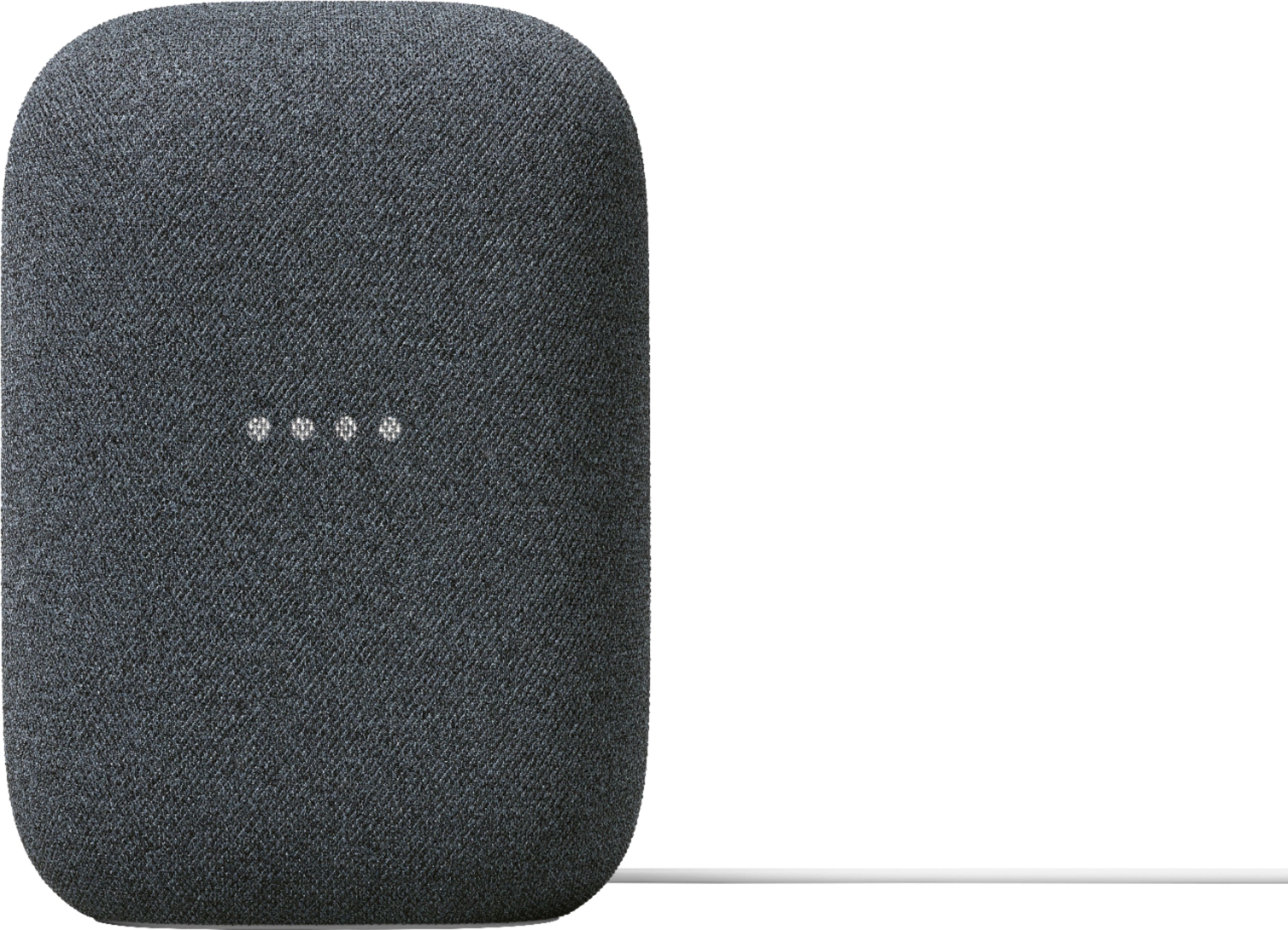
||Posted . Owned for 3 weeks when reviewed.This reviewer received promo considerations or sweepstakes entry for writing a review.The sound is amazing. I was surprised how good it sounded. There is a big difference between the Nest Hub and mini. They all sound good but the Nest speaker is the better sound maker. Thinking about getting another one to have stereo sound.
I would recommend this to a friend Bestgoogle
||Posted . Owned for 3 weeks when reviewed.This reviewer received promo considerations or sweepstakes entry for writing a review.A good solid product. User friendly and easy to install.
I would recommend this to a friendGood speaker
||Posted . Owned for 1.5 years when reviewed.This reviewer received promo considerations or sweepstakes entry for writing a review.Good speaker for the price but it lacks a little bit of bass
I would recommend this to a friendBrand response from Nest Support
Posted .Hi, DanielM! Thanks for sharing your insights on Nest Audio. We're sorry to hear that the bass levels fell short of meeting your expectations. We understand that each person will have their own unique preference when it comes to sound quality and bass level. If you're willing to try, and to improve your audio experience, we recommend adjusting the treble and bass settings by following the steps below:
- Make sure your mobile device or tablet is connected to the same Wi-Fi or linked to the same account as your Nest Audio.
- Open the Google Home app.
- Tap the device you want to adjust > and then Settings > and then Audio and then Equalizer.
- Adjust Bass and Treble level.
We'd be happy to answer any questions you have about the features of Nest Audio. Please consider reaching out to our support team here: https://support.google.com/googlenest/gethelp